


 FSX Misc
Manual/Checklist Default Boeing 747-400
This PDF document provides a structured walkthrough detailing every procedura…
Default Boeing 737-800 manual and checklist delivers an airline-style, PDF workflow that covers the full flight cycle in FSX, from cold-and-dark startup through engine start, taxi, takeoff, cruise, descent, approach, landing, shutdown, and securing. Clear phase-by-phase switch and lever cues create a quick-reference booklet for consistent virtual cockpit flows.
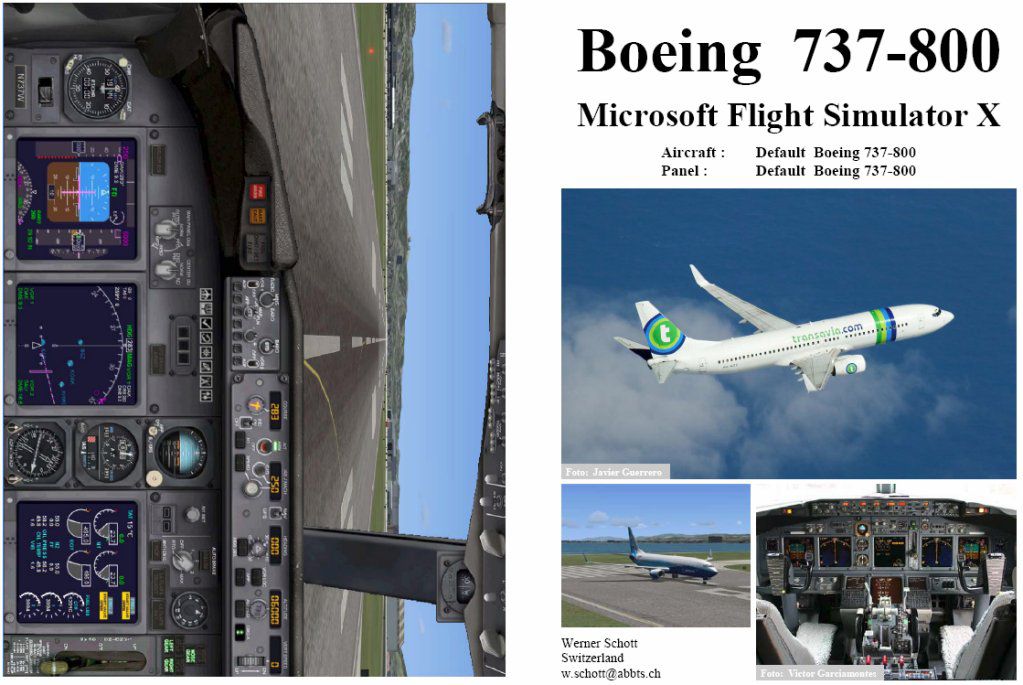
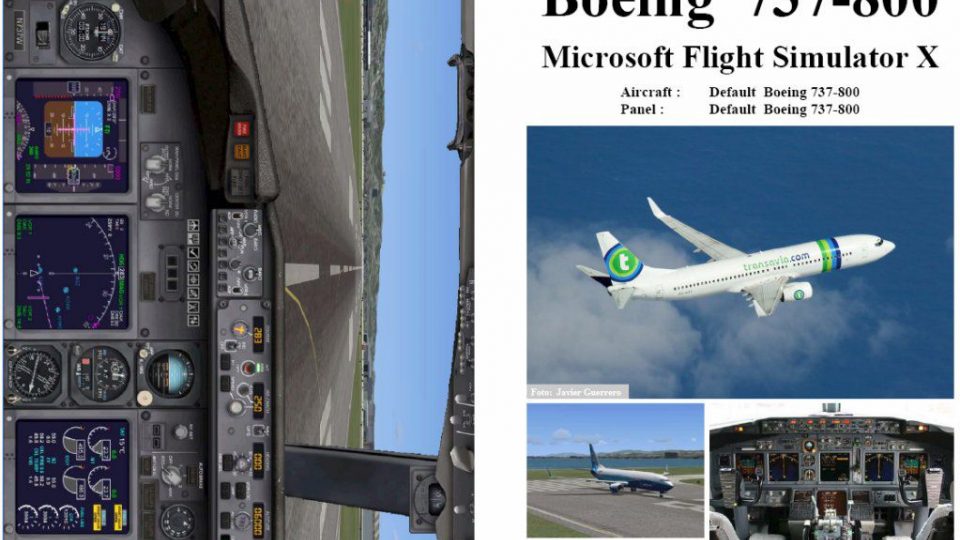
This PDF-based freeware manual and checklist covers every operational phase of the default Boeing 737-800 in FSX, spanning the entire flight cycle, starting from a dark cockpit and proceeding to full shutdown and secure. It was developed by Werner Schott, who also created versions for earlier simulators (FS2002 and FS2004) that accrued over 14,000 downloads. This content will guide you through a realistic flight deck environment, ensuring thorough procedural harmony for your virtual travels.
The manual delineates each step, beginning with a cold and dark configuration for your Boeing 737-800, a twin-engine aircraft frequently chosen for short- to medium-range routes. It incorporates headings for phases such as pre-start checks, engine initiation, taxi fundamentals, takeoff, climb procedures, cruise monitoring, descent setup, approach protocols, landing routines, and final engine shutdown. Each segment outlines the essential switches, lever positions, and system checks, ensuring that you adhere to accurate airline-style protocols.
Presented in booklet form, this updated edition provides quick-reference pages to streamline every segment of your virtual flight. You can consult each section in sequence or jump to specific subsections according to your simulated requirements. Moreover, the layout is optimized for rapid scanning, allowing you to verify tasks at a glance without interrupting your pilot workflow.
The Boeing 737-800 is often loaded with active engines and powered avionics by default in FSX. To align with the manual's cold and dark procedures, position your aircraft at a gate or remote parking area, run the final checklists under Taxi to Ramp, Shutdown, and Securing, and then save that configuration. By doing so, you will have a clean, powered-down environment, ready for your next session where the manual's instructions begin from a fully de-energized cockpit.
Since this manual and checklist leverage default FSX avionics, no additional add-ons or modifications are necessary to enjoy its full utility. However, if you prefer enhanced realism in your command inputs, combine this resource with hardware throttle quadrants or other advanced flight controls. By following the explicitly mapped steps, you will develop more accurate flows and a deeper understanding of your aircraft’s intricate systems.
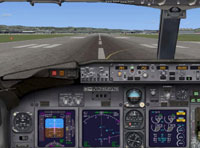
Above: Flight deck layout for the default 737-800 in FSX.
Whether sim pilots demand methodical procedures or are just looking to expand their knowledge of the Boeing 737-800’s cockpit sequences, this manual offers a reliable reference. Its structured approach bolsters realism for all FSX enthusiasts seeking to replicate commercial airline workflows.
Free for all simmers · 1.02 MB · Scanned clean
Download speed: Free tier is capped at 0.5 Mbps. PRO members download at full line speed.
FSX\SimObjects\Airplanes\. The folder must contain an aircraft.cfg file. Effects go into FSX\Effects\; gauges go into FSX\Gauges\.readme.txt or README file. It tells you exactly where files go, what dependencies are needed, and any quirks specific to this add-on.The archive fsx_b738.zip has 7 files and directories contained within it.
This list displays the first 500 files in the package. If the package has more, you will need to download it to view them.
| Filename/Directory | File Date | File Size |
|---|---|---|
| FILE_ID.diz | 02.10.07 | 414 B |
| FSX_B738.gif | 02.10.07 | 12.75 kB |
| FSX B-737-800.jpg | 02.10.07 | 133.54 kB |
| FSX B-737-800.pdf | 02.10.07 | 913.14 kB |
| Readme.txt | 02.10.07 | 1.75 kB |
| flyawaysimulation.txt | 10.29.13 | 959 B |
| Go to Fly Away Simulation.url | 01.22.16 | 52 B |
More FSX & P3D add-ons hand-picked based on this download.
FSX Misc
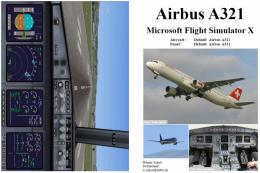
This PDF document provides a structured walkthrough detailing every procedura…
 FSX Misc
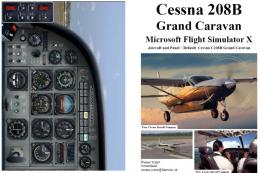
This downloadable handbook serves as a PDF companion covering every major pro…
 FSX Misc
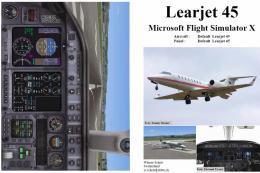
This add-on provides a comprehensive, printable PDF document detailing every …
 FSX Misc
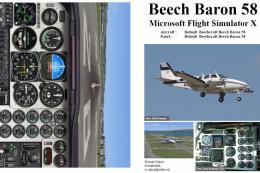
This freeware booklet introduces a step-by-step reference for the Default Lea…
 FSX Misc
This PDF-format booklet presents a comprehensive procedure reference that wal…
 FSX Misc
This PDF guide delivers a thorough sequence of procedures for the default, ol…
 FSX Misc
FSX Manual/Checklist for the Default CRJ700 by Werner Schott provides a preci…
 FSX Misc
This free PDF-based reference covers every phase of flying a default Beech Ki…
Be the first to leave a comment on this download.
Be the first to share your thoughts on this download.