FS2004 iFDG Airbus A321 Mega Pack
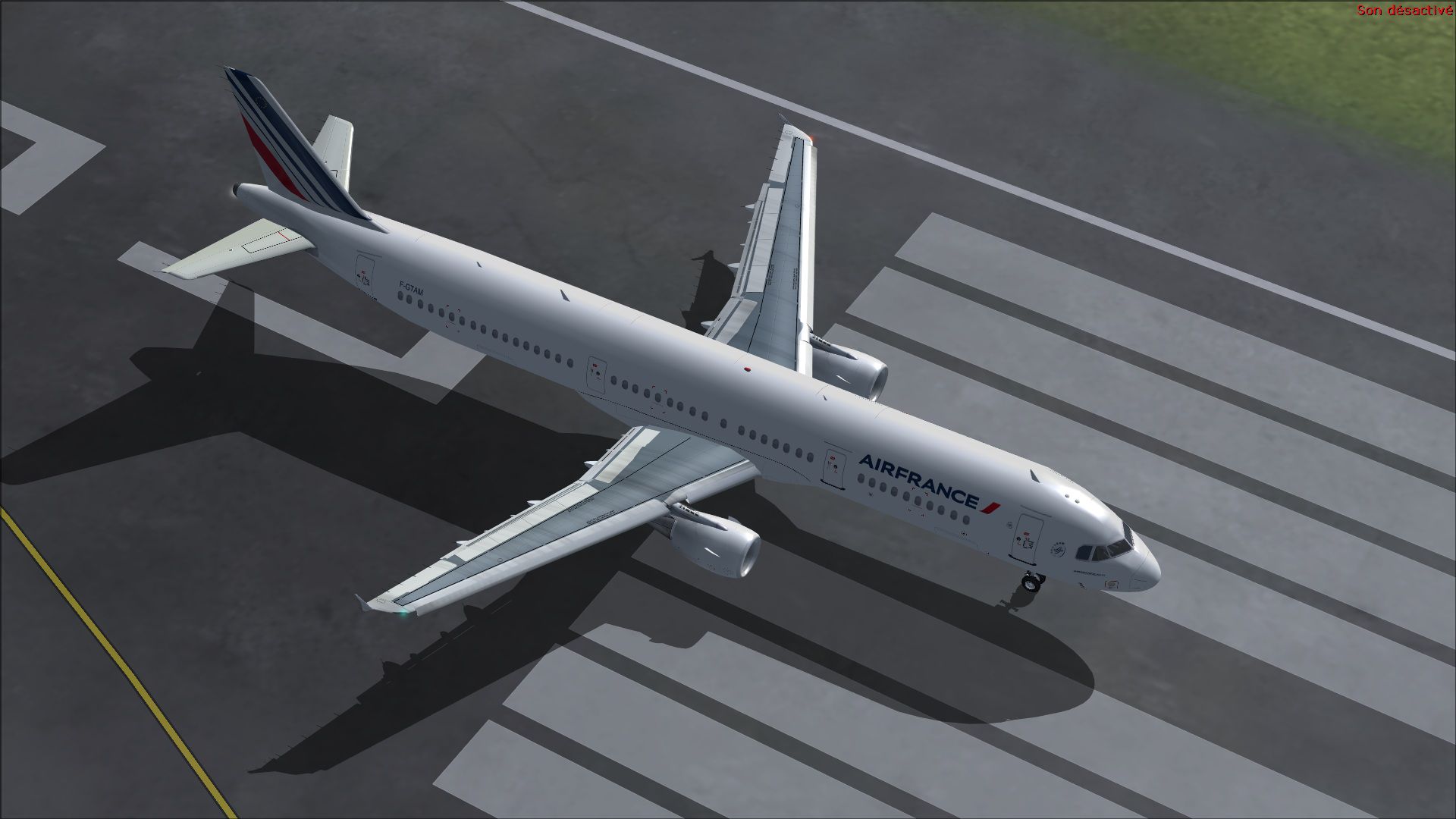
 This mega pack brings the original iFDG Airbus A321 model along with over 170 repaints and liveries to your copy of Microsoft Flight Simulator 2004. The iFDG model has been around for a long time and is well known within the FS community but our users were asking for an easy way to download all ...

- Type
- Complete with Base Model
- Download hits
- 11.9K

- Compatibility
- Microsoft Flight Simulator 2004
- Filename
- ifdg-a321-fs2004-pack.zip
- File size
- 1.3 GB
- Virus Scan
- Scanned 25 days ago (clean)
- Access to file
- Free (Freeware)
- Content Rating
- Everyone

Rated 4 out of 5 stars by 19 PRO members.


This mega pack brings the original iFDG Airbus A321 model along with over 170 repaints and liveries to your copy of Microsoft Flight Simulator 2004. The iFDG model has been around for a long time and is well known within the FS community but our users were asking for an easy way to download all liveries in one go.
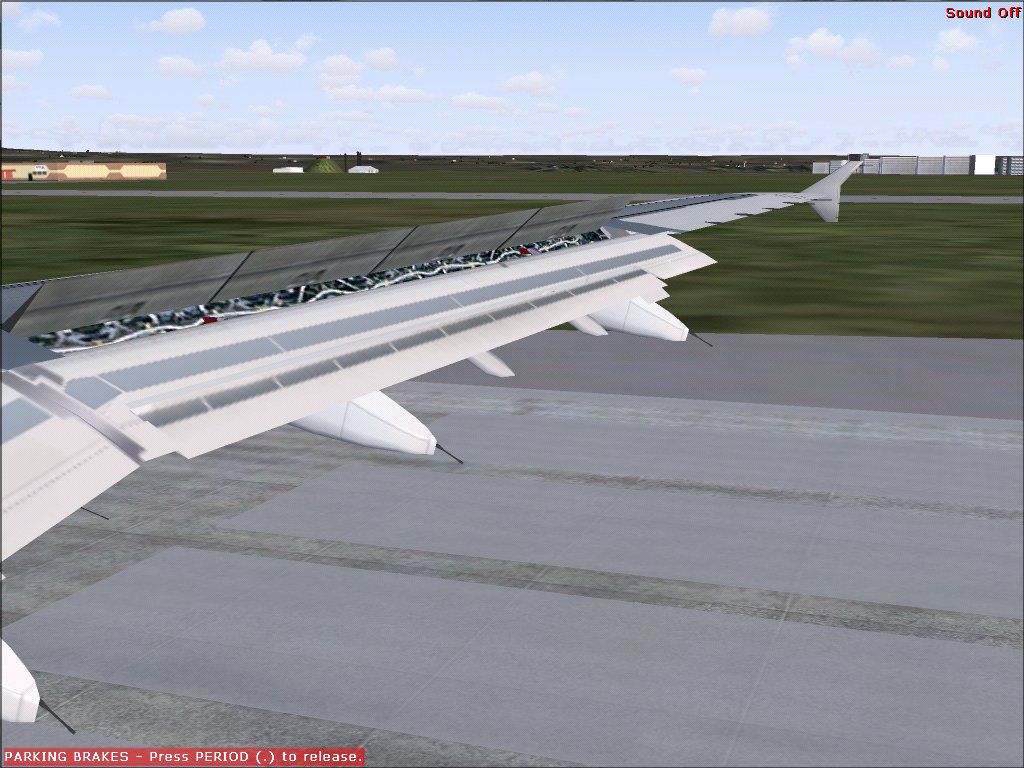
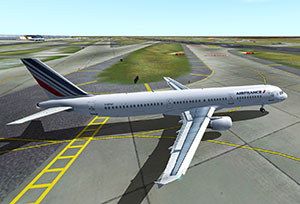 The model includes all of the features you can expect in a good freeware FS2004 model including fully animated parts and control surfaces such as flaps, rudder, ailerons, etc. Also included is wing view functionality so you can simulate your flights as a passenger. Full lighting and advanced lights have been included with the base model too. Finally, all textures are highly details and are reflective.
DOOR OPERATION
- Shift+E+1 - Opens L1 door
- Shift+E+2 - Opens other cabin doors
- Tailhook - Opens cargo doors
- Wingfold - Operate drooping control surfaces
FLAP VORTEX EFFECTS OPERATION
Use your Smoke System key. Note that the Eric Marciano A32X panel activates these effects automatically when appropriate.
NOTE: You must assign a keyboard command (Options -> Controls -> Assignments) for Tailhook and Wingfold! By default, Flight Simulator DOES NOT assign a command for these features.
Paint Schemes/Liveries Included
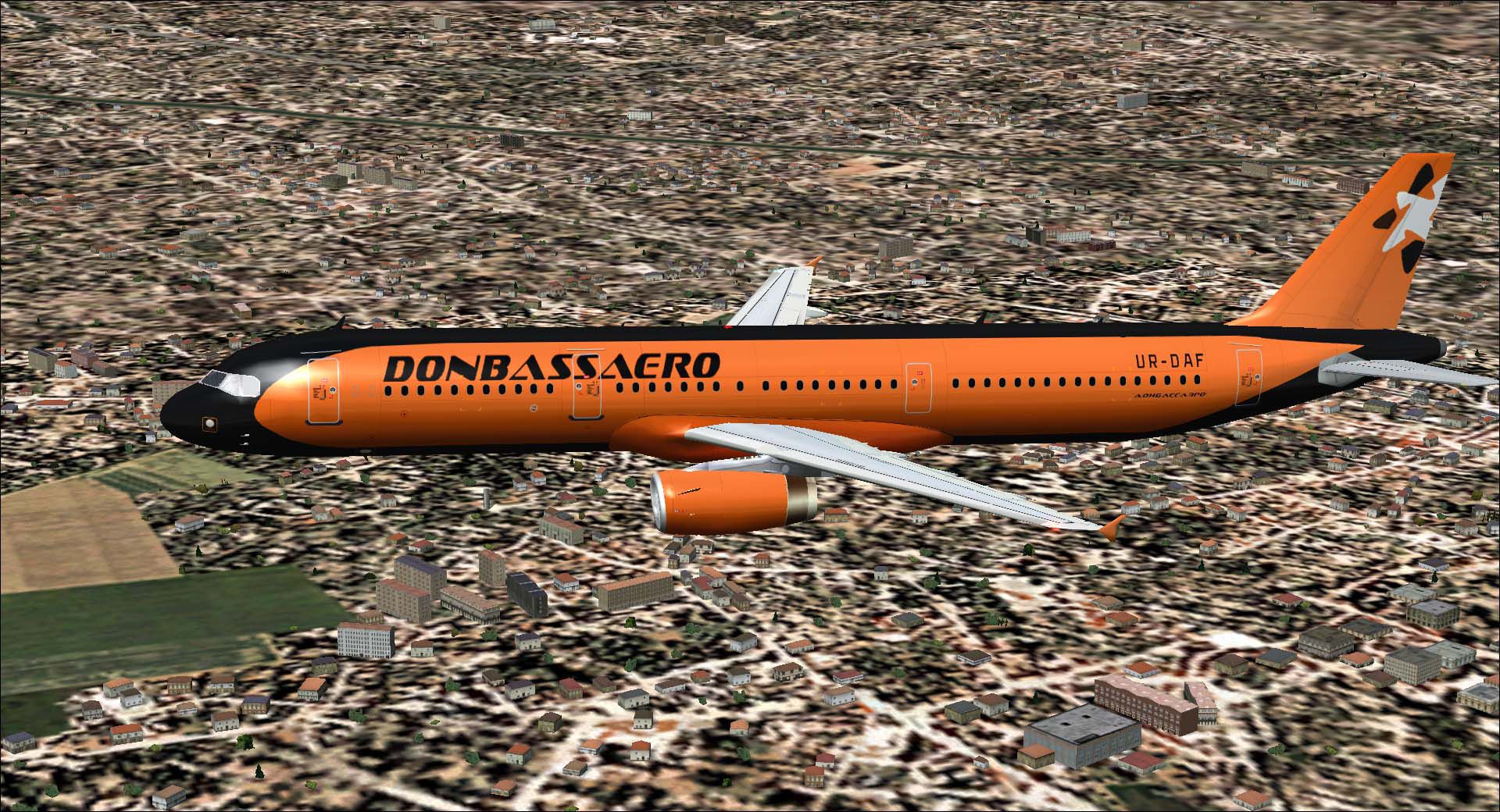
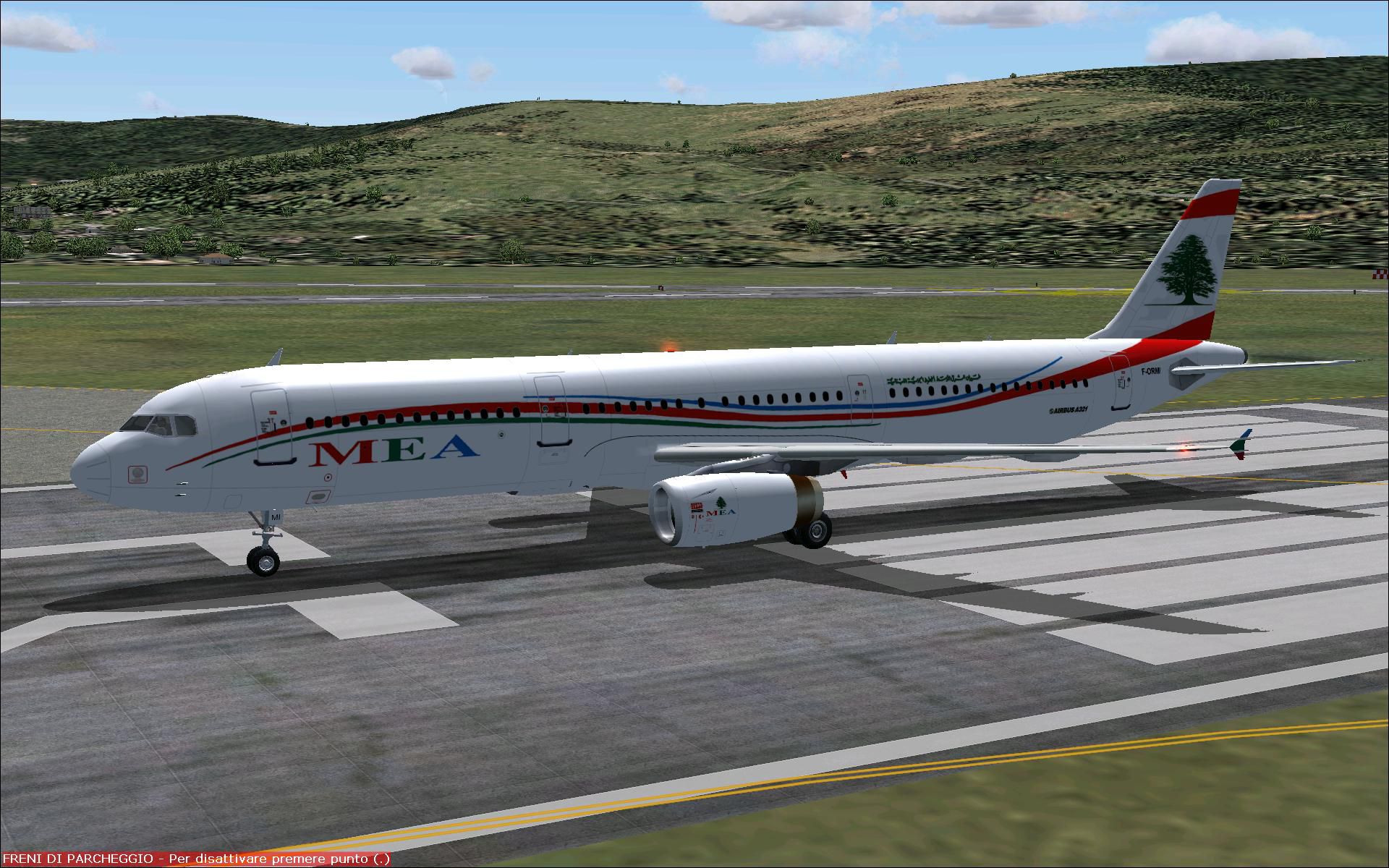
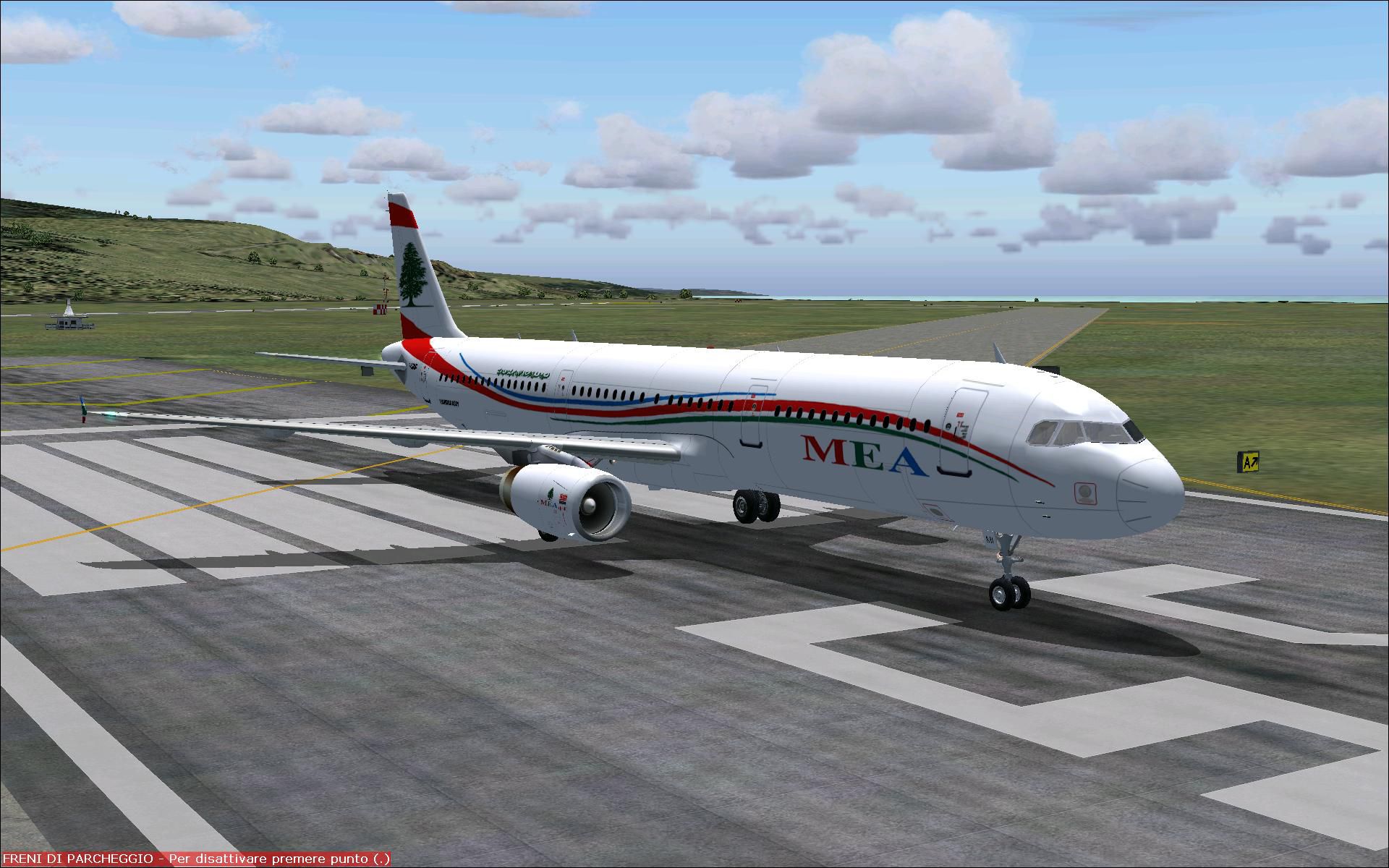
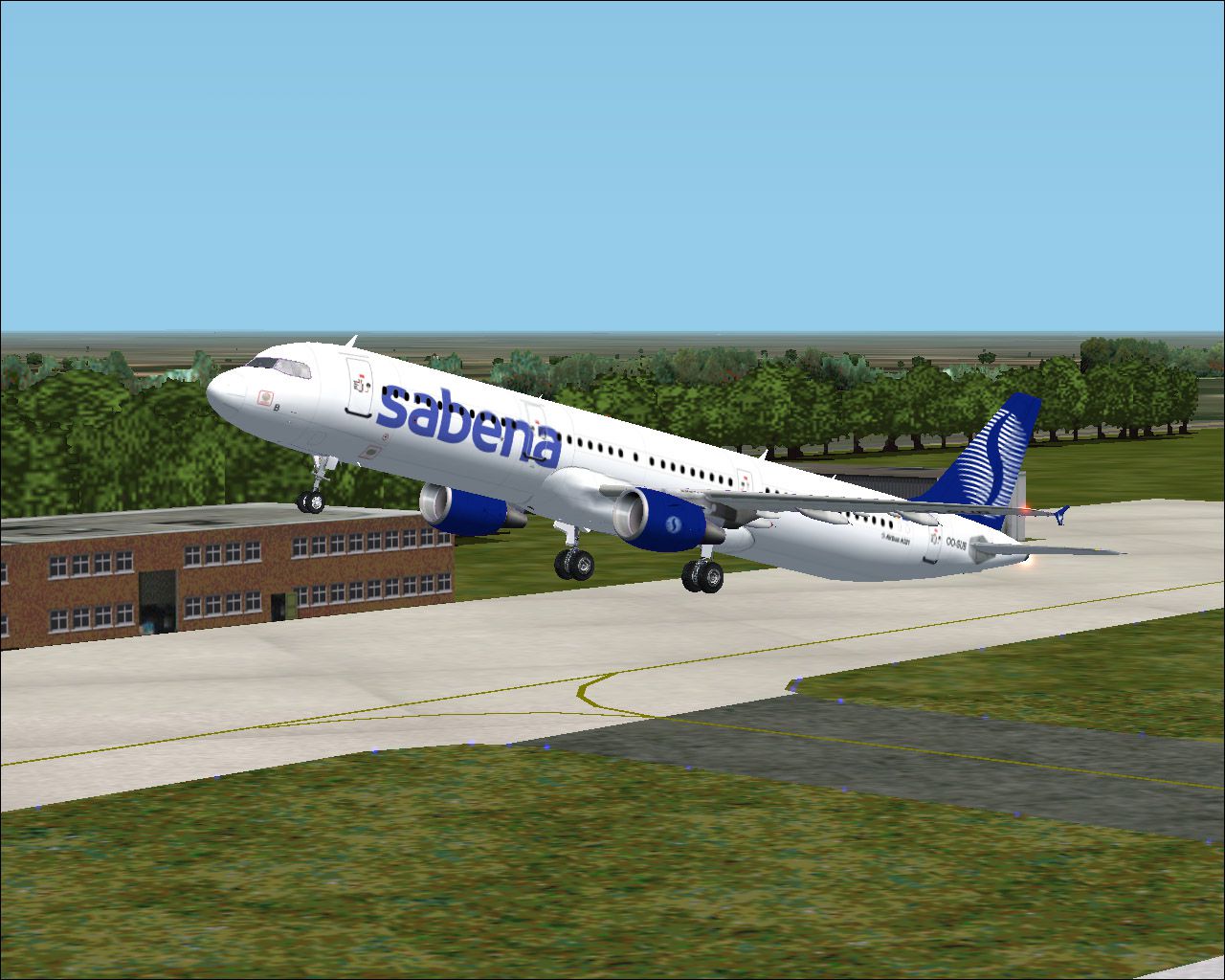
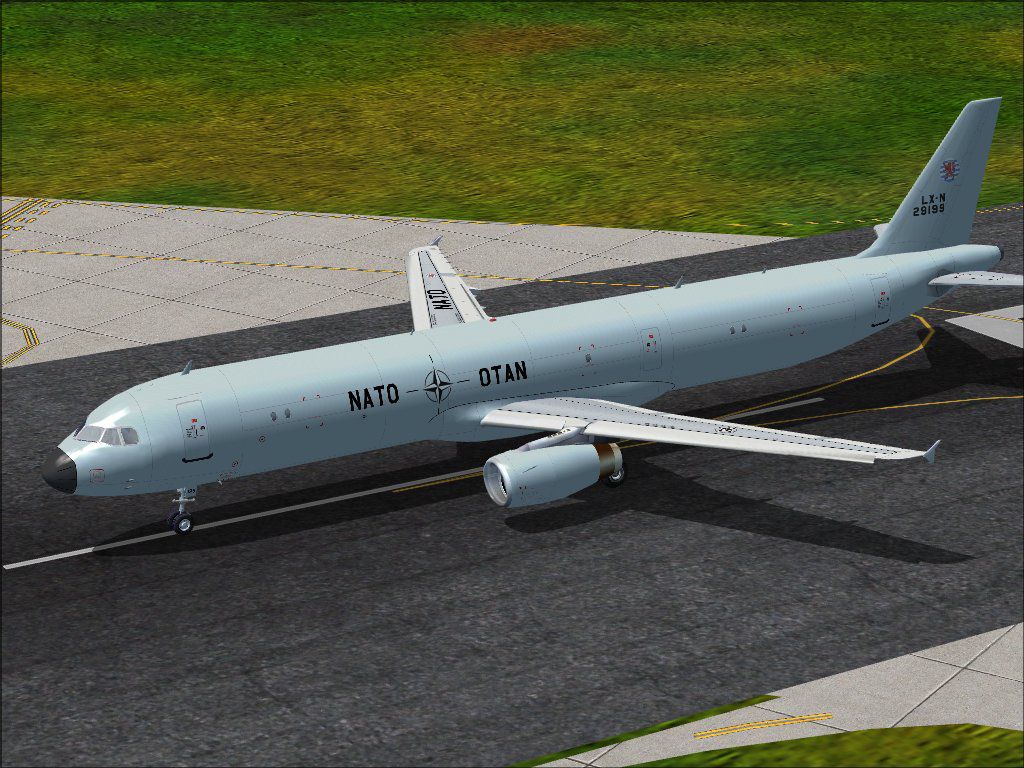
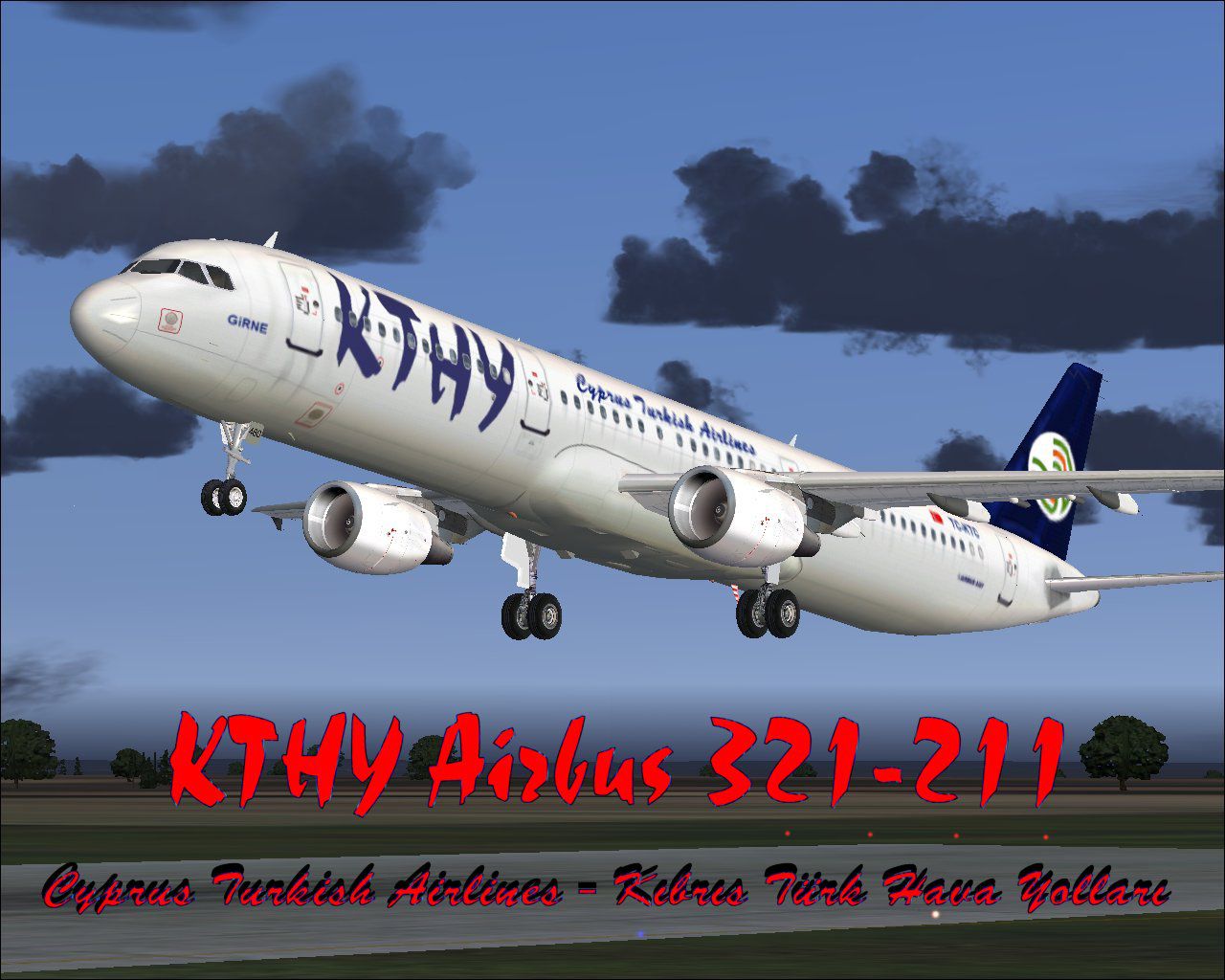
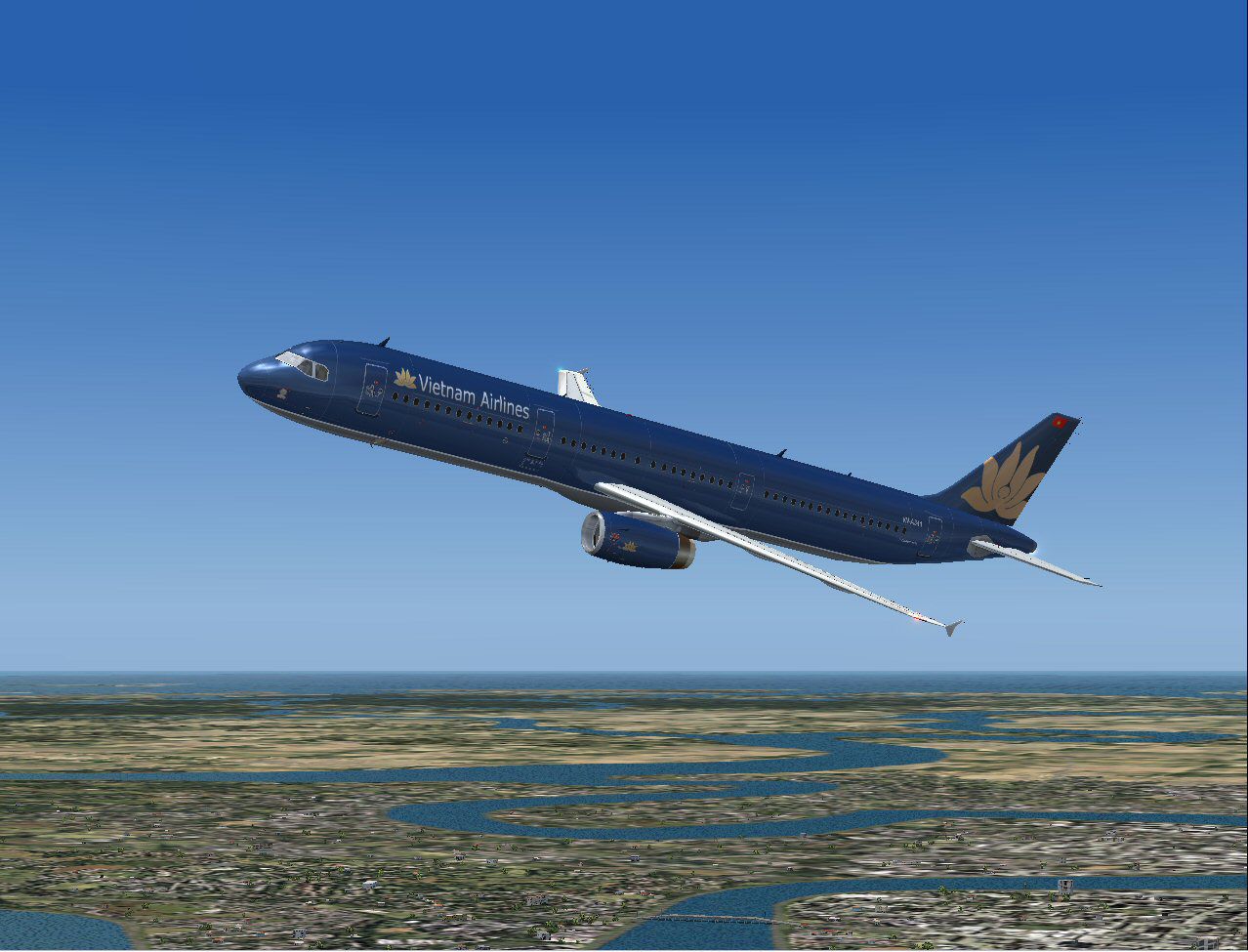
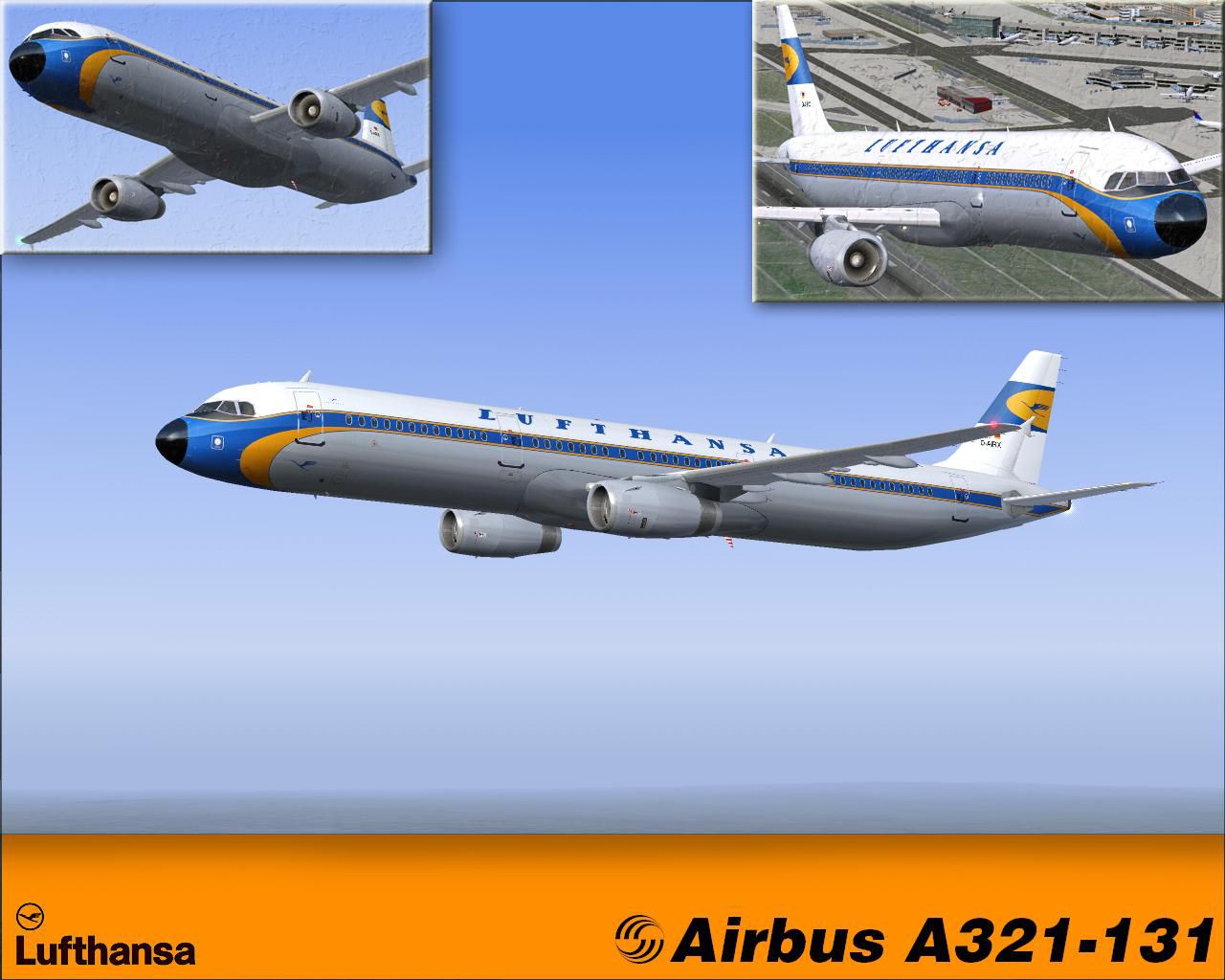
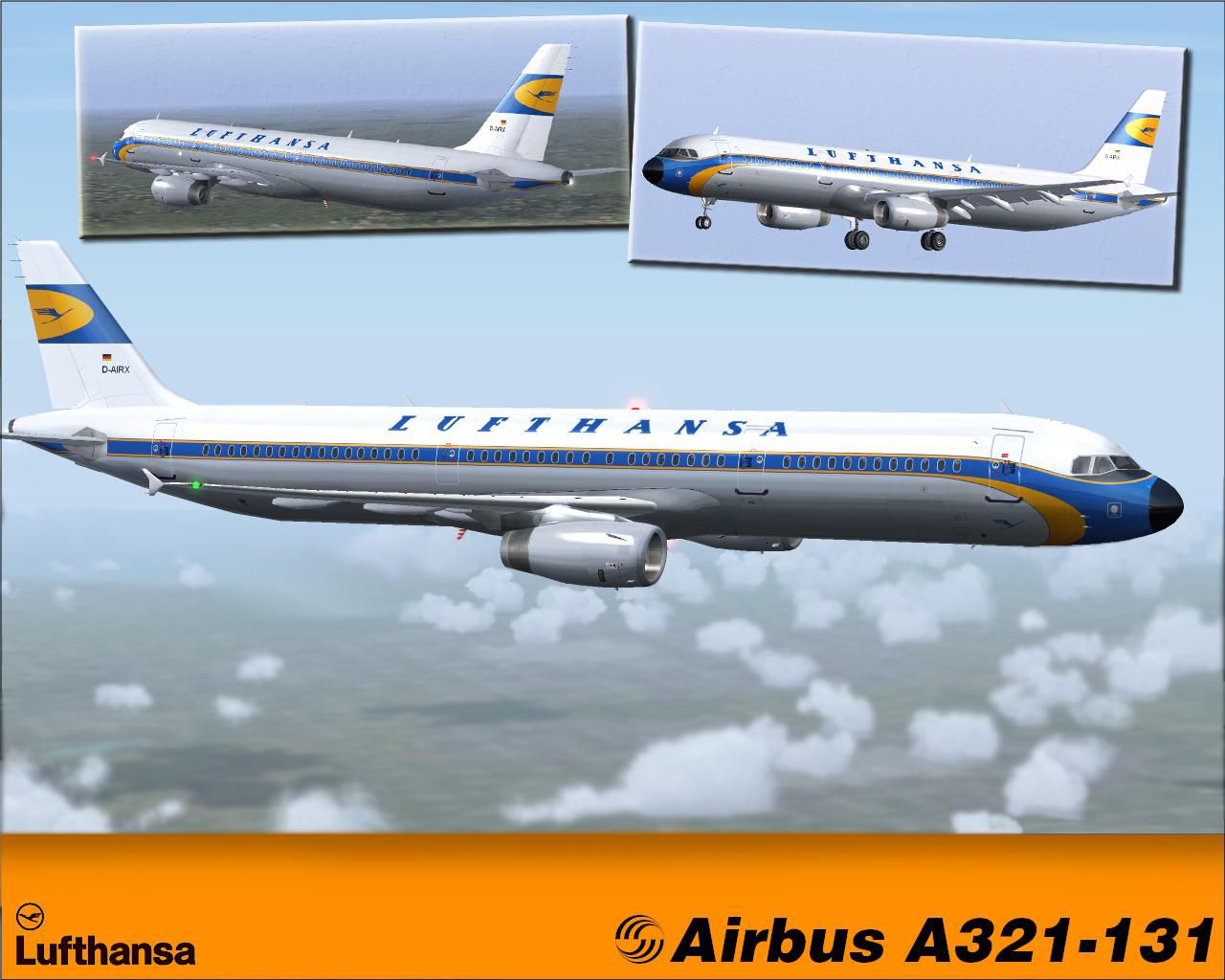
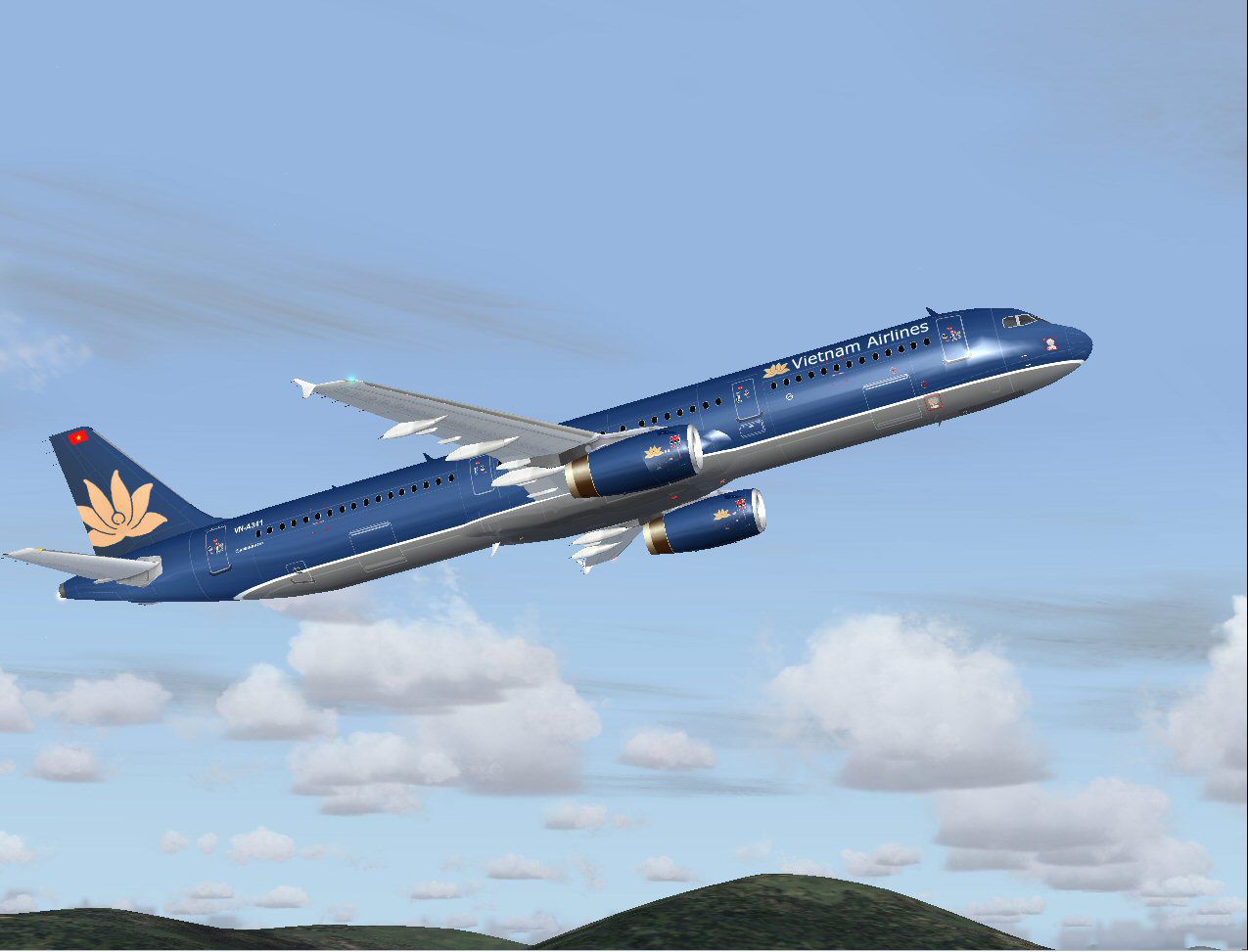
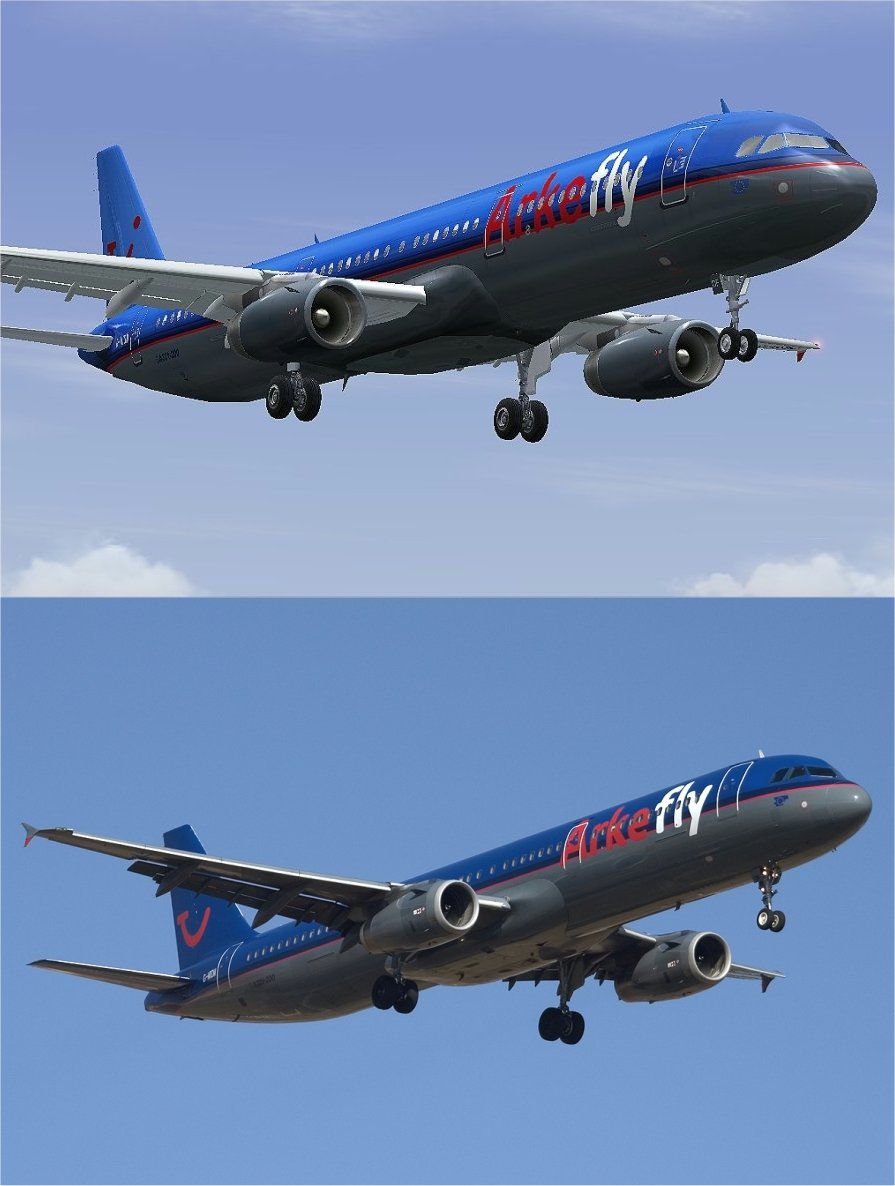
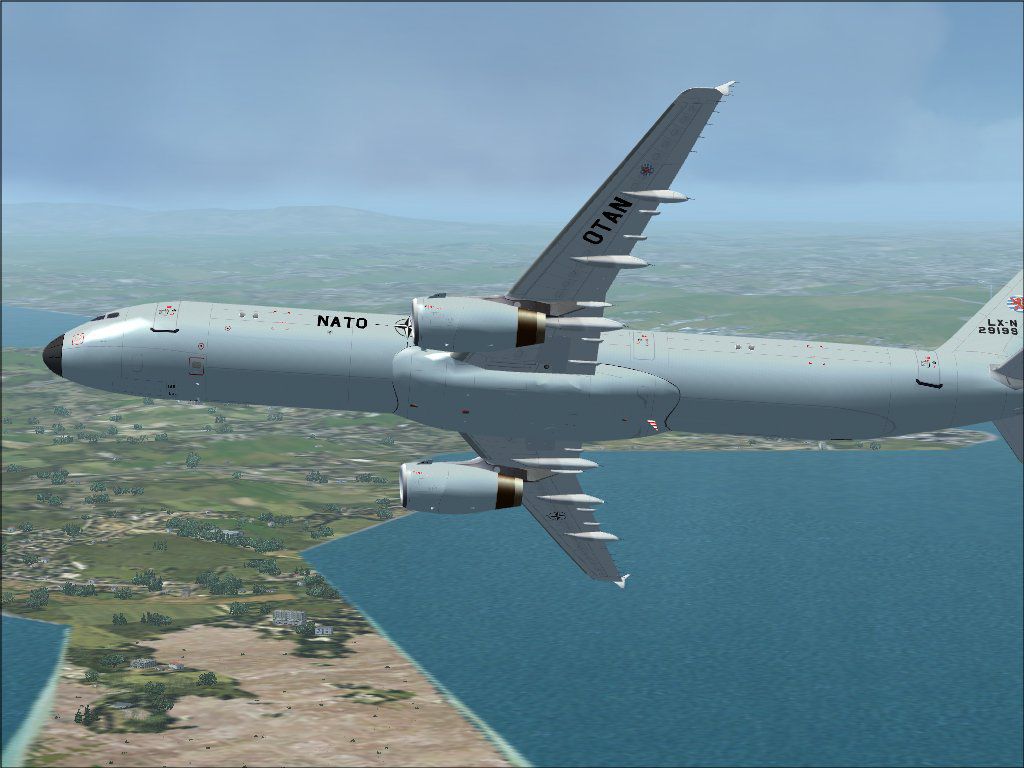
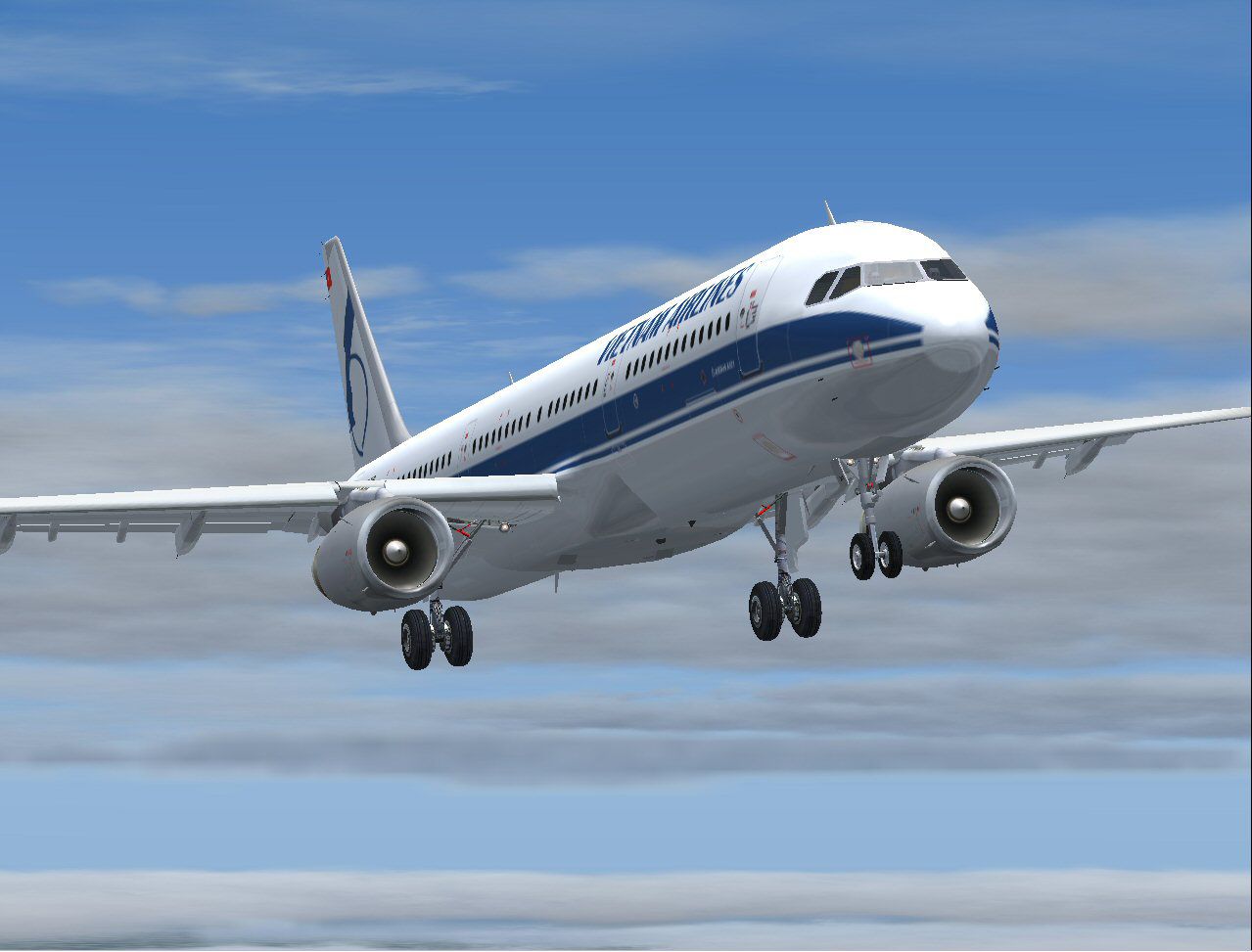
Below is a snapshot of most of the liveries and paint schemes that come with this pack. Please note, we have not included virtual airlines. Also, we only list each airline once even though it may have many different liveries available for the same airline.
The pack includes over 170 different liveries and most of the individual aircraft/folders are complete (including a full model and .air file) - which means there is no need to edit aircraft.cfg files in order to get the repaint working - simply drag and drop into the relevant FS2004 folders. However, some simple repaints remain and will need adding as an alias in your aircraft configuration files.
- Air Canada
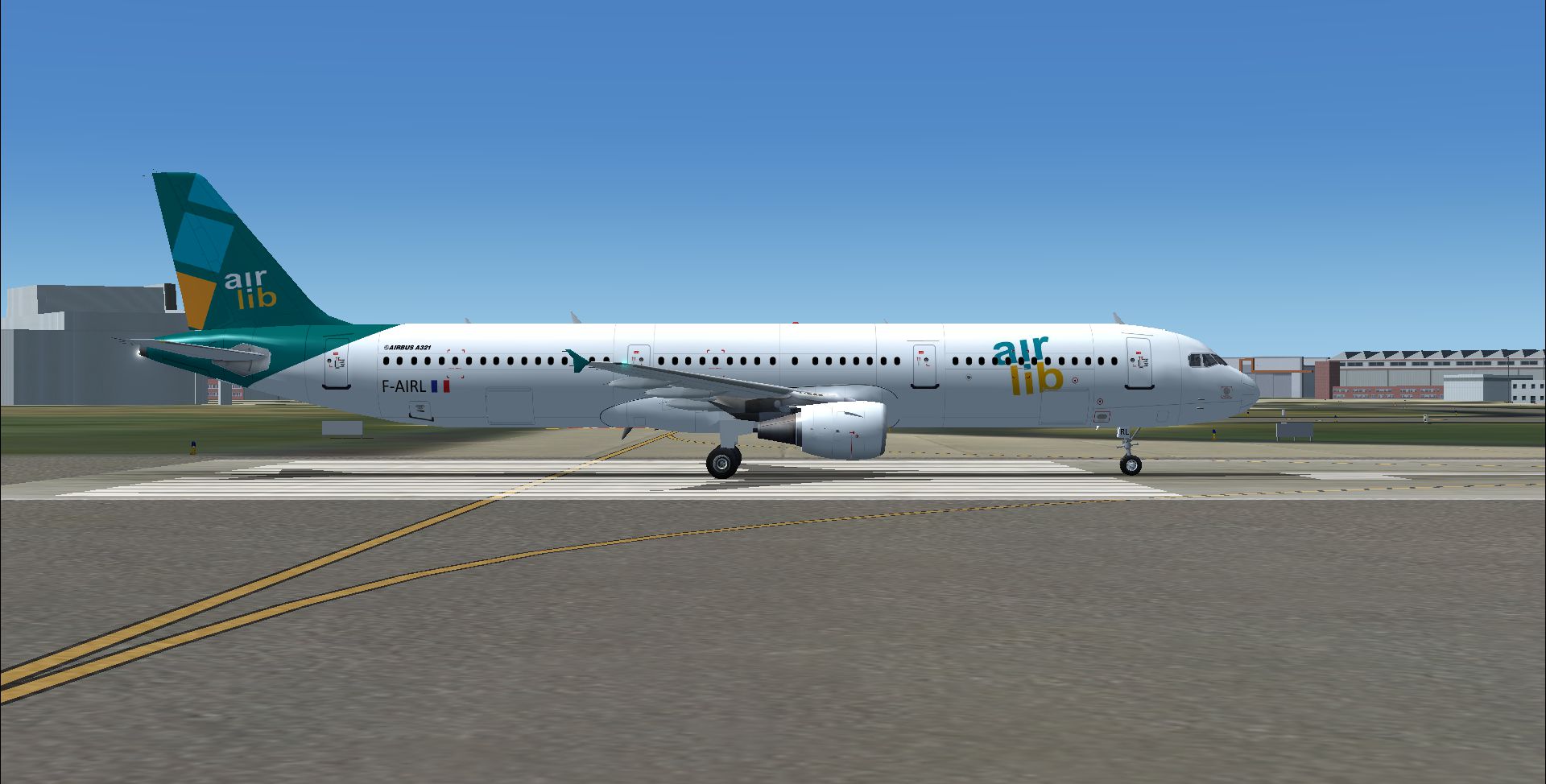
- Air Lib VA
- Asian Wings Airways
- Royal Air Maroc
- Alitalia (I-BIXC, I-BIXE)
- Donbassaero
- Maurair
- Condor (Blue, Peanuts, Snoopy, Woodstock)
- Air France (F-GTSD)
- Dragonair
- Thomas Cook Scandinavia
- Finnair (OH-LZB)
- Ural Airlines
- Bahamasair
- Best Air
- Air Berlin (D-ALSB)
- Thomson Airways
- Thomas Cook (G-NIKO, TC-JMA)
- PIA (TC-IEG)
- FlyNiki
- Spirit Air
- Syrian Air
- MEA
- US Airways (N161UW)
- Air Jamaica
- Atlasjet
- Egyptair (SU-GBU, SU-GBV)
- TAM (PT-MXC)
- Turkish Airlines (TC-JMA, TC-JMG, TC-ATA)
- Air Inter
- USAir (N161UW)
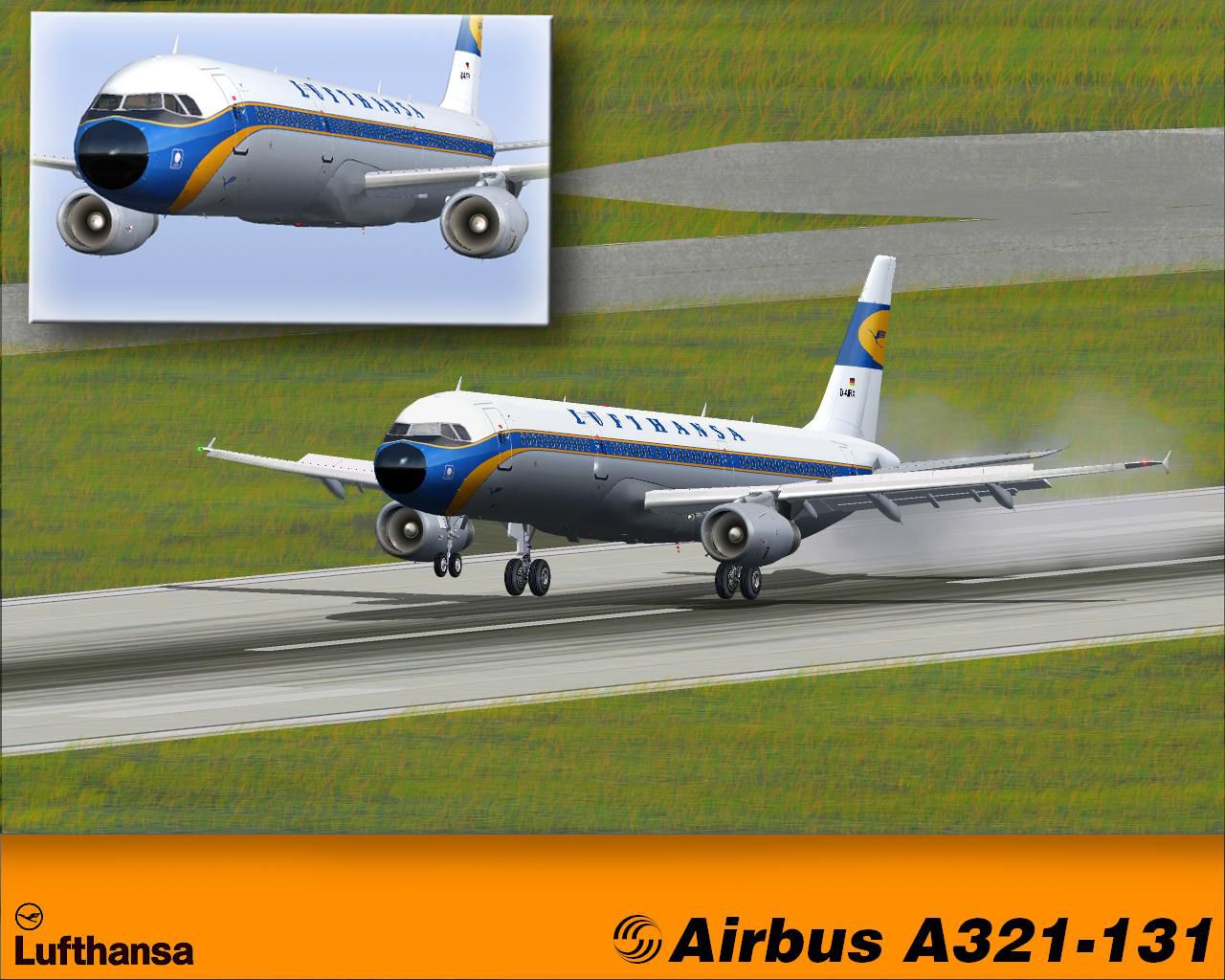
- Lufthansa (D-AISE, D-AIRL, D-AIRX, D-AIRD, "Speyer")
- Kuzu Airlines (TC-GMZ)
- BMI (G-MIDF)
- CSA
- Air India
- Aero Lloyd (D-ALAO)
- NATO AGS
- FreeBird Airlines (TC-FBT)
- Novair
- Royal Jordanian (JY-AYG)
- Inter Airlines
- AirBlue(AP-BJB)
- Arkefly (G-MIDM)
- Virgin Atlantic (G-VATH)
- Meridiana
- TAP (CS-TJE, CS-TJG, CJ-TJE "Pero Vaz de Caminha", CS-JCG, "Amalia Rodrigues")
- LTU
- TACA International
- Onur Air (TC-OAL, TC-OAK)
- Invicta Sun (G-ISUN)
- Aer Lingus (Damhnat - St Davnet, EI-CPE)
- Eireflyer (EI-FLE)
- Aeroflot (VP-BWN)
- Scandinavian Airways (SE-PMS)
- Aeroflight (D-ARFB)
- Leisure International (G-UNIE)
- Austrian Airlines (OE-LBA)
- Rabi-En-Rose
- BWIA West Indies
- MyTravel
- AZAL
- Croatia Airlines (9A-CTQ)
- Swissair (HB-IOA)
- Transasia
- ANA (JA107A)
- Euroflyer
- Ireland Direct (EI-JHR)
- British Airways (G-EUXC)
- Spirit Wings (N583NK)
- THY (TC-JMA)
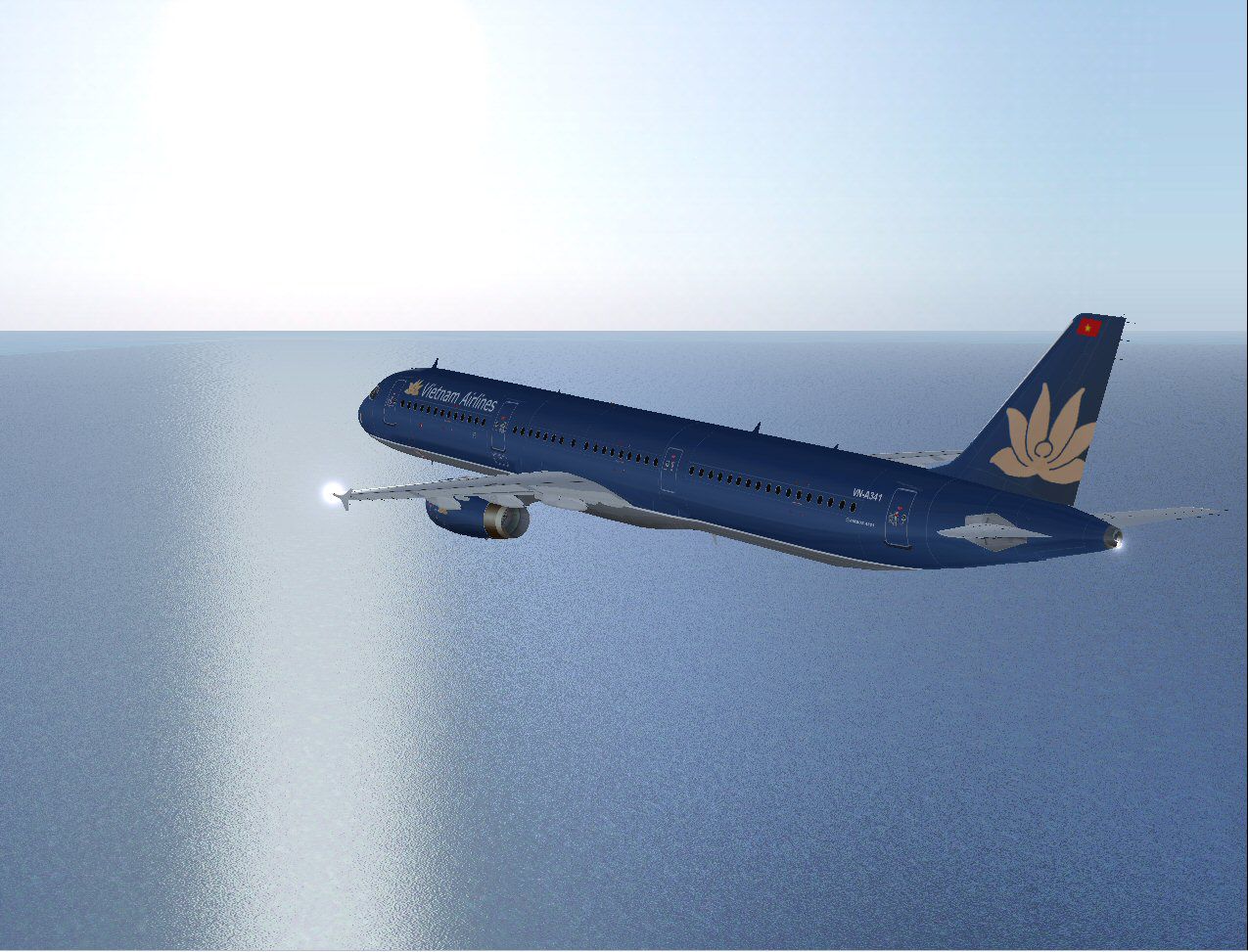
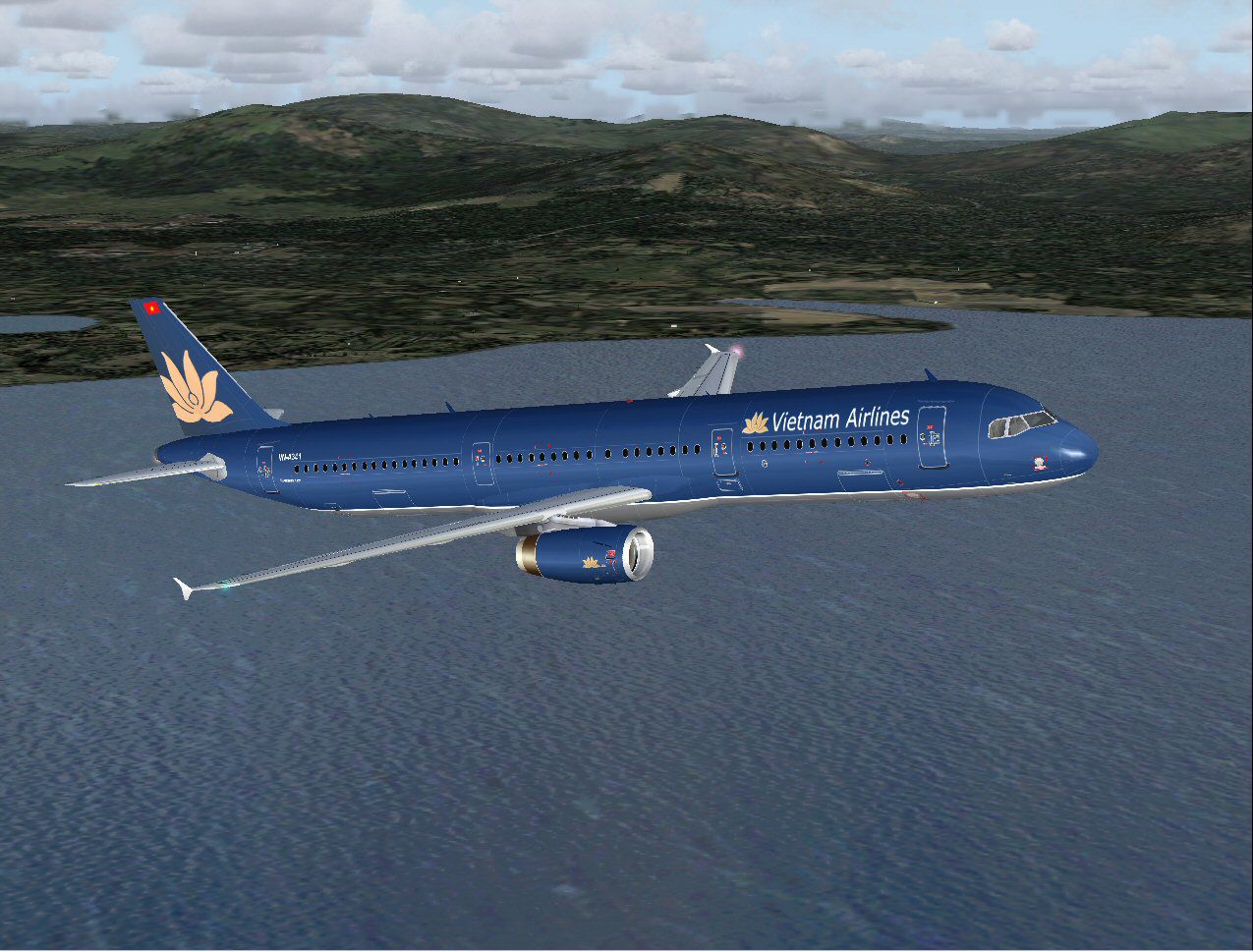
- Vietnam Airlines (VN-A341)
- KTHY (TC-KTC)
- House Colors
- American Airlines
- Aer Mediterranie (F-GYAP)
- TransAsia Airways (B-22602)
- Sabena (OO-SUB)
- Aigle Azure
- Asiana Airlines (HL7723)
- Airtours
- Air 2000
- British Midland
- BMI
- GB Airways
- Monarch
- Virgin Sun
- IDV
- First Choice
- Iberia
- Spanair
- British Mediterranean
- SAS
- Swiss International
Developer: Original model by iFDG, repaints by various artists/hobbyists.
Images & Screenshots
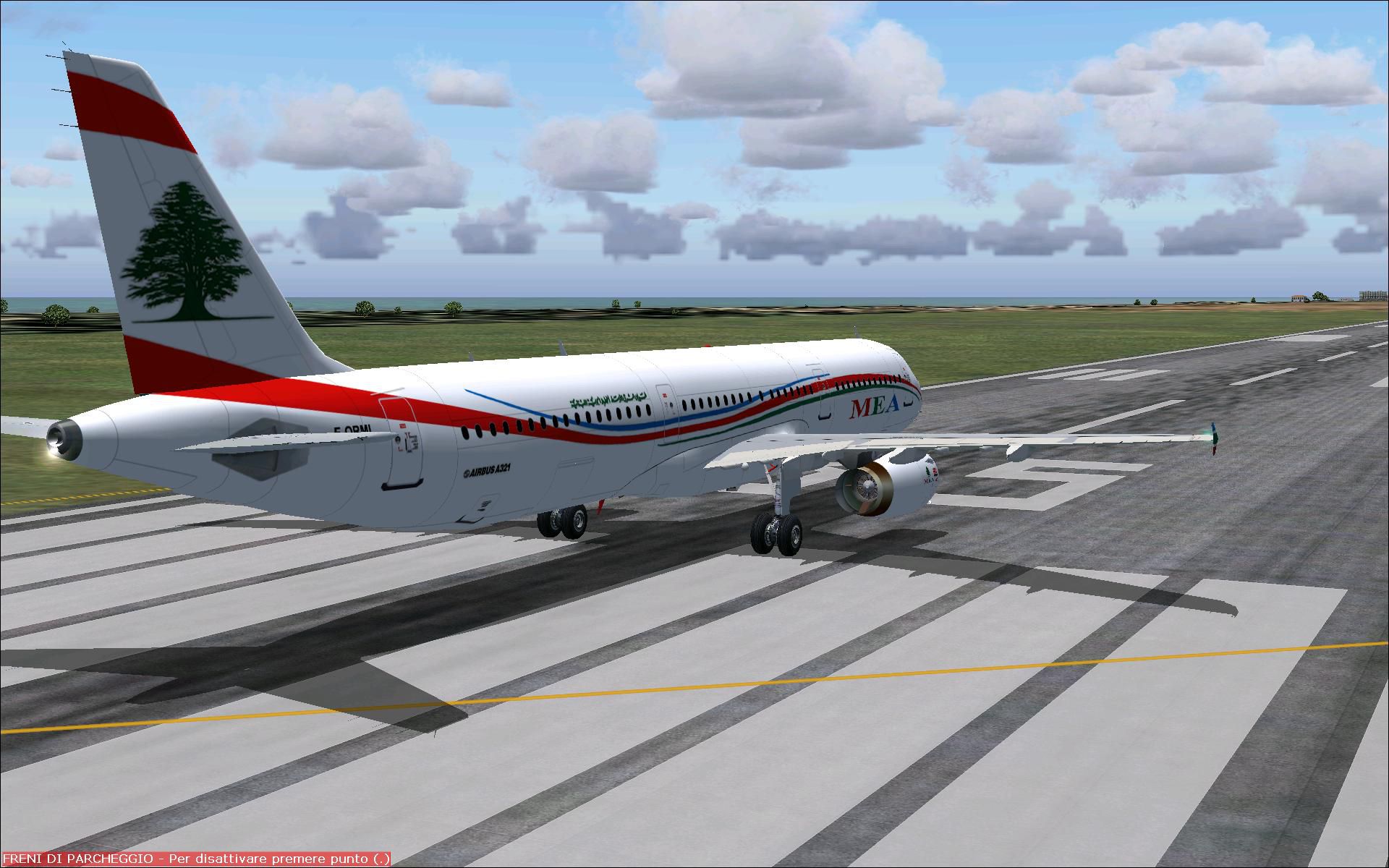
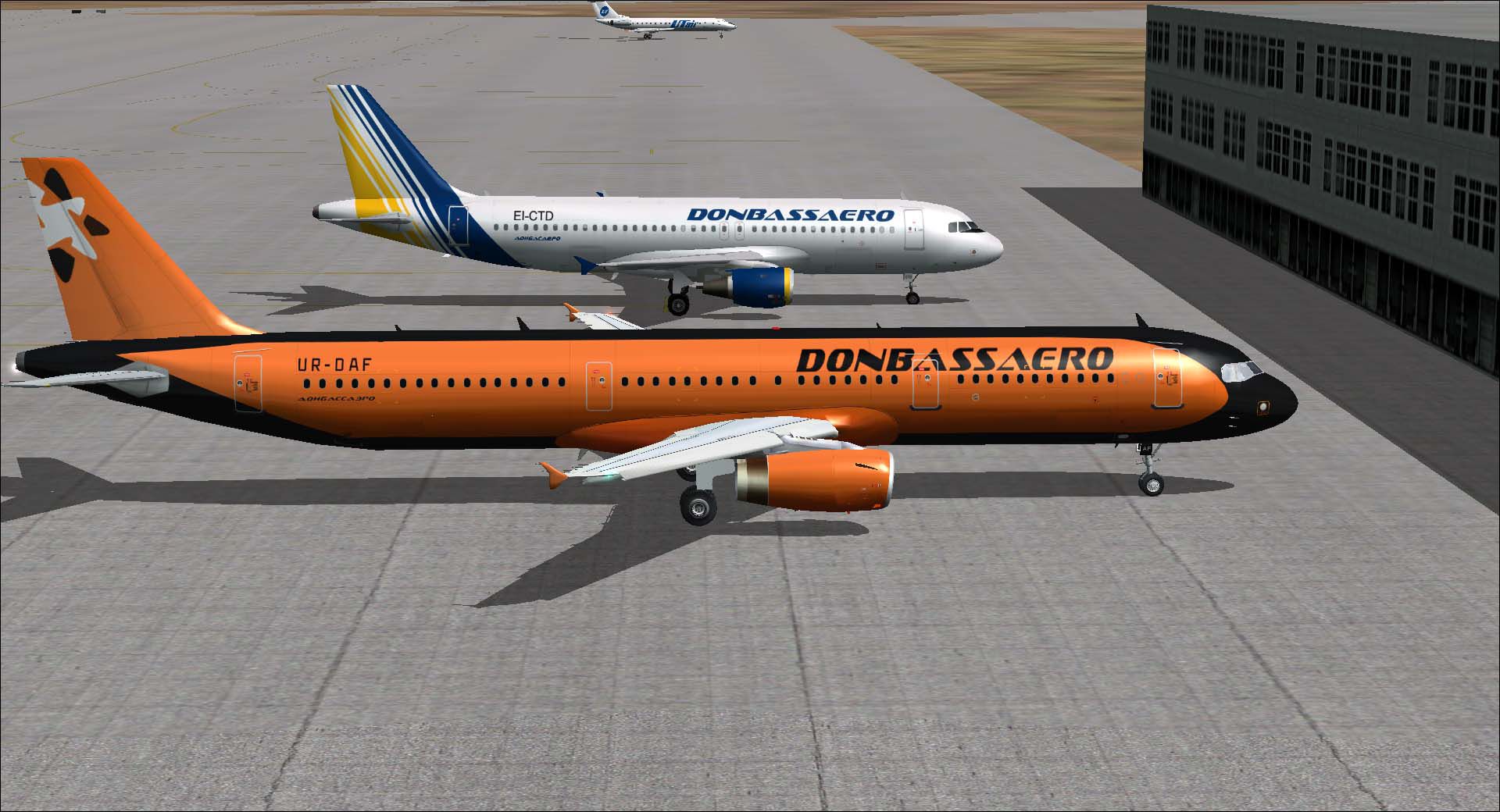
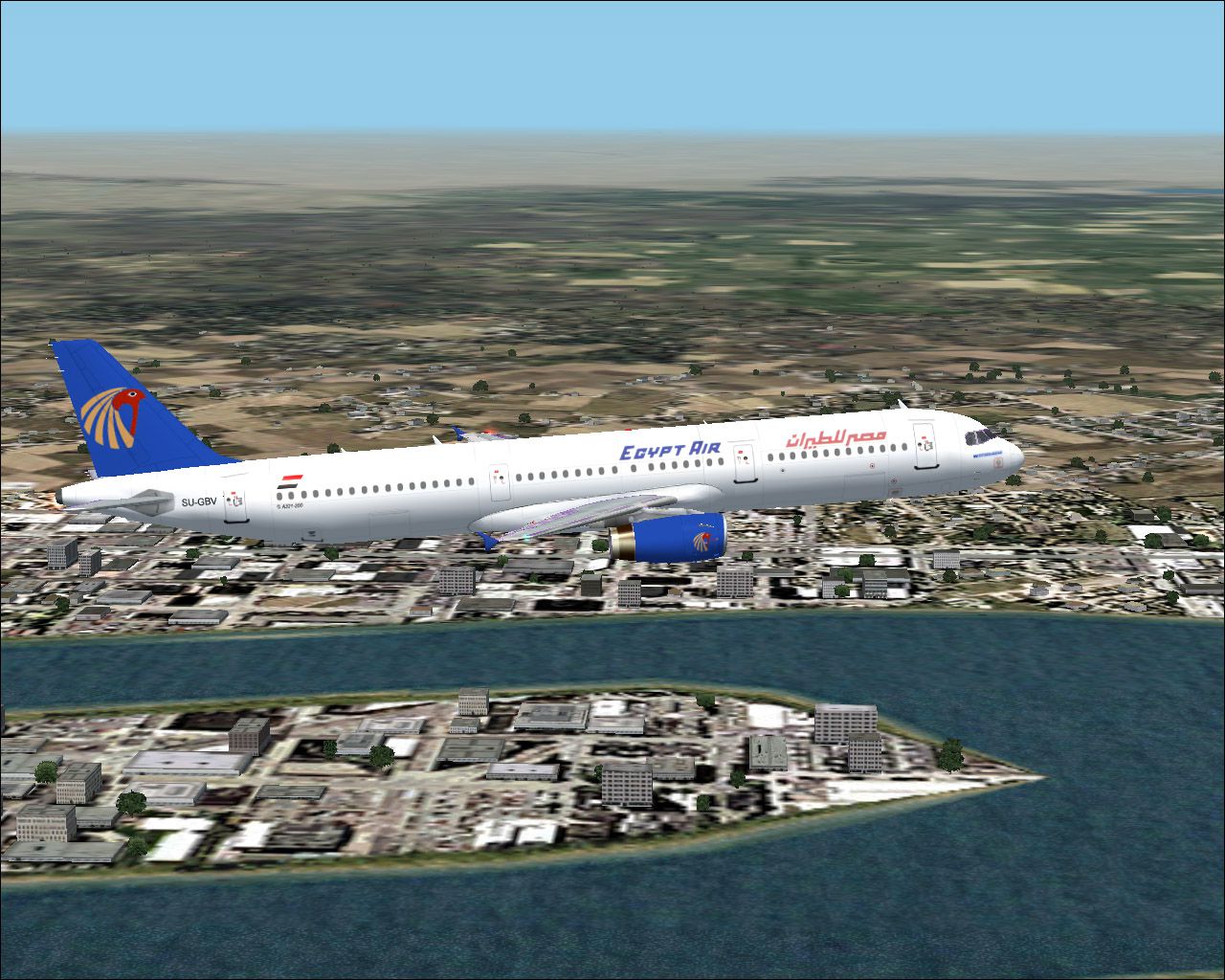
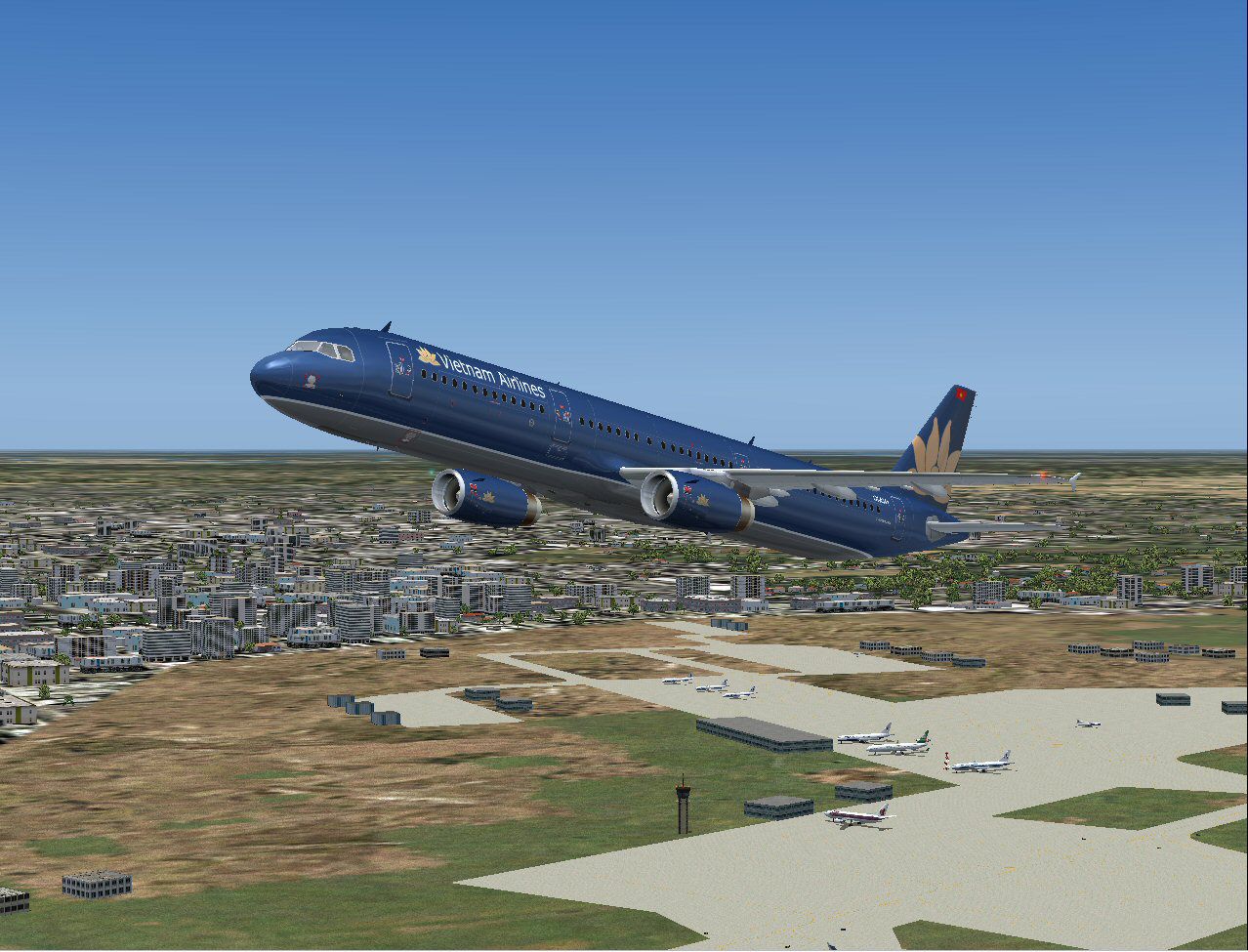

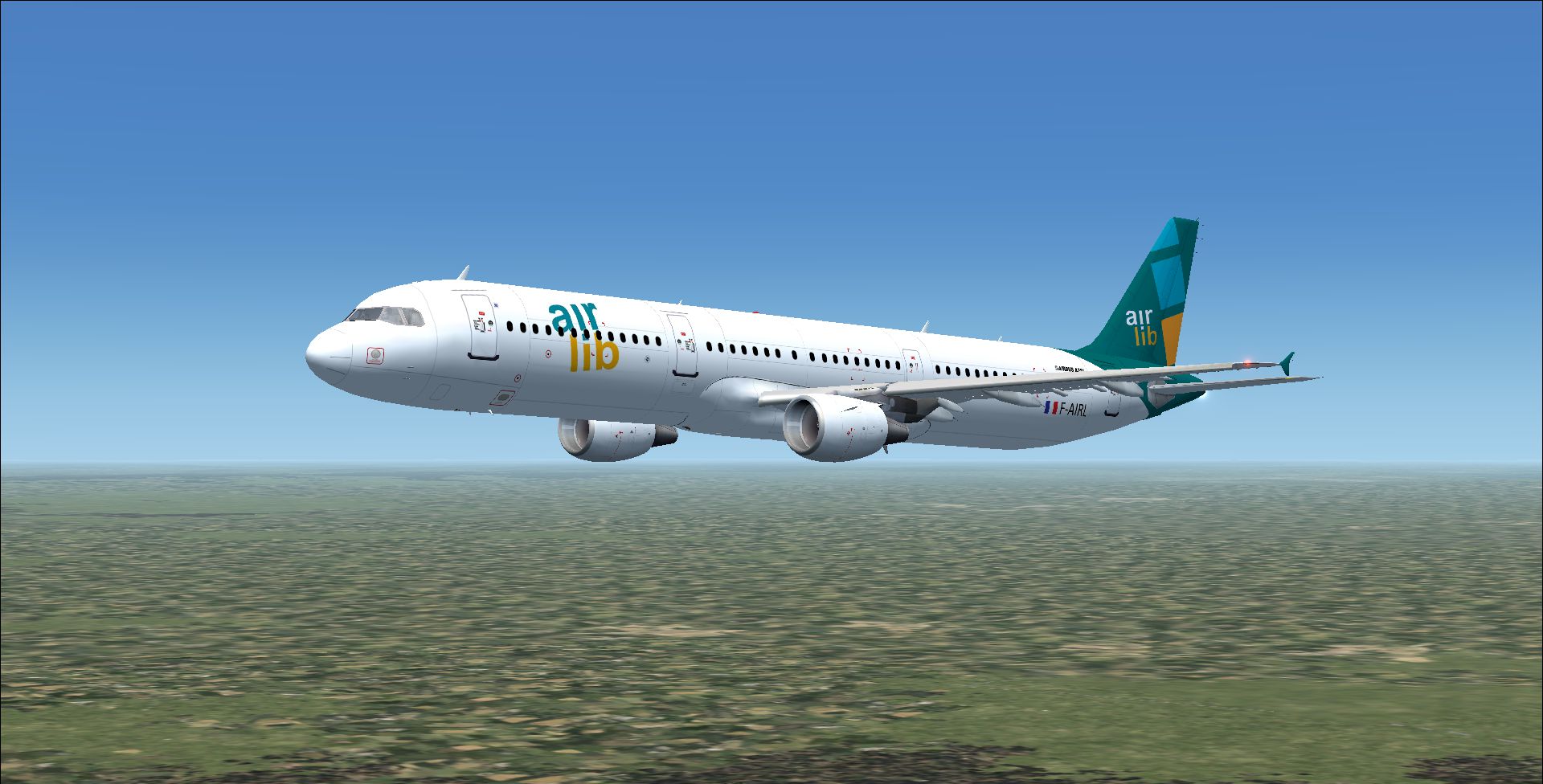
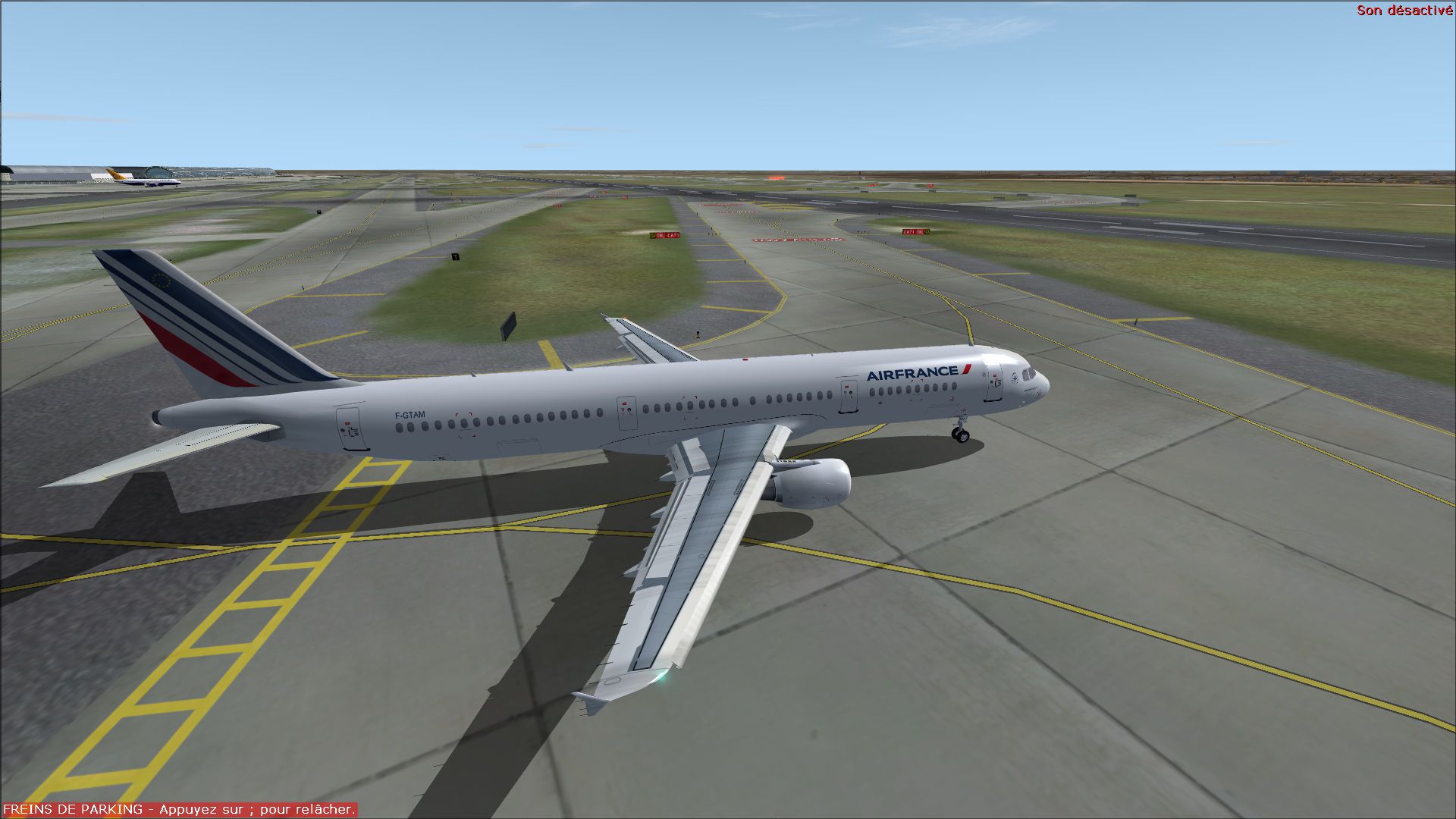
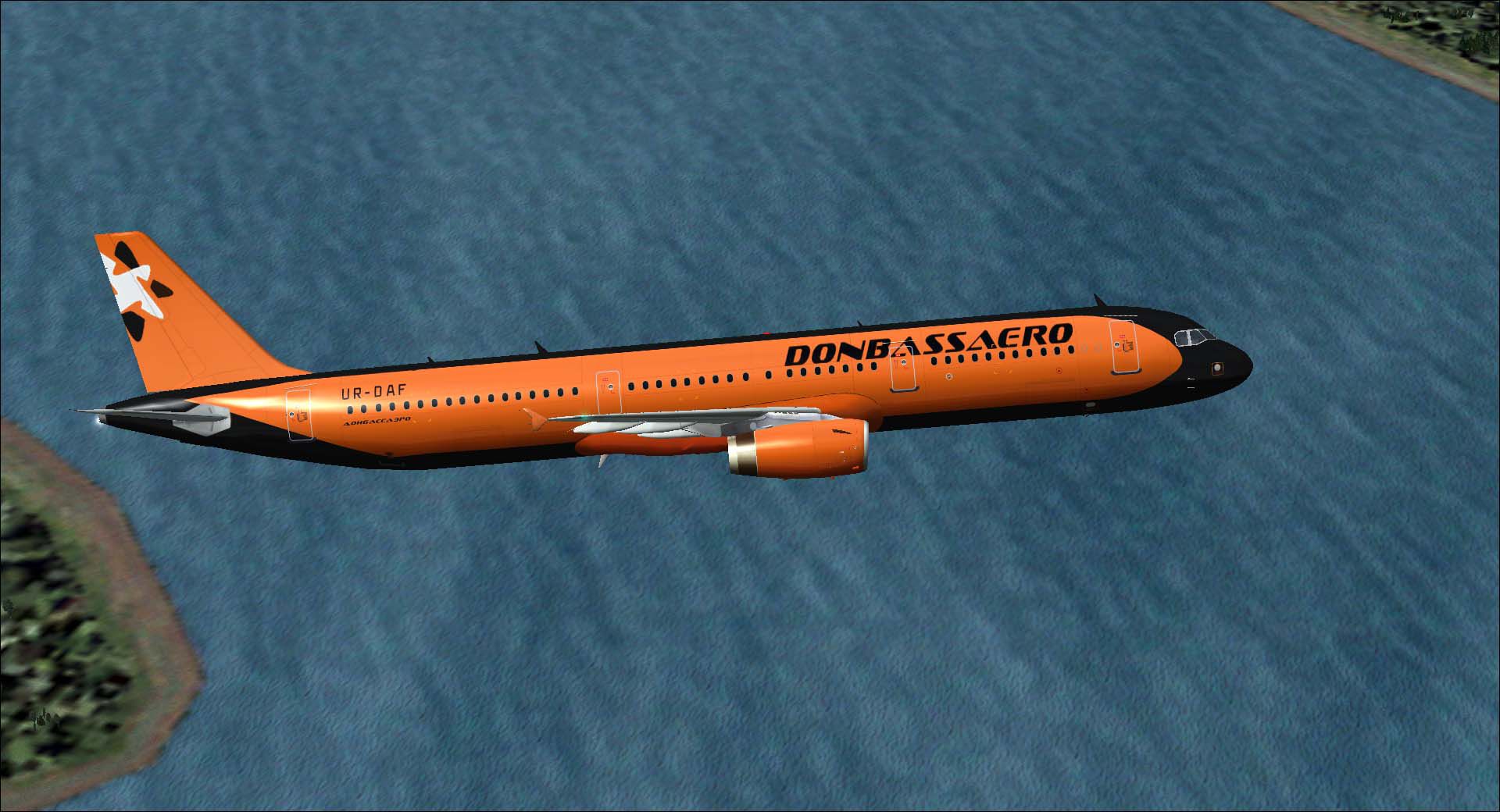



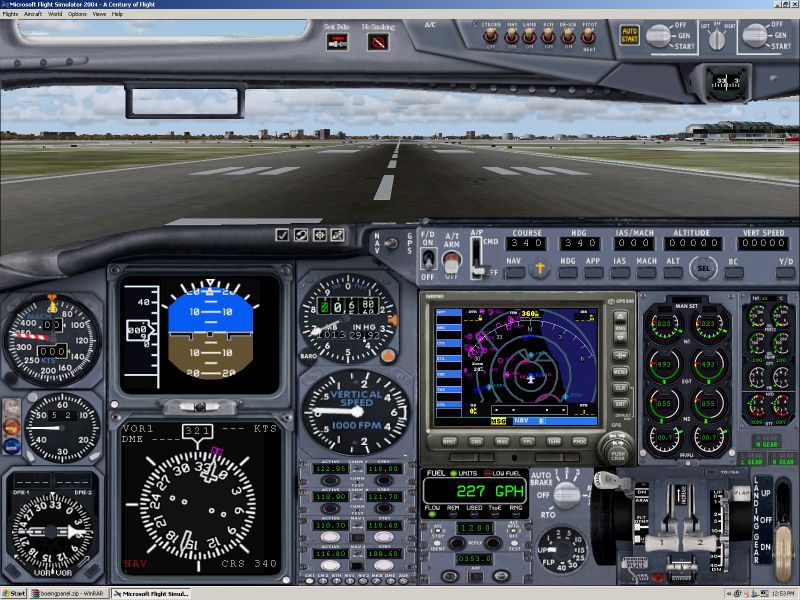
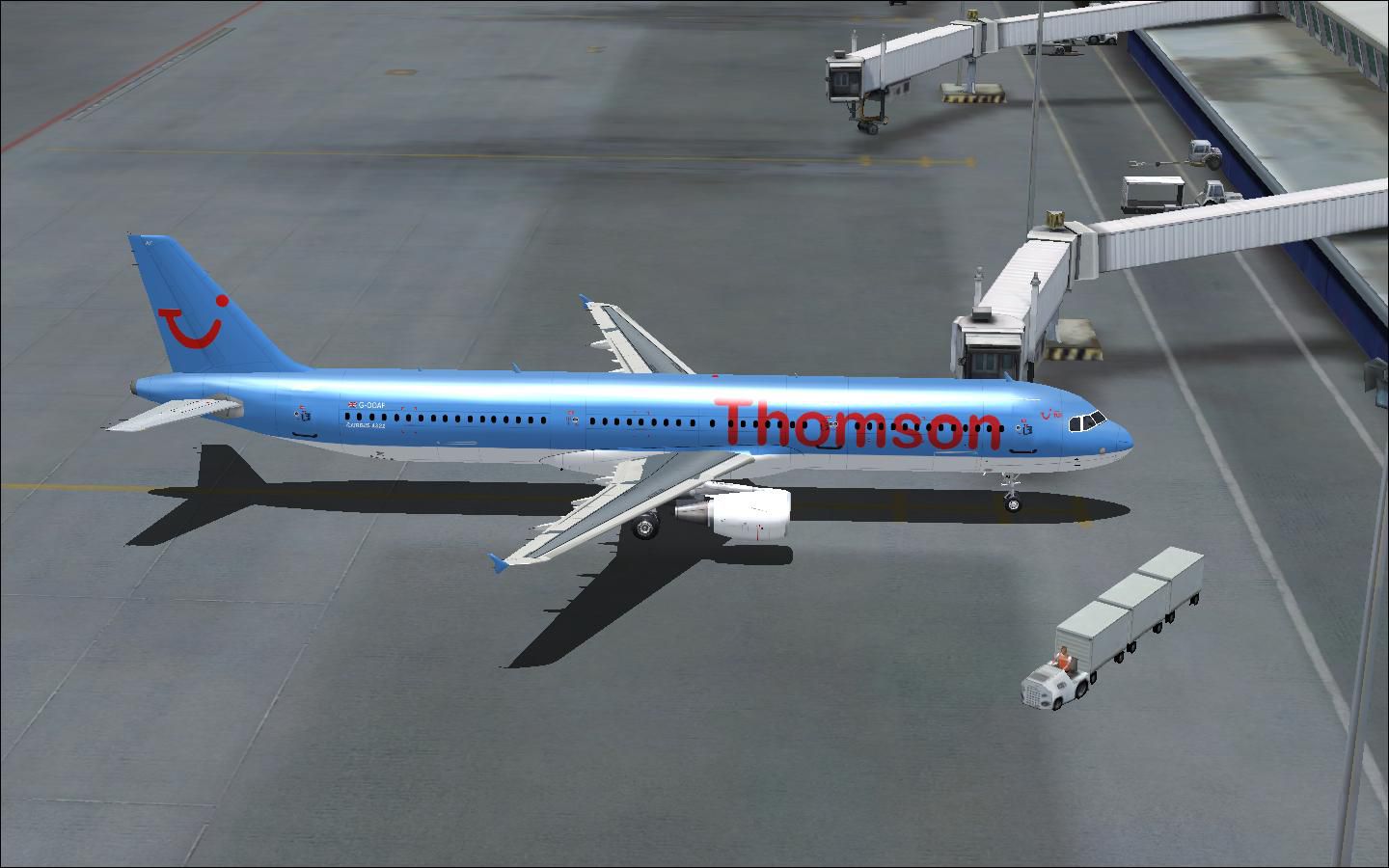

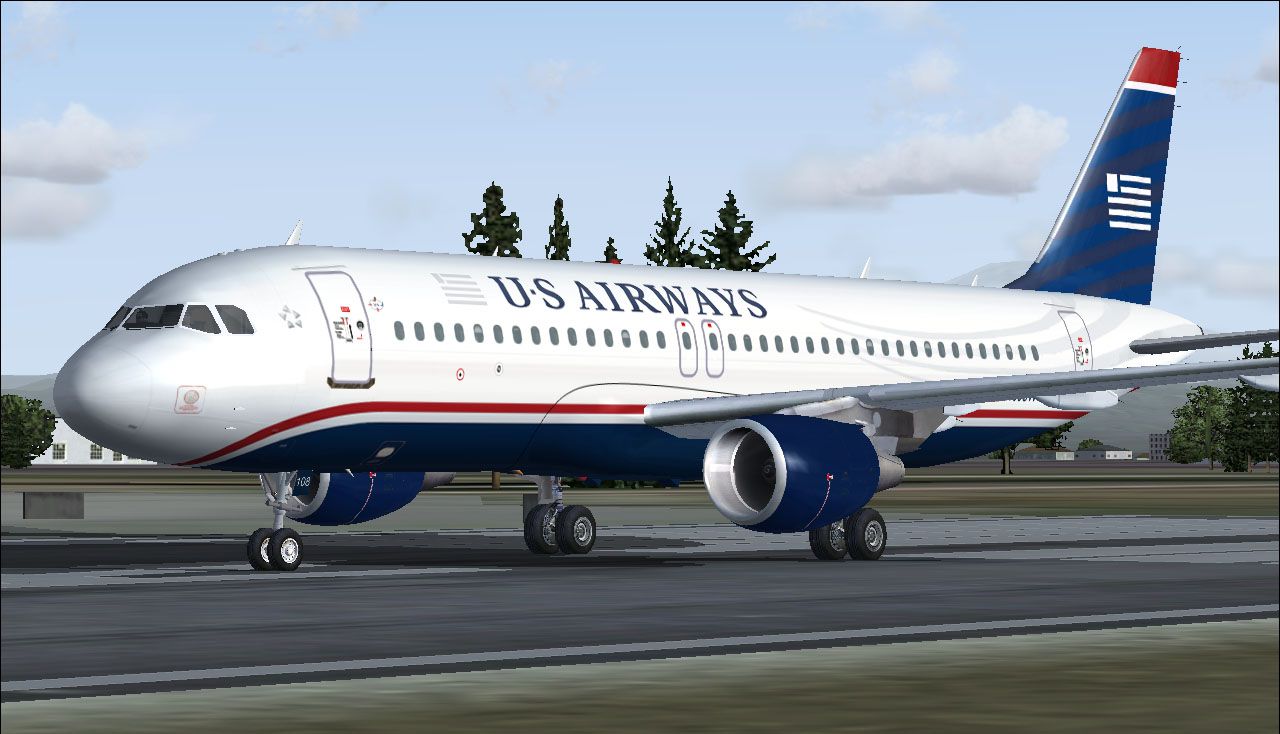


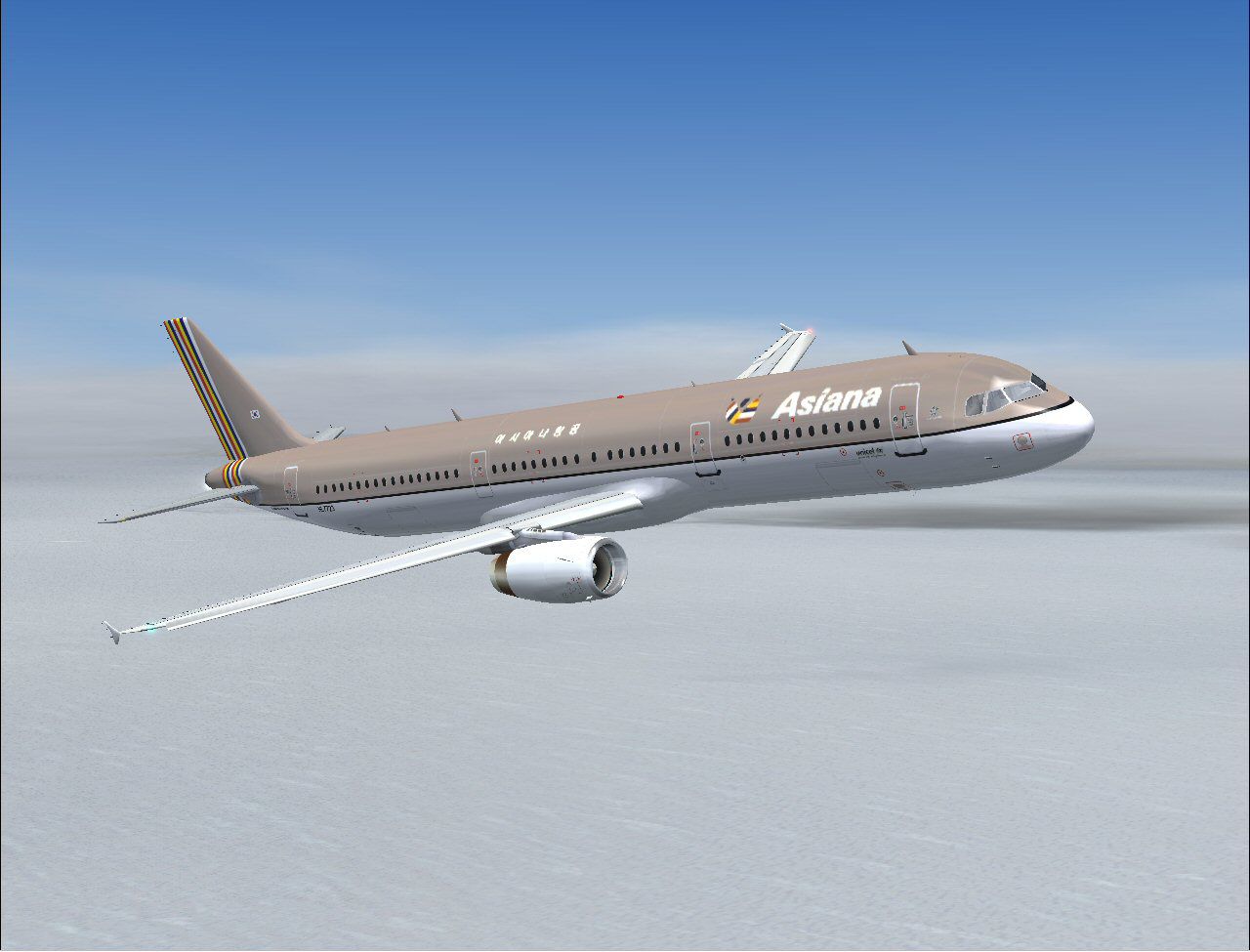
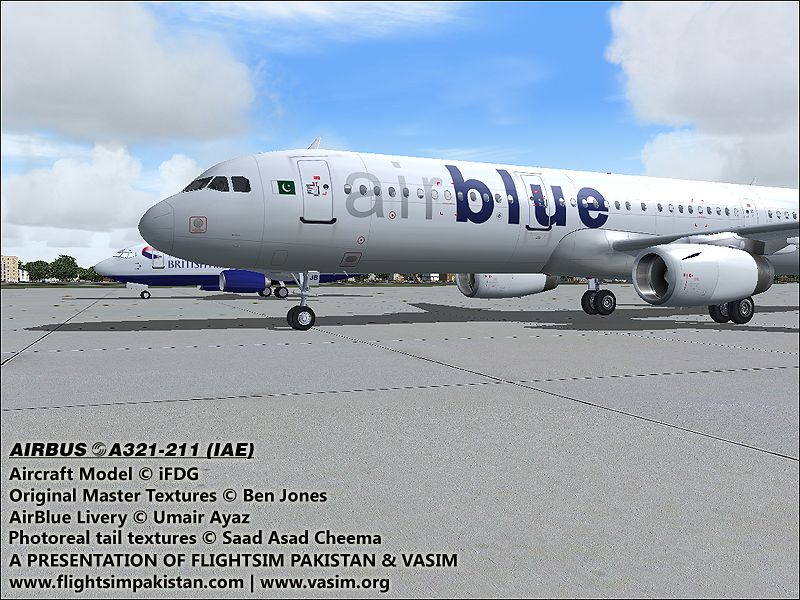
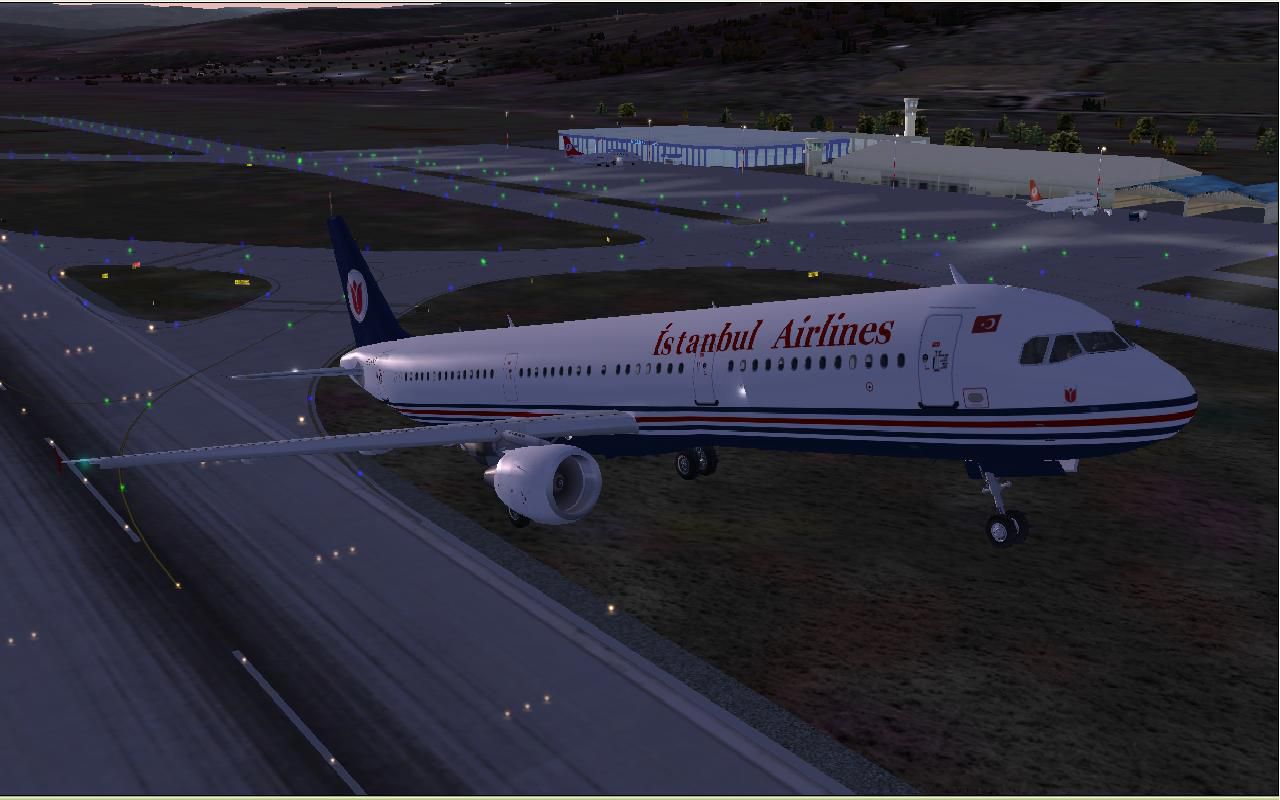


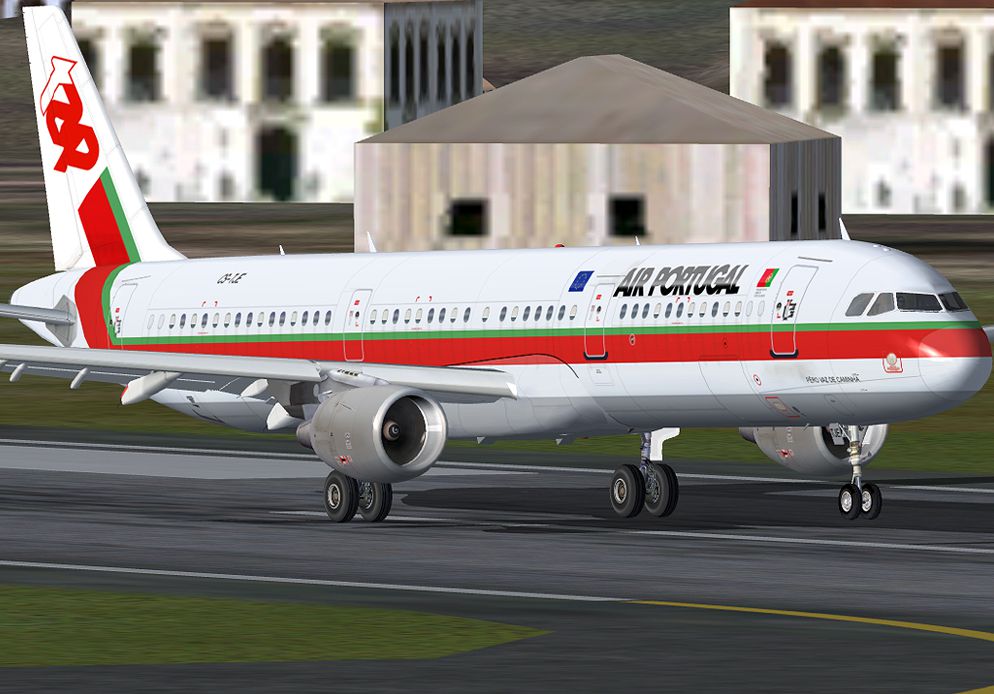
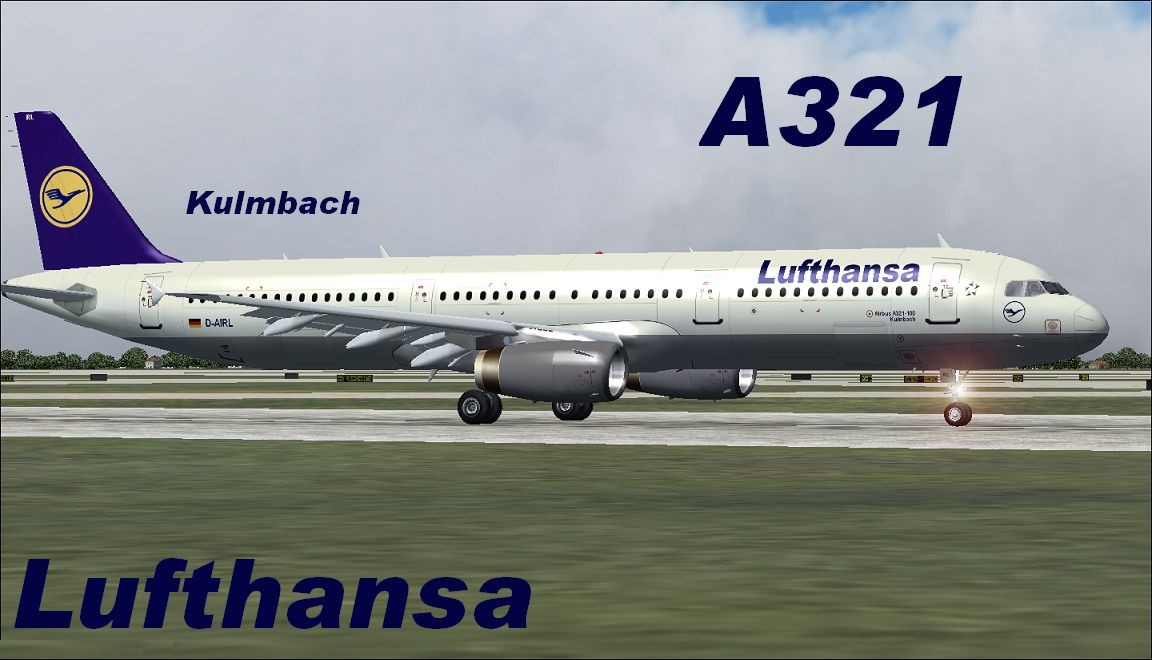

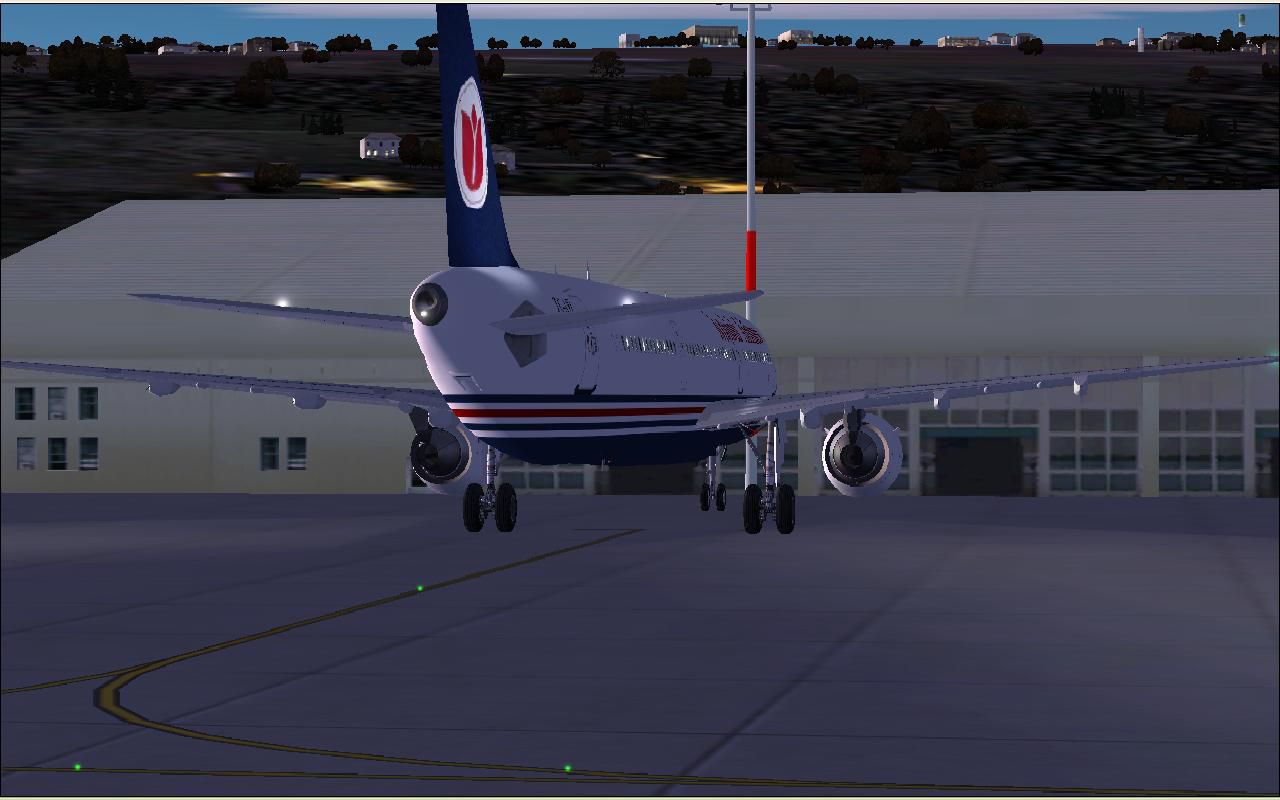
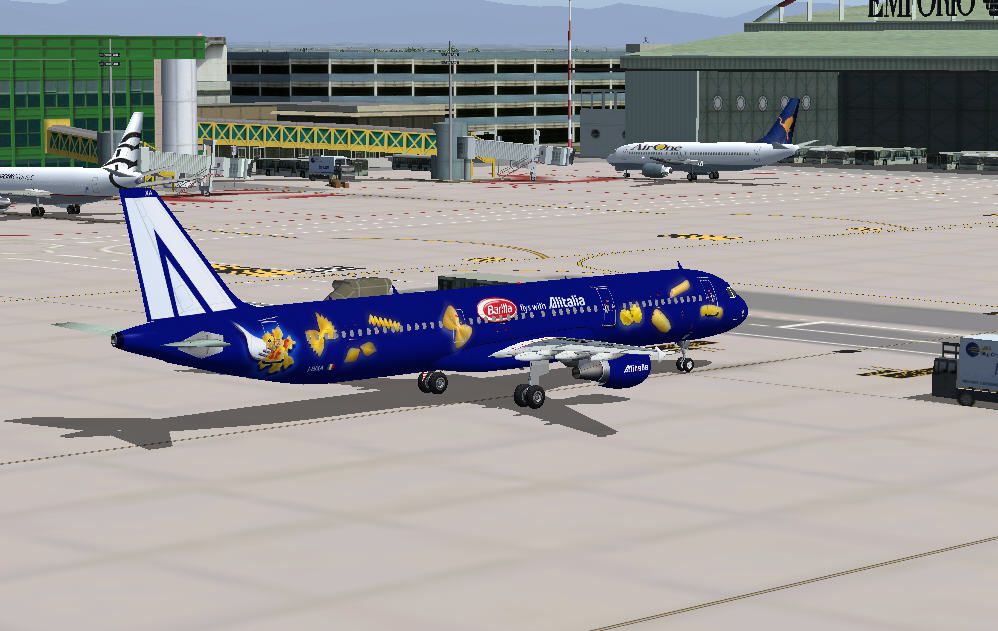
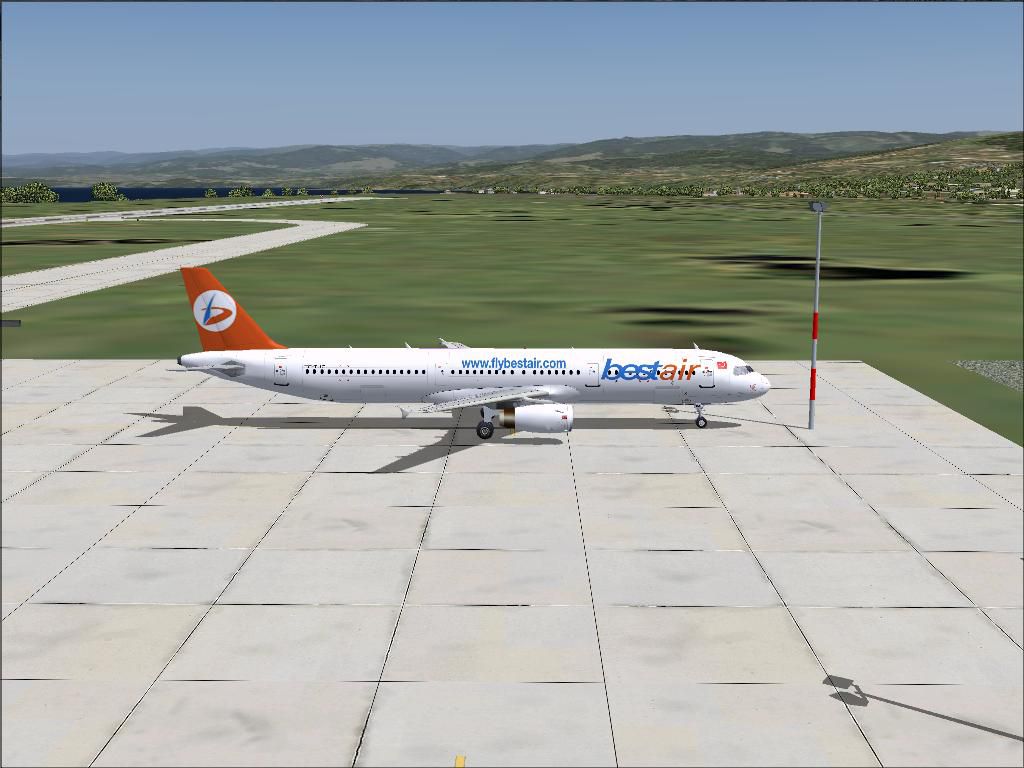
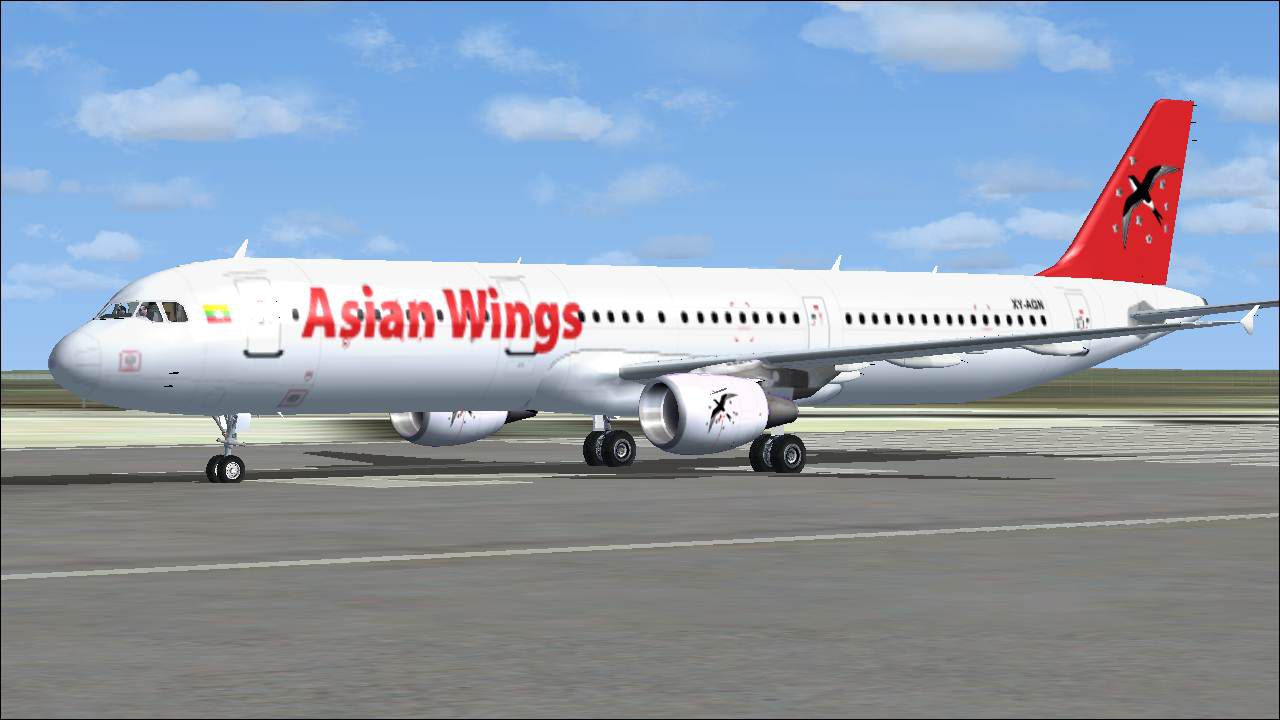

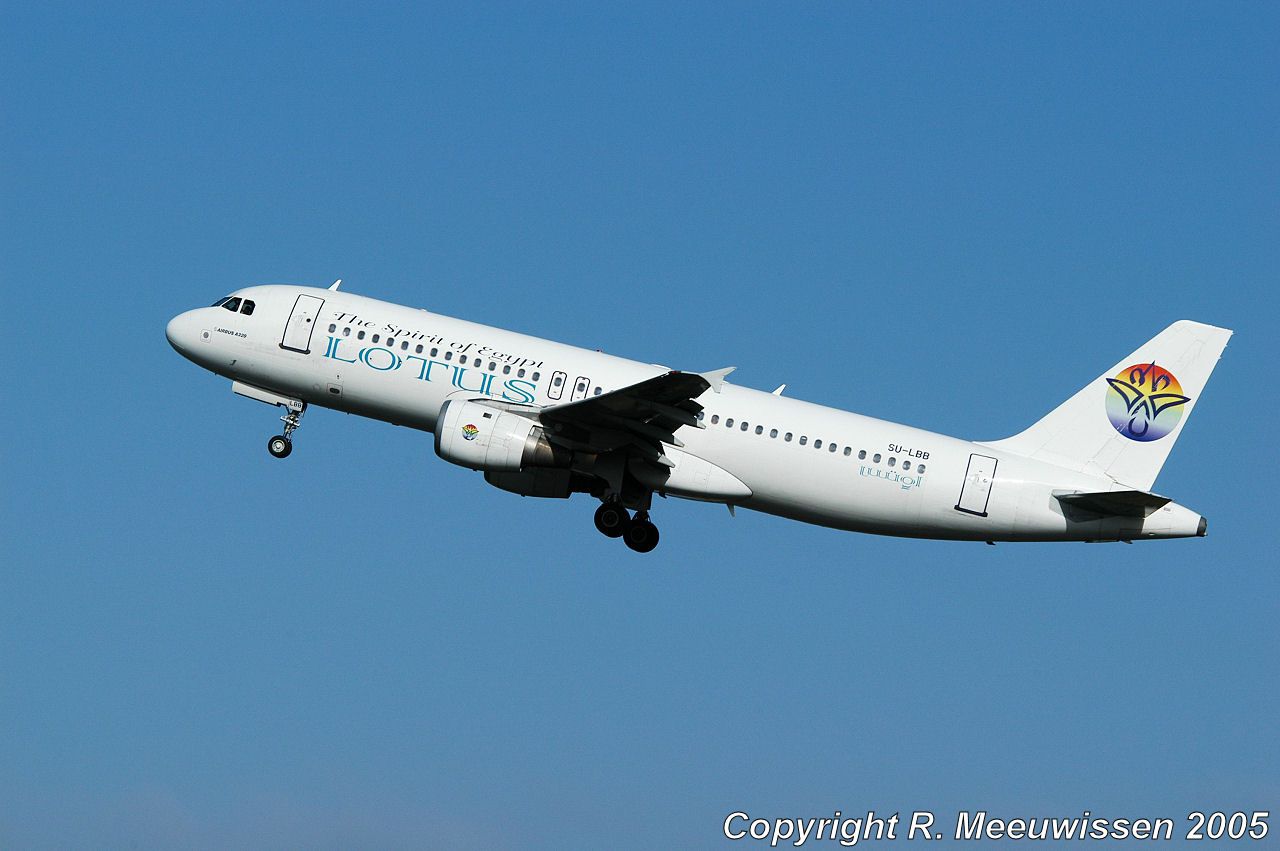
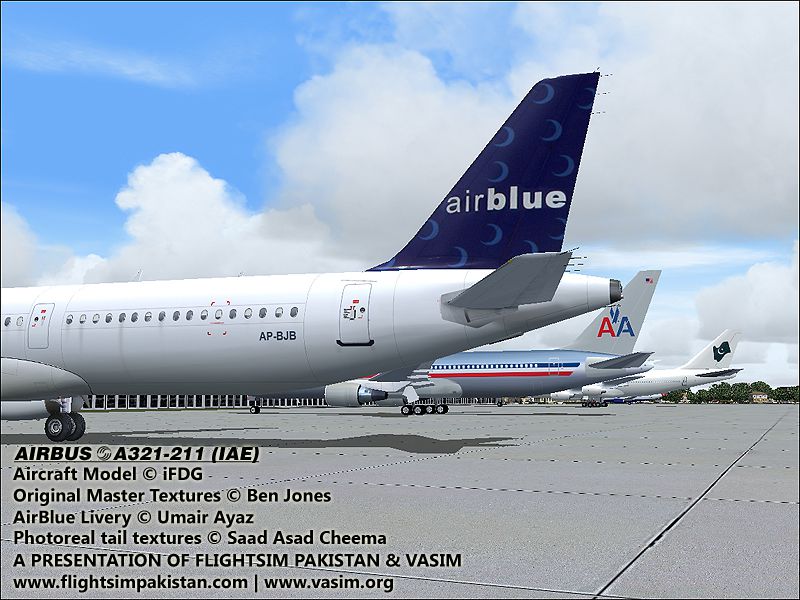
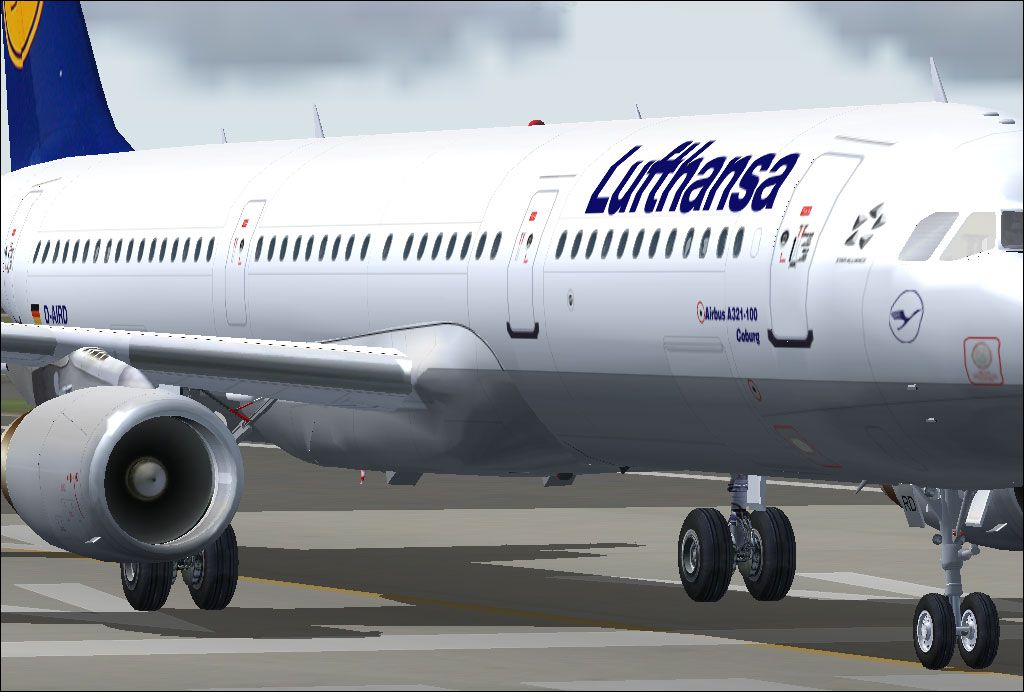
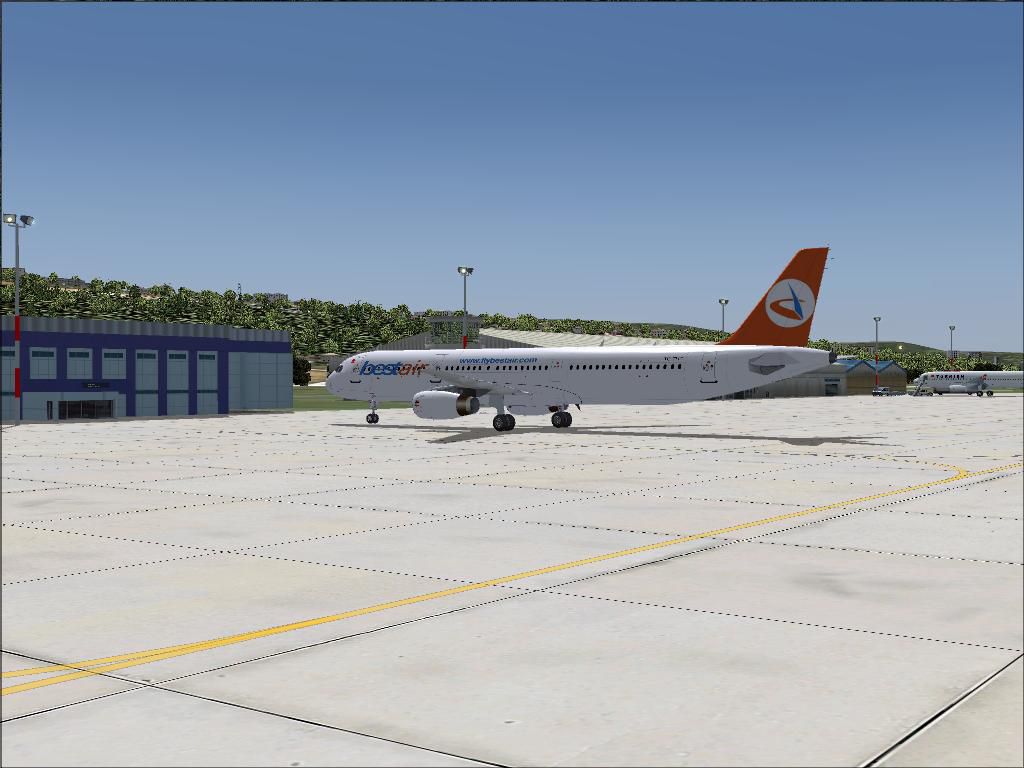
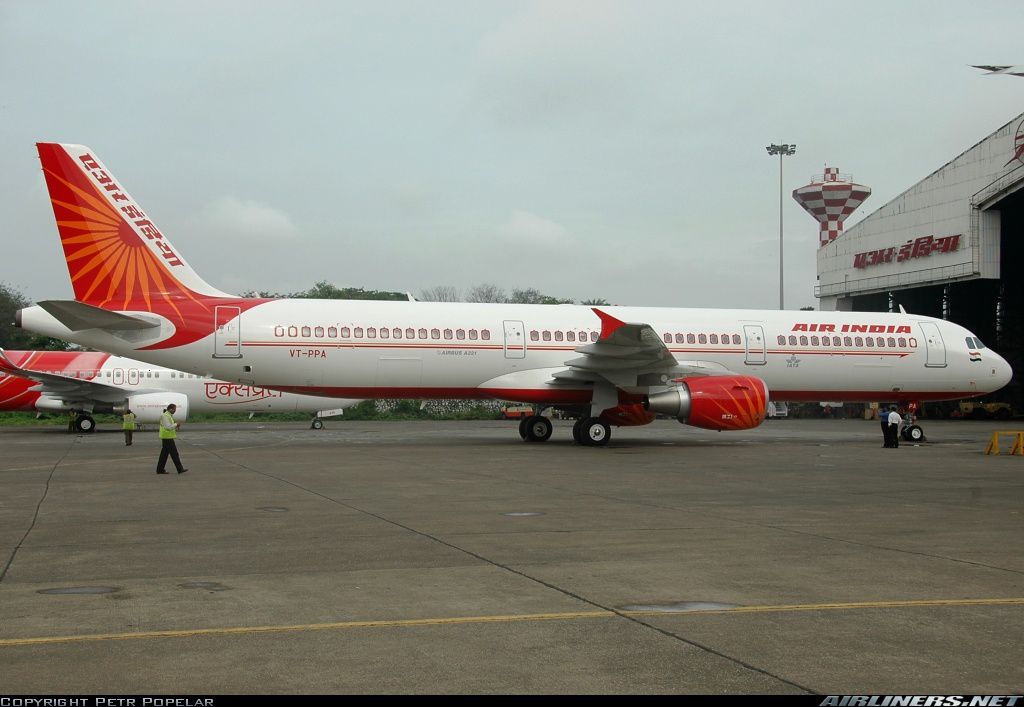
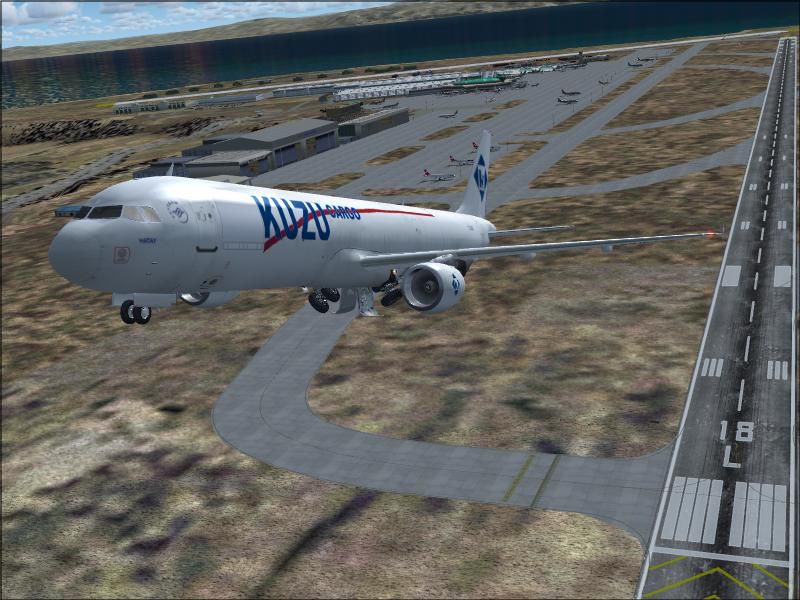
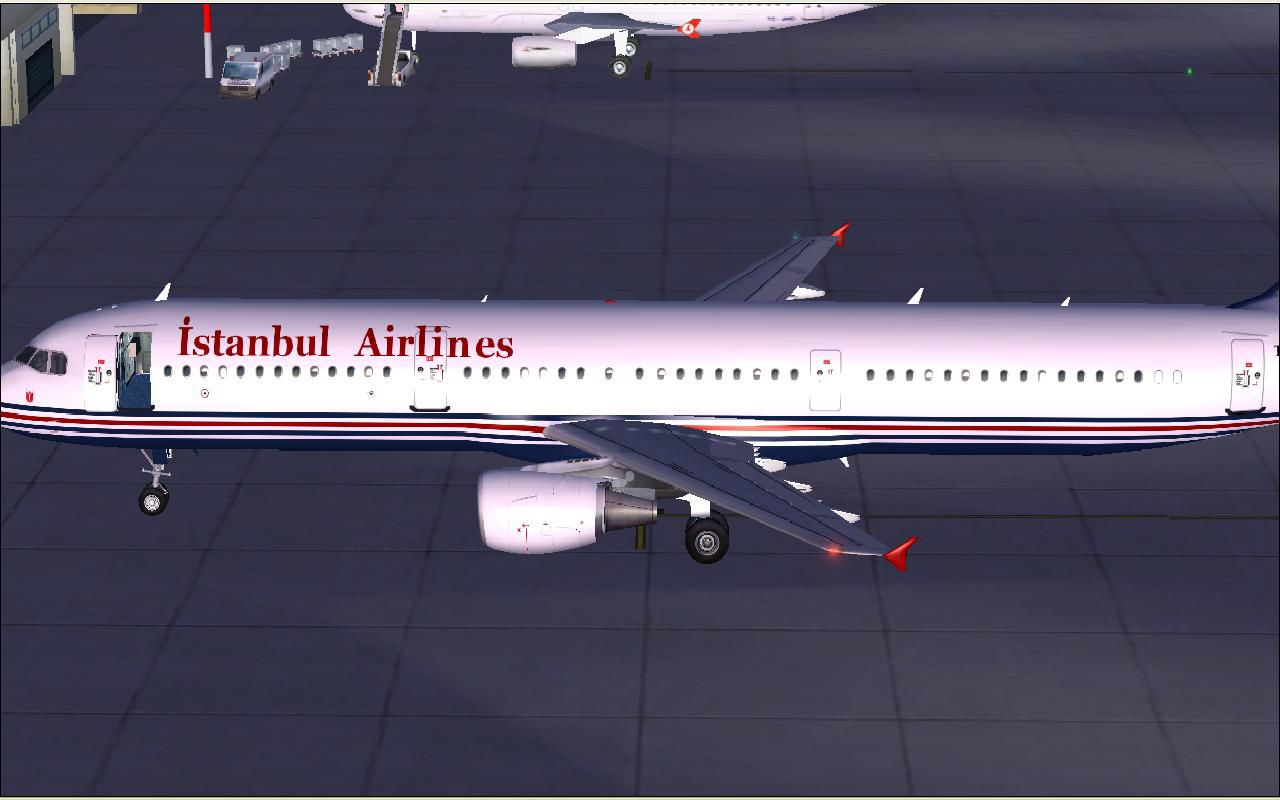
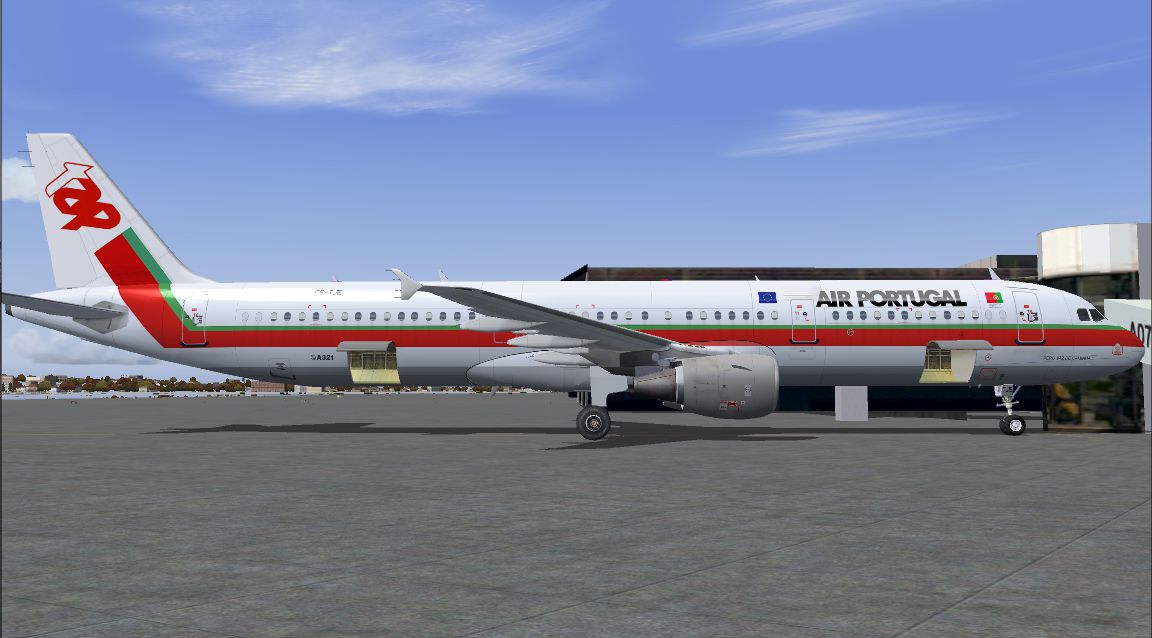
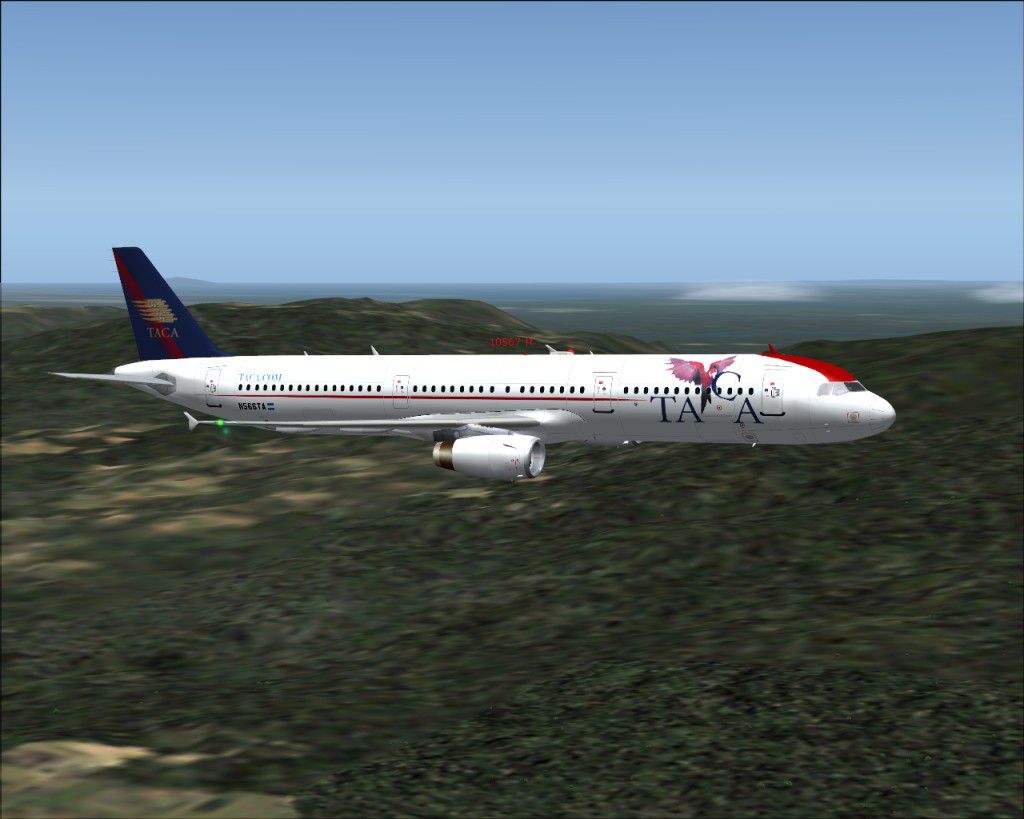
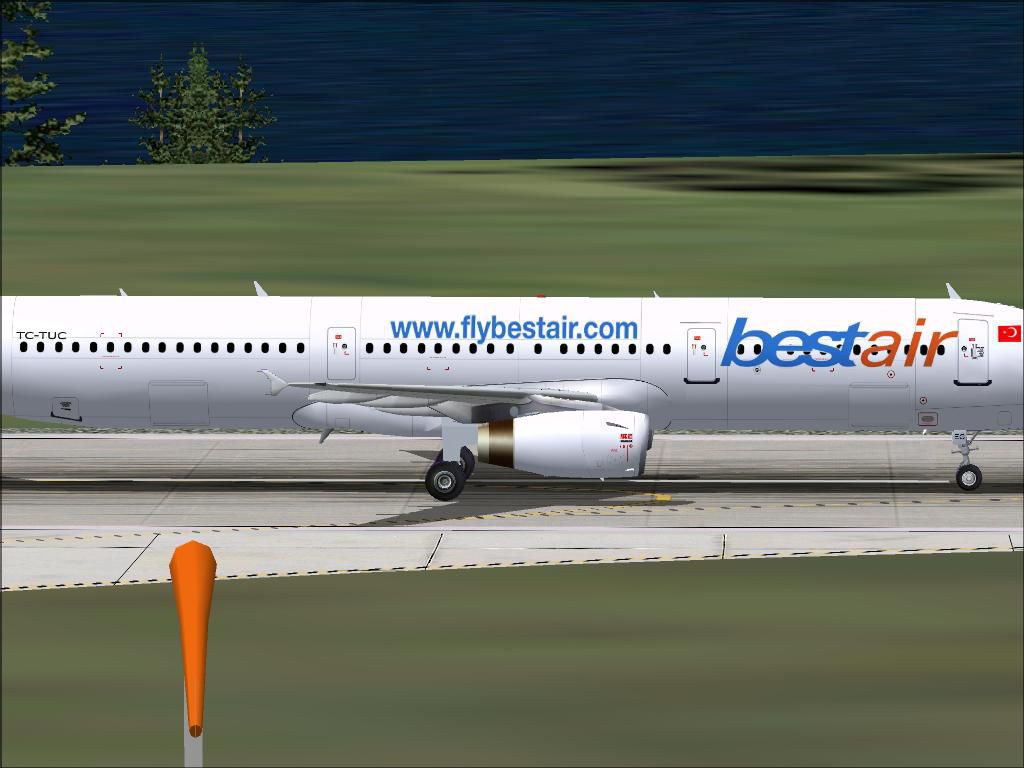

The archive ifdg-a321-fs2004-pack.zip has 10487 files and directories contained within it.
File Contents
This list displays the first 500 files in the package. If the package has more, you will need to download it to view them.
| Filename/Directory | File Date | File Size |
|---|---|---|
| A321-111 Alitalia | 03.21.20 | 0 B |
| A321CFM.air | 05.06.04 | 9.30 kB |
| Aircraft.cfg | 05.11.04 | 11.64 kB |
| effects | 03.21.20 | 0 B |
| iFDG_A320_flap.fx | 02.10.04 | 1.23 kB |
| iFDG_A320_greennav.fx | 02.08.04 | 4.56 kB |
| iFDG_A320_inspection.fx | 02.08.04 | 3.06 kB |
| iFDG_A320_logo.fx | 02.09.04 | 3.06 kB |
| iFDG_A320_redbeacon_bottom.fx | 02.08.04 | 2.08 kB |
| iFDG_A320_redbeacon_top.fx | 02.08.04 | 2.08 kB |
| iFDG_A320_rednav.fx | 02.08.04 | 4.55 kB |
| iFDG_A320_startup.fx | 02.10.04 | 1.34 kB |
| iFDG_A320_touchdown.fx | 02.10.04 | 4.61 kB |
| iFDG_A320_whitenav.fx | 02.09.04 | 3.05 kB |
| iFDG_A320_whitestrobe.fx | 02.08.04 | 1.30 kB |
| iFDG_A320_whitestrobe_tail.fx | 02.09.04 | 1.30 kB |
| model | 03.21.20 | 0 B |
| A321CFM.mdl | 05.07.04 | 2.83 MB |
| Model.cfg | 05.09.04 | 26 B |
| panel | 03.21.20 | 0 B |
| panel.cfg | 05.09.04 | 32 B |
| sound | 03.21.20 | 0 B |
| Sound.cfg | 05.09.04 | 30 B |
| texture | 03.21.20 | 0 B |
| Antenna.bmp | 04.07.04 | 598 B |
| Cargo_l.bmp | 02.09.04 | 1.00 MB |
| Engine.bmp | 04.09.04 | 4.00 MB |
| Engine_l.bmp | 01.28.04 | 1.00 MB |
| FuseP.bmp | 04.09.04 | 4.00 MB |
| FuseP_l.bmp | 04.09.04 | 4.00 MB |
| FuseS.bmp | 04.09.04 | 4.00 MB |
| FuseS_l.bmp | 04.09.04 | 4.00 MB |
| Gear.bmp | 02.09.04 | 256.07 kB |
| Gear2.bmp | 04.09.04 | 4.00 MB |
| Gear2_l.bmp | 01.24.04 | 4.07 kB |
| Gear_l.bmp | 01.24.04 | 4.07 kB |
| Misc.bmp | 04.09.04 | 4.00 MB |
| Misc2.bmp | 03.29.04 | 1.00 MB |
| Misc2_l.bmp | 01.24.04 | 1.00 MB |
| Misc_l.bmp | 01.23.04 | 1.00 MB |
| PortWing.bmp | 04.09.04 | 4.00 MB |
| PortWing_l.bmp | 01.25.04 | 1.00 MB |
| StarWing.bmp | 03.29.04 | 1.00 MB |
| StarWing_l.bmp | 01.25.04 | 1.00 MB |
| Thumbs.db | 04.13.04 | 248.50 kB |
| VStab.bmp | 04.08.04 | 1.00 MB |
| VStab_l.bmp | 02.09.04 | 256.07 kB |
| airbusblack.bmp | 03.07.04 | 5.07 kB |
| airbusblue.bmp | 04.03.04 | 16.07 kB |
| airbusdarkblue.bmp | 03.07.04 | 5.07 kB |
| airbusseats.bmp | 03.04.04 | 17.07 kB |
| airbusseats_L.bmp | 02.06.04 | 16.63 kB |
| cargo.bmp | 01.25.04 | 1.00 MB |
| fan.bmp | 01.25.04 | 64.07 kB |
| 321aca | 03.21.20 | 0 B |
| iFDG A321-211 Air Canada | 03.21.20 | 0 B |
| A321CFM.air | 05.06.04 | 9.30 kB |
| A321README.txt | 05.10.04 | 6.32 kB |
| Aircraft.cfg | 05.11.04 | 11.65 kB |
| effects | 05.10.04 | 0 B |
| iFDG_A320_flap.fx | 02.10.04 | 1.23 kB |
| iFDG_A320_greennav.fx | 02.08.04 | 4.56 kB |
| iFDG_A320_inspection.fx | 02.08.04 | 3.06 kB |
| iFDG_A320_logo.fx | 02.09.04 | 3.06 kB |
| iFDG_A320_redbeacon_bottom.fx | 02.08.04 | 2.08 kB |
| iFDG_A320_redbeacon_top.fx | 02.08.04 | 2.08 kB |
| iFDG_A320_rednav.fx | 02.08.04 | 4.55 kB |
| iFDG_A320_startup.fx | 02.10.04 | 1.34 kB |
| iFDG_A320_touchdown.fx | 02.10.04 | 4.61 kB |
| iFDG_A320_whitenav.fx | 02.09.04 | 3.05 kB |
| iFDG_A320_whitestrobe.fx | 02.08.04 | 1.30 kB |
| iFDG_A320_whitestrobe_tail.fx | 02.09.04 | 1.30 kB |
| model | 05.10.04 | 0 B |
| A321CFM.mdl | 05.07.04 | 2.83 MB |
| Model.cfg | 05.09.04 | 26 B |
| panel | 05.10.04 | 0 B |
| panel.cfg | 05.09.04 | 32 B |
| sound | 05.10.04 | 0 B |
| Sound.cfg | 05.09.04 | 30 B |
| texture | 05.10.04 | 0 B |
| Antenna.bmp | 04.07.04 | 598 B |
| Cargo_l.bmp | 02.09.04 | 1.00 MB |
| Engine.bmp | 04.06.04 | 4.00 MB |
| Engine_l.bmp | 01.28.04 | 1.00 MB |
| FuseP.bmp | 04.06.04 | 4.00 MB |
| FuseP_l.bmp | 04.06.04 | 4.00 MB |
| FuseS.bmp | 04.06.04 | 4.00 MB |
| FuseS_l.bmp | 04.06.04 | 4.00 MB |
| Gear.bmp | 02.09.04 | 256.07 kB |
| Gear2.bmp | 04.06.04 | 4.00 MB |
| Gear2_l.bmp | 01.24.04 | 4.07 kB |
| Gear_l.bmp | 01.24.04 | 4.07 kB |
| Misc.bmp | 04.06.04 | 4.00 MB |
| Misc2.bmp | 03.29.04 | 1.00 MB |
| Misc2_l.bmp | 01.24.04 | 1.00 MB |
| Misc_l.bmp | 01.23.04 | 1.00 MB |
| PortWing.bmp | 04.06.04 | 4.00 MB |
| PortWing_l.bmp | 01.25.04 | 1.00 MB |
| StarWing.bmp | 04.06.04 | 4.00 MB |
| StarWing_l.bmp | 01.25.04 | 1.00 MB |
| VStab.bmp | 04.05.04 | 1.00 MB |
| VStab_l.bmp | 02.09.04 | 256.07 kB |
| airbusblack.bmp | 03.07.04 | 5.07 kB |
| airbusblue.bmp | 04.03.04 | 16.07 kB |
| airbusdarkblue.bmp | 03.07.04 | 5.07 kB |
| airbusseats.bmp | 03.04.04 | 17.07 kB |
| airbusseats_L.bmp | 02.06.04 | 16.63 kB |
| cargo.bmp | 01.25.04 | 1.00 MB |
| 321afr | 03.21.20 | 0 B |
| iFDG A321-211 Air France | 03.21.20 | 0 B |
| A321CFM.air | 05.06.04 | 9.30 kB |
| A321README.txt | 05.11.04 | 6.32 kB |
| Aircraft.cfg | 05.11.04 | 11.65 kB |
| effects | 05.11.04 | 0 B |
| iFDG_A320_flap.fx | 02.10.04 | 1.23 kB |
| iFDG_A320_greennav.fx | 02.08.04 | 4.56 kB |
| iFDG_A320_inspection.fx | 02.08.04 | 3.06 kB |
| iFDG_A320_logo.fx | 02.09.04 | 3.06 kB |
| iFDG_A320_redbeacon_bottom.fx | 02.08.04 | 2.08 kB |
| iFDG_A320_redbeacon_top.fx | 02.08.04 | 2.08 kB |
| iFDG_A320_rednav.fx | 02.08.04 | 4.55 kB |
| iFDG_A320_startup.fx | 02.10.04 | 1.34 kB |
| iFDG_A320_touchdown.fx | 02.10.04 | 4.61 kB |
| iFDG_A320_whitenav.fx | 02.09.04 | 3.05 kB |
| iFDG_A320_whitestrobe.fx | 02.08.04 | 1.30 kB |
| iFDG_A320_whitestrobe_tail.fx | 02.09.04 | 1.30 kB |
| model | 05.11.04 | 0 B |
| A321CFM.mdl | 05.07.04 | 2.83 MB |
| Model.cfg | 05.09.04 | 26 B |
| panel | 05.11.04 | 0 B |
| panel.cfg | 05.09.04 | 32 B |
| sound | 05.11.04 | 0 B |
| Sound.cfg | 05.09.04 | 30 B |
| texture | 05.11.04 | 0 B |
| Antenna.bmp | 05.11.04 | 1.07 kB |
| Cargo_l.bmp | 02.09.04 | 1.00 MB |
| Engine.bmp | 05.10.04 | 4.00 MB |
| Engine_l.bmp | 01.28.04 | 1.00 MB |
| FuseP.bmp | 05.10.04 | 4.00 MB |
| FuseP_l.bmp | 05.11.04 | 1.00 MB |
| FuseS.bmp | 05.10.04 | 4.00 MB |
| FuseS_l.bmp | 05.11.04 | 1.00 MB |
| Gear.bmp | 02.09.04 | 256.07 kB |
| Gear2.bmp | 04.07.04 | 4.00 MB |
| Gear2_l.bmp | 01.24.04 | 4.07 kB |
| Gear_l.bmp | 01.24.04 | 4.07 kB |
| Misc.bmp | 04.07.04 | 4.00 MB |
| Misc2.bmp | 03.29.04 | 1.00 MB |
| Misc2_l.bmp | 01.24.04 | 1.00 MB |
| Misc_l.bmp | 01.23.04 | 1.00 MB |
| PortWing.bmp | 04.07.04 | 1.00 MB |
| PortWing_l.bmp | 01.25.04 | 1.00 MB |
| StarWing.bmp | 03.29.04 | 1.00 MB |
| StarWing_l.bmp | 01.25.04 | 1.00 MB |
| VStab.bmp | 05.10.04 | 1.00 MB |
| VStab_l.bmp | 02.09.04 | 256.07 kB |
| airbusblack.bmp | 02.01.04 | 4.06 kB |
| airbusblue.bmp | 04.01.04 | 16.07 kB |
| airbusdarkblue.bmp | 02.01.04 | 4.06 kB |
| airbusseats.bmp | 02.12.04 | 17.05 kB |
| airbusseats_L.bmp | 02.06.04 | 16.63 kB |
| cargo.bmp | 01.25.04 | 1.00 MB |
| 321aih | 03.21.20 | 0 B |
| iFDG A321-211 Airtours International | 05.11.04 | 0 B |
| A321CFM.air | 05.06.04 | 9.30 kB |
| A321README.txt | 05.11.04 | 6.30 kB |
| Aircraft.cfg | 05.11.04 | 11.65 kB |
| Texture.AIH | 05.11.04 | 0 B |
| Antenna.bmp | 04.07.04 | 824 B |
| Cargo_l.bmp | 02.09.04 | 1.00 MB |
| Engine.bmp | 05.01.04 | 4.00 MB |
| Engine_l.bmp | 01.28.04 | 1.00 MB |
| FuseP.bmp | 04.01.04 | 4.00 MB |
| FuseP_l.bmp | 04.01.04 | 1.00 MB |
| FuseS.bmp | 04.01.04 | 4.00 MB |
| FuseS_l.bmp | 04.01.04 | 1.00 MB |
| Gear.bmp | 02.09.04 | 256.07 kB |
| Gear2.bmp | 04.01.04 | 4.00 MB |
| Gear2_l.bmp | 01.24.04 | 4.07 kB |
| Gear_l.bmp | 01.24.04 | 4.07 kB |
| Misc.bmp | 04.01.04 | 4.00 MB |
| Misc2.bmp | 04.07.04 | 1.00 MB |
| Misc2_l.bmp | 01.24.04 | 1.00 MB |
| Misc_l.bmp | 01.23.04 | 1.00 MB |
| PortWing.bmp | 04.01.04 | 4.00 MB |
| PortWing_l.bmp | 01.25.04 | 1.00 MB |
| StarWing.bmp | 04.01.04 | 4.00 MB |
| StarWing_l.bmp | 01.25.04 | 1.00 MB |
| VStab.bmp | 04.01.04 | 1.00 MB |
| VStab_l.bmp | 02.09.04 | 256.07 kB |
| airbusblack.bmp | 02.01.04 | 4.06 kB |
| airbusblue.bmp | 04.01.04 | 16.07 kB |
| airbusdarkblue.bmp | 02.01.04 | 4.06 kB |
| airbusseats.bmp | 02.12.04 | 17.05 kB |
| airbusseats_L.bmp | 02.06.04 | 16.63 kB |
| cargo.bmp | 01.25.04 | 1.00 MB |
| effects | 05.11.04 | 0 B |
| iFDG_A320_flap.fx | 02.10.04 | 1.23 kB |
| iFDG_A320_greennav.fx | 02.08.04 | 4.56 kB |
| iFDG_A320_inspection.fx | 02.08.04 | 3.06 kB |
| iFDG_A320_logo.fx | 02.09.04 | 3.06 kB |
| iFDG_A320_redbeacon_bottom.fx | 02.08.04 | 2.08 kB |
| iFDG_A320_redbeacon_top.fx | 02.08.04 | 2.08 kB |
| iFDG_A320_rednav.fx | 02.08.04 | 4.55 kB |
| iFDG_A320_startup.fx | 02.10.04 | 1.34 kB |
| iFDG_A320_touchdown.fx | 02.10.04 | 4.61 kB |
| iFDG_A320_whitenav.fx | 02.09.04 | 3.05 kB |
| iFDG_A320_whitestrobe.fx | 02.08.04 | 1.30 kB |
| iFDG_A320_whitestrobe_tail.fx | 02.09.04 | 1.30 kB |
| model.CFM | 05.11.04 | 0 B |
| A321CFM.mdl | 05.14.04 | 2.83 MB |
| Model.cfg | 05.09.04 | 26 B |
| panel | 05.11.04 | 0 B |
| panel.cfg | 05.09.04 | 32 B |
| sound | 05.11.04 | 0 B |
| Sound.cfg | 05.09.04 | 30 B |
| 321air | 03.21.20 | 0 B |
| 321airbus.jpg | 05.13.04 | 142.44 kB |
| 321airbus.txt | 05.13.04 | 553 B |
| 321ajm | 03.21.20 | 0 B |
| iFDG A321-211 Air Jamaica | 03.21.20 | 0 B |
| A321CFM.air | 05.06.04 | 9.30 kB |
| A321README.txt | 05.10.04 | 6.32 kB |
| Aircraft.cfg | 05.11.04 | 11.66 kB |
| effects | 03.21.20 | 0 B |
| iFDG_A320_flap.fx | 02.10.04 | 1.23 kB |
| iFDG_A320_greennav.fx | 02.08.04 | 4.56 kB |
| iFDG_A320_inspection.fx | 02.08.04 | 3.06 kB |
| iFDG_A320_logo.fx | 02.09.04 | 3.06 kB |
| iFDG_A320_redbeacon_bottom.fx | 02.08.04 | 2.08 kB |
| iFDG_A320_redbeacon_top.fx | 02.08.04 | 2.08 kB |
| iFDG_A320_rednav.fx | 02.08.04 | 4.55 kB |
| iFDG_A320_startup.fx | 02.10.04 | 1.34 kB |
| iFDG_A320_touchdown.fx | 02.10.04 | 4.61 kB |
| iFDG_A320_whitenav.fx | 02.09.04 | 3.05 kB |
| iFDG_A320_whitestrobe.fx | 02.08.04 | 1.30 kB |
| iFDG_A320_whitestrobe_tail.fx | 02.09.04 | 1.30 kB |
| model | 03.21.20 | 0 B |
| A321CFM.mdl | 05.07.04 | 2.83 MB |
| Model.cfg | 05.09.04 | 26 B |
| panel | 03.21.20 | 0 B |
| panel.cfg | 05.09.04 | 32 B |
| sound | 03.21.20 | 0 B |
| Sound.cfg | 05.09.04 | 30 B |
| texture | 03.21.20 | 0 B |
| Antenna.bmp | 04.07.04 | 598 B |
| Cargo_l.bmp | 05.11.04 | 1.00 MB |
| Engine.bmp | 05.11.04 | 4.00 MB |
| Engine_l.bmp | 01.28.04 | 1.00 MB |
| FuseP.bmp | 05.11.04 | 4.00 MB |
| FuseP_l.bmp | 02.23.04 | 1.00 MB |
| FuseS.bmp | 05.11.04 | 4.00 MB |
| FuseS_l.bmp | 02.23.04 | 1.00 MB |
| Gear.bmp | 05.11.04 | 256.07 kB |
| Gear2.bmp | 04.24.04 | 4.00 MB |
| Gear2_l.bmp | 01.24.04 | 4.07 kB |
| Gear_l.bmp | 01.24.04 | 4.07 kB |
| Misc.bmp | 04.19.04 | 4.00 MB |
| Misc2.bmp | 03.29.04 | 1.00 MB |
| Misc2_l.bmp | 01.24.04 | 1.00 MB |
| Misc_l.bmp | 01.23.04 | 1.00 MB |
| PortWing.bmp | 05.11.04 | 2.00 MB |
| PortWing_l.bmp | 01.25.04 | 1.00 MB |
| StarWing.bmp | 05.11.04 | 2.00 MB |
| StarWing_l.bmp | 01.25.04 | 1.00 MB |
| VStab.bmp | 02.20.04 | 1.00 MB |
| VStab_l.bmp | 02.09.04 | 256.07 kB |
| airbusblack.bmp | 02.01.04 | 4.06 kB |
| airbusblue.bmp | 03.29.04 | 5.07 kB |
| airbusdarkblue.bmp | 02.01.04 | 4.06 kB |
| airbusseats.bmp | 02.12.04 | 17.05 kB |
| airbusseats_L.bmp | 02.06.04 | 16.63 kB |
| cargo.bmp | 01.25.04 | 1.00 MB |
| 321ammnc | 03.21.20 | 0 B |
| iFDG A321-211 Air 2000 NC | 05.11.04 | 0 B |
| A321CFM.air | 05.06.04 | 9.30 kB |
| A321README.txt | 05.11.04 | 6.30 kB |
| Aircraft.cfg | 05.11.04 | 11.65 kB |
| Texture.AMMNC | 05.11.04 | 0 B |
| Antenna.bmp | 04.07.04 | 824 B |
| Cargo_l.bmp | 02.09.04 | 1.00 MB |
| Engine.bmp | 05.01.04 | 4.00 MB |
| Engine_l.bmp | 01.28.04 | 1.00 MB |
| FuseP.bmp | 04.08.04 | 4.00 MB |
| FuseP_l.bmp | 04.01.04 | 1.00 MB |
| FuseS.bmp | 04.08.04 | 4.00 MB |
| FuseS_l.bmp | 04.01.04 | 1.00 MB |
| Gear.bmp | 02.09.04 | 256.07 kB |
| Gear2.bmp | 04.08.04 | 4.00 MB |
| Gear2_l.bmp | 01.24.04 | 4.07 kB |
| Gear_l.bmp | 01.24.04 | 4.07 kB |
| Misc.bmp | 02.14.04 | 2.00 MB |
| Misc2.bmp | 04.07.04 | 1.00 MB |
| Misc2_l.bmp | 01.24.04 | 1.00 MB |
| Misc_l.bmp | 01.23.04 | 1.00 MB |
| PortWing.bmp | 04.08.04 | 4.00 MB |
| PortWing_l.bmp | 01.25.04 | 1.00 MB |
| StarWing.bmp | 04.01.04 | 4.00 MB |
| StarWing_l.bmp | 01.25.04 | 1.00 MB |
| VStab.bmp | 04.01.04 | 1.00 MB |
| VStab_l.bmp | 02.09.04 | 256.07 kB |
| airbusblack.bmp | 02.01.04 | 4.06 kB |
| airbusblue.bmp | 04.01.04 | 16.07 kB |
| airbusdarkblue.bmp | 02.01.04 | 4.06 kB |
| airbusseats.bmp | 02.12.04 | 17.05 kB |
| airbusseats_L.bmp | 02.06.04 | 16.63 kB |
| cargo.bmp | 01.25.04 | 1.00 MB |
| effects | 05.11.04 | 0 B |
| iFDG_A320_flap.fx | 02.10.04 | 1.23 kB |
| iFDG_A320_greennav.fx | 02.08.04 | 4.56 kB |
| iFDG_A320_inspection.fx | 02.08.04 | 3.06 kB |
| iFDG_A320_logo.fx | 02.09.04 | 3.06 kB |
| iFDG_A320_redbeacon_bottom.fx | 02.08.04 | 2.08 kB |
| iFDG_A320_redbeacon_top.fx | 02.08.04 | 2.08 kB |
| iFDG_A320_rednav.fx | 02.08.04 | 4.55 kB |
| iFDG_A320_startup.fx | 02.10.04 | 1.34 kB |
| iFDG_A320_touchdown.fx | 02.10.04 | 4.61 kB |
| iFDG_A320_whitenav.fx | 02.09.04 | 3.05 kB |
| iFDG_A320_whitestrobe.fx | 02.08.04 | 1.30 kB |
| iFDG_A320_whitestrobe_tail.fx | 02.09.04 | 1.30 kB |
| model.CFM | 05.11.04 | 0 B |
| A321CFM.mdl | 05.14.04 | 2.83 MB |
| Model.cfg | 05.09.04 | 26 B |
| panel | 05.11.04 | 0 B |
| panel.cfg | 05.09.04 | 32 B |
| sound | 05.11.04 | 0 B |
| Sound.cfg | 05.09.04 | 30 B |
| 321ammoc | 03.21.20 | 0 B |
| iFDG A321-211 Air 2000 OC | 05.11.04 | 0 B |
| A321CFM.air | 05.06.04 | 9.30 kB |
| A321README.txt | 05.11.04 | 6.30 kB |
| Aircraft.cfg | 05.11.04 | 11.64 kB |
| Texture.AMMOC | 05.11.04 | 0 B |
| Antenna.bmp | 04.07.04 | 824 B |
| Cargo_l.bmp | 02.09.04 | 1.00 MB |
| Engine.bmp | 05.01.04 | 4.00 MB |
| Engine_l.bmp | 01.28.04 | 1.00 MB |
| FuseP.bmp | 04.11.04 | 4.00 MB |
| FuseP_l.bmp | 04.01.04 | 1.00 MB |
| FuseS.bmp | 04.11.04 | 4.00 MB |
| FuseS_l.bmp | 04.01.04 | 1.00 MB |
| Gear.bmp | 02.09.04 | 256.07 kB |
| Gear2.bmp | 04.03.04 | 4.00 MB |
| Gear2_l.bmp | 01.24.04 | 4.07 kB |
| Gear_l.bmp | 01.24.04 | 4.07 kB |
| Misc.bmp | 04.03.04 | 4.00 MB |
| Misc2.bmp | 04.07.04 | 1.00 MB |
| Misc2_l.bmp | 01.24.04 | 1.00 MB |
| Misc_l.bmp | 01.23.04 | 1.00 MB |
| PortWing.bmp | 04.03.04 | 4.00 MB |
| PortWing_l.bmp | 01.25.04 | 1.00 MB |
| StarWing.bmp | 04.03.04 | 4.00 MB |
| StarWing_l.bmp | 01.25.04 | 1.00 MB |
| VStab.bmp | 04.03.04 | 1.00 MB |
| VStab_l.bmp | 02.09.04 | 256.07 kB |
| airbusblack.bmp | 02.01.04 | 4.06 kB |
| airbusblue.bmp | 04.01.04 | 16.07 kB |
| airbusdarkblue.bmp | 02.01.04 | 4.06 kB |
| airbusseats.bmp | 02.12.04 | 17.05 kB |
| airbusseats_L.bmp | 02.06.04 | 16.63 kB |
| cargo.bmp | 01.25.04 | 1.00 MB |
| effects | 05.11.04 | 0 B |
| iFDG_A320_flap.fx | 02.10.04 | 1.23 kB |
| iFDG_A320_greennav.fx | 02.08.04 | 4.56 kB |
| iFDG_A320_inspection.fx | 02.08.04 | 3.06 kB |
| iFDG_A320_logo.fx | 02.09.04 | 3.06 kB |
| iFDG_A320_redbeacon_bottom.fx | 02.08.04 | 2.08 kB |
| iFDG_A320_redbeacon_top.fx | 02.08.04 | 2.08 kB |
| iFDG_A320_rednav.fx | 02.08.04 | 4.55 kB |
| iFDG_A320_startup.fx | 02.10.04 | 1.34 kB |
| iFDG_A320_touchdown.fx | 02.10.04 | 4.61 kB |
| iFDG_A320_whitenav.fx | 02.09.04 | 3.05 kB |
| iFDG_A320_whitestrobe.fx | 02.08.04 | 1.30 kB |
| iFDG_A320_whitestrobe_tail.fx | 02.09.04 | 1.30 kB |
| model.CFM | 05.11.04 | 0 B |
| A321CFM.mdl | 05.14.04 | 2.83 MB |
| Model.cfg | 05.09.04 | 26 B |
| panel | 05.11.04 | 0 B |
| panel.cfg | 05.09.04 | 32 B |
| sound | 05.11.04 | 0 B |
| Sound.cfg | 05.09.04 | 30 B |
| 321amu | 03.21.20 | 0 B |
| iFDG A321-231 Air Macau | 03.21.20 | 0 B |
| A321IAE.air | 05.07.04 | 9.31 kB |
| A321README.txt | 05.10.04 | 6.32 kB |
| Aircraft.cfg | 05.11.04 | 11.52 kB |
| effects | 03.21.20 | 0 B |
| iFDG_A320_flap.fx | 02.10.04 | 1.23 kB |
| iFDG_A320_greennav.fx | 02.08.04 | 4.56 kB |
| iFDG_A320_inspection.fx | 02.08.04 | 3.06 kB |
| iFDG_A320_logo.fx | 02.09.04 | 3.06 kB |
| iFDG_A320_redbeacon_bottom.fx | 02.08.04 | 2.08 kB |
| iFDG_A320_redbeacon_top.fx | 02.08.04 | 2.08 kB |
| iFDG_A320_rednav.fx | 02.08.04 | 4.55 kB |
| iFDG_A320_startup.fx | 02.10.04 | 1.34 kB |
| iFDG_A320_touchdown.fx | 02.10.04 | 4.61 kB |
| iFDG_A320_whitenav.fx | 02.09.04 | 3.05 kB |
| iFDG_A320_whitestrobe.fx | 02.08.04 | 1.30 kB |
| iFDG_A320_whitestrobe_tail.fx | 02.09.04 | 1.30 kB |
| model | 03.21.20 | 0 B |
| A321IAE.mdl | 05.10.04 | 2.48 MB |
| Model.cfg | 05.09.04 | 26 B |
| panel | 03.21.20 | 0 B |
| panel.cfg | 05.09.04 | 32 B |
| sound | 03.21.20 | 0 B |
| Sound.cfg | 05.09.04 | 30 B |
| texture | 03.21.20 | 0 B |
| Antenna.bmp | 04.07.04 | 598 B |
| Cargo_l.bmp | 02.09.04 | 1.00 MB |
| EngineIAE.bmp | 04.19.04 | 4.00 MB |
| EngineIAE_l.bmp | 01.31.04 | 1.00 MB |
| FuseP.bmp | 05.11.04 | 4.00 MB |
| FuseP_l.bmp | 02.23.04 | 1.00 MB |
| FuseS.bmp | 05.11.04 | 4.00 MB |
| FuseS_l.bmp | 02.23.04 | 1.00 MB |
| Gear.bmp | 02.09.04 | 256.07 kB |
| Gear2.bmp | 04.18.04 | 4.00 MB |
| Gear2_l.bmp | 01.24.04 | 4.07 kB |
| Gear_l.bmp | 01.24.04 | 4.07 kB |
| Misc.bmp | 04.18.04 | 4.00 MB |
| Misc2.bmp | 03.29.04 | 1.00 MB |
| Misc2_l.bmp | 01.24.04 | 1.00 MB |
| Misc_l.bmp | 01.23.04 | 1.00 MB |
| PortWing.bmp | 05.11.04 | 2.00 MB |
| PortWing_l.bmp | 01.25.04 | 1.00 MB |
| StarWing.bmp | 05.11.04 | 2.00 MB |
| StarWing_l.bmp | 01.25.04 | 1.00 MB |
| VStab.bmp | 04.09.04 | 1.00 MB |
| VStab_l.bmp | 02.09.04 | 256.07 kB |
| airbusblack.bmp | 02.01.04 | 4.06 kB |
| airbusblue.bmp | 03.29.04 | 5.07 kB |
| airbusdarkblue.bmp | 02.01.04 | 4.06 kB |
| airbusseats.bmp | 02.12.04 | 17.05 kB |
| airbusseats_L.bmp | 02.06.04 | 16.63 kB |
| cargo.bmp | 01.25.04 | 1.00 MB |
| 321arblu | 03.21.20 | 0 B |
| A321README.txt | 07.16.06 | 6.42 kB |
| Aircraft | 07.16.06 | 0 B |
| iFDG A321-211 AirBlue | 07.16.06 | 0 B |
| A321IAE.air | 05.07.04 | 9.31 kB |
| A321README.txt | 07.16.06 | 6.42 kB |
| Aircraft.cfg | 07.15.06 | 11.61 kB |
| Texture.AirBlue | 07.16.06 | 0 B |
| Antenna.bmp | 04.07.04 | 824 B |
| Cargo_l.bmp | 02.09.04 | 1.00 MB |
| EngineIAE.bmp | 07.15.06 | 4.00 MB |
| EngineIAE_l.bmp | 01.31.04 | 1.00 MB |
| FuseP.bmp | 07.15.06 | 4.00 MB |
| FuseP_l.bmp | 04.01.04 | 1.00 MB |
| FuseS.bmp | 07.15.06 | 4.00 MB |
| FuseS_l.bmp | 04.01.04 | 1.00 MB |
| Gear.bmp | 02.09.04 | 256.07 kB |
| Gear2.bmp | 07.15.06 | 4.00 MB |
| Gear2_l.bmp | 01.24.04 | 4.07 kB |
| Gear_l.bmp | 01.24.04 | 4.07 kB |
| Misc.bmp | 07.15.06 | 4.00 MB |
| Misc2.bmp | 04.07.04 | 1.00 MB |
| Misc2_l.bmp | 01.24.04 | 1.00 MB |
| Misc_l.bmp | 01.23.04 | 1.00 MB |
| PortWing.bmp | 07.15.06 | 4.00 MB |
| PortWing_l.bmp | 01.25.04 | 1.00 MB |
| StarWing.bmp | 07.15.06 | 4.00 MB |
| StarWing_l.bmp | 01.25.04 | 1.00 MB |
| VStab.bmp | 07.16.06 | 1.00 MB |
| VStab_l.bmp | 02.09.04 | 256.07 kB |
| airbusblack.bmp | 02.01.04 | 4.06 kB |
| airbusblue.bmp | 04.01.04 | 16.07 kB |
| airbusdarkblue.bmp | 02.01.04 | 4.06 kB |
| airbusseats.bmp | 02.12.04 | 17.05 kB |
| airbusseats_L.bmp | 02.06.04 | 16.63 kB |
| cargo.bmp | 01.25.04 | 1.00 MB |
| model.IAE | 07.16.06 | 0 B |
| A321IAE.mdl | 05.10.04 | 2.48 MB |
| Model.cfg | 05.09.04 | 26 B |
| panel | 07.16.06 | 0 B |
| panel.cfg | 05.09.04 | 32 B |
| sound | 07.16.06 | 0 B |
| Sound.cfg | 05.09.04 | 30 B |
| Effects | 07.16.06 | 0 B |
| iFDG_A320_flap.fx | 02.10.04 | 1.23 kB |
| iFDG_A320_greennav.fx | 02.08.04 | 4.56 kB |
| iFDG_A320_inspection.fx | 02.08.04 | 3.06 kB |
| iFDG_A320_logo.fx | 02.09.04 | 3.06 kB |
| iFDG_A320_redbeacon_bottom.fx | 02.08.04 | 2.08 kB |
| iFDG_A320_redbeacon_top.fx | 02.08.04 | 2.08 kB |
| iFDG_A320_rednav.fx | 02.08.04 | 4.55 kB |
| iFDG_A320_startup.fx | 02.10.04 | 1.34 kB |
| iFDG_A320_touchdown.fx | 02.10.04 | 4.61 kB |
| iFDG_A320_whitenav.fx | 02.09.04 | 3.05 kB |
| iFDG_A320_whitestrobe.fx | 02.08.04 | 1.30 kB |
| iFDG_A320_whitestrobe_tail.fx | 02.09.04 | 1.30 kB |
| Screen Shots | 07.16.06 | 0 B |
| AP-BJB_01.jpg | 07.16.06 | 500.17 kB |
| AP-BJB_02.jpg | 07.16.06 | 439.53 kB |
| AP-BJB_03.jpg | 07.16.06 | 238.78 kB |
| AP-BJB_04.jpg | 07.16.06 | 272.76 kB |
| AP-BJB_05.jpg | 07.16.06 | 367.93 kB |
| small.gif | 07.16.06 | 27.93 kB |
| 321auanc | 03.21.20 | 0 B |
| iFDG A321-111 Austrian Airlines NC | 03.21.20 | 0 B |
| A321CFM.air | 05.06.04 | 9.30 kB |
Editorial
As someone who has enjoyed many a flight on the Airbus A321, I was immediately intrigued to try this out, especially given that it was for FS2004. Due to life commitments, I’m on the road a lot at present so I’m using my older laptop which can only handle FS2004.
The Detail
The level of detail is something that greatly impressed me. For an older model this coms with all of the usual features like animated control surfaces as well as wing views and flaps. Additionally, you get access to reflective textures /w dynamic shine as well as highly detailed extras and minor features along the way.
The whole package feels exceptionally like the real thing, from the layout of the cockpit to the way that it actually handles itself in the air. From the designer's point of view I would have to say that the detail they have included is about as authentic as you are likely to find with one of these packages.
One thing that really impressed me about the update was the use of full lighting – it’s a rarely used feature in many mods, but one that makes a MASSIVE difference.
I no longer found myself having to use artificial light sources or putting the brightness to unrealistic levels anymore thanks to the improvements that this makes to the original design.
The Realism
The functionality of the aircraft was just as impressive, though. It seals the whole image together and also ensures that you have far less time to worry about operating everything on its own merits.
By blending together the whole aircraft in this way the entire thing feels like it moves like one. Whilst some mods do a great job of making you realize its all separate pats, this has no problem at all in commanding a respected and impressive range of features.
Each of these goes a long way to helping you understand just what makes this aircraft such a fun thing to fly – from the paint scheme that was used to the way it performs.
Everything included here is very useful to have included in your simulation experience and will hopefully help you understand just how much fun it can be to fly around in an aircraft like this.
For a part of aviation history that is well worth celebrating, you should try this out.

Adam McEnroe
Adam McEnroe is a flight sim enthusiast who has been simming since the days of FS95. Adam writes all of the download section editorials after testing each of the files. Adam has extensive knowledge using various flight simulator packages and thoroughly tests the files before writing about them. Adam also like to fly real-world aircraft in his spare time and is training for his PPL.
Should you wish, you can contact Adam via email at adam@flyawaysimulation.com.

Installation Instructions
Most of the freeware add-on aircraft and scenery packages in our file library come with easy installation instructions which you can read above in the file description. For further installation help, please see our Flight School for our full range of tutorials or view the README file contained within the download. If in doubt, you may also ask a question or view existing answers in our dedicated Q&A forum.



0 comments
Leave a Response