

 FSX Military Aircraft
North American T-28B Trojan 'Flying Bulls' OE-ESA
This North American T28B (cn 200-250) was built in 1954 and served with the U…
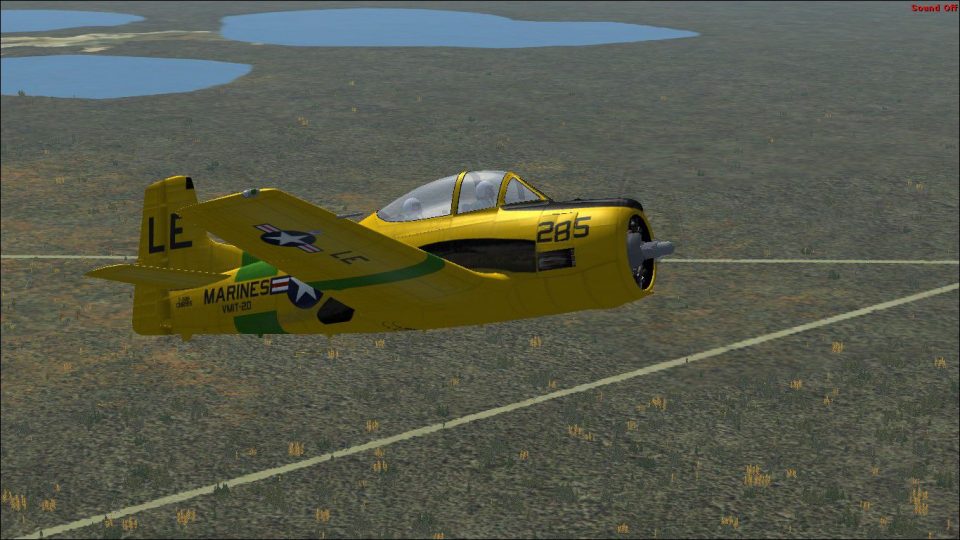
USMC VMIT-20 markings bring a 1955 North American T-28B Trojan to life with a high-visibility training scheme based at MCAS Cherry Point, adding authentic squadron identifiers for sharper screenshots and formation flights in Microsoft Flight Simulator X. Textures include period-accurate detailing and require the freeware AlphaSim T-28 base model.
 Rate
Rate
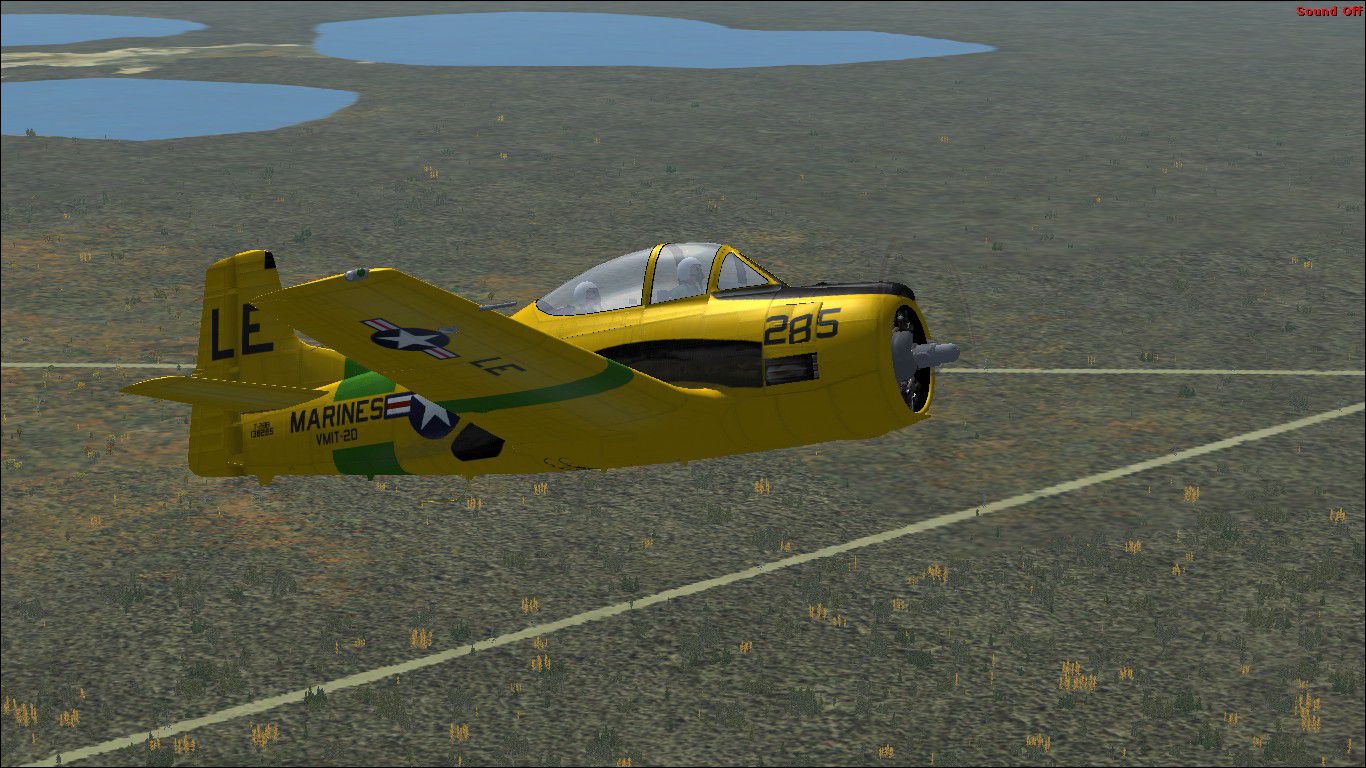
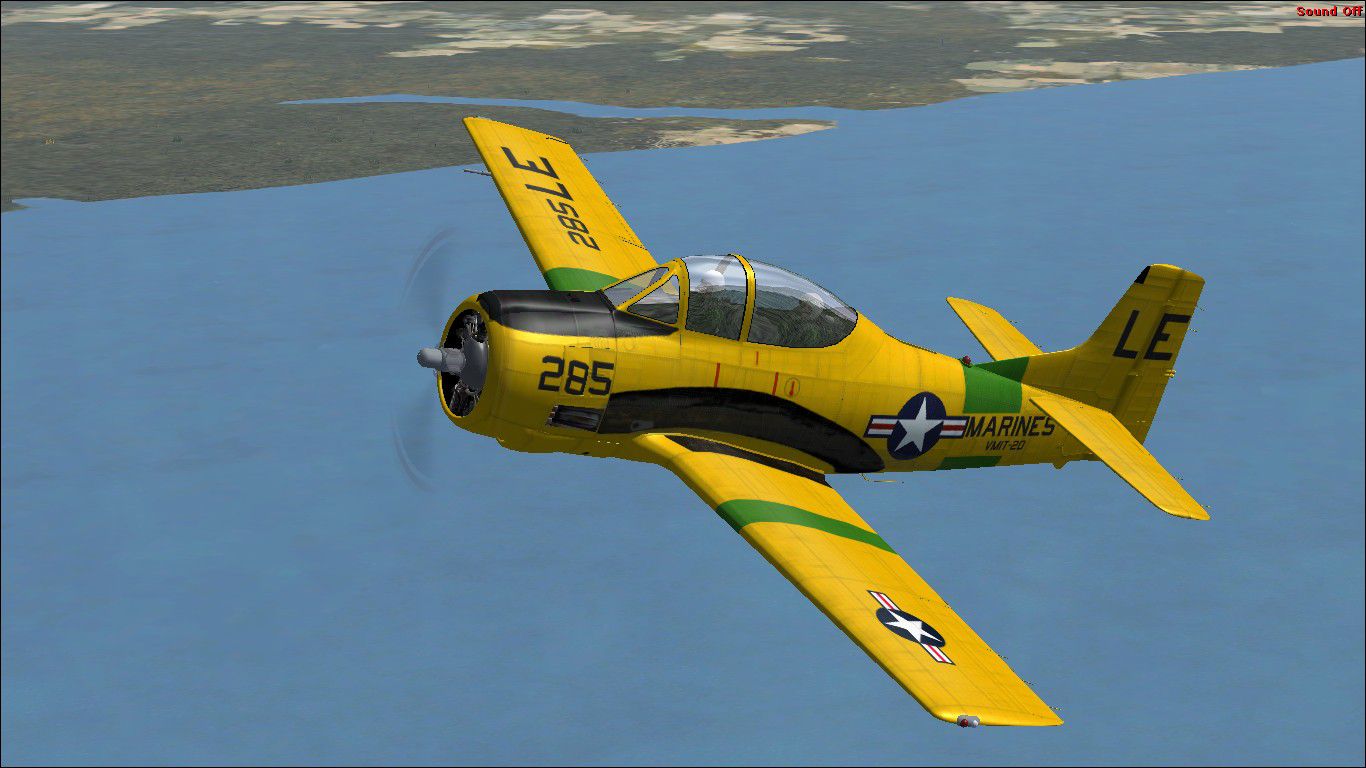
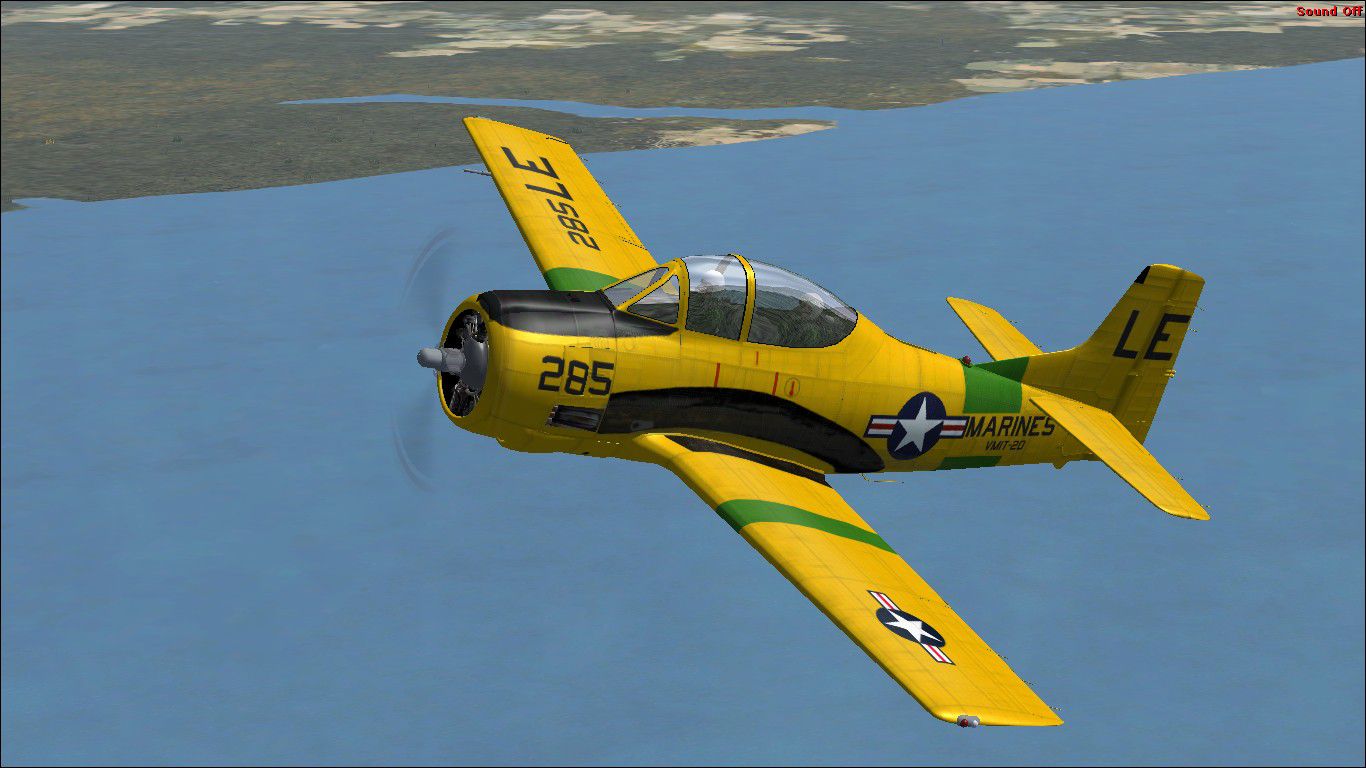
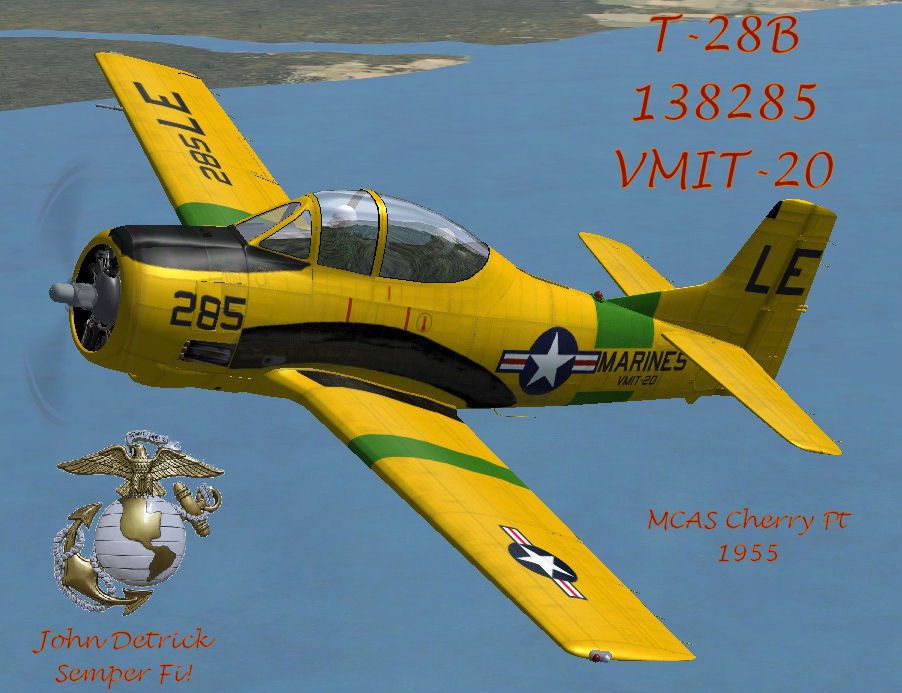
This repaint package enhances the now freeware AlphaSim North American T-28 for Microsoft Flight Simulator X with authentic United States Marine Corps markings from 1955. Developed by John Detrick, these textures depict a T-28B stationed with VMIT-20 at MCAS Cherry Point, capturing the trainer’s vibrant historical appearance.
The North American T-28 Trojan (a radial-engine military trainer) took to the skies for the first time in 1949. Intended as a successor to earlier training aircraft, its design featured sturdy landing gear and a robust airframe. By the time production concluded in 1957, multiple variants had been delivered to both the U.S. Air Force and the U.S. Navy. The T-28B in particular, fitted with a 1,425-horsepower engine, represented a significant performance leap over its T-28A predecessor. In 1955, the USMC used this advanced trainer with specialized squadrons, including VMIT-20, for pilot instruction.
Screenshot showing the USMC T-28B VMIT-20 in a high-visibility training scheme.
These textures replicate the distinctive paint scheme that identified Marine training units at MCAS Cherry Point. The overall finish and squadron markings remained faithful to historical references, showcasing the bright fuselage design used for flight instruction during the mid-1950s. Pilots and virtual enthusiasts will appreciate the visual fidelity, especially in formation flights or dedicated practice sorties.
[fltsim.x]
title=ALPHA T-28B VMIT-20
sim=T-28
model=B
panel=
sound=
texture=vmit20
kb_checklists=T-28_check
description=AlphaSim Ltd 2004\n\nNorth American T-28 'Trojan'\n\nThe first T-28 made its initial flight on September 24, 1949. Designed as a replacement for the T-6 trainer, the Trojan went into production in 1950. The USAF version (T-28A) was powered by an 800-hp. engine, whereas later U.S. Navy versions (T-28B and C) were powered by 1,425-hp. engines. When production ended in 1957, a total of 1,948 of the three different versions had been built.
ui_manufacturer=North American
ui_type=T-28 Trojan -
ui_variation=T-28B, USMC VMIT-20 MCAS CHERRY POINT 1955
ui_typerole="Trainer"
ui_createdby="AlphaSim Ltd"
atc_heavy=0
atc_id=138285
atc_airline=MARINE
atc_flight_number=285
atc_parking_types=MIL_COMBAT
A documents folder provides NATOPS (Naval Air Training and Operating Procedures Standardization) excerpts. These references detail startup procedures and operational guidelines used by actual T-28 crews, allowing virtual aviators to replicate many real-world protocols.
Note: This package consists of textures only. To activate this repaint correctly, you need the freeware AlphaSim T-28 Trojan base package, which can be located in the Fly Away Simulation file library.
Free for all simmers · 6.27 MB · Scanned clean Oct 2026
Download speed: Free tier is capped at 0.5 Mbps (this file takes approximately 2 mins at the cap). PRO members download at full line speed.
texture.{airline}) inside FSX\SimObjects\Airplanes\{base-aircraft}\.aircraft.cfg in Notepad. Add a new [fltsim.X] section per the readme.readme.txt or README file. It tells you exactly where files go, what dependencies are needed, and any quirks specific to this add-on.The archive t28bvmit20.zip has 28 files and directories contained within it.
This list displays the first 500 files in the package. If the package has more, you will need to download it to view them.
| Filename/Directory | File Date | File Size |
|---|---|---|
| Read Me.txt | 10.06.11 | 1.25 kB |
| T28 Docs | 10.06.11 | 0 B |
| T-28B and C reference.pdf | 10.06.11 | 1.73 MB |
| T-28-15.jpg | 10.06.11 | 156.36 kB |
| T-28-16.jpg | 10.06.11 | 156.31 kB |
| T-28-17.jpg | 10.06.11 | 272.37 kB |
| T28BVMIT20.gif | 10.06.11 | 9.78 kB |
| texture.vmit20 | 10.06.11 | 0 B |
| Glass_t.bmp | 03.07.03 | 21.43 kB |
| Lens_L.bmp | 04.25.04 | 21.43 kB |
| Lens_T.bmp | 04.25.04 | 21.43 kB |
| prop_2.dds | 06.11.09 | 1.00 MB |
| prop_3.bmp | 03.26.10 | 21.43 kB |
| texture.cfg | 09.16.08 | 70 B |
| thumbnail.jpg | 10.06.11 | 117.97 kB |
| trojan_1.dds | 09.20.11 | 5.33 MB |
| trojan_2 .dds | 09.20.11 | 5.33 MB |
| trojan_3.dds | 09.20.11 | 5.33 MB |
| trojan_4.bmp | 10.29.04 | 512.05 kB |
| trojan_5.bmp | 09.04.04 | 512.05 kB |
| trojan_6.bmp | 10.29.04 | 512.05 kB |
| trojan_7.bmp | 10.29.04 | 512.05 kB |
| trojan_8.bmp | 11.13.04 | 1.00 MB |
| trojan_9.bmp | 11.16.04 | 256.07 kB |
| trojan_crew .dds | 09.20.11 | 1.33 MB |
| trojan_crew 2.dds | 09.20.11 | 1.33 MB |
| flyawaysimulation.txt | 10.29.13 | 959 B |
| Go to Fly Away Simulation.url | 01.22.16 | 52 B |
Only PRO members can place votes.
More FSX & P3D add-ons hand-picked based on this download.
FSX Military Aircraft
This North American T28B (cn 200-250) was built in 1954 and served with the U…
 FSX Military Aircraft
This is the superb F-20 A and B package released as freeware for FS2004 by Ir…
 FSX Military Aircraft
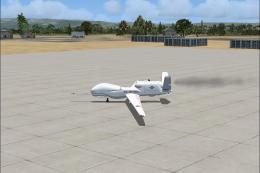
USAF Block 20 Global Hawk (RQ-4B) UAV. The Block 20 Global Hawk (RQ-4B) is a …
 FSX Military Aircraft
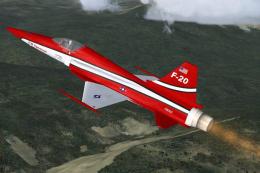
FSX F-20 Tigershark. A rebuild of the DSB F-20 Tigershark for FSX with new 2D…
 FSX Military Aircraft
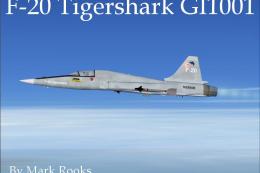
FSX Northrop F-20 GI1001. This is the DSB Design F-20 Tigershark modified for…
 FSX Military Aircraft
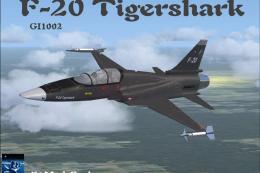
FSX F-20 Tigershark GI1002. A repaint of DSB Designs' F-20 Tigershark, update…
 FSX Military Aircraft
FSX Northrop F-20 Tigershark N44671 (textures only). A repaint of the payware…
 FSX Military Aircraft
FSX SOKO J-20 30146. Textures only. Model by Tim Conrad. Repaint by Bob Rivera.
Be the first to leave a comment on this download.
Be the first to share your thoughts on this download.