

 FSX Civil Aircraft
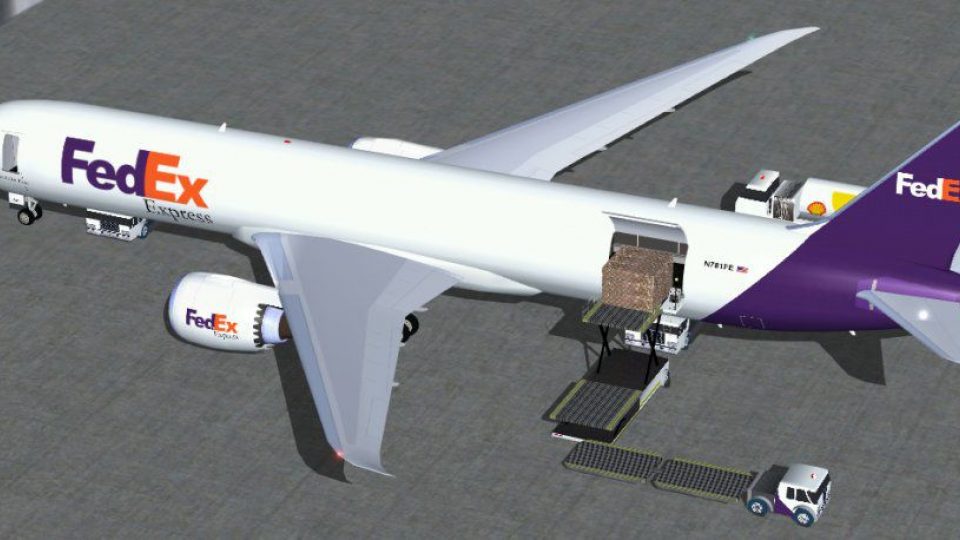
UPS Boeing 787-9 Cargo Version
This modified Boeing 787-9 freighter package, crafted for Microsoft Flight Si…
FedEx Boeing 787-9 Cargo Version reimagines the Dreamliner as a dedicated freighter for Microsoft Flight Simulator X, pairing a full cargo interior with authentic courier branding. Custom animations and ground service sequences support convincing loading and turnaround scenes, while tuned flight dynamics, a practical panel, and matching sounds keep operations smooth from taxi to touchdown.
 Rate
Rate
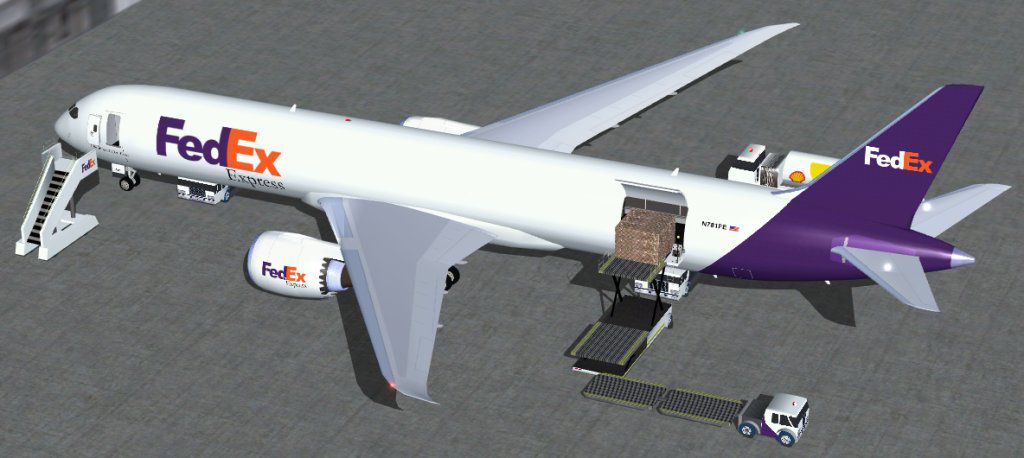
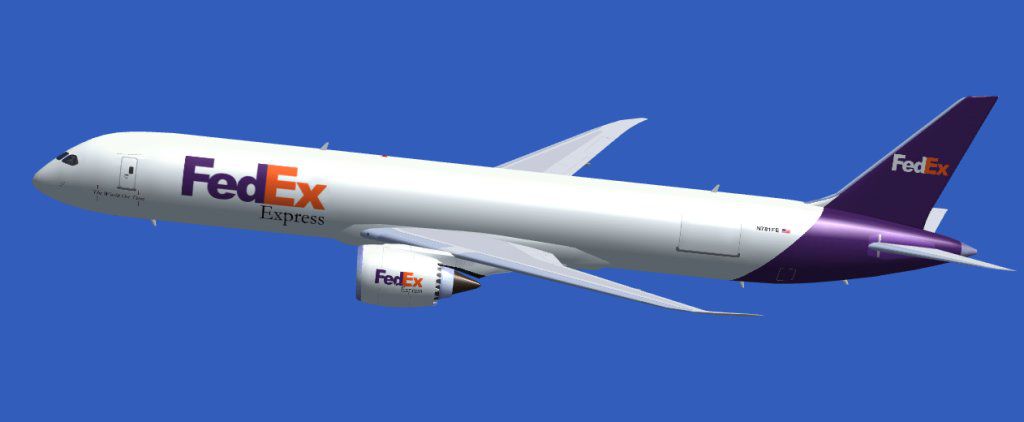
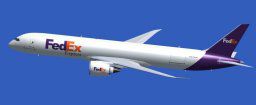
Experience a thoughtfully modified Dreamliner configured for air freight operations in Microsoft Flight Simulator X. This release offers a dedicated cargo adaptation of the Boeing 787-9, showcasing custom animations, specialized ground handling sequences, and distinct texturing for FedEx. Each detail has been addressed to amplify authenticity, making it a comprehensive freeware package suitable for both leisure flyers and simulation enthusiasts seeking precision.
This rendition of the 787-9 features a complete cargo layout, enabling virtual pilots to simulate freight logistics from takeoff to landing. While the actual Boeing 787-9 primarily serves as a passenger jet, this unique model reimagines its fuselage as a spacious cargo hold. The FedEx livery highlights typical corporate markings and color schemes, creating a realistic reflection of the courier’s fleet. Additionally, the aircraft includes enhanced ground services that activate via specific keystrokes, showcasing a wide range of loading and unloading animations.
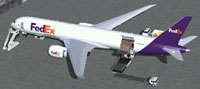
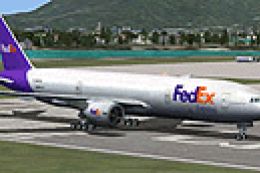
Screenshot of the cargo-liveried Dreamliner under ground services.
Dominique Tremblay adjusted the internal coding to ensure full Microsoft Flight Simulator X compatibility. These refinements extend to flight dynamics settings, which establish believable handling throughout various flight regimes. Users can expect seamless integration within existing FSX installations without the need for extra tweaks.
The package includes essential configurations to align with the simulator’s structure. Below is a snippet describing key entries in the aircraft's configuration file:
[fltsim.0]

title=Boeing 787-9 Cargo FedEx

sim=787-9

model=787-9 cargo

panel=

sound=

texture=fe

kb_checklists=

kb_reference=

atc_id=

atc_airline=

atc_flight_number=787

ui_manufacturer=CamSim

ui_type=787-9 cargo

ui_variation=FedEx

description=Boeing 787-9 cargo FedEx

atc_heavy=0
Camil Valiquette’s original model is bundled with a suitably matched panel setup that gives clear visual references and manageable flight displays. Though simplified for ease of use, it retains core data readings, system indicators, and alert messages. Accompanying sound profiles immerse the virtual cockpit with subtle engine whines and cockpit callouts to enrich tasks such as pre-takeoff checks.
The foundation of this freeware add-on originates from Camil Valiquette’s modeling efforts, which bring realistic dimensions and alignments for the 787-9. Meanwhile, Dominique Tremblay contributed the FSX-specific key adjustments and modernized functionality for the simulator’s environment. Combined, their work delivers a comprehensive cargo platform, eliminating any need for additional base files.
As a single-download freeware package, this cargo-adapted 787 stands ready to simulate heavy-lift routes across the globe. It encapsulates all core attributes of the Dreamliner family while tailoring key components—like cabin space and loading utility—to the FedEx freight mission profile.
Free for all simmers · 1.63 MB · Scanned clean Oct 2026
Download speed: Free tier is capped at 0.5 Mbps. PRO members download at full line speed.
FSX\SimObjects\Airplanes\. The folder must contain an aircraft.cfg file. Effects go into FSX\Effects\; gauges go into FSX\Gauges\.readme.txt or README file. It tells you exactly where files go, what dependencies are needed, and any quirks specific to this add-on.The archive 789fe_x.zip has 26 files and directories contained within it.
This list displays the first 500 files in the package. If the package has more, you will need to download it to view them.
| Filename/Directory | File Date | File Size |
|---|---|---|
| CamSim Boeing 787-9 Cargo_FedEx | 02.13.07 | 0 B |
| 787-9.air | 02.22.06 | 12.76 kB |
| 789cfed_1024.jpg | 01.23.07 | 24.39 kB |
| 789c_fe_1024.jpg | 01.23.07 | 72.75 kB |
| aircraft.cfg | 02.13.07 | 12.76 kB |
| file_id.diz | 02.13.07 | 207 B |
| model.787-9 cargo | 02.13.07 | 0 B |
| 787-9 cargo.mdl | 01.19.07 | 2.46 MB |
| Model.cfg | 12.03.06 | 28 B |
| Panel | 02.13.07 | 0 B |
| panel.cfg | 02.12.07 | 40 B |
| Read Me.txt | 02.13.07 | 1.76 kB |
| sound | 02.13.07 | 0 B |
| Sound.cfg | 02.12.07 | 42 B |
| texture.fe | 02.13.07 | 0 B |
| 787eng_t.bmp | 01.17.07 | 1.00 MB |
| 787ext_t.bmp | 01.17.07 | 1.00 MB |
| 787int_t.bmp | 01.17.07 | 1.00 MB |
| 787tail_t.bmp | 01.17.07 | 1.00 MB |
| 789fuse_t.bmp | 01.17.07 | 1.00 MB |
| 789wings_t.bmp | 02.11.07 | 1.00 MB |
| gris_t.bmp | 03.17.06 | 16.07 kB |
| pilot1.bmp | 12.06.06 | 256.07 kB |
| thumbnail.jpg | 02.12.07 | 3.79 kB |
| flyawaysimulation.txt | 10.29.13 | 959 B |
| Go to Fly Away Simulation.url | 01.22.16 | 52 B |
Only PRO members can place votes.
More FSX & P3D add-ons hand-picked based on this download.
FSX Civil Aircraft
This modified Boeing 787-9 freighter package, crafted for Microsoft Flight Si…
 FSX Civil Aircraft
This latest freeware release merges a specialized cargo rendition of the Boei…
 FSX Civil Aircraft
FSX Fedex Cargo McDonnell-Douglas MD-11(F). Long range cargo transport. Full …
 FSX Civil Aircraft
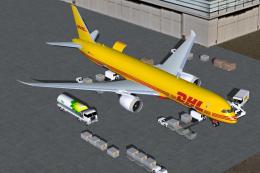
This specialized DHL Boeing 787-9 cargo rendition is offered as a freeware pa…
 FSX Civil Aircraft
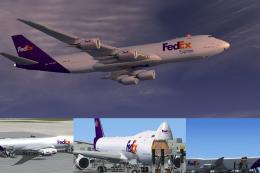
This complete freeware package merges the fictional FedEx Express livery onto…
 FSX Civil Aircraft
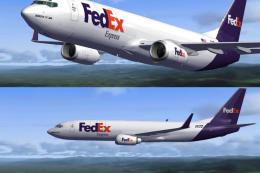
This enhanced FedEx-themed repaint brings the familiar cargo operator’s palet…
 FSX Civil Aircraft
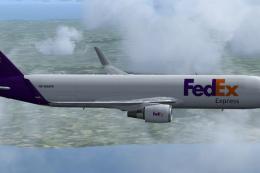
Complete package for FSX only of the Skyspirit2010 B767-300F in FedEx livery.…
 FSX Civil Aircraft
FSX FedEx Boeing 777-223ER, registration N631FD. Textures only for the paywar…
Read what other simmers think, or add your own.

Heyo, Can you make a 787-800 FedEx Cargo plane? Without animated ground handling because I want GSX to do all the ground services. :)