

 FSX Civil Aircraft
Lufthansa Boeing 737-600 NG (Wesel)
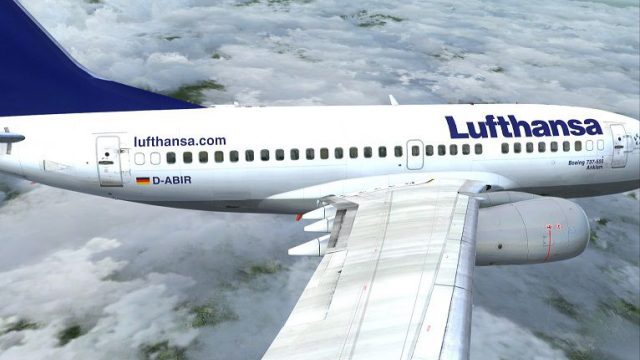
Enhance your Microsoft Flight Simulator X hangar with a carefully crafted Luf…
Lufthansa’s “Anklam” livery brings Boeing 737-600 NGX registration D-ABIR to life with crisp airline logos, accurate naming, and finely matched tail artwork for realistic European short-haul flying in Microsoft Flight Simulator X. It requires the payware PMDG 737-600 NGX base package and installs as texture-only repaint files.
 Rate
Rate
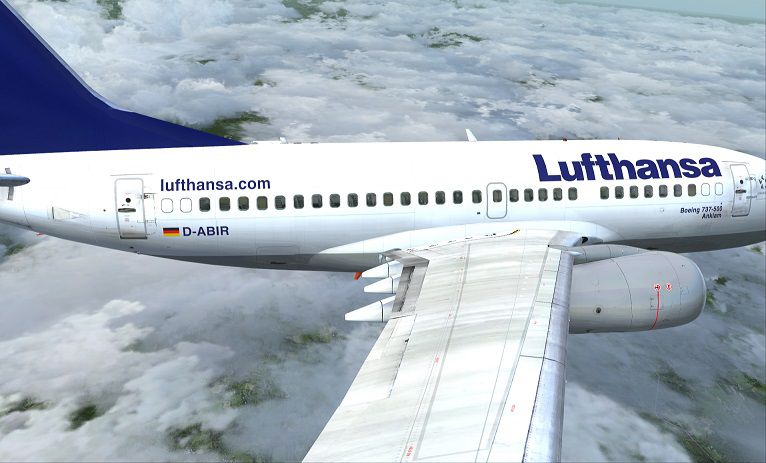
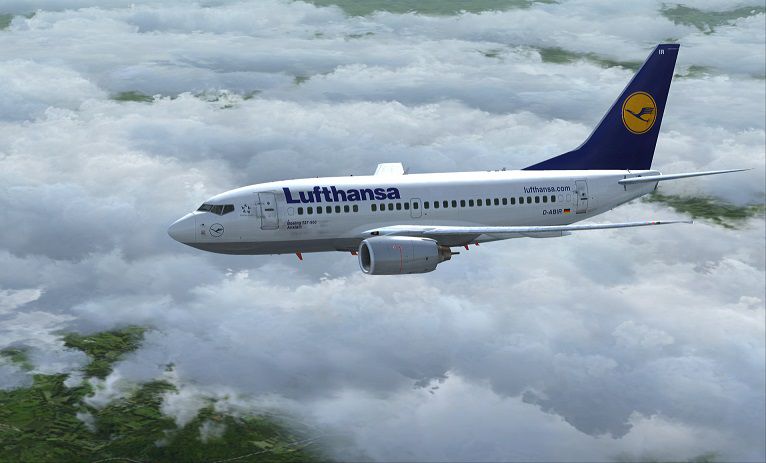
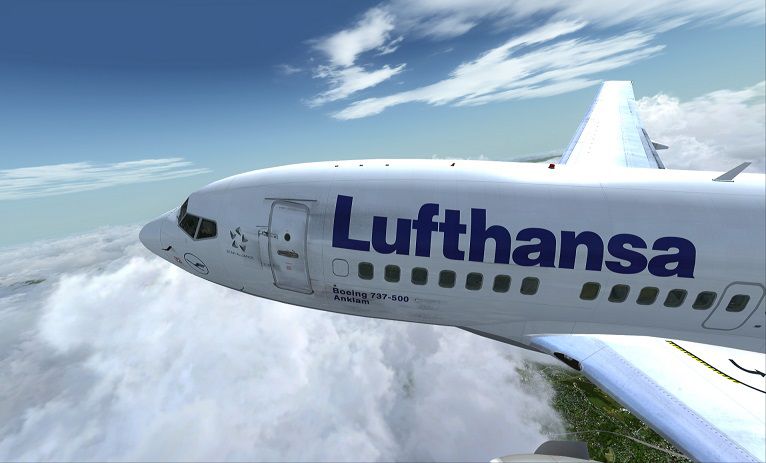

This custom repaint provides the Lufthansa “Anklam” livery for the payware PMDG Boeing 737-600 NGX, representing registration D-ABIR. It is designed for those who enjoy replicating short-haul European operations in Microsoft Flight Simulator X with precise attention to authentic airline details. Created by Corina Meyer, the package only includes texture files and requires the separate, commercially available PMDG 737-600 NGX base product.
Lufthansa, widely recognized as Germany’s primary carrier, has a longstanding custom of naming aircraft after hometowns and cities. In this configuration, the Boeing 737-600 bears the name “Anklam” on its fuselage. The real-world 737-600 series is well suited for various routes within Europe, and this livery reflects the airline’s sleek, modern branding. The smaller-scale 737-600—part of the Next Generation family—incorporates advanced cockpit instrumentation, making it a favorite among flight simulation enthusiasts who appreciate realistic systems.
Screenshot showcasing the Boeing 737-600 with Lufthansa’s “Anklam” markings.
The included .ptp livery file is compatible with the PMDG Livery Manager. Follow these steps to integrate the repaint:
All reasonable steps have been taken to ensure this repaint matches the actual Lufthansa liveries. Nevertheless, neither the author nor any involved parties can be held liable for any unintended consequences, real or perceived, arising from this add-on. Issues, if discovered, can be reported to Corina Meyer for further assistance.
This repaint does not include the original PMDG Boeing 737-600 NGX payware model. To fly it, the base package must be acquired separately. Above all, have an excellent time operating this recognizable jet in your virtual skies.
Free for all simmers · 26.93 MB · Scanned clean Oct 2026
Download speed: Free tier is capped at 0.5 Mbps (this file takes approximately 8 mins at the cap). PRO members download at full line speed.
texture.{airline}) inside FSX\SimObjects\Airplanes\{base-aircraft}\.aircraft.cfg in Notepad. Add a new [fltsim.X] section per the readme.readme.txt or README file. It tells you exactly where files go, what dependencies are needed, and any quirks specific to this add-on.The archive pmdg737-600_lufthansa_d-abir.zip has 9 files and directories contained within it.
This list displays the first 500 files in the package. If the package has more, you will need to download it to view them.
| Filename/Directory | File Date | File Size |
|---|---|---|
| PMDG737-600 Lufthansa D-ABIR.gif | 05.05.14 | 6.01 kB |
| PMDG737-600 Lufthansa D-ABIR.ptp | 05.05.14 | 26.62 MB |
| ReadMe_Install.txt | 05.05.14 | 1.08 kB |
| PMDG737-600 Lufthansa D-ABIR (1).jpg | 05.05.14 | 84.34 kB |
| PMDG737-600 Lufthansa D-ABIR (2).jpg | 05.05.14 | 59.19 kB |
| PMDG737-600 Lufthansa D-ABIR (3).jpg | 05.05.14 | 107.26 kB |
| PMDG737-600 Lufthansa D-ABIR (4).jpg | 05.05.14 | 88.98 kB |
| flyawaysimulation.txt | 10.29.13 | 959 B |
| Go to Fly Away Simulation.url | 01.22.16 | 52 B |
Only PRO members can place votes.
More FSX & P3D add-ons hand-picked based on this download.
FSX Civil Aircraft
Enhance your Microsoft Flight Simulator X hangar with a carefully crafted Luf…
 FSX Civil Aircraft
Flight sim enthusiasts seeking a bespoke twist on short-to-medium-haul operat…
 FSX Civil Aircraft
This freeware release offers a meticulously crafted repaint for the payware P…
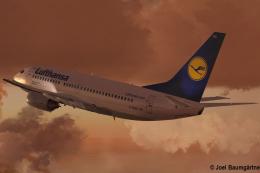 FSX Civil Aircraft
Immerse yourself in a visually enhanced simulation experience with this Lufth…
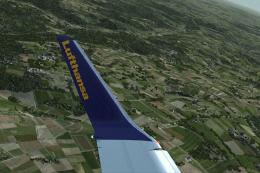 FSX Civil Aircraft
This repaint package adds the Lufthansa “Plauen” Boeing 737-700 Winglet desig…
 FSX Civil Aircraft
A repaint for the default B737-800. Repaint by Peter Spanakos. Screenshot of …
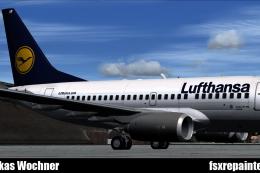 FSX Civil Aircraft
Lufthansa Boeing 737-600. A repaint for the B737-600 in the Lufthansa livery.…
 FSX Civil Aircraft
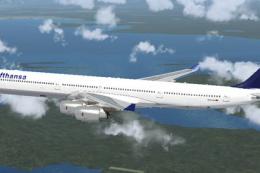
Lufthansa Airbus A340-600. Textures for the A340-600 model by Thomas Ruth (TO…
Be the first to leave a comment on this download.
Be the first to share your thoughts on this download.