

 FSX Civil Aircraft
Lufthansa "Salzgitter" Boeing B737-600
This freeware release offers a meticulously crafted repaint for the payware P…
Lufthansa’s “Plauen” Boeing 737-700 with winglets brings a faithful German city-named jet to Microsoft Flight Simulator X, with high-resolution textures, accurate registrations, and crisp winglet logo artwork for convincing exterior views. The repaint requires the payware PMDG 737-700WL model, delivering an authentic look for European short-haul operations.
 Rate
Rate
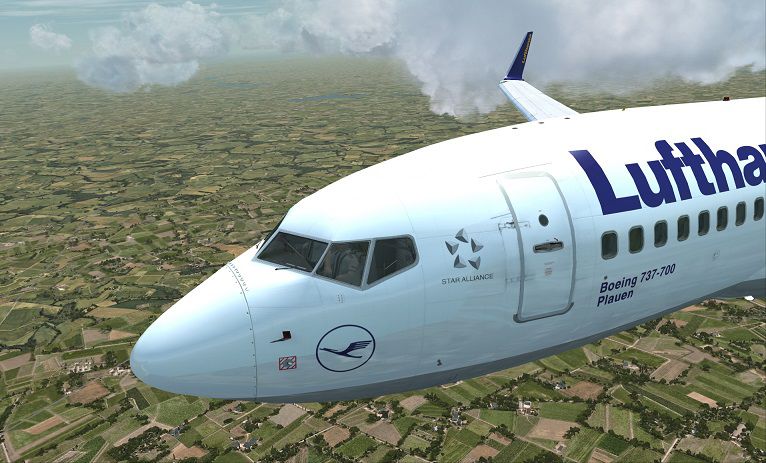
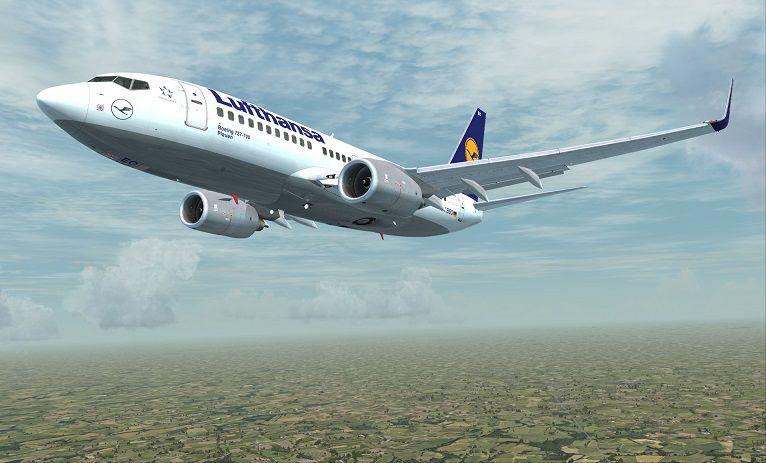
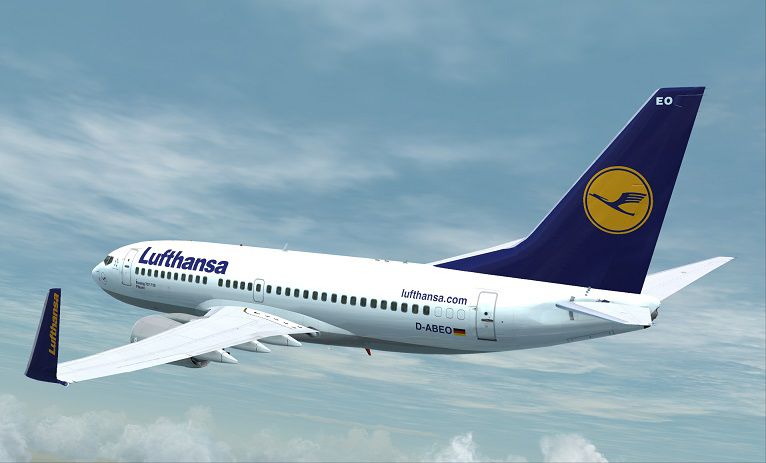
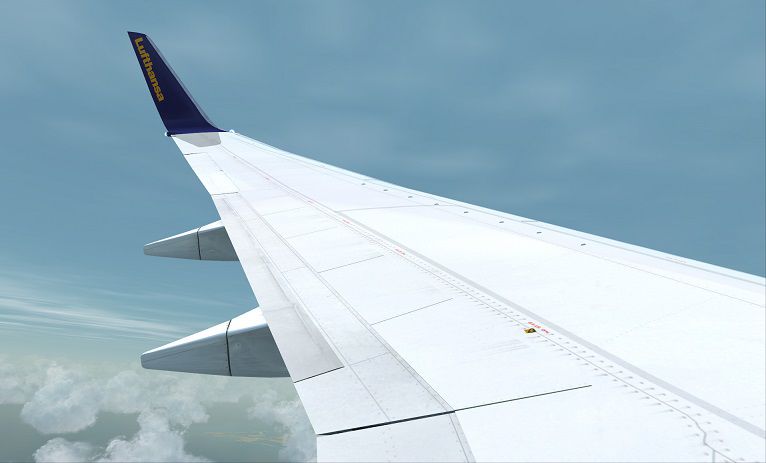
This repaint package adds the Lufthansa “Plauen” Boeing 737-700 Winglet design to your FSX fleet, offering a detailed rendition of this popular narrow-body airliner. Created by Corina Meyer, it is intended to be used with the payware PMDG 737-700WL aircraft model (which must be obtained separately). The accurate markings and refined exterior finish replicate the real-world aircraft named after the city of Plauen in Germany, ensuring an enjoyable and authentic virtual flying experience.
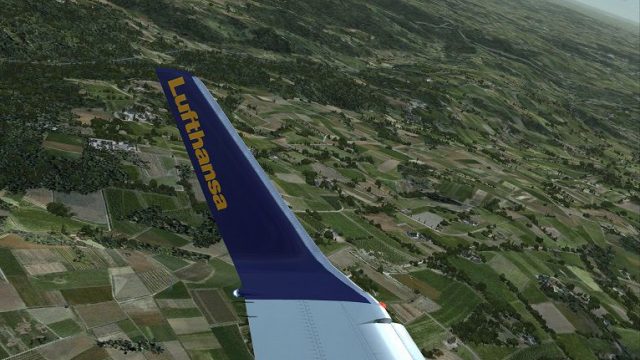
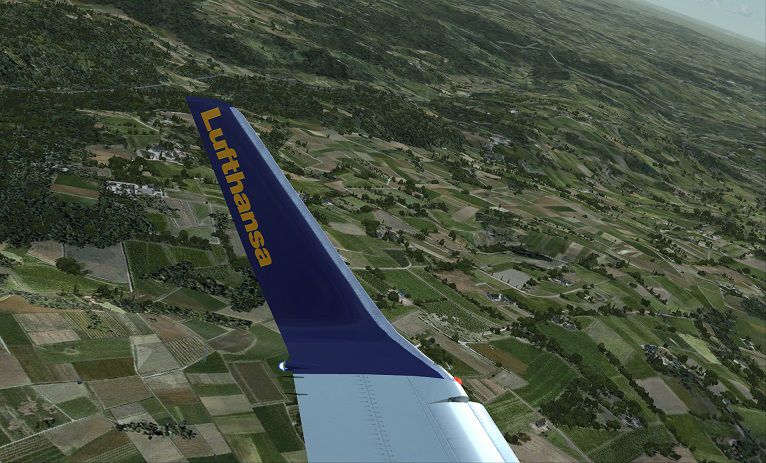
Screenshot of Lufthansa "Plauen" Boeing B737-700 in flight.
This repaint relies on the payware PMDG 737-700WL model. It does not include the base add-on. Ensure that you have installed the necessary PMDG product in FSX prior to adding this livery. Otherwise, the textures will be unavailable for use.
The Boeing 737, renowned for its reliability and range versatility, complements short-to-medium routes worldwide. In Lufthansa service, aircraft named after places like Plauen not only carry an illustrious brand identity but also embody a tradition of connecting passengers to various destinations. This livery adds another layer of immersion to your simulator, especially when operating European routes.
After successfully installing, select the Lufthansa “Plauen” Boeing 737-700 from your aircraft menu and embark on a flight across the virtual skies. Immerse yourself in the iconic color scheme while enjoying the comfort and robust simulation systems of the PMDG model. This free repaint by Corina Meyer aims to replicate the real counterpart’s aesthetic while preserving performance and functionality.
Have a rewarding time experimenting with its immersive feel in FSX, and take advantage of the advanced flight deck features to complete realistic operations. This supplement extends the longevity of your add-on library and delivers a charming retro touch to any timetable-based regional or continental journey. Enjoy your flights!
Free for all simmers · 33.81 MB · Scanned clean Oct 2026
Download speed: Free tier is capped at 0.5 Mbps (this file takes approximately 9 mins at the cap). PRO members download at full line speed.
texture.{airline}) inside FSX\SimObjects\Airplanes\{base-aircraft}\.aircraft.cfg in Notepad. Add a new [fltsim.X] section per the readme.readme.txt or README file. It tells you exactly where files go, what dependencies are needed, and any quirks specific to this add-on.The archive pmdg737-700_wl_lufthansa_d-abeo.zip has 10 files and directories contained within it.
This list displays the first 500 files in the package. If the package has more, you will need to download it to view them.
| Filename/Directory | File Date | File Size |
|---|---|---|
| Plauen.gif | 06.15.13 | 7.38 kB |
| PMDG737-700 wl Lufthansa D-ABEO.ptp | 06.15.13 | 33.28 MB |
| ReadMe_Install.txt | 06.15.13 | 1.07 kB |
| FS-40740.jpg | 06.15.13 | 173.68 kB |
| FS-40769.jpg | 06.15.13 | 70.63 kB |
| FS-40773.jpg | 06.15.13 | 56.15 kB |
| FS-40778.jpg | 06.15.13 | 142.71 kB |
| FS-40780.jpg | 06.15.13 | 104.27 kB |
| flyawaysimulation.txt | 10.29.13 | 959 B |
| Go to Fly Away Simulation.url | 01.22.16 | 52 B |
Only PRO members can place votes.
More FSX & P3D add-ons hand-picked based on this download.
FSX Civil Aircraft
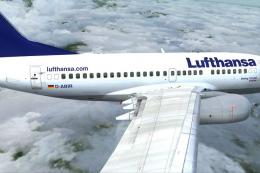
This freeware release offers a meticulously crafted repaint for the payware P…
 FSX Civil Aircraft
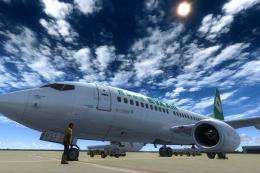
This custom repaint provides the Lufthansa “Anklam” livery for the payware PM…
 FSX Civil Aircraft
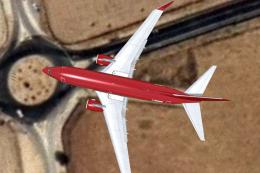
A repaint of the payware PMDG B737-700wl model. Textures only. By Corina Meye…
 FSX Civil Aircraft
This freeware package showcases a detailed repaint for the payware PMDG Boein…
 FSX Civil Aircraft
Continental Boeing 737-800. Fictional textures for the default B737-800. Repa…
 FSX Civil Aircraft
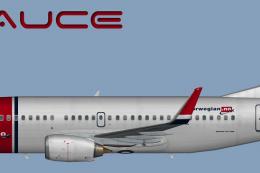
This is the Norwegian Air Shuttle B737-300SP for the model by FSX AI Bureau (…
 FSX Civil Aircraft
Immerse yourself in this custom repaint for Microsoft Flight Simulator X feat…
 FSX Civil Aircraft
Mexicana Boeing 737-800. Textures only for the default B737-800. Textures by …
Be the first to leave a comment on this download.
Be the first to share your thoughts on this download.