

 FSX Military Aircraft
Douglas C-117D Skytrooper V1 Beta
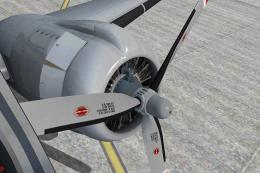
The C117D Skytrooper or Super DC-3 was a medium-range transport serving with …
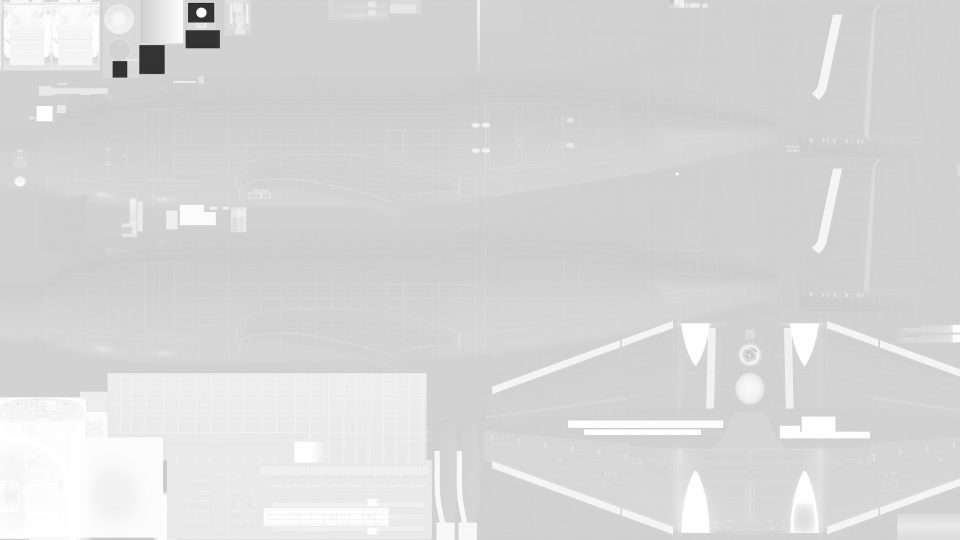
Douglas C-117D Skytrooper paint kit delivers layered Photoshop master templates for creating crisp, high-resolution repaints on the Super DC-3 model in FSX, including a 4096x2048 fuselage base and a generic alpha provided separately. Organized left and right fuselage workflow streamlines masking, panel alignment, and finish control.
 Rate
Rate
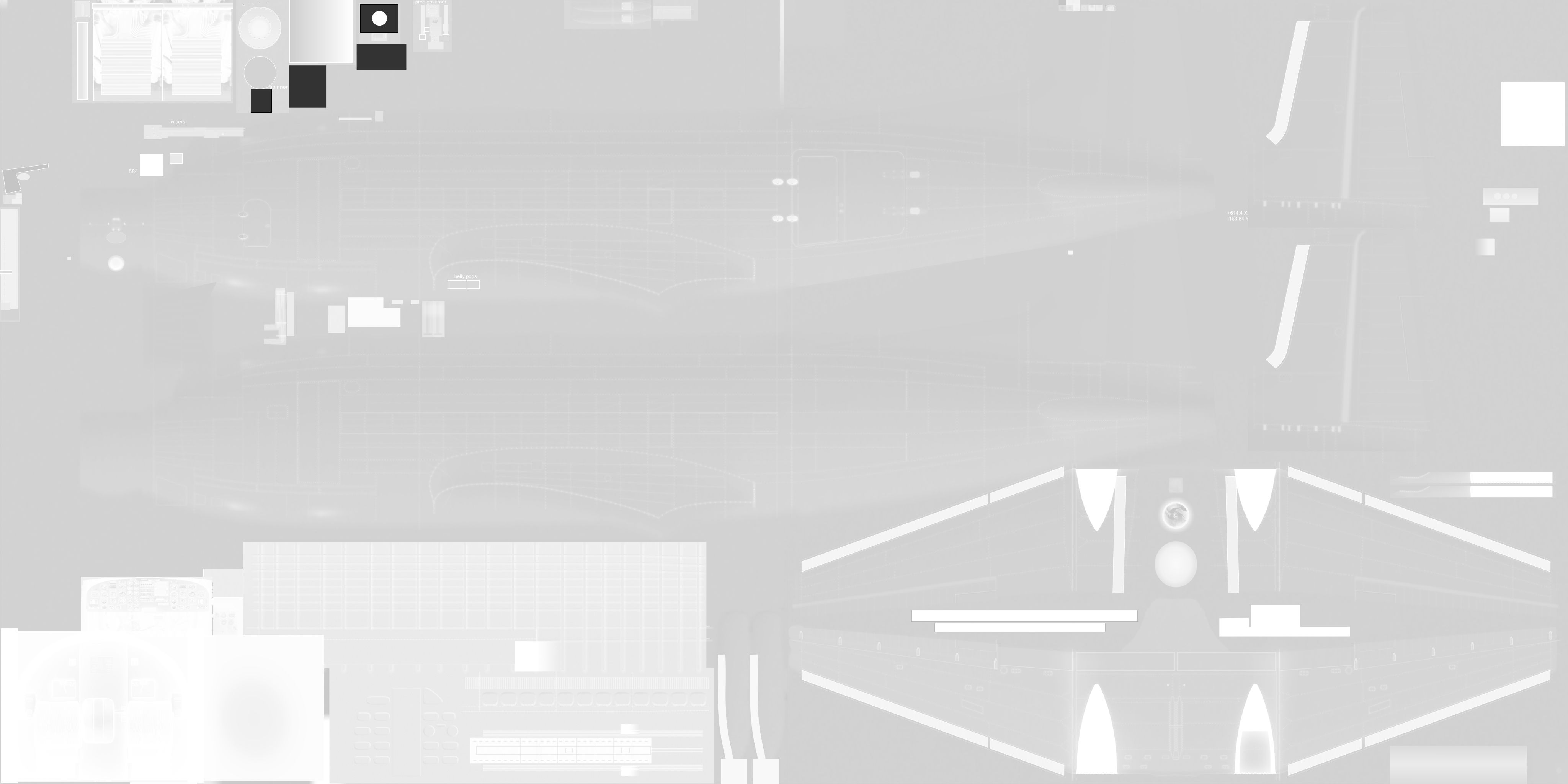
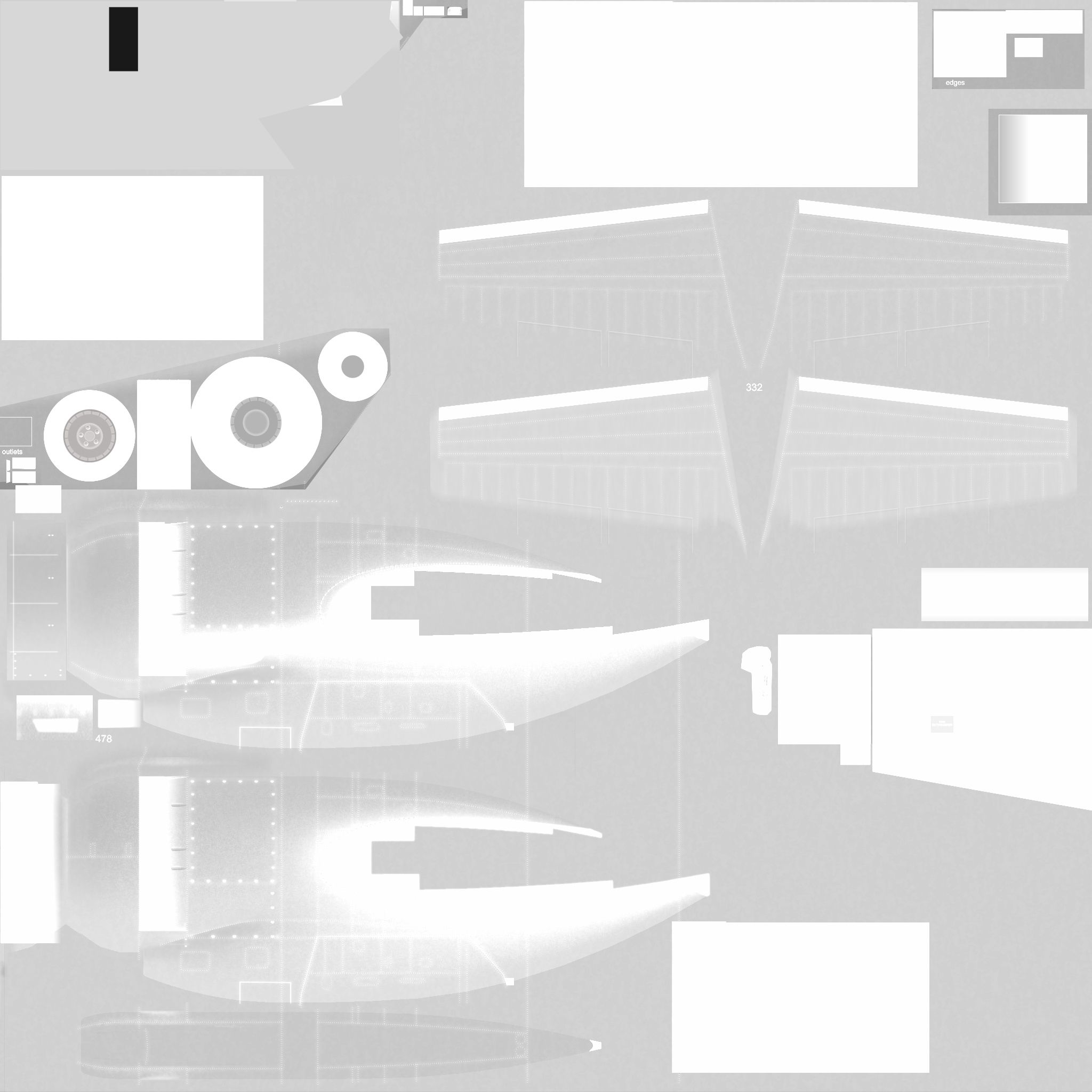
This paintkit contains basic Photoshop (psd) master templates for the FSX Super DC-3 model. By Manfred Jahn.
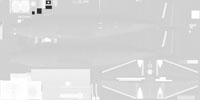
Alpha layer of the paint kit.
To facilitate fuselage painting begin by editing C117_12.psd, which has a 4096 x 2048 page size.
I have included a generic alpha as a separate HQ JPG file. Paste into C117_12.psd as a new layer and modify as needed.
When finished save two copies called C117_1.psd and C117_2.psd respectively. Crop these two files down to the left and right fuselage half, using the special "Select" layer provided.
Good luck. I look forward to seeing your repaints.
Free for all simmers · 34.29 MB · Scanned clean Oct 2026
Download speed: Free tier is capped at 0.5 Mbps (this file takes approximately 10 mins at the cap). PRO members download at full line speed.
texture.{airline}) inside FSX\SimObjects\Airplanes\{base-aircraft}\.aircraft.cfg in Notepad. Add a new [fltsim.X] section per the readme.readme.txt or README file. It tells you exactly where files go, what dependencies are needed, and any quirks specific to this add-on.The archive c117d_paintkit.zip has 11 files and directories contained within it.
This list displays the first 500 files in the package. If the package has more, you will need to download it to view them.
| Filename/Directory | File Date | File Size |
|---|---|---|
| C117_12.psd | 07.11.13 | 37.45 MB |
| C117_12_alpha.jpg | 07.15.13 | 1.43 MB |
| c117_2A.psd | 07.11.13 | 19.89 MB |
| c117_2A_alpha.jpg | 07.11.13 | 1023.86 kB |
| c117d_v1_beta.gif | 07.22.13 | 9.12 kB |
| file_id.diz | 07.23.13 | 152 B |
| propdisk.psd | 07.10.13 | 1.01 MB |
| readme_paintkit.txt | 07.23.13 | 703 B |
| c117d_paintkit.gif | 07.23.13 | 10.34 kB |
| flyawaysimulation.txt | 10.29.13 | 959 B |
| Go to Fly Away Simulation.url | 01.22.16 | 52 B |
Only PRO members can place votes.
More FSX & P3D add-ons hand-picked based on this download.
FSX Military Aircraft
The C117D Skytrooper or Super DC-3 was a medium-range transport serving with …
 FSX Military Aircraft
SP2 Acceleration A-1J Skyraider Paint Kit for use with A-1J_SKYRAIDER.ZIP. Se…
 FSX Military Aircraft
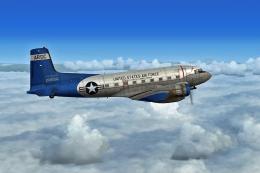
Experience an imaginative United States Air Force livery for the Douglas C-11…
 FSX Military Aircraft
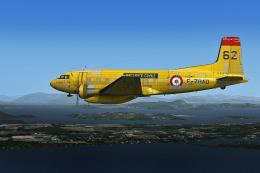
This fictional Securite Civile repaint brings the well-known Douglas C-117D S…
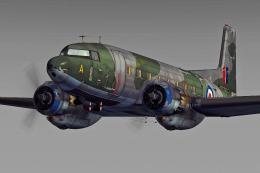 FSX Military Aircraft
This fictional repaint adds a Royal Air Force twist to the Douglas C-117D Sky…
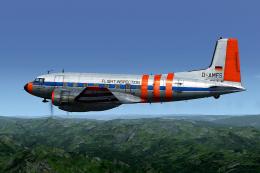 FSX Military Aircraft
This downloadable expansion provides a fictional repaint for a Douglas C-117D…
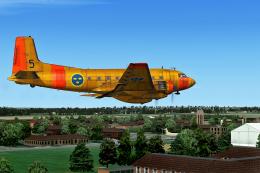 FSX Military Aircraft
This repaint brings a Swedish Air Force-inspired look to the Douglas C-117D i…
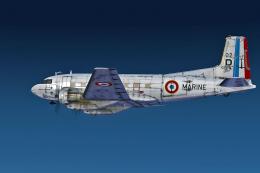 FSX Military Aircraft
This custom French Navy-inspired livery reimagines the Douglas C-117D Skytroo…
Be the first to leave a comment on this download.
Be the first to share your thoughts on this download.