

 FSX Military Aircraft
US Navy S-3B Viking VX-30 CONA
This enhanced repaint package celebrates the Lockheed S-3B Viking in its VX-3…
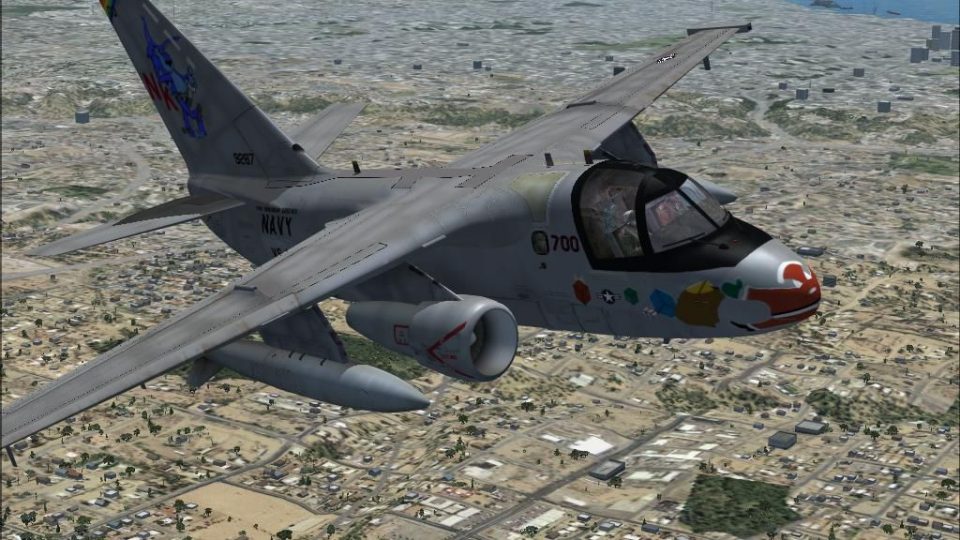
Lockheed S-3B Viking wears the US Navy VS-35 “Santa Tracker” livery with crisp squadron markings, balanced shading, and performance-friendly textures suited to carrier deck ops or high-altitude cruise in Microsoft Flight Simulator X. Requires Dino’s freeware S-3B model, bringing a festive “Blue Wolves” look to virtual naval sorties.
 Rate
Rate
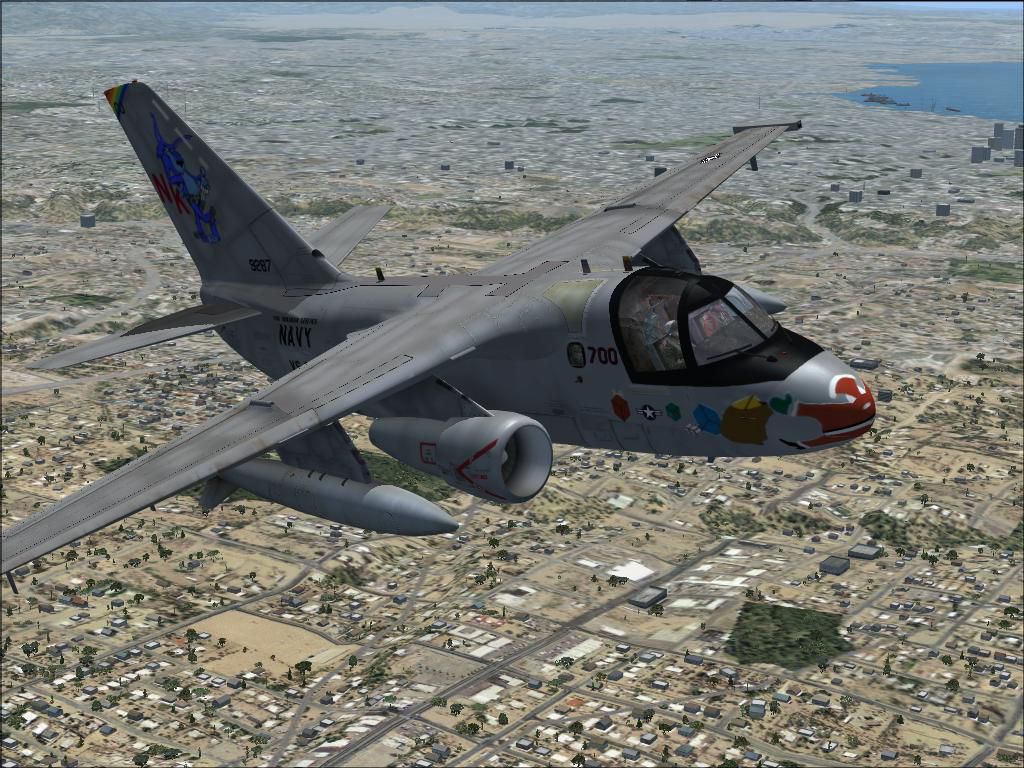
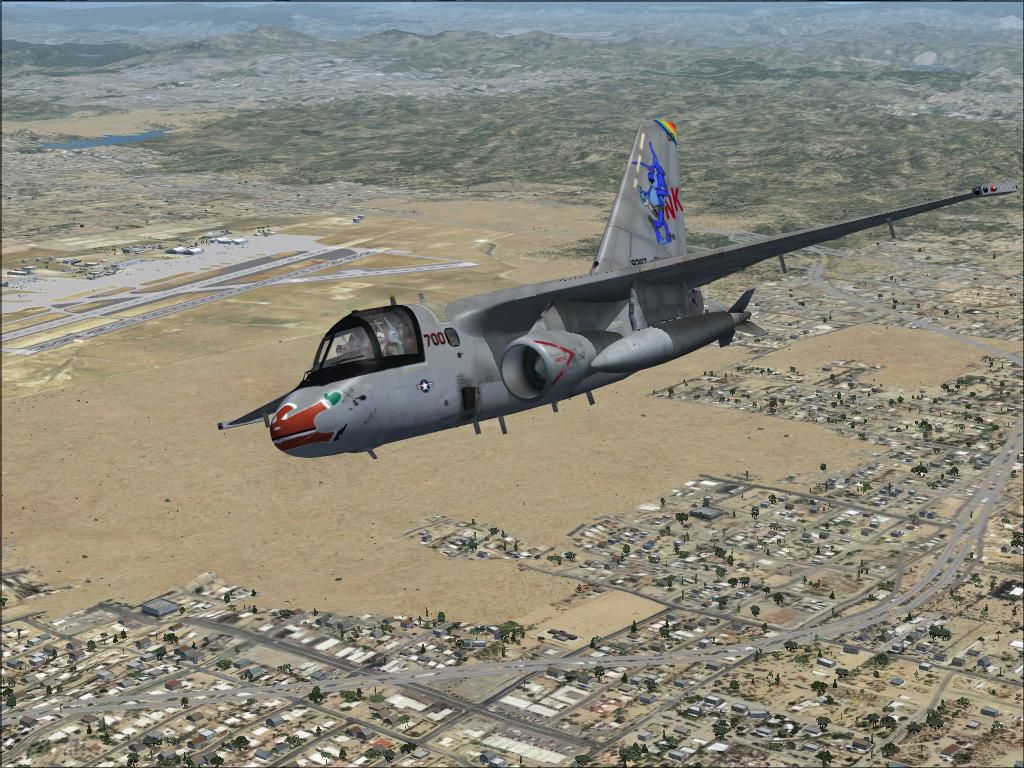

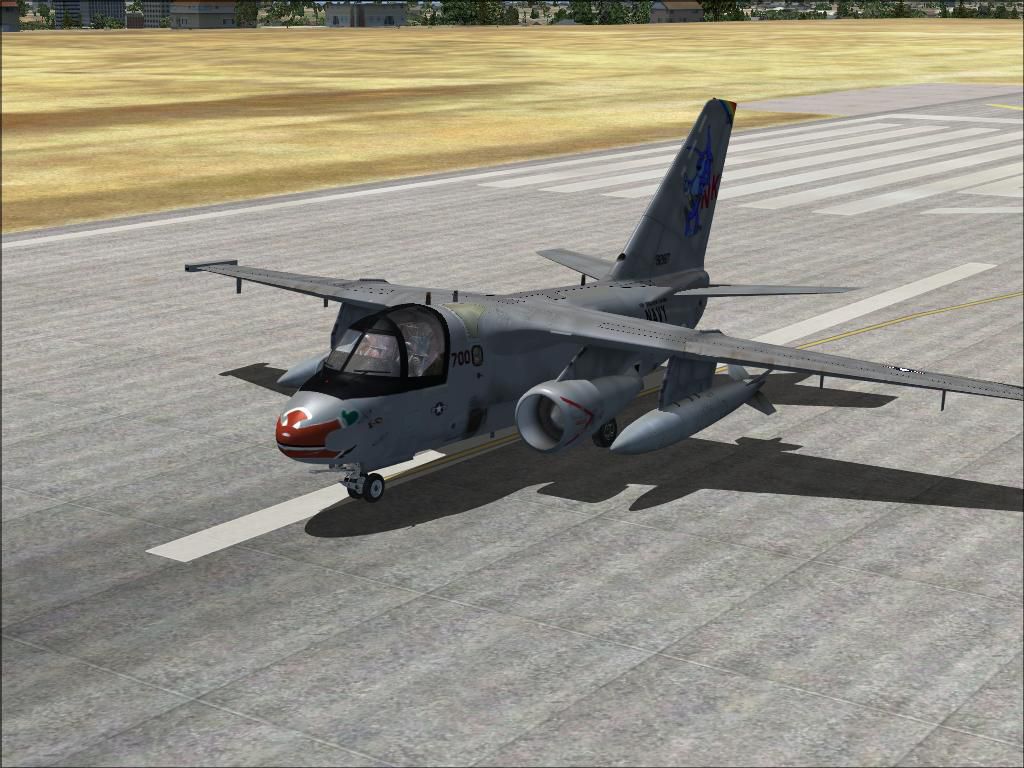
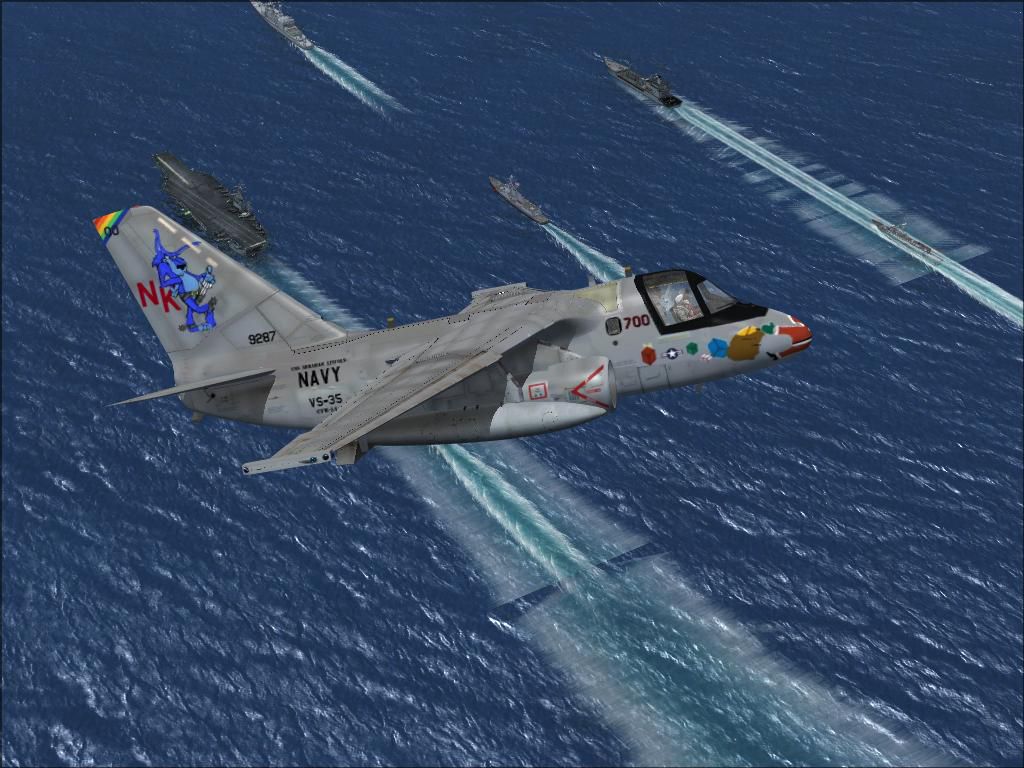
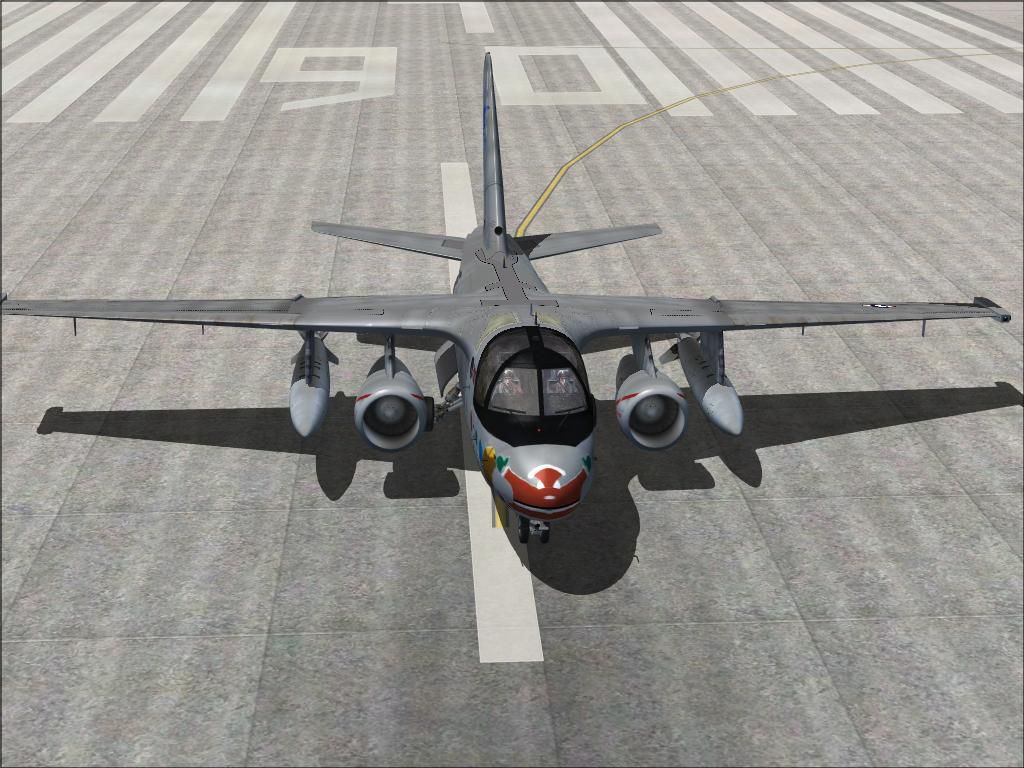
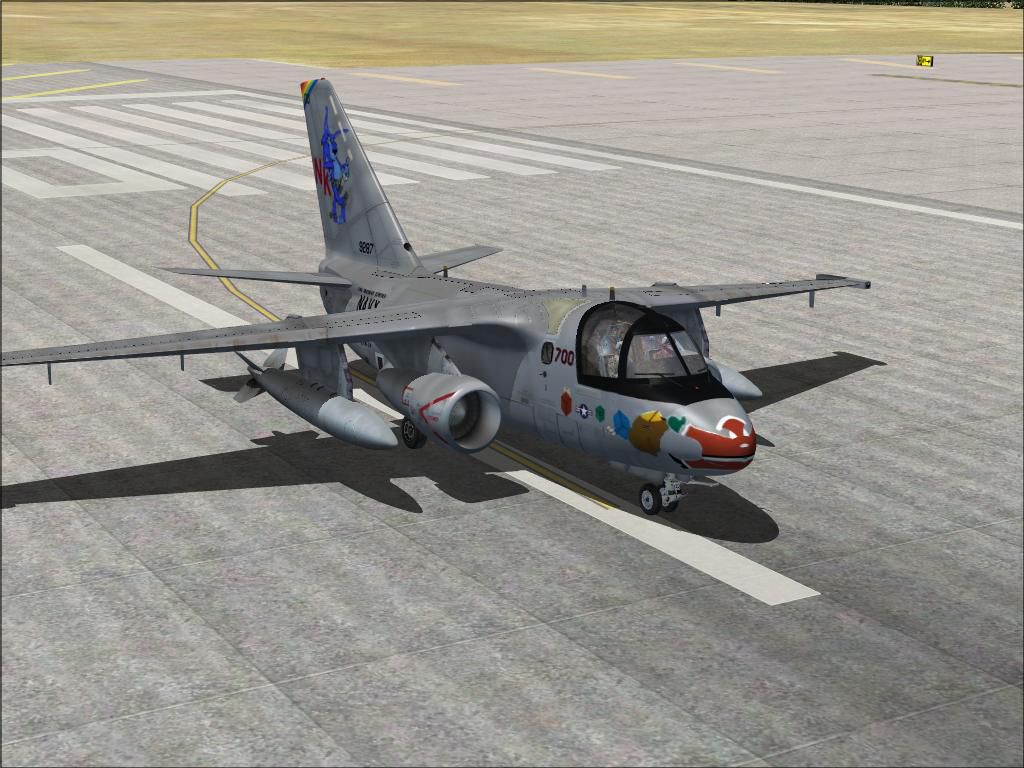

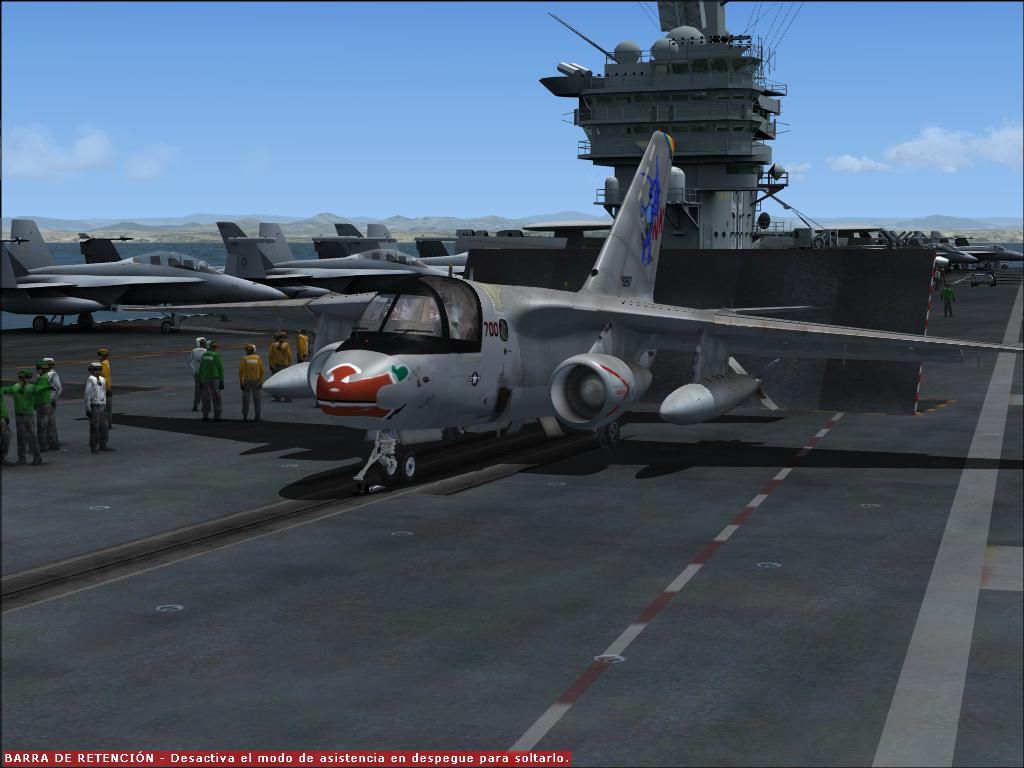


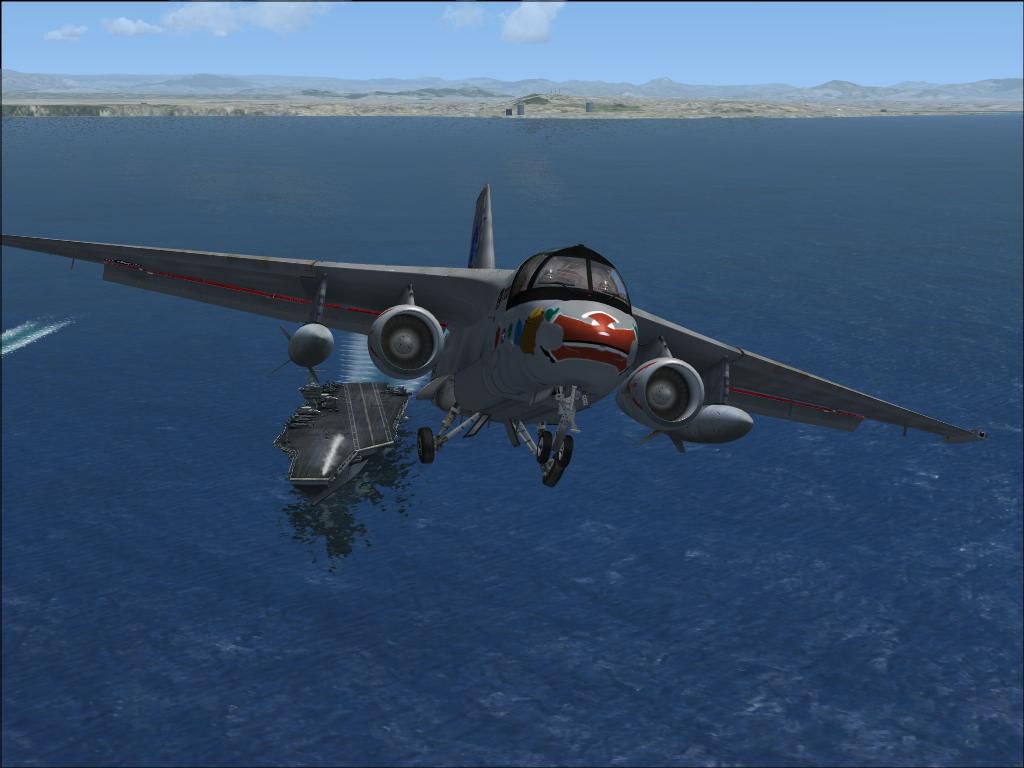
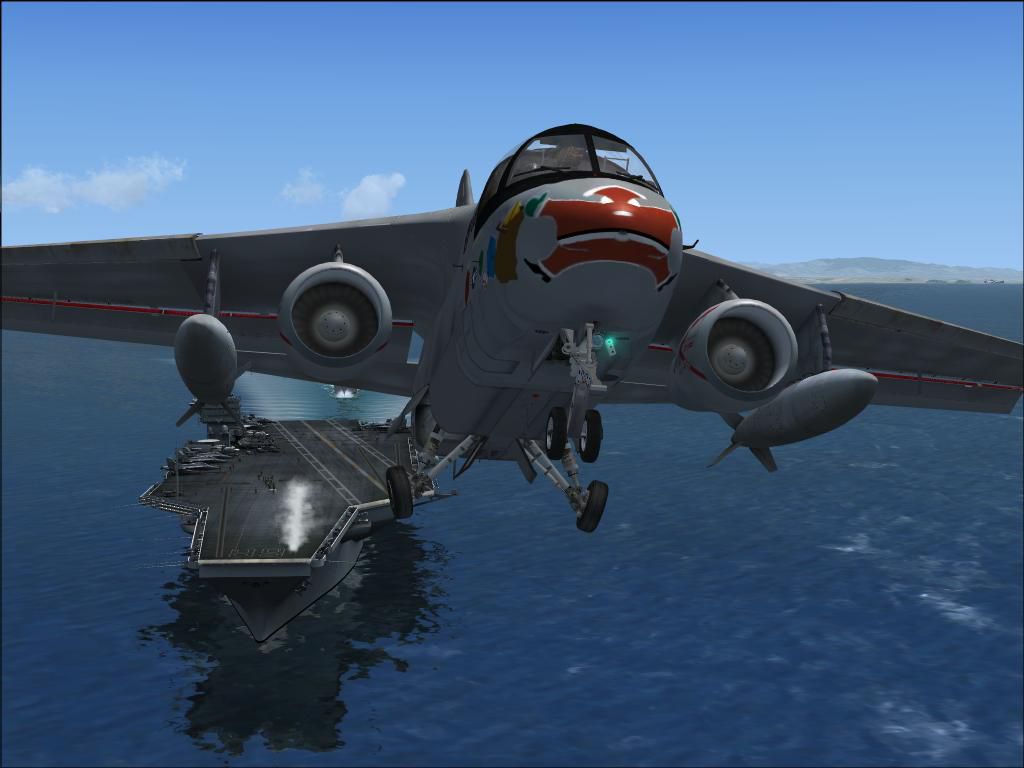
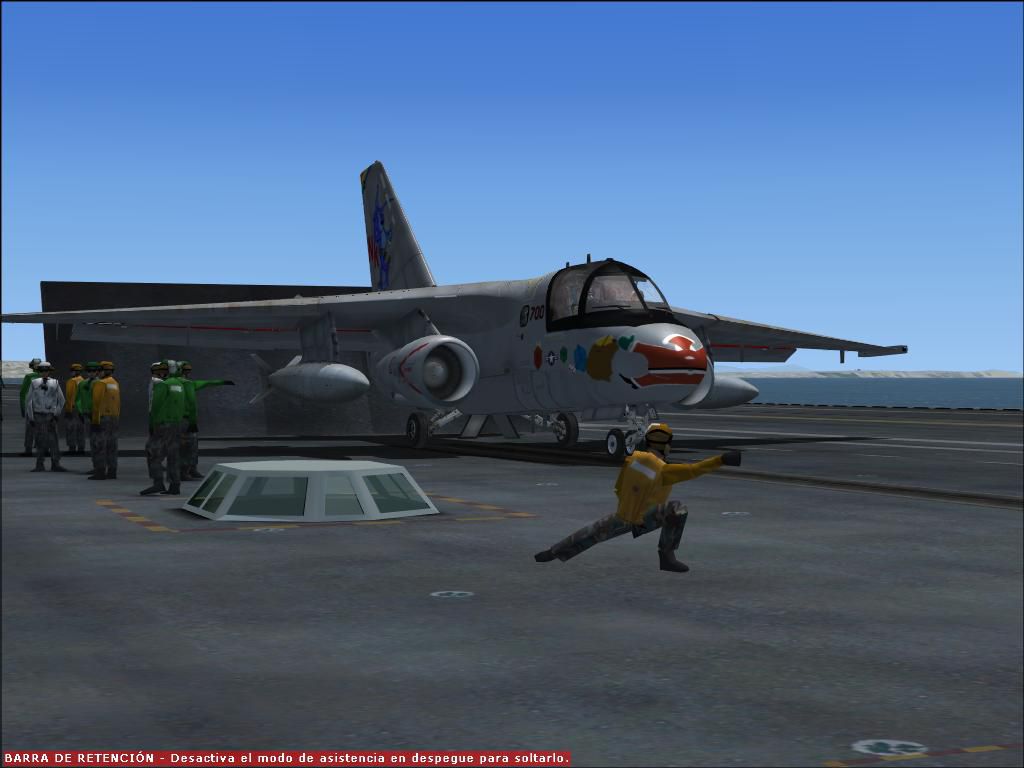
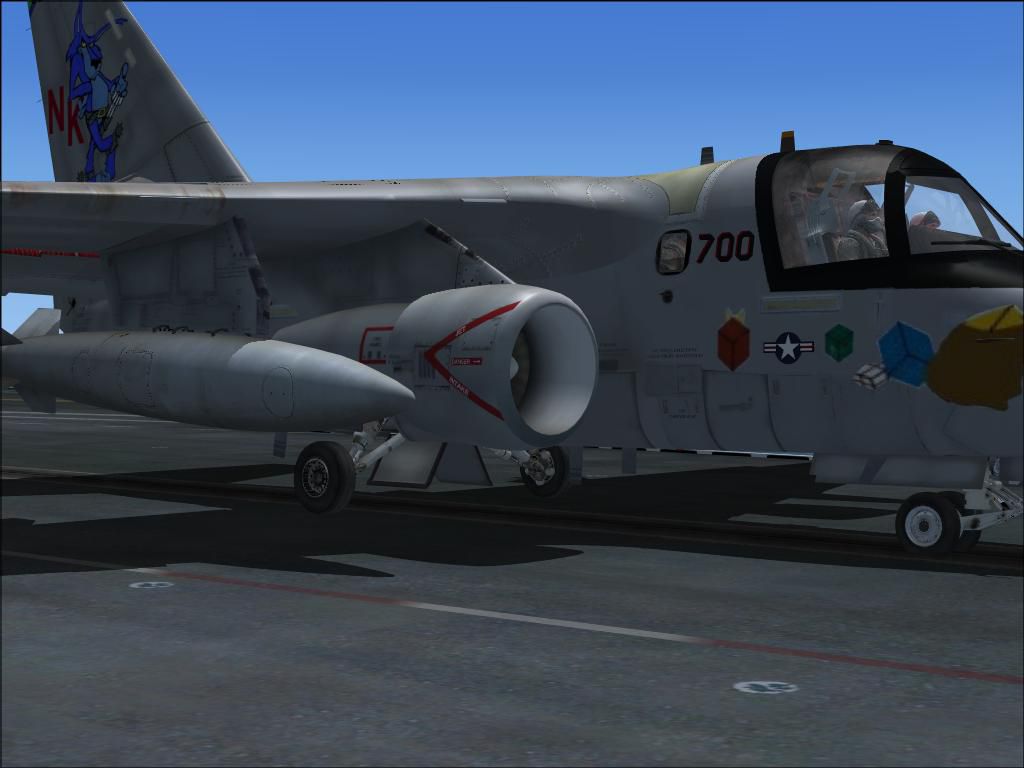
This repaint offers a unique take on the Lockheed S-3B Viking for Microsoft Flight Simulator X, featuring the VS-35 “Santa Tracker” scheme meticulously crafted by Antonio Diaz. Designed to integrate seamlessly with Dino’s freeware S-3B model (available in the Fly Away Simulation library), this add-on gives virtual aviators an opportunity to explore a specialized Navy livery that pays homage to the “Blue Wolves.” It does not include the base model, so be sure to acquire Dino’s S-3B Viking beforehand.
The included repaint captures the essence of U.S. Navy squadron VS-35’s distinctive markings, complete with subtle insignias that highlight the “Santa Tracker” concept. The exterior appearance emphasizes carefully aligned badge placements and improved shading, ensuring an authentic look during carrier-based operations or when cruising at altitude. The texture files are optimized for performance, allowing smoother visuals without negatively affecting frame rates.
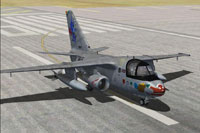
Screenshot of US Navy S-3B on runway.
The S-3 Viking originated as a sub-hunter, designed to locate and track hostile submarines by leveraging advanced sensor arrays. Over time, it was reconfigured for surface warfare and aerial refueling tasks. This four-seat, twin-engine jet operates subsonically but retains the endurance needed for complex missions in any weather conditions. Its innovative onboard systems can run autonomously, and the aircraft’s in-flight refueling capabilities further extend mission range. Thanks to its distinctive low-frequency engine noise, it earned the “Hoover” nickname among naval crews.
Though retired from frontline carrier service in 2009, the S-3B Viking still performs specialized roles for test squadrons and NASA. Some remain active at Naval Base Ventura County for surveillance tasks, and one is utilized by NASA’s Glenn Research Center. Even though modern platforms, such as the P-3C Orion, SH-60 Seahawk, and F/A-18E/F Super Hornet, assumed many of the Viking’s original duties, its adaptability continues to make it a noteworthy aircraft for training and research operations.
Below is an example of the aircraft.cfg entry that aligns the new VS-35 “Santa Tracker” repaint with Dino’s S-3B model. Insert or modify as needed, replacing “XX” with the next sequential number in your configuration file:
[fltsim.XX]
title=Lockheed S-3B Viking VS-35_Santa Tracker
sim=S-3B
model=
panel=
sound=
texture=VS-35_bluewolves_santa
kb_checklists=s3b_check
kb_reference=s3b_ref
atc_airline=NAVY
atc_flight_number=700
ui_manufacturer=Lockheed
ui_type=S-3B Viking
ui_variation=VS-35_Santa Tracker
description="Lockheed’s S-3 Viking is a carrier-based, twin-engine aircraft originally designed to discover and monitor enemy submarines. Over time, its role expanded to surface warfare and mid-air refueling. With sophisticated sensors and automated weapon systems, it excelled in demanding all-weather missions. Known as the 'Hoover' for its distinctive low-pitched whir, it remained in frontline Navy service until 2009. Some airframes still support test operations in California, and one is used by NASA for research applications."
This texture pack was created by Antonio Diaz to complement Dino’s freeware S-3B Viking. To install, ensure you have the base package from the Fly Away Simulation library, then merge the repaint folder into your “S-3B Viking” directory. Make sure the configuration entry above is present in your aircraft.cfg, and verify the texture name matches the folder name. Once complete, the VS-35 “Santa Tracker” will be ready for deployment in your virtual naval sorties.
Free for all simmers · 7.89 MB · Scanned clean Aug 2026
Download speed: Free tier is capped at 0.5 Mbps (this file takes approximately 2 mins at the cap). PRO members download at full line speed.
texture.{airline}) inside FSX\SimObjects\Airplanes\{base-aircraft}\.aircraft.cfg in Notepad. Add a new [fltsim.X] section per the readme.readme.txt or README file. It tells you exactly where files go, what dependencies are needed, and any quirks specific to this add-on.The archive fsx_s-3b_vs-35_santa_tracker.zip has 39 files and directories contained within it.
This list displays the first 500 files in the package. If the package has more, you will need to download it to view them.
| Filename/Directory | File Date | File Size |
|---|---|---|
| fsx 2014-08-14 20-52-43-41.jpg | 08.14.14 | 122.31 kB |
| fsx 2014-08-14 20-52-46-29.jpg | 08.14.14 | 127.53 kB |
| fsx 2014-08-14 20-52-54-45.jpg | 08.14.14 | 124.51 kB |
| fsx 2014-08-14 20-52-59-53.jpg | 08.14.14 | 83.07 kB |
| fsx 2014-08-14 20-54-07-00.jpg | 08.14.14 | 165.07 kB |
| fsx 2014-08-14 20-55-26-58.jpg | 08.14.14 | 165.74 kB |
| fsx 2014-08-14 20-55-34-59.jpg | 08.14.14 | 176.14 kB |
| fsx 2014-08-14 21-02-33-54.jpg | 08.14.14 | 80.02 kB |
| fsx 2014-08-14 21-02-56-80.jpg | 08.14.14 | 64.50 kB |
| fsx 2014-08-14 21-03-05-62.jpg | 08.14.14 | 61.65 kB |
| fsx 2014-08-14 21-03-11-01.jpg | 08.14.14 | 64.38 kB |
| fsx 2014-08-14 21-03-20-42.jpg | 08.14.14 | 66.32 kB |
| fsx 2014-08-14 21-04-26-89.jpg | 08.14.14 | 69.85 kB |
| fsx 2014-08-14 21-04-29-35.jpg | 08.14.14 | 70.33 kB |
| fsx 2014-08-14 21-04-37-99.jpg | 08.14.14 | 125.68 kB |
| readme.txt | 08.14.14 | 1.63 kB |
| texture.VS-35_Bluewolves_Santa | 08.14.14 | 0 B |
| AA42R-1_D.dds | 06.09.14 | 512.12 kB |
| fueltanks.dds | 06.09.14 | 1.00 MB |
| S3_windshield_front1_T.dds | 06.09.14 | 42.83 kB |
| S3_windshield_front2_T.dds | 06.09.14 | 85.48 kB |
| S3_windshield_s_front_T.dds | 06.09.14 | 170.83 kB |
| S3_wing_lt_bottom_T.dds | 06.09.14 | 512.12 kB |
| S3_wing_lt_top_T.dds | 06.09.14 | 512.12 kB |
| S3_wing_rt_bottom_T.dds | 06.09.14 | 512.12 kB |
| S3_wing_rt_top_T.dds | 06.09.14 | 512.12 kB |
| S3B_Control_surfaces_T.dds | 08.14.14 | 1.33 MB |
| S3B_Engine_nacelles_T.dds | 08.14.14 | 5.33 MB |
| S3b_nose_T.dds | 08.14.14 | 341.48 kB |
| S3B_tail_T.dds | 08.14.14 | 1.33 MB |
| S3bfuselage_left_T.dds | 08.14.14 | 2.67 MB |
| S3bfuselage_right_T.dds | 08.14.14 | 2.67 MB |
| S3fuselageb_bottom_T.dds | 08.14.14 | 2.67 MB |
| S3fuselageb_top_T.dds | 06.09.14 | 4.00 MB |
| texture.cfg | 06.09.14 | 137 B |
| thumbnail.jpg | 08.14.14 | 80.02 kB |
| Thumbs.db | 06.09.14 | 29.50 kB |
| flyawaysimulation.txt | 10.29.13 | 959 B |
| Go to Fly Away Simulation.url | 01.22.16 | 52 B |
Only PRO members can place votes.
More FSX & P3D add-ons hand-picked based on this download.
FSX Military Aircraft
This enhanced repaint package celebrates the Lockheed S-3B Viking in its VX-3…
 FSX Military Aircraft
This repaint showcases a carefully crafted texture set for the Lockheed S-3B …
 FSX Military Aircraft
This repaint offers a detailed recreation of a US Navy S-3B Viking flown by V…
 FSX Military Aircraft
This repaint showcases a distinctive U.S. Navy S-3B aircraft from VS-30, know…
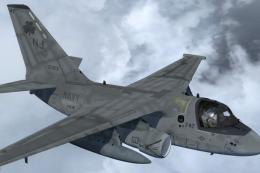 FSX Military Aircraft
This repaint set provides an updated livery designed specifically for Dino Ca…
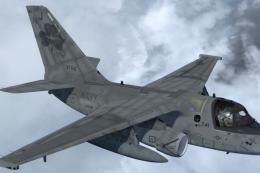 FSX Military Aircraft
Enhance your Microsoft Flight Simulator X or Prepar3D setup with this unique …
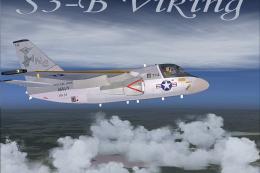 FSX Military Aircraft
FSX VS-33 Screwbirds Lockheed S3-B Viking. A repaint of the Iris freeware S3-…
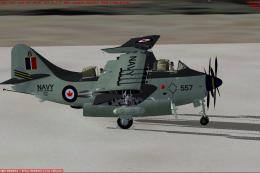 FSX Military Aircraft
RCN Fairey Gannet AS. Mk1 VS-880. A 'what if?' re-paint for Rob Richardson's …
Be the first to leave a comment on this download.
Be the first to share your thoughts on this download.