














 FSX Turboprops
Bombardier Dash 8-Q400
This aircraft is another success story for Bombardier. It is well liked by ai…
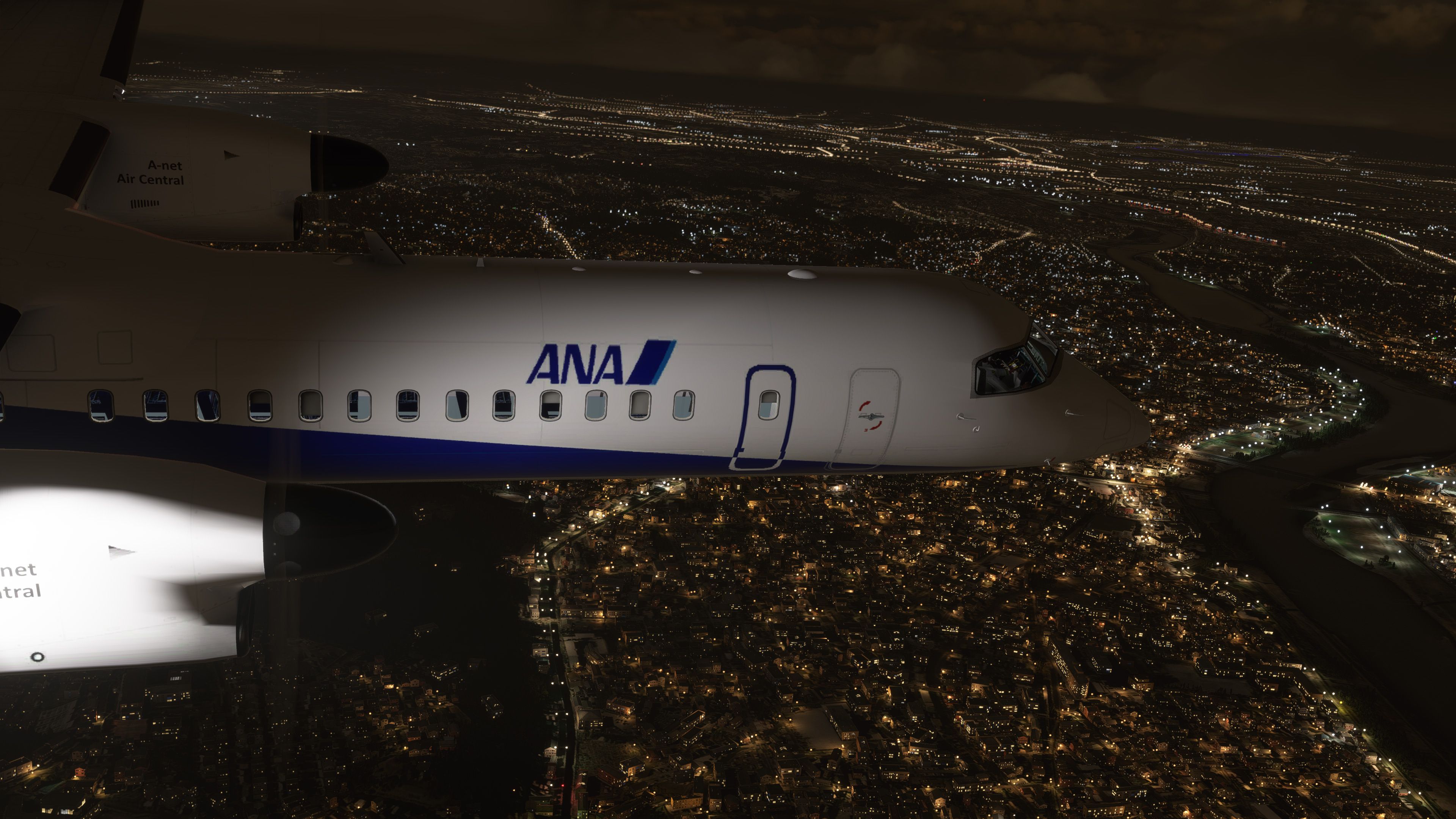
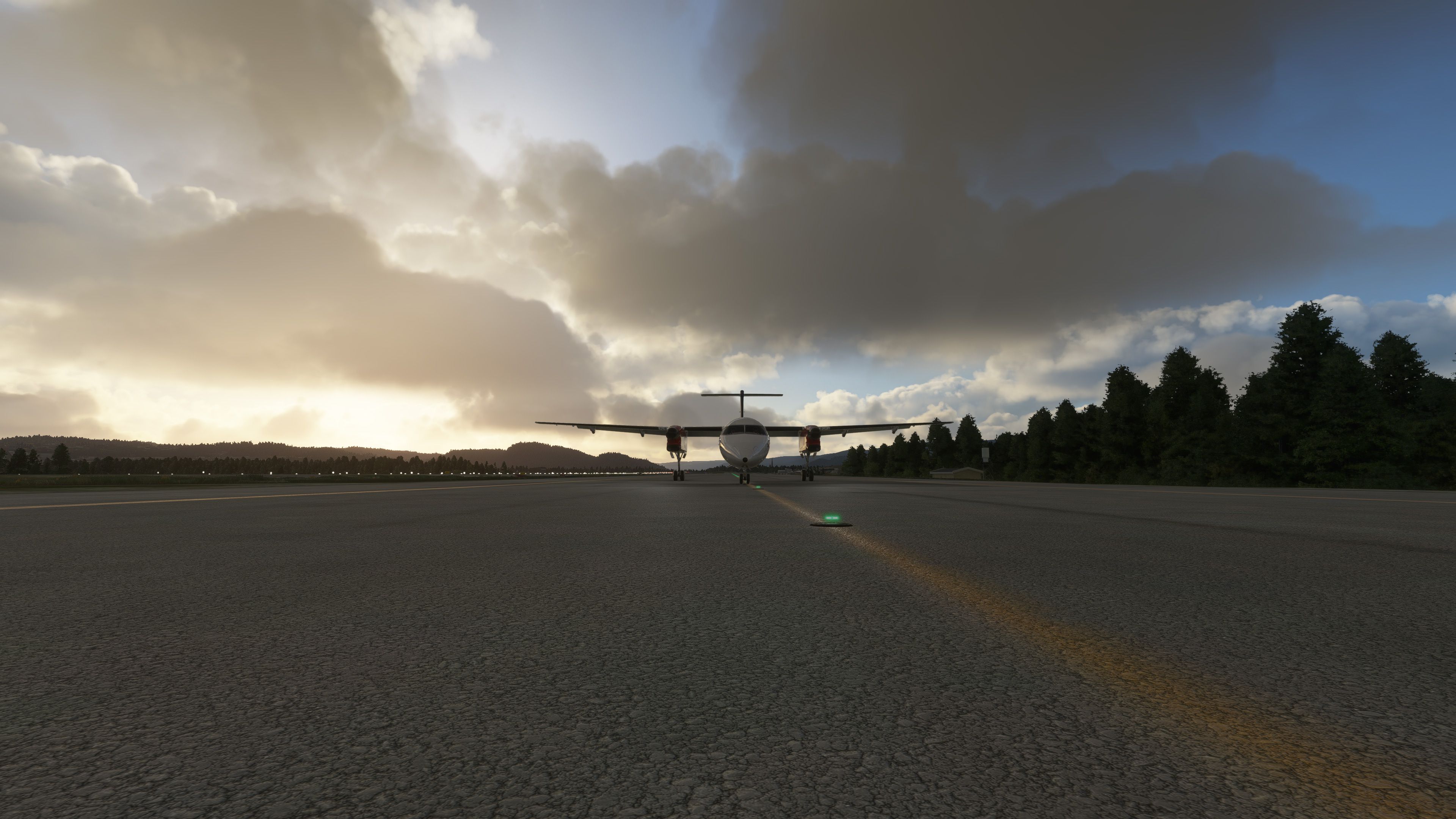
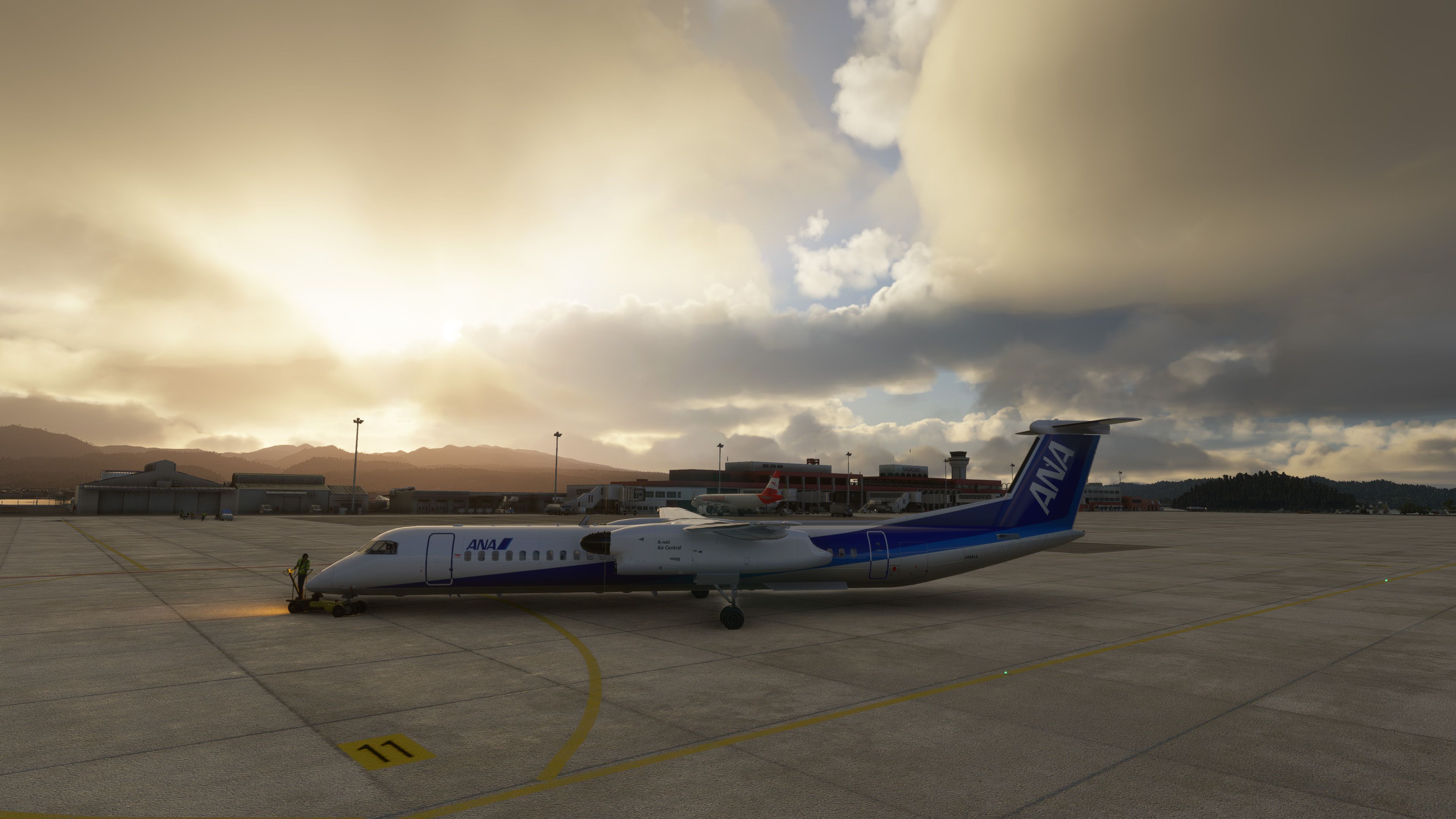
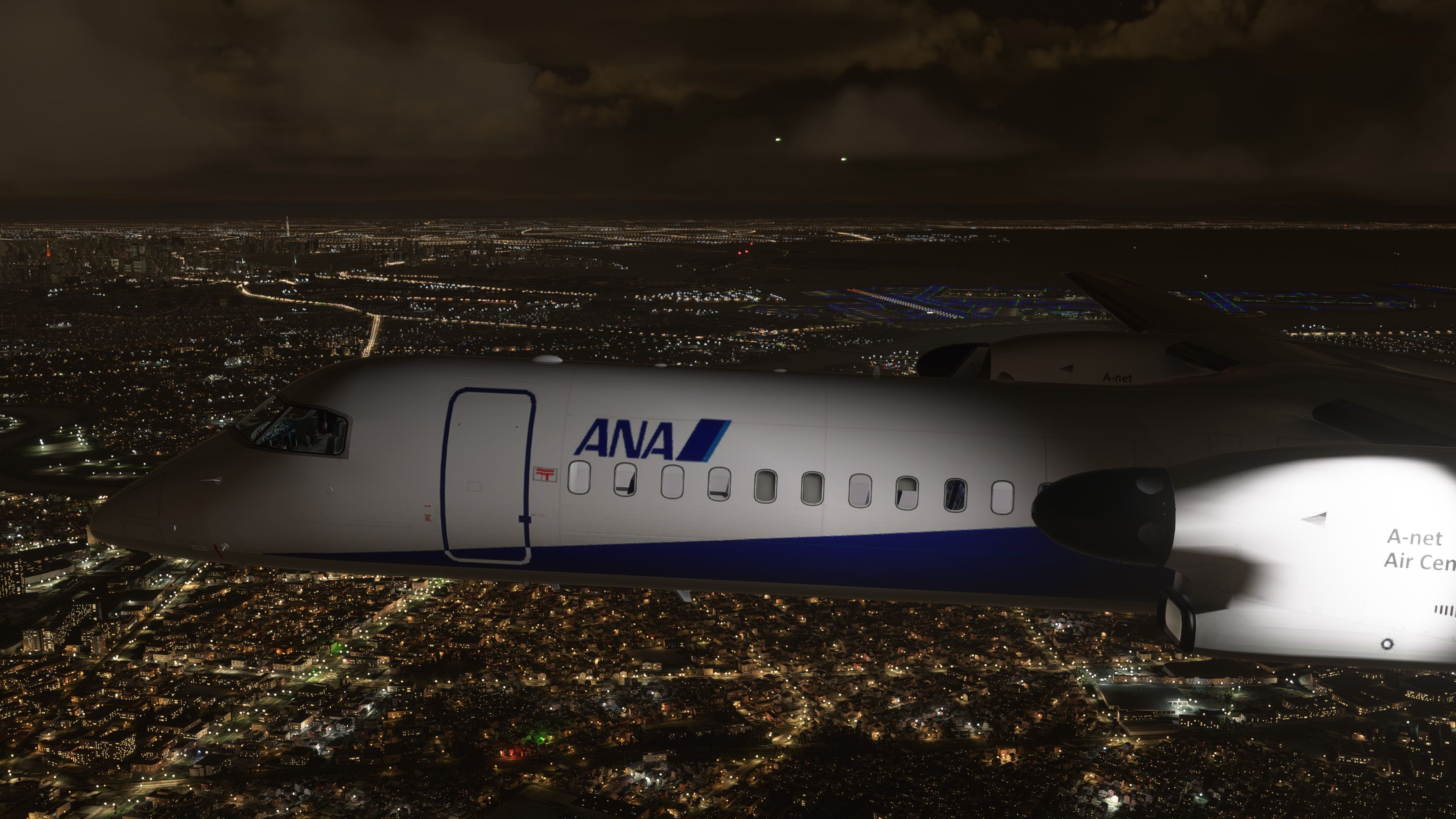
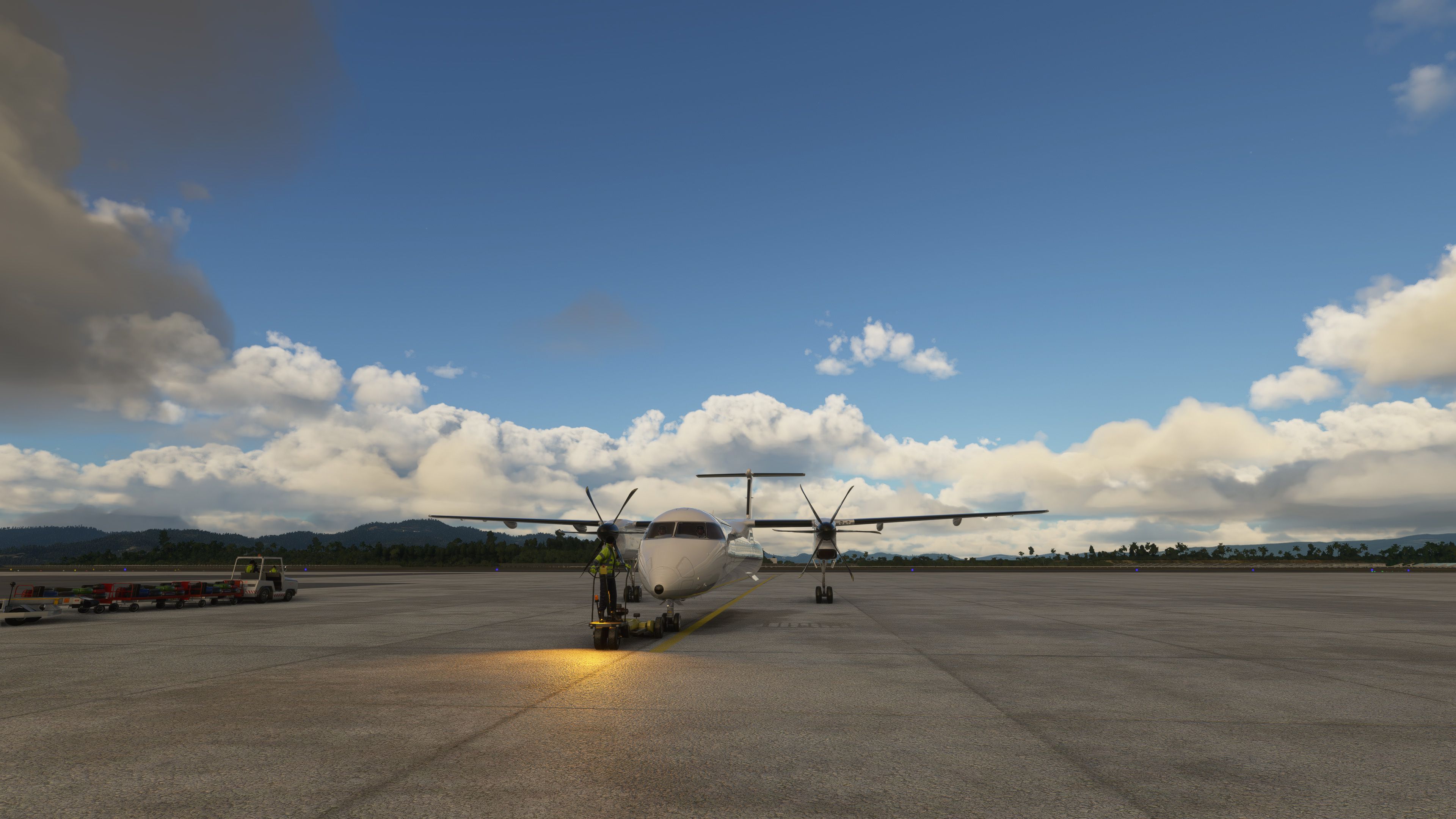
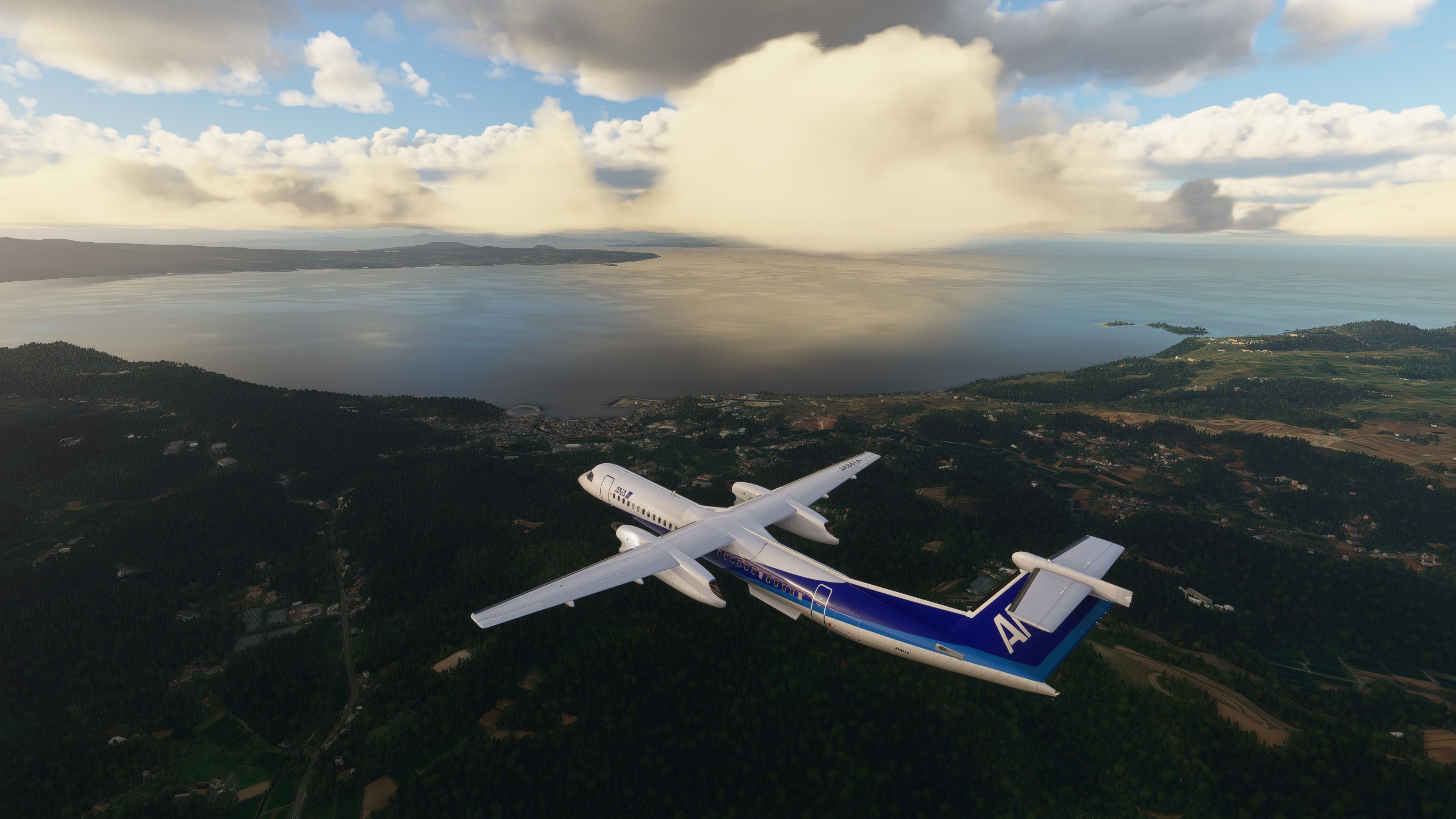
De Havilland Canada Dash 8 Q400 package brings a detailed turboprop airliner into Microsoft Flight Simulator with an extensively updated FSX model, HD 2048 textures, transparent windows, and custom night lighting. Includes 11 real-world airline liveries and requires the default CJ4 for the virtual cockpit plus the default King Air 350 sound set.
 Rate
Rate

This De Havilland Canada Dash 8 Q400 package seamlessly blends a classic FSX-based structure with upgraded textures and lighting for MSFS 2020. The thoughtfully reworked model boasts transparent windows, multiple real-world liveries, and a crisp HD finish that elevates regional turboprop flying. Although it inherits cockpit elements from the default CJ4 and engine sounds from the King Air 350, it offers a surprisingly immersive atmosphere for both casual and veteran sim pilots.
Performance remains stable, and the aircraft’s refined visuals—complete with reflective surfaces—capture the essence of a Q400 in flight. While it’s not a study-level simulation, the overall handling feels satisfying and showcases the mod’s clever enhancements, making it an enjoyable option for anyone eager to augment their regional airline routes in Microsoft Flight Simulator.
A port-over conversion from FSX bringing a fully functional and detailed version of the De Havilland Canada Dash 8 Q400 to Microsoft Flight Simulator (MSFS) 2020 release.
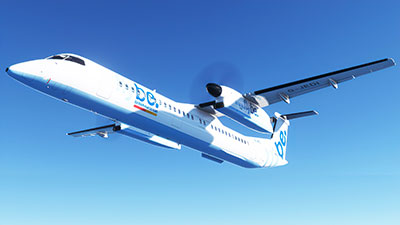 While the project is essentially a port-over, much modification work has been taken place to realize the new features of the new sim and enabled the aircraft model to work as accurately as possible.
The package includes over 11 liveries/repaints based on real-world airlines compatible and fully functional in FS2020 (as it's known in the community).
Liveries Included
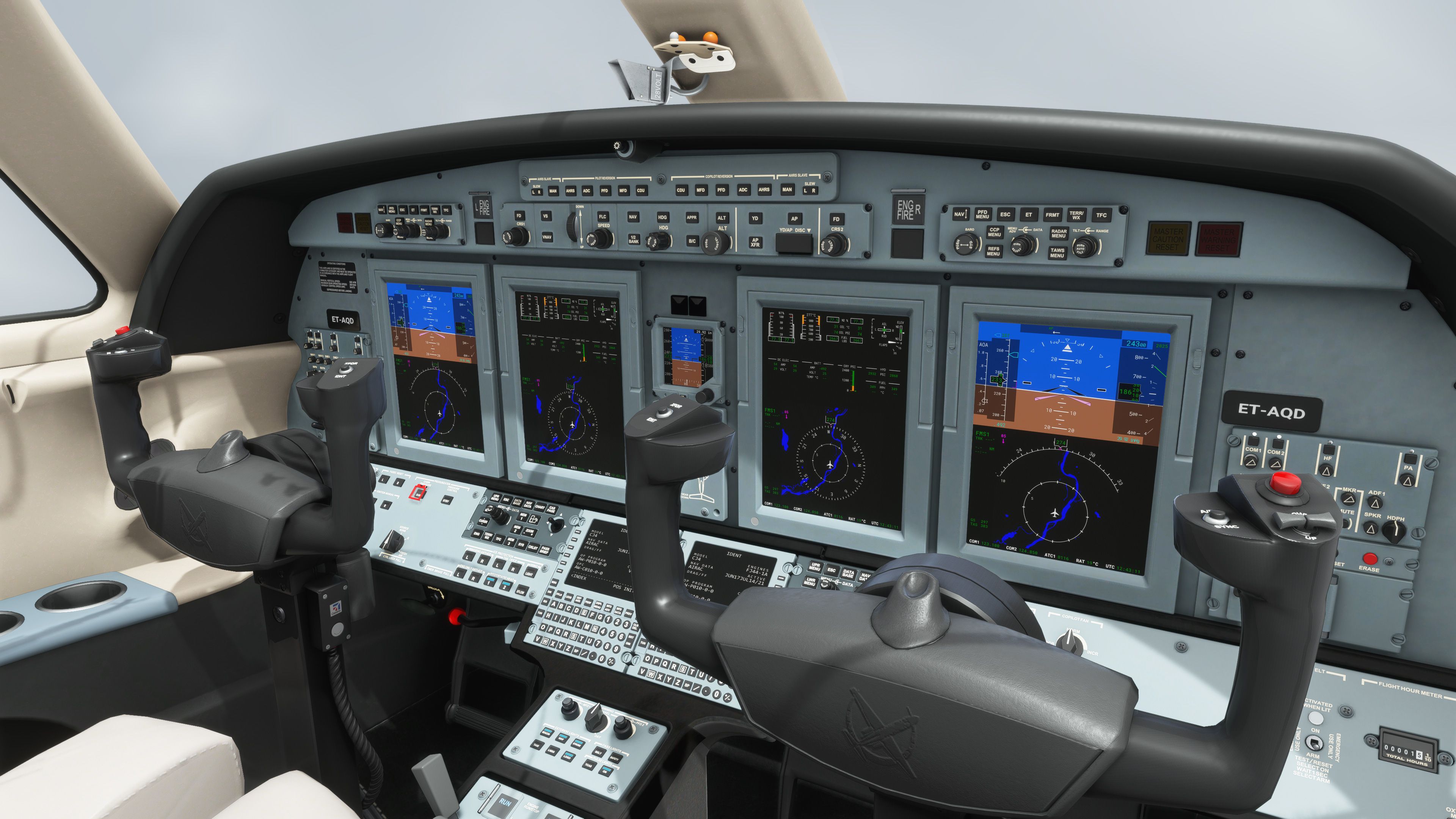
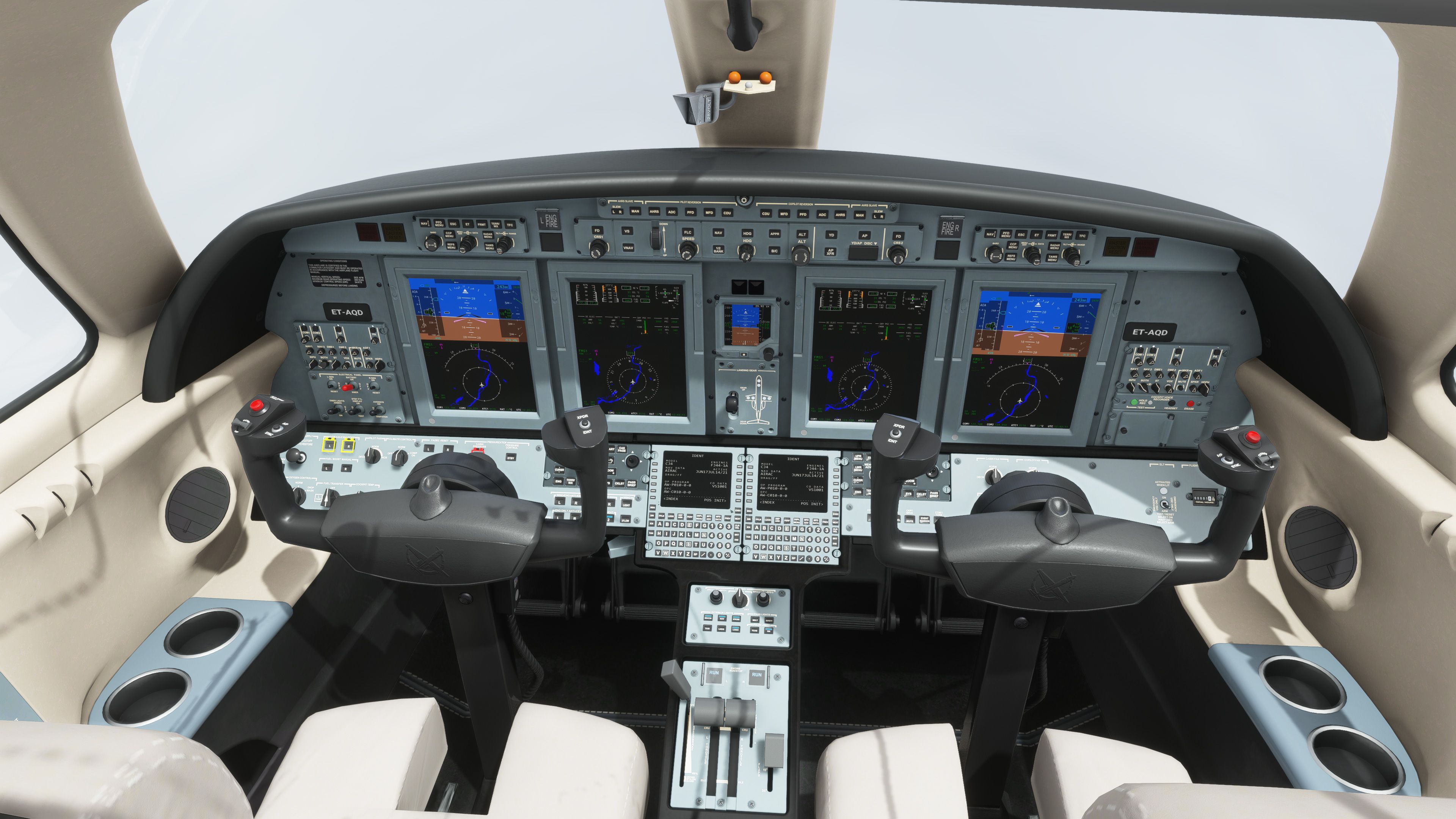
Virtual Cockpit used
Engine Sounds (flight deck environment & exterior sounds)
Notes from the developer;
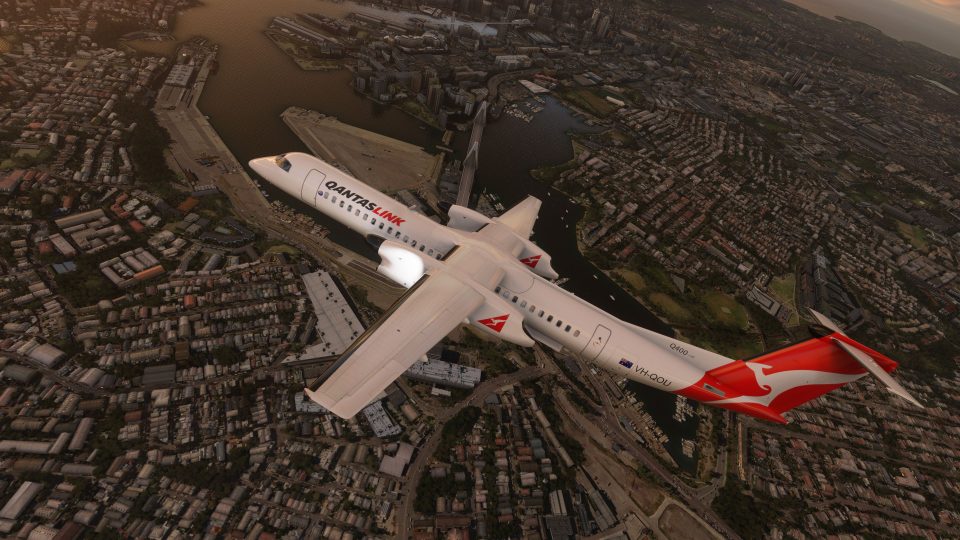
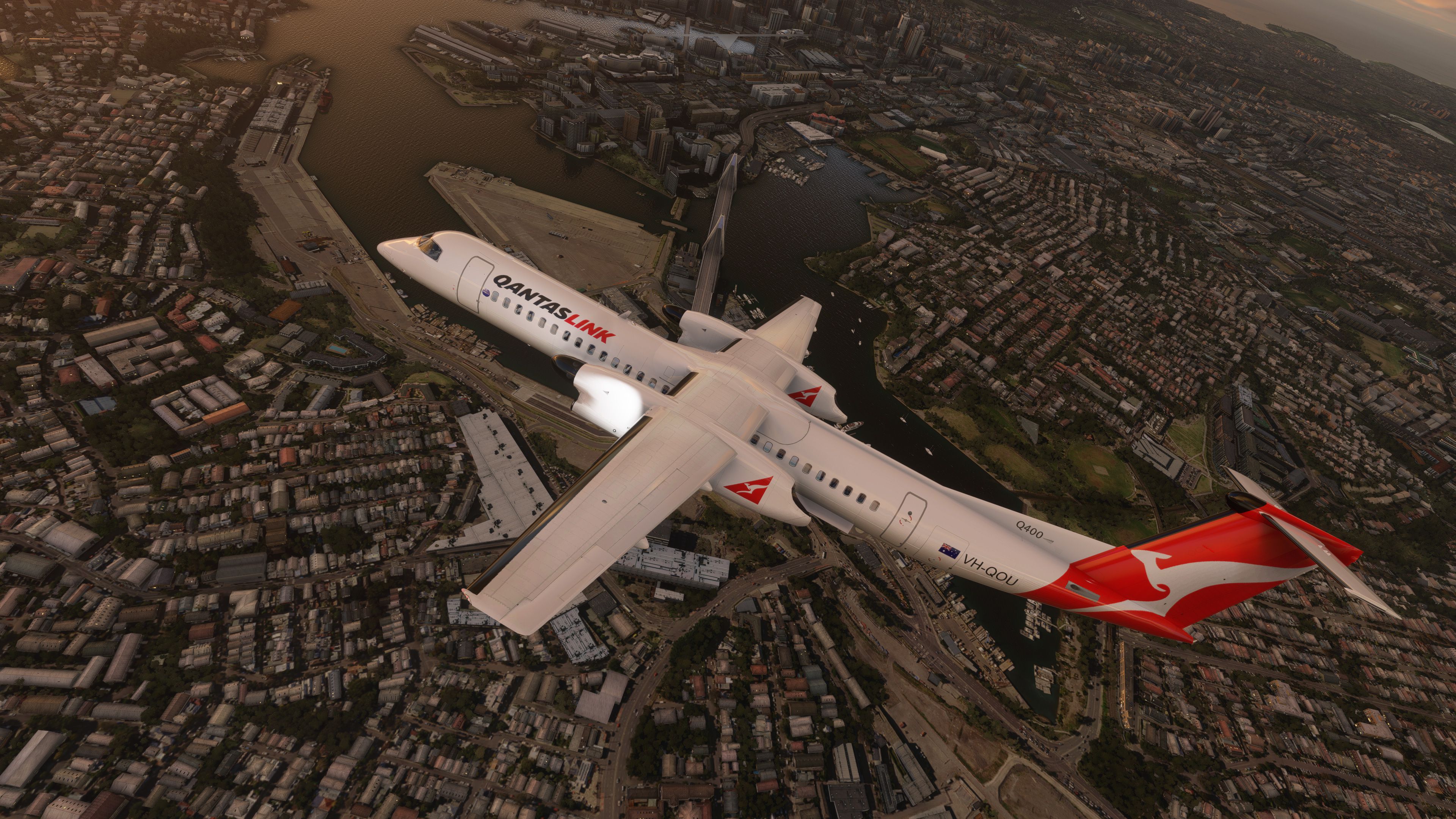
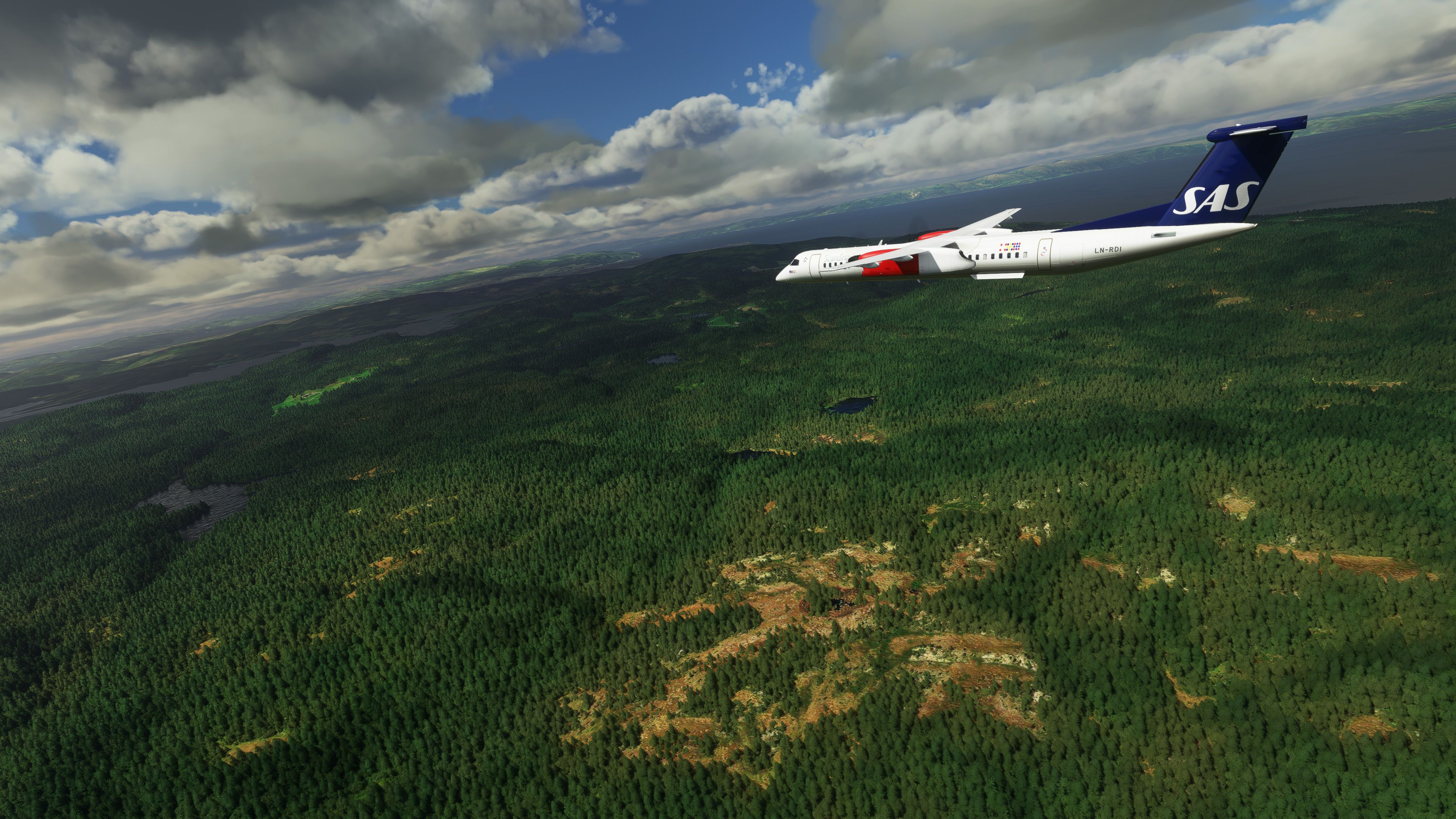
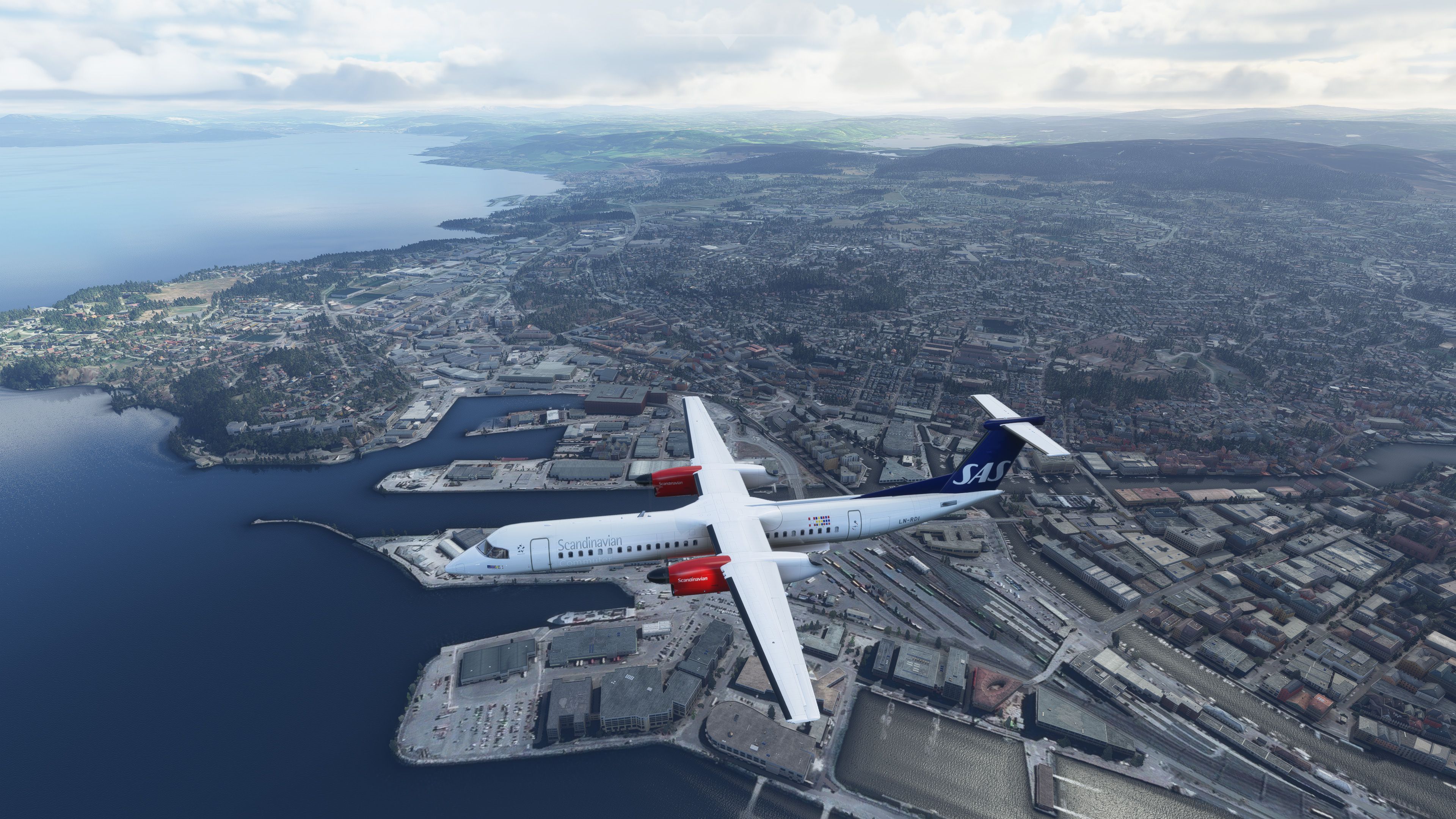
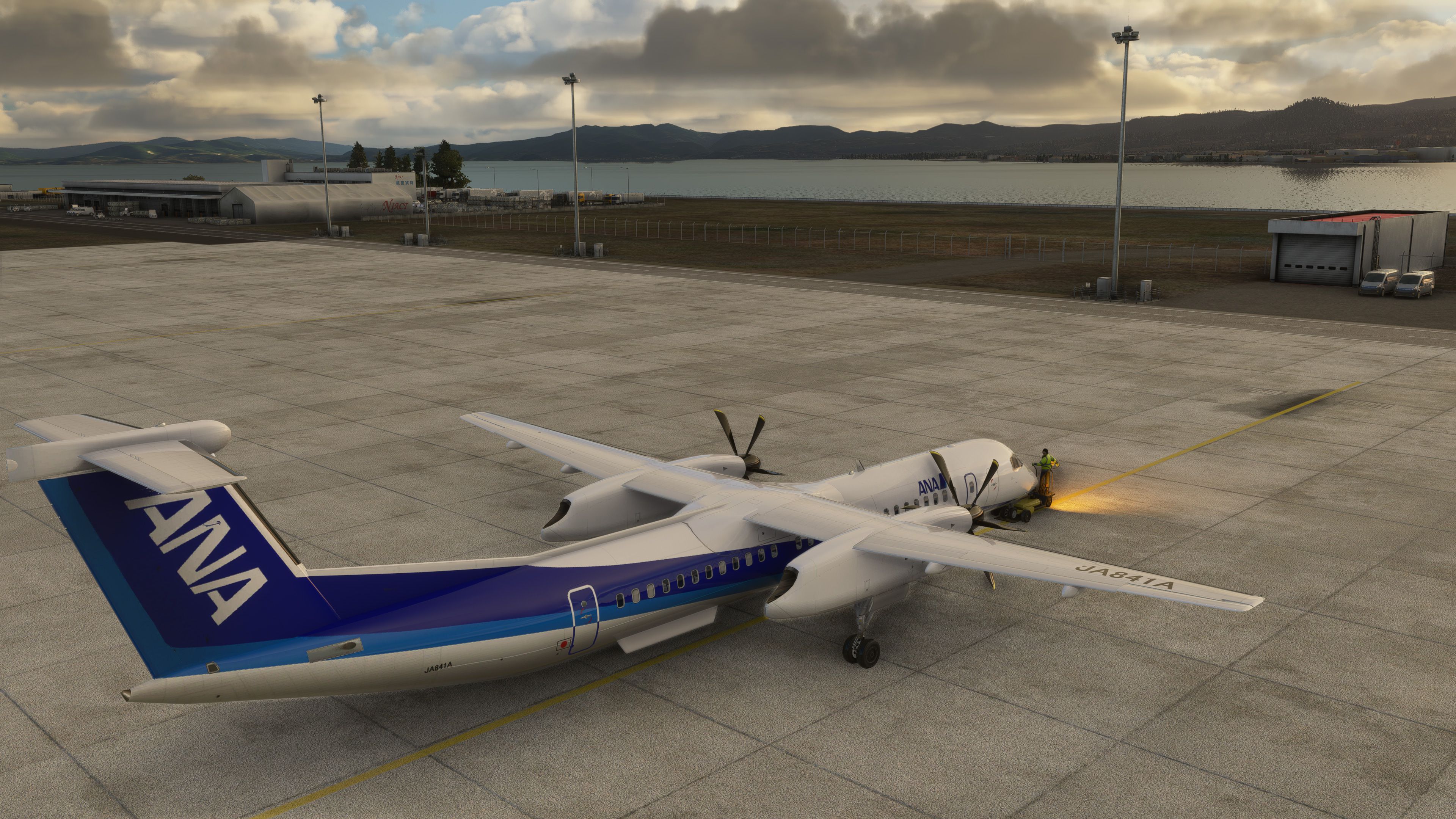
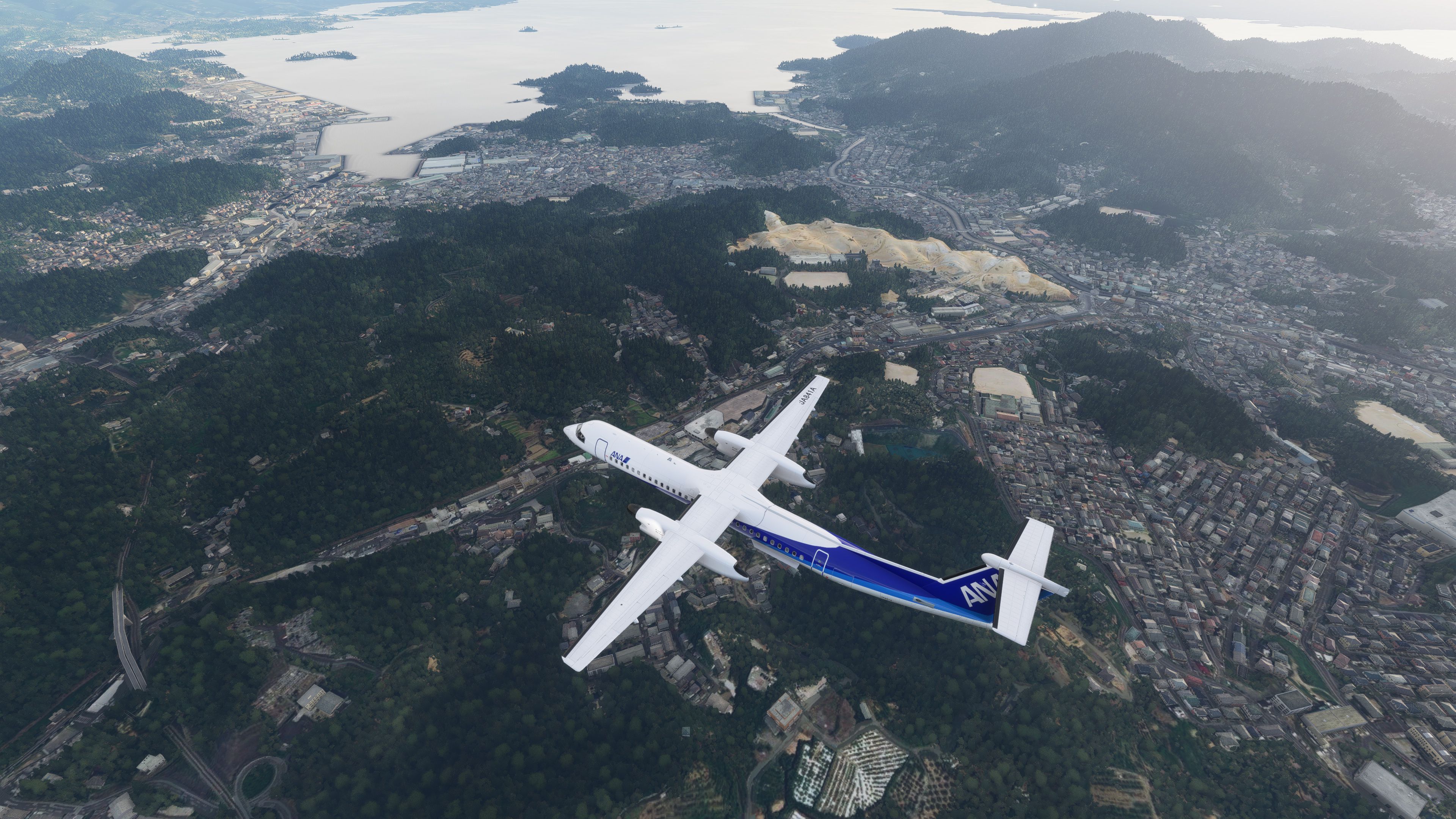
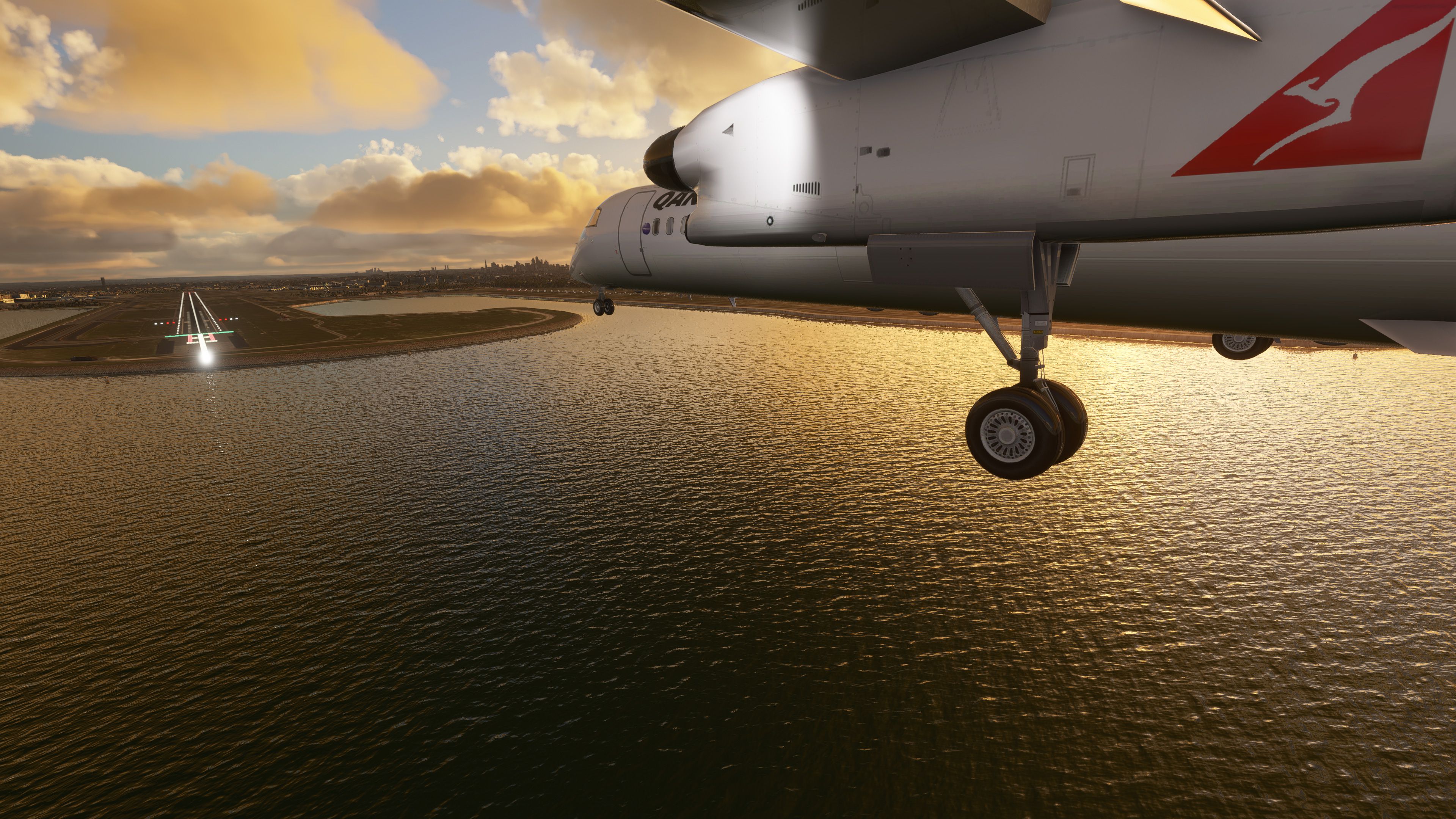
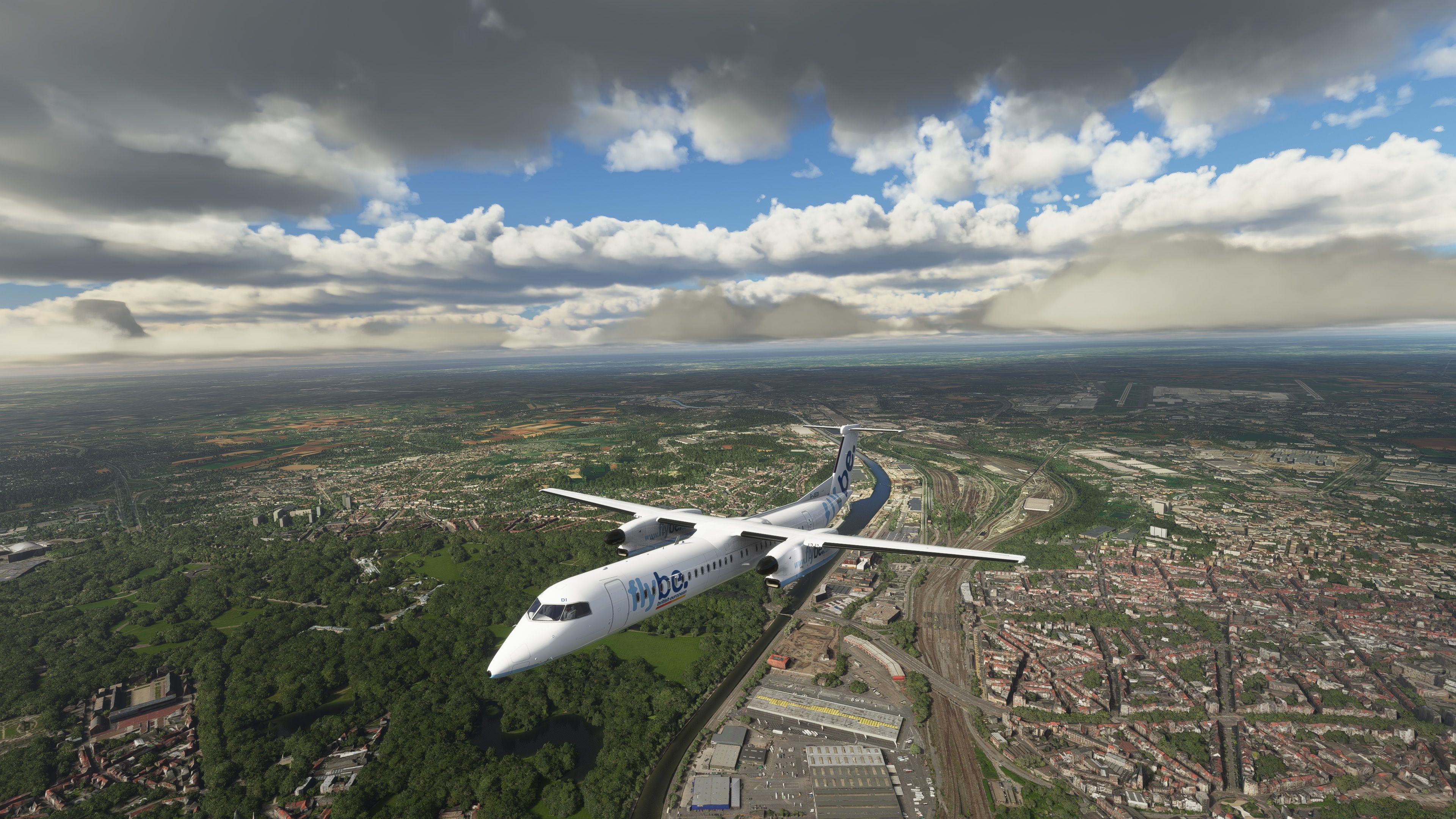
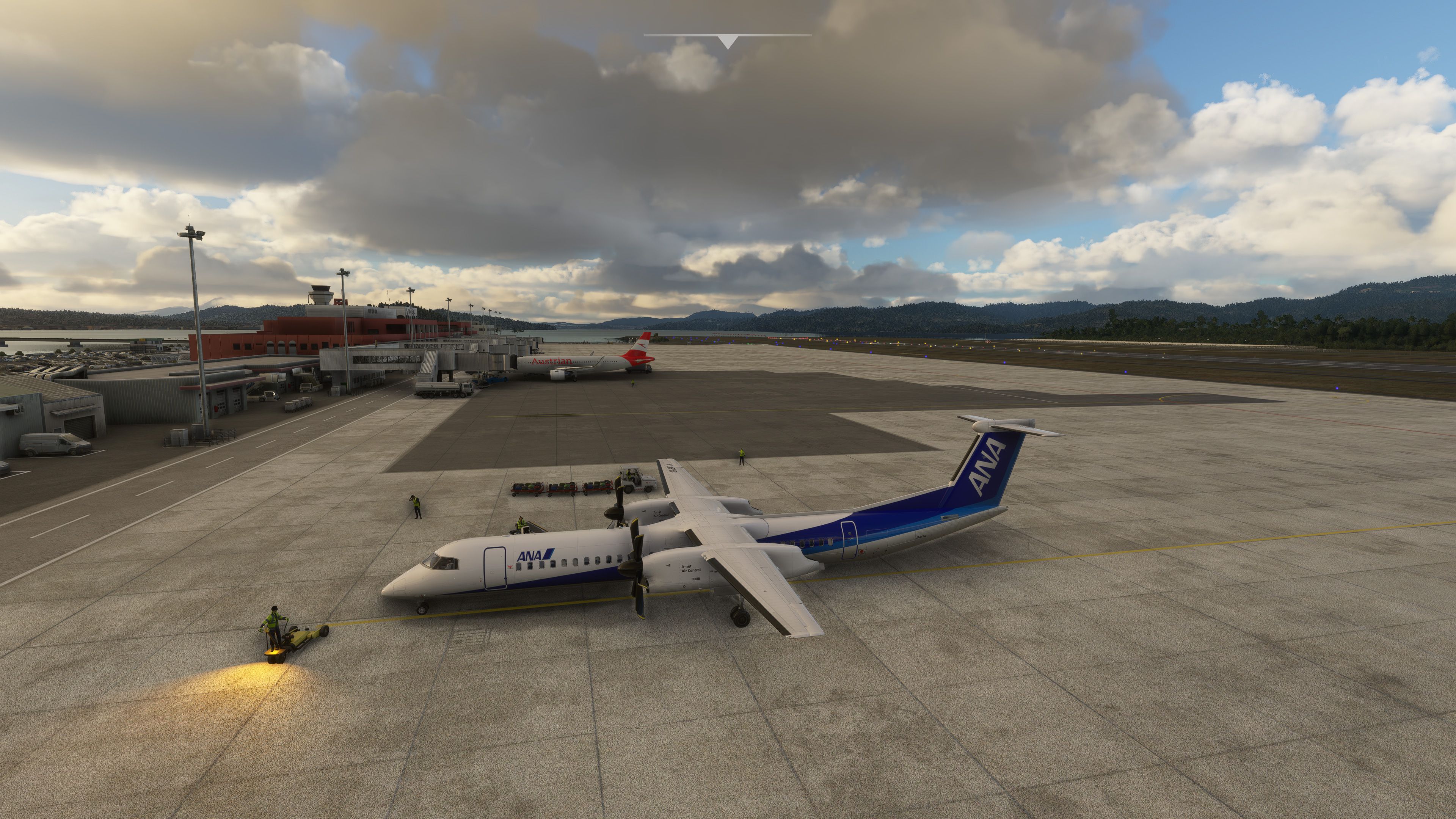
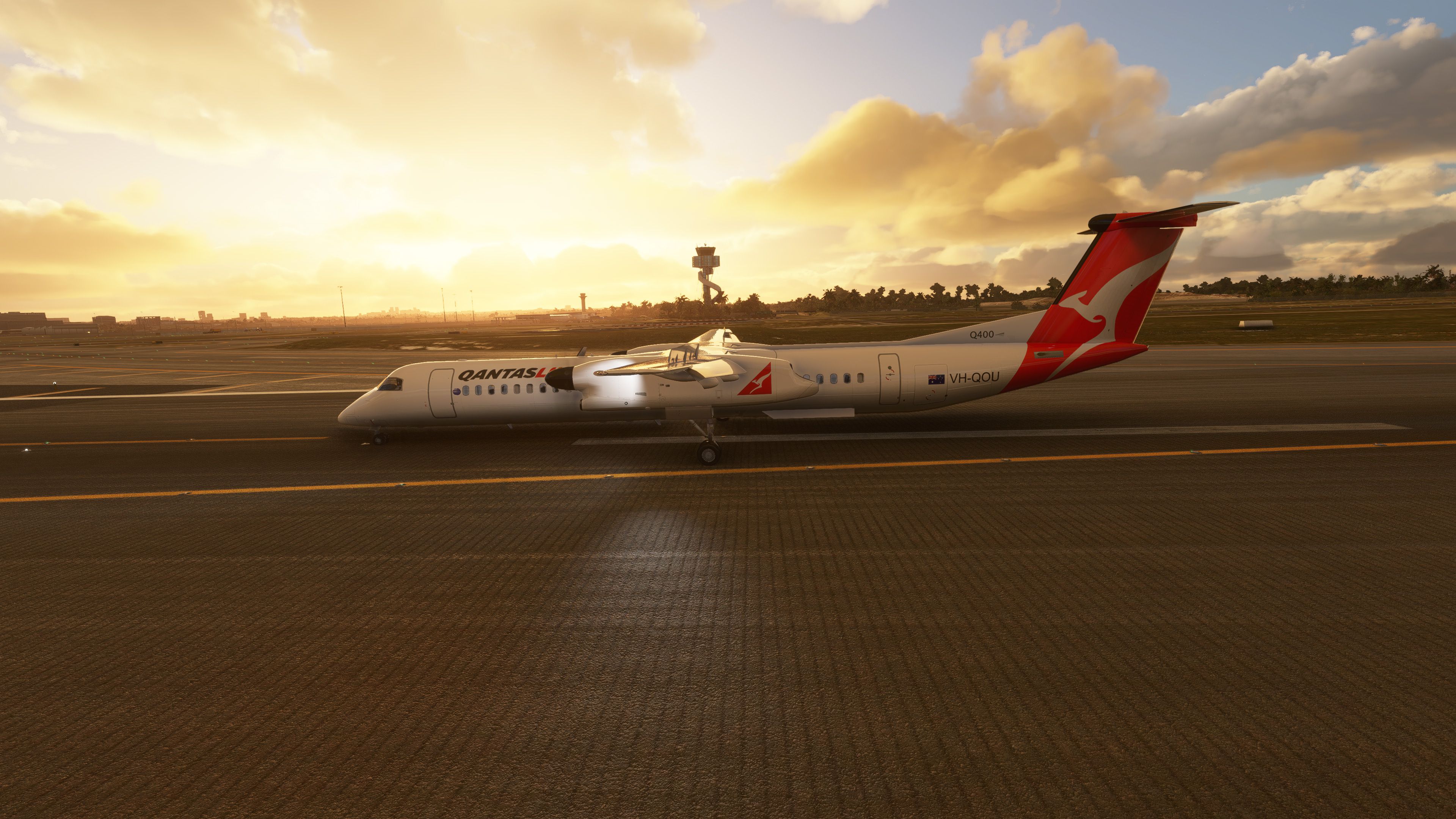
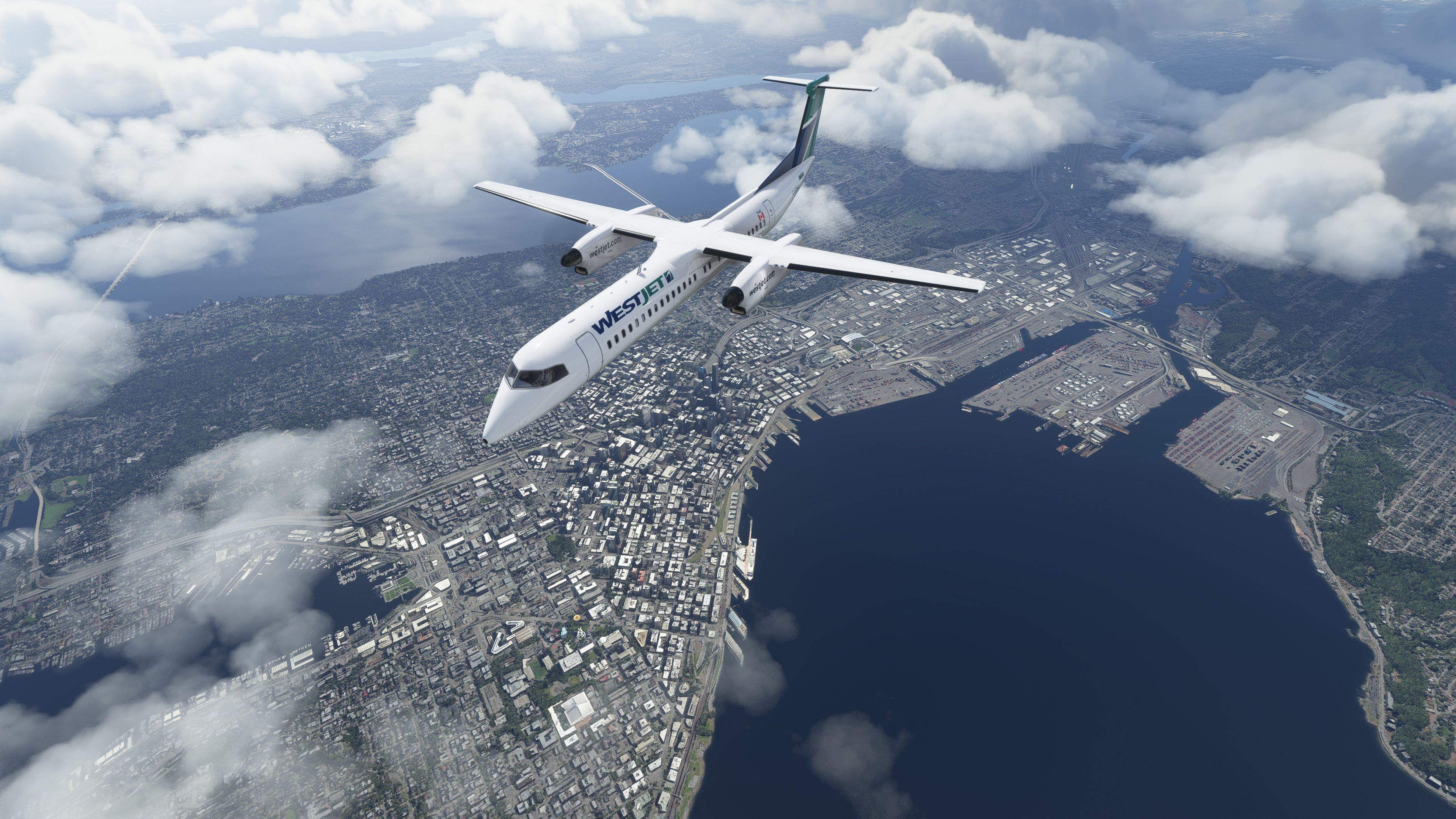
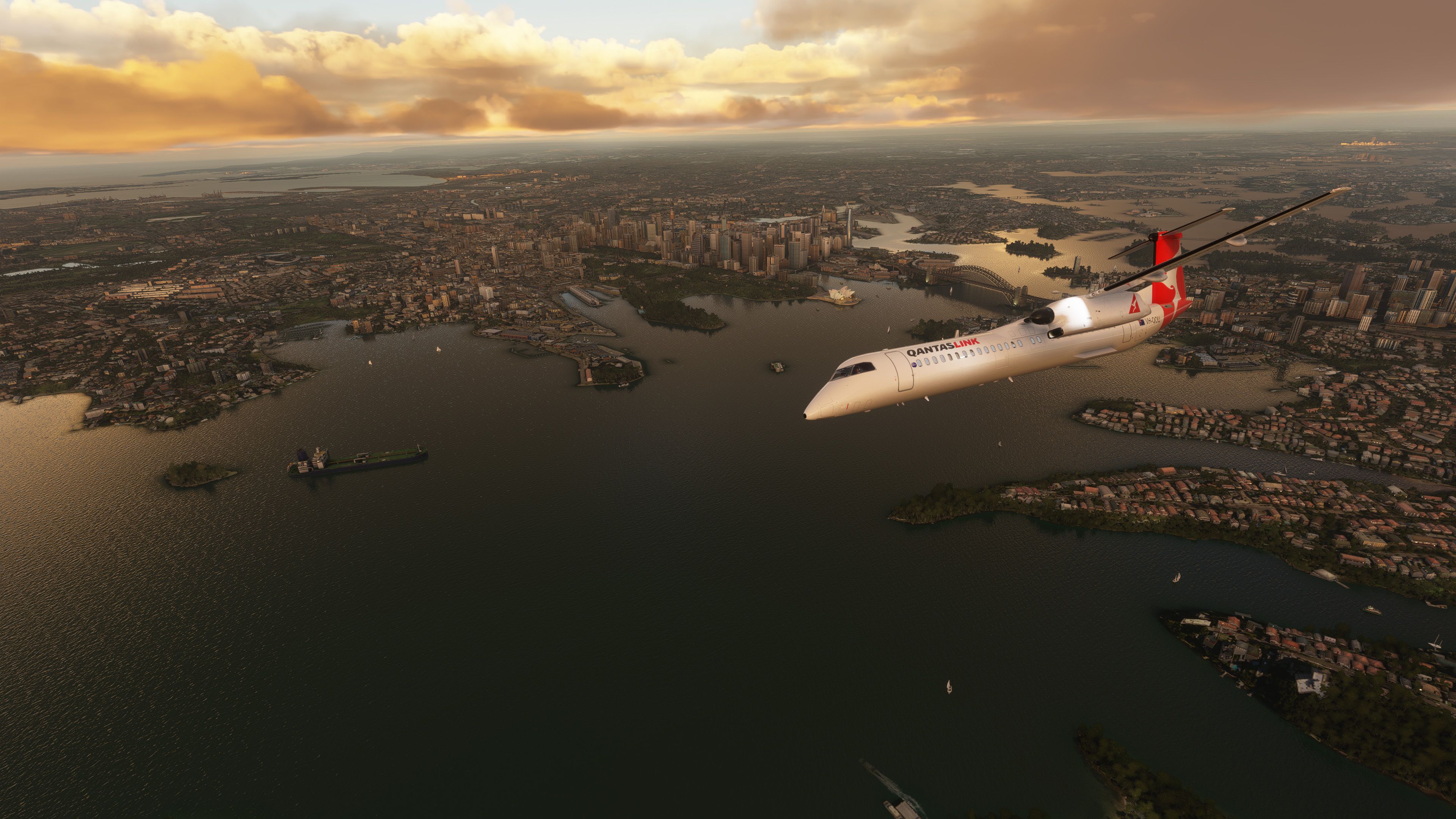
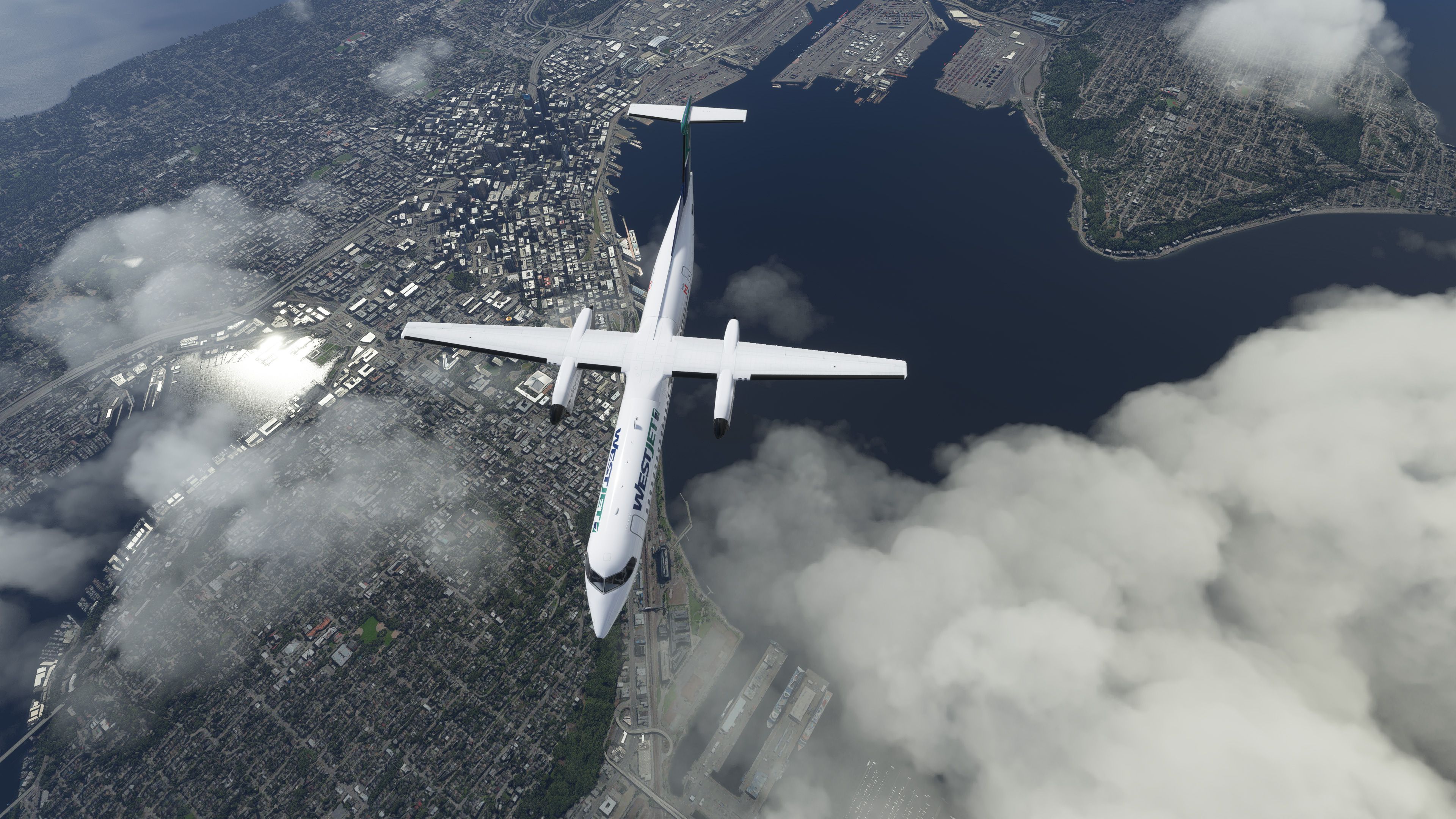
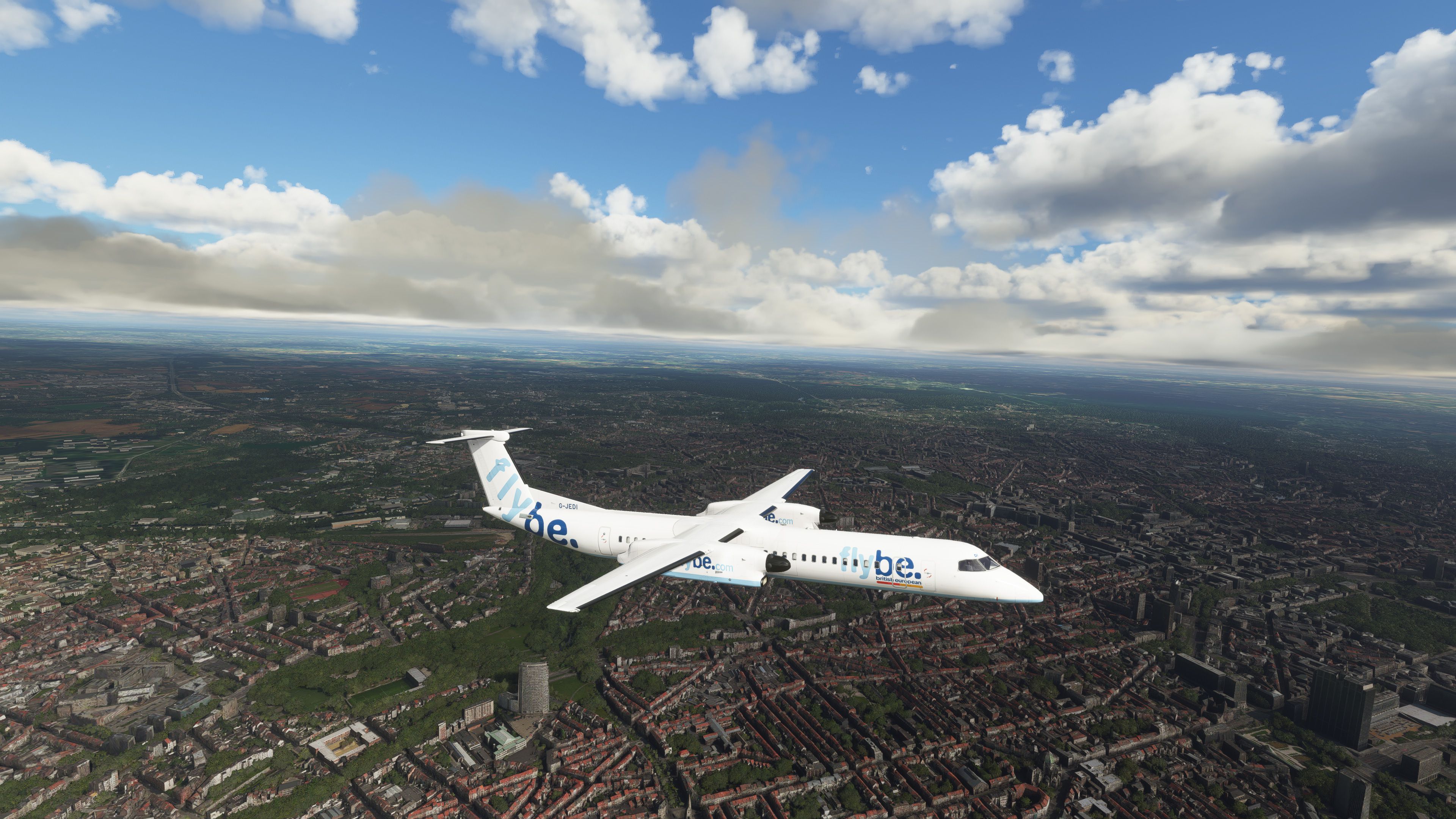
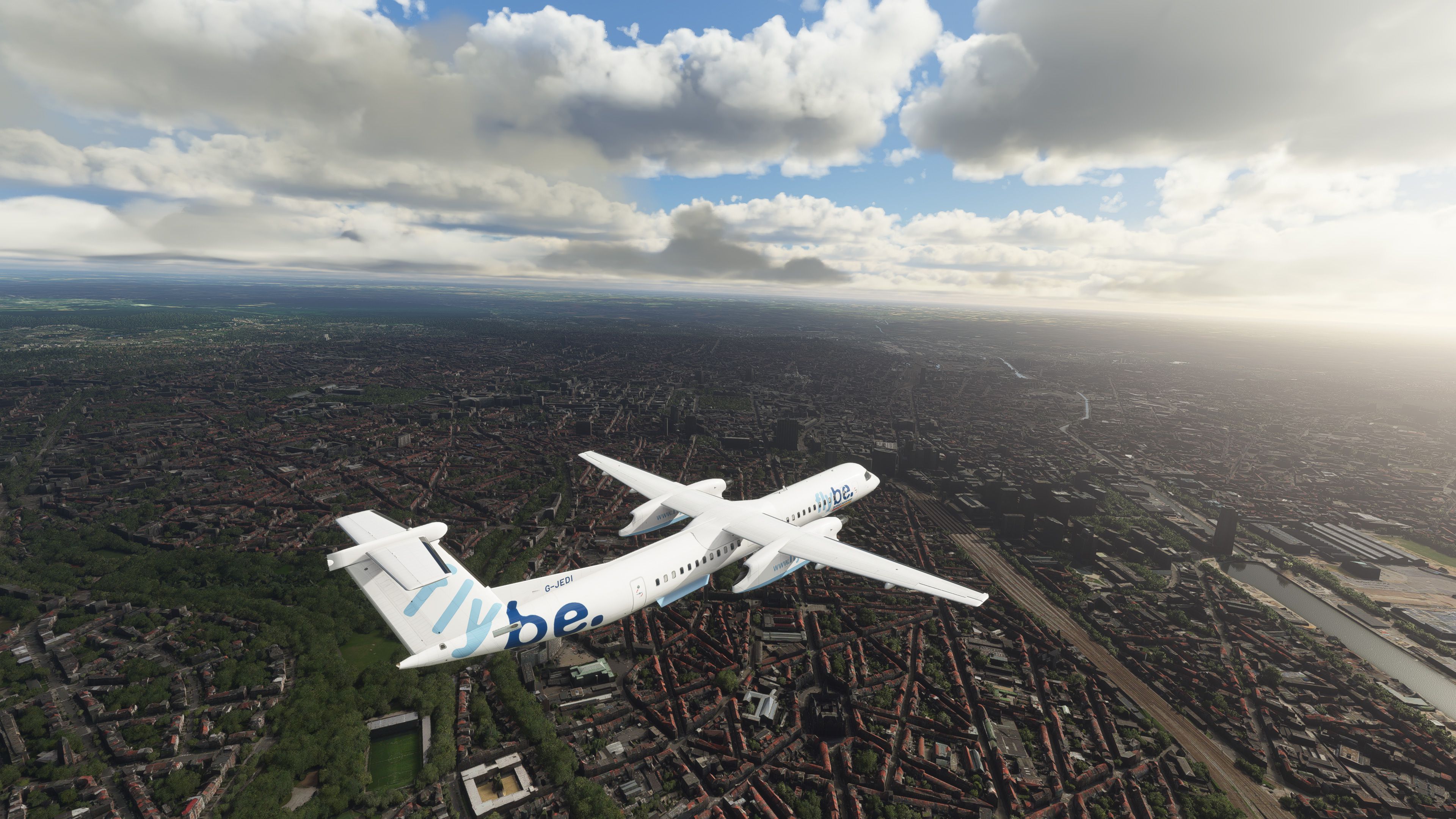
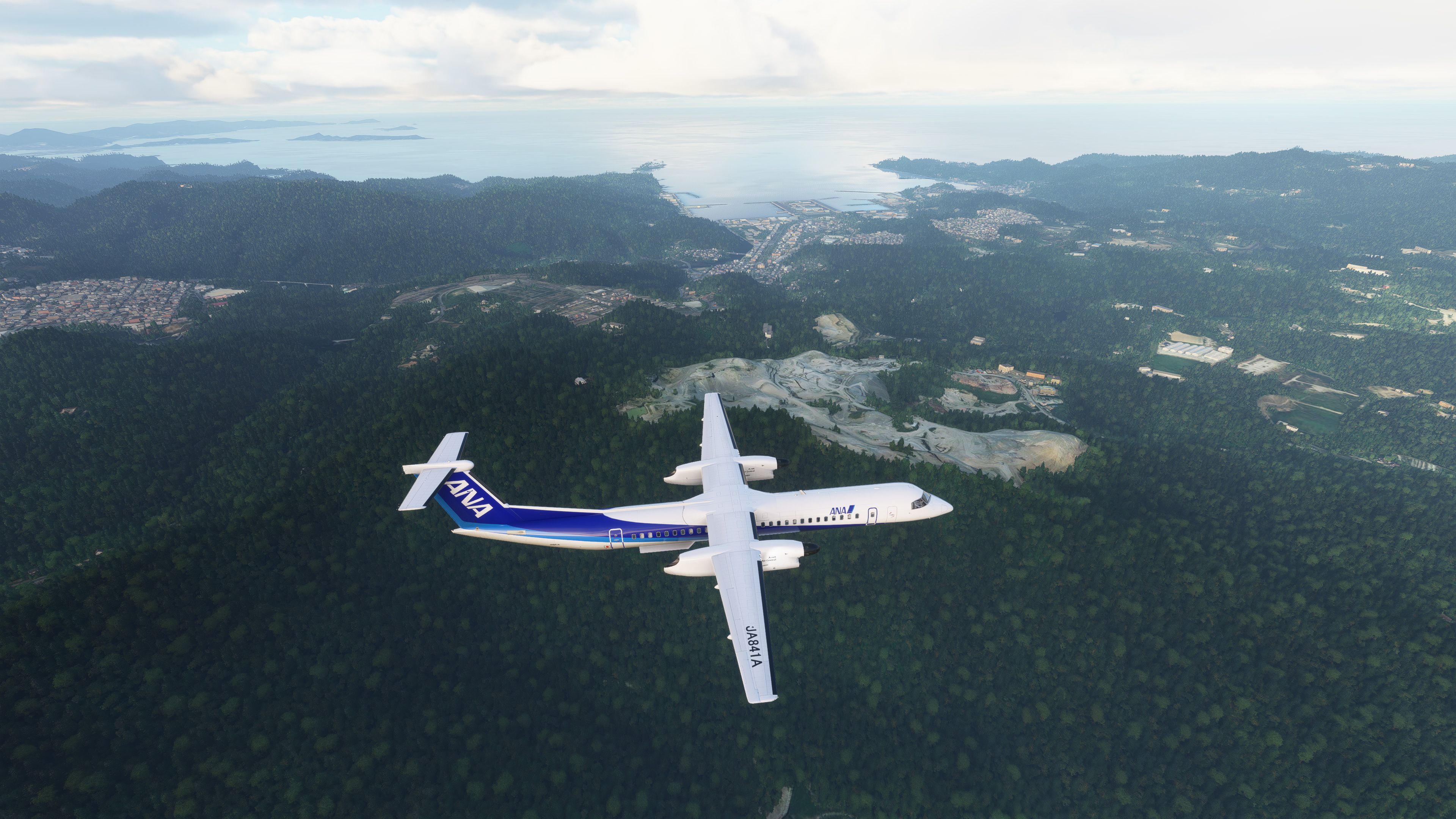
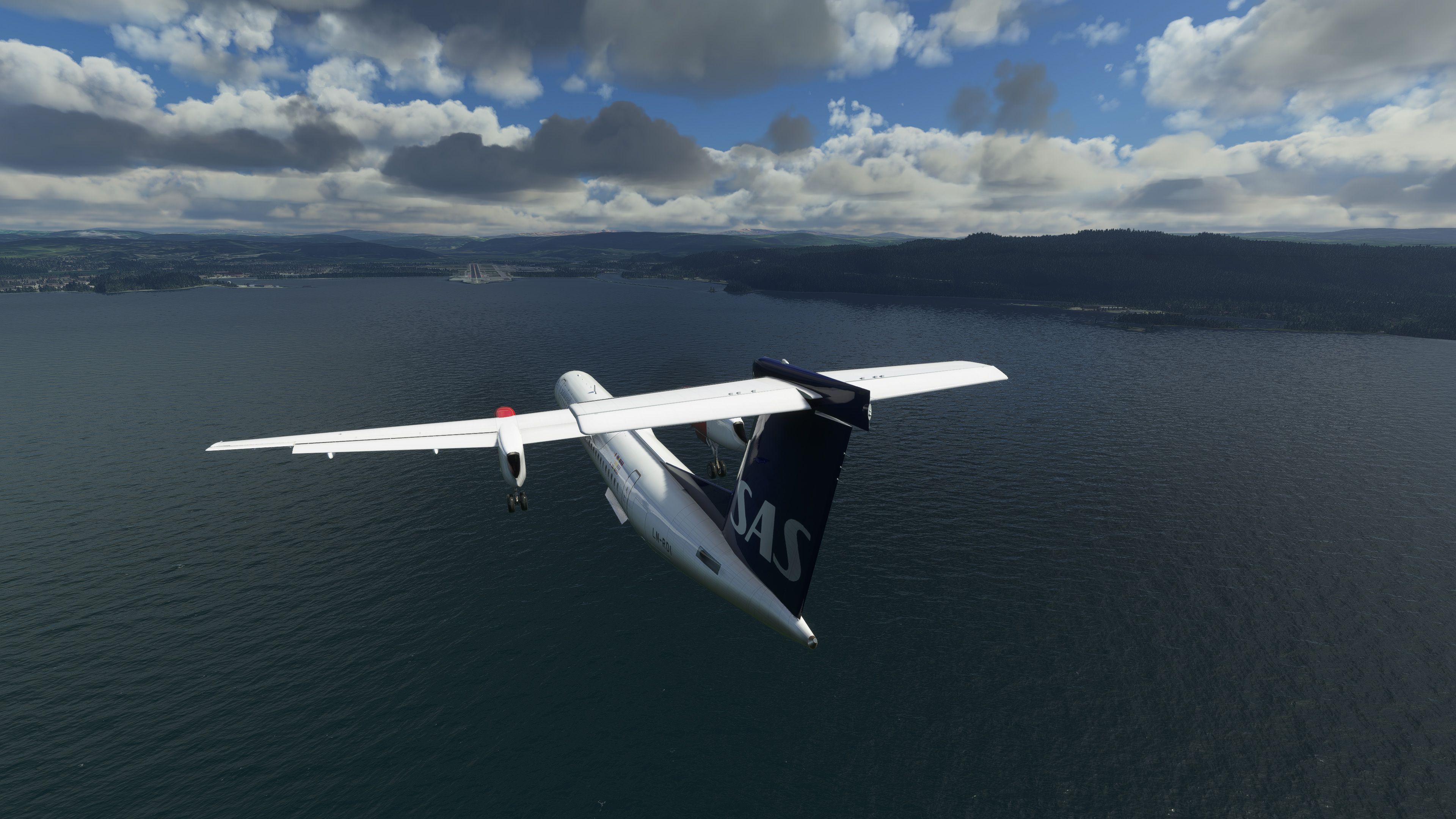
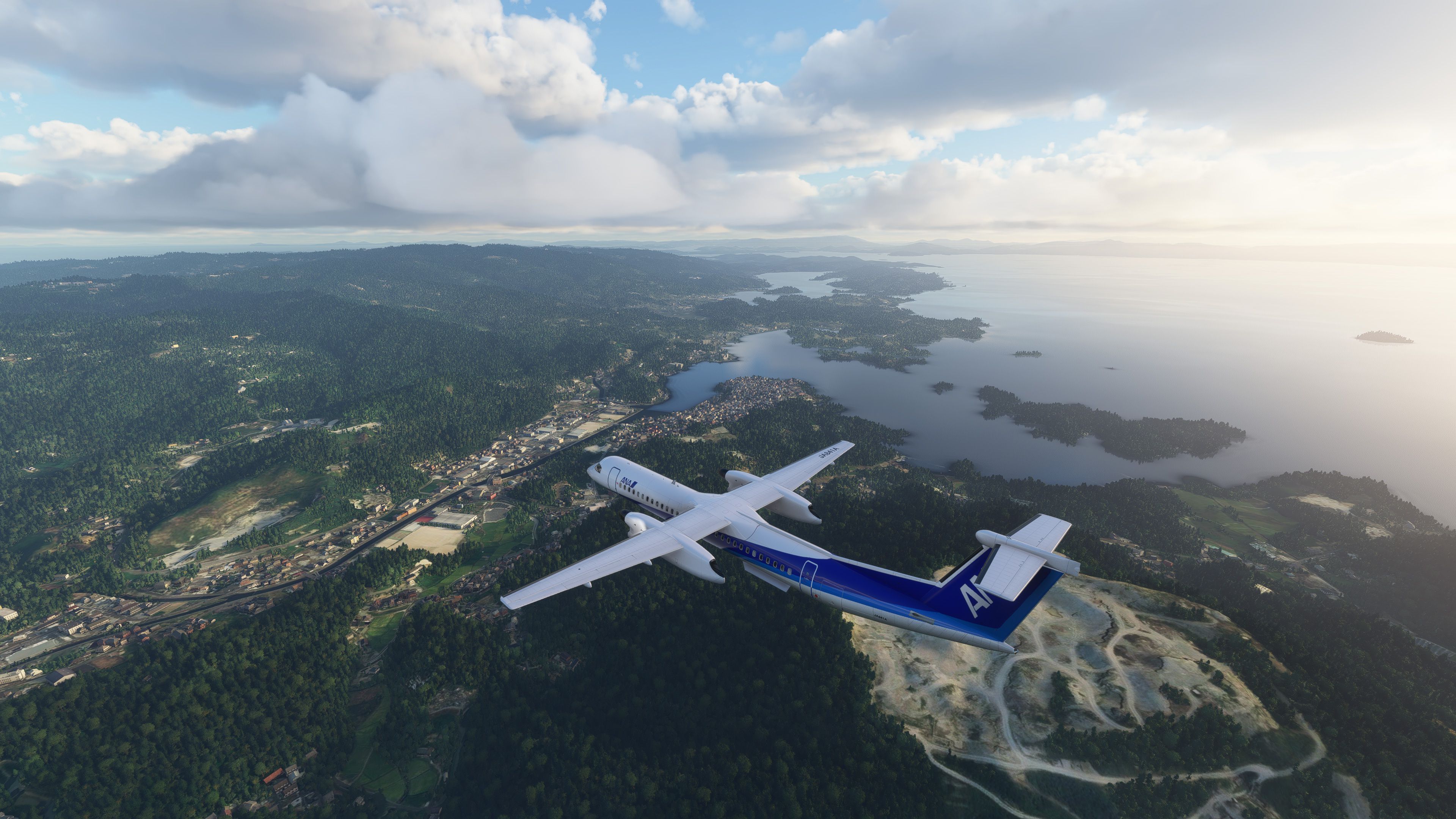
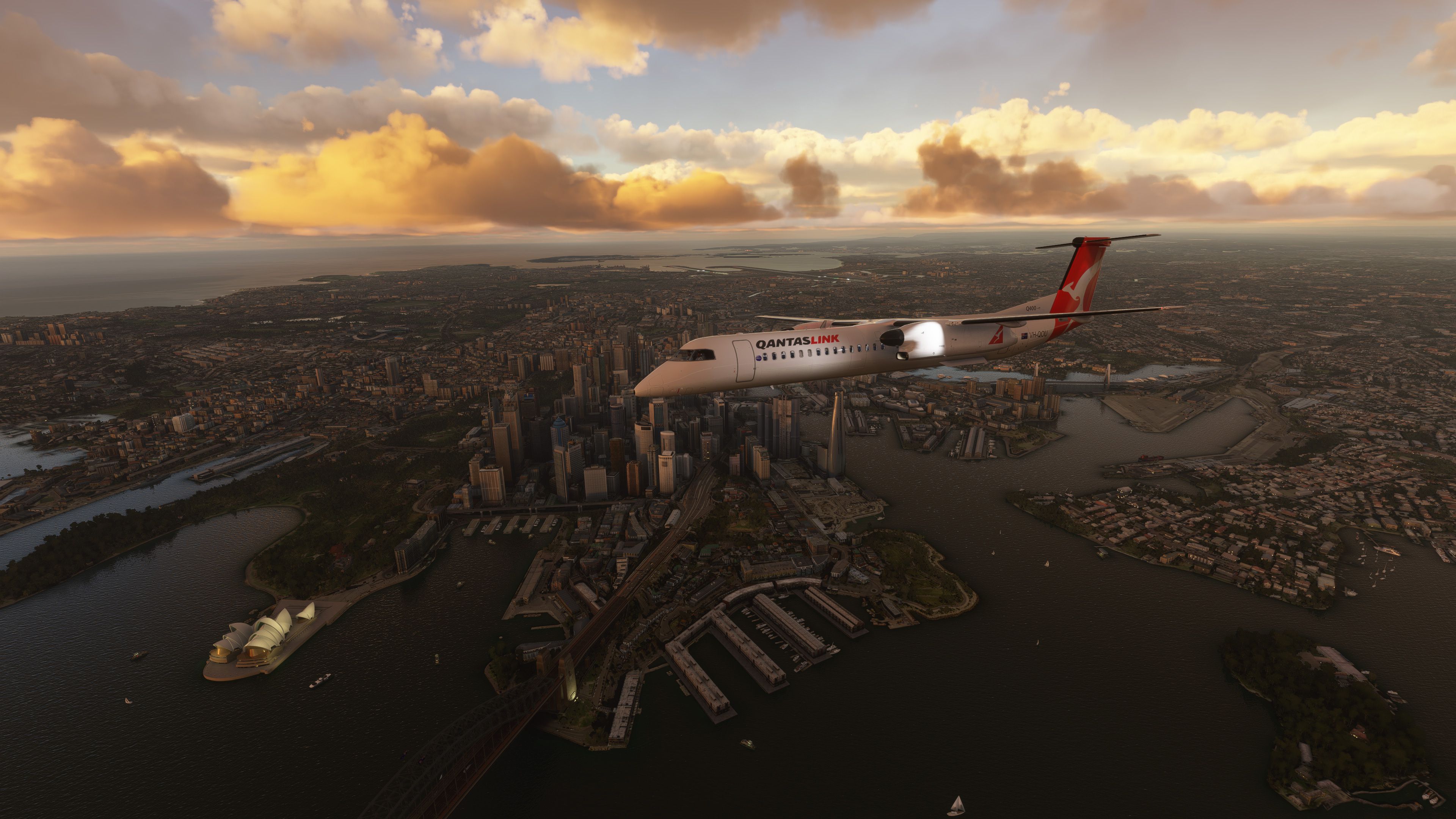
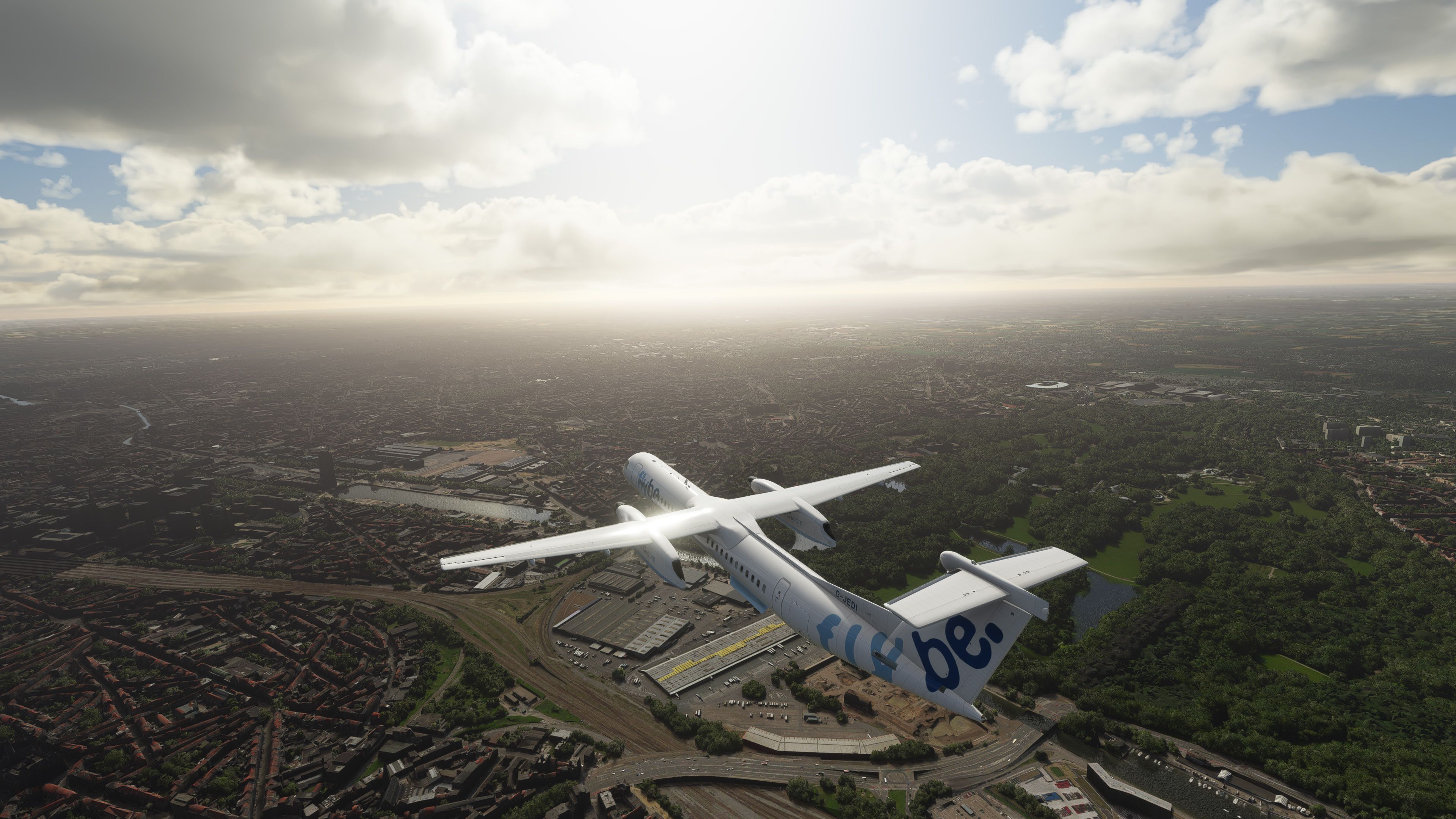
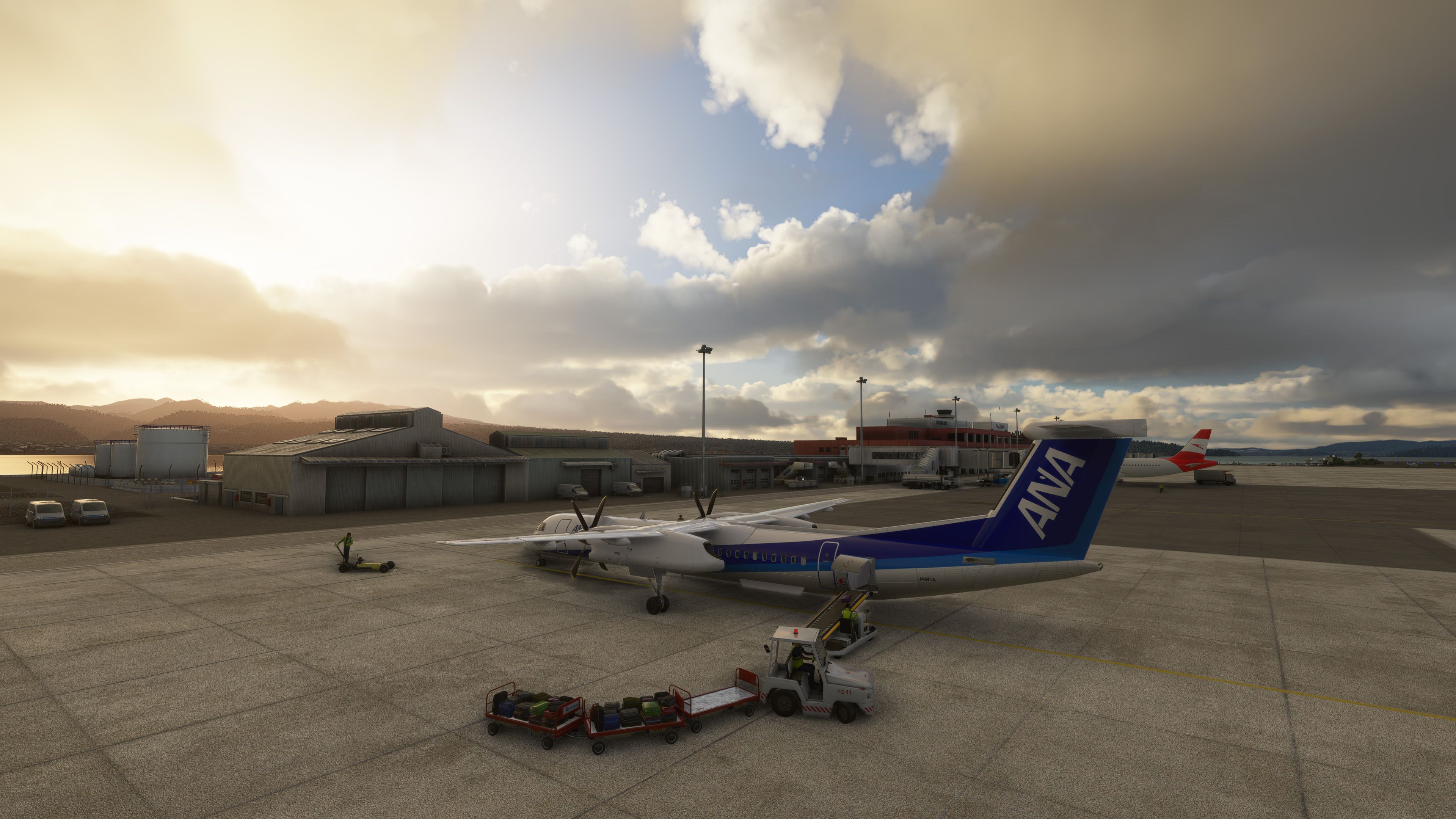
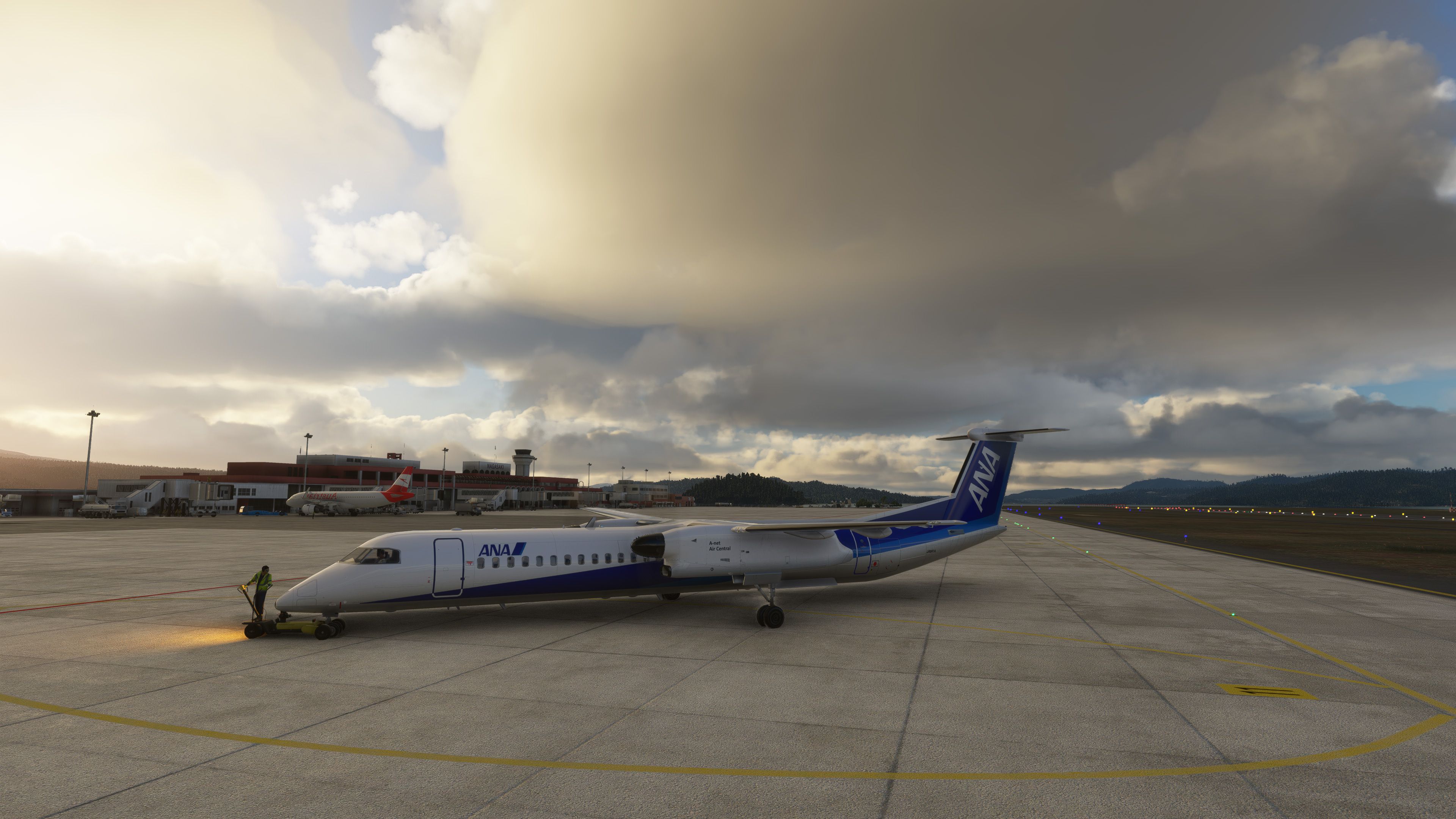
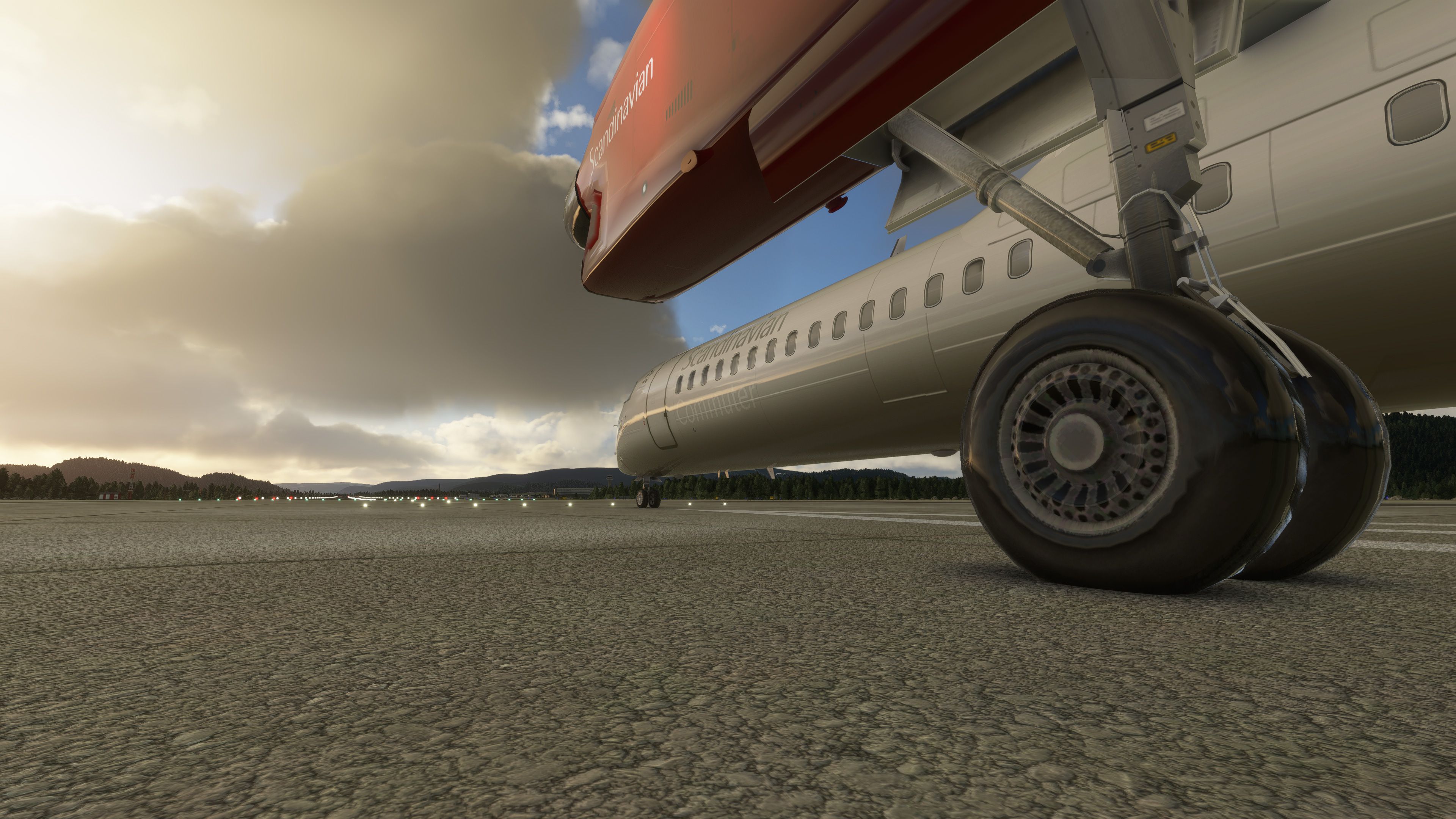
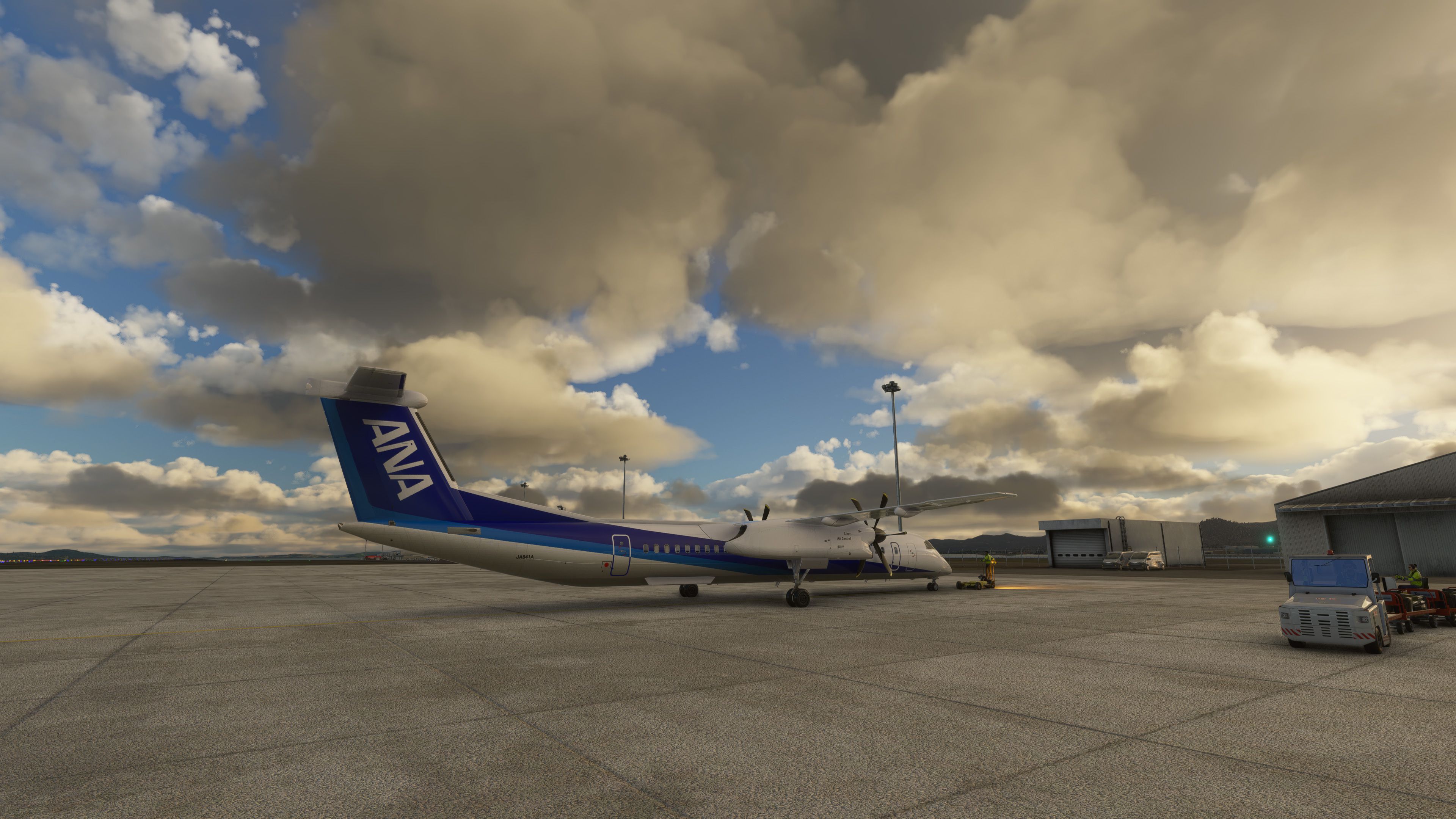
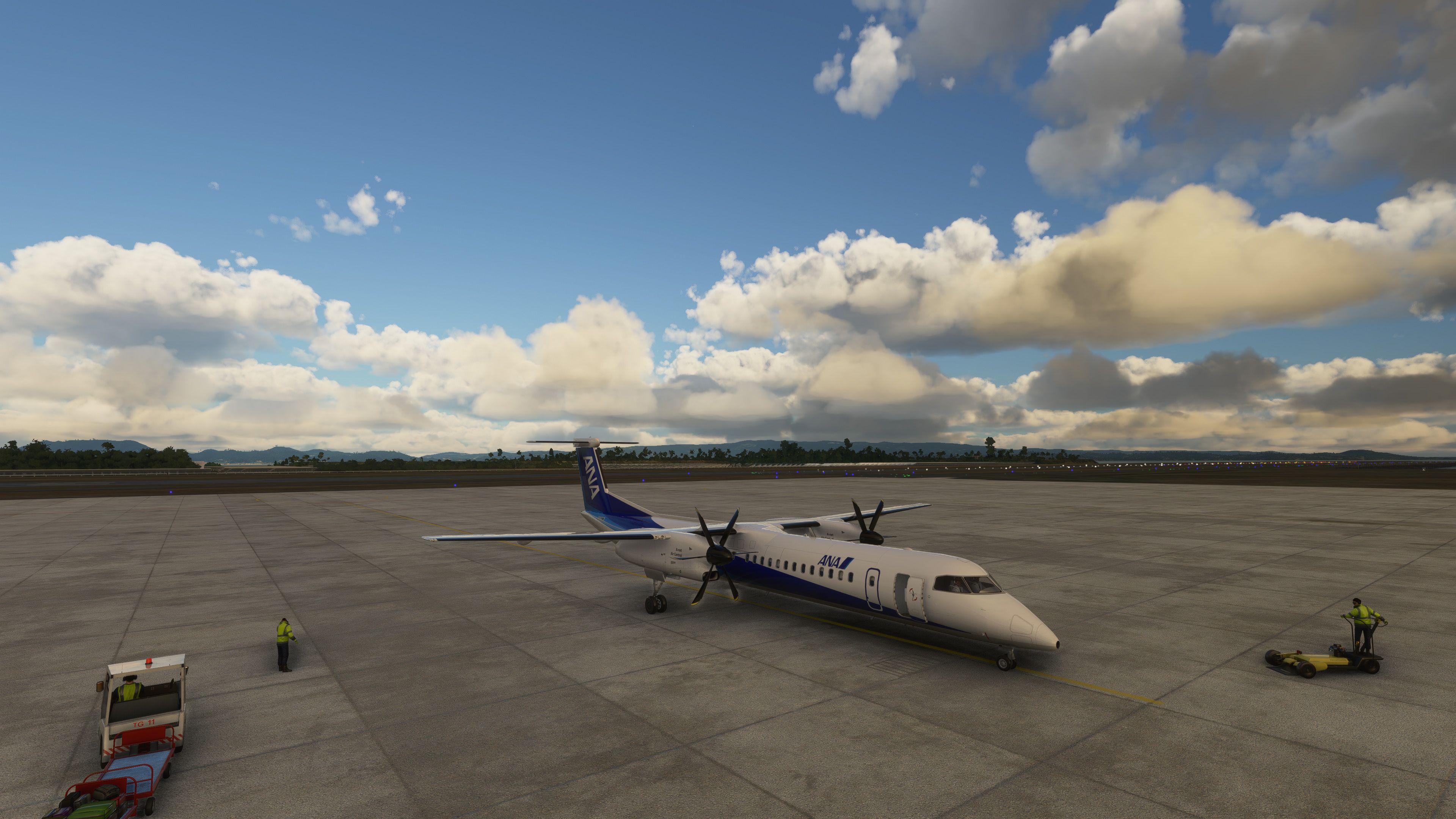
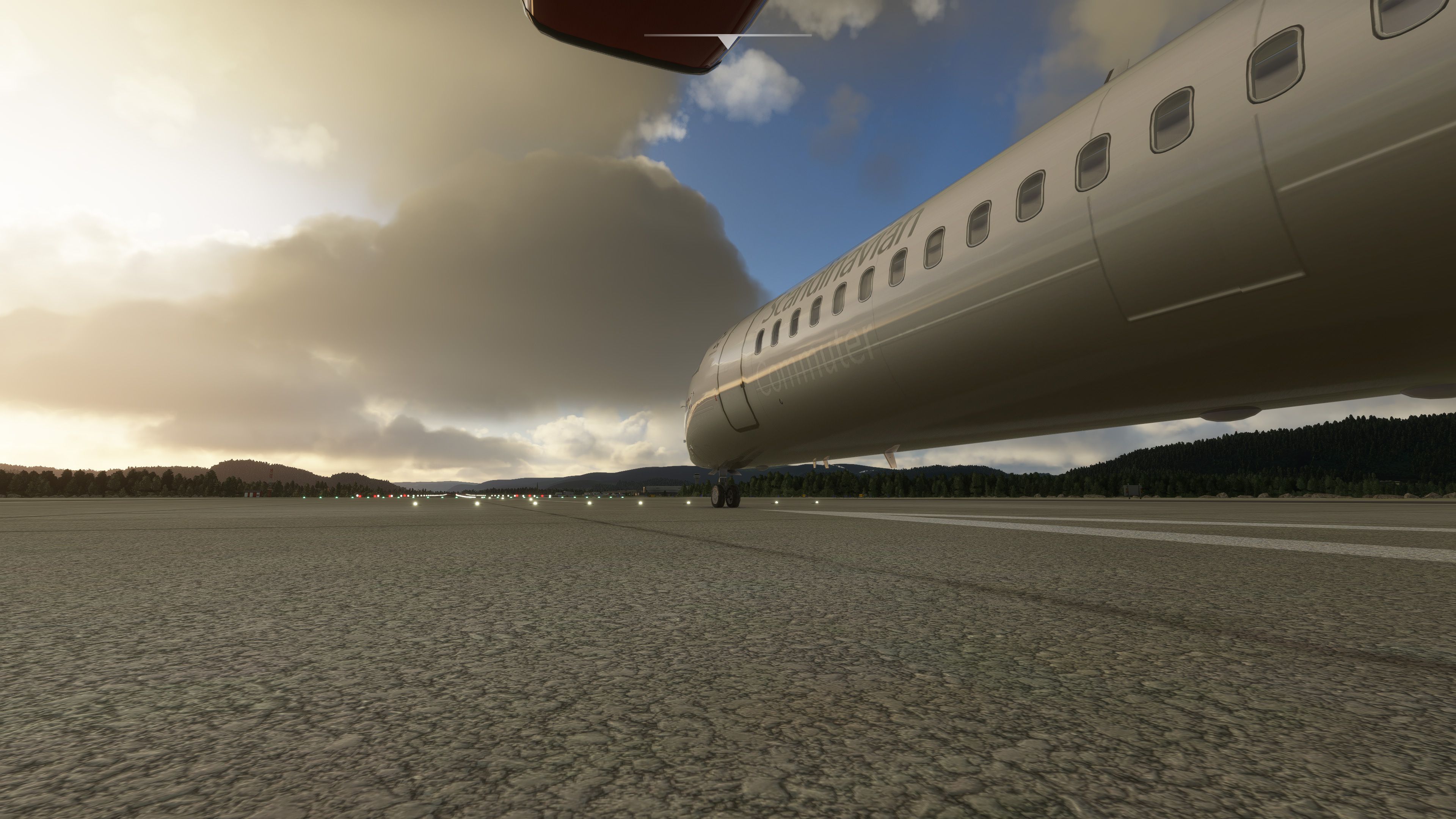
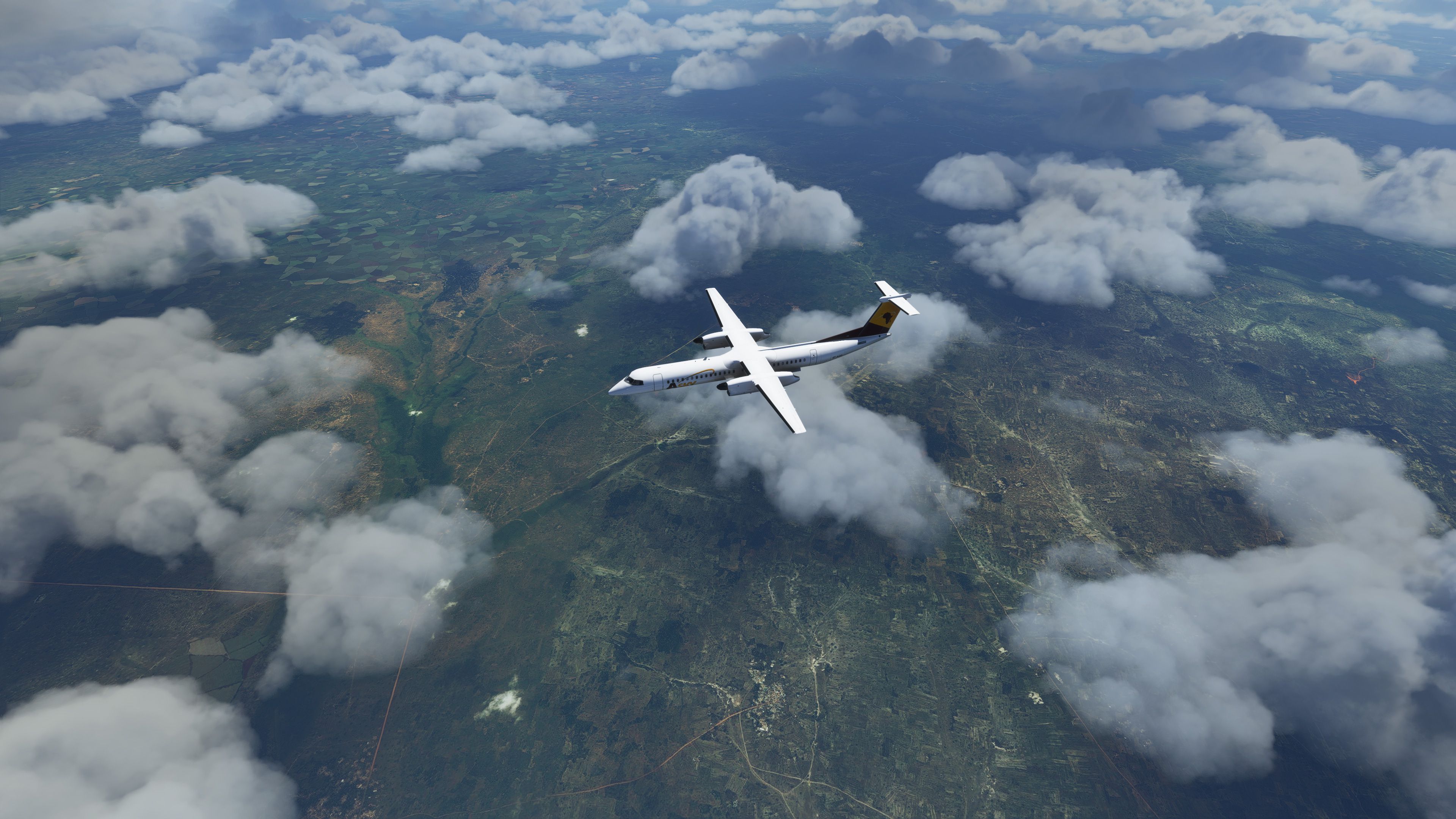
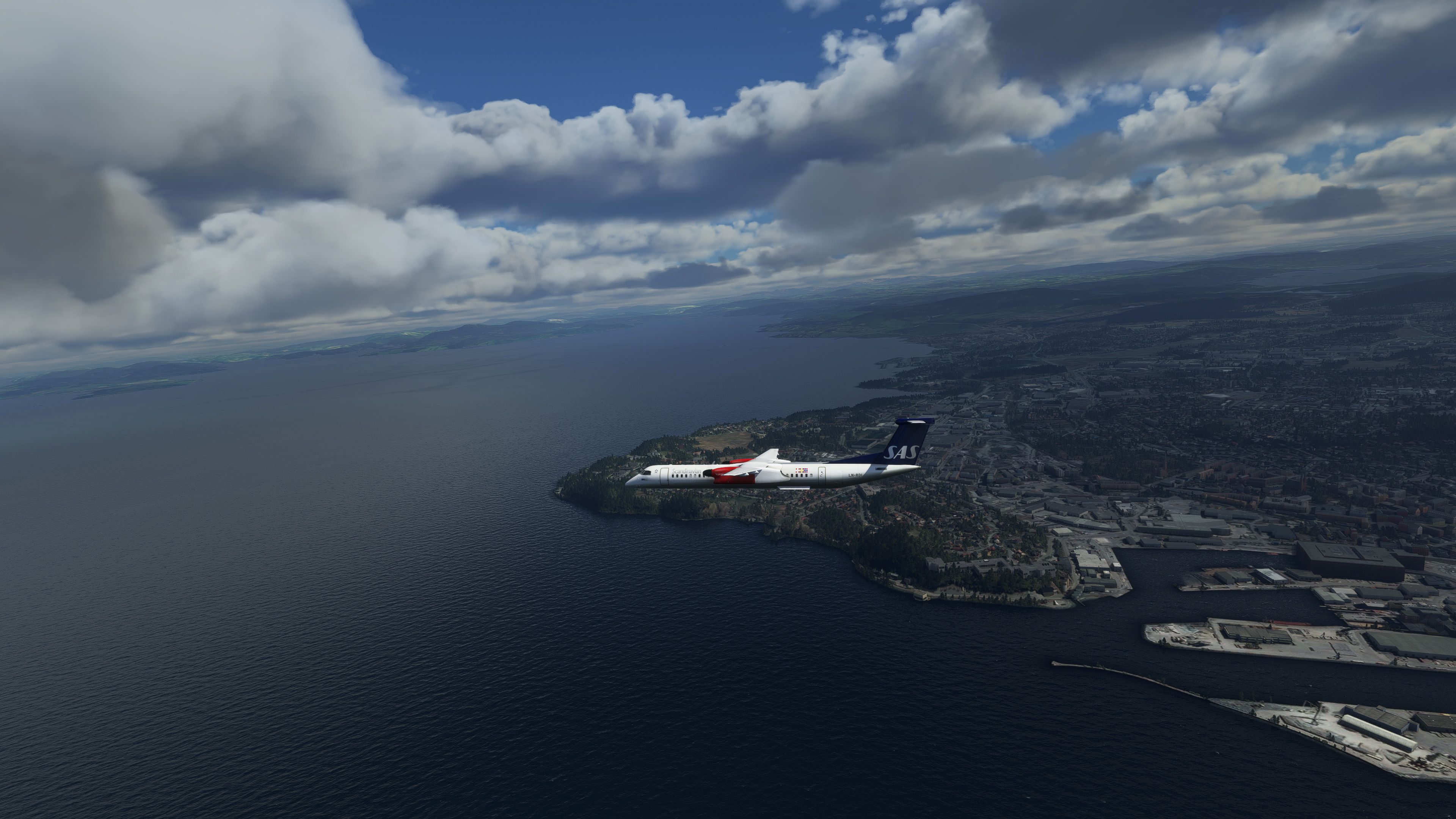
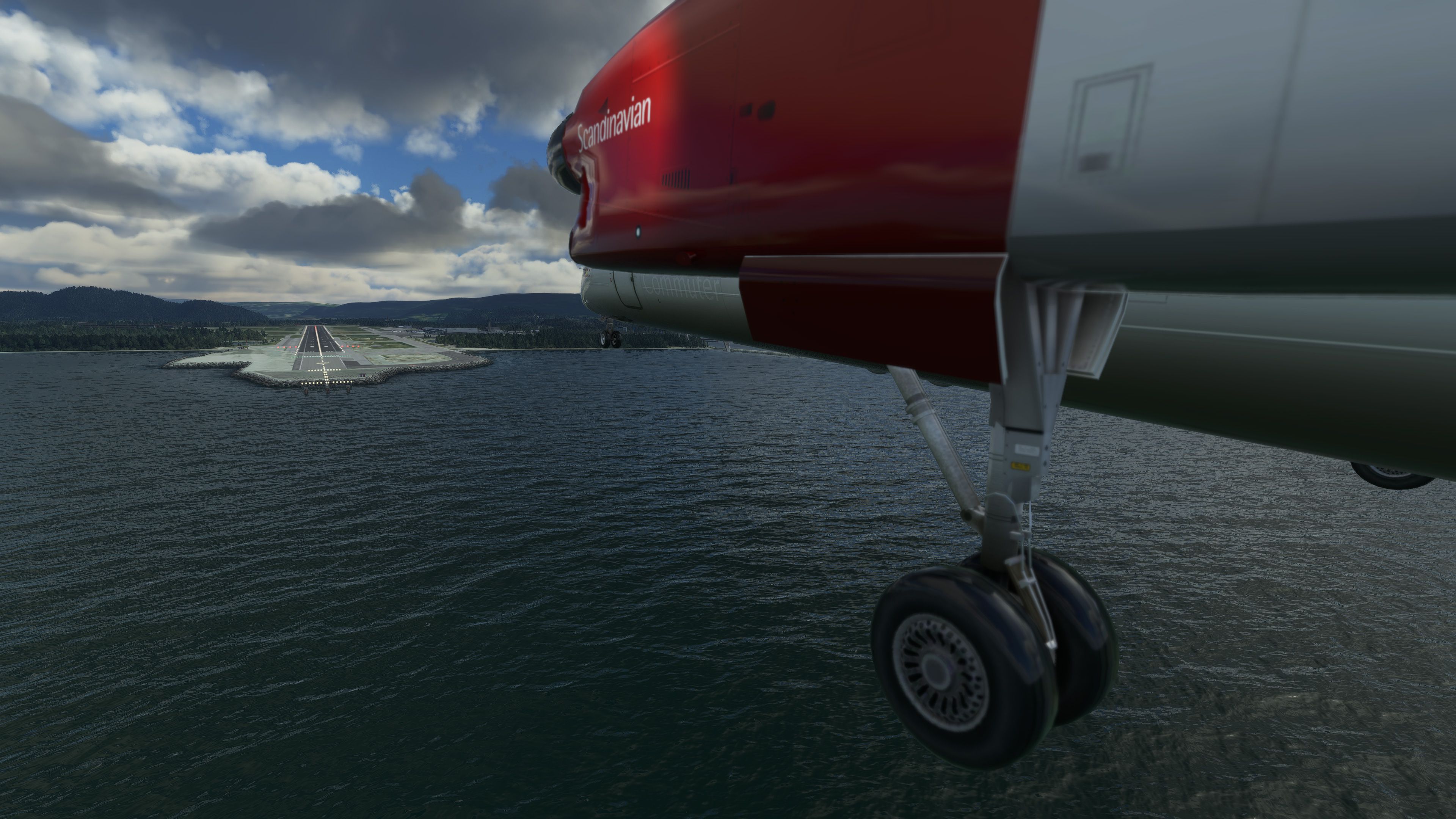
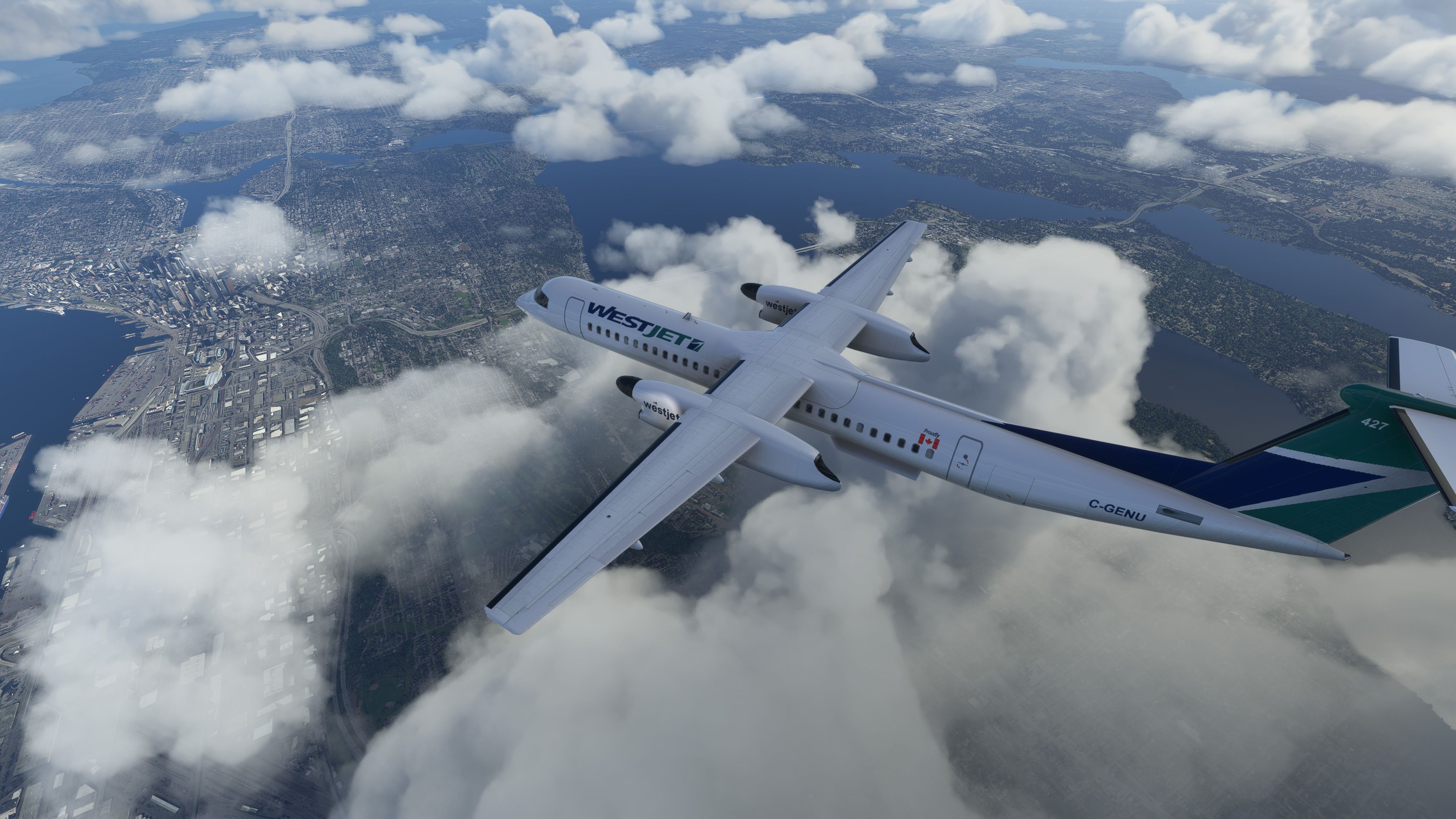
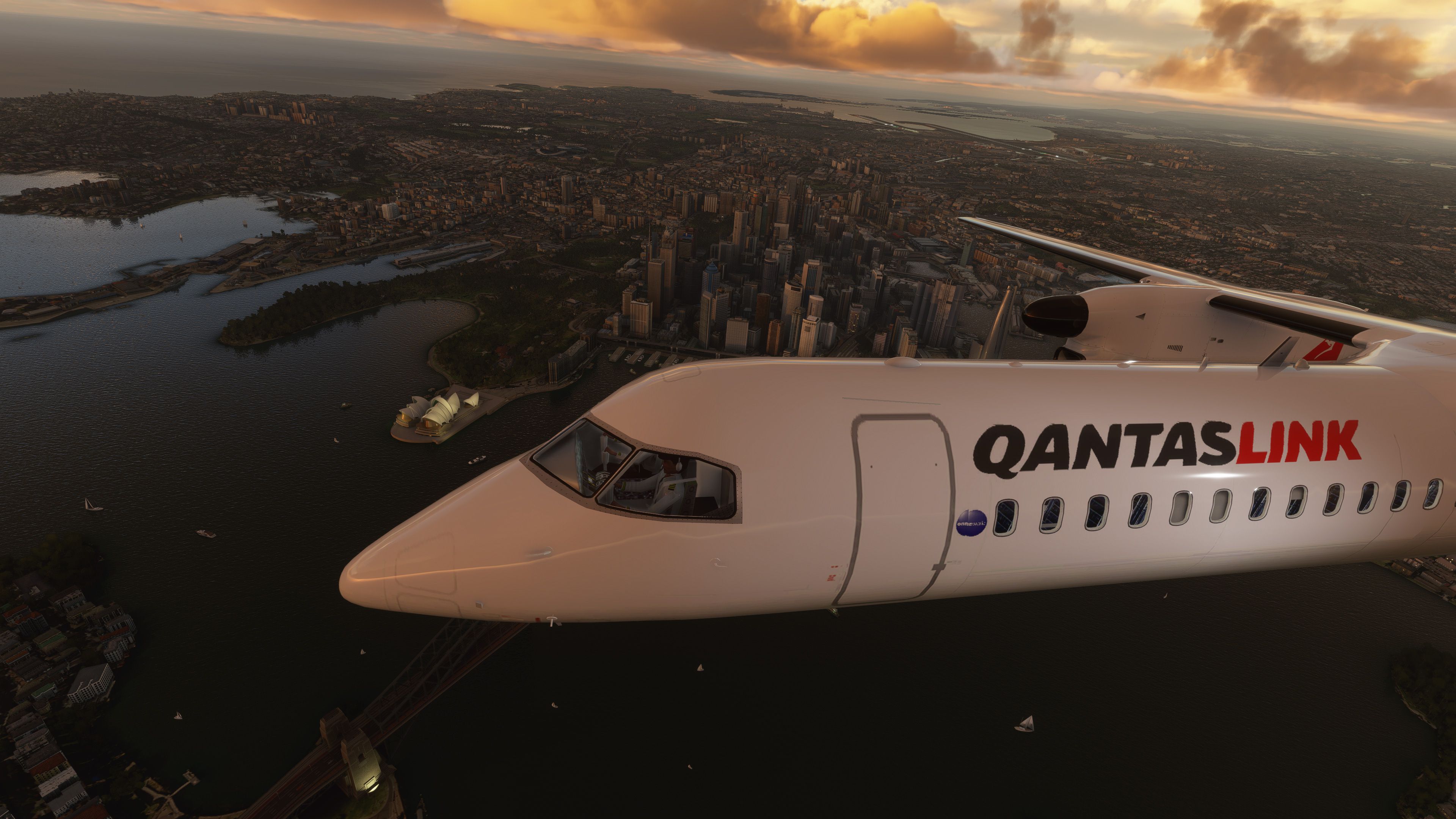
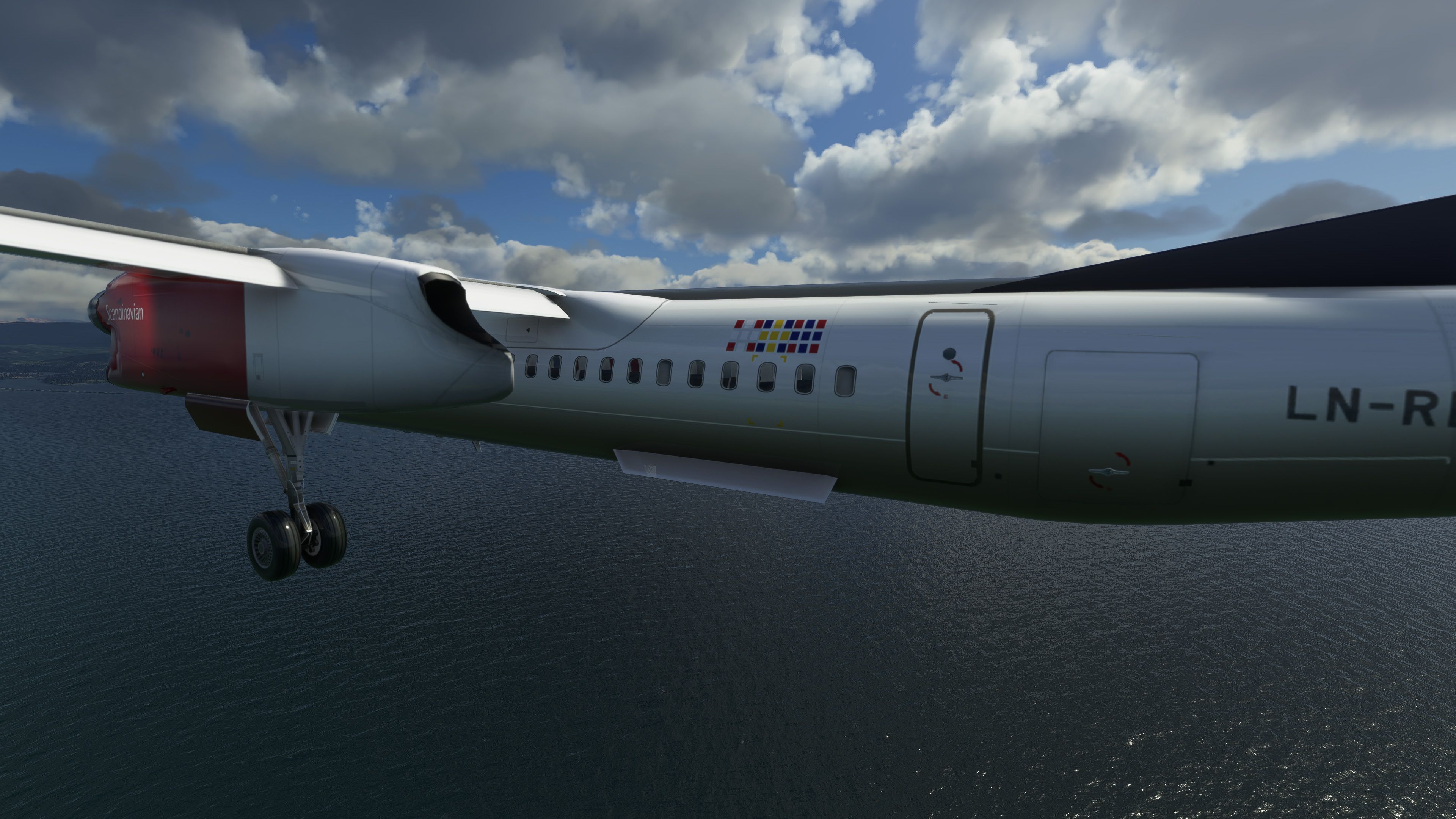
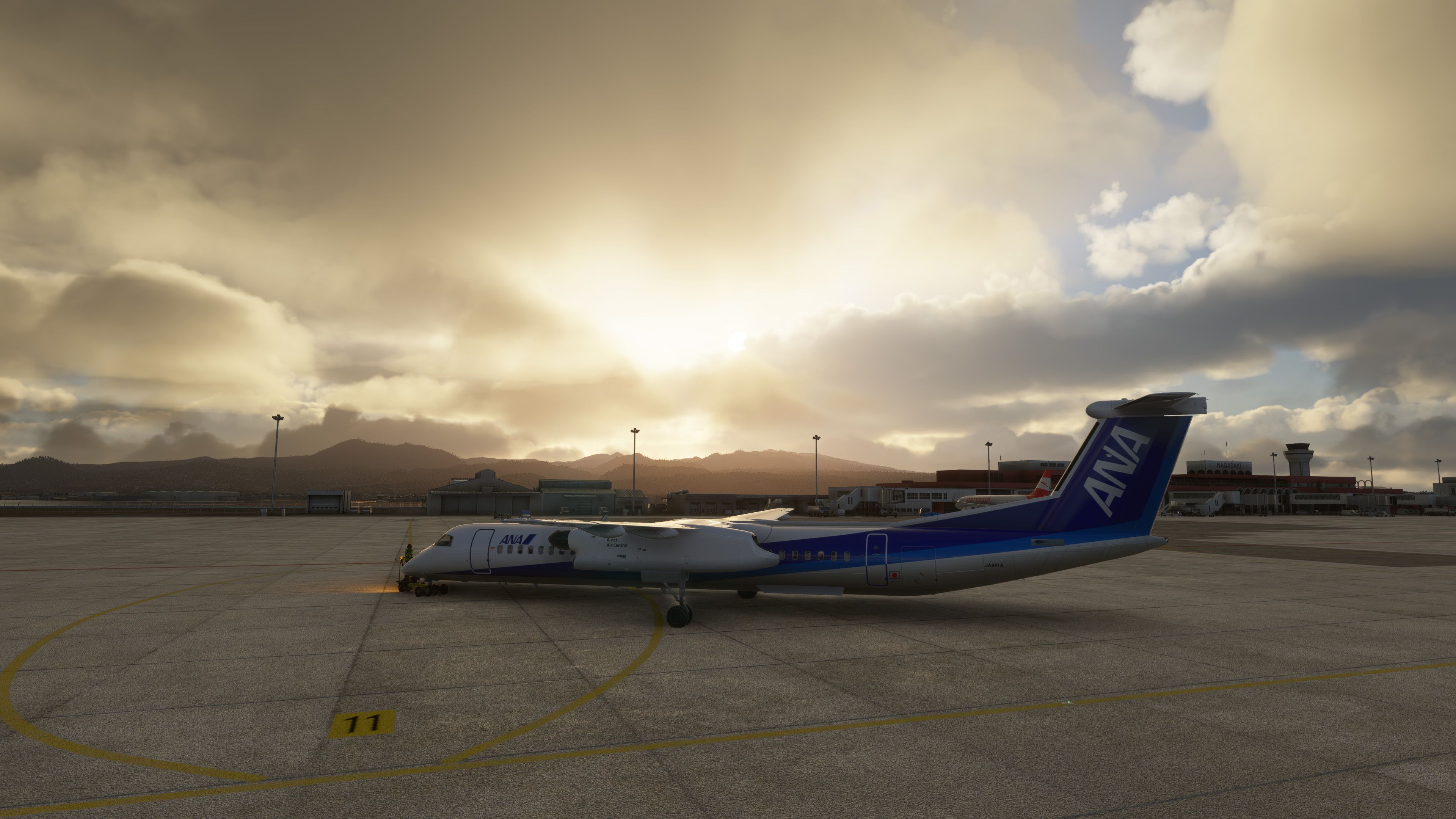
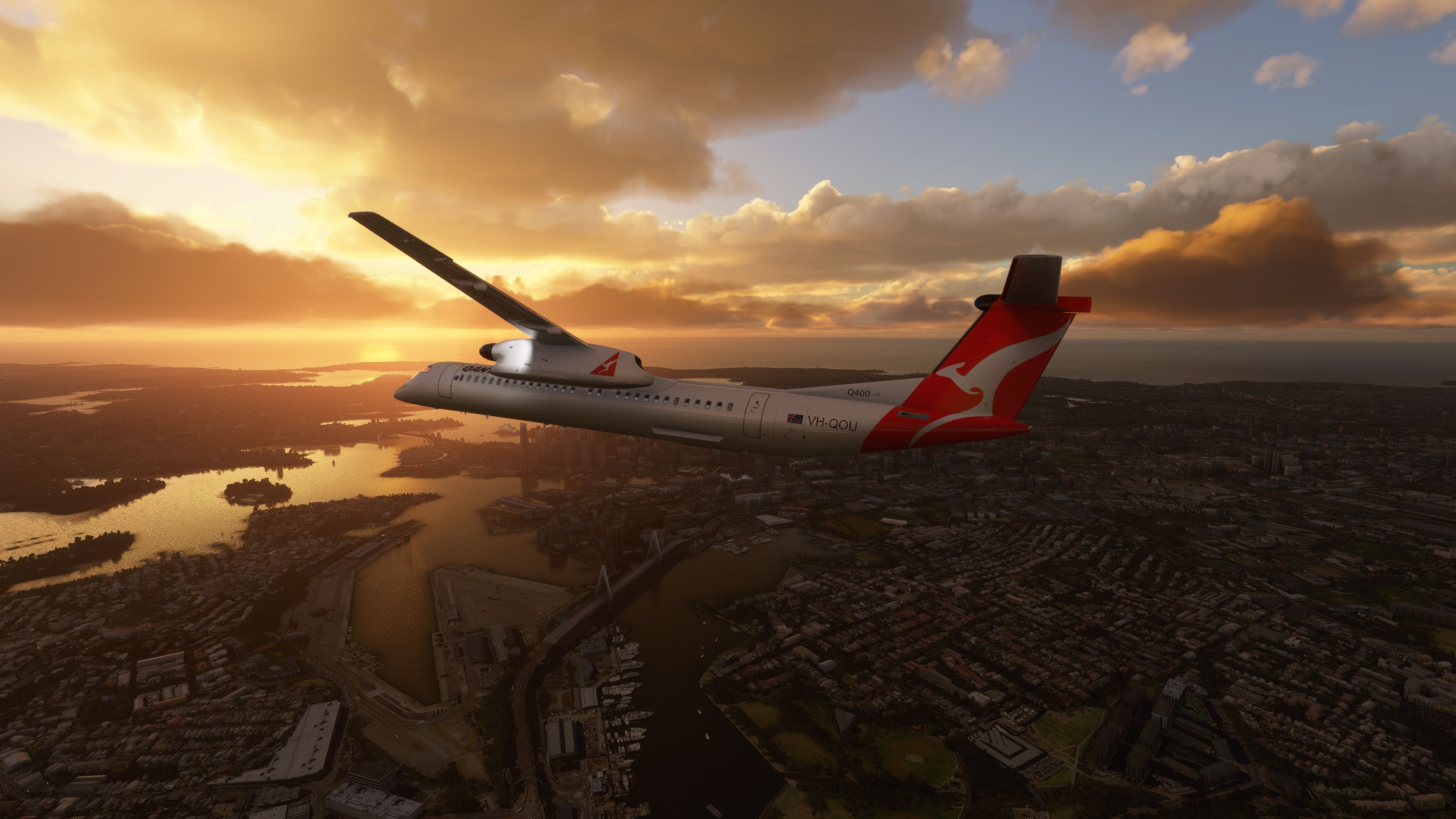
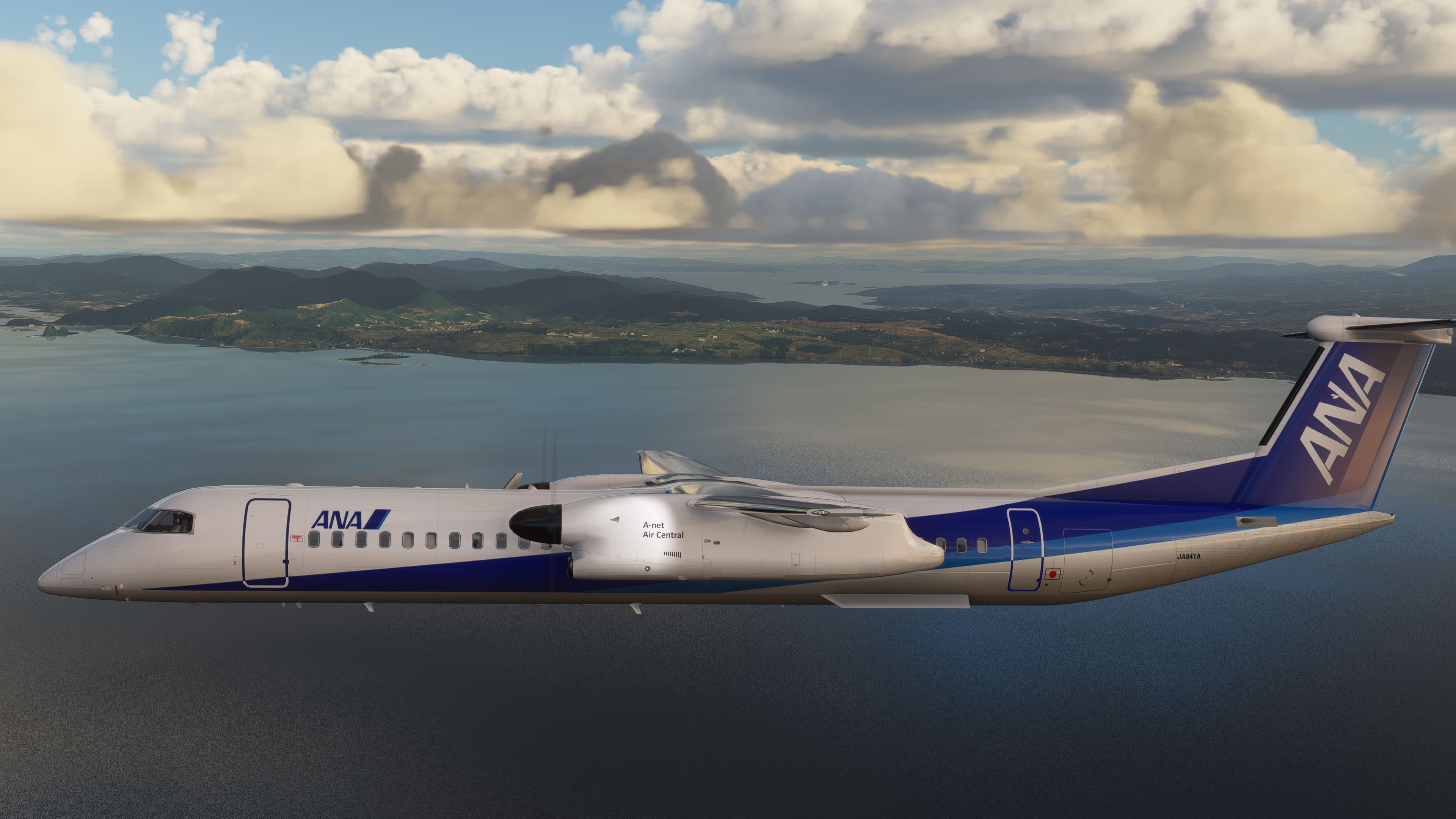
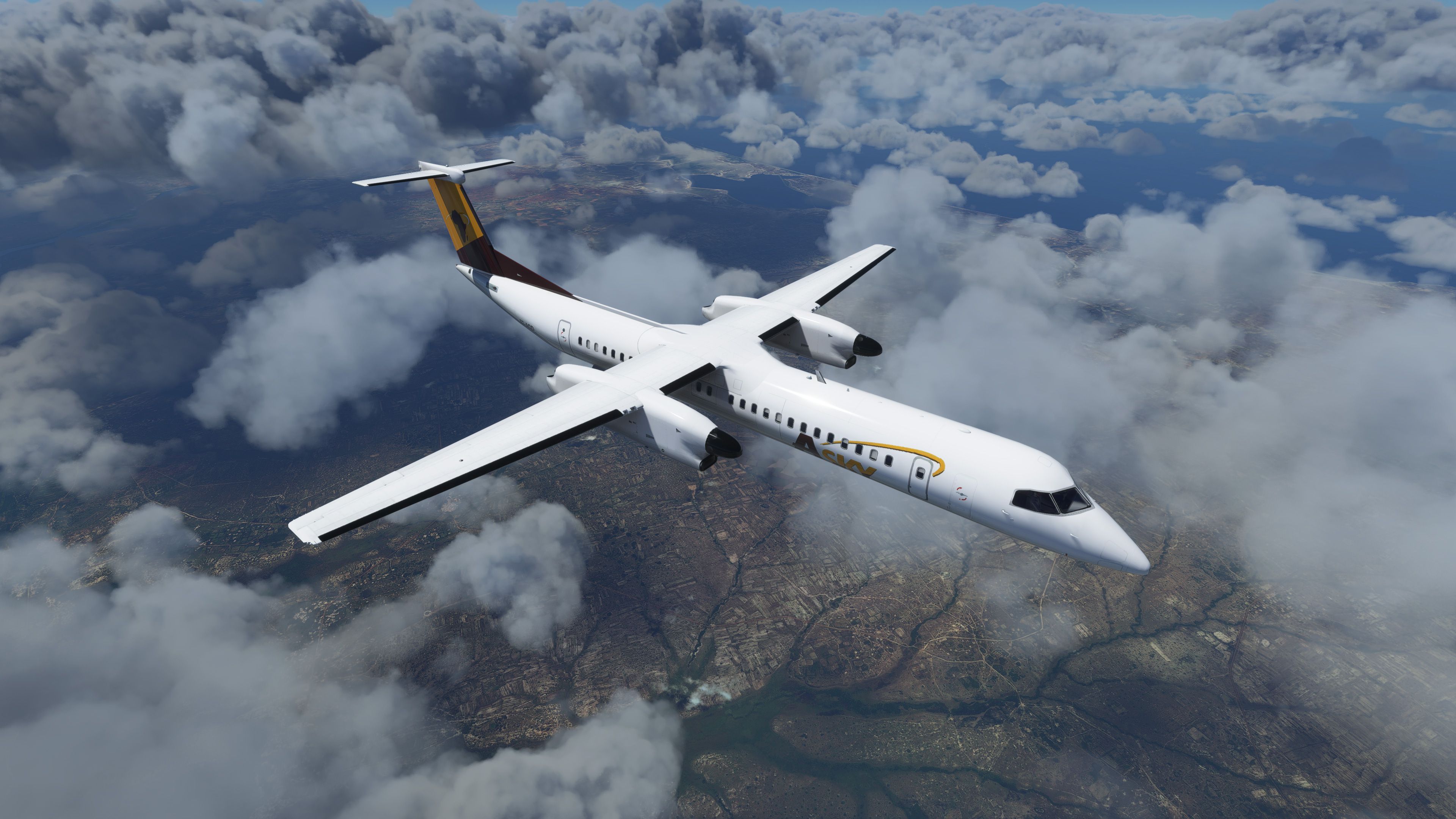
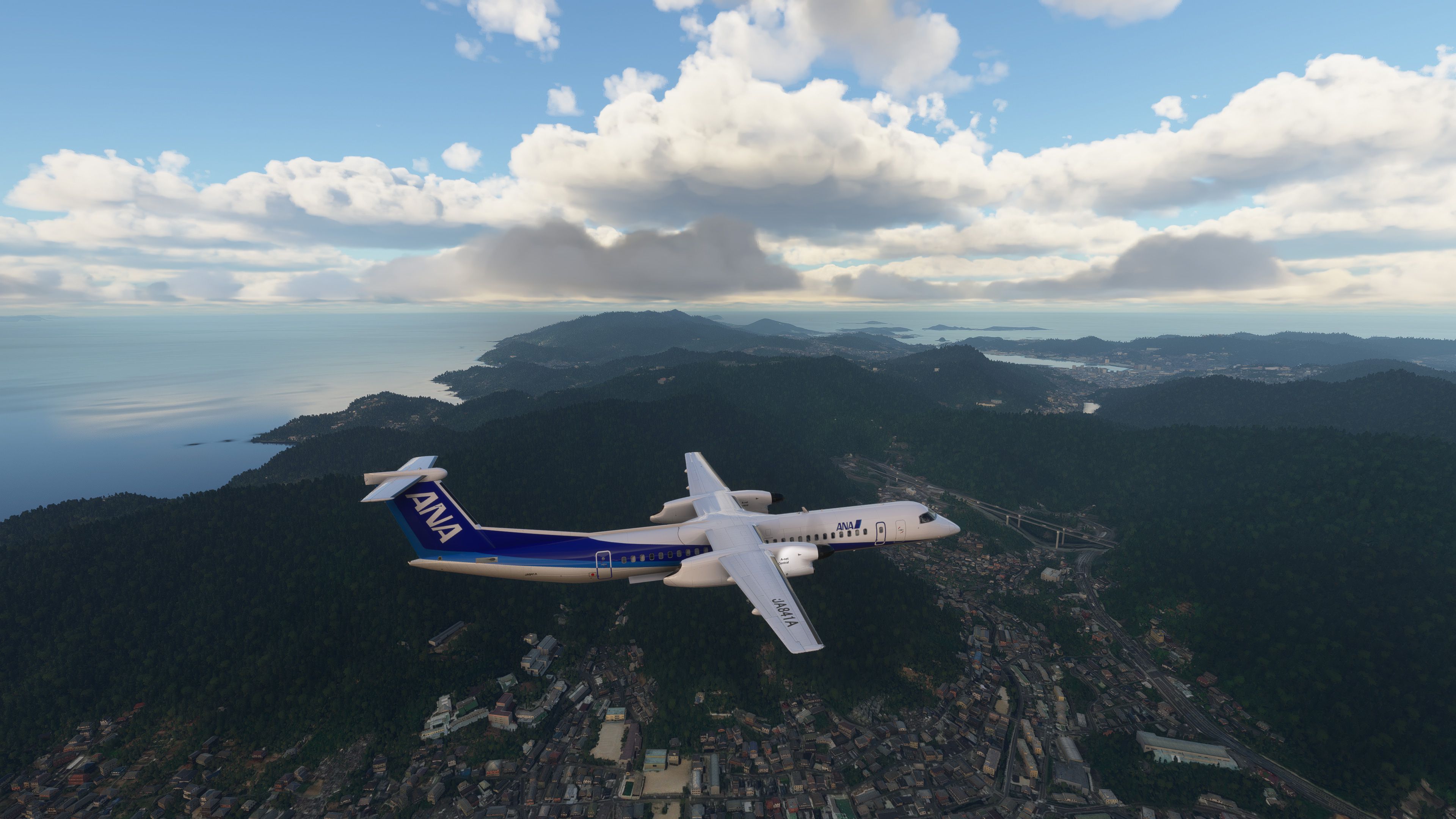
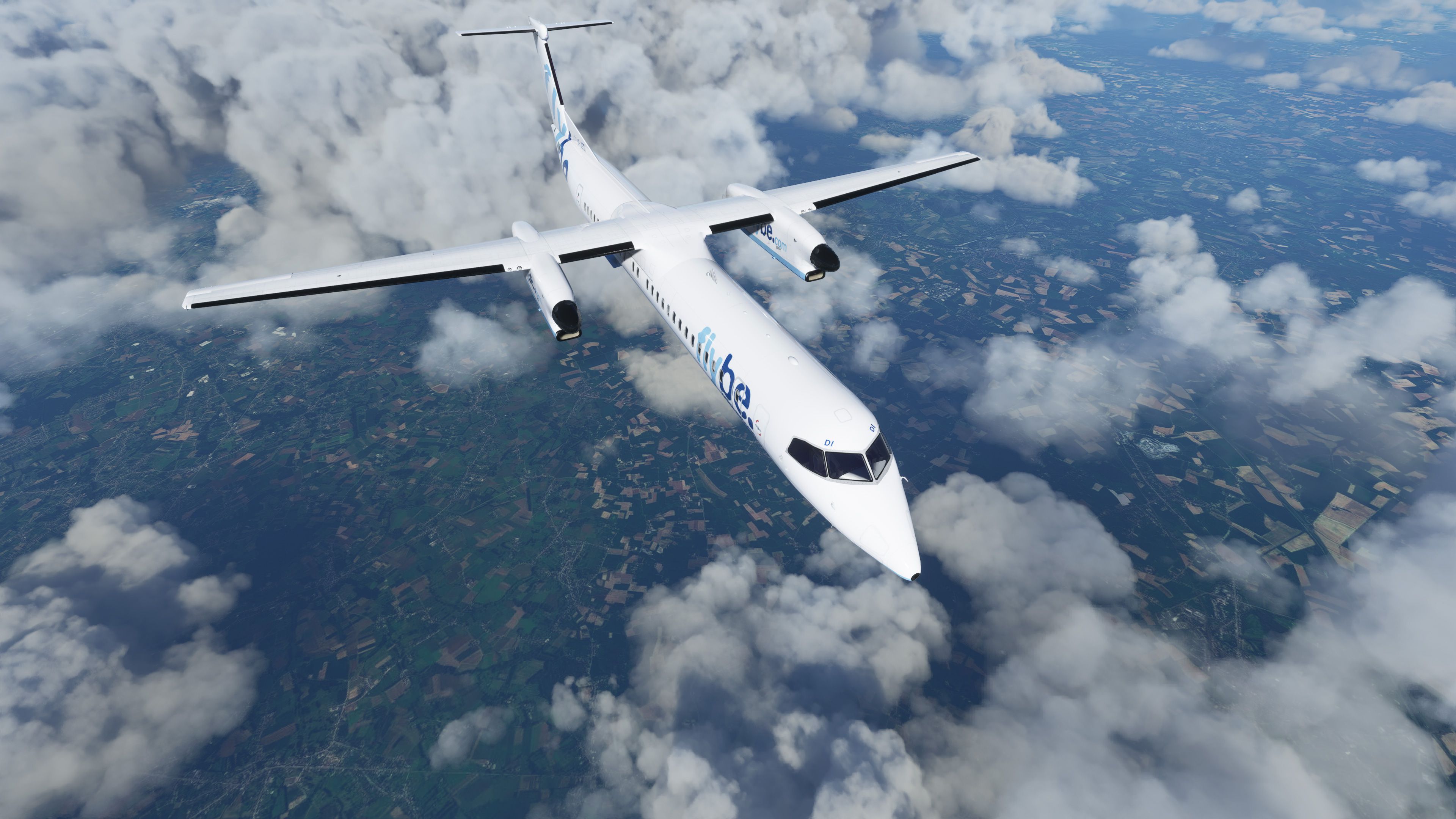
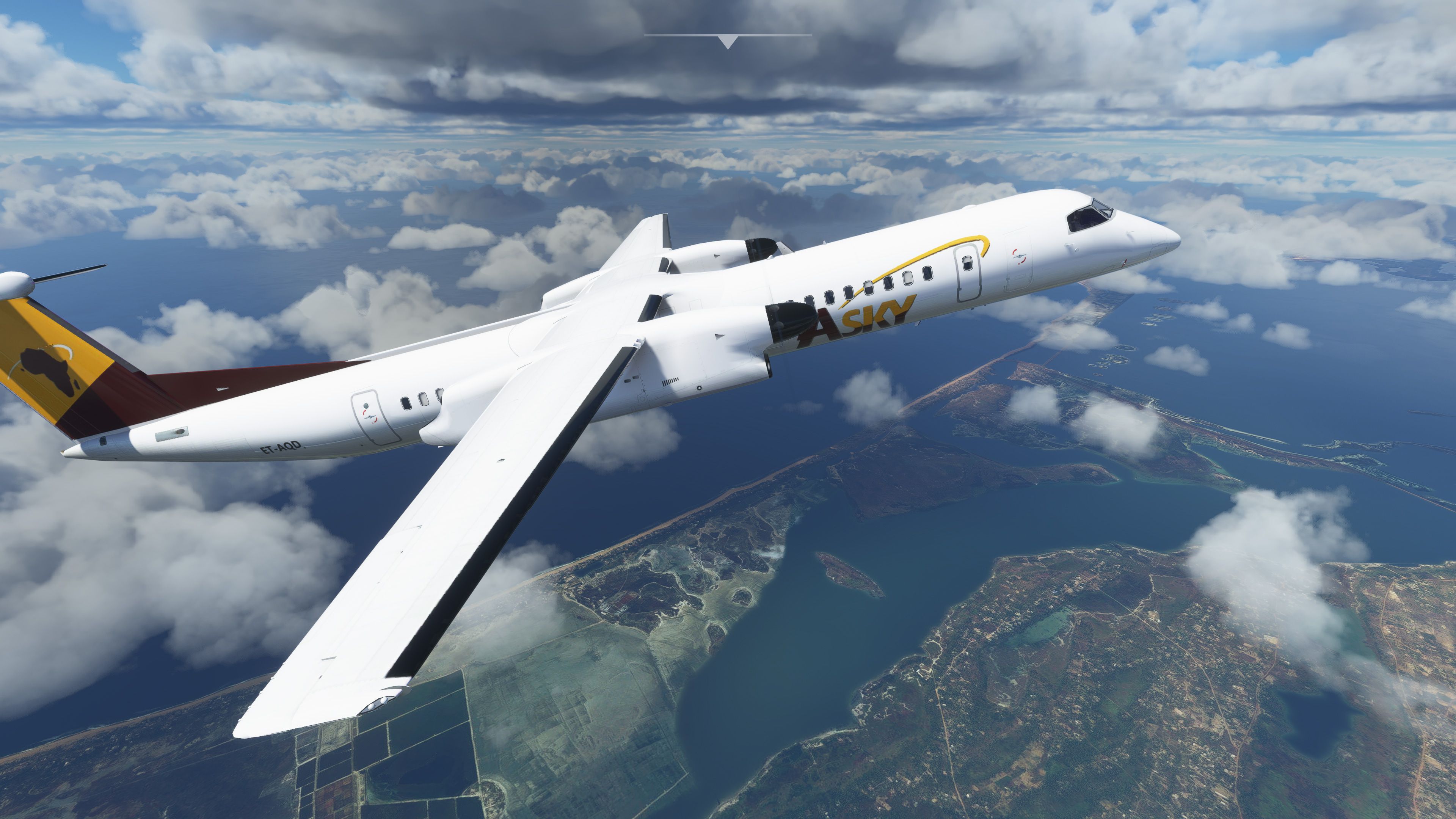
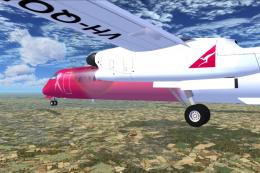
MSFS de Havilland Canada DHC8-Q400 Package V1. The "Dash 8" Q400 (Q for Quiet) was originally developed and built by Bombardier, but was sold in 2019 to Longview Aviation Capital, who re-instated the de Havilland Canada brand. Featuring 11 past and present liveries: White (C-GKUK), ASky Airlines (ET-AQD), Air Baltic (YL-BBV), Flybe (G-JEDI), Croatia Airlines (9A-CQB), Westjet Encore (C-GENU), Qantas Link (VH-QOU), Eurowings (D-ABQT), Alaska Airlines (N448QX), ANA Wings (JA841A) and Scandinavian Airlines (LN-RDI).
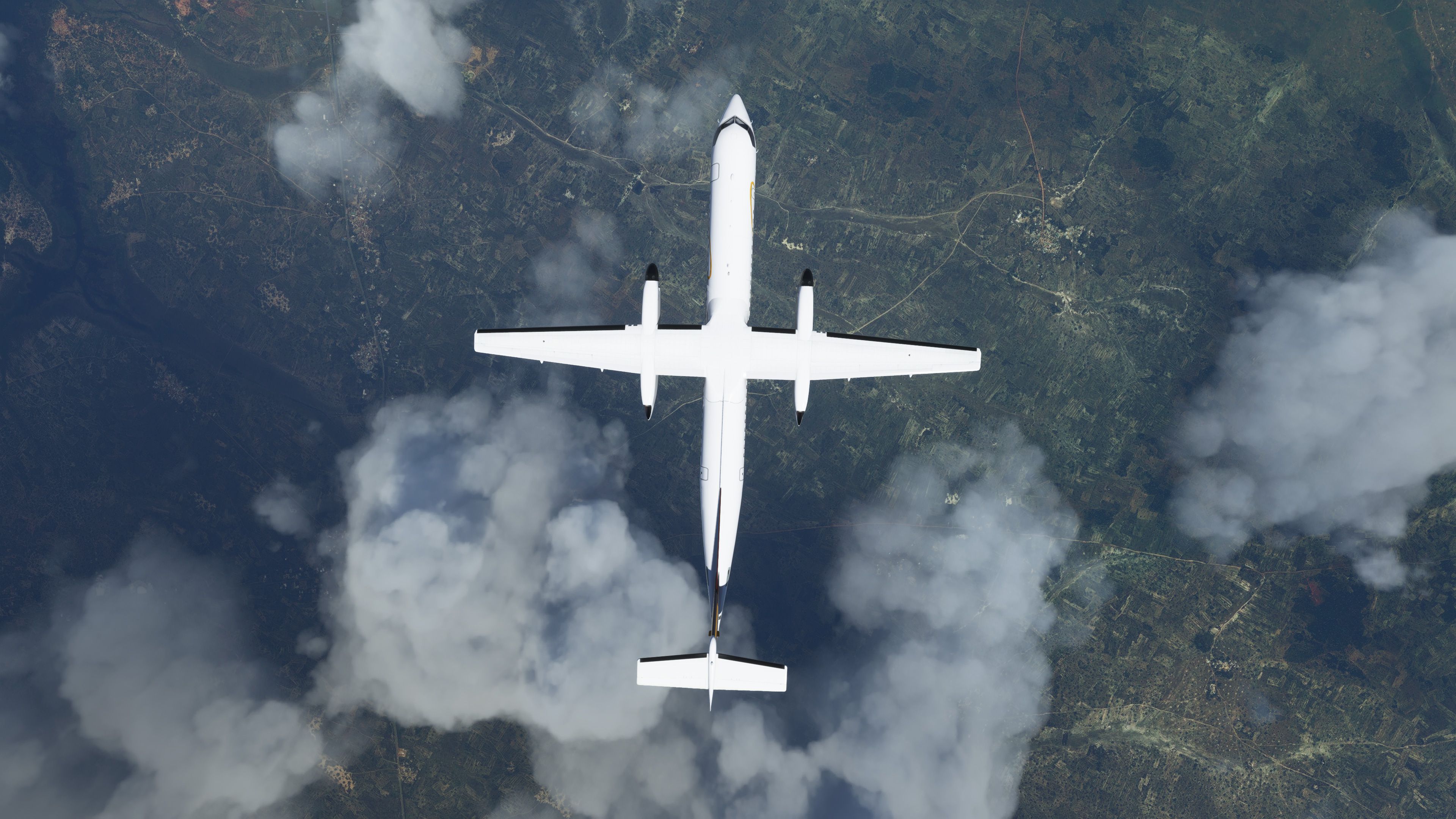
This aircraft is based on the superb DHC8-Q400 FSX model by Dreamwings, combined with the VC from the MSFS default CJ4 and the sound file from the MSFS default KingAir350. The MDL (model file) has been extensively modified to take full advantage of the new MSFS graphic engine. All textures are HD quality (2048x2048px) with alpha layers and reflections.
All textures are DDS DXT5. The new model features transparent windows which makes the interior cabin visible, and the new custom lights make the whole aircraft look fantastic at night. This quality conversion was created with great care and is not a just a compilation of old and new files. Each file contained within this package has been reworked, optimised for quality, size and performance.
This aircraft does not pretend to be "study level" by any means, it just looks good, was exciting to make, and it is great fun to fly. Enjoy!
Simply unzip/extract the archive downloaded and copy the dhc8_q400 folder into your MSFS community folder.
This package was developed and released by Philippe Marion.
If you have any questions, comments, suggestions about this package, please contact him directly at marionphilippe@hotmail.com
This package and repaint(s) are intended for FREEWARE use only. They may not be redistributed for profit.
Currently, the developer does not publish a public donation page. If this changes, we will update to include it in this listing.
Free for all simmers · 464.12 MB · Scanned clean Oct 2026
Download speed: Free tier is capped at 2 Mbps (this file takes approximately 32 mins at the cap). PRO members download at full line speed.
%LOCALAPPDATA%\Packages\Microsoft.FlightSimulator_8wekyb3d8bbwe\LocalCache\Packages\Community\. Steam version: %APPDATA%\Microsoft Flight Simulator\Packages\Community\. Tip: enable Developer Mode in MSFS to see your exact Community folder path.readme.txt or README file. It tells you exactly where files go, what dependencies are needed, and any quirks specific to this add-on.Only PRO members can place votes.
More MSFS add-ons hand-picked based on this download.
FSX Turboprops
This aircraft is another success story for Bombardier. It is well liked by ai…
 FS2004 Propeller Aircraft
FS2004 Fly Be DeHavilland Dash 8-Q400. All new model designed by Robert Versl…
 FSX General Aviation Aircraft
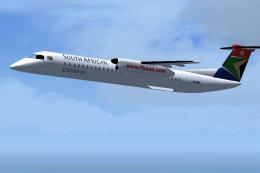
FSx Aircraft Dash8-Q400 in the colours of SA Express Airlines Model designed …
 FSX Turboprops
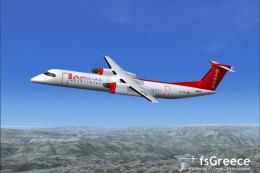
Baboo, a Swiss airlines, uses its two Dash Q400 on short and medium distance …
 FSX Civil Aircraft
This is a Porter Airlines DHC-8-Q400 with aircraft views. Model by Dreamwings…
 FSX Turboprops
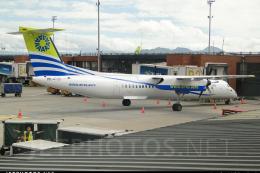
Aires Colombia Dash 8 Q400, registration HK-4725. This is a repaint of Dreamw…
 FSX Panels & Gauges
This freeware package introduces specialized camera perspectives for the Bomb…
 FSX Civil Aircraft
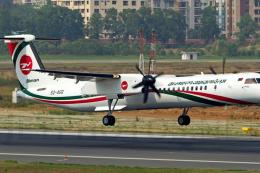
A repaint for the the Majestic Dash 8-Q400 as Biman Bangladesh Airlines (S2-A…
Read what other simmers think, or add your own.

The livery is great, but the propeller-blades does hardly rotate even though the plane is flyable the speed indicator shows the correct value. So all in all the plane is ok, but the slow propeller speed makes it look stupid.
TC

Like others reporting to this site, I am unable to use any centre console controls (throttle, condition levers) from the screen.
Cockpit is obviously not realistic. I consider it unflyable, I do not recommend it in this level of development.

I installed it to my Community folder as directed, but the plane is nowhere to be found. Any help would be appreciated!


Could someone please tell me how this installs on MSFS 2020? The console (XBOX x) is just one day old and already I am having trouble.

Very good I always downloaded it when I had the old one now I have the 2020 one because I want you to put the aircraft and airports and free traffic thank you very much for having you help us this is what I'm asking for here in Brazil.

should be removed unless the developer issues an update with fixes to all issues. at this time is not fly worthy.

I wish the developer would make the needed updates. I cannot really fly this aircraft.
I had to delete it because nothing really works as it should.

Why does the Dash 8-400 for MSFS show the message "WARNING: incompatible livery"?

Complaints other users have about this plane don't happen to me.
Yes, it doesn't have the correct sound or cockpit (although it sounds realistic while taxiing), but it flies well. It also turns very well during taxiing using rudder pedals; however, it can be a challenge to land.


MSFS. Throttle levers don't move. Ignition switches don't work, stuck on N/A. Can't start engines. 90% inop. Good job it's free, 'cause it's unusable.


Problems downloading into MSFS because I have no watch base in MSFS 2022/in virtual file.

I know it's a free mod and I should be happy but I will say that the cockpit doesn't look like it does in the video.

When I try to fly the FMS says in Red "WARNING INCOMPATIBLE LIVERY'. I have tried other liveries with no luck. Any ideas?


For the Dash 8 Q400, I have found the pitch is impossible to control and too slow to respond. This is the same for all flight models. Two out of five stars.


Propellers didn't work (spin) when the throttle is applied. They rotate at 1-5 rpm at all times.
