













 MSFS Military Aircraft
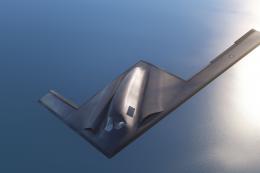
Northrop Grumman B-21 Raider (Stealth Bomber)
The realm of flight simulation achieves a new pinnacle with the introduction …
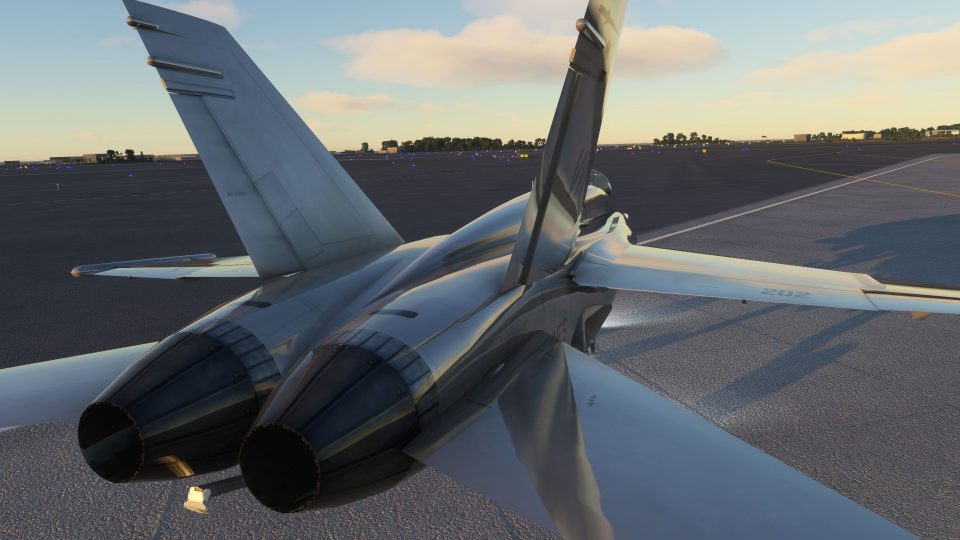
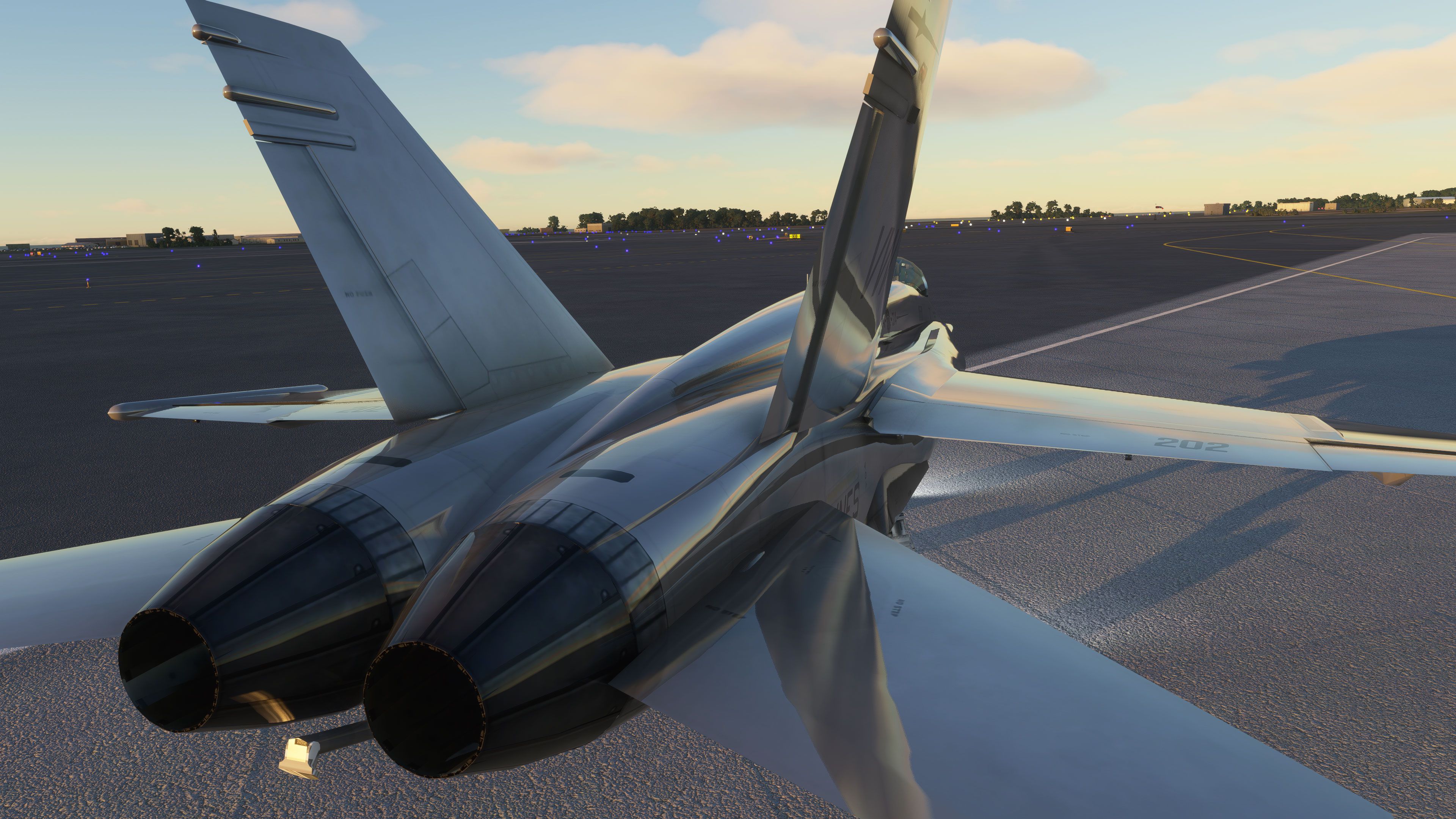
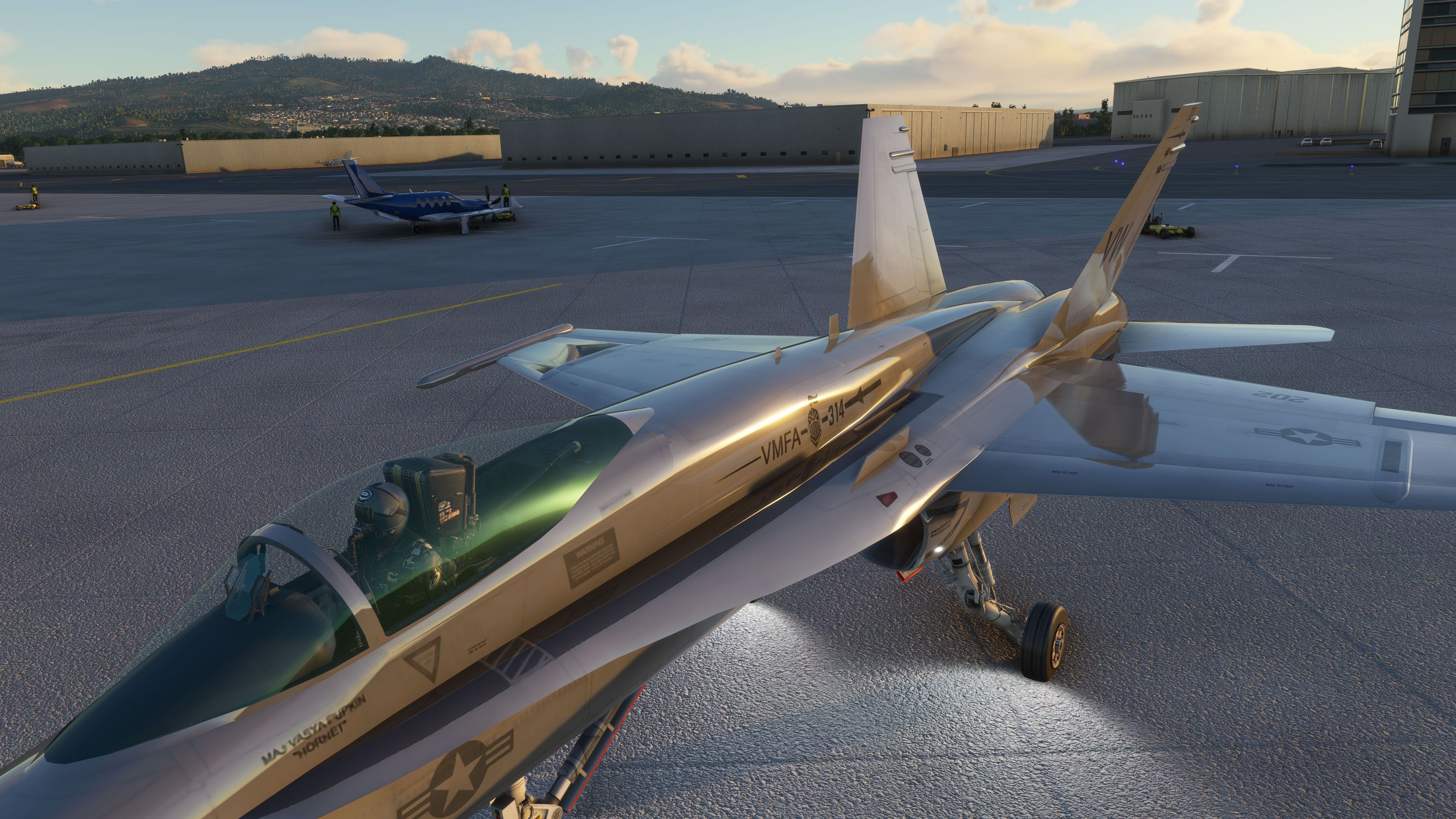
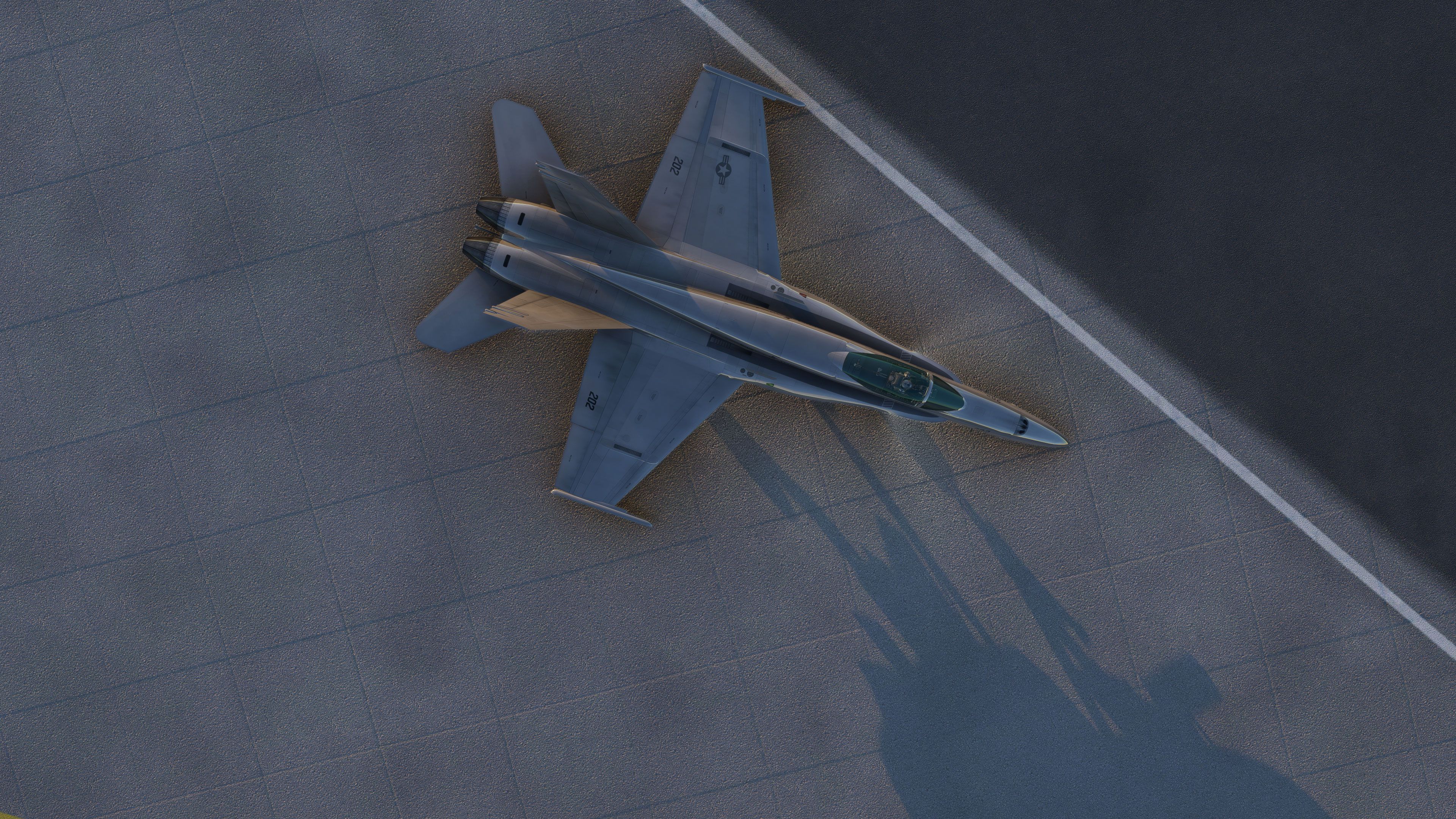
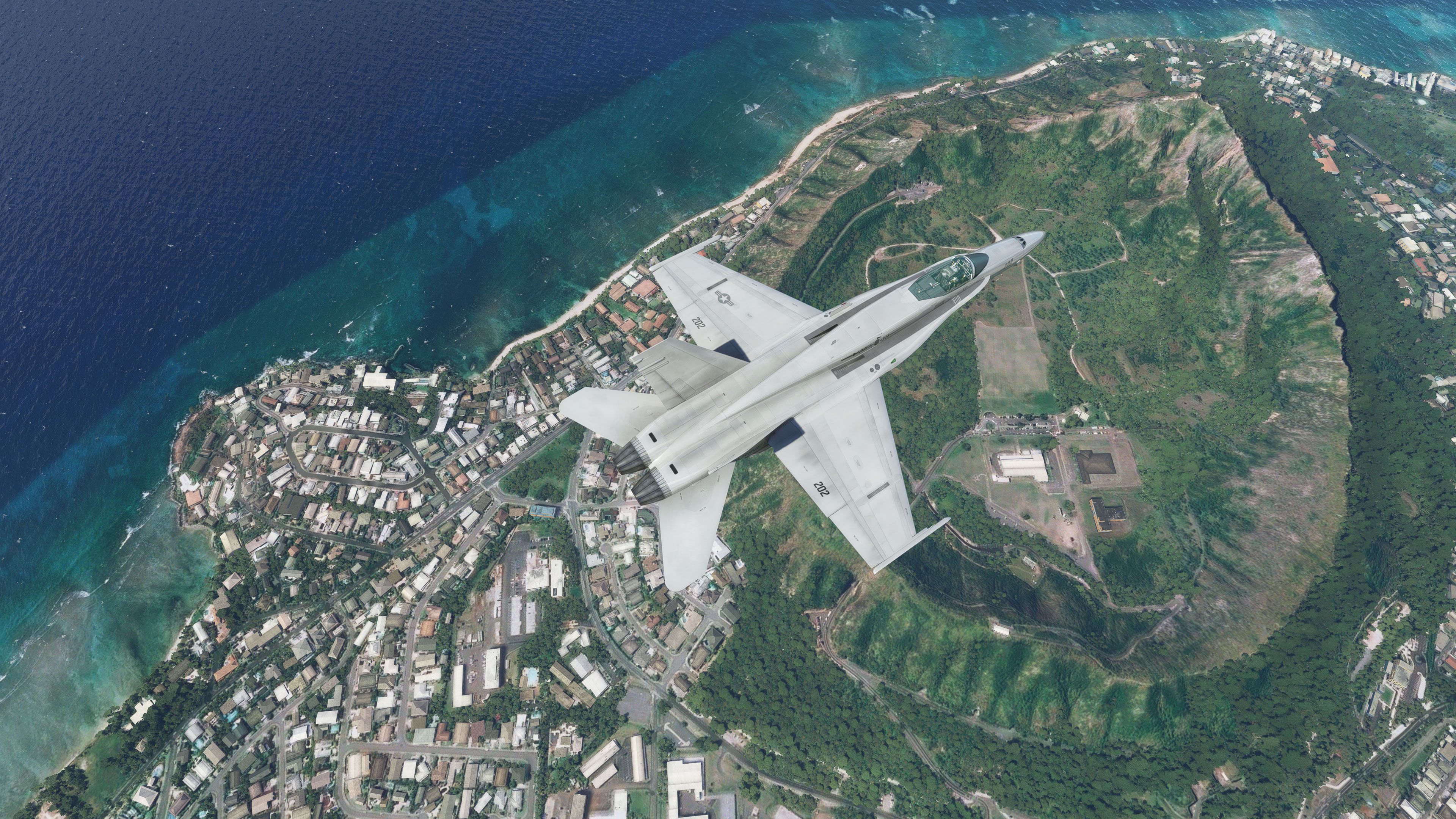
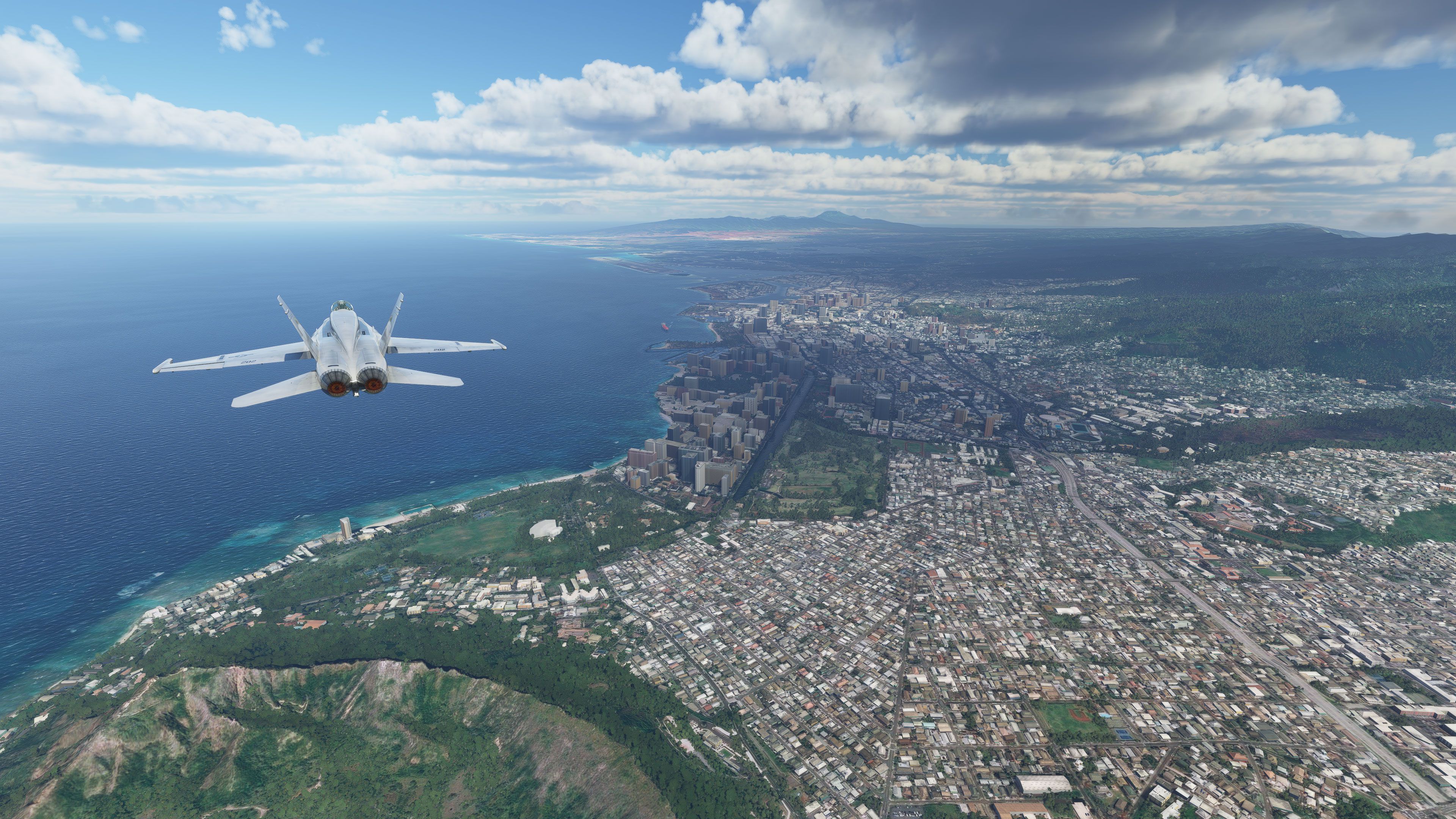
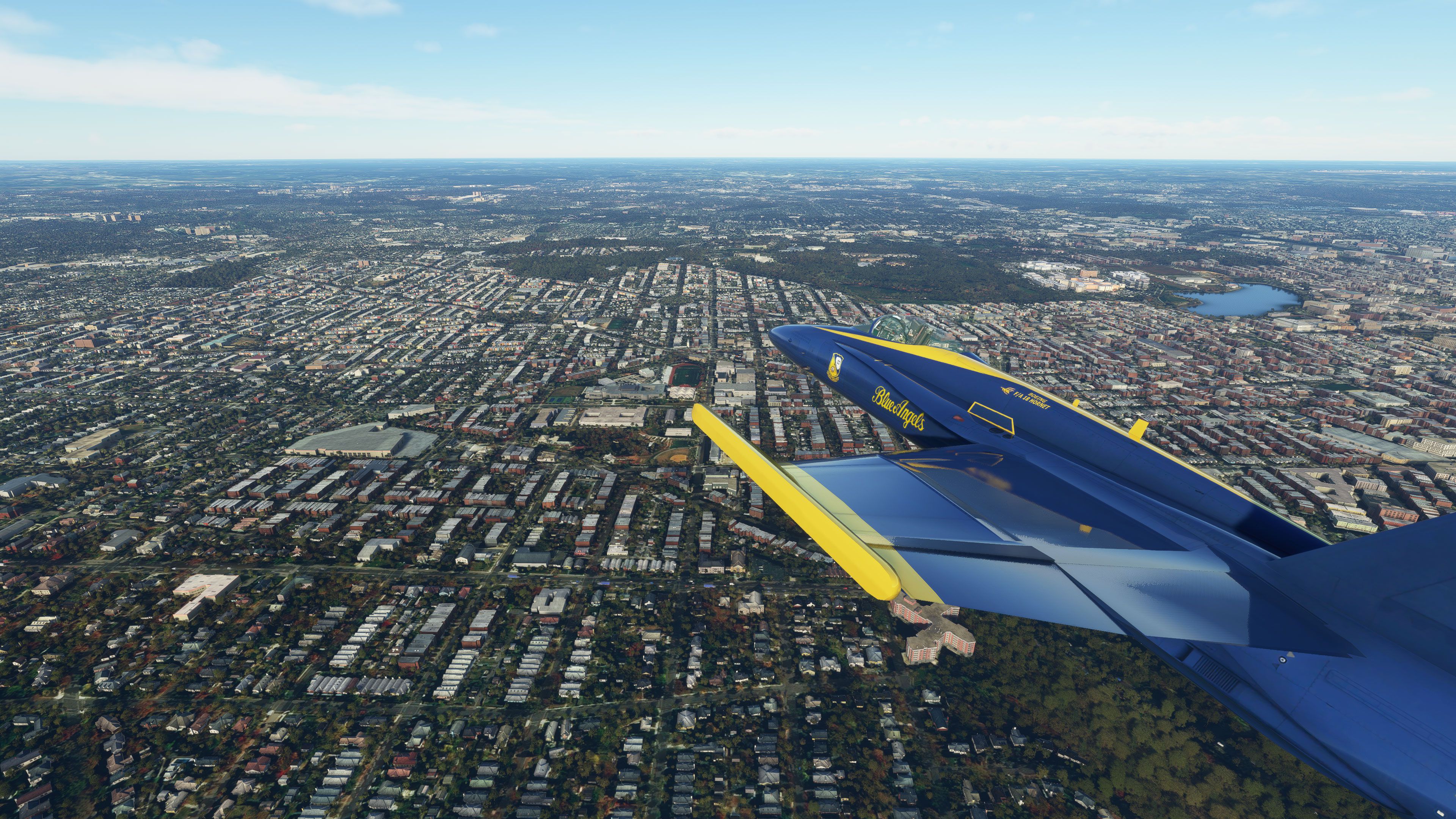
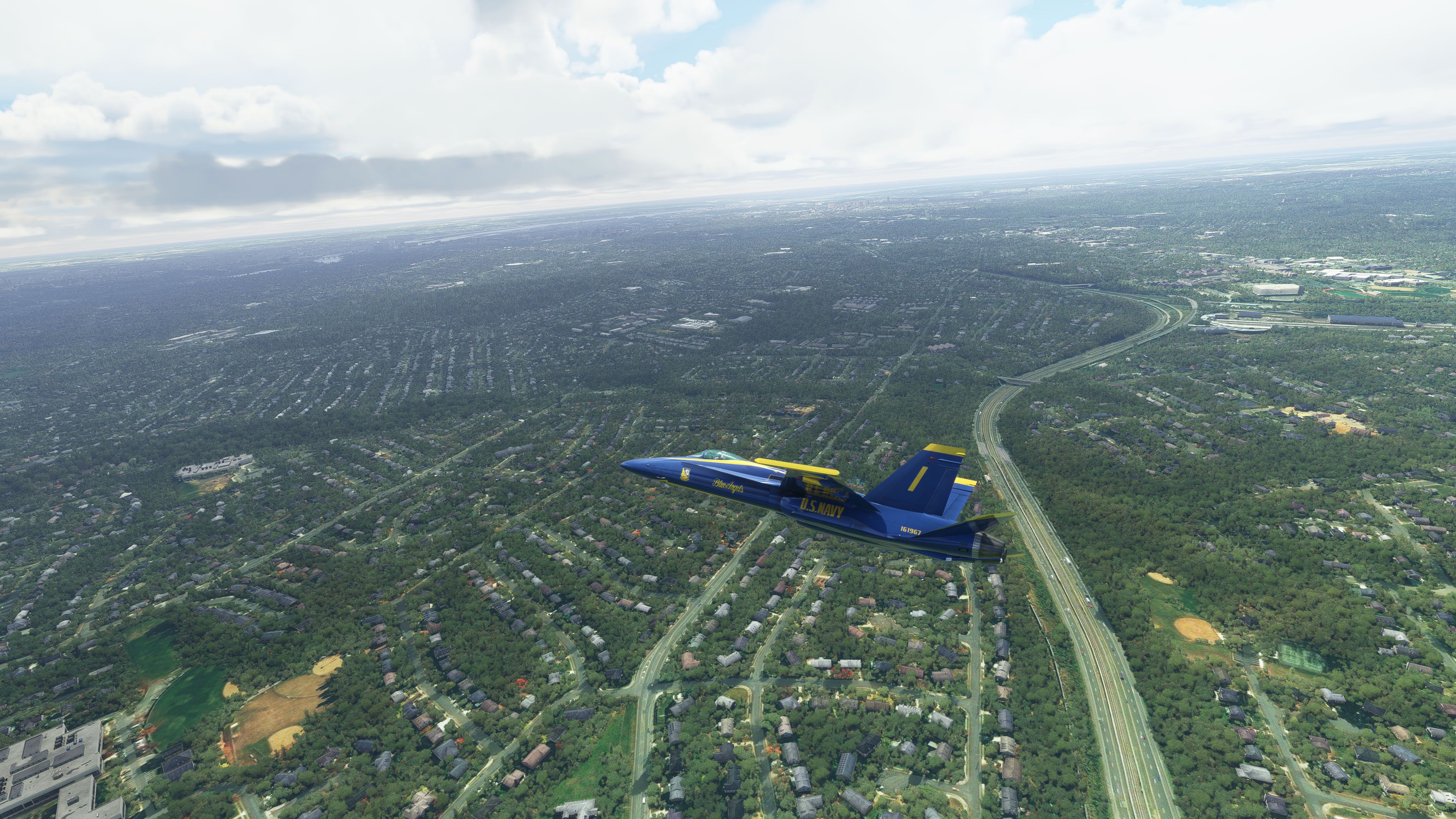
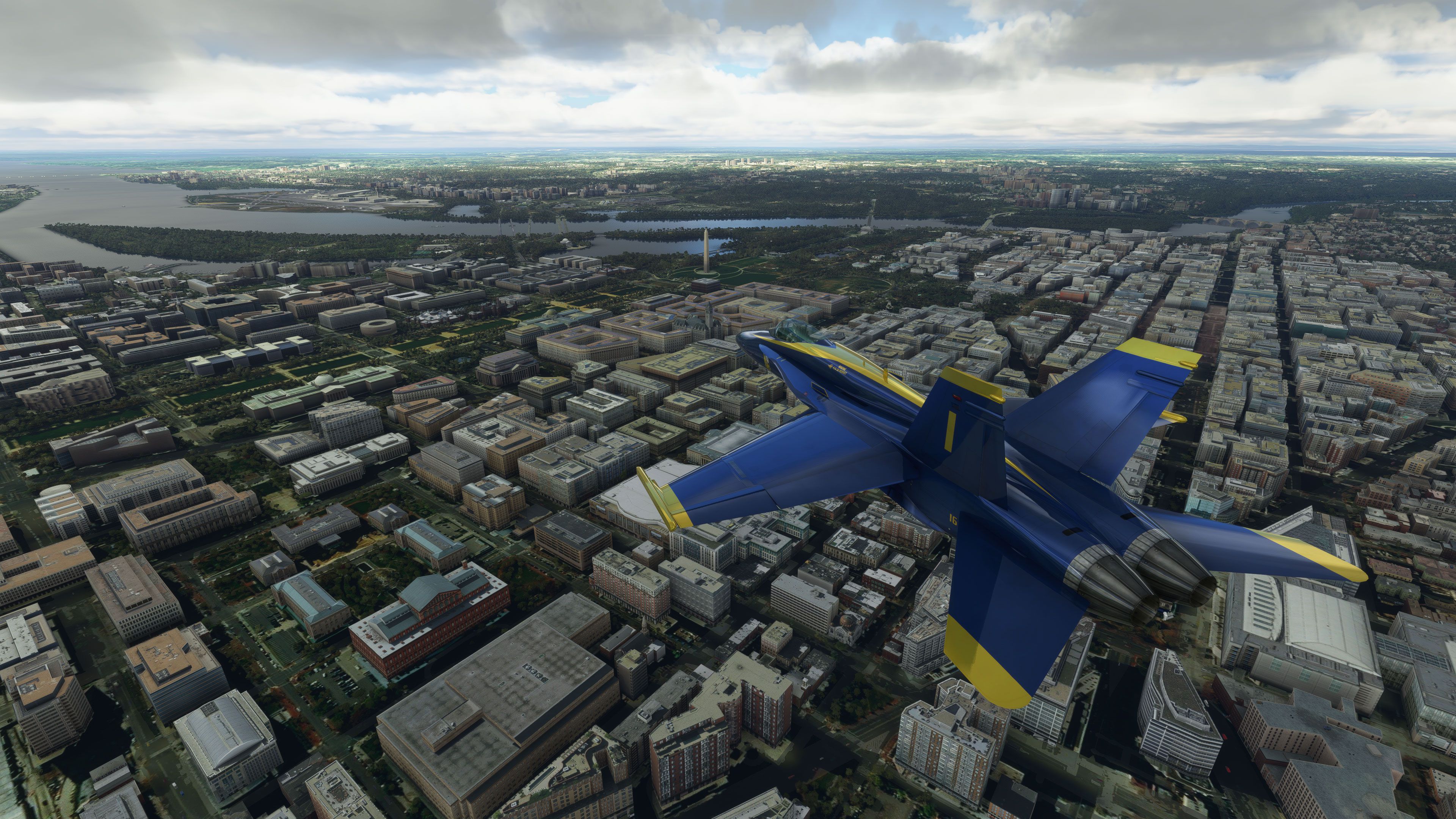
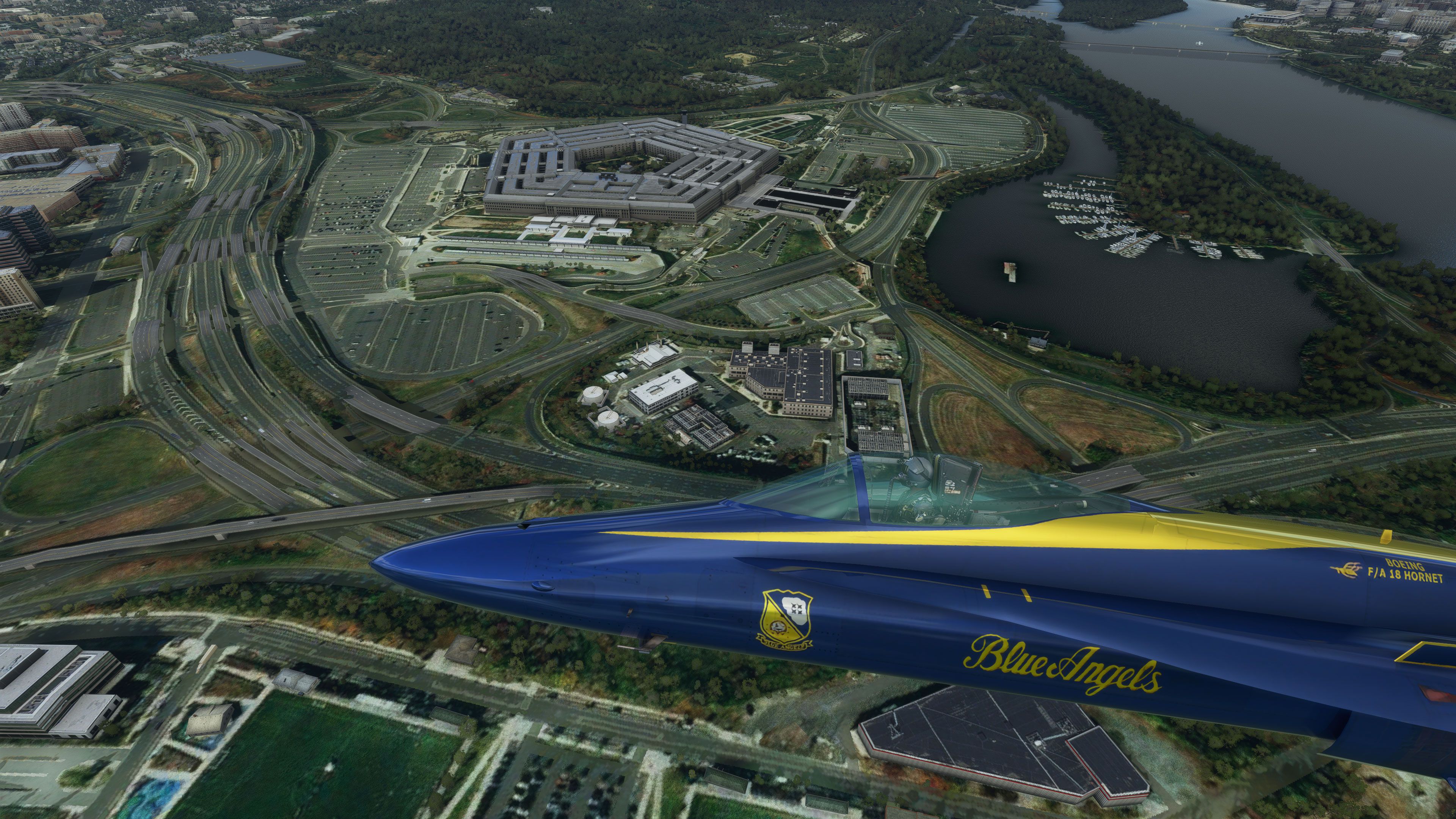
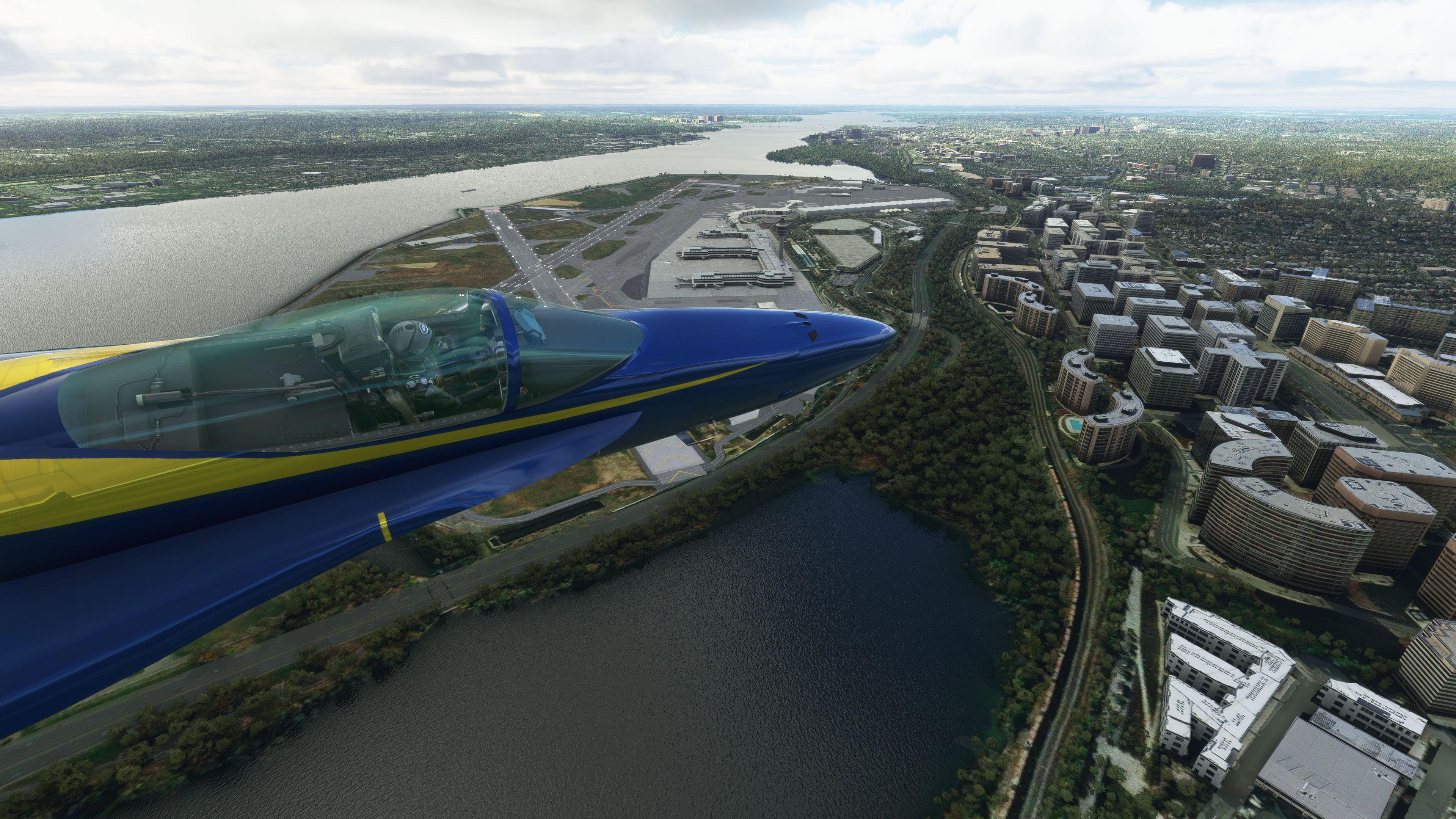
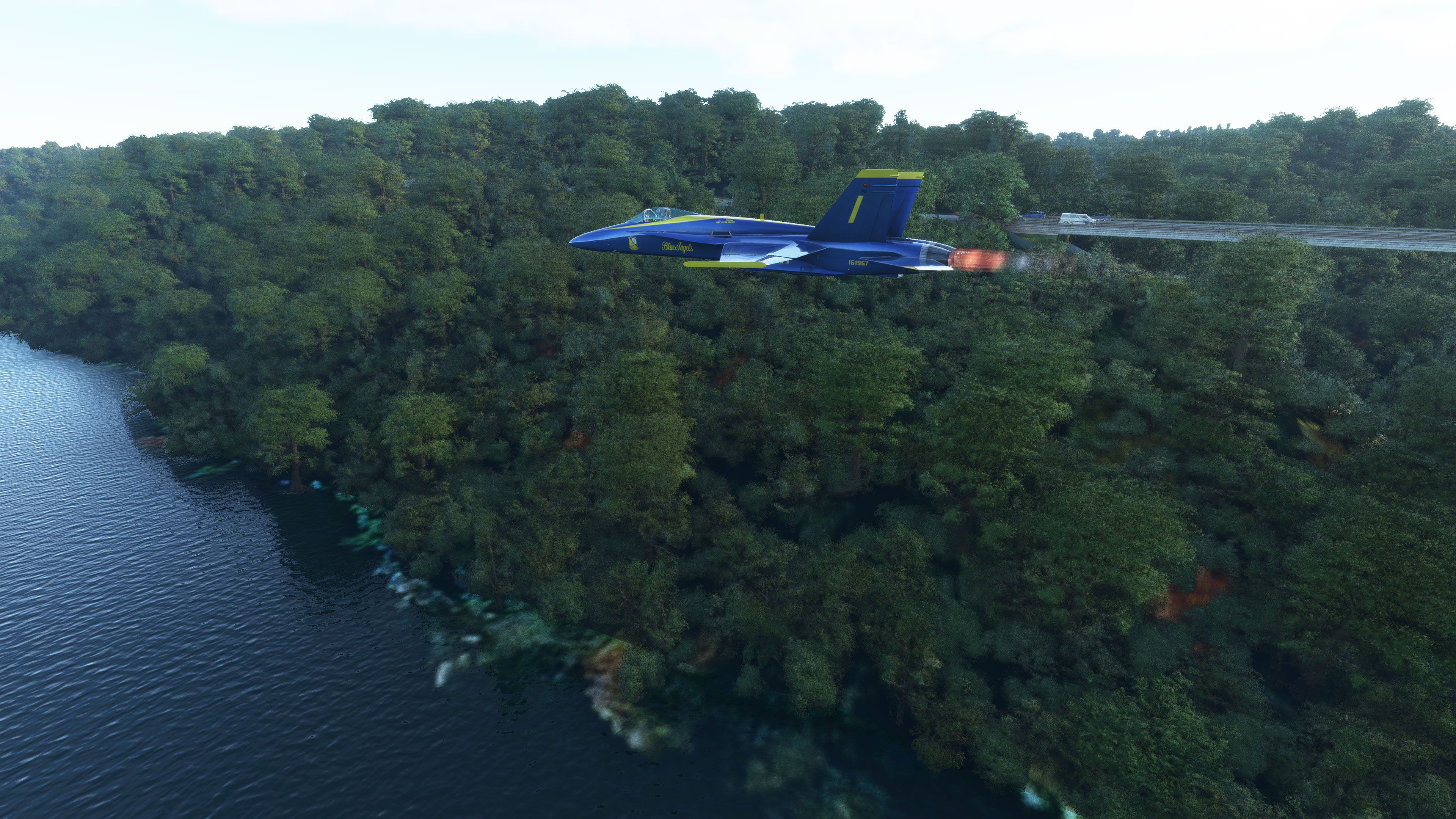
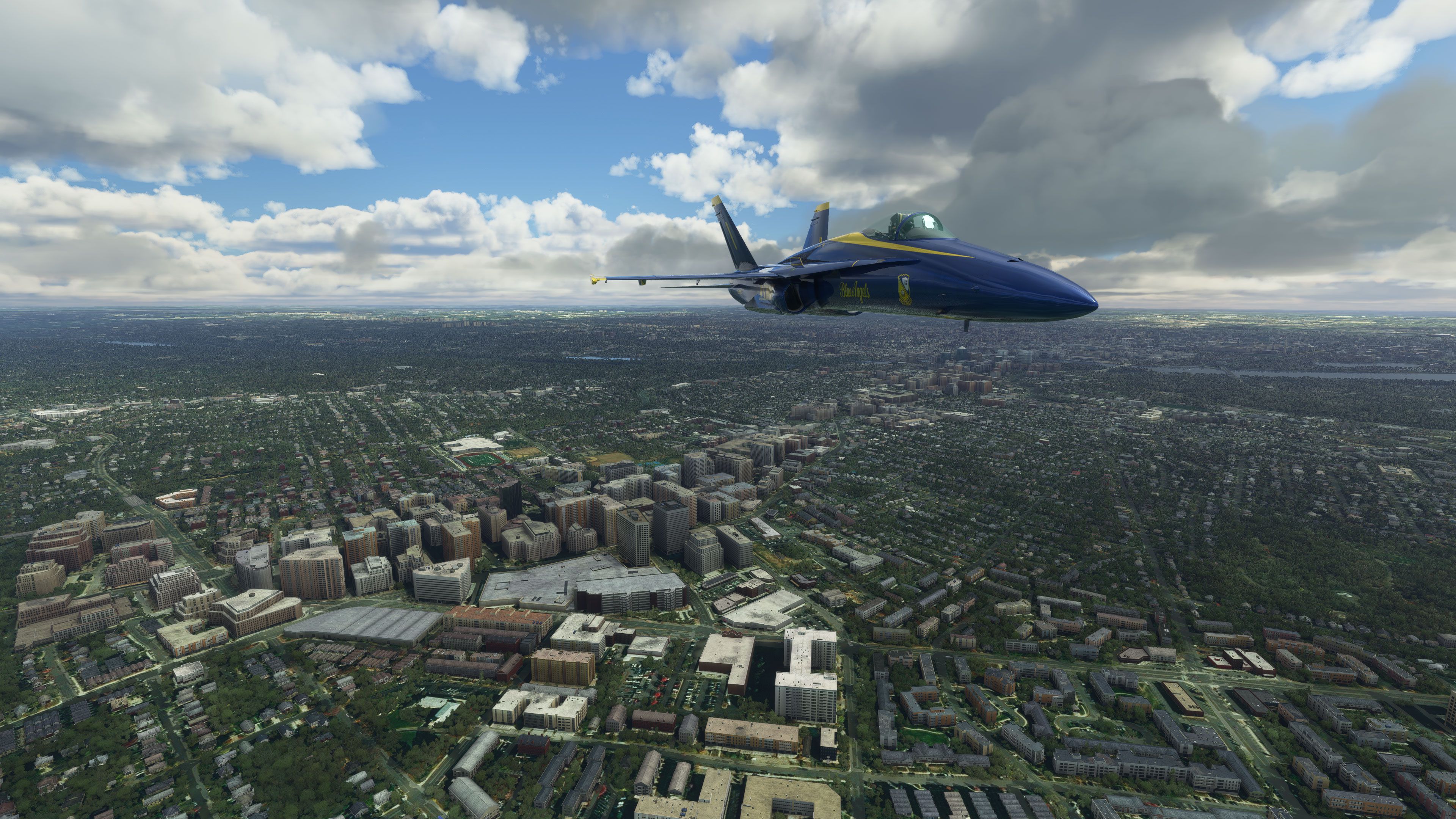
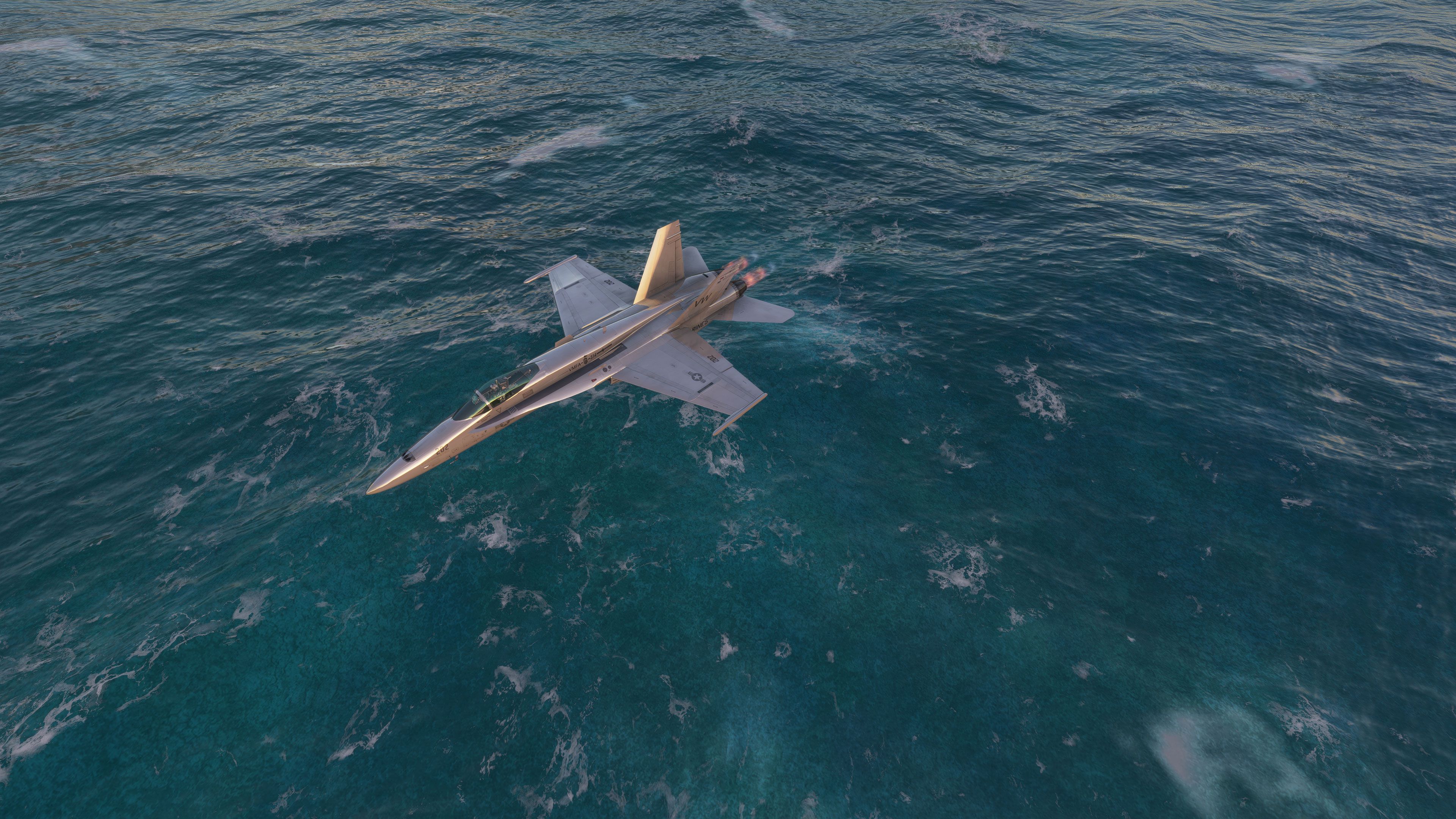
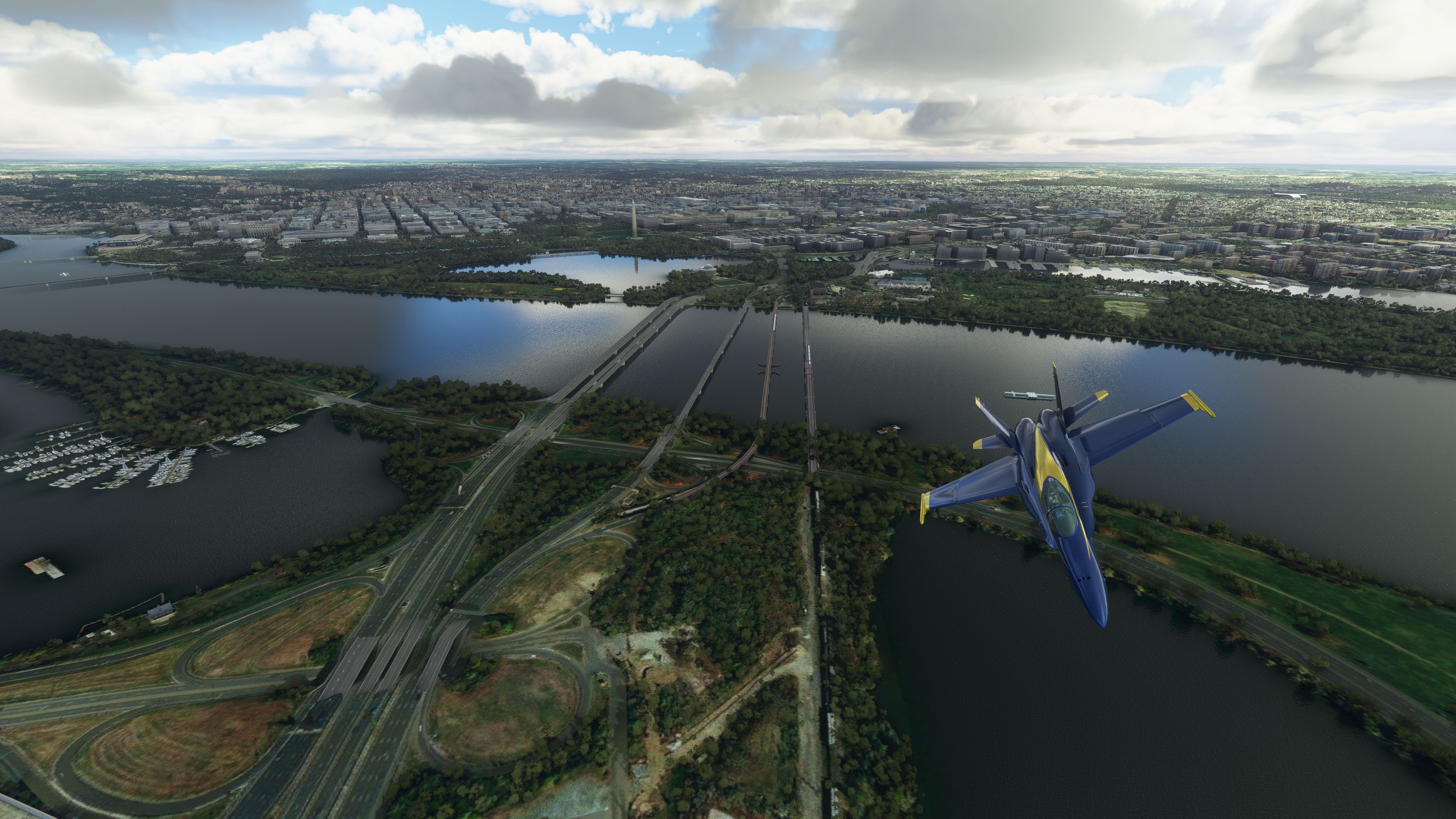
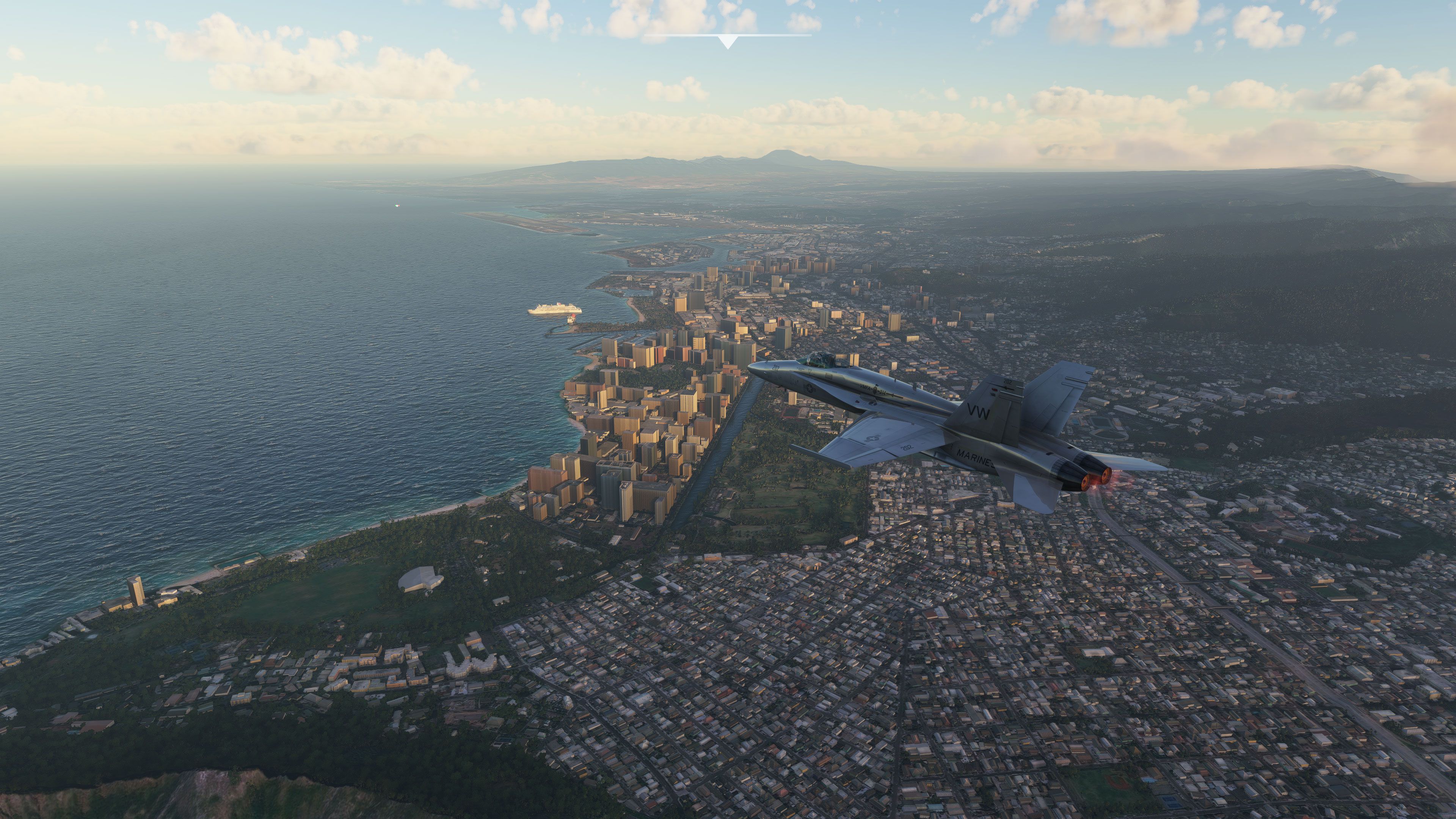
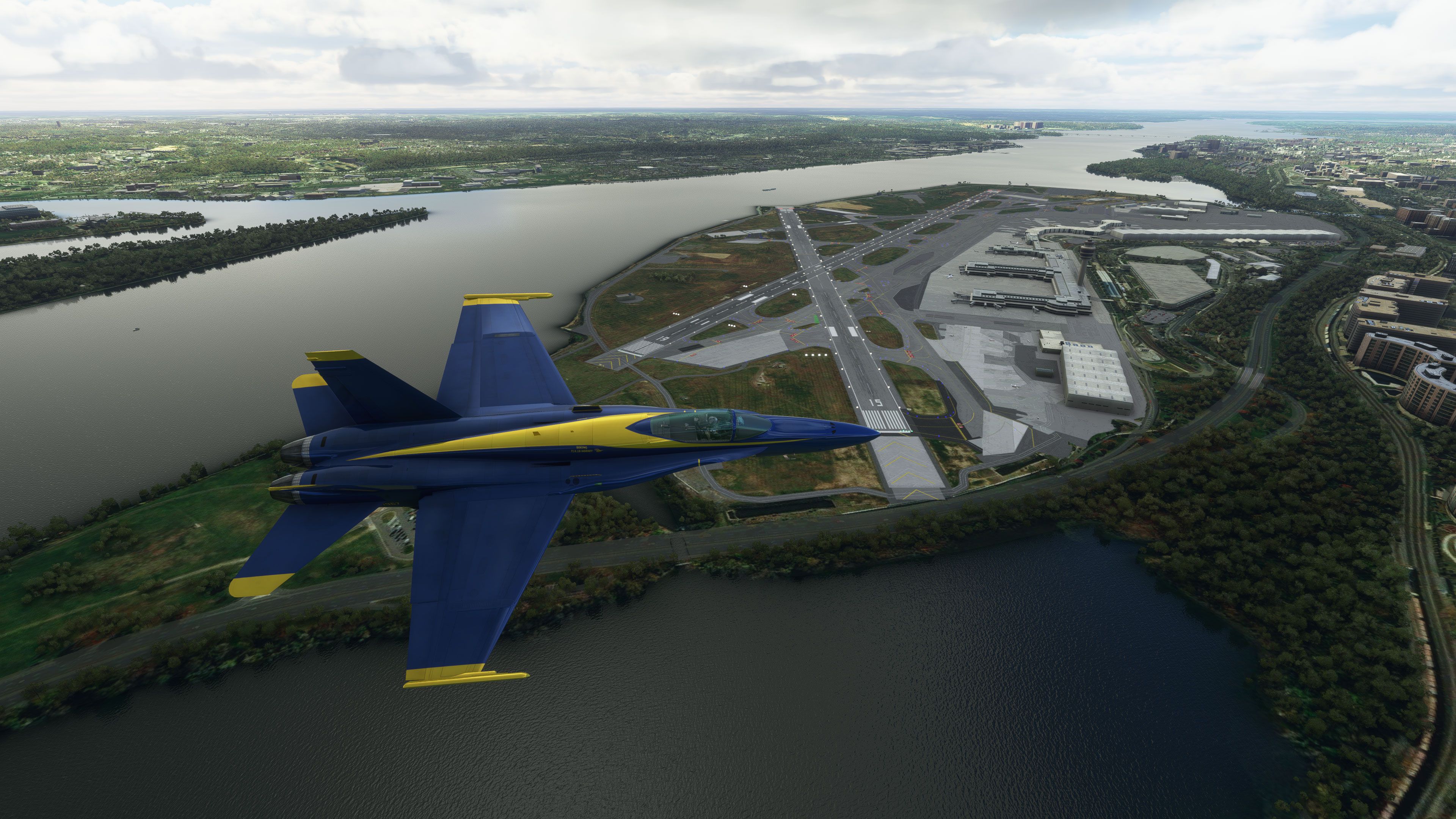
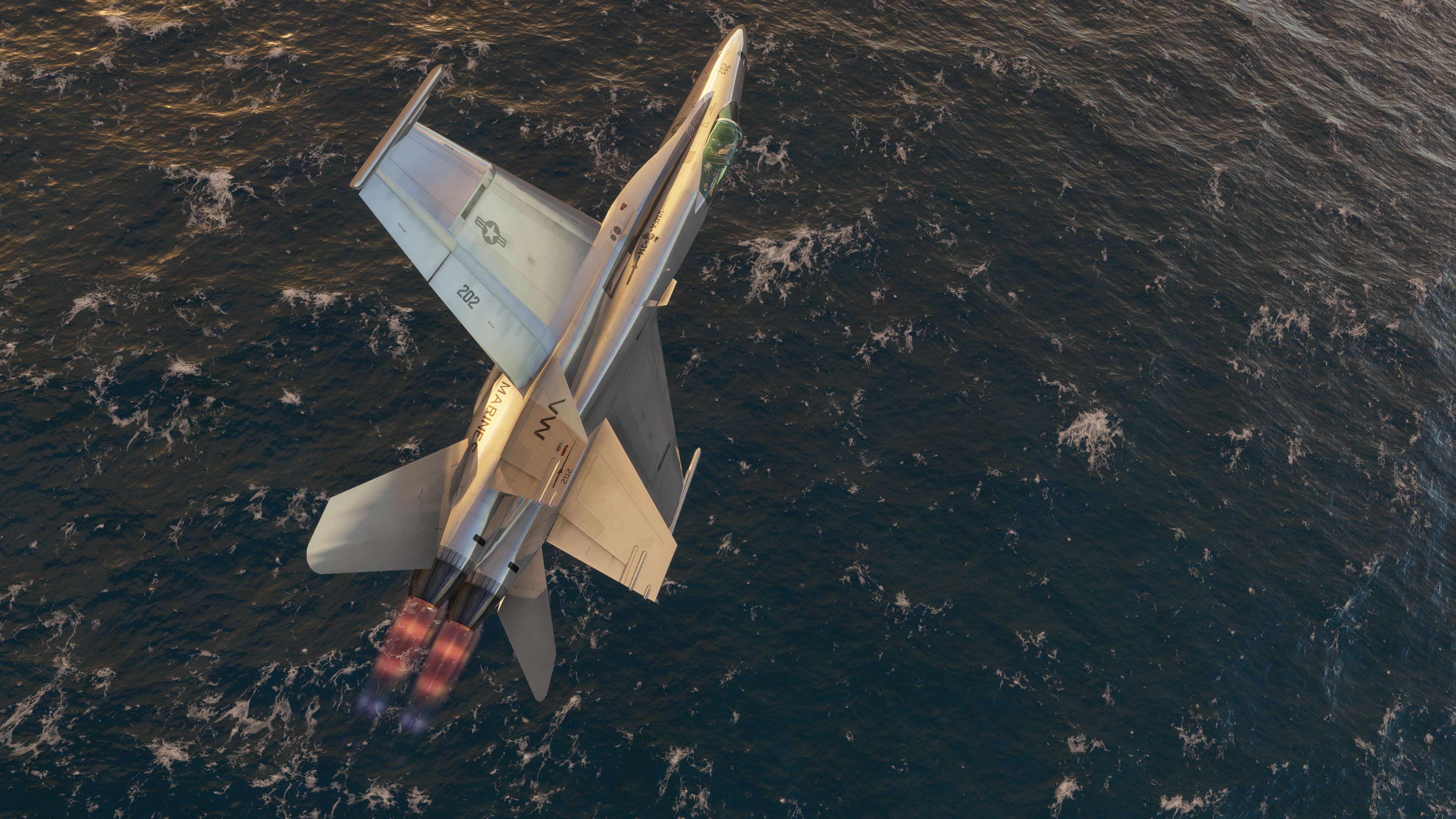
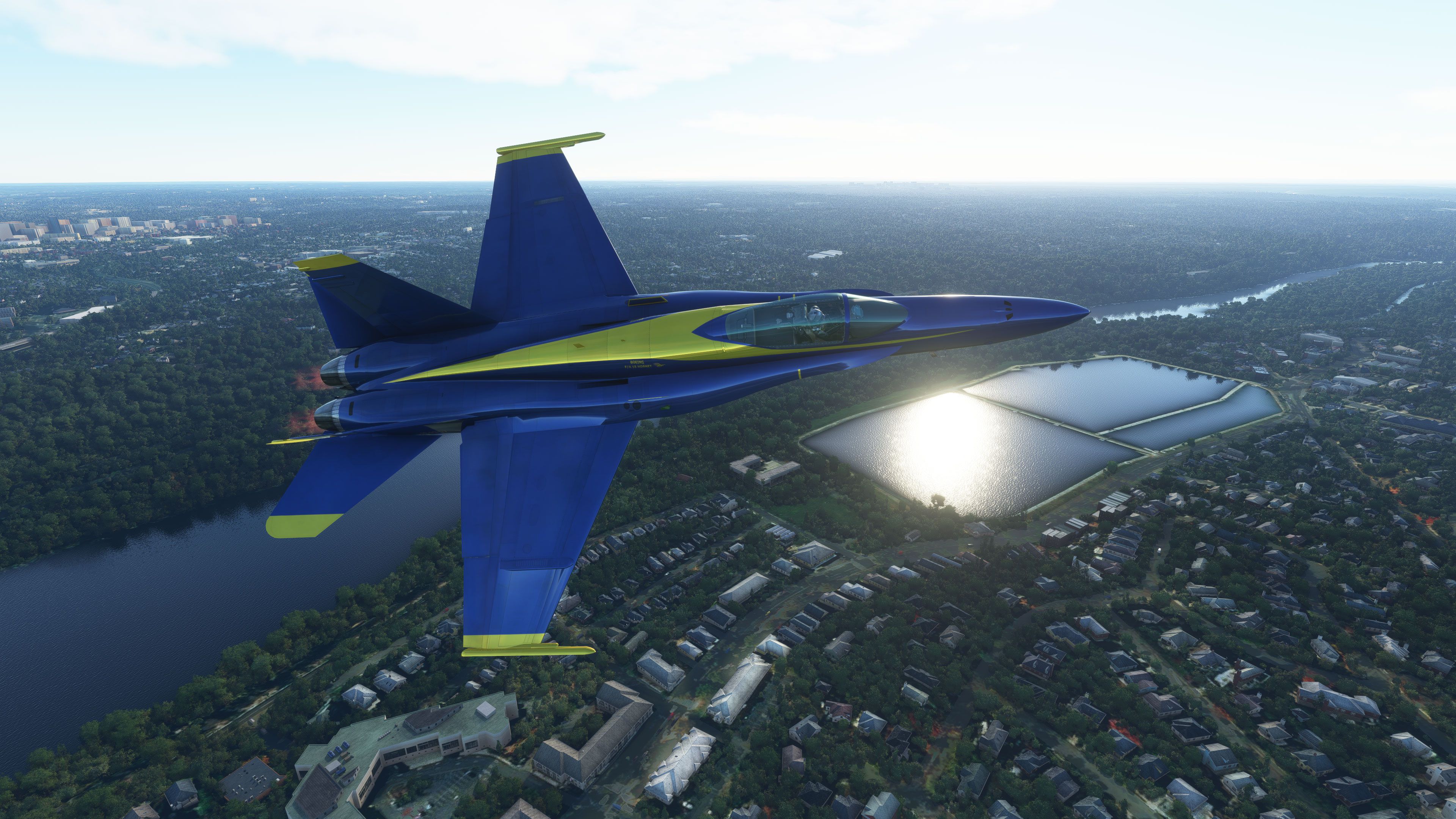
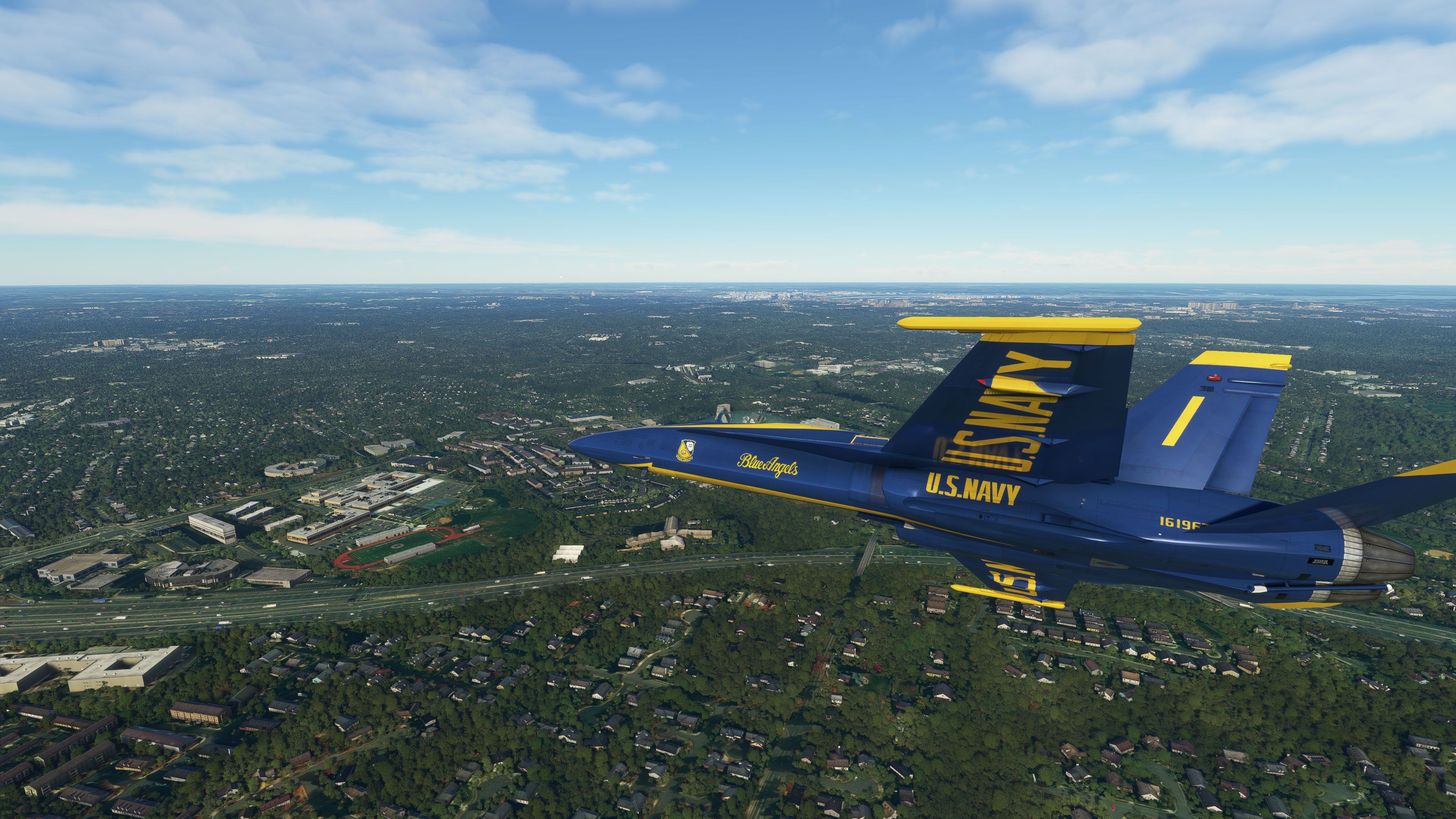
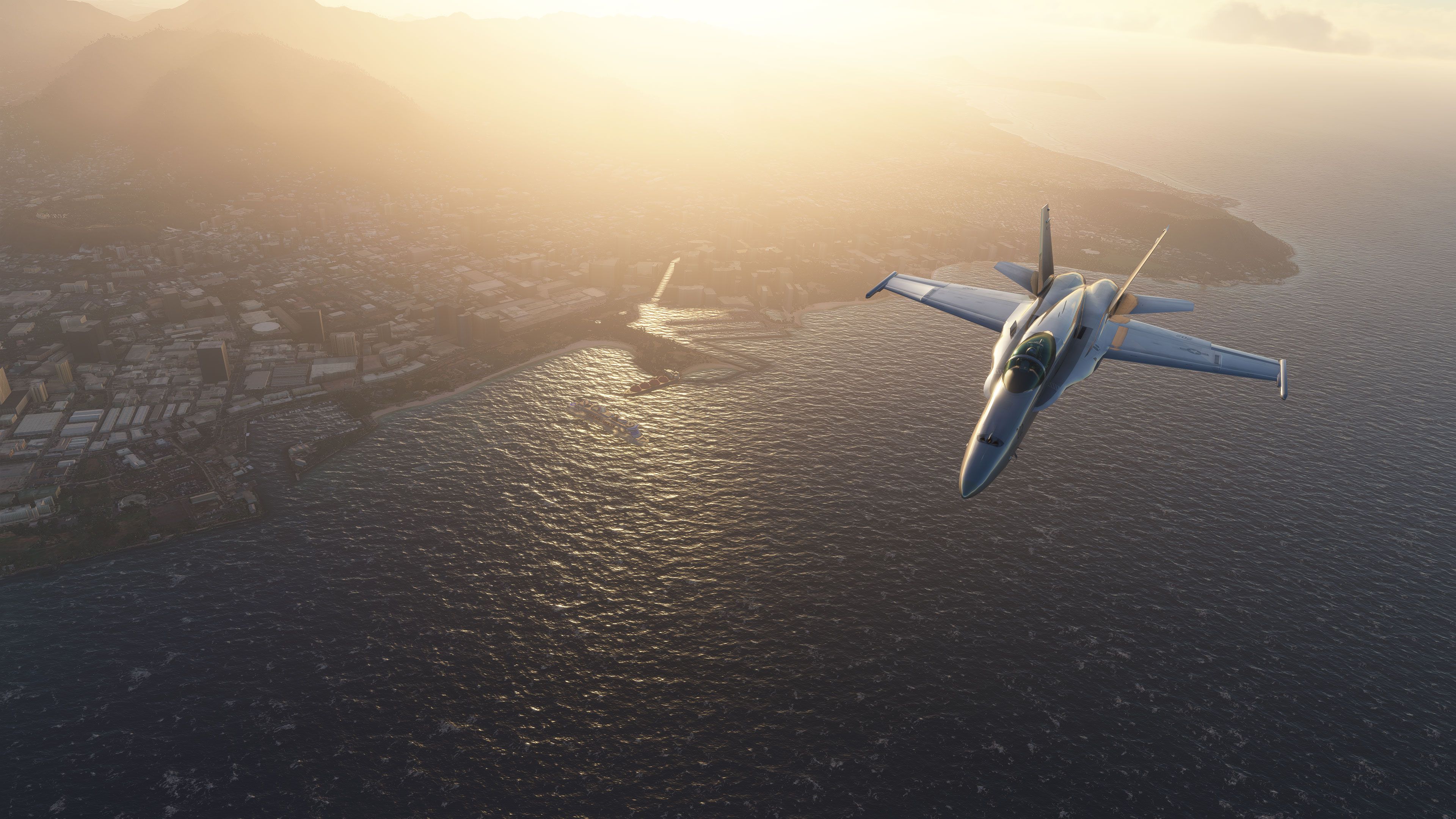
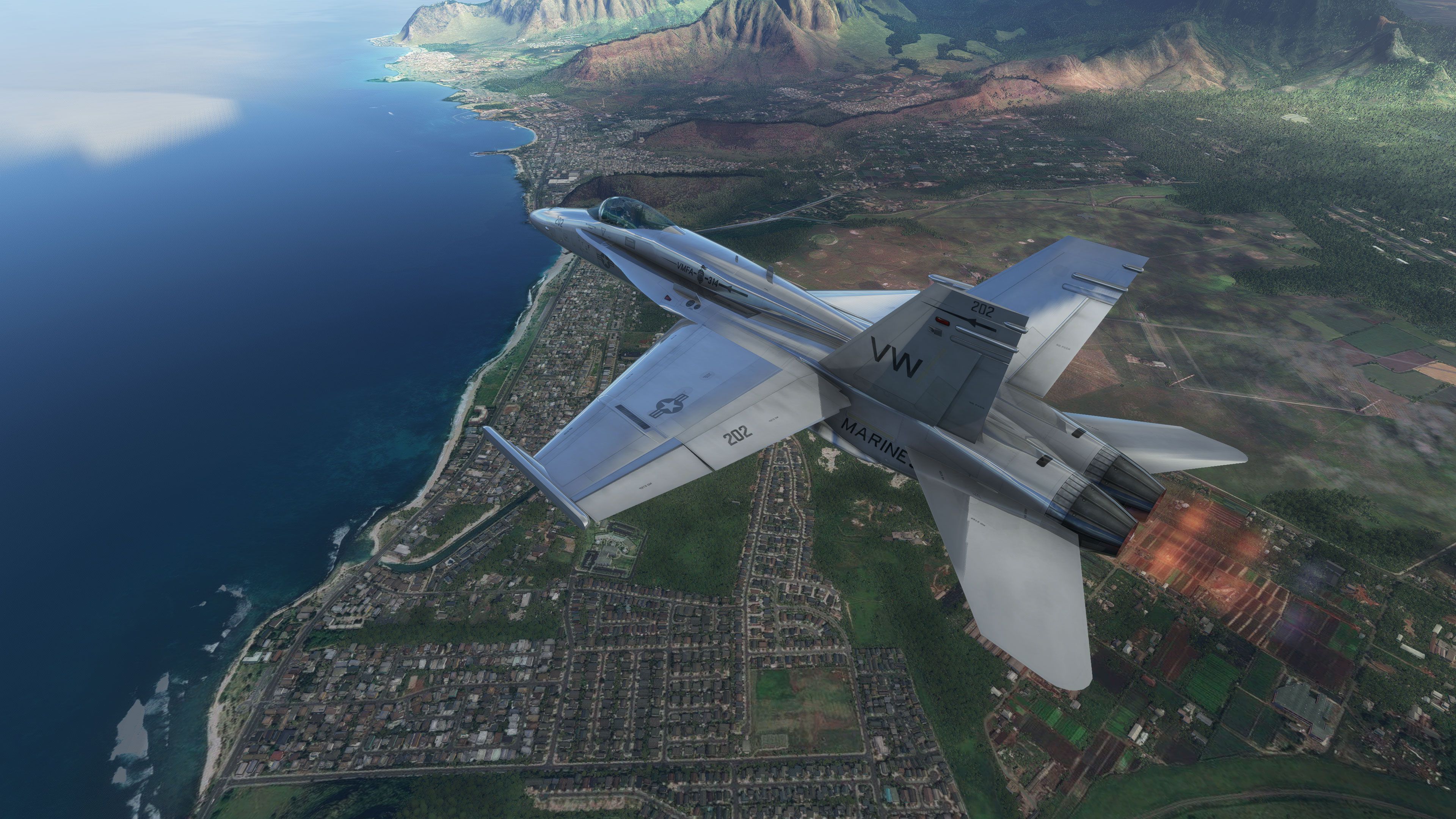
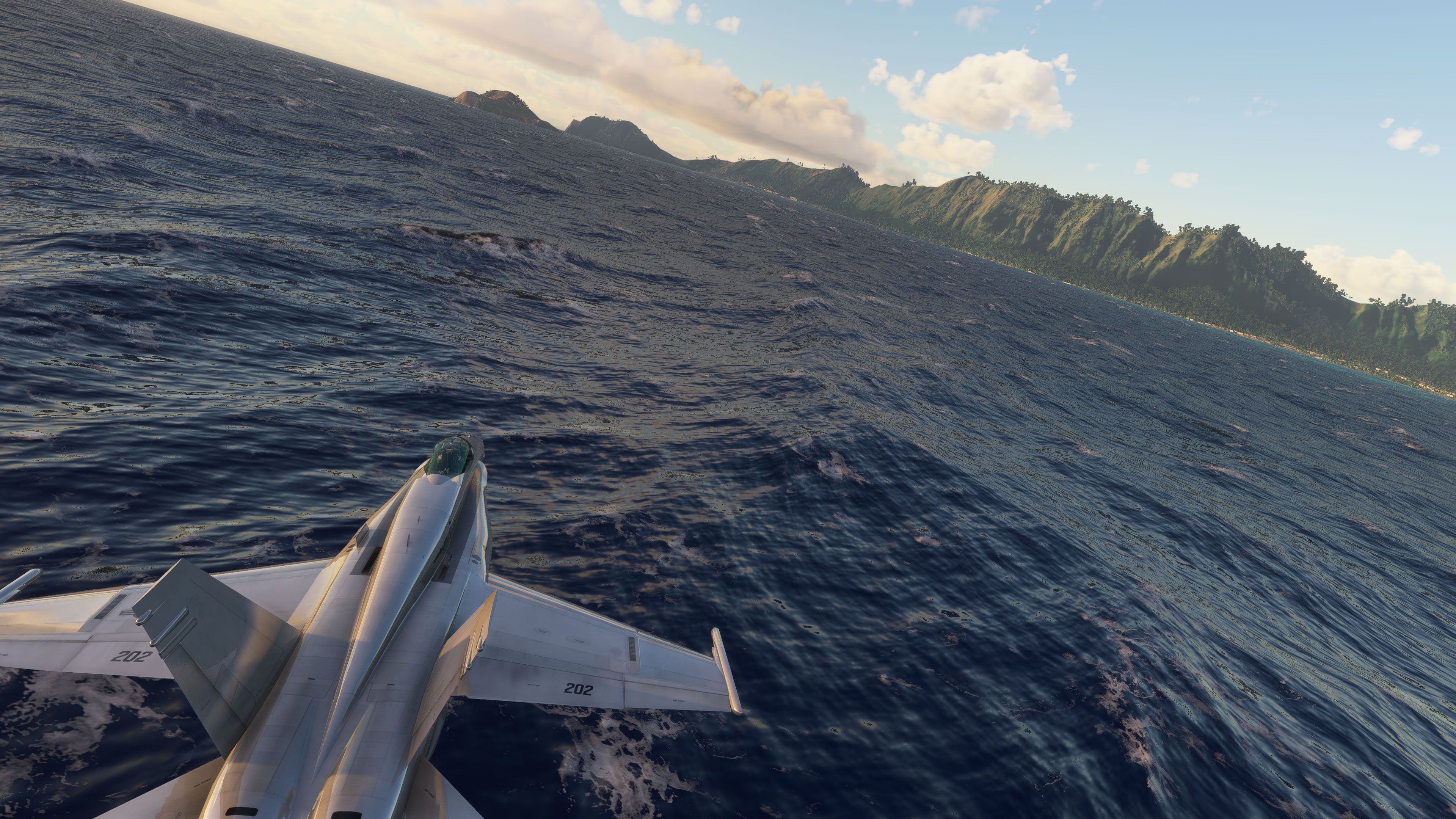
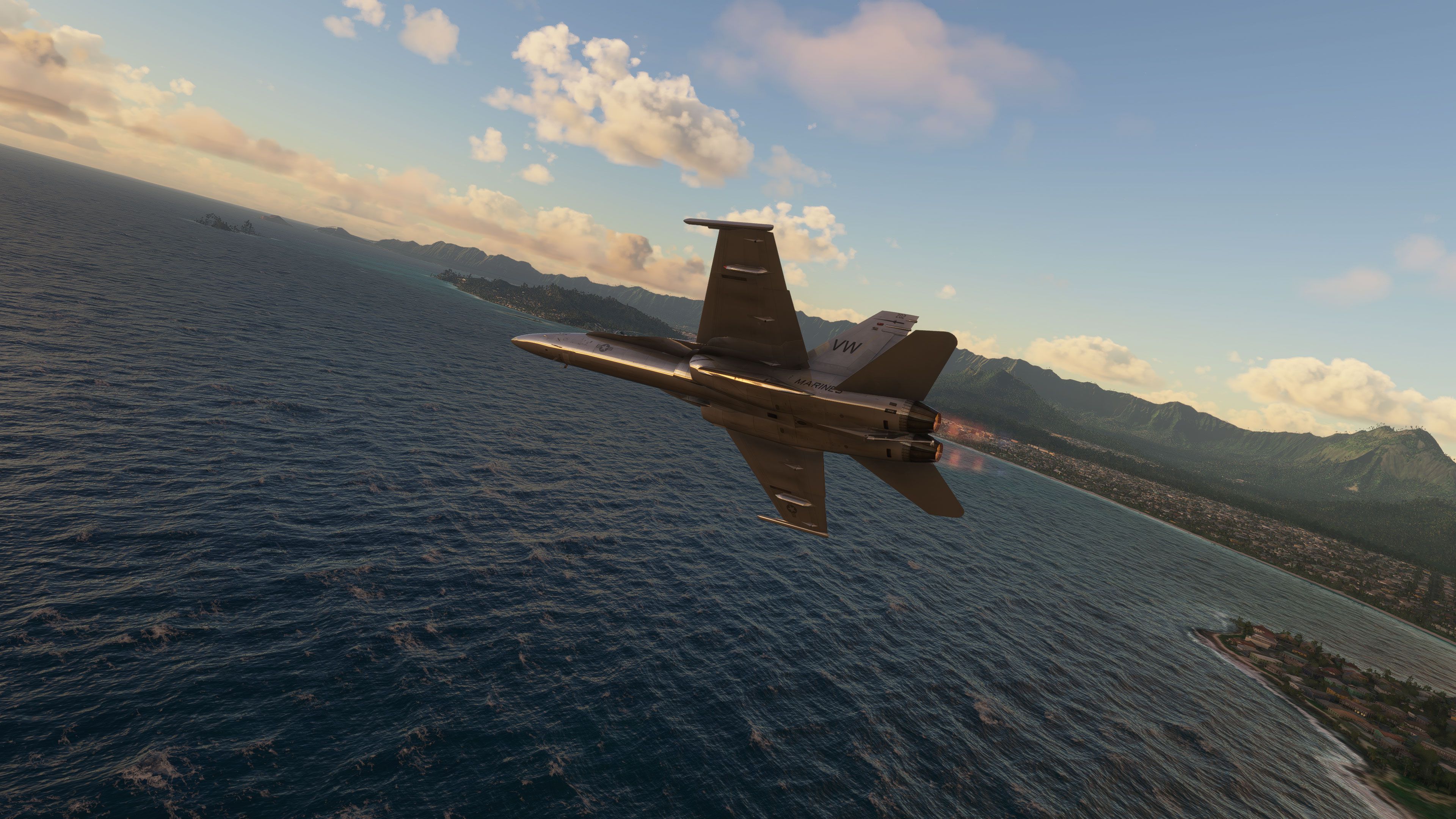
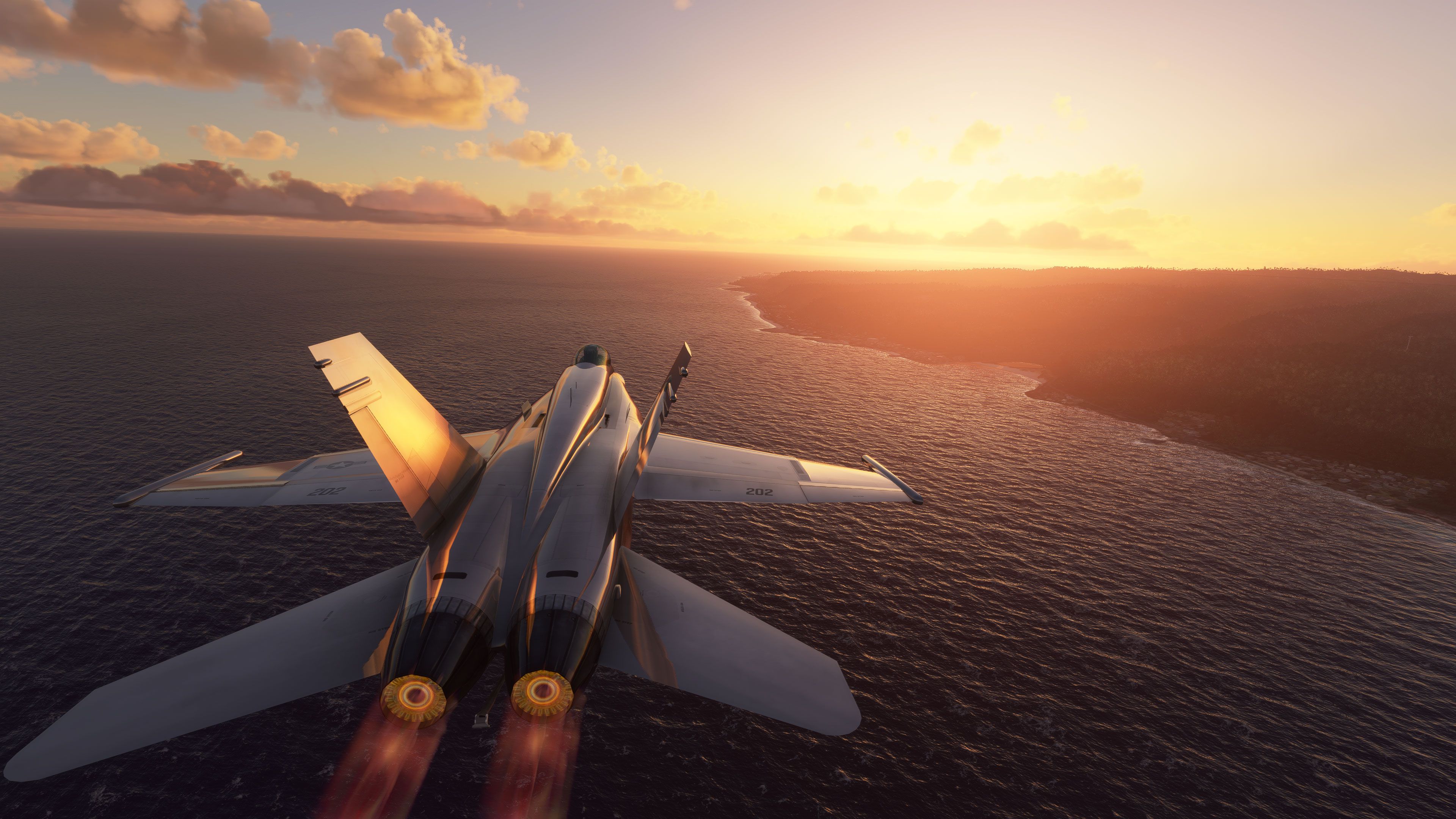
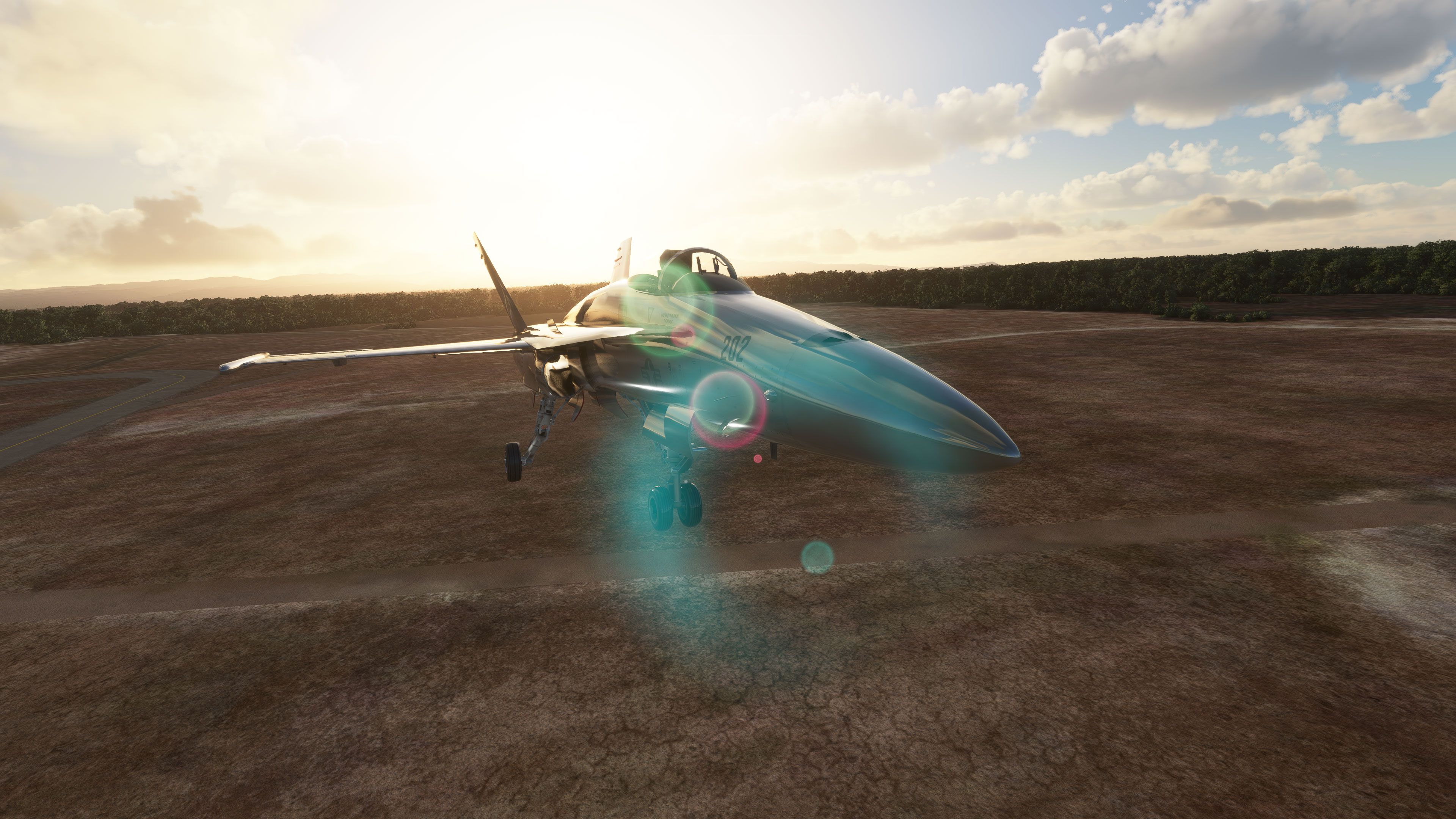
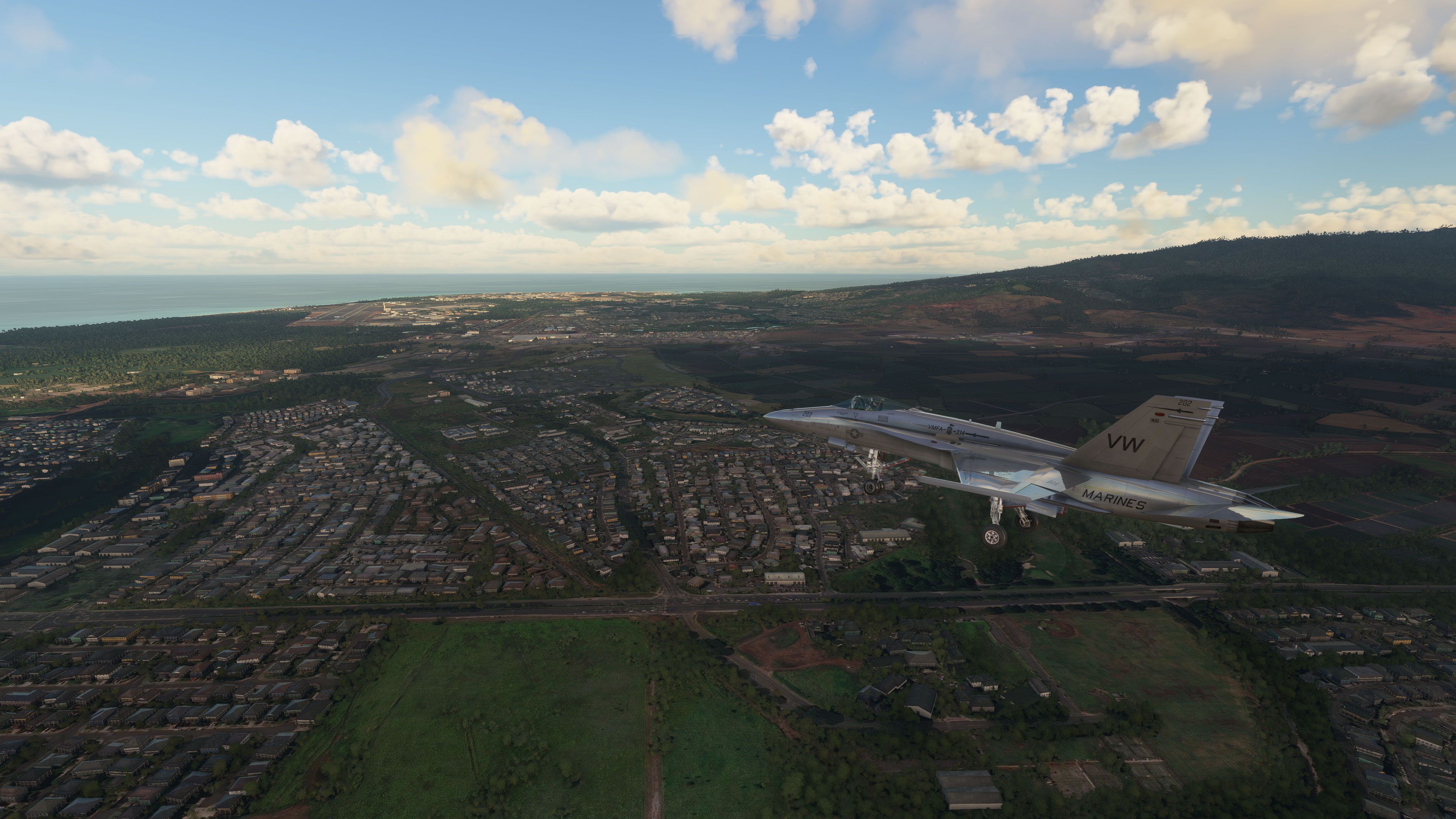
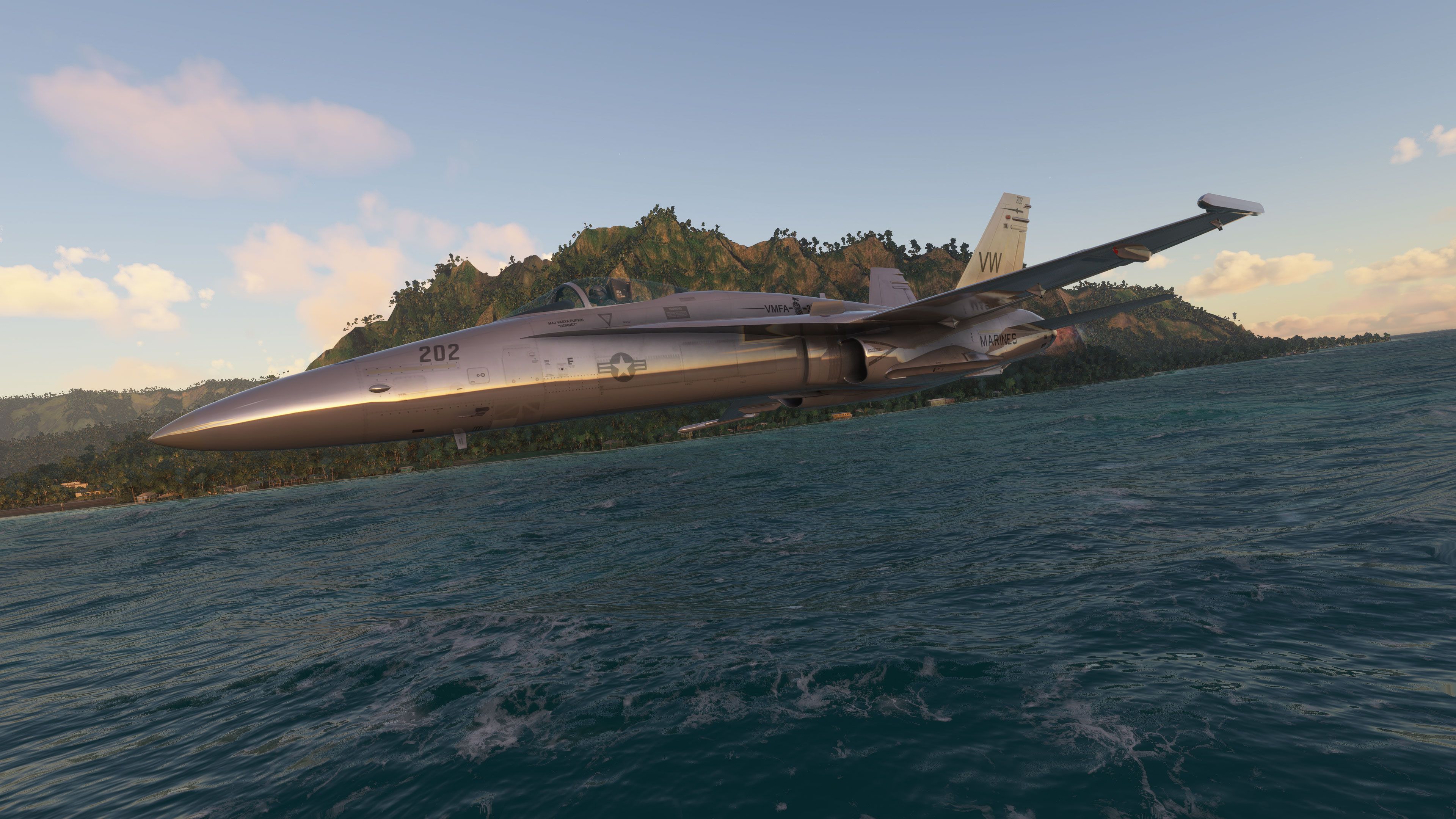
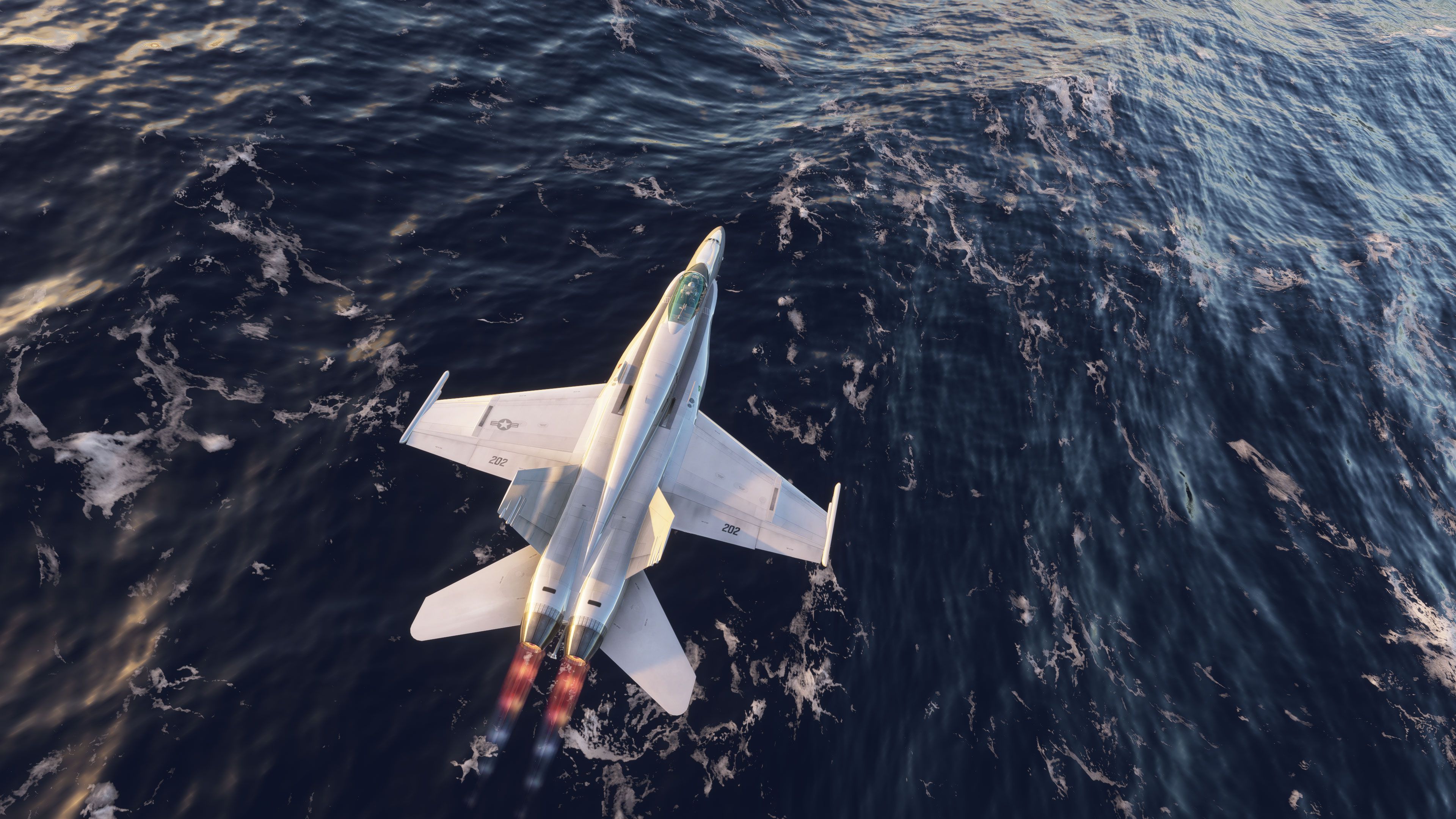
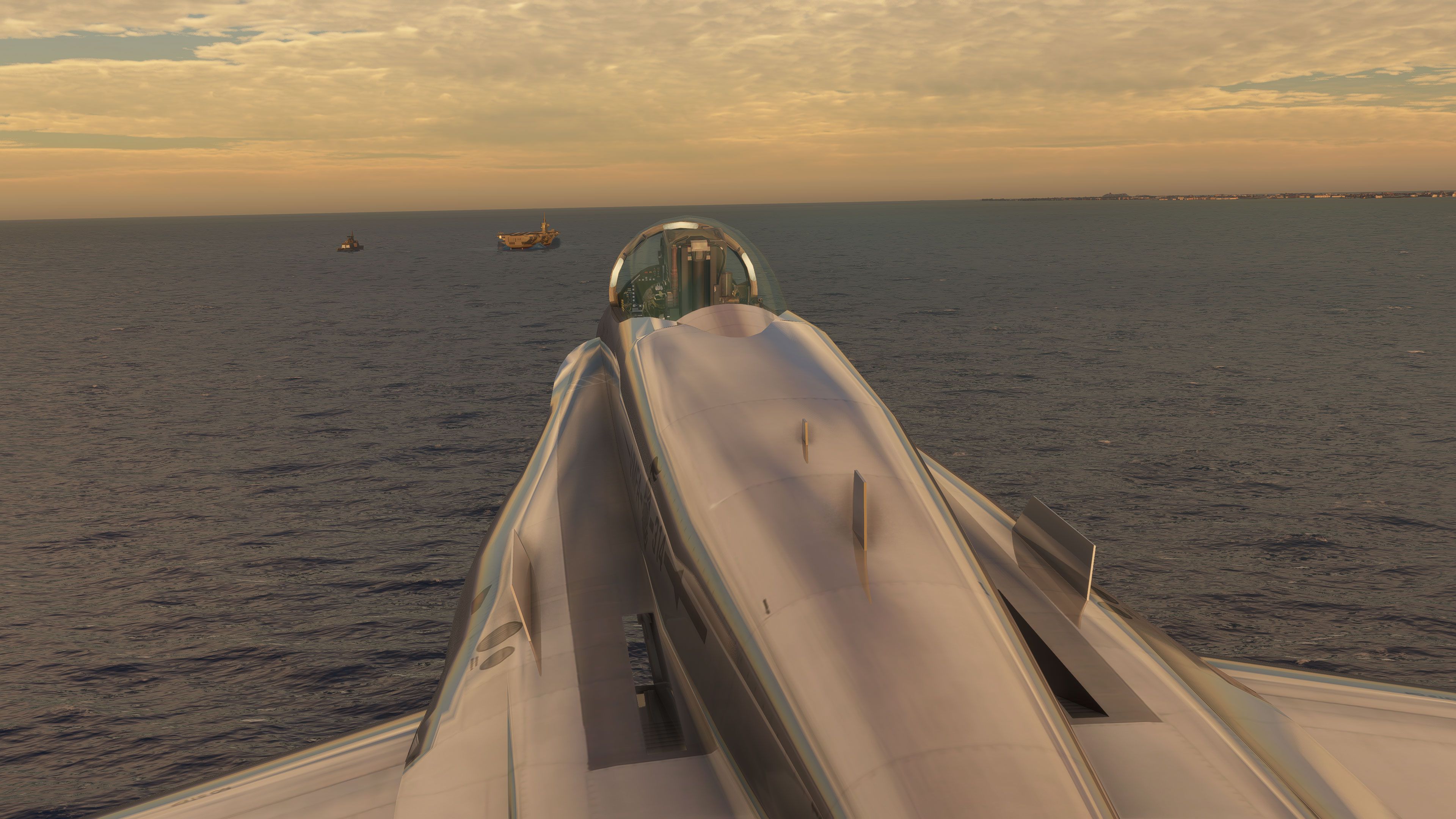
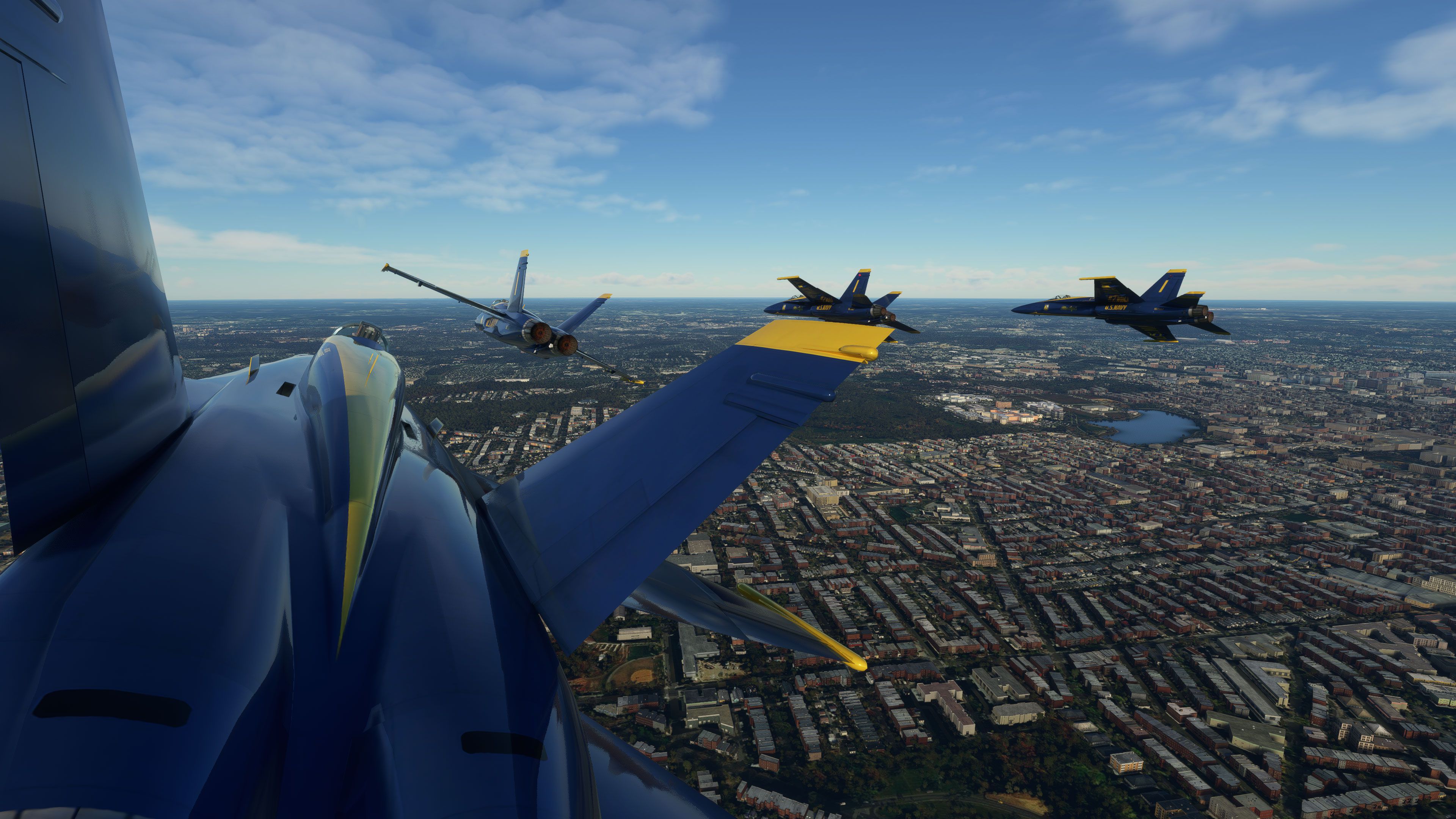
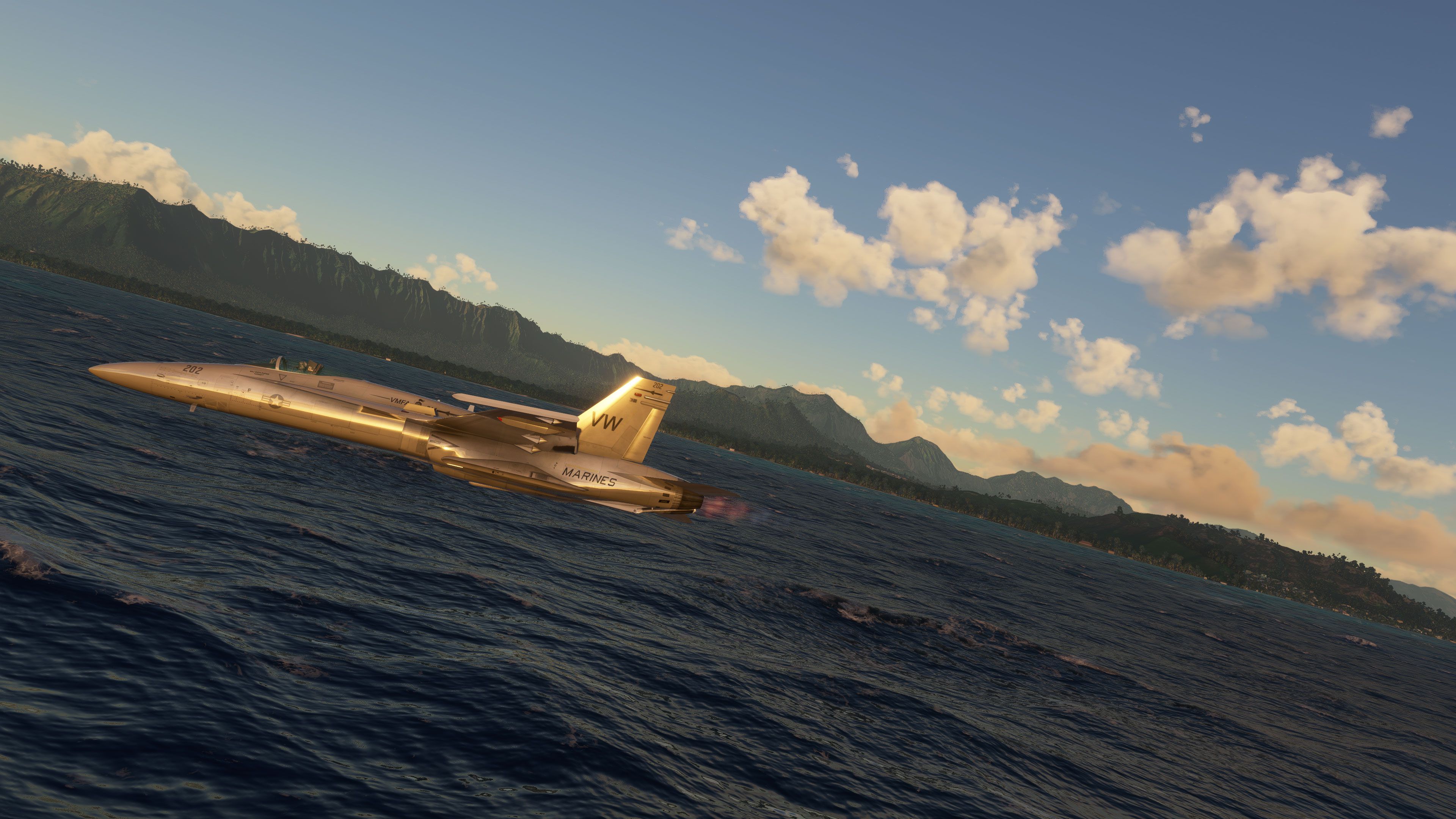
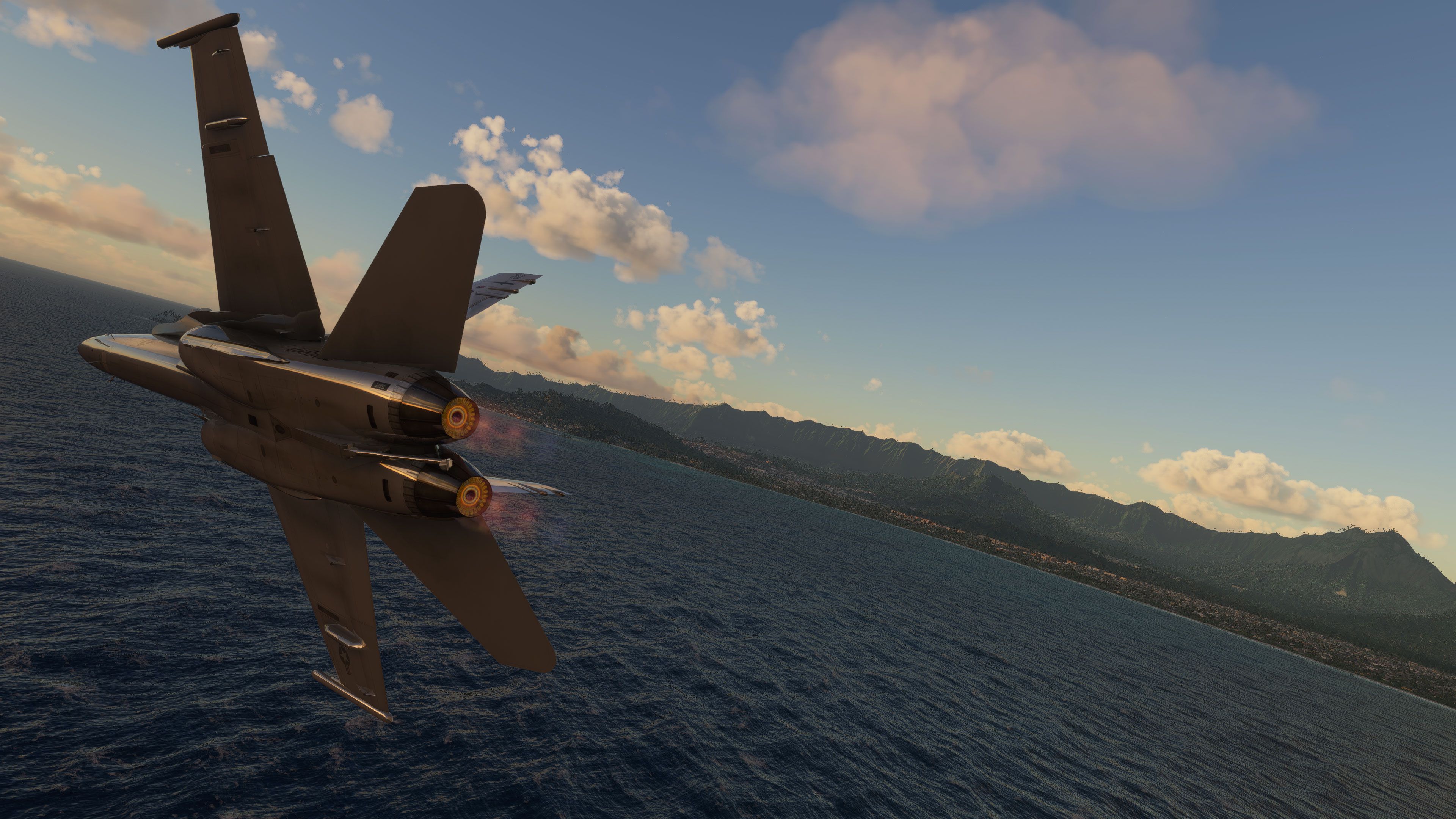
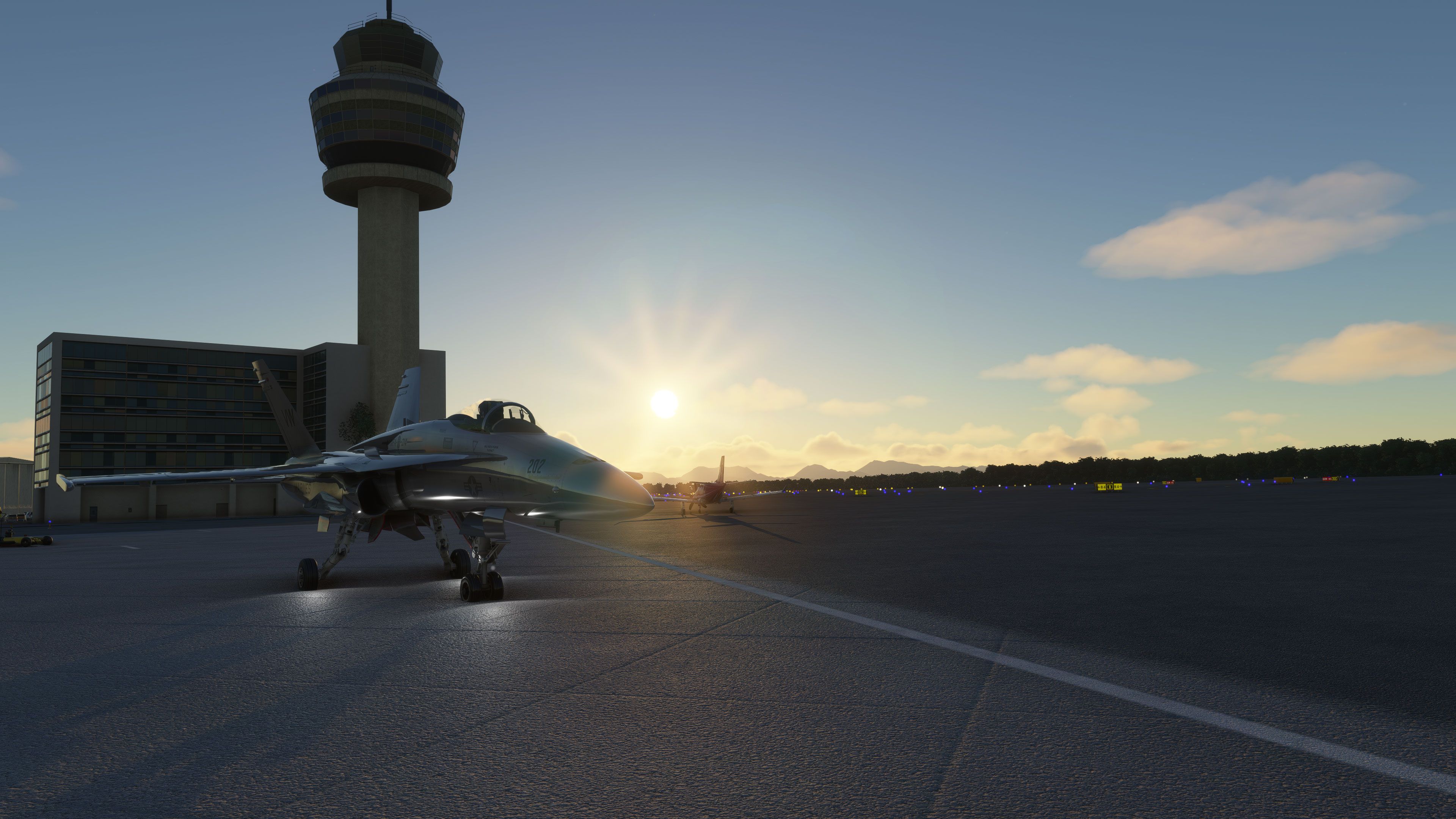
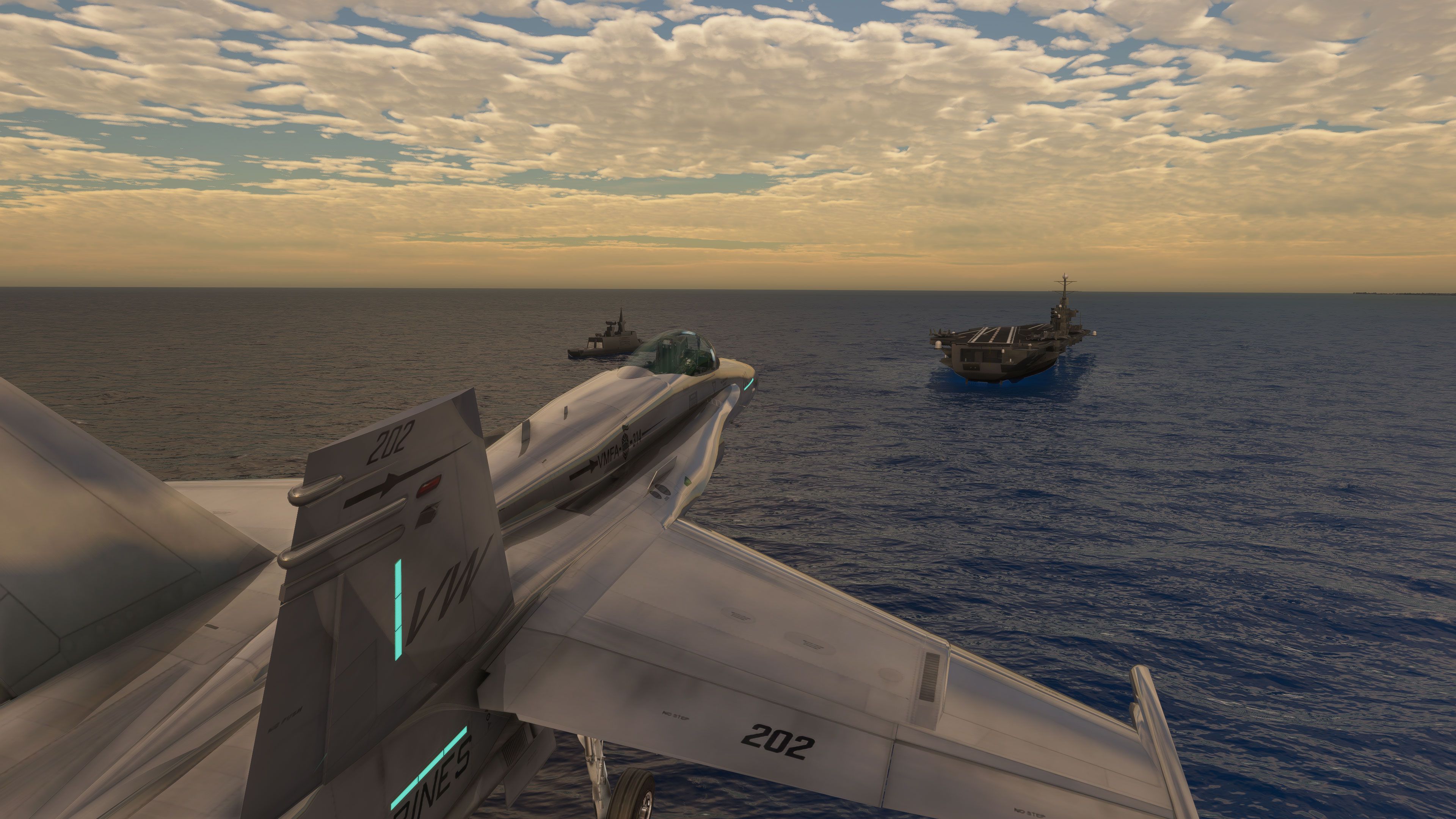
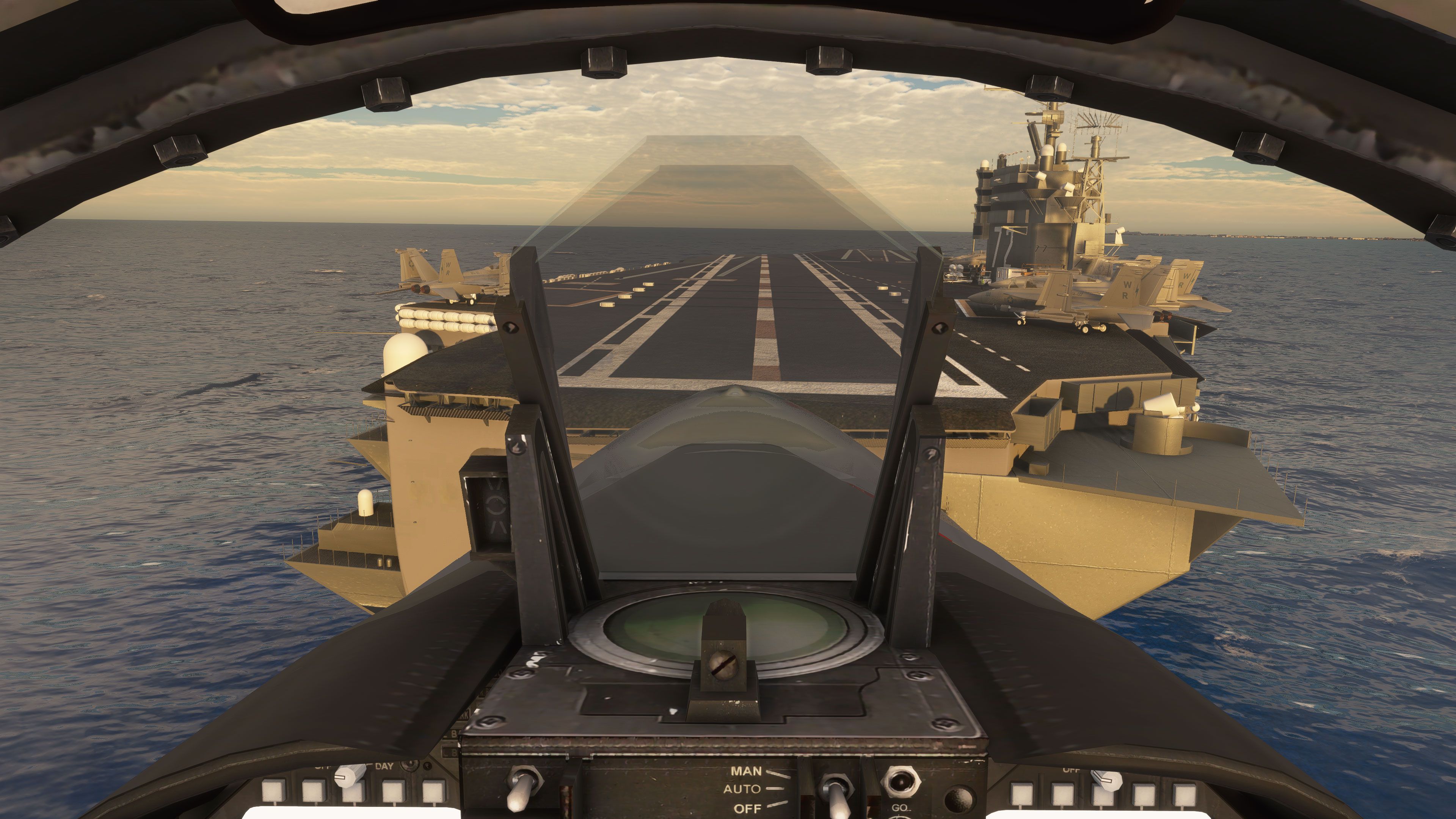
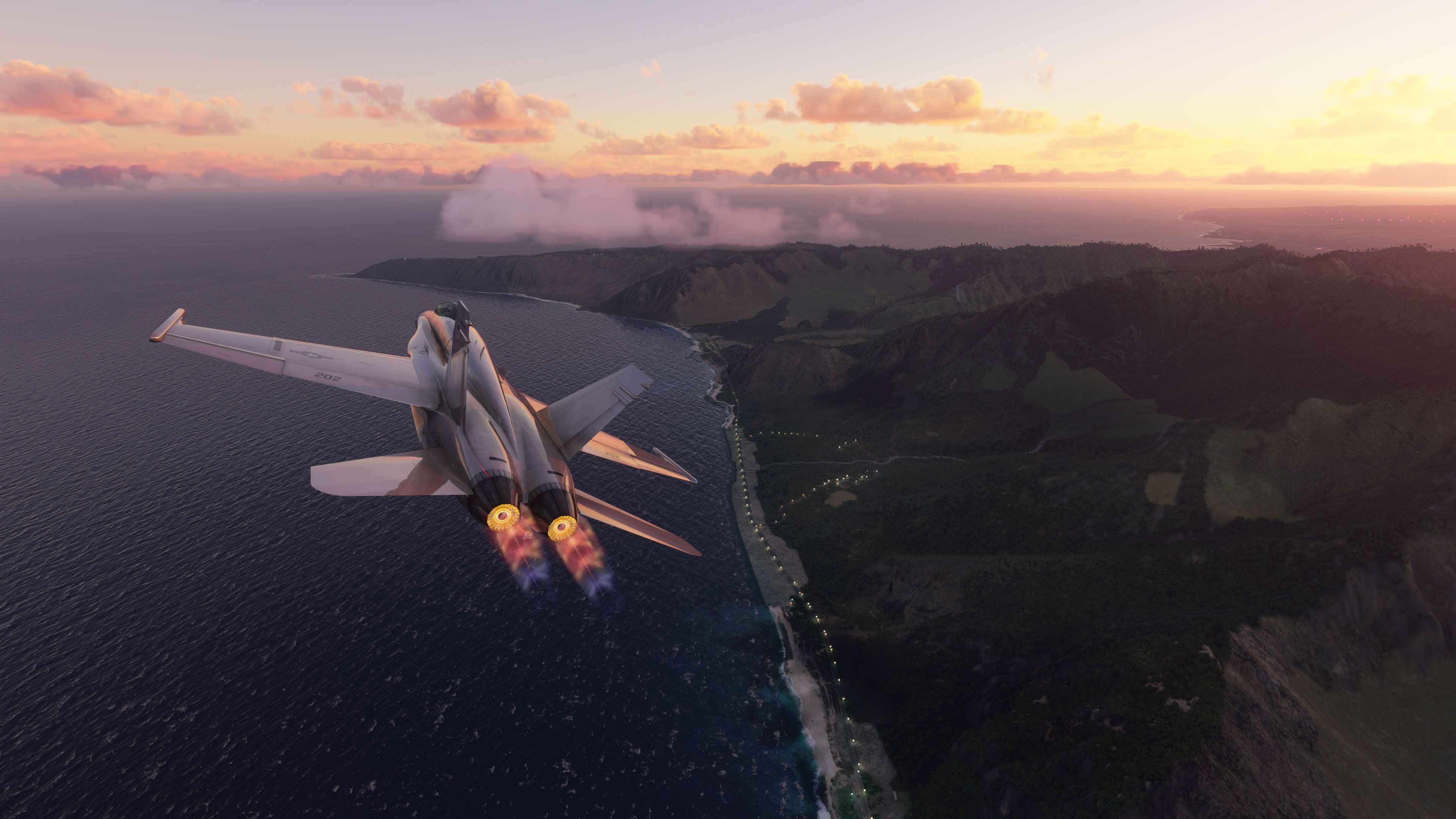
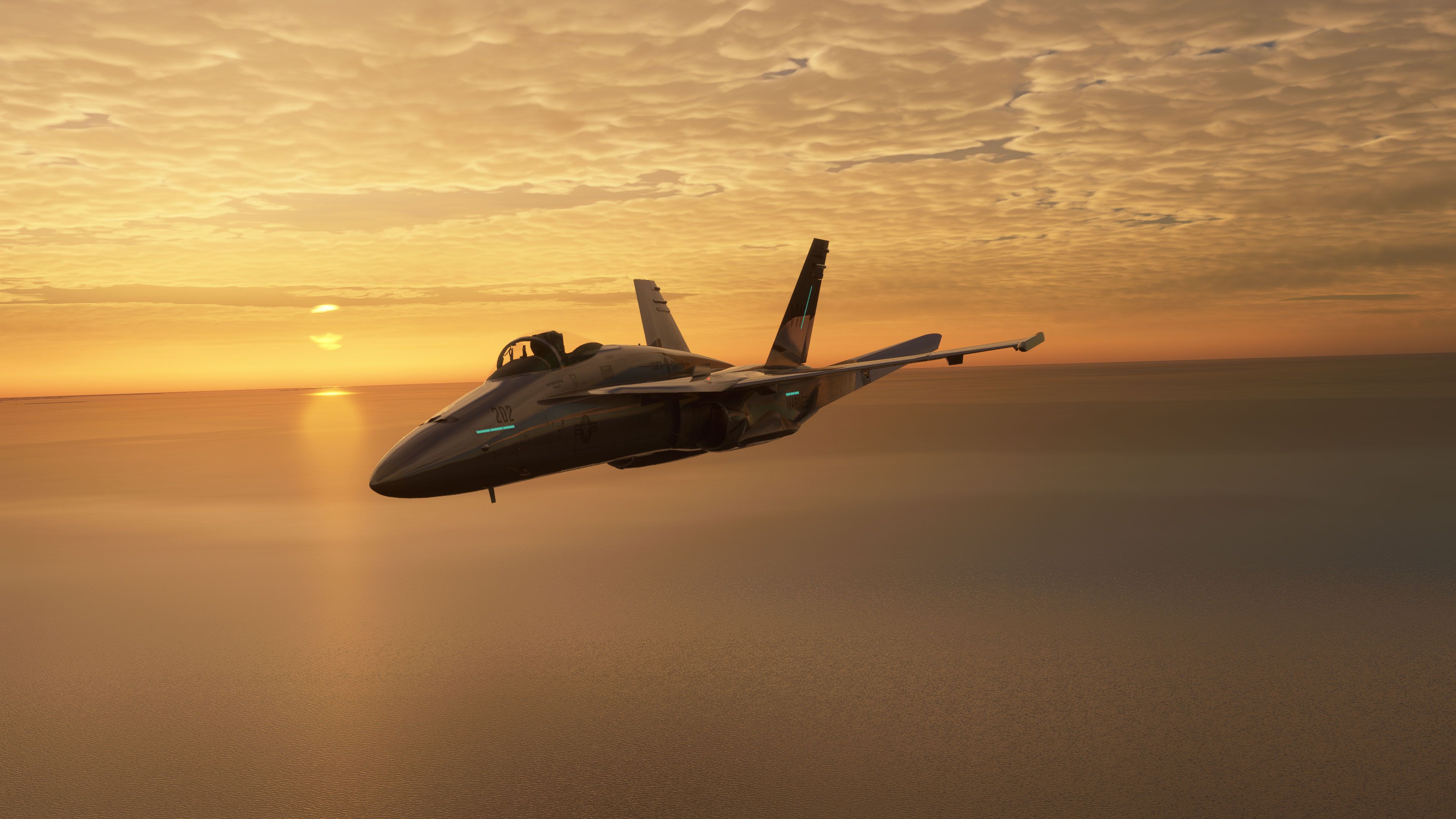
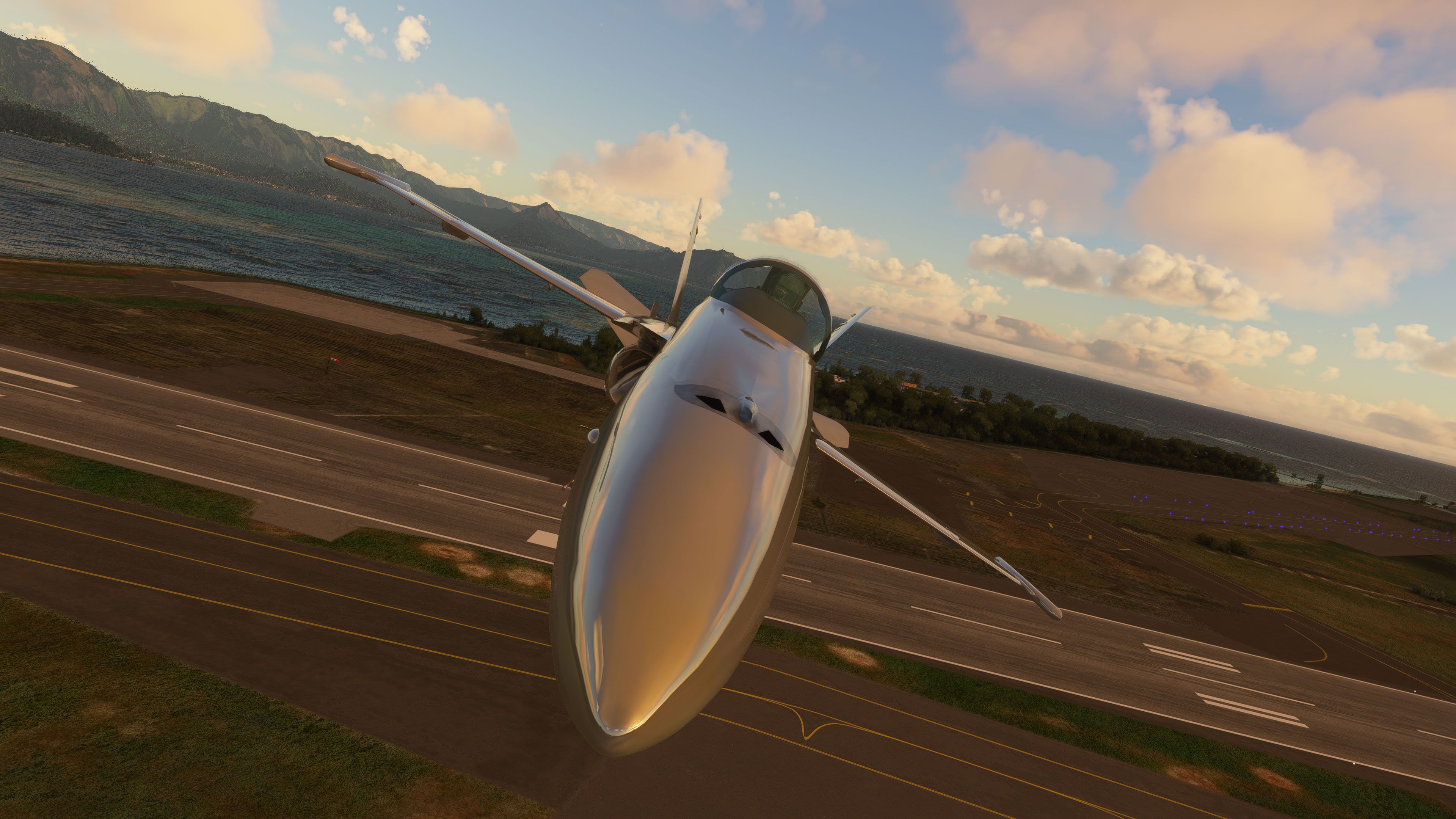
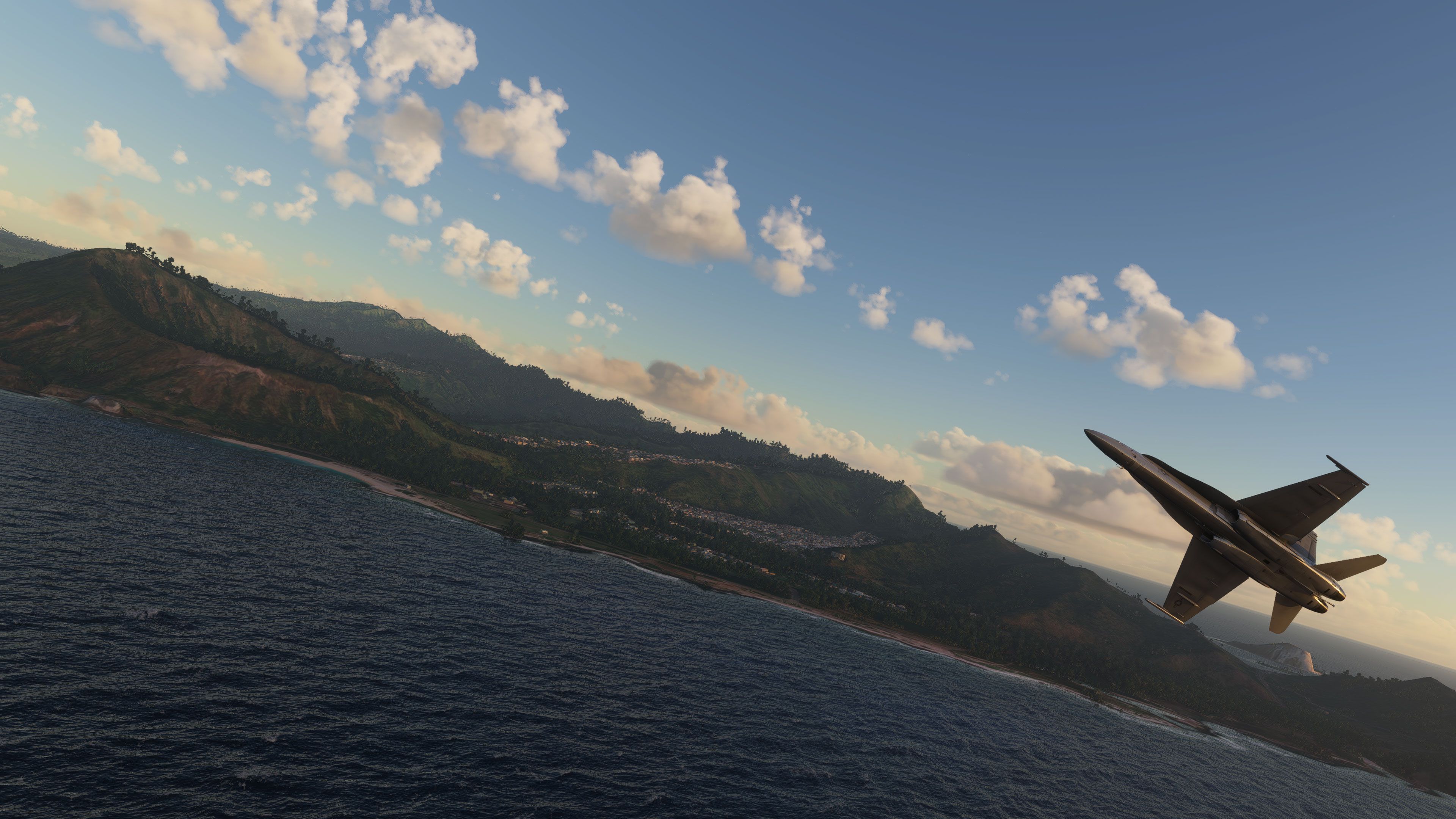
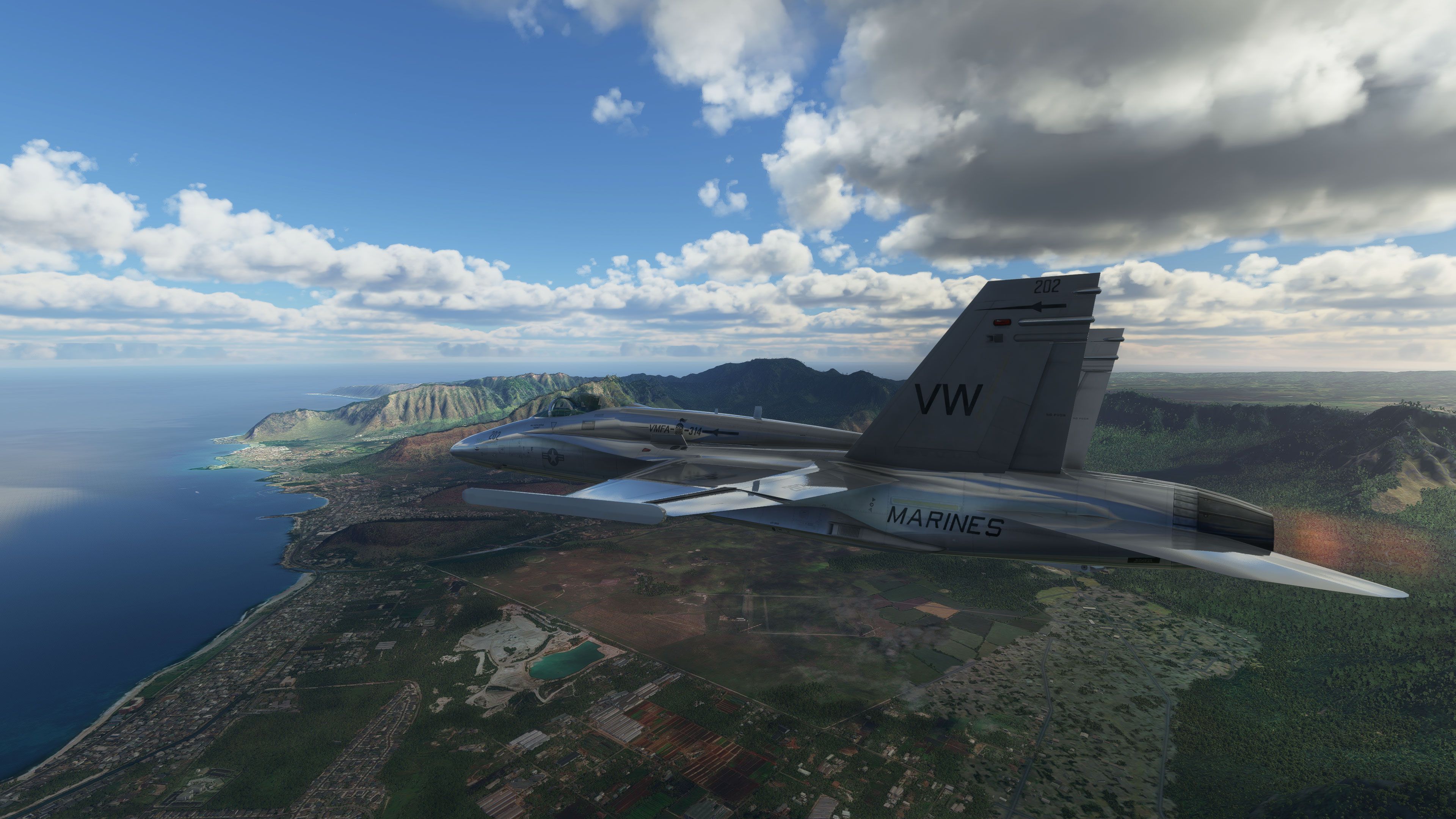
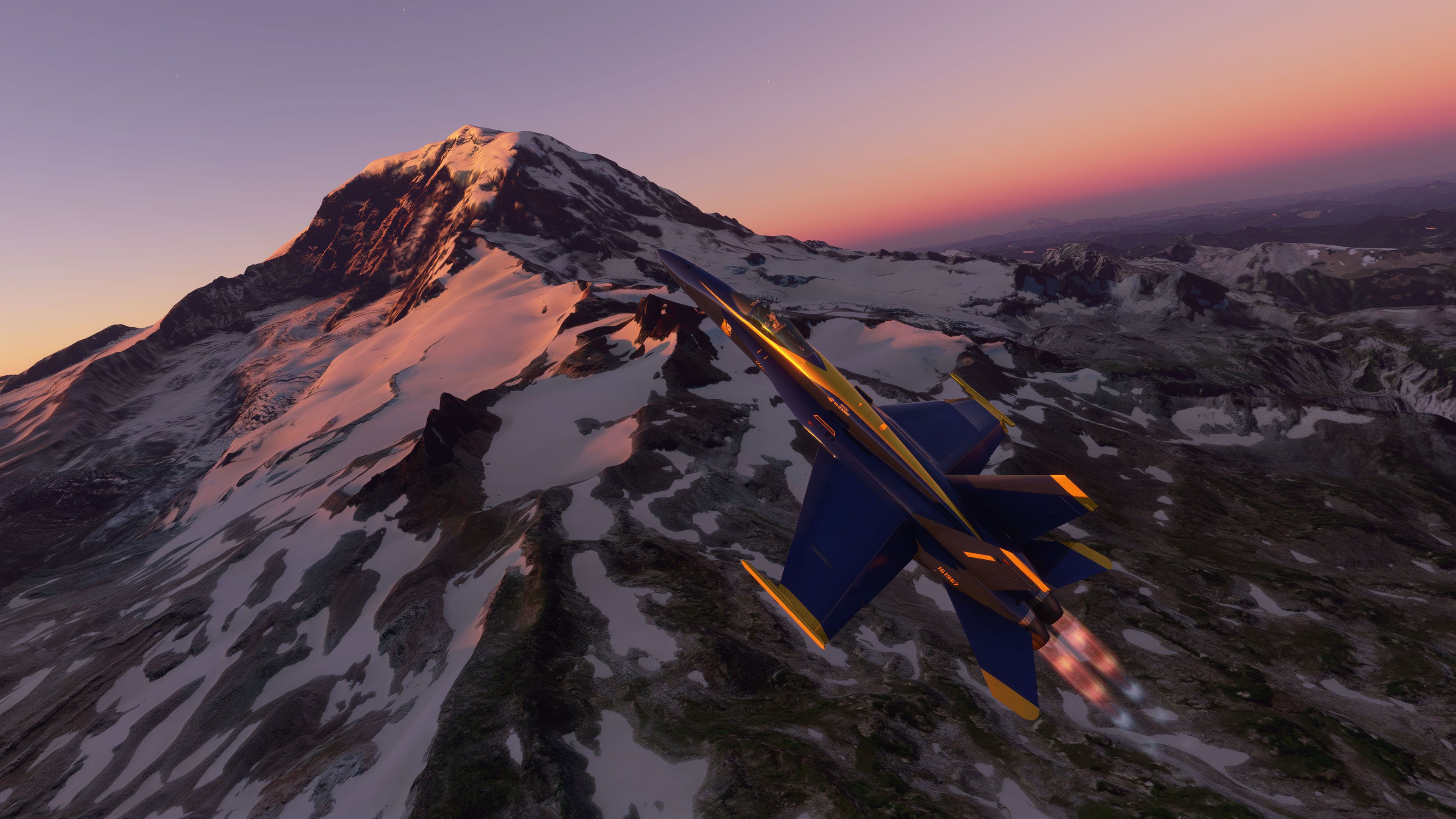
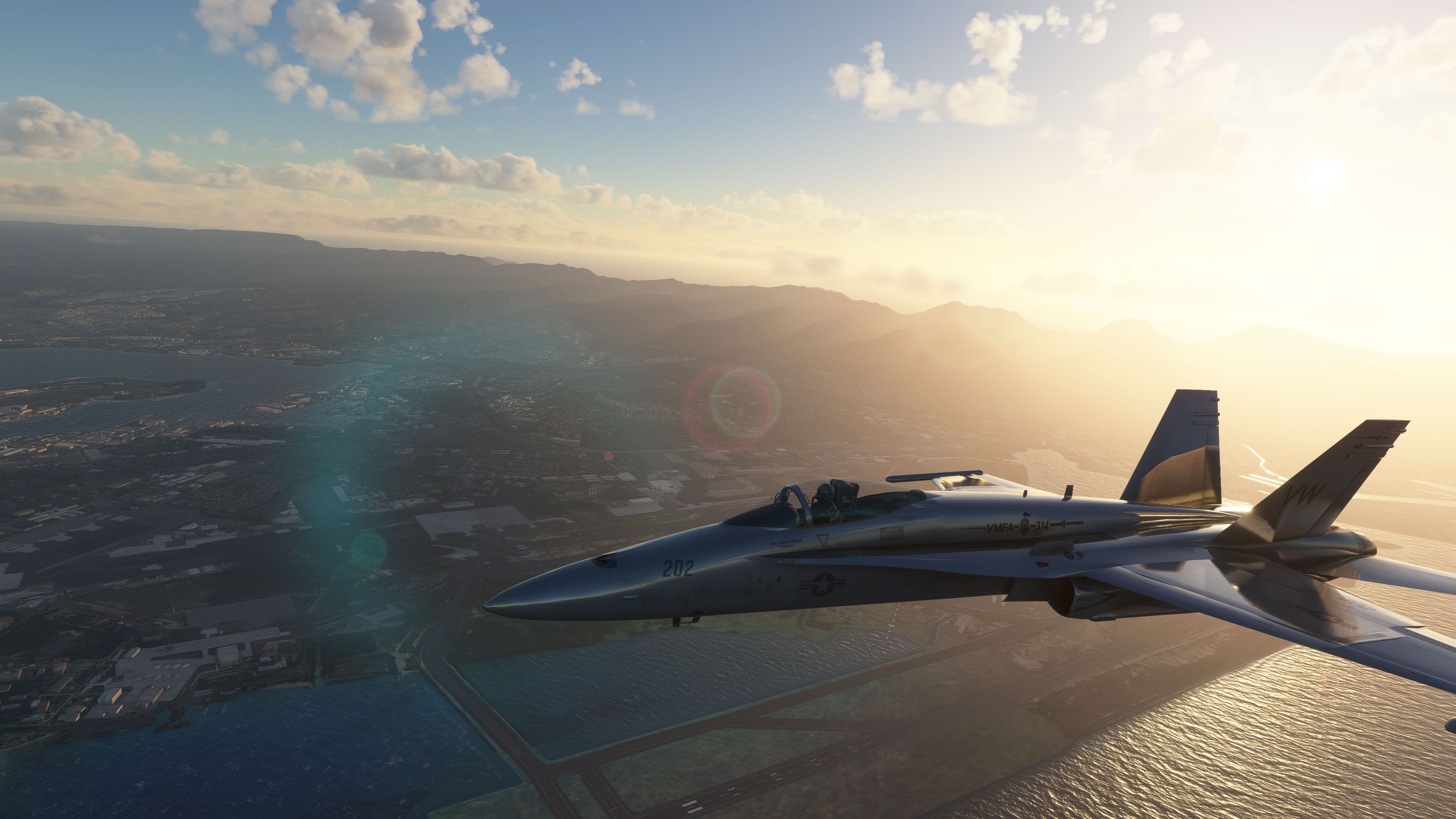
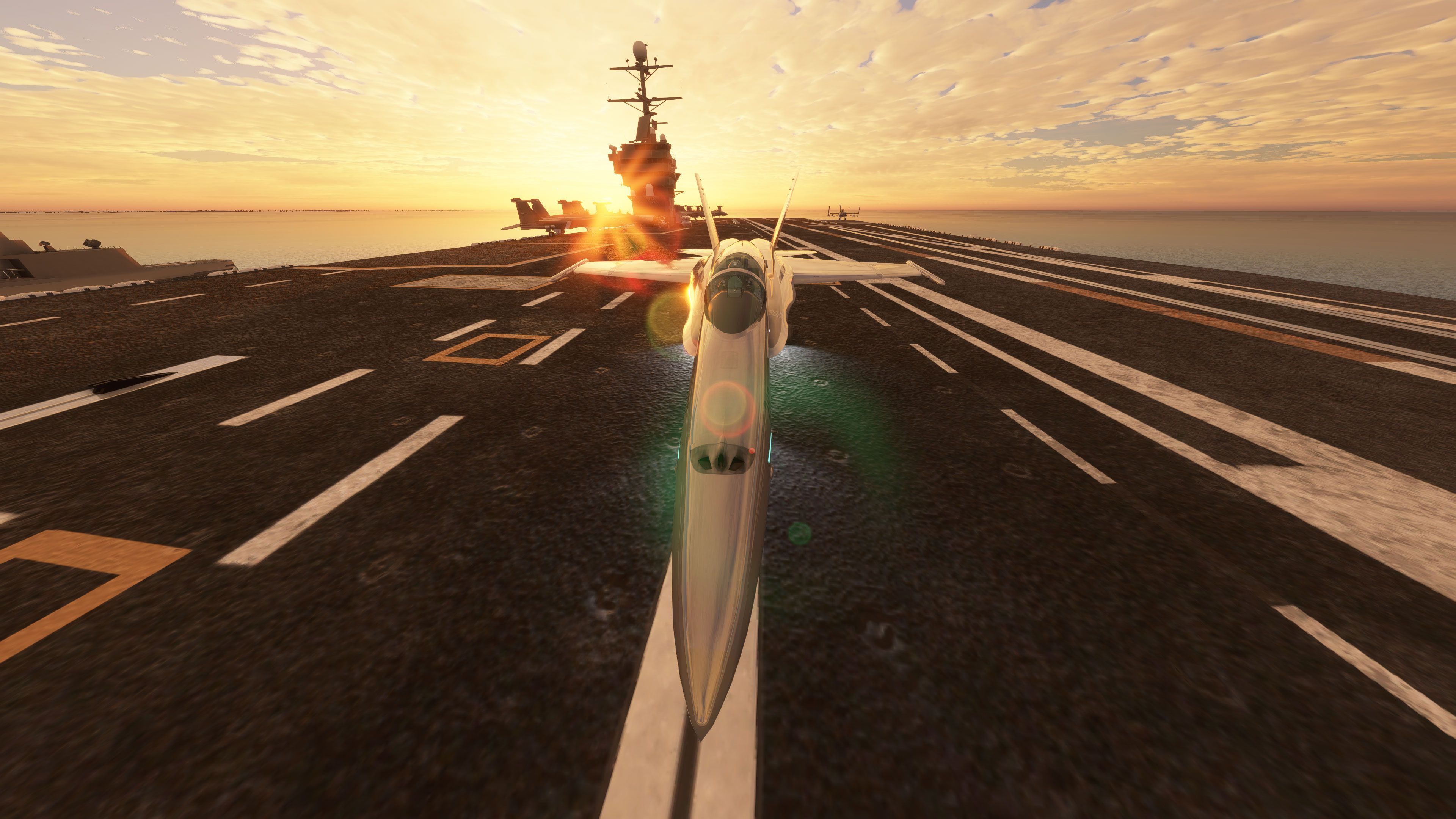
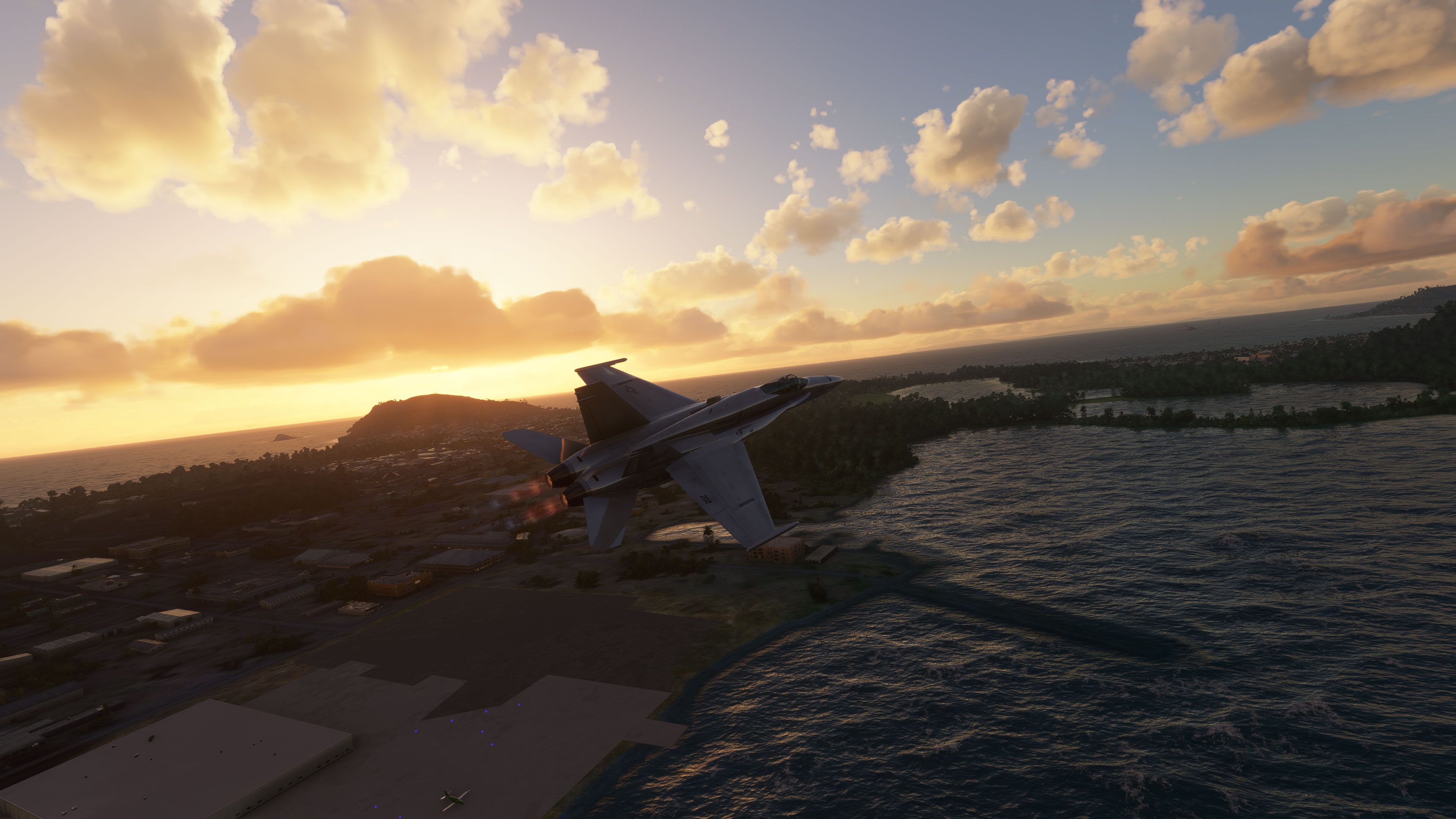
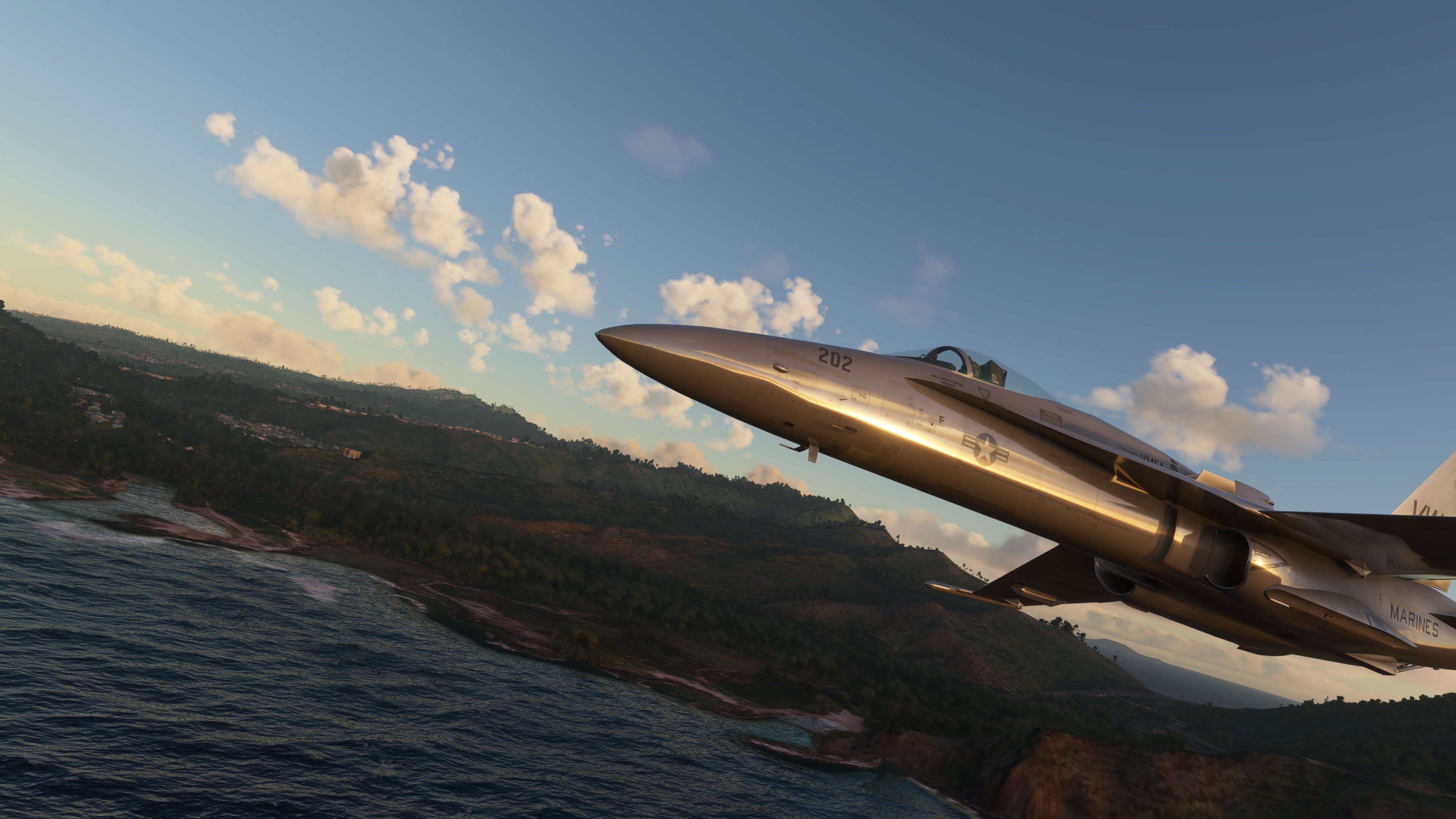
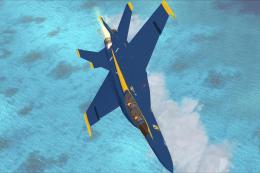
The McDonnell Douglas F/A-18 Hornet brings the classic FSX/Acceleration jet into Microsoft Flight Simulator with a converted, tuned model and crisp upscaled 8K textures. Two repaints come included, Blue Angels and USMC, delivering a fast, military-flavored experience with upgraded visuals and legacy cockpit instrumentation.
 Rate
Rate

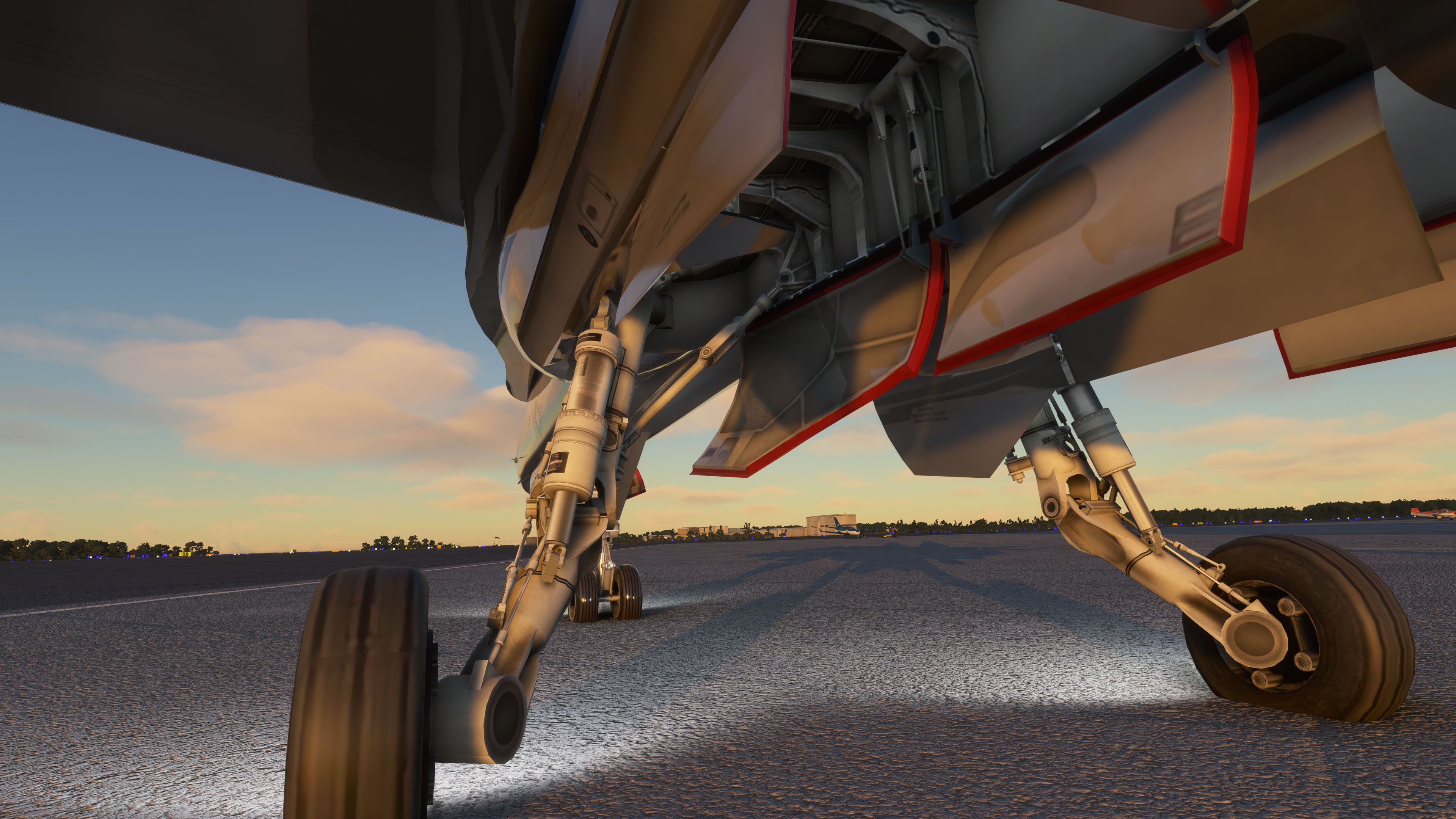
This F/A-18 Hornet mod brings the classic FSX model to Microsoft Flight Simulator with remarkably enhanced visuals and carefully reworked details, maintaining smooth performance throughout. Created by experienced developer Cayden Nguyen, the aircraft features fully upscaled textures to 8K, resulting in sharper repaints like the iconic Blue Angels and USMC liveries. Although many of the cockpit elements are not currently interactive, you can still appreciate its impressively detailed external model and enjoy the nostalgic appeal of this renowned jet.
From my own in-sim testing, the Hornet adds a thrilling fast-jet dimension to MSFS, even with its partial functionality. The gear automatically retracts in certain spawns and the engines can take a bit longer to fire up, but these quirks don't detract from the overall excitement. It’s a timeless favorite that has been thoughtfully upgraded, and while not a study-level aircraft, it offers an exhilarating supersonic experience for virtual pilots seeking a military jet fix in the new simulator environment.
A fun pack produced by developer Cayden Nguyen bringing the FSX/Acceleration model and included repaints to Microsoft Flight Simulator (MSFS) 2020 release as a port-over. While a port-over, the developer has ensured that this pack performs in exceptional detail in the new sim with upscaled/upgraded textures for repaints and much more.
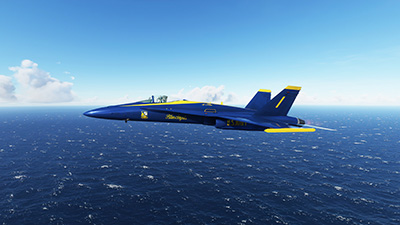 ?The developer has announced that all of the textures have been upscaled to 8K to be more fluid and compatible with the new sim release. Also, the legacy model has been converted and also modified - it's not a simple conversation (that anyone can do).
Repaints included;
All of the textures based on the FSX model have been upscaled and recreated in 8K format compatible with the new MSFS specs.
The developer notes;
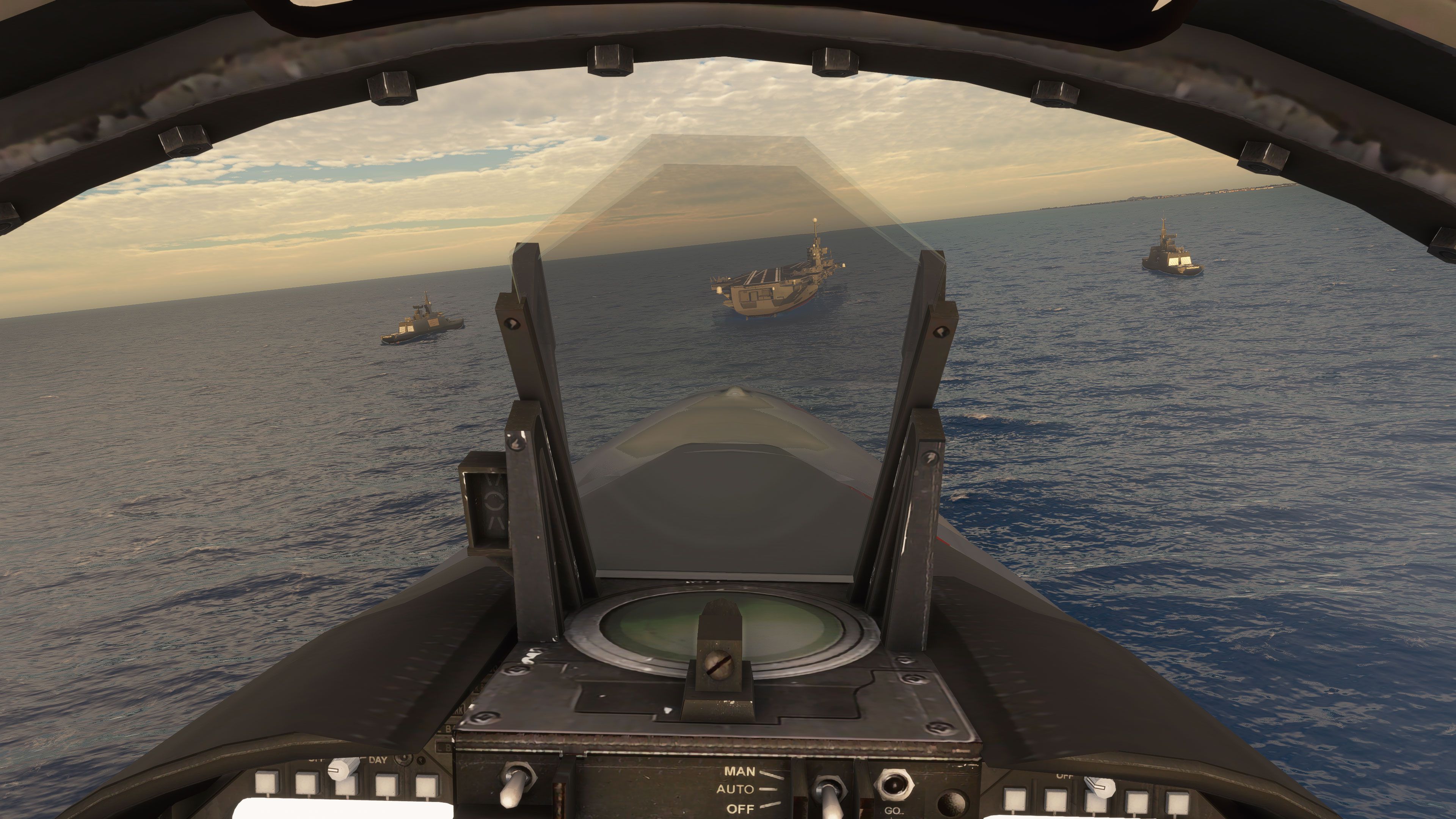
This is not a perfect study level aircraft as of right now there are no clickable switches, most panels aren't working, the gear is up by default when you spawn at a gate or ramp and when you spawn on a runway and, the engines take about 1-2 minutes to start up.
Installation
Simply download the F/A-18 Hornet zip file and extract both the "FA-18_Hornet" and, "legacy-vcockpits-instruments" into your MSFS Community Folder.
Additional notes from the developer;
The FSX F/A-18 Hornet was converted using MSFS Legacy Importer by Alex Marko. https://www.nexusmods.com/microsoftflightsimulator/mods/117
Microsoft Flight Simulator © Microsoft Corporation. F/A-18 Hornet was created under Microsoft's "Game Content Usage Rules" using assets from Microsoft Flight Simulator X Acceleration Expansion Package, and it is not endorsed by or affiliated with Microsoft. https://www.xbox.com/en-us/developers/rules
Update (Sim Update 5)
This mod has not been tested (and may not work in Sim Update 5 of MSFS). Please test and report back in the comments sections below. Thank you for your comments. If compatibility is not found, we will await an update from the developer but you will still be able to download this mod and make it usable in previous (non-updated) versions of MSFS.
Developer: Cayden Nguyen (Arkid77)
Free for all simmers · 1.22 GB · Scanned clean Oct 2026
Download speed: Free tier is capped at 2 Mbps (this file takes approximately 1h 27m at the cap). PRO members download at full line speed.
%LOCALAPPDATA%\Packages\Microsoft.FlightSimulator_8wekyb3d8bbwe\LocalCache\Packages\Community\. Steam version: %APPDATA%\Microsoft Flight Simulator\Packages\Community\. Tip: enable Developer Mode in MSFS to see your exact Community folder path.readme.txt or README file. It tells you exactly where files go, what dependencies are needed, and any quirks specific to this add-on.Only PRO members can place votes.
More MSFS add-ons hand-picked based on this download.
MSFS Military Aircraft
The realm of flight simulation achieves a new pinnacle with the introduction …
 MSFS Military Aircraft
This Dassault Rafale M package for the new Microsoft Flight Simulator series …
 MSFS Military Aircraft
The Microsoft Flight Simulator 2020 community continually expands its horizon…
 MSFS Military Aircraft
The MSFS Avro Vulcan B2 add-on introduces the iconic Avro Vulcan B2 to the sk…
 MSFS Military Aircraft
The MSFS Boeing KC-135R Stratotanker, a meticulous freeware add-on for Micros…
 MSFS Military Aircraft
Step into the world of advanced flight simulation with the Airbus A330 MRTT a…
 MSFS Military Aircraft
For enthusiasts seeking a unique and immersive experience in Microsoft Flight…
 FSX Military Aircraft
This is Daisuke Yamamoto's F-18 Super Hornet modified and repainted for FSX p…
Read what other simmers think, or add your own.

Each time I select "FLY" to fly the FA-18 Hornet, it locks my screen and a moment later crashes my MSFS 2020 to the desktop. Several times I've redownloaded it and copied it to my community folder as instructed, but get the same result. Any suggestions?


No chance: as soon as try to have the parking brakes off the game crashes. I was forced to remove the FA-18 Hornet folders from the community main folder.

I have tried to run this add-on with update 5, however, it appears to crash the game.

I have tried 2 times to get this aircraft to work in MSFS 2020. When I pick the FA 18 the game crashes. I have updated the Sim with the latest mandatory update. Had to remove the aircraft from my community folder. Just thought I would let folks know. I hope I can get it to work at a later date.


Hi there. Great looking plane. Unfortunately, it crashes after the latest update. Tried it on the runway and in the air to start but CTD on both tries...Dave...

not very well working... e.g.
- park break not working - spawn without gear, so not able to move.

Unusable: Agileless, not possible to steer with rudders. Panel-Displays (VC) not working. No HUD.
Unfortunately, I have no display views in the VC. The three display panels are white. And I have no HUD.

When I loaded this aircraft to take off the gear was down, the engine ramped up within seconds and the only issue was the high speed needed for takeoff. Maybe this is an improved version
