

 FSX Civil Aircraft
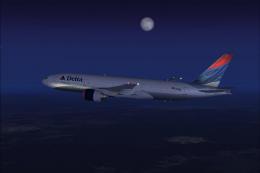
Delta Airlines Boeing 777-232ER Soaring Spirit
The Boeing 777-232ER “Soaring Spirit” in Delta Airlines colors is available h…
Delta Air Lines’ Boeing 777-232ER arrives as a polished freeware widebody for Microsoft Flight Simulator X, pairing Melvin Rafi’s MELJET model with David Grindele’s updated flight dynamics and configuration tuning. Enjoy detailed exterior shaping, animated engine cowlings for ground checks, and default jetway docking; enhanced night lighting requires A2A 3D Lights & Redux.
 Rate
Rate
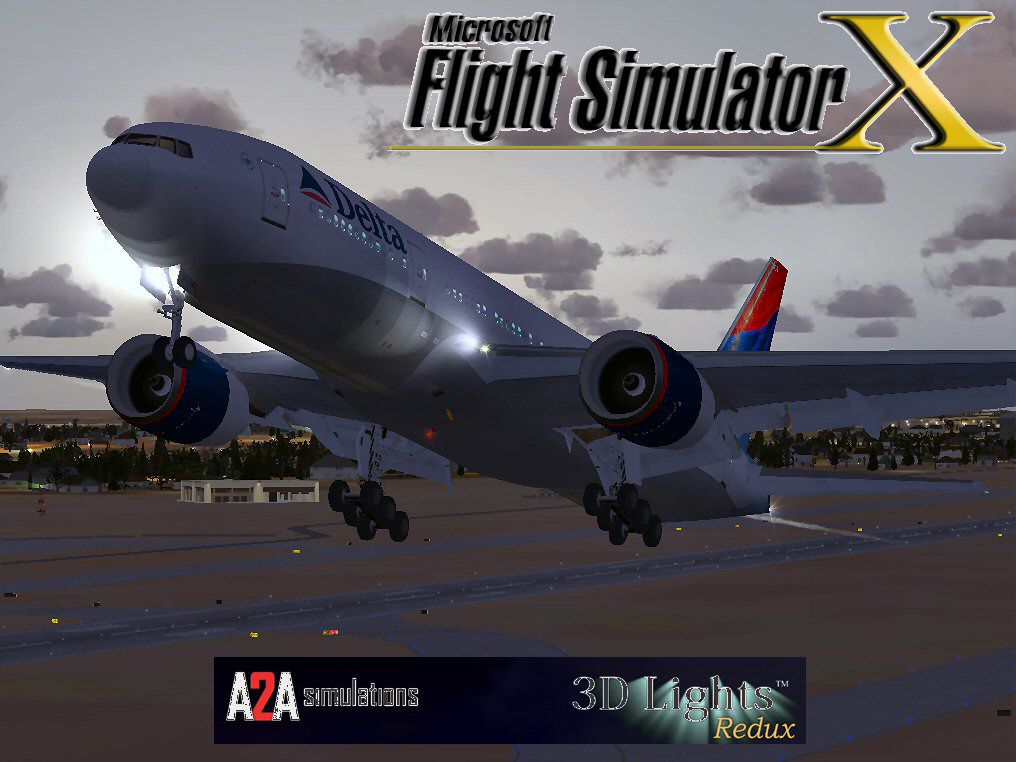
This freeware release features a fully integrated Boeing 777-232ER in Delta Air Lines livery, adapted specifically for Microsoft Flight Simulator X by the developers. It includes a model initially created by Melvin Rafi, also recognized via the “MELJET” designation, with refined flight characteristics and configuration updates by David Grindele. The package contains everything required for immediate use, although A2A 3D Lights & Redux (separately available) will enhance external lighting effects.
Delta Air Lines, a major North American carrier, utilizes the Boeing 777 series for both domestic and international operations. The 777-232ER (Extended Range) variant, known for its twin-engine efficiency and extended flight range, appears here in Delta’s modern color scheme. This depiction allows sim pilots to experience an accurate rendition of one of Delta’s long-haul aircraft.
The developers refined the aircraft's .air file and aircraft.cfg to match the aerodynamic suspension and weight distribution more accurately in FSX. These adjustments help simulate a balanced handling profile, reflecting the genuine characteristics of a long-range commercial platform. Additionally, implementing A2A 3D Lights and Redux (if owned) provides enhanced external lighting, contributing to more immersive nighttime operations.
Developers tested this build in FSX environments using Windows Vista (32-bit) and Windows XP systems. While it may function on other configurations, no additional verifications have been reported. As a freeware solution, it aims to preserve the fidelity of MELJET’s original design for contemporary simulator setups.
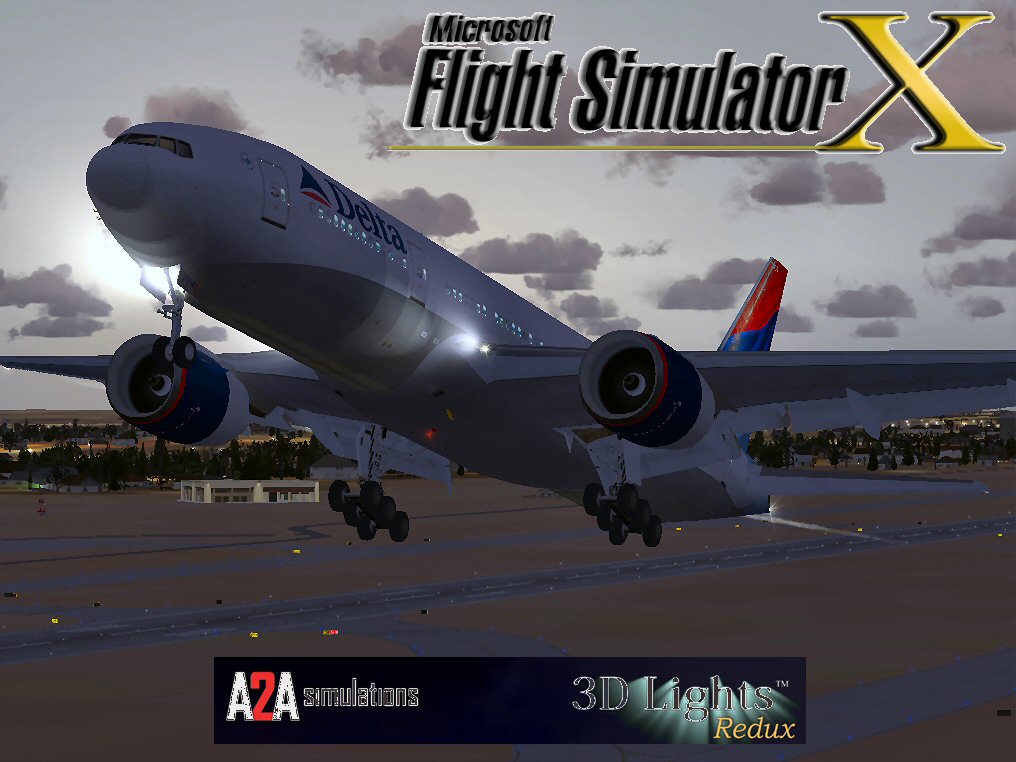
Delta Air Lines Boeing 777-232ER in departure climb.
Free for all simmers · 58.21 MB · Scanned clean Oct 2026
Download speed: Free tier is capped at 0.5 Mbps (this file takes approximately 16 mins at the cap). PRO members download at full line speed.
FSX\SimObjects\Airplanes\. The folder must contain an aircraft.cfg file. Effects go into FSX\Effects\; gauges go into FSX\Gauges\.readme.txt or README file. It tells you exactly where files go, what dependencies are needed, and any quirks specific to this add-on.The archive dl77fsx.zip has 115 files and directories contained within it.
This list displays the first 500 files in the package. If the package has more, you will need to download it to view them.
| Filename/Directory | File Date | File Size |
|---|---|---|
| Boeing 777-232ER Delta Air Lines NC | 12.08.09 | 0 B |
| aircraft.cfg | 12.08.09 | 21.47 kB |
| Boeing777-200-MR-MKIII.air | 07.08.03 | 8.66 kB |
| model | 12.08.09 | 0 B |
| Boeing777-200-MR-MKIII.mdl | 07.13.03 | 3.57 MB |
| Model.cfg | 11.09.02 | 41 B |
| panel | 12.08.09 | 0 B |
| 777KM.cab | 09.17.04 | 1.25 MB |
| FORWARD_LEFT.bmp | 08.05.00 | 335.36 kB |
| forward_right.bmp | 08.11.00 | 769.05 kB |
| LEFT.bmp | 08.11.00 | 140.55 kB |
| MAIN.bmp | 09.17.04 | 5.49 MB |
| OVERHEAD.bmp | 09.16.04 | 2.70 MB |
| panel.cfg | 11.17.09 | 8.12 kB |
| PEDESTAL.bmp | 09.16.04 | 1.09 MB |
| REAR.bmp | 07.25.00 | 733.47 kB |
| REAR_LEFT.bmp | 07.27.00 | 582.27 kB |
| REAR_RIGHT.bmp | 07.24.00 | 680.04 kB |
| right2.bmp | 08.10.00 | 606.57 kB |
| Thumbs.db | 12.04.09 | 16.50 kB |
| sound | 12.08.09 | 0 B |
| A_COMB_1.wav | 12.12.04 | 728.63 kB |
| A_COMB_2.wav | 12.12.04 | 728.63 kB |
| A_COMB_3.wav | 12.12.04 | 728.63 kB |
| A_COMB_4.wav | 05.07.05 | 691.51 kB |
| A_EFSC.wav | 09.27.05 | 325.45 kB |
| A_JT8D_0.wav | 06.04.04 | 209.46 kB |
| A_JT8D_1.wav | 05.01.05 | 1.69 MB |
| A_JT8D_2.wav | 01.19.06 | 605.39 kB |
| A_JT8D_3.wav | 02.11.06 | 418.02 kB |
| b_COMB_1.wav | 12.12.04 | 728.63 kB |
| B_COMB_2.wav | 12.12.04 | 728.63 kB |
| B_COMB_3.wav | 12.12.04 | 728.63 kB |
| B_COMB_4.wav | 05.07.05 | 691.51 kB |
| B_EFSC.wav | 09.27.05 | 325.45 kB |
| b_JT8D_0.wav | 06.04.04 | 209.46 kB |
| b_JT8D_1.wav | 05.01.05 | 1.69 MB |
| b_JT8D_2.wav | 01.19.06 | 605.39 kB |
| B_JT8D_3.wav | 02.11.06 | 418.02 kB |
| FLAPS.wav | 08.22.03 | 210.75 kB |
| GEARDOWN.wav | 02.17.06 | 1.96 MB |
| gearup.wav | 02.17.06 | 1.98 MB |
| NEWWIND.WAV | 03.29.04 | 858.65 kB |
| reverser,BBN2T.wav | 01.19.06 | 1.79 MB |
| reverser.wav | 12.27.05 | 1.81 MB |
| Sound.cfg | 02.17.06 | 14.99 kB |
| touchc.wav | 01.06.99 | 286.01 kB |
| touchl.wav | 09.10.98 | 14.22 kB |
| touchr.wav | 07.01.97 | 10.85 kB |
| T_COMB_SHUT.WAV | 04.01.04 | 2.32 MB |
| T_COMB_START.wav | 06.30.01 | 107.55 kB |
| T_JT8D_START.wav | 12.12.04 | 3.63 MB |
| wind.wav | 03.29.04 | 858.65 kB |
| XBAN2T.wav | 12.21.05 | 1.81 MB |
| XBBN2T.wav | 12.21.05 | 1.81 MB |
| X_A_COMB_1.wav | 05.07.05 | 693.93 kB |
| X_A_COMB_2.wav | 05.07.05 | 693.93 kB |
| X_A_COMB_3.wav | 05.07.05 | 693.93 kB |
| X_A_COMB_4.wav | 02.04.06 | 325.45 kB |
| X_a_EFSC.wav | 01.16.06 | 648.45 kB |
| X_A_JT8D_0.wav | 02.04.06 | 325.45 kB |
| X_a_JT8D_1.wav | 02.04.06 | 325.45 kB |
| X_A_JT8D_2.wav | 02.04.06 | 669.99 kB |
| X_a_JT8D_3.wav | 02.04.06 | 669.99 kB |
| X_A_REVRS.wav | 09.16.99 | 108.81 kB |
| X_b_COMB_1.wav | 05.07.05 | 693.93 kB |
| X_b_COMB_2.wav | 05.07.05 | 693.93 kB |
| X_b_COMB_3.wav | 05.07.05 | 693.93 kB |
| X_B_COMB_4.wav | 02.04.06 | 325.45 kB |
| X_B_EFSC.wav | 12.21.05 | 1.81 MB |
| X_b_JT8D_0.wav | 02.04.06 | 325.45 kB |
| X_b_JT8D_1.wav | 02.04.06 | 325.45 kB |
| X_b_JT8D_2.wav | 02.04.06 | 669.99 kB |
| X_b_JT8D_3.wav | 02.04.06 | 669.99 kB |
| X_B_REVRS.wav | 09.16.99 | 119.31 kB |
| X_T_COMB_START.wav | 03.17.05 | 693.93 kB |
| X_T_JT8D_SHUT.WAV | 09.19.04 | 3.98 MB |
| X_T_JT8D_START.wav | 03.31.04 | 3.58 MB |
| soundai | 12.08.09 | 0 B |
| soundai.cfg | 05.12.06 | 34 B |
| texture | 12.08.09 | 0 B |
| 777Cargohold_L.bmp | 12.30.02 | 256.07 kB |
| 777Cargohold_T.bmp | 12.30.02 | 256.07 kB |
| 777cockpitwindows.bmp | 12.29.02 | 257.05 kB |
| 777FuselagePort1_L.bmp | 05.08.04 | 1.00 MB |
| 777FuselagePort1_T.bmp | 05.20.04 | 4.00 MB |
| 777FuselageStar1_L.bmp | 05.08.04 | 1.00 MB |
| 777FuselageStar1_T.bmp | 05.20.04 | 4.00 MB |
| 777gear2_L.bmp | 12.30.02 | 16.07 kB |
| 777gear2_T.bmp | 05.19.04 | 4.00 MB |
| 777LandingGear01.bmp | 12.30.02 | 257.05 kB |
| 777Tail_L.bmp | 12.30.02 | 1.00 MB |
| 777Tail_T.bmp | 05.20.04 | 4.00 MB |
| 777Wing1_L.bmp | 12.30.02 | 16.07 kB |
| 777Wing1_T.bmp | 08.30.03 | 4.00 MB |
| 777Wing2_L.bmp | 12.30.02 | 16.07 kB |
| 777Wing2_T.bmp | 05.19.04 | 4.00 MB |
| Powerplant-RRTrent800-Exterior_L.bmp | 12.30.02 | 16.07 kB |
| Powerplant-RRTrent800-Exterior_T.bmp | 05.19.04 | 4.00 MB |
| Powerplant-RRTrent800-Fan.bmp | 11.22.01 | 65.05 kB |
| Powerplant-RRTrent800-FanShaft.bmp | 07.06.03 | 65.05 kB |
| Powerplant-RRTrent800-FanShaftMotion.bmp | 07.06.03 | 65.05 kB |
| Powerplant-RRTrent800-Interior_L.bmp | 12.30.02 | 16.07 kB |
| Powerplant-RRTrent800-Interior_T.bmp | 07.13.03 | 1.00 MB |
| Thumbnail.jpg | 12.08.09 | 9.09 kB |
| Thumbs.db | 12.08.09 | 9.00 kB |
| Delta B777-232ER.jpg | 12.08.09 | 111.70 kB |
| file_id.diz | 12.08.09 | 1.83 kB |
| Install.txt | 12.08.09 | 1.61 kB |
| WallPaper | 12.08.09 | 0 B |
| Delta B777-232ER.bmp | 12.08.09 | 2.22 MB |
| Thumbs.db | 12.08.09 | 5.50 kB |
| DL77FSX | 12.08.09 | 0 B |
| flyawaysimulation.txt | 10.29.13 | 959 B |
| Go to Fly Away Simulation.url | 01.22.16 | 52 B |
Only PRO members can place votes.
More FSX & P3D add-ons hand-picked based on this download.
FSX Civil Aircraft
The Boeing 777-232ER “Soaring Spirit” in Delta Airlines colors is available h…
 FSX Civil Aircraft
Textures only for the payware Overland B777-200 model. Repaint by Bonnie Wind…
 FSX Civil Aircraft
This freeware package offers a faithful rendition of Delta's 777-200 for FSX,…
 FSX Civil Aircraft
Delta Airlines Boeing 777-200, registration N701DN. Repaint of the Aerosim B7…
 FSX Civil Aircraft
This complete freeware Boeing 777-200ER package in Delta 911 markings integra…
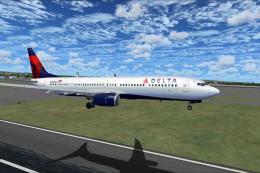 FSX Civil Aircraft
FS2004/FSX/P3D Delta Airlines Boeing 737-900ER, registration N852DN. New mode…
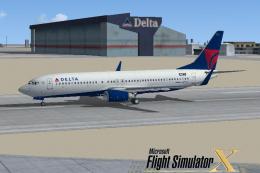 FSX Civil Aircraft
FSX Delta Airlines Boeing 737-800, registration N3744F. A repaint for the def…
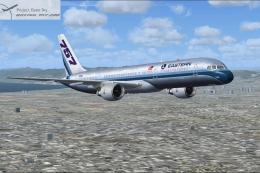 FSX Civil Aircraft
FSX Eastern Airlines Boeing 757-200 and Delta Airlines B757-200. Liveries for…
Read what other simmers think, or add your own.

I re-installed this aircraft and have found it in my aircraft list. Trying to fly it in FSX is another matter. Firstly, it is grossly overweight at startup and when I try to look out of the left cockpit window, it is just black and the right cockpit window is partially black. I can fly it but it will not climb above 25000ft without stalling. As the file stands, it won't work for me but then, I have not messed about with the config or anything.
Sorry, but for some reason this file, when installed, cannot be found in my FSX. As far as I can see, I am doing everything correctly on installation, including the check mark for all variations in FSX when loading.