

 FS2004 Civil Jet Aircraft
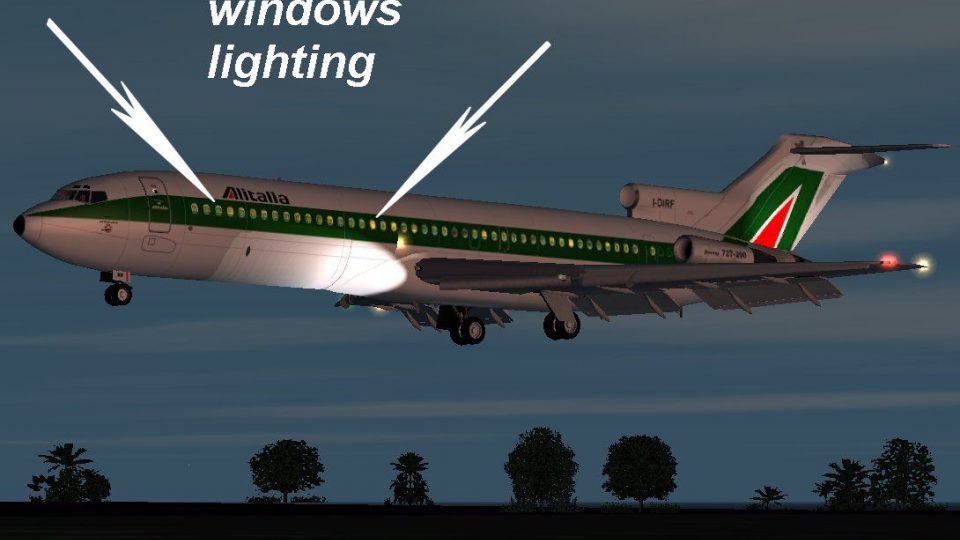
Fs 2002/2004. Fokker 100/70 Package. Aircraft, Panel, Sounds, and an American Airlines livery
This plane is highly realistic with Callouts, Custom Panel and Gauges, Retrac…
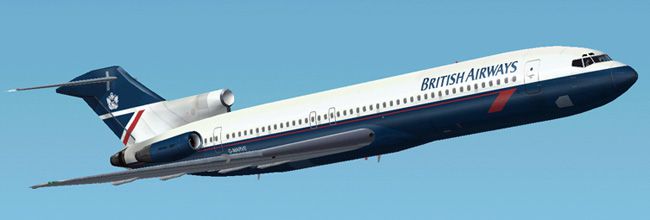
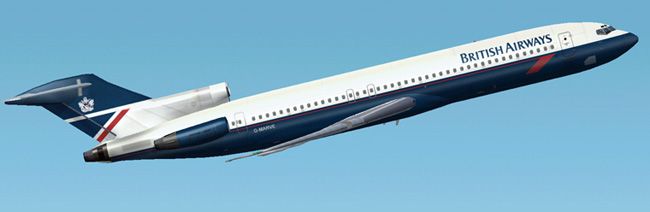
British Airways Landor livery brings a classic Boeing 727-200 look to Flight Simulator 2004 with accurate tail markings, cheatline alignment, and period-correct colors that suit both ramp shots and enroute flying. The repaint targets the ffx 727-200 and requires that base aircraft for the full exterior and virtual cockpit experience.
 Rate
Rate

Free for all simmers · 1.57 MB · Scanned clean Sep 2026
Download speed: Free tier is capped at 0.5 Mbps. PRO members download at full line speed.
readme.txt or README file. It tells you exactly where files go, what dependencies are needed, and any quirks specific to this add-on.The archive ba727lhw.zip has 59 files and directories contained within it.
This list displays the first 500 files in the package. If the package has more, you will need to download it to view them.
| Filename/Directory | File Date | File Size |
|---|---|---|
| cockpit view settings.txt | 03.14.03 | 1000 B |
| 727200.air | 03.14.03 | 8.11 kB |
| aircraft.cfg | 08.24.03 | 13.49 kB |
| README!!!.txt | 03.16.03 | 4.97 kB |
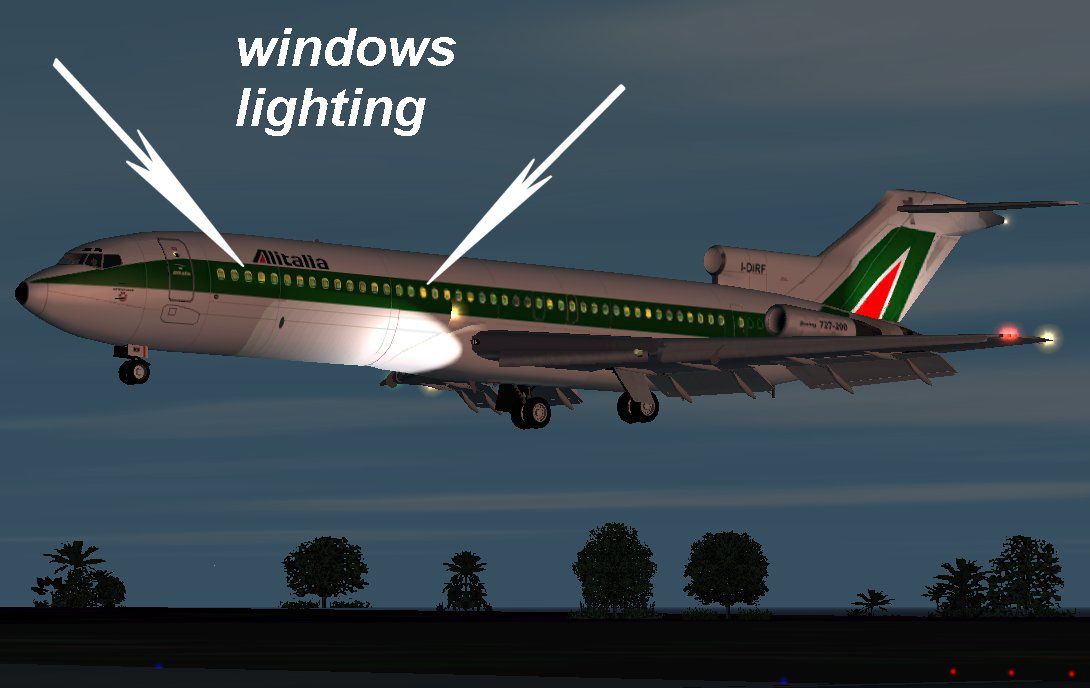
| 72light.jpg | 03.29.03 | 79.37 kB |
| readme2.txt | 03.29.03 | 545 B |
| texture | 08.24.03 | 0 B |
| Tire_T.bmp | 03.02.03 | 341.43 kB |
| FRAMES_T.bmp | 03.02.03 | 85.43 kB |
| INTAKE_T.BMP | 03.02.03 | 42.78 kB |
| CONE_t.BMP | 03.02.03 | 21.43 kB |
| WING_RIGHT_T.bmp | 08.24.03 | 1.00 MB |
| FLAPS_T.BMP | 03.08.03 | 341.43 kB |
| PYLONS_T.BMP | 03.02.03 | 85.43 kB |
| STAB_T.bmp | 03.02.03 | 85.43 kB |
| FLAPGUIDES_T.BMP | 03.02.03 | 85.46 kB |
| MAINDOORS_T.bmp | 08.24.03 | 256.07 kB |
| ENGINES_T.bmp | 08.24.03 | 4.00 MB |
| 727fuse1_t.bmp | 08.24.03 | 4.00 MB |
| 727FUSE2_t.bmp | 08.24.03 | 4.00 MB |
| NOSEDOORS_T.bmp | 08.24.03 | 256.07 kB |
| WING_RIGHT_L.BMP | 03.03.03 | 5.05 kB |
| WING_LEFT_L.BMP | 03.03.03 | 5.05 kB |
| Tire_L.BMP | 03.03.03 | 5.05 kB |
| MAINDOORS_L.BMP | 03.03.03 | 5.05 kB |
| NOSEDOORS_L.BMP | 03.03.03 | 5.05 kB |
| CONE_L.BMP | 03.03.03 | 5.05 kB |
| FLAPGUIDES_L.BMP | 03.03.03 | 5.05 kB |
| ENGINES_L.BMP | 03.03.03 | 5.05 kB |
| FLAPS_L.BMP | 03.03.03 | 5.05 kB |
| FRAMES_L.BMP | 03.03.03 | 5.05 kB |
| INTAKE_L.BMP | 03.03.03 | 5.05 kB |
| PYLONS_L.BMP | 03.03.03 | 5.05 kB |
| WING_LEFT_T.bmp | 08.24.03 | 1.00 MB |
| STAB_L.BMP | 03.03.03 | 5.05 kB |
| 727FUSE1_L.bmp | 03.29.03 | 1.00 MB |
| 727FUSE2_L.BMP | 03.29.03 | 1.00 MB |
| sound | 08.24.03 | 0 B |
| sound.cfg | 03.16.03 | 31 B |
| panel | 08.24.03 | 0 B |
| panel.cfg | 03.16.03 | 30 B |
| model | 08.24.03 | 0 B |
| model.cfg | 03.01.03 | 21 B |
| B722.mdl | 03.08.03 | 866.81 kB |
| effects | 08.24.03 | 0 B |
| MD80_BCNL.fx | 02.15.03 | 3.13 kB |
| MD80_BCNU.fx | 02.15.03 | 3.13 kB |
| MD80_INSPEC2.fx | 03.14.03 | 3.47 kB |
| MD80_NAVG.fx | 03.14.03 | 3.45 kB |
| MD80_NAVR.fx | 03.14.03 | 3.45 kB |
| MD80_STROBE.fx | 02.26.03 | 3.46 kB |
| aa.jpg | 08.24.03 | 38.36 kB |
| bb.jpg | 08.24.03 | 40.89 kB |
| cc.jpg | 08.24.03 | 43.79 kB |
| small.gif | 08.24.03 | 3.10 kB |
| Boeing 727-200 British Airways Landor hw | 08.24.03 | 0 B |
| readme.txt | 08.31.03 | 536 B |
| flyawaysimulation.txt | 10.29.13 | 959 B |
| Go to Fly Away Simulation.url | 01.22.16 | 52 B |
Only PRO members can place votes.
More FS2004 add-ons hand-picked based on this download.
FS2004 Civil Jet Aircraft
This plane is highly realistic with Callouts, Custom Panel and Gauges, Retrac…
 FS2004 Civil Jet Aircraft
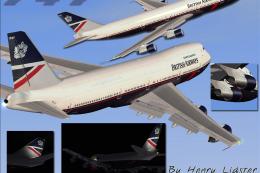
Project Opensky B747-200 v3 in Aerolineas Argentinas livery. Gmax model. Repa…
 FS2004 Civil Jet Aircraft
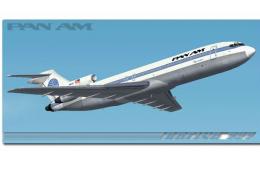
This freeware release introduces a meticulously reworked rendition of the Boe…
 FS2004 Civil Jet Aircraft
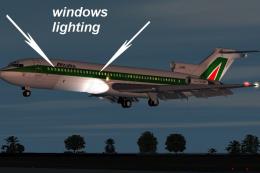
This freeware Boeing 727-200 package, fully compatible with FS2002 and FS2004…
 FS2004 Civil Jet Aircraft
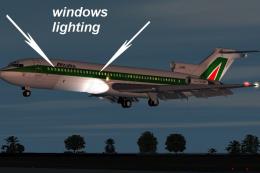
This freeware package offers a meticulously recreated Boeing 727-200 featurin…
 FS2004 Civil Jet Aircraft
Vistaliners B727-200 British Airways Waves of the City circa 2000 livery. Def…
 FS2004 Civil Jet Aircraft
This freeware release for Microsoft Flight Simulator 2004 features a meticulo…
 FS2004 Civil Jet Aircraft
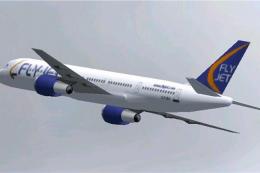
Repaint of FStraffic 2002 B757 in colors of British Charter Airline FlyJet. D…
Read what other simmers think, or add your own.

Great model, perfect paintjob. However, the plane cannot nose up. It is locked in a perpetual nose down maneuver.