

 FSX General Aviation Aircraft
Pink/Gray/White Cessna 414 Chancellor
This repaint showcases a distinctive pink, gray, and white scheme for the wel…
Pretty in Pink transforms the default Mooney Bravo with a vibrant custom pink livery that keeps the aircraft’s sleek lines while adding a distinctive, personal look. Built for Microsoft Flight Simulator X, the package includes complete aircraft folders with textures, model, panel, sound, and configuration files for a ready-to-fly variant.
 Rate
Rate
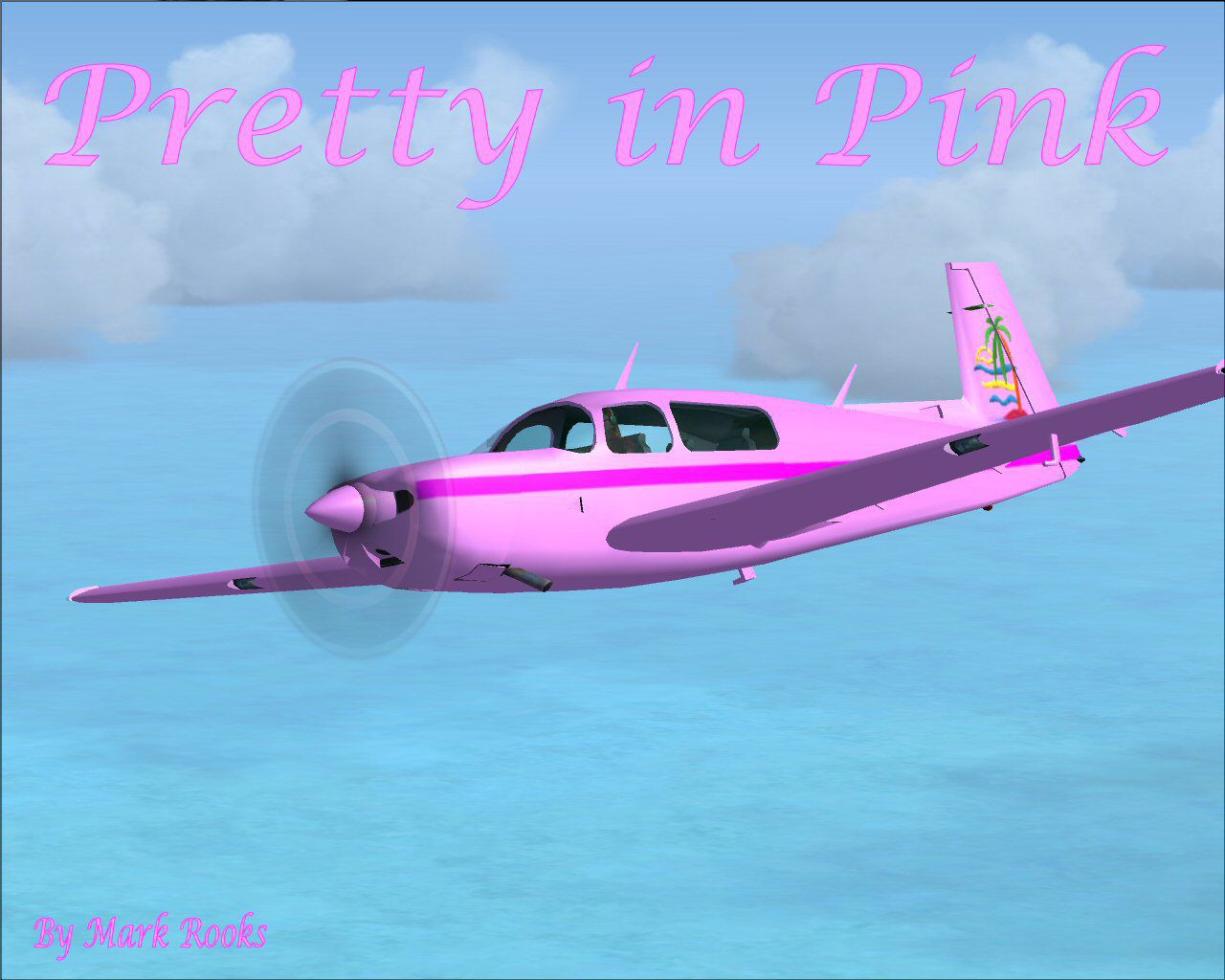
Designed as a distinctive flight simulator enhancement, this freeware repaint offers a customized pink livery for the default Mooney Bravo in FSX, courtesy of Mark Rooks (RSDG) and intended for Emily. Its vibrant color scheme showcases an eye-catching twist on the classic single-engine aircraft known for its sleek aerodynamics and speed capabilities.
The Mooney Bravo, often recognized for its impressive cruising performance and efficiency, has been transformed with a pink finish to add a personal touch. This particular repaint—titled “Pretty in Pink”—was developed by Mark “Fire Ball” Rooks of RSDG, who carefully balanced decorative flair with the Mooney’s signature lines. The author invites you to “Support Mercy Flight near you” while enjoying this unique variant in your flight simulation experience.
Visual depiction of the vivid pink Mooney in FSX skies.
This package comes as a unified folder labeled Emily's Pink FSX Mooney containing everything required to introduce the custom plane into your simulator. Within this folder, you’ll locate six primary components:
Before modifying any content, remember to make safe backups of your existing folders. Once prepared, follow these steps:
After completing these steps, launch FSX to find the pink variant ready in your aircraft selection menu.
Mark Rooks—known by the nickname “Fire Ball”—developed the textures and updated files for FSX. Additional morale and inspiration were provided by Col. Robert K. Suchke, listed as a dedicated figure behind the formation of these special releases. Their collective efforts highlight a passion for aviation artistry and community engagement. Below is an excerpt attributed to Col. Suchke, reinterpreted here to keep the spirit intact:
“Long ago, a divine voice commanded the skies and declared Airborne to exist. Parachutes descended, filling the heavens and showing the might of these elite units. Then came Rangers, accompanied by thunder, upheaval, and unwavering determination. Not stopping there, Special Forces emerged, forging harmonious order out of chaos by land, sea, and air. Those lacking the fortitude joined as LEGS. Through such stories, we celebrate dedication and purpose in all who serve.”
All files are provided as-is and were verified free of viruses when posted. Use them at your own discretion. The creators, including RSDG, are not liable for any hardware or software damage resulting from the installation or operation of these addons. By proceeding with installation, you acknowledge and accept this disclaimer.
Enjoy the detailed pink transformation of the Mooney Bravo, and thank you for exploring this RSDG freeware repaint created by Mark Rooks and contributed to by Col. Robert K. Suchke.
Free for all simmers · 12.66 MB · Scanned clean Oct 2026
Download speed: Free tier is capped at 0.5 Mbps (this file takes approximately 4 mins at the cap). PRO members download at full line speed.
SimObjects\Airplanes\, Addon Scenery\, Effects\, or Gauges\.readme.txt or README file. It tells you exactly where files go, what dependencies are needed, and any quirks specific to this add-on.The archive pipmb.zip has 6 files and directories contained within it.
This list displays the first 500 files in the package. If the package has more, you will need to download it to view them.
| Filename/Directory | File Date | File Size |
|---|---|---|
| Emily's Pink Mooney Screen.jpg | 03.01.08 | 126.32 kB |
| FSX Read Me First.txt | 03.01.08 | 5.41 kB |
| FSX Reg. Text.txt | 03.01.08 | 112 B |
| Pink FSX Mooney Bravo.zip | 03.01.08 | 12.54 MB |
| flyawaysimulation.txt | 10.29.13 | 959 B |
| Go to Fly Away Simulation.url | 01.22.16 | 52 B |
Only PRO members can place votes.
More FSX & P3D add-ons hand-picked based on this download.
FSX General Aviation Aircraft
This repaint showcases a distinctive pink, gray, and white scheme for the wel…
 FSX General Aviation Aircraft
This free repaint package features a vibrant Pink, White, and Crimson finish …
 FSX General Aviation Aircraft
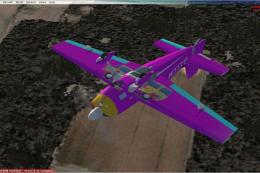
Pink Extra 300S. A repaint of the default Extra 300. Pink Extra 300S flying u…
 FSX General Aviation Aircraft
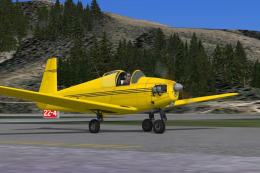
Mooney M-18C "Mite". The first of Al Mooney's designs to be produced, first f…
 FSX General Aviation Aircraft
Experience a refined edition of the Mooney Acclaim built around the default M…
 FSX General Aviation Aircraft
This enhanced package offers a newly repainted red-and-black Mooney Acclaim f…
 FSX General Aviation Aircraft
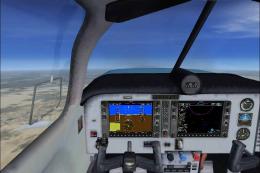
Mooney Acclaim. This changes the Bravo over to the Acclaim. Both planes are s…
 FSX General Aviation Aircraft
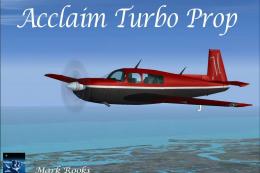
This modified package highlights a red-and-black Mooney Acclaim turbine aircr…
Be the first to leave a comment on this download.
Be the first to share your thoughts on this download.