

 FSX Business Jet Aircraft
Luftwaffe Bombardier CL-604
Premaircraft's Bombardier CL-604 in a repaint of the German Luftwaffe's VIP t…
Stellweg Airlines’ Canadair CL-604 brings The DFW Group’s corporate Challenger to life with a complete package for Microsoft Flight Simulator X, including Barry Blaisdell’s model, a detailed custom repaint, and door-and-stairs animation. It uses the default Bombardier CRJ700 panel and sounds for an easy, polished business-jet experience.
 Rate
Rate
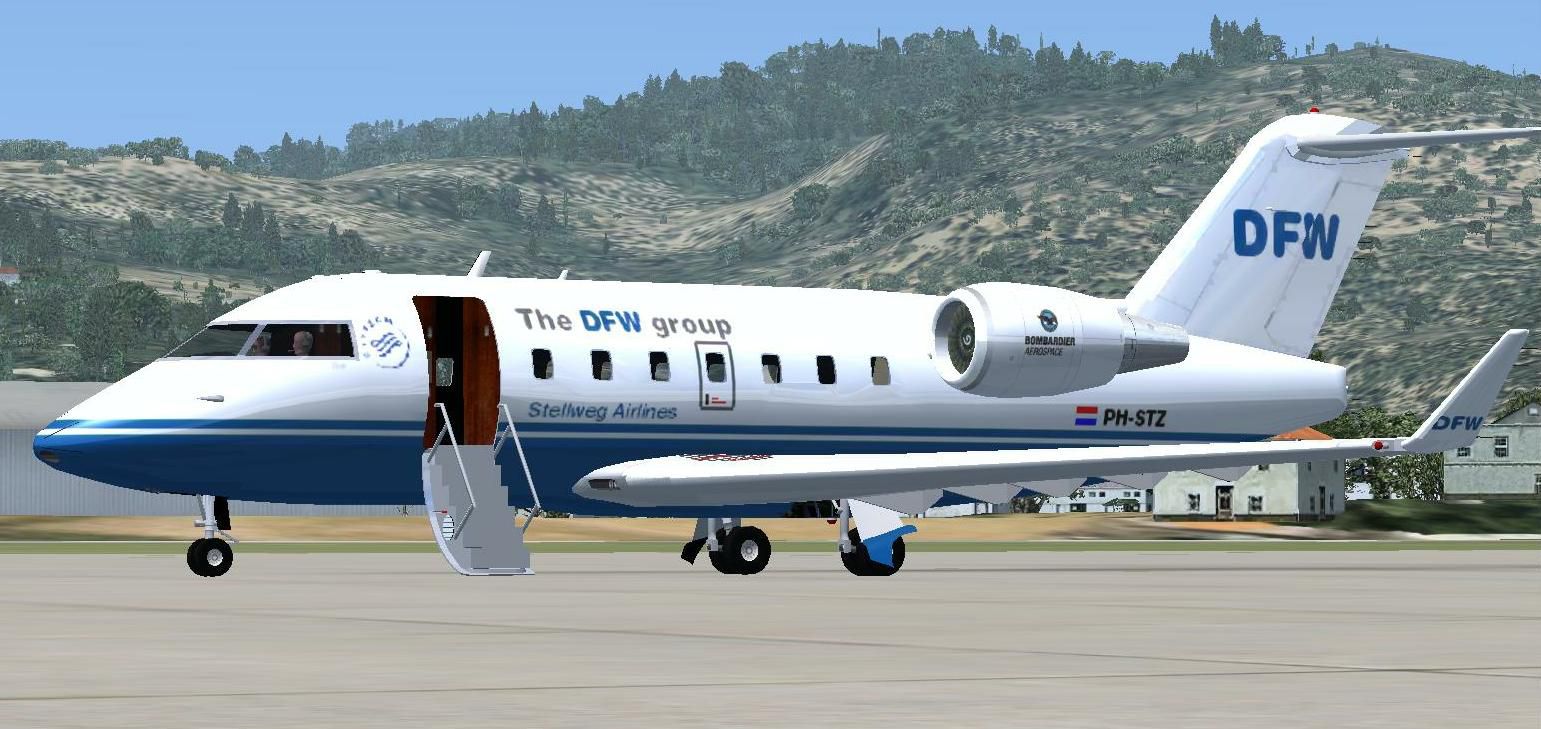
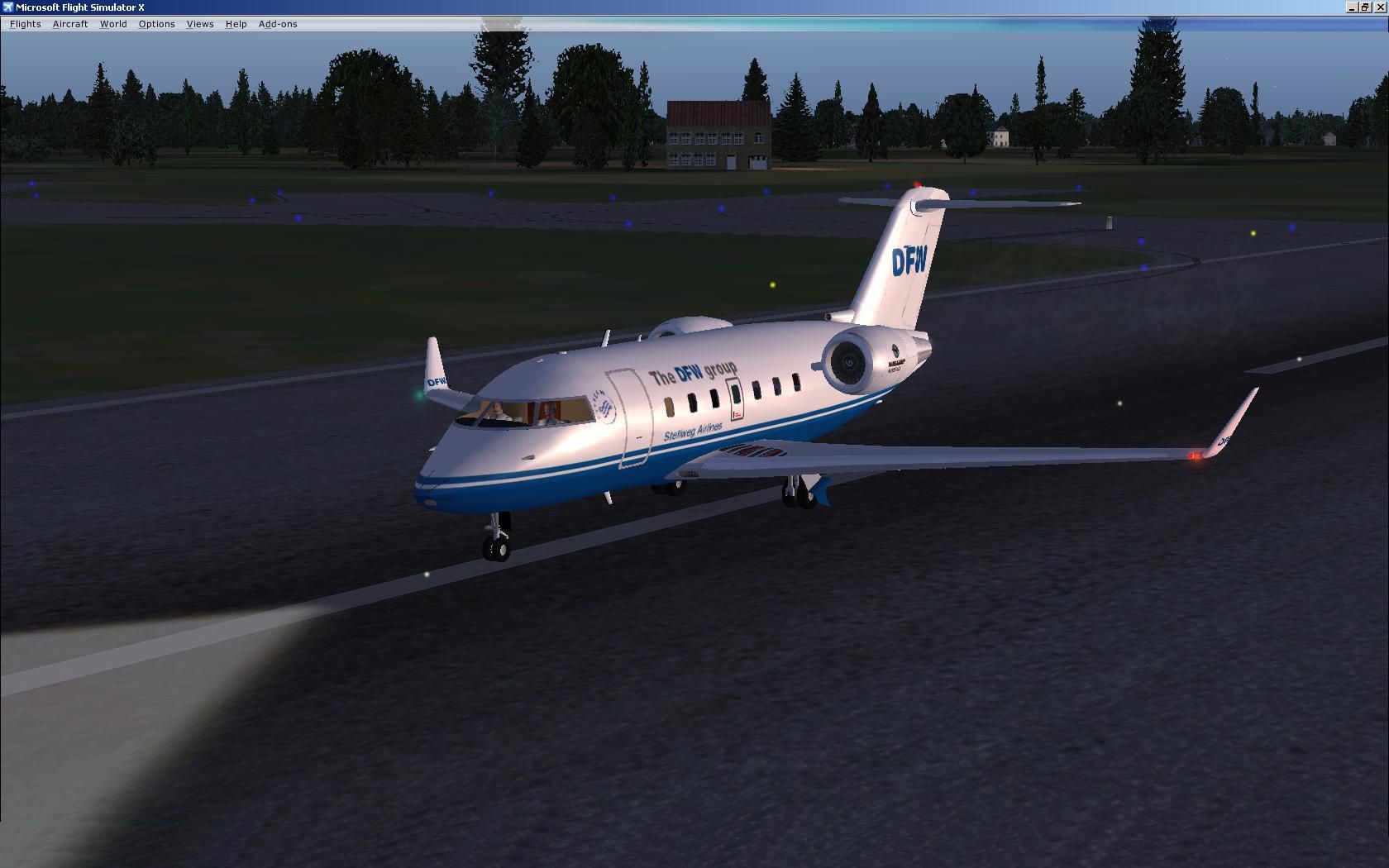
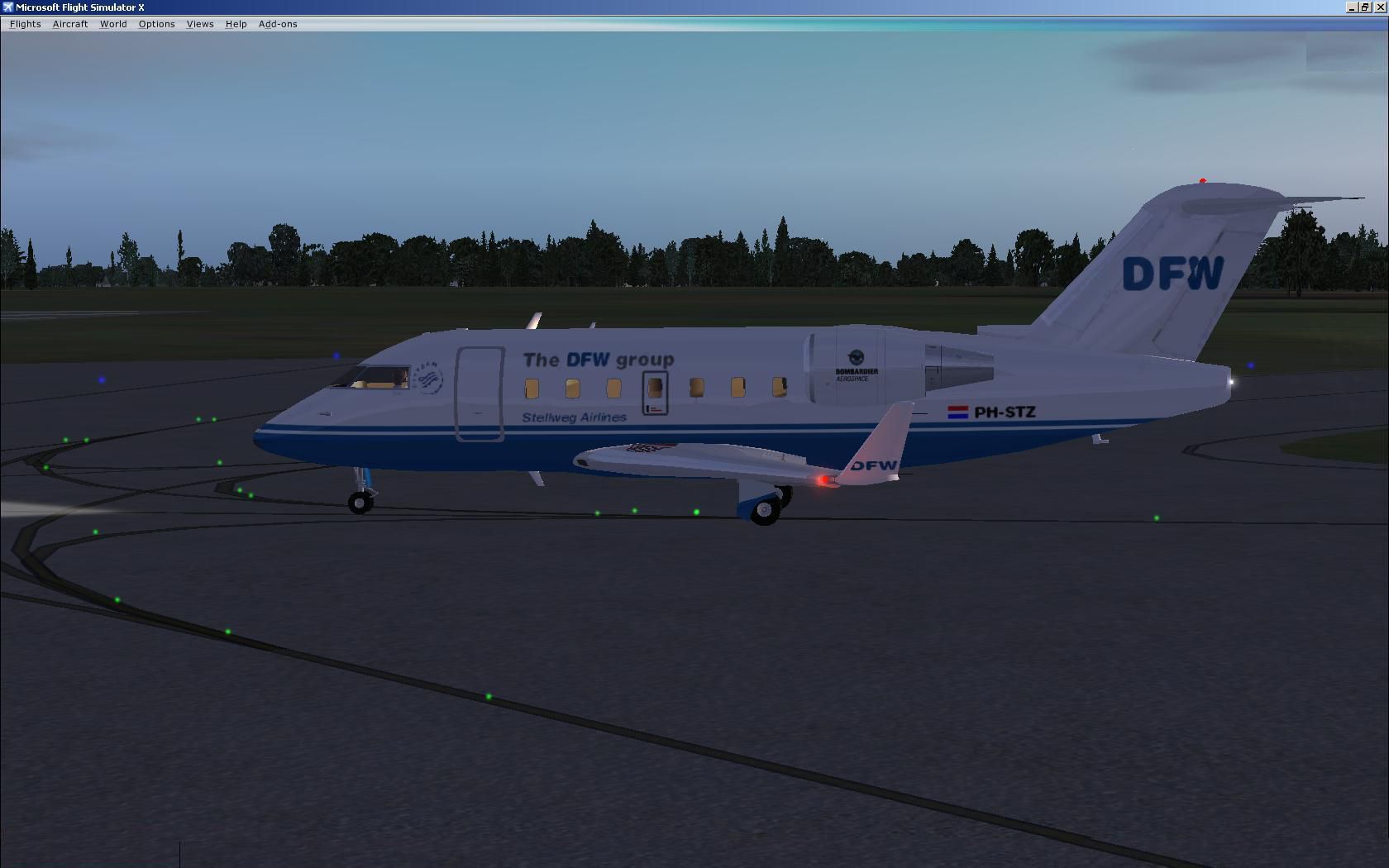

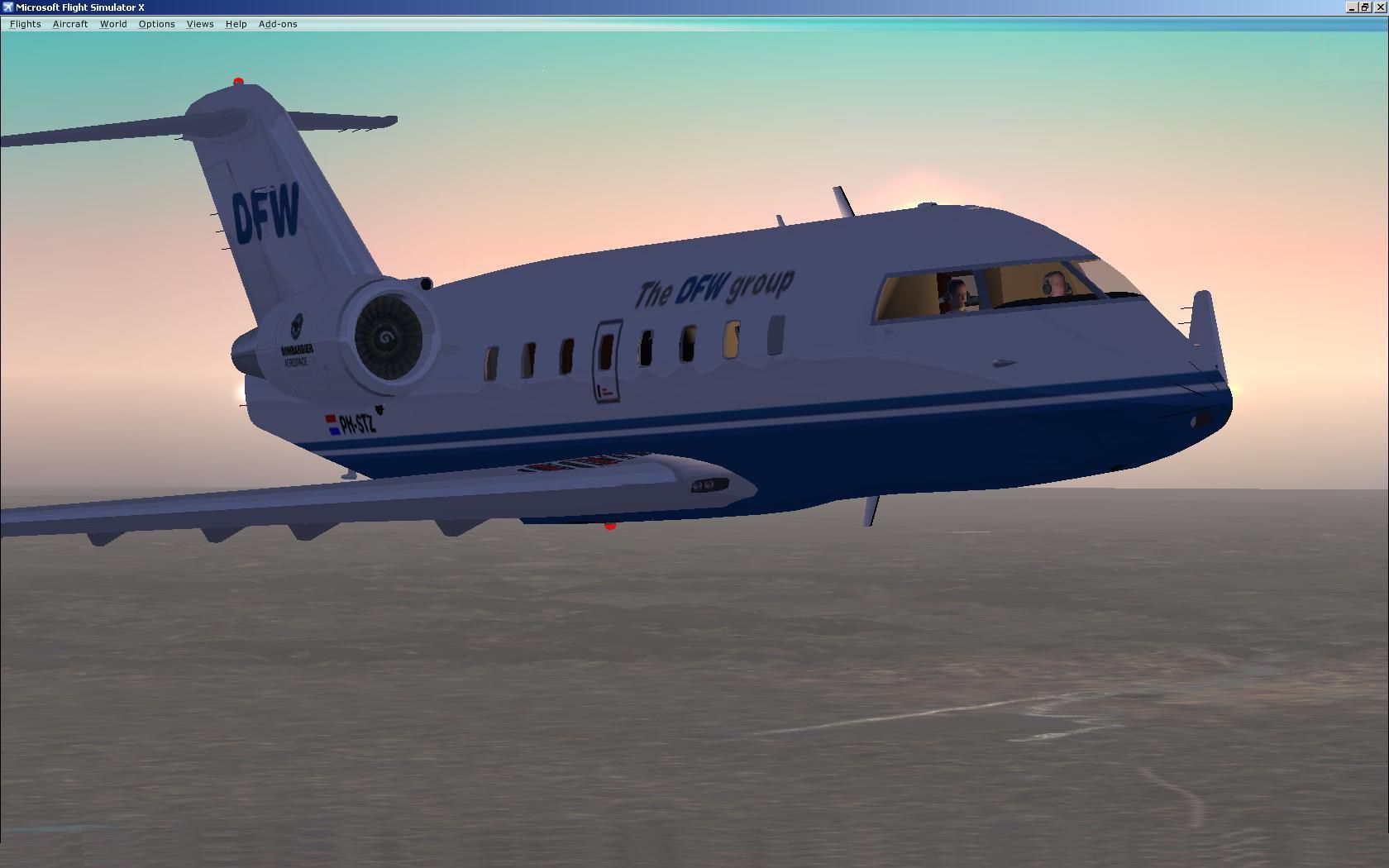
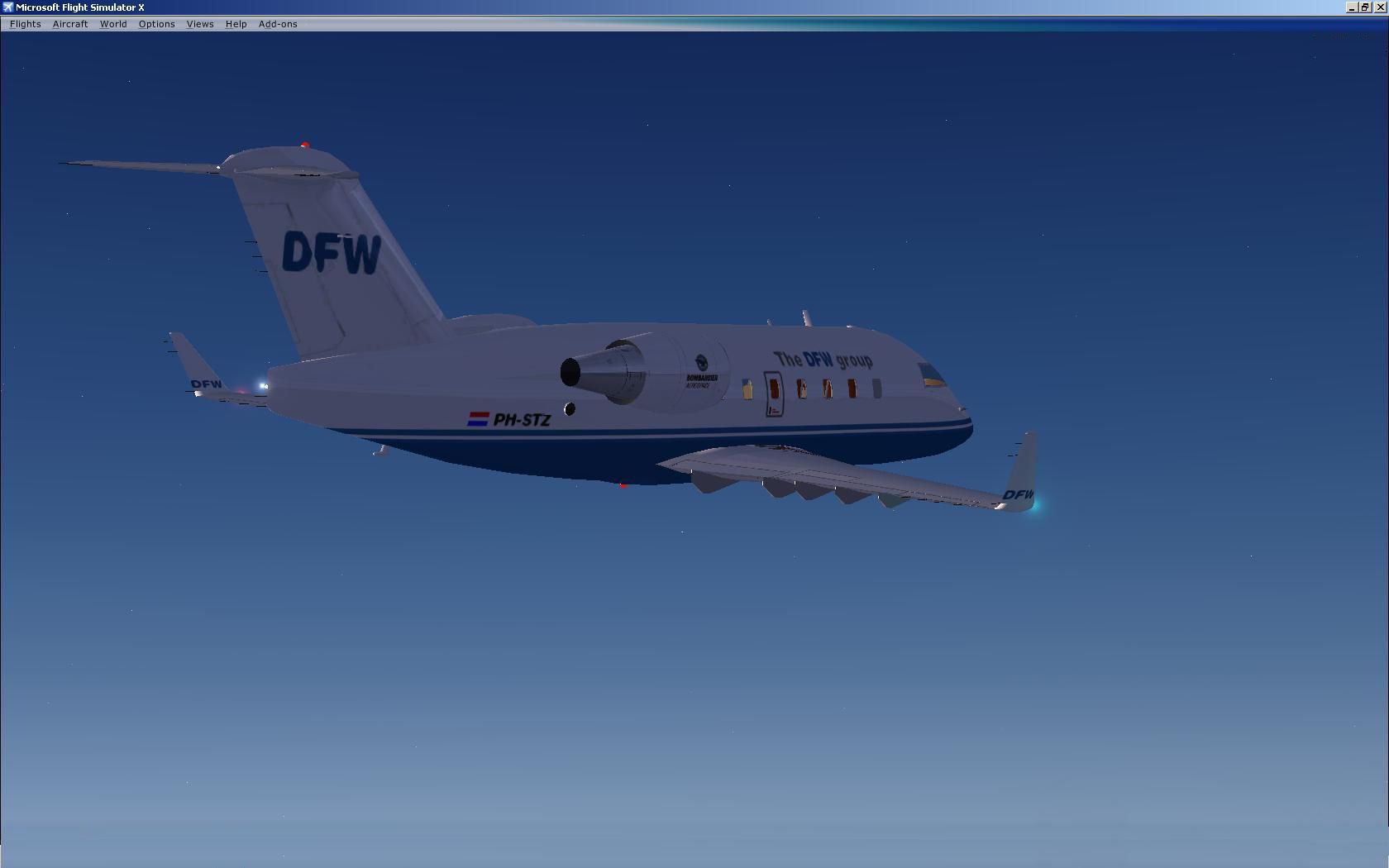
Stellweg Airlines Canadair CL-604. This is the corporate aircraft of The DFW Group, operated by Stellweg Airlines. This is a complete aircraft, model included with the default panel and sound (Bombardier CRJ700). Model by Barry Blaisdell. Repaint by The DFW group / D. Stellweg.
Stellweg Airlines Canadair CL-604 in flight.
Thank you for downloading this version of the Canadair / Bombardier Challenger CL-604.
It is the corporate aircraft of " The DFW group " , operated by " Stellweg Airlines ".
This is a complete aircraft , model included with default panel and sound ( Bombardier-CRJ700 ).
Standing on the apron , wave hello to the captain ( left side )and press Shift+E to open door and stairs.
Once cleared to start-up , extra bright navigation and anti-collisionlights go on ( Press L ).
Press CTRL+period ( dot ) for parking brakes-on and CTRL+E for engine spin-up and check the exhaustfumes !!.
Now rush-up the stairs and you're welcome aboard for an immediate departure !! ( Press SHIFT+E and press the dot ).
Doors are closed , brakes-off and you are all clear to taxi-out , have a nice flight !!.
Check the " www.FlightSim.com " library for Stellweg , for more aircraft of Stellweg Airlines.
Installation instructions are simple:
Unzip this downloaded file: "Canadair CL-604 Stellweg Airlines.zip" in ; let's choose C:\Temp and drag ( or copy ) the yellow folder called "Canadair CL-604 Stellweg Airlines" into:
C:\Program Files\Microsoft Games\Microsoft Flight Simulator X\Simobjects\Airplanes.
Drag ( or copy ) the contents of the yellow Effects folder ( fx_smoke_exhaust_TheDFWgroup.fx ) into here ; C:\Program Files\Microsoft Games\Microsoft Flight Simulator X\Effects. When finished , start-up the Flightsimulator and find this aircraft amongst the manufacturers ; " Canadair " , were an aircraft thumbnail picture is shown.
Credits to Mr.Barry Blaisdell and subsequent modifications by Danny Crance.
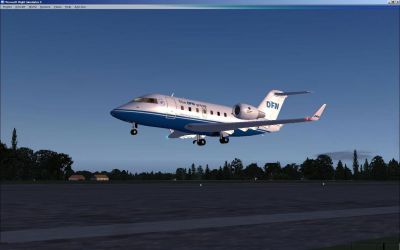
Stellweg Airlines Canadair CL-604 taking off.
Free for all simmers · 2.38 MB · Scanned clean Sep 2026
Download speed: Free tier is capped at 0.5 Mbps. PRO members download at full line speed.
SimObjects\Airplanes\, Addon Scenery\, Effects\, or Gauges\.readme.txt or README file. It tells you exactly where files go, what dependencies are needed, and any quirks specific to this add-on.The archive canadaircl-604stellwegairlines.zip has 42 files and directories contained within it.
This list displays the first 500 files in the package. If the package has more, you will need to download it to view them.
| Filename/Directory | File Date | File Size |
|---|---|---|
| PH-STZ 4.jpg | 01.02.11 | 112.37 kB |
| Please read me first.txt | 01.03.11 | 1.79 kB |
| Thumbnail.jpg | 01.02.11 | 117.57 kB |
| 604_9.air | 08.09.09 | 9.14 kB |
| Aircraft.cfg | 01.02.11 | 17.15 kB |
| BombardierCRJ700_check.htm | 07.28.06 | 53.98 kB |
| BombardierCRJ700_ref.htm | 06.25.06 | 11.38 kB |
| model | 01.02.11 | 0 B |
| cl604_x14nt.mdl | 08.09.09 | 1.62 MB |
| model.cfg | 08.09.09 | 28 B |
| panel | 01.02.11 | 0 B |
| panel.cfg | 01.02.11 | 40 B |
| sound | 01.02.11 | 0 B |
| sound.cfg | 01.02.11 | 42 B |
| soundai | 01.02.11 | 0 B |
| soundai.cfg | 01.02.11 | 44 B |
| texture.stz | 01.03.11 | 0 B |
| chrome.bmp | 11.10.09 | 64.07 kB |
| CL604_Backwall.bmp | 11.10.09 | 512.07 kB |
| CL604_cabin.bmp | 11.10.09 | 512.07 kB |
| CL604_Elevator.bmp | 08.09.09 | 256.07 kB |
| CL604_fuse.bmp | 01.03.11 | 1.00 MB |
| CL604_Interiors.bmp | 11.10.09 | 512.07 kB |
| CL604_VC.bmp | 11.15.09 | 512.07 kB |
| CL604_Wings.bmp | 01.02.11 | 1.00 MB |
| CL604_yoke.bmp | 11.15.09 | 257.07 kB |
| lights.bmp | 11.10.09 | 32.07 kB |
| lights_L.bmp | 11.10.09 | 65.05 kB |
| Panel_vc.bmp | 11.15.09 | 512.07 kB |
| pilots.bmp | 11.10.09 | 257.05 kB |
| pilots_L.bmp | 11.10.09 | 257.05 kB |
| roue2.bmp | 11.10.09 | 65.05 kB |
| tailcones.bmp | 11.10.09 | 64.07 kB |
| Thumbnail.jpg | 01.02.11 | 162.38 kB |
| VCpanelL.bmp | 11.15.09 | 512.07 kB |
| VCpanelR.bmp | 11.15.09 | 512.07 kB |
| fx_smoke_exhaust_TheDFWgroup.fx | 12.31.10 | 5.79 kB |
| PH-STZ 1.jpg | 01.02.11 | 120.73 kB |
| PH-STZ 2.jpg | 01.02.11 | 148.27 kB |
| PH-STZ 3.jpg | 01.02.11 | 67.15 kB |
| flyawaysimulation.txt | 10.29.13 | 959 B |
| Go to Fly Away Simulation.url | 01.22.16 | 52 B |
Only PRO members can place votes.
More FSX & P3D add-ons hand-picked based on this download.
FSX Business Jet Aircraft
Premaircraft's Bombardier CL-604 in a repaint of the German Luftwaffe's VIP t…
 FSX Business Jet Aircraft
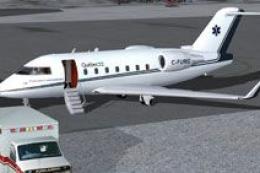
Gouvernement du Quebec CL-604 Challenger, registration C-FURG. This plane is …
 FSX Business Jet Aircraft
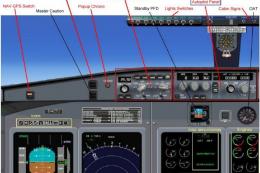
This complete freeware release features the Bombardier Challenger 604, a soph…
 FSX Business Jet Aircraft
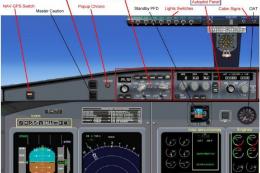
This fully featured Bombardier Challenger 604 package offers a versatile twin…
 FSX Business Jet Aircraft
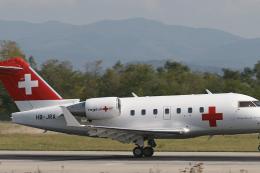
The Bombardier Challenger 604 in this release is a freeware package developed…
 FSX Business Jet Aircraft
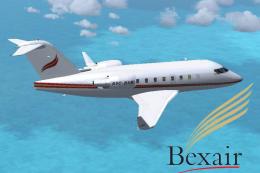
This freeware package presents a meticulously repainted twin-engine Challenge…
 FSX Business Jet Aircraft
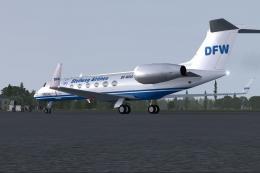
A repaint of the HTAI Gulfstream V DF-WGA by The DFW group. In the package yo…
 FSX Business Jet Aircraft
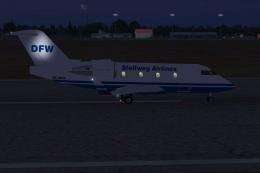
This aircraft is the AI version of the earlier published CANADAIRCL-604STELLW…
Be the first to leave a comment on this download.
Be the first to share your thoughts on this download.