


 Canada
  FSX Scenery
St Pierre And Miquelon
Islands Of St Pierre And Miquelon. Includes new local mesh, photoreal texture…
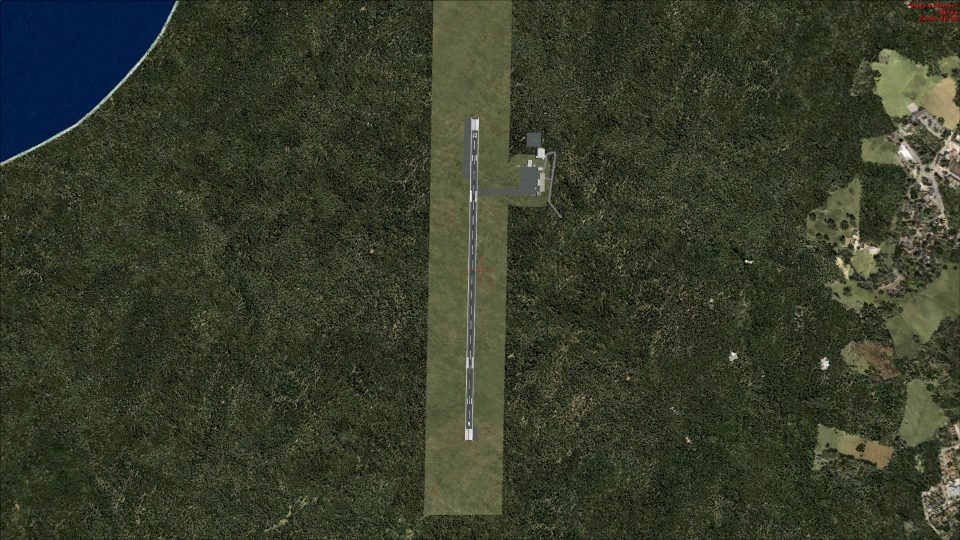
Havre-St-Pierre Airport (CYGV) in Quebec comes to life with an accurate Gmax rendition guided by current aeronautical references and photos, featuring a detailed terminal, hangars, fuel facilities, gates, fences, signage, and dedicated helicopter start points. Built for Microsoft Flight Simulator X, it adds convincing local character for regional and rotorcraft operations.
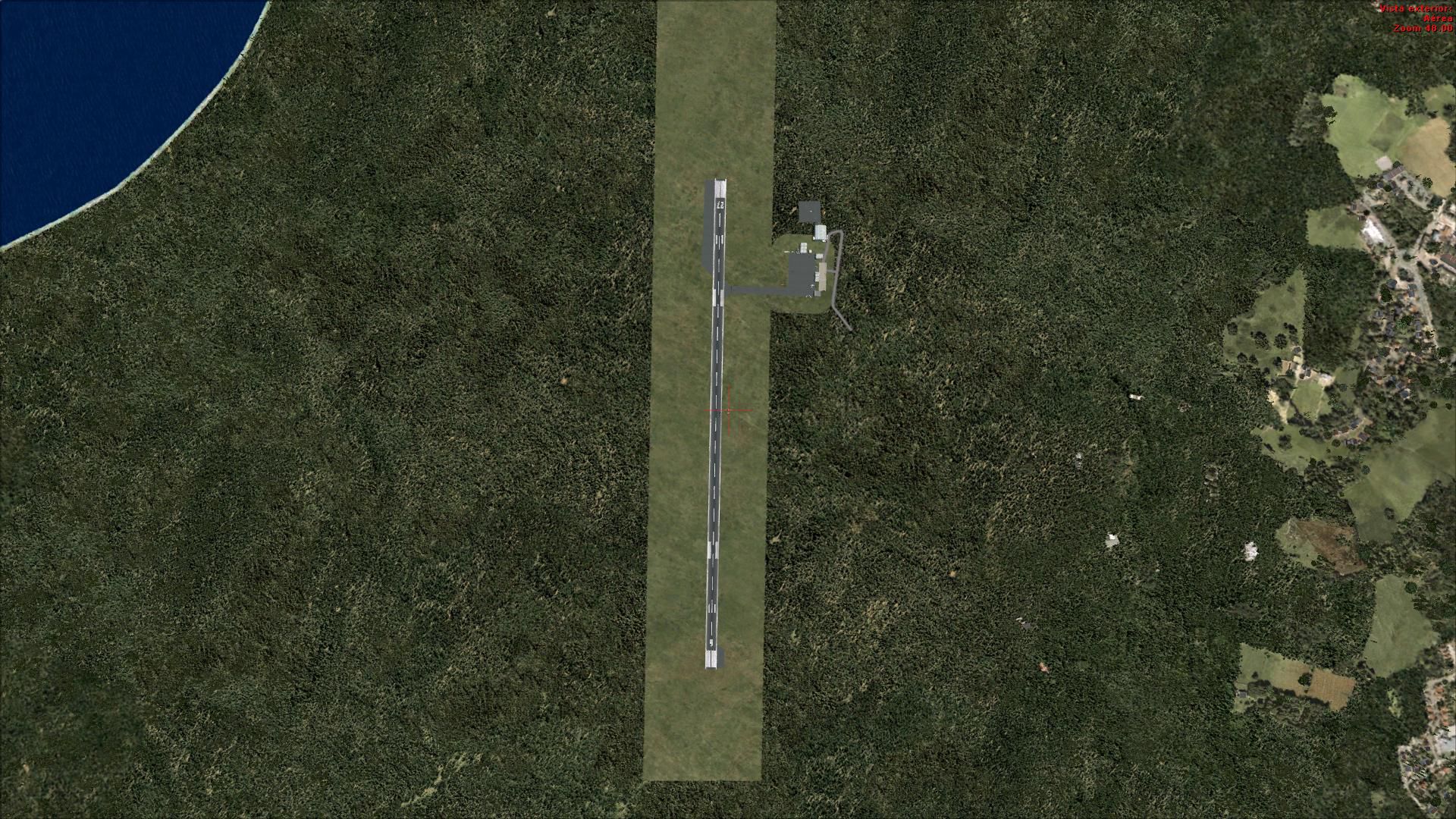
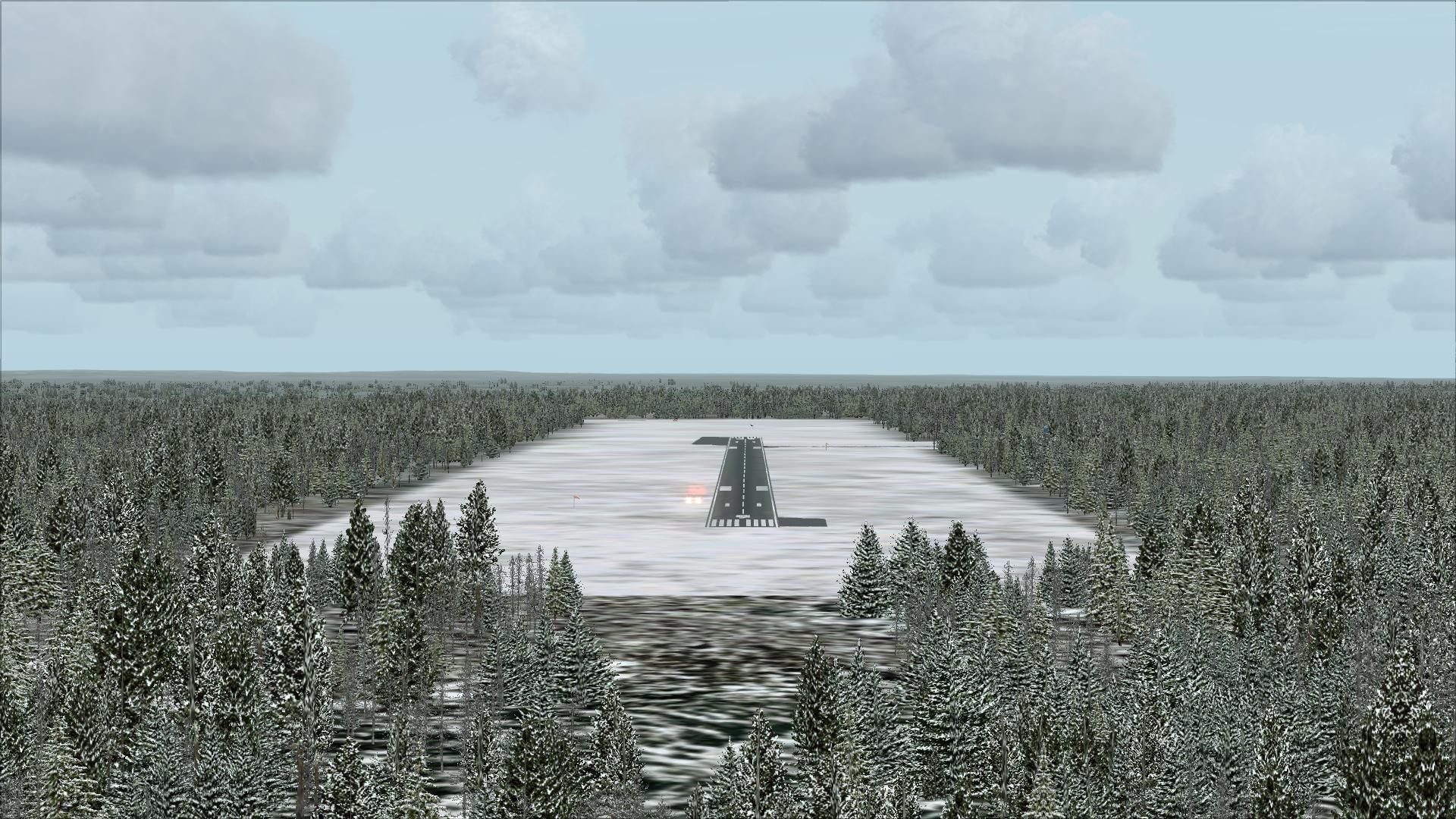
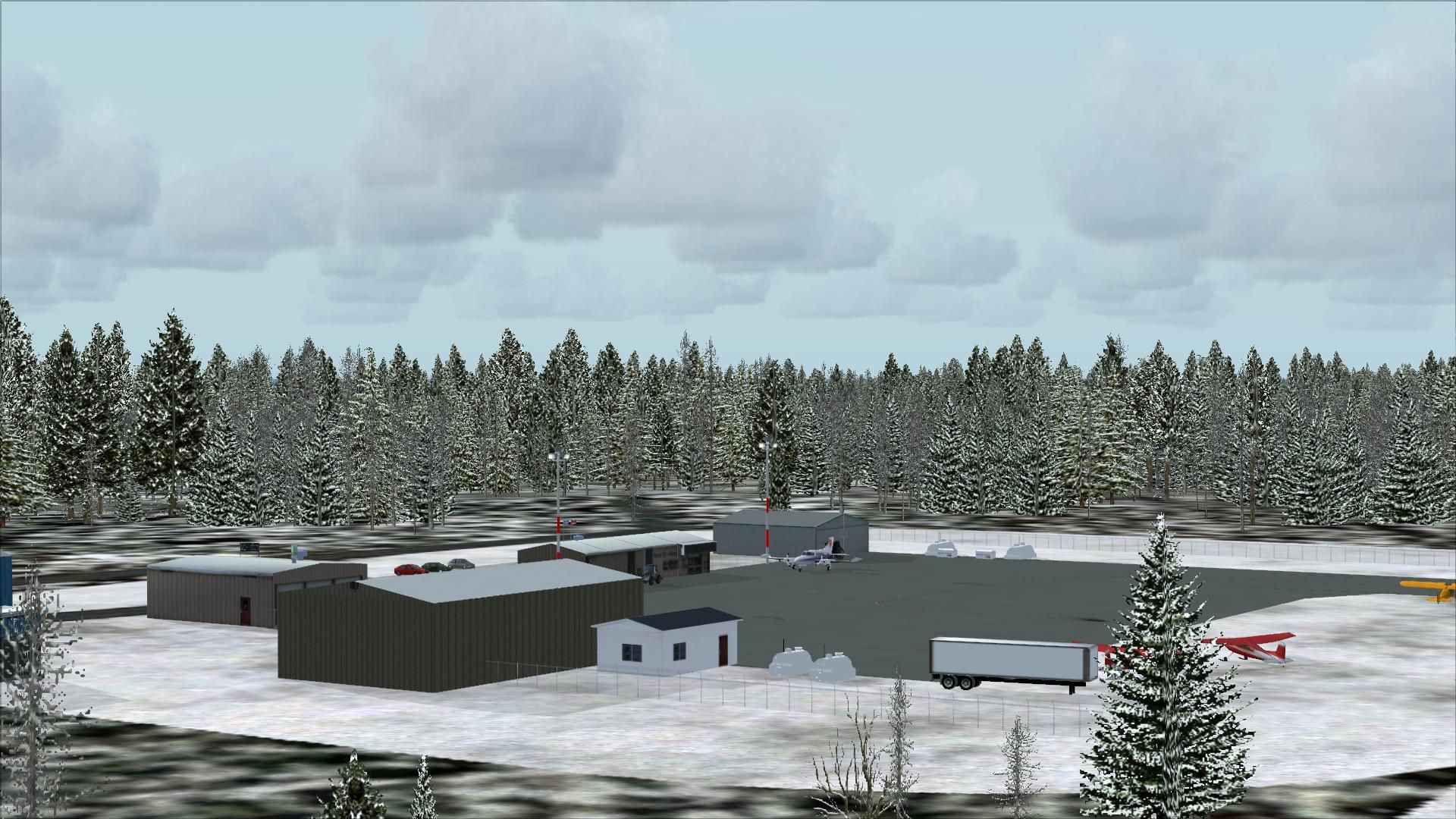
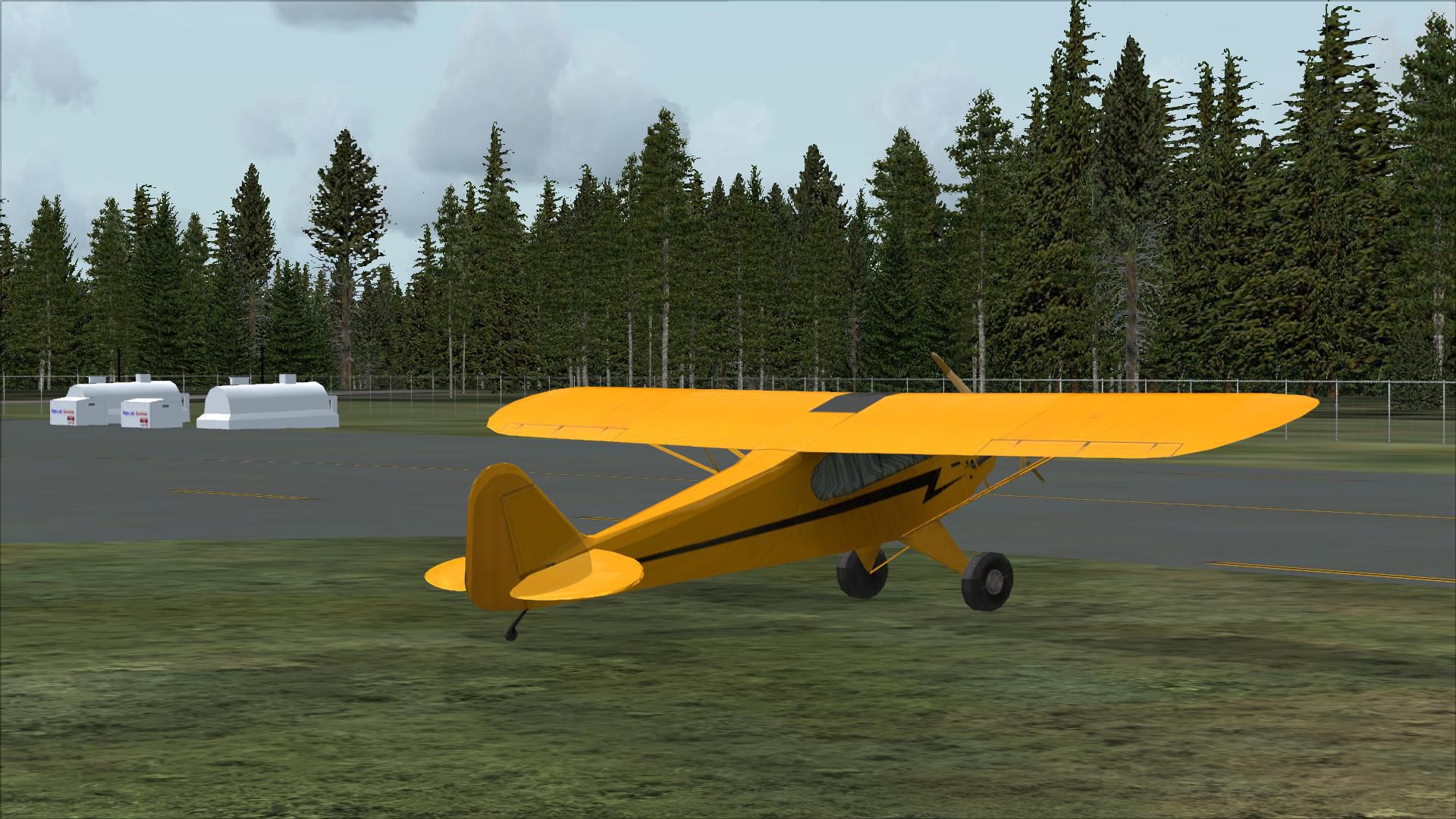
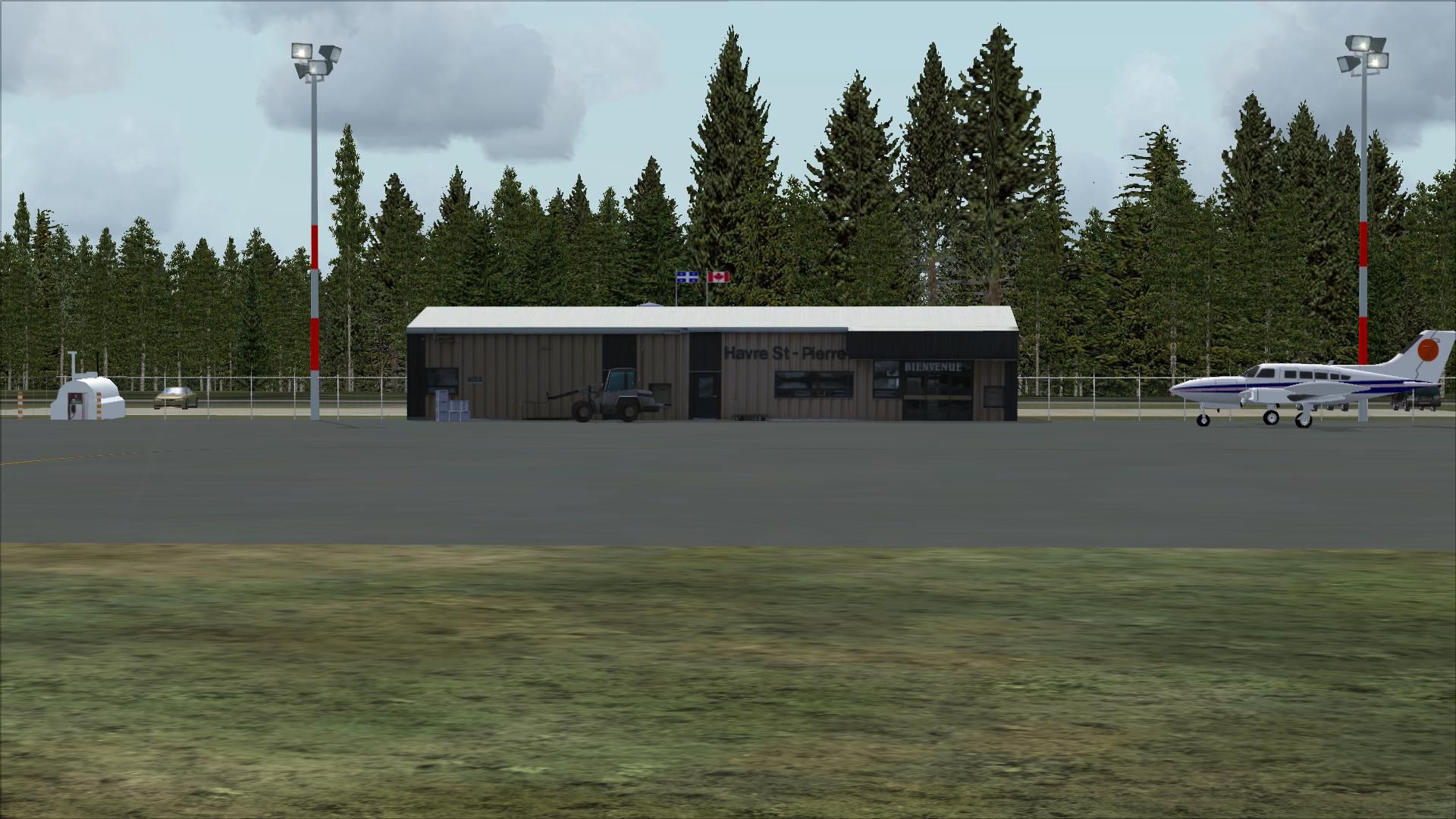
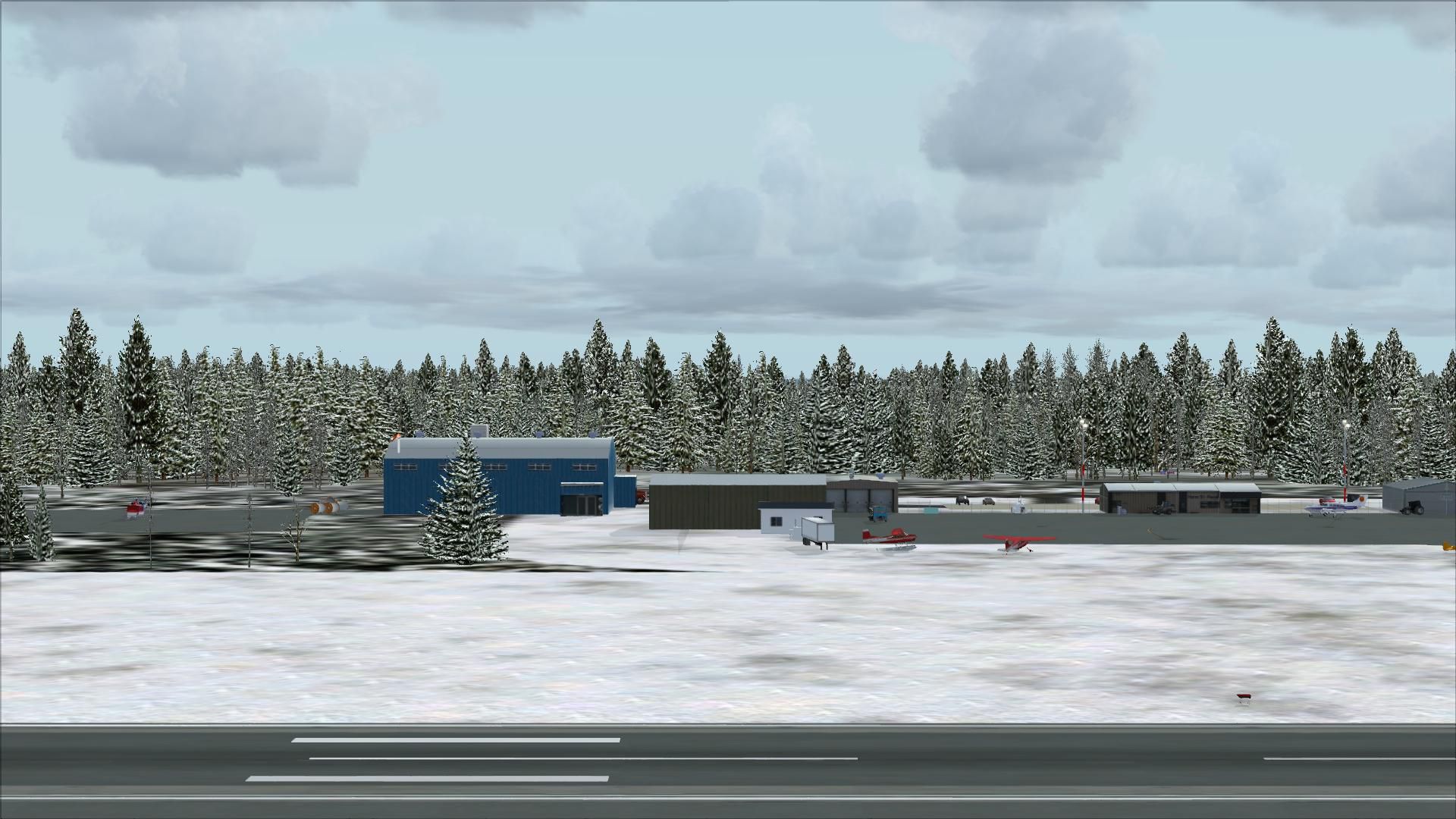
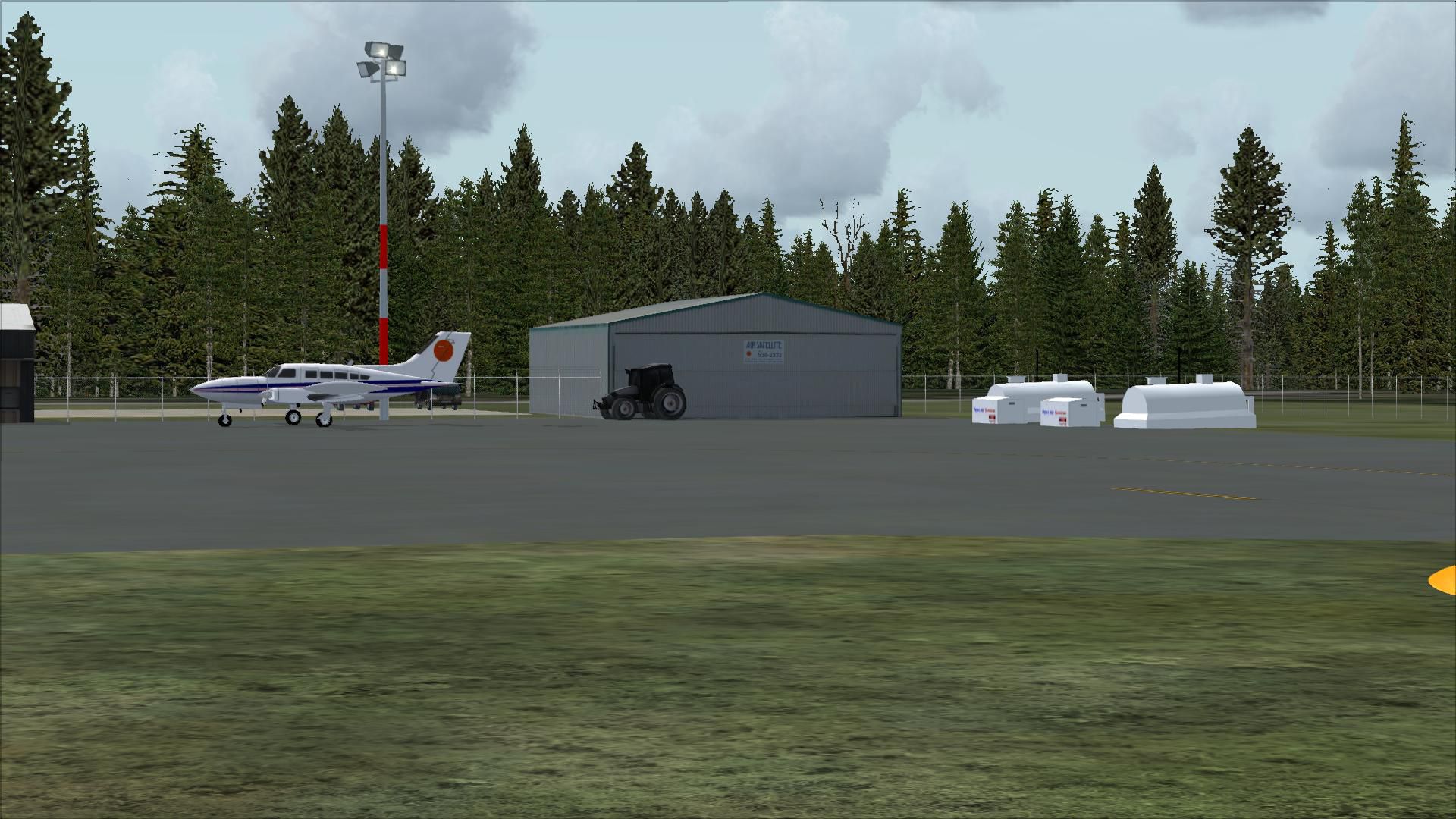
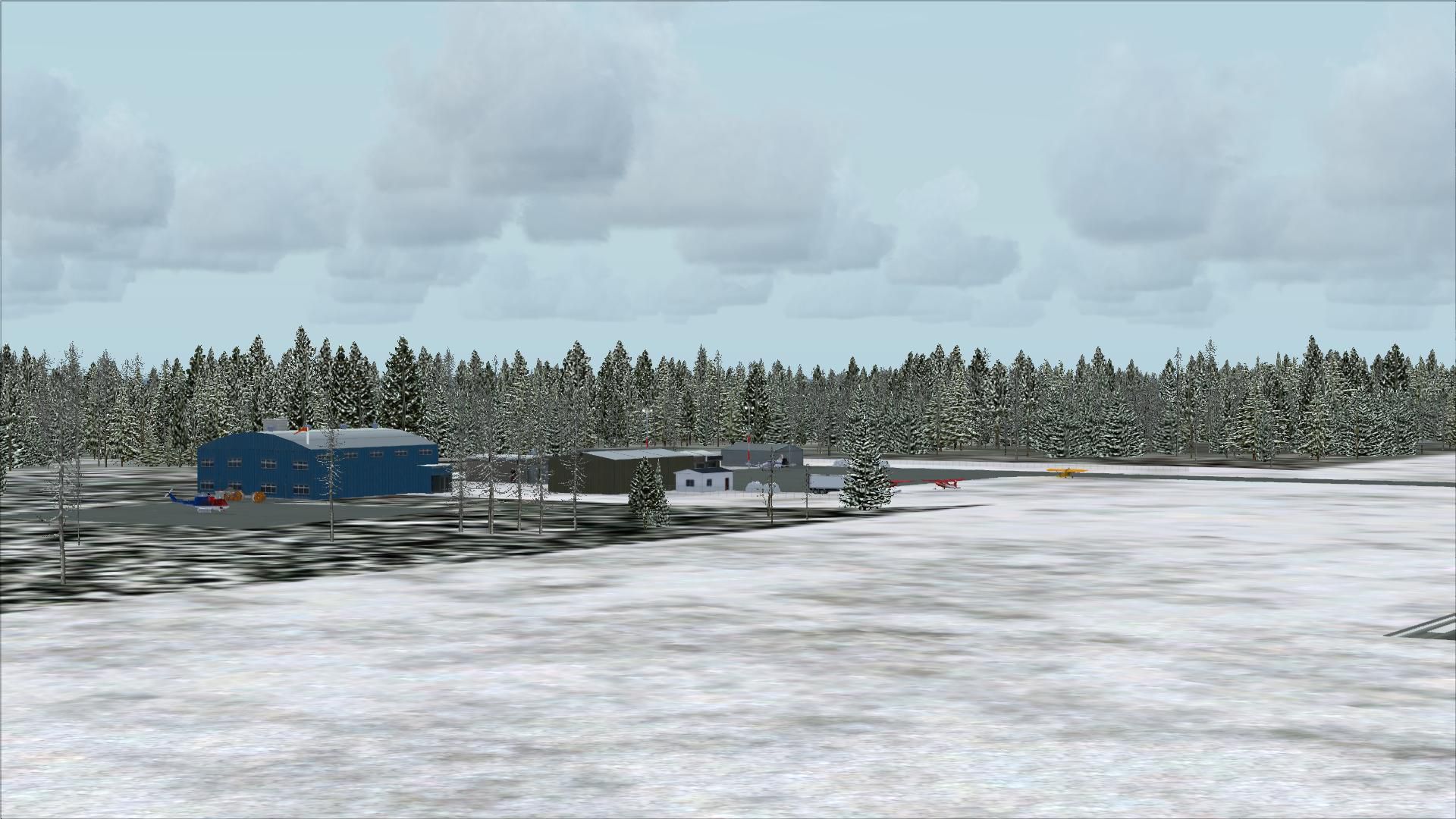
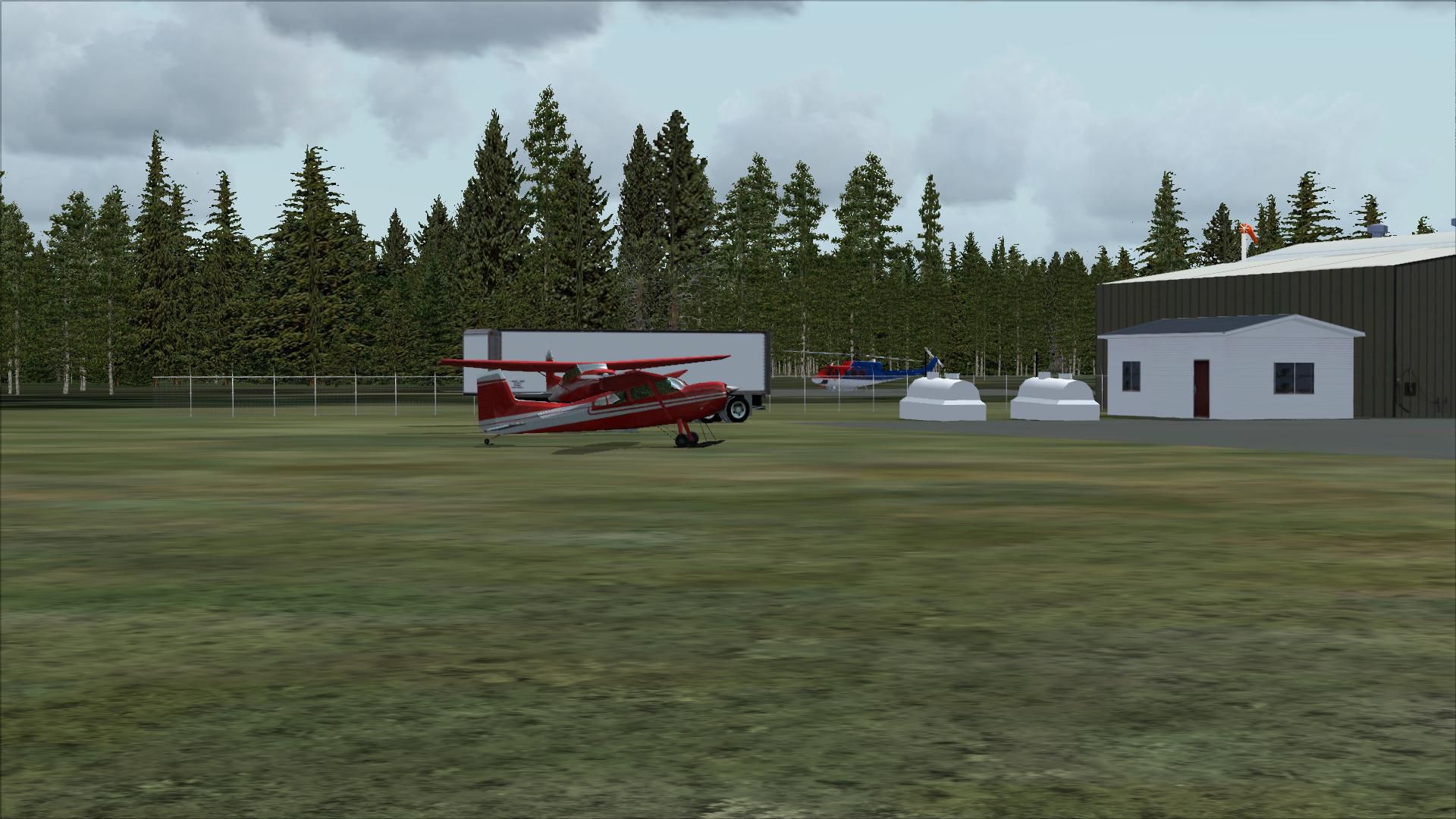
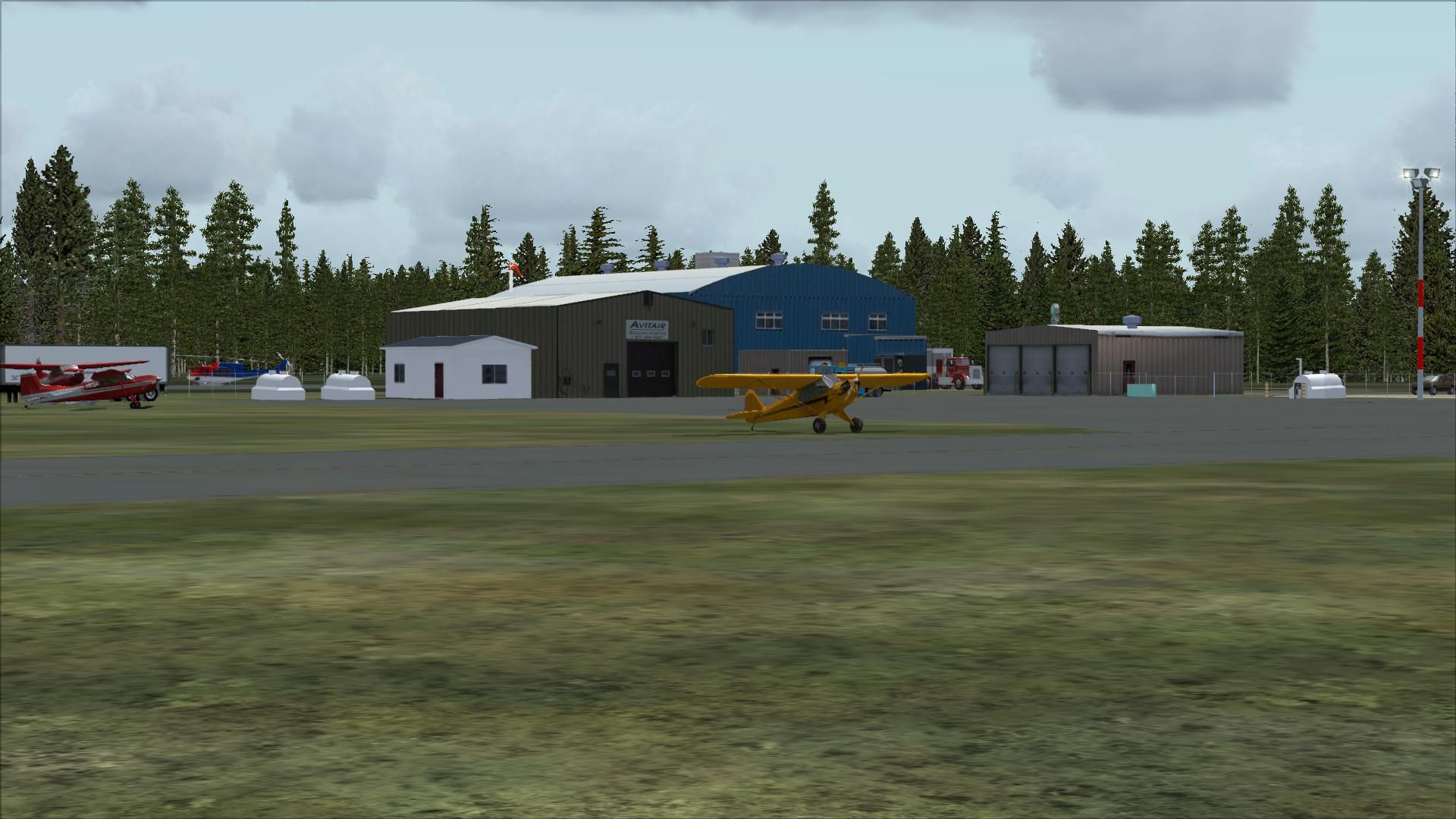

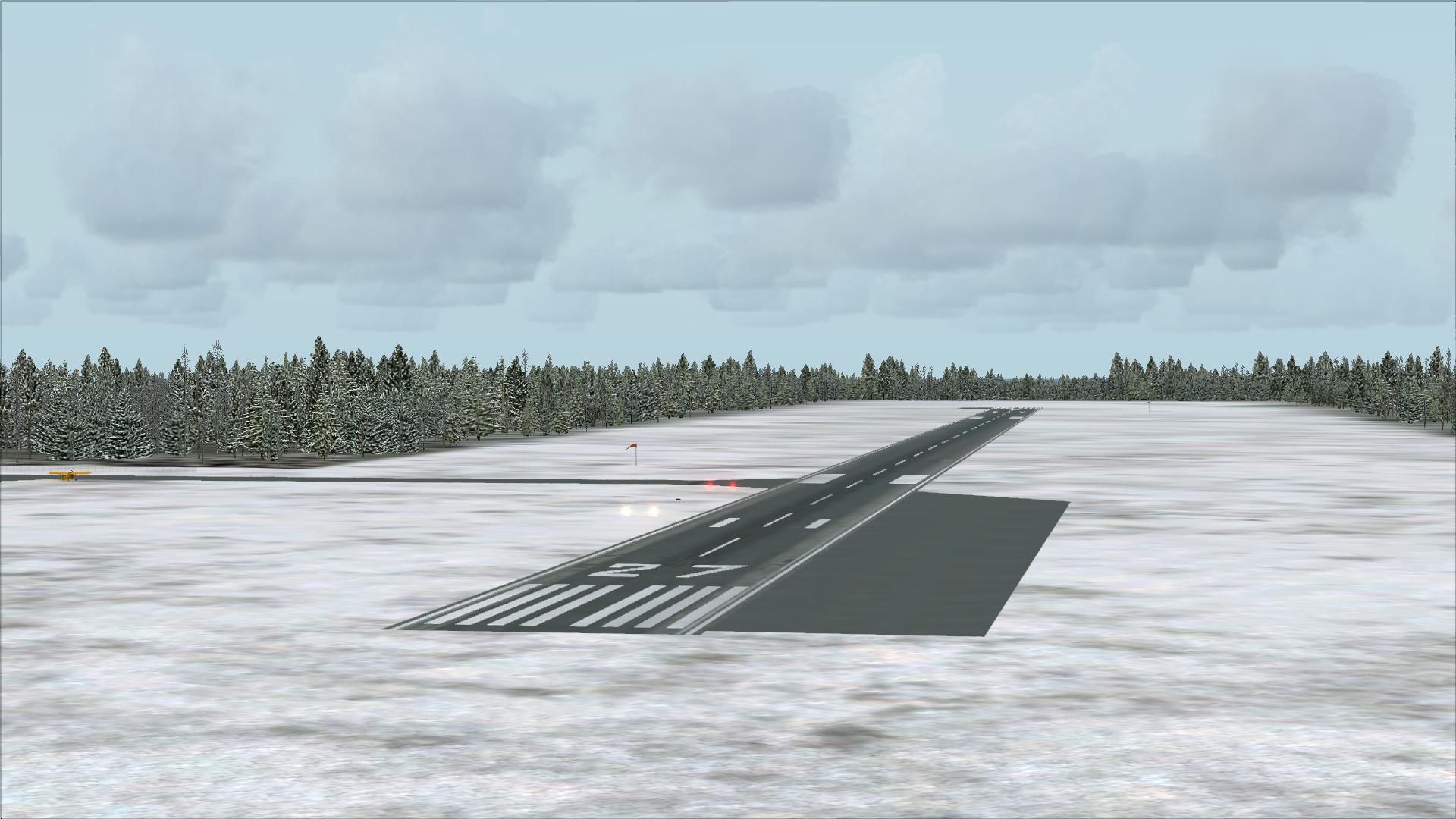
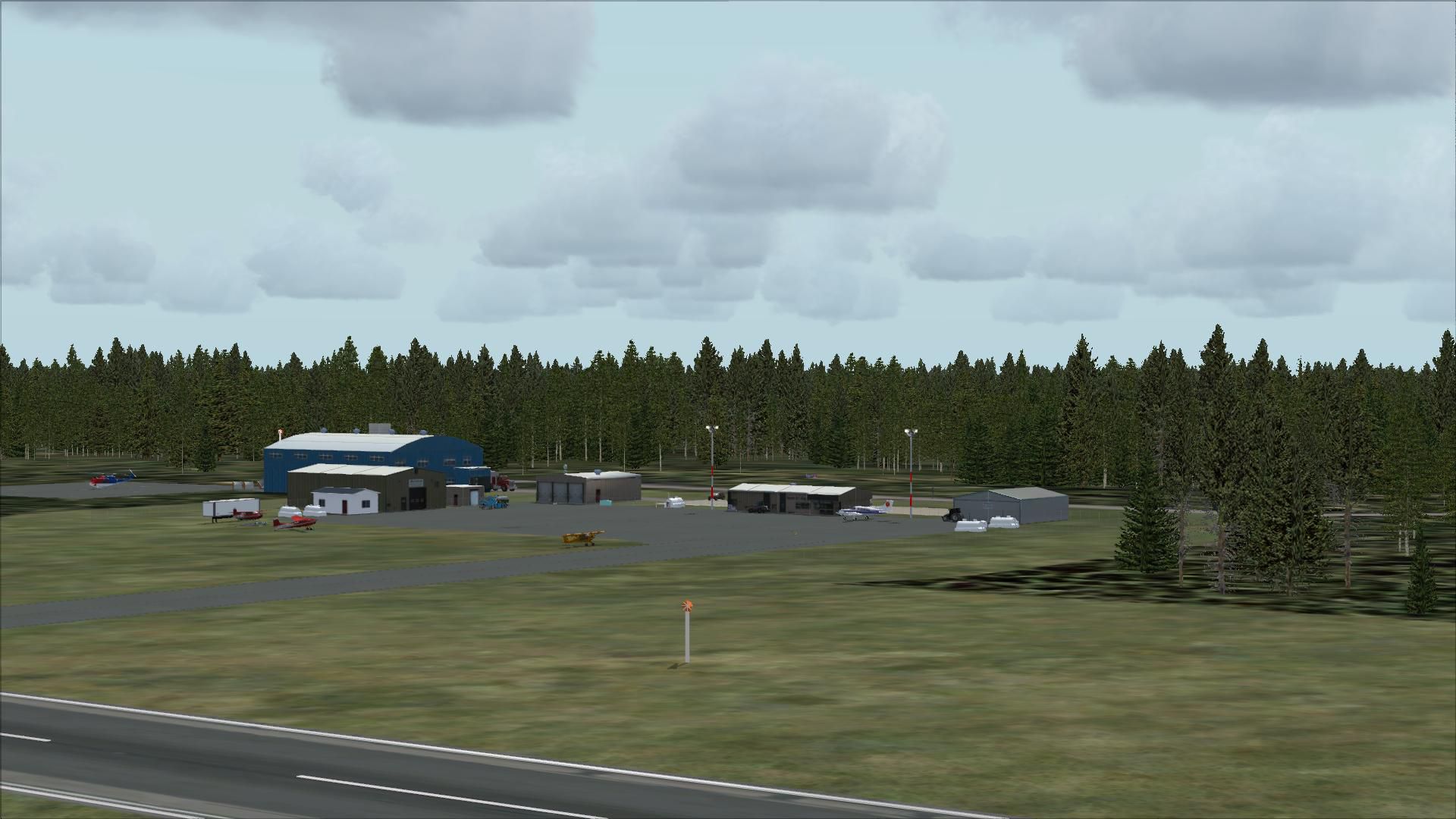
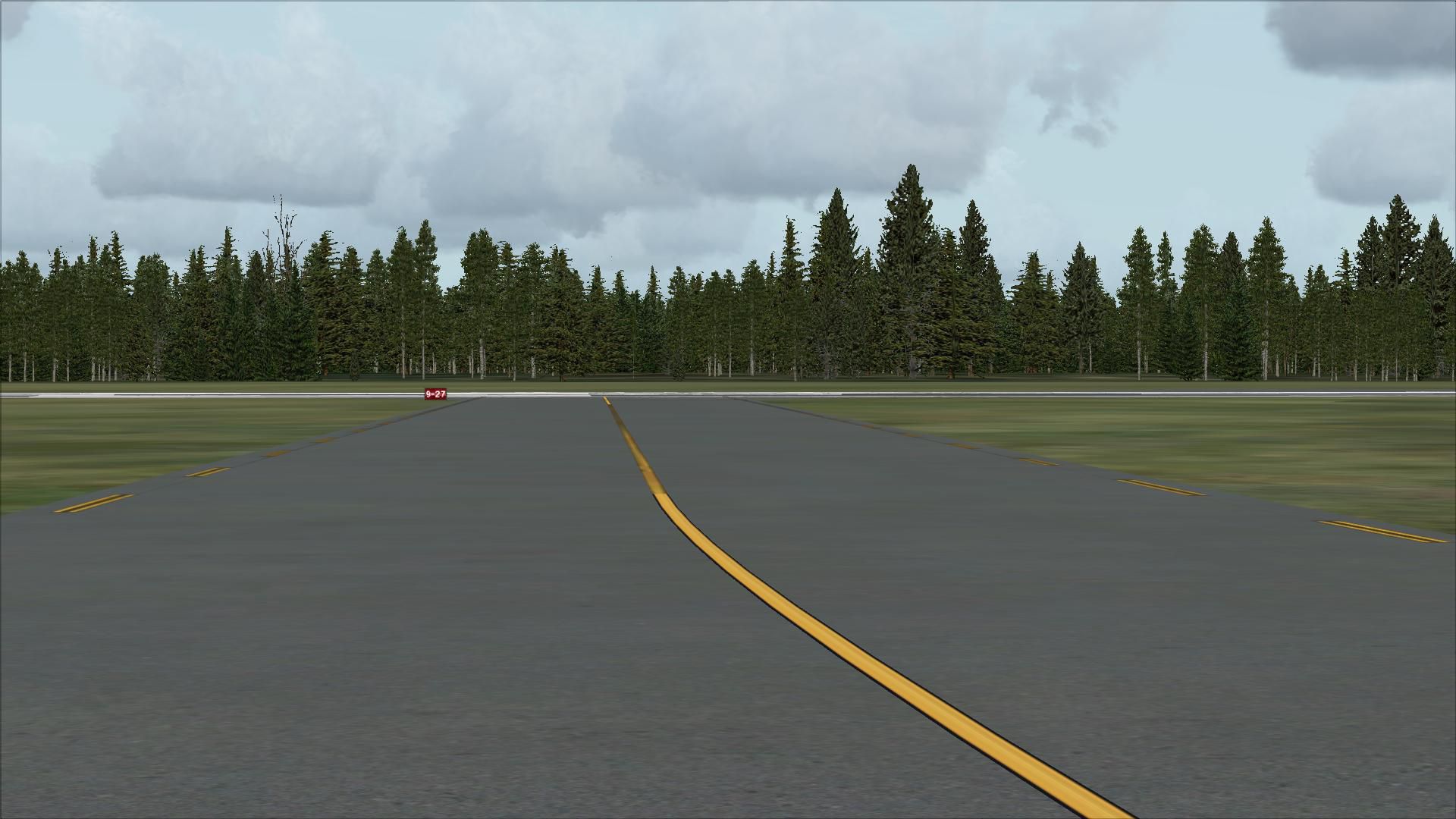
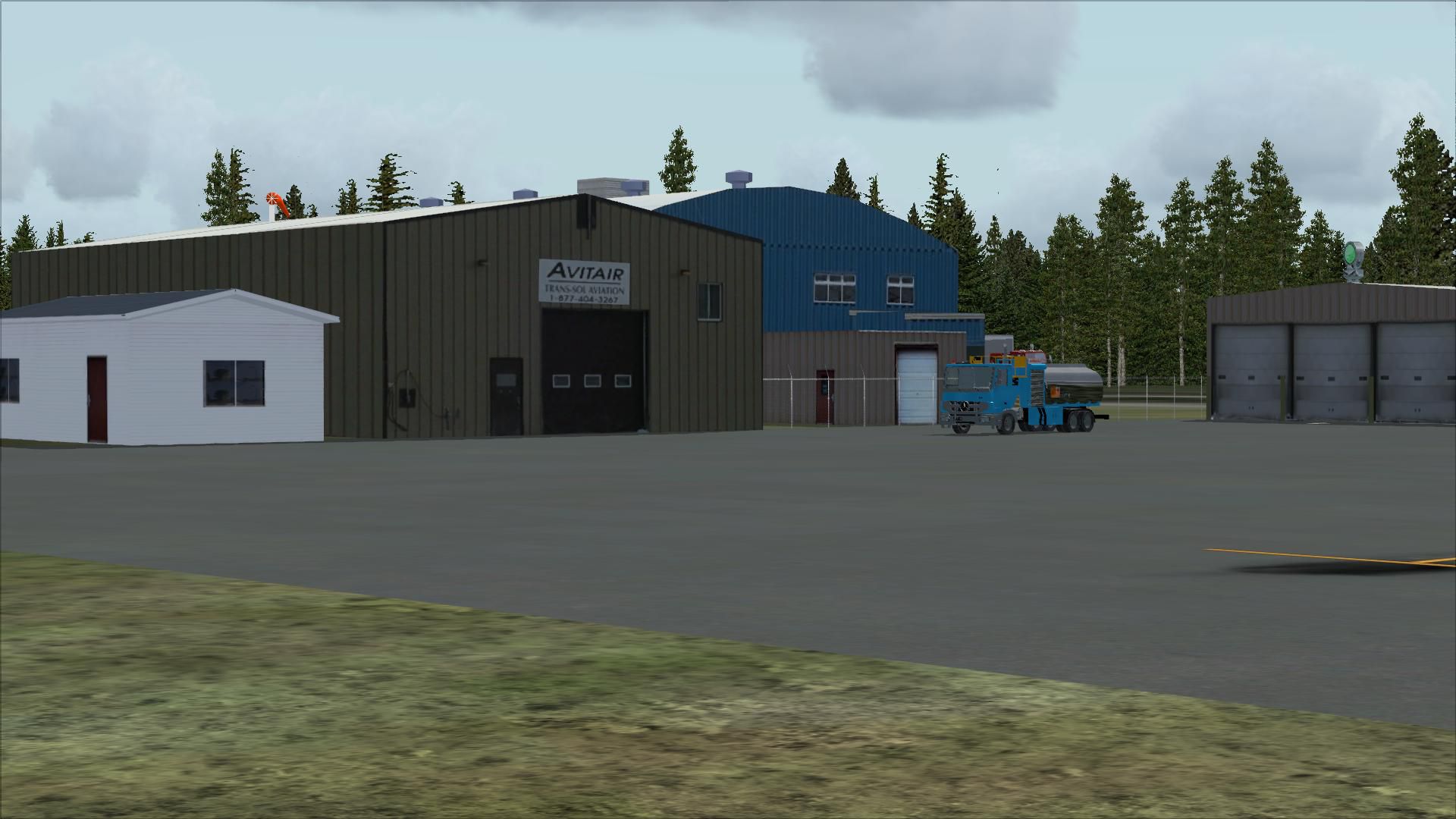
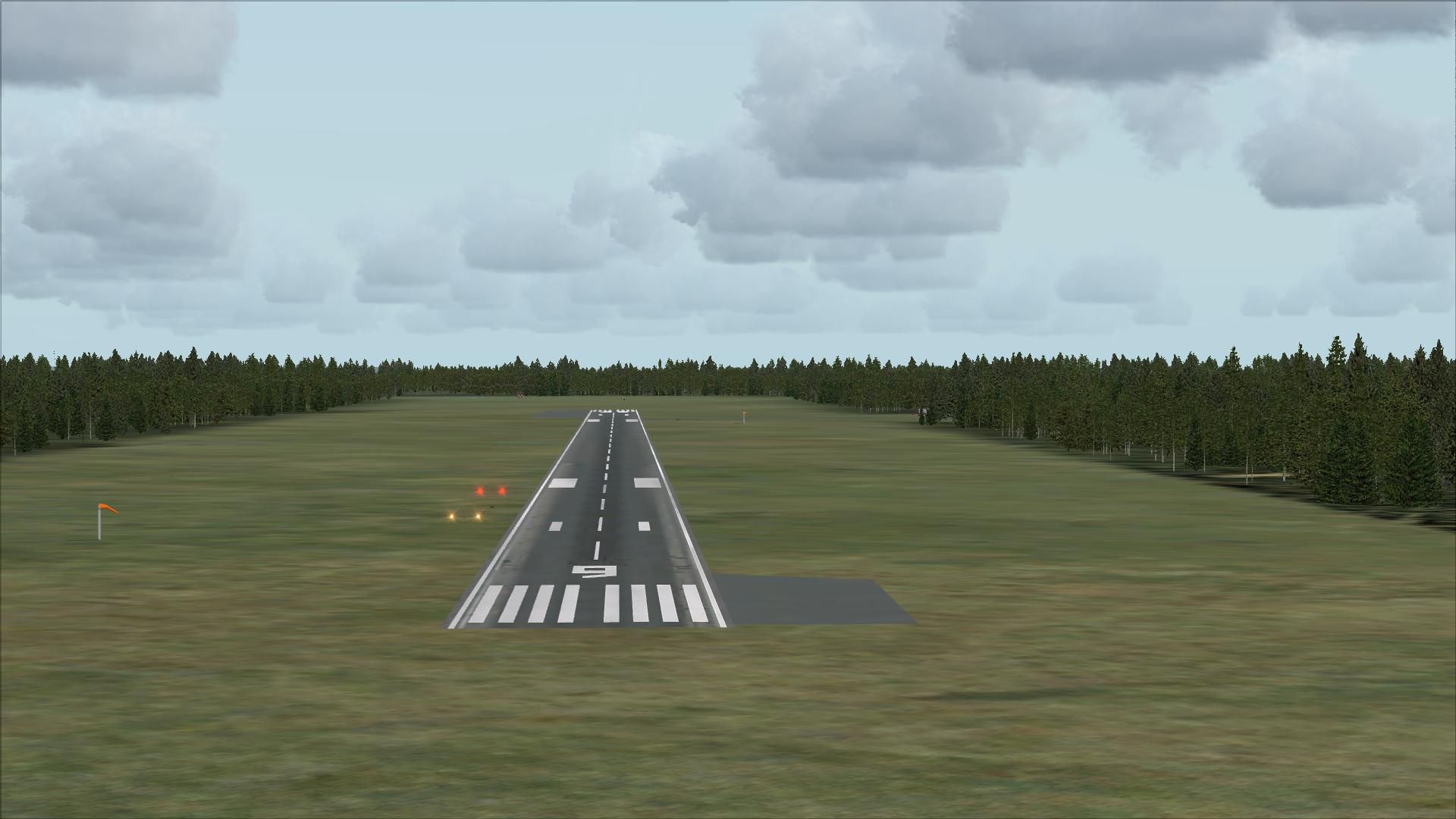
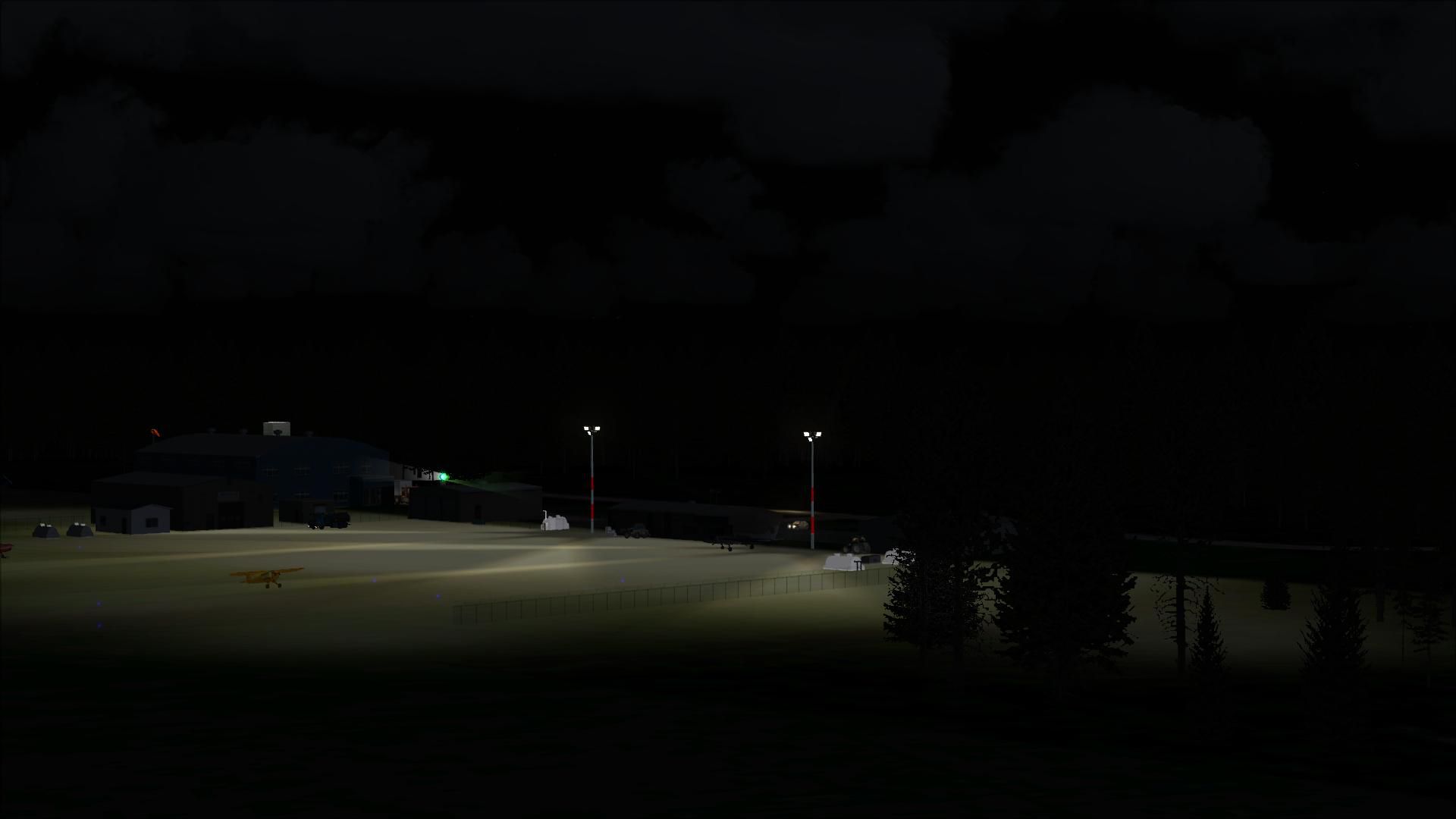
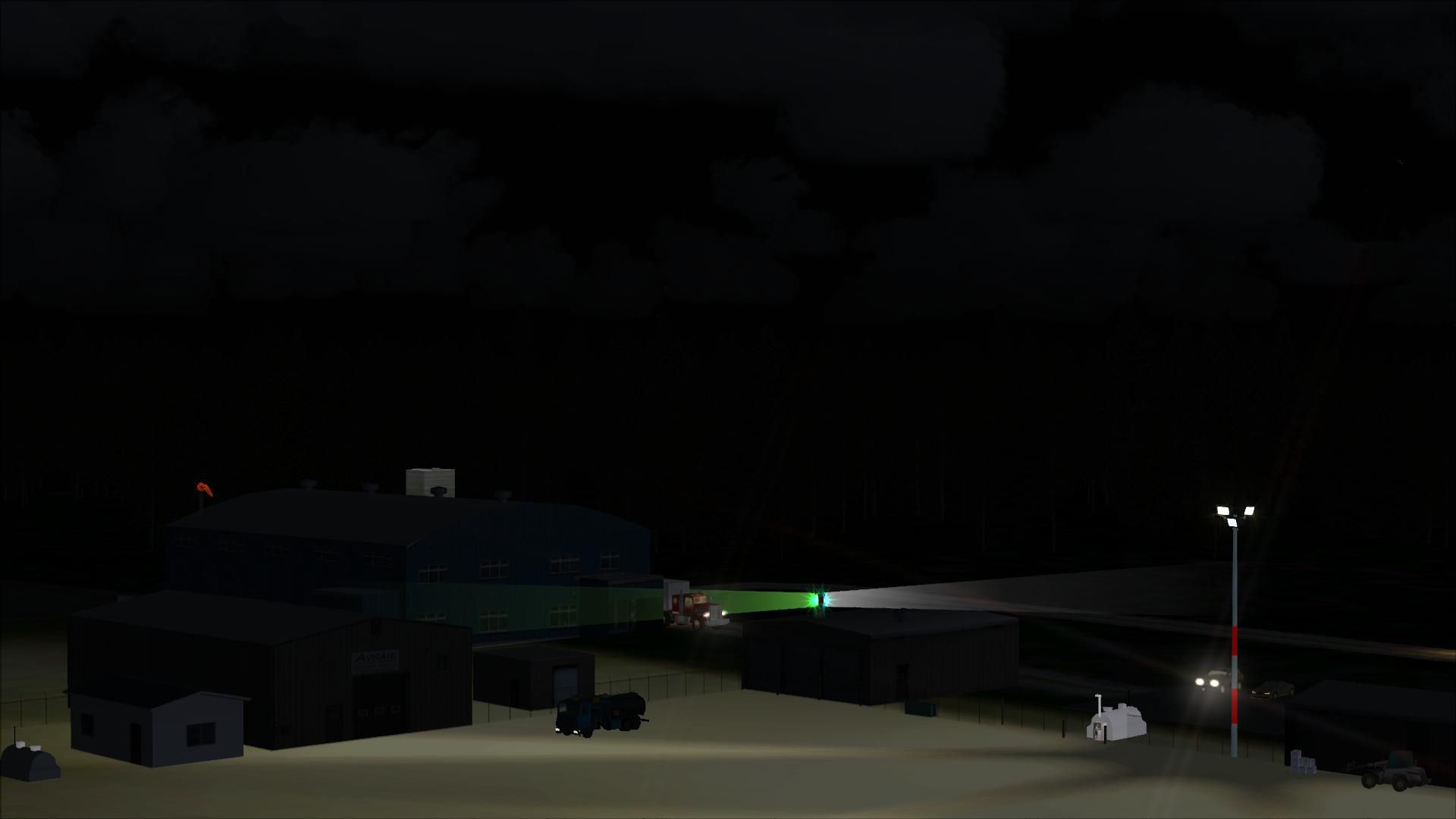

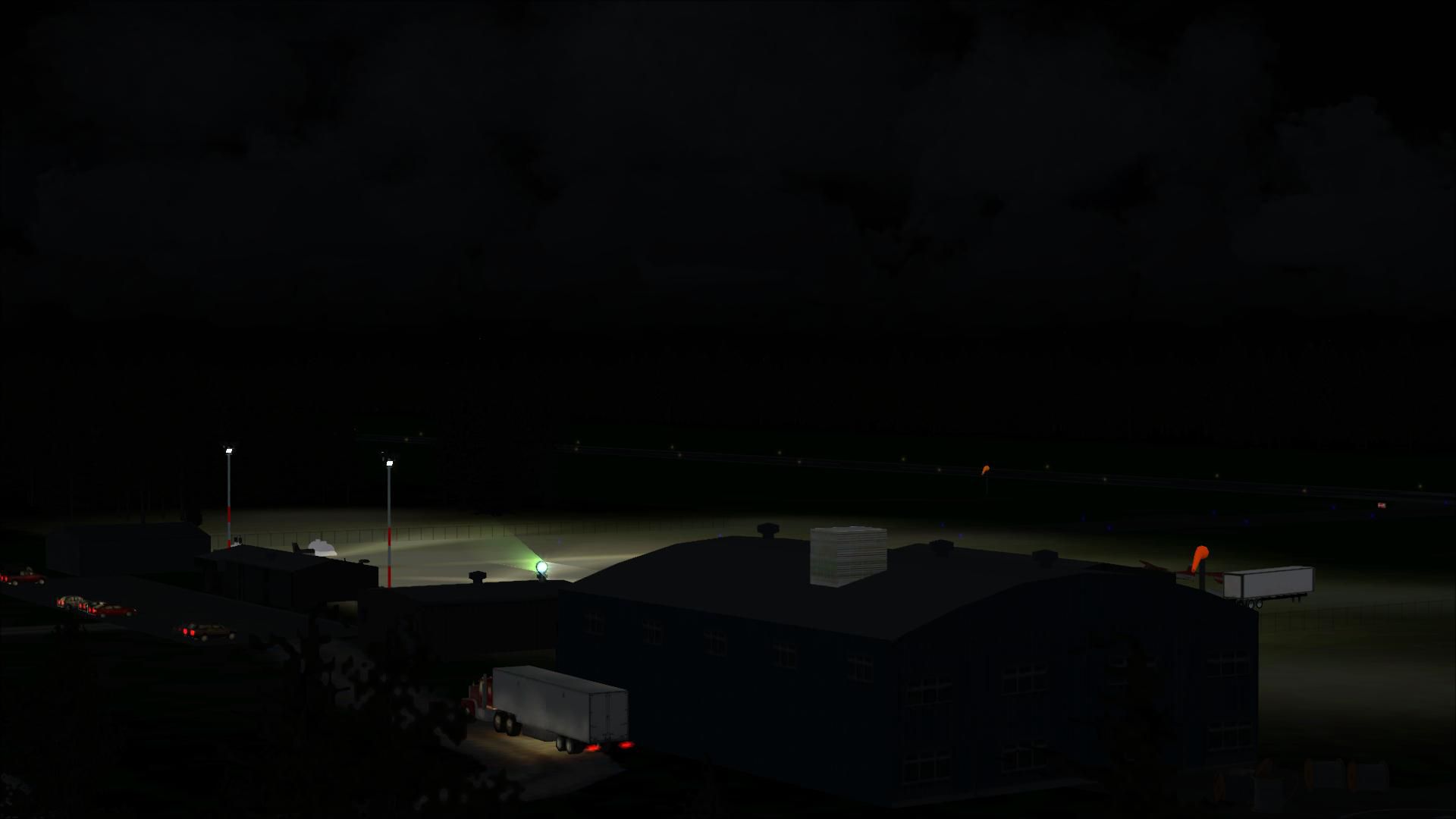
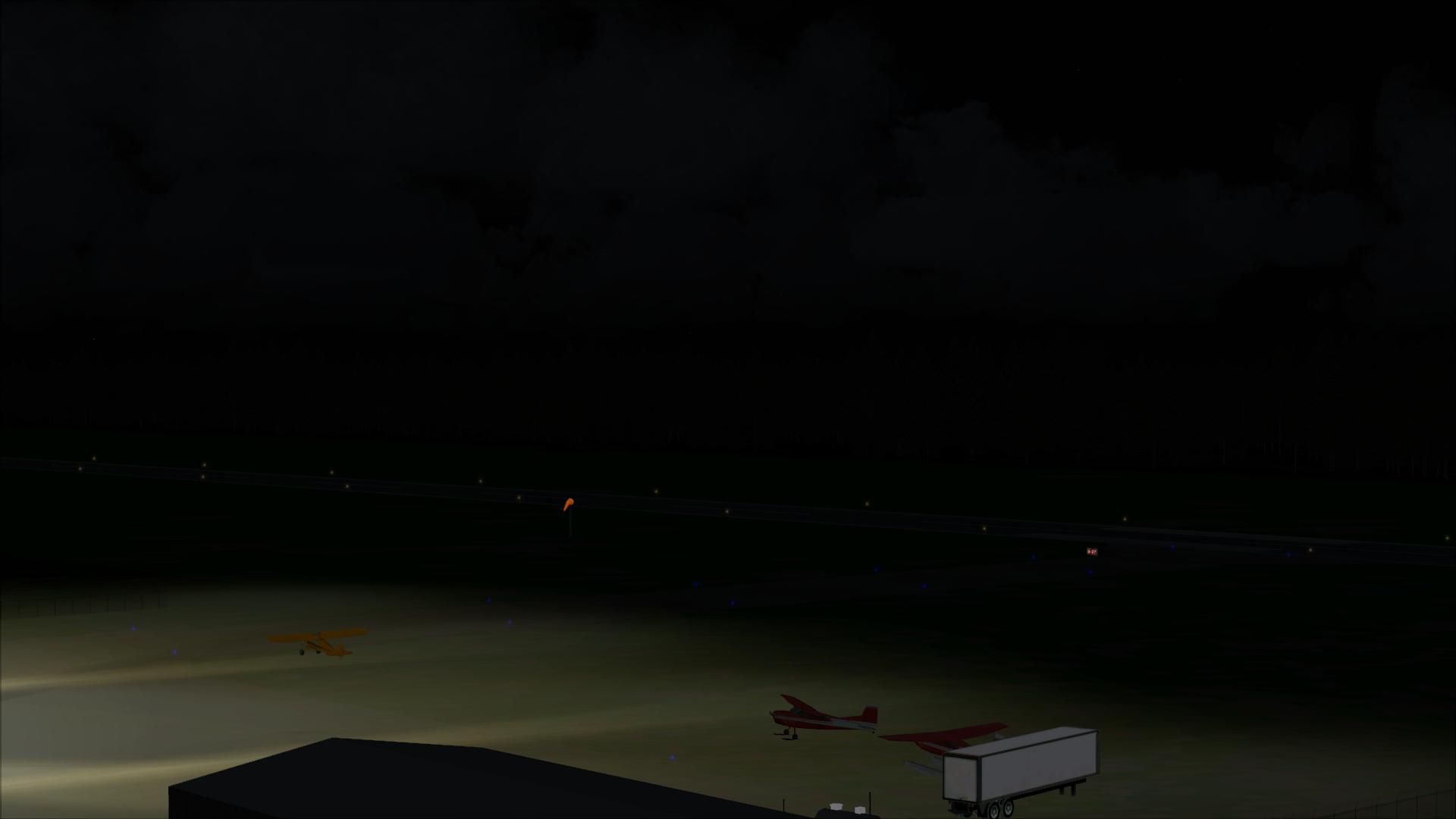
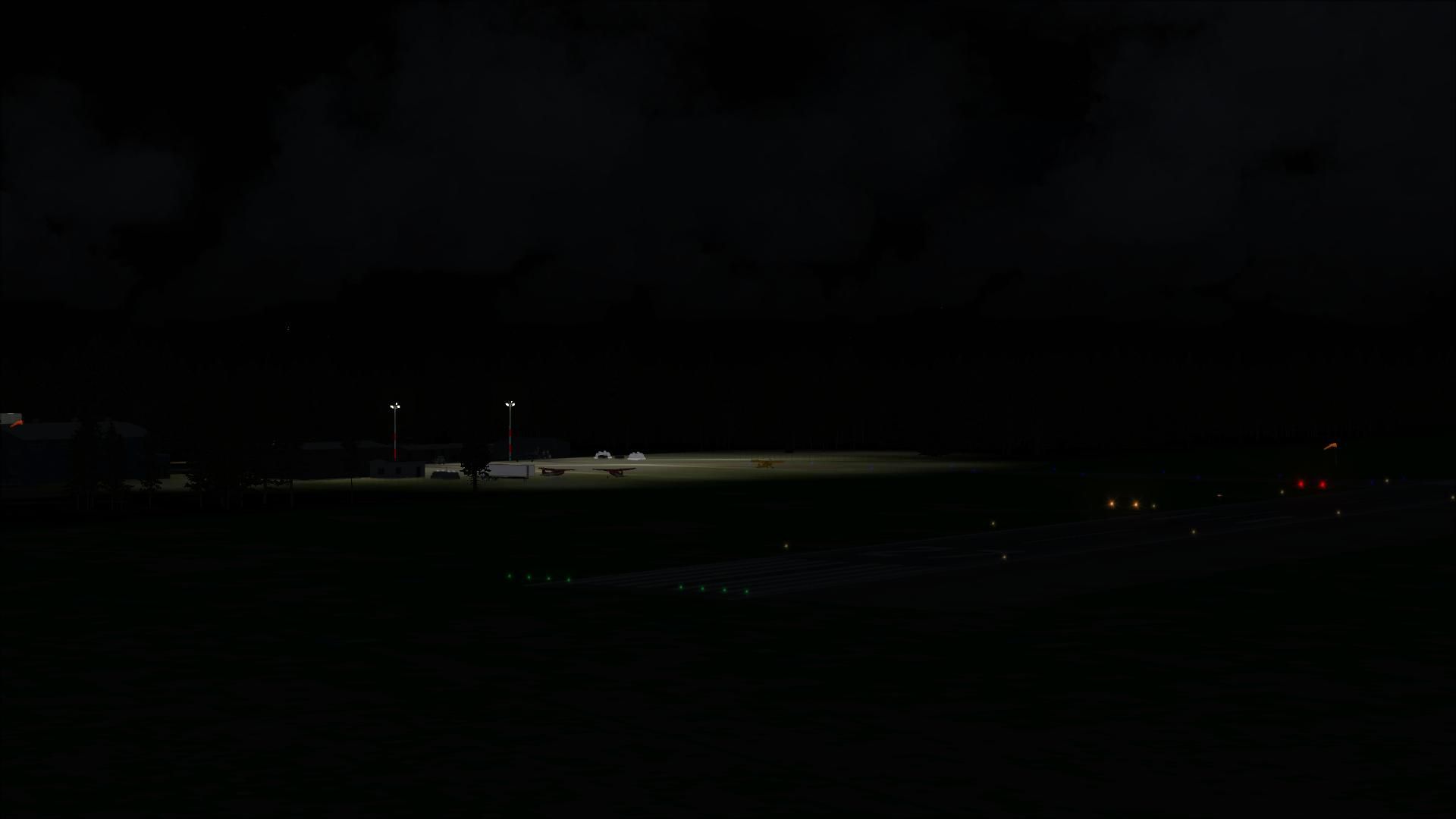
Aeroport de Havre St-Pierre, Quebec, Canada. This scenery is a rendition of Havre-St-Pierre (CYGV) airport using Gmax. Information available in the latest official aeronautical publications and pictures was used as guide in order to reproduce buildings and other custom 3D objects as accurately as possible. By Pierre Gallant.
Aeroport de Havre St-Pierre Scenery.
Special thanks to:
Jean-Pierre Filion for the design of Cessna Air Satellite and Bell Canadian heli statics.
Jean-Pierre Filion and Denis Brown for Beta testing.
What's new in this version ?
First release.
Terminal, hangars , fuel tank, fuel truck, gates, fences and signs.
Nota: starting points R01 and R02 are starting points for helos.
Installation:
***IMPORTANT***
If you have installed ANY scenery of CYGV.
then you must disabled it into FSX.
*STEP-1
If you are using a prior version of the CYGV airport, you must unsinstall it before installing version 1.0.
After unzipping "cygvv10.zip", you get a "cygv" folder, "Scenery" and "Texture" subfolders.
You are now ready to activate the scenery in Flight Simulator.
*STEP-2:
Activate the scenery in Flight Simulator's Scenery Library.
Start Flight Simulator.
1. Choose the menu item "Setting/Scenery Library".
2. Click on "Add area".
3. Browse to your "cyzv" directory.
4. Click "OK".
The scenery is now installed .
This scenery is FREEWARE.
1- This Scenery may be freely distributed as long as it's distribution is FREE and that all files are present and not modified in any way.
2- Redistribution for re-sale on various types of media such as, but not limited to, CD-ROMS/DVDs/Zip disks is strictly PROHIBITED.
3- Re-sale by any other means is strictly PROHIBITED.
4- None of those files or their content, total or partial, can be used for other purpose without the author's written consent.
5- The files cannot be distributed by any type of business store including but not limited to Computer stores.
These files are supplied AS-IS. No warranties or guarantees are implied or supplied.
Have a good flight !!
Free for all simmers · 6.44 MB · Scanned clean
Download speed: Free tier is capped at 0.5 Mbps (this file takes approximately 2 mins at the cap). PRO members download at full line speed.
FSX\Addon Scenery\ containing scenery and texture sub-folders.readme.txt or README file. It tells you exactly where files go, what dependencies are needed, and any quirks specific to this add-on.Use these coordinates to fly directly to this location once the mod is installed.
50.28190000,-63.61140000
Launch FSX or Prepar3D and use Flights → Load to open the downloaded .pln file. Your aircraft will be positioned at this location.
The archive cygv.zip has 93 files and directories contained within it.
This list displays the first 500 files in the package. If the package has more, you will need to download it to view them.
| Filename/Directory | File Date | File Size |
|---|---|---|
| CYGV | 10.10.09 | 0 B |
| Lisez-moi.txt | 10.19.09 | 3.13 kB |
| readme.txt | 10.18.09 | 2.50 kB |
| scenery | 10.18.09 | 0 B |
| accessoires.bgl | 10.10.09 | 69.67 kB |
| avions.bgl | 09.21.09 | 613.79 kB |
| beacon.BGL | 10.18.09 | 140 B |
| bell212canadien.bgl | 10.10.09 | 64.22 kB |
| CYGV_ADEX_SIMQ.BGL | 10.18.09 | 4.75 kB |
| CYGV_ADEX_SIMQ_CVX.bgl | 10.18.09 | 595 B |
| ez-curbs.bgl | 05.31.06 | 53.50 kB |
| LC_3114.bgl | 09.28.09 | 321 B |
| orignal.bgl | 10.09.09 | 49.89 kB |
| spot.BGL | 09.14.09 | 13.00 kB |
| terminal.BGL | 10.18.09 | 241.08 kB |
| texture | 10.11.09 | 0 B |
| 212.bmp | 10.10.09 | 682.75 kB |
| airsatellitea.bmp | 08.25.09 | 256.07 kB |
| airsatelliteb.bmp | 08.25.09 | 256.07 kB |
| avtairA.bmp | 10.10.09 | 256.07 kB |
| AvtairD.bmp | 08.25.09 | 256.07 kB |
| Bench_metal.bmp | 03.23.05 | 42.75 kB |
| c402.bmp | 10.11.09 | 341.43 kB |
| cable drum Nortel.bmp | 03.23.05 | 42.75 kB |
| cable drum Pirelli.bmp | 03.23.05 | 42.75 kB |
| cable drum top cable.bmp | 03.23.05 | 42.75 kB |
| Cable planks.bmp | 03.23.05 | 42.75 kB |
| cablewinding grey.bmp | 03.23.05 | 42.75 kB |
| cablewinding.bmp | 03.23.05 | 42.75 kB |
| chainlink.bmp | 03.23.05 | 42.75 kB |
| Curb_textures.bmp | 05.31.06 | 32.07 kB |
| curb_textures_large.bmp | 05.31.06 | 128.07 kB |
| cygp2.bmp | 08.25.09 | 256.07 kB |
| divers.bmp | 05.26.05 | 256.07 kB |
| divers_lm.bmp | 06.16.05 | 256.07 kB |
| entrepot.bmp | 08.25.09 | 256.07 kB |
| ESDG_ramp.BMP | 01.09.05 | 32.07 kB |
| ESDG_ramp_lm.BMP | 01.09.05 | 32.07 kB |
| fence.bmp | 10.10.09 | 341.43 kB |
| flags.bmp | 09.22.04 | 42.75 kB |
| flags_lm.bmp | 09.22.04 | 42.75 kB |
| fuel.bmp | 10.10.09 | 85.43 kB |
| fuelbox.bmp | 12.11.04 | 256.07 kB |
| fuelbox_lm.bmp | 12.20.04 | 256.07 kB |
| HydroQuebeca.bmp | 08.25.09 | 256.07 kB |
| L8000Box.bmp | 12.14.05 | 341.40 kB |
| L8000Box_lm.bmp | 12.24.05 | 341.40 kB |
| L8000Cab.bmp | 12.14.05 | 341.40 kB |
| L8000Cab_lm.bmp | 12.24.05 | 341.40 kB |
| Office_seat.bmp | 03.23.05 | 42.75 kB |
| orignal.bmp | 10.09.09 | 256.05 kB |
| planks 256x256.bmp | 03.23.05 | 42.75 kB |
| remise.bmp | 08.25.09 | 256.07 kB |
| roue.bmp | 09.18.09 | 16.90 kB |
| smfence.bmp | 10.05.09 | 64.07 kB |
| stationservice.bmp | 01.29.05 | 256.07 kB |
| stationservice_lm.bmp | 01.31.05 | 256.07 kB |
| TcanadaB.bmp | 08.25.09 | 256.07 kB |
| TcanadaD.bmp | 08.25.09 | 256.07 kB |
| term2.bmp | 05.25.05 | 128.07 kB |
| term2_lm.bmp | 06.11.05 | 256.07 kB |
| terminala.bmp | 08.25.09 | 256.07 kB |
| terminalb.bmp | 08.25.09 | 256.07 kB |
| Thumbs.db | 10.11.09 | 10.00 kB |
| tl_metal1.bmp | 07.13.05 | 64.07 kB |
| Tool_chest_blue.bmp | 03.23.05 | 42.75 kB |
| weathered_stone.bmp | 03.23.05 | 42.75 kB |
| logo150.gif | 10.30.09 | 7.78 kB |
| flyawaysimulation.txt | 10.29.13 | 959 B |
| Go to Fly Away Simulation.url | 01.22.16 | 52 B |
| Screenshots | 08.12.19 | 0 B |
| screen-1.jpg | 08.09.19 | 159.50 kB |
| screen-10.jpg | 08.09.19 | 313.07 kB |
| screen-11.jpg | 08.09.19 | 197.41 kB |
| screen-12.jpg | 08.09.19 | 61.13 kB |
| screen-13.jpg | 08.09.19 | 56.27 kB |
| screen-14.jpg | 08.09.19 | 60.79 kB |
| screen-15.jpg | 08.09.19 | 48.16 kB |
| screen-16.jpg | 08.09.19 | 55.63 kB |
| screen-17.jpg | 08.09.19 | 52.18 kB |
| screen-18.jpg | 08.09.19 | 209.92 kB |
| screen-19.jpg | 08.09.19 | 259.21 kB |
| screen-2.jpg | 08.09.19 | 526.21 kB |
| screen-20.jpg | 08.09.19 | 337.42 kB |
| screen-21.jpg | 08.09.19 | 274.29 kB |
| screen-22.jpg | 08.09.19 | 440.40 kB |
| screen-3.jpg | 08.09.19 | 198.72 kB |
| screen-4.jpg | 08.09.19 | 229.40 kB |
| screen-5.jpg | 08.09.19 | 257.70 kB |
| screen-6.jpg | 08.09.19 | 186.27 kB |
| screen-7.jpg | 08.09.19 | 211.15 kB |
| screen-8.jpg | 08.09.19 | 275.22 kB |
| screen-9.jpg | 08.09.19 | 274.62 kB |
More FSX & P3D add-ons hand-picked based on this download.
FSX Scenery
Islands Of St Pierre And Miquelon. Includes new local mesh, photoreal texture…
 FSX Scenery
This comprehensive freeware scenery add-on upgrades Tunisia’s DTTA (Aéroport …
 FSX Scenery
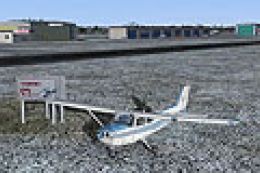
Aeroport de Mascouche (CSK3), Quebec, Canada. Includes all the real buildings…
 FSX Scenery
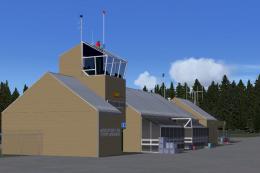
Aeroport de Port-Menier (CYPN), Anticosti, Golfe Saint-Laurent, Quebec, Canad…
 FSX Scenery
Montreal Pierre-Elliot Trudeau International Airport (CYUL), Quebec, Canada. …
 FSX Scenery
Princess Juliana International Airport (TNCM), Philipsburg, Sint Maarten, Net…
 FSX Scenery
This is a freeware file and has taken a lot of time and effort to make To ins…
 FSX Scenery
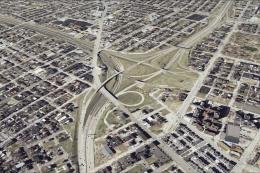
St Louis PhotoReal Scenery. This is high resolution, 1 meter/pixel, terrain s…
Be the first to leave a comment on this download.
Be the first to share your thoughts on this download.