







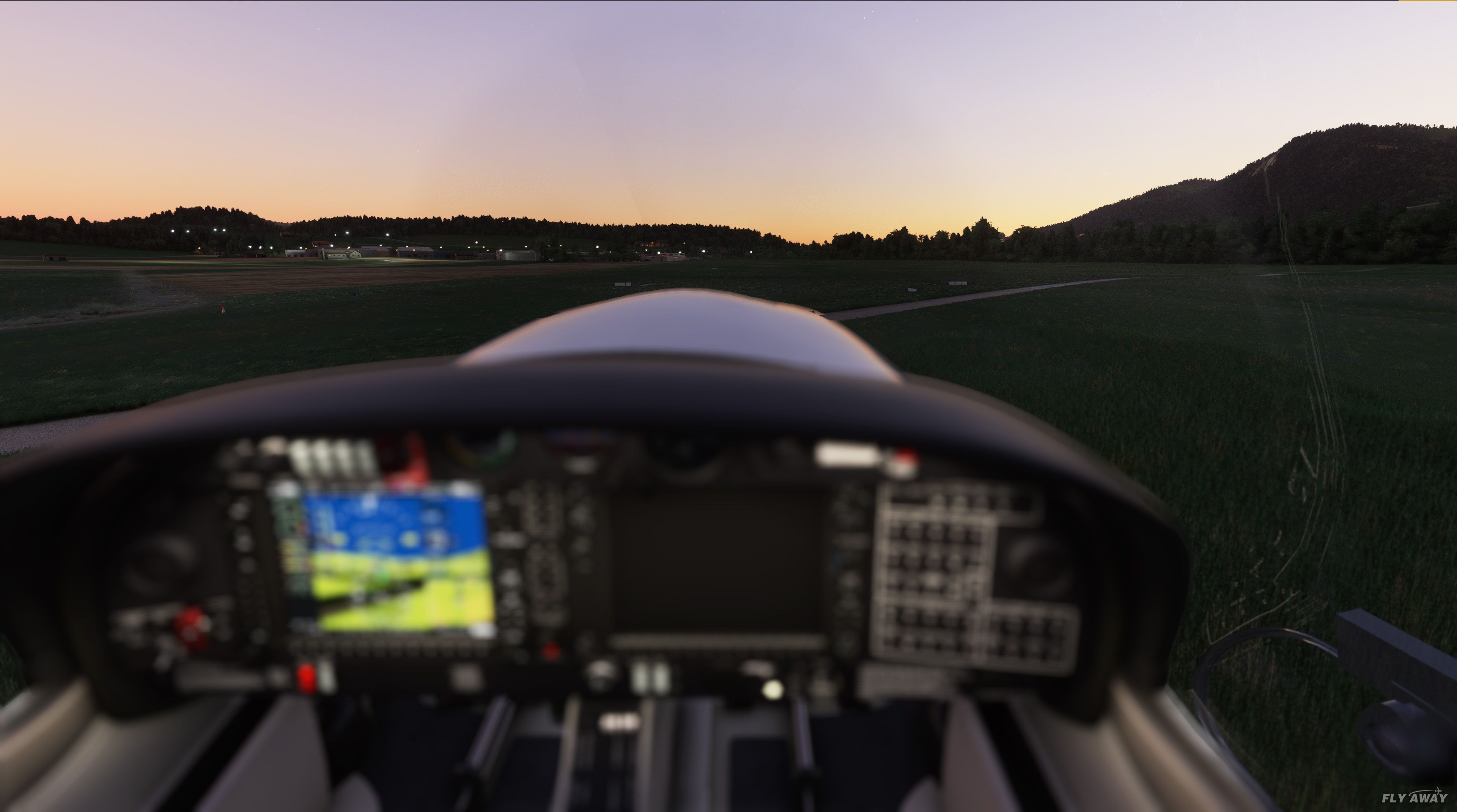
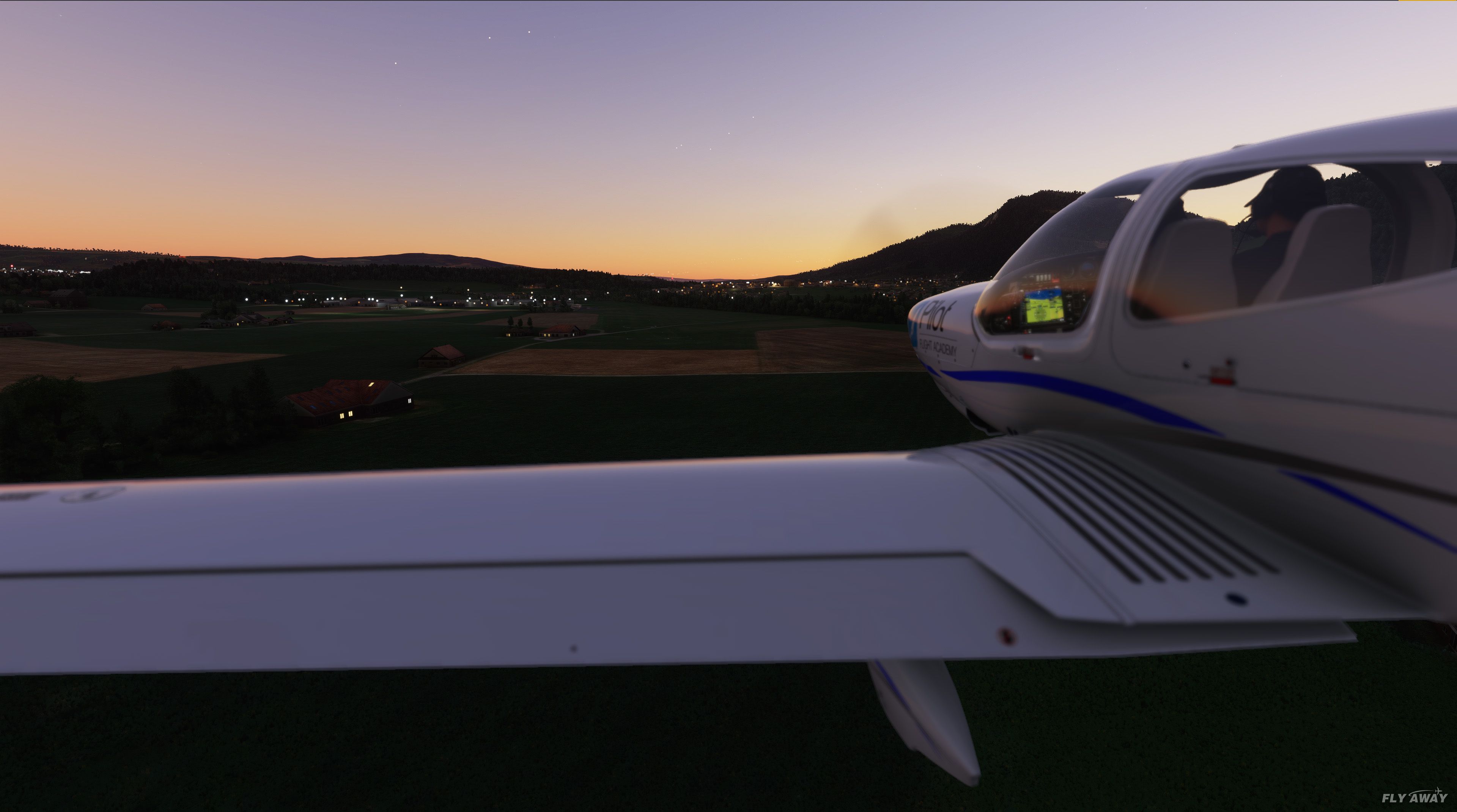
 MSFS Scenery
Dubai, UAE City Building & Pack
A large freeware scenery add-on pack put together by the developer who goes b…
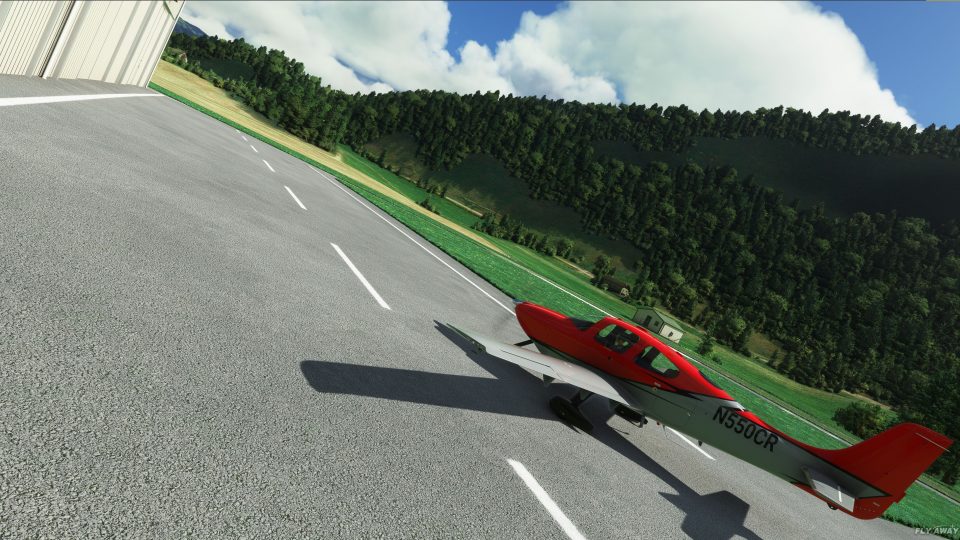
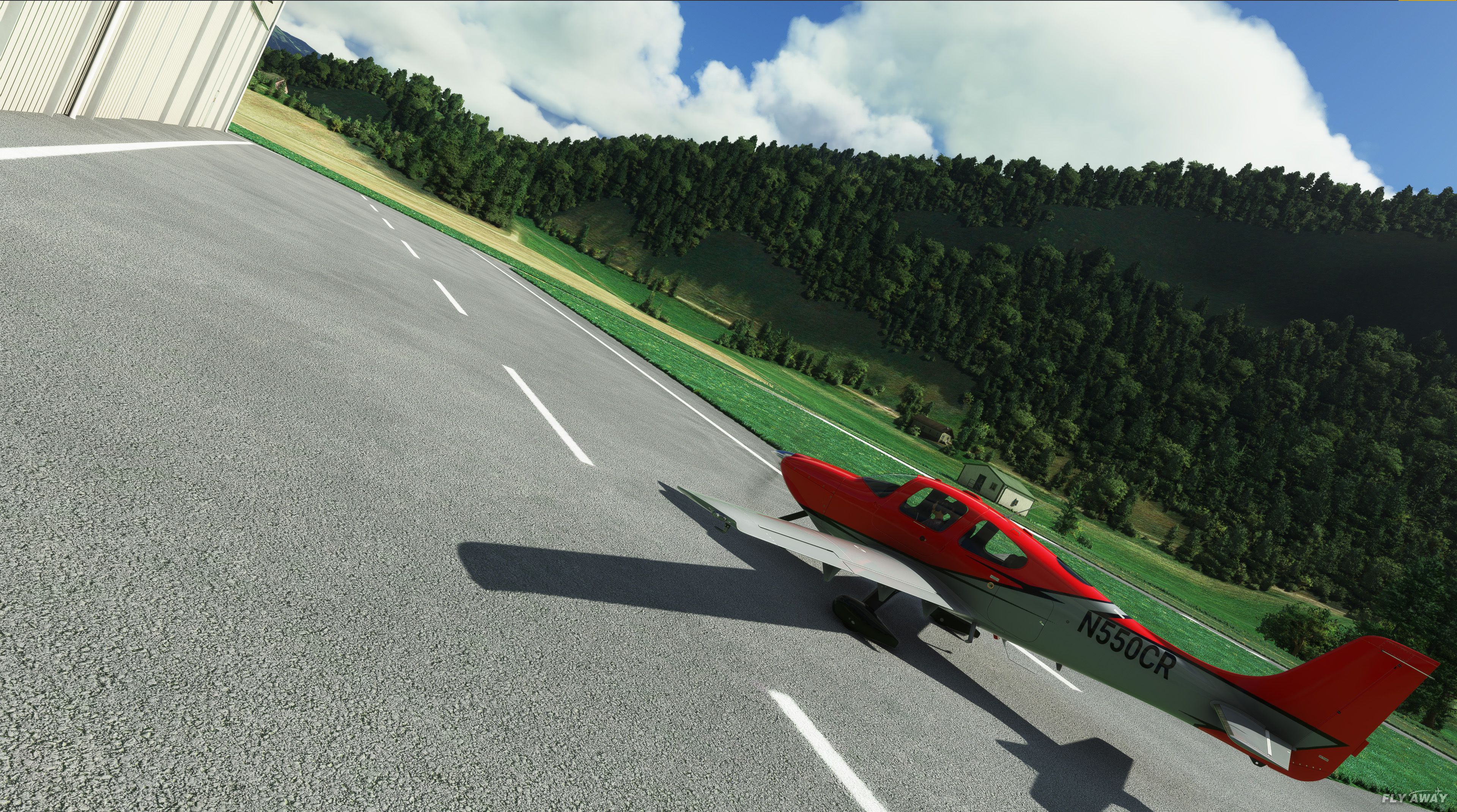
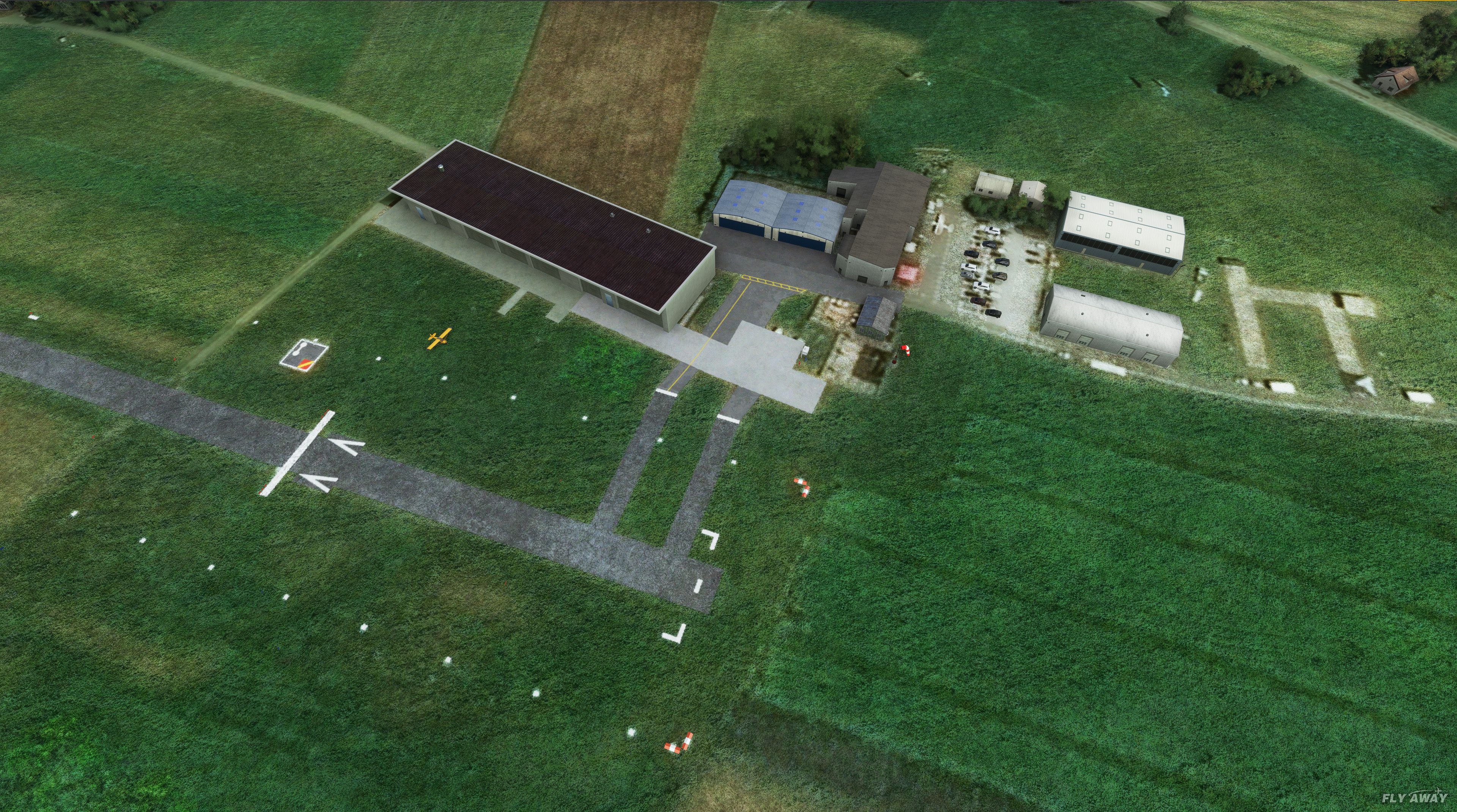
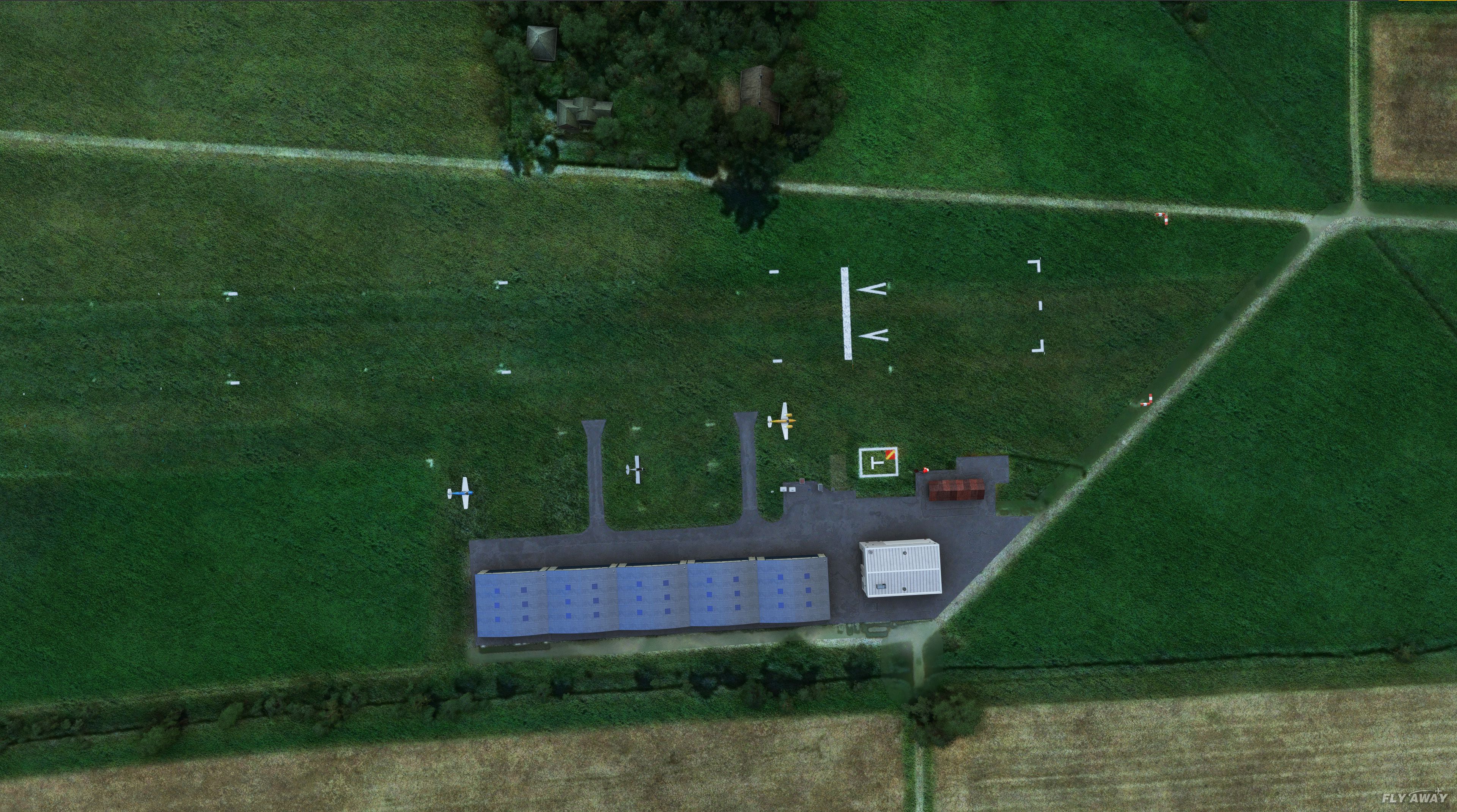
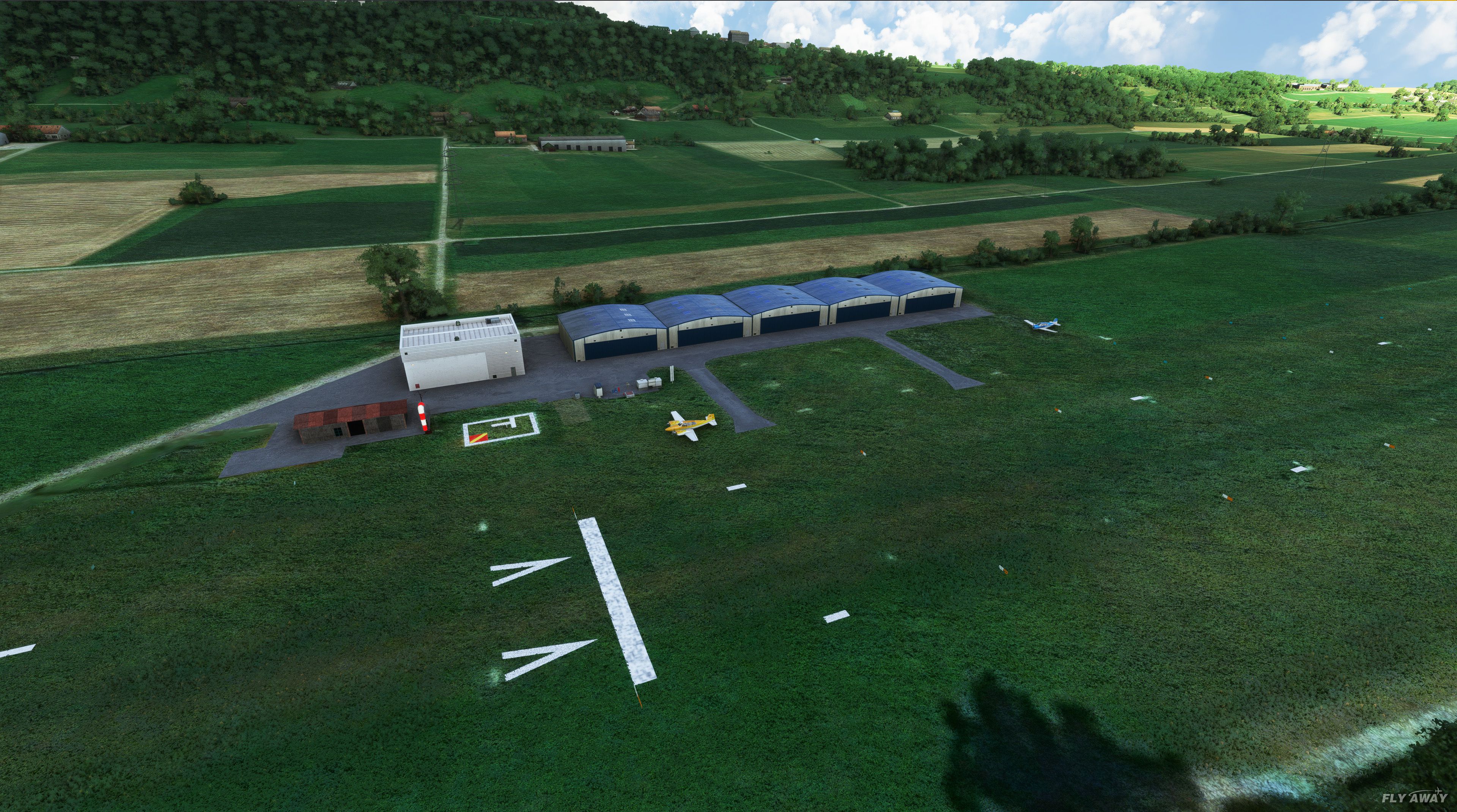
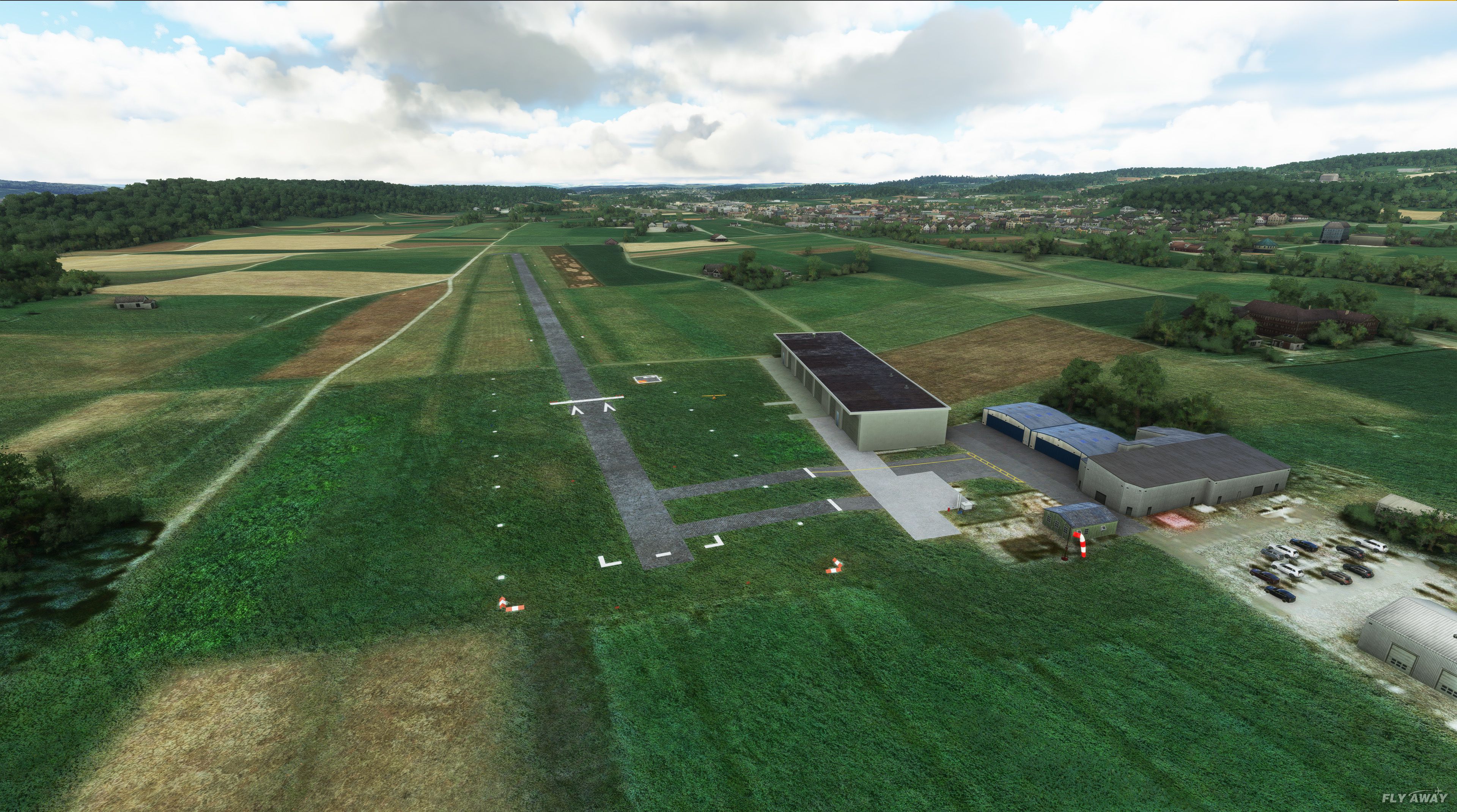
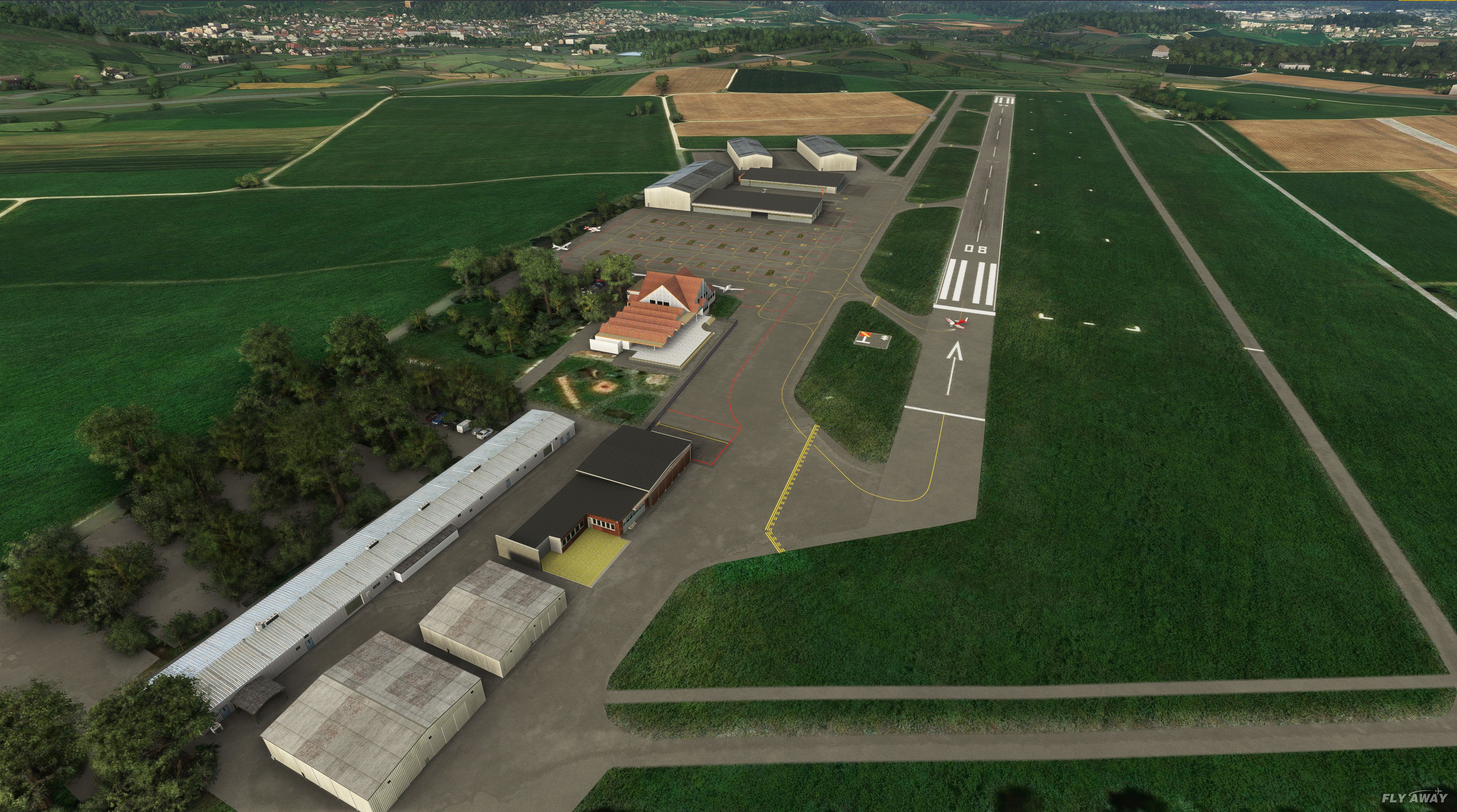
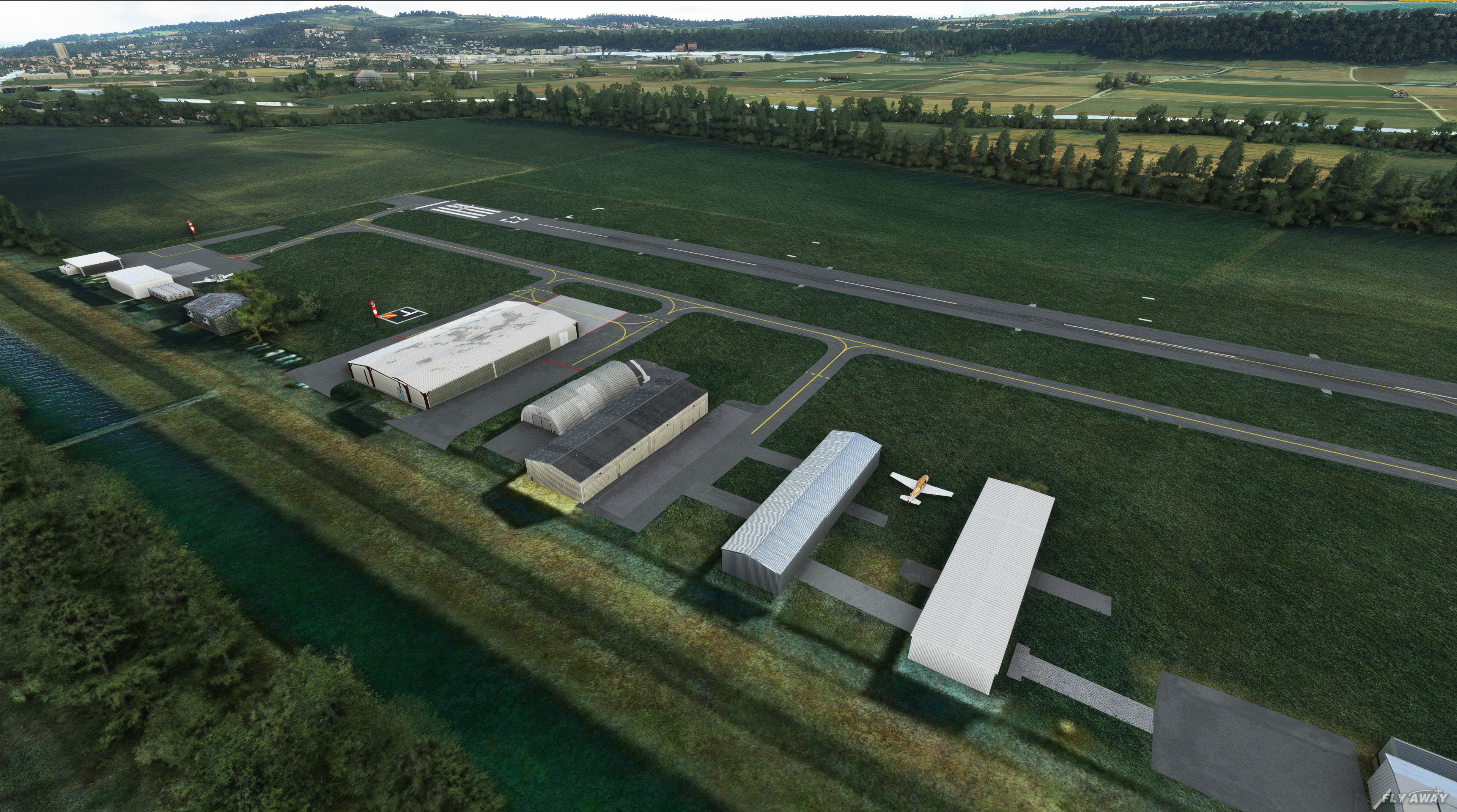
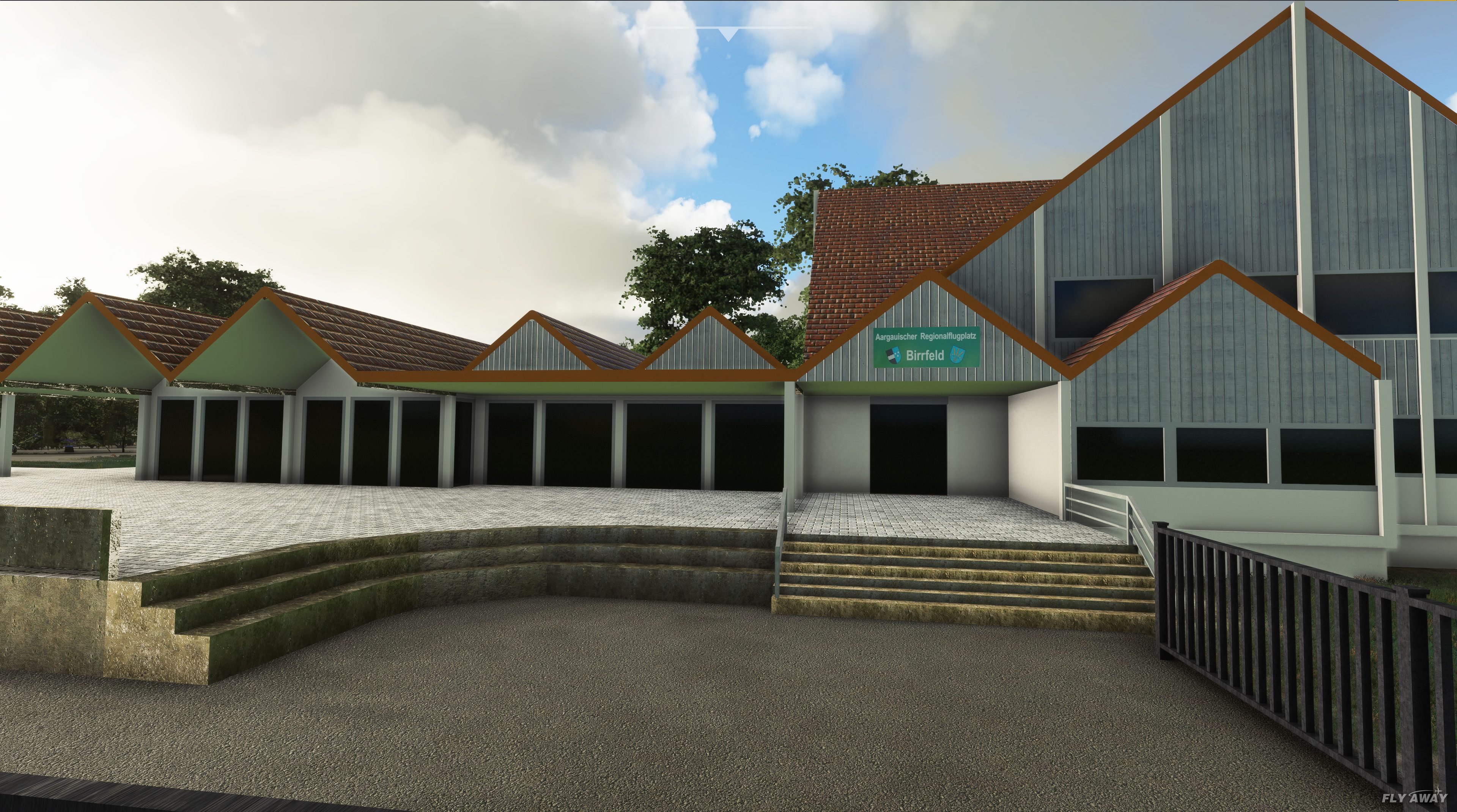
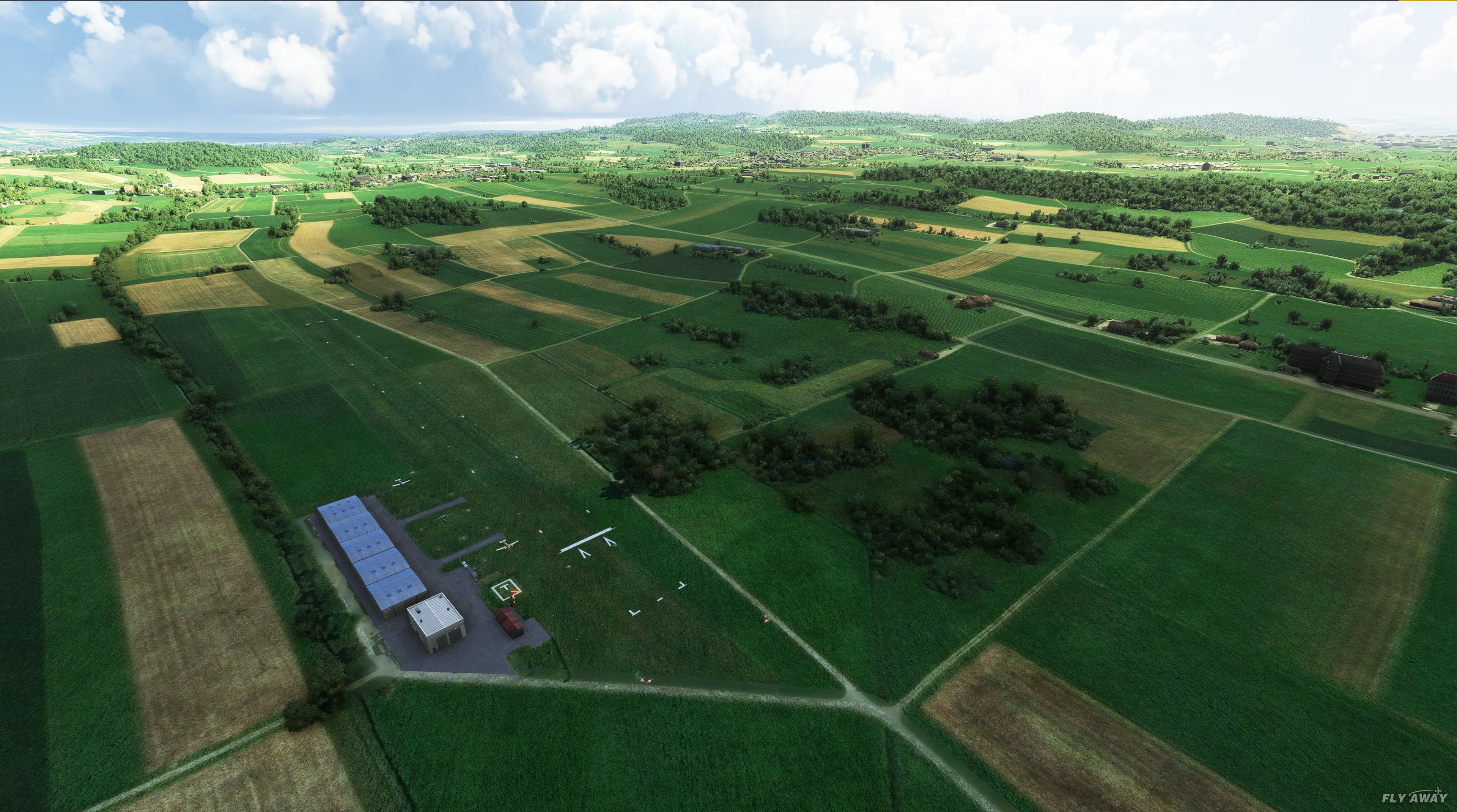
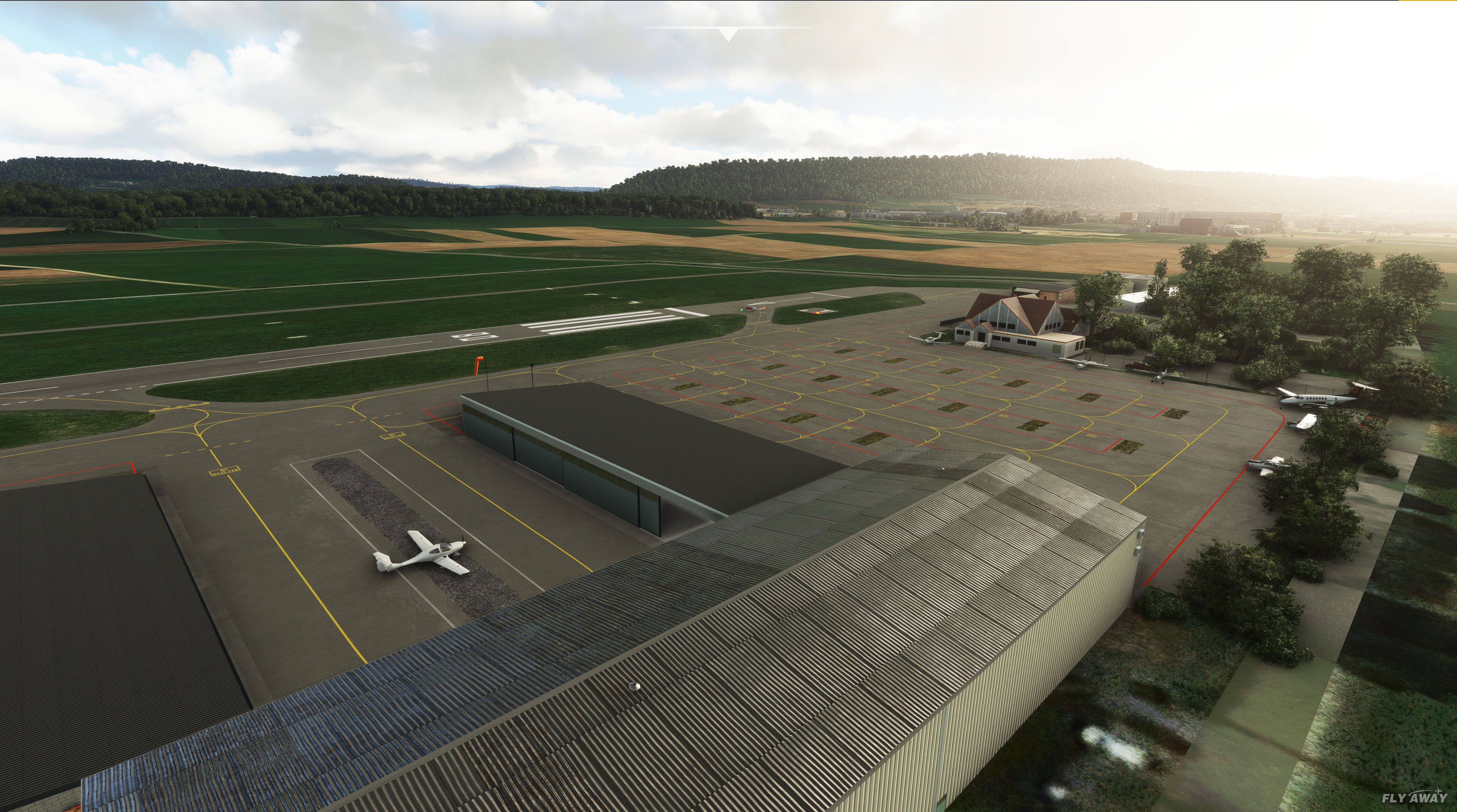
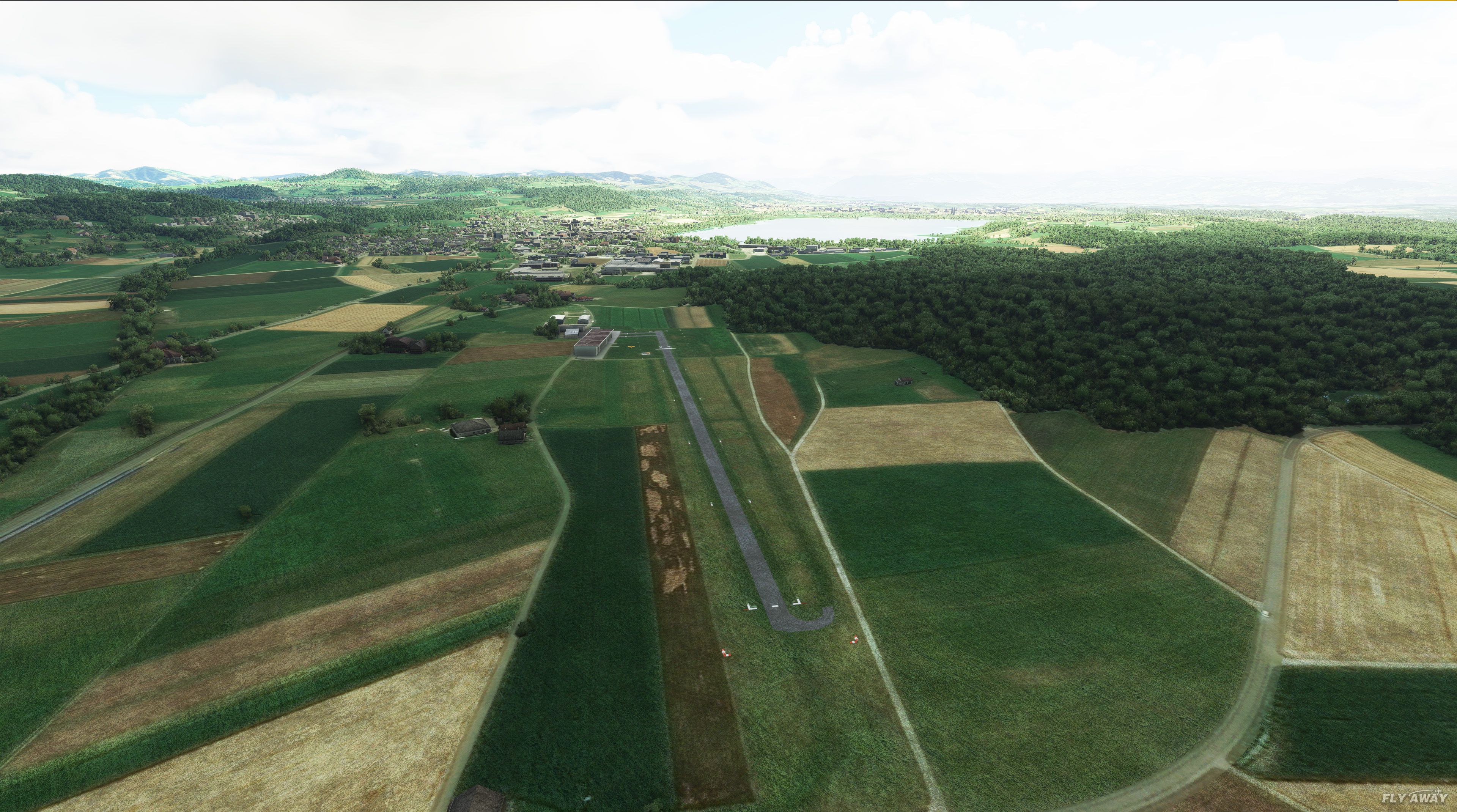
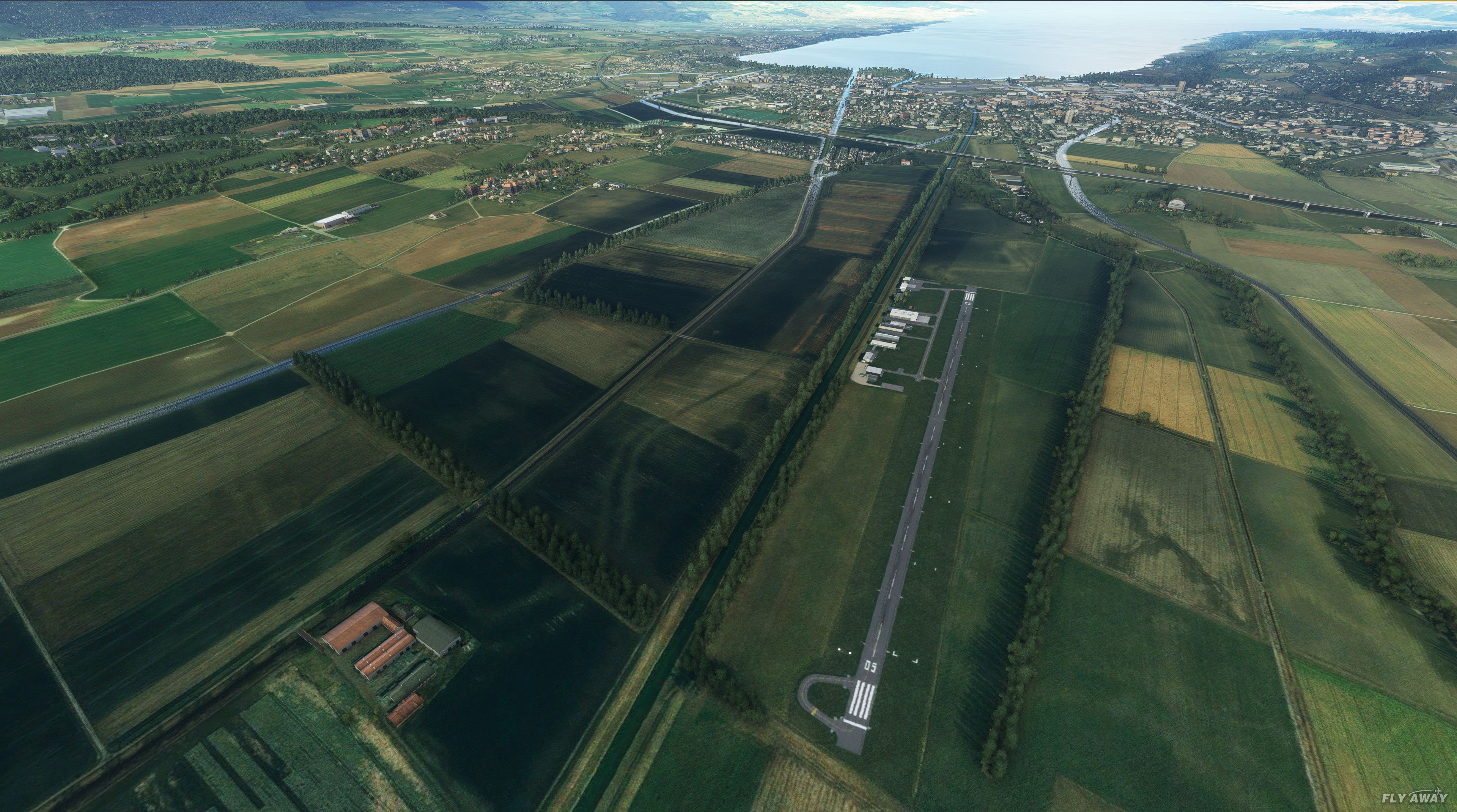
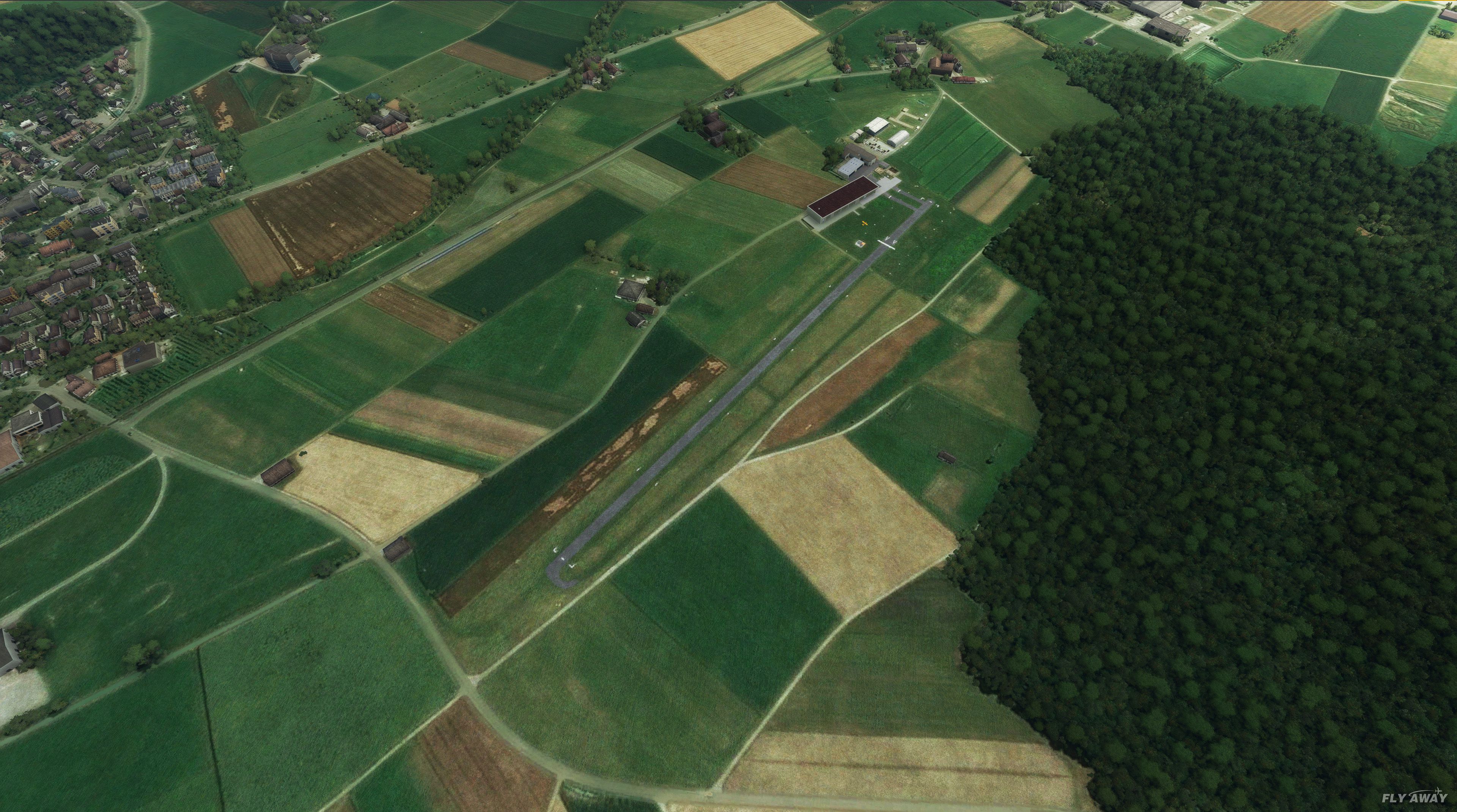
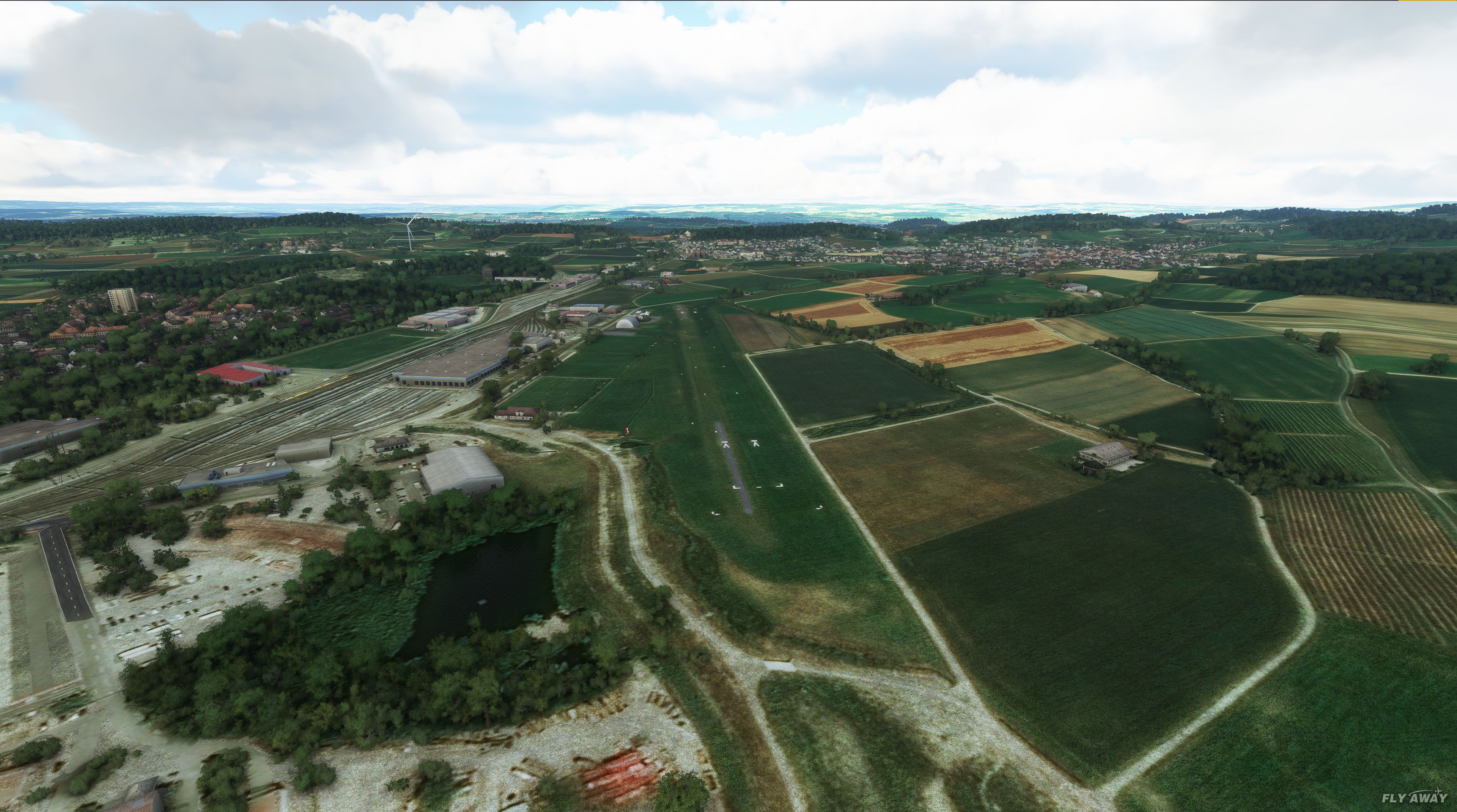
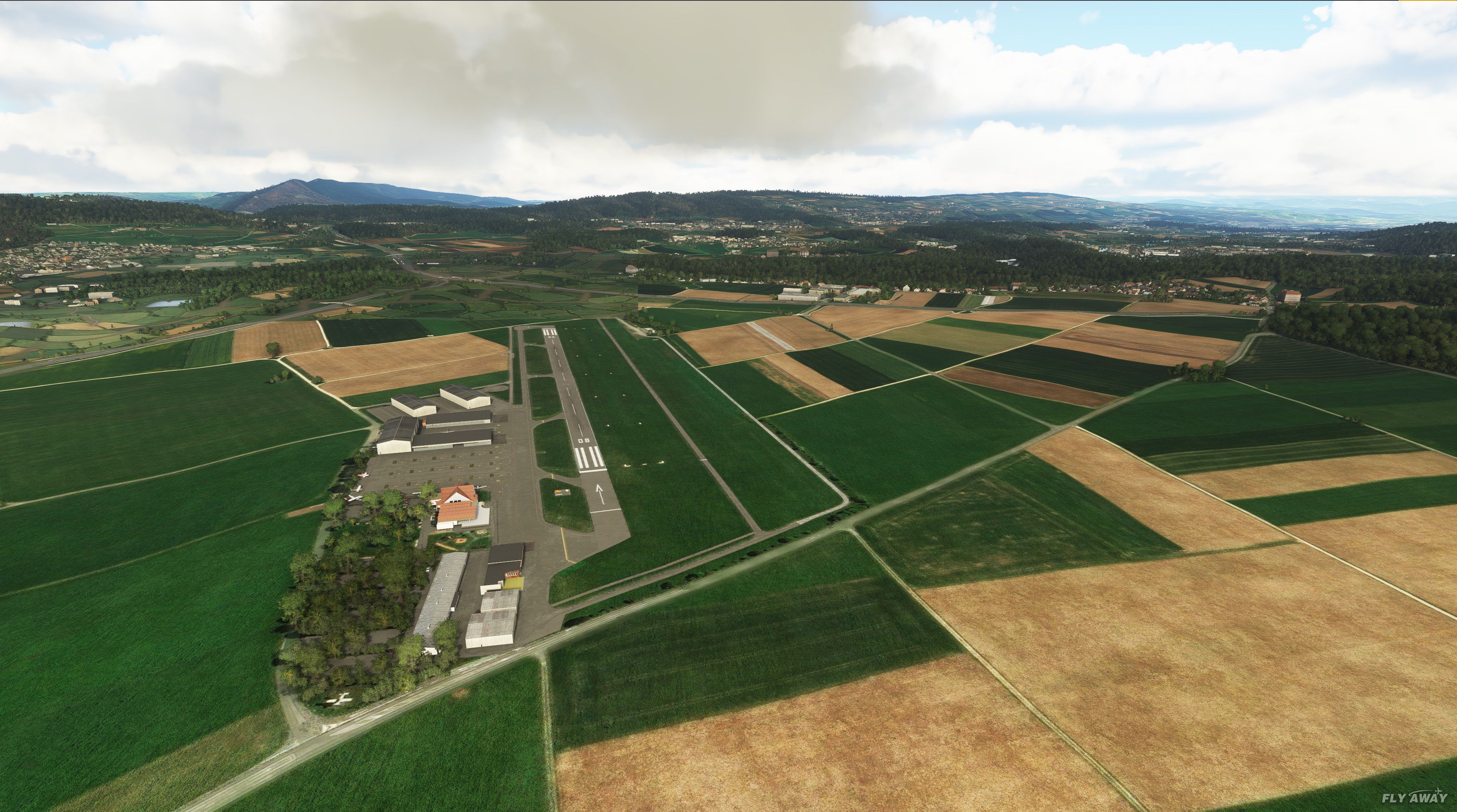
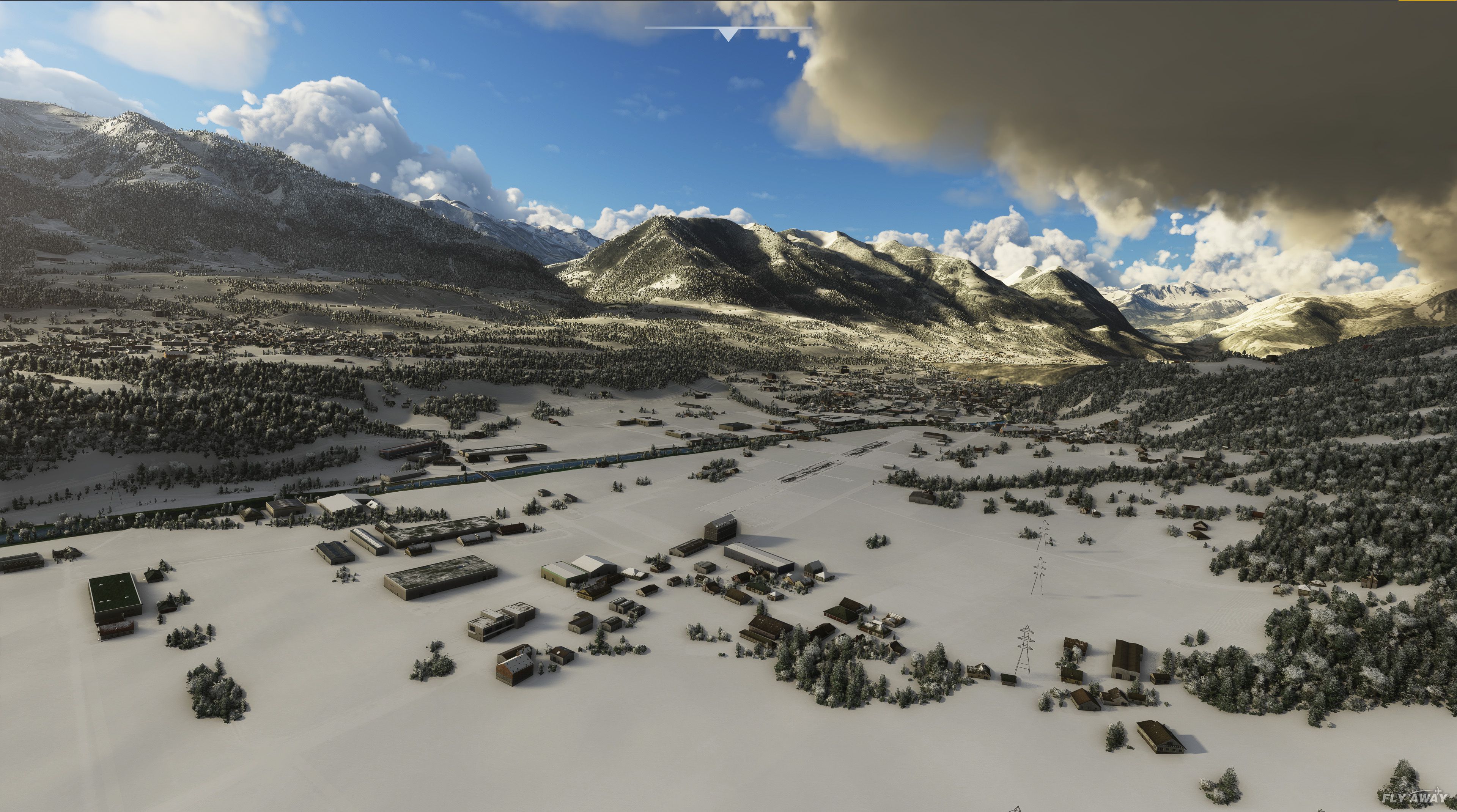
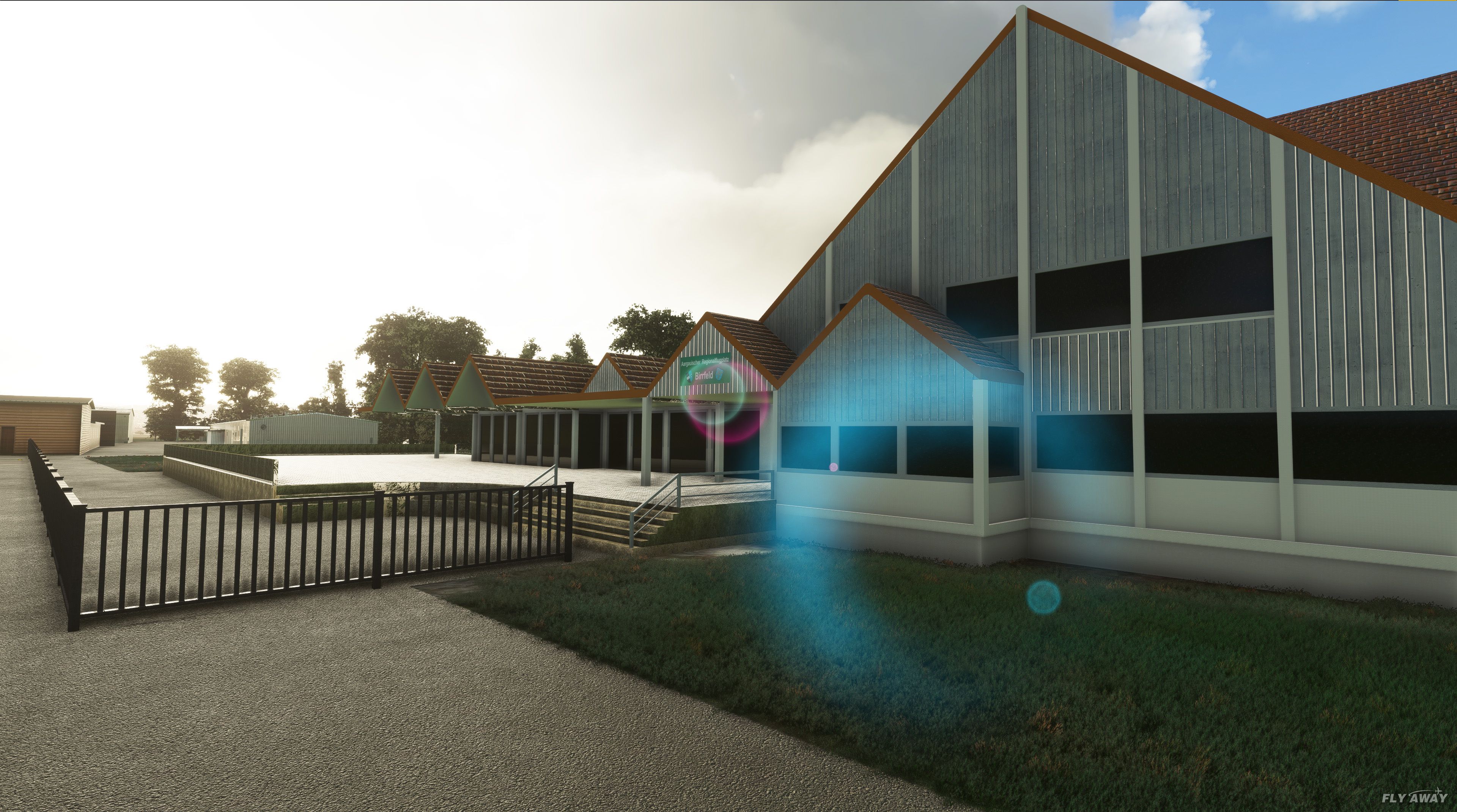
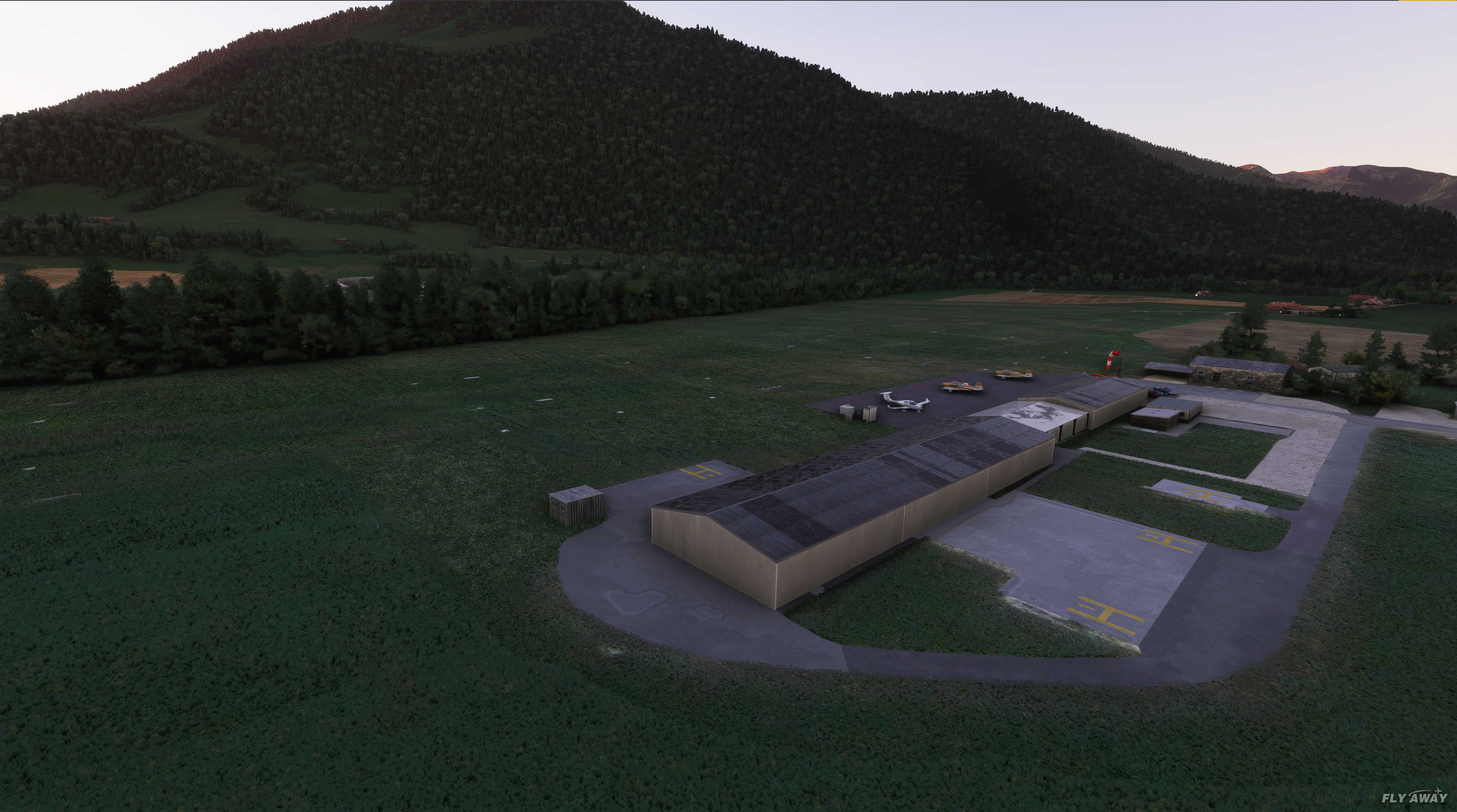
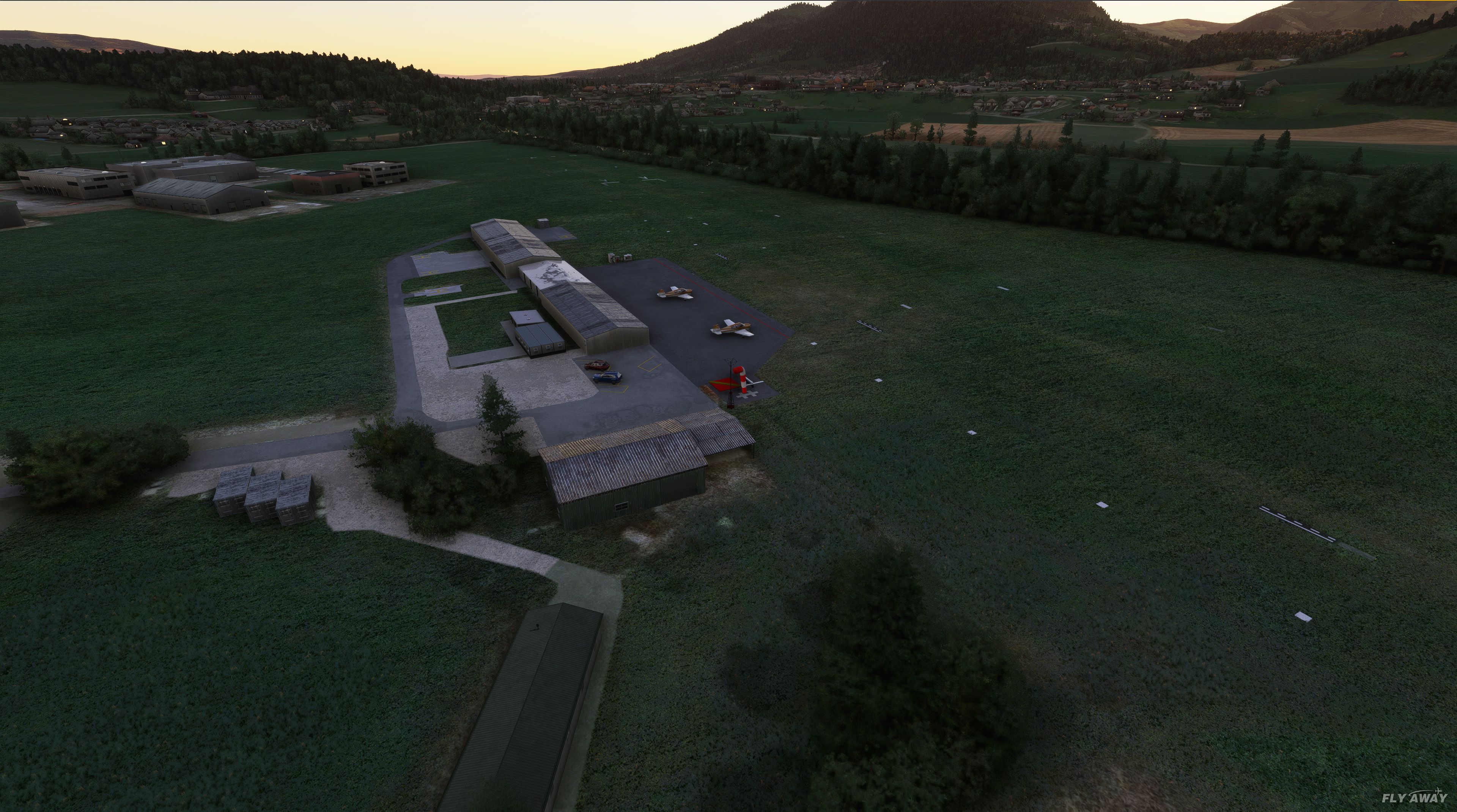
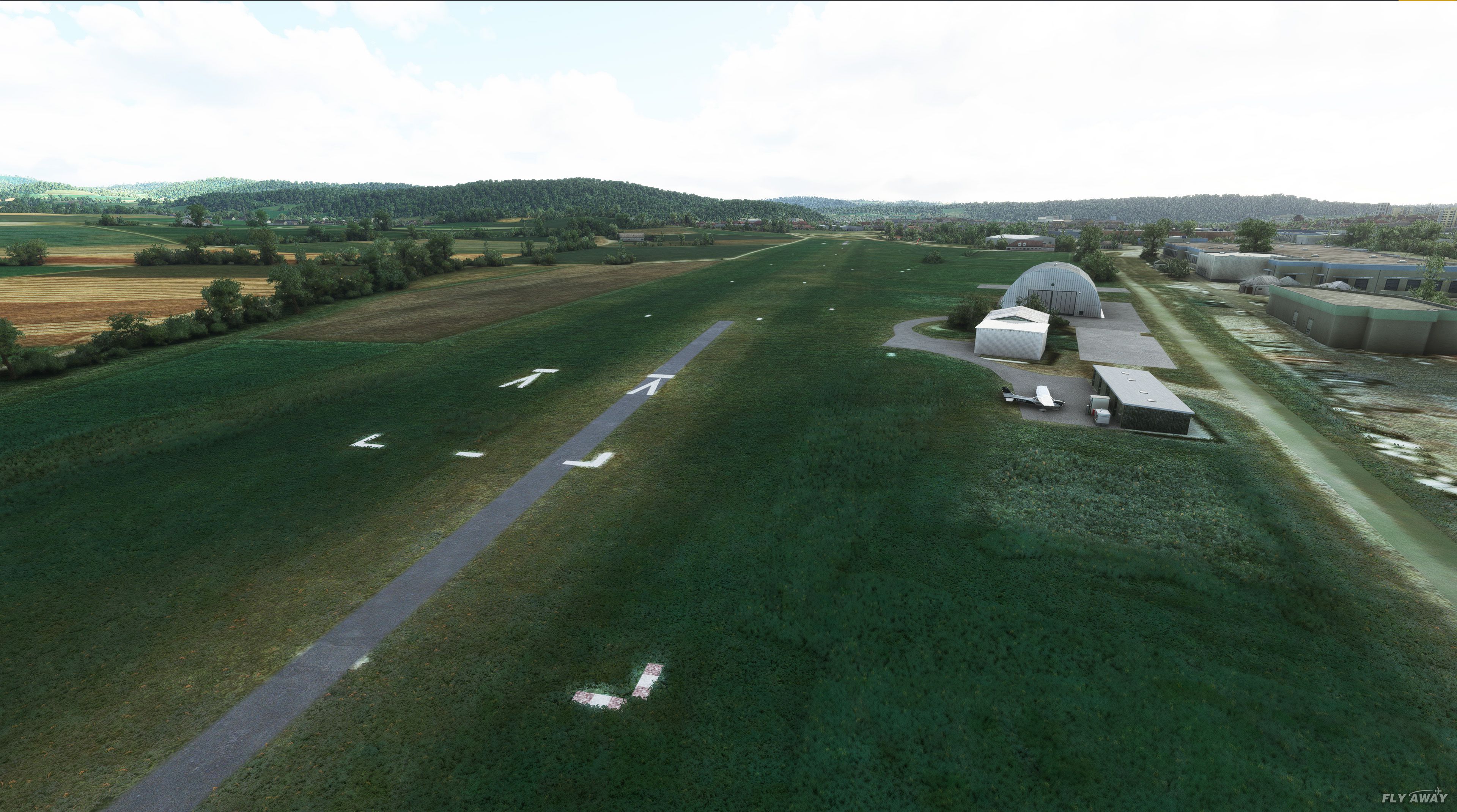
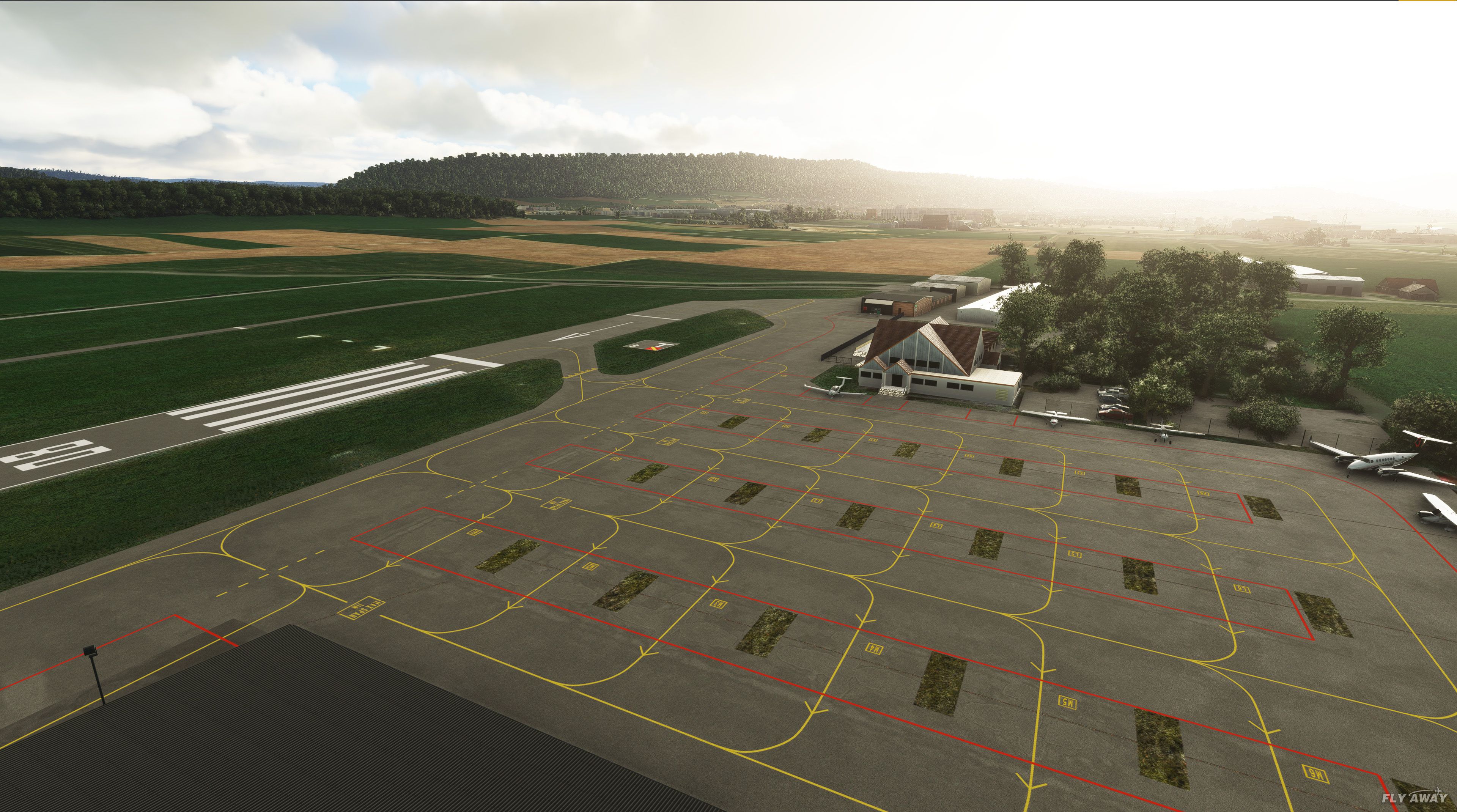
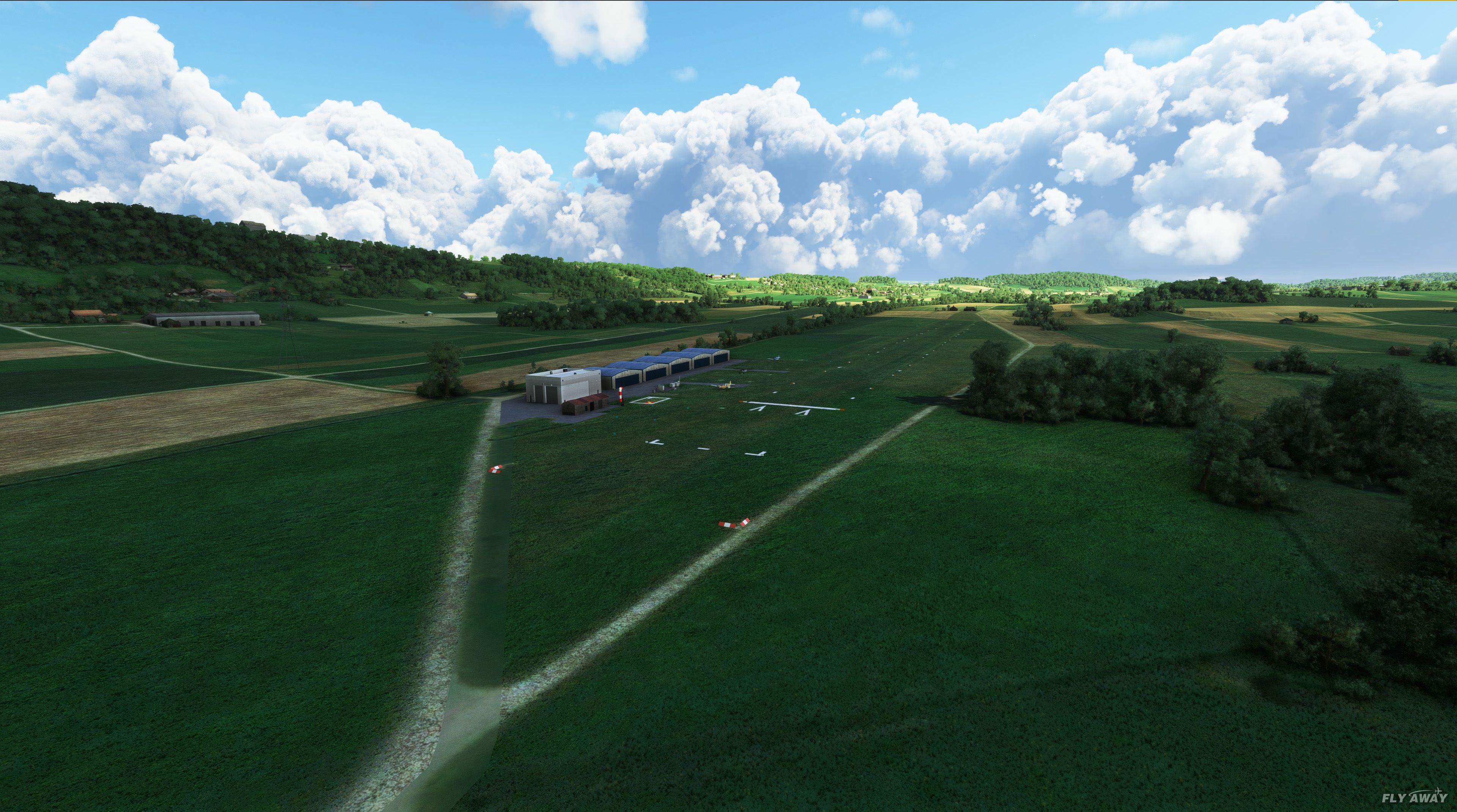
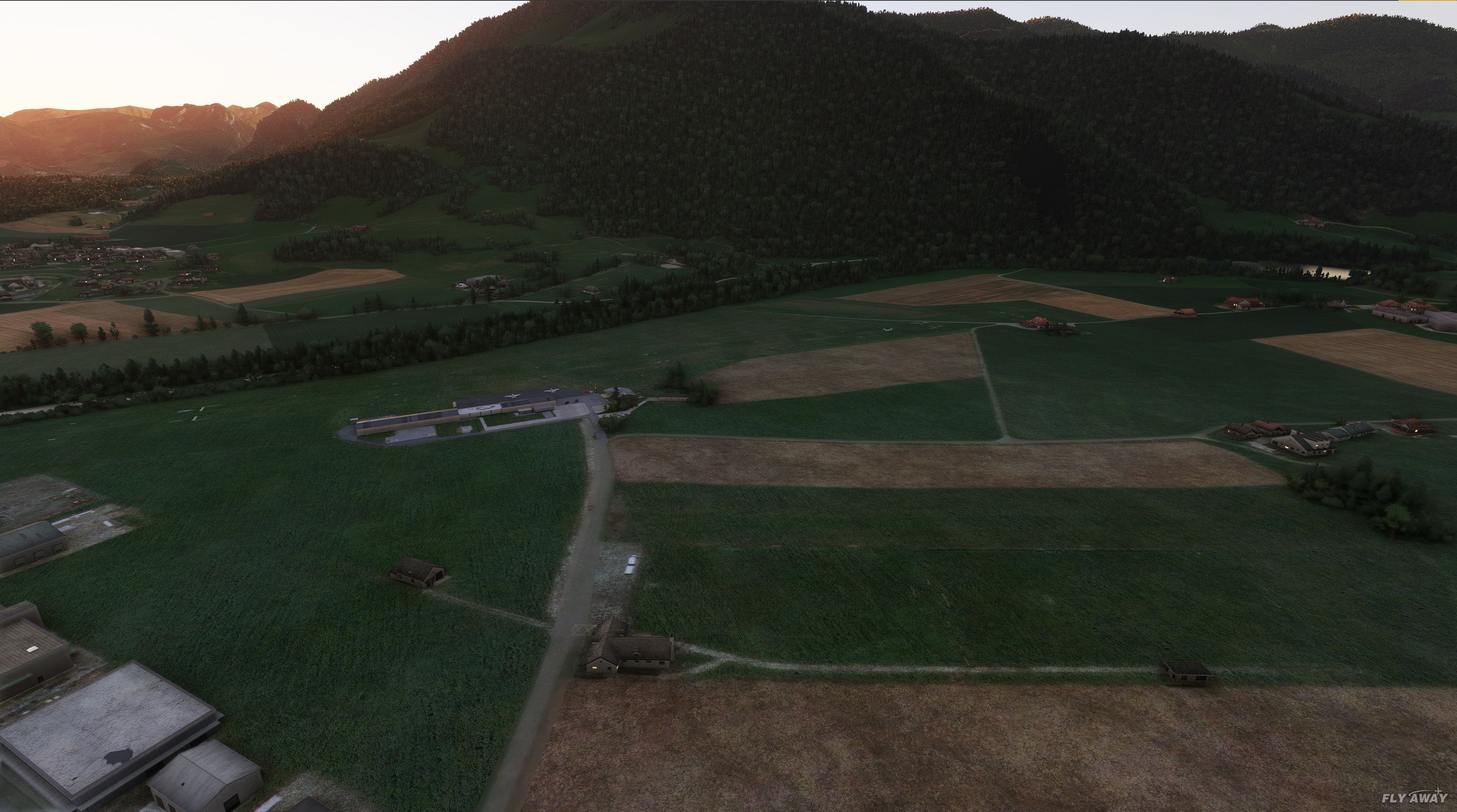
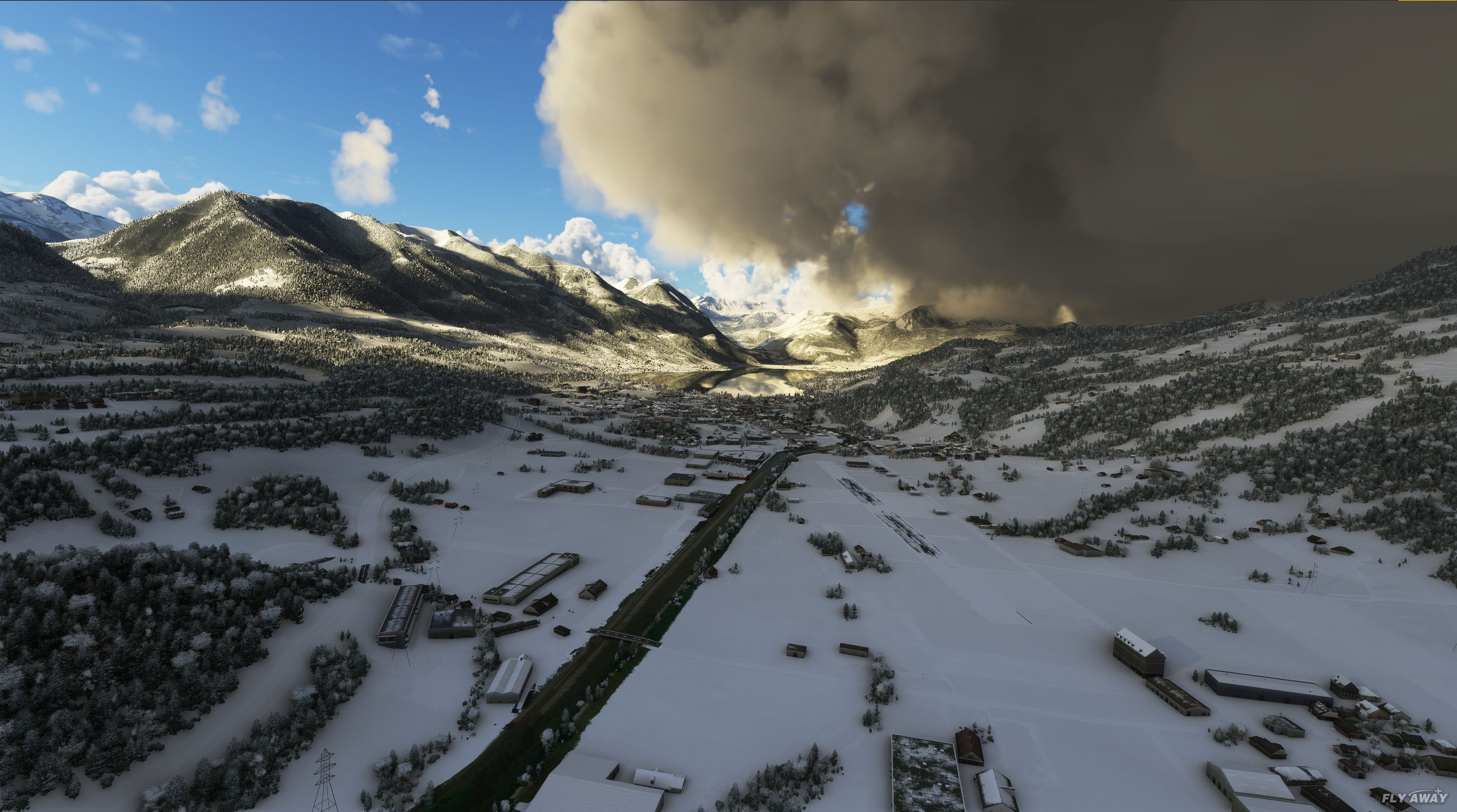
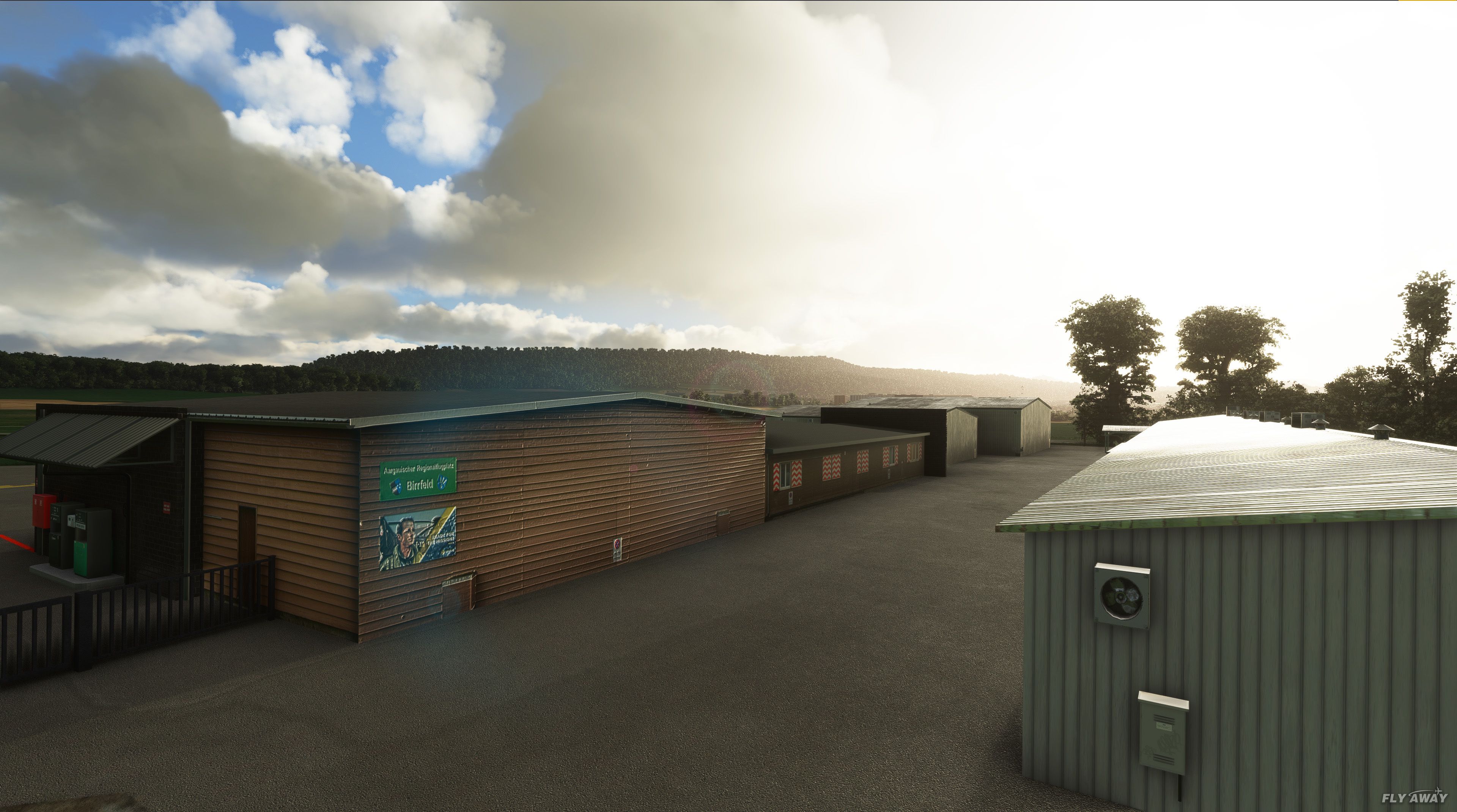
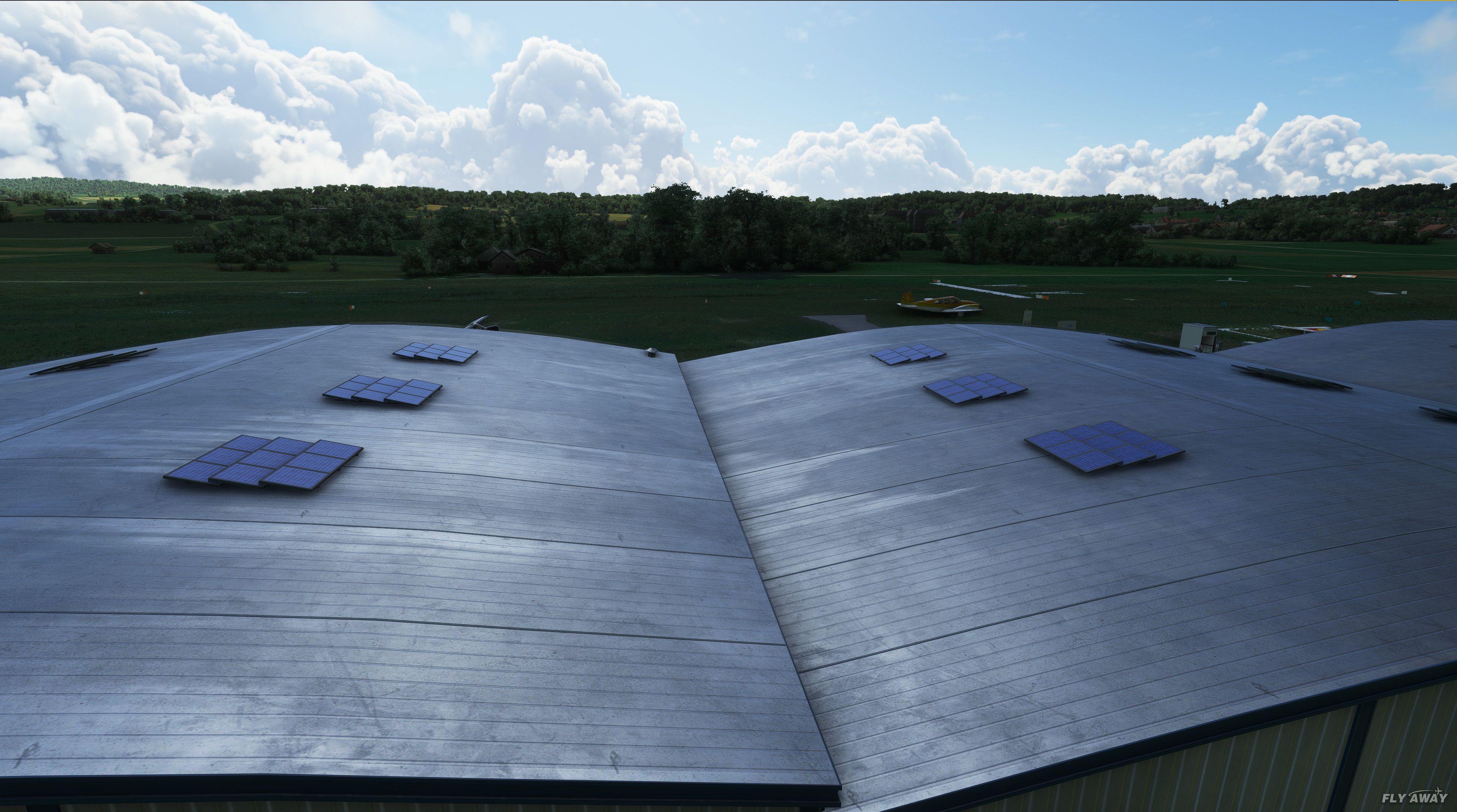
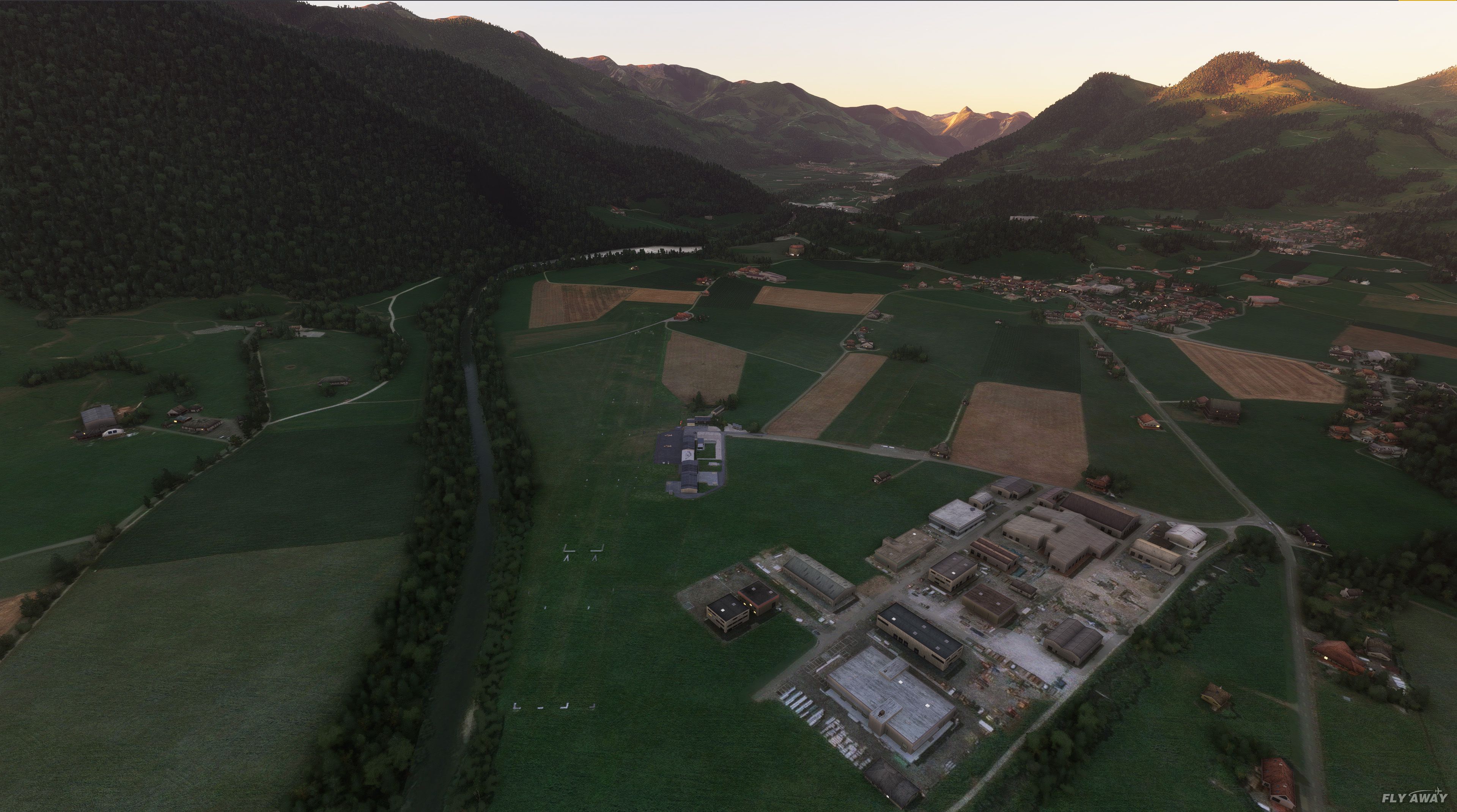
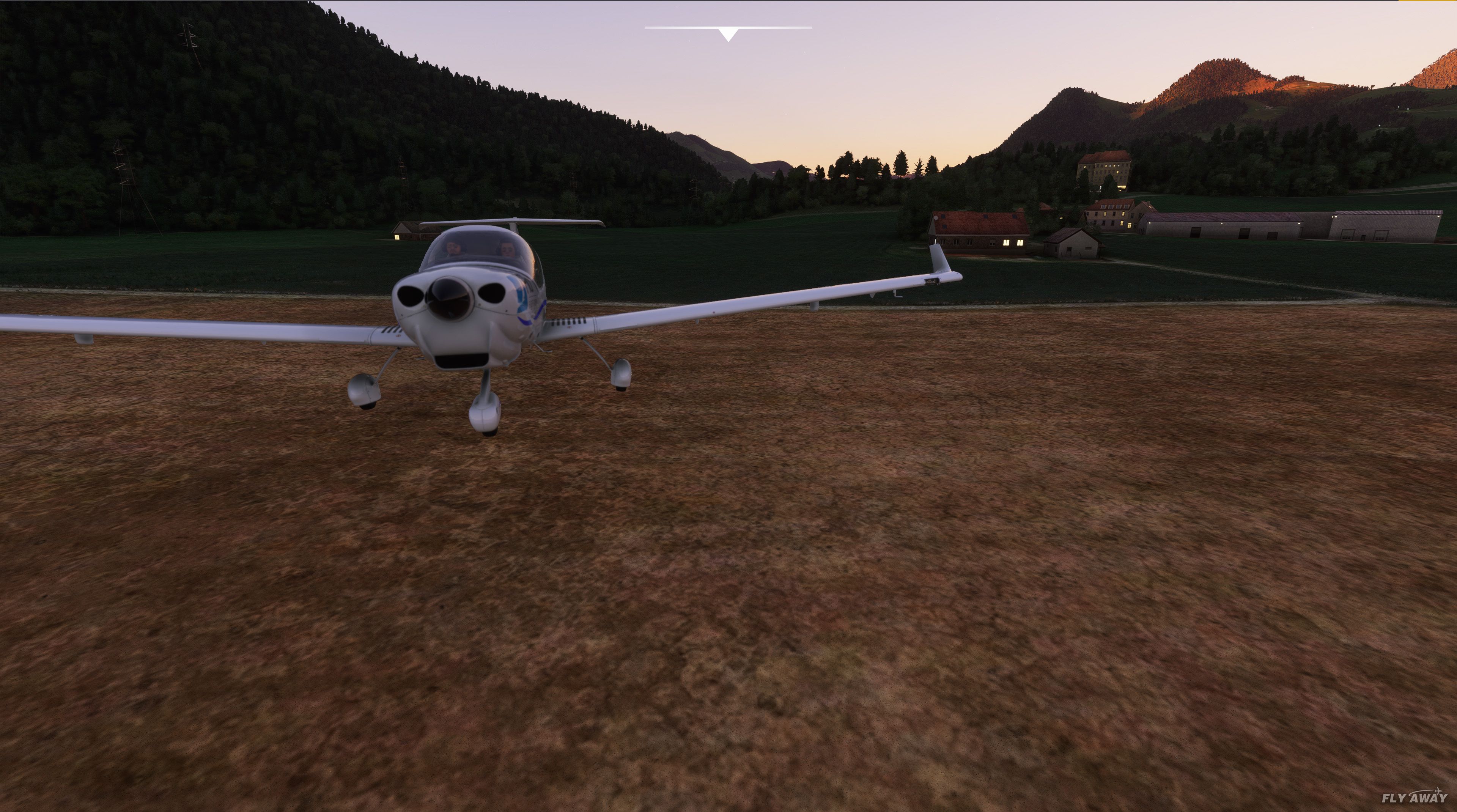
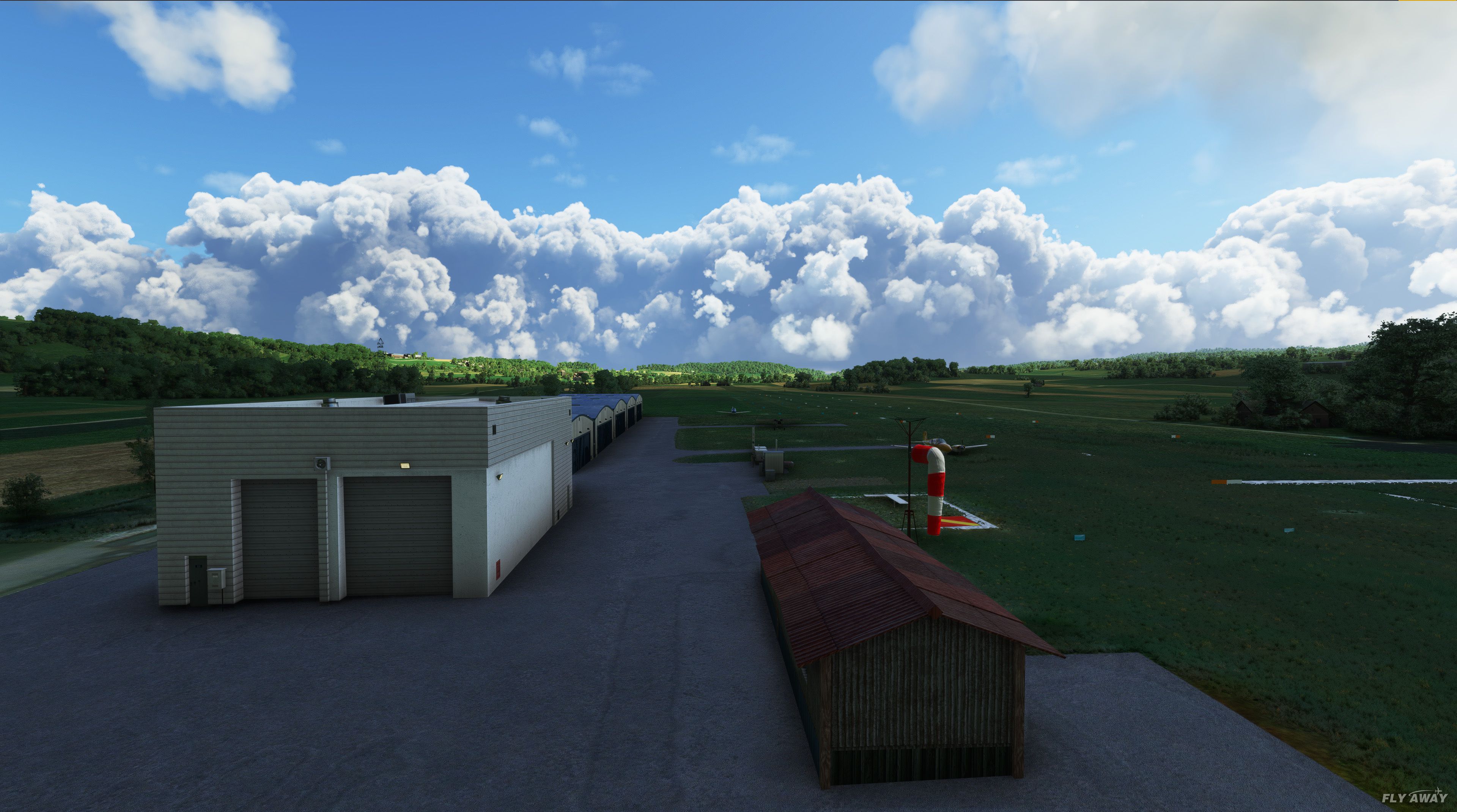
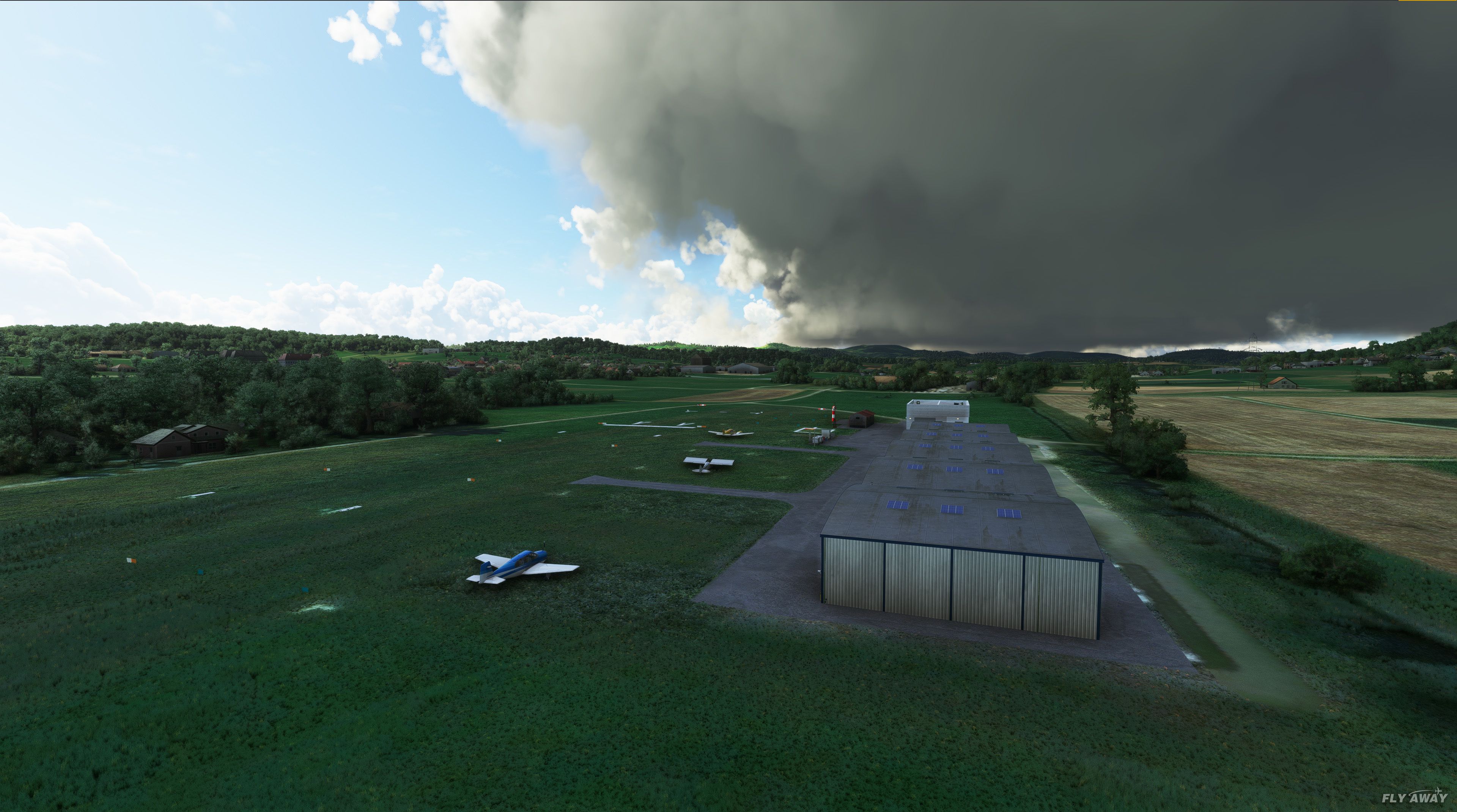
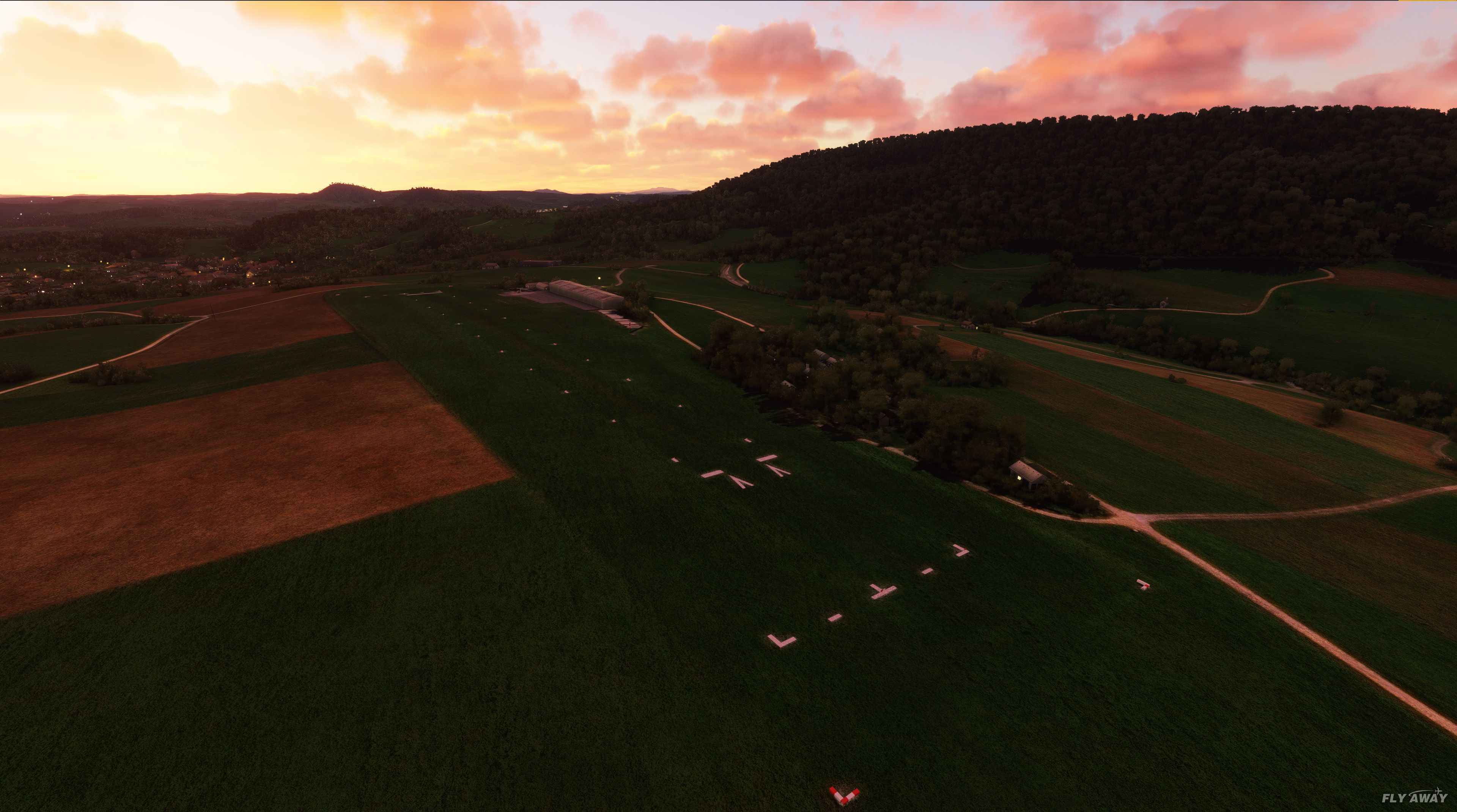
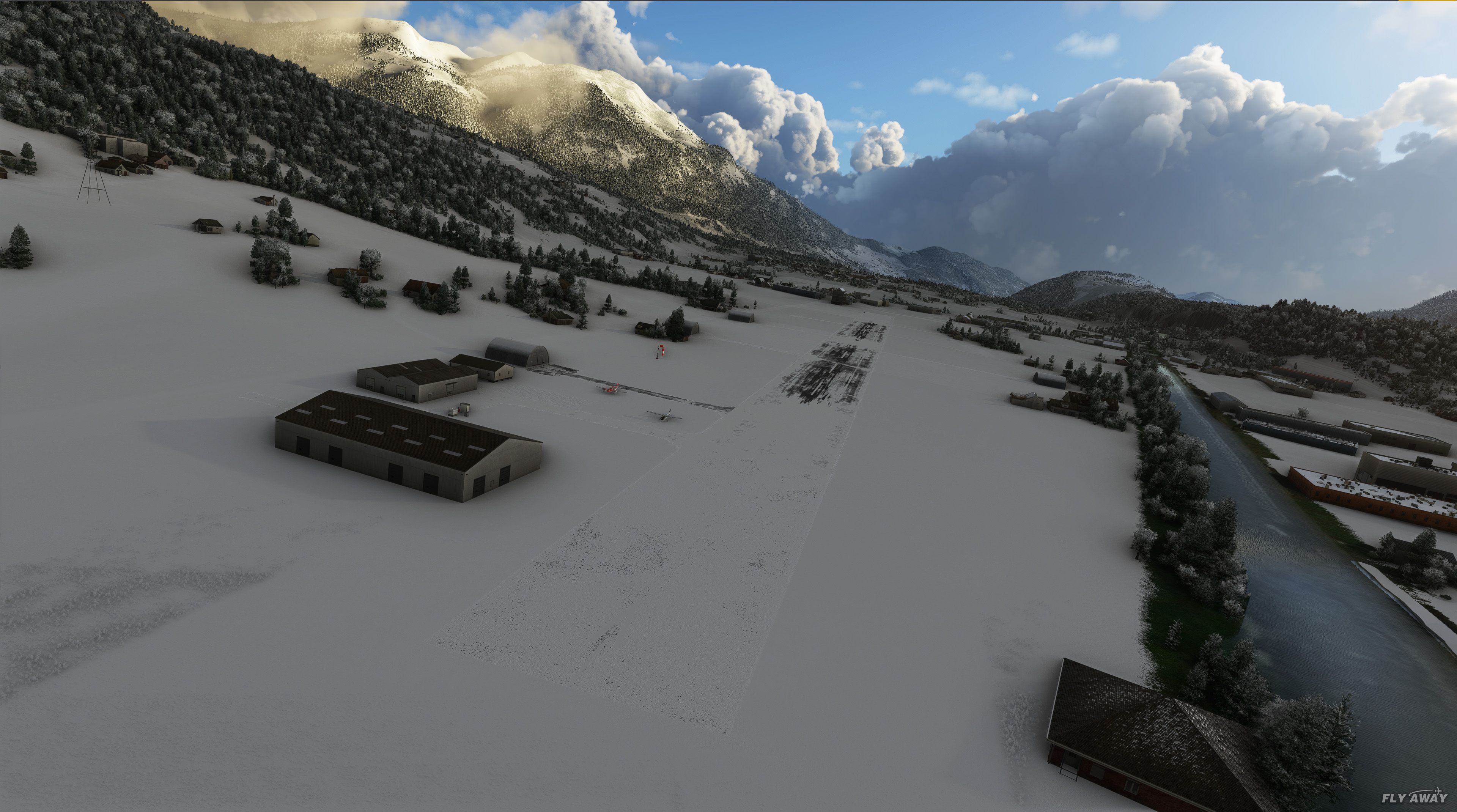
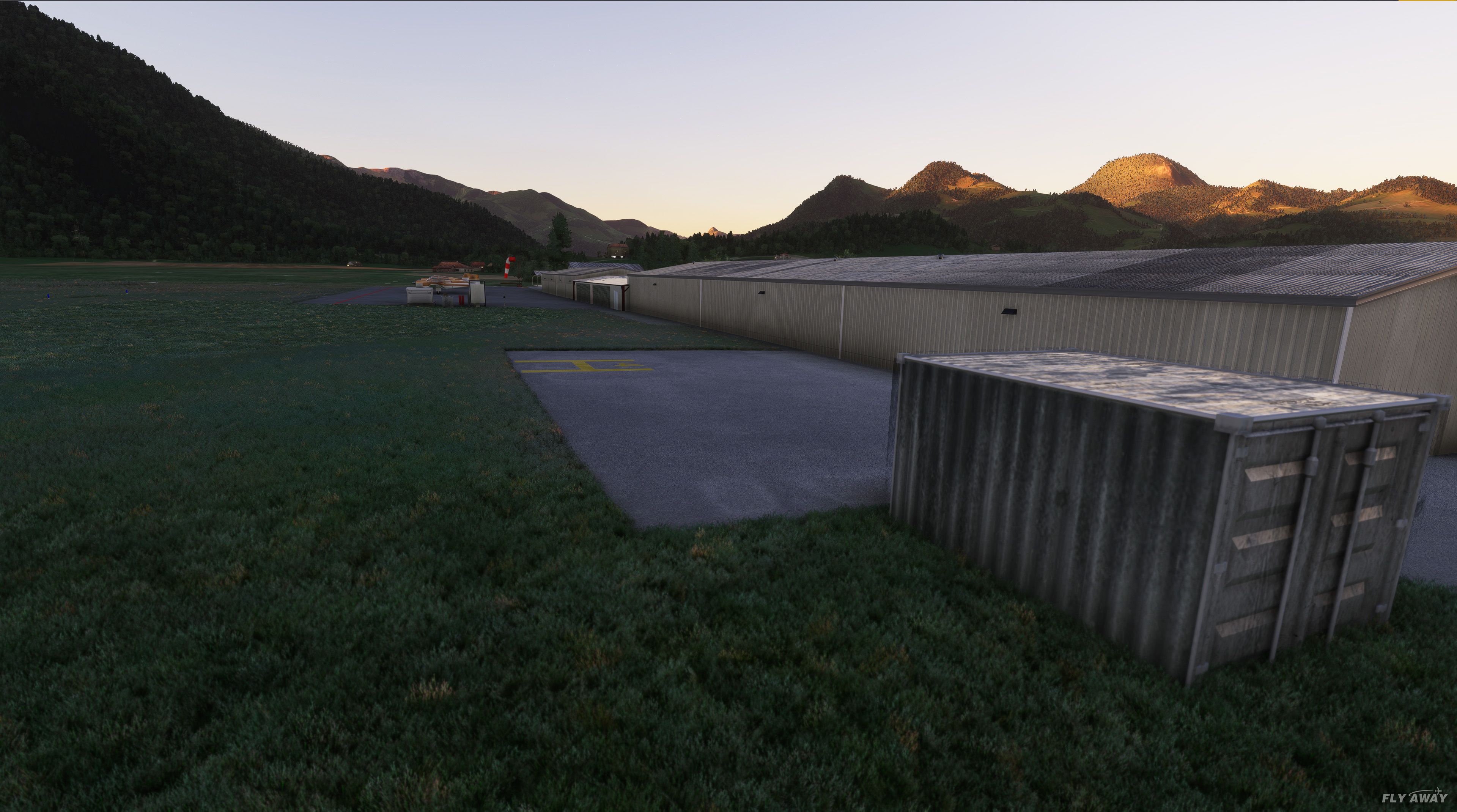
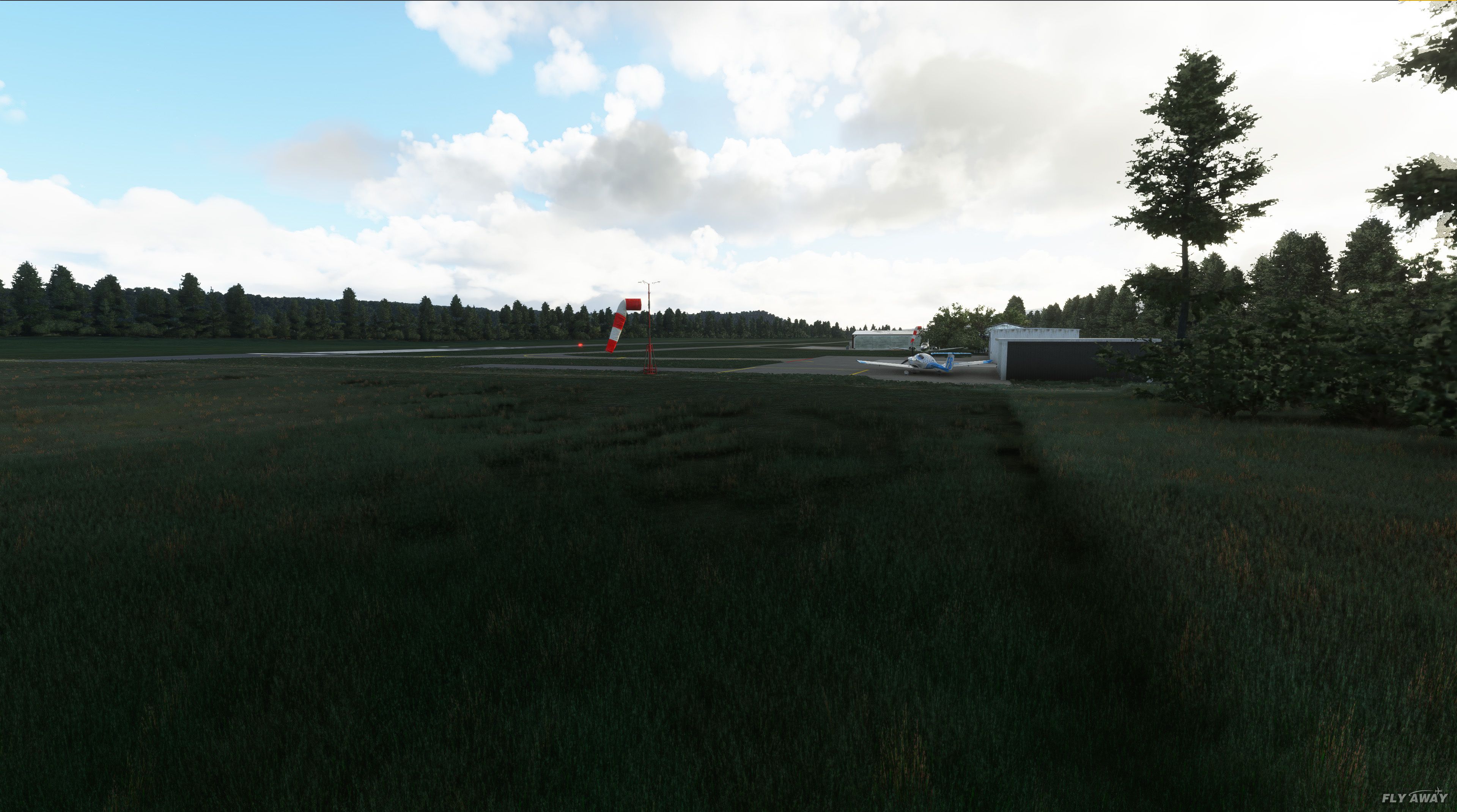
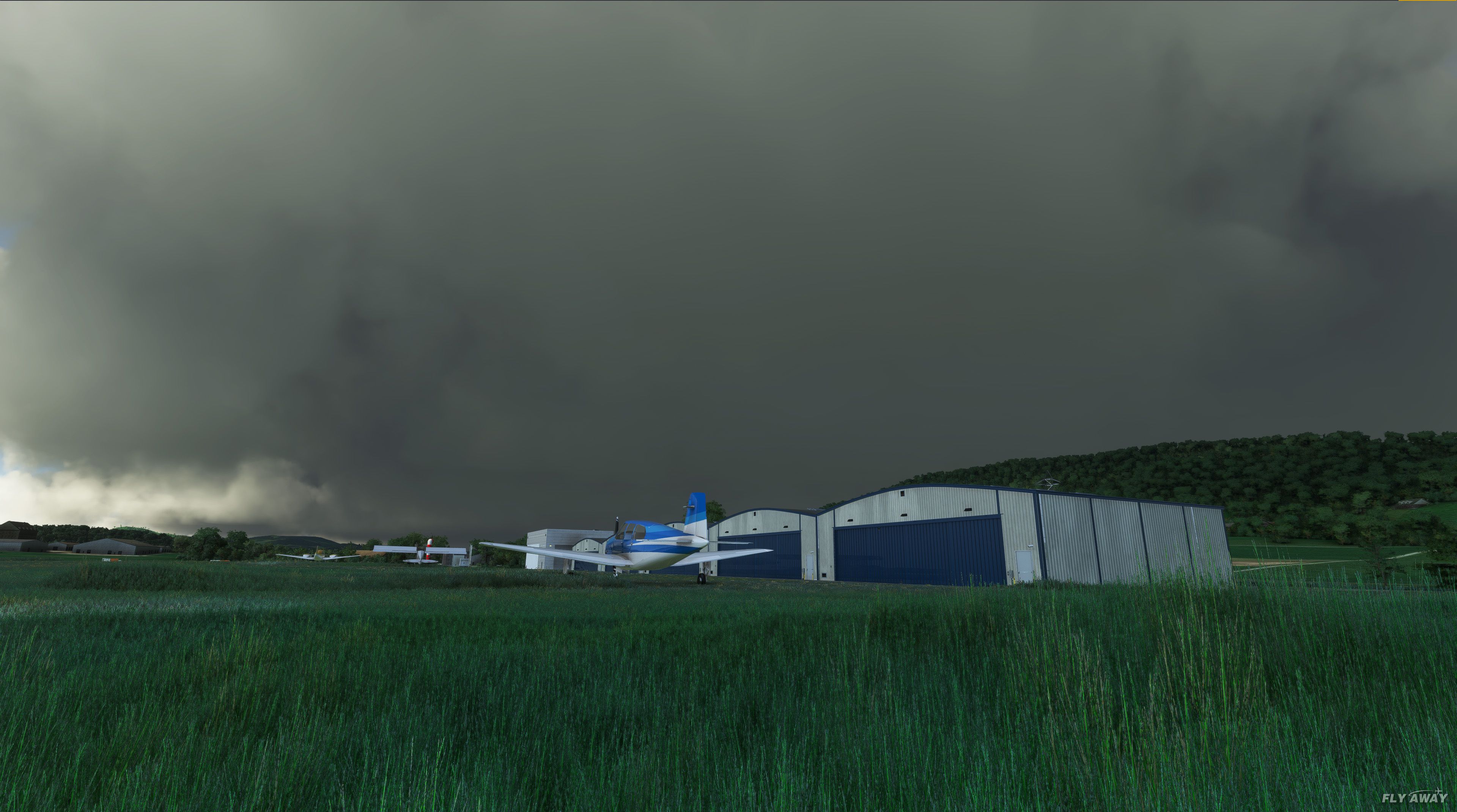
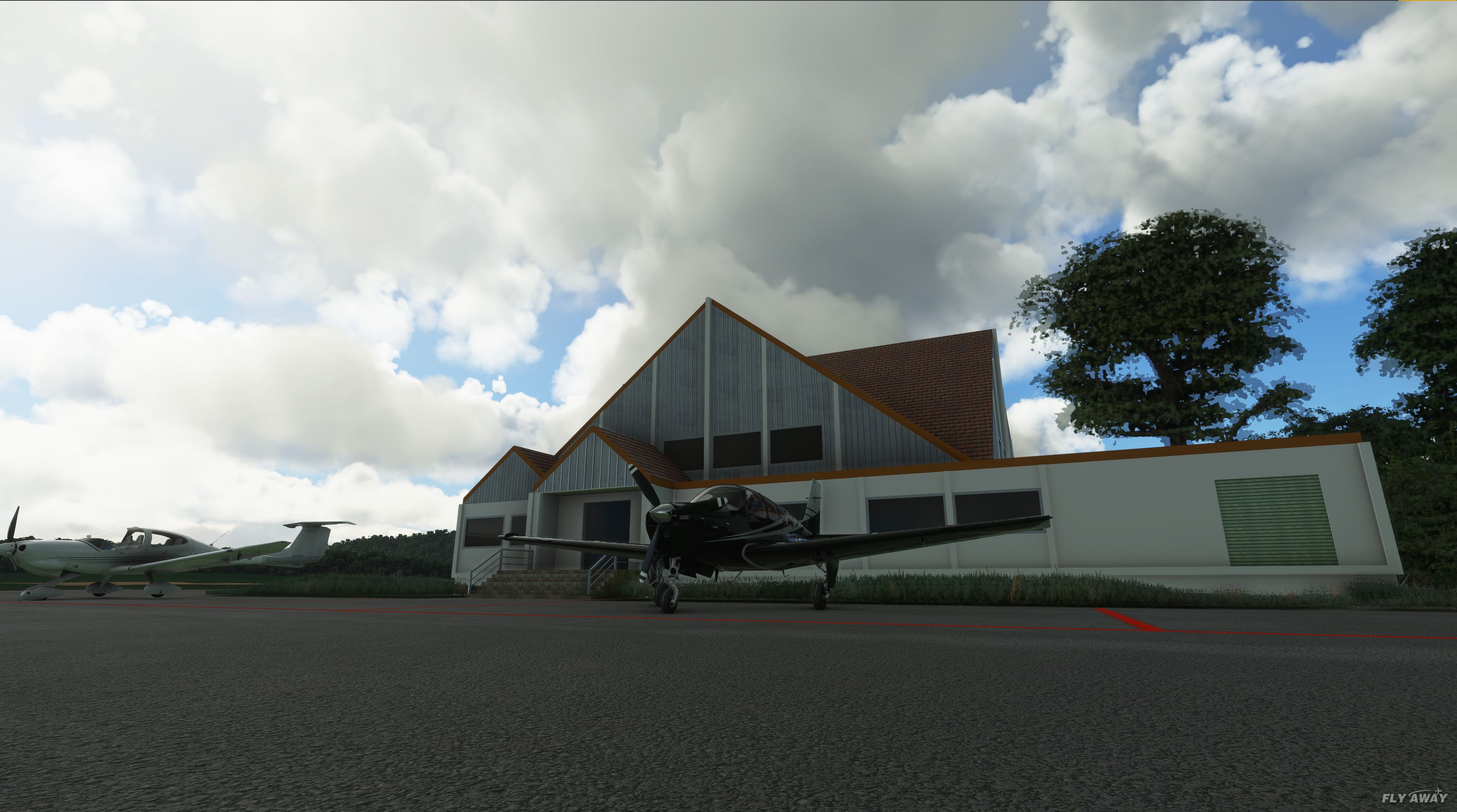
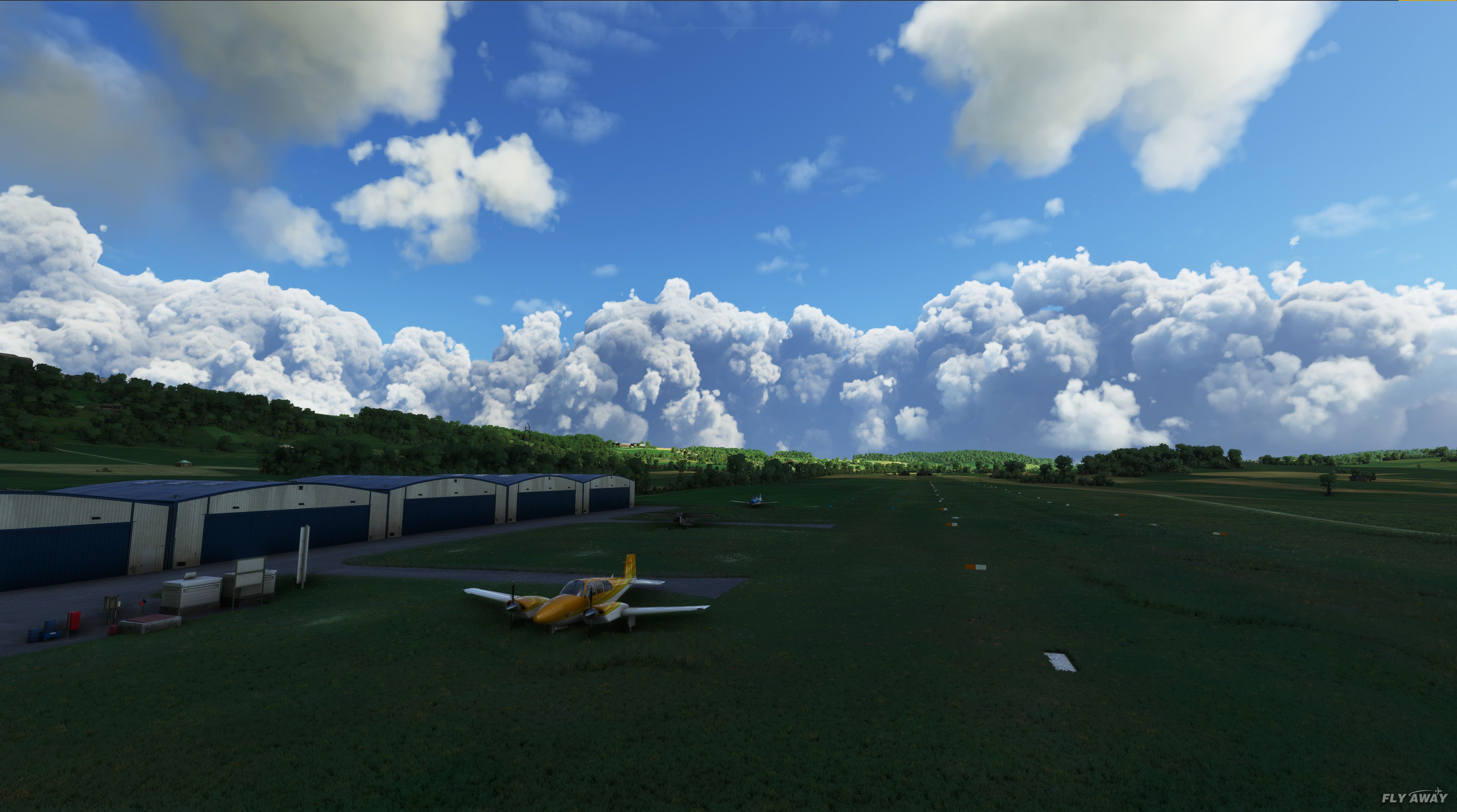
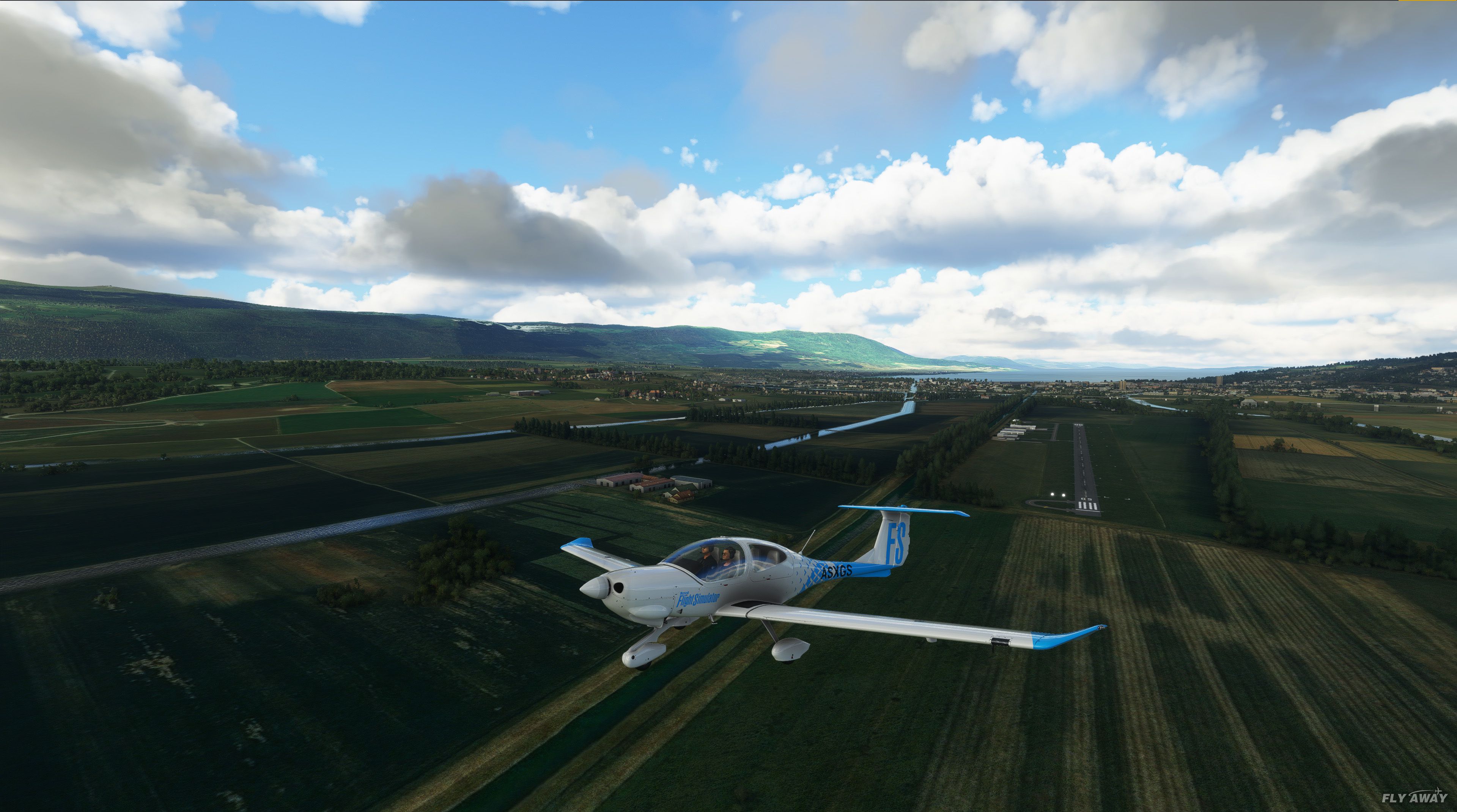
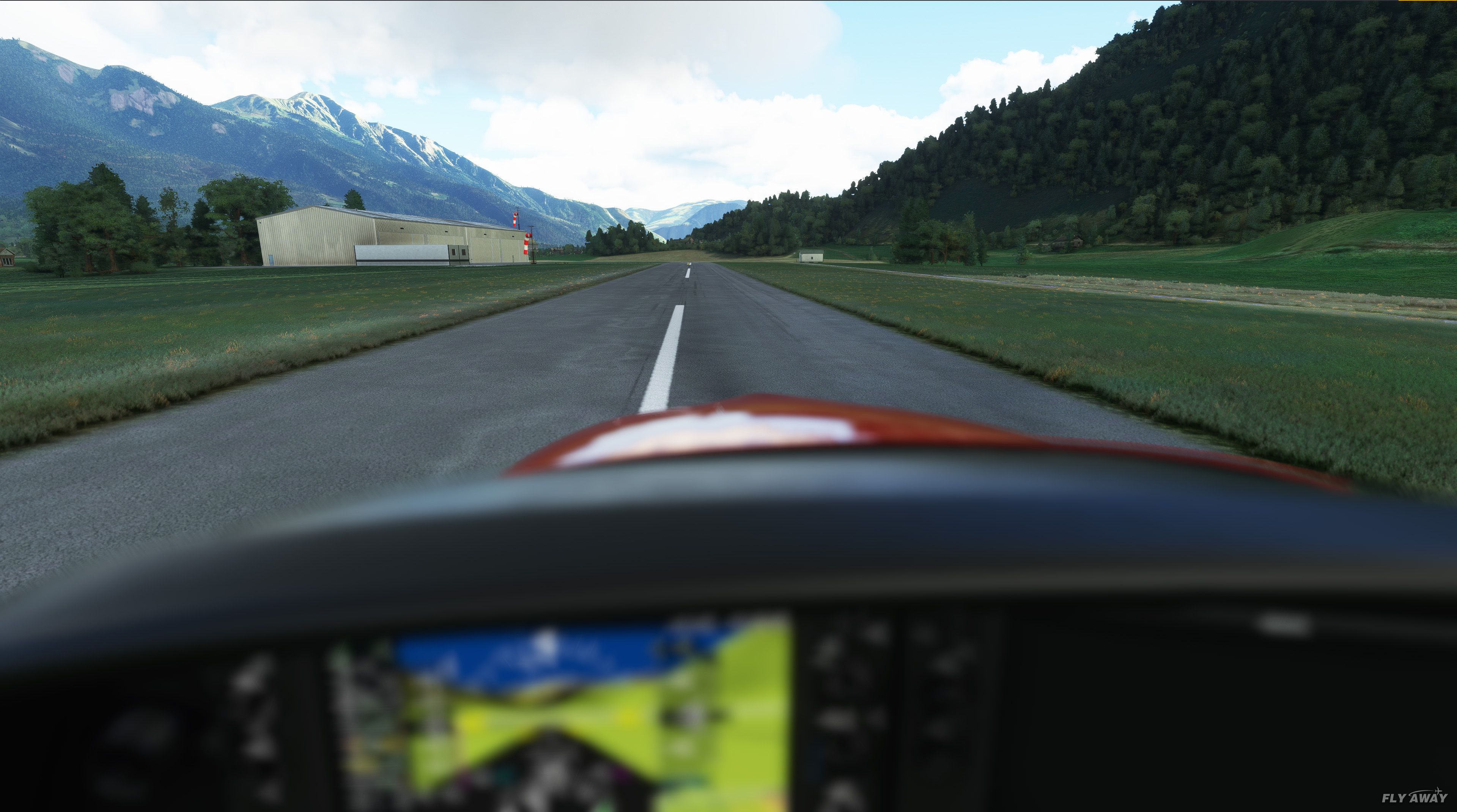
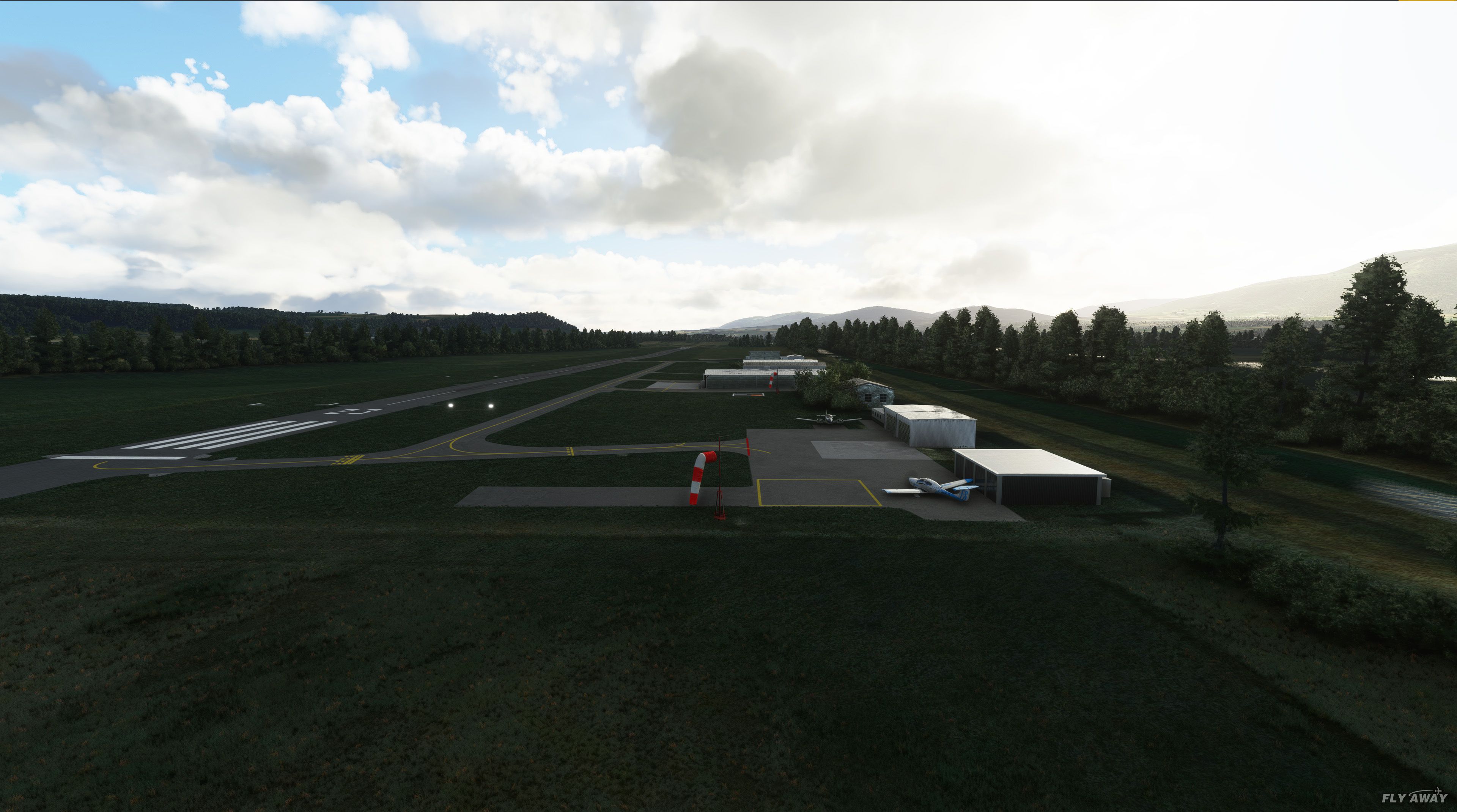
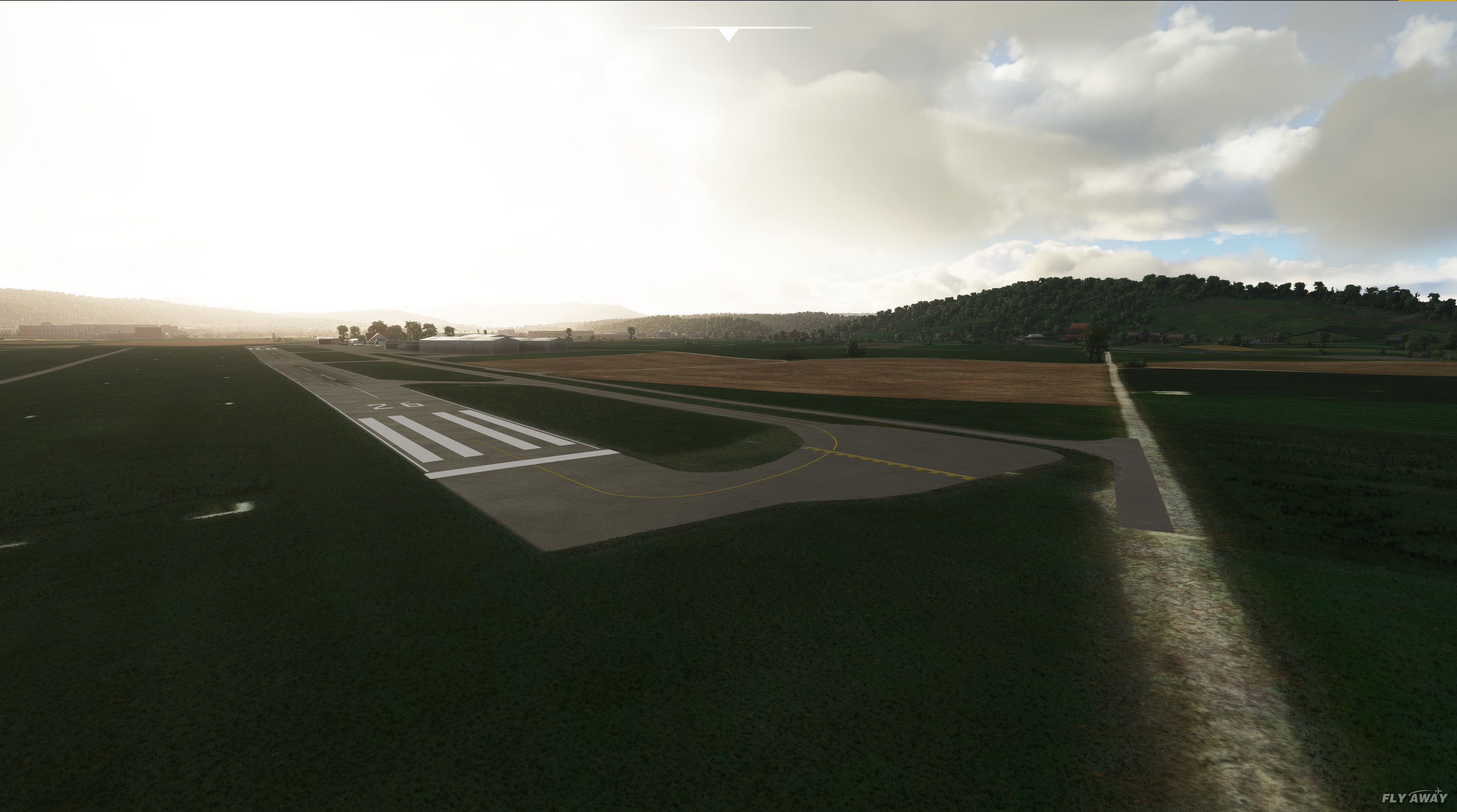
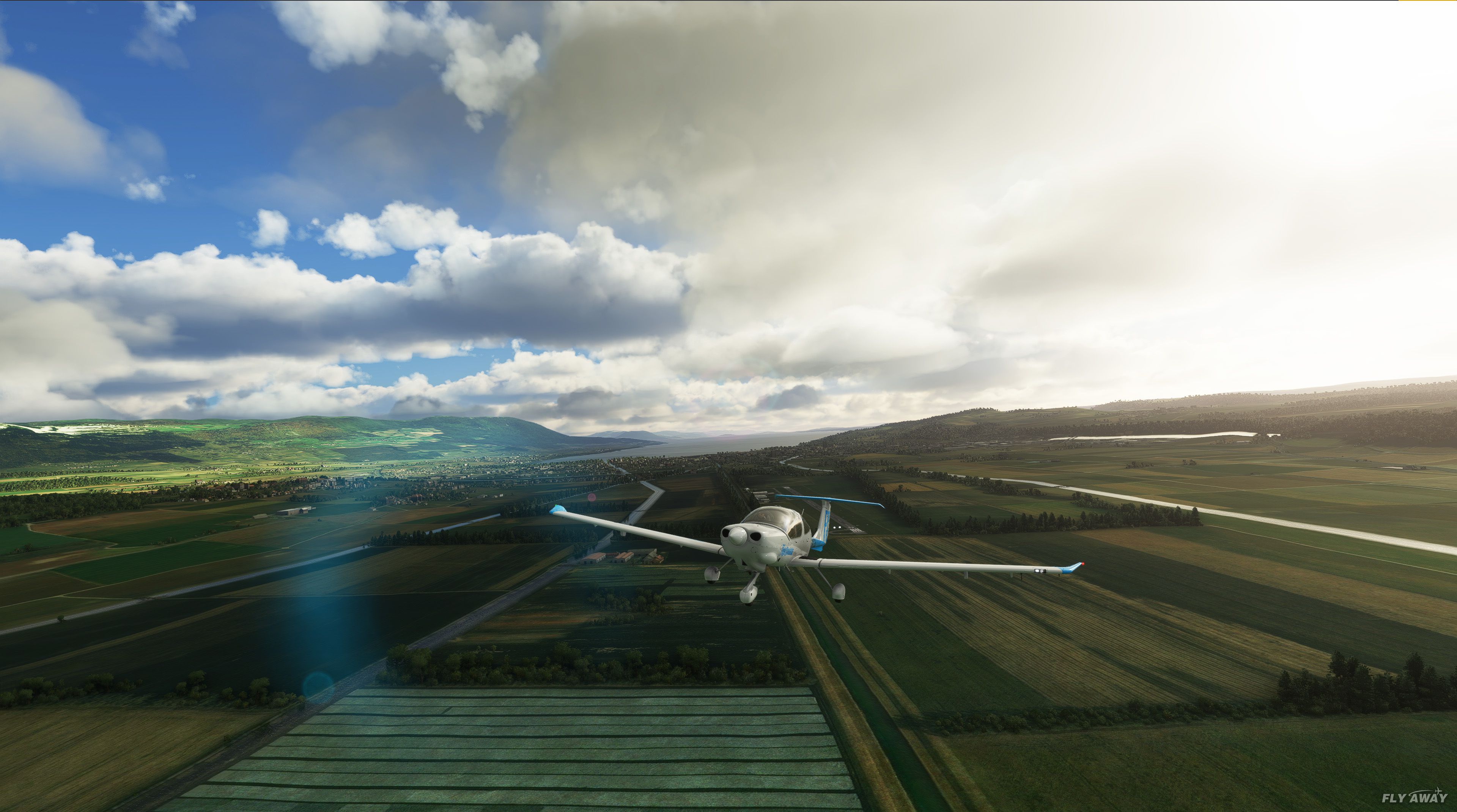
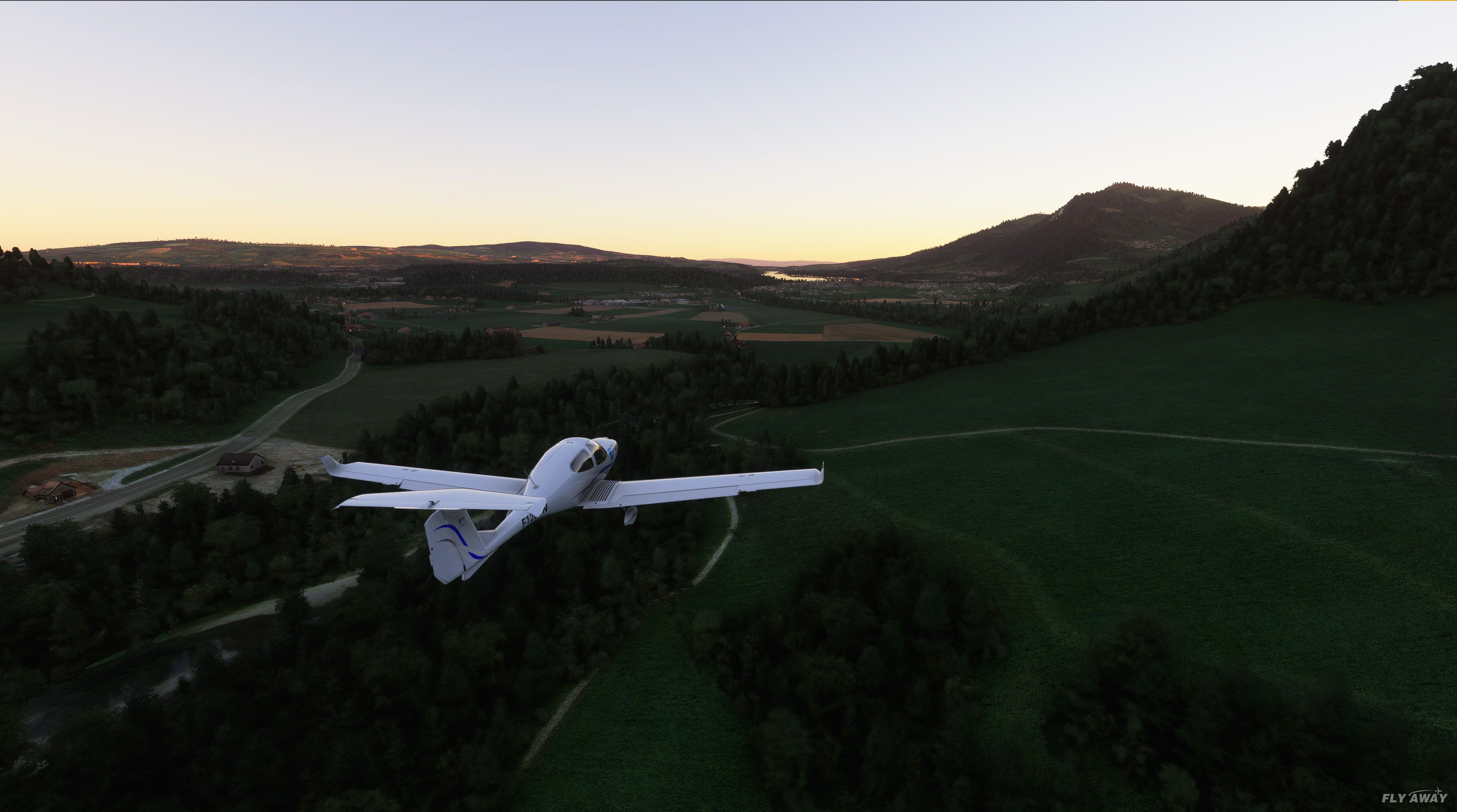
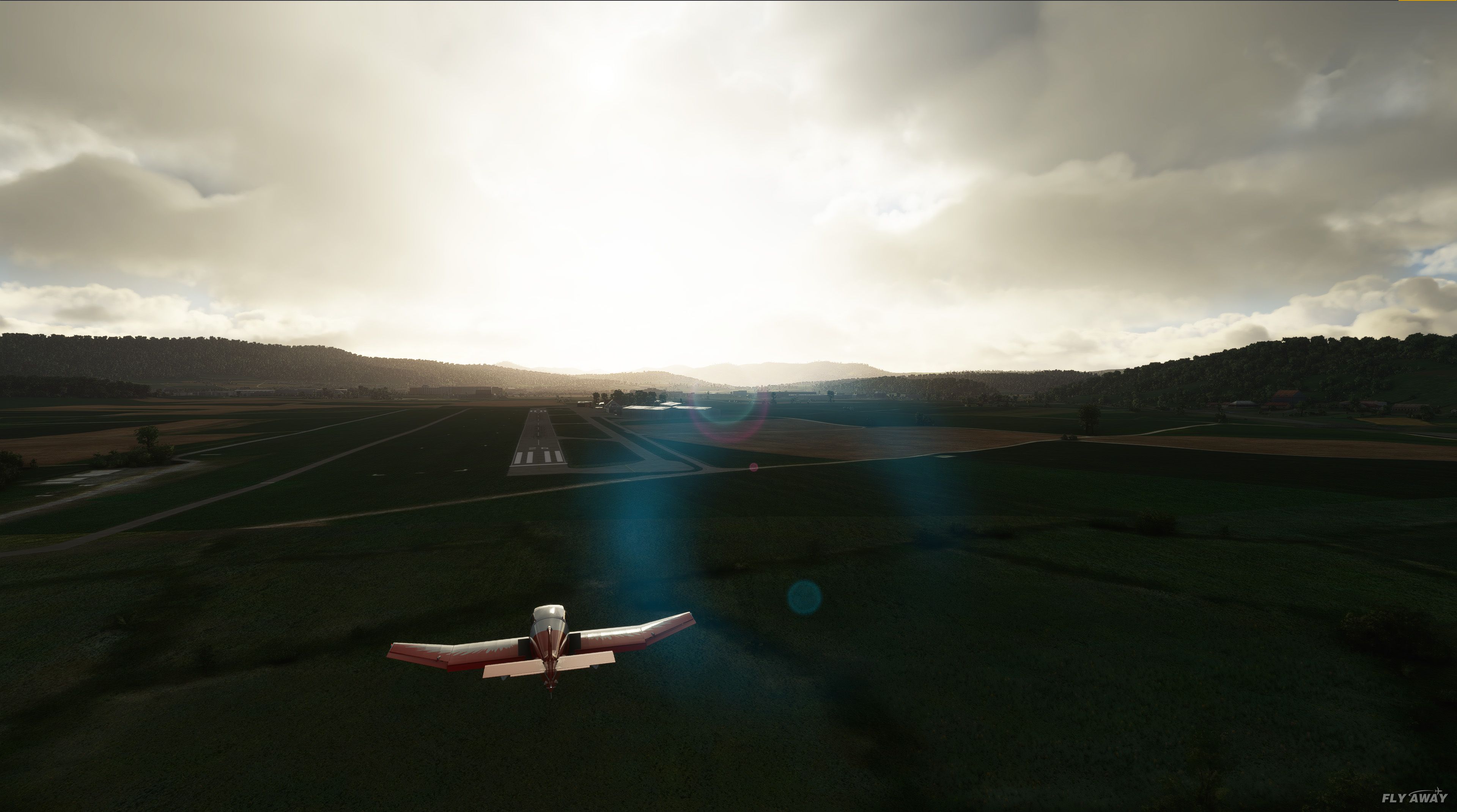
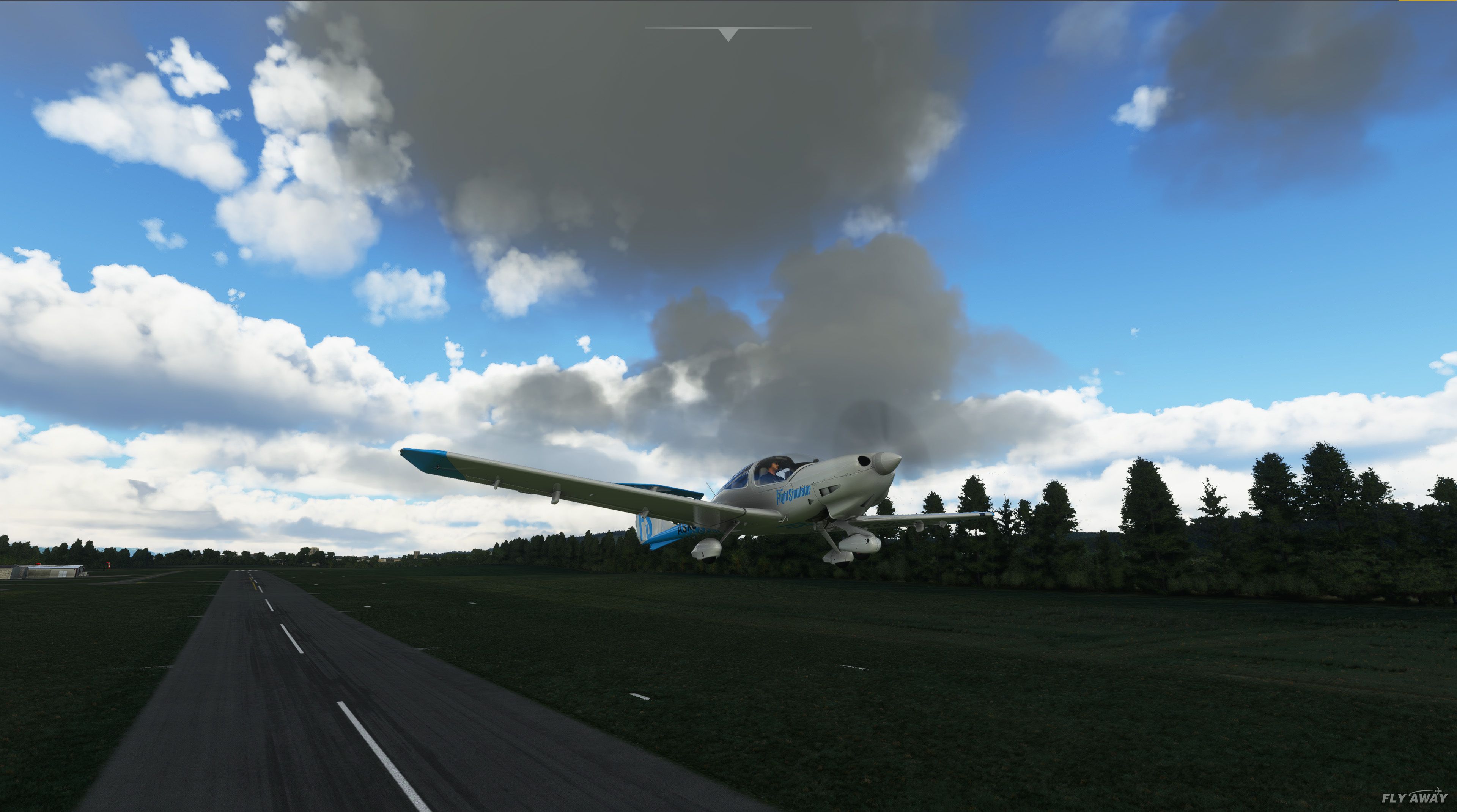
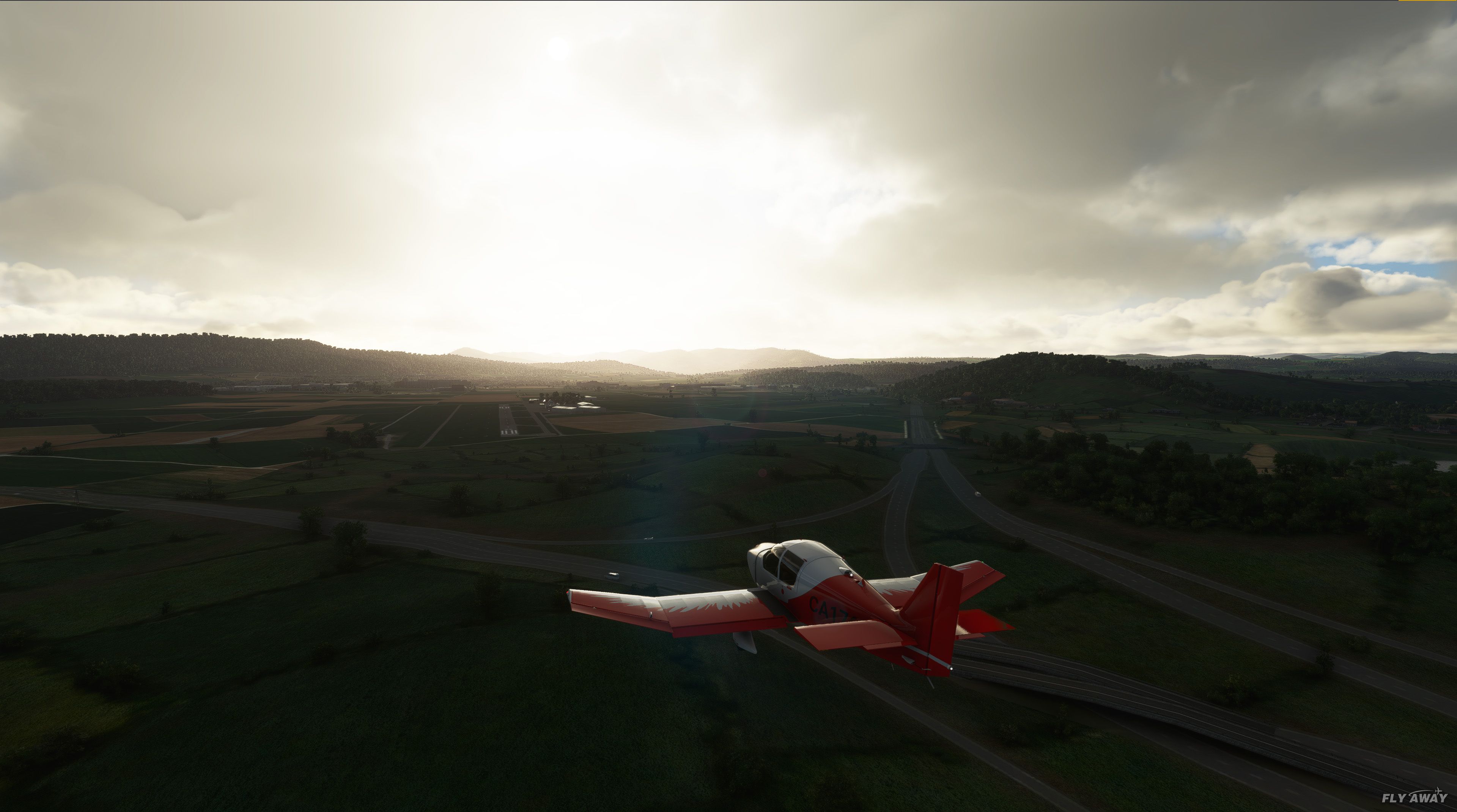
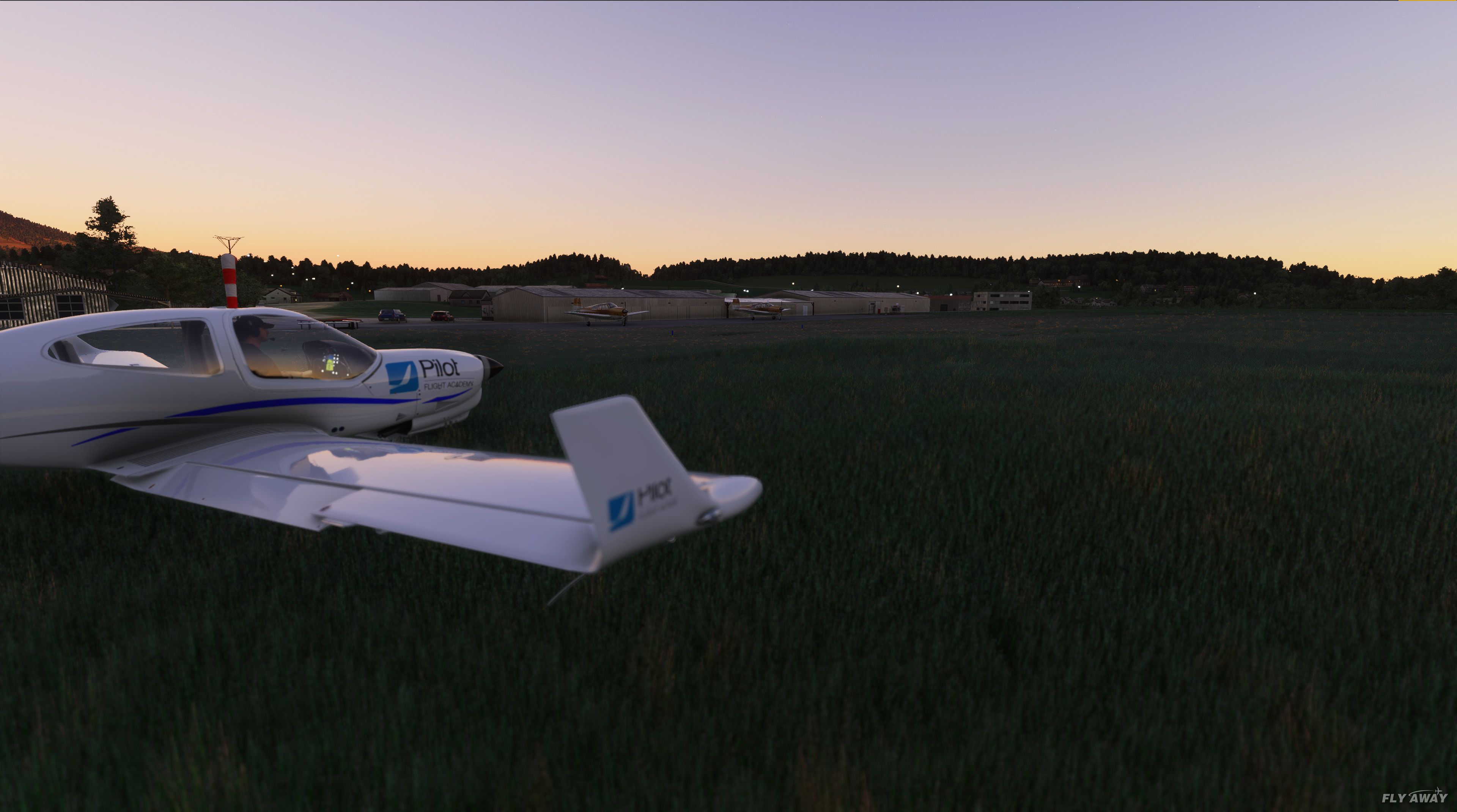
Swiss Airfields Scenery Pack refreshes Switzerland’s small GA airfields and strips with accurate layouts, corrected runways, and improved airport data that replaces and enhances default scenery in Microsoft Flight Simulator. Thirteen locations, from Sitterdorf to Gruyere, come bundled in one tidy package, with growing use of custom objects for added local character.
 Rate
Rate
 Switzerland

The MSFS Swiss Airfields Scenery Pack offers a greatly enhanced and more realistic flying environment over default scenery, focusing on numerous small GA airfields and airstrips across Switzerland. Crafted by the freeware team Swiss Airfield Crafters, it updates each field with accurate layouts, custom objects, and carefully researched details, providing a truly authentic experience when flying around this stunning region.
All of the included airfields are packaged together, covering locations such as Sitterdorf (LSZV), Winterthur (LSPH), and many more. With regular updates and plans for further expansion, these airfields continue to evolve with improved visuals and attention to real-world fidelity. As a veteran in the simulation world who has personally tested this scenery, I find it adds remarkable depth to cross-country flights and brings a new level of immersion to exploring the diverse Swiss terrain.
This release contains a stunning pack of small GA airfields and airstrips based in Switzerland. Replacing, adding to, and building upon the default scenery - this pack is sure to be loved by whoever takes their virtual flights in and around Switzerland.
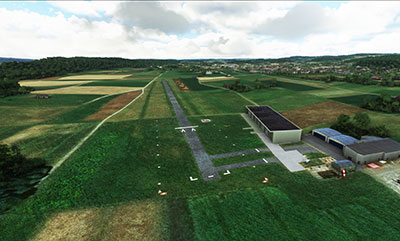 Developed by the new freeware developer, Swiss Airfield Crafters - this pack aims to "improve" on the "very limited fidelity" of the current Swiss airfields and strips included in the default MSFS (2020) installation.
All of the fields and airstrips are included in a singular package for ease of download and installation (separate BGL files for each airfield) to reduce clutter and dependency issues.
The developer states;
The primary focus is on function and accuracy, and we’re just starting to get into custom objects eye candy.
So you can expect very accurate renditions of the fields included. They are not quick-fixes - the developer has spent the time to analyze the fields either in their real form or from charts and observational data to recreate them in their most accurate form for Microsoft Flight Simulator.
They have recently begun to focus on custom objects that were perhaps outside the scope of the default object libraries. This will make the airfields truly unique and completely accurate based on their real-world counterparts.
NOTE: The developer has also stated to us to expect a new version shortly including improved existing airfields along with (possibly) an expansion of the number of fields covered.
Originally, the development of this pack was based on a one-man team. However, recently the team has expanded and the new development name for the project (and maybe others) is officially, "Swiss Airfield Crafters".
Installation
Just move the folder "sc-airport-swiss-airfields" from inside the ZIP archive into the MSFS community folder.
The developer publishes some troubleshooting information;
If you have other (more detailed) scenery packages of some of the airfields there are two things you can do to make it work:
Make sure this folder is alphabetically before the other scenery in the community folder. If the other scenery is done properly it should override the respective airfield in this scenery.
If the above solution doesn't work, delete the respective bgl file out of the scenery folder of this package.
Please bookmark this page - we expect to release the preview/trailer video in the next few days after a direct request from the Swiss Airfield Crafters team.
Developer: Swiss Airfield Crafters.
File submission by: Swiss Airfield Crafters (Benjamin Hoff).
Currently, the developer does not publish a public donation page or website but if that changes we will publish it here.
Free for all simmers · 241.91 MB · Scanned clean Sep 2026
Download speed: Free tier is capped at 2 Mbps (this file takes approximately 17 mins at the cap). PRO members download at full line speed.
%LOCALAPPDATA%\Packages\Microsoft.FlightSimulator_8wekyb3d8bbwe\LocalCache\Packages\Community\. Steam version: %APPDATA%\Microsoft Flight Simulator\Packages\Community\. Tip: enable Developer Mode in MSFS to see your exact Community folder path.readme.txt or README file. It tells you exactly where files go, what dependencies are needed, and any quirks specific to this add-on.Only PRO members can place votes.
More MSFS add-ons hand-picked based on this download.
MSFS Scenery
A large freeware scenery add-on pack put together by the developer who goes b…
 MSFS Scenery
A massive freeware pack created by the developer Srinivasman containing over …
 MSFS Scenery
A new, easy-to-install, and accurate replacement of the default Paris photore…
 MSFS Scenery
A massive freeware mega pack containing vast upgrades of the scenery includin…
 MSFS Scenery
A brand new, version 2 (enhanced) scenery pack covering the entire area of th…
 MSFS Scenery
The Torino (Turin) Landmarks Scenery Pack elevates your Microsoft Flight Simu…
 MSFS Scenery
A quick rework of several Swiss cities and landmarks such as the Matterhorn u…
 MSFS Scenery
This pack by the developer who simply goes by the name of Chris brings the me…
Read what other simmers think, or add your own.

Hey Ben,
Let me know when you get to polishing LSZV. As a real pilot from LSZV, I can provide authentic repaints for the real charter aircraft of LSZV based on default planes.
Manfred.

Hi, Charles, My name is Ben From Swiss-Airfield-Crafters Thx for your response. At the moment we are concentrating just on one airfield and try to improve it as well as possible (LSZF) we know there are a lot of improvements possible (f.e. my English ;-) sry about that)
We would love to have another chance from you when we release the next update. but as you & I say there is a lot to improve and it can take some time.
Have a great one
Greez Ben

Hello, this pack of Swiss small airfields is very, very bad. If you compare with the existing scenery from Flylogic you can see that they are very incomplete. I have thoroughly checked three of them that I know very well personally and find that they are this team "Swiss-Airfield-crafters" should concentrate on one airfield after the other, not make scenery for airfields that already exist even in freeware and make a better job. It is not because they are freeware that they can occupy all the place! Sorry, please take this scenery out of your collection. Charles.