


 Brazil
  FSX Scenery
Campo de Marte
Campo de Marte. Scenery of Campo de Marte (SBMT), a very busy airport in Sao …
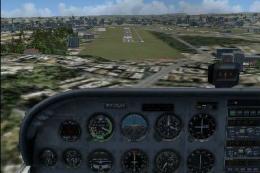
Campo Grande International Airport (SBCG) brings Mato Grosso do Sul, Brazil to life with a detailed terminal area and airfield layout built largely from native assets. Designed for FSX, it requires the Acceleration pack libraries and includes an extra radar object, delivering a cohesive, performance-friendly airport environment for regional and domestic operations.
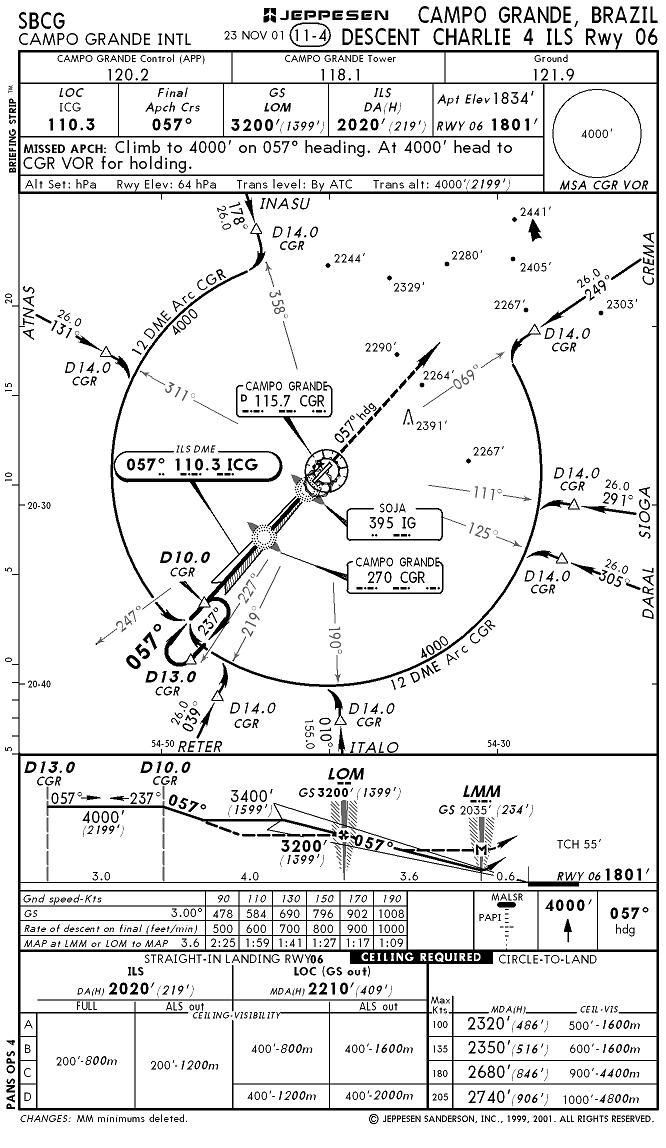
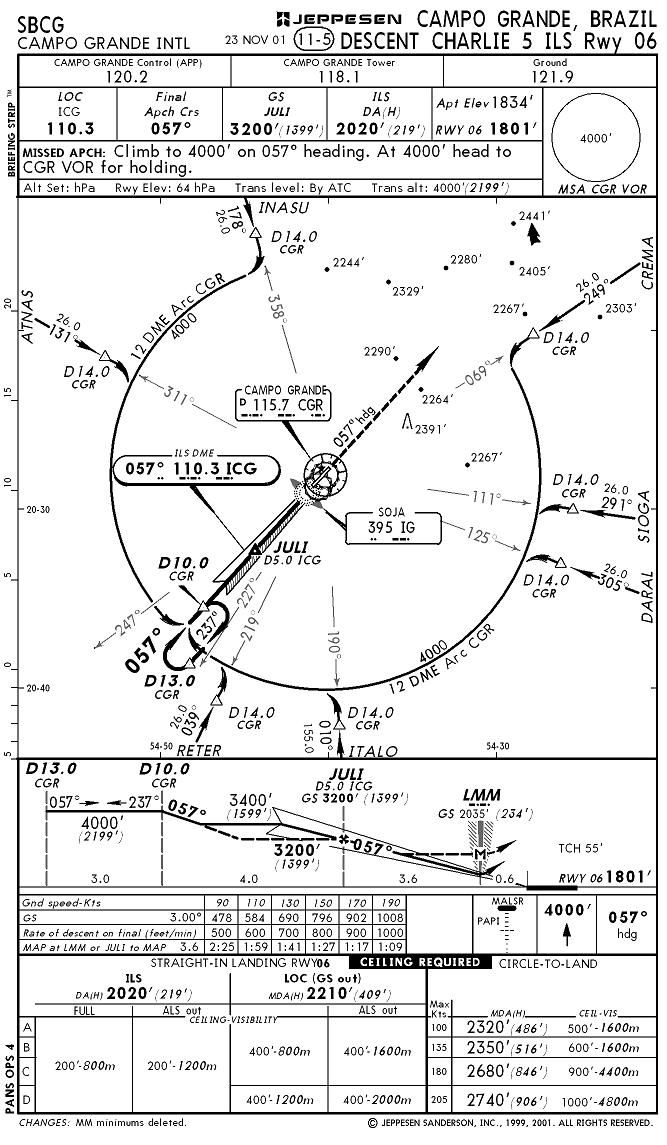
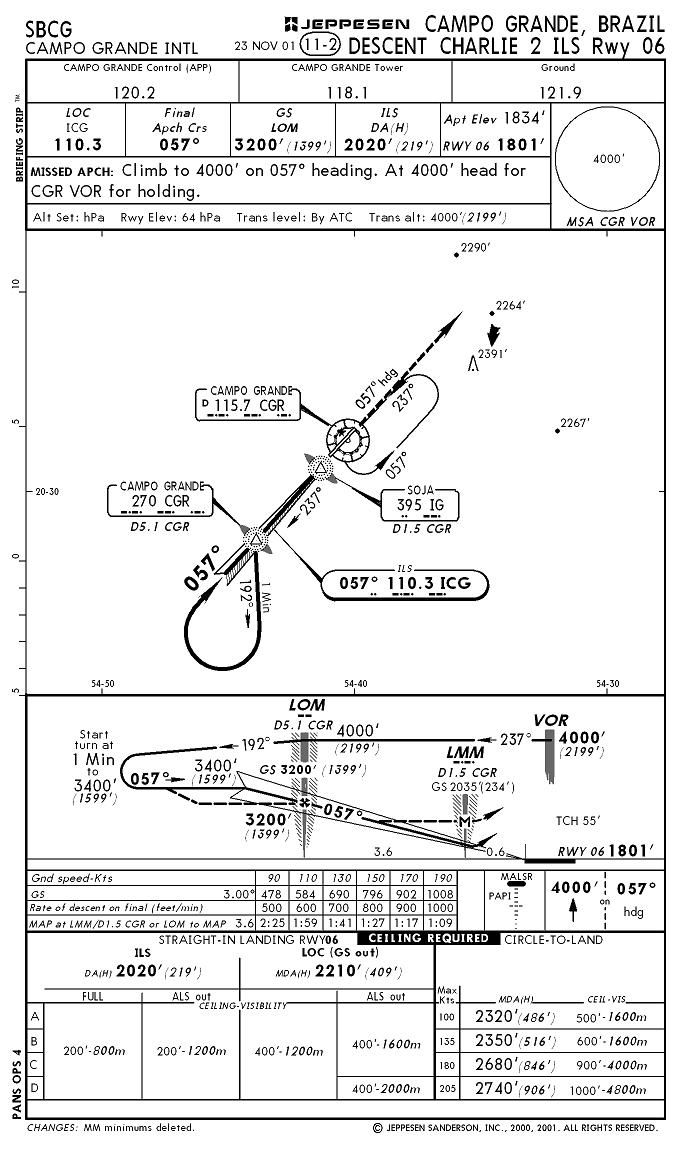
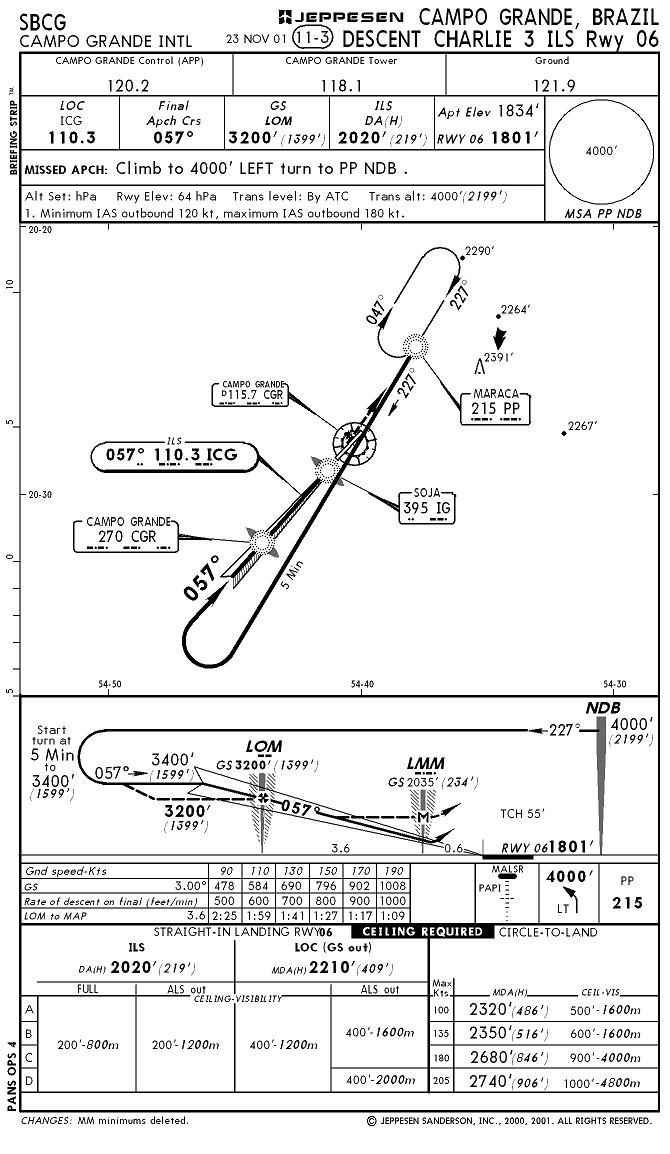
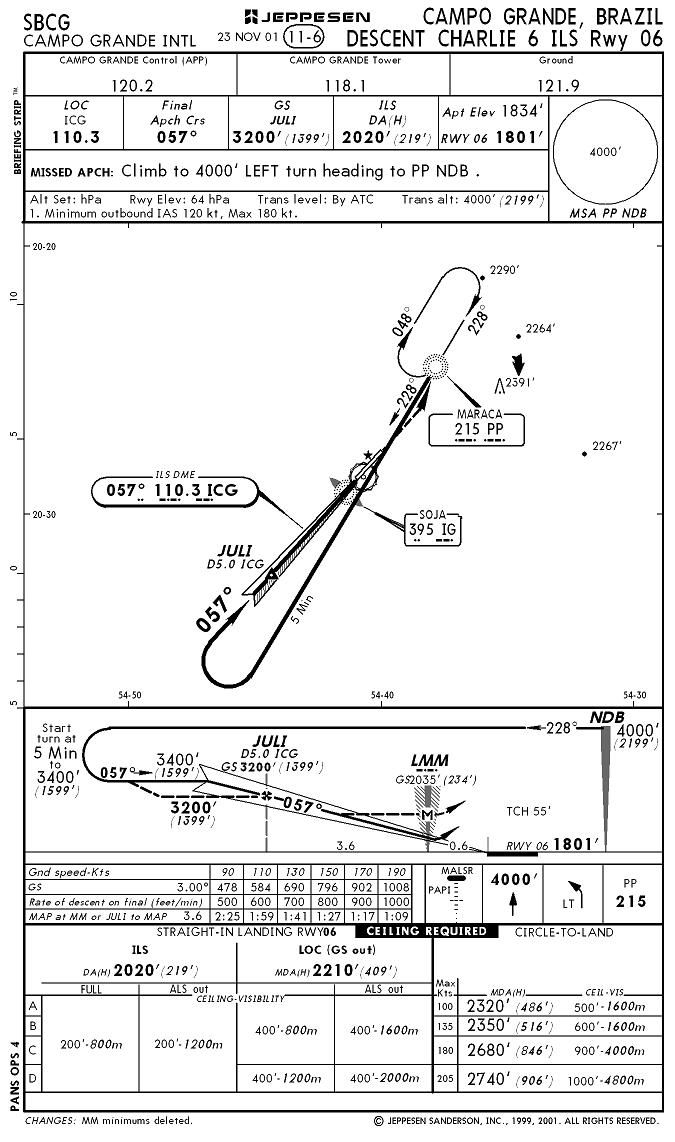
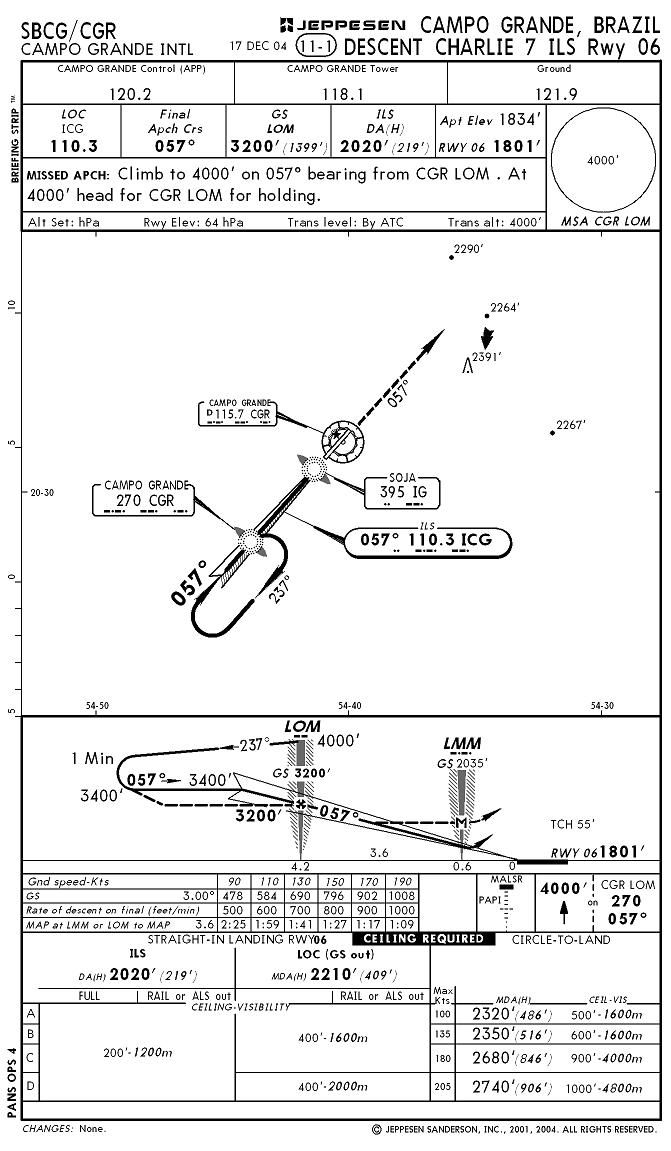
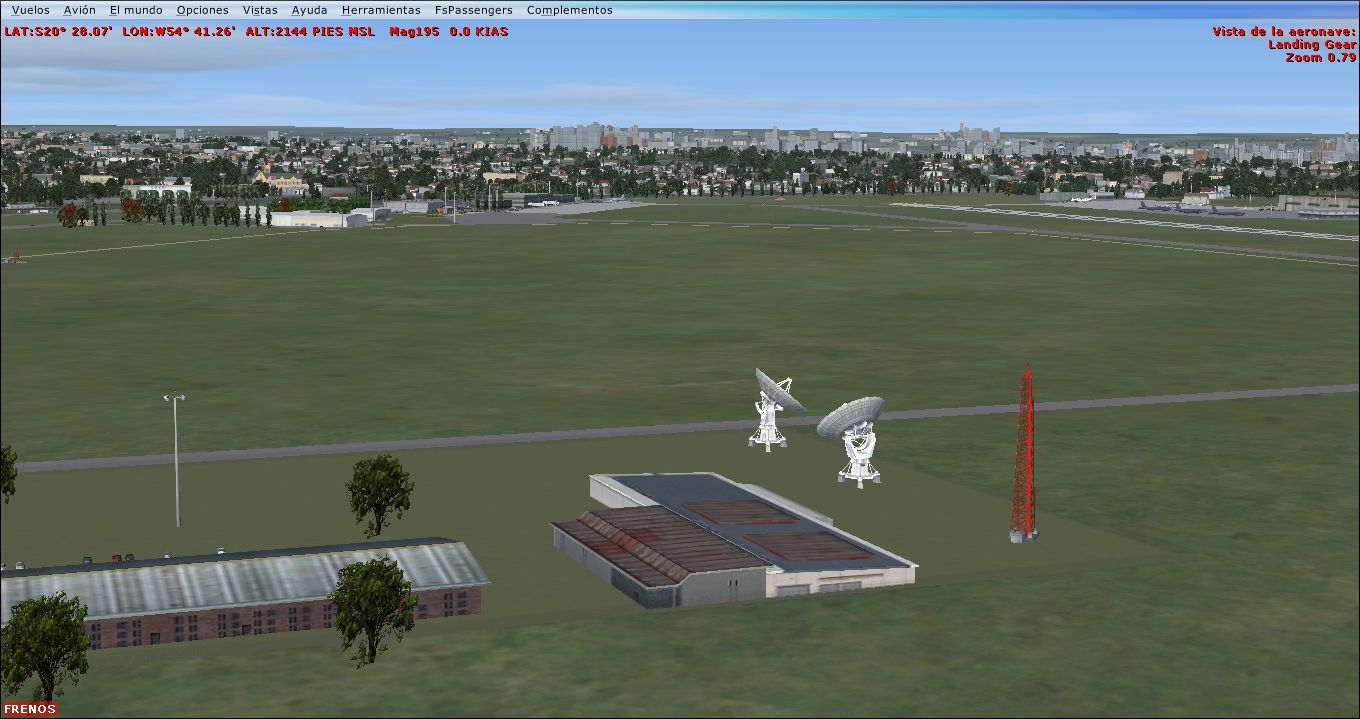
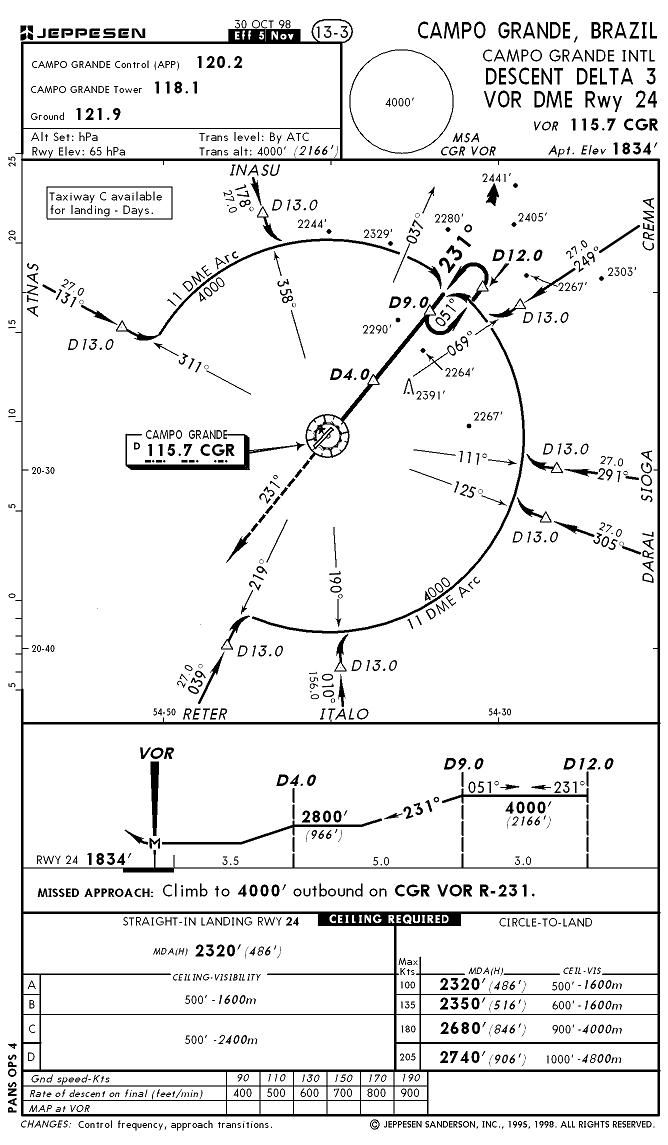
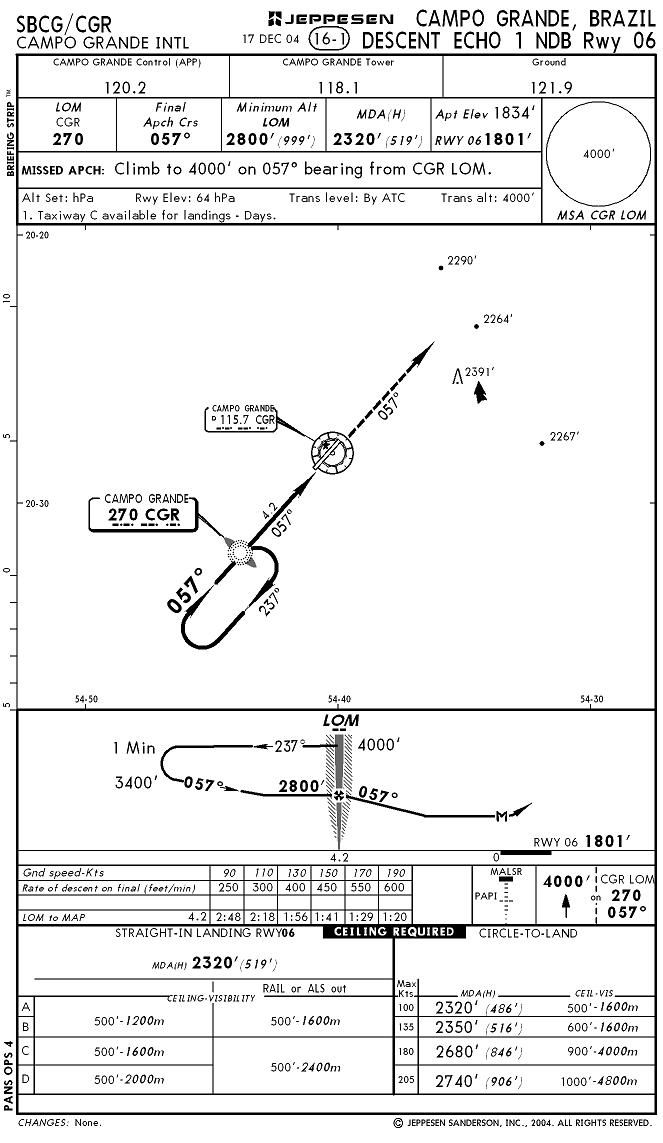
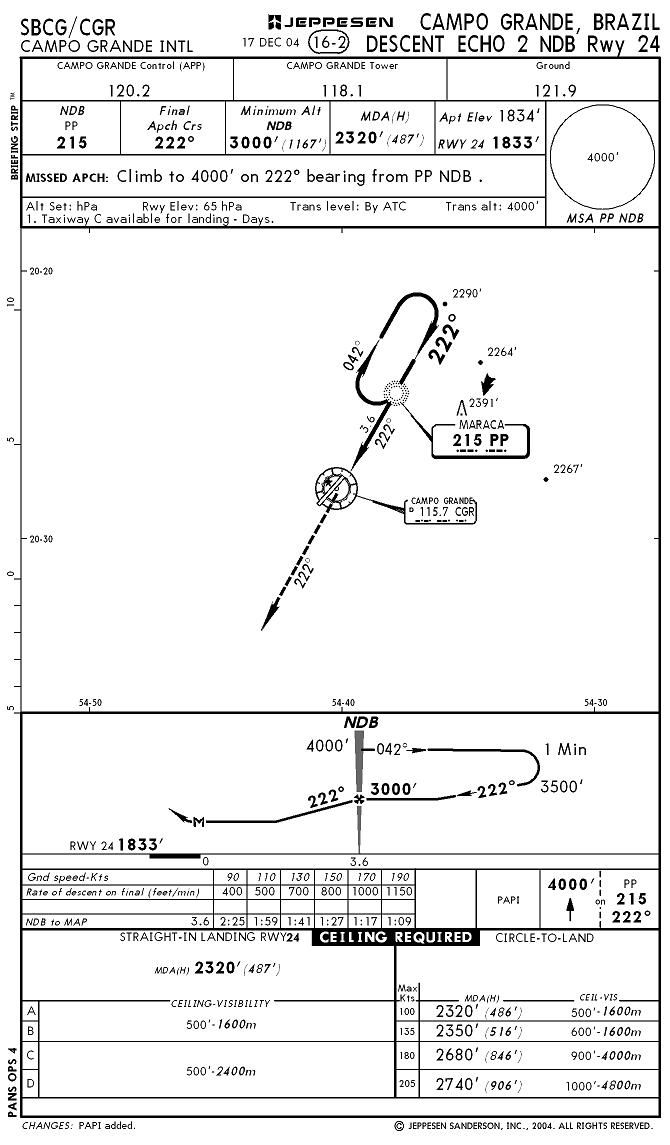
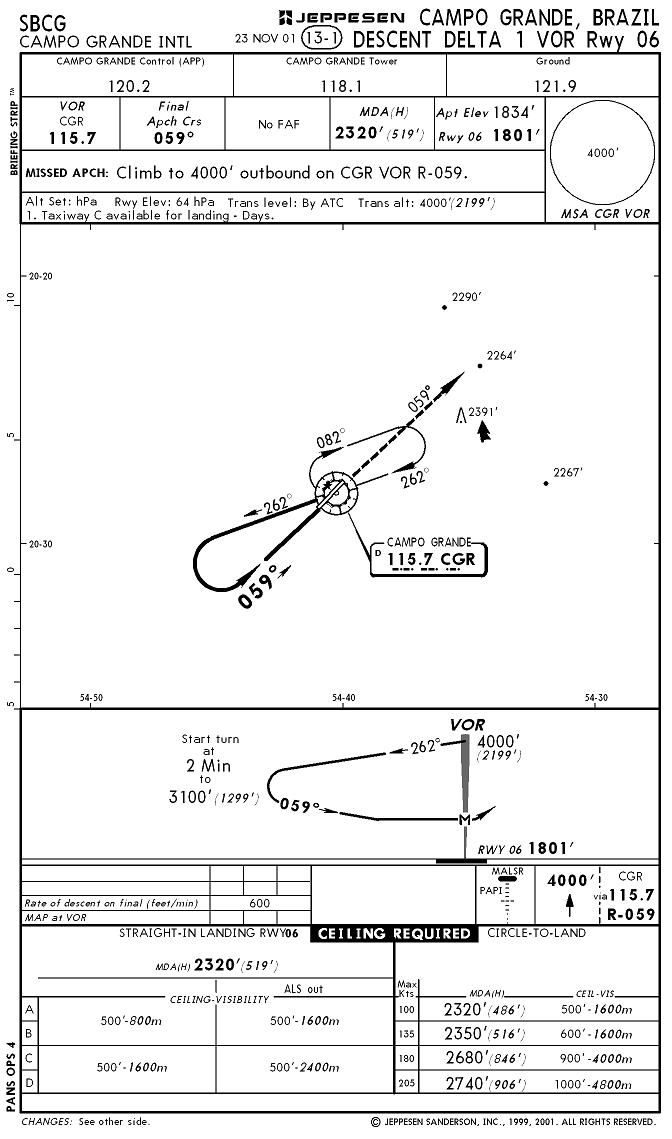
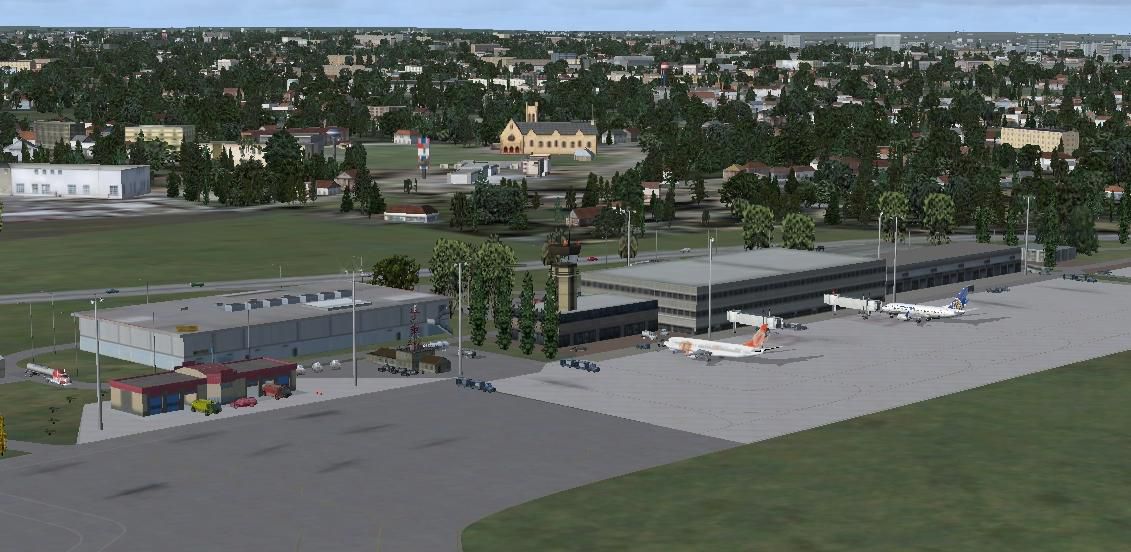
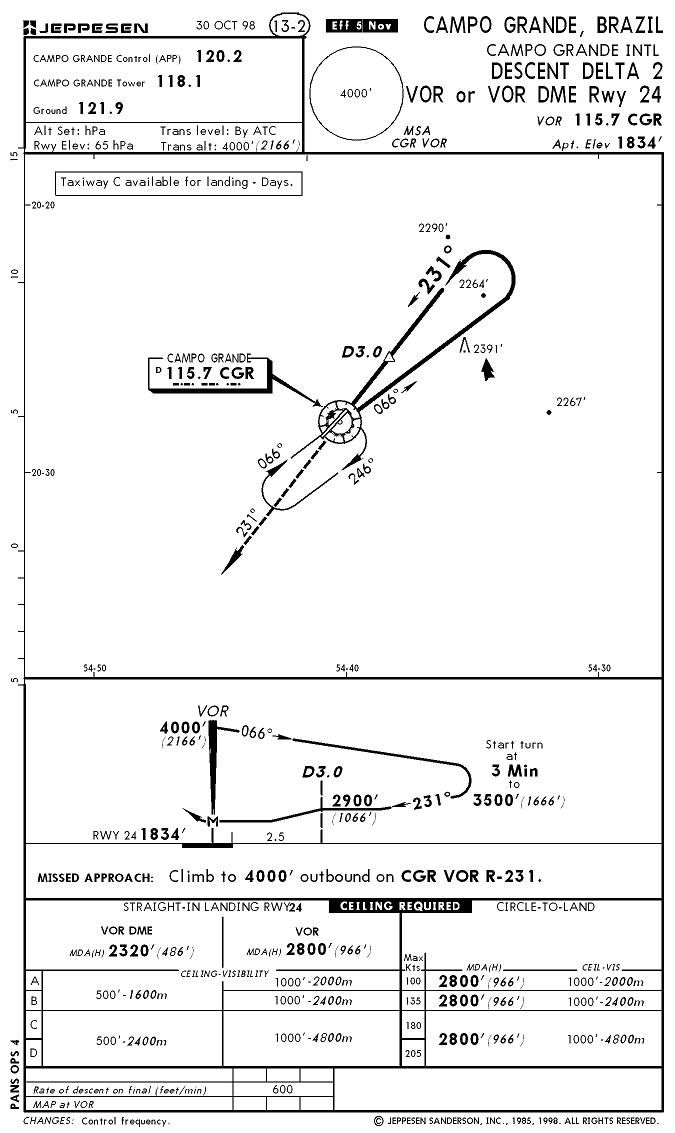
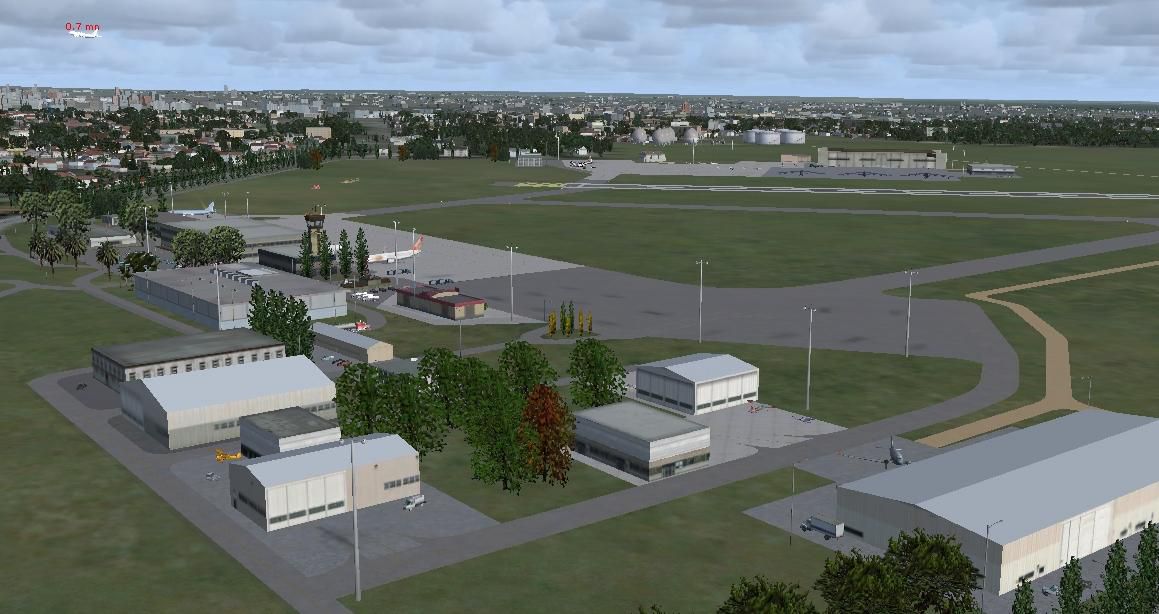
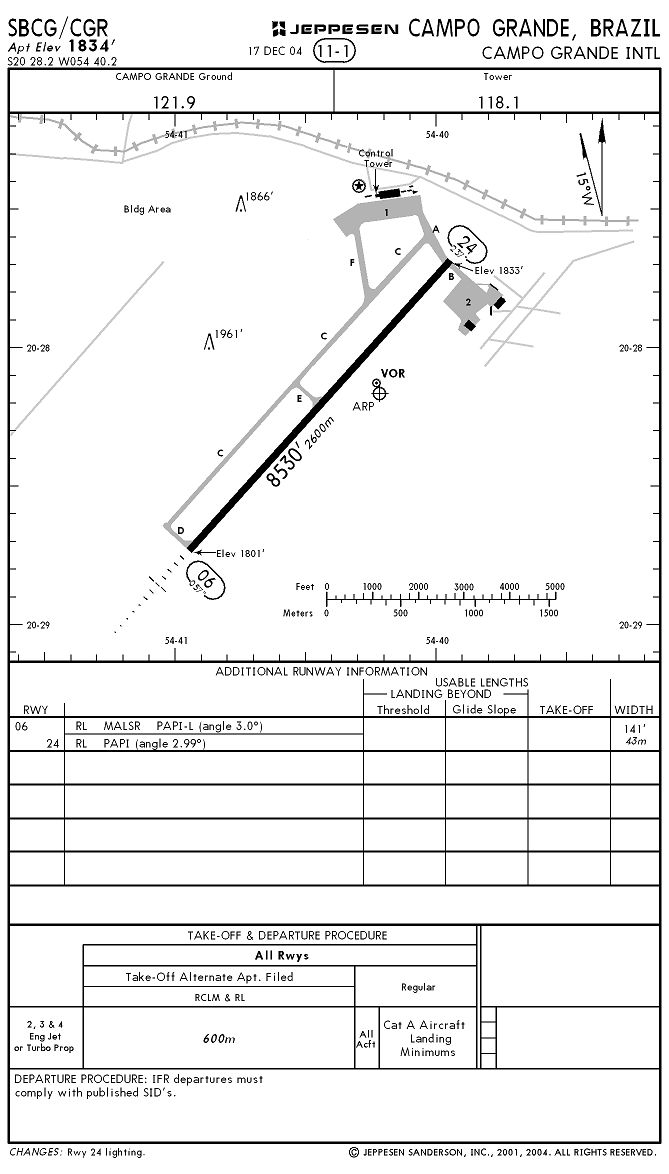
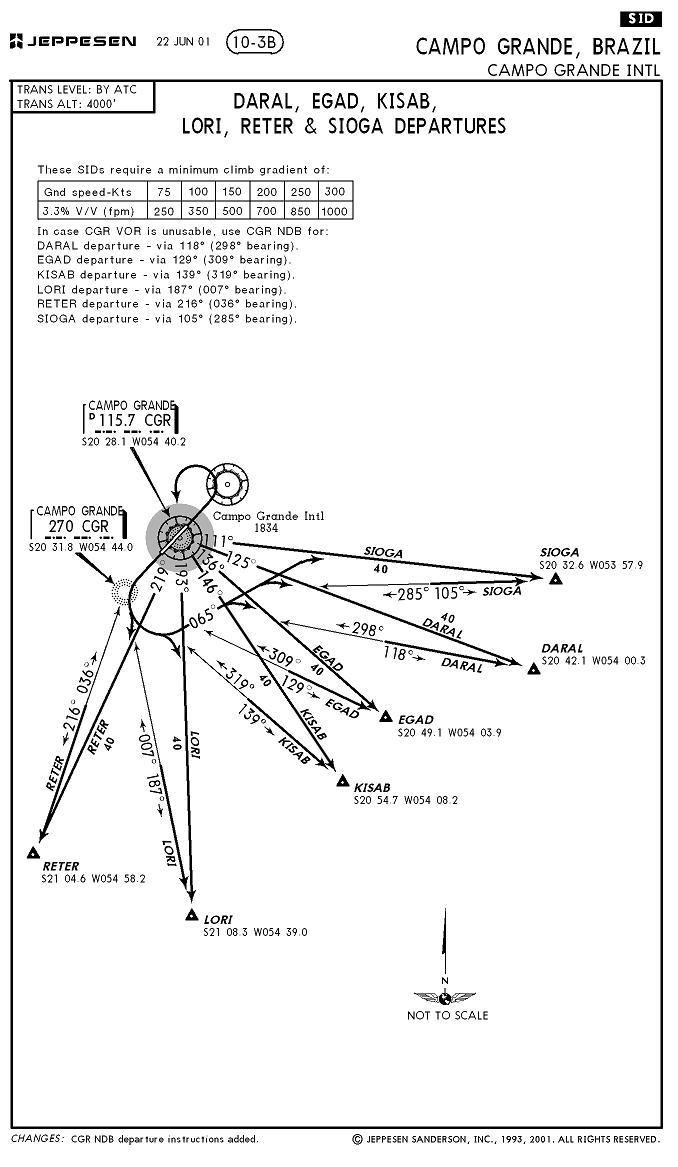
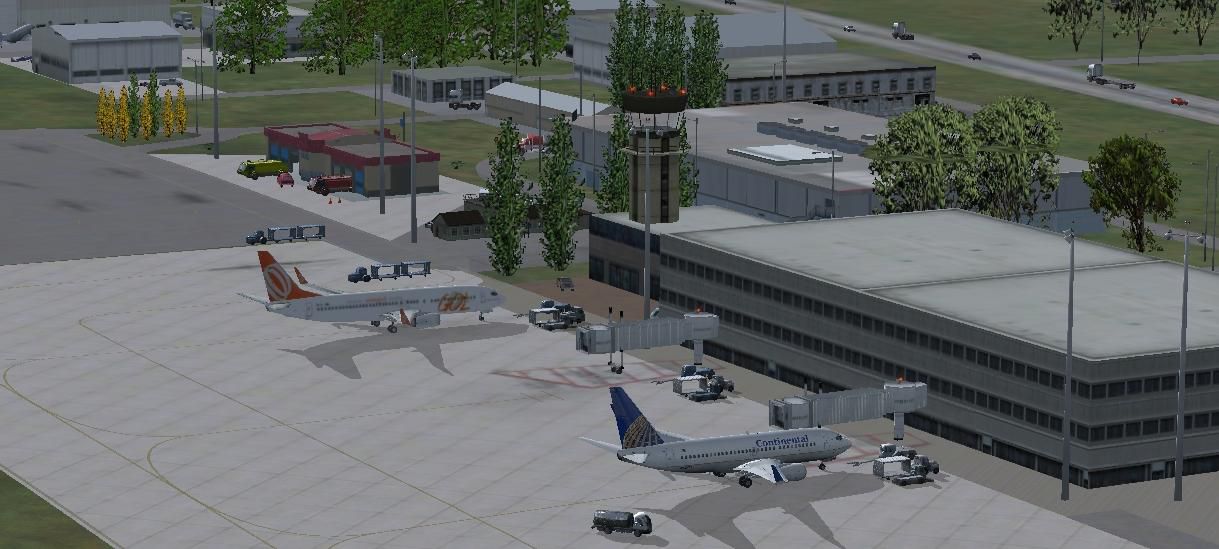

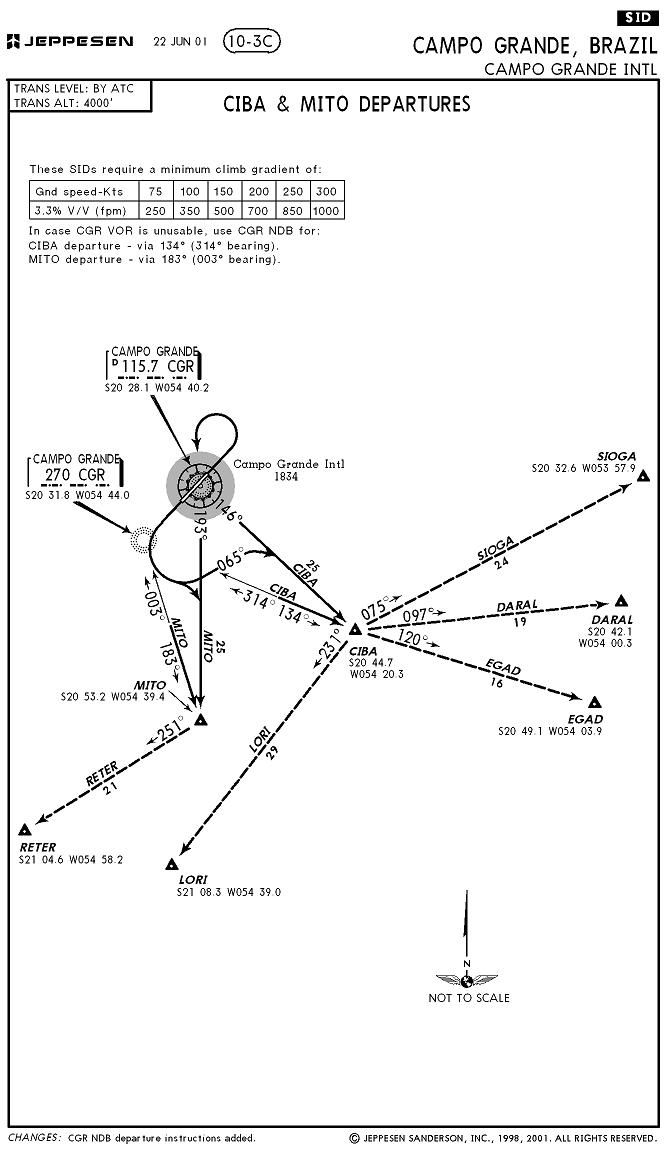
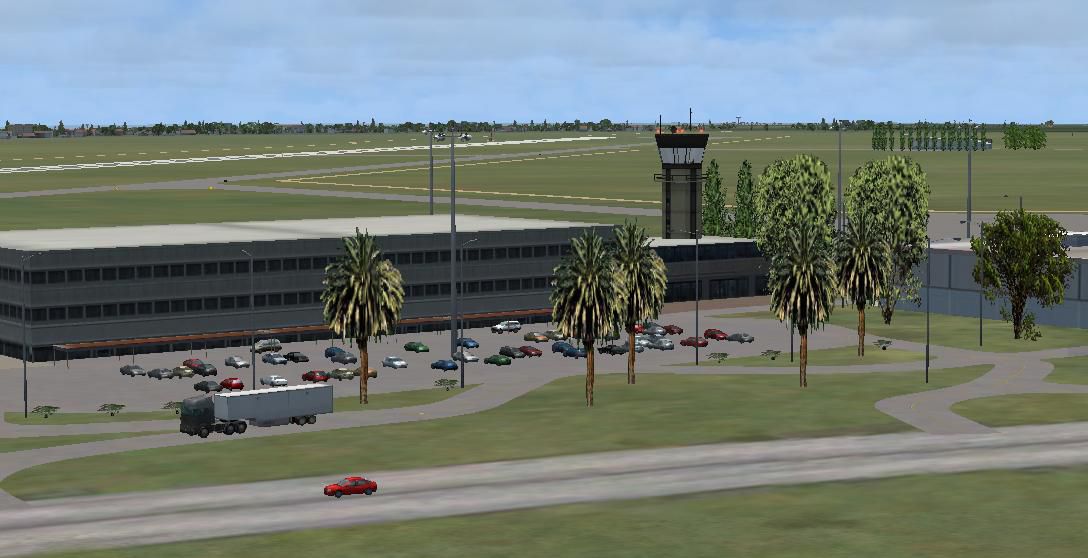
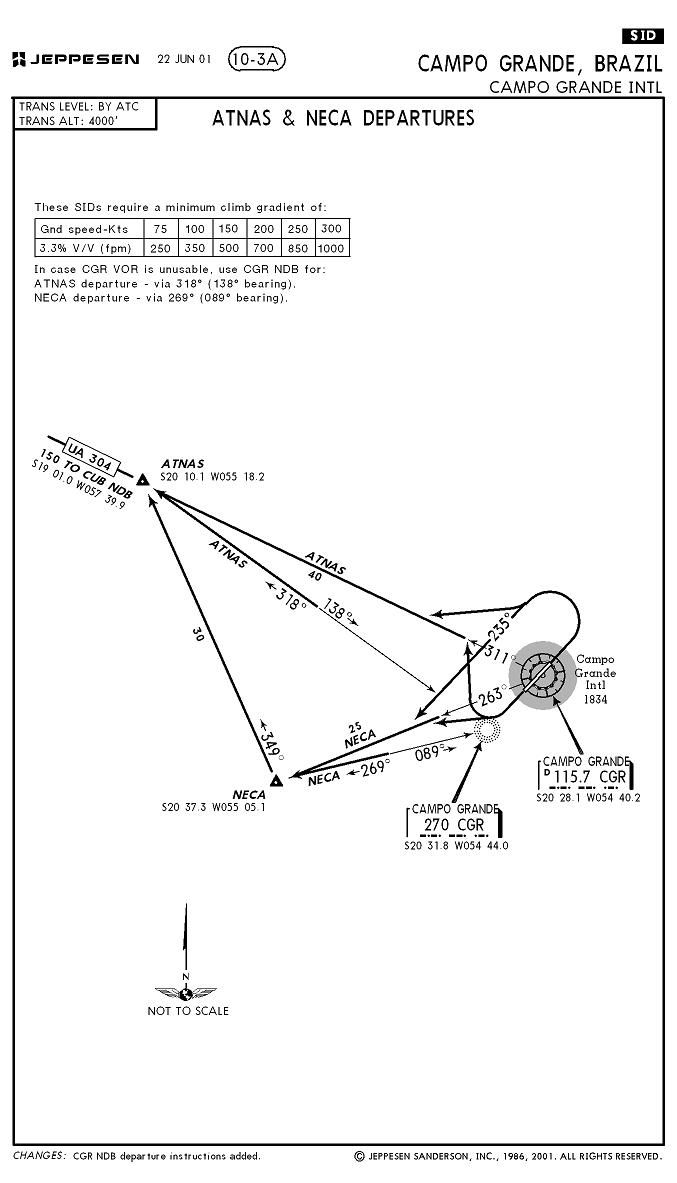


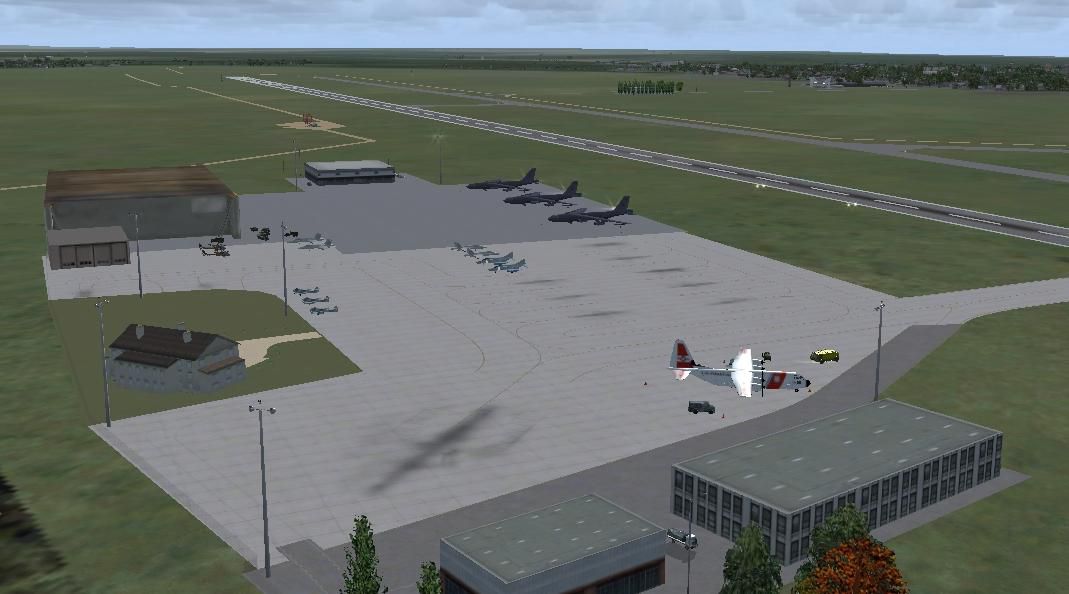

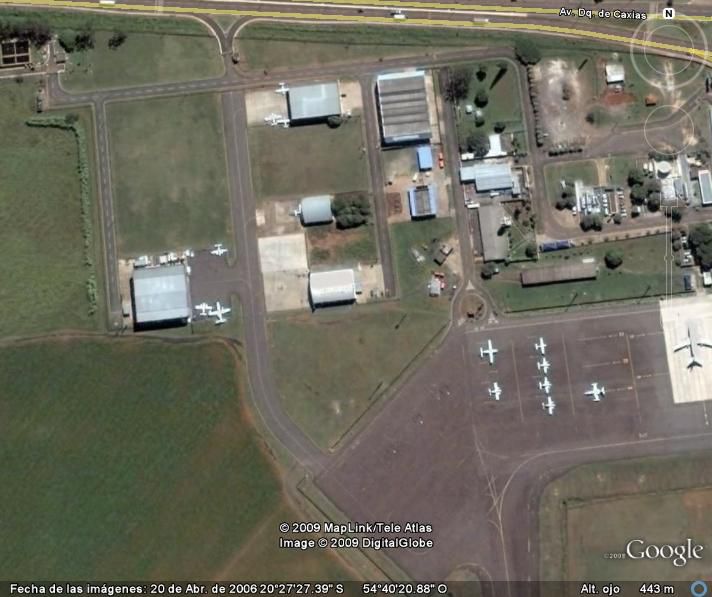
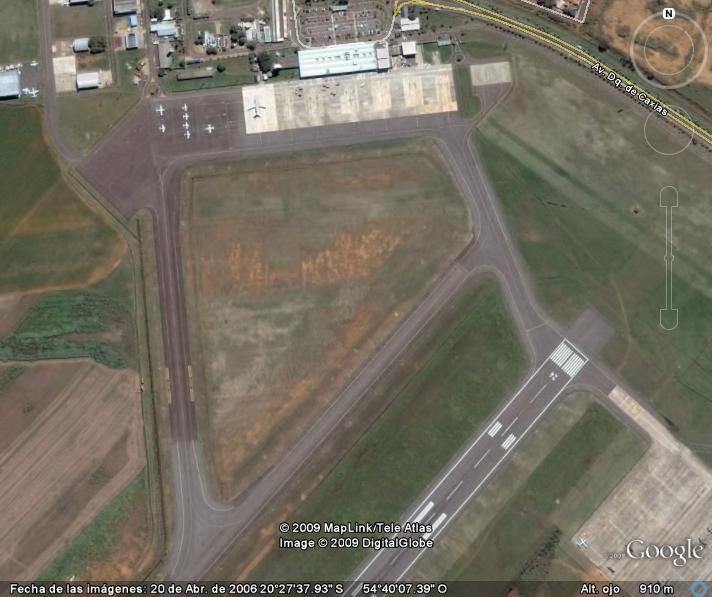
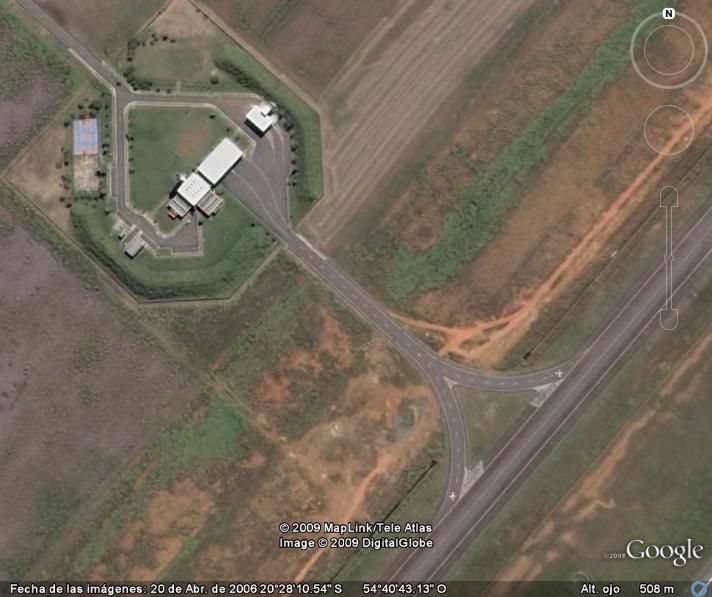
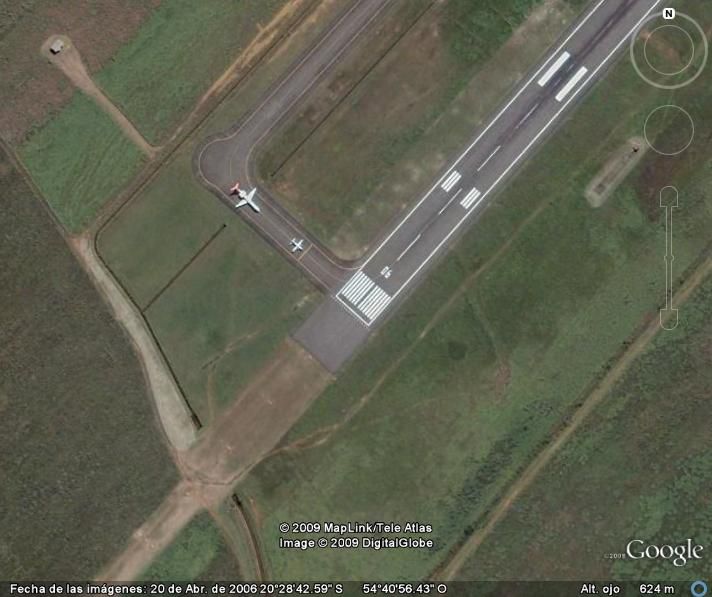

Campo Grande International Airport, Mato Grosso de Sul, Brazil (SBCG). By Cristobal Laje.
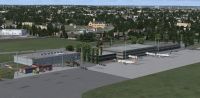
Campo Grande International Airport Scenery.
Requirements for use and you'll enjoy the scenery:
The scenario was made with default objects for Flight Simulator X (R) Acceleration (R) pack. It has not been tested with others versions of FSX! All items except the radar that is attached to this folder, belong to the libraries of fsx acceleration pack.
INSTALATION:
1) Copy the SBCG folder into your ADDON SCENERY of FSX.
2) Open the Settings/Scenery Library and "add Area".
3) Select the SBCG folder and click "OK" for adds the new area.
Enjoy!
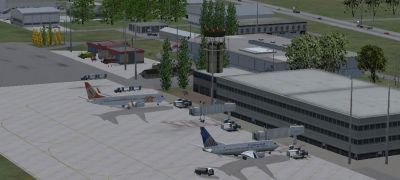
Campo Grande International Airport Scenery.
Free for all simmers · 5.72 MB · Scanned clean Oct 2026
Download speed: Free tier is capped at 0.5 Mbps (this file takes approximately 2 mins at the cap). PRO members download at full line speed.
FSX\Addon Scenery\ containing scenery and texture sub-folders.readme.txt or README file. It tells you exactly where files go, what dependencies are needed, and any quirks specific to this add-on.Use these coordinates to fly directly to this location once the mod is installed.
-20.46860000,-54.67260000
Launch FSX or Prepar3D and use Flights → Load to open the downloaded .pln file. Your aircraft will be positioned at this location.
The archive sbcg.zip has 75 files and directories contained within it.
This list displays the first 500 files in the package. If the package has more, you will need to download it to view them.
| Filename/Directory | File Date | File Size |
|---|---|---|
| Charts | 11.07.09 | 0 B |
| 10-3.JPG | 11.07.09 | 91.15 kB |
| 10-3A.JPG | 11.07.09 | 79.27 kB |
| 10-3B.JPG | 11.07.09 | 102.24 kB |
| 10-3C.JPG | 11.07.09 | 86.74 kB |
| 10-4.JPG | 11.07.09 | 163.79 kB |
| 11-1.JPG | 11.07.09 | 130.02 kB |
| 11-2.JPG | 11.07.09 | 138.68 kB |
| 11-3.JPG | 11.07.09 | 138.18 kB |
| 11-5.JPG | 11.07.09 | 157.71 kB |
| 11-6.JPG | 11.07.09 | 137.55 kB |
| 13-1.JPG | 11.07.09 | 111.82 kB |
| 13-2.JPG | 11.07.09 | 105.39 kB |
| 13-3.JPG | 11.07.09 | 128.23 kB |
| 16-1.JPG | 11.07.09 | 118.10 kB |
| 16-2.JPG | 11.07.09 | 112.02 kB |
| Airport.JPG | 11.07.09 | 241.56 kB |
| Thumbs.db | 11.07.09 | 75.50 kB |
| INFO.txt | 11.07.09 | 2.00 kB |
| Install.txt | 11.07.09 | 1.21 kB |
| RADAR.txt | 10.29.08 | 118 B |
| Radar_readme.txt | 11.07.09 | 963 B |
| Readme_lights.txt | 11.06.08 | 2.51 kB |
| readme_lights_credits.txt | 11.06.08 | 2.51 kB |
| SBCG_PICS | 11.07.09 | 0 B |
| Civil_1.JPG | 11.07.09 | 109.56 kB |
| Civil_2.JPG | 11.07.09 | 99.14 kB |
| Civil_3.JPG | 11.07.09 | 104.99 kB |
| Civil_4.JPG | 11.07.09 | 50.61 kB |
| Civil_5.JPG | 11.07.09 | 65.71 kB |
| Front.JPG | 11.07.09 | 81.74 kB |
| Mil_1.JPG | 11.07.09 | 67.85 kB |
| Radar.JPG | 11.07.09 | 580.13 kB |
| Thumbs.db | 11.07.09 | 59.00 kB |
| SBCG_SATELLITE | 11.07.09 | 0 B |
| CABECERA SUR.jpg | 10.31.09 | 57.19 kB |
| MEDIO.jpg | 10.31.09 | 58.97 kB |
| Mil.jpg | 10.31.09 | 69.05 kB |
| TERMINAL_1.jpg | 10.31.09 | 59.47 kB |
| Terminal_2.jpg | 10.31.09 | 61.51 kB |
| Thumbs.db | 11.07.09 | 40.50 kB |
| TOTAL.jpg | 10.31.09 | 75.24 kB |
| Scenery | 11.07.09 | 0 B |
| C130 Coast Guard USA Library.bgl | 08.12.09 | 679.70 kB |
| C130 Coast Guard USA Library.xml | 08.12.09 | 251 B |
| F4 Hellenic library.bgl | 07.16.09 | 549.82 kB |
| F4 hellenic Library.xml | 07.16.09 | 247 B |
| Gazelle Helicopter Library.bgl | 10.18.09 | 1.15 MB |
| Gazelle Helicopter Library.xml | 10.18.09 | 365 B |
| Gloster Meteor.bgl | 09.17.09 | 1.43 MB |
| Gloster Meteor.xml | 09.17.09 | 364 B |
| lightobj.bgl | 11.06.08 | 643.63 kB |
| lightobj.txt | 11.06.08 | 547 B |
| RADAR.bgl | 10.29.08 | 524.90 kB |
| SBCG.BGL | 11.07.09 | 72.41 kB |
| SBCG_CVX.bgl | 11.07.09 | 1.69 kB |
| Statics_Aircrafts_credits.txt | 11.07.09 | 455 B |
| Texture | 11.07.09 | 0 B |
| almwht.dds | 10.16.08 | 64.12 kB |
| asr9.dds | 10.29.08 | 128.12 kB |
| C130 USA Coast Guard 1.bmp | 08.12.09 | 512.07 kB |
| F4 Hellenic Fuselage 2.bmp | 07.16.09 | 128.07 kB |
| F4 hellenic Intake_R.bmp | 07.16.09 | 32.07 kB |
| F4 Hellenic Tail.bmp | 07.16.09 | 128.07 kB |
| F4 Hellenic Untitled-2.bmp | 07.16.09 | 128.07 kB |
| F4 Hellenic Wings.bmp | 07.16.09 | 512.07 kB |
| Gazelle Texture France Camouflage.bmp | 10.18.09 | 512.07 kB |
| lights1.dds | 11.06.08 | 32.12 kB |
| Meteor texture Netherlands.bmp | 09.17.09 | 512.07 kB |
| Meteor texture UK.bmp | 09.17.09 | 512.07 kB |
| RADAR.txt | 10.29.08 | 118 B |
| Thumbs.db | 11.07.09 | 31.00 kB |
| SBCG | 11.07.09 | 0 B |
| flyawaysimulation.txt | 10.29.13 | 959 B |
| Go to Fly Away Simulation.url | 01.22.16 | 52 B |
Only PRO members can place votes.
More FSX & P3D add-ons hand-picked based on this download.
FSX Scenery
Campo de Marte. Scenery of Campo de Marte (SBMT), a very busy airport in Sao …
 FSX Scenery
Casa Grande Municipal Airport (KCGZ), Arizona (AZ). Includes moving airport v…
 FSX Scenery
Playa Grande Airport - Huehuetenango v1.0. This scenery is located in Huehuet…
 FSX Scenery
Grande Case Island, St Marteen (TFFG). This scenery is fully compatible with …
 FSX Scenery
Scenery SRTM Meshes Correction. Corrects the wrong altitude on lakes and dams…
 FSX Scenery
Princess Juliana International Airport (TNCM) in Saint Marteen, Netherlands A…
 FSX Scenery
Barbados International Airport (TBPB). Grantley Adams International Airport f…
 FSX Scenery
Dubai International Airport (OMDB), Dubai. Includes a new passenger terminal …
Be the first to leave a comment on this download.
Be the first to share your thoughts on this download.