





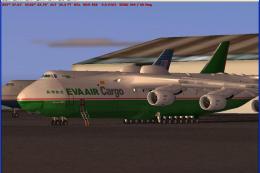
 FS2004 Civil Jet Aircraft
EVA Air Cargo Antonov AN-225
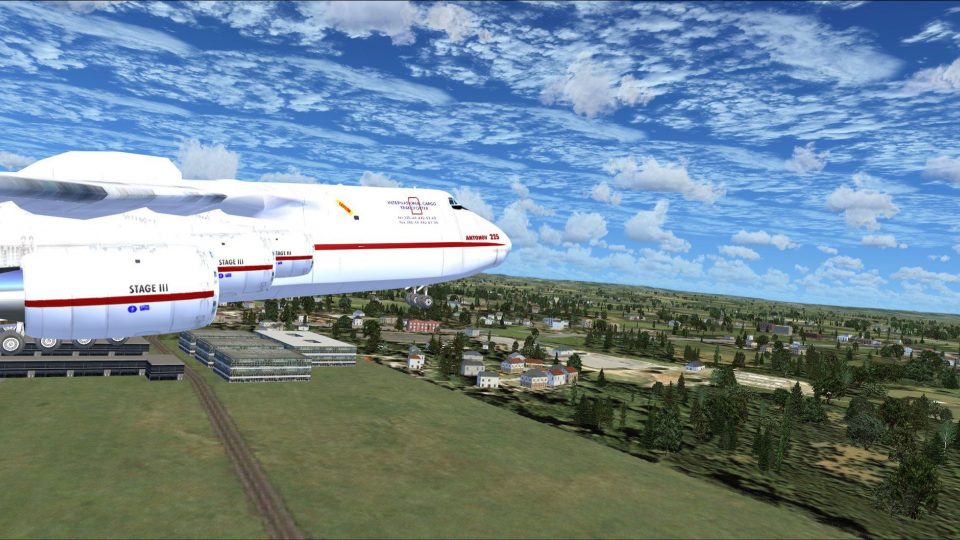
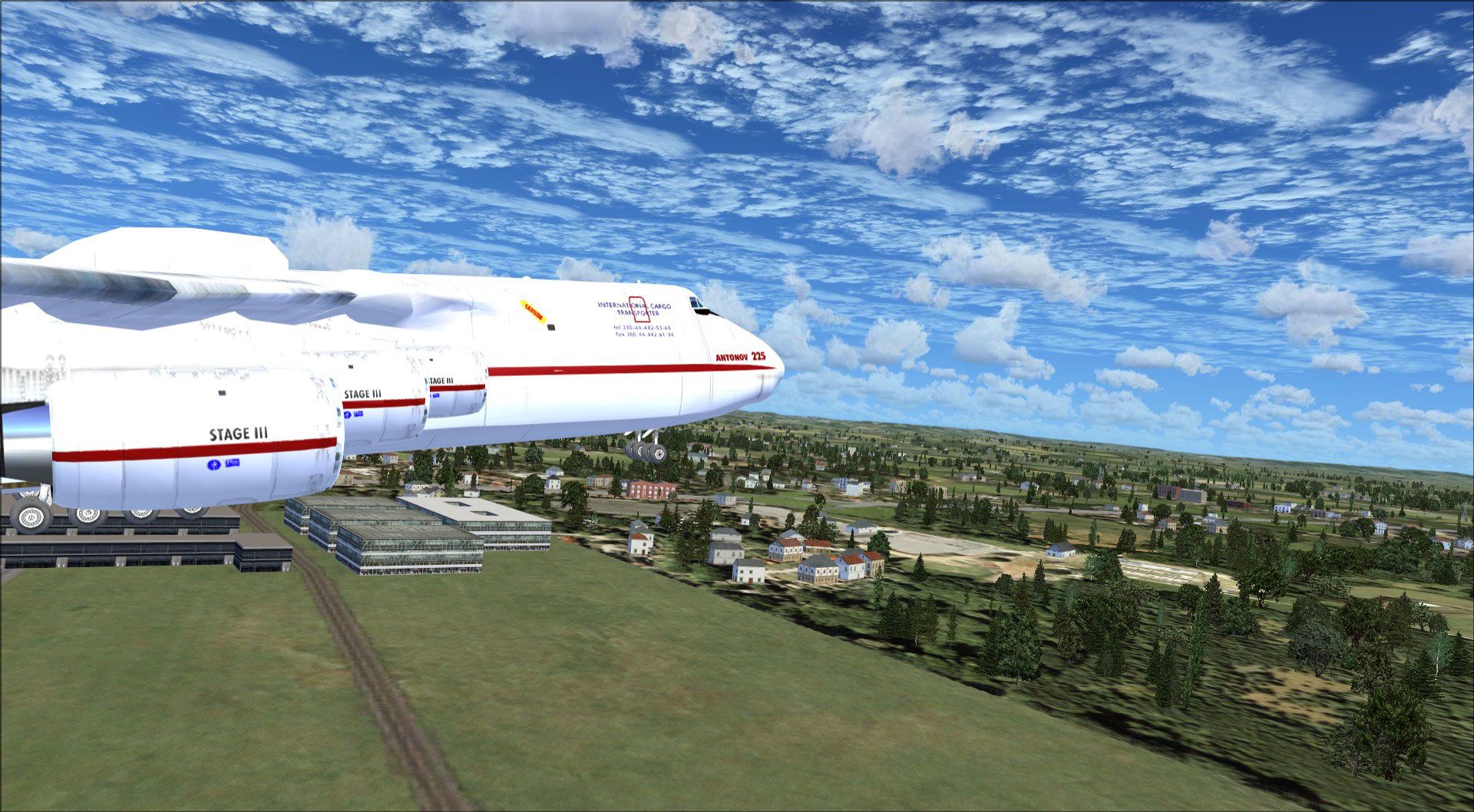
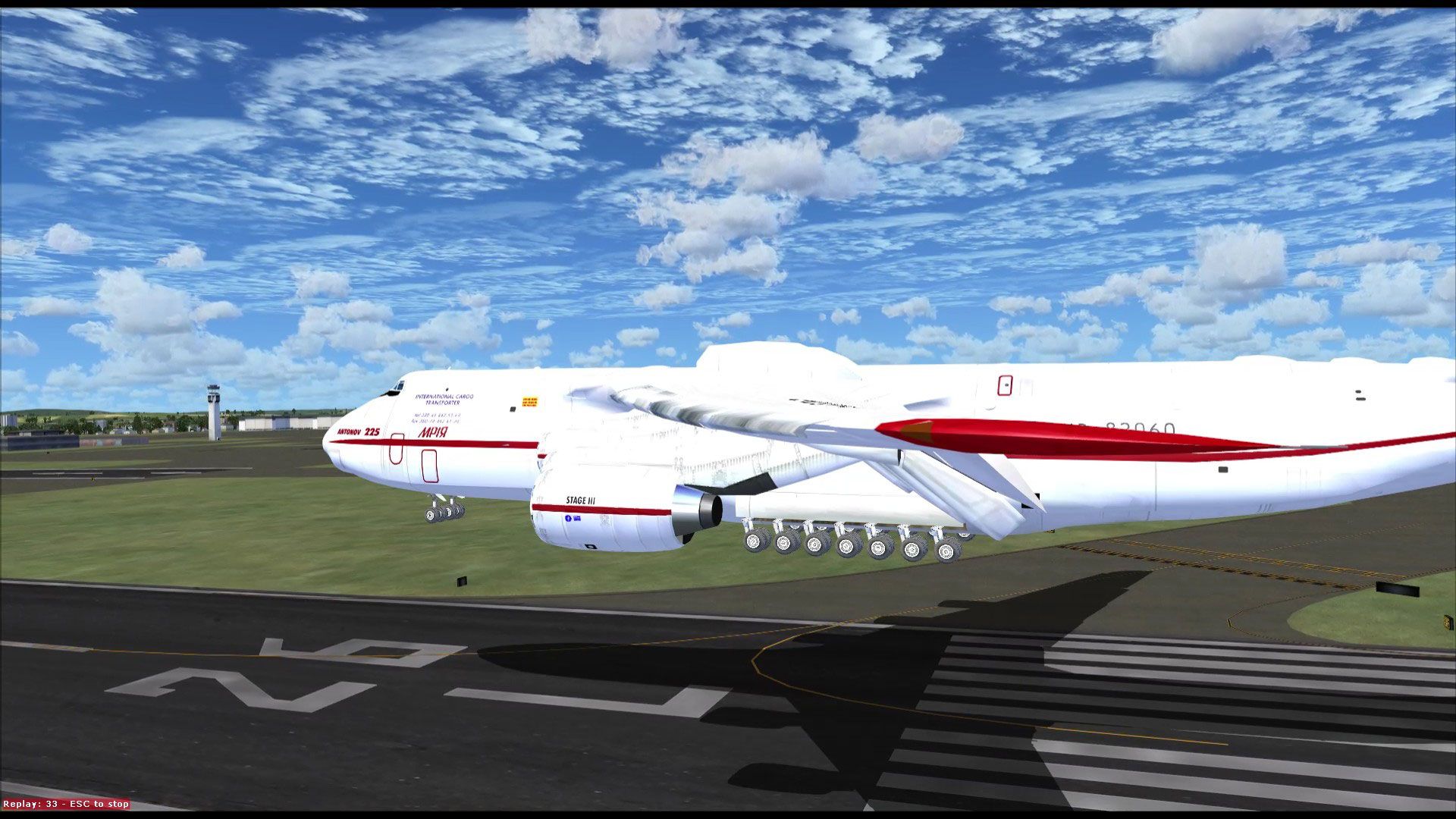
Mriya ("Dream"). One of the world's largest and heaviest aircraft. Model by T…
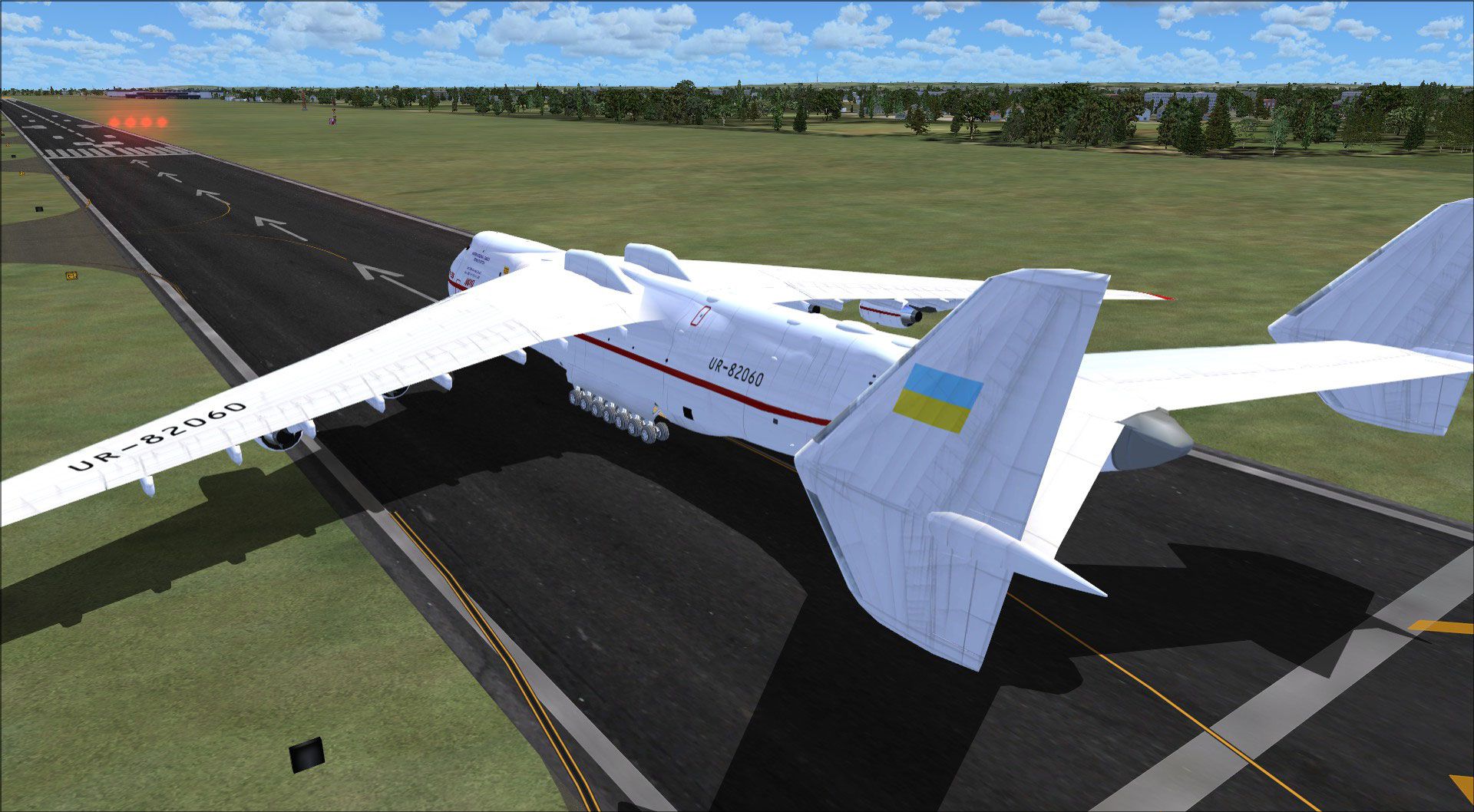
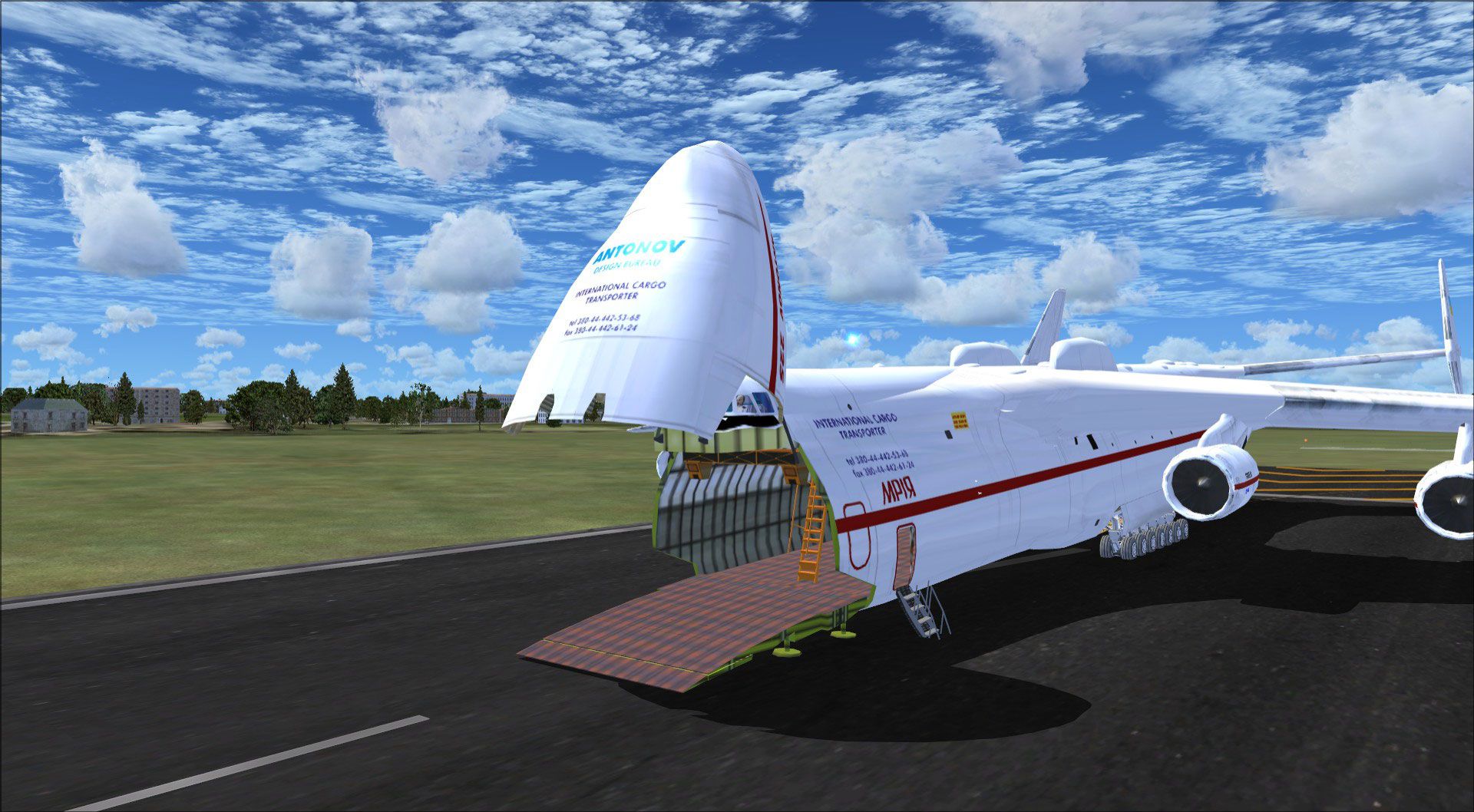
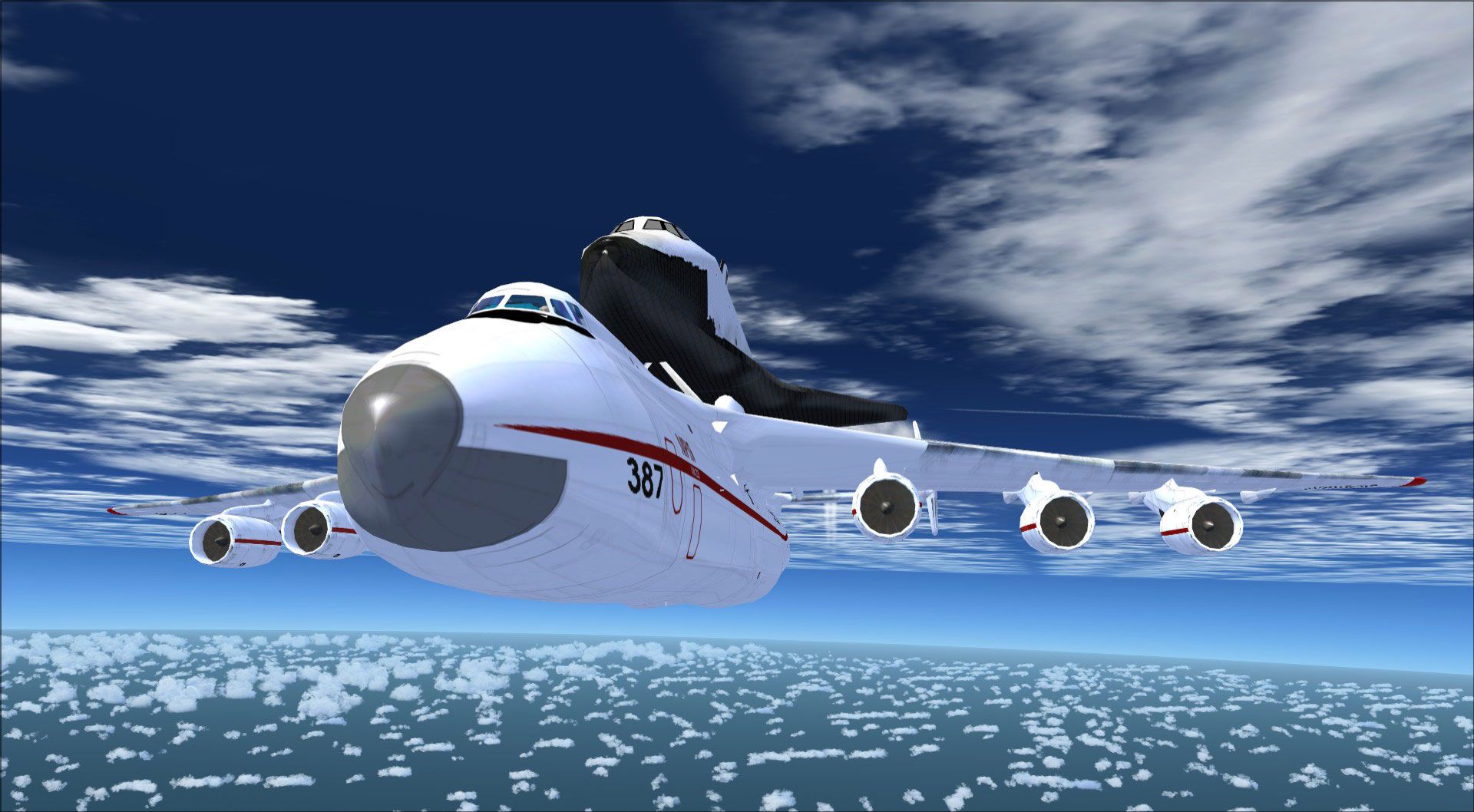
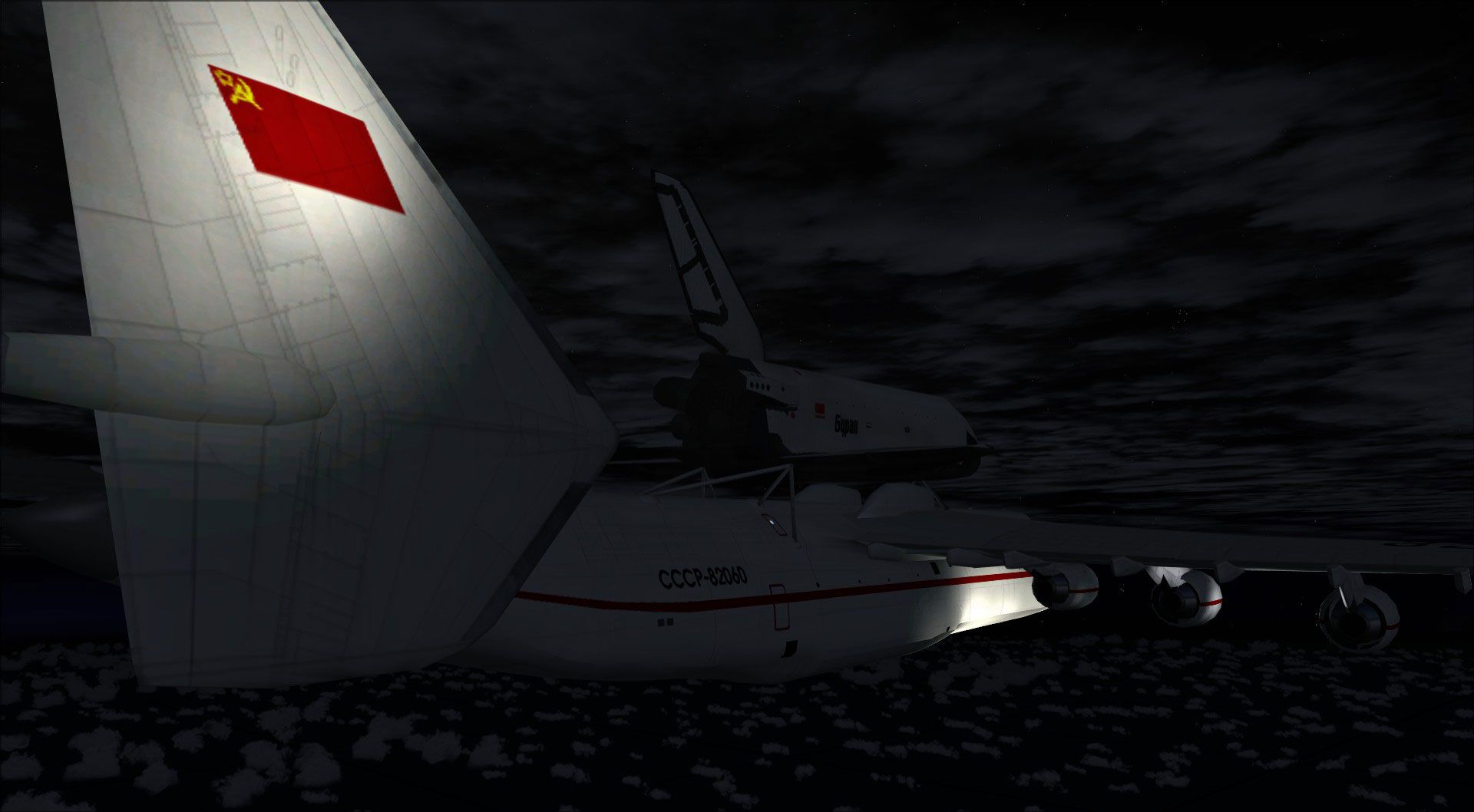
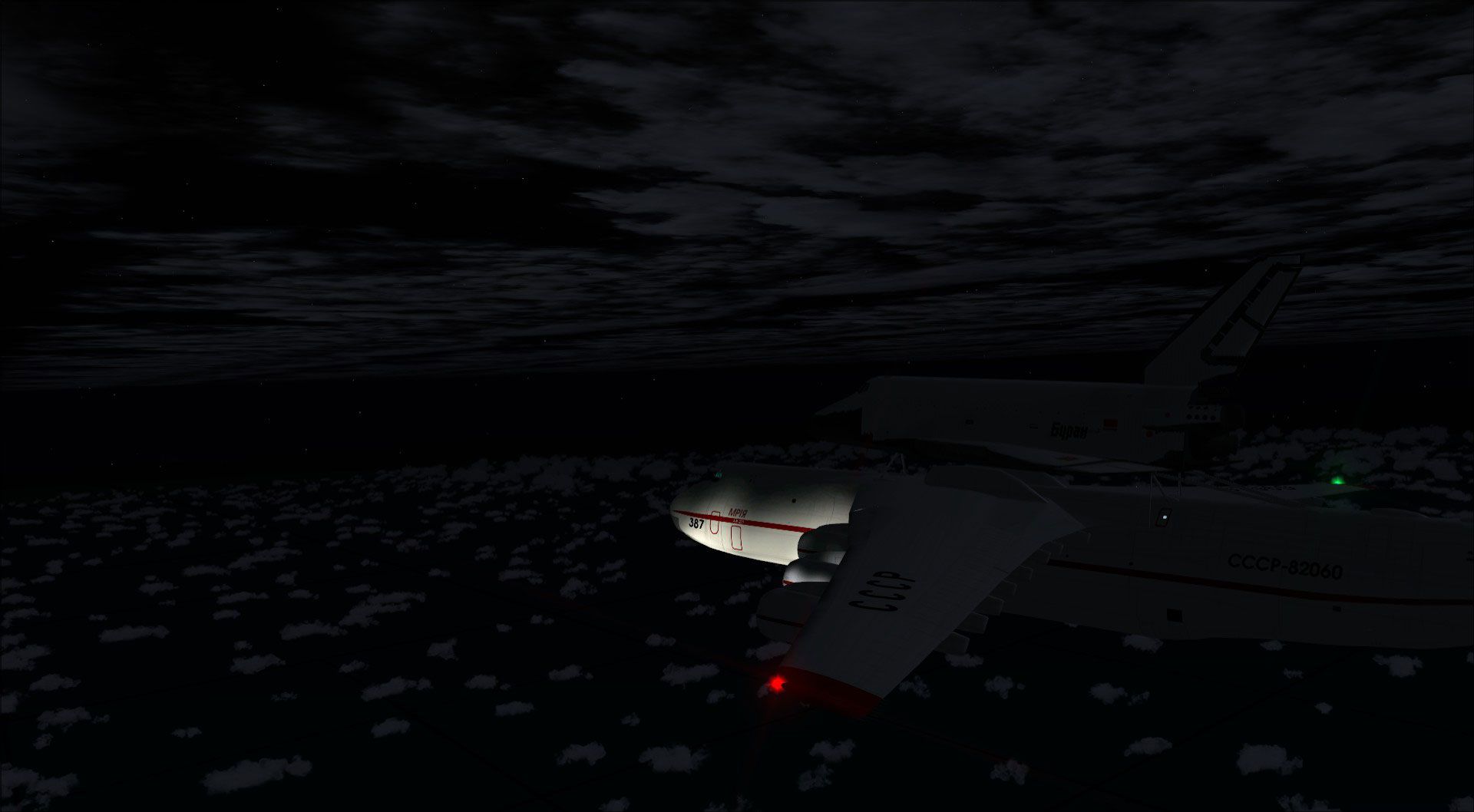
Antonov An-225 for FS2004 brings a high-detail GMAX model with reflective highlights, extensive control-surface and door animations, plus optional Buran piggyback configuration in its current livery. It includes a default panel and sound set, supports custom key-triggered features like engine cowlings and emergency exits, and models six-engine effects.
 Rate
Rate
Antonov An225 GMAX version with many animated parts, high detailed 3D model and highlight reflections (for the "unusual" animations read the install.txt). two versions included, one with Buran and one without piggyback cargo in its present livery. This one comes without virtual cockpit (will be updated later) and with default panel and sound. Freeware repaints and freeware modifications welcome and without limitations (read copyright.txt). This aircraft is also FS2002 compatible with some modifications (read fs2002.txt).
This one comes with default 747 panel and 737 sound. I highly recommend to use an Antonov AN124 panel like antonov-124.zip.
The aircraft has a maximum take off weight of 600 metrical tons. You cannot takeoff with full tanks AND full cargo load of 250 tonnes.
Before anyone asks:
The AN225 does NOT have an rear cargo door, and it has NO orange beacons. All beacons ARE white. Since M$ doesn't support more than four engines, I've tagged the outboard engines same as the middle ones. the engine numbers are: 1-1-2---3-4-4
Default contrails are only available for the inner four engines but I have added smoke-system activated contrails for the outer engines. If you want to have six contrails, just activate smoke system (default keypress i).
I will upload a paintkit soon.

Free for all simmers · 8.48 MB · Scanned clean Oct 2026
Download speed: Free tier is capped at 0.5 Mbps (this file takes approximately 2 mins at the cap). PRO members download at full line speed.
FS9\Aircraft\, FS9\Addon Scenery\, FS9\Gauges\, or FS9\Effects\.readme.txt or README file. It tells you exactly where files go, what dependencies are needed, and any quirks specific to this add-on.The archive an225.zip has 110 files and directories contained within it.
This list displays the first 500 files in the package. If the package has more, you will need to download it to view them.
| Filename/Directory | File Date | File Size |
|---|---|---|
| Aircraft.cfg | 08.31.03 | 17.87 kB |
| an225.air | 08.22.03 | 7.86 kB |
| an225_notes.txt | 03.22.02 | 0 B |
| texture | 08.26.03 | 0 B |
| pilots_t.bmp | 07.18.03 | 16.07 kB |
| cargodeck_t.bmp | 07.26.03 | 256.07 kB |
| cowlinga_l.bmp | 08.18.03 | 256.07 kB |
| cowlinga_t.bmp | 08.22.03 | 256.07 kB |
| cowlingb_l.bmp | 08.18.03 | 256.07 kB |
| cowlingb_t.bmp | 08.22.03 | 256.07 kB |
| cowlingc_l.bmp | 08.18.03 | 256.07 kB |
| cowlingc_t.bmp | 08.22.03 | 256.07 kB |
| cowlingd_l.bmp | 08.18.03 | 256.07 kB |
| cowlingd_t.bmp | 08.22.03 | 256.07 kB |
| cowlinge_l.bmp | 08.18.03 | 256.07 kB |
| cowlinge_t.bmp | 08.22.03 | 256.07 kB |
| cowlingf_l.bmp | 08.18.03 | 256.07 kB |
| cowlingf_t.bmp | 08.22.03 | 256.07 kB |
| engine_l.bmp | 08.01.03 | 256.07 kB |
| engine_t.bmp | 08.22.03 | 256.07 kB |
| flightdeck_l.bmp | 07.27.03 | 256.07 kB |
| flightdeck_t.bmp | 07.18.03 | 64.07 kB |
| fuse225a_l.bmp | 08.18.03 | 1.00 MB |
| fuse225a_t.bmp | 08.22.03 | 1.00 MB |
| fuse225b_l.bmp | 08.18.03 | 1.00 MB |
| fuse225b_t.bmp | 08.22.03 | 1.00 MB |
| fuse225c_l.bmp | 08.18.03 | 1.00 MB |
| fuse225c_t.bmp | 08.22.03 | 1.00 MB |
| gear_l.bmp | 07.27.03 | 64.07 kB |
| gear_t.bmp | 07.06.03 | 256.07 kB |
| geardoor_l.bmp | 07.27.03 | 4.07 kB |
| geardoor_t.bmp | 07.06.03 | 4.07 kB |
| paxdeck_l.bmp | 07.27.03 | 256.07 kB |
| paxdeck_t.bmp | 07.24.03 | 64.07 kB |
| pilots_l.bmp | 07.27.03 | 16.07 kB |
| cargodeck_l.bmp | 07.27.03 | 256.07 kB |
| tail225_l.bmp | 08.18.03 | 1.00 MB |
| tail225_t.bmp | 08.22.03 | 1.00 MB |
| wingl_l.bmp | 08.18.03 | 1.00 MB |
| wingl_t.bmp | 08.22.03 | 1.00 MB |
| wingr_l.bmp | 08.18.03 | 1.00 MB |
| wingr_t.bmp | 08.22.03 | 1.00 MB |
| texture.1 | 08.26.03 | 0 B |
| geardoor_t.bmp | 07.06.03 | 4.07 kB |
| cargodeck_t.bmp | 07.26.03 | 256.07 kB |
| cowlinga_l.bmp | 08.18.03 | 256.07 kB |
| cowlinga_t.bmp | 08.22.03 | 256.07 kB |
| cowlingb_l.bmp | 08.18.03 | 256.07 kB |
| cowlingb_t.bmp | 08.22.03 | 256.07 kB |
| cowlingc_l.bmp | 08.18.03 | 256.07 kB |
| cowlingc_t.bmp | 08.22.03 | 256.07 kB |
| cowlingd_l.bmp | 08.18.03 | 256.07 kB |
| cowlingd_t.bmp | 08.22.03 | 256.07 kB |
| cowlinge_l.bmp | 08.18.03 | 256.07 kB |
| cowlinge_t.bmp | 08.22.03 | 256.07 kB |
| cowlingf_l.bmp | 08.18.03 | 256.07 kB |
| cowlingf_t.bmp | 08.22.03 | 256.07 kB |
| engine_l.bmp | 08.01.03 | 256.07 kB |
| engine_t.bmp | 08.22.03 | 256.07 kB |
| flightdeck_l.bmp | 07.27.03 | 256.07 kB |
| flightdeck_t.bmp | 07.18.03 | 64.07 kB |
| fuse225a_l.bmp | 08.18.03 | 1.00 MB |
| fuse225a_t.bmp | 08.22.03 | 1.00 MB |
| fuse225b_l.bmp | 08.18.03 | 1.00 MB |
| fuse225b_t.bmp | 08.22.03 | 1.00 MB |
| fuse225c_l.bmp | 08.18.03 | 1.00 MB |
| fuse225c_t.bmp | 08.22.03 | 1.00 MB |
| gear_l.bmp | 07.27.03 | 64.07 kB |
| gear_t.bmp | 07.06.03 | 256.07 kB |
| geardoor_l.bmp | 07.27.03 | 4.07 kB |
| cargodeck_l.bmp | 07.27.03 | 256.07 kB |
| paxdeck_l.bmp | 07.27.03 | 256.07 kB |
| paxdeck_t.bmp | 07.24.03 | 64.07 kB |
| payload_l.bmp | 08.22.03 | 1.00 MB |
| payload_t.bmp | 08.22.03 | 1.00 MB |
| pilots_l.bmp | 07.27.03 | 16.07 kB |
| pilots_t.bmp | 07.18.03 | 16.07 kB |
| tail225_l.bmp | 08.18.03 | 1.00 MB |
| tail225_t.bmp | 08.22.03 | 1.00 MB |
| wingl_l.bmp | 08.18.03 | 1.00 MB |
| wingl_t.bmp | 08.18.03 | 1.00 MB |
| wingr_l.bmp | 08.18.03 | 1.00 MB |
| wingr_t.bmp | 08.14.03 | 1.00 MB |
| model.1 | 08.26.03 | 0 B |
| Model.cfg | 08.08.03 | 23 B |
| beta11.mdl | 08.21.03 | 2.20 MB |
| panel | 08.27.03 | 0 B |
| panel.cfg | 08.01.03 | 32 B |
| sound | 08.27.03 | 0 B |
| Sound.cfg | 12.02.00 | 32 B |
| model | 08.27.03 | 0 B |
| Model.cfg | 08.08.03 | 23 B |
| beta11.mdl | 08.25.03 | 2.10 MB |
| install.txt | 08.31.03 | 1.49 kB |
| copyright.txt | 08.02.03 | 845 B |
| fs2002.txt | 08.31.03 | 638 B |
| avsim.diz | 03.24.03 | 360 B |
| flyawaysimulation.txt | 10.29.13 | 959 B |
| Go to Fly Away Simulation.url | 01.22.16 | 52 B |
| Screenshots | 08.16.17 | 0 B |
| 001.jpg | 08.16.17 | 326.61 kB |
| 002.jpg | 08.16.17 | 342.43 kB |
| 003.jpg | 08.16.17 | 350.49 kB |
| 004.jpg | 08.16.17 | 472.22 kB |
| 005.jpg | 08.16.17 | 267.33 kB |
| 006.jpg | 08.16.17 | 302.58 kB |
| 007.jpg | 08.16.17 | 264.96 kB |
| 008.jpg | 08.16.17 | 126.77 kB |
| 009.jpg | 08.16.17 | 103.40 kB |
| 010.jpg | 08.16.17 | 313.56 kB |
Only PRO members can place votes.
More FS2004 add-ons hand-picked based on this download.
FS2004 Civil Jet Aircraft
Mriya ("Dream"). One of the world's largest and heaviest aircraft. Model by T…
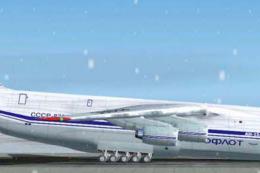 FS2004 Civil Jet Aircraft
A Gmax version with many animated parts, high detail 3D model and highlight r…
 FS2004 Civil Jet Aircraft
FS2002/FS2004 Antonov AN72. The Antonov An-72 "Coaler" was designed as a Shor…
 FS2004 Civil Jet Aircraft
Paint Kit for use with AN124-4.ZIP by Thomas Ruth. Screenshot of Antonov An-1…
 FS2004 Civil Jet Aircraft
Iran Air textures for the Antonov An-72 regional jetliner by Samdim, painted …
 FS2004 Civil Jet Aircraft
Cargo Turk Antonov An-124 in special livery. Textures only; requires AN124-4.…
FS2004 Civil Jet Aircraft
Textures only; requires ANT_AN72.ZIP. Model by Dimitri Samborski. Livery by B…
 FS2004 Civil Jet Aircraft
A repaint of tail number UR-74010 in Antonov Airlines colors. FSDS2 model by …
Read what other simmers think, or add your own.

...2012 Quote...WOAH THATS A BIG PLANE.....Russian guy says...ITS RUSSIAN lol that's an awesome part... I FLEW THIS TRUE THE CLOUDS! ITS AWESOME GREAT DOWNLOAD! Worth it!


you haft to get the an225 panel and sound updated but it is very flyable and good graphics

Cool looking aircraft...but is very hard to take- off....wont take-off of JFK - Rwy 14,500ft. The insturment panel looks like the defualt 747 panel...

AWESOME Download hard to take off dontr know where to take it off. every runway is to small even air force bases

Great. Take-off with full flaps and then have a comfortable and relaxed flight at 300 KIAS and less than 40% N1.