AFCAD London Heathrow (EGLL)
 London Heathrow International Airport version 2a includes some minor fixes to the previous version 2 as well as a major bug fix that prevented the FSX ATC from offering the ILS/RNAV approaches under certain conditions. By Kambiz Agazi.

- Download hits
- 34.3K

- Compatibility
- Microsoft Flight Simulator X (FSX) including Steam Edition & Prepar3D (P3D)
- Filename
- egll-1.zip
- File size
- 4.94 MB
- Virus Scan
- Scanned 25 days ago (clean)
- Access to file
- Free (Freeware)
- Content Rating
- Everyone

Rated 5 out of 5 stars by 11 PRO members.


London Heathrow International Airport version 2a includes some minor fixes to the previous version 2 as well as a major bug fix that prevented the FSX ATC from offering the ILS/RNAV approaches under certain conditions. By Kambiz Agazi.
-fsx1_medium.jpg)
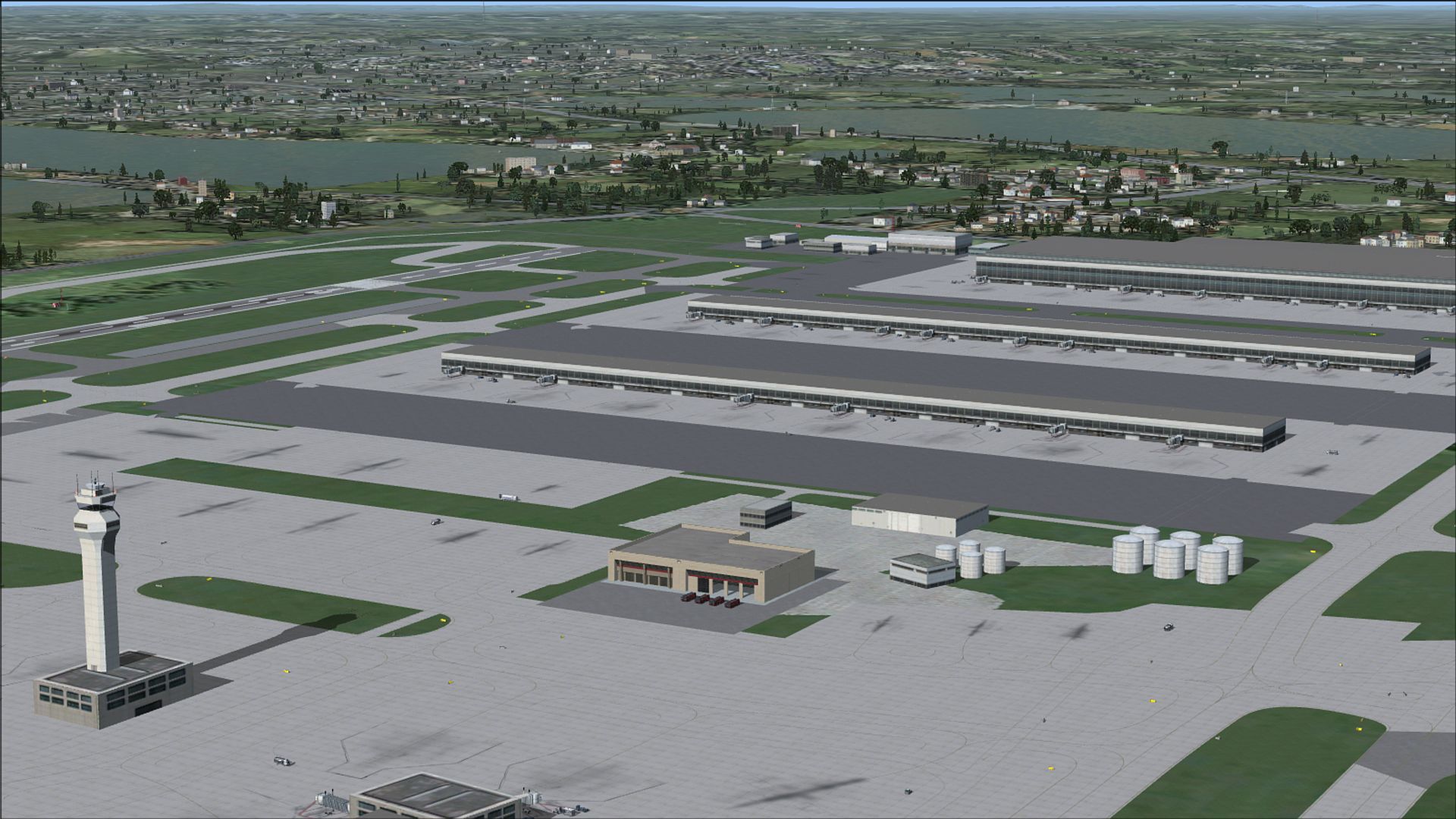
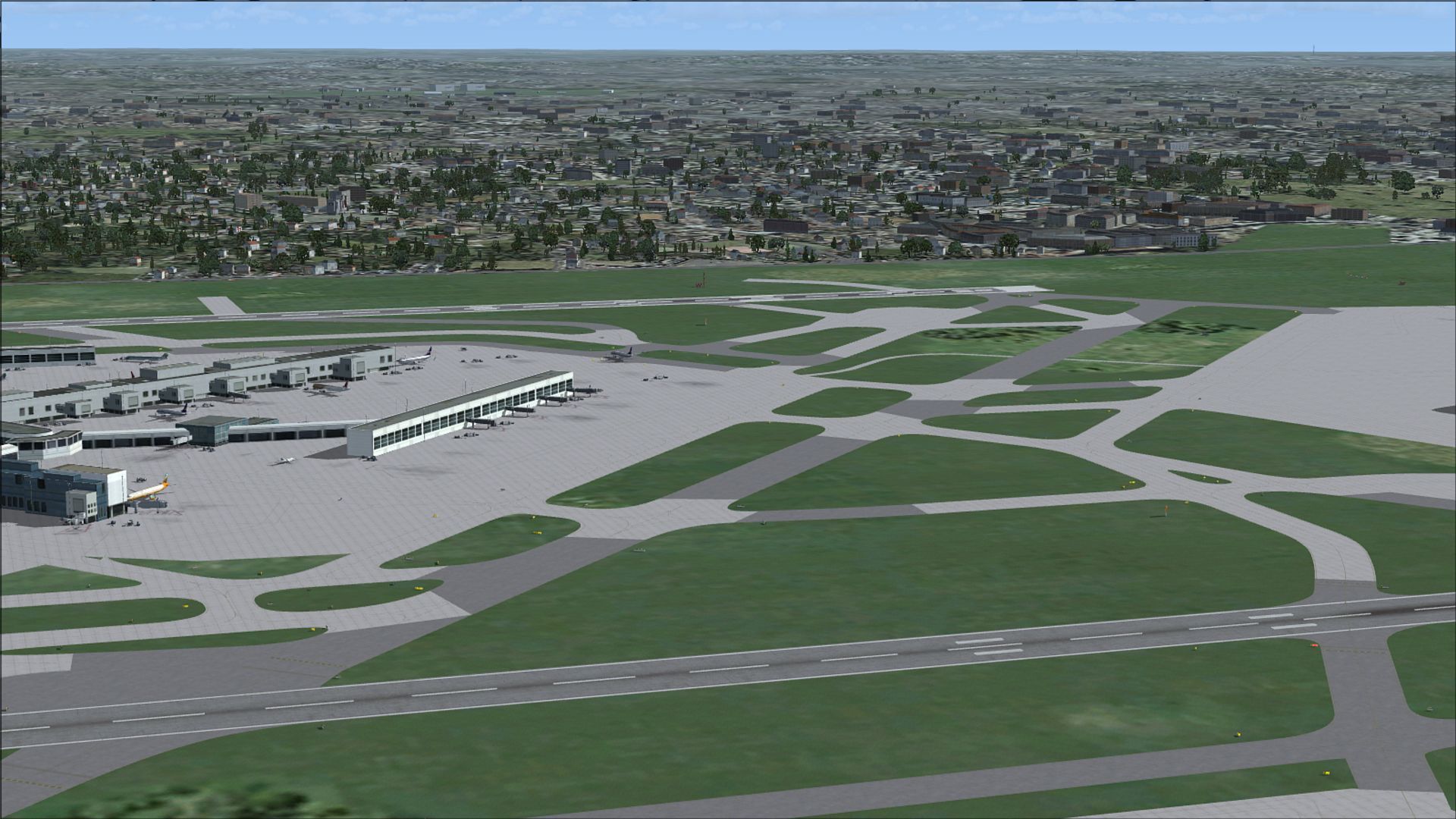
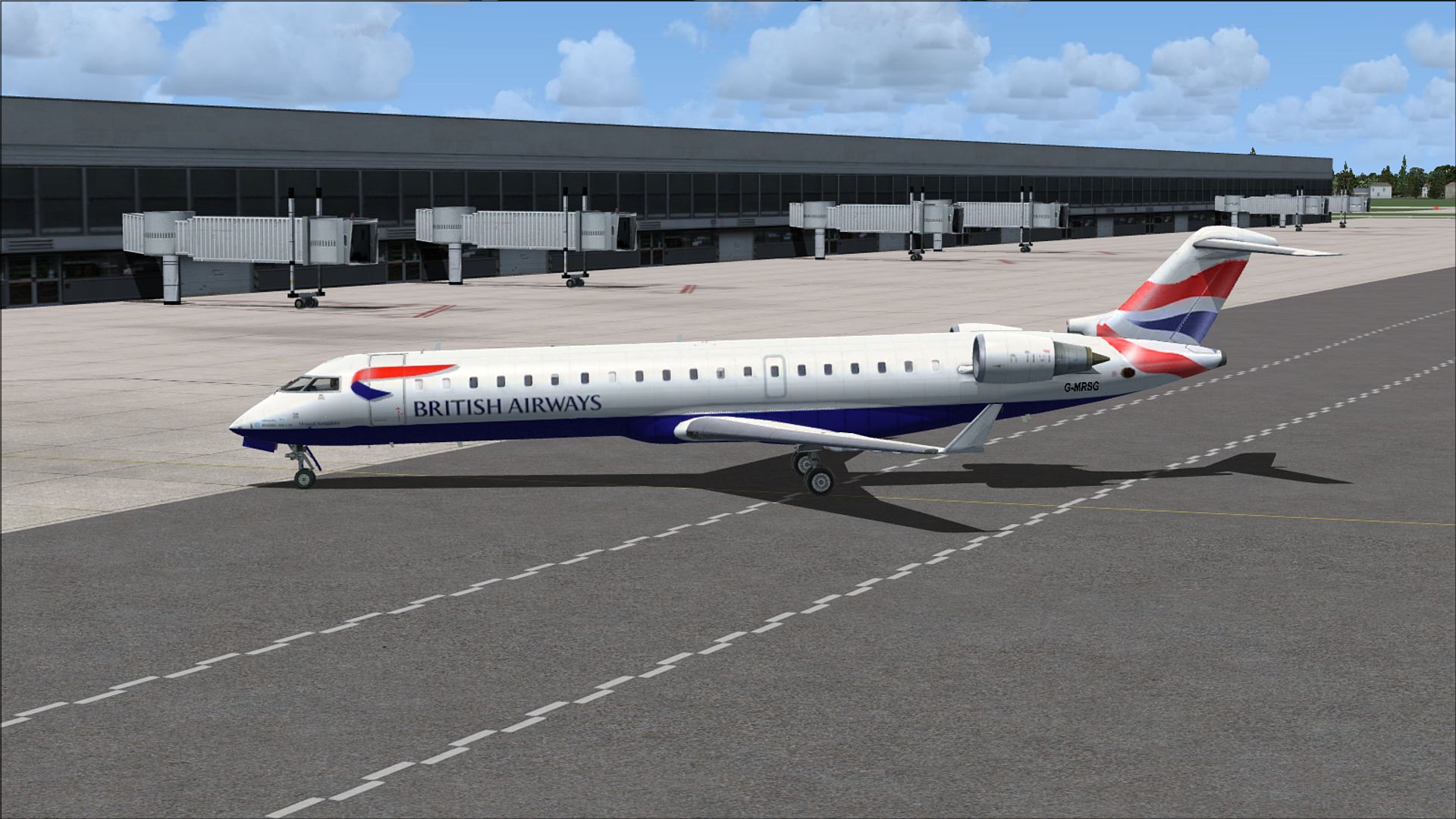
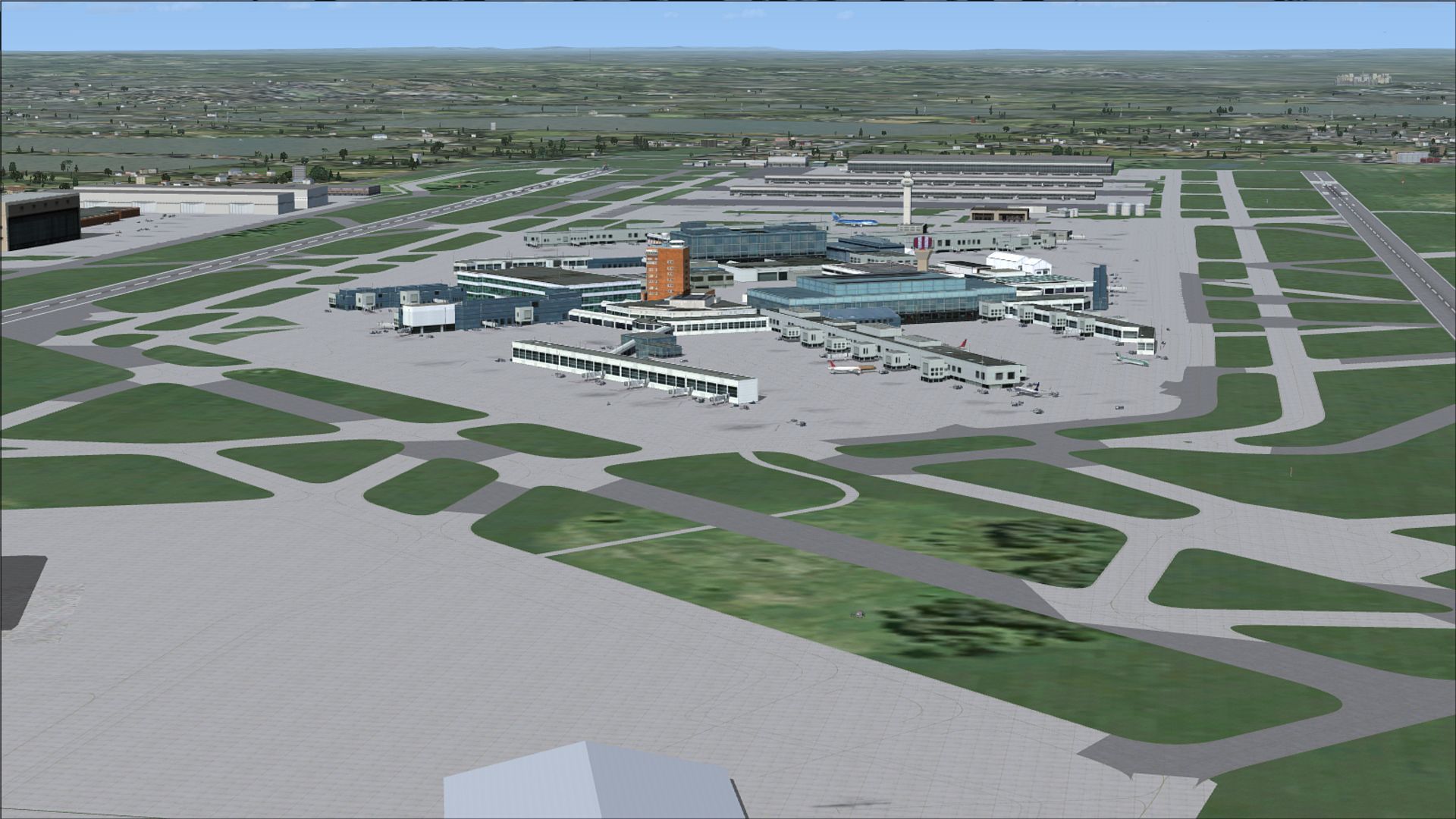
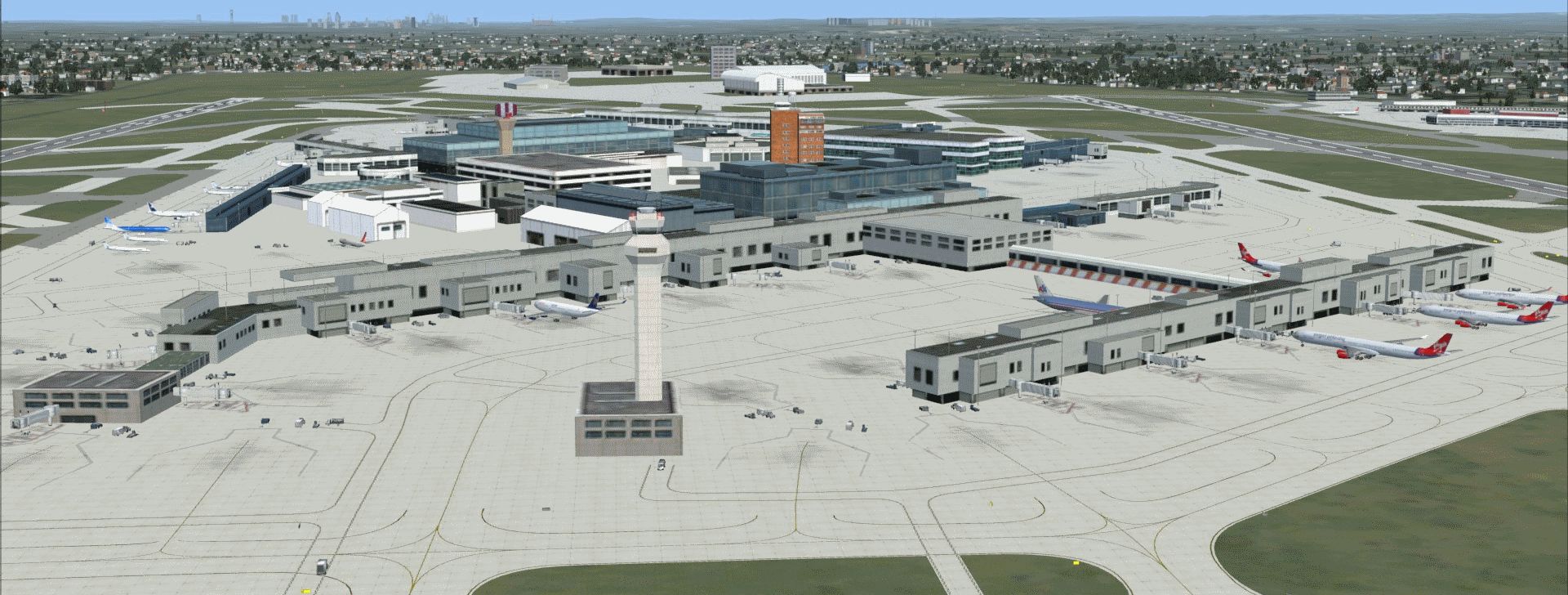
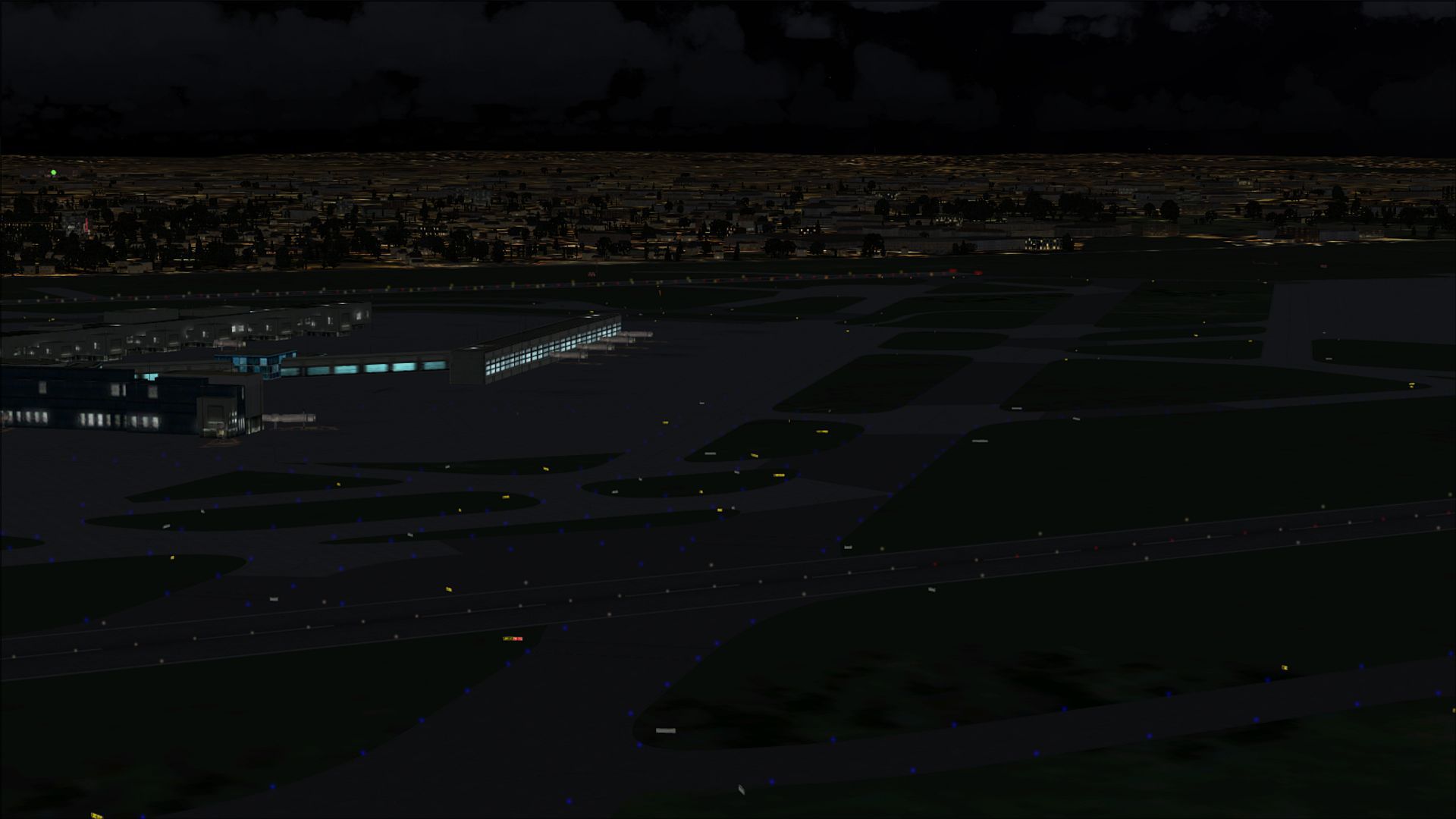
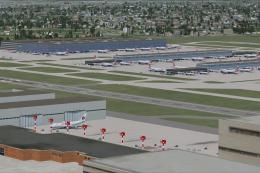
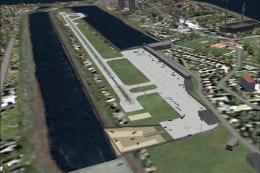
Wide view of London Heathrow International Airport.
I'm including Versions 1 and 2 modifications below as reference only. Version 2a is a complete package and includes all fixes as shown in versions 1 and 2 plus:
Version 2a:
- Added a few missing taxiway signs.
- Fixed a bug preventing ATC from recognizing the ILS/RNAV approaches/transitions. ATC now recognizes the approaches and provides options to the user.
Installation:
If you installed the previous version 1 or 2, remove before installing this version. To install, create a folder called EGLL with scenery subfolder. Place EGLL TOWER BEACON.BGL, EGLL_OPTIONX_KA.BGL (X = 1 OR 2) AND EGLL_OPTIONX_KA_OBJ.BGL (X = 1 OR 2) files in the scenery subfolder - don't forget to activate the scenery in FSX. I prefer this method as it allows to properly track, maintain/update and layer various scenery files. Note, EGLL should be placed at a higher scenery priority level in FSX as compared to other scenery in the area including UTX Europe or other UK scenery. To uninstall, simply remove/delete the files.
Version 2:
- Updated and corrected ILS approaches and transitions for Runways 9R and 27L per 2009 specifications.
- New RNAV(GNSS - GPS overlay) approach to 27L.
- Taxiway signs added to taxiway V at T4.
- Corrected ATC silent bug.
- NOTE: ***IMPORTANT*** EGLL V2 contains two options for the user. ONLY one option can be active at a time. The options are as follows:
- OPTION1: Runways 9L/27R dedicated for landing only. Runways 9R/27L dedicated for takeoff only.
- OPTION2: ALL runways open for landing and takeoff.
Some thoughts: EGLL is one of the busiest airports in the world. As you know, there are only two runways active at a time. I'm including the two options described above due to the various AI packages that currently exist. The option you choose will depend on your specific circumstance and preference. In general, if you use an AI package that utilizes both real world schedules and simulated regional schedules (i.e., MyTraffic X or Traffic X etc.) and you tend to crank up the traffic slider to fill the airports you may find option 1 to provide improved traffic flow. If you use an AI package that contains real world schedules only such as WOAI or Ultimate Traffc II, option 2 may be better. What I observed is that option 1 tends to produce more "go-arounds" for the arrivals but you will rarely, if ever, see AI disappearing while holding short in the cue to takeoff. Option 2 has far fewer "go-arounds" due to both runways being open for landing. however, once the cue form at both runways for takeoff and AI begin to land on a regular basis, AI holding short begin to disappear due to the five minute rule. Also, in option 2, AI taxing to T4 will be impacted by arrivals and the cue at 27L.
Installation: If you installed the previous version 1, remove before installing this version. Place EGLL TOWER BEACON.BGL, EGLL_OPTIONX_KA.BGL (X = 1 OR 2) AND EGLL_OPTIONX_KA_OBJ.BGL (X = 1 OR 2) files in a scenery folder of your choice - don't forget to activate the scenery in FSX. I prefer this method as it allows me to properly track, maintain/update and layer my various scenery files. However, another location could be the Microsoft Flight Simulator x\Addon Scenery\Scenery folder. Start up FSX and the scenery will be active. Note, EGLL should be placed at a higher scenery priority level in FSX as compared to other scenery in the area including UTX Europe or other UK scenery. To uninstall, simply remove/delete the file.
Version 1: represents EGLL as it existed in February 2009. Some of the changes include:
- The addition of Terminal 5 (T5a, T5b and T5c) including assigned parking, jetways, aprons, taxiway signs, taxiways and airport support buildings according to the aerodrome chart dated Nov. 2008 - I took it upon myself to complete T5c, which is currently under construction.
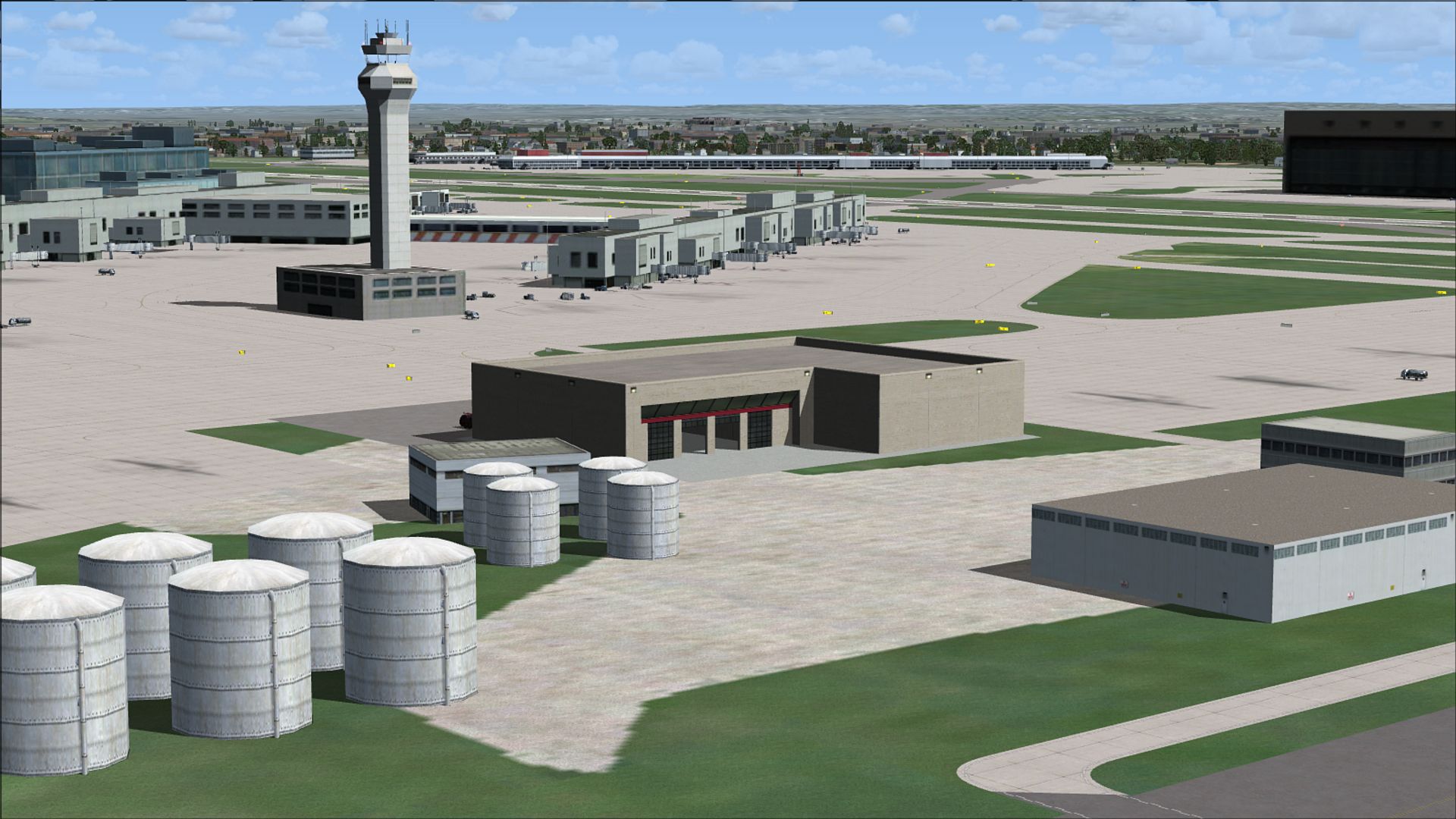
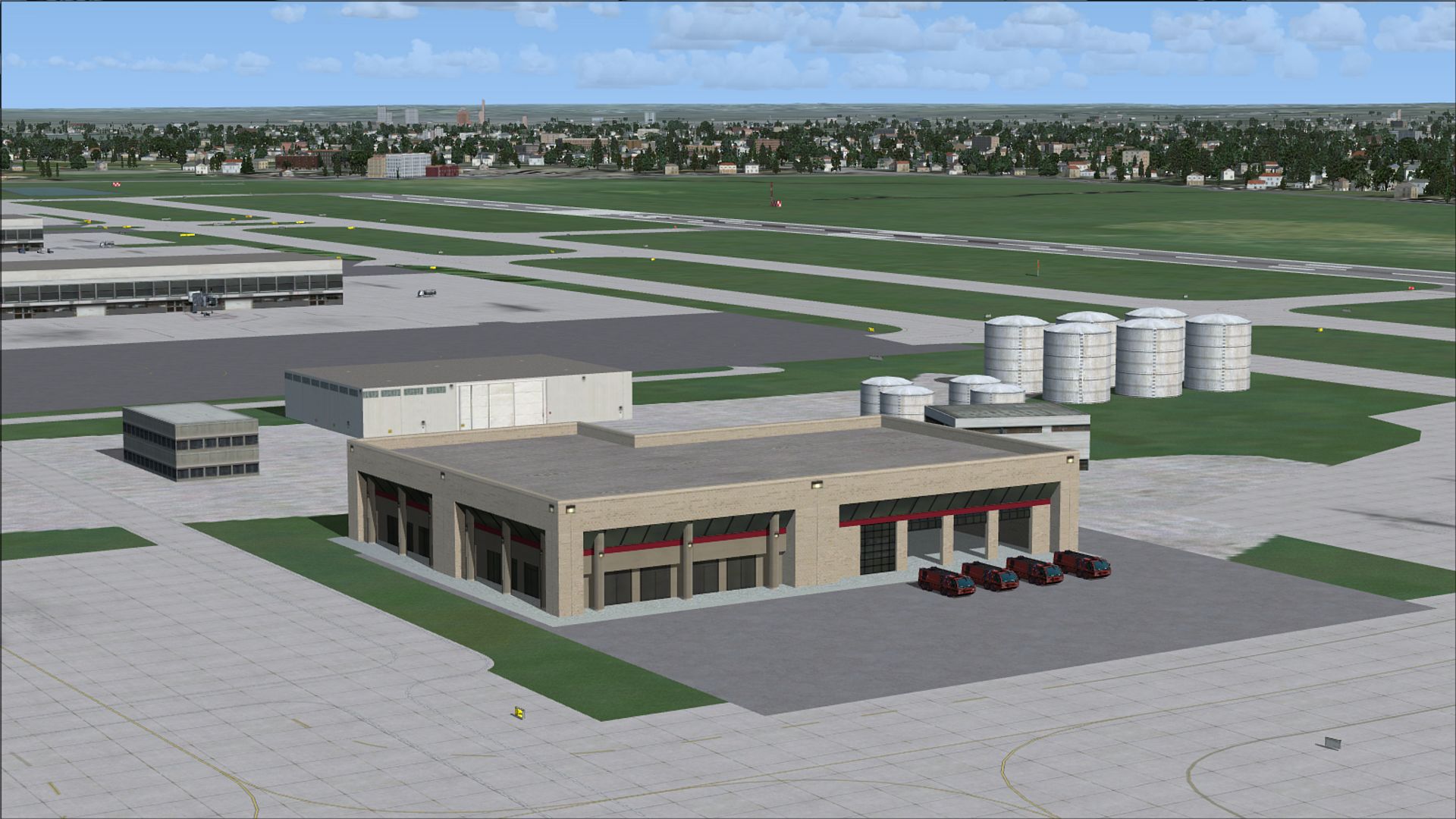
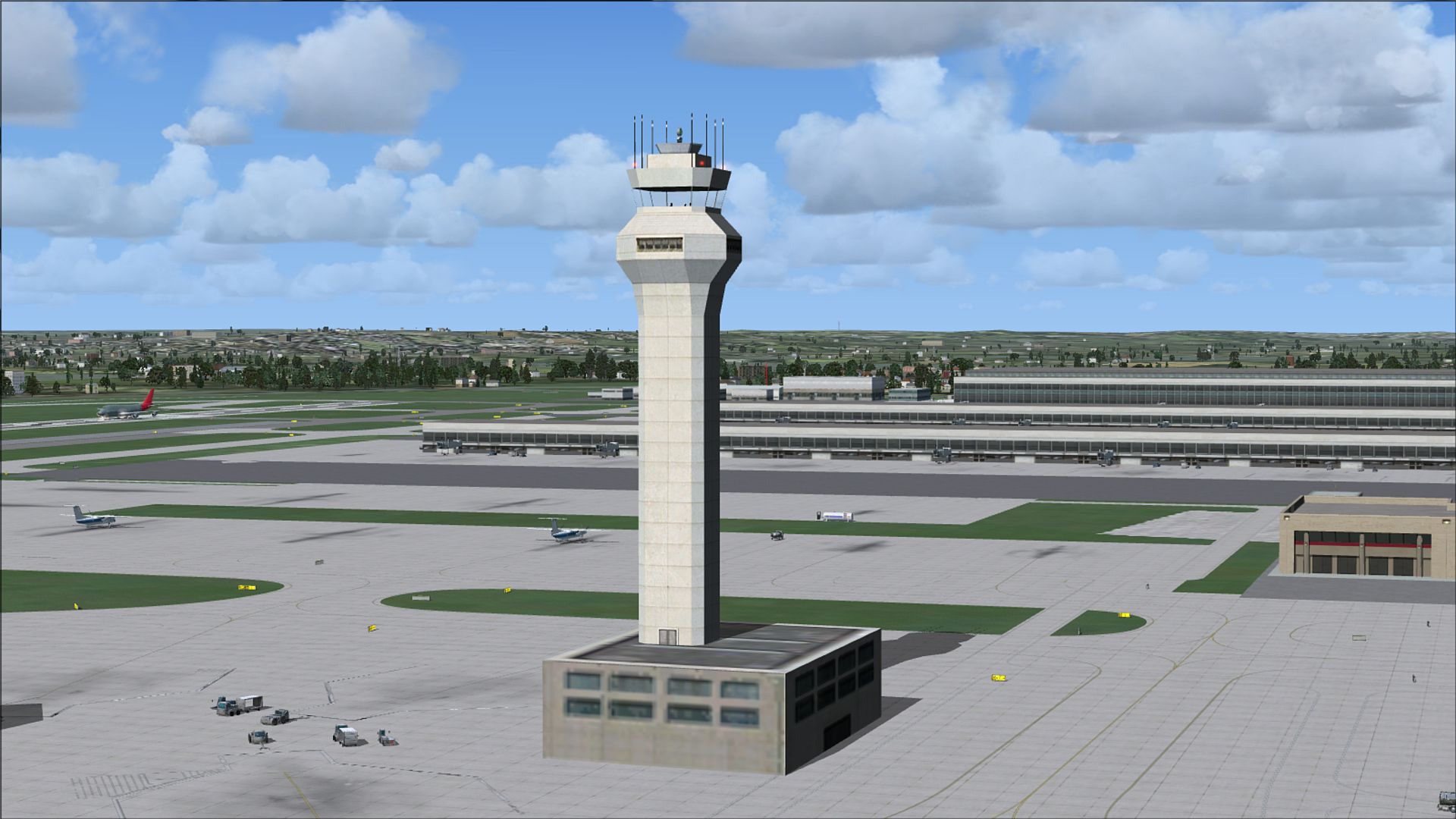
- The new Control Tower with rotating beacon and a fire station with some additional airport buildings and facilities.
- The extension of Pier 5 at Terminal 3.
- Terminals 1-5 parking assignments have been completely reworked per the official Website and August 2009 specifications.
- A single diamond crossing has been located at the intersection of the decomissioned Runway 05-23 (now a taxiway) and runway 09R/27L in order to provide improved ground traffic flow for AI crossing the 09R/27L to/from Terminal 4.
- The extension of taxiway A at the location of the diamond crossing and taxi signs were modified or added as required.
- Runway markings, lights and approach lighting and equipment were modified to match existing conditions.
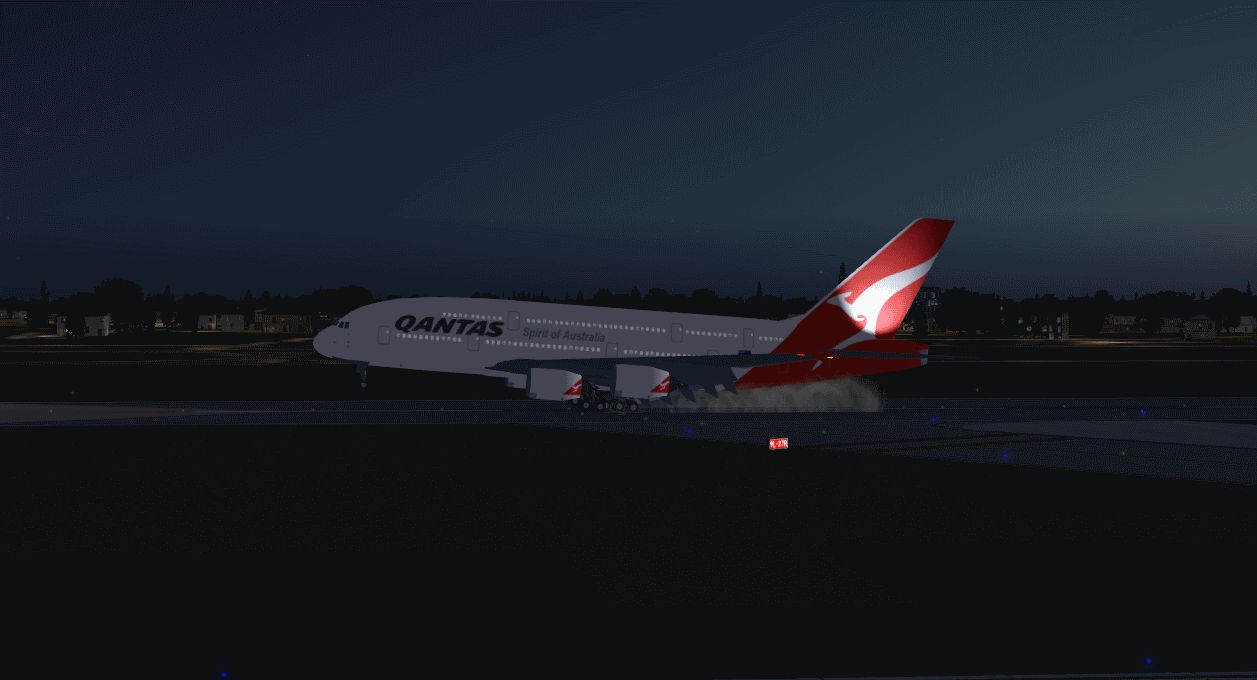
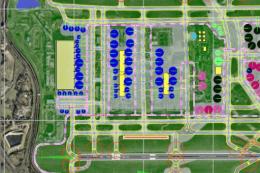
- EGLL now optimized to host/support the A380 including 2 dedicated gates w/jetways at T4 and 4 ramp parking spots West of T3.
- New ILS approaches including final and transitions plus holds for Runways 9L and 27R - also corrected misplaced DME at 9L. All final approaches based on July 2008 published plates and IAPs based on Feb 2009 published plates. In order to facilitate AI flow optimization at EGLL, RWYs 9L-27R used for landing only, and RWYs 9R-27L used for take-off only.
- EGLL taxiways and taxiway signs reworked throughout the airport per 2009 aerodrome chart.
Data: The UNITED KINGDOM AERONAUTICAL INFORMATION PUBLICATION dated February 2009 including all IAPs and referenced final approaches.
Note about transitions: EGLL ILS transitions begin with holds at 7,000ft. When cleared by ATC, you descend according to the IAP to intersect the GS. In this version of EGLL I have removed the holds for all ILS transitions. The ILS transitions begin with clearance to final. Intersect the GS at the DME10 for 9L (L109) and 27R (R1027) at 3,000 ft.
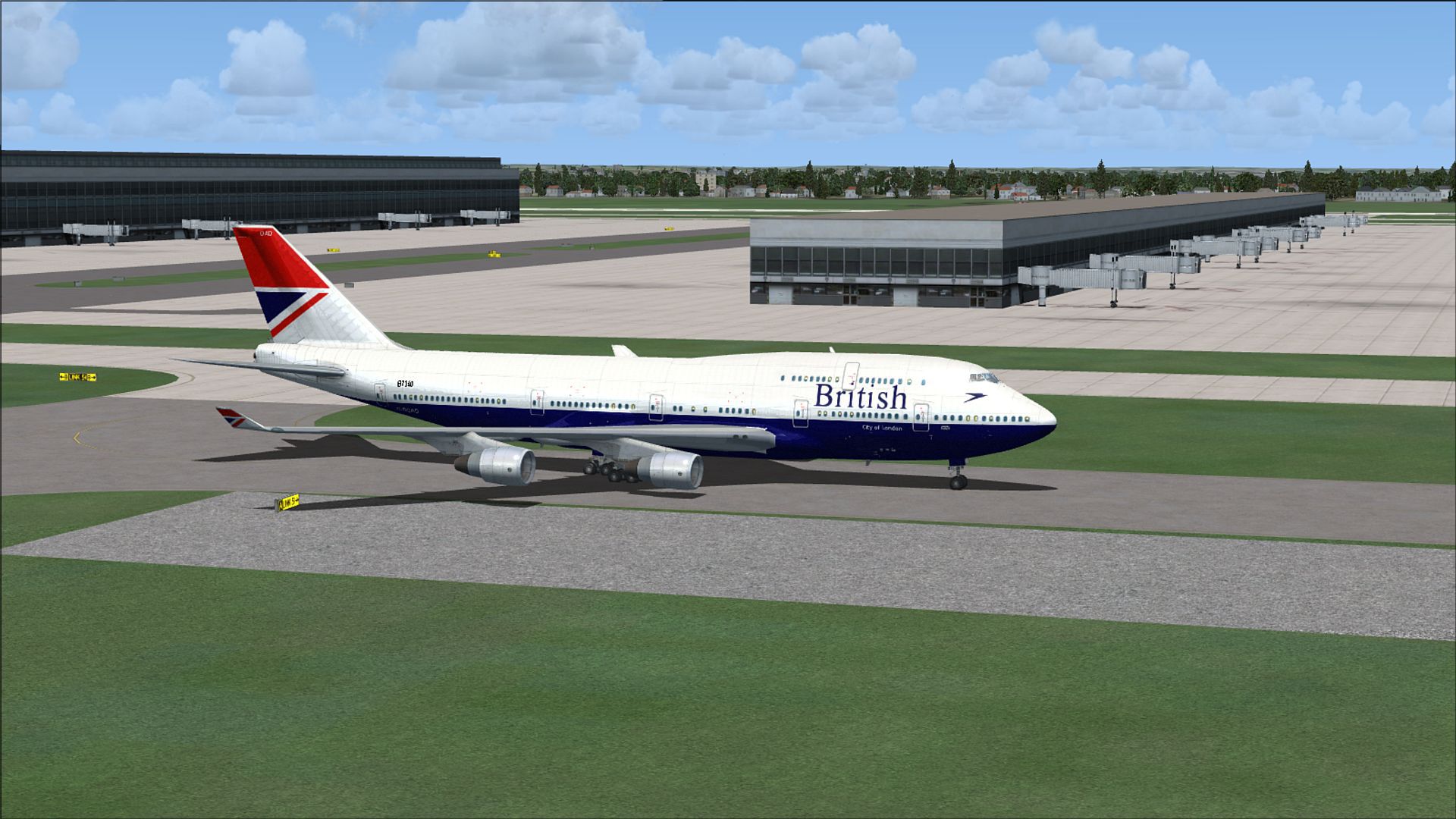
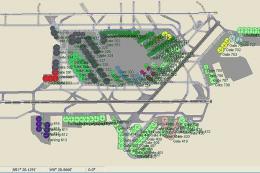
Terminal airline assignments are very accurate per October 2009 specifications including BAW AND QFA from T4 to T3. EIN from T1 to T3. AFR, AZA, CSA from T2 to T4. KAL from T3 to T4. Gate assignments are approximated only. Parking sizes have been optimized for the WOAI and MTX 5.2a schedules. While EGLL will work with "other" AI packages, I can't guarantee that every airline will park at the correct Terminal or Pier when using other AI packages.
Installation: Place both bgl files in a scenery folder of your choice - don't forget to activate the scenery in FSX. One location could be the Microsoft Flight Simulator X\Addon Scenery\Scenery folder. Start up FSX and the scenery will be active. Note, EGLL_KA.bgl should be placed at a higher scenery priority level in FSX as compared to other scenery in the area including UTX Europe or other UK scenery. To uninstall, simply remove/delete the file.
I have tested EGLL using FSX sp2, and while I don't anticipate issues with using the earlier versions (RTM and SP1), I cannot guarantee that the visuals will look the same on every setup. While not needed for the scenery to work, I also tested to ensure that EGLL works with UTX Europe AND Scenery Tech Europe and FS Genesis Europe Mesh.
While every attempt was made to eliminate errors, there's no such thing as "perfect" scenery. Please let me know if you come across any MAJOR errors or problems.
Special note: EGLL V2 was created using the powerful airport design utility by Jon Masterson (ADE V1.45).
Enjoy!
Images & Screenshots



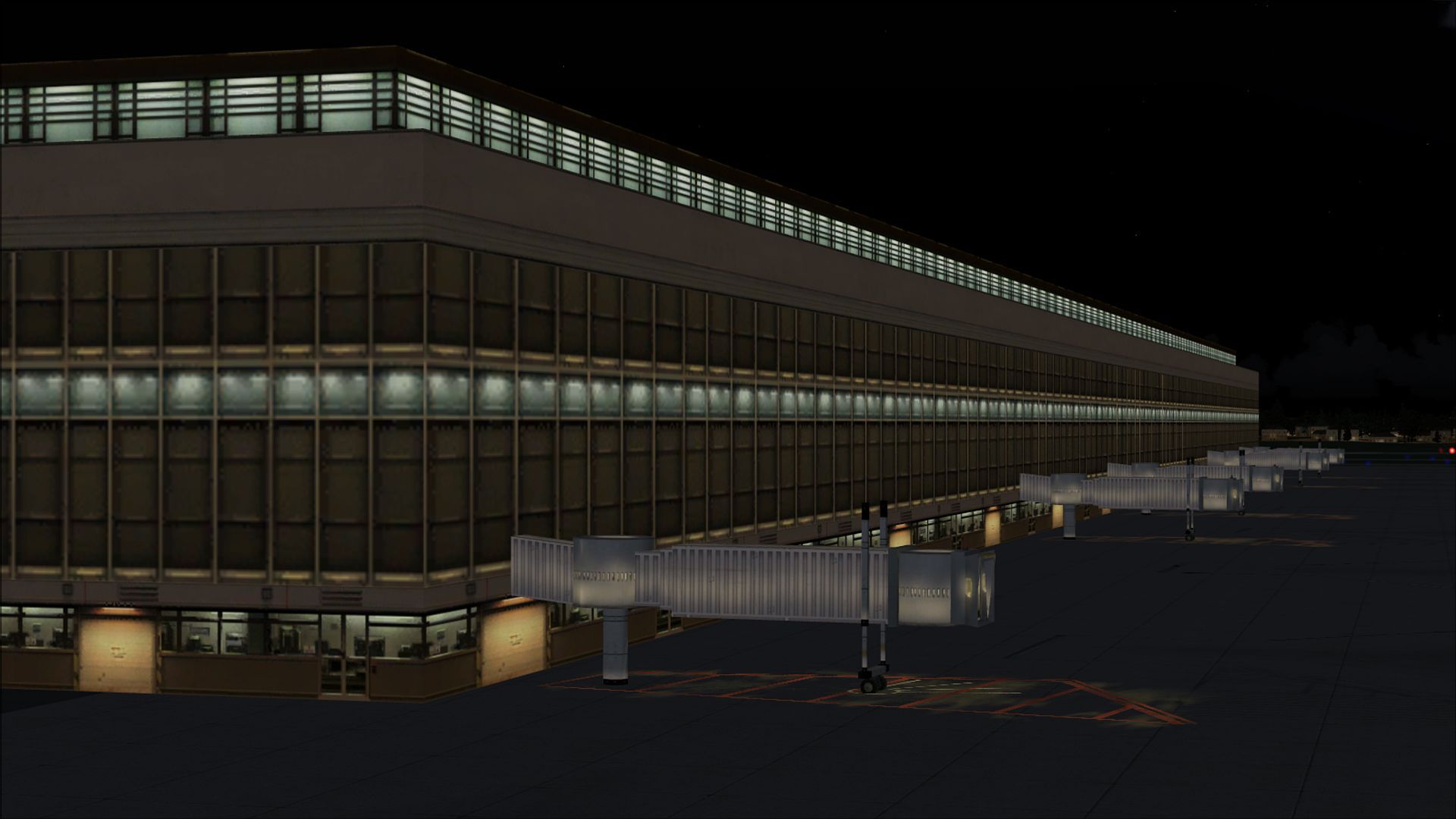
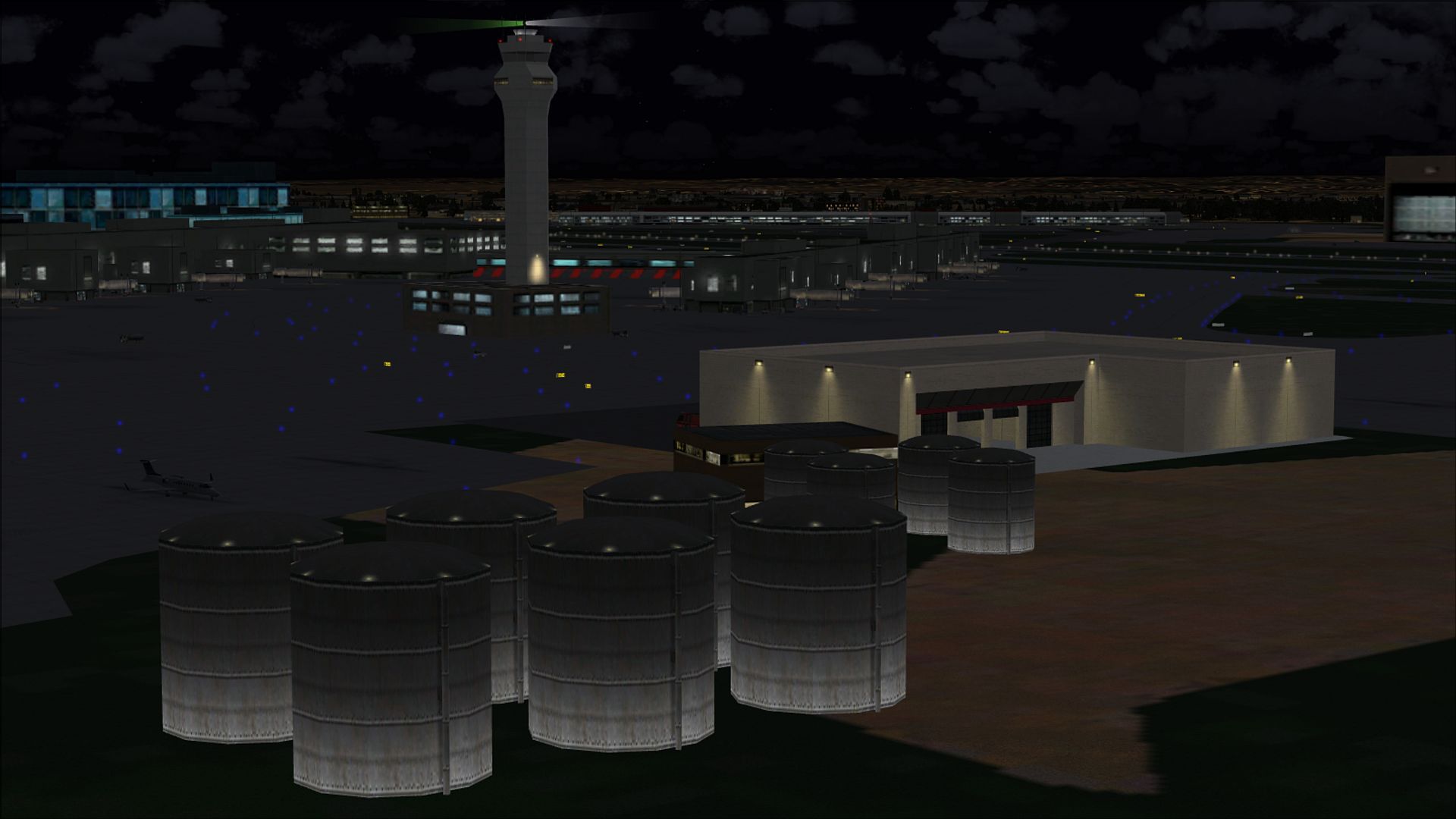
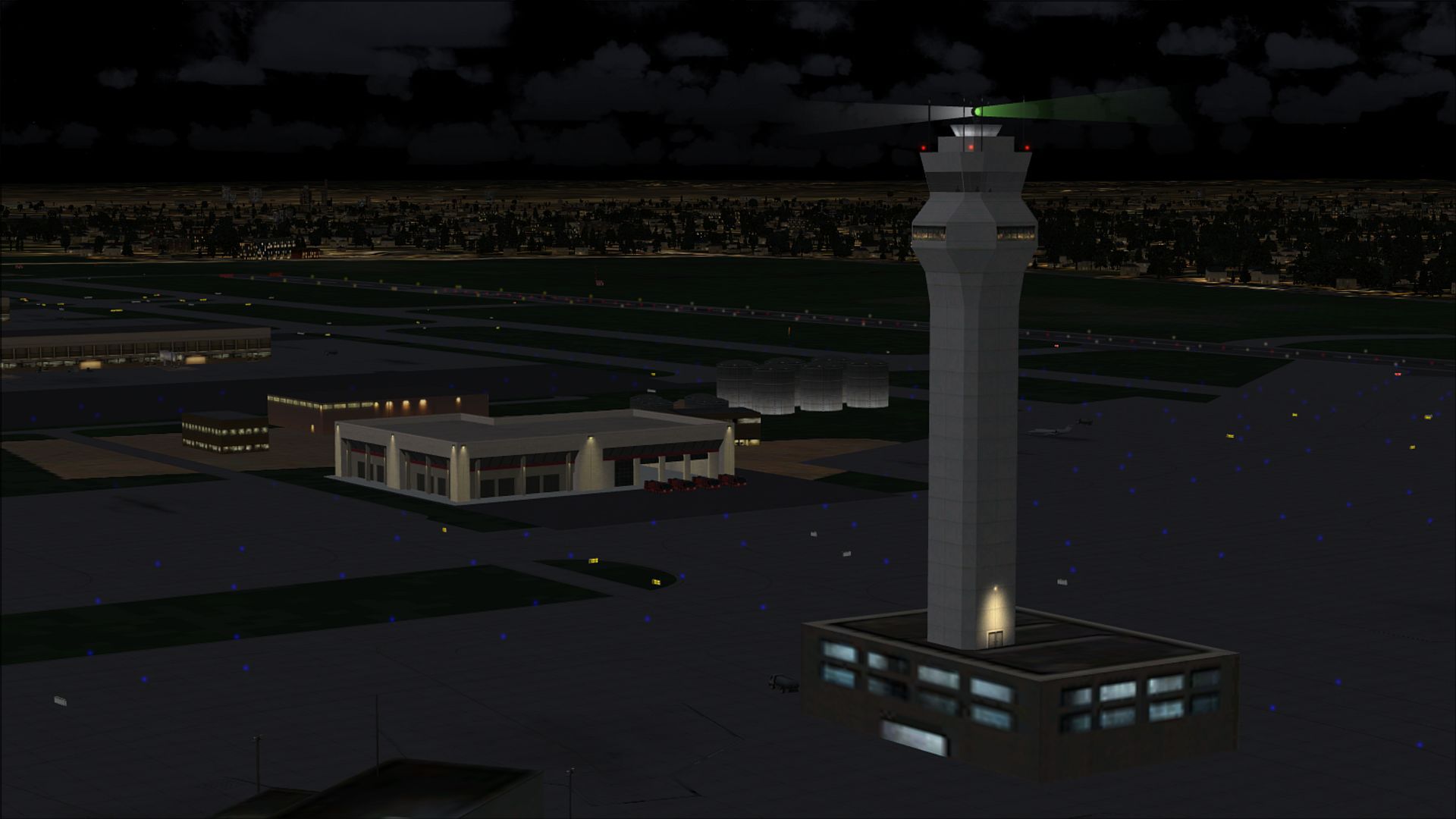
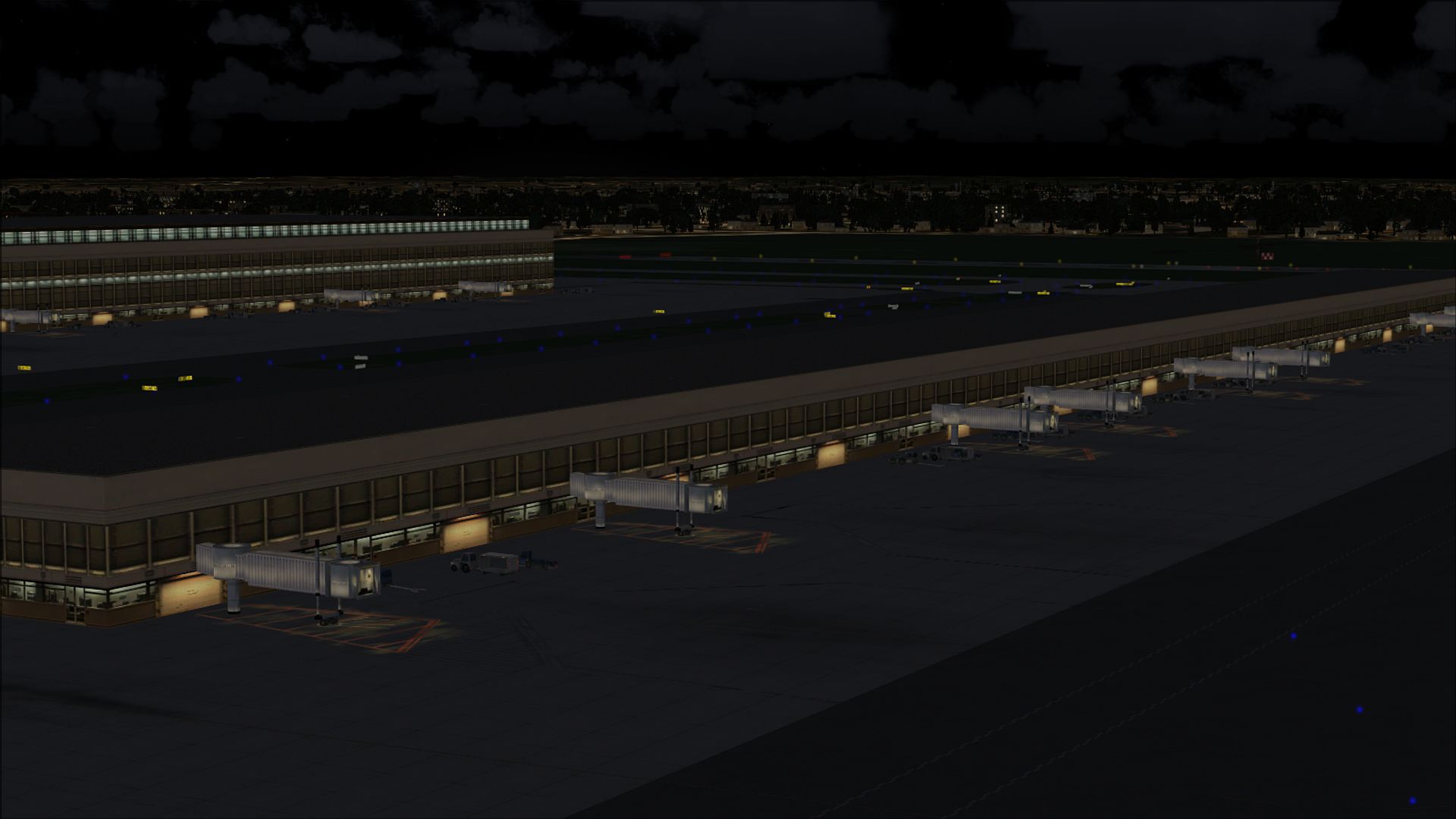

The archive egll-1.zip has 31 files and directories contained within it.
File Contents
This list displays the first 500 files in the package. If the package has more, you will need to download it to view them.
| Filename/Directory | File Date | File Size |
|---|---|---|
| EGLL_OPTION2_KA.BGL | 04.22.10 | 142.66 kB |
| EGLL_OPTION2_KA_OBJ.BGL | 04.22.10 | 19.83 kB |
| EGLL TOWER BEACON.BGL | 08.16.09 | 228 B |
| EGLL_OPTION1_KA.BGL | 04.22.10 | 142.62 kB |
| EGLL_OPTION1_KA_OBJ.BGL | 04.22.10 | 19.83 kB |
| A380 Touch Down EGLL.gif | 08.17.09 | 117.46 kB |
| H1.gif | 07.15.09 | 439.37 kB |
| EGLLREADME.txt | 07.29.10 | 7.61 kB |
| flyawaysimulation.txt | 10.29.13 | 959 B |
| Go to Fly Away Simulation.url | 01.22.16 | 52 B |
| Screenshots | 06.14.19 | 0 B |
| 01EGLLFASBS.jpg | 06.14.19 | 292.92 kB |
| 02EGLLFASBS.jpg | 06.14.19 | 261.72 kB |
| 03EGLLFASBS.jpg | 06.14.19 | 270.15 kB |
| 04EGLLFASBS.jpg | 06.14.19 | 286.70 kB |
| 05EGLLFASBS.jpg | 06.14.19 | 266.41 kB |
| 06EGLLFASBS.jpg | 06.14.19 | 219.37 kB |
| 07EGLLFASBS.jpg | 06.14.19 | 263.05 kB |
| 08EGLLFASBS.jpg | 06.14.19 | 269.99 kB |
| 09EGLLFASBS.jpg | 06.14.19 | 238.74 kB |
| 10EGLLFASBS.jpg | 06.14.19 | 267.39 kB |
| 11EGLLFASBS.jpg | 06.14.19 | 217.08 kB |
| 12EGLLFASBS.jpg | 06.14.19 | 217.08 kB |
| 13EGLLFASBS.jpg | 06.14.19 | 121.46 kB |
| 14EGLLFASBS.jpg | 06.14.19 | 126.05 kB |
| 15EGLLFASBS.jpg | 06.14.19 | 117.83 kB |
| 16EGLLFASBS.jpg | 06.14.19 | 146.46 kB |
| 17EGLLFASBS.jpg | 06.14.19 | 105.33 kB |
| 18EGLLFASBS.jpg | 06.14.19 | 267.09 kB |
| 19EGLLFASBS.jpg | 06.14.19 | 272.67 kB |
| 20EGLLFASBS.jpg | 06.14.19 | 184.92 kB |
Editorial
Having spent more than enough of my life standing around clueless at Heathrow, I was looking forward to finally making FSX really capture that look and feel for me. I always felt that the original Heathrow within FSX was quite poor and never done enough to capture this massively important airport in the right light.
Personally I hate the place, but only because I’ve spent so many hours waiting around to be picked up! This package, though, gives you all the help that you could possibly need in seeing Heathrow in all of its glory like it was supposed to be.
This package arrives with a massively detailed rendition of the airport, as it all comes with stunning functionality and performance that more or less captures the whole thing perfectly. No more errors, no more texture loading problems and no more buildings disappearing out of nowhere.
The entire airport has been modified, improved, optimized and managed to ensure that it carries the hallmarks of the real thing and this ensures you are entering a bustling airport with so much activity and events going on. For a pilot who is looking to learn what Heathrow can be like, this is a must-have.
This latest version of it, Version 2A, adds a whole new range of features such as the bug where the Air Traffic Control could not read you coming in from specific ILS/RNAV approaches. Now, this is recognized properly and you’ll get the help that you need in landing.
This whole thing really does come together very well, though; it just takes a bit of time and patience for you to get used to everything now is! The massive changes implemented by the team who made this package are just outstanding, mimicking the real thing to the letter and doing a spectacular job of doing so.
The whole airport really does manage to look the way that it should with marvelous textures being included more or less everywhere, and the whole thing combining properly in terms of scale and size. Just make sure that, if you had Version 1 installed, that you remove it entirely before installing this. It should be handled from scratch as installing one over the other just causes various conflicts. Many of the additions and changes brought in by the original are hugely impressive, too, as it more or less creates the whole of Heathrow without any problems.
The addition of Terminal 5 was hugely impressive, but it also made sure that things like Pier 5 and the Control Towers were all put in place. The scenery has really been a big part of this package coming together and within this you’ll easily notice the depth and detail. From the single diamond crossing to the new ILS approaches that are needed, this whole thing rolls together and becomes a truly impressive format and style making sure that it runs perfectly fine. I’ve had no problems with running the software or indeed any of its additional services, so I can safely say that this package is about as perfect as you are likely to get!

Adam McEnroe
Adam McEnroe is a flight sim enthusiast who has been simming since the days of FS95. Adam writes all of the download section editorials after testing each of the files. Adam has extensive knowledge using various flight simulator packages and thoroughly tests the files before writing about them. Adam also like to fly real-world aircraft in his spare time and is training for his PPL.
Should you wish, you can contact Adam via email at adam@flyawaysimulation.com.

Installation Instructions
Most of the freeware add-on aircraft and scenery packages in our file library come with easy installation instructions which you can read above in the file description. For further installation help, please see our Flight School for our full range of tutorials or view the README file contained within the download. If in doubt, you may also ask a question or view existing answers in our dedicated Q&A forum.





0 comments
Leave a Response