

 FSX AFCAD Files
Daytona Beach Int'l Airport
This free enhancement by Ray Smith refines key aspects of Daytona Beach Inter…
Myrtle Beach International Airport (KMYR) refreshes the stock field with July 2010-accurate runway markings, lighting, approaches, taxiways, and signage, plus updated terminal gates, jetways, GA ramps, cargo stands, landclass, and vehicle paths for smoother AI flow in Microsoft Flight Simulator X. It requires Jim Dhaenens’ light files for full terminal and apron spot lighting.
 Rate
Rate
 United States of America
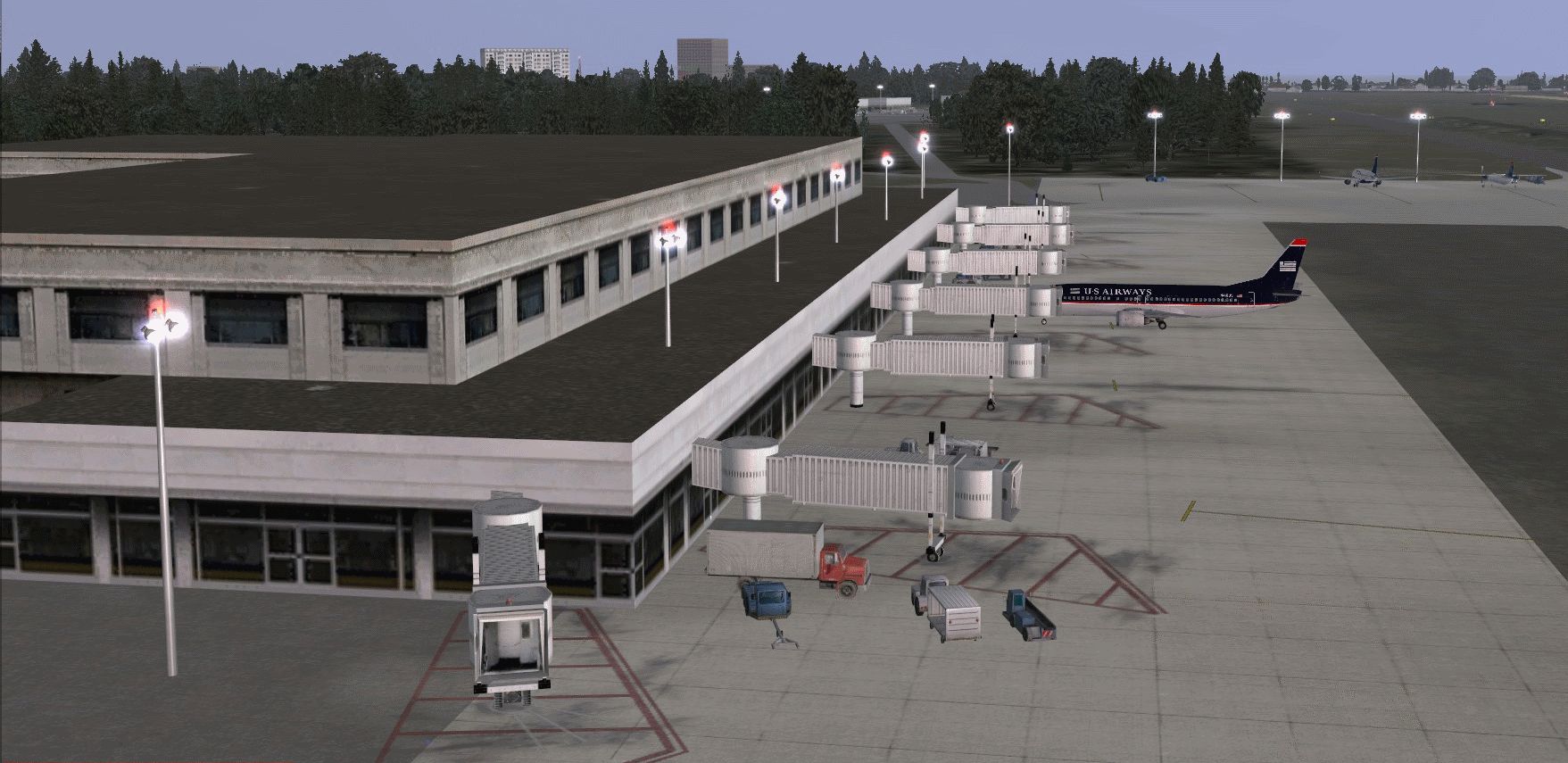
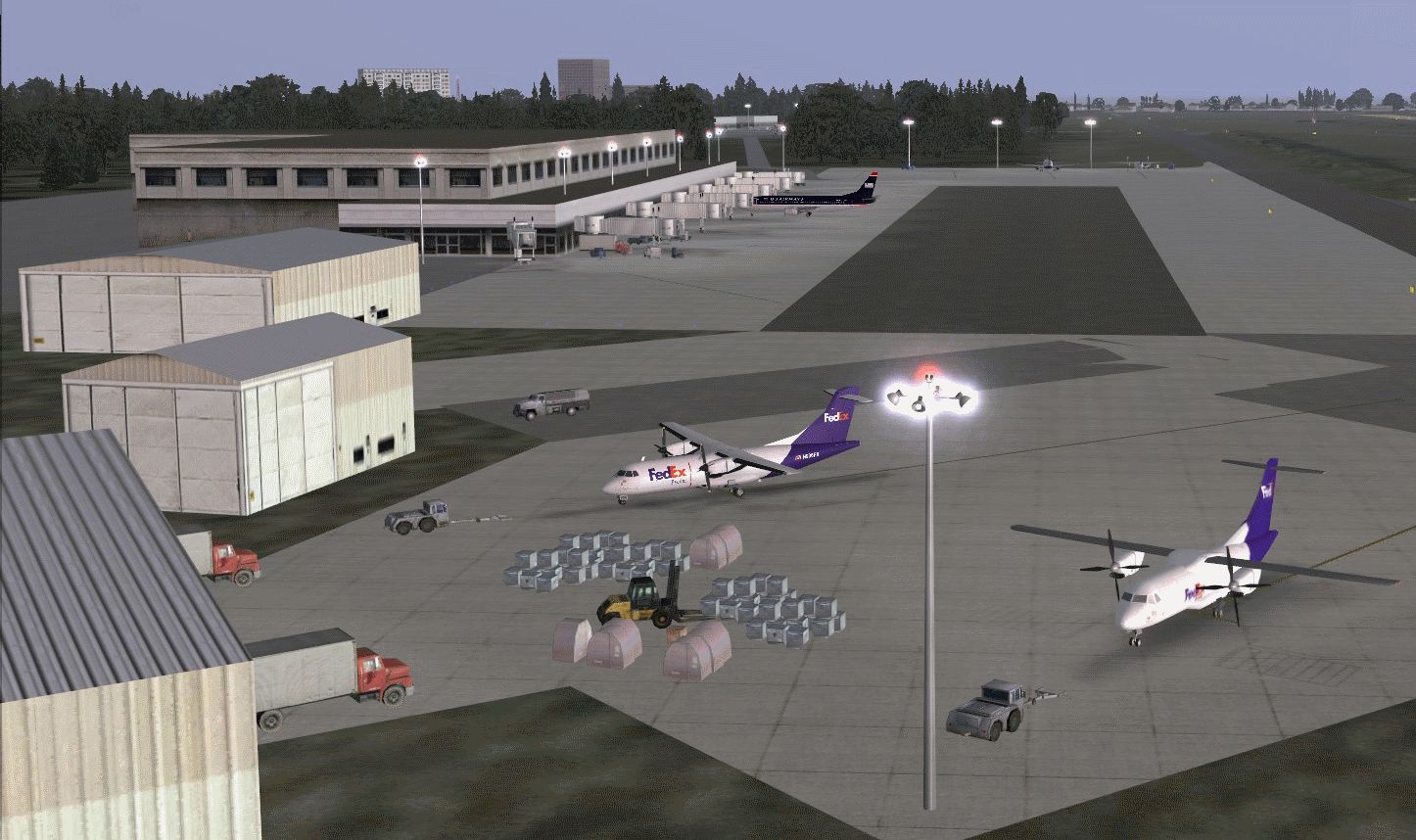
Myrtle Beach International Airport, Horry County, South Carolina (SC). KMYR represents a modification to the stock FSX airport. All updates per July 2010 airport specifications and satellite images. Gate and off-gate ramp assignments per the official Web site. By Kambiz Agazi.
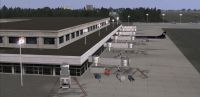
View of Myrtle Beach International.
KMYR v1 represents a modification to the stock FSX airport scenery. KMYR was modified using information from airnav, virtual earth/google maps, FAA Airport diagram dated July 2010 and the official Web site. Version 1 does not include all of the recent and ongoing expansion work at the airport that took place in 2010 of which much is ongoing. These projects include, although not limited to, the relocation of portions of Taxiway A and the construction of the new Terminal building. Future versions of KMRY will include all expansion projects as these projects are completed.
Version 1 major changes include:
Gates 1-7: AAY, NKS, COA, USA, DAL/NWA, CXP, JUS, EGF
COMMUTER RAMPS: POE, UALX(TCF), USAX(JIA, PDT, ASH, RPA, AWI), DALX(TCF, ASQ, COM), COAX(CJC, BTA)
CARGO: DHL, FDX
IMPORTANT: In order to see the Terminal and apron spot lighting you'll need to install the wonderful lights from Jim Dhaenens. I'm including his light files with this package.
To install Jim's lights, place the lightobj.bgl file in your ...\Microsoft Flight Simulator X\Scenery\Global\scenery folder and almwht.dds and lights1.dds files in ...\Microsoft Flight Simulator X\Scenery\Global\Texture folder.
Installation: The preferred method is to create a folder called KMYR with a scenery subfolder. Place the four KMYR bgl files in the scenery subfolder. You will need to activate the KMYR folder once in FSX. I suggest placing it at or near the top of the scenery priority list - above ALL regional, state or national scenery including UTX USA.
I have tested KMYR using FSX sp2, and while I don't anticipate issues with using the earlier versions (RTM and SP1), I cannot guarantee that the visuals will look the same on every setup. While not needed for the scenery to work, I also tested to ensure that KMYR works with UTX USA, Scenery Tech North America, and FS Genesis 10m USA Mesh.
CREDITS: KMYR v1 was modified using the powerful airport design utility by Jon Masterson (ADE V1.47.7).
A special thanks to Jim Dhaenens for use of his lights with freeware packages.
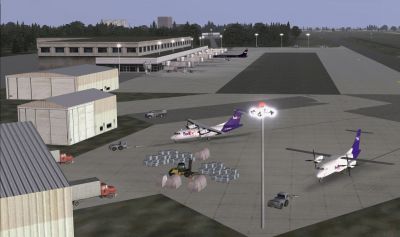
View of Myrtle Beach International.
Free for all simmers · 1.08 MB · Scanned clean Oct 2026
Download speed: Free tier is capped at 0.5 Mbps. PRO members download at full line speed.
AF2_*.bgl or AFX_*.bgl) go into FSX\Addon Scenery\Scenery\ or a dedicated AFCAD folder you create.readme.txt or README file. It tells you exactly where files go, what dependencies are needed, and any quirks specific to this add-on.Use these coordinates to fly directly to this location once the mod is installed.
33.67970000,-78.92870000
Launch FSX or Prepar3D and use Flights → Load to open the downloaded .pln file. Your aircraft will be positioned at this location.
The archive kmyr2010.zip has 9 files and directories contained within it.
This list displays the first 500 files in the package. If the package has more, you will need to download it to view them.
| Filename/Directory | File Date | File Size |
|---|---|---|
| KMYR2010_KA_CVX.bgl | 07.31.10 | 5.56 kB |
| KMYR2010_KA_OBJ.BGL | 07.31.10 | 16.01 kB |
| KMYR TOWER redlight effect.BGL | 07.30.10 | 372 B |
| KMYR README.txt | 07.30.10 | 3.92 kB |
| KMYR2010_KA.BGL | 07.31.10 | 46.19 kB |
| KMYR TERMINAL.gif | 07.30.10 | 600.19 kB |
| KMYR CARGO.gif | 07.30.10 | 478.16 kB |
| flyawaysimulation.txt | 10.29.13 | 959 B |
| Go to Fly Away Simulation.url | 01.22.16 | 52 B |
Only PRO members can place votes.
More FSX & P3D add-ons hand-picked based on this download.
FSX AFCAD Files
This free enhancement by Ray Smith refines key aspects of Daytona Beach Inter…
 FSX AFCAD Files
Washington Dulles International Airport, Chantilly, Virginia (VA) / Washingto…
 FSX AFCAD Files
Reworks aprons, parking, adds buildings, new landclass, roads, etc. By Alexan…
FSX AFCAD Files
AFCAD For Honolulu International (PHNL), HI. Designed for the FSX default PHN…
 FSX AFCAD Files
Enhance the realism of Tampa International Airport in Microsoft Flight Simula…
 FSX AFCAD Files
Reno, Nevada (NV), USA. KRNO represents a modification to the stock FSX Accel…
 FSX AFCAD Files
South Carolina (SC). This AFCAD has all the bells and whistles: new taxi sign…
 FSX AFCAD Files
This is part of the tenth round of airports issued by Alpha India Group. AIG …
Read what other simmers think, or add your own.

it does add terminals, but notice in the items folder, there is no lights by Jim D included.

Error why there as two towers and miss its gate-walkway. Some appear its some pretty good