

 FSX Other Aircraft & Vehicles
Mitsubishi Pajero
FSX Mitsubishi Pajero. By Mitsuya Hamaguchi.
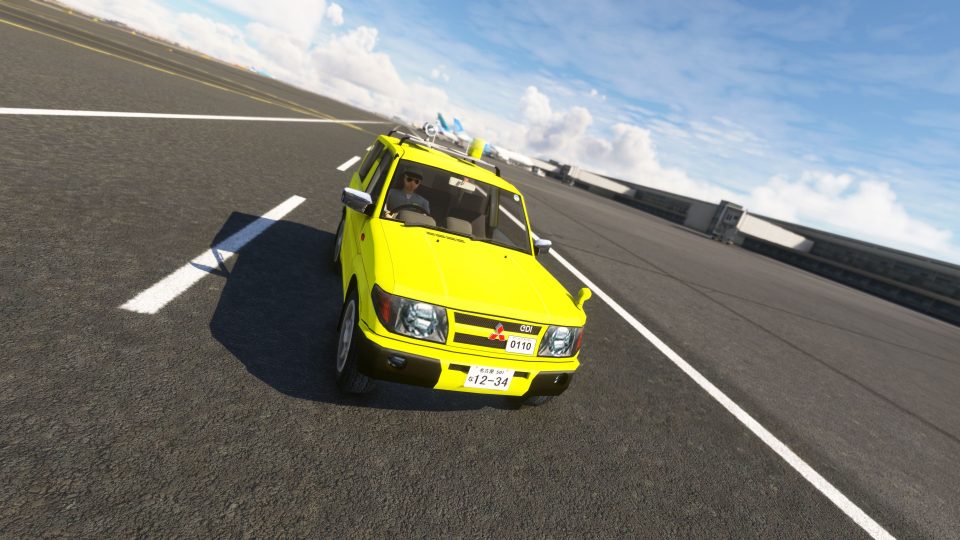
Mitsubishi Pajero/Shogun drivable ground vehicle brings airport-side driving to Microsoft Flight Simulator, letting users cruise taxiways, service roads, and nearby streets for immersive roleplay. The detailed model includes a bright yellow “follow me” livery plus a police variant, with smooth controllable handling from cockpit view.
 Rate
Rate
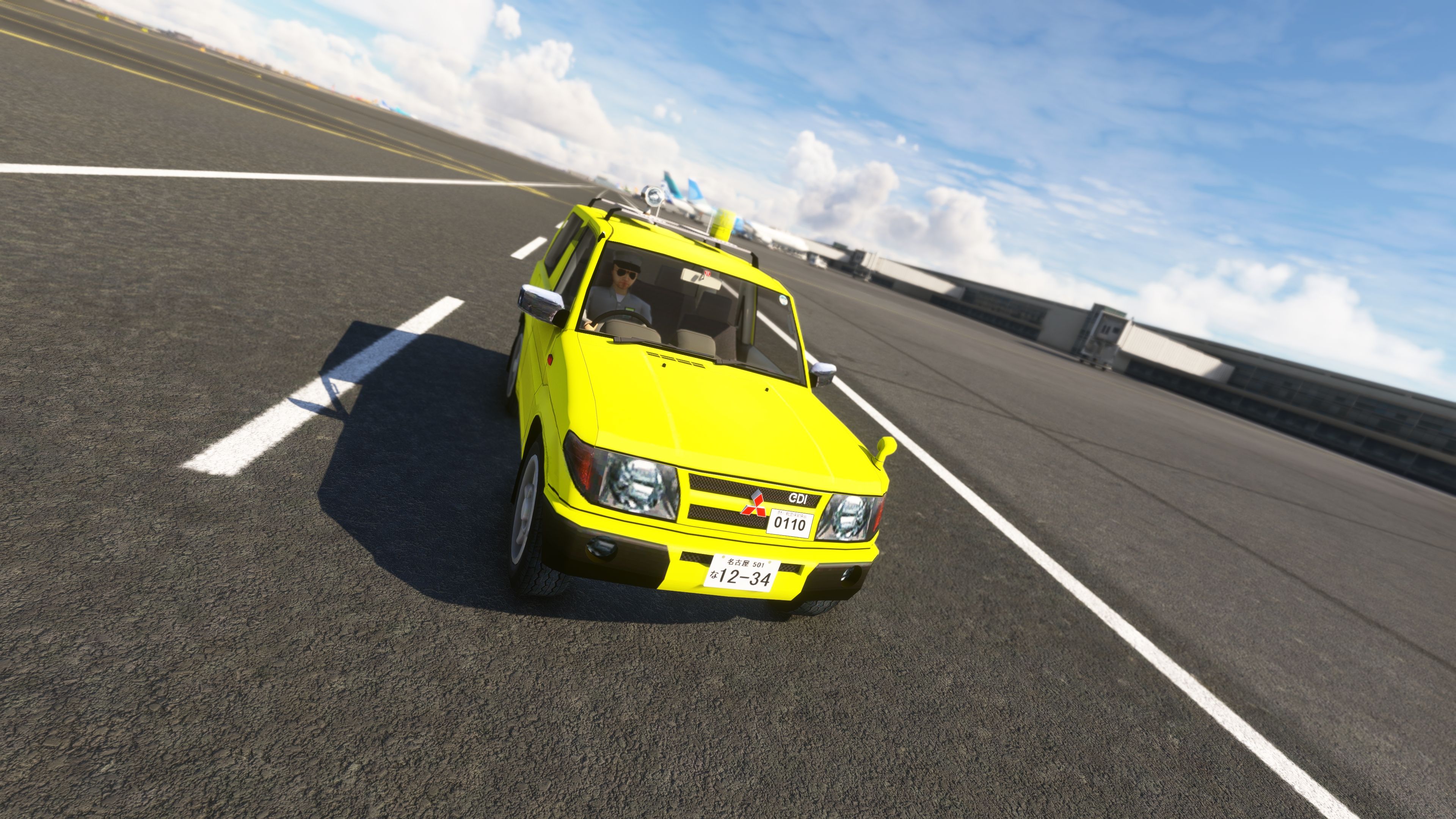
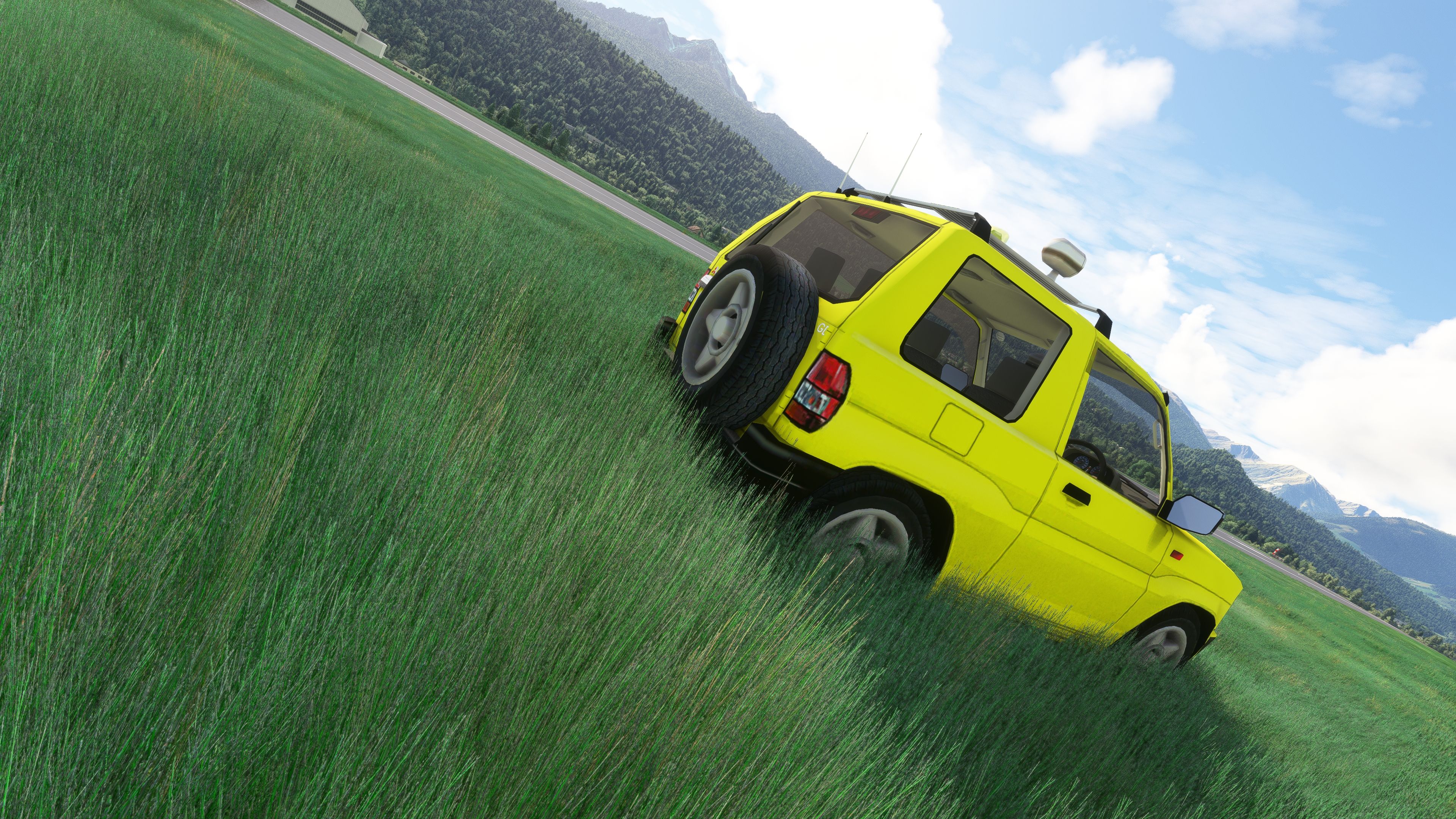
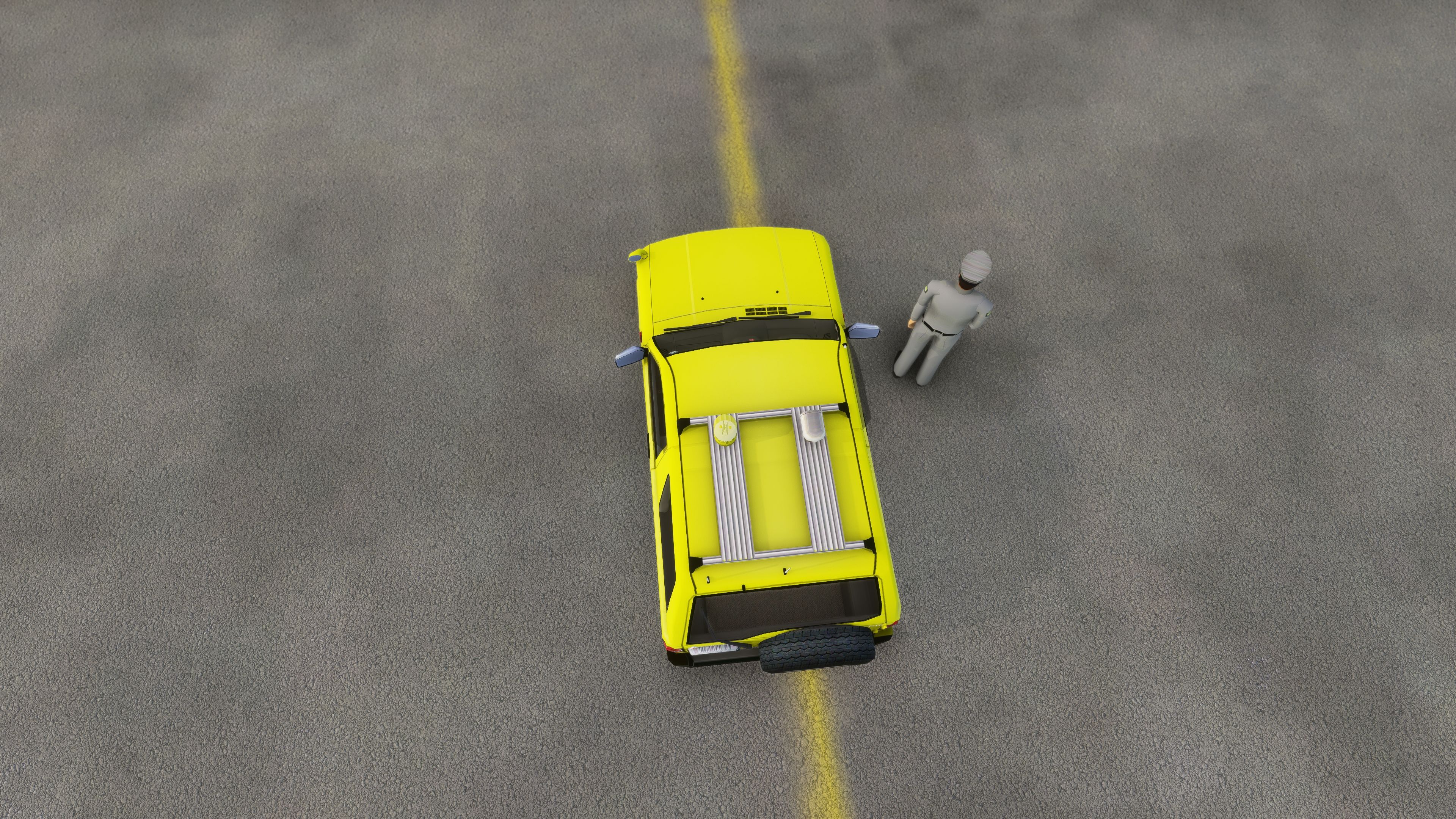

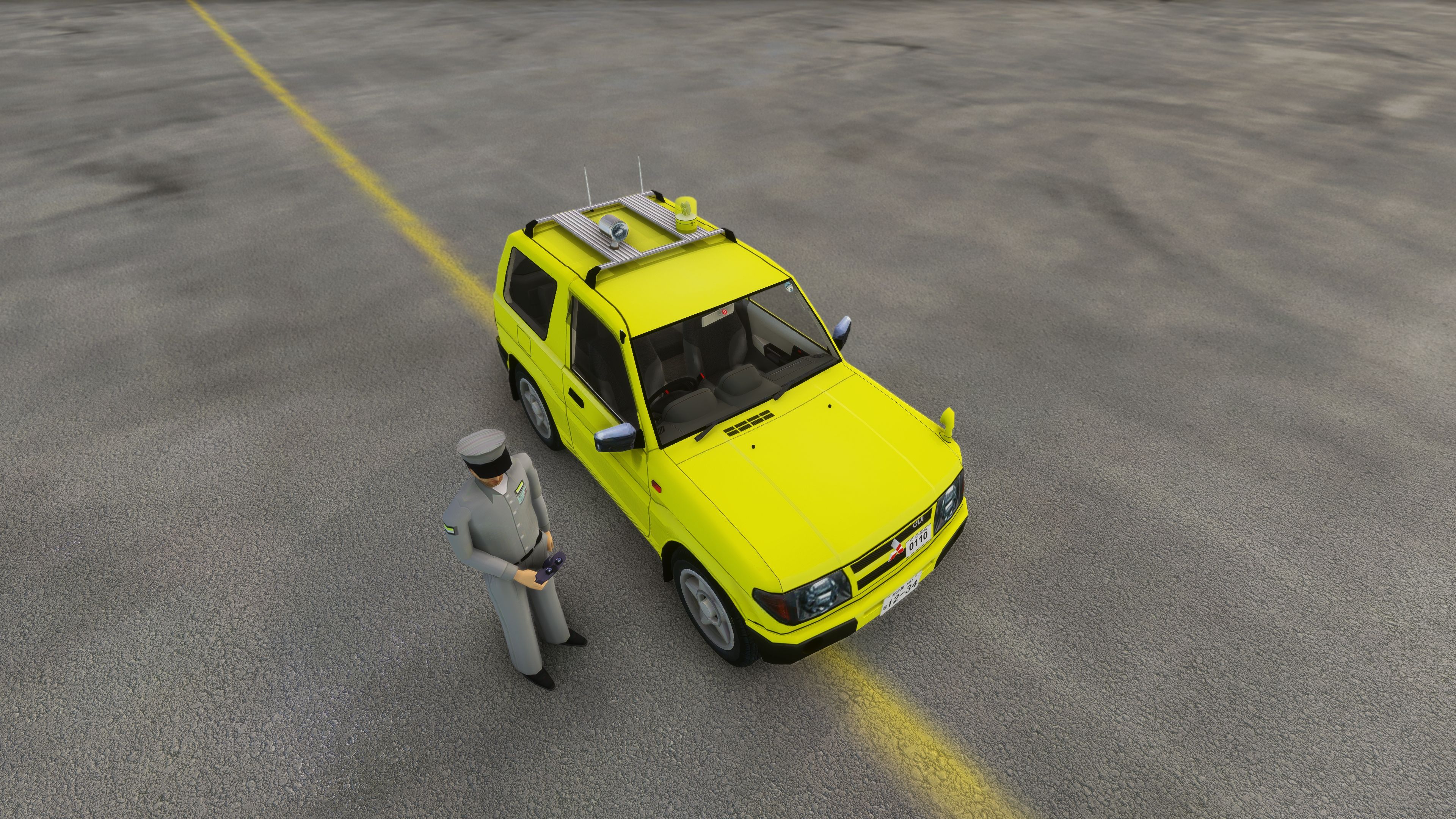
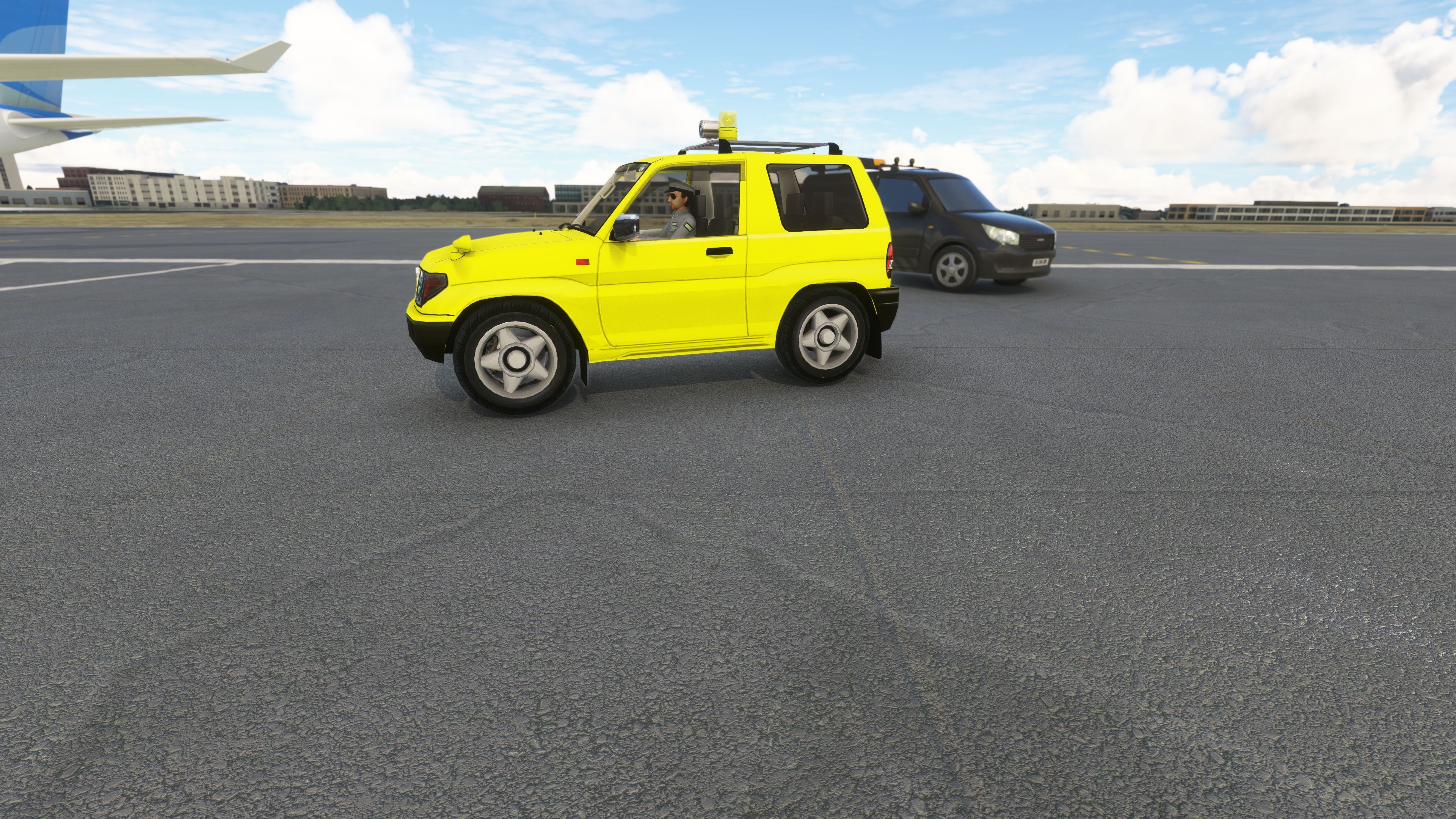
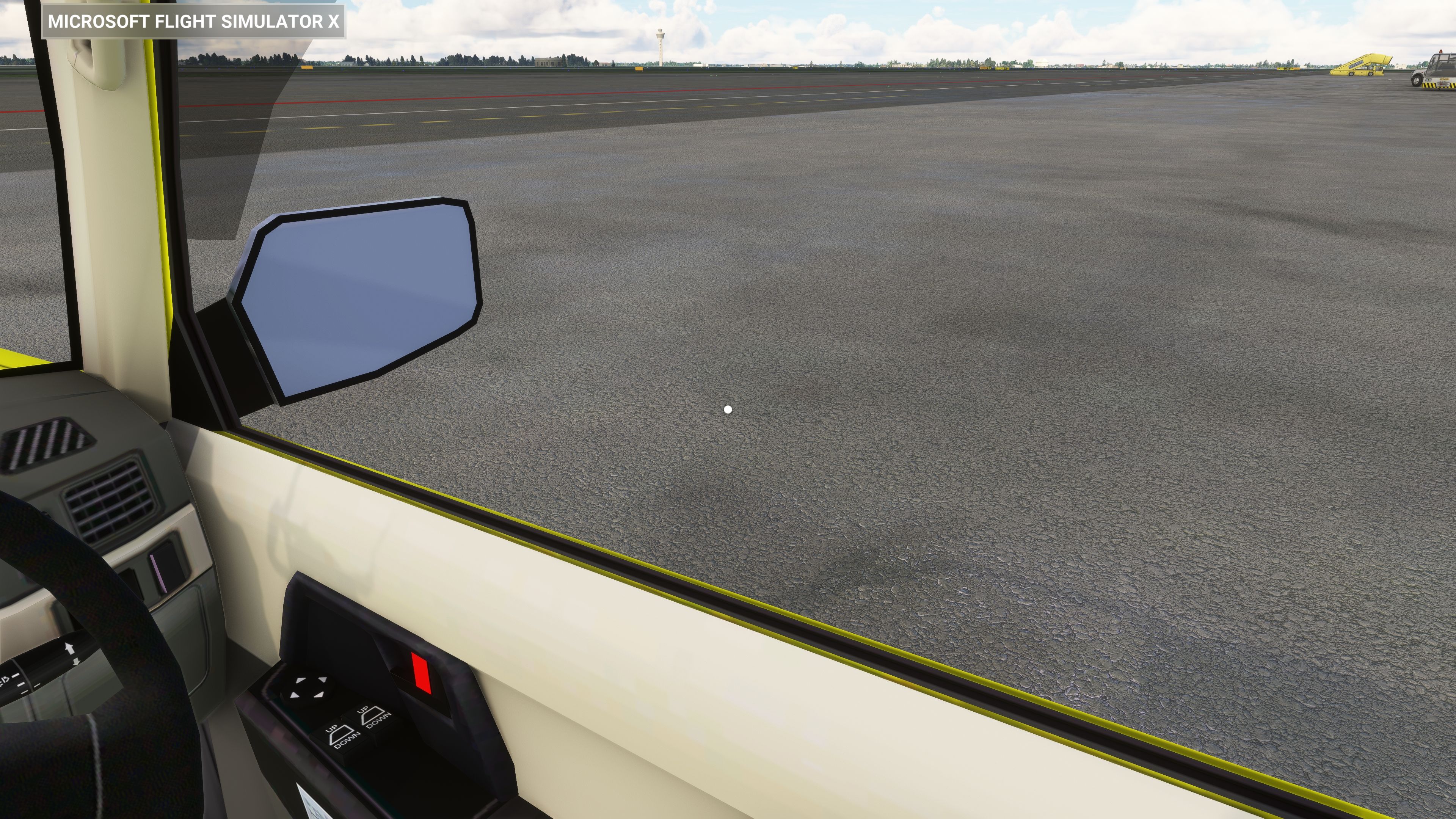
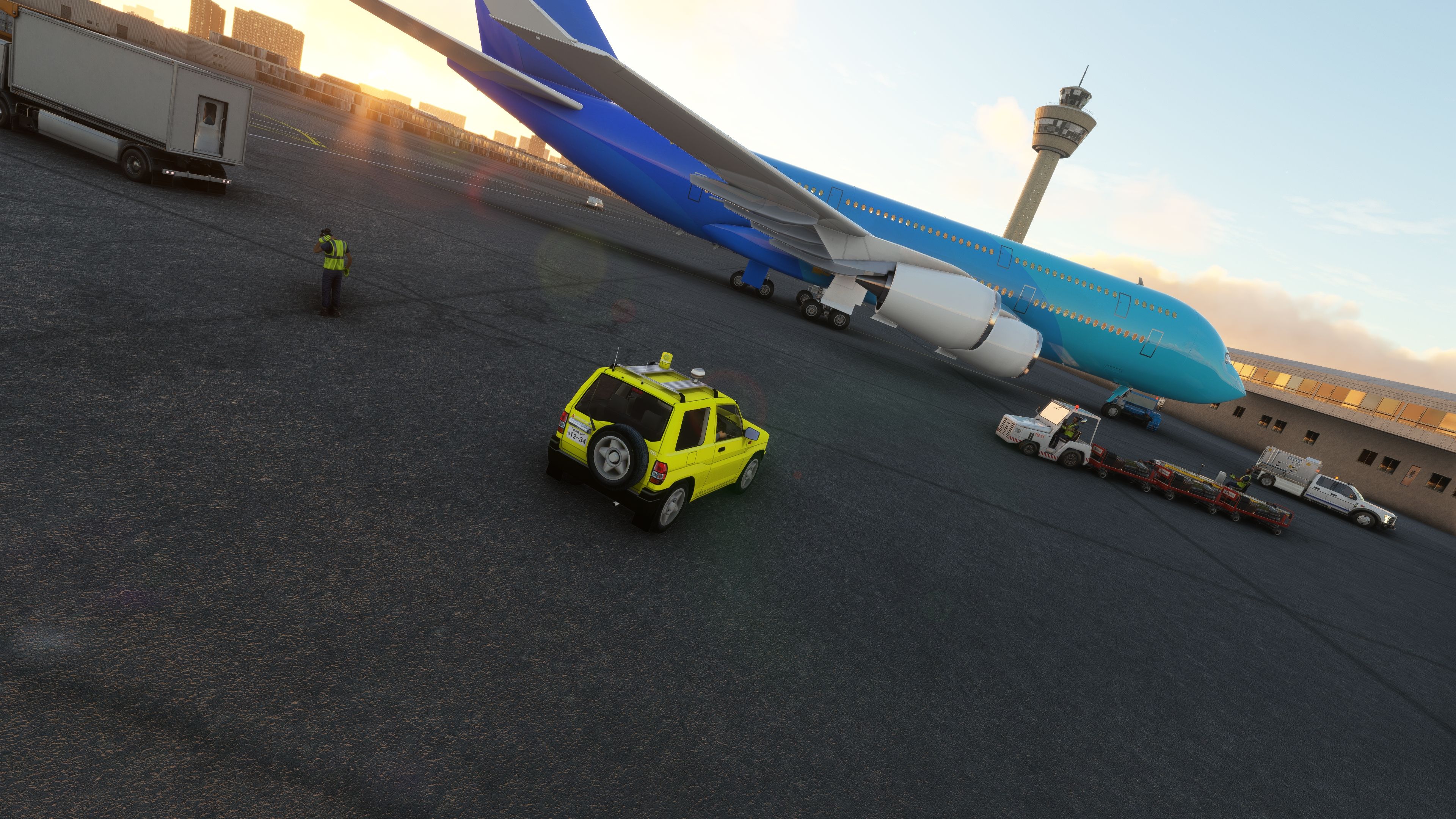
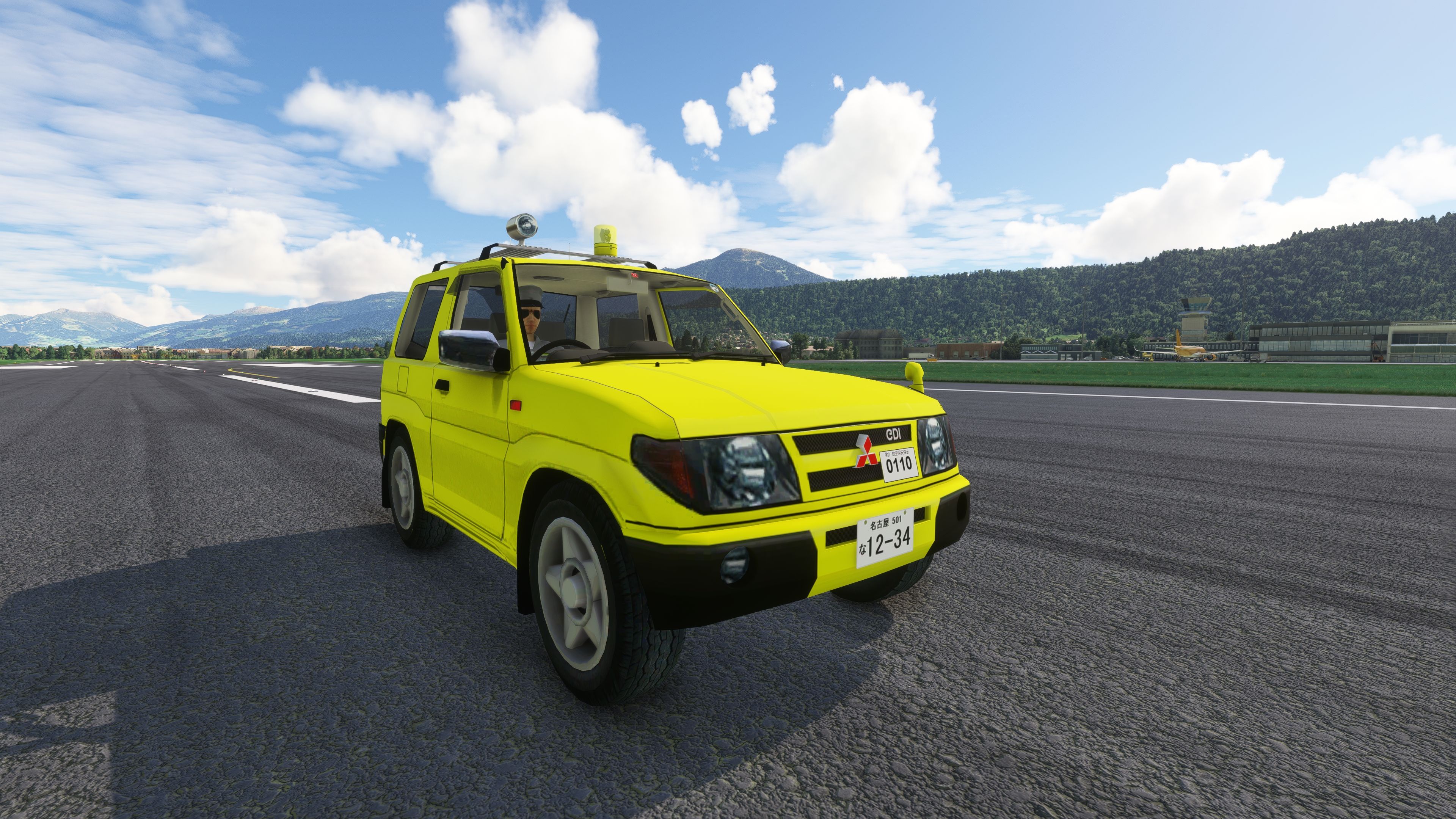
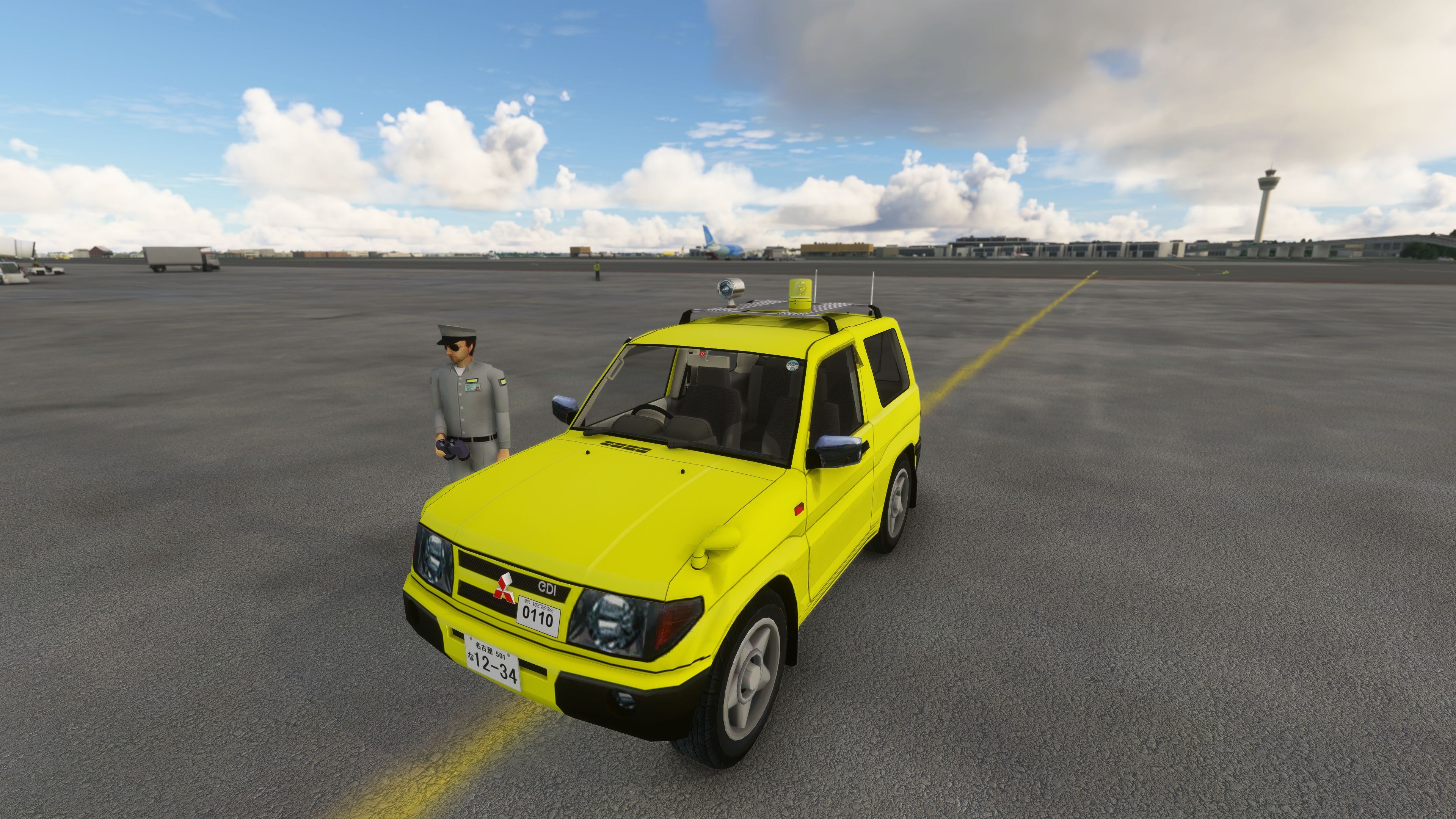
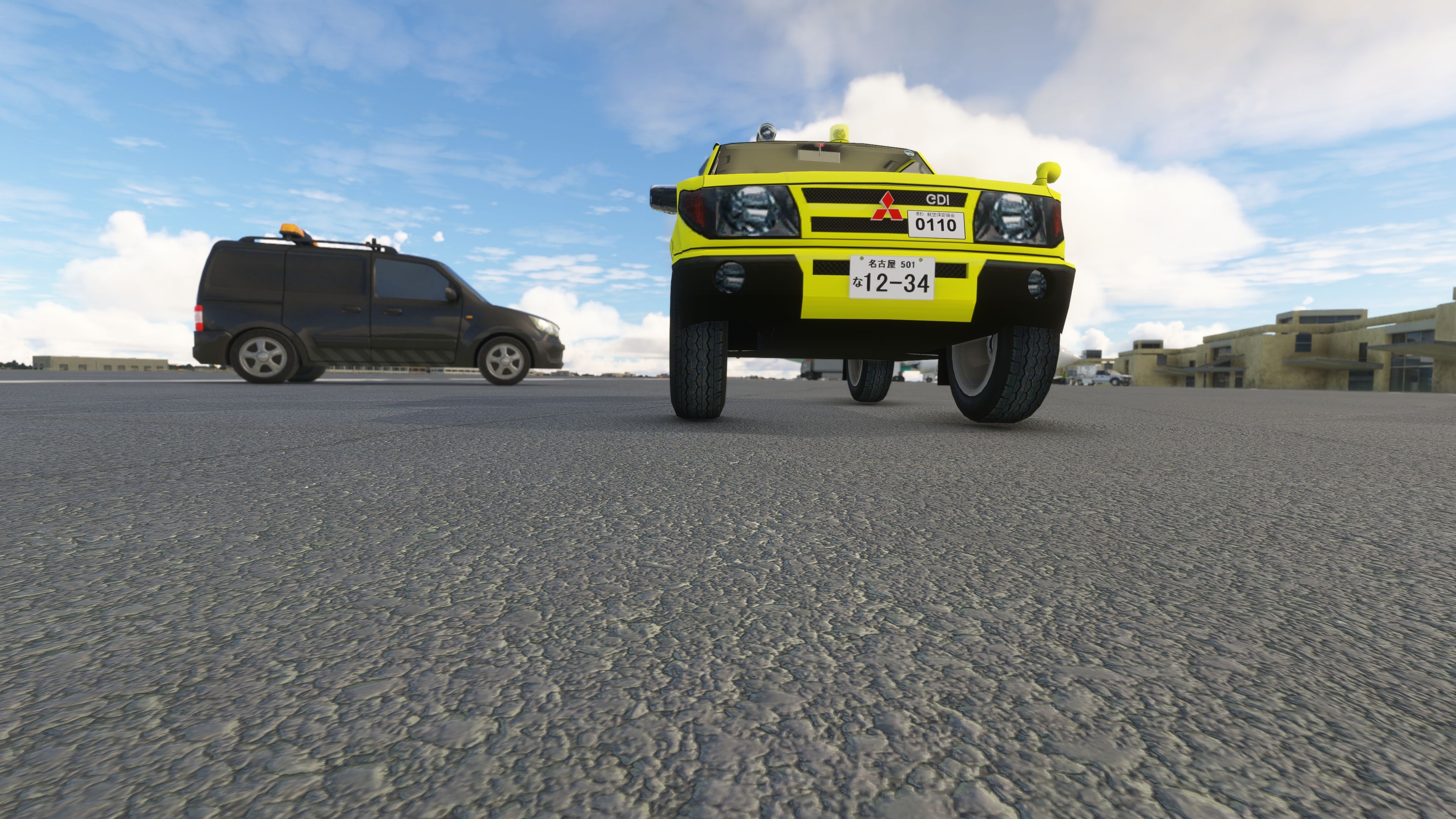
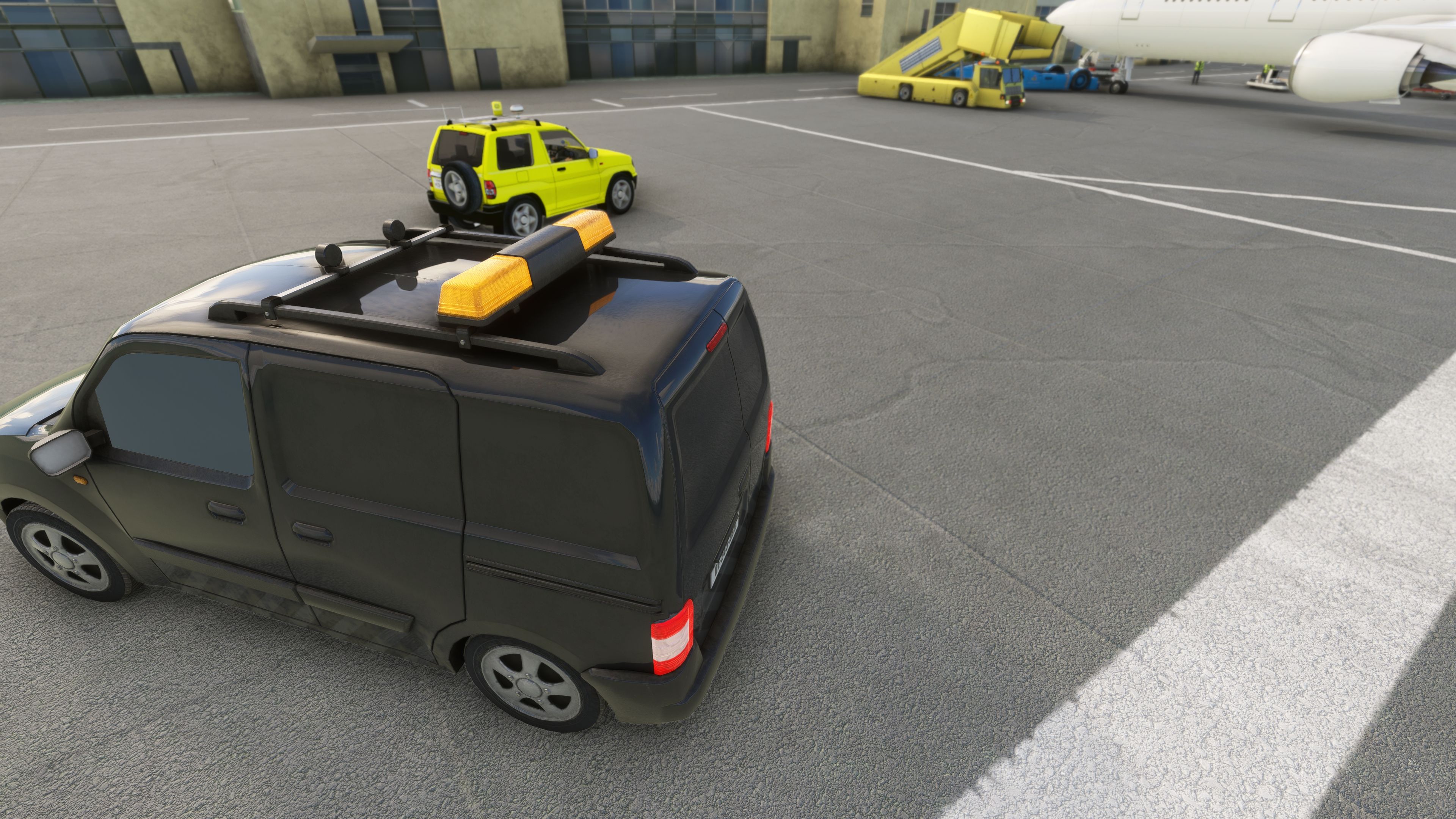
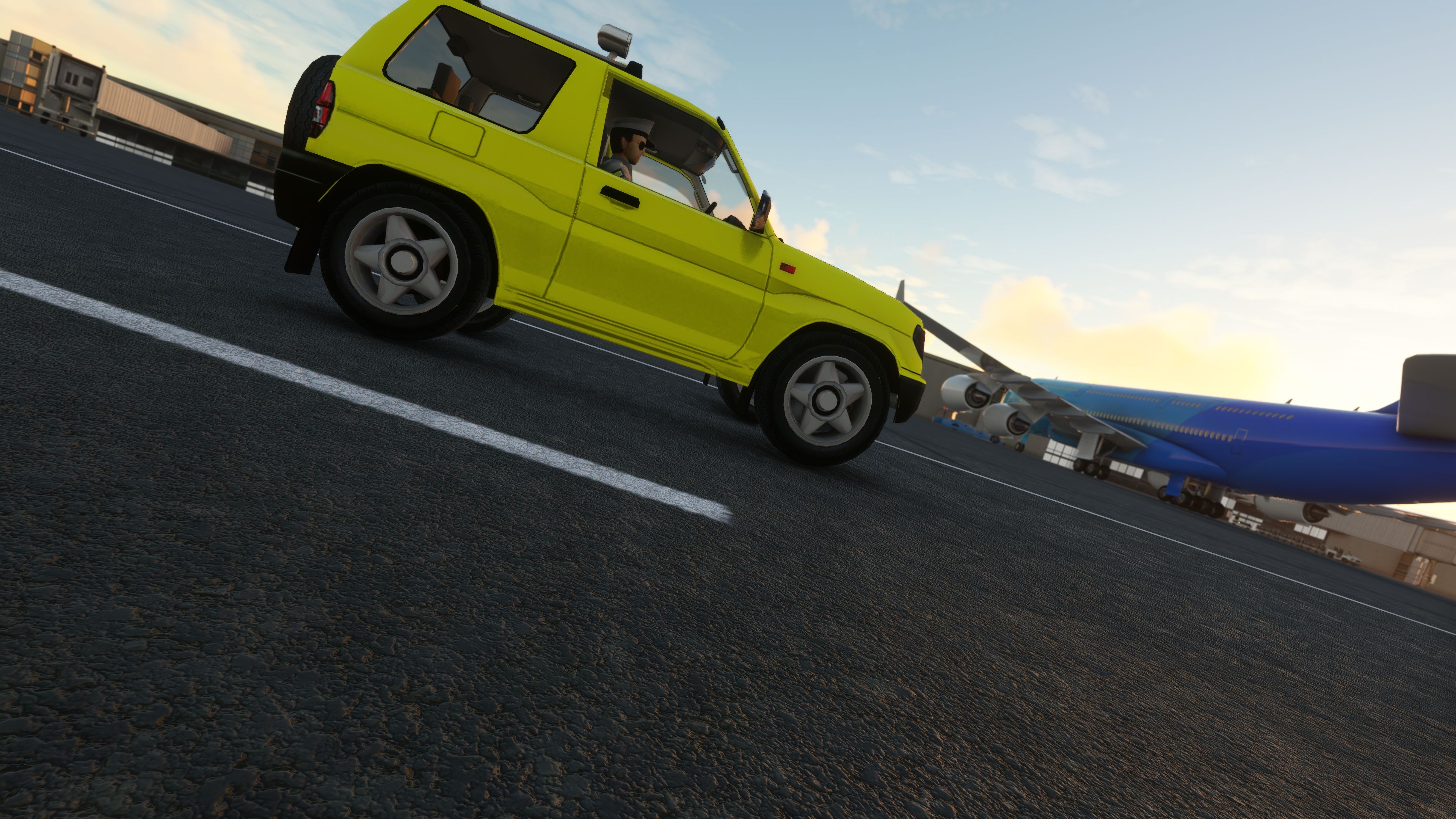
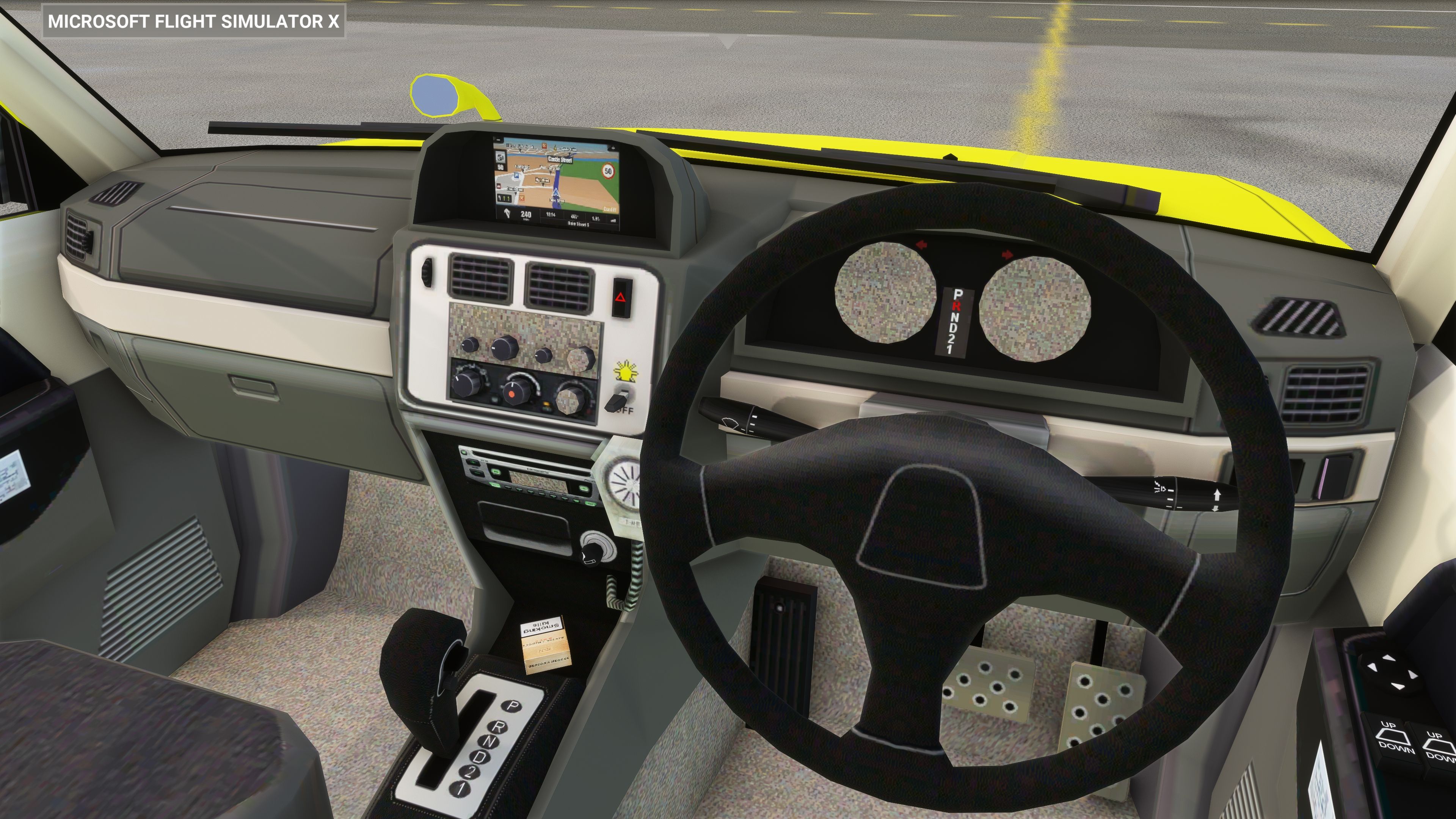
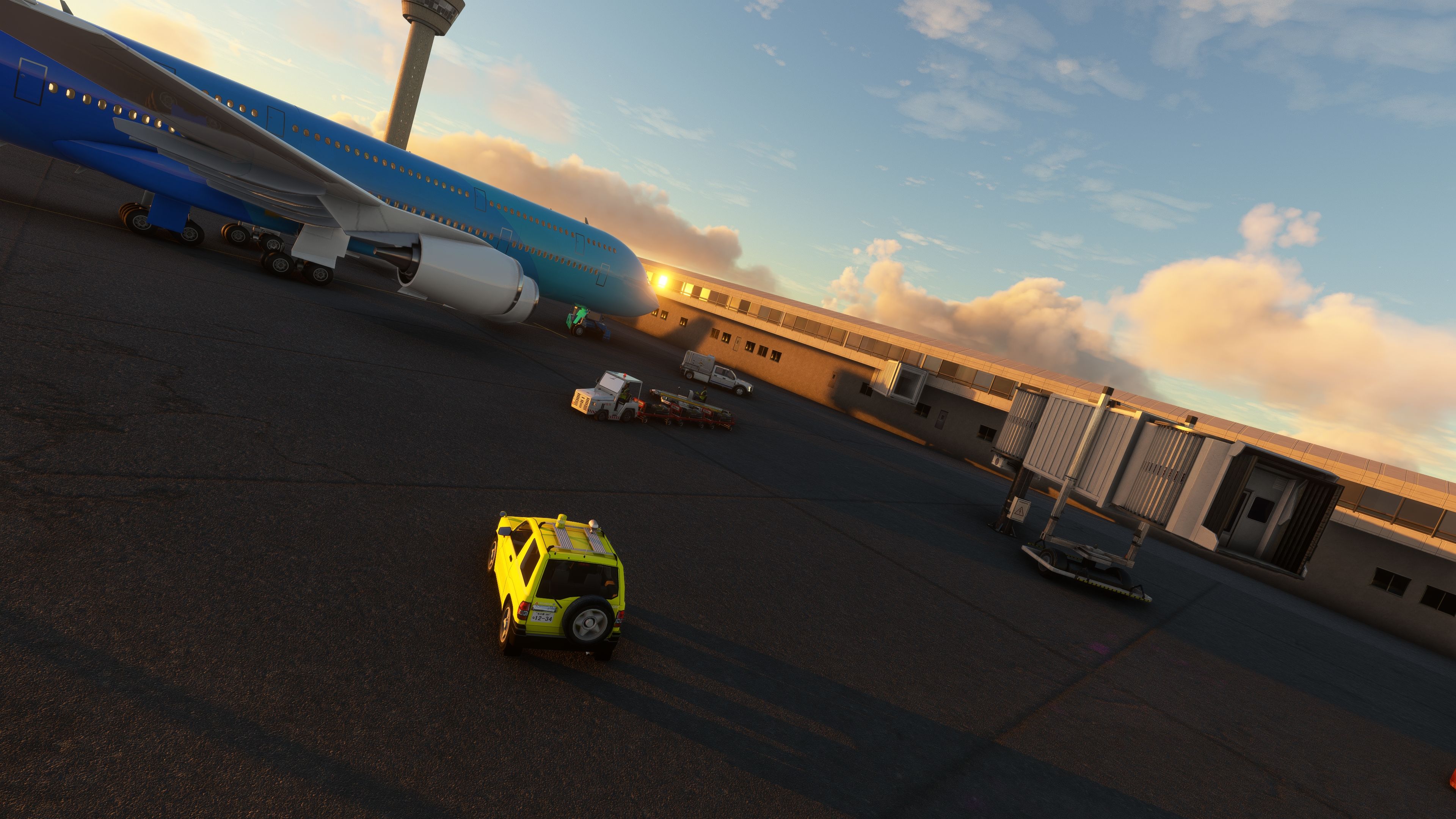
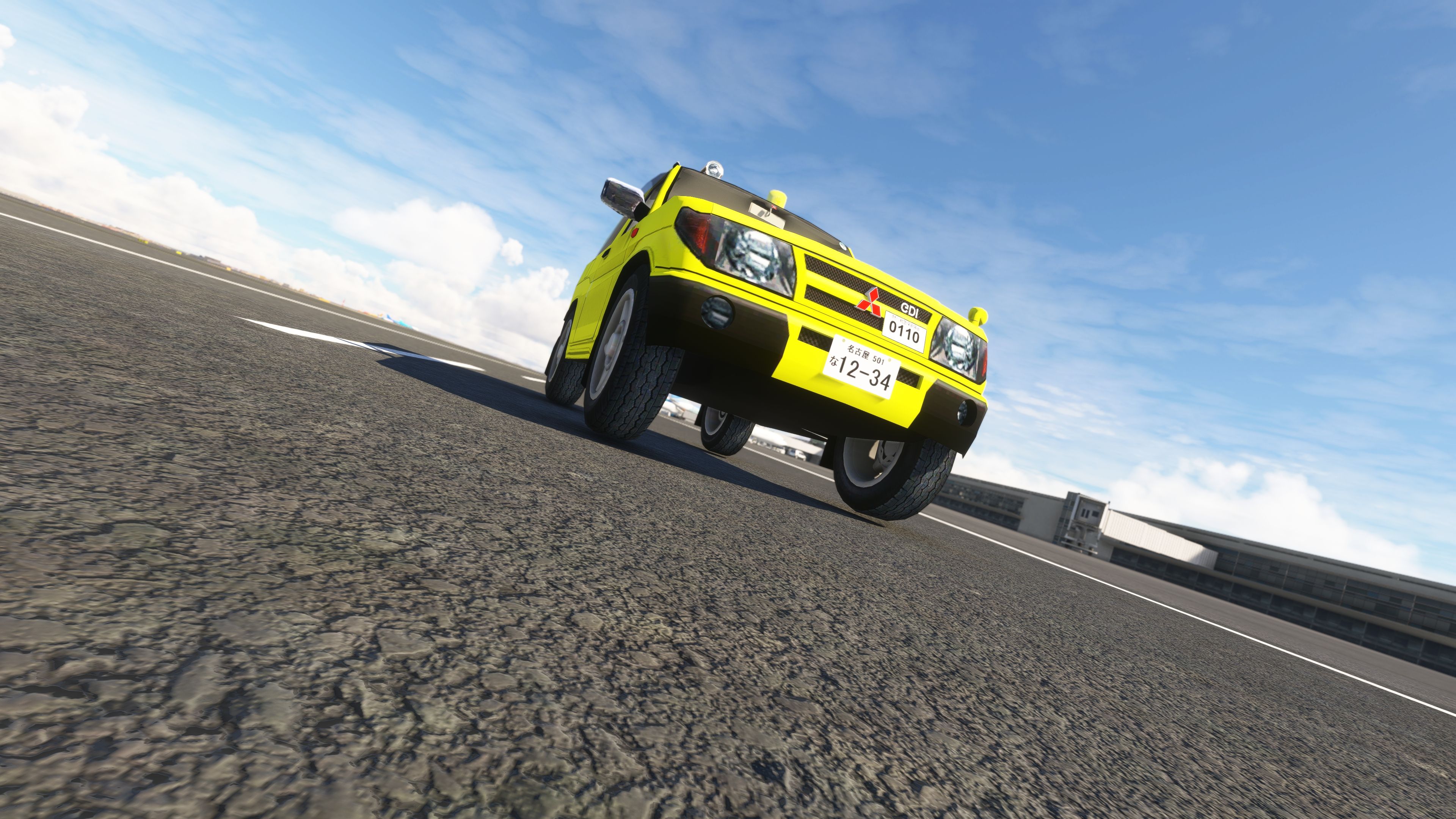
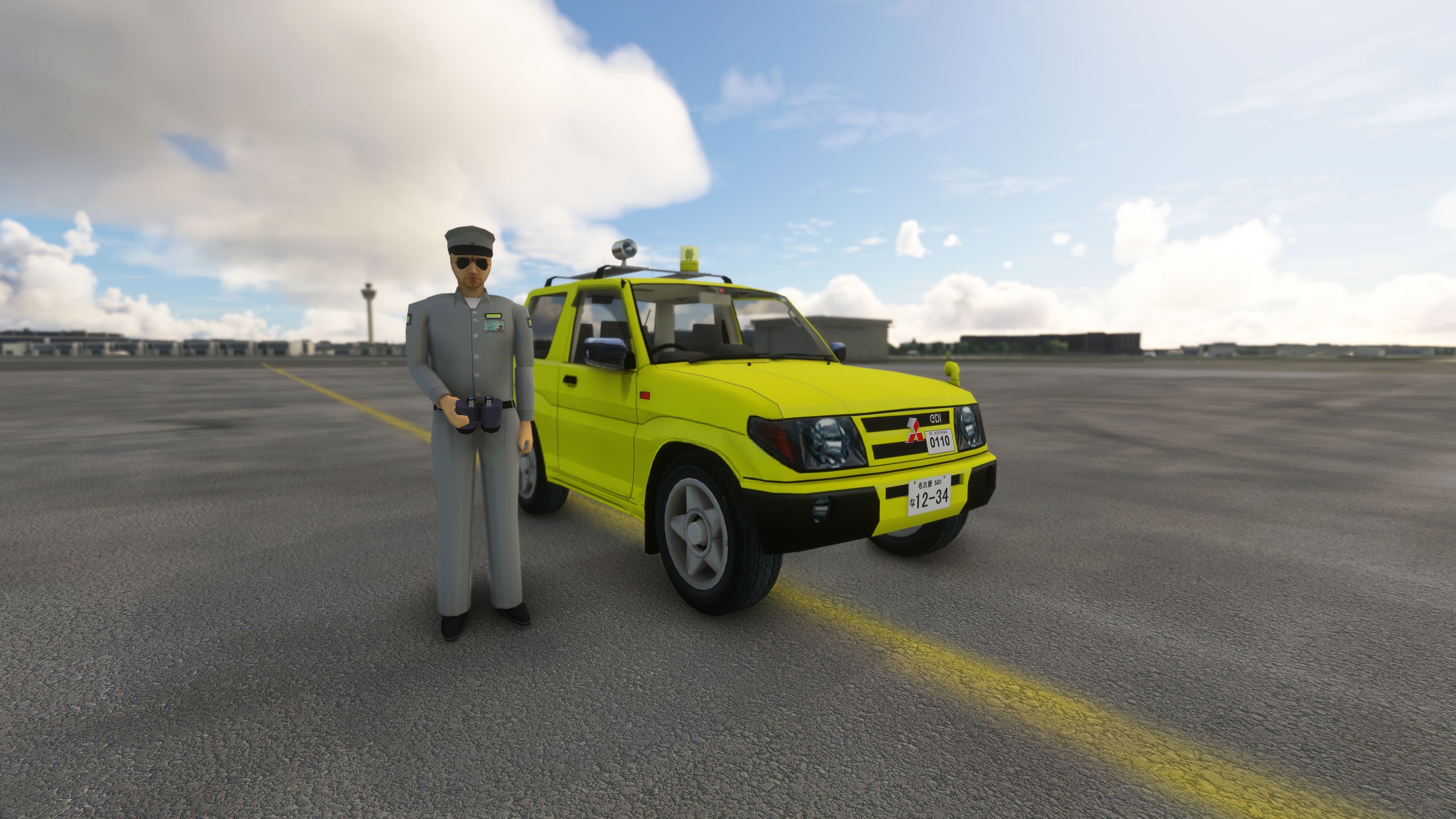
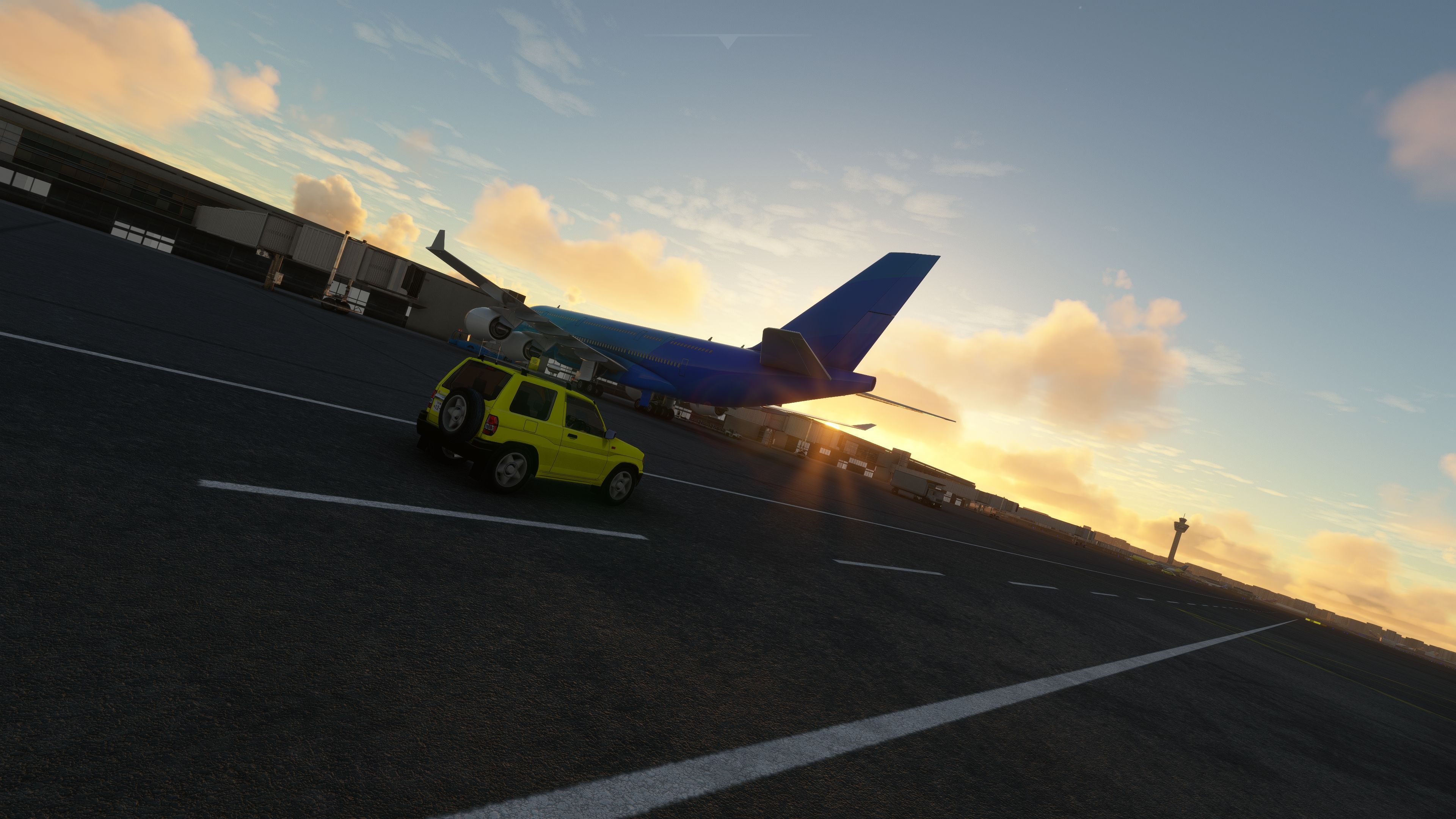
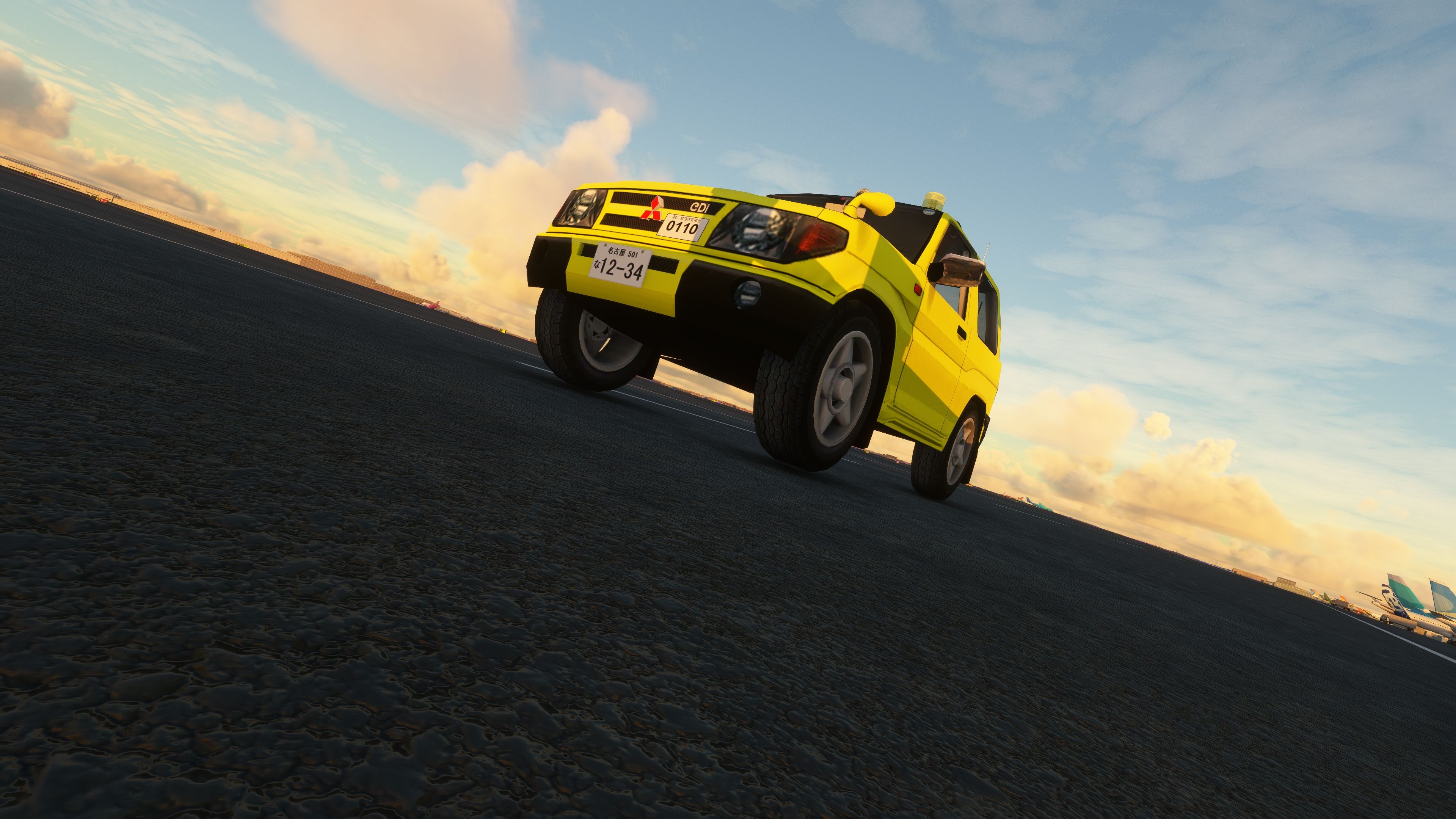
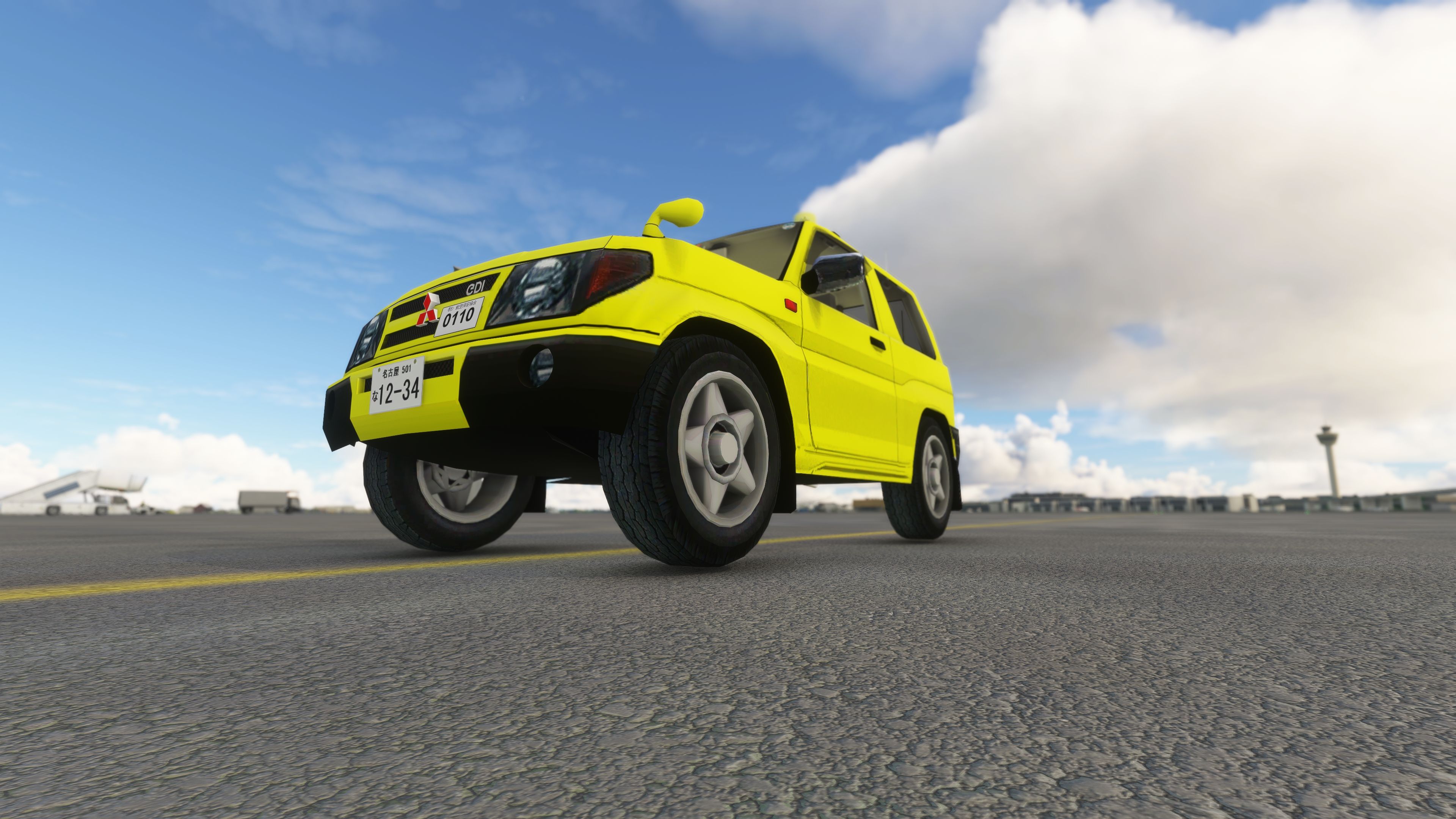
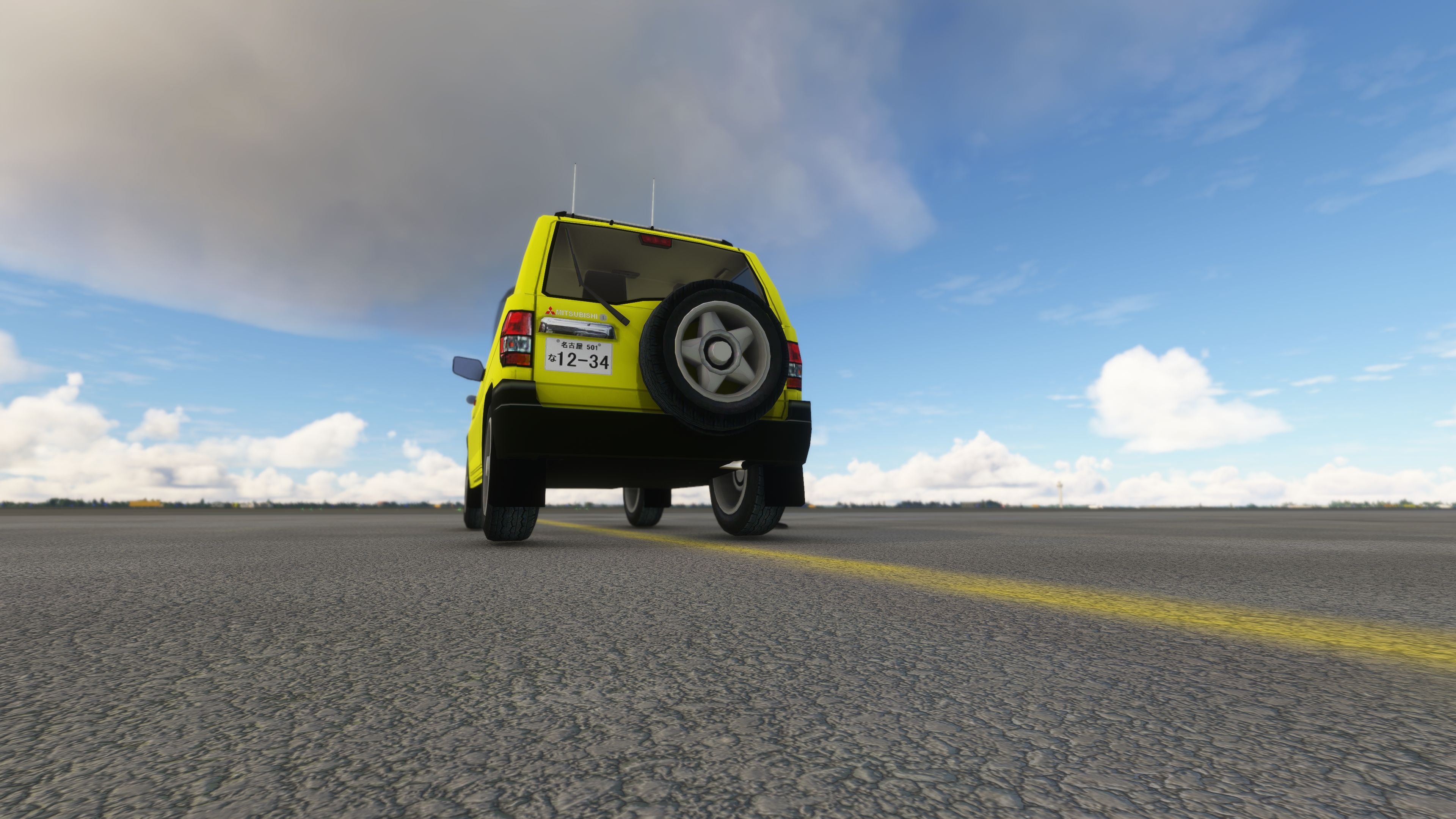
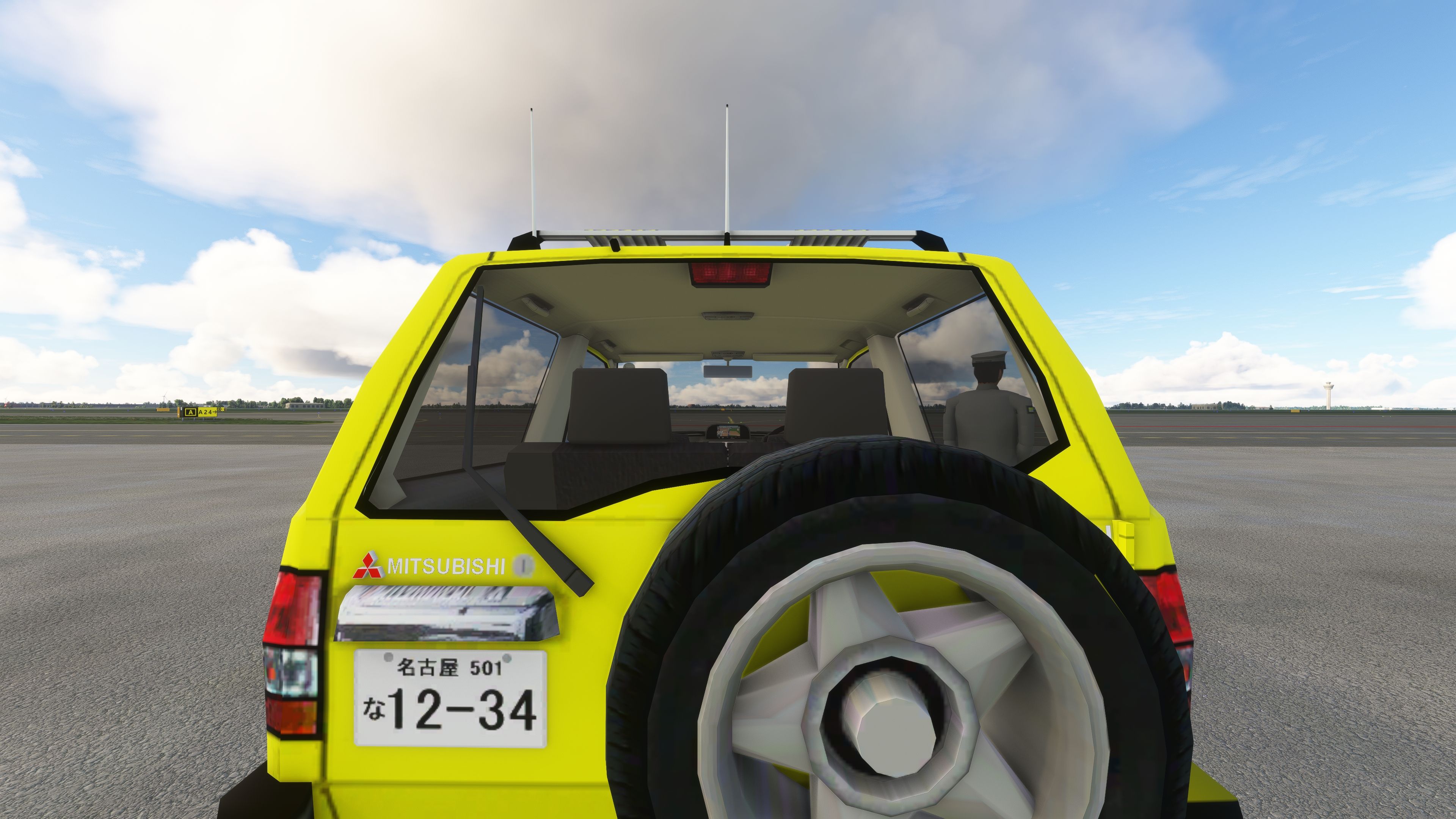
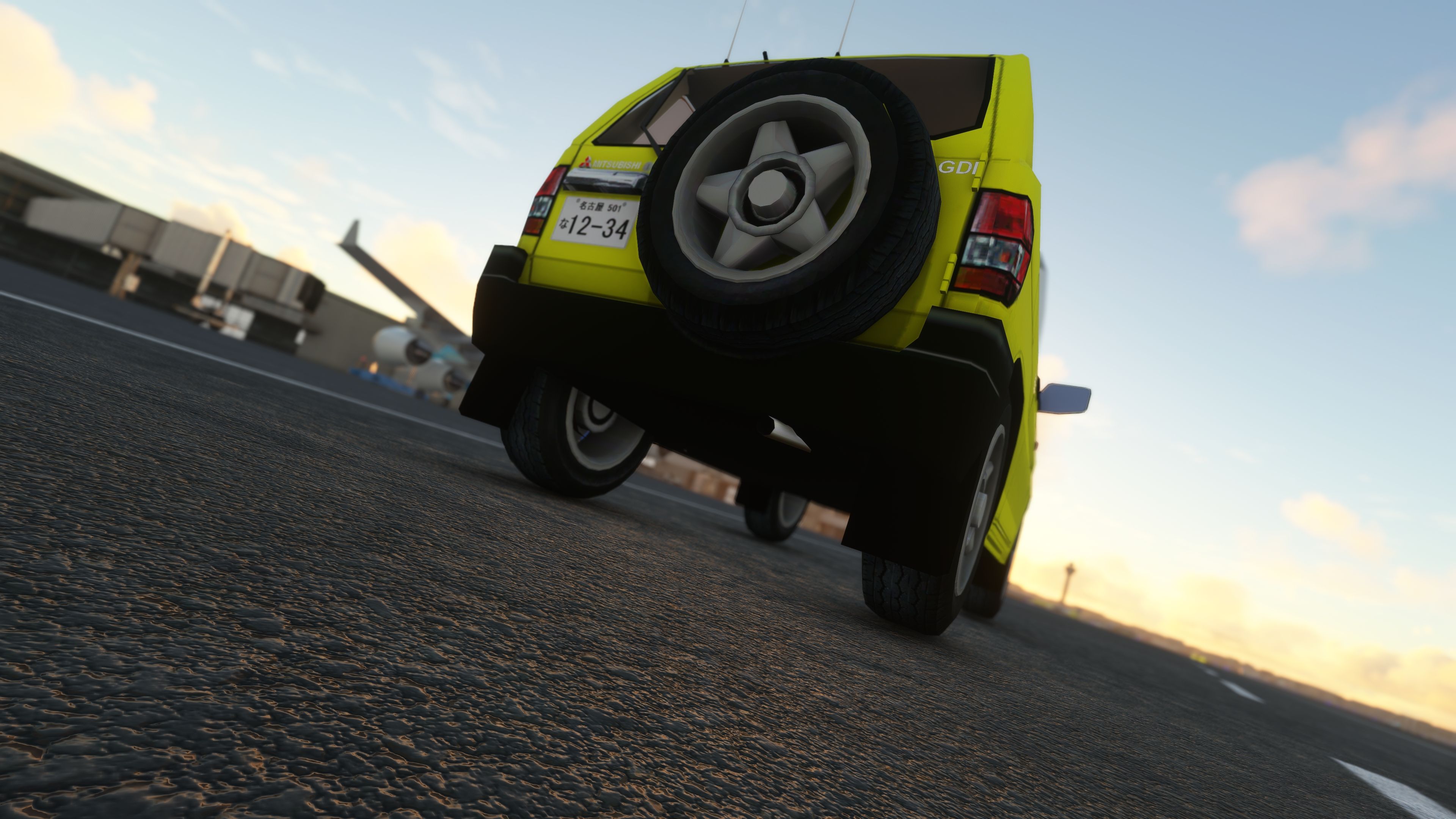
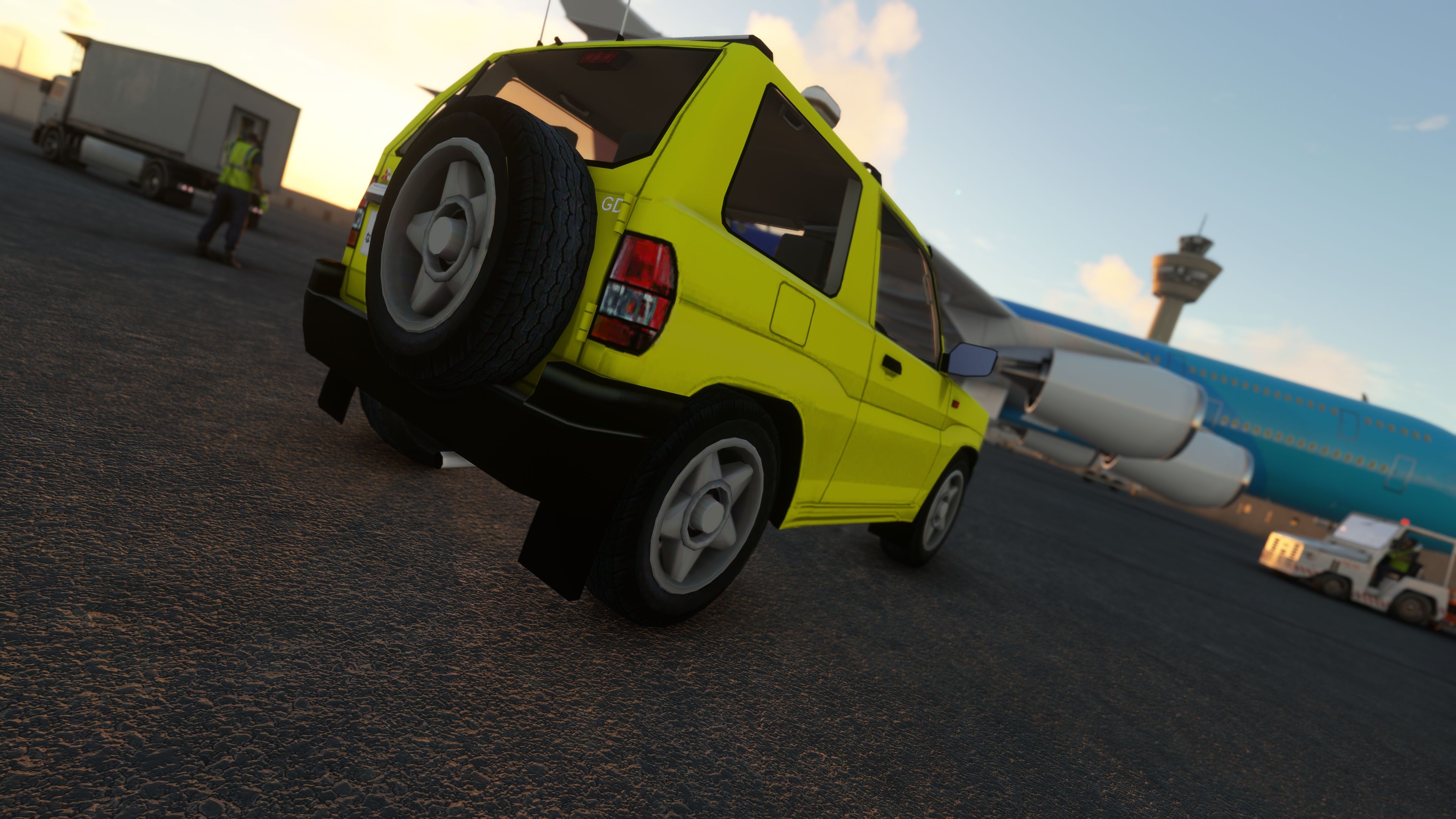
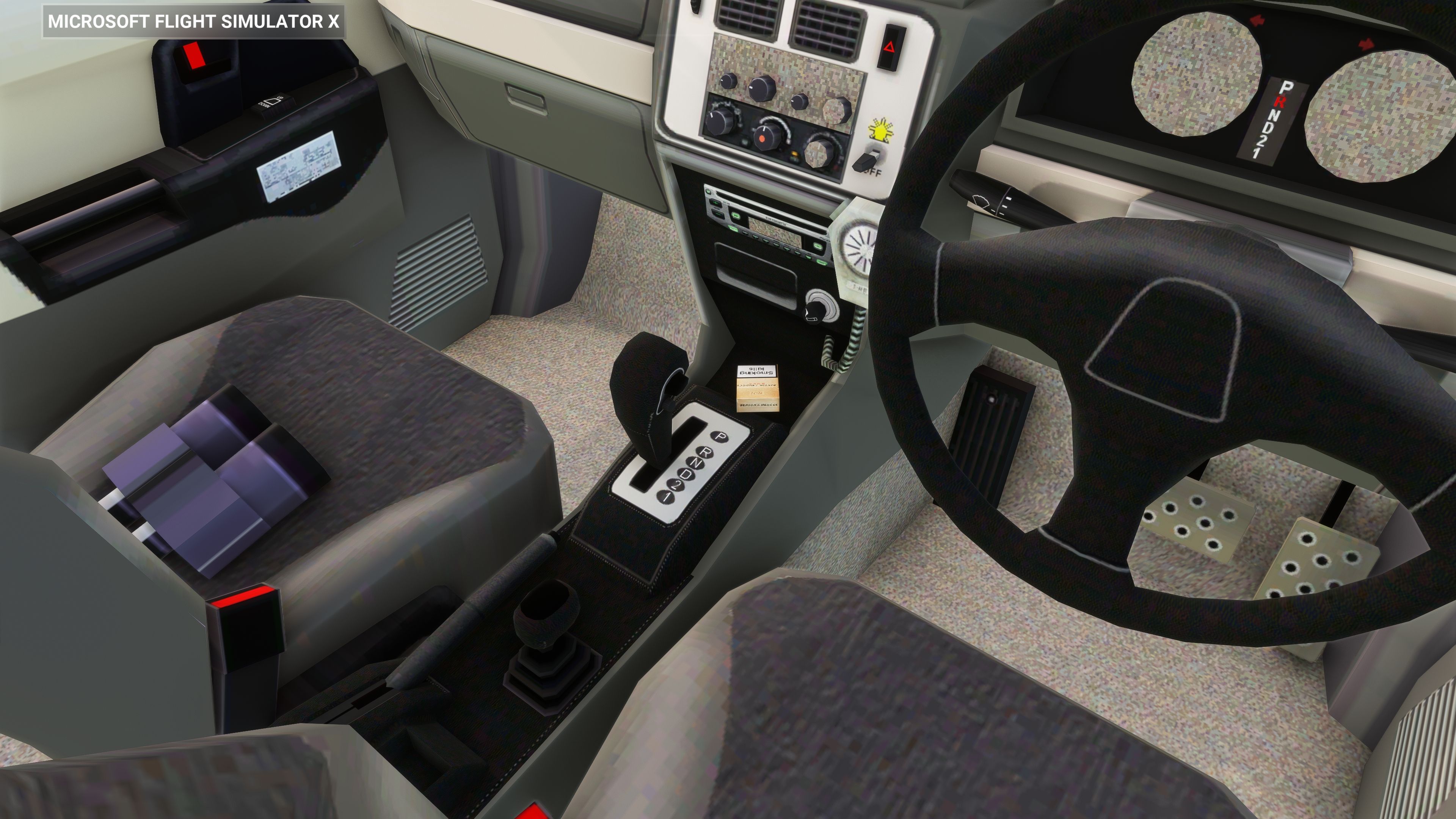
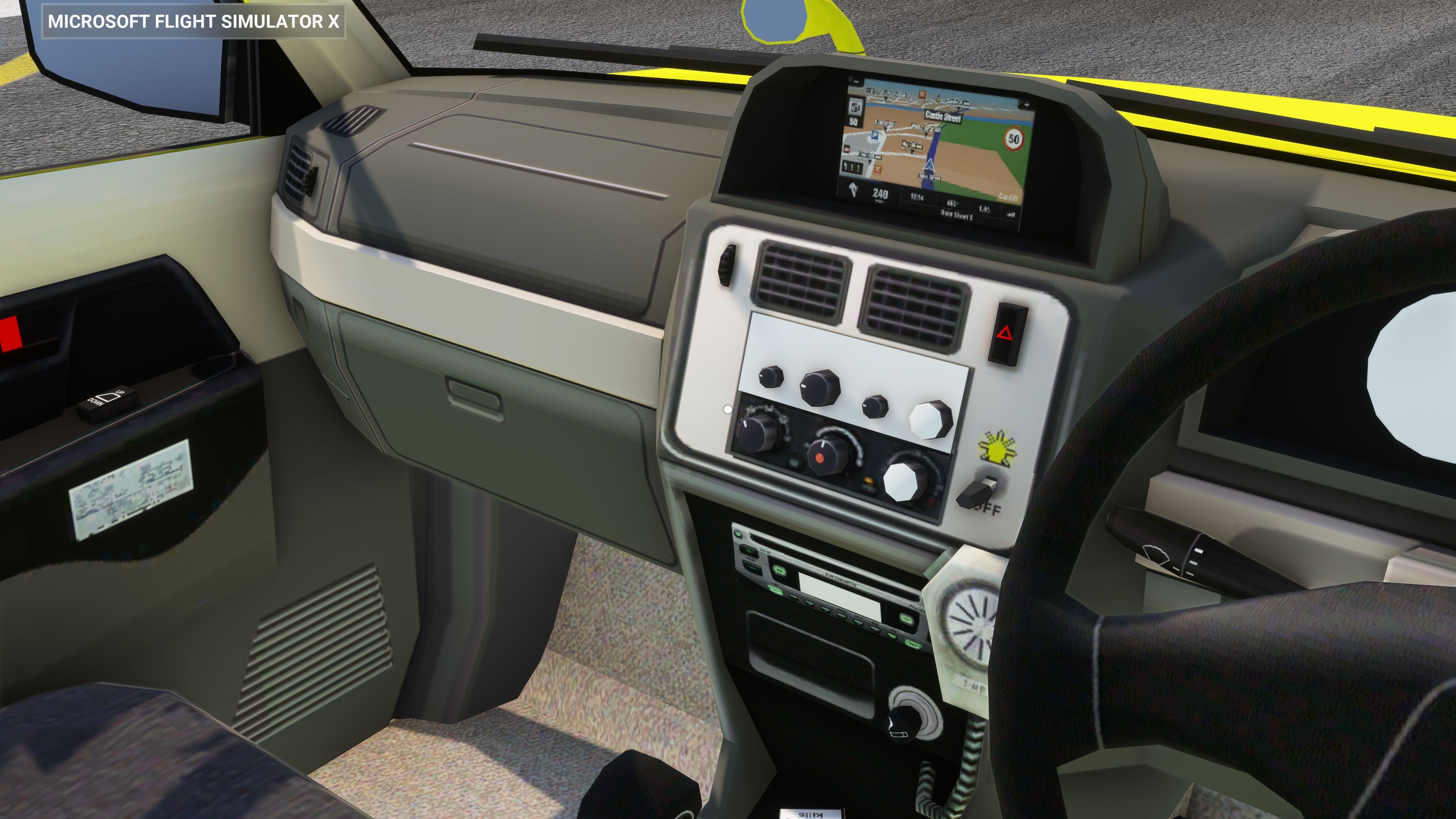
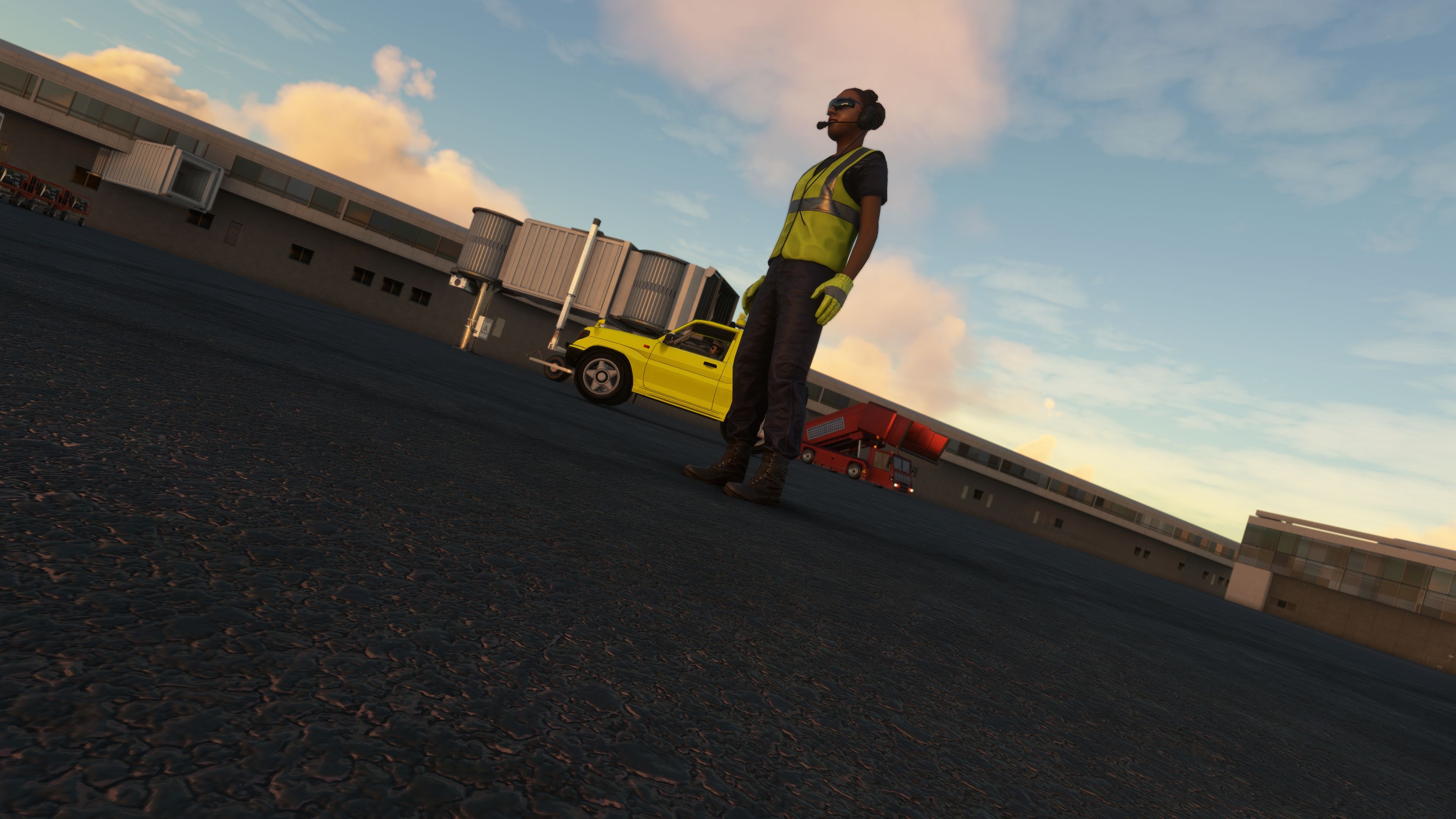
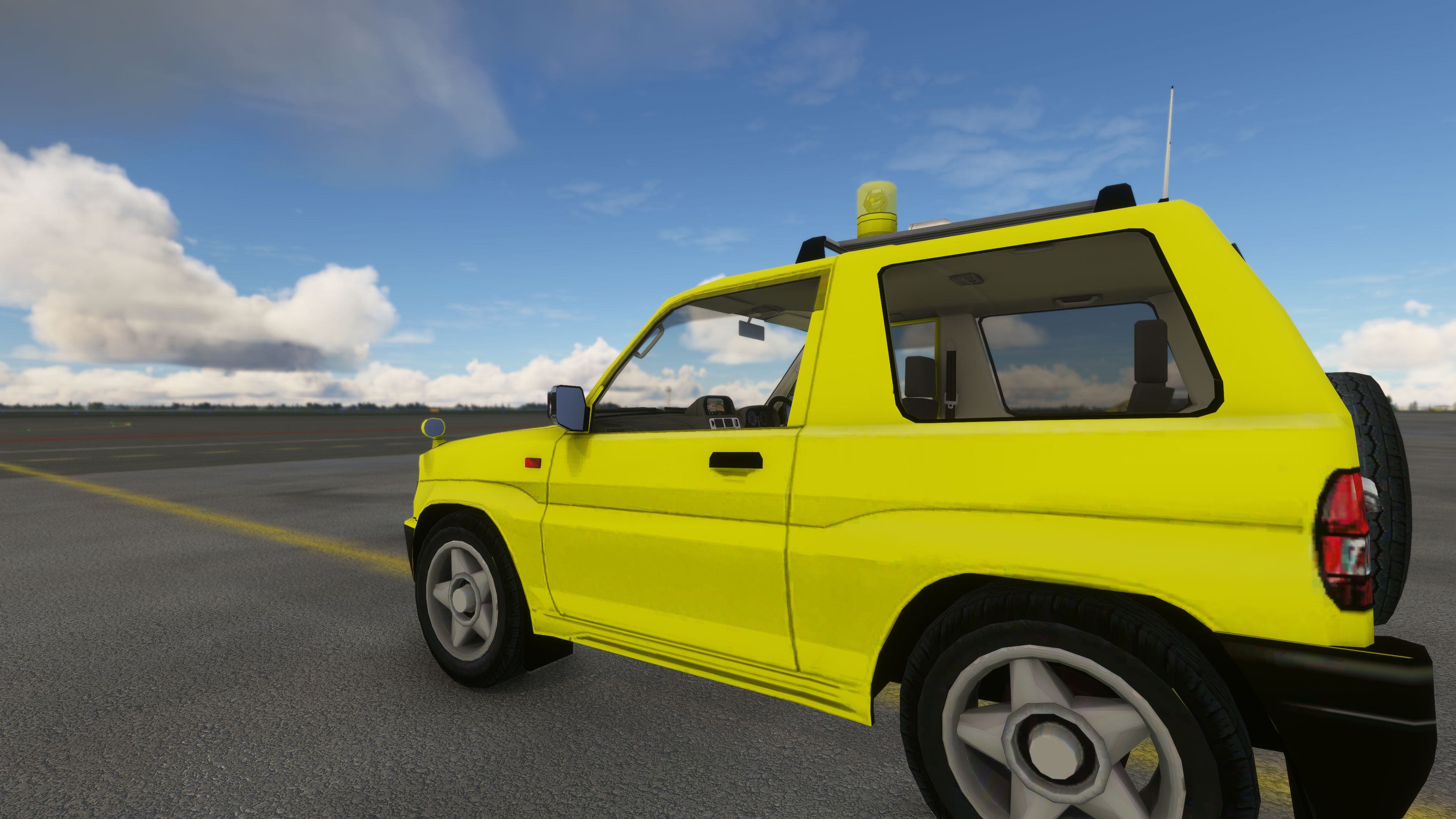
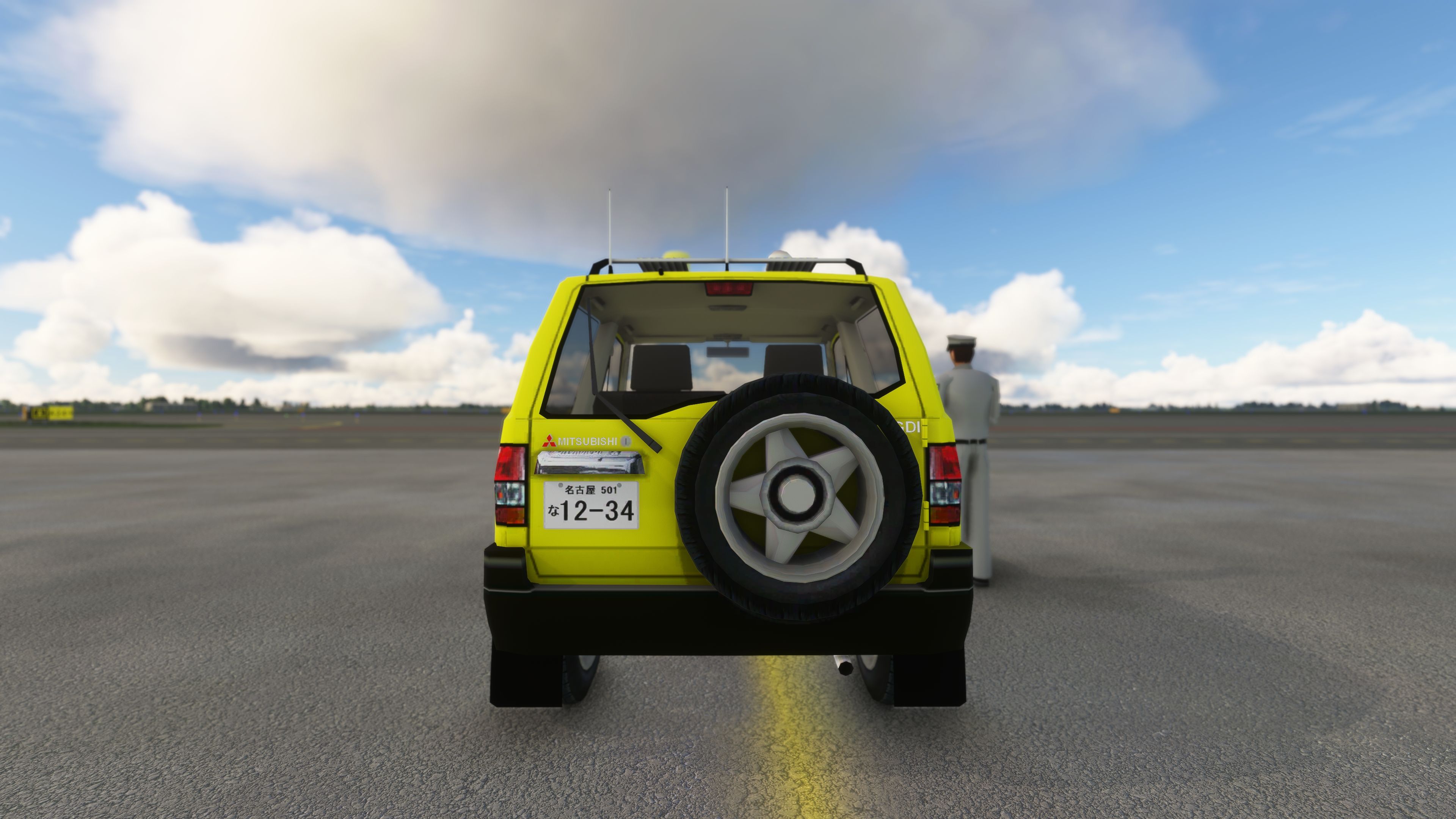
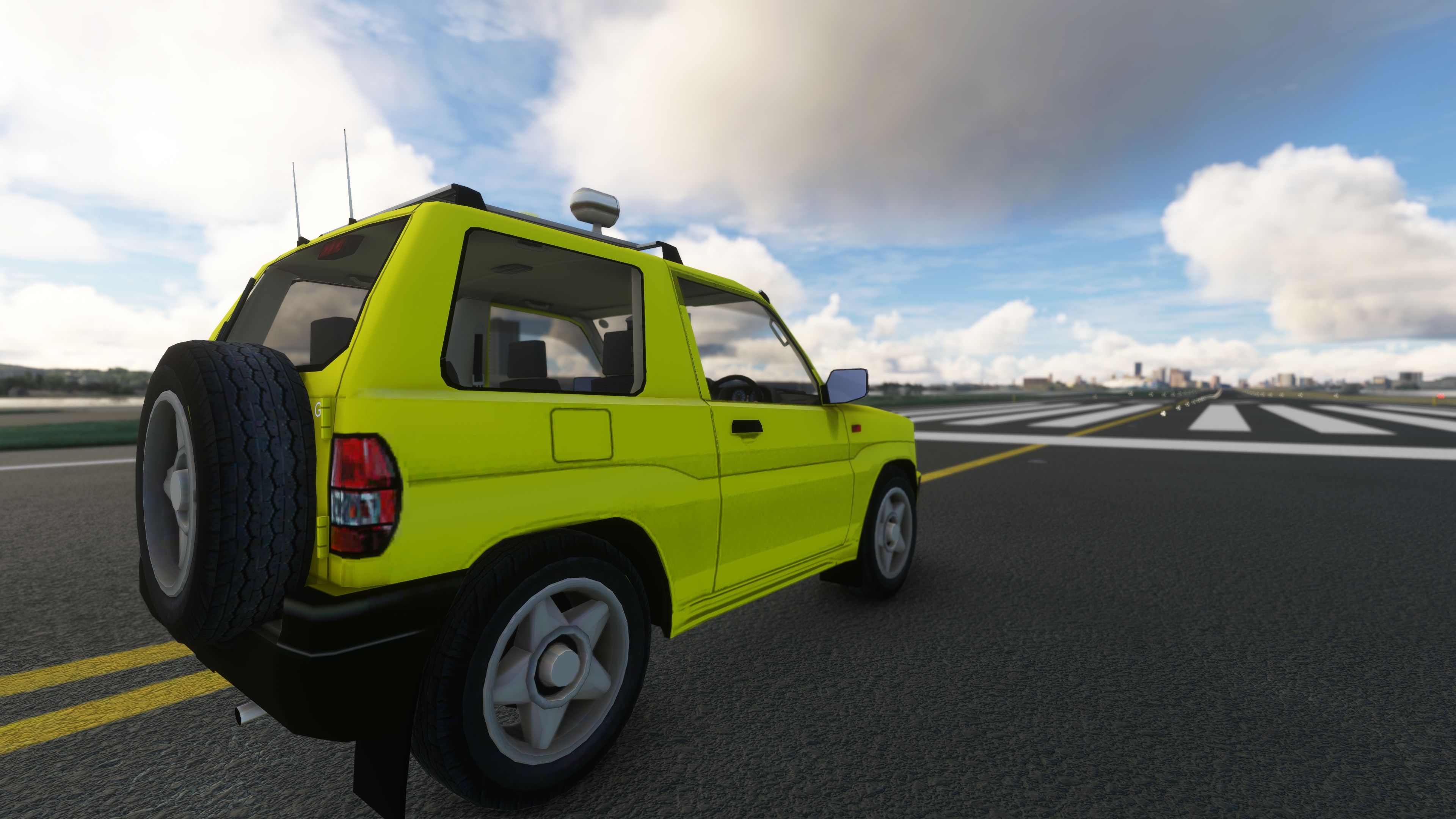
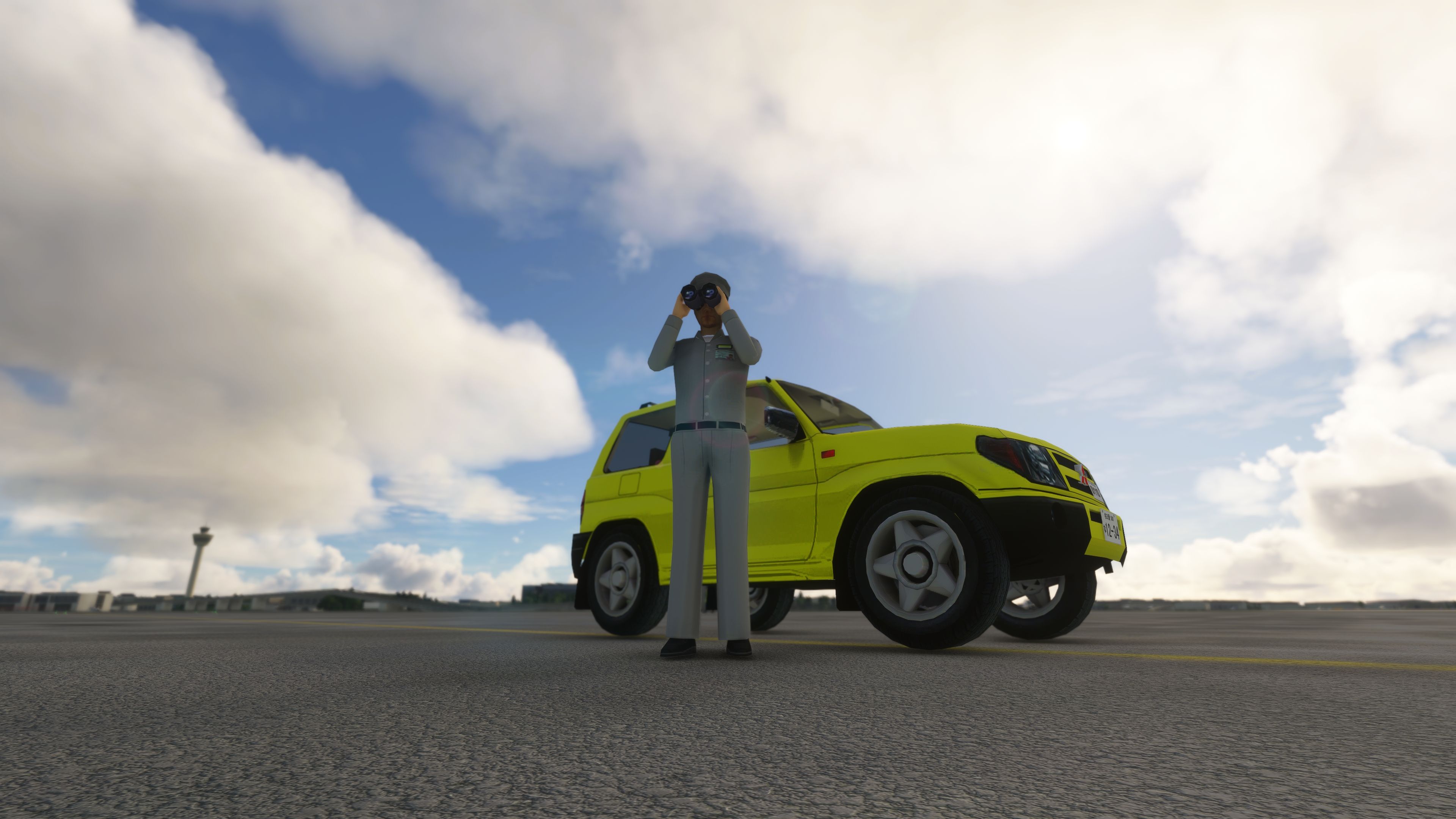
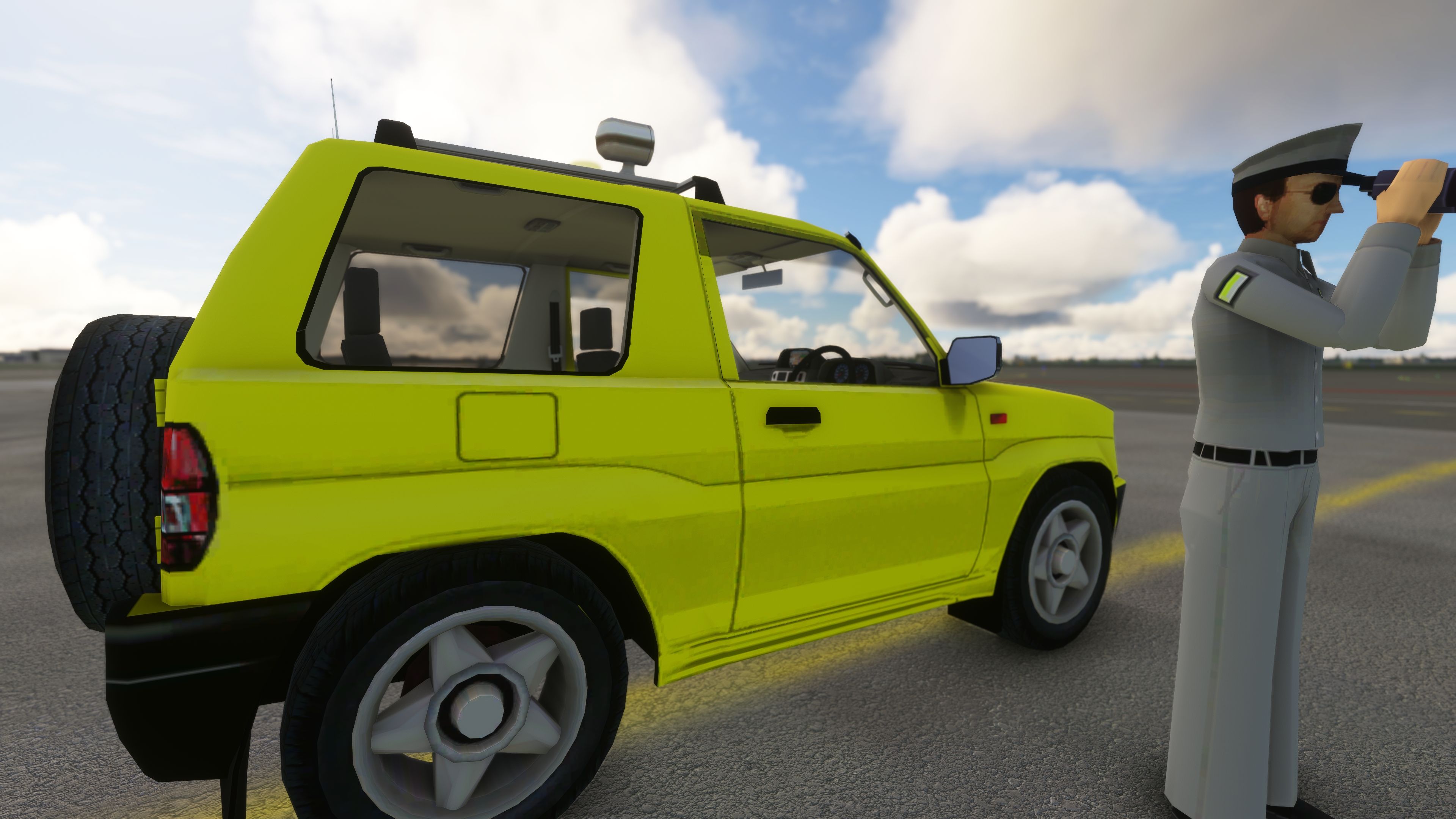
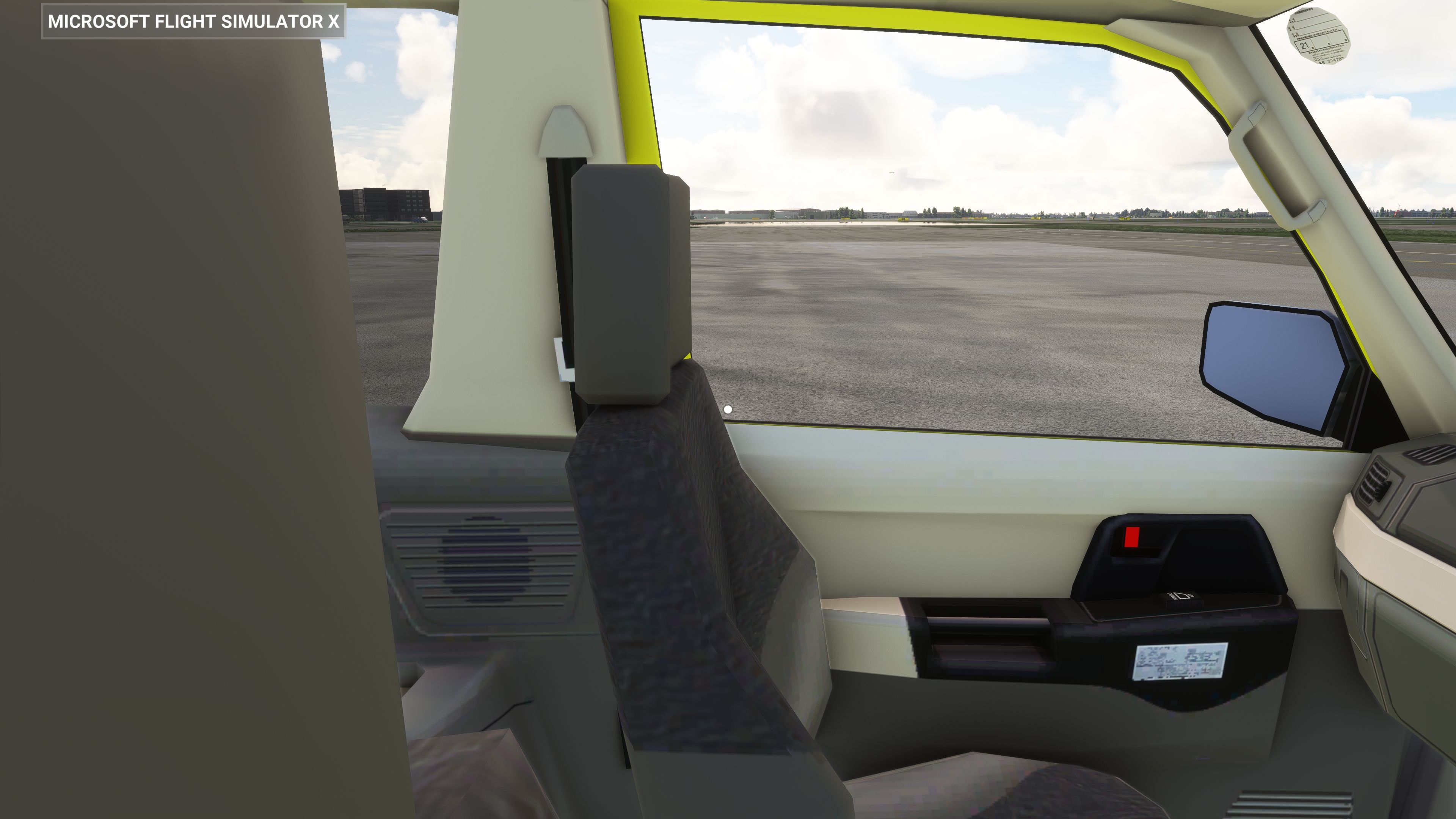
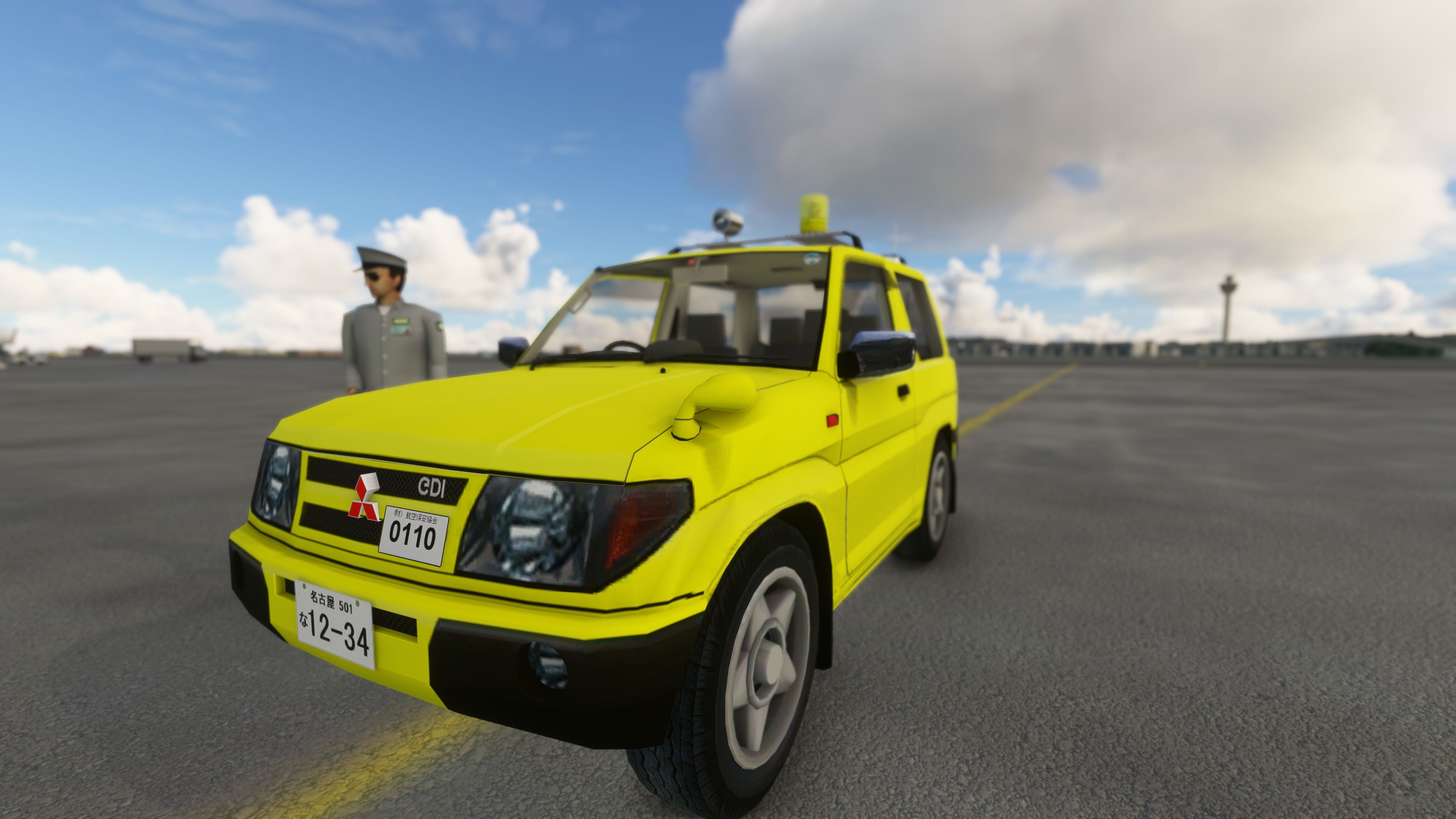
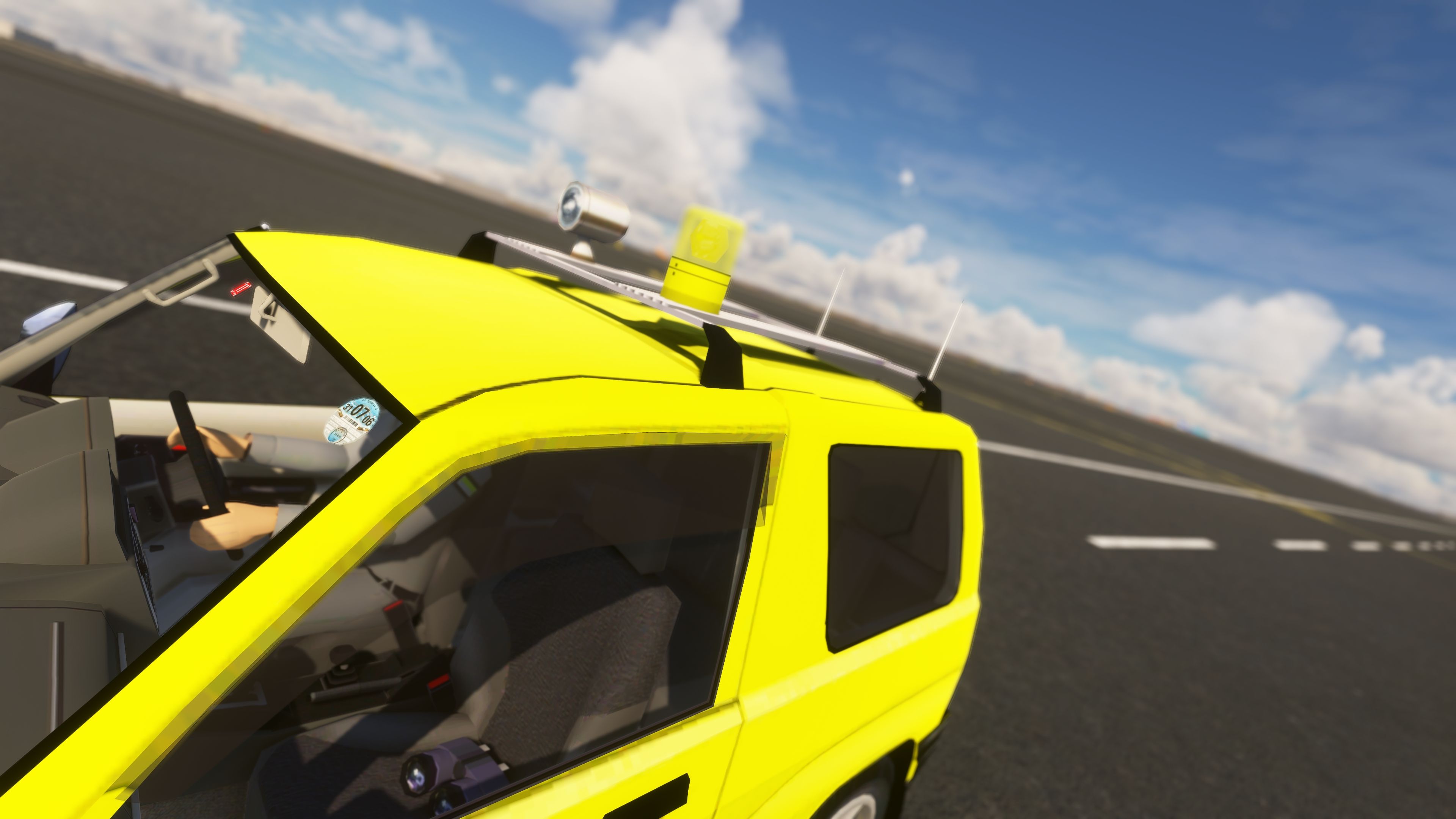

The Mitsubishi Pajero/Shogun Drivable Car for MSFS 2020 offers a groundbreaking twist on airport operations, letting simmers experience a fully controllable ground vehicle within the flight simulator environment. Converted from FSX files by Mike Keller and Mitsuya Hamaguchi, it showcases two distinct paint jobs (a high-visibility follow-me version and a police variant) that bring an extra layer of realism to both runway patrols and casual city driving.
Developed by MrFace in its current 1.2.1 release, this add-on delivers smooth handling, though minor quirks like momentary rolling upon spawn do arise before the parking brake is engaged. From my firsthand tests, it injects a unique and entertaining perspective into the sim, refreshing the standard aviation routine with drivable ground-vehicle immersion that will captivate any flight simulation enthusiast.
A first for MSFS (2020) - a drivable car that can be driven around an airfield/airport as a service vehicle or any other road in Microsoft Flight Simulator.
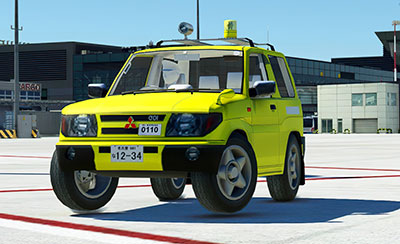 ?The car model is based on the Mitsubishi Pajero and comes in a yellow "follow me" color scheme and as a police vehicle.
Developer notes;
If you would like to make fun as a follow-me car or drive in a realistic world in MFS 2020 by a car, it's the best moment to download this car :)
This is the very first version of this car - converted from FSX. It's drivable with no problem.
Some things can work not properly such as rolling when spawning until the parking brake will be pressed. I will try to work on it in further updates.
Creators of the FSX addon: Mike Keller & Mitsuya Hamaguchi.
Current Version 1.2.1 by MrFace.
Developer: MrFace
Free for all simmers · 180.46 MB · Scanned clean Oct 2026
Download speed: Free tier is capped at 2 Mbps (this file takes approximately 13 mins at the cap). PRO members download at full line speed.
%LOCALAPPDATA%\Packages\Microsoft.FlightSimulator_8wekyb3d8bbwe\LocalCache\Packages\Community\. Steam version: %APPDATA%\Microsoft Flight Simulator\Packages\Community\. Tip: enable Developer Mode in MSFS to see your exact Community folder path.readme.txt or README file. It tells you exactly where files go, what dependencies are needed, and any quirks specific to this add-on.Only PRO members can place votes.
More MSFS add-ons hand-picked based on this download.
FSX Other Aircraft & Vehicles
FSX Mitsubishi Pajero. By Mitsuya Hamaguchi.
 FSX Other Aircraft & Vehicles
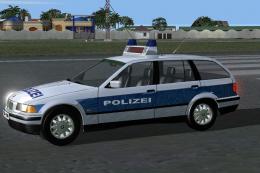
FSX Project BMW 318i German Police with virtual cockpit and 2D cockpit. By Di…
 FS2002
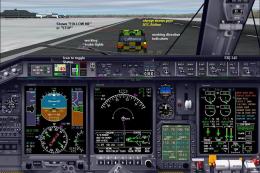
FS2002 Follow-Me-Car Gauge. The Follow-Me-Gauge is a .gau file that adds a fo…
 FSX Historic & Vintage Aircraft
Delve into the realm of historic aviation with the Mitsubishi A6M Zero Comple…
 FSX Military Aircraft
Mitsubishi F-2A/B for FSX and P3Dv4 V1.2. Thank you for downloading. About th…
 X-Plane Light General Aviation Aircraft
This package includes a highly detailed Mitsubishi MU-2 Solitaire model for X…
 FSX Turboprops
A 7-9 seat twin turboprop corporate and executive transport. The Marquise is …
 FSX Turboprops
A 7-9 seat twin turbo-prop corporate and executive transport. The Marquise is…
Read what other simmers think, or add your own.

Unfortunately, this addon is broken at the moment. :( I can get as far as sitting on the tarmac, but once I click on "Ready to Fly" I get thrown out of MSFS completely, to the desktop. I hope there's a bug fix soon! Cheers!

Is this still broken?
I can start the flight, but then I can't do anything. I am stuck in exterior view; I can't switch to cockpit view, I can't switch to pan around mode—nothing.
The engine sounds like it's cycling up and down, but I have disabled flight assistance.

I can't get it to work in MSFS. The steering turns with the rudder but nothing else works. There are no gauges in the dash and no sound. MSFS content manager says not installed but shows in the hangar. Also at the top, it says FX. When I copy the folder into Community it also creates a folder. CVT.


Hi, I can't get the vehicle to move, I can steer it with my pedals, I can put it in drive but it will not move, I am in MSFS2020, It does not seem to recognize my Throttle Quadrant the Bravo unit, Any ideas?
