

 FSX Scenery
Heathrow With Terminal 5
Heathrow With Terminal 5 (EGLL), UK, parking and docking in accordance with N…
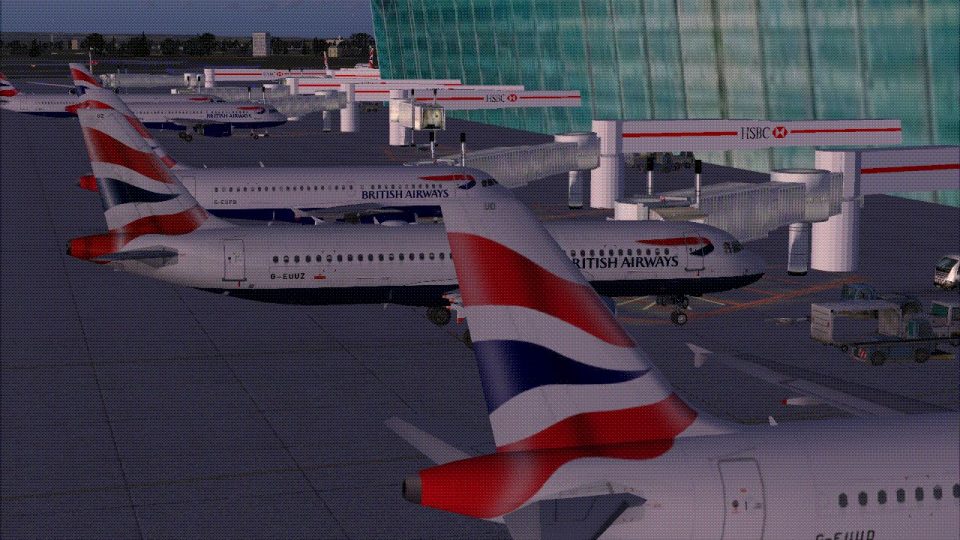
London Heathrow Terminal 5 scenery brings Terminal 5A, 5B, and 5C to life with detailed architecture, the newer control tower, and signature “HSBC” jetways for convincing gate operations in FSX. It integrates smoothly with popular AI traffic and Airbus A32X flights, enhancing the Terminal 5 apron with authentic airport atmosphere.
 Rate
Rate
 United Kingdom
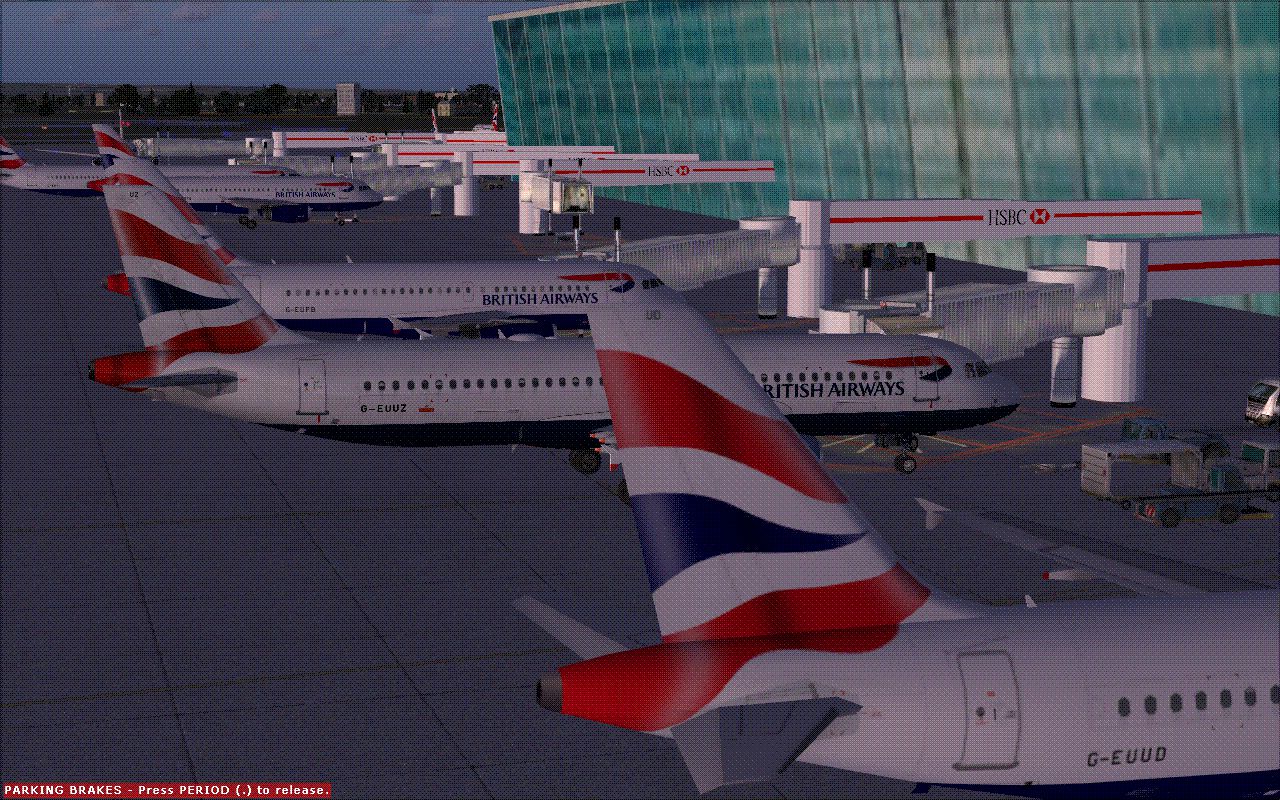
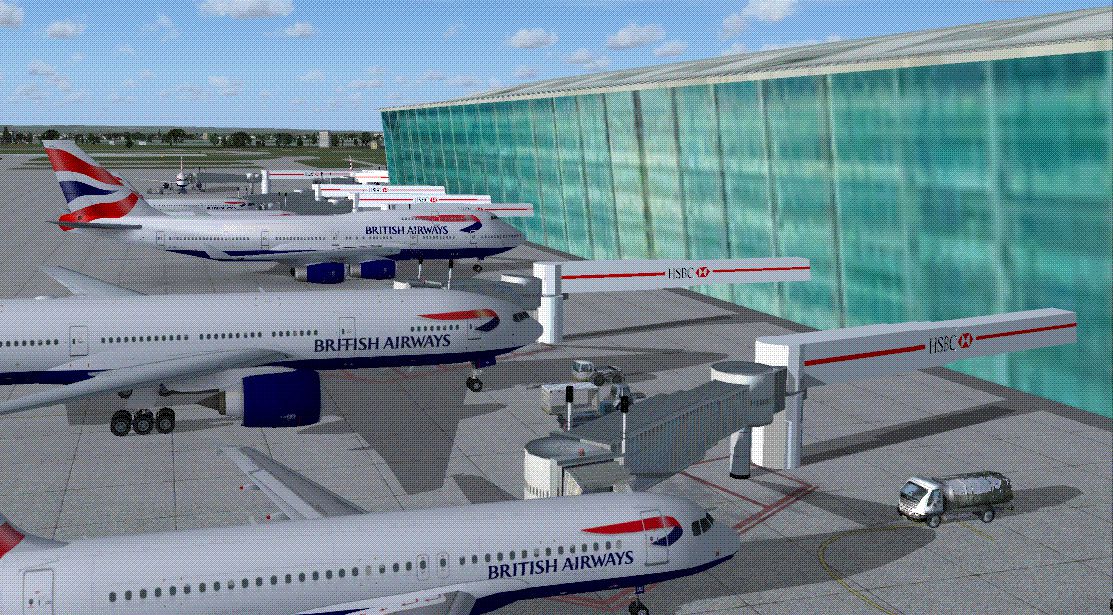
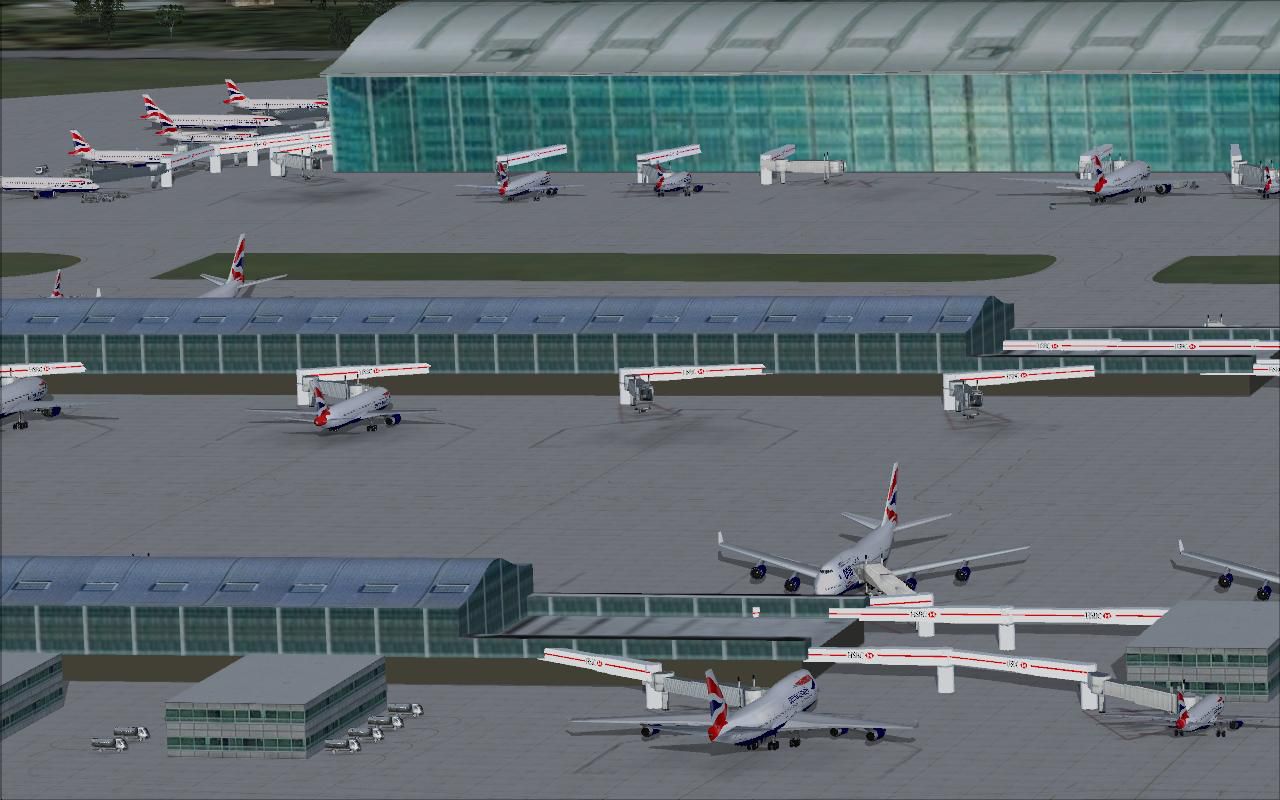
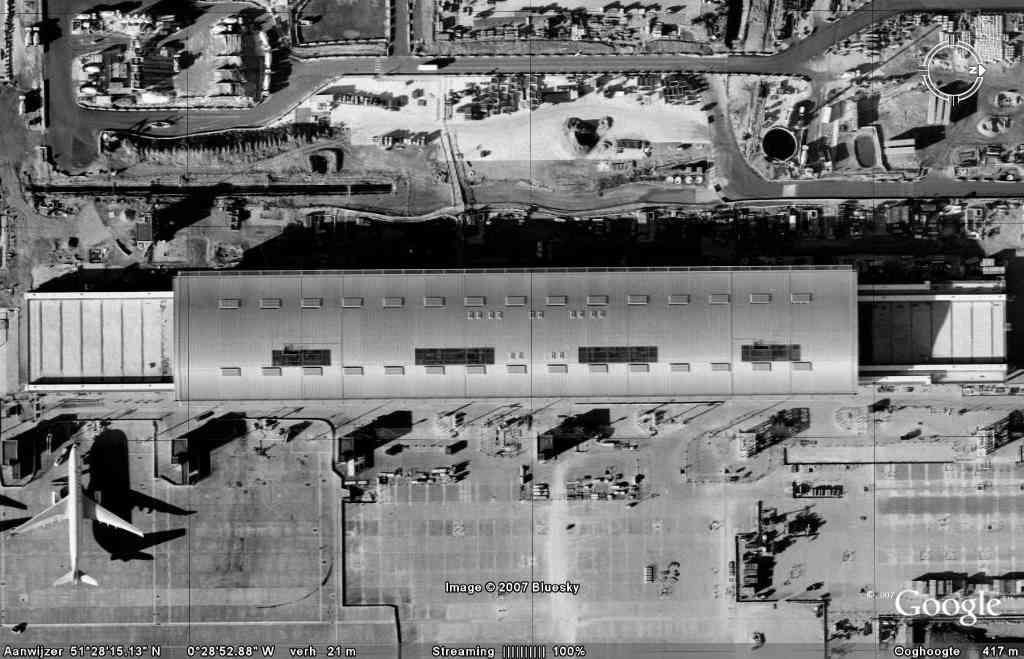
This scenery for London Heathrow Airport contains realistic renditions of terminal 5A, 5B, and 5C, as well as the new control tower. Also features the "HSBC" jetways found at the real Heathrow airport. Works well with the Project Airbus A32X series and the World Of AI British Airways Traffic (and other airlines too).
Screenshot of London Heathrow Terminal 5 scenery.
Installation:
Known Issues:
The jetways seem to disappear on and off at first. Do not worry this always happens when FS tries to load model because the textures on them are embedded into the model. Just move the camera a little bit and they will come back. You may need to do this a few times. I have no Idea how to fix this.
Credits:
T5A model by dizzyHARSH. Reworked by Dr. Macouglious.
T5BC model by Gijs. Reworked by Dr. Macouglious.
HSBC Jetway model by Dr. Macouglious.
Heathrow control tower model by Gijs. Reworked by Dr. Macouglious.
AFCAD by Dr. Macouglious.
Free for all simmers · 5.84 MB · Scanned clean Oct 2026
Download speed: Free tier is capped at 0.5 Mbps (this file takes approximately 2 mins at the cap). PRO members download at full line speed.
FSX\Addon Scenery\ containing scenery and texture sub-folders.readme.txt or README file. It tells you exactly where files go, what dependencies are needed, and any quirks specific to this add-on.Use these coordinates to fly directly to this location once the mod is installed.
51.47000000,-0.45430000
Launch FSX or Prepar3D and use Flights → Load to open the downloaded .pln file. Your aircraft will be positioned at this location.
The archive heathrow_with_t5.zip has 57 files and directories contained within it.
This list displays the first 500 files in the package. If the package has more, you will need to download it to view them.
| Filename/Directory | File Date | File Size |
|---|---|---|
| read me.txt | 07.08.12 | 1.26 kB |
| screenshot 2.gif | 07.08.12 | 164.58 kB |
| FILE_ID.txt | 07.08.12 | 394 B |
| screenshot 3.gif | 07.08.12 | 202.98 kB |
| Scenery | 07.08.12 | 0 B |
| EGLL_ADEX_JCM.BGL | 07.08.12 | 102.58 kB |
| EGLLt5 Lib.bgl | 07.08.12 | 1.50 MB |
| LHRT5B.MDL | 07.08.12 | 27.56 kB |
| Texture | 07.08.12 | 0 B |
| _9_2 night.dds | 04.30.12 | 682.78 kB |
| _9_2.dds | 04.30.12 | 682.78 kB |
| _9_6 night.dds | 04.30.12 | 2.67 MB |
| _9_6.dds | 04.30.12 | 2.67 MB |
| base1.dds | 07.07.12 | 10.79 kB |
| column.dds | 07.07.12 | 10.75 kB |
| EGLL5M_0 night.dds | 04.30.12 | 682.79 kB |
| EGLL5M_0.dds | 04.30.12 | 682.79 kB |
| Google_Earth_Snapshot1.dds | 03.19.12 | 42.79 kB |
| Google_Earth_Snapshot1.jpg | 03.19.12 | 72.89 kB |
| grey1.dds | 07.07.12 | 808 B |
| htdak.dds | 03.19.12 | 42.79 kB |
| LHRNewTower_0.dds | 07.07.12 | 1.33 MB |
| MATERIAL night.bmp | 05.08.12 | 768.05 kB |
| MATERIAL night.dds | 05.08.12 | 341.64 kB |
| MATERIAL.dds | 04.30.12 | 341.38 kB |
| material_1.dds | 07.07.12 | 10.79 kB |
| material_10.dds | 07.07.12 | 21.45 kB |
| material_10_0.dds | 07.07.12 | 5.45 kB |
| material_10_1.dds | 07.07.12 | 10.79 kB |
| material_10_2.dds | 07.07.12 | 296 B |
| material_10_3.dds | 07.07.12 | 10.75 kB |
| material_12.dds | 07.07.12 | 800 B |
| material_13.dds | 07.07.12 | 1.45 kB |
| material_14.dds | 07.07.12 | 21.45 kB |
| material_16.dds | 07.07.12 | 5.45 kB |
| material_18.dds | 07.07.12 | 21.44 kB |
| material_19.dds | 07.07.12 | 42.78 kB |
| material_2.dds | 07.07.12 | 5.45 kB |
| material_20.dds | 07.07.12 | 170.78 kB |
| material_21.dds | 07.07.12 | 341.45 kB |
| material_22.dds | 07.07.12 | 10.78 kB |
| material_23.dds | 07.07.12 | 5.45 kB |
| material_24.dds | 07.07.12 | 464 B |
| material_3.dds | 07.07.12 | 464 B |
| material_4.dds | 07.07.12 | 464 B |
| material_5.dds | 07.07.12 | 464 B |
| material_6.dds | 07.07.12 | 21.44 kB |
| material_7.dds | 07.07.12 | 5.45 kB |
| material_8.dds | 07.07.12 | 1.45 kB |
| material_9.dds | 07.07.12 | 808 B |
| Metal_Aluminum_Anodized.dds | 05.01.12 | 42.79 kB |
| roof3s.dds | 07.07.12 | 42.79 kB |
| T5_20southern_20facade2.dds | 03.19.12 | 85.45 kB |
| track.dds | 07.07.12 | 2.78 kB |
| screenshot 1.jpg | 07.08.12 | 124.80 kB |
| flyawaysimulation.txt | 10.29.13 | 959 B |
| Go to Fly Away Simulation.url | 01.22.16 | 52 B |
Only PRO members can place votes.
More FSX & P3D add-ons hand-picked based on this download.
FSX Scenery
Heathrow With Terminal 5 (EGLL), UK, parking and docking in accordance with N…
 FSX Scenery
This is add-on scenery for the KLAS Janet Terminal. It includes five gate and…
 FSX Scenery
Scenery Houston Hobby New Terminal (KHOU), Texas (TX). Removes the old termin…
 FSX Scenery
Terminal Crash Fix for Istanbul Ataturk Airport (LTBA2009.ZIP), Sabiha Gokcen…
 FSX Scenery
Cincinnati Union Terminal In The Modern Era. The famous terminal is a Cincinn…
FSX Scenery
Haneda New International Terminal. By Akihiro. This scenery is new Haneda int…
FSX Scenery
Houston Hobby New Terminal Scenery Fix, for use with HOUSTON_HOBBY.ZIP, (KHOU…
 FSX Scenery
London Stansted Airport UK. Modifications to John Young's London Stansted FS2…
Read what other simmers think, or add your own.

I would like to thank everyone, involved in the making, and distribution of such outstanding freeware content.
It has enhanced my sim pilot experience, to another level. Without the dedication, and fortitude of all concerned, flying the sim world, would become tedious and eventually, boring.
Your site is fantastic, easy to navigate, and the wealth of information is beyond reproach. Thank you, for the service, dedication, and experience.
All the best
Gaztop

The scenery add-on at Heathrow for Terminal 5 scenery is really good but it is affecting my ILS and the runways used. ATC will only ever direct you to land or depart from runways 27L or 27R. Even if there is a very strong wind coming from the east, I cannot get to runways 09L and 9R. This is fine when I take away this scenery. What's the problem?