


 FS2004 Propeller Aircraft
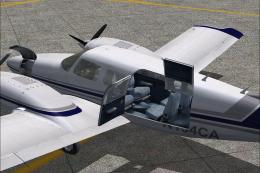
Cape Air Piper PA-34
Textures only for the payware Carenado PA34 Seneca II model. Repaint by Glen …
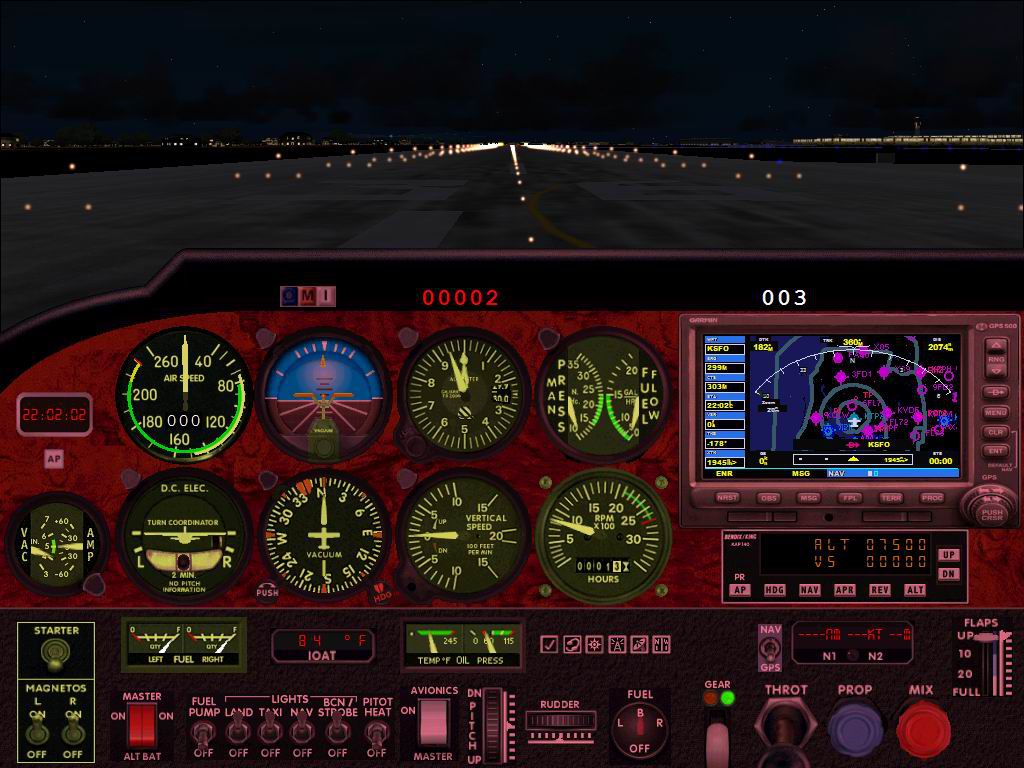
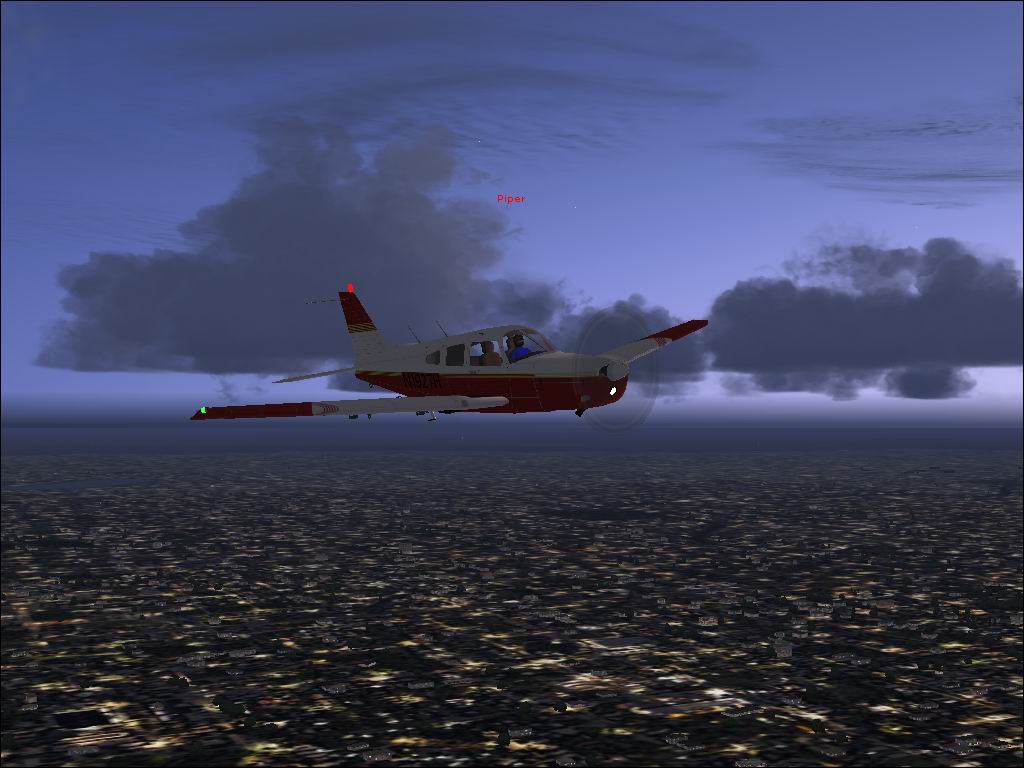
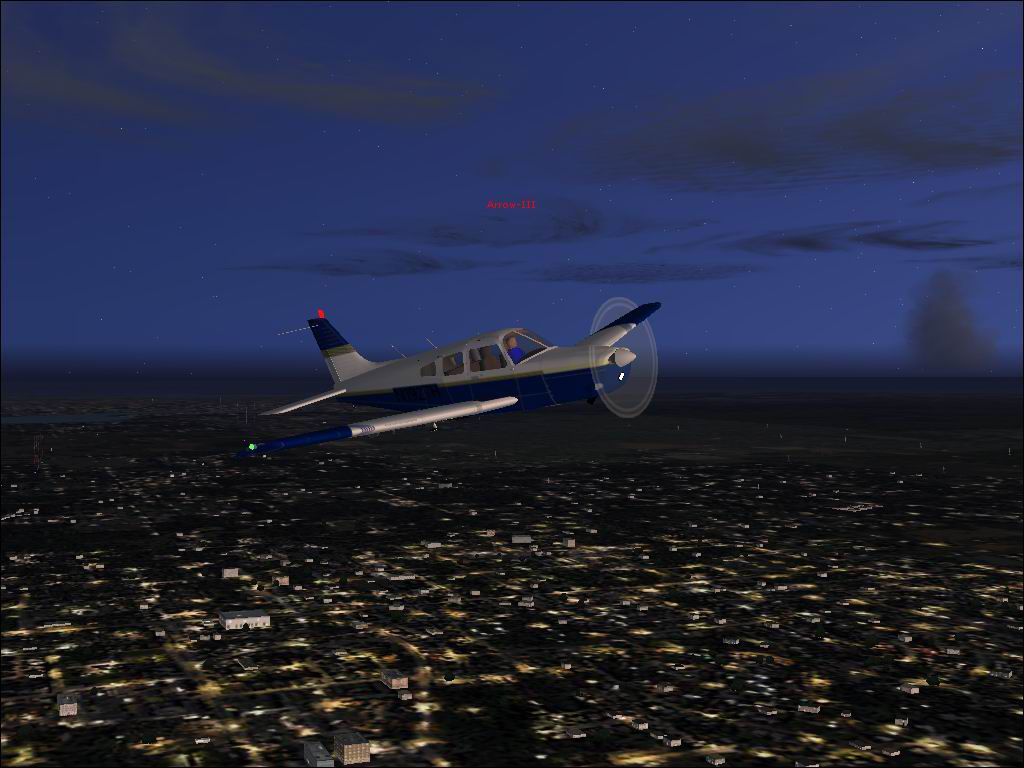
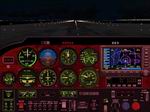
Piper PA-28 Arrow for FS2004 delivers a crisp, approachable single-engine experience with two included paint schemes, red and blue. It features custom gauges and a thoughtfully arranged virtual cockpit panel that supports believable IFR and VFR flying, making it a solid Arrow package for everyday training flights or relaxed touring.
Free for all simmers · 1.43 MB · Scanned clean
Download speed: Free tier is capped at 0.5 Mbps. PRO members download at full line speed.
FS9\Aircraft\, FS9\Addon Scenery\, FS9\Gauges\, or FS9\Effects\.readme.txt or README file. It tells you exactly where files go, what dependencies are needed, and any quirks specific to this add-on.The archive ArrowIII.zip has 38 files and directories contained within it.
This list displays the first 500 files in the package. If the package has more, you will need to download it to view them.
| Filename/Directory | File Date | File Size |
|---|---|---|
| Piper Arrow-III | 08.17.03 | 0 B |
| model | 08.17.03 | 0 B |
| Arrow-III_FSDS_v2.mdl | 06.05.03 | 930.72 kB |
| Model.cfg | 05.07.03 | 36 B |
| panel | 08.17.03 | 0 B |
| bonpan.bmp | 11.30.02 | 522.05 kB |
| Thumbs.db | 08.10.03 | 7.00 kB |
| Piper Arrow III_Ref.txt | 08.23.01 | 554 B |
| Piper Arrow-III.air | 04.26.02 | 8.65 kB |
| sound | 08.17.03 | 0 B |
| Sound.cfg | 12.16.01 | 28 B |
| texture.1 | 08.17.03 | 0 B |
| $pan1 | 03.02.03 | 65.05 kB |
| Arrow3-0.bmp | 08.17.03 | 1.00 MB |
| Arrow3-1.bmp | 08.17.03 | 1.00 MB |
| Arrow3-2.bmp | 08.17.03 | 1.00 MB |
| Arrow3-3.bmp | 08.17.03 | 1.00 MB |
| Arrow3-4.bmp | 05.08.03 | 1.00 MB |
| texture | 08.17.03 | 0 B |
| $pan1 | 03.02.03 | 65.05 kB |
| Arrow3-0.bmp | 05.09.03 | 1.00 MB |
| Arrow3-1.bmp | 05.09.03 | 1.00 MB |
| Arrow3-2.bmp | 05.09.03 | 1.00 MB |
| Arrow3-3.bmp | 05.09.03 | 1.00 MB |
| Arrow3-4.bmp | 05.08.03 | 1.00 MB |
| aeroasi.gau | 02.03.00 | 219.00 kB |
| hudcmpm3.gau | 12.13.00 | 36.50 kB |
| radalt2.gau | 07.09.00 | 36.50 kB |
| RSTART1.GAU | 11.18.00 | 58.00 kB |
| sqgas.gau | 05.11.01 | 71.00 kB |
| Aircraft.cfg | 08.18.03 | 10.70 kB |
| Installation Directions.txt | 08.18.03 | 1.54 kB |
| Panel.CFG | 08.18.03 | 5.01 kB |
| Blue Arrow.JPG | 08.19.03 | 92.29 kB |
| Cockpit.JPG | 08.19.03 | 129.59 kB |
| Red Arrow.JPG | 08.19.03 | 92.88 kB |
| flyawaysimulation.txt | 10.29.13 | 959 B |
| Go to Fly Away Simulation.url | 01.22.16 | 52 B |
More FS2004 add-ons hand-picked based on this download.
FS2004 Propeller Aircraft
Textures only for the payware Carenado PA34 Seneca II model. Repaint by Glen …
 FS2004 Propeller Aircraft
Repaint of Dee Waldron's Piper PA31 Navajo in Gulfstream Connect colors. Text…
 FS2004 Propeller Aircraft
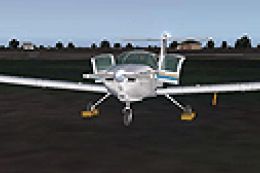
FS2004 Chincul PA-A-38 Tomahawk. A Piper Tomahawk manufactured under license …
 FS2004 Propeller Aircraft
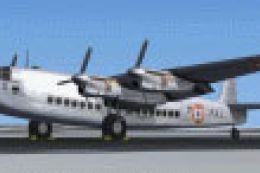
This aircraft was one of five acquired by the French Navy between 1954 and 19…
 FS2004 Propeller Aircraft
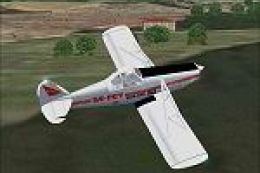
Built primarily for agricultural crop dusting, this aircraft is also extensiv…
 FS2004 Propeller Aircraft
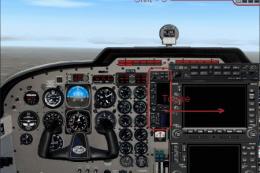
FS2004 Piper Seneca V. Original aircraft with model and textures by Marty Str…
 FS2004 Propeller Aircraft
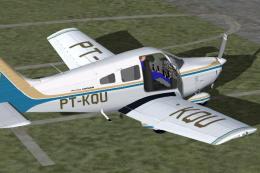
FS2004 Piper Archer II (Embraer EMB712 Tupi), v1.0. Complete aircraft. The ai…
 FS2004 Propeller Aircraft
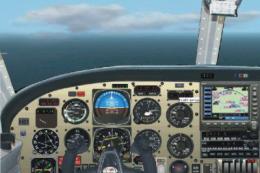
Fs2004 Piper Seminole Mozambique Texturized in metallic reflective innovation…
Read what other simmers think, or add your own.

