


 FSX Civil Aircraft
Continental Airlines Airbus A321 repaint pack
FSX Continental Airlines Airbus A321. A repaint for the default A321. Include…
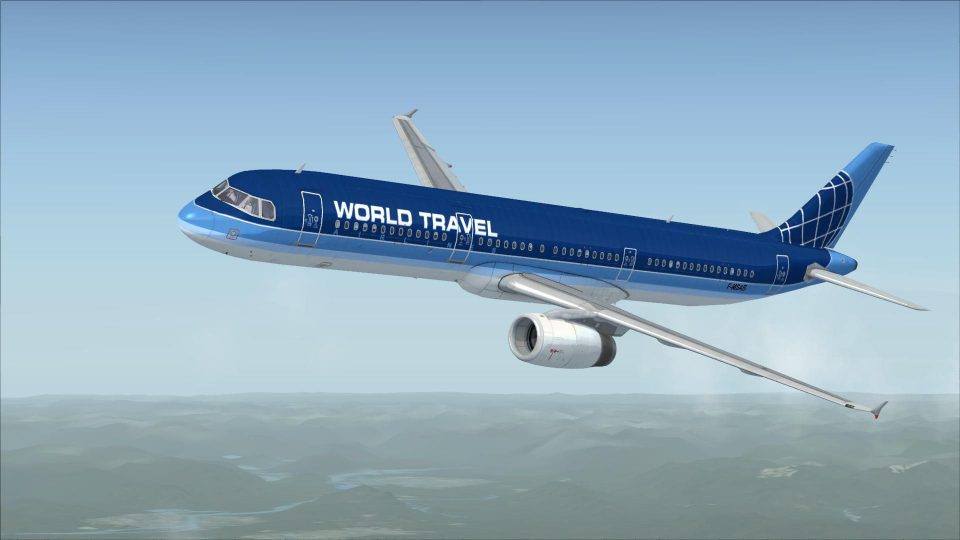
Airbus A321 repaints bring a diverse set of airline liveries to your fleet, covering carriers such as Wizz Air, LOT Polish Airlines, British Airways, KLM, easyJet, Lufthansa, Air France, Swiss, and more for FSX. The pack refreshes the exterior with clean, airline-accurate markings and consistent texture work across the set.

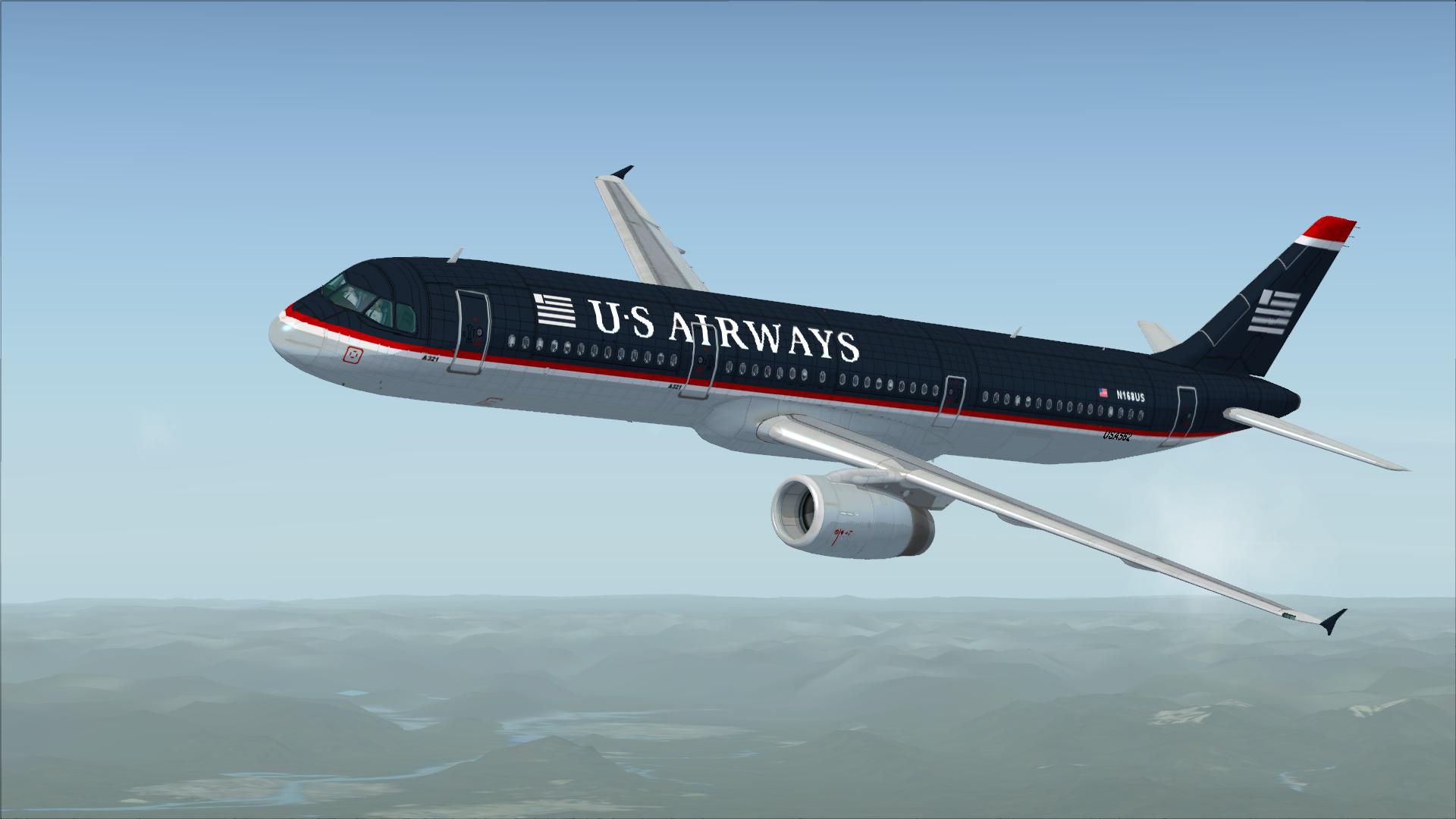
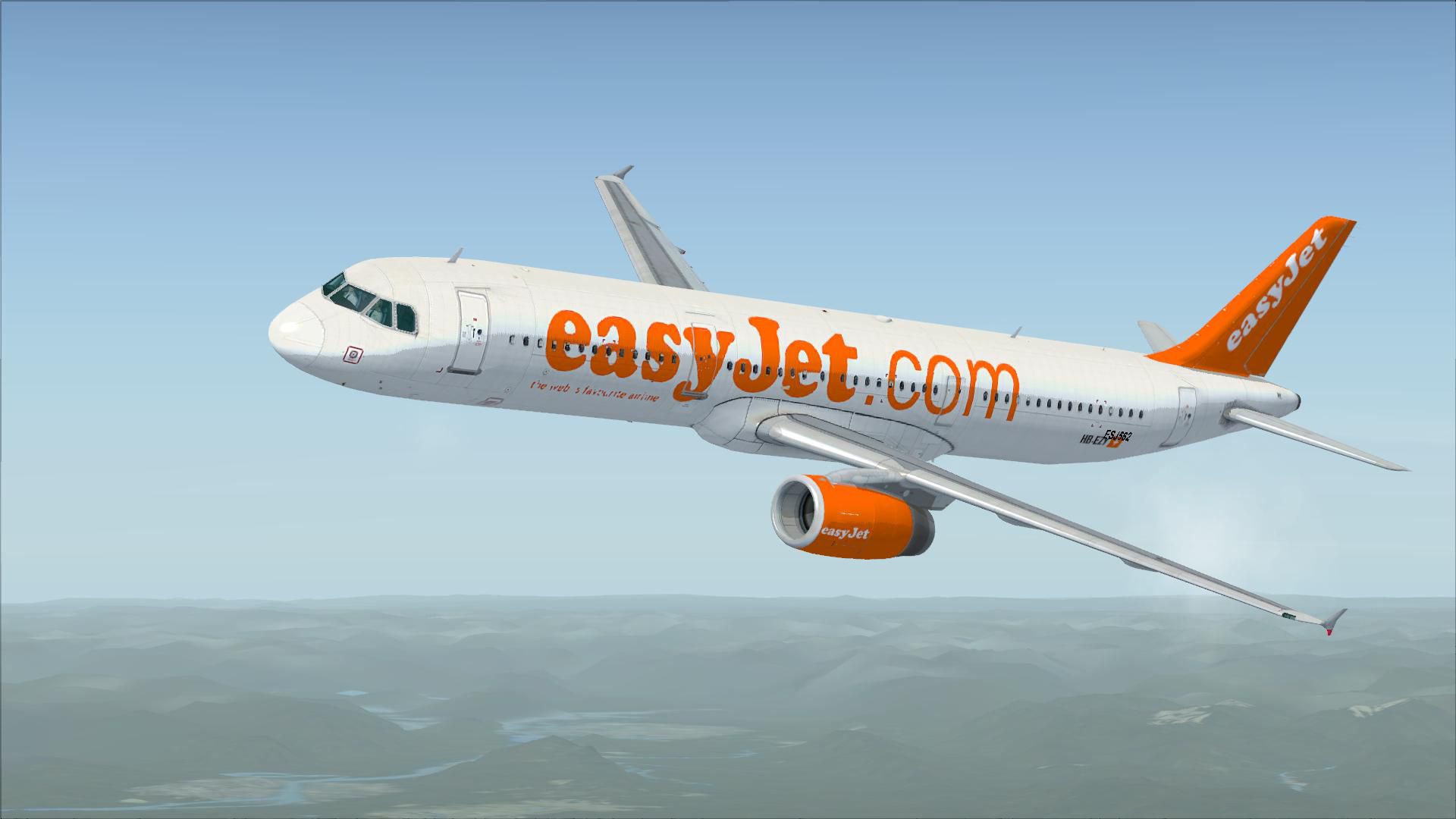
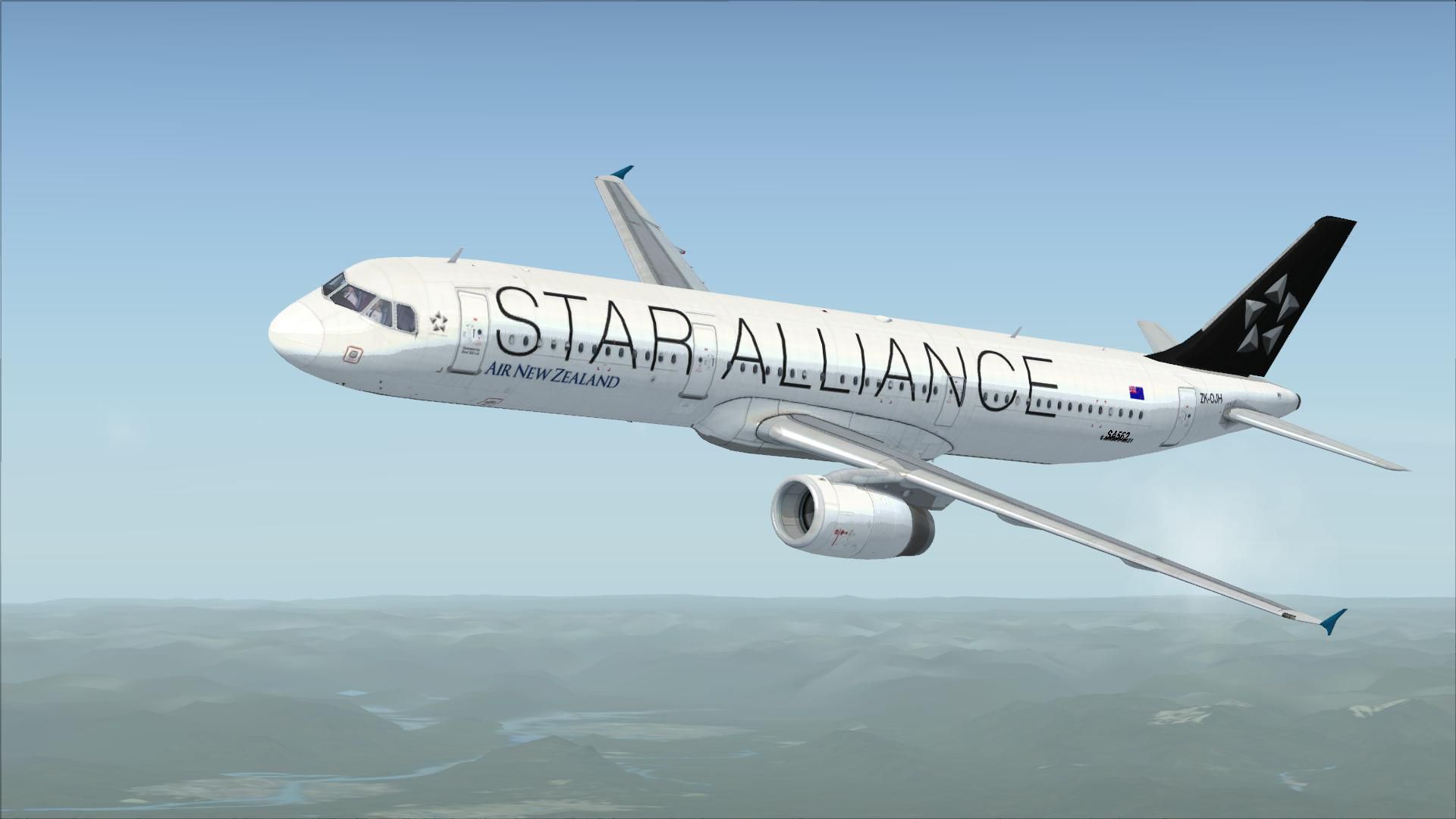
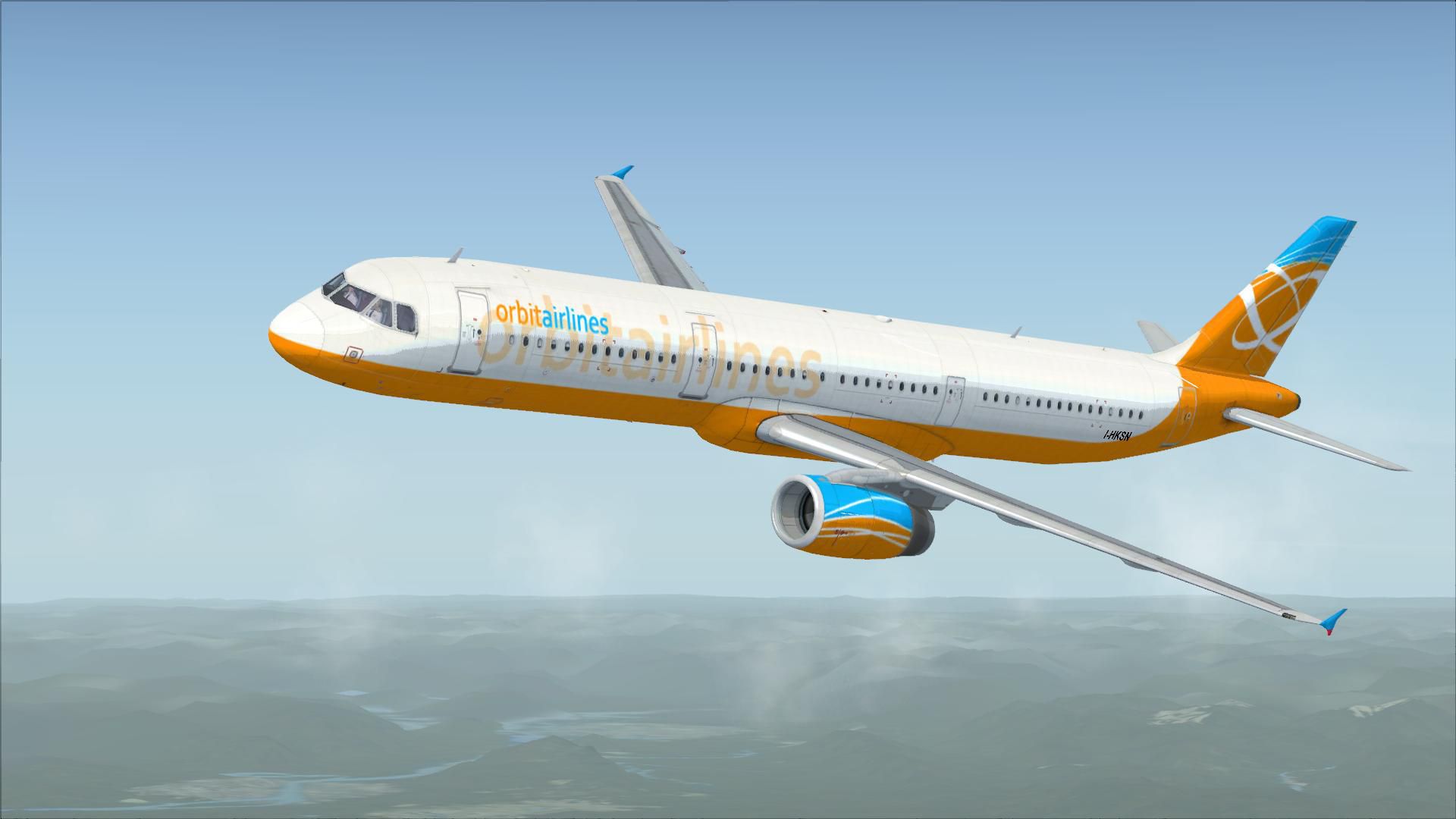

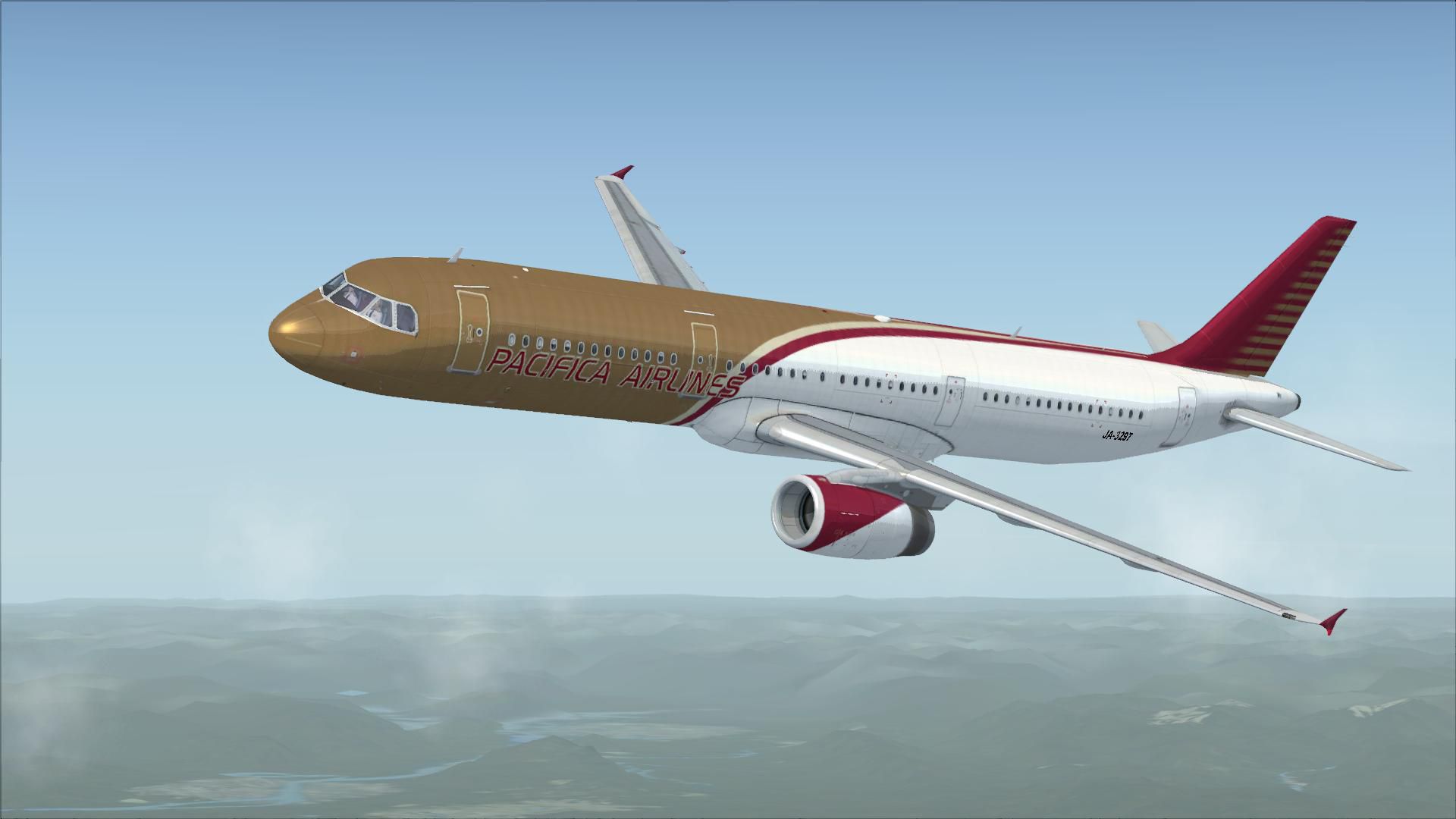
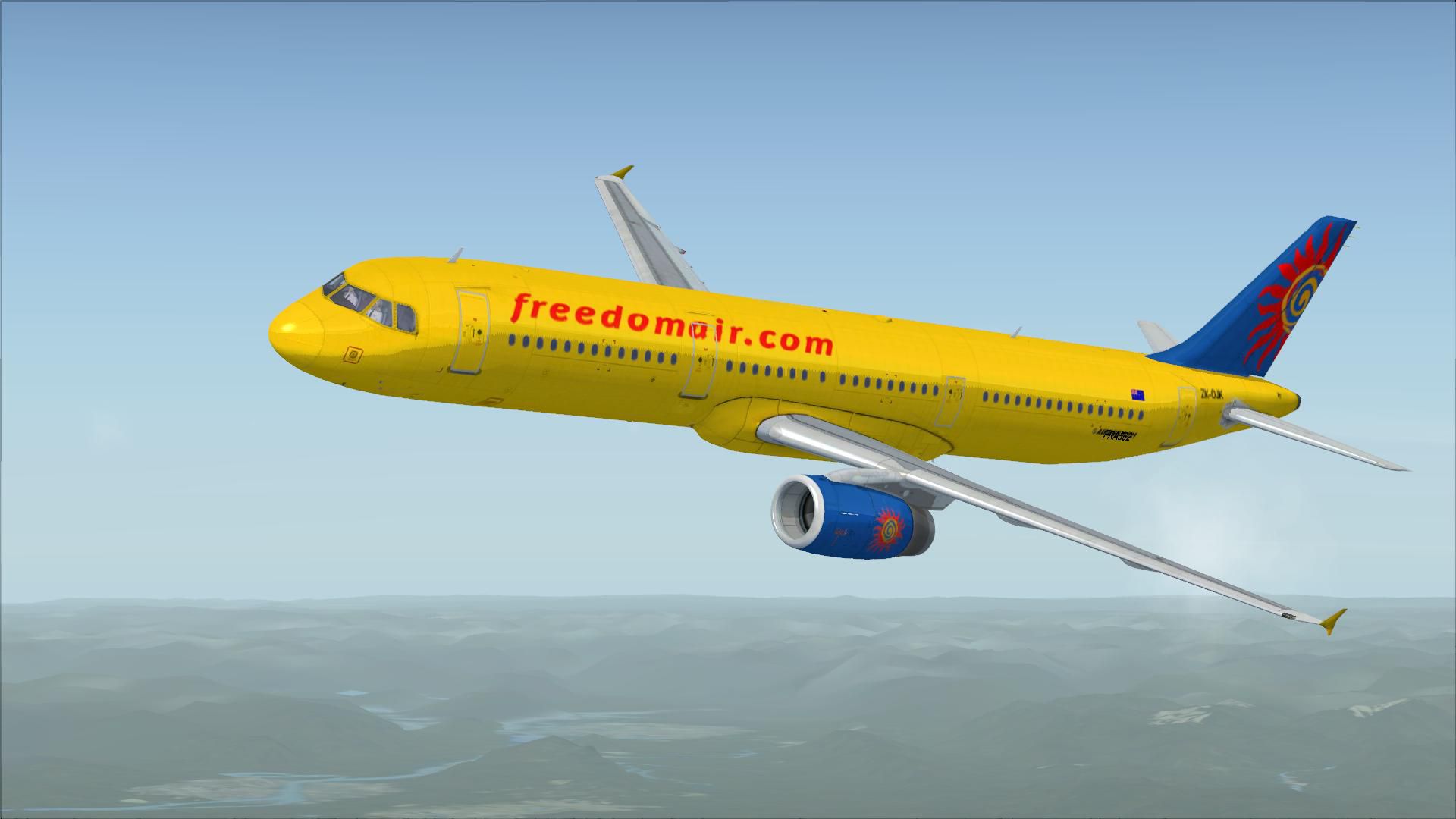
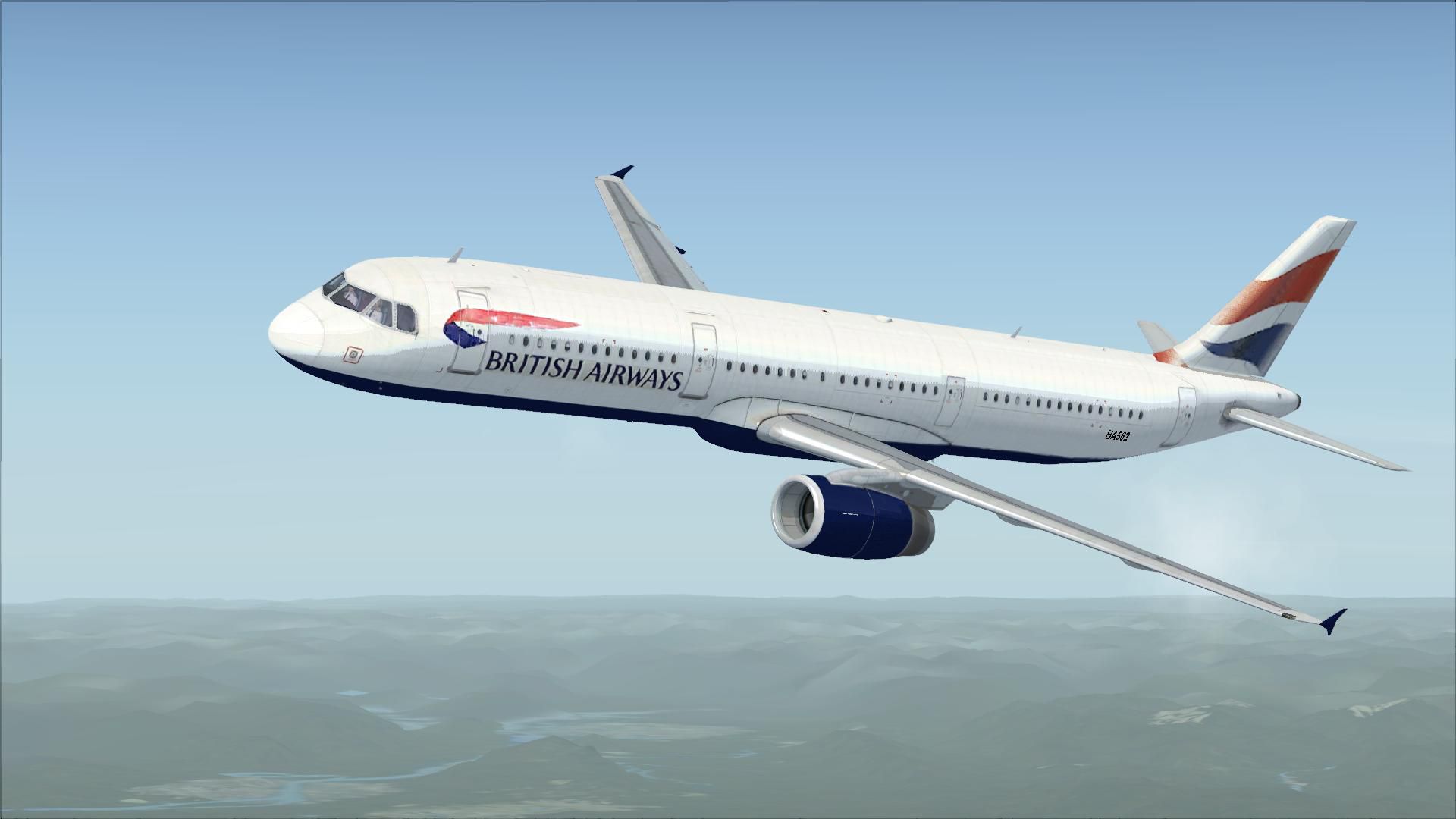
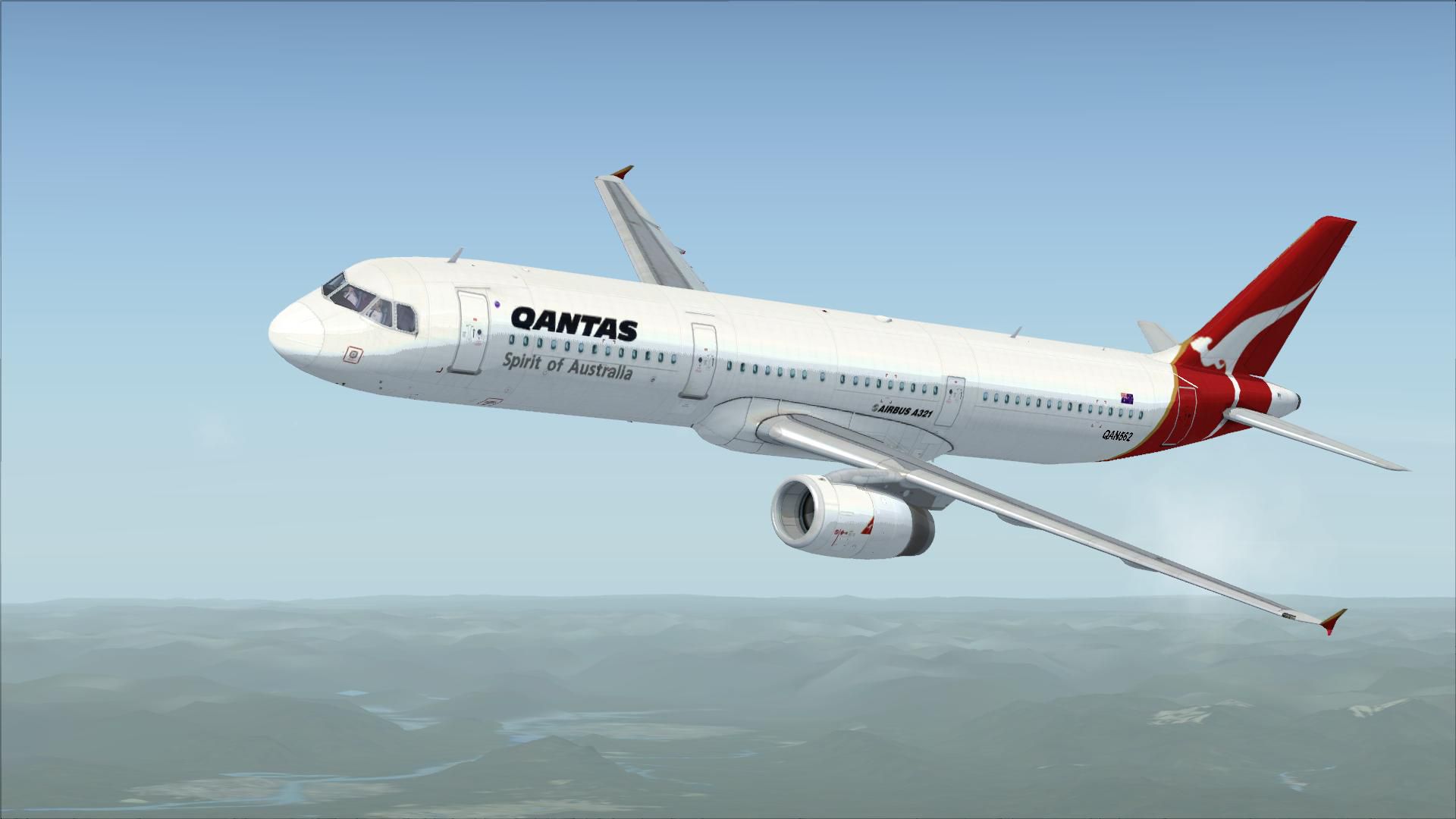
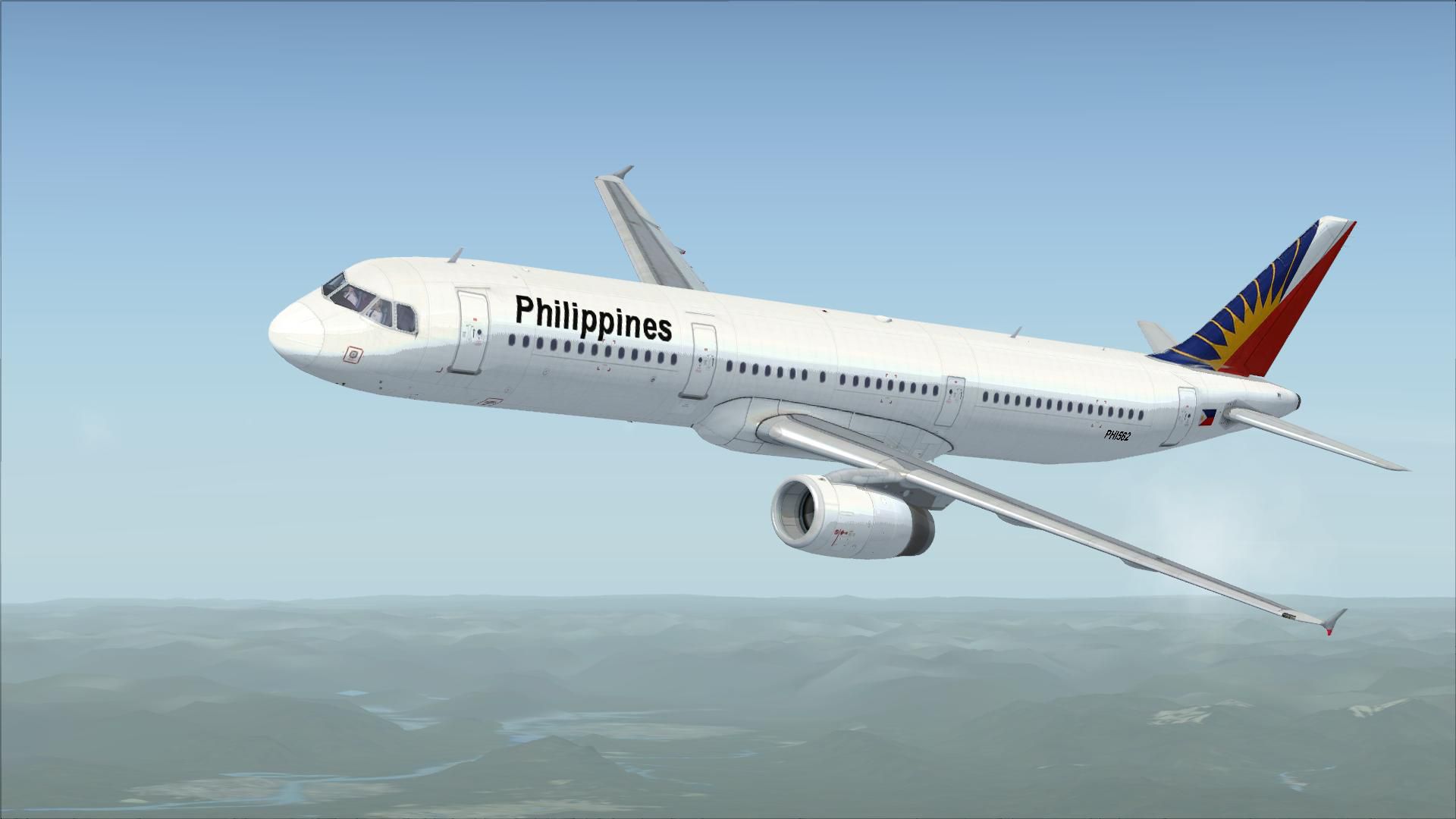

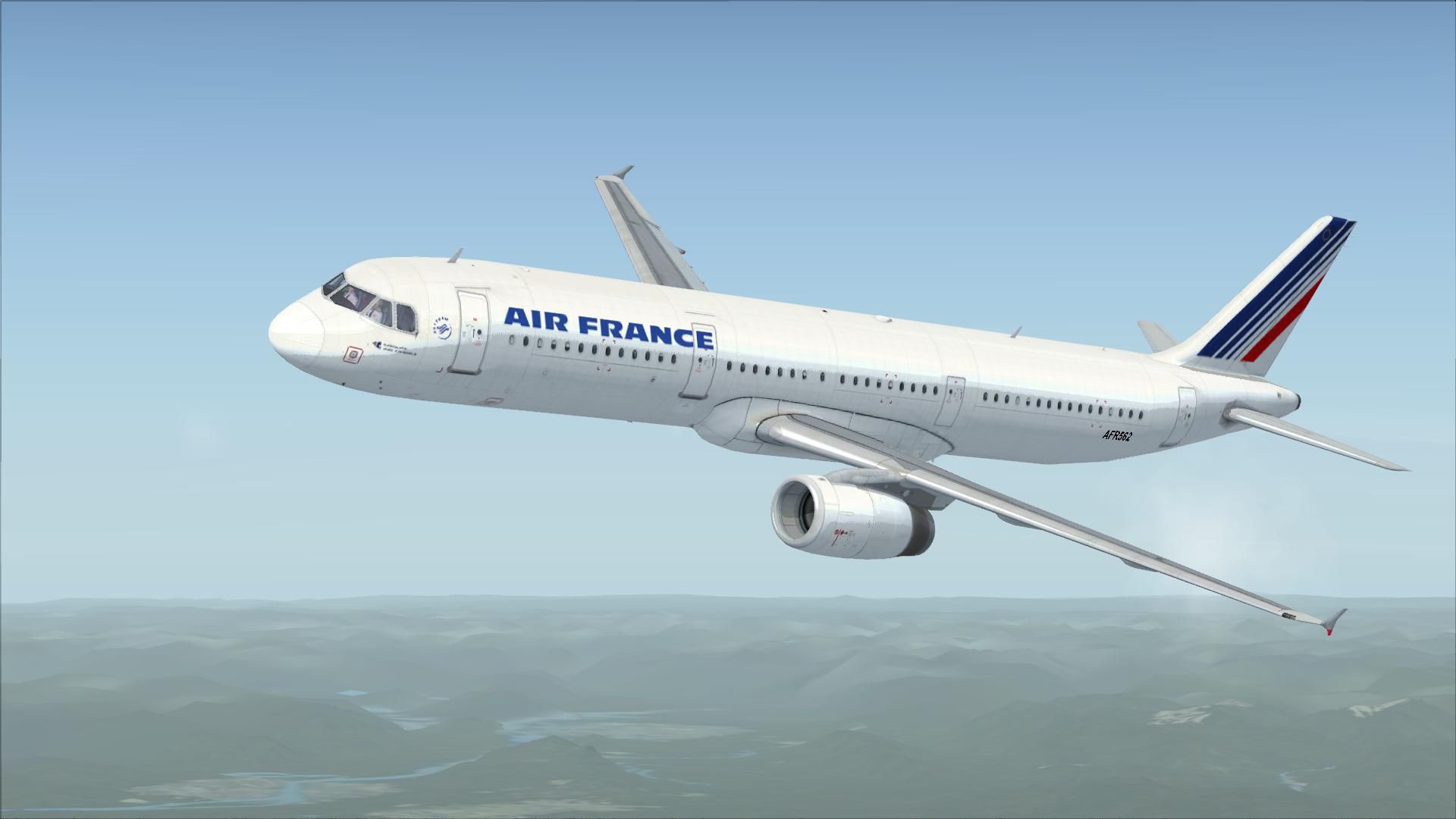
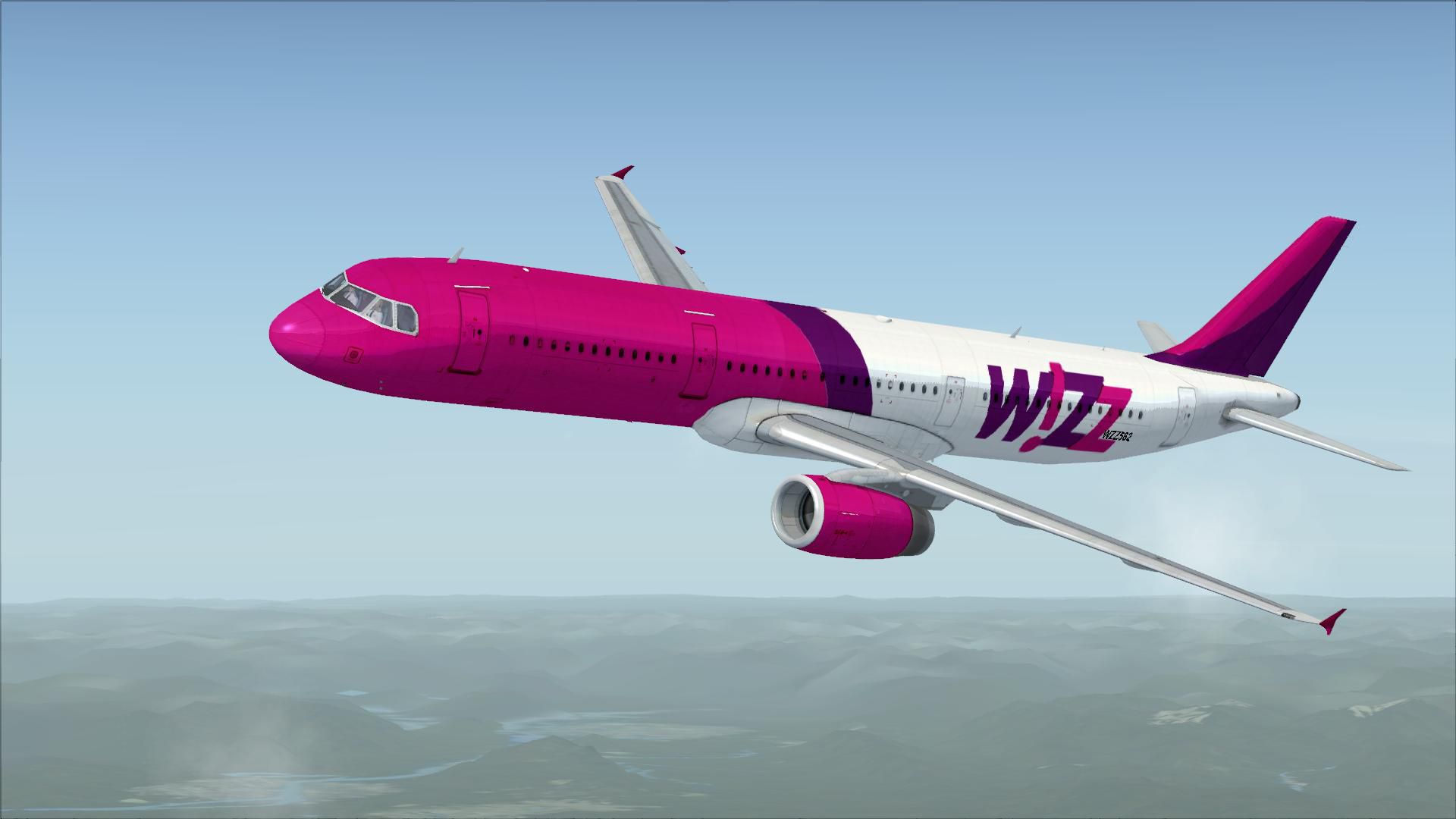
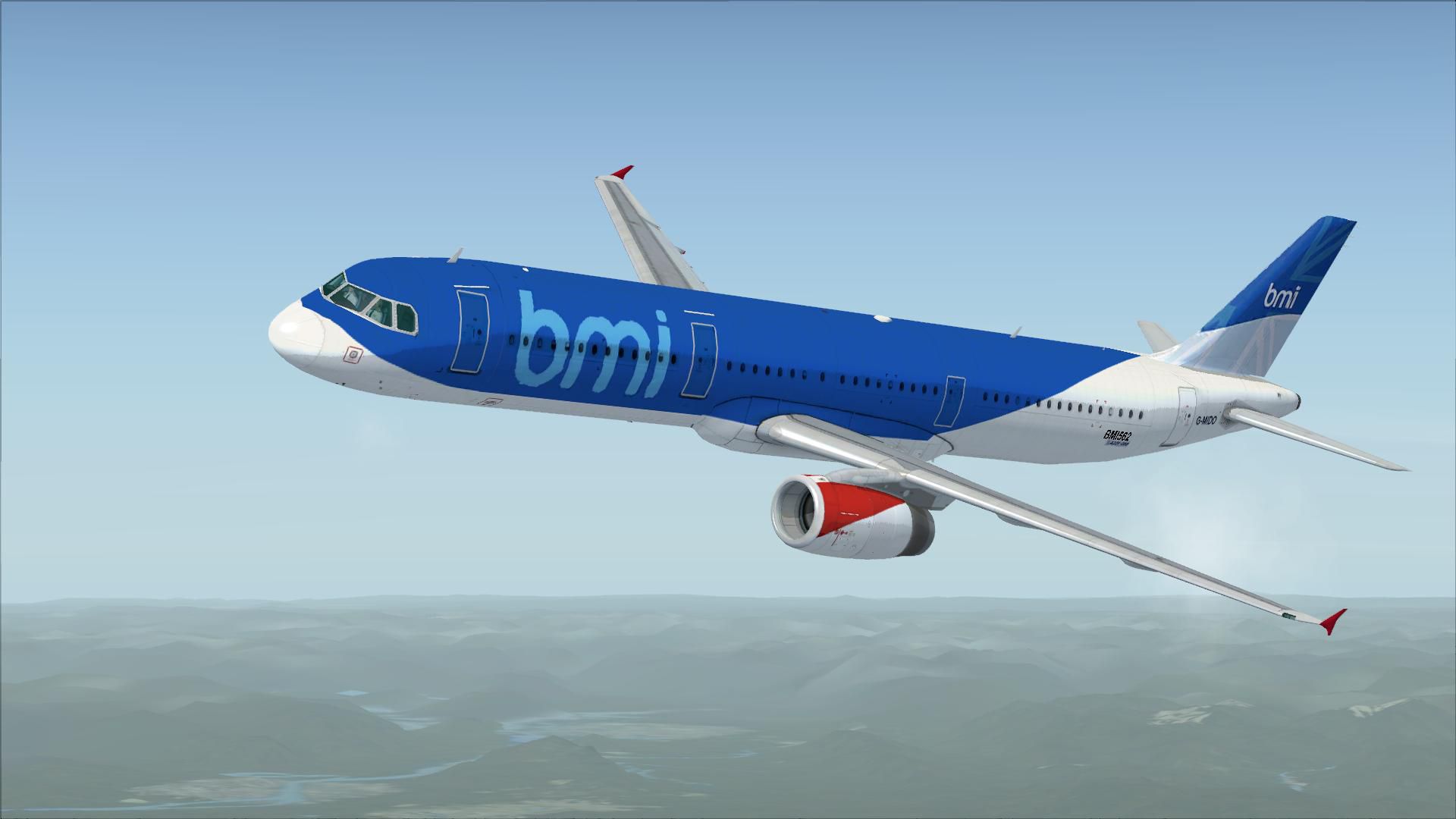
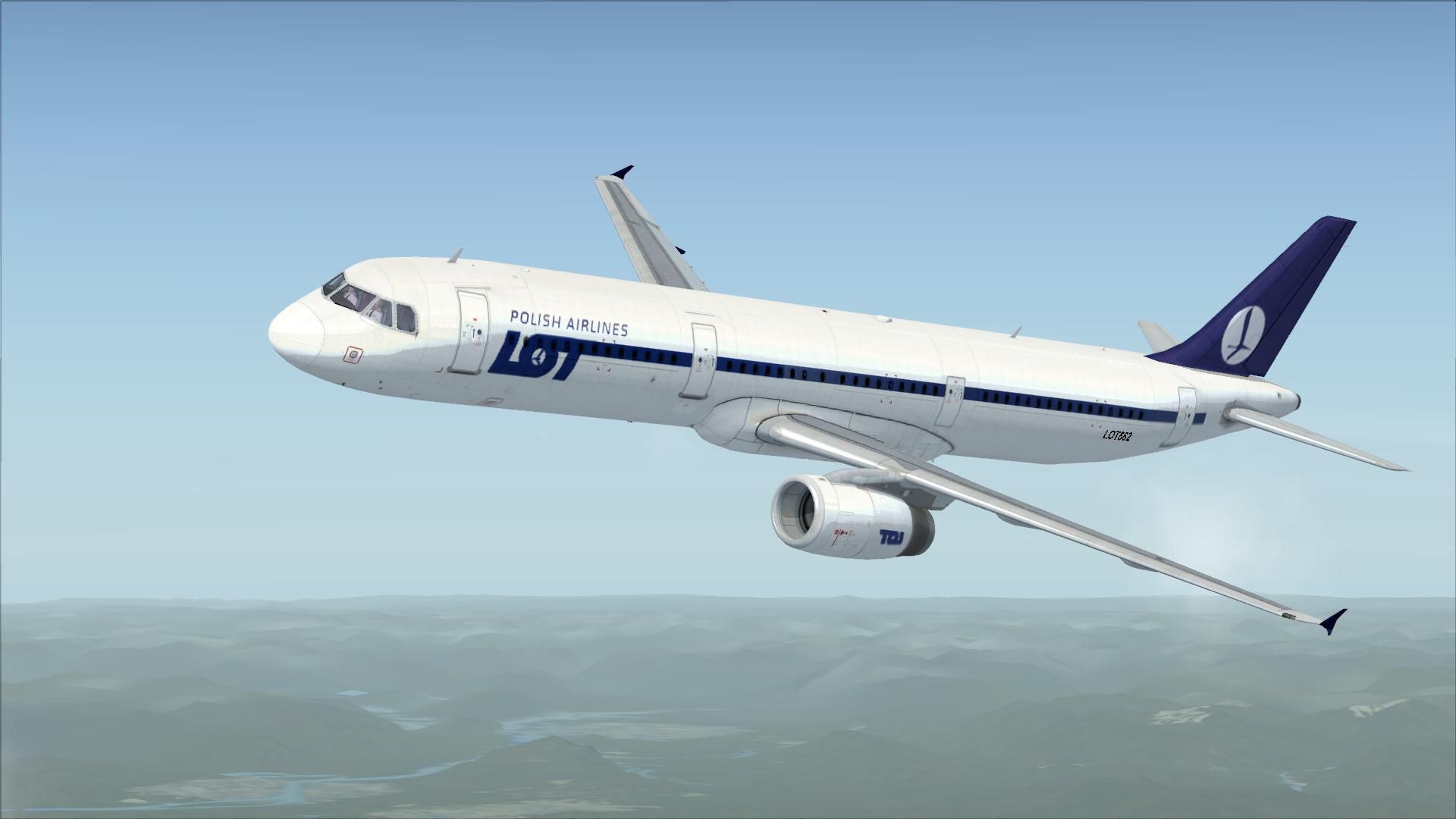
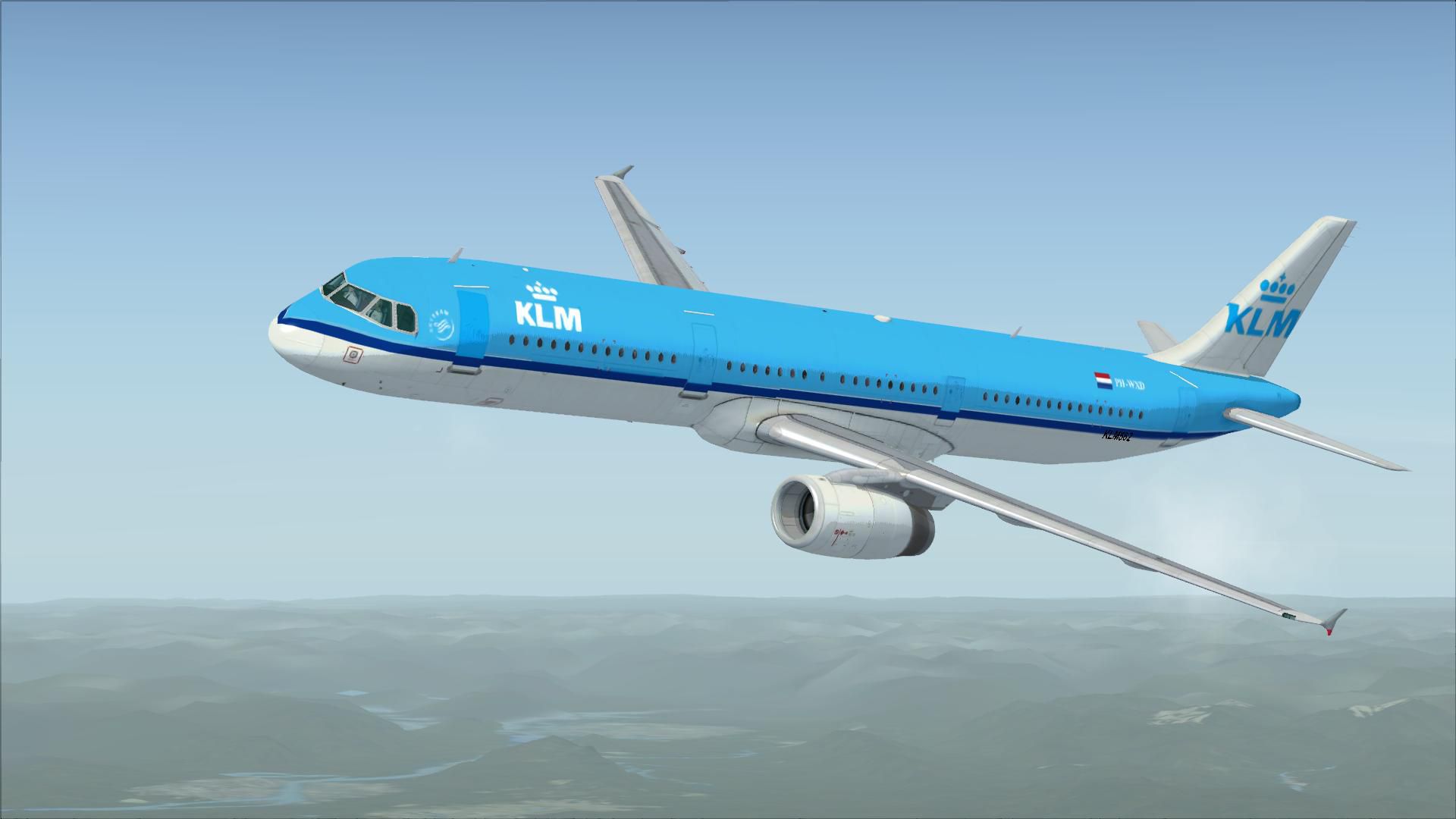
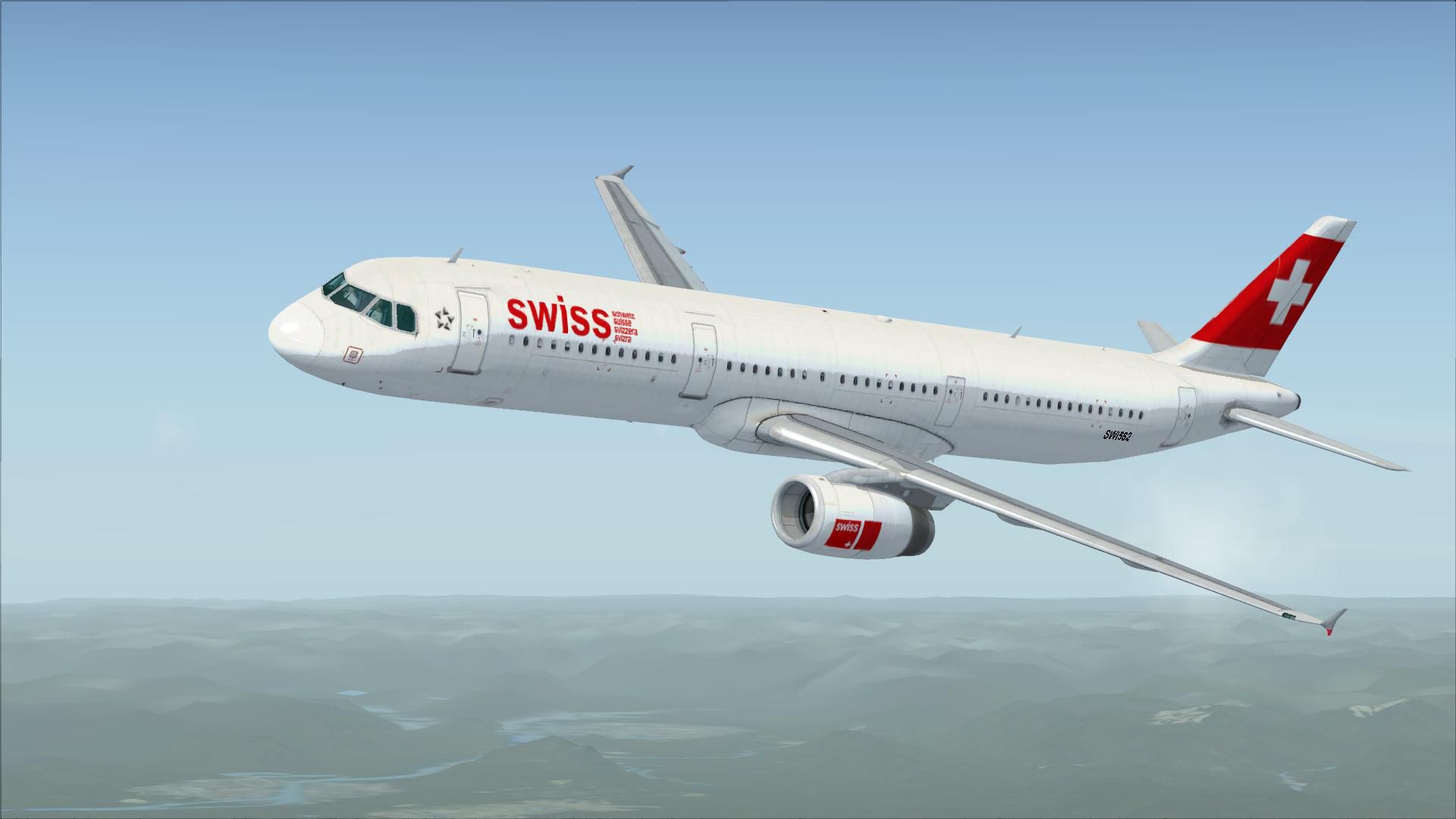
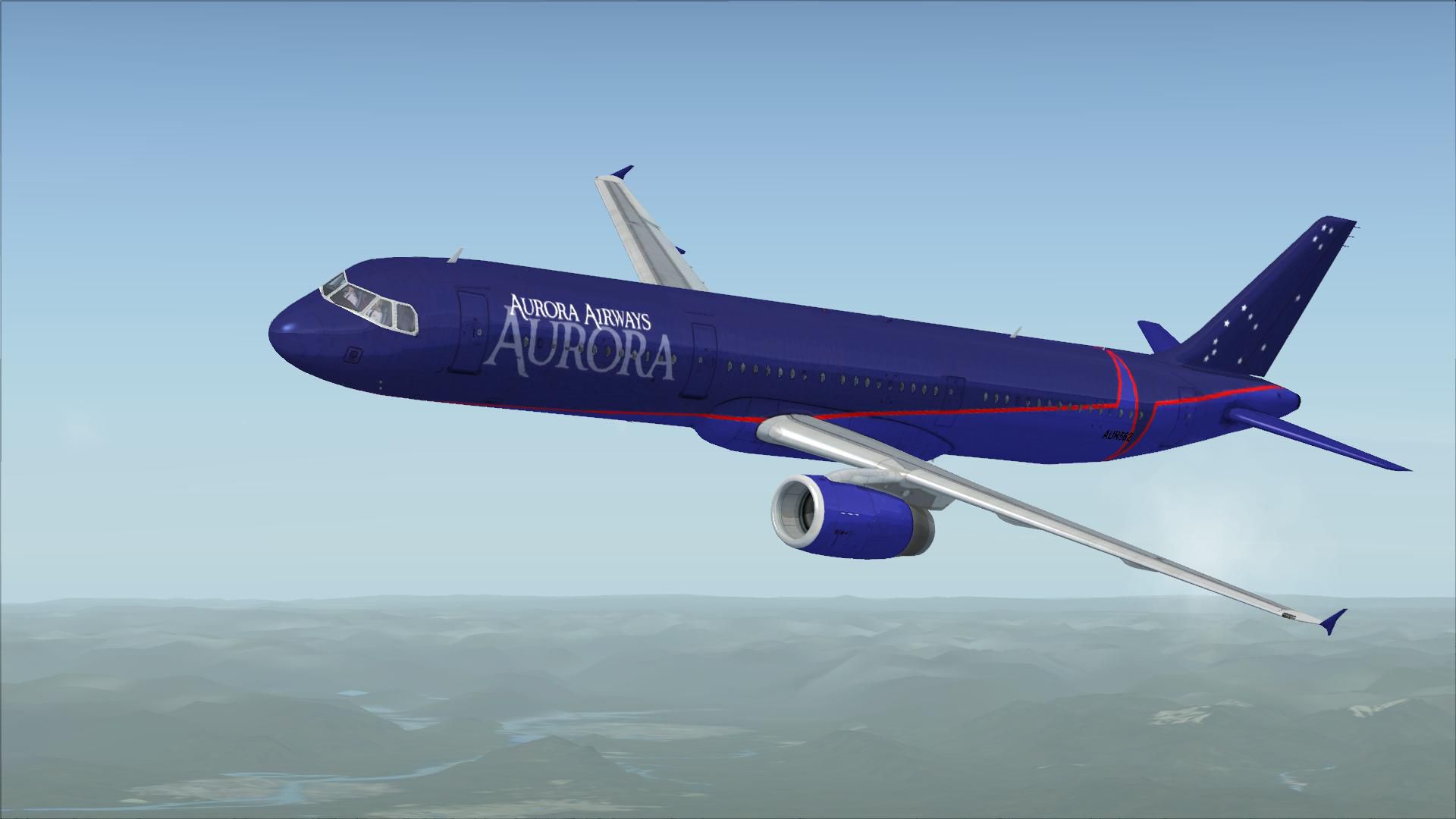
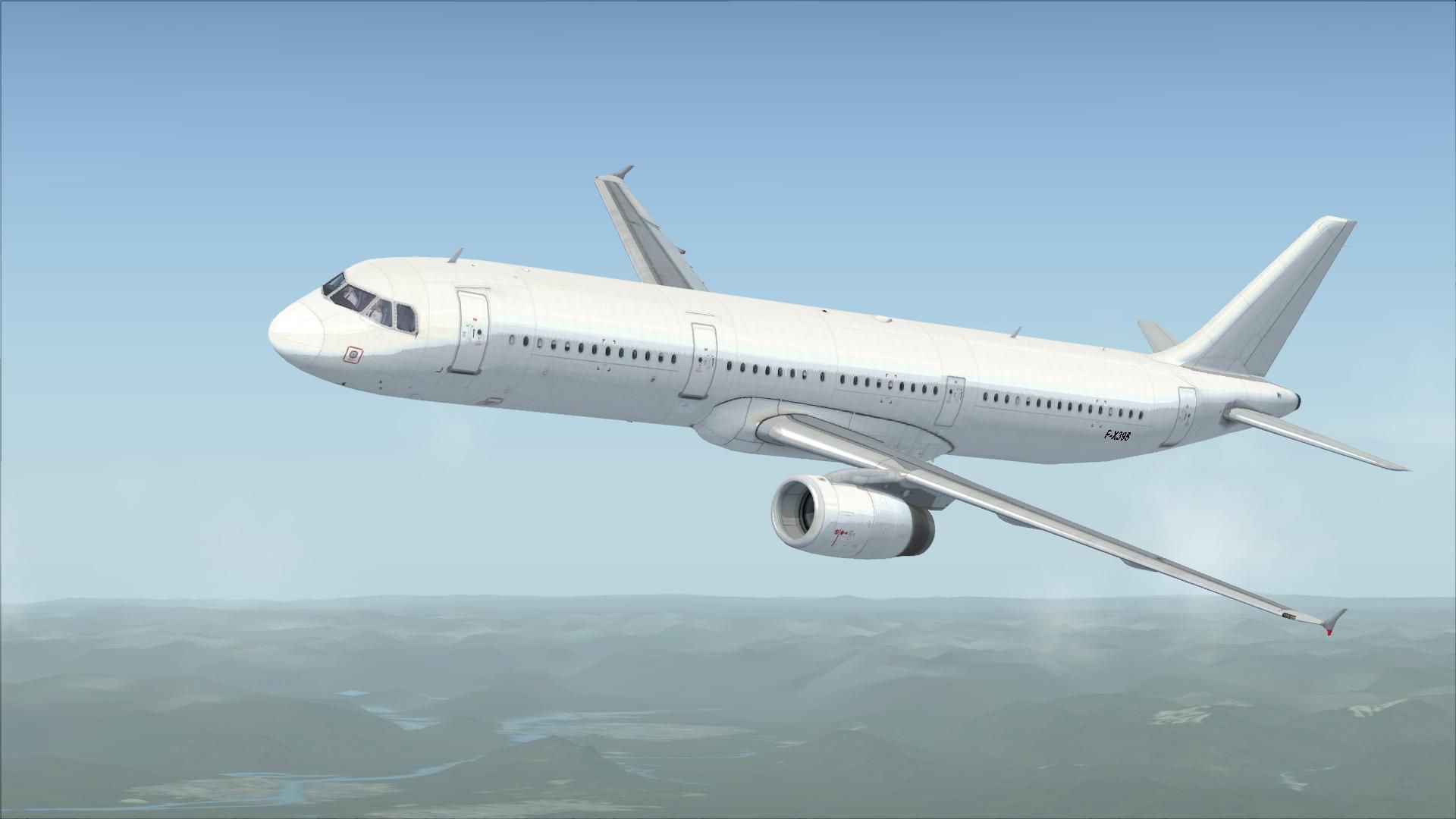
FSX Airbus A321 Repaint Pack. A321 repaints of Wizzair, LOT Polish Airlines, British Airways, KLM, Easyjet, Lufthansa, BMI, Qantas, Air France, Swiss Air, US Airways, Air New Zealand, Star Alliance, FreedomAir, Aurora. Package by Pawel Fraczkowski.
Free for all simmers · 22.41 MB · Scanned clean
Download speed: Free tier is capped at 0.5 Mbps (this file takes approximately 6 mins at the cap). PRO members download at full line speed.
texture.{airline}) inside FSX\SimObjects\Airplanes\{base-aircraft}\.aircraft.cfg in Notepad. Add a new [fltsim.X] section per the readme.readme.txt or README file. It tells you exactly where files go, what dependencies are needed, and any quirks specific to this add-on.The archive a321_repaint_fix_pack.zip has 26 files and directories contained within it.
This list displays the first 500 files in the package. If the package has more, you will need to download it to view them.
| Filename/Directory | File Date | File Size |
|---|---|---|
| A321 Repaint Pack.exe | 01.17.10 | 20.98 MB |
| A321 Repaint Pack.gif | 01.17.10 | 11.02 kB |
| FILE_ID.DIZ | 01.16.10 | 307 B |
| flyawaysimulation.txt | 10.29.13 | 959 B |
| Go to Fly Away Simulation.url | 01.22.16 | 52 B |
| Screenshots | 08.02.19 | 0 B |
| screen-1.jpg | 07.31.19 | 105.59 kB |
| screen-10.jpg | 07.31.19 | 99.96 kB |
| screen-11.jpg | 07.31.19 | 97.83 kB |
| screen-12.jpg | 07.31.19 | 100.39 kB |
| screen-13.jpg | 07.31.19 | 98.42 kB |
| screen-14.jpg | 07.31.19 | 96.68 kB |
| screen-15.jpg | 07.31.19 | 104.93 kB |
| screen-16.jpg | 07.31.19 | 101.77 kB |
| screen-17.jpg | 07.31.19 | 103.42 kB |
| screen-18.jpg | 07.31.19 | 100.66 kB |
| screen-19.jpg | 07.31.19 | 100.05 kB |
| screen-2.jpg | 07.31.19 | 102.44 kB |
| screen-20.jpg | 07.31.19 | 96.45 kB |
| screen-3.jpg | 07.31.19 | 101.34 kB |
| screen-4.jpg | 07.31.19 | 93.36 kB |
| screen-5.jpg | 07.31.19 | 98.38 kB |
| screen-6.jpg | 07.31.19 | 97.32 kB |
| screen-7.jpg | 07.31.19 | 100.42 kB |
| screen-8.jpg | 07.31.19 | 96.85 kB |
| screen-9.jpg | 07.31.19 | 104.84 kB |
More FSX & P3D add-ons hand-picked based on this download.
FSX Civil Aircraft
FSX Continental Airlines Airbus A321. A repaint for the default A321. Include…
 FSX Civil Aircraft
KLM Airbus A321. Textures only for the default A321. Repaint by James Landes.…
 FSX Civil Aircraft
Thomas Cook Airbus A321. Textures only for the default A321 by R. Svit. This …
 FSX Civil Aircraft
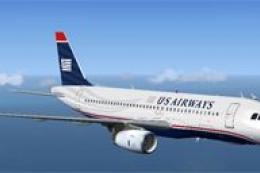
US Airways Airbus A321. This is a repaint of Wilco's A321 with IAE engines in…
 FSX Civil Aircraft
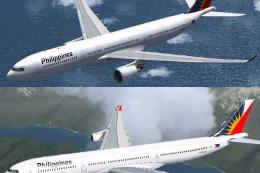
Airbus A333/A343 Philippines Repaint Pack. Textures for the Thomas Ruth A330-…
 FSX Civil Aircraft
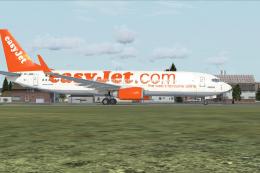
Boeing 737 And 747 Repaint Pack. 738/744 repaints of Easyjet, LOT Polish Airl…
 FSX Civil Aircraft
A mega repaint pack containing over 50 different repaints/liveries for the pa…
 FSX Civil Aircraft
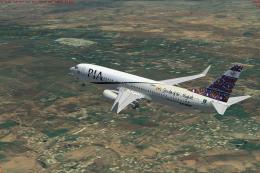
A repaint pack for the default FSX Boeing 737-800 containing 24 high-quality …
Read what other simmers think, or add your own.

It installed properly and applied the textures to the aircraft, but they are not showing up in the game. Is it definitely compatible with FSX Steam Edition?

It is telling me to select the main folder of Flight Simulator X, even though I'm pretty sure I already did that.


Great download all the liveries you need to play with and try Boeing 737/747 pack as well absolutely great.