

 FSX Military Aircraft
T-6 Texan II
FSX T-6 Texan II in "Don't Mess With Texas" paint scheme. Textures only for t…
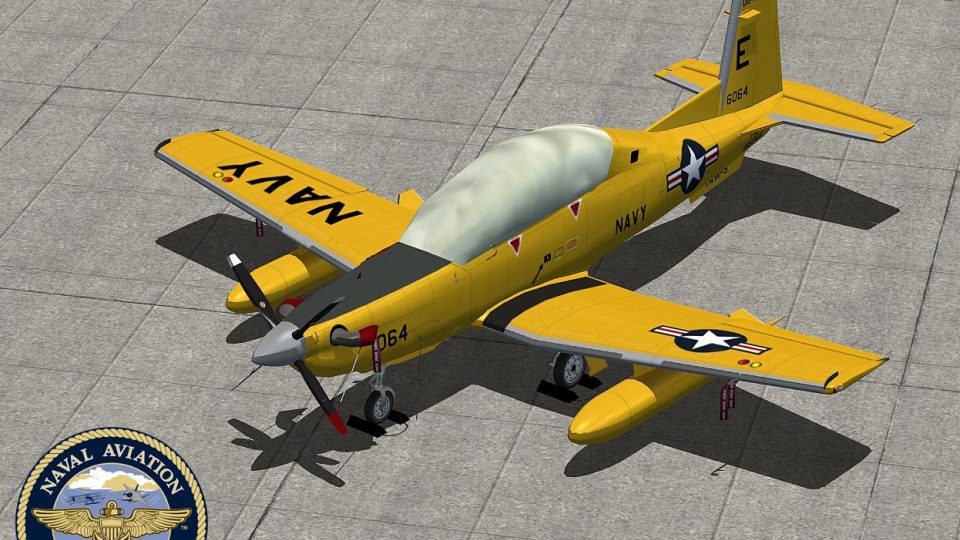
US Navy T-6/A Texan II Advanced livery recreates the Navy 100th Anniversary retro scheme for the IRIS Pro Series trainer, bringing crisp markings and period-correct styling to the ramp and virtual cockpit in FSX. It requires the payware IRIS T-6A Texan II SP2 base aircraft and includes matching aircraft.cfg entries for a clean selection menu setup.
 Rate
Rate
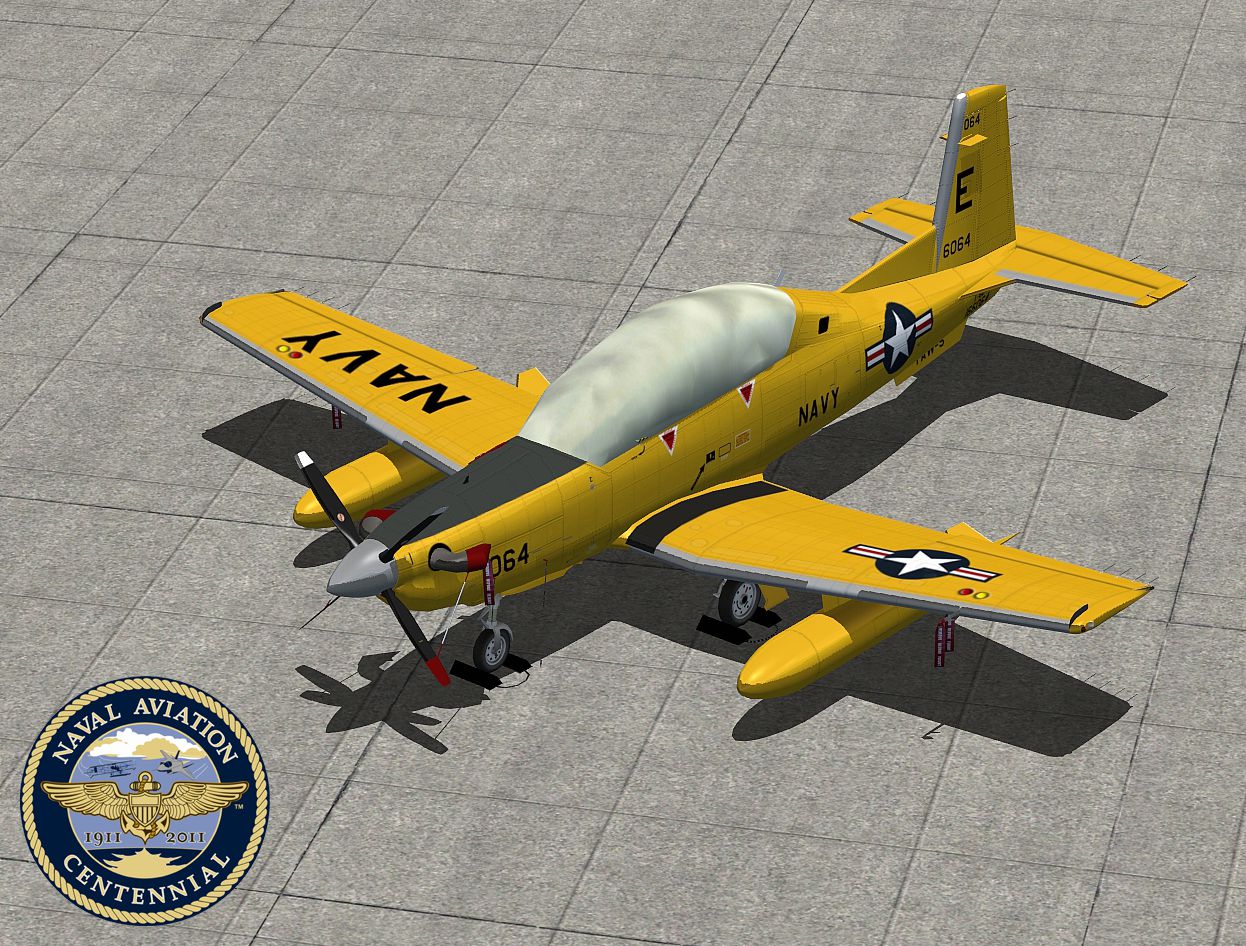
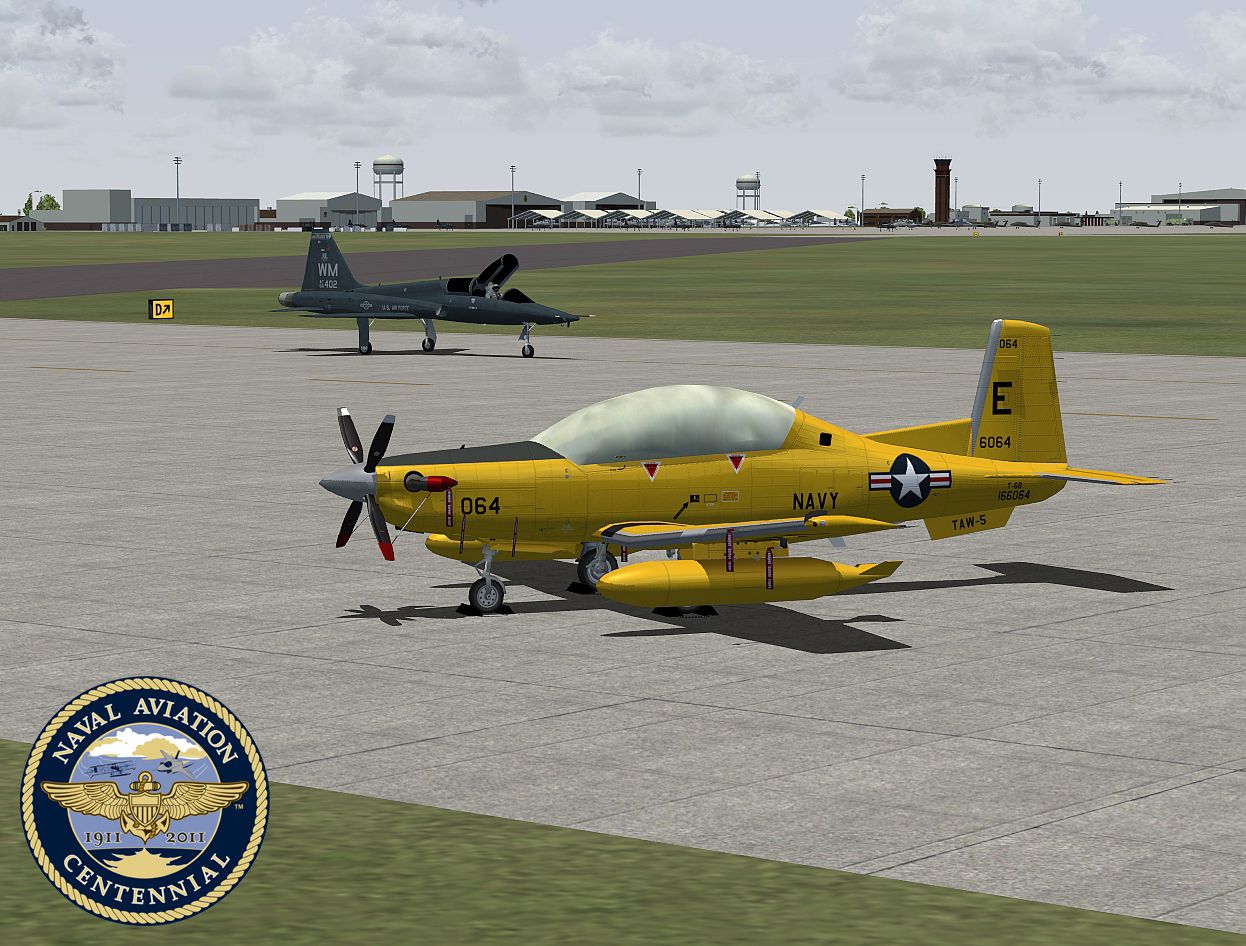

US Navy T-6/A Texan II Advanced. A repaint of the Iris Pro Series - T-6/A Texan II Advanced, in Navy 100th anniversary special retro paint scheme. Repaint by Zsolt Beleznay.
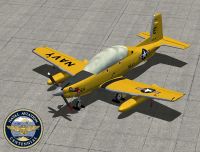
US Navy T-6/A Texan II Advanced.
IRIS T-6A Texan II SP2 / NAVY 100th Anniversary.
Repaint by Zsolt Beleznay.
Payware Aircraft by IRIS Simulations.
Disclaimer:
Nothing in these files can harm your computer
I accept no liability.
Installation:
Copy the texture folder into your IRIS T-6A Texan II SP2 folders as desired.
Insert the following lines into aircraft.cfg replacing XX on the [fltsim.XX] lines the appropriate figures.
Entries for IRIS T-6A Texan II SP2:
[fltsim.XX]

	title=T-6 SP2 #NAVY 100th Anni

	sim=T-6A SP2

	model=T6

	panel=

	sound=

	texture=NAVY 100th Anni

	kb_checklists=texan2_check

	kb_reference=

	atc_id=N6064

	ui_manufacturer=Raytheon/Beechcraft

	ui_type=T-6A Texan II SP2

	ui_variation=NAVY 100th Anniversary

	ui_typerole="Single Engine TurboProp"

	ui_createdby="IRIS Flight Simulation Software"

	description=Hawker Beechcraft T-6B Texan II NAVY 100th Anniversary special retro paint scheme - Repaint by Zsolt Beleznay

	atc_heavy=0

	atc_flight_number=N6064
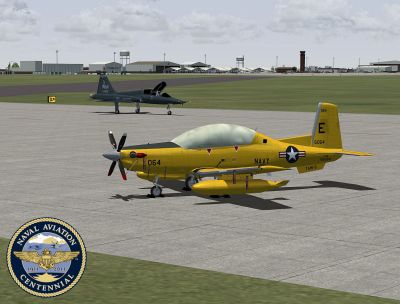
US Navy T-6/A Texan II Advanced.
Free for all simmers · 4.54 MB · Scanned clean Sep 2026
Download speed: Free tier is capped at 0.5 Mbps (this file takes approximately 1 min at the cap). PRO members download at full line speed.
SimObjects\Airplanes\, Addon Scenery\, Effects\, or Gauges\.readme.txt or README file. It tells you exactly where files go, what dependencies are needed, and any quirks specific to this add-on.The archive irist6iinavy100anni.zip has 13 files and directories contained within it.
This list displays the first 500 files in the package. If the package has more, you will need to download it to view them.
| Filename/Directory | File Date | File Size |
|---|---|---|
| texture.NAVY 100th Anni | 06.11.11 | 0 B |
| cover_t.dds | 06.10.11 | 682.79 kB |
| t6_1_t.dds | 06.10.11 | 5.33 MB |
| t6_2_t.dds | 06.10.11 | 5.33 MB |
| t6_3_t.dds | 06.10.11 | 5.33 MB |
| t6_4_t.dds | 06.10.11 | 5.33 MB |
| texture.cfg | 03.30.09 | 227 B |
| 1.jpg | 06.10.11 | 1.25 MB |
| 2.jpg | 06.10.11 | 926.01 kB |
| thumbnail.jpg | 06.10.11 | 151.92 kB |
| Readme.txt | 06.11.11 | 1.01 kB |
| flyawaysimulation.txt | 10.29.13 | 959 B |
| Go to Fly Away Simulation.url | 01.22.16 | 52 B |
Only PRO members can place votes.
More FSX & P3D add-ons hand-picked based on this download.
FSX Military Aircraft
FSX T-6 Texan II in "Don't Mess With Texas" paint scheme. Textures only for t…
 FSX Military Aircraft
T-6G Texan II Modification. Texture modification for the Texan T-6G by Warwic…
 FSX Military Aircraft
FSX RAF AT-6A Texan II, in Royal Air Force green/grey cammo - 63 Sqn livery (…
 FSX Military Aircraft
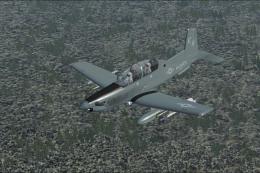
Textures only for the Iris Raytheon / Beechcraft AT-6A. This represents a fic…
 FSX Military Aircraft
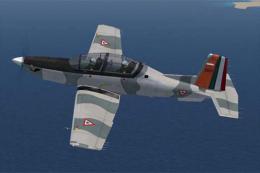
A Fuerza Aerea Mexicana (Mexican Air Force) T6 Texan II, EMAATFA texture. Tex…
 FSX Military Aircraft
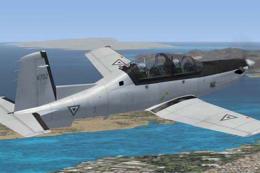
A Fuerza Aerea Mexicana (Mexican Air Force) T-6 Texan II, fictional gray text…
 FSX Military Aircraft
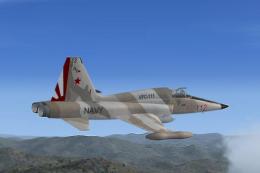
This is a repaint of Tim Conrad's F5 Freedom Fighter updated for Flight Simul…
 FSX Military Aircraft
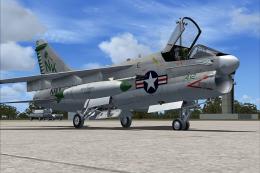
USS Enterprise, circa 1973. Model by RAZBAM. Repaint by Zsolt Beleznay. Scree…
Be the first to leave a comment on this download.
Be the first to share your thoughts on this download.