FSX Seattle-Tacoma International Scenery
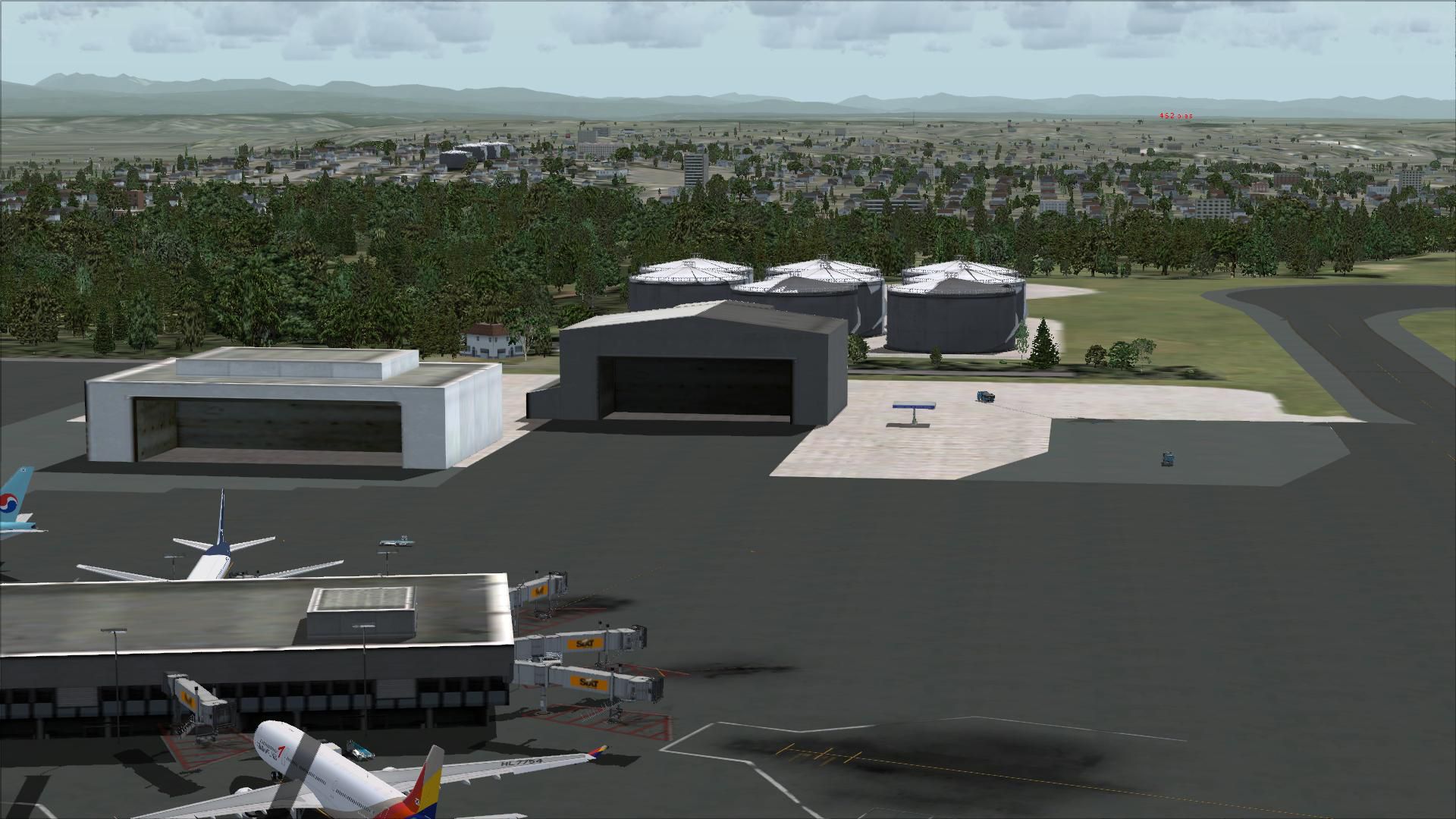
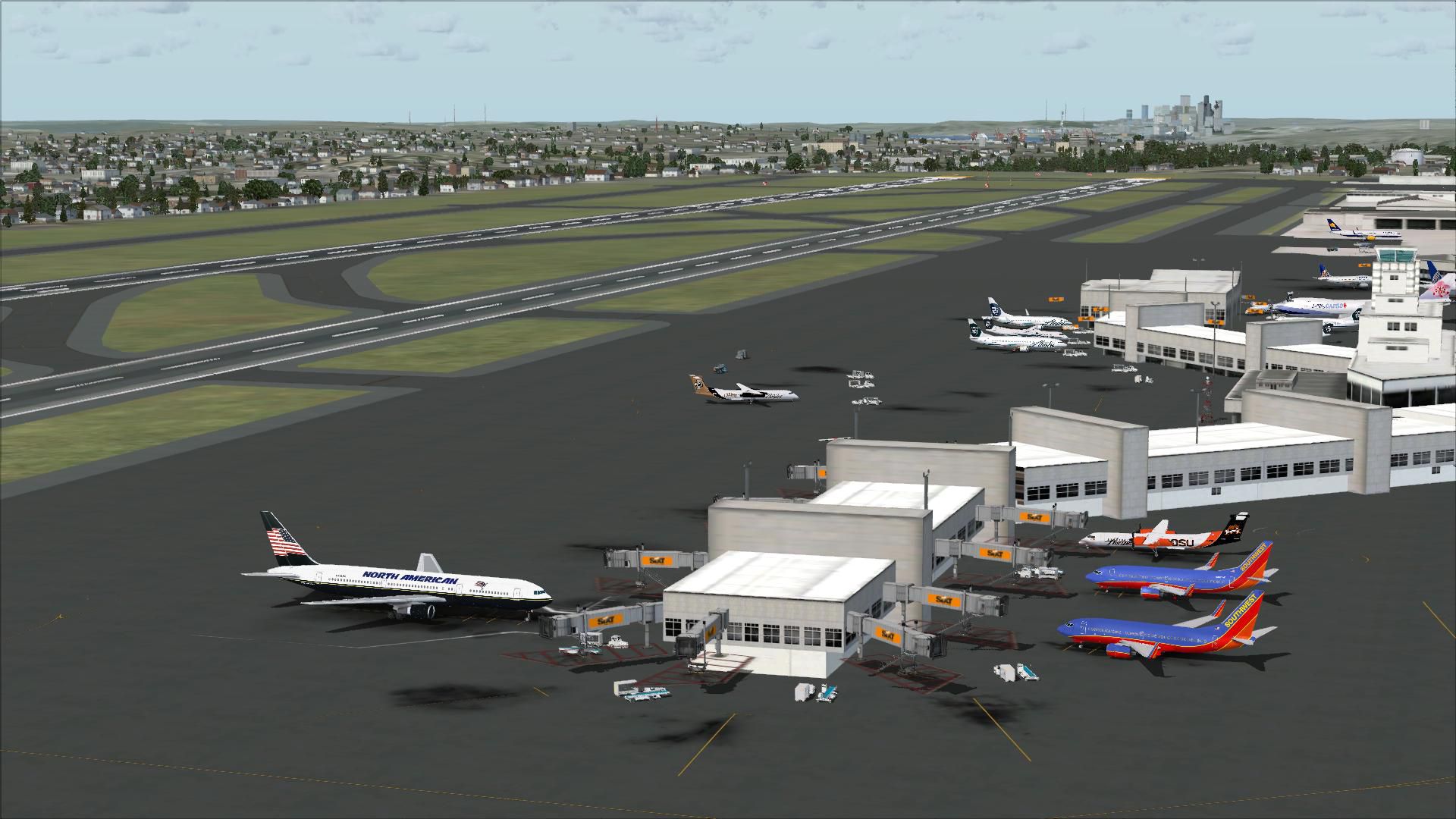
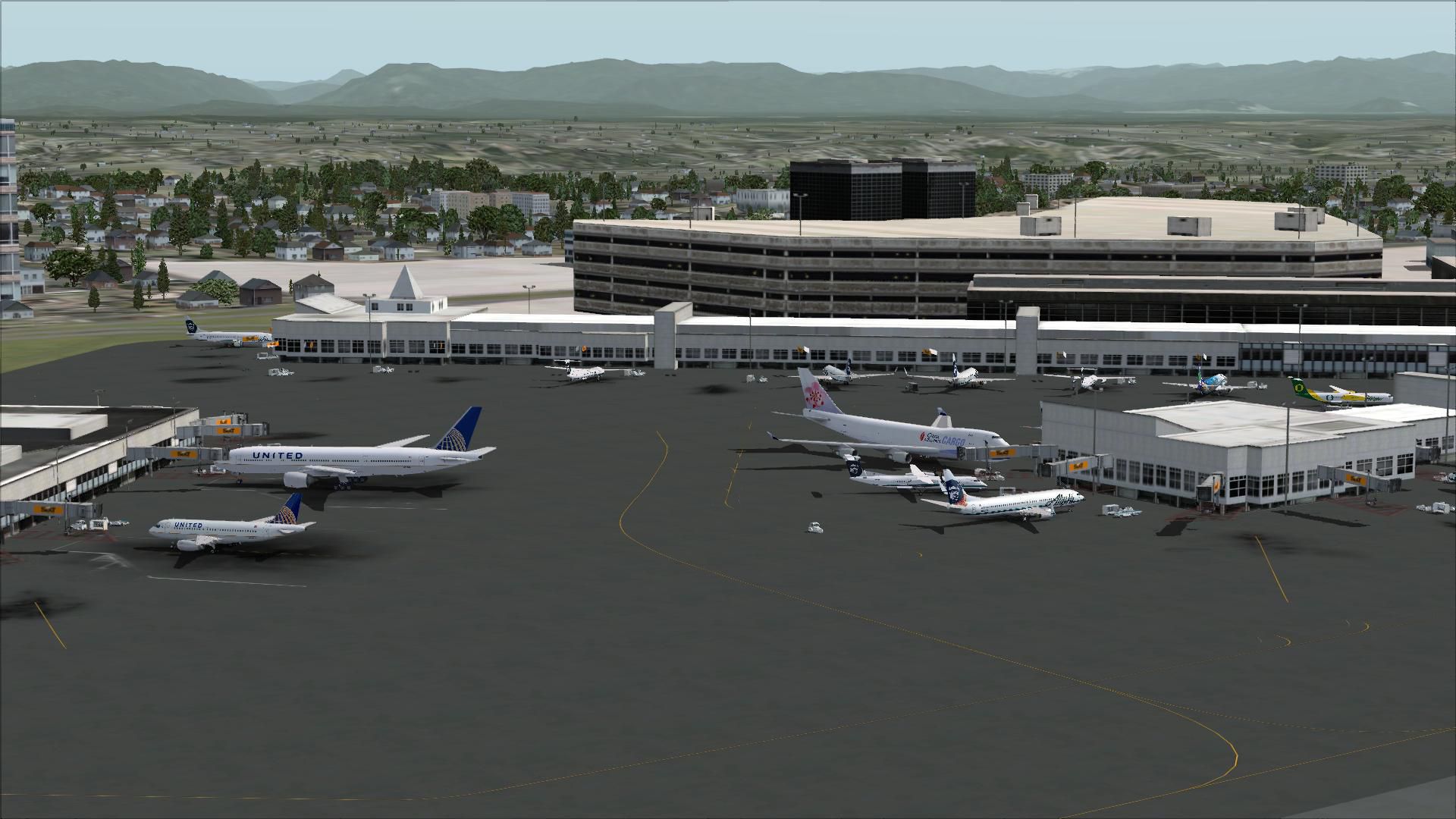
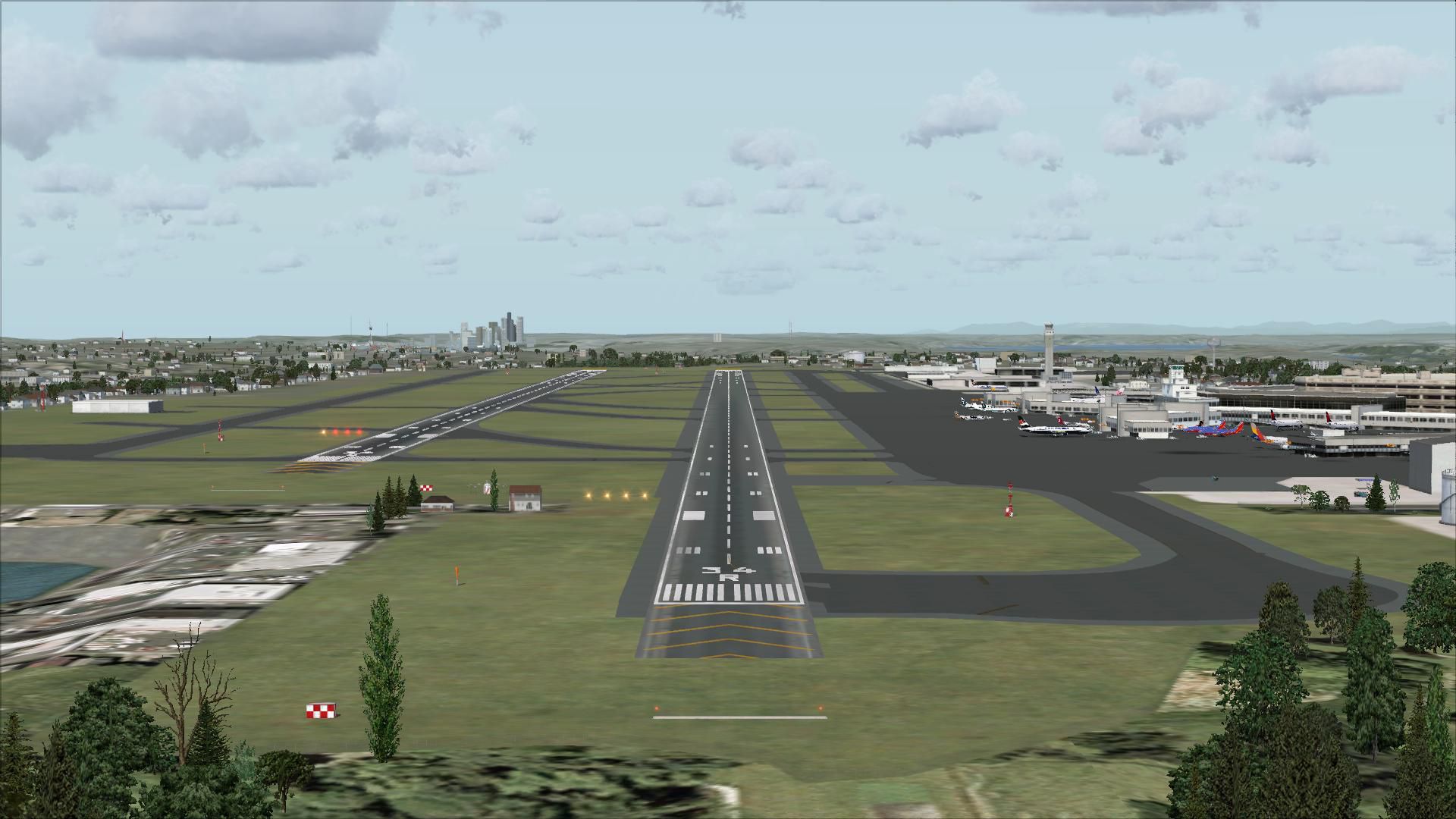
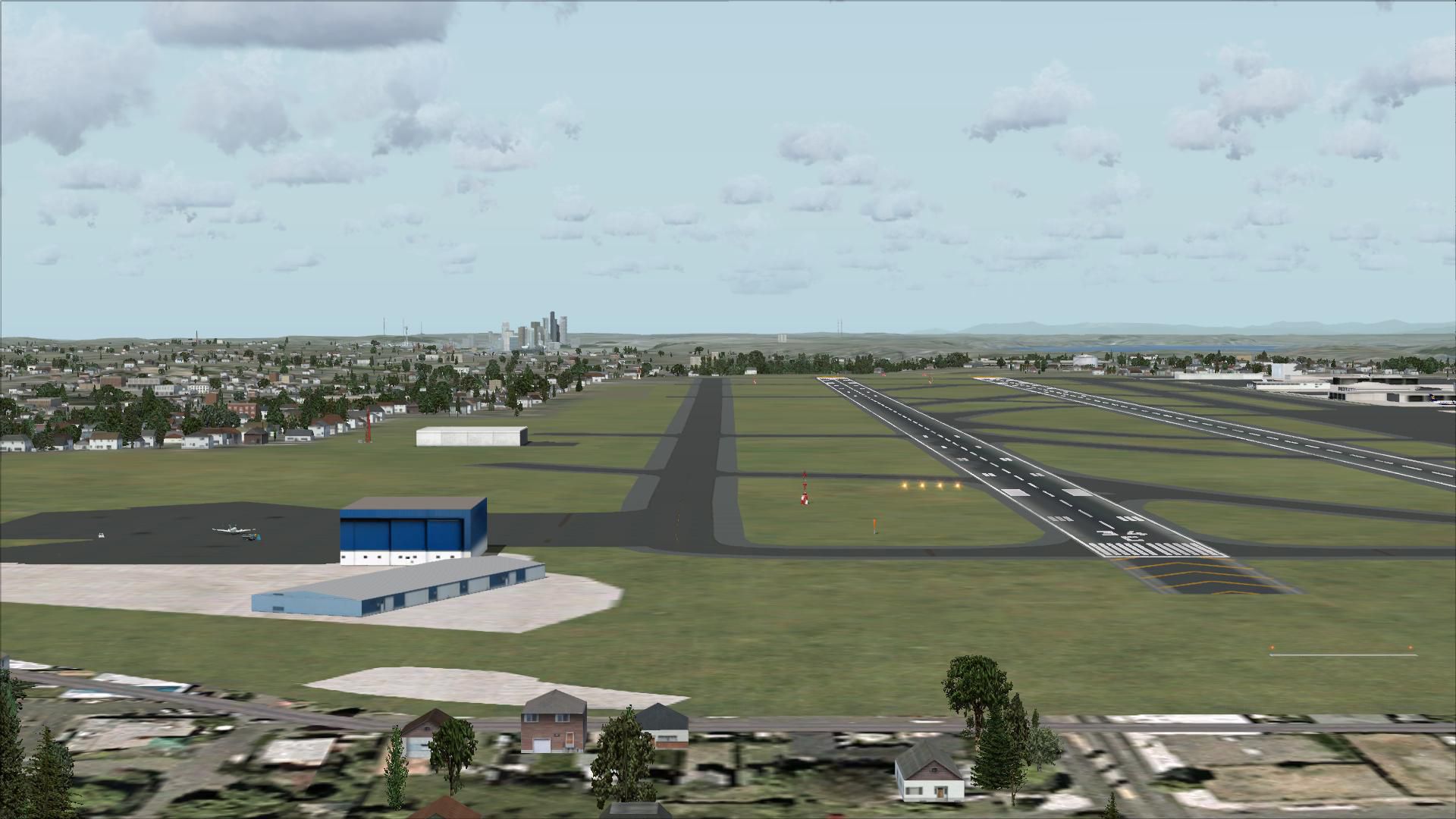
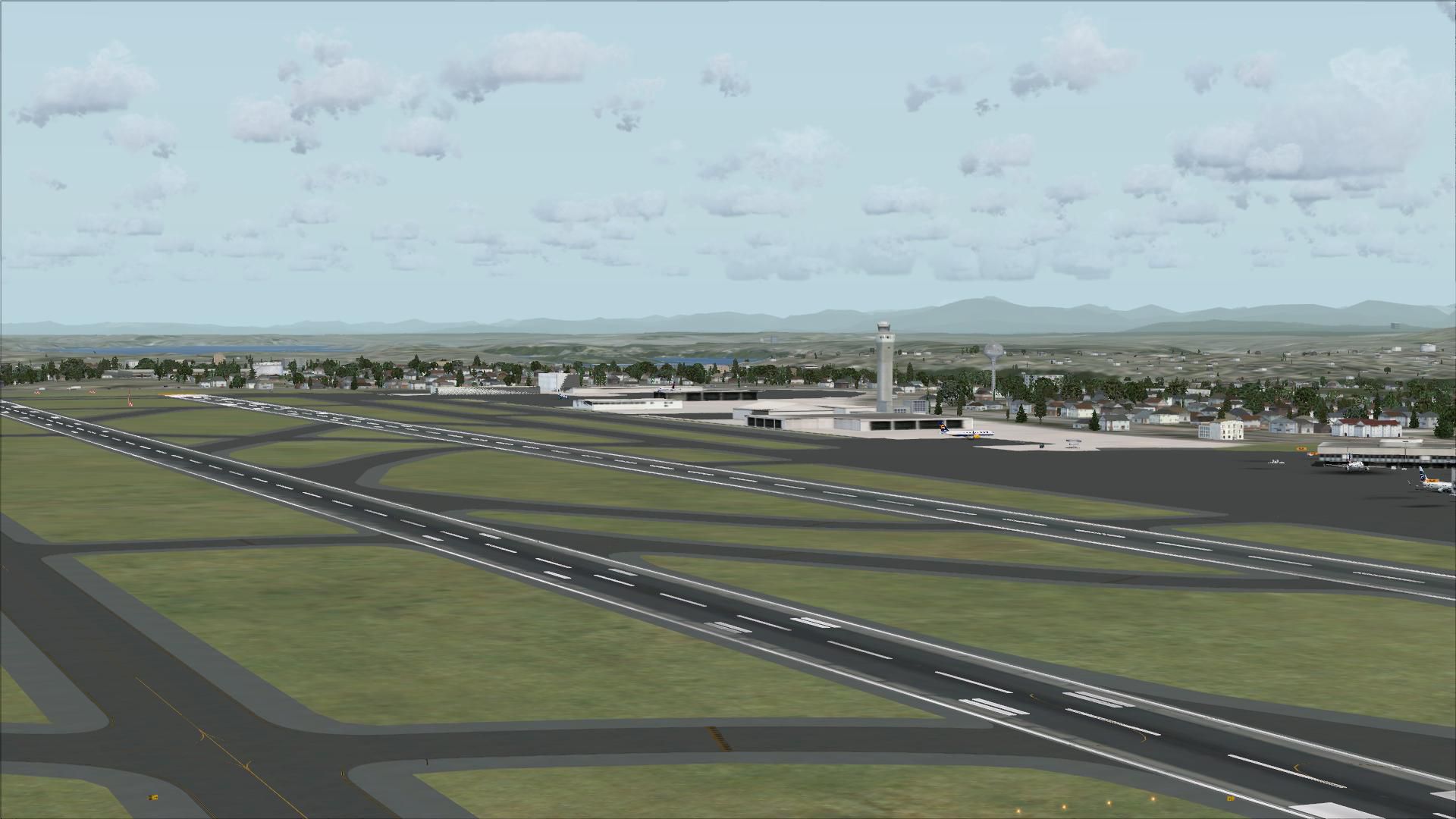
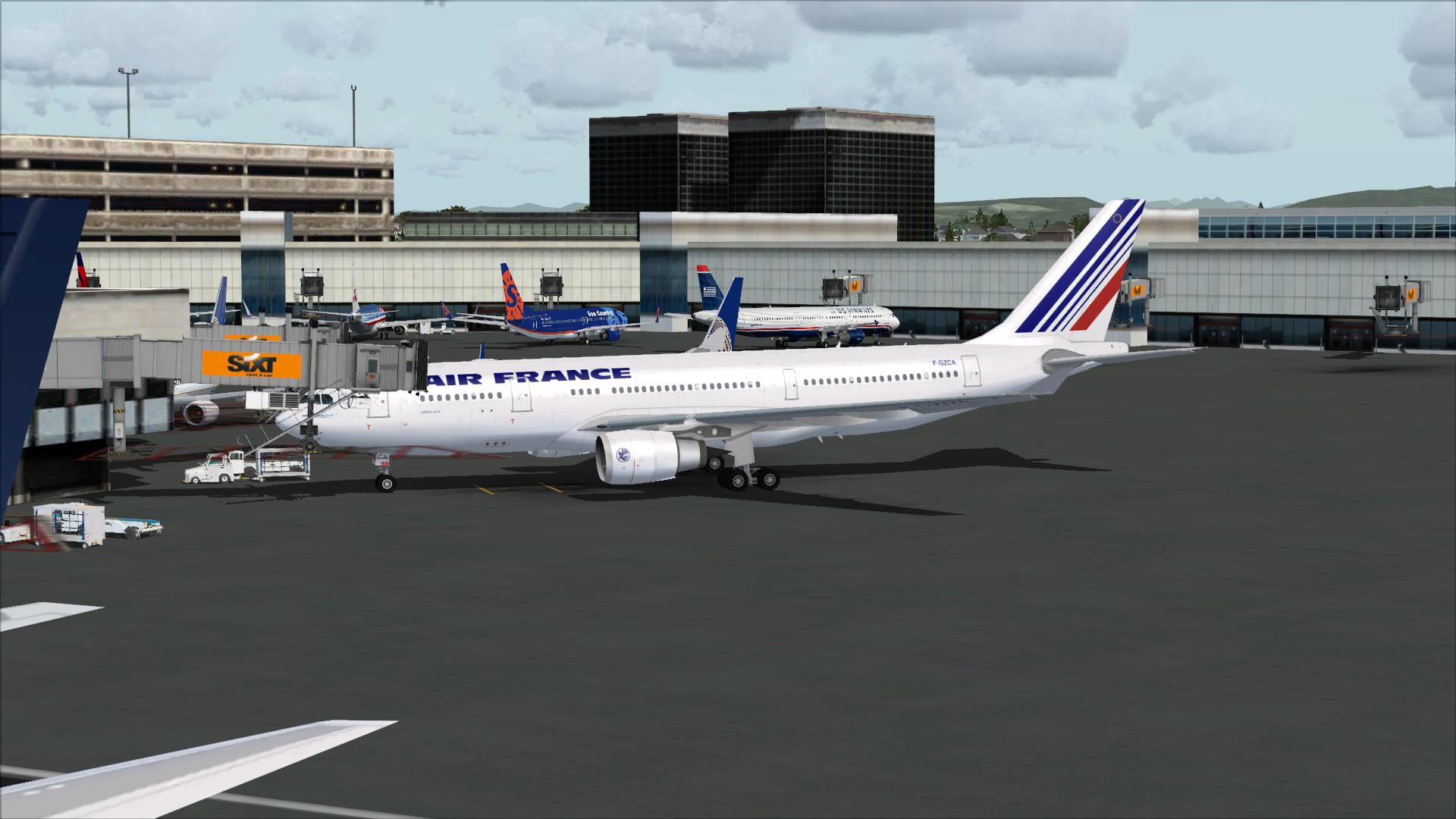
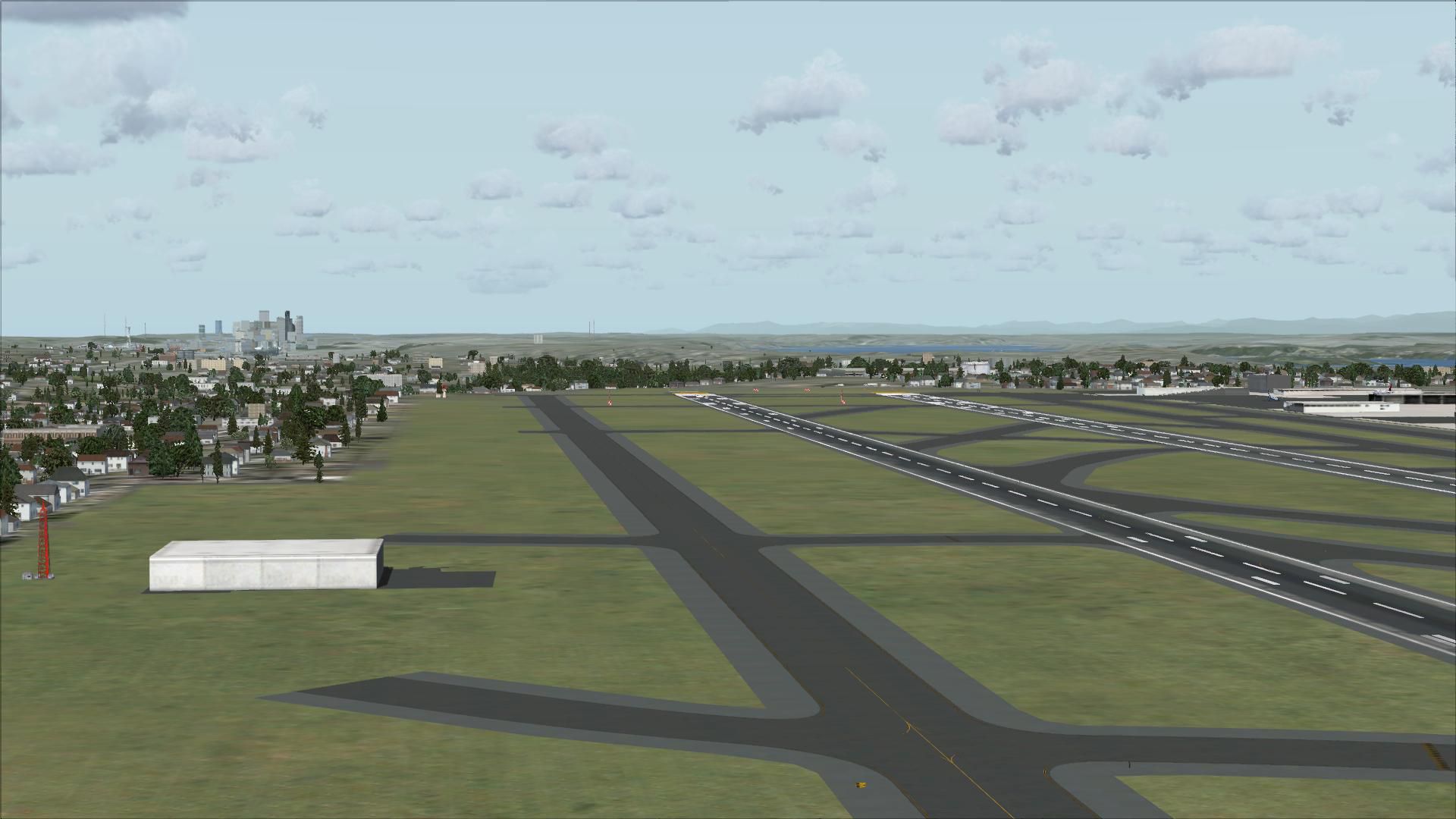
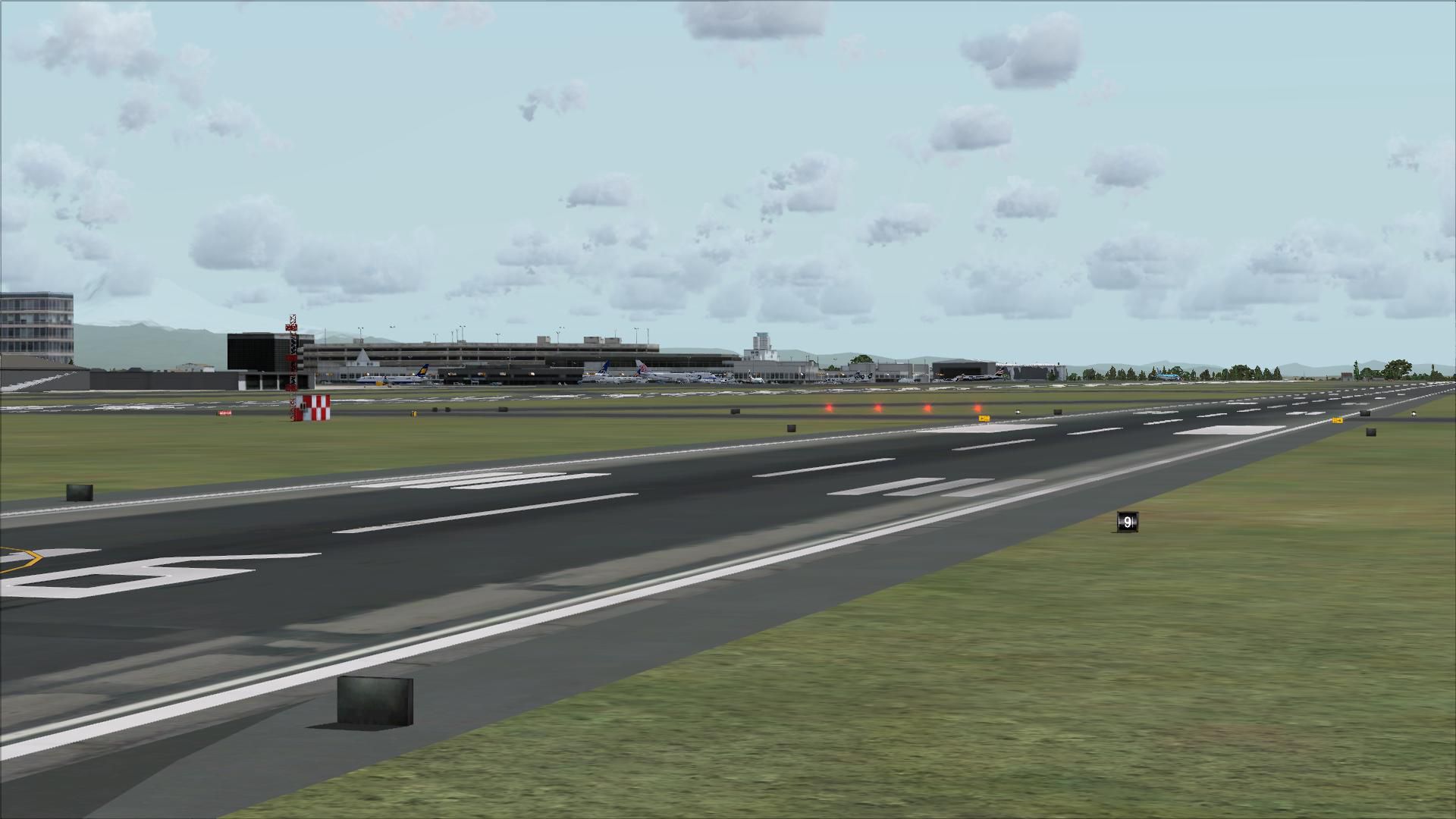
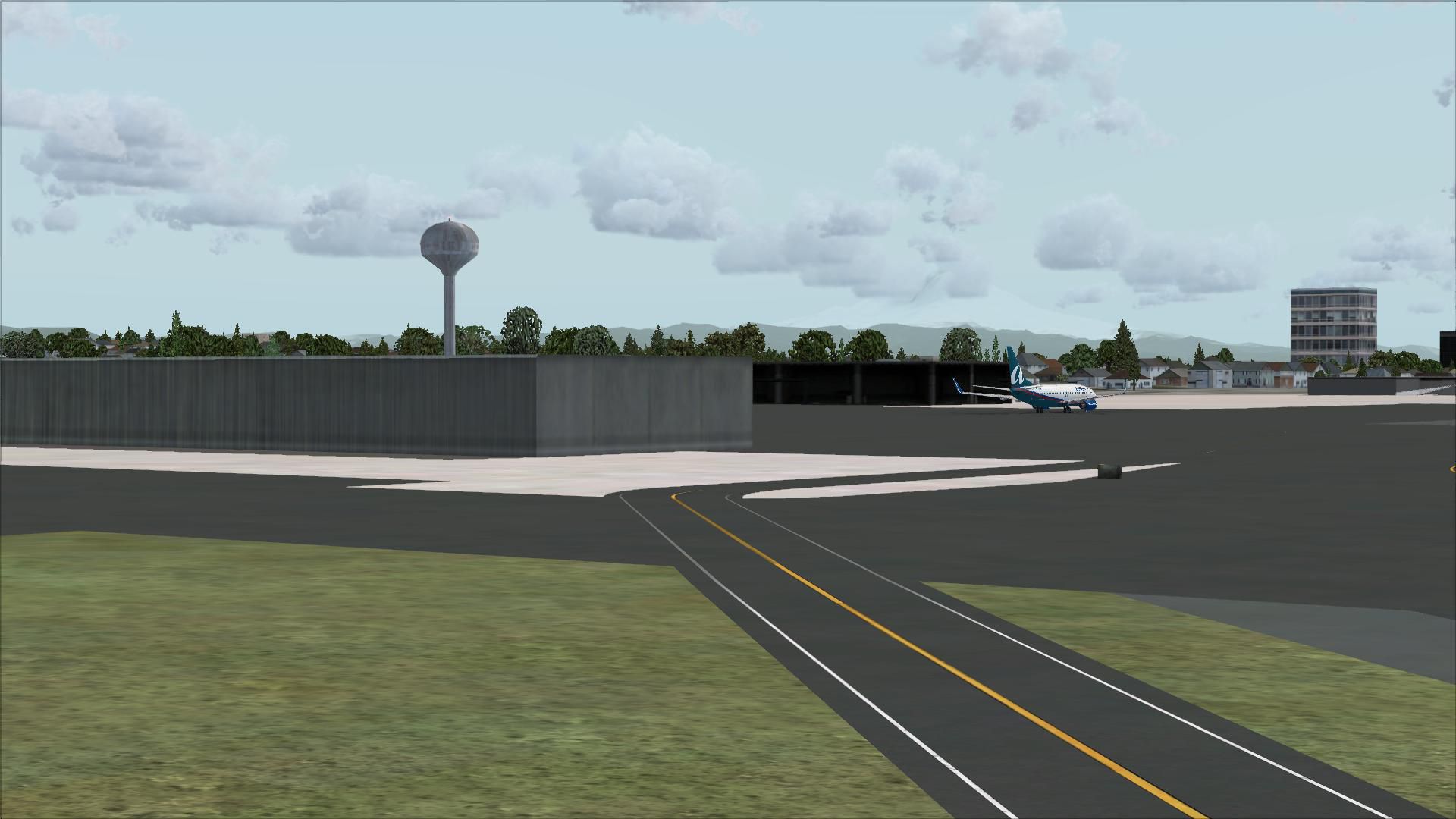
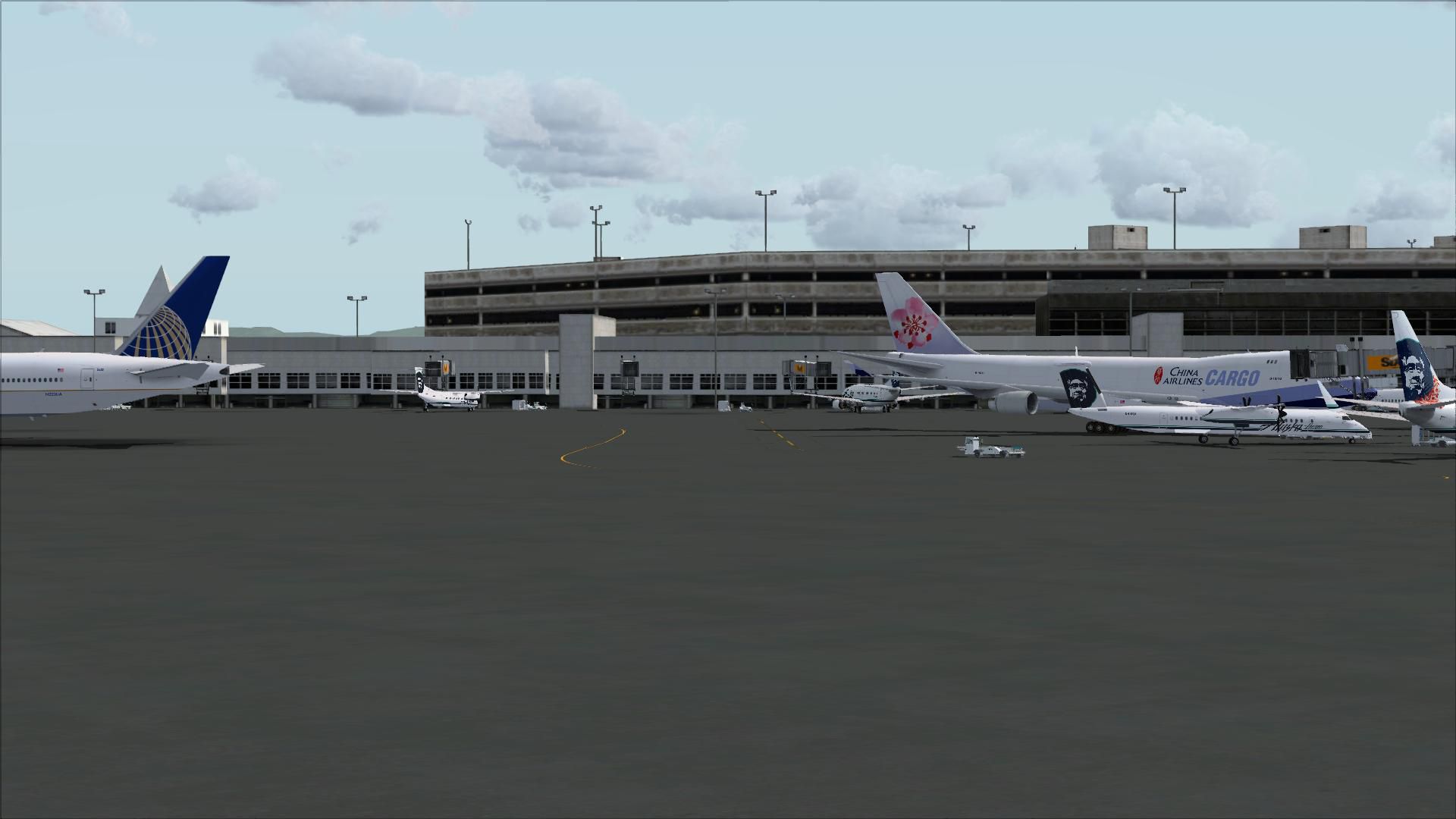
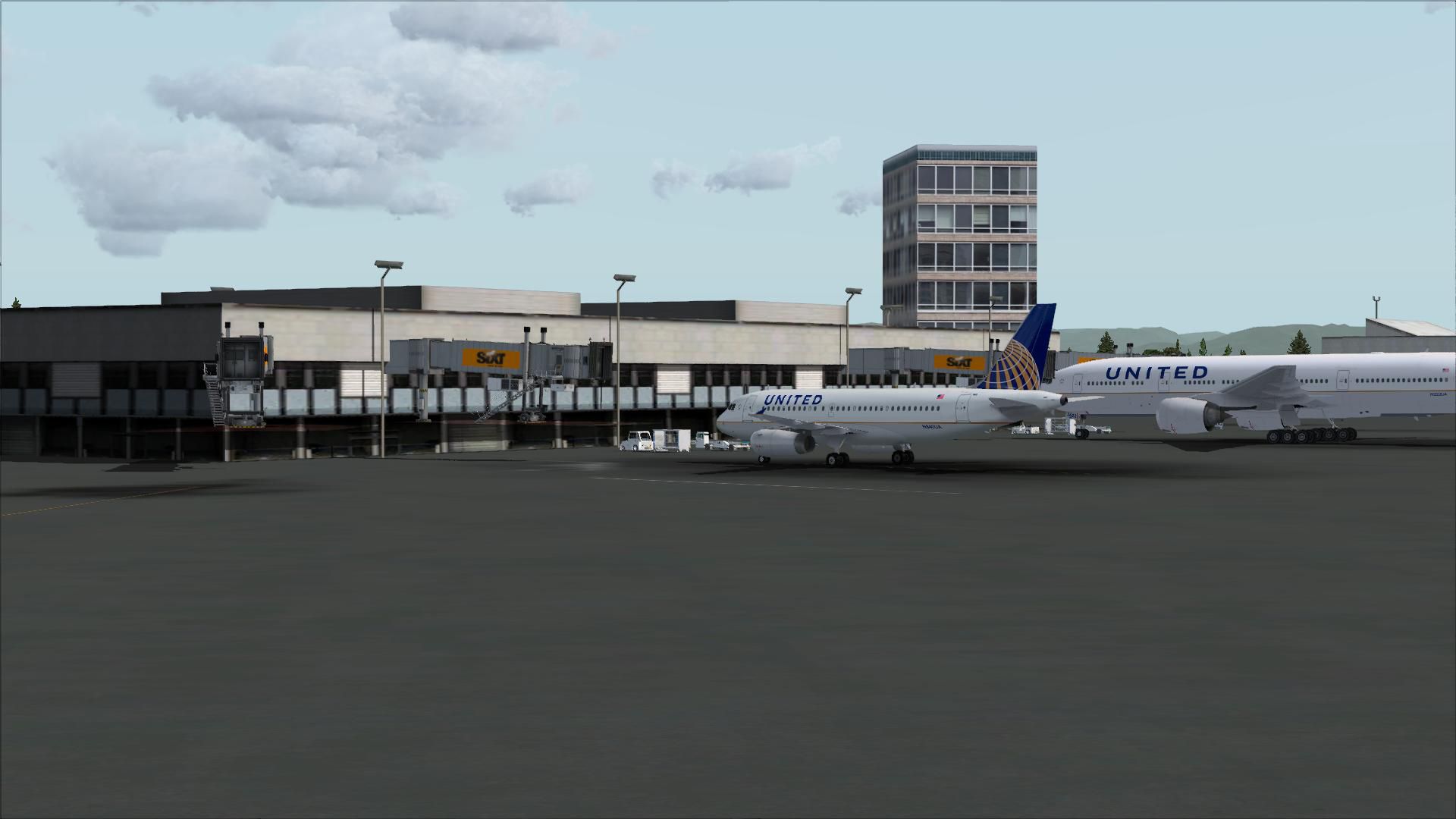
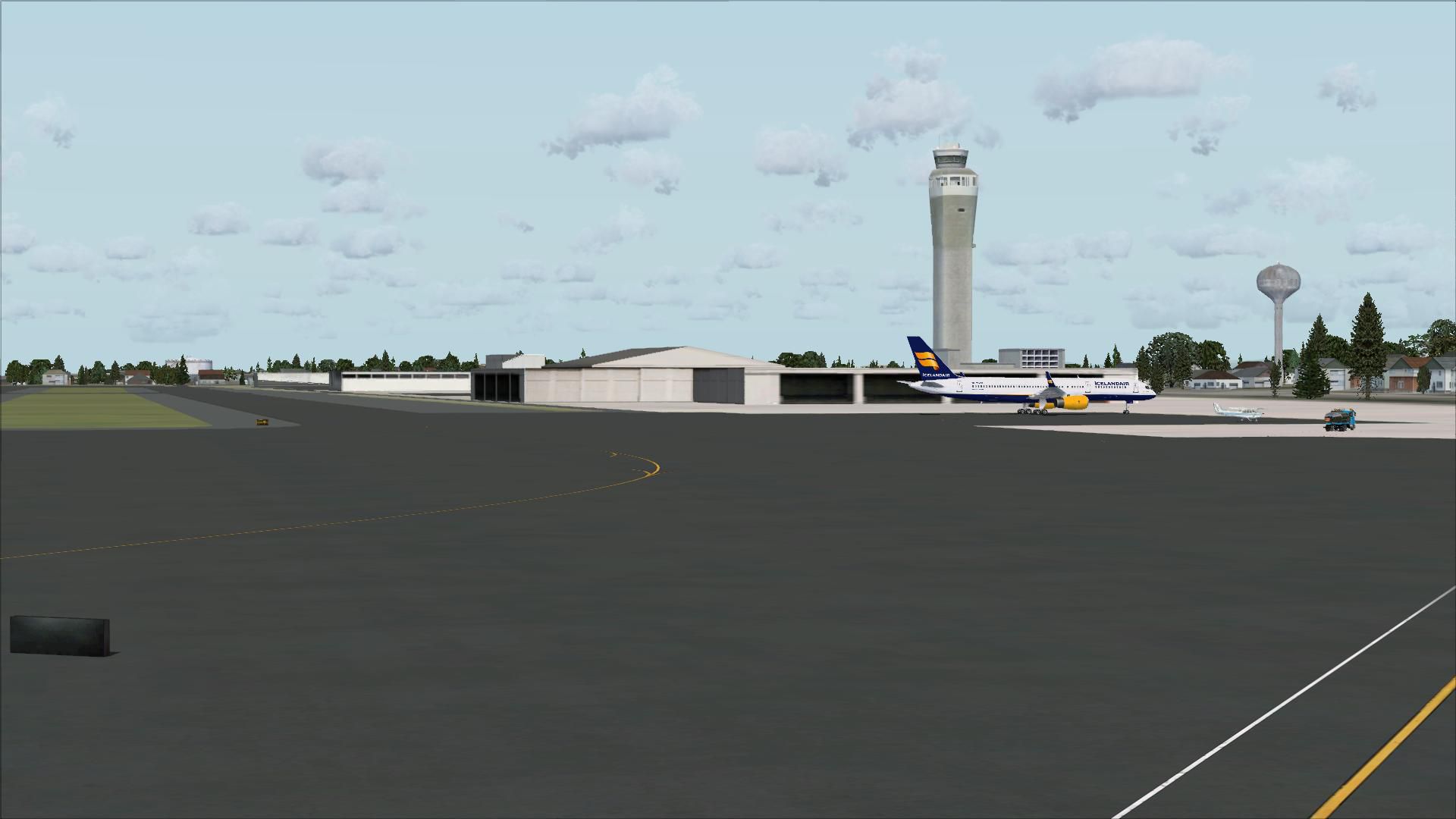
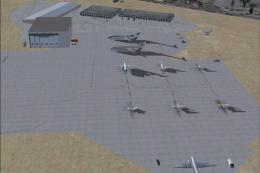
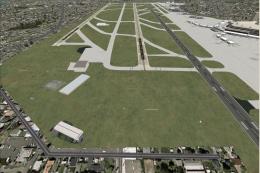
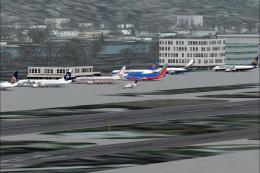
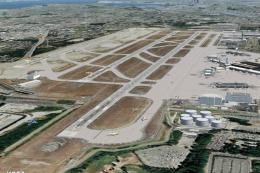
 Seattle-Tacoma International Airport (KSEA), Washington (WA), with current runway numbering and all runways and taxiways in their correct positions.

- Download hits
- 1.2K
- Compatibility
- Microsoft Flight Simulator X (FSX) including Steam Edition & Prepar3D (P3D)
- Filename
- ksea_asb.zip
- File size
- 5.01 MB
- Virus Scan
- Scanned 25 days ago (clean)
- Access to file
- Free (Freeware)
- Content Rating
- Everyone

Rated 5 out of 5 stars by 1 PRO members.


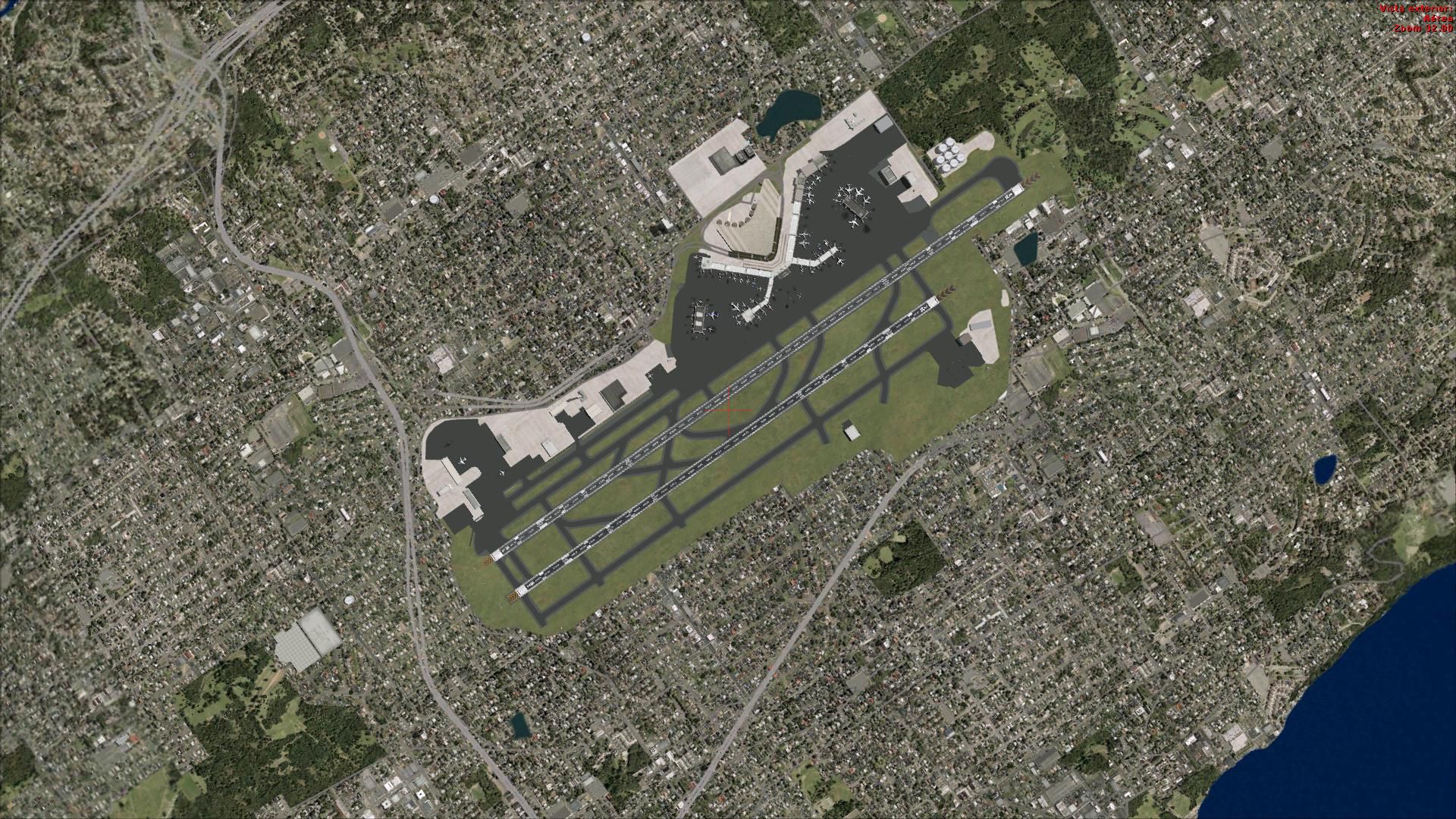
Seattle-Tacoma International Airport (KSEA), Washington (WA), with current runway numbering and all runways and taxiways in their correct positions.
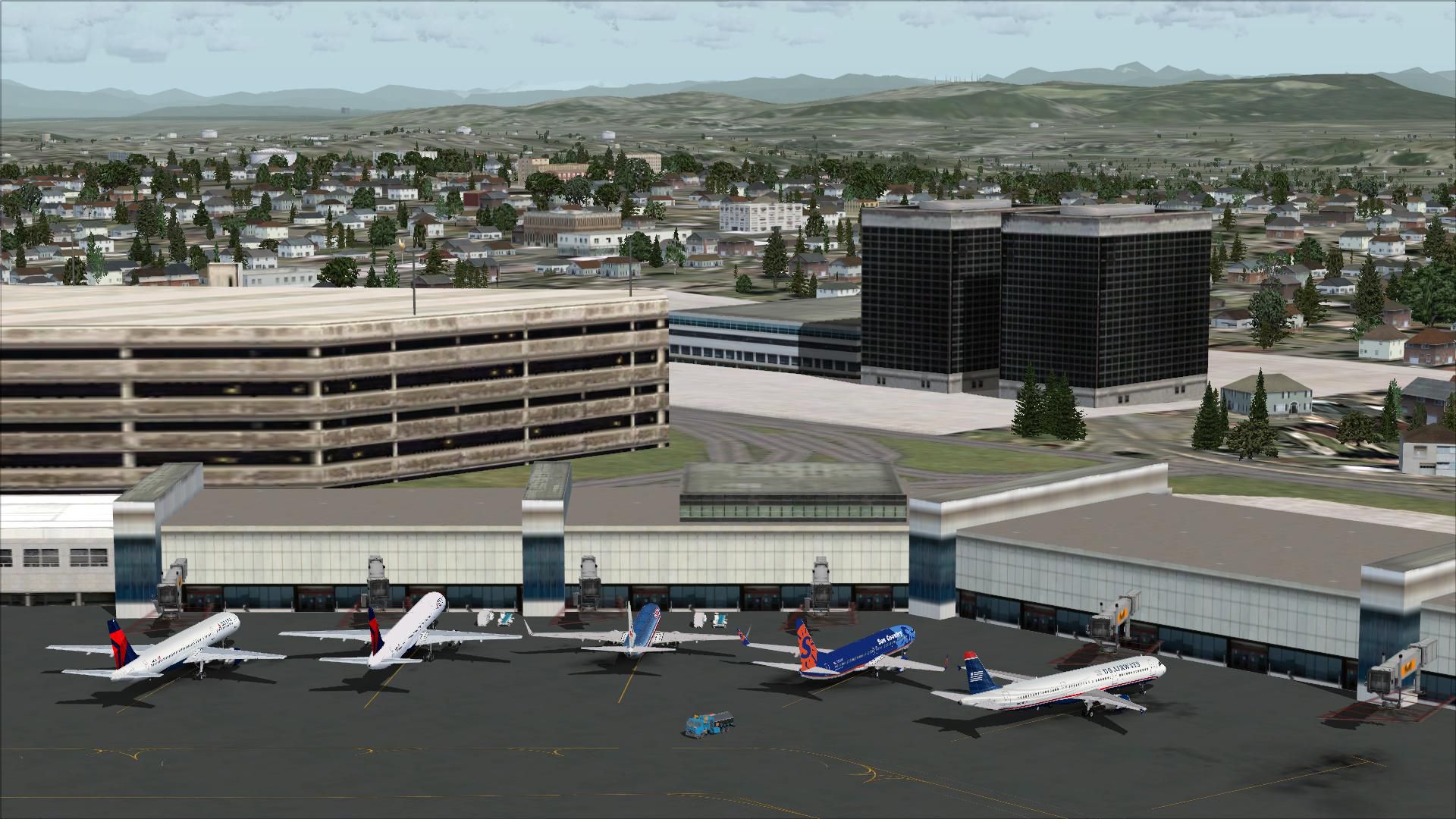
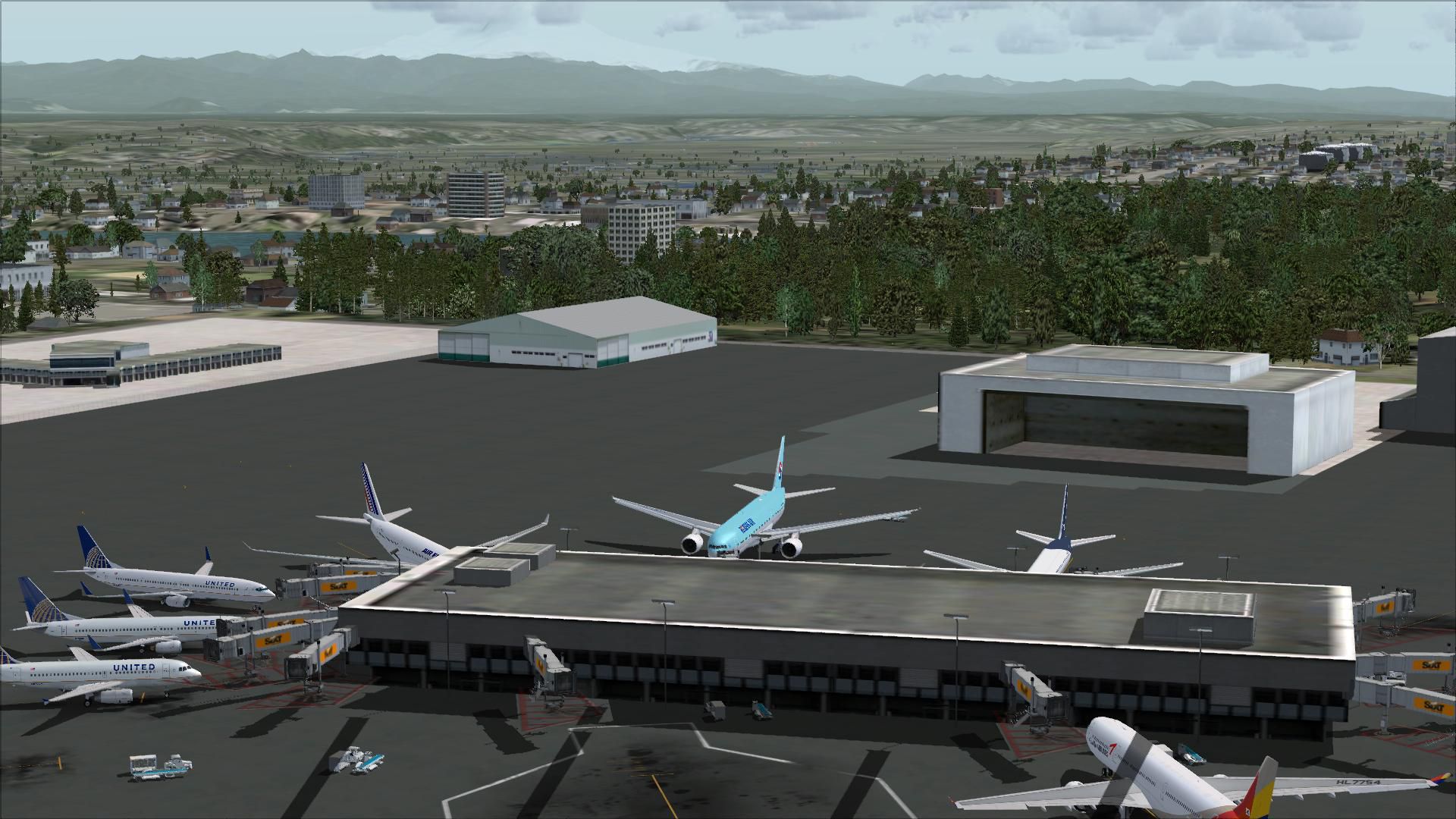
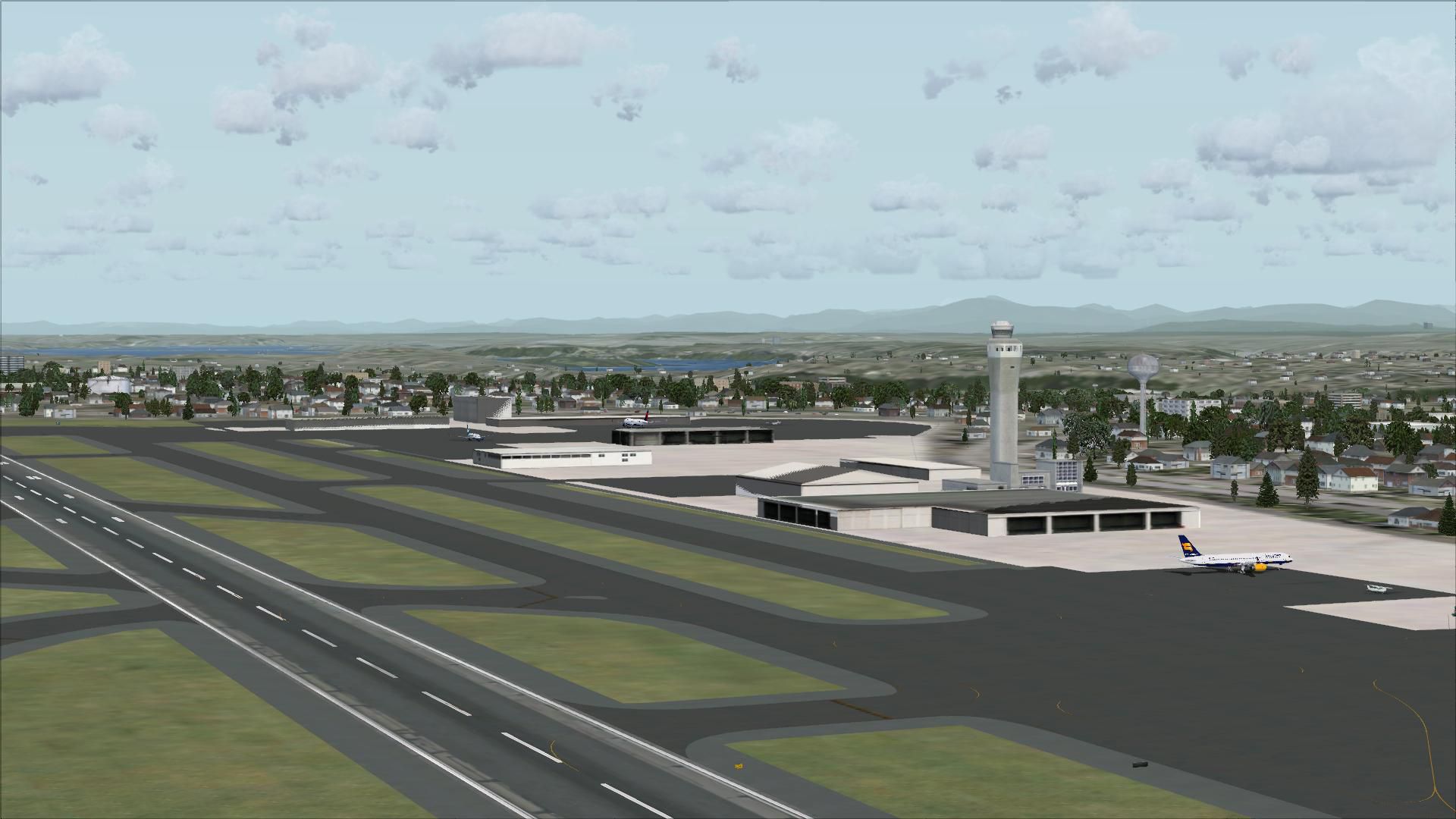
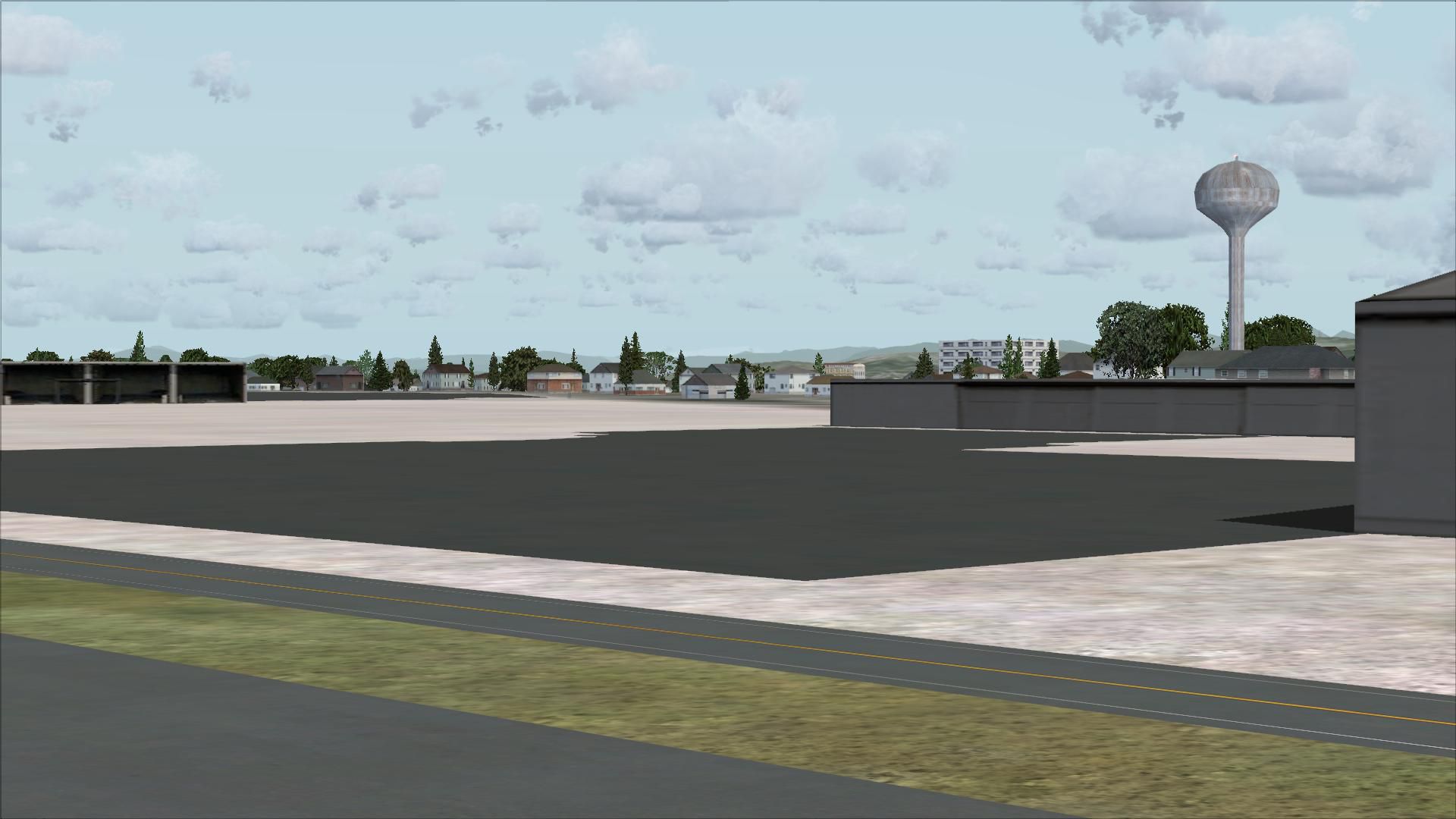
 Though default buildings have been reused, other changes have been made to make the airport look more realistic.
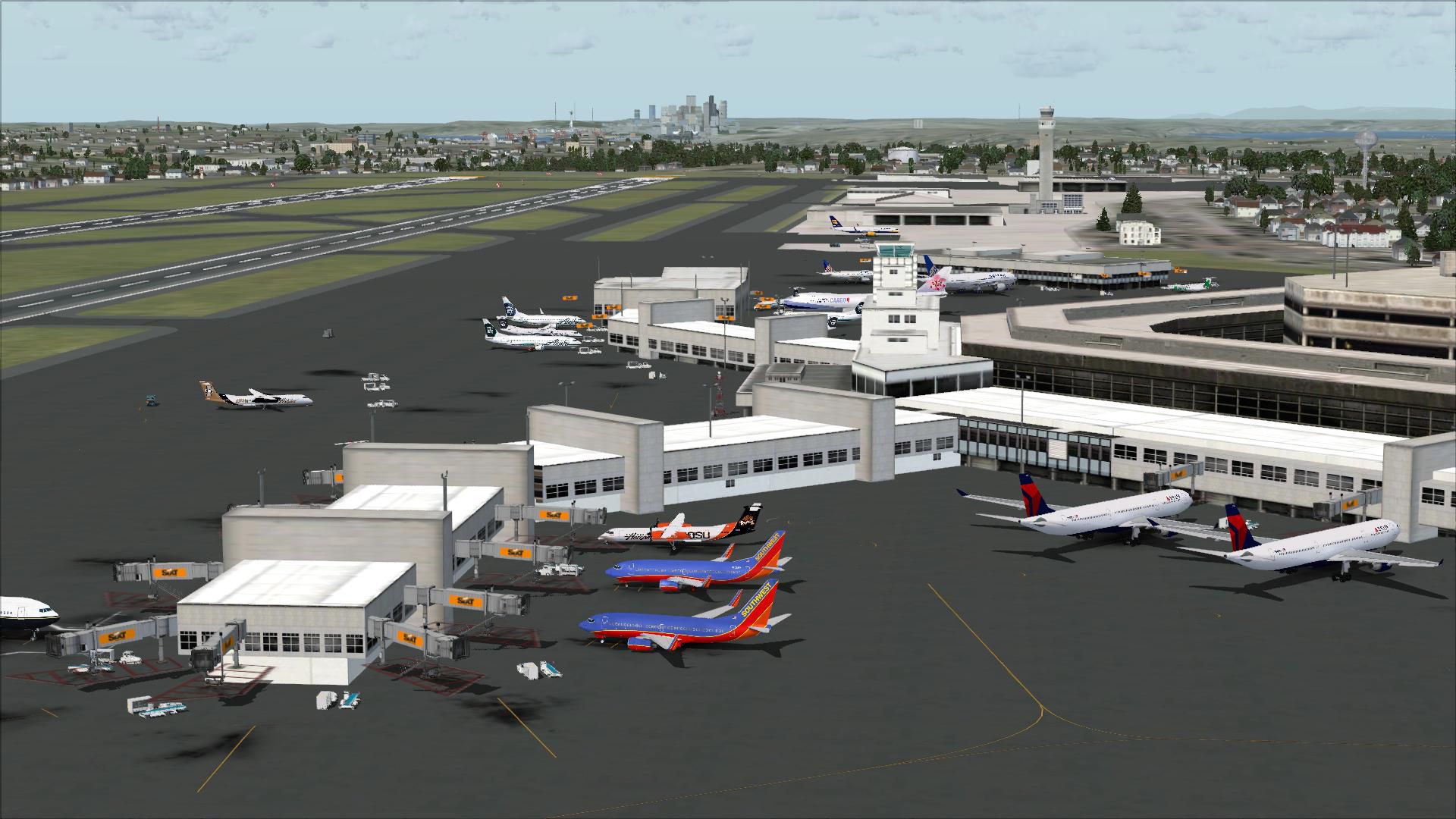
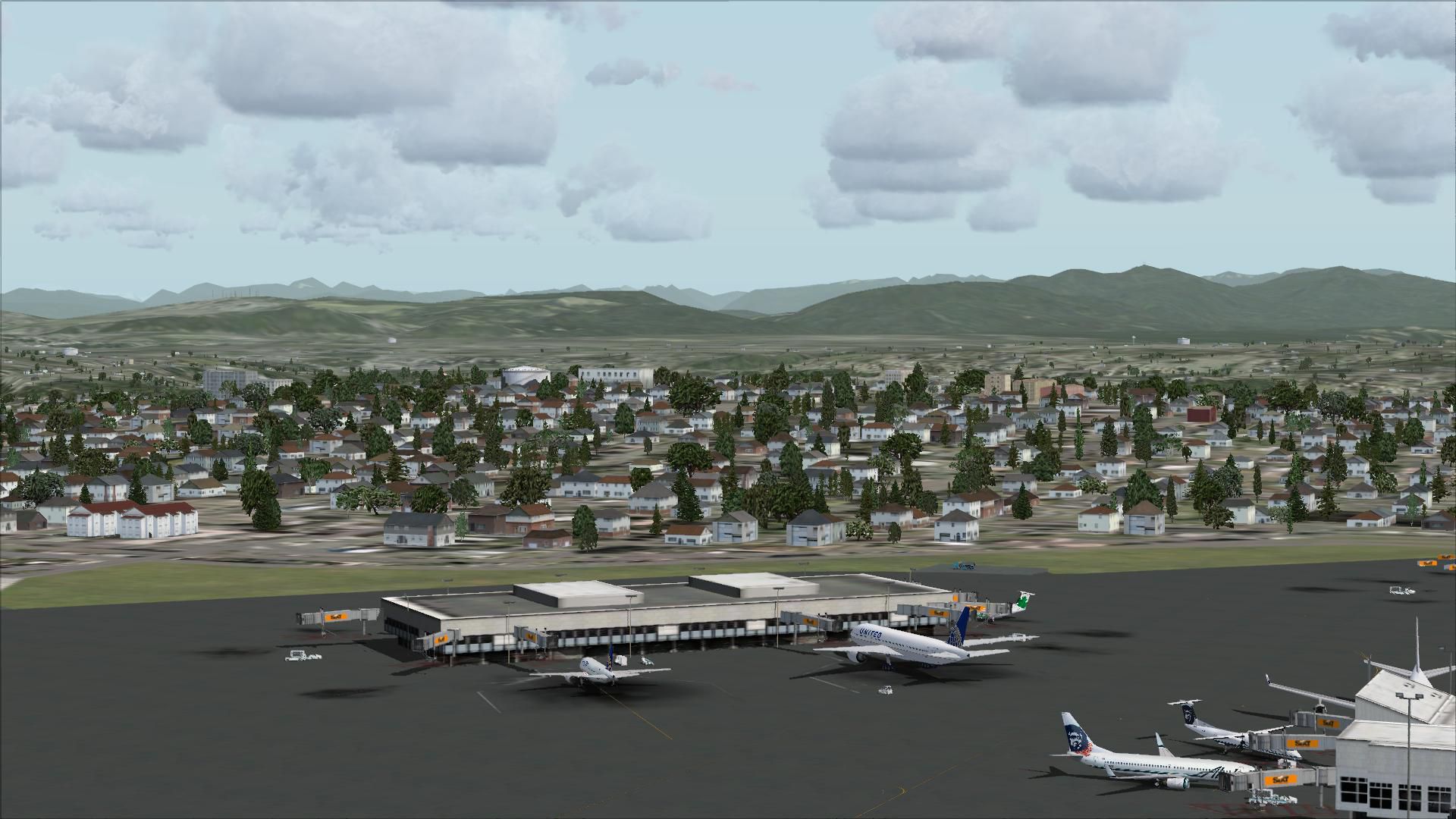
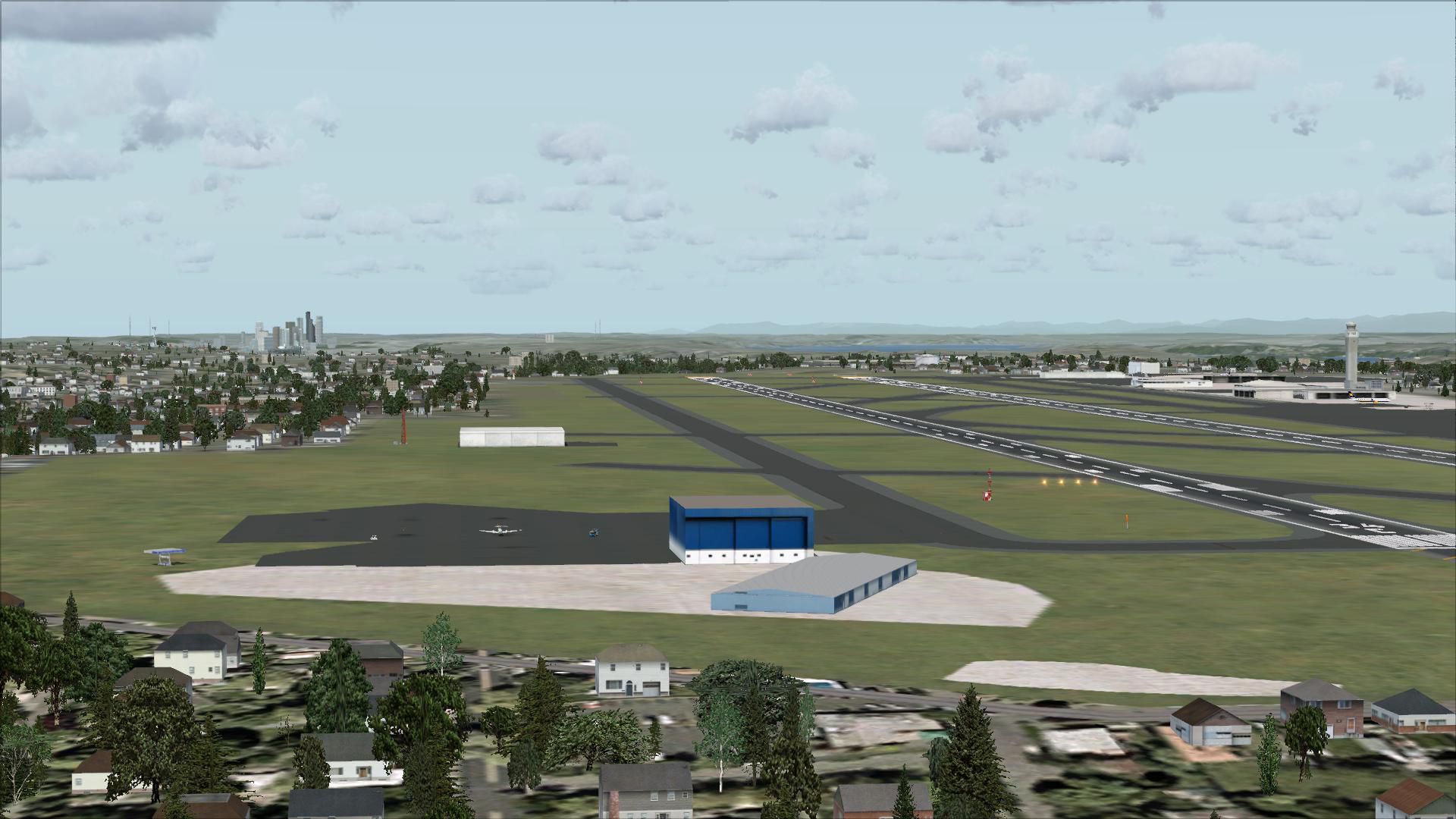
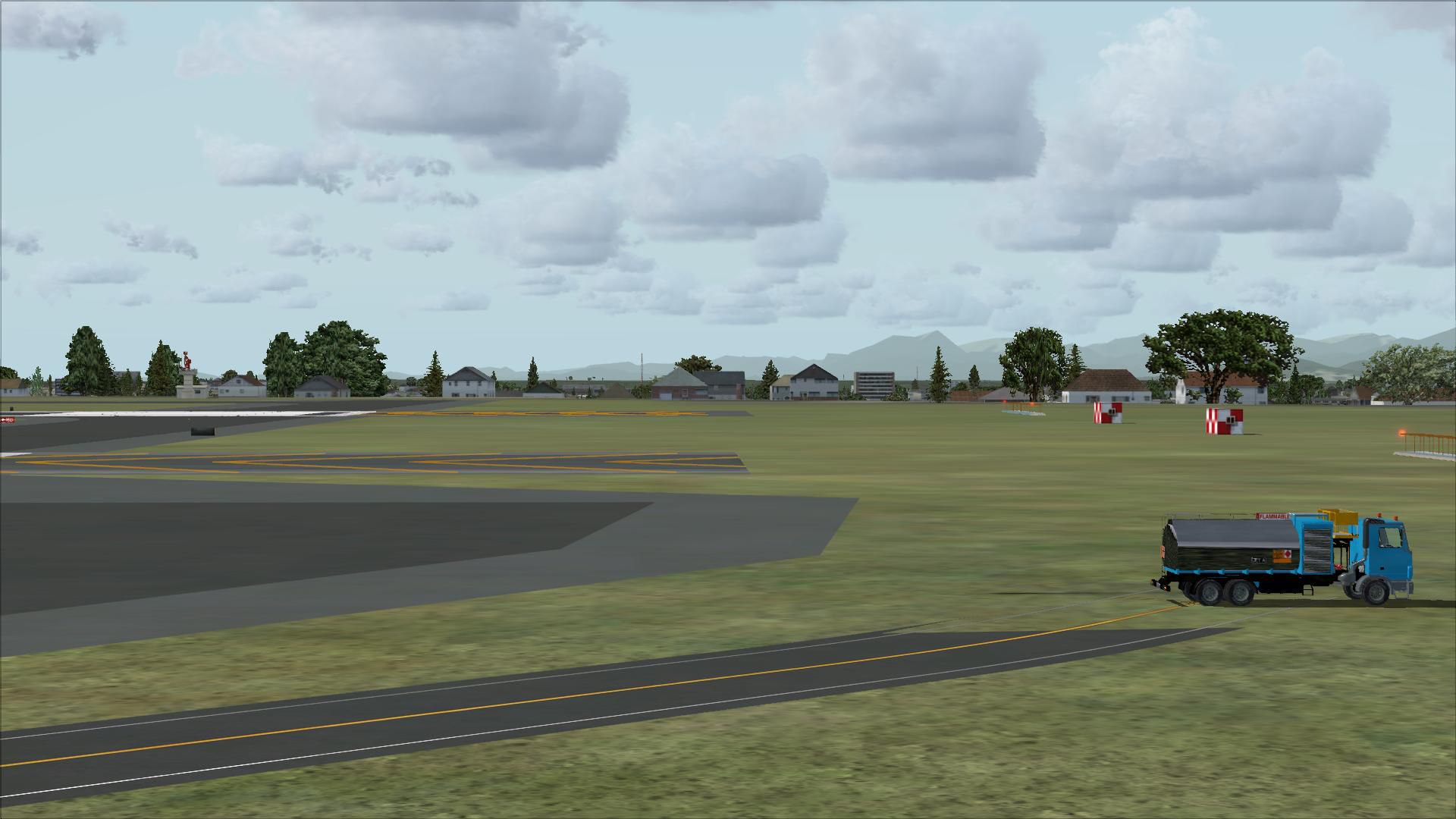
Seattle-Tacoma Intl Airport (KSEA) for FSX, update for default scenery. Provides current runway numbering (16R/34L changed to 16C/34C). All runways and taxiways are placed at correct geographic coordinates. Shoulders along the runways and taxiways have been added and surfaces changed to present an appearance that looks a little more realistic than the default airport.
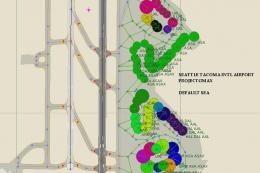
Default scenery for terminals and buildings are reused, parking and jetways have been adjusted to match current assignments. All runway and ILS holds placed as they are. Localizer, glideslope, DME and PAPI coordinates are asbuilt. The middle markers and LOM beacon are retained although they have been decommissioned but AFX cannot modify these facilities.
INSTALLATION: Put the ksea_asbuilt.bgl file in the FSX addon scenery folder (...\Microsoft Flight Simulator X\Addon Scenery\scenery).
A current copy of the FAA Airport Diagram is provided for reference.
Airport Facilitator X (AFX) ver 1.04 was used to create this file, references include FAA, Airnav, Google Earth and airport website. This file may be modified by others to update scenery or optimize for AI Traffic but I ask that you cite me as a source and such use is limited to freeware only. The use of this information for any commercial used is not authorized.
Note: This scenery has not been tested with traffic add-ons. Airline gate assignments have been added per the SeaTac website and all ramp and runway guides are placed to support traffic, but several runway hold positions that are placed to reflect reality may cause problems with AI traffic because they are further than 225 feet from runway edges (e.g., Taxiways H & J between runways).
Developer: Dan Downs.
Images & Screenshots


The archive ksea_asb.zip has 30 files and directories contained within it.
File Contents
This list displays the first 500 files in the package. If the package has more, you will need to download it to view them.
| Filename/Directory | File Date | File Size |
|---|---|---|
| KSEA_asbuilt.bgl | 12.31.07 | 129.76 kB |
| 00582AD.pdf | 10.13.07 | 207.40 kB |
| readme_ksea_asbuilt_v1.txt | 01.01.08 | 1.74 kB |
| flyawaysimulation.txt | 10.29.13 | 959 B |
| Go to Fly Away Simulation.url | 01.22.16 | 52 B |
| Screenshots | 09.13.19 | 0 B |
| screen-1.jpg | 09.10.19 | 215.43 kB |
| screen-10.jpg | 09.10.19 | 563.62 kB |
| screen-11.jpg | 09.10.19 | 261.05 kB |
| screen-12.jpg | 09.10.19 | 228.69 kB |
| screen-13.jpg | 09.10.19 | 243.75 kB |
| screen-14.jpg | 09.10.19 | 219.36 kB |
| screen-15.jpg | 09.10.19 | 255.43 kB |
| screen-16.jpg | 09.10.19 | 293.69 kB |
| screen-17.jpg | 09.10.19 | 171.26 kB |
| screen-18.jpg | 09.10.19 | 116.13 kB |
| screen-19.jpg | 09.10.19 | 118.11 kB |
| screen-2.jpg | 09.10.19 | 203.26 kB |
| screen-20.jpg | 09.10.19 | 106.39 kB |
| screen-21.jpg | 09.10.19 | 153.62 kB |
| screen-22.jpg | 09.10.19 | 152.24 kB |
| screen-23.jpg | 09.10.19 | 172.02 kB |
| screen-24.jpg | 09.10.19 | 163.46 kB |
| screen-3.jpg | 09.10.19 | 230.65 kB |
| screen-4.jpg | 09.10.19 | 171.49 kB |
| screen-5.jpg | 09.10.19 | 181.70 kB |
| screen-6.jpg | 09.10.19 | 181.09 kB |
| screen-7.jpg | 09.10.19 | 209.65 kB |
| screen-8.jpg | 09.10.19 | 237.14 kB |
| screen-9.jpg | 09.10.19 | 219.00 kB |

Installation Instructions
Most of the freeware add-on aircraft and scenery packages in our file library come with easy installation instructions which you can read above in the file description. For further installation help, please see our Flight School for our full range of tutorials or view the README file contained within the download. If in doubt, you may also ask a question or view existing answers in our dedicated Q&A forum.




0 comments
Leave a Response