

 FSX Scenery
Seattle-Tacoma International (WA)
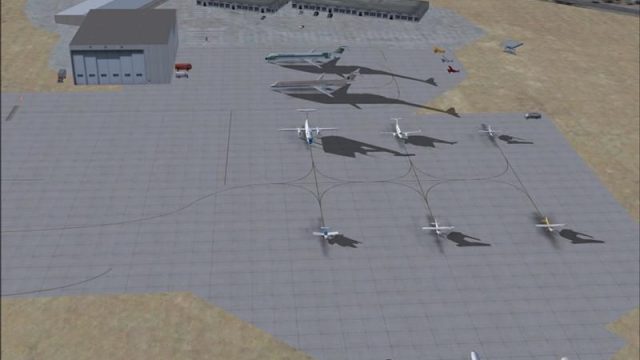
Seattle-Tacoma International (KSEA), Washington (WA), with three-runway confi…
Seattle-Tacoma International Airport (KSEA) scenery refreshes Sea-Tac in Washington with improved gate and jetway placement for smoother airline parking and ground alignment in FSX. Designed to work alongside Dan Downs’ ksea_asb.zip, it requires that airport update to deliver the most accurate coordinates and a more up-to-date terminal layout.
 Rate
Rate
 United States of America
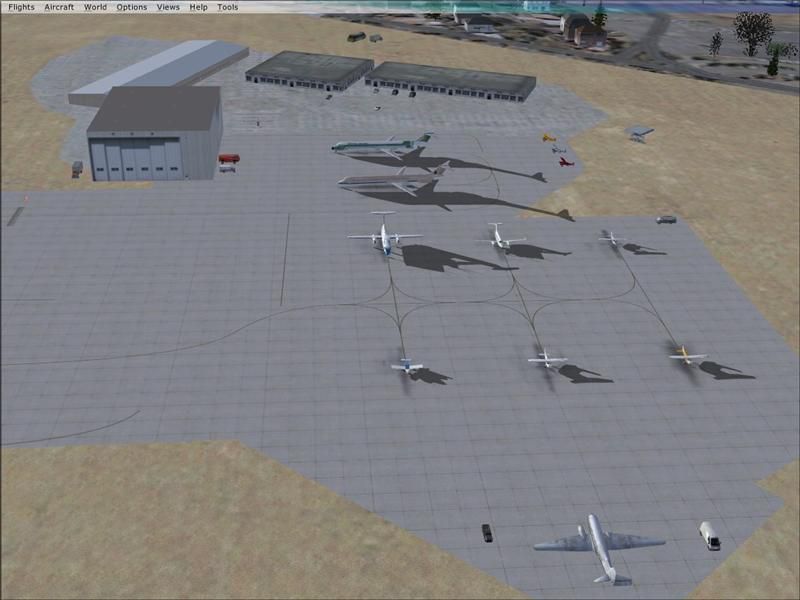
Seattle-Tacoma International airport (KSEA), Washington (WA). Additional information for SEATAC.ZIP. By Vince Marrone.
WA Seattle-Tacoma International Scenery.
I neglected to mention in the original read me text that the scenery was created with Dan Downs' " ksea_asb.zip" installed. This scenery adjusts some of the gate & jetway coordinates.etc. You should download and install " ksea_asb.zip" available at flightsim.com as this will correct some alignment issues you may have without it. Even if you don't use my seatac scenery this file will improve and update the airport. I apologize for any inconvenience this oversite may have caused.
I also wish to apologize for the duplicate file in the origianl scenery download and for any confusion it may have caused.
Vince Marrone
Free for all simmers · 51.28 KB · Scanned clean Oct 2026
Download speed: Free tier is capped at 0.5 Mbps. PRO members download at full line speed.
This add-on may require the following files to function properly. If this is a repaint, the dependency below is likely the base aircraft package.
FSX\Addon Scenery\ containing scenery and texture sub-folders.readme.txt or README file. It tells you exactly where files go, what dependencies are needed, and any quirks specific to this add-on.Use these coordinates to fly directly to this location once the mod is installed.
47.44890000,-122.30940000
Launch FSX or Prepar3D and use Flights → Load to open the downloaded .pln file. Your aircraft will be positioned at this location.
The archive seatac2.zip has 6 files and directories contained within it.
This list displays the first 500 files in the package. If the package has more, you will need to download it to view them.
| Filename/Directory | File Date | File Size |
|---|---|---|
| FILE_ID.DIZ..txt | 02.03.08 | 122 B |
| readme.txt | 02.03.08 | 781 B |
| static & AI traffic 2.jpg | 02.02.08 | 49.88 kB |
| seatac2 | 02.03.08 | 0 B |
| flyawaysimulation.txt | 10.29.13 | 959 B |
| Go to Fly Away Simulation.url | 01.22.16 | 52 B |
Only PRO members can place votes.
More FSX & P3D add-ons hand-picked based on this download.
FSX Scenery
Seattle-Tacoma International (KSEA), Washington (WA), with three-runway confi…
 FSX Scenery
Immerse yourself in an enhanced rendition of Seattle-Tacoma International Air…
 FSX Scenery
Bremerton National Airport (KPWT), Washington (WA). Includes a company FBO, c…
 FSX Scenery
Bremerton National Airport (KPWT), Washington (WA). Patch for Mark Smith's FS…
 FSX Scenery
Fireworks placed throughout western Washington (WA) from Port Angeles, Port T…
 FSX Scenery
Beach Party at Carnarvon W.A. FSX scenery and flights: Mayor Justing Pruttlez…
 FSX Scenery
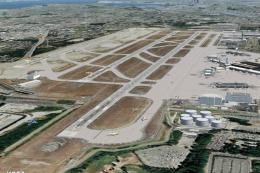
Seattle Airports, Washington (WA). A revision of the default Seattle-Tacoma (…
 FSX Scenery
Seattle Airport Scenery (SEATAC), Washington state (WA). This adds the much n…
Be the first to leave a comment on this download.
Be the first to share your thoughts on this download.