


 United States of America
  FSX Scenery
WA Seattle-Tacoma International
Seattle-Tacoma International airport (KSEA), Washington (WA). Additional info…
Seattle-Tacoma International Airport (KSEA) scenery refresh brings FSX closer to the 0812 AIRAC layout, adding runway 16R/34L with working ILS, expanded and renamed taxiways, and updated approach fixes for more accurate AI intercepts. Terrain is leveled with autogen exclusions, plus Cat III centerline lighting where applicable.
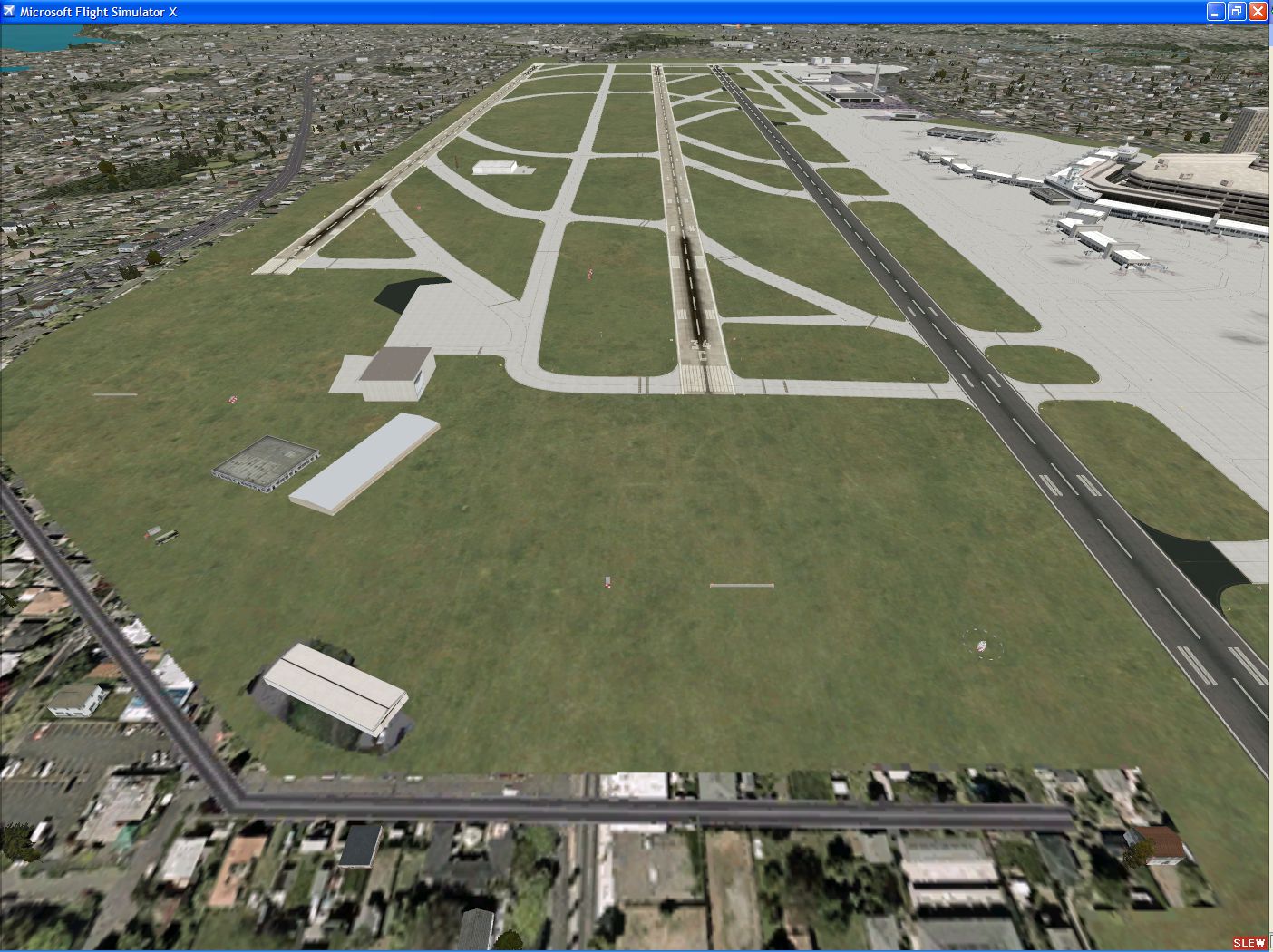
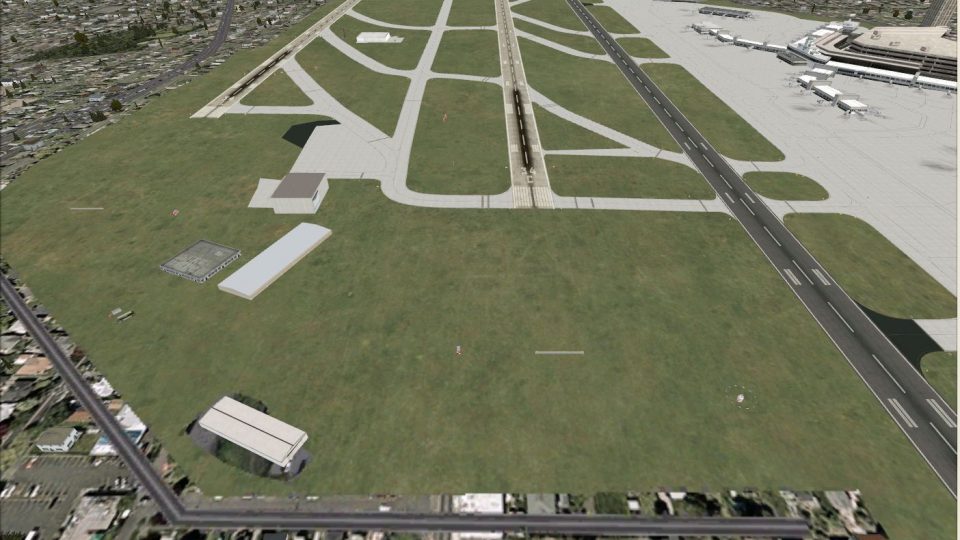
Seattle-Tacoma International (KSEA), Washington (WA), with three-runway configuration, v1.0. This scenery updates the FSX default scenery with the taxiway, runway, and approaches as of the 0812 AIRAC cycle, effective November 20, 2008. By Owen Catherwood.
Seattle-Tacoma International Scenery.
This scenery updates the FSX default scenery with the taxiway, runway, and approaches as of the 0812 AIRAC cycle, effective November 20, 2008.
Features include:
New runway 16R/34L with working ILS approaches.
*Added all taxiways which lead to 16R/34L, along with the re-named twy T.
*Added the closed "stub" taxiway branching off from twy P, which will be used once they close 16L/34R for resurfacing next year.
*Added the ramp "taxiway" W, which is parallel to twy B. This is the taxiway to which aircraft pushing back from the concourses facing twy B stop, or will turn off B and then taxi along W to the Concourse C Horizon gates.
*Added centerline lights for taxiways anticipated for Cat III operations to/from the new runway.
*All approaches and their associated fixes updated to match the 0812 AIRAC data. AI aircraft will now intercept the 16 localizers at 3200 in the vicinity of ANVIL, instead of 1900 over BFI.
*Flattened/excluded autogen and underlying terrain to be level with the rest of the airport when using add-on terrain (KSEA being on a plateau in real life).
*Removed the portions of the SW GA ramp bulldozed to make way for the localizer and approach path to 34L.
This scenery was developed using the excellent freeware Airport Design Editor, and notepad++ for hand-editing the approach code.
INSTALLATION:
Extract contents to the FSX\Addon Scenery\scenery folder.
3RD PARTY TERRAIN/MESH USERS:
If your terrain and mesh have updated terrain values for the new runway, delete the file KSEA_ADE_OC_CVX.bgl. This contains both the terrain updates, as well as the autogen/landclass exclude.
VATSIM users: The 16's are the calm wind (<5kt) runways. In normal configuration, ZSE will continue to land 16C, and depart 16L. In heavy traffic situations, we will land 16L and 16R, departing 16C. The same holds for the North flow.
Free for all simmers · 2.71 MB · Scanned clean Oct 2026
Download speed: Free tier is capped at 0.5 Mbps. PRO members download at full line speed.
FSX\Addon Scenery\ containing scenery and texture sub-folders.readme.txt or README file. It tells you exactly where files go, what dependencies are needed, and any quirks specific to this add-on.Use these coordinates to fly directly to this location once the mod is installed.
47.44900000,-122.30900000
Launch FSX or Prepar3D and use Flights → Load to open the downloaded .pln file. Your aircraft will be positioned at this location.
The archive ksea3.zip has 8 files and directories contained within it.
This list displays the first 500 files in the package. If the package has more, you will need to download it to view them.
| Filename/Directory | File Date | File Size |
|---|---|---|
| KSEA_ADE_OC.BGL | 11.19.08 | 46.12 kB |
| KSEA_ADE_OC_CVX.bgl | 11.18.08 | 782 B |
| KSEA_After.PNG | 11.18.08 | 2.69 MB |
| KSEA_Approaches.BGL | 11.18.08 | 10.40 kB |
| README.txt | 11.19.08 | 1.97 kB |
| FILE_ID.DIZ | 11.23.08 | 277 B |
| flyawaysimulation.txt | 10.29.13 | 959 B |
| Go to Fly Away Simulation.url | 01.22.16 | 52 B |
Only PRO members can place votes.
More FSX & P3D add-ons hand-picked based on this download.
FSX Scenery
Seattle-Tacoma International airport (KSEA), Washington (WA). Additional info…
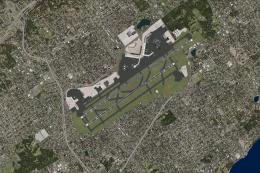 FSX Scenery
Immerse yourself in an enhanced rendition of Seattle-Tacoma International Air…
 FSX Scenery
Bremerton National Airport (KPWT), Washington (WA). Includes a company FBO, c…
 FSX Scenery
Bremerton National Airport (KPWT), Washington (WA). Patch for Mark Smith's FS…
 FSX Scenery
Fireworks placed throughout western Washington (WA) from Port Angeles, Port T…
 FSX Scenery
Beach Party at Carnarvon W.A. FSX scenery and flights: Mayor Justing Pruttlez…
 FSX Scenery
Seattle Airports, Washington (WA). A revision of the default Seattle-Tacoma (…
 FSX Scenery
Seattle Airport Scenery (SEATAC), Washington state (WA). This adds the much n…
Be the first to leave a comment on this download.
Be the first to share your thoughts on this download.