


 FS2002
Malmö Aviation RJ100. Textures only
Requires BAE1463.zip by Jon Murchison (here) . Base textures by Joe Murchison…
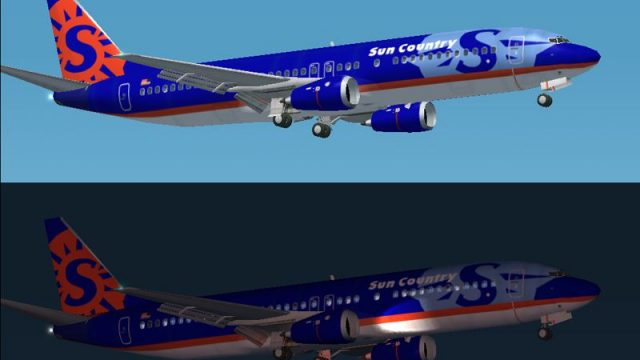
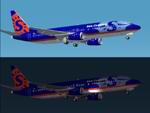
Sun Country Airlines textures refresh the default Boeing 737-400 with accurate exterior markings and matching ATC identification for an authentic airline feel in FS2002. Designed as a repaint for the stock Microsoft model, it delivers a clean, period-correct look while keeping the original aircraft’s panel, sounds, and flight behavior intact.
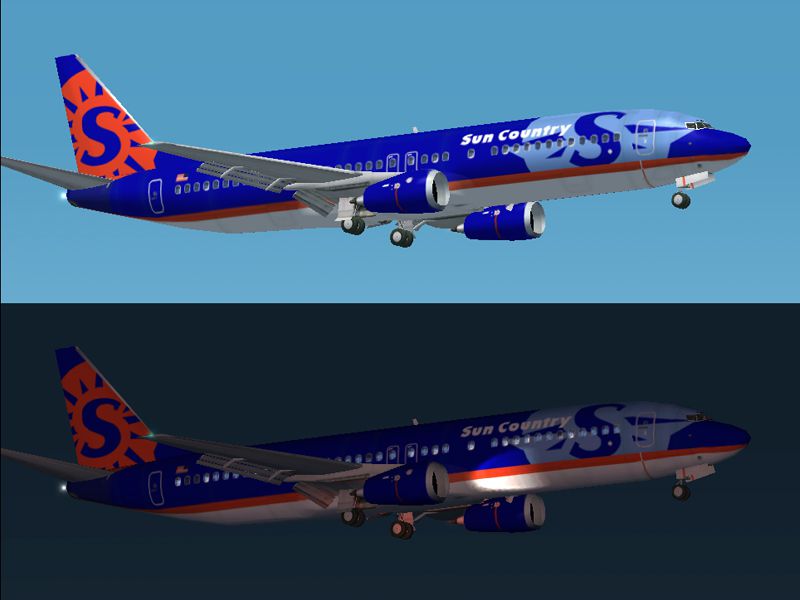
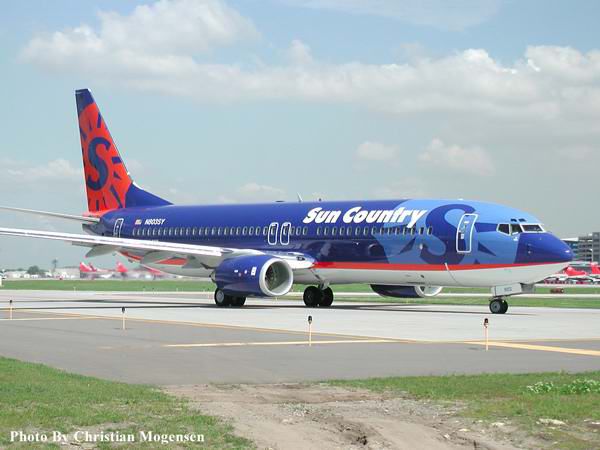
Boeing 737-400 Sun Country Re-paint for FS2002. 737 model by Microsoft. Freeware blank textures.
737-400 FS2002 Re-Paint freeware by Christian Mogensen C 2001 cmogens1@hotmail.com
Put the (b737_400_T.bmp) in your FS2002\aircraft\b737_400\Texture directory.
Overwrite the file. Save the original if you want to.
In your aircraft.cfg file copy and paste the following over the (fltsim.0)portion of text and save it as plain text. This will give you the atc name Sun Country and name the plane in your aircraft window.
[fltsim.0]

title=Boeing 737-400

sim=Boeing737-400

model=

panel=

sound=

texture=

kb_checklists=Boeing737-400_check

kb_reference=Boeing737-400_ref

atc_id=N802SY

atc_airline=Sun Country

atc_flight_number=1123

ui_manufacturer=Boeing

ui_type=737-400

ui_variation=Sun Country

visual_damage=1

description=One should hardly be surprised that the world's most prolific manufacturer of commercial aircraft is also the producer of the world's most popular jetliner. The 737 became the best-selling commercial jetliner worldwide when orders for it hit 1,831 in June 1987 (surpassing Boeing's own 727 as the previous champ). However, it wasn't always that way\s in the first few years of production, there were so few orders that Boeing considered canceling the program. They didn't, and the airplane has more than proven itself in over three decades of service.
Free for all simmers · 543.62 KB · Scanned clean
Download speed: Free tier is capped at 0.5 Mbps. PRO members download at full line speed.
readme.txt or README file. It tells you exactly where files go, what dependencies are needed, and any quirks specific to this add-on.The archive sc737.zip has 10 files and directories contained within it.
This list displays the first 500 files in the package. If the package has more, you will need to download it to view them.
| Filename/Directory | File Date | File Size |
|---|---|---|
| SC737.gif | 11.05.01 | 6.47 kB |
| C info.txt | 11.05.01 | 819 B |
| b737_400_T.bmp | 11.05.01 | 1.00 MB |
| readme.txt | 11.05.01 | 1.27 kB |
| FILE_ID.diz | 11.05.01 | 174 B |
| large737.jpg | 11.05.01 | 165.71 kB |
| sc737 | 11.05.01 | 0 B |
| real737.jpg | 11.06.01 | 35.27 kB |
| flyawaysimulation.txt | 10.29.13 | 959 B |
| Go to Fly Away Simulation.url | 01.22.16 | 52 B |
Hand-picked add-ons similar to this download.
FS2002
Requires BAE1463.zip by Jon Murchison (here) . Base textures by Joe Murchison…
 FS2002
will not work in prior MSFS versions!! A pair of classic Fleet Canuck 80, Can…
 FS2002
powered by RR engines. The A340-500 is 222 feet in overall length with a maxi…
 FS2002
Air Jamaica Textures for the default 737-400 for FS2002. Actual livery of Air…
 FS2002
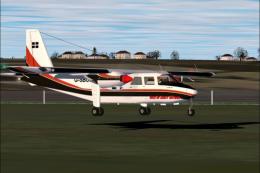
Britten Norman Islander model by Marcel Kuhnt available here. This repaint de…
 FS2002
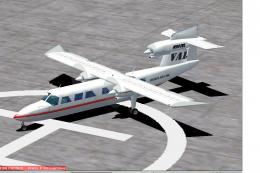
This is local Airline serving the island of vieques p.r. And surroundings. I …
 FS2002
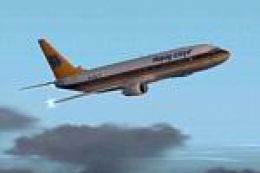
At last here it is, the Hapag Lloyd livery of the German carrier. Have a lot …
 FS2002
5 new aircraft repaints of Fred Choate's wonderful Piper Aztec. You can insta…
Be the first to leave a comment on this download.
Be the first to share your thoughts on this download.