


 FSX Historic & Vintage Aircraft
P-51 Racer Old Crow
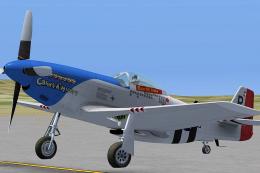
A repaint of the North American P51 Mustang Racer to resemble the P-51D "Old …
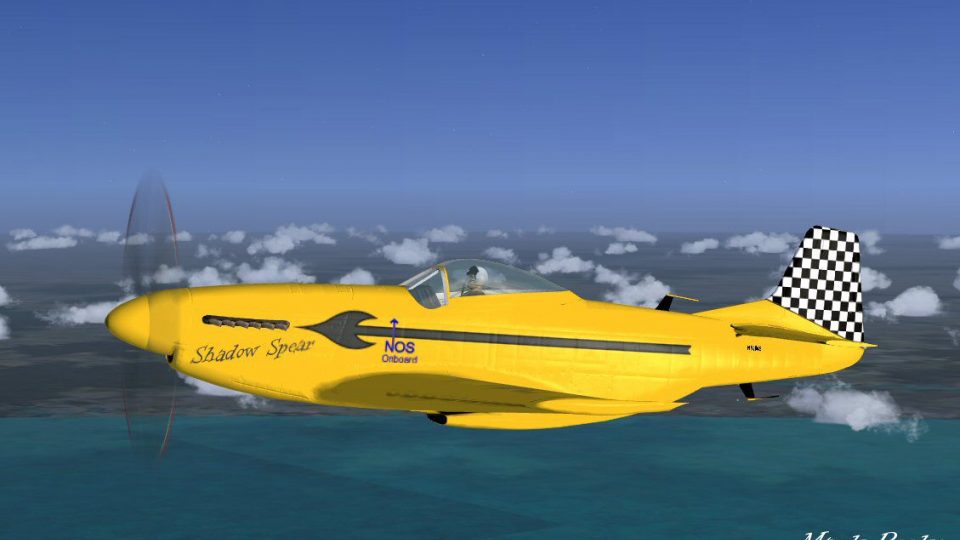
Shadow Spear turns the default North American P-51 Mustang into a high-performance piston racer for FSX, pairing aggressive flight dynamics with fresh visual effects and a custom texture set. An assignable NOS boost delivers an extra surge for pure speed runs, while the included autopilot keeps long dashes manageable.

This is the Microsoft default North American P51 Mustang model with new high performance flight dynamics and new effects. Built purely for fun and speed lots of speed. Use the NOS for a added thrill. This aircraft entitled Shadow Spear is the ultimate piston racer. Textures and modifications by Mark Rooks of RDG Aircraft.
Screenshot of P-51 'Shadow Spear 'in flight.
To install this aircraft:
As always back up any original files.
1. Unzip downloaded folders to your desktop or temporary directory of your choice.
2. Copy the " P-51 Shadow Spear.zip " and paste it in the main aircraft folder. By default the main aircraft folder is located at: "C:Program FilesMicrosoft GamesFSXSIM Objects /Aircraft".
3. Be sure to completely unzip all files the aircraft file when complete will Cotain 6 files the Following 6 files goes in the aircraft folder CFG Airfile Model Sound Panel Textures.
4. Unzip the gauges folder and put the gauges in the FSX gauges folder located at "C:Program FilesMicrosoft GamesFSXGauges".
Find or assign a key of your choice for NOS.. and press for a added boost aircraft will do 800 knots with NOS boost.
Also aircraft has a auto pilot enjoy.
Made Simpler:
Make sure all files are unzipped the New Plane folder should contain 6 files unzipped they are CFG Airfile Sound Model Texture Panel the New Plane folder with the 6 files goes in the game aircraft folder found at C:Program FilesMicrosoft GamesMicrosoft Flight Simulator XSimObjectsAirplanes follow the path ie open the c drive then open program files then open Microsoft Games then open Microsoft Flight Simulator X then open SimObjects then open Airplanes folder the New Plane goes in that folder.
Textures and FSX updates created by Mark "Fire Ball" Rooks.
Enjoy your new repaint.
Thanks for downloading.
"Fire Ball"
In The Words of Tim Conrad AKA Piglet.
Enjoy!
This model was built to the best of my skills, knowledge, and simply to my own tastes and standards. If something is "missing", or "wrong", oh well, you got it for a good price:-) For a one-man shop, I think I do pretty well:-p
Free for all simmers · 25.58 MB · Scanned clean
Download speed: Free tier is capped at 0.5 Mbps (this file takes approximately 7 mins at the cap). PRO members download at full line speed.
SimObjects\Airplanes\, Addon Scenery\, Effects\, or Gauges\.readme.txt or README file. It tells you exactly where files go, what dependencies are needed, and any quirks specific to this add-on.The archive shadow_spear_.zip has 8 files and directories contained within it.
This list displays the first 500 files in the package. If the package has more, you will need to download it to view them.
| Filename/Directory | File Date | File Size |
|---|---|---|
| gauges.zip | 10.25.10 | 711.29 kB |
| P-51 Shadow Spear.zip | 08.20.11 | 24.43 MB |
| panel.zip | 10.25.10 | 385.29 kB |
| Read Me First.txt | 08.20.11 | 2.66 kB |
| Screen NOSjpg.jpg | 08.19.11 | 75.89 kB |
| Text.txt | 08.20.11 | 236 B |
| flyawaysimulation.txt | 10.29.13 | 959 B |
| Go to Fly Away Simulation.url | 01.22.16 | 52 B |
More FSX & P3D add-ons hand-picked based on this download.
FSX Historic & Vintage Aircraft
A repaint of the North American P51 Mustang Racer to resemble the P-51D "Old …
 FSX Historic & Vintage Aircraft
This is a knock off of the Commemorative Air Forces's P51D Mustang "Gunfigher…
 FSX Historic & Vintage Aircraft
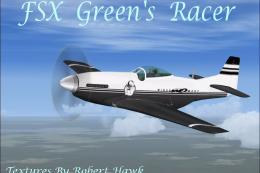
Textures only. A repaint of the P-51 Mustang Racer to resemble the P-51D "Cri…
 FSX Historic & Vintage Aircraft
This package features an authentic rendition of the North American P-51 Musta…
 FSX Historic & Vintage Aircraft
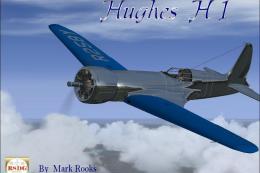
FSX Hughes H1 Racer. A repaint of Tim Conrad's H1 Racer with modified alpha c…
 FSX Historic & Vintage Aircraft
A2A Simulations P-47 Razorback III representing P-47C-20-RA 41-6271 HV-K and …
 FSX Historic & Vintage Aircraft
Experience the thrill of a specially repainted P-51 Mustang D, meticulously a…
 FSX Historic & Vintage Aircraft
Spitfire Mk XIV 'Bluebird' Racer. Fictional polished metal racer with contra-…
Read what other simmers think, or add your own.

Takeoff for the 51s was the same as for the 47s.
The 51 flaps-down technique was used on carriers, first tested off Oceania and Norfolk.

My p-51 is not working. I select it in the menu and when you will enter, the screen is locked. I wonder what's going on? tested 3 p-51 downloaded elsewhere and is giving the same defect.

Absolutely amazing plane! Take's alot to get the take off's right though but overall a very good plane