

 X-Plane Civil Heavy Aircraft
XPFW A380 AI Pack
Another in the series of AI aircraft. These AI aircraft are designed to give …
XPFW’s Airbus A319 AI Pack brings lightweight, believable airline traffic to X-Plane 10 with tuned AI behavior and optimized models that help keep frame rates smooth. It removes cockpit and sound assets, simplifies geometry, textures, and flight modeling, and includes 10 real-world liveries for varied ramp and enroute traffic.
 Rate
Rate

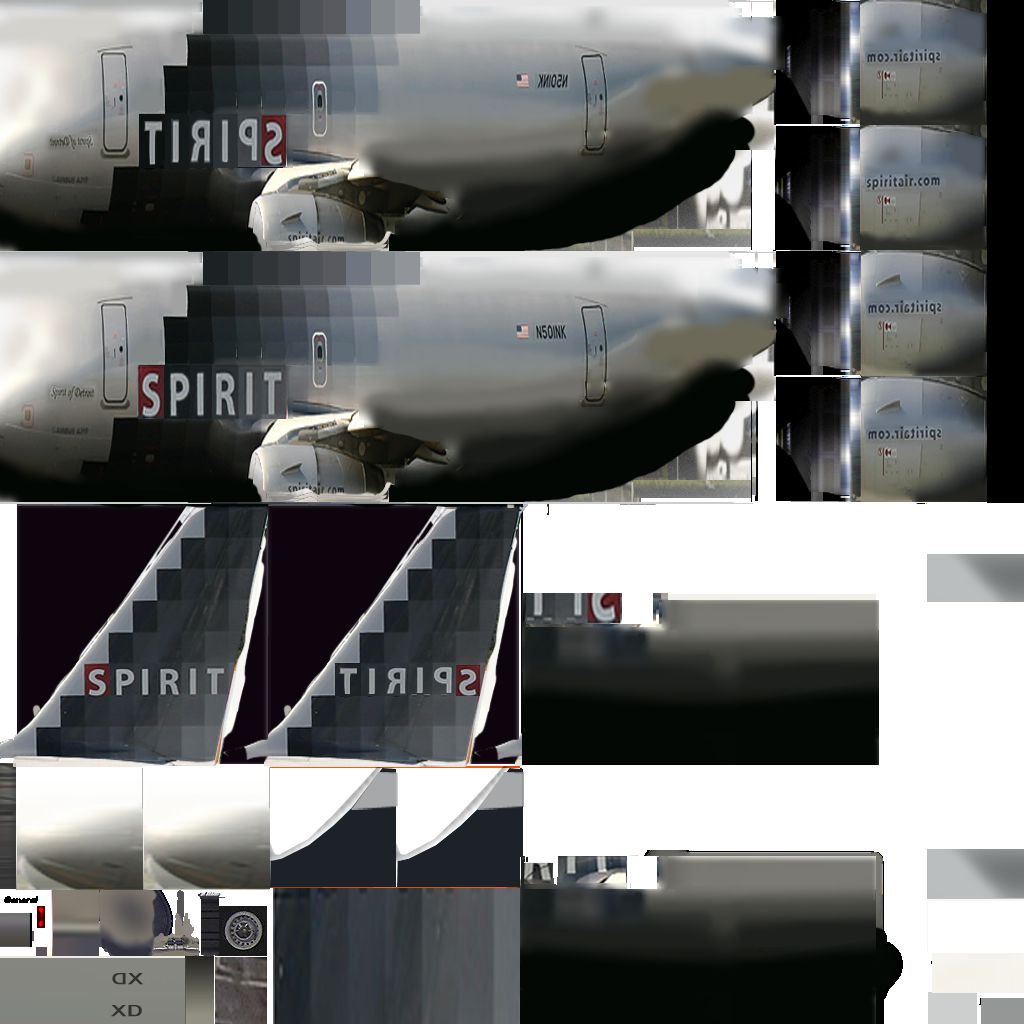
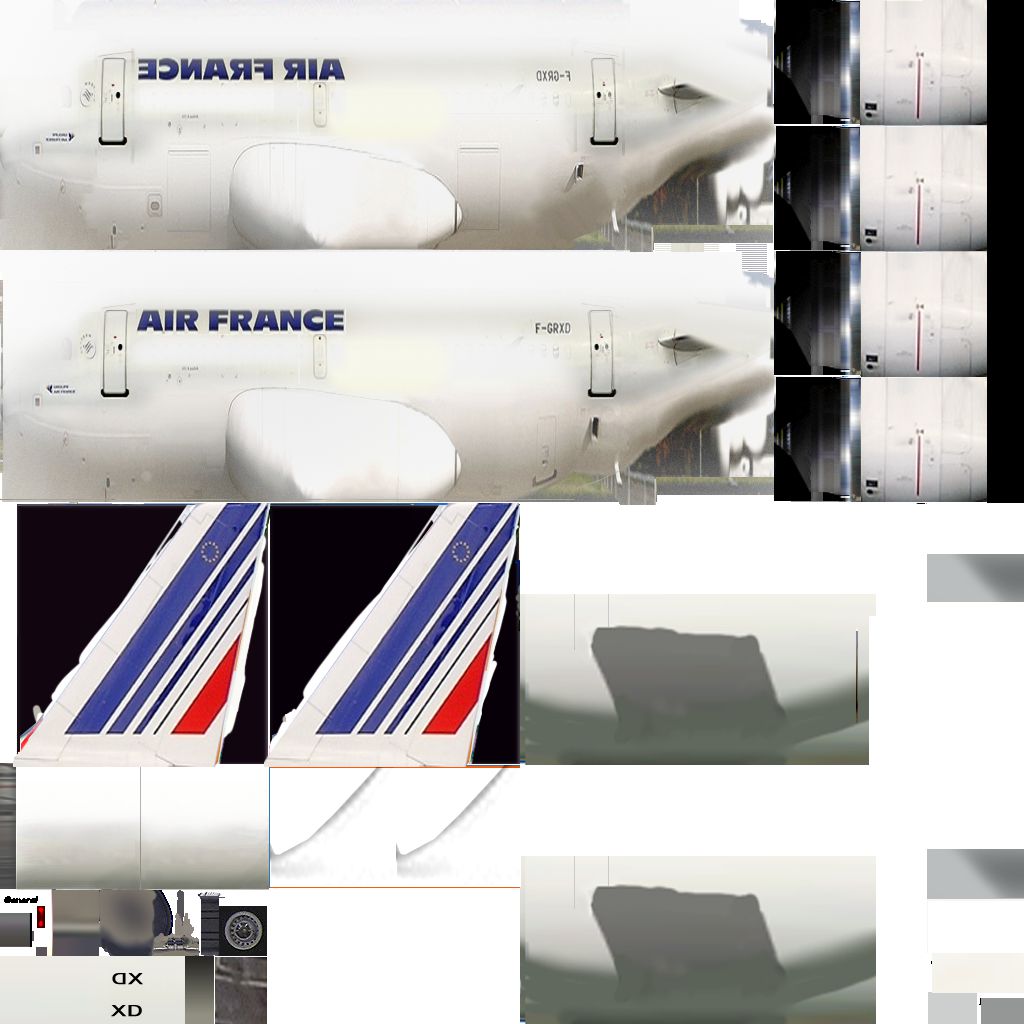
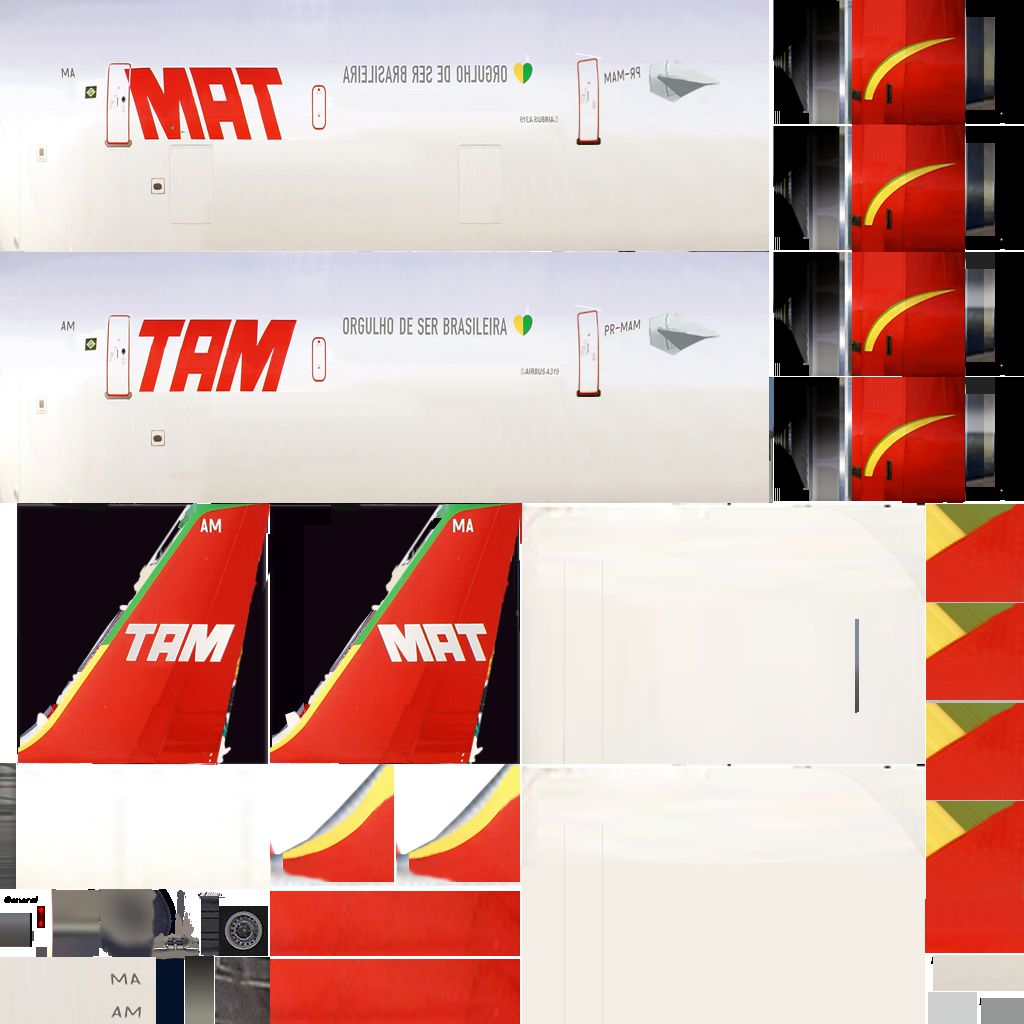
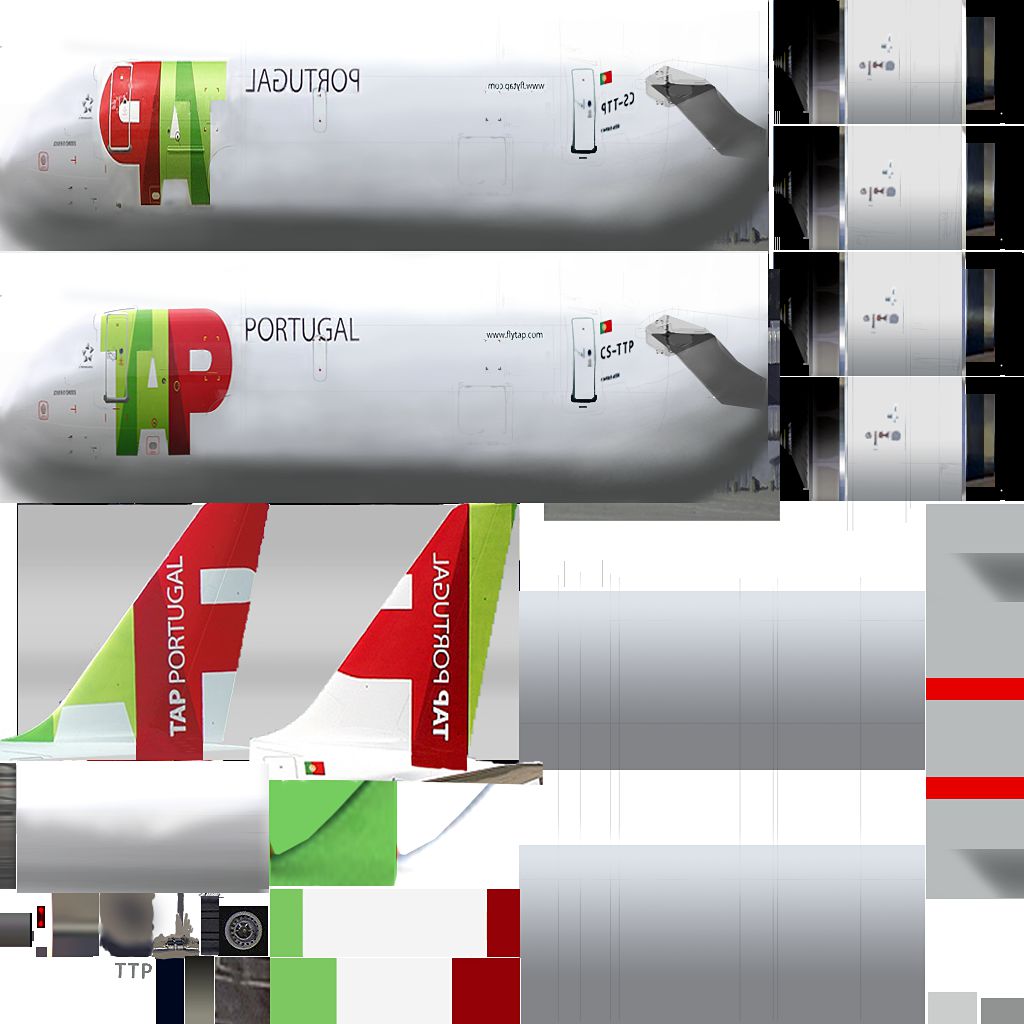
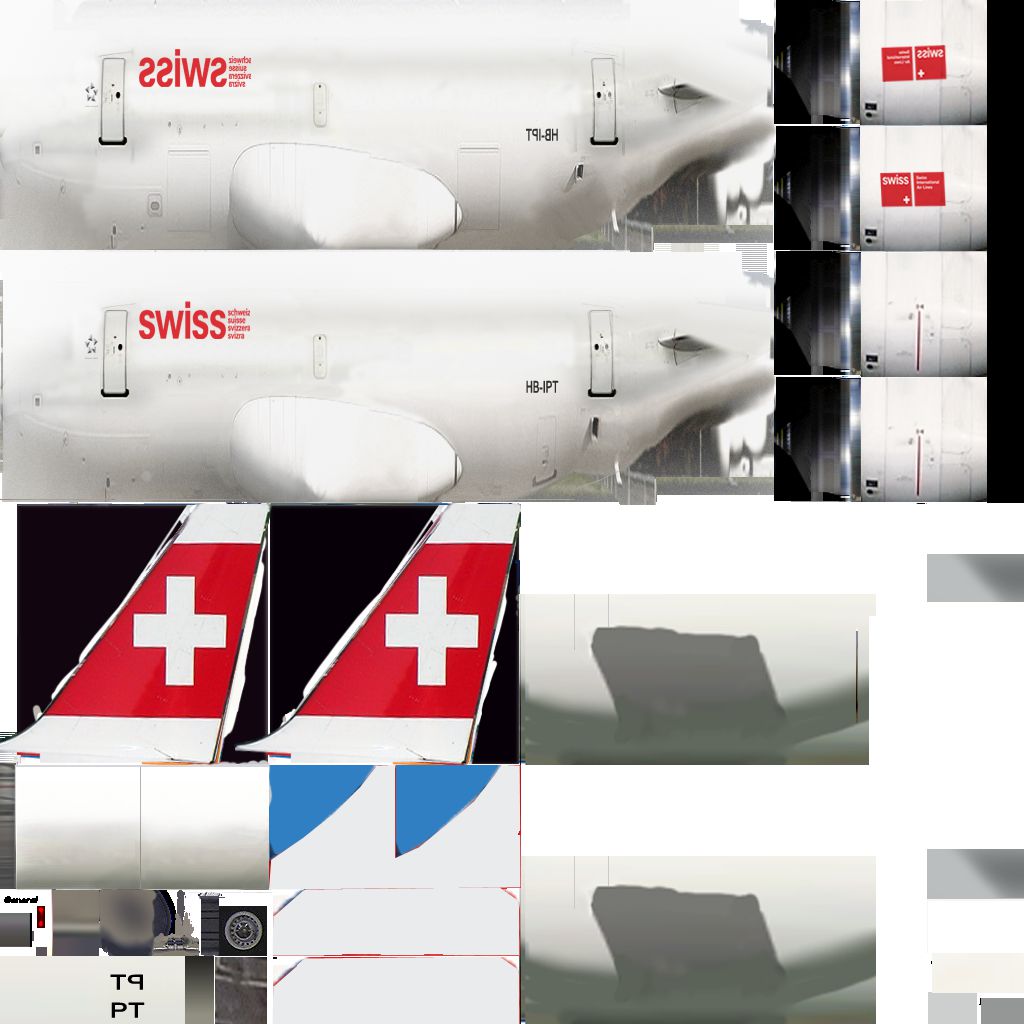
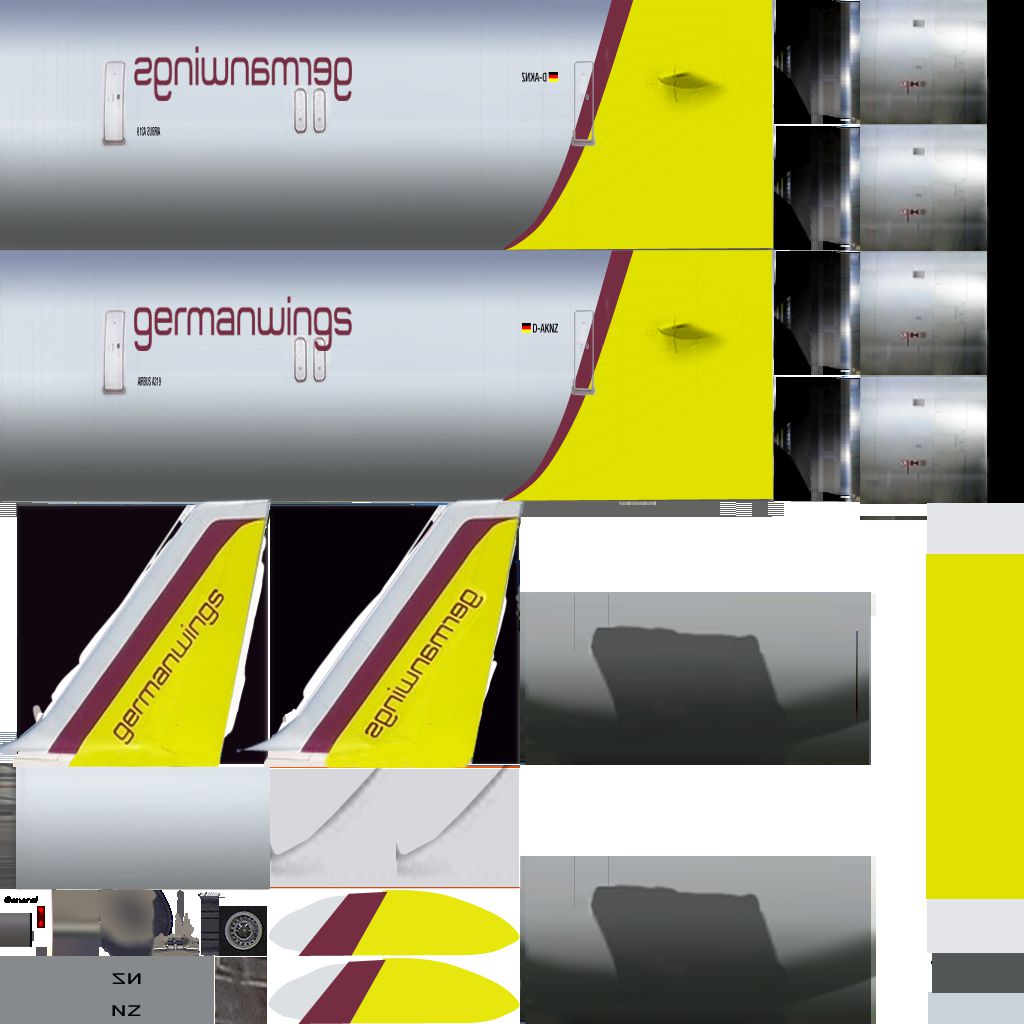
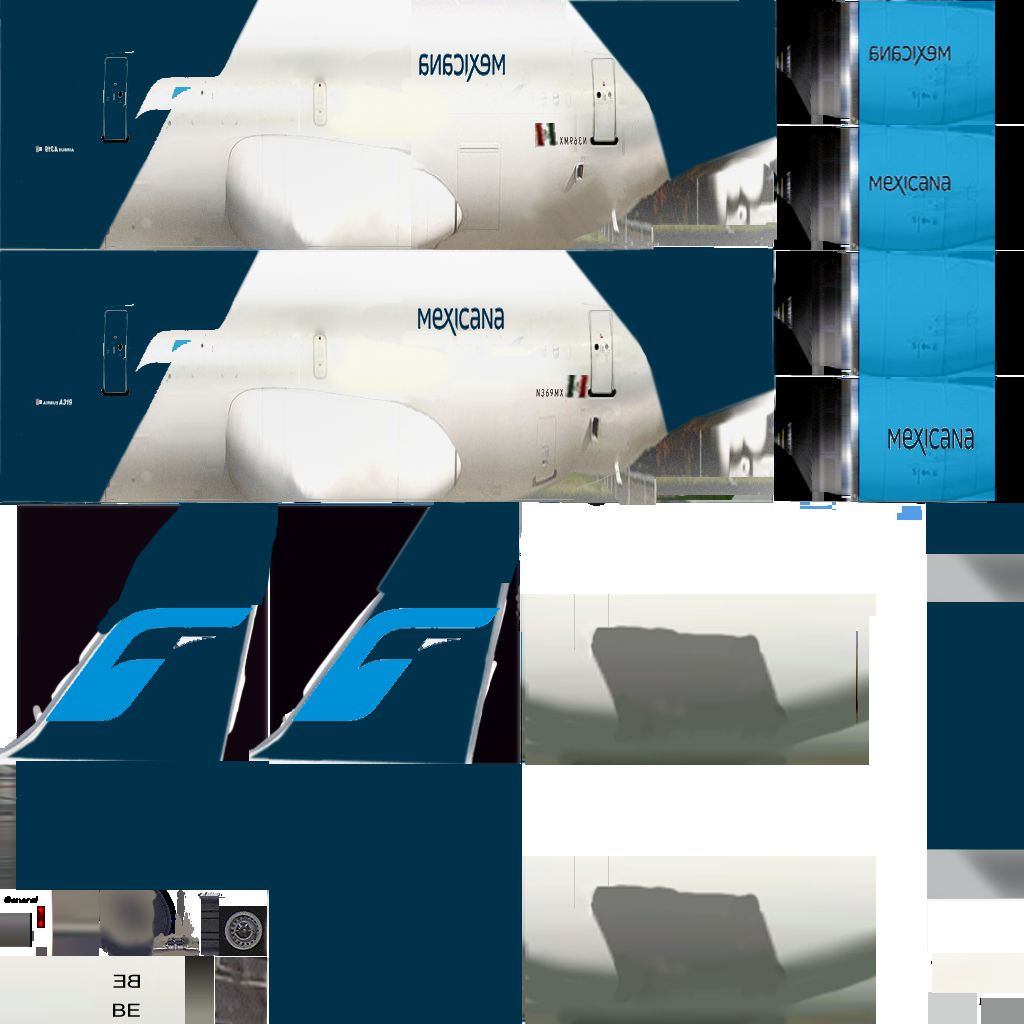




This free package from the XPFW creators provides a specialized Airbus A319 AI fleet for X-Plane 10. It focuses on reducing system resource usage while delivering credible airline liveries and refined flight behavior. By minimizing the load on performance, simmers can maintain smooth frame rates even with multiple AI-controlled aircraft in the environment.
These models represent the Airbus A319, a shorter-fuselage member of the Airbus A320 series renowned for its efficient short- to medium-haul operations worldwide. The team at XPFW strategically modified geometry and textures to reduce unnecessary visual detail while preserving a realistic exterior appearance. Consequently, these A319s are well-suited for integration as non-player traffic, adding immersion without excessively taxing system resources.
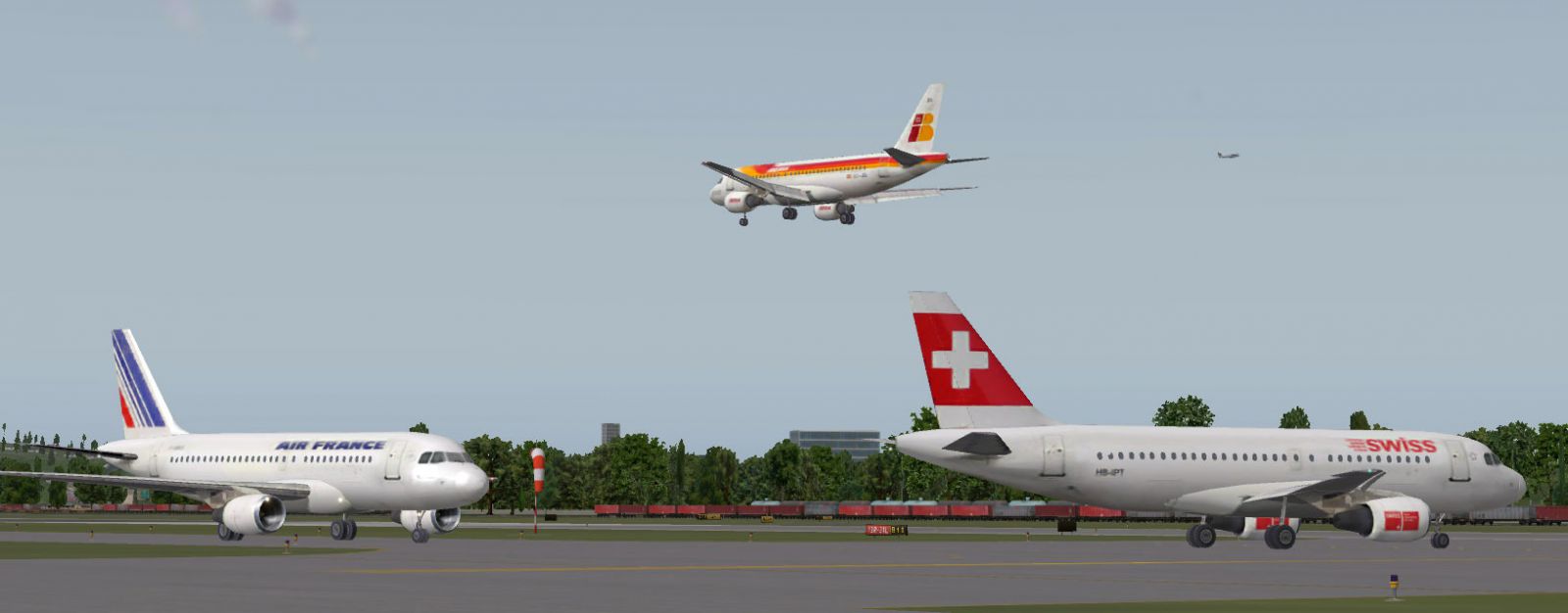
View of several AI Airbus A319s on the ramp.
To ensure these AI aircraft run efficiently, the developers removed flight deck components, sound files, and complex textures. They also simplified the underlying flight model, which normally dictates aerodynamic forces and control surfaces, and further modified integral parameters so that the simulation’s AI pilot can operate these aircraft in a more streamlined manner. These modifications collectively enable the simulator to render larger numbers of A319s without overwhelming your CPU or GPU.
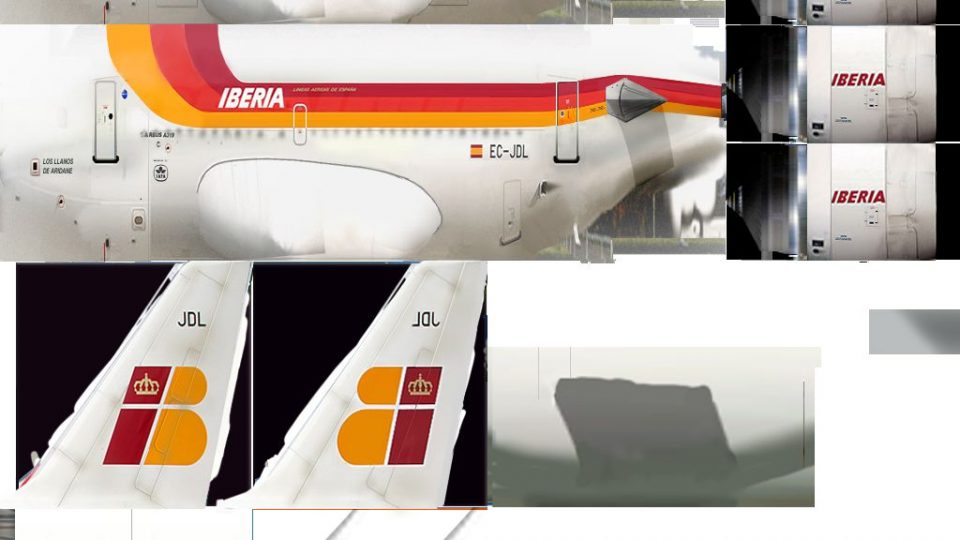
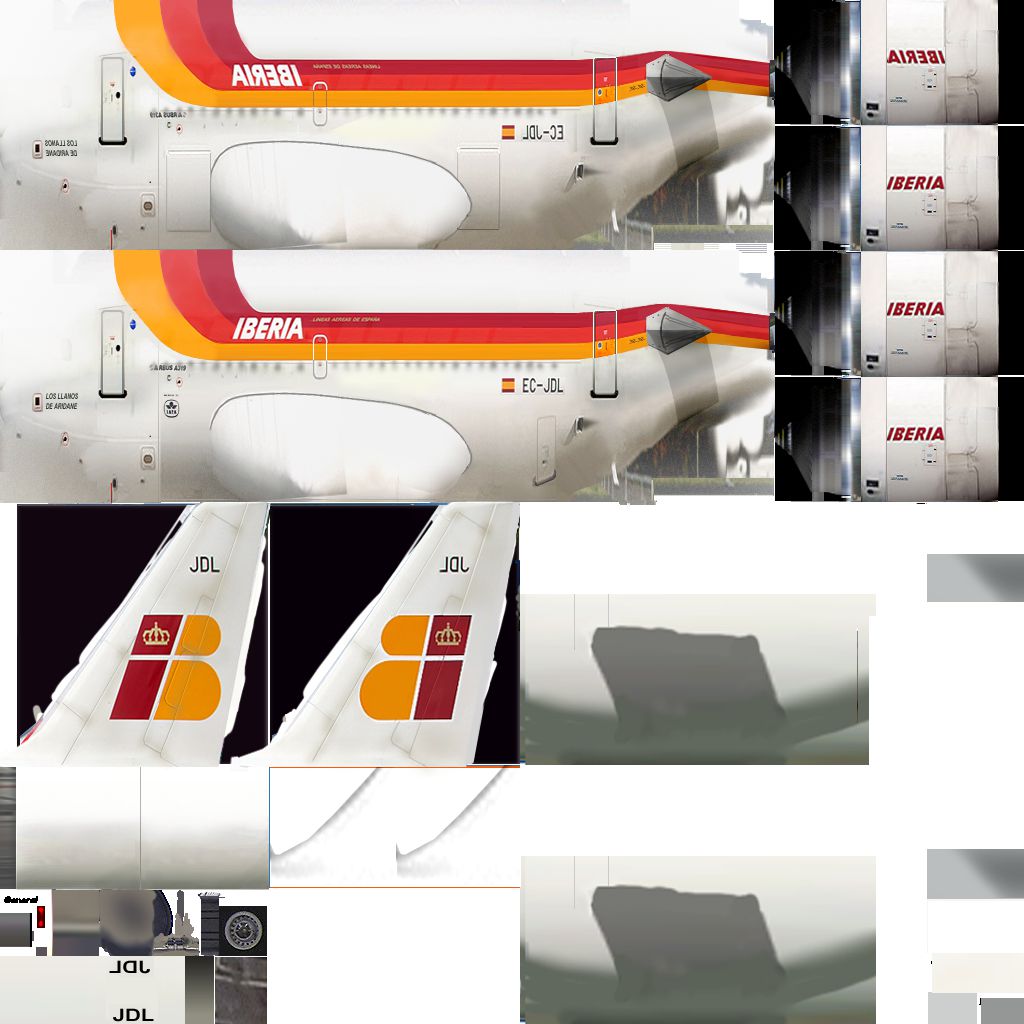
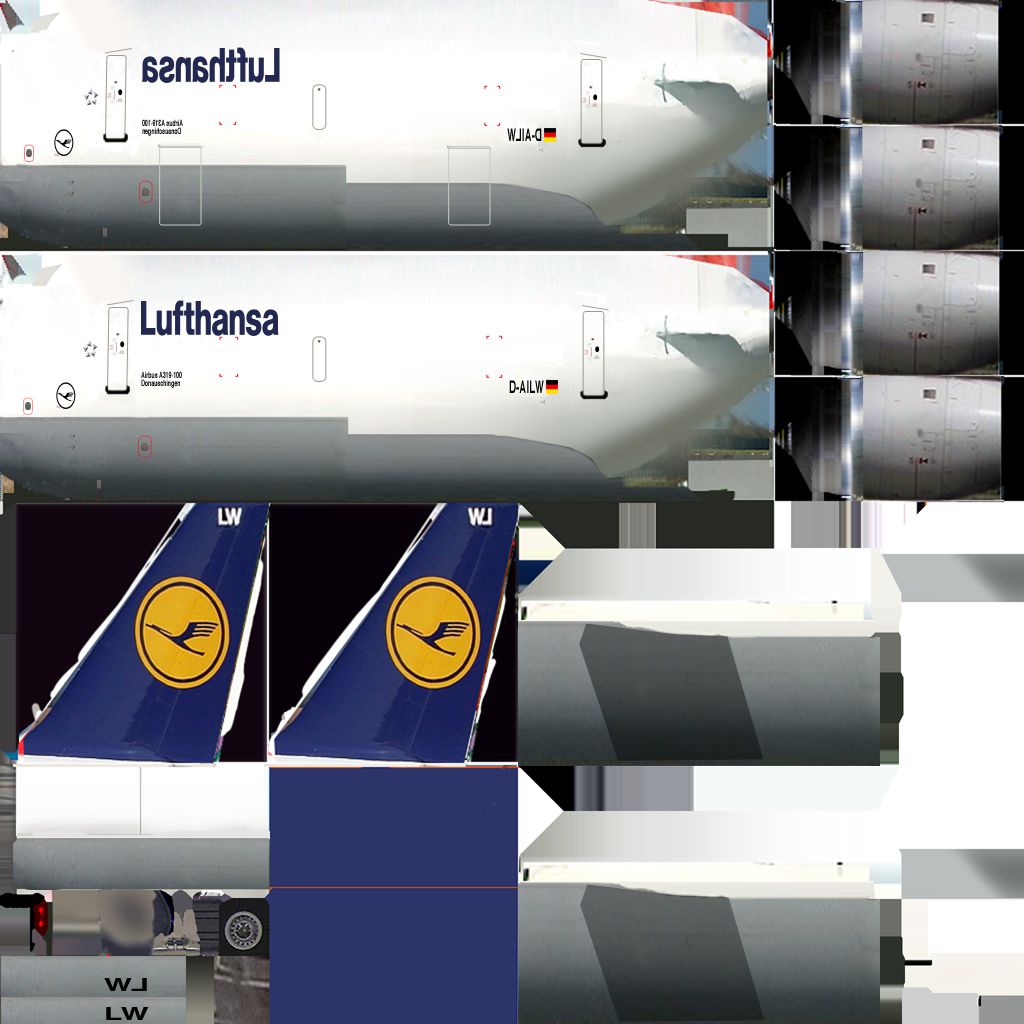
This collection includes ten distinct liveries, reflecting actual operators of the Airbus A319. You can spot well-known names across different continents, each with unique color schemes. The following airlines are preloaded in the pack:
Installing these AI aircraft is straightforward. Simply follow the process below to integrate them into your X-Plane 10 environment. Once active, the simulator’s internal AI engine can generate traffic scenarios featuring these A319s, creating a more vibrant airport experience.
The XPFW group, including various designers, aircraft modelers, and expert repainters, contributed significantly to this project. Their original work on Airbus family jets served as the foundation for these optimized AI variants. Their dedication ensures that simmers can enjoy rich airport environments with minimal performance impact. Additional liveries and ongoing updates can be found through the XPFW registry and community resources.
Free for all simmers · 20.18 MB · Scanned clean Oct 2026
Download speed: Free tier is capped at 0.5 Mbps (this file takes approximately 6 mins at the cap). PRO members download at full line speed.
Aircraft/ (planes), Custom Scenery/ (airports, mesh), or Resources/plugins/ (plugins).readme.txt or README file. It tells you exactly where files go, what dependencies are needed, and any quirks specific to this add-on.The archive XPFW A319 AI.zip has 200 files and directories contained within it.
This list displays the first 500 files in the package. If the package has more, you will need to download it to view them.
| Filename/Directory | File Date | File Size |
|---|---|---|
| XPFW A319 AI | 12.26.11 | 0 B |
| __MACOSX | 12.26.11 | 0 B |
| XPFW A319 AI | 12.26.11 | 0 B |
| A319-100 Air France | 12.26.11 | 0 B |
| A319-100 Air France | 12.26.11 | 0 B |
| A319.acf | 12.26.11 | 2.95 MB |
| a319_cockpit.obj | 12.22.05 | 3.70 MB |
| A319_cockpit.png | 12.20.11 | 35.88 kB |
| A319_paint.png | 12.26.11 | 821.43 kB |
| A319_paint2.png | 12.20.11 | 164.97 kB |
| A319_paint_LIT.png | 12.20.11 | 40.63 kB |
| Airfoils | 09.20.06 | 0 B |
| A320R Supercritical.afl | 07.25.05 | 24.23 kB |
| A320T Supercritical.afl | 07.25.05 | 24.23 kB |
| Horz Stab.afl | 07.25.05 | 24.26 kB |
| NACA 0009 (symmetrical).afl | 07.31.05 | 24.26 kB |
| XPFWa32xsym10dot5.afl | 07.31.05 | 24.23 kB |
| A319-100 EasyJet | 12.26.11 | 0 B |
| A319-100 EasyJet | 12.26.11 | 0 B |
| A319.acf | 12.26.11 | 2.95 MB |
| a319_cockpit.obj | 12.22.05 | 3.70 MB |
| A319_cockpit.png | 12.20.11 | 35.88 kB |
| A319_paint.png | 08.06.06 | 795.34 kB |
| A319_paint2.png | 12.20.11 | 164.97 kB |
| A319_paint_LIT.png | 12.26.11 | 44.41 kB |
| Airfoils | 09.20.06 | 0 B |
| A320R Supercritical.afl | 07.25.05 | 24.23 kB |
| A320T Supercritical.afl | 07.25.05 | 24.23 kB |
| Horz Stab.afl | 07.25.05 | 24.26 kB |
| NACA 0009 (symmetrical).afl | 07.31.05 | 24.26 kB |
| XPFWa32xsym10dot5.afl | 07.31.05 | 24.23 kB |
| A319-100 Germanwings | 12.26.11 | 0 B |
| A319-100 Germanwings | 12.26.11 | 0 B |
| A319.acf | 12.26.11 | 2.95 MB |
| a319_cockpit.obj | 12.22.05 | 3.70 MB |
| A319_cockpit.png | 12.20.11 | 35.88 kB |
| A319_paint.png | 06.25.07 | 669.66 kB |
| A319_paint2.png | 12.20.11 | 164.97 kB |
| A319_paint_LIT.png | 12.26.11 | 50.42 kB |
| Airfoils | 09.20.06 | 0 B |
| A320R Supercritical.afl | 07.25.05 | 24.23 kB |
| A320T Supercritical.afl | 07.25.05 | 24.23 kB |
| Horz Stab.afl | 07.25.05 | 24.26 kB |
| NACA 0009 (symmetrical).afl | 07.31.05 | 24.26 kB |
| XPFWa32xsym10dot5.afl | 07.31.05 | 24.23 kB |
| A319-100 Iberia | 12.26.11 | 0 B |
| A319-100 Iberia | 12.26.11 | 0 B |
| A319.acf | 12.26.11 | 2.95 MB |
| a319_cockpit.obj | 12.22.05 | 3.70 MB |
| A319_cockpit.png | 12.20.11 | 35.88 kB |
| A319_paint.png | 01.08.06 | 934.55 kB |
| A319_paint2.png | 12.20.11 | 164.97 kB |
| A319_paint_LIT.png | 12.23.11 | 73.35 kB |
| Airfoils | 09.20.06 | 0 B |
| A320R Supercritical.afl | 07.25.05 | 24.23 kB |
| A320T Supercritical.afl | 07.25.05 | 24.23 kB |
| Horz Stab.afl | 07.25.05 | 24.26 kB |
| NACA 0009 (symmetrical).afl | 07.31.05 | 24.26 kB |
| XPFWa32xsym10dot5.afl | 07.31.05 | 24.23 kB |
| A319-100 Lufthansa | 12.26.11 | 0 B |
| A319-100 Lufthansa | 12.26.11 | 0 B |
| A319.acf | 12.26.11 | 2.95 MB |
| a319_cockpit.obj | 12.22.05 | 3.70 MB |
| A319_cockpit.png | 12.20.11 | 35.88 kB |
| A319_paint.png | 03.21.09 | 752.65 kB |
| A319_paint2.png | 12.20.11 | 164.97 kB |
| A319_paint_LIT.png | 12.26.11 | 44.45 kB |
| Airfoils | 09.20.06 | 0 B |
| A320R Supercritical.afl | 07.25.05 | 24.23 kB |
| A320T Supercritical.afl | 07.25.05 | 24.23 kB |
| Horz Stab.afl | 07.25.05 | 24.26 kB |
| NACA 0009 (symmetrical).afl | 07.31.05 | 24.26 kB |
| XPFWa32xsym10dot5.afl | 07.31.05 | 24.23 kB |
| A319-100 Mexicana | 12.26.11 | 0 B |
| A319-100 Mexicana | 12.26.11 | 0 B |
| A319.acf | 12.26.11 | 2.95 MB |
| a319_cockpit.obj | 12.22.05 | 3.70 MB |
| A319_cockpit.png | 12.26.11 | 364.18 kB |
| A319_paint.png | 05.20.09 | 612.40 kB |
| A319_paint2.png | 12.20.11 | 164.97 kB |
| A319_paint_LIT.png | 12.26.11 | 91.20 kB |
| Airfoils | 09.20.06 | 0 B |
| A320R Supercritical.afl | 07.25.05 | 24.23 kB |
| A320T Supercritical.afl | 07.25.05 | 24.23 kB |
| Horz Stab.afl | 07.25.05 | 24.26 kB |
| NACA 0009 (symmetrical).afl | 07.31.05 | 24.26 kB |
| XPFWa32xsym10dot5.afl | 07.31.05 | 24.23 kB |
| A319-100 Spirit | 12.26.11 | 0 B |
| A319-100 Spirit | 12.26.11 | 0 B |
| A319.acf | 12.26.11 | 2.95 MB |
| a319_cockpit.obj | 12.22.05 | 3.70 MB |
| A319_cockpit.png | 12.20.11 | 35.88 kB |
| A319_paint.png | 12.26.11 | 692.82 kB |
| A319_paint2.png | 12.20.11 | 164.97 kB |
| Airfoils | 09.20.06 | 0 B |
| A320R Supercritical.afl | 07.25.05 | 24.23 kB |
| A320T Supercritical.afl | 07.25.05 | 24.23 kB |
| Horz Stab.afl | 07.25.05 | 24.26 kB |
| NACA 0009 (symmetrical).afl | 07.31.05 | 24.26 kB |
| XPFWa32xsym10dot5.afl | 07.31.05 | 24.23 kB |
| A319-100 Swiss | 12.26.11 | 0 B |
| A319-100 Swiss | 12.26.11 | 0 B |
| A319.acf | 12.26.11 | 2.95 MB |
| a319_cockpit.obj | 12.22.05 | 3.70 MB |
| A319_cockpit.png | 12.20.11 | 35.88 kB |
| A319_paint.png | 01.06.07 | 742.54 kB |
| A319_paint2.png | 12.20.11 | 164.97 kB |
| A319_paint_LIT.png | 12.26.11 | 16.55 kB |
| Airfoils | 09.20.06 | 0 B |
| A320R Supercritical.afl | 07.25.05 | 24.23 kB |
| A320T Supercritical.afl | 07.25.05 | 24.23 kB |
| Horz Stab.afl | 07.25.05 | 24.26 kB |
| NACA 0009 (symmetrical).afl | 07.31.05 | 24.26 kB |
| XPFWa32xsym10dot5.afl | 07.31.05 | 24.23 kB |
| A319-100 TAM | 12.26.11 | 0 B |
| A319-100 TAM | 12.26.11 | 0 B |
| A319.acf | 12.26.11 | 2.95 MB |
| a319_cockpit.obj | 12.22.05 | 3.70 MB |
| A319_cockpit.png | 12.20.11 | 35.88 kB |
| A319_paint.png | 04.06.07 | 676.54 kB |
| A319_paint2.png | 12.20.11 | 164.97 kB |
| A319_paint_LIT.png | 12.26.11 | 46.55 kB |
| Airfoils | 09.20.06 | 0 B |
| A320R Supercritical.afl | 07.25.05 | 24.23 kB |
| A320T Supercritical.afl | 07.25.05 | 24.23 kB |
| Horz Stab.afl | 07.25.05 | 24.26 kB |
| NACA 0009 (symmetrical).afl | 07.31.05 | 24.26 kB |
| XPFWa32xsym10dot5.afl | 07.31.05 | 24.23 kB |
| A319-100 TAP | 12.26.11 | 0 B |
| A319-100 TAP | 12.26.11 | 0 B |
| A319.acf | 12.26.11 | 2.95 MB |
| a319_cockpit.obj | 12.22.05 | 3.70 MB |
| A319_cockpit.png | 12.20.11 | 35.88 kB |
| A319_paint.png | 05.14.05 | 755.29 kB |
| A319_paint2.png | 12.20.11 | 164.97 kB |
| Airfoils | 09.20.06 | 0 B |
| A320R Supercritical.afl | 07.25.05 | 24.23 kB |
| A320T Supercritical.afl | 07.25.05 | 24.23 kB |
| Horz Stab.afl | 07.25.05 | 24.26 kB |
| NACA 0009 (symmetrical).afl | 07.31.05 | 24.26 kB |
| XPFWa32xsym10dot5.afl | 07.31.05 | 24.23 kB |
| Copyright.rtf | 12.23.11 | 4.37 kB |
| flyawaysimulation.txt | 10.29.13 | 959 B |
| Go to Fly Away Simulation.url | 01.22.16 | 52 B |
Only PRO members can place votes.
More X-Plane add-ons hand-picked based on this download.
X-Plane Civil Heavy Aircraft
Another in the series of AI aircraft. These AI aircraft are designed to give …
 X-Plane Civil Heavy Aircraft
Another one of a series of AI aircraft packs the we at XPFW made from our fle…
 X-Plane Civil Heavy Aircraft
This convenient package, introduced by the XPFW creators, provides a speciali…
 X-Plane Civil Heavy Aircraft
Another in the series of AI aircraft. Screenshot of B787-8's on the ground. T…
 X-Plane Civil Heavy Aircraft
This freeware package provides an optimized set of Boeing 757 AI aircraft, sp…
 X-Plane Civil Heavy Aircraft
EDIT: Uploaded in new .ZIP format for those who didn't manage to open. Screen…
 X-Plane Civil Heavy Aircraft
Here is another batch. Screenshot of XPFW B727 on the ground. When using "nor…
 X-Plane Civil Heavy Aircraft
This B767 package arrives as a dedicated set of AI traffic models geared spec…
Read what other simmers think, or add your own.
