

 X-Plane Civil Heavy Aircraft
XPFW A380 AI Pack
Another in the series of AI aircraft. These AI aircraft are designed to give …
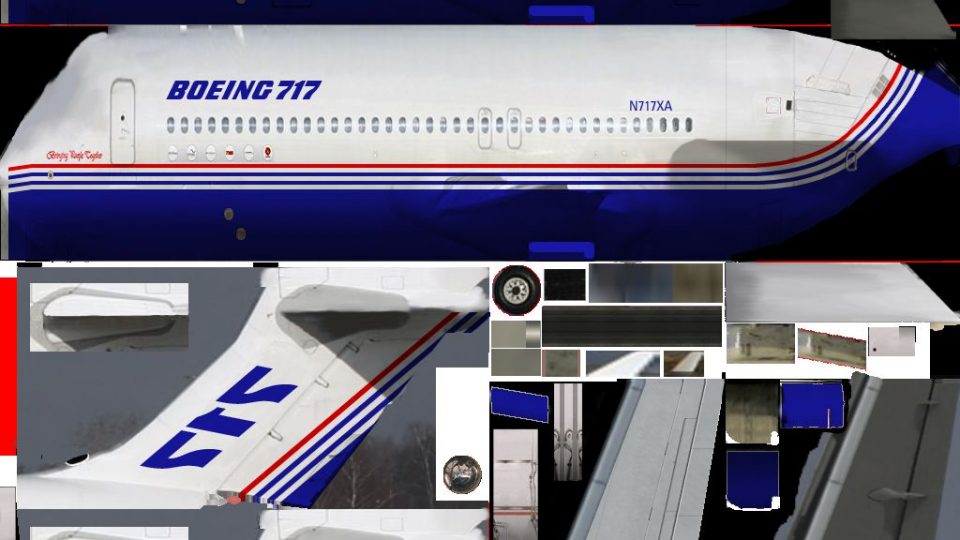
Boeing 717 AI traffic comes to life with XPFW’s lightweight models for X-Plane 10, built to keep frame rates high while preserving convincing silhouettes and reliable taxi, takeoff, and landing behavior. Ten airline liveries, from AirTran to Qantas, add variety and make terminals feel busier without heavy cockpit or sound overhead.
 Rate
Rate
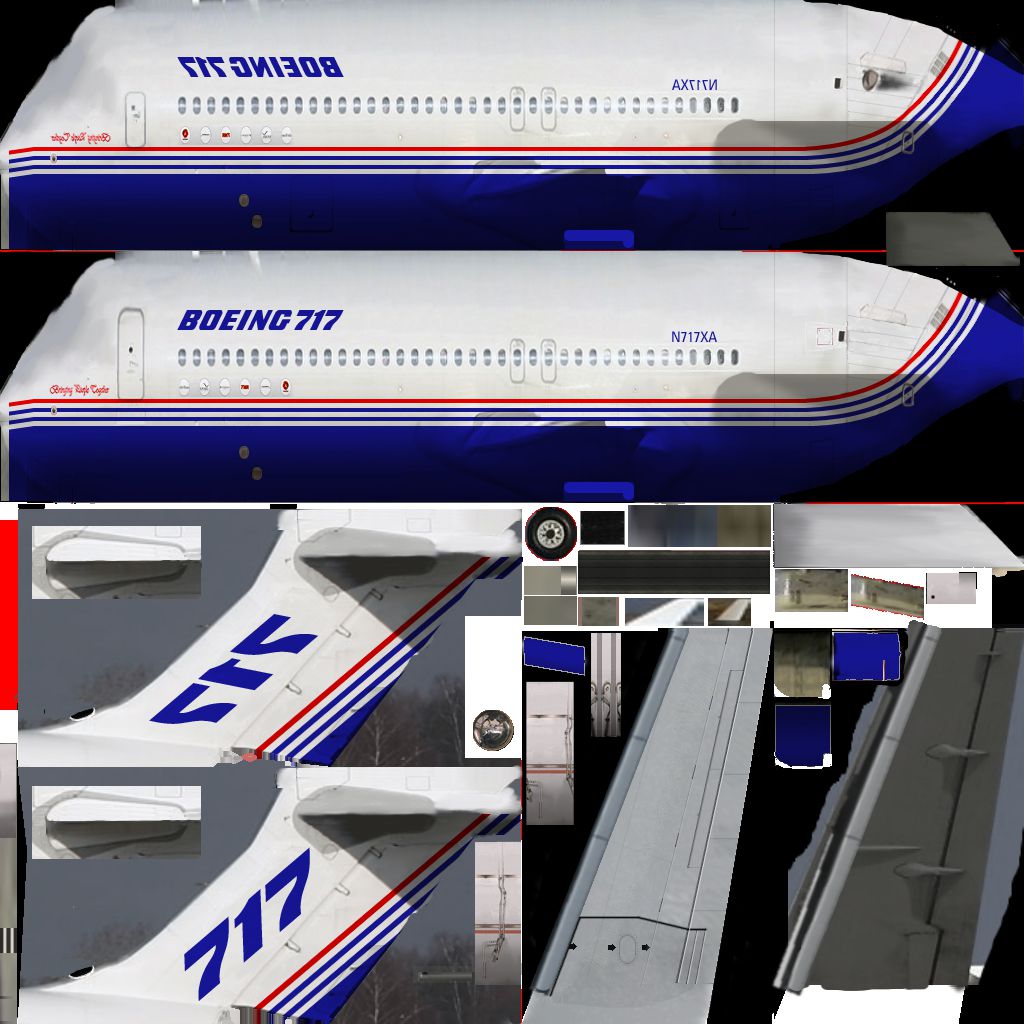
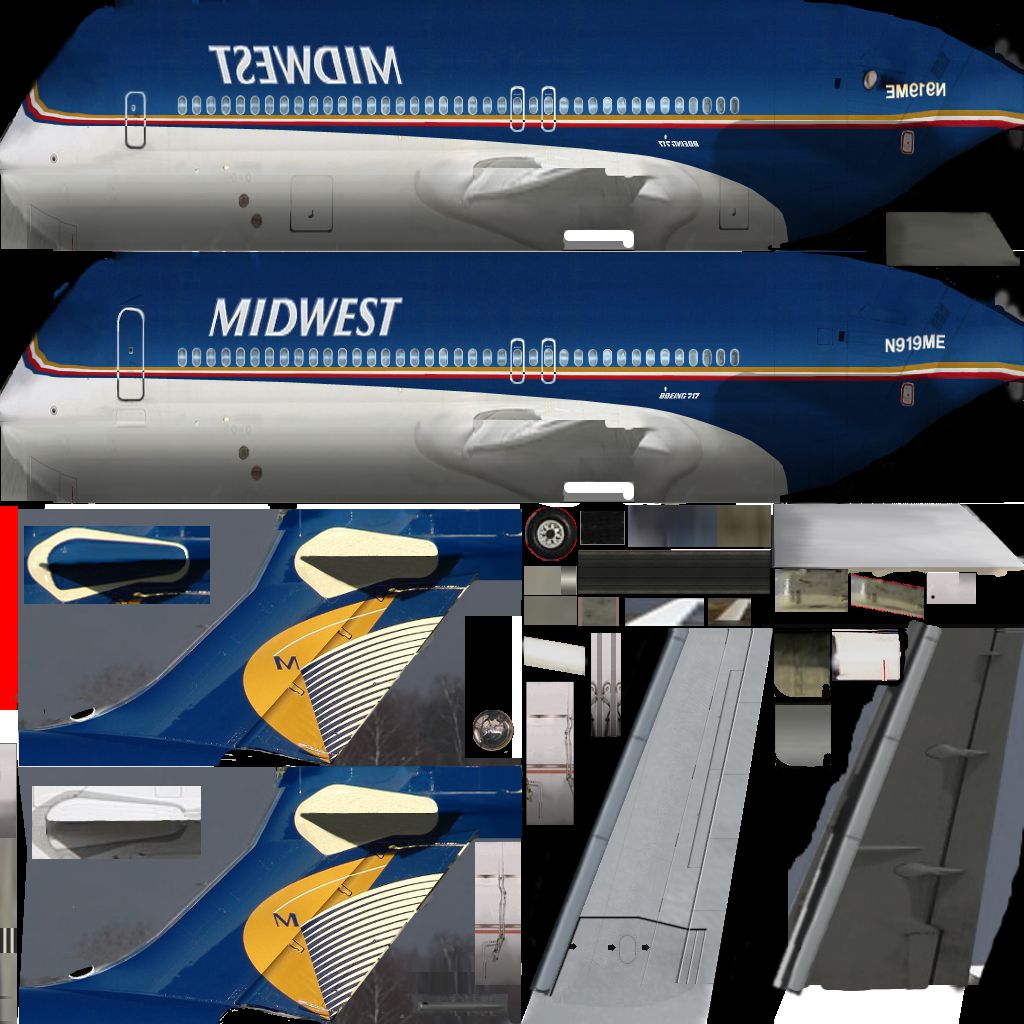
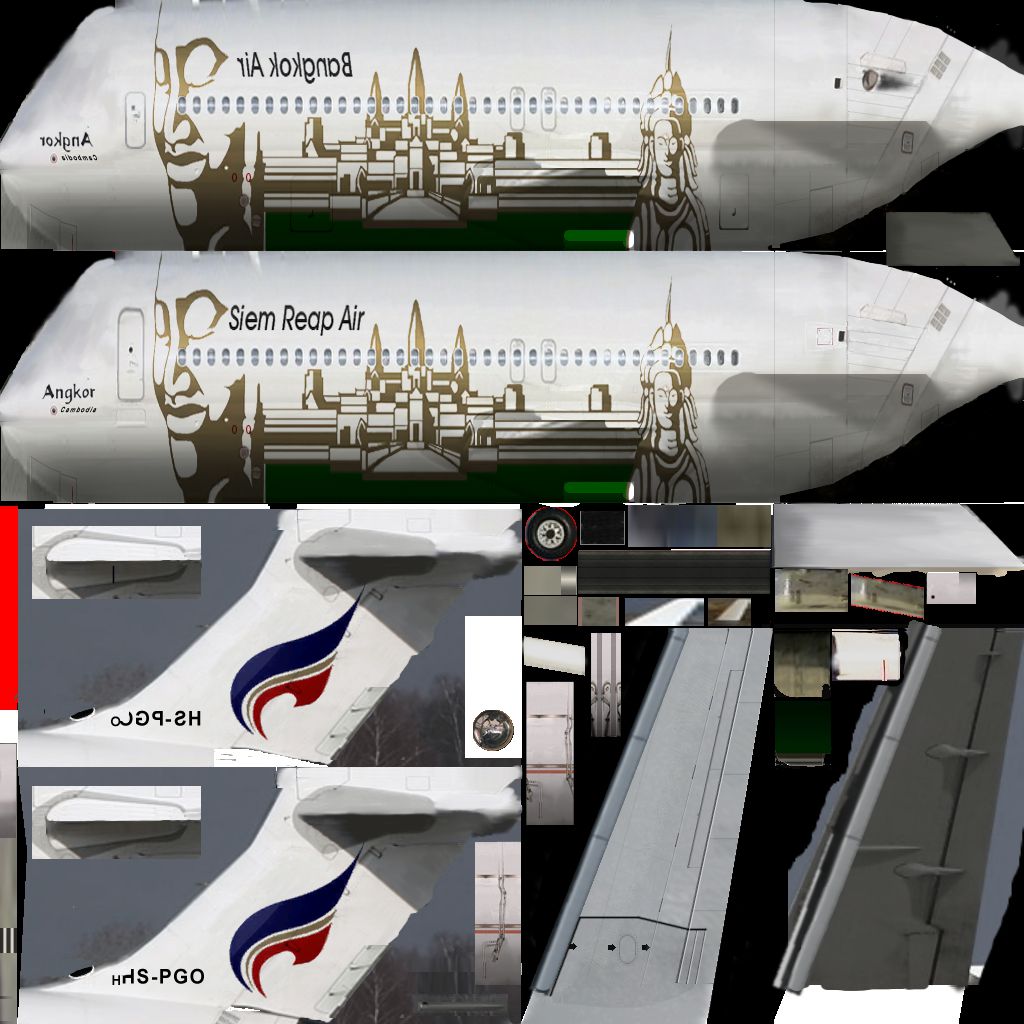
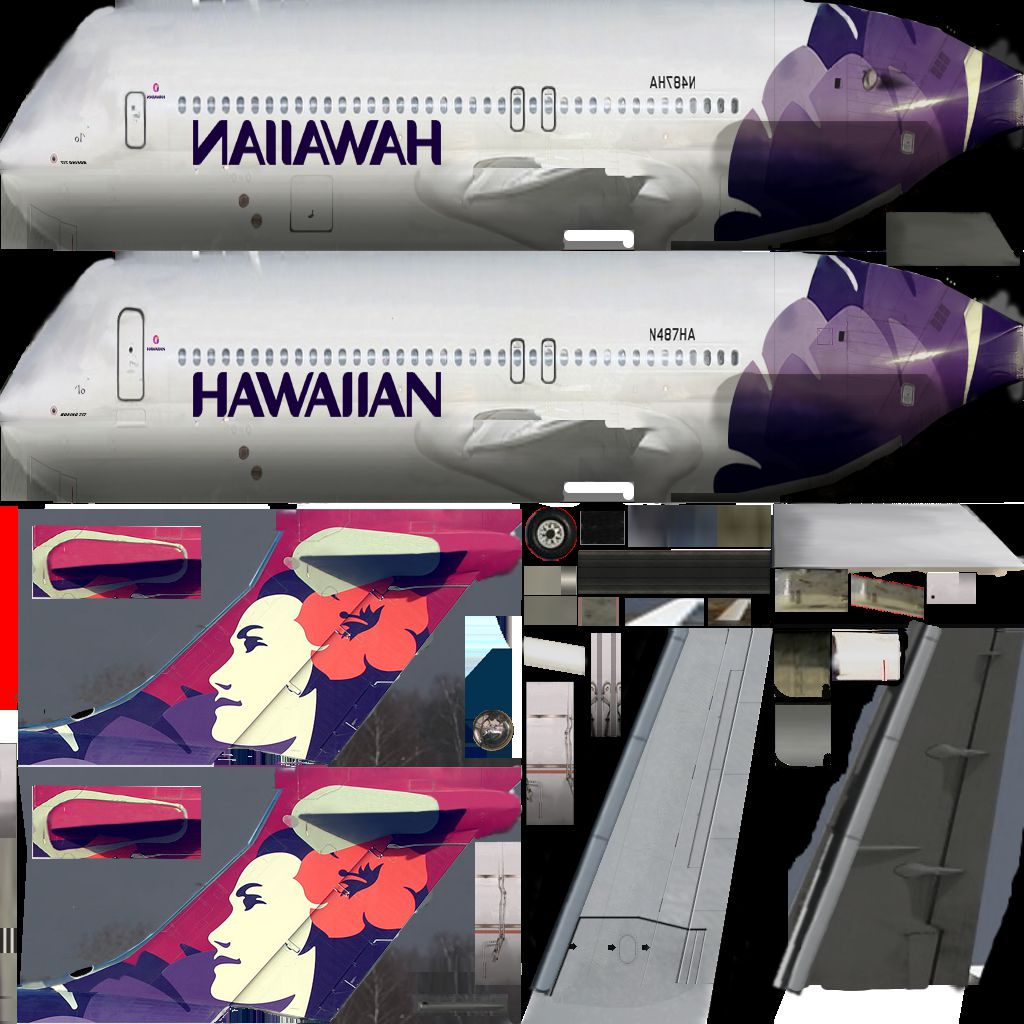
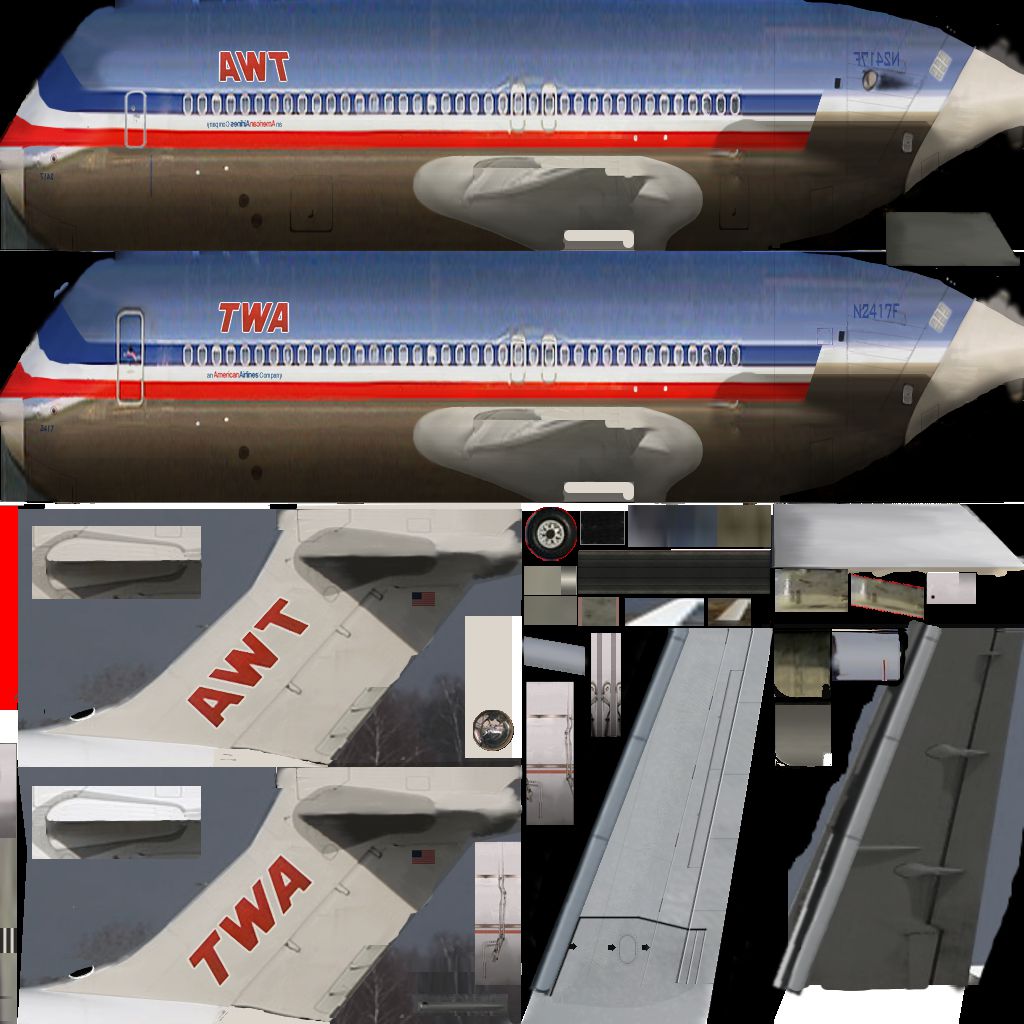
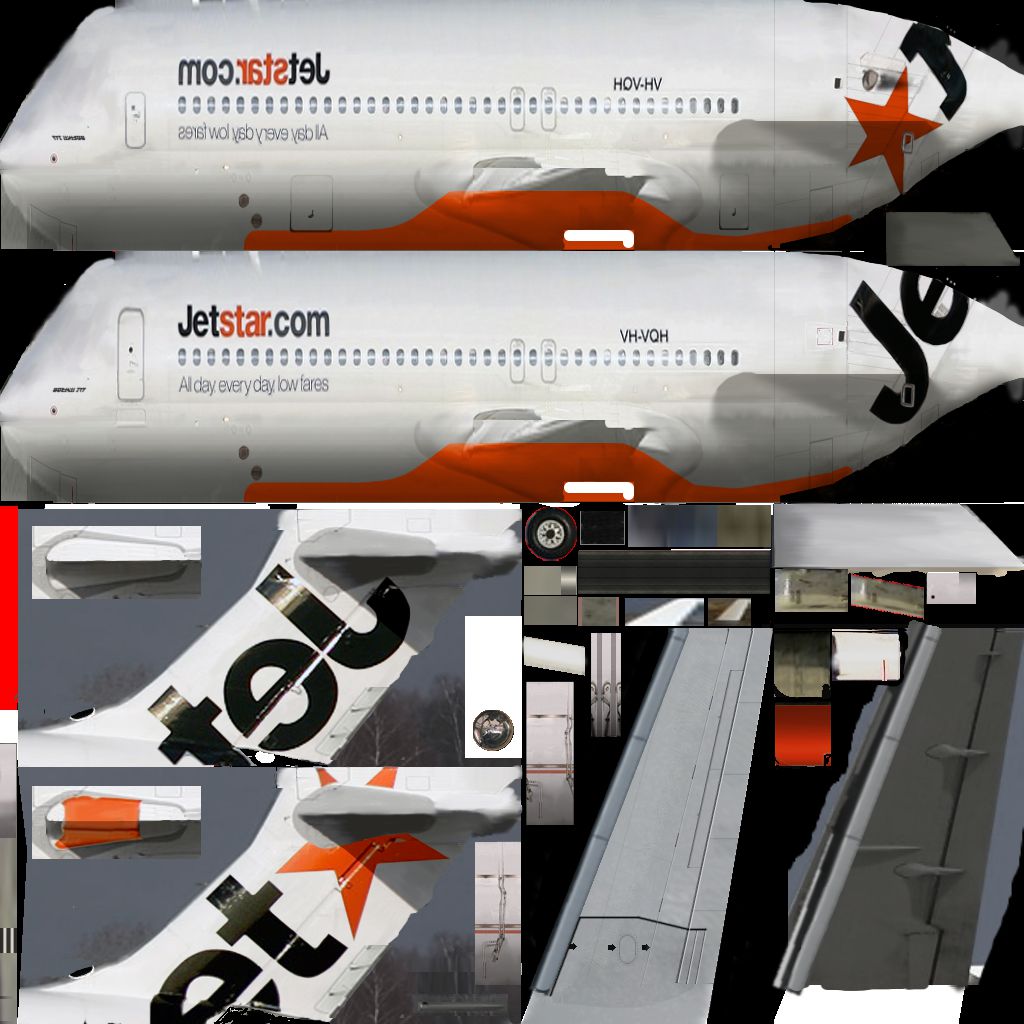
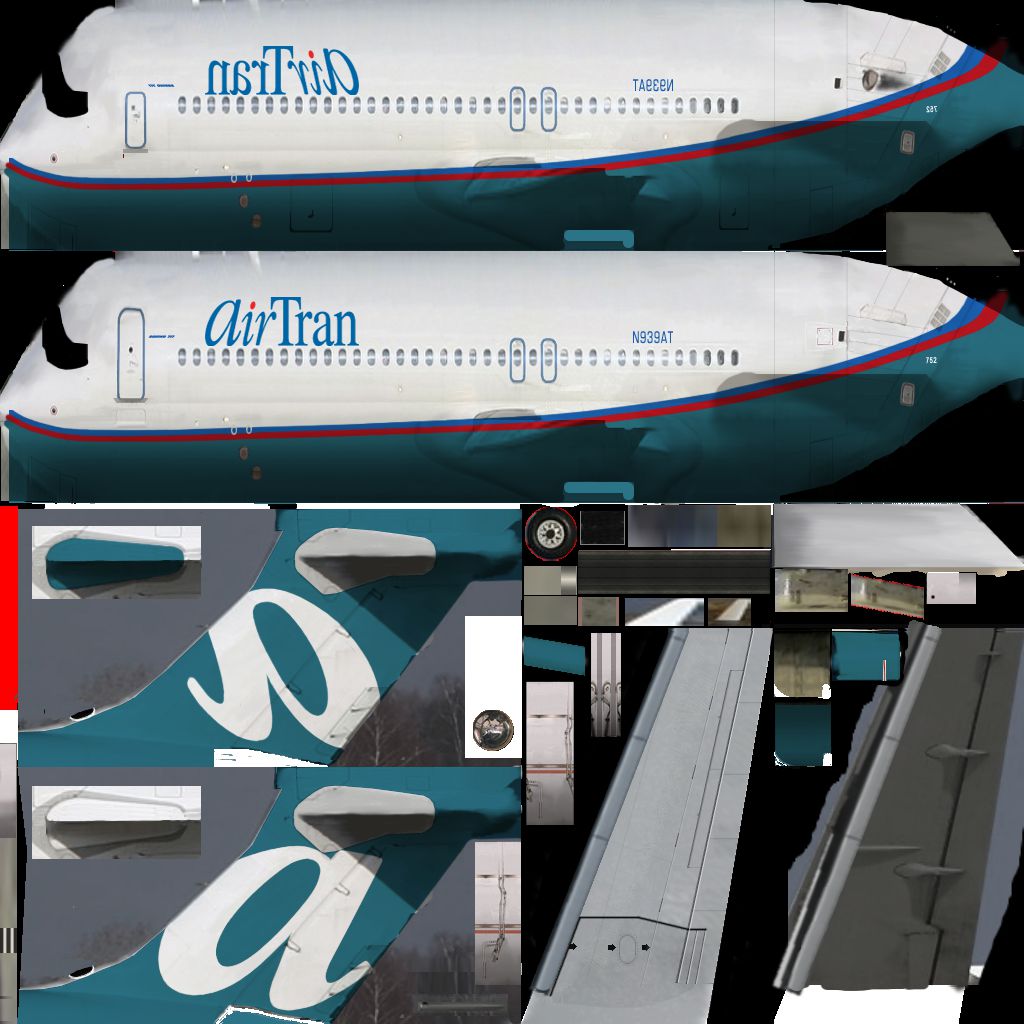
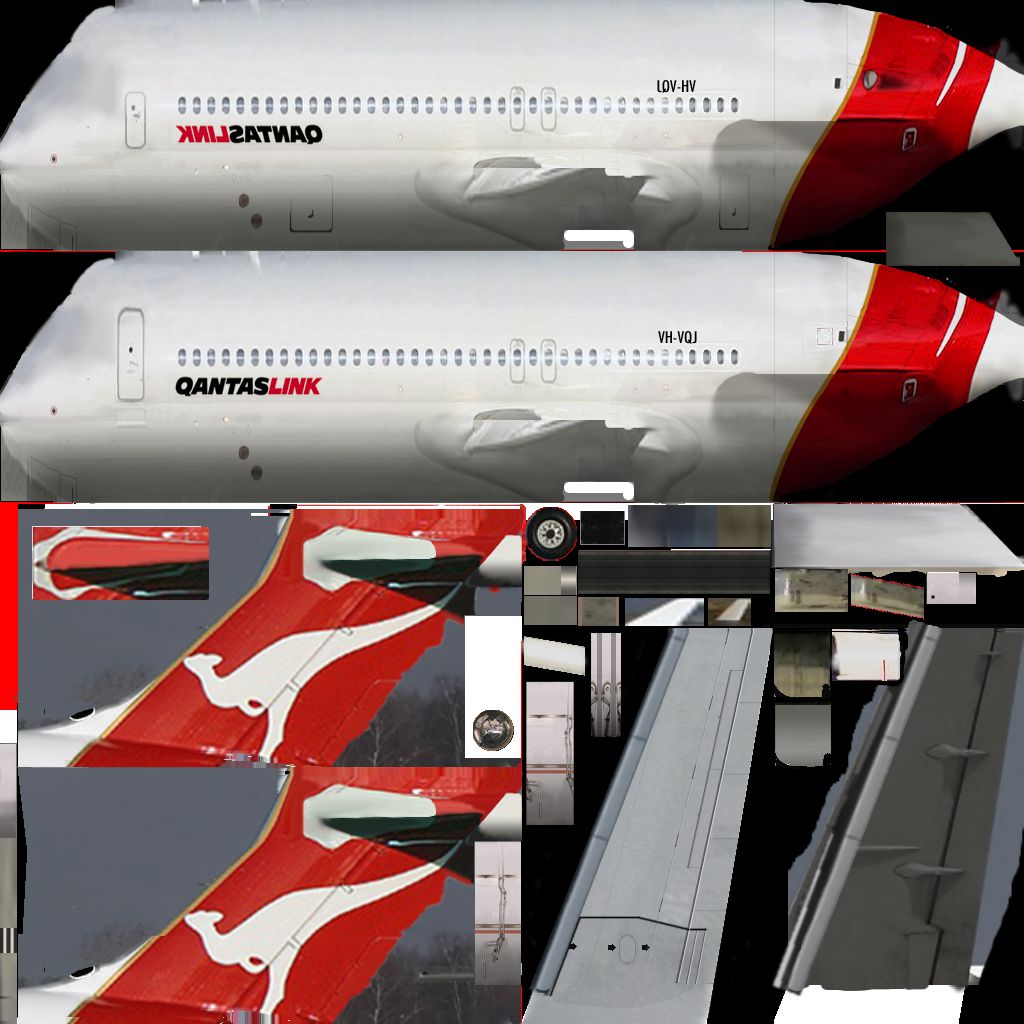

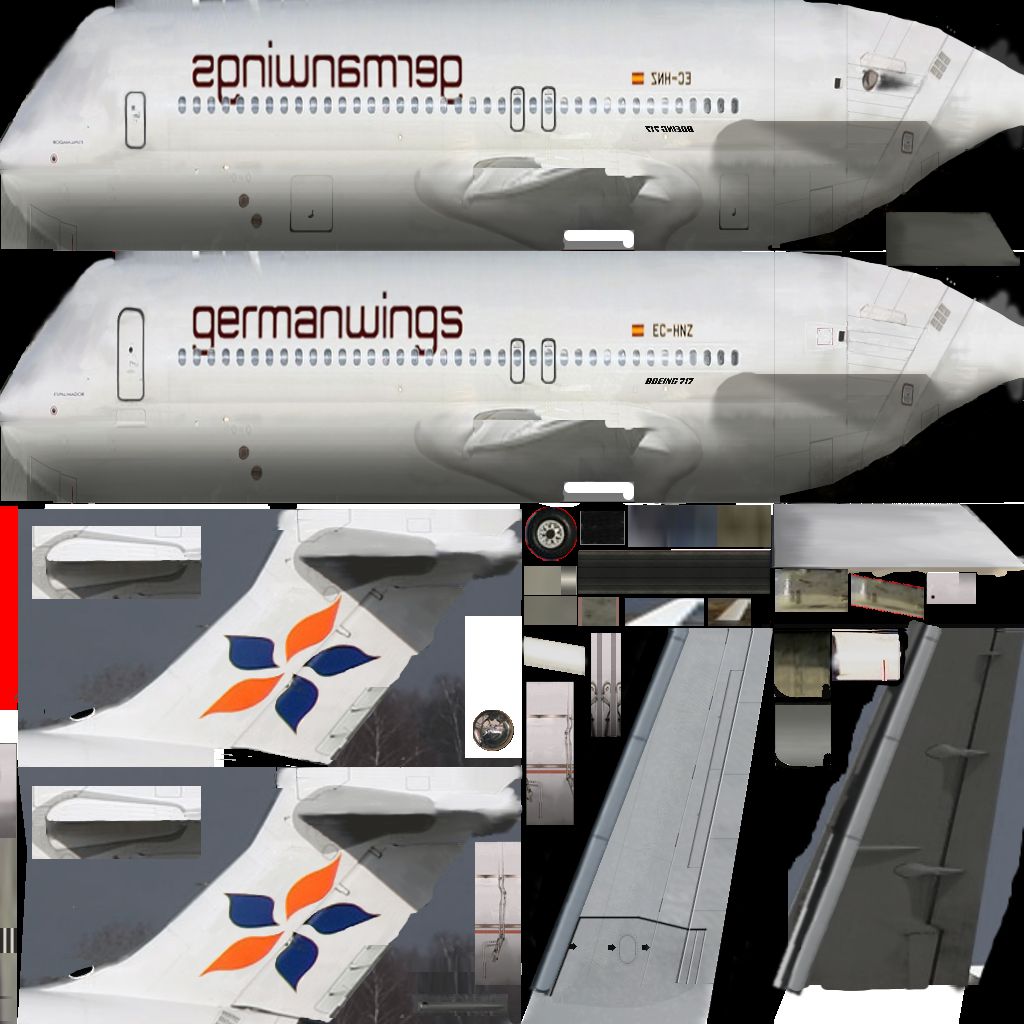
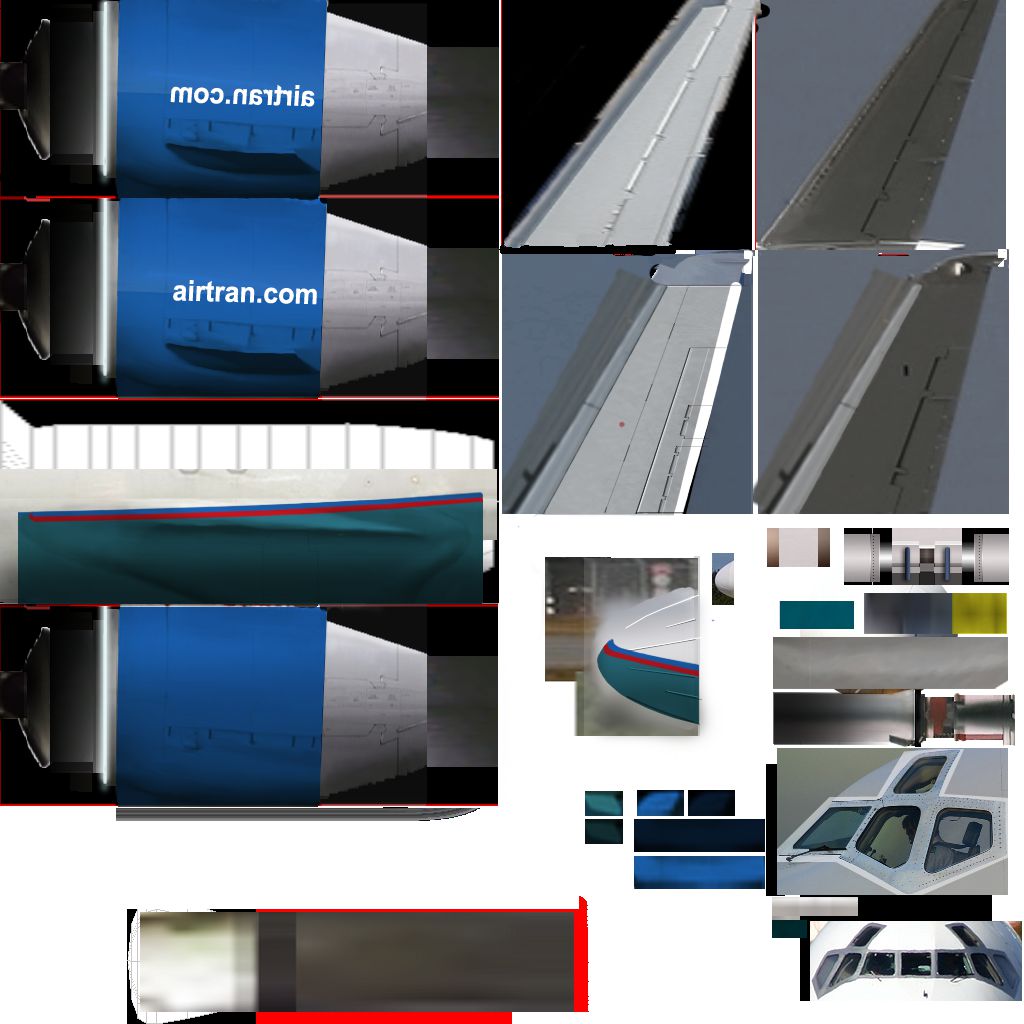
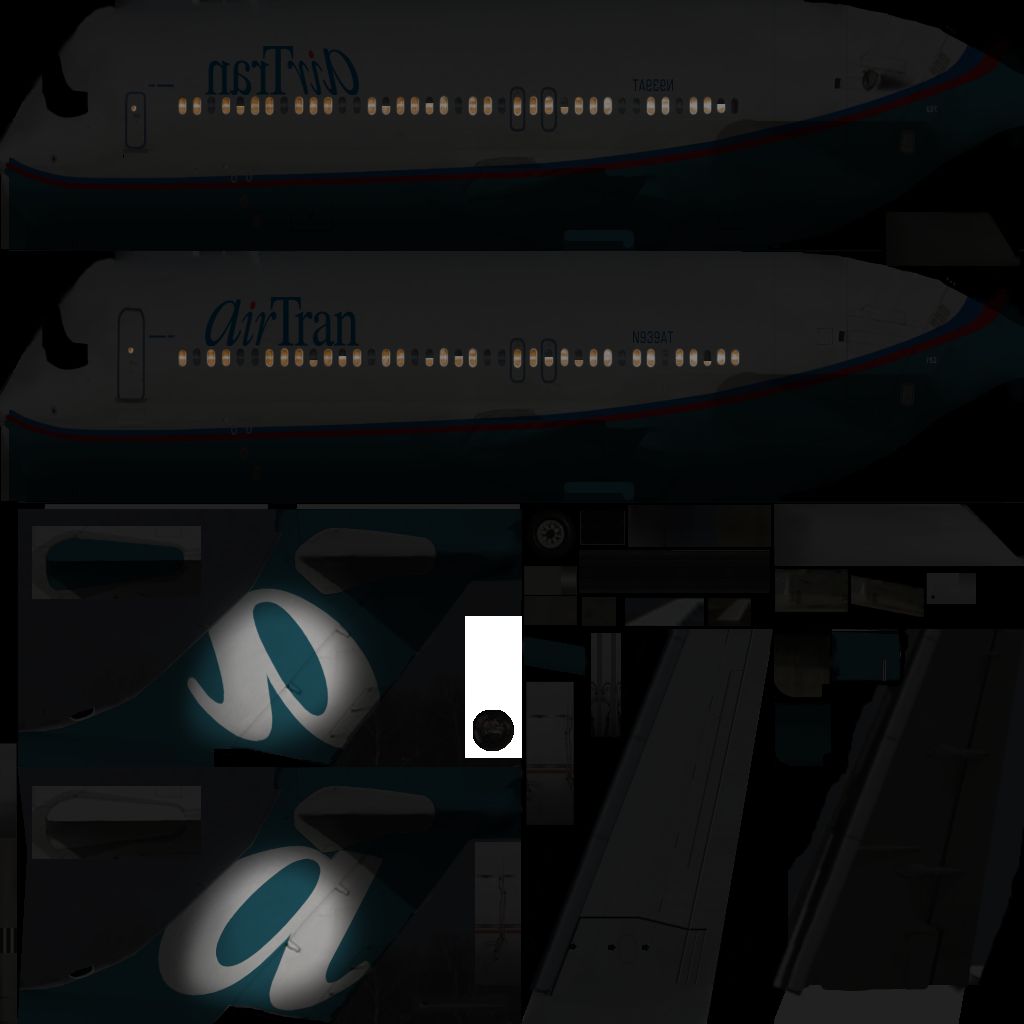


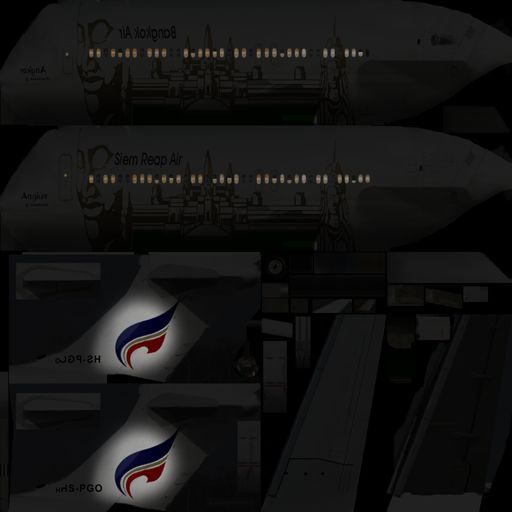
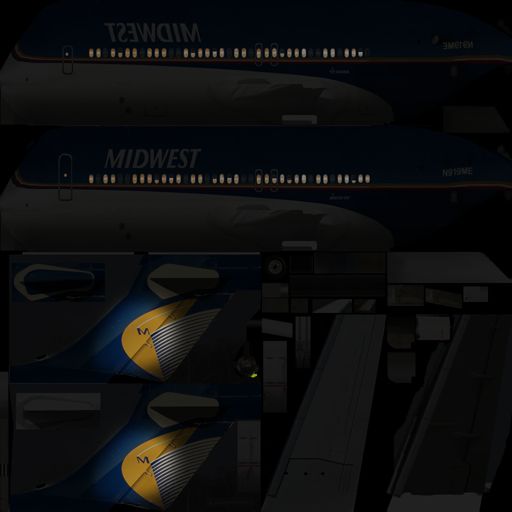
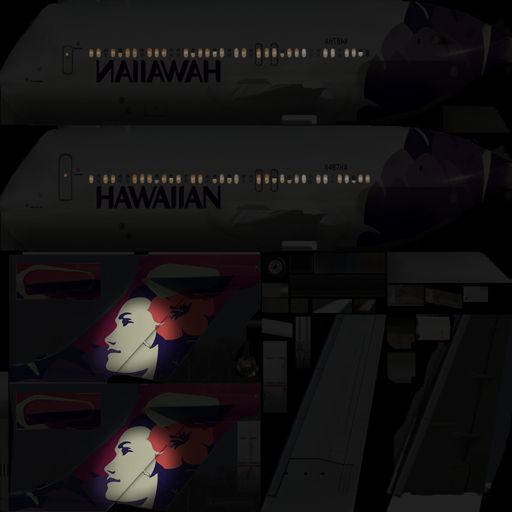
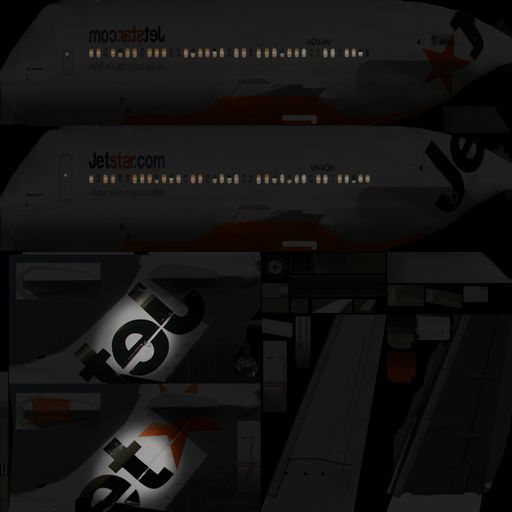
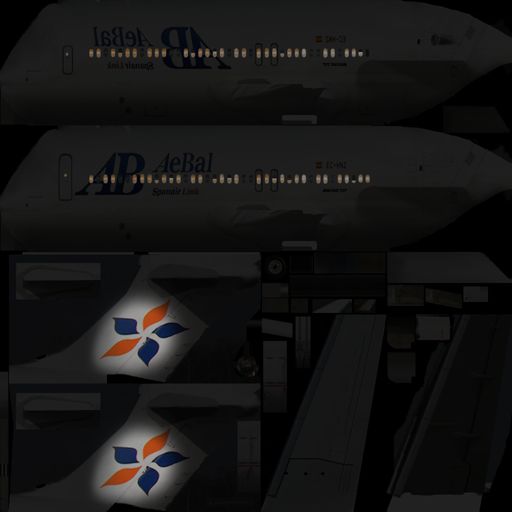
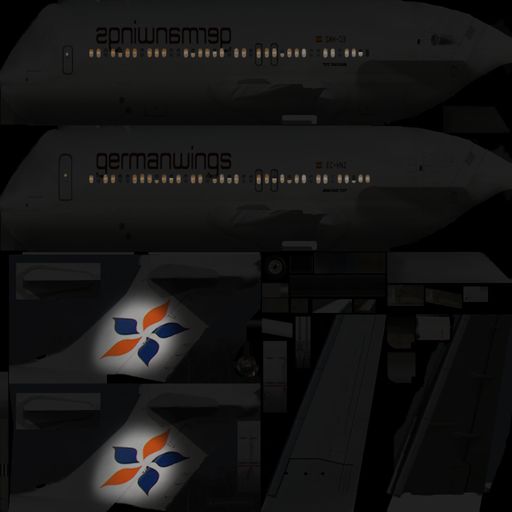
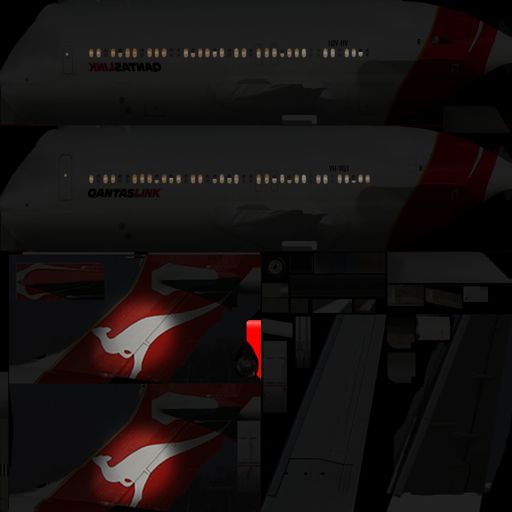
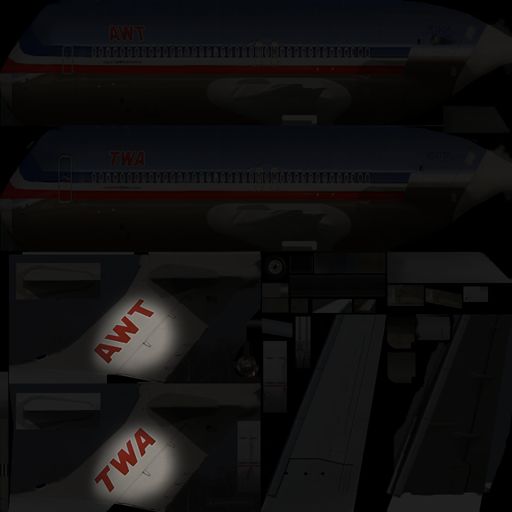
This custom AI package for X-Plane 10, created by XPFW, features meticulously optimized Boeing 717 models that maintain high frame rates while exhibiting realistic performance and appearance. It is specifically tailored for v10 of the simulator and offers multiple operator liveries, enabling a more engaging and dynamic airport environment.
XPFW’s development team focused on refining key aircraft elements to minimize system resource demands. They removed cockpit panels, instrumentation, and sound files—all of which are not essential for AI operations. In addition, texture compression processes and selective deletion of visually minor details further reduce rendering overhead. This lightweight approach decreases CPU load and supports higher numbers of AI-generated aircraft without overloading system resources.
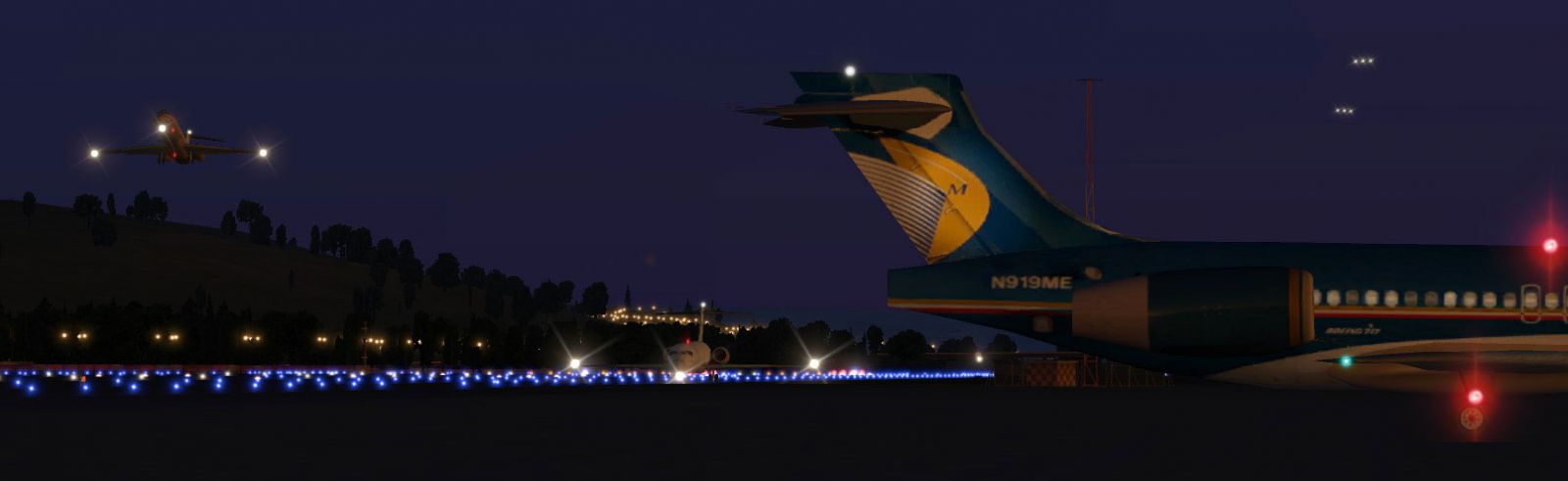
Screenshot of B717 on the ground.
The Boeing 717 models in this package demonstrate further improvements by reducing excessive 3D geometry. These revisions maintain recognizable shape and texture fidelity while shedding unnecessary polygons. Such modifications help ensure the simulator remains smooth even when multiple aircraft populate the scenery.
Alongside the 3D adjustments, XPFW fine-tuned the flight model data so the AI pilot can run more reliably during taxi, takeoff, approach, and landing phases. They simplified many underlying calculations, guaranteeing improved performance in the simulator’s AI logic. The Boeing 717 (originally developed from the MD-95 design) is known for its short-haul efficiency, and these tweaks help it behave in a way that aligns with its real-world handling traits.
Enthusiasts will encounter ten unique airline textures in this set:
This array enables realistic traffic appearances at various terminals. The collection owes its visual quality to numerous designers and repainters at XPFW credited for their original work and creative input.
Implementing these aircraft follows straightforward steps:
This pack allows most users to introduce up to ten or more AI aircraft without experiencing the significant performance hits often caused by full-detail models.
The XPFW B717 AI Pack 1.0 is the product of extensive collaboration by the XPFW community, reflecting years of combined aircraft modeling and livery development efforts. By integrating this optimized set, users can populate their airports with busy traffic flows while retaining strong performance in X-Plane 10. The XPFW team also plans to release additional AI aircraft types to continue enhancing realism throughout the simulator’s environment.
Free for all simmers · 20.88 MB · Scanned clean Oct 2026
Download speed: Free tier is capped at 0.5 Mbps (this file takes approximately 6 mins at the cap). PRO members download at full line speed.
Aircraft/ (planes), Custom Scenery/ (airports, mesh), or Resources/plugins/ (plugins).readme.txt or README file. It tells you exactly where files go, what dependencies are needed, and any quirks specific to this add-on.The archive XPFW B717 AI.zip has 329 files and directories contained within it.
This list displays the first 500 files in the package. If the package has more, you will need to download it to view them.
| Filename/Directory | File Date | File Size |
|---|---|---|
| XPFW B717 AI | 12.31.11 | 0 B |
| __MACOSX | 12.31.11 | 0 B |
| XPFW B717 AI | 12.31.11 | 0 B |
| B717-200 AA TWA | 12.31.11 | 0 B |
| B717-200 AA TWA | 12.31.11 | 0 B |
| Airfoils | 12.30.11 | 0 B |
| Airfoils | 12.31.11 | 0 B |
| B717_0ed_out.afl | 07.15.05 | 22.43 kB |
| Flat Plate (very thin).afl | 07.15.05 | 24.23 kB |
| MD Root.afl | 07.15.05 | 24.26 kB |
| MD Tip.afl | 07.15.05 | 24.24 kB |
| NACA 0009 (symmetrical).afl | 07.15.05 | 24.23 kB |
| UltraThin.afl | 07.15.05 | 24.26 kB |
| b717.acf | 12.30.11 | 2.96 MB |
| b717_cockpit.obj | 02.08.06 | 190.00 kB |
| b717_paint.png | 02.08.06 | 1.08 MB |
| b717_paint2.png | 12.31.11 | 252.90 kB |
| b717_paint_LIT.png | 12.31.11 | 172.87 kB |
| B717-200 AeBal | 12.31.11 | 0 B |
| B717-200 AeBal | 12.31.11 | 0 B |
| Airfoils | 12.30.11 | 0 B |
| Airfoils | 12.31.11 | 0 B |
| B717_0ed_out.afl | 07.15.05 | 22.43 kB |
| Flat Plate (very thin).afl | 07.15.05 | 24.23 kB |
| MD Root.afl | 07.15.05 | 24.26 kB |
| MD Tip.afl | 07.15.05 | 24.24 kB |
| NACA 0009 (symmetrical).afl | 07.15.05 | 24.23 kB |
| UltraThin.afl | 07.15.05 | 24.26 kB |
| b717.acf | 12.30.11 | 2.96 MB |
| b717_cockpit.obj | 02.08.06 | 190.00 kB |
| b717_paint.png | 01.24.06 | 998.87 kB |
| b717_paint2.png | 12.31.11 | 251.48 kB |
| b717_paint_LIT.png | 12.31.11 | 166.00 kB |
| B717-200 AirTran | 12.30.11 | 0 B |
| B717-200 AirTran | 12.31.11 | 0 B |
| Airfoils | 12.30.11 | 0 B |
| Airfoils | 12.31.11 | 0 B |
| B717_0ed_out.afl | 07.15.05 | 22.43 kB |
| Flat Plate (very thin).afl | 07.15.05 | 24.23 kB |
| MD Root.afl | 07.15.05 | 24.26 kB |
| MD Tip.afl | 07.15.05 | 24.24 kB |
| NACA 0009 (symmetrical).afl | 07.15.05 | 24.23 kB |
| UltraThin.afl | 07.15.05 | 24.26 kB |
| b717.acf | 12.30.11 | 2.96 MB |
| b717_cockpit.obj | 02.08.06 | 190.00 kB |
| b717_paint.png | 06.02.06 | 925.47 kB |
| b717_paint2.png | 06.02.06 | 686.88 kB |
| b717_paint_LIT.png | 06.02.06 | 419.00 kB |
| B717-200 Bangkok Air | 12.31.11 | 0 B |
| B717-200 Bangkok Air | 12.31.11 | 0 B |
| Airfoils | 12.30.11 | 0 B |
| Airfoils | 12.31.11 | 0 B |
| B717_0ed_out.afl | 07.15.05 | 22.43 kB |
| Flat Plate (very thin).afl | 07.15.05 | 24.23 kB |
| MD Root.afl | 07.15.05 | 24.26 kB |
| MD Tip.afl | 07.15.05 | 24.24 kB |
| NACA 0009 (symmetrical).afl | 07.15.05 | 24.23 kB |
| UltraThin.afl | 07.15.05 | 24.26 kB |
| b717.acf | 12.30.11 | 2.96 MB |
| b717_cockpit.obj | 02.08.06 | 190.00 kB |
| b717_paint.png | 03.15.06 | 1.01 MB |
| b717_paint2.png | 12.31.11 | 260.88 kB |
| b717_paint_LIT.png | 12.31.11 | 176.55 kB |
| B717-200 Boeing House | 12.31.11 | 0 B |
| B717-200 Boeing House | 12.31.11 | 0 B |
| Airfoils | 12.30.11 | 0 B |
| Airfoils | 12.31.11 | 0 B |
| B717_0ed_out.afl | 07.15.05 | 22.43 kB |
| Flat Plate (very thin).afl | 07.15.05 | 24.23 kB |
| MD Root.afl | 07.15.05 | 24.26 kB |
| MD Tip.afl | 07.15.05 | 24.24 kB |
| NACA 0009 (symmetrical).afl | 07.15.05 | 24.23 kB |
| UltraThin.afl | 07.15.05 | 24.26 kB |
| b717.acf | 12.30.11 | 2.96 MB |
| b717_cockpit.obj | 02.08.06 | 190.00 kB |
| b717_paint.png | 02.07.06 | 911.98 kB |
| b717_paint2.png | 12.31.11 | 247.86 kB |
| b717_paint_LIT.png | 12.31.11 | 158.97 kB |
| B717-200 Germanwings | 12.31.11 | 0 B |
| B717-200 Germanwings | 12.31.11 | 0 B |
| Airfoils | 12.30.11 | 0 B |
| Airfoils | 12.31.11 | 0 B |
| B717_0ed_out.afl | 07.15.05 | 22.43 kB |
| Flat Plate (very thin).afl | 07.15.05 | 24.23 kB |
| MD Root.afl | 07.15.05 | 24.26 kB |
| MD Tip.afl | 07.15.05 | 24.24 kB |
| NACA 0009 (symmetrical).afl | 07.15.05 | 24.23 kB |
| UltraThin.afl | 07.15.05 | 24.26 kB |
| b717.acf | 12.30.11 | 2.96 MB |
| b717_cockpit.obj | 02.08.06 | 190.00 kB |
| b717_paint.png | 02.05.06 | 984.64 kB |
| b717_paint2.png | 12.31.11 | 251.48 kB |
| b717_paint_LIT.png | 12.31.11 | 163.18 kB |
| B717-200 Hawaiian | 12.31.11 | 0 B |
| B717-200 Hawaiian | 12.31.11 | 0 B |
| Airfoils | 12.30.11 | 0 B |
| Airfoils | 12.31.11 | 0 B |
| B717_0ed_out.afl | 07.15.05 | 22.43 kB |
| Flat Plate (very thin).afl | 07.15.05 | 24.23 kB |
| MD Root.afl | 07.15.05 | 24.26 kB |
| MD Tip.afl | 07.15.05 | 24.24 kB |
| NACA 0009 (symmetrical).afl | 07.15.05 | 24.23 kB |
| UltraThin.afl | 07.15.05 | 24.26 kB |
| b717.acf | 12.30.11 | 2.96 MB |
| b717_cockpit.obj | 02.08.06 | 190.00 kB |
| b717_paint.png | 04.29.06 | 1.12 MB |
| b717_paint2.png | 12.20.11 | 275.43 kB |
| b717_paint_LIT.png | 12.20.11 | 177.48 kB |
| B717-200 JetStar | 12.31.11 | 0 B |
| B717-200 JetStar | 12.31.11 | 0 B |
| Airfoils | 12.30.11 | 0 B |
| Airfoils | 12.31.11 | 0 B |
| B717_0ed_out.afl | 07.15.05 | 22.43 kB |
| Flat Plate (very thin).afl | 07.15.05 | 24.23 kB |
| MD Root.afl | 07.15.05 | 24.26 kB |
| MD Tip.afl | 07.15.05 | 24.24 kB |
| NACA 0009 (symmetrical).afl | 07.15.05 | 24.23 kB |
| UltraThin.afl | 07.15.05 | 24.26 kB |
| b717.acf | 12.30.11 | 2.96 MB |
| b717_cockpit.obj | 02.08.06 | 190.00 kB |
| b717_paint.png | 02.05.06 | 1.01 MB |
| b717_paint2.png | 12.31.11 | 245.92 kB |
| b717_paint_LIT.png | 12.31.11 | 172.28 kB |
| B717-200 Midwest | 12.31.11 | 0 B |
| B717-200 Midwest | 12.31.11 | 0 B |
| Airfoils | 12.30.11 | 0 B |
| Airfoils | 12.31.11 | 0 B |
| B717_0ed_out.afl | 07.15.05 | 22.43 kB |
| Flat Plate (very thin).afl | 07.15.05 | 24.23 kB |
| MD Root.afl | 07.15.05 | 24.26 kB |
| MD Tip.afl | 07.15.05 | 24.24 kB |
| NACA 0009 (symmetrical).afl | 07.15.05 | 24.23 kB |
| UltraThin.afl | 07.15.05 | 24.26 kB |
| b717.acf | 12.30.11 | 2.96 MB |
| b717_cockpit.obj | 02.08.06 | 190.00 kB |
| b717_paint.png | 02.05.06 | 1.10 MB |
| b717_paint2.png | 12.31.11 | 254.59 kB |
| b717_paint_LIT.png | 12.31.11 | 177.94 kB |
| B717-200 Qantas | 12.31.11 | 0 B |
| B717-200 Qantas | 12.31.11 | 0 B |
| Airfoils | 12.30.11 | 0 B |
| Airfoils | 12.31.11 | 0 B |
| B717_0ed_out.afl | 07.15.05 | 22.43 kB |
| Flat Plate (very thin).afl | 07.15.05 | 24.23 kB |
| MD Root.afl | 07.15.05 | 24.26 kB |
| MD Tip.afl | 07.15.05 | 24.24 kB |
| NACA 0009 (symmetrical).afl | 07.15.05 | 24.23 kB |
| UltraThin.afl | 07.15.05 | 24.26 kB |
| b717.acf | 12.30.11 | 2.96 MB |
| b717_cockpit.obj | 02.08.06 | 190.00 kB |
| b717_paint.png | 02.06.06 | 1.04 MB |
| b717_paint2.png | 12.31.11 | 250.16 kB |
| b717_paint_LIT.png | 12.31.11 | 173.77 kB |
| Copyright.rtf | 12.23.11 | 4.37 kB |
| flyawaysimulation.txt | 10.29.13 | 959 B |
| Go to Fly Away Simulation.url | 01.22.16 | 52 B |
Only PRO members can place votes.
More X-Plane add-ons hand-picked based on this download.
X-Plane Civil Heavy Aircraft
Another in the series of AI aircraft. These AI aircraft are designed to give …
 X-Plane Civil Heavy Aircraft
Another one of a series of AI aircraft packs the we at XPFW made from our fle…
 X-Plane Civil Heavy Aircraft
This convenient package, introduced by the XPFW creators, provides a speciali…
 X-Plane Civil Heavy Aircraft
Another in the series of AI aircraft. Screenshot of B787-8's on the ground. T…
 X-Plane Civil Heavy Aircraft
This free package from the XPFW creators provides a specialized Airbus A319 A…
 X-Plane Civil Heavy Aircraft
This freeware package provides an optimized set of Boeing 757 AI aircraft, sp…
 X-Plane Civil Heavy Aircraft
EDIT: Uploaded in new .ZIP format for those who didn't manage to open. Screen…
 X-Plane Civil Heavy Aircraft
Here is another batch. Screenshot of XPFW B727 on the ground. When using "nor…
Read what other simmers think, or add your own.

I can download it, but when I try to extract or copy the contents in the folder to the x plane 10 aircraft folder, it says "the archive format is either unknown or damaged". Then I need to either close or break operation to the folder. I opened the folder with "winrar". So please help me with this.