

 FS2004 Civil Jet Aircraft
Delta Airlines Boeing 767-200 "75th Spirit of Delta"
Photoreal retrojet livery, 75th Spirit of Delta. Features fully animated cont…
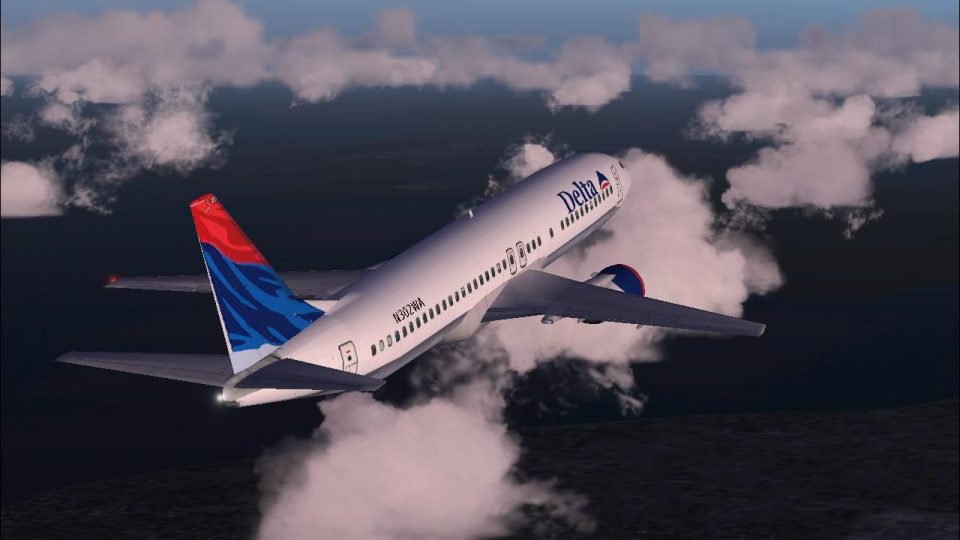
Delta Airlines colors wrap the default Boeing 737-400 with sharp, crisp exterior textures tailored for Microsoft Flight Simulator 2004, delivering a clean classic look in varied lighting. The repaint preserves the stock virtual cockpit and gauges for seamless operation, and requires the original base aircraft since only the livery files are included.
 Rate
Rate
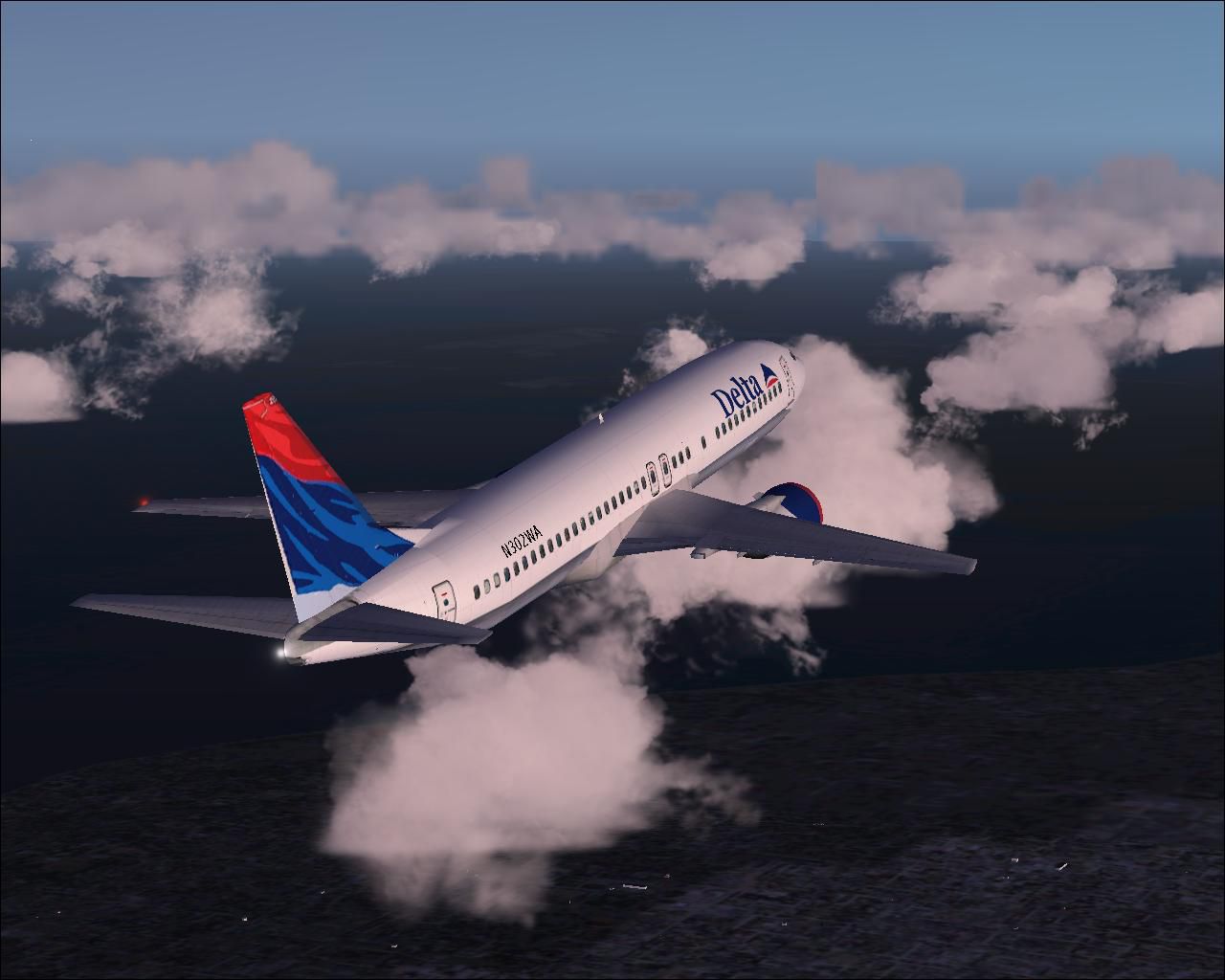
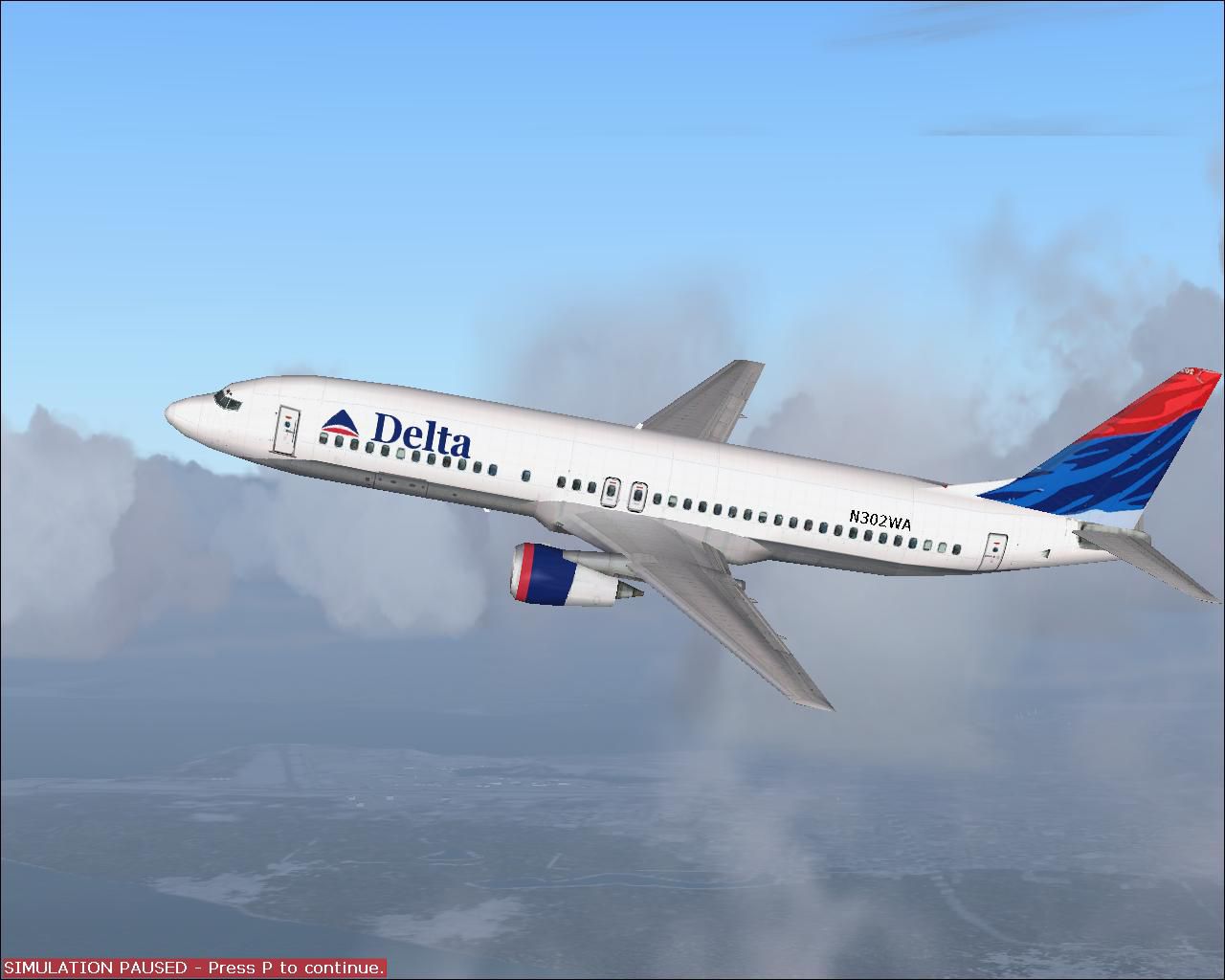
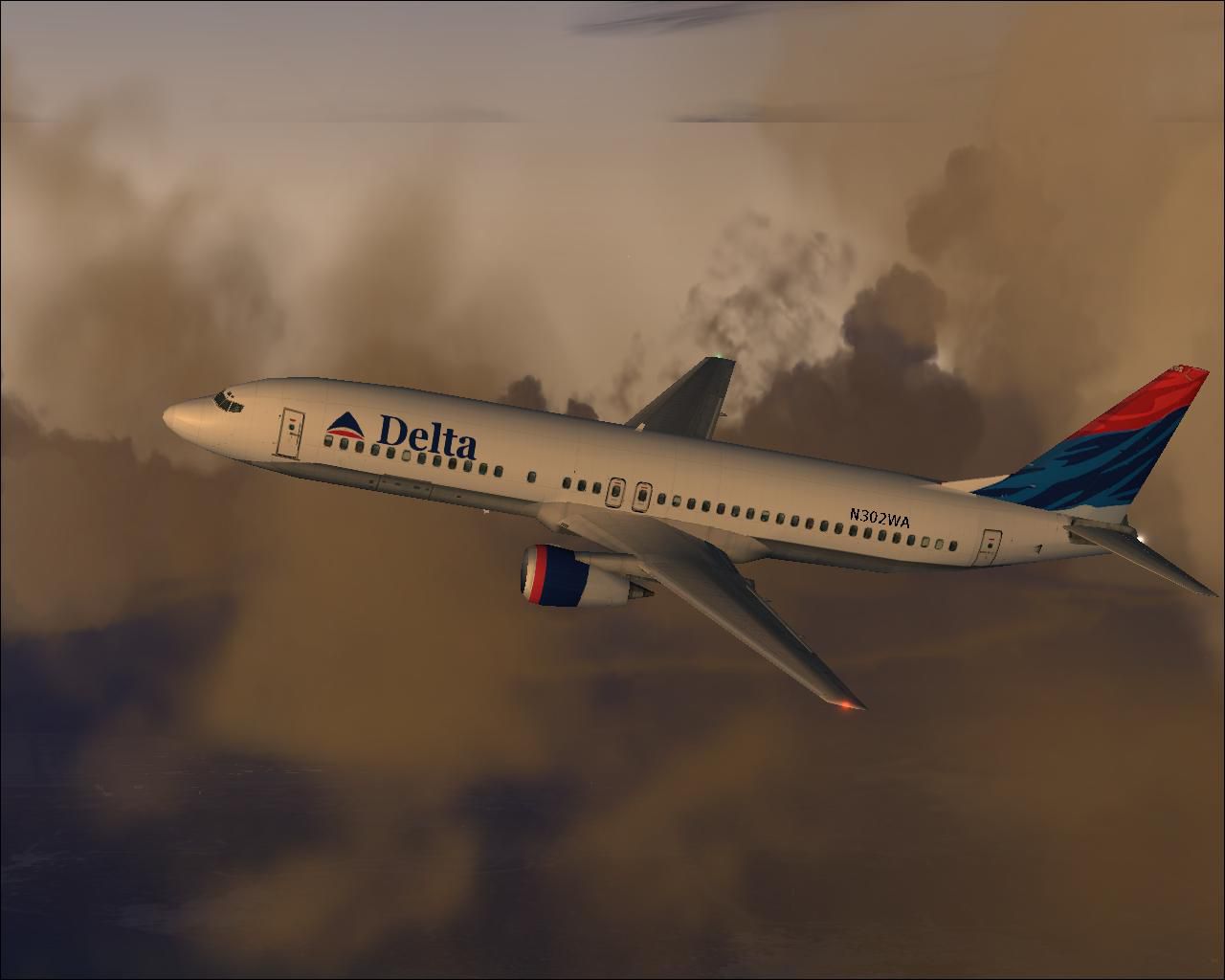
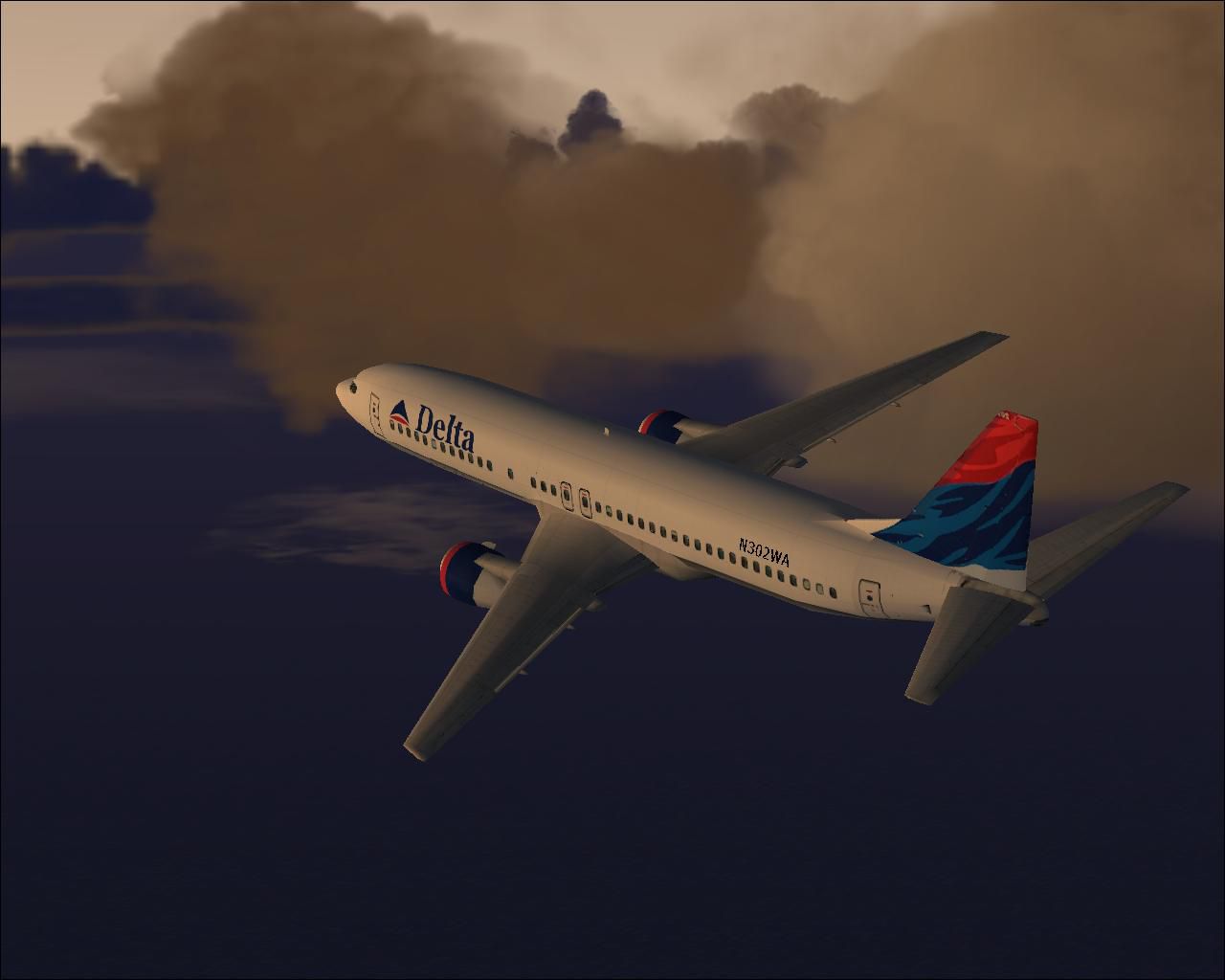
This freeware add-on offers a high-fidelity Delta Airlines livery for the default Boeing 737-400 in Microsoft Flight Simulator 2004. Created by Tony Potter, it integrates crisp textures without mip maps, ensuring maximum clarity. The repaint itself does not include the base model; the required original aircraft should be acquired independently from the Fly Away Simulation mod library.
This configuration features the classic Delta Airlines markings aligned with the Boeing 737-400’s external contours. Within the cockpit, the default gauges remain intact, so users who prefer the original panel layout will appreciate the seamless integration. Because these textures omit mip maps, the fuselage surfaces appear especially sharp from all viewpoints, offering optimal visual fidelity when operating within various lighting conditions.
The 737-400 is part of Boeing’s admired 737 Classic series, which introduced design and performance enhancements compared to earlier models. Delta Airlines, a major carrier in the United States, has featured multiple 737 variants in its fleet over the decades. This repaint highlights Delta’s recognizable scheme that once adorned many of its narrow-body aircraft.
Before beginning, ensure that you have access to the default 737-400 files in Microsoft Flight Simulator 2004. There are two approaches for adding these textures—one for a purely flyable aircraft, and another that lets the repaint work for AI traffic.
Below is the code section you’ll need to insert or modify within aircraft.cfg. Ensure the “x” corresponds to the texture folder number you are using:
[fltsim.x]
title=Boeing 737-400 PaintX
sim=Boeing737-400
model=
panel=
sound=
texture=x
kb_checklists=Boeing737-400_check
kb_reference=Boeing737-400_ref
atc_id=N302WA
atc_airline=Delta
atc_flight_number=1123
ui_manufacturer=Boeing
ui_type=737-400
ui_variation=Delta Airlines
description=One should hardly be surprised that the world's most prolific manufacturer of commercial aircraft is also the producer of the world's most popular jetliner. The 737 became the best-selling commercial jetliner worldwide when orders for it hit 1,831 in June 1987 (surpassing Boeing's own 727). Initially, sales were slow, and Boeing nearly discontinued production. Nevertheless, it went on to become one of the most widely used aircraft with more than three decades of proven service.
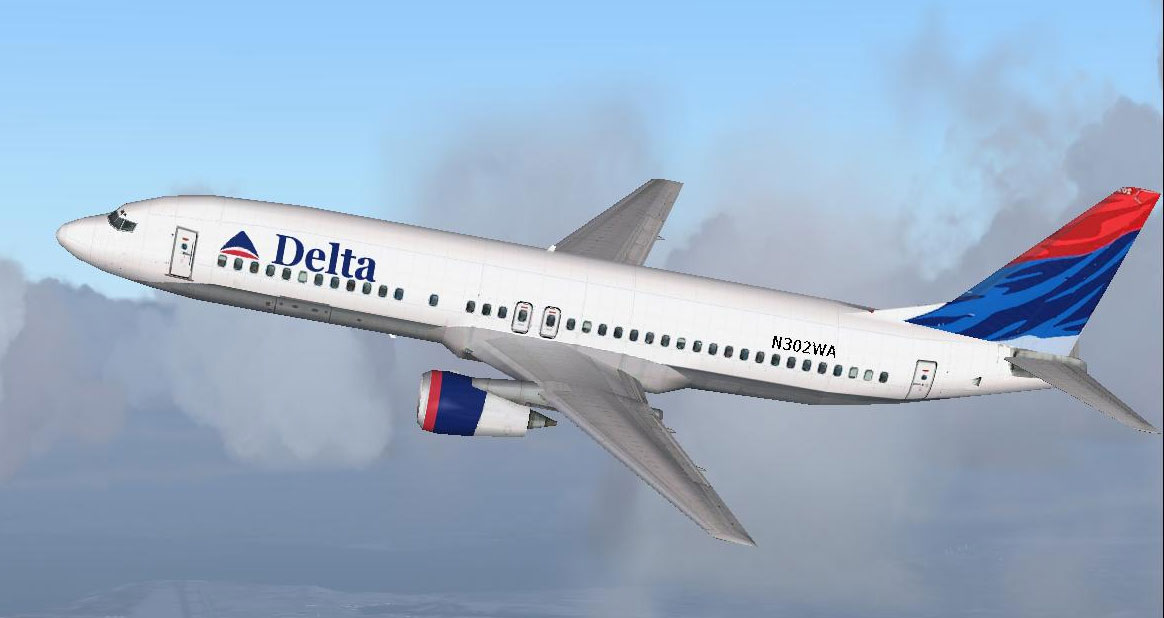
Screenshot of B737-400 in flight.
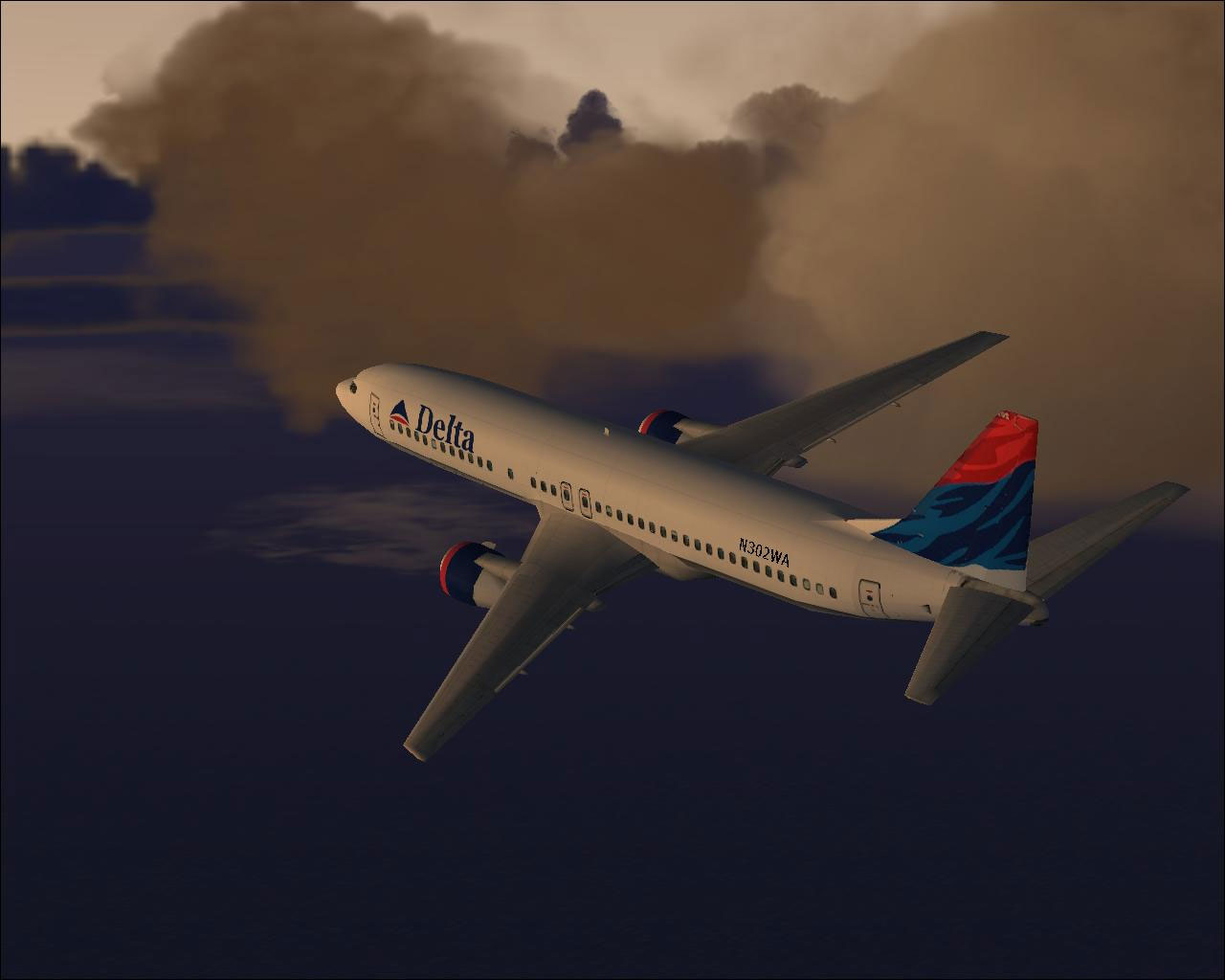
Screenshot of B737-400 in flight.
Note: The repaint is freeware and cannot function standalone, so remember to get the default base model from the Fly Away Simulation library before installing these textures. Credits for the repaint go to Tony Potter.
Free for all simmers · 1.21 MB · Scanned clean Oct 2026
Download speed: Free tier is capped at 0.5 Mbps. PRO members download at full line speed.
FS9\Aircraft\, FS9\Addon Scenery\, FS9\Gauges\, or FS9\Effects\.readme.txt or README file. It tells you exactly where files go, what dependencies are needed, and any quirks specific to this add-on.The archive b737_dal.zip has 17 files and directories contained within it.
This list displays the first 500 files in the package. If the package has more, you will need to download it to view them.
| Filename/Directory | File Date | File Size |
|---|---|---|
| DAL.gif | 08.05.03 | 8.04 kB |
| DAL.JPG | 08.05.03 | 80.18 kB |
| DAL1.JPG | 08.04.03 | 90.12 kB |
| DAL2.JPG | 08.05.03 | 61.69 kB |
| DAL3.JPG | 08.05.03 | 53.78 kB |
| file_id.diz | 08.05.03 | 197 B |
| readme.txt | 08.05.03 | 4.58 kB |
| texture.x | 08.05.03 | 0 B |
| 737_panel_decals.bmp | 11.21.02 | 170.74 kB |
| 737_Panel_Decals_2.bmp | 10.27.02 | 42.74 kB |
| 737_Panel_Decals_2.psd | 10.27.02 | 242.31 kB |
| 737_Panel_Decals_3.bmp | 02.17.03 | 10.74 kB |
| B737_400_C.bmp | 10.29.02 | 682.74 kB |
| b737_400_L.bmp | 12.29.01 | 85.40 kB |
| b737_400_T.bmp | 08.04.03 | 1.00 MB |
| flyawaysimulation.txt | 10.29.13 | 959 B |
| Go to Fly Away Simulation.url | 01.22.16 | 52 B |
Only PRO members can place votes.
More FS2004 add-ons hand-picked based on this download.
FS2004 Civil Jet Aircraft
Photoreal retrojet livery, 75th Spirit of Delta. Features fully animated cont…
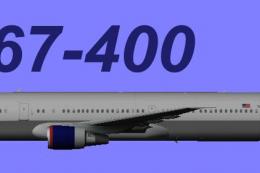 FS2004 Civil Jet Aircraft
This downloadable package offers a Delta Airlines Boeing 767-400 (GE) in the …
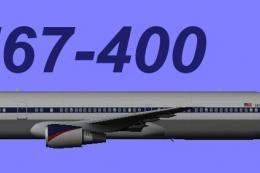 FS2004 Civil Jet Aircraft
This freeware package offers a specialized rendition of Delta’s mid-1990s pai…
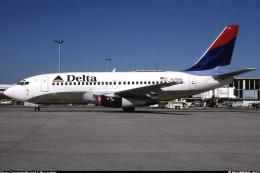 FS2004 Civil Jet Aircraft
This complete freeware package offers a meticulously rendered Boeing 737-287 …
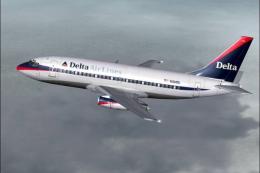 FS2004 Civil Jet Aircraft
This freeware Boeing 737-287 package for Microsoft Flight Simulator 2002 and …
 FS2004 Civil Jet Aircraft
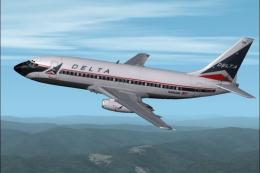
This Delta Airlines Boeing 737-287 rendition merges refined DXT3 textures, dy…
 FS2004 Civil Jet Aircraft
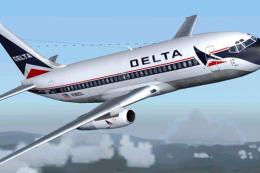
A repaint of Erick Cantu's B737-200 in the old colors Delta Air Lines "Widget…
 FS2004 Civil Jet Aircraft
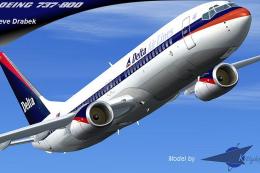
This Delta Airlines Boeing 737-800 add-on for Microsoft Flight Simulator 2004…
Read what other simmers think, or add your own.
