

 FS2004 Civil Jet Aircraft
Boeing 747-400 Continental Airlines Default Textures Only
This is a repaint of the default Boeing 747-400 in Continental Airlines liver…
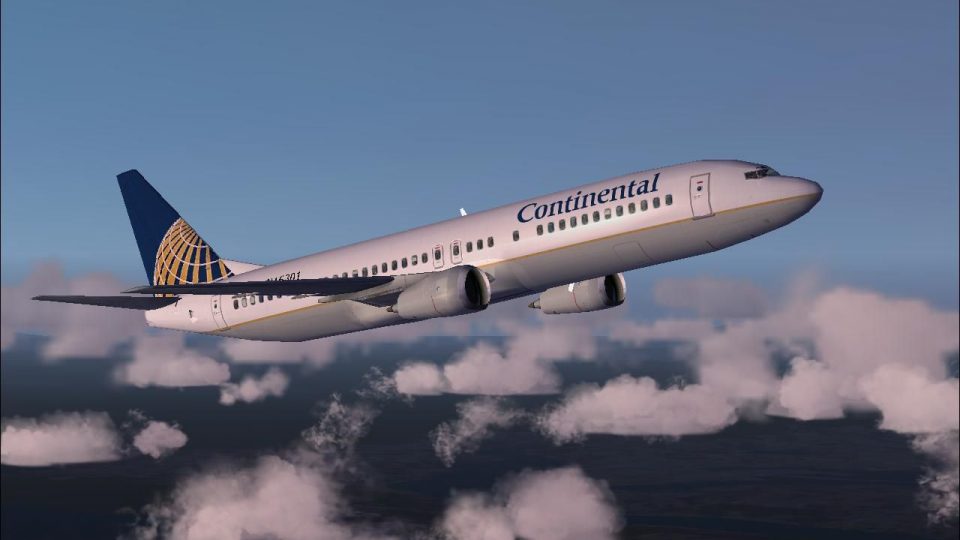
Continental Airlines livery for the default Boeing 737-400 brings the classic globe tail and accurate fuselage markings to Microsoft Flight Simulator 2004, with non-mipmapped textures that keep logos and titles crisp from multiple angles. Requires the base 737-400 aircraft, delivering sharp external visuals that suit both user-flown and traffic setups.
 Rate
Rate
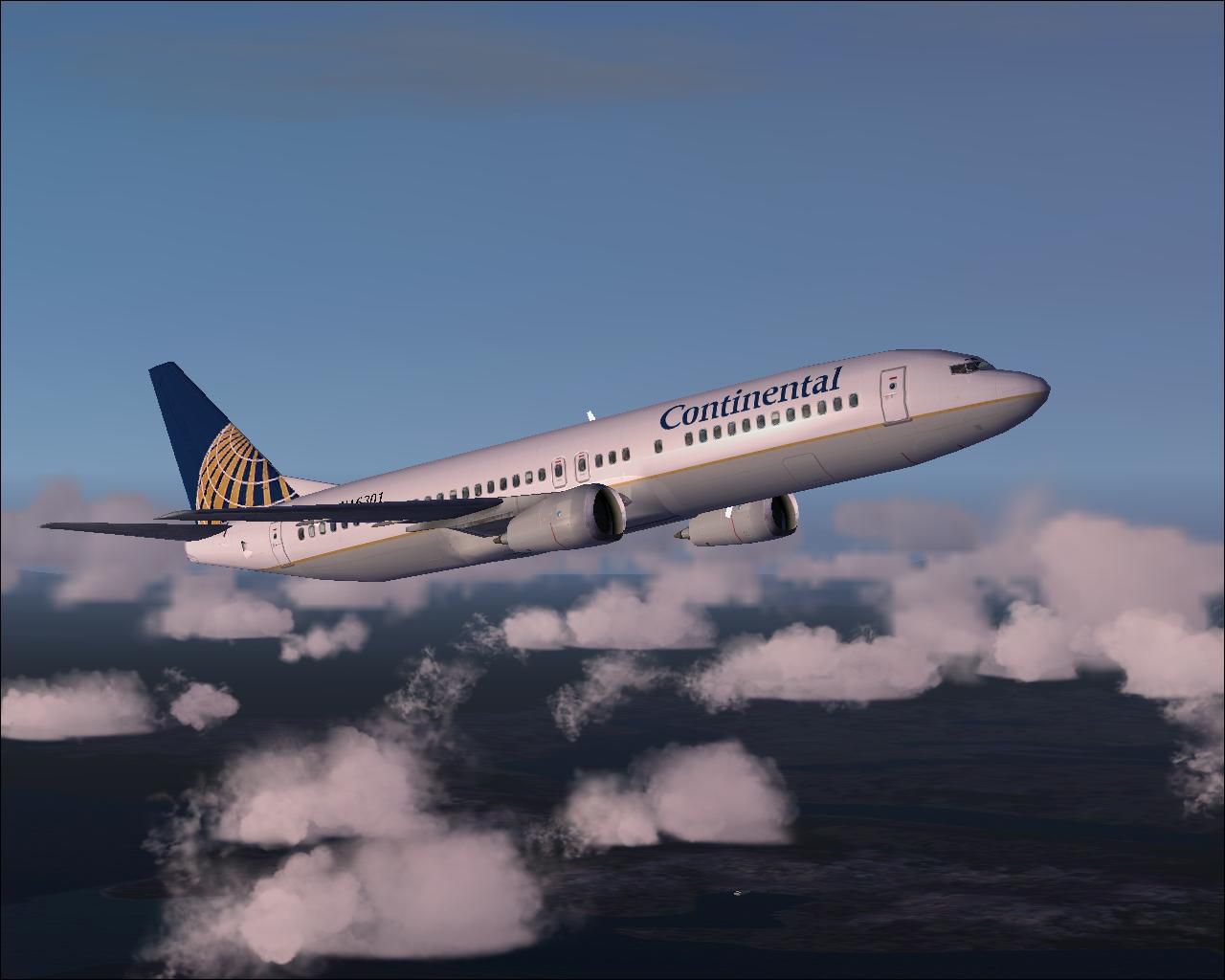
This freeware repaint brings the Continental Airlines theme to the default Boeing 737-400 in Microsoft Flight Simulator 2004. Created by Tony Potter, the package incorporates non-mipmapped textures for enhanced clarity. It does not include the base 737-400 model, so ensure you have that freeware package from the Fly Away Simulation library.
Continental Airlines, once a major U.S. carrier, operated a wide variety of Boeing 737 variants over the years. The 737-400 belongs to the Classic generation (alongside the -300 and -500), designed for short- to medium-range operations. This repaint reflects the airline’s familiar livery with its globe tail design and finely detailed fuselage markings. Users can expect crisp external graphics and faithful coloring to match the real-world fleet.
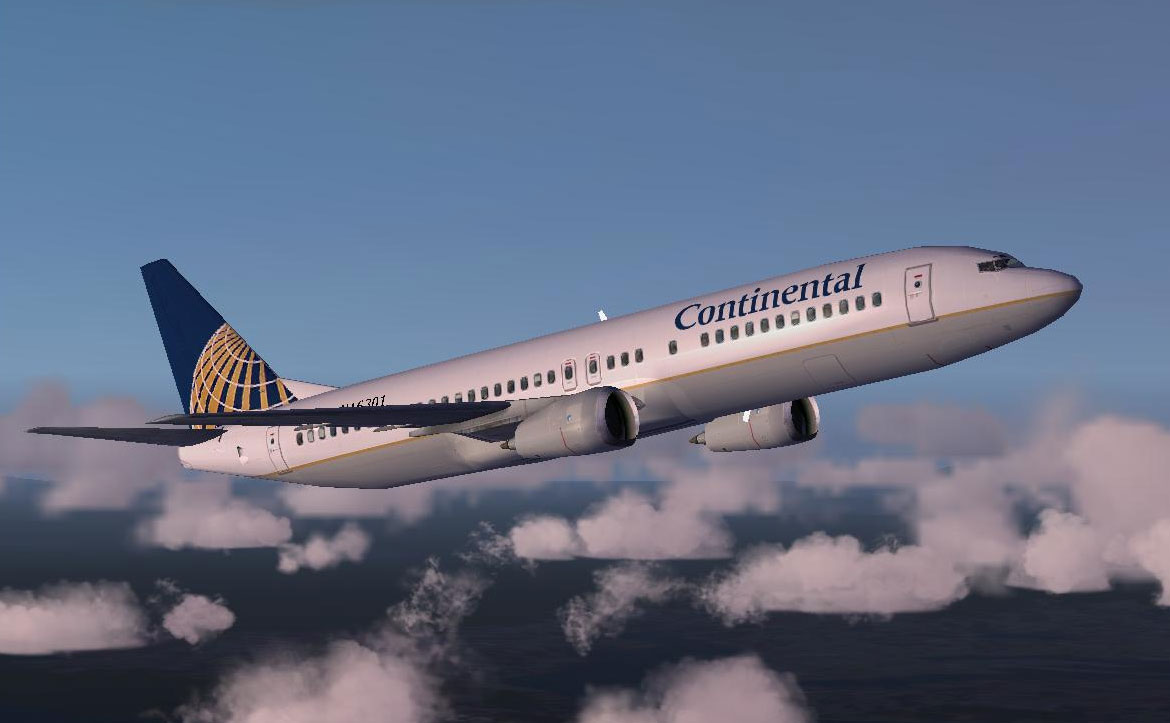
Screenshot of Continental Airline B737-400 in flight.
These textures were carefully prepared to avoid mipmaps. Mipmaps are smaller versions of the same texture embedded within the primary texture file; removing them often enhances sharpness when viewed at specific angles or distances. This approach ensures the lettering and logos remain consistently sharp, capturing minute details across various viewpoints and lighting conditions.
fs2004/aircraft/b737_400 directory. Next, rename texture.x by replacing the “x” with the next unused number.[fltsim.x] section below and copy its entire content. Then open the aircraft.cfg file within the b737_400 folder. Scroll to the last existing [fltsim.#] entry, just before the [General] section, and paste the new [fltsim.x] block. Replace the placeholder “x” markers with the correct sequential number.aircraft.cfg file.aircraft.cfg file for the default 737-400.fs2004/aircraft/b737_400/texture.x (could be texture.0, texture.1, and so on) and overwrite the existing files with the new textures.[fltsim.x] segment below. Access the aircraft.cfg in your fs2004/aircraft/b737_400 directory and find the [fltsim.#] entry that matches the texture folder you replaced. Paste in the new entry, then rename the placeholders accordingly.aircraft.cfg and load the simulator to verify the AI aircraft texture.To integrate this repaint correctly, insert the following code into your aircraft.cfg file, adapting any “x” placeholders to match your current numbering sequence:
[fltsim.x]

title=Boeing 737-400 PaintX

sim=Boeing737-400

model=

panel=

sound=

texture=x

kb_checklists=Boeing737-400_check

kb_reference=Boeing737-400_ref

atc_id=N16301

atc_airline=Continental

atc_flight_number=1123

ui_manufacturer=Boeing

ui_type=737-400

ui_variation=Continental Airlines

description=One should hardly be surprised that the world's most prolific manufacturer of commercial aircraft is also the producer of the world's most popular jetliner. The 737 became the best-selling commercial jetliner worldwide when orders for it hit 1,831 in June 1987 (surpassing Boeing's own 727 as the previous champ). However, it wasn't always that way\s in the first few years of production, there were so few orders that Boeing considered canceling the program. They didn't, and the airplane has more than proven itself in over three decades of service.
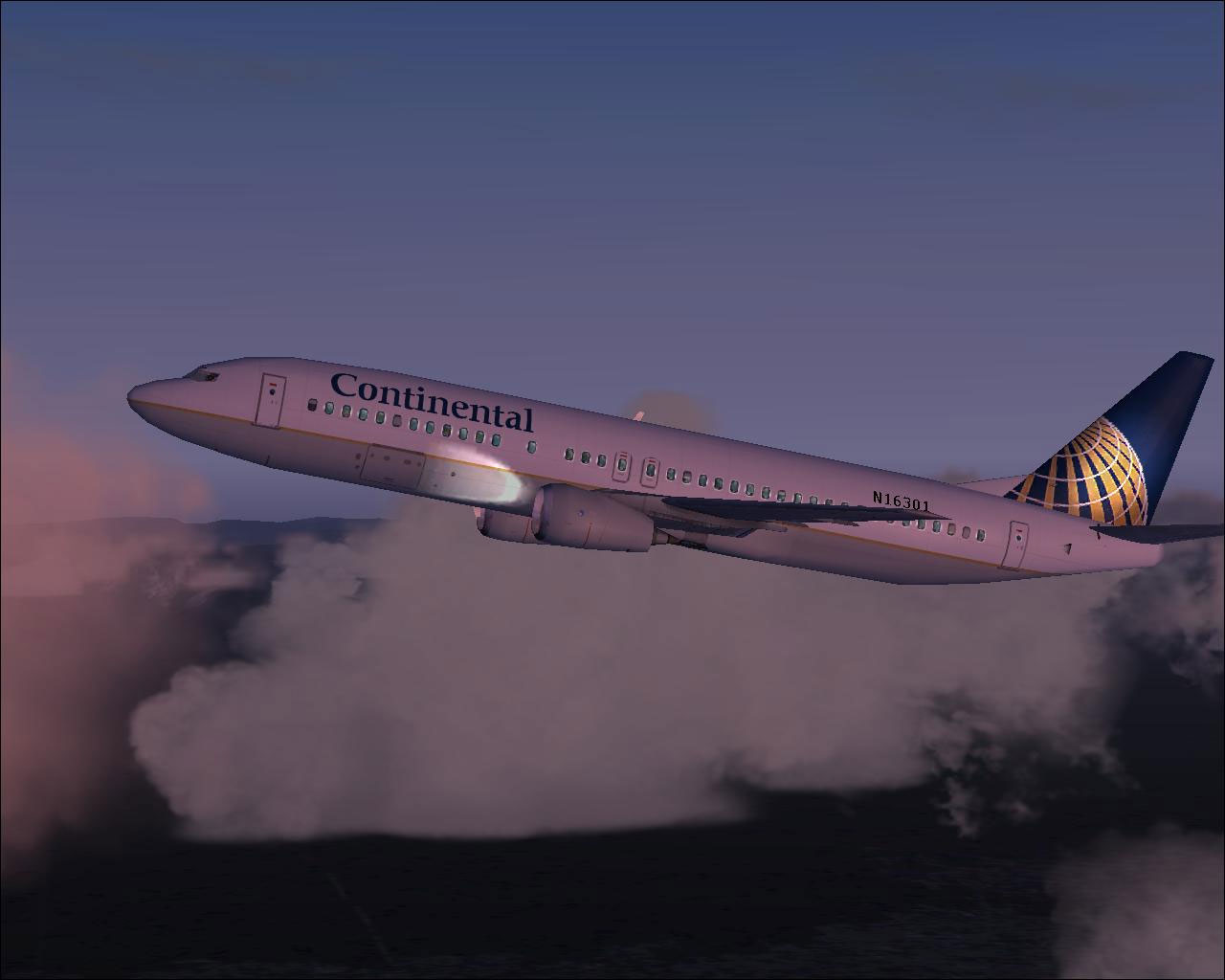
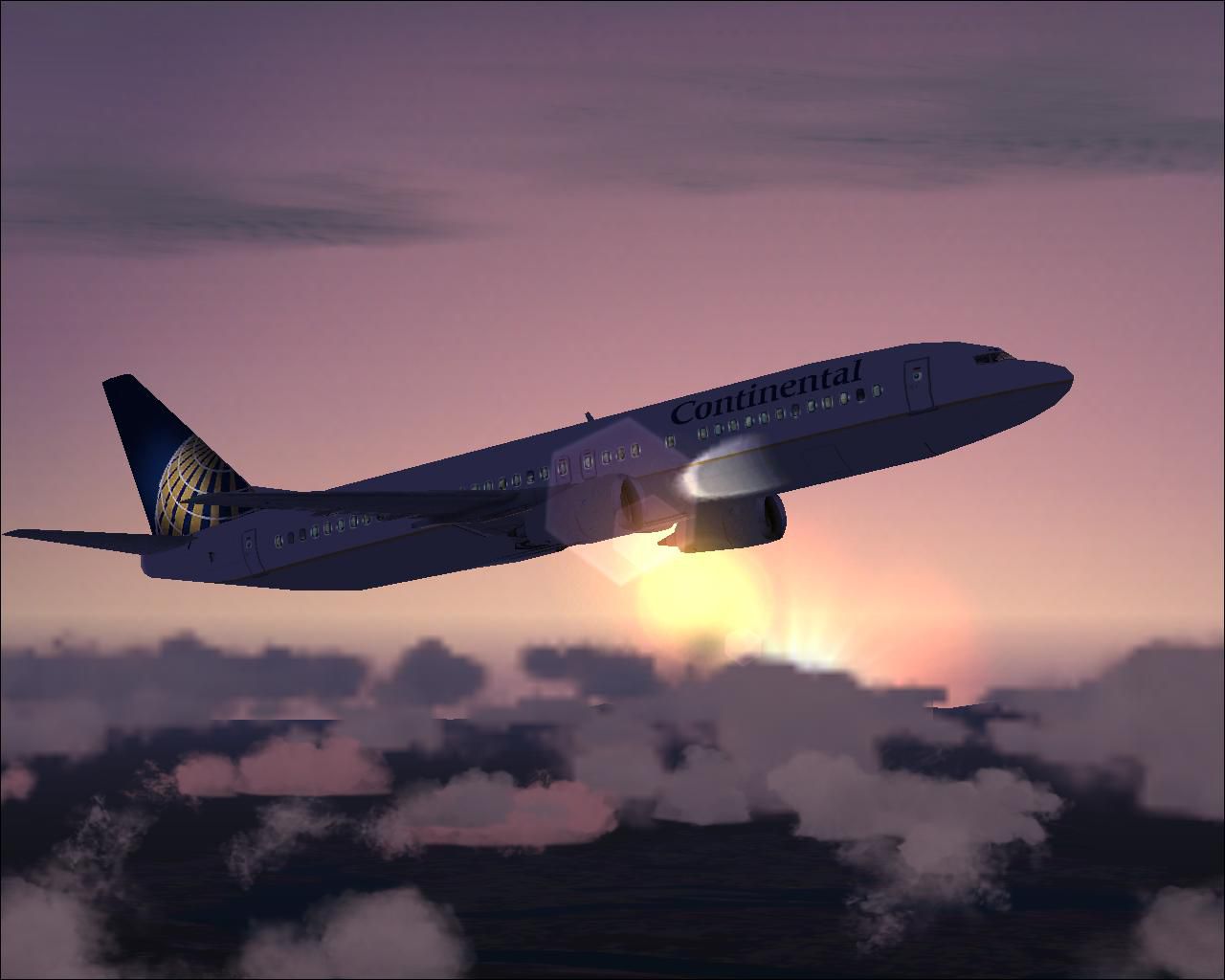
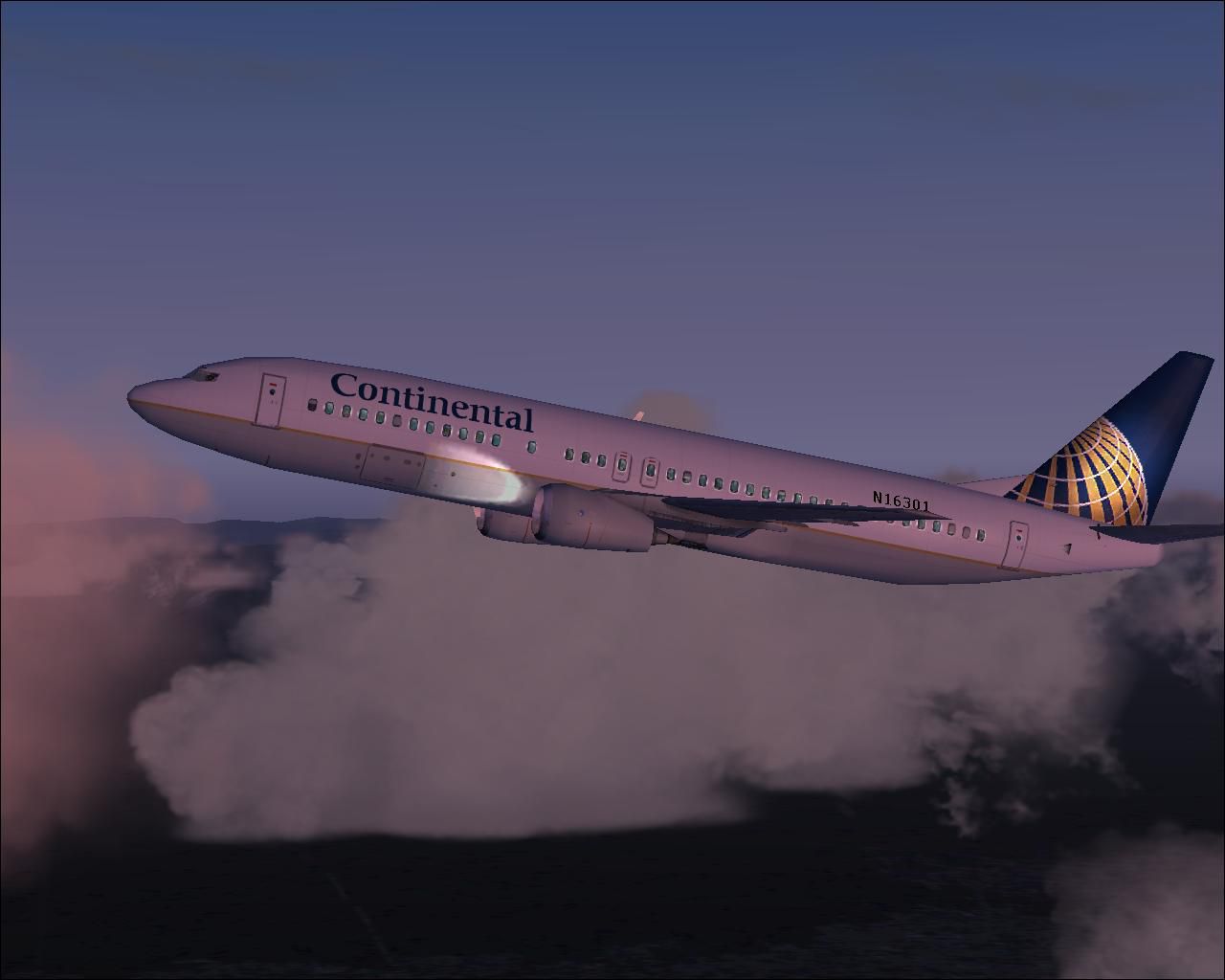
Screenshot of Continental Airline B737-400 in flight at dusk.
This repaint is freeware and requires the default Boeing 737-400 that ships with Microsoft Flight Simulator 2004. If you do not possess the base model, it can be acquired as a freeware download in the Fly Away Simulation library. All credit for these custom textures goes to Tony Potter.
Free for all simmers · 968.18 KB · Scanned clean Oct 2026
Download speed: Free tier is capped at 0.5 Mbps. PRO members download at full line speed.
FS9\Aircraft\, FS9\Addon Scenery\, FS9\Gauges\, or FS9\Effects\.readme.txt or README file. It tells you exactly where files go, what dependencies are needed, and any quirks specific to this add-on.The archive b737_coa.zip has 13 files and directories contained within it.
This list displays the first 500 files in the package. If the package has more, you will need to download it to view them.
| Filename/Directory | File Date | File Size |
|---|---|---|
| coa.gif | 08.04.03 | 9.62 kB |
| COA1.JPG | 08.04.03 | 69.57 kB |
| COA2.JPG | 08.04.03 | 61.09 kB |
| COA3.JPG | 08.04.03 | 79.00 kB |
| file_id.diz | 08.04.03 | 235 B |
| readme.txt | 08.04.03 | 4.62 kB |
| texture.x | 08.04.03 | 0 B |
| 737_panel_decals.bmp | 09.19.01 | 170.74 kB |
| B737_400_C.bmp | 09.19.01 | 682.74 kB |
| b737_400_L.bmp | 12.29.01 | 85.40 kB |
| b737_400_t.bmp | 08.04.03 | 1.00 MB |
| flyawaysimulation.txt | 10.29.13 | 959 B |
| Go to Fly Away Simulation.url | 01.22.16 | 52 B |
Only PRO members can place votes.
More FS2004 add-ons hand-picked based on this download.
FS2004 Civil Jet Aircraft
This is a repaint of the default Boeing 747-400 in Continental Airlines liver…
 FS2004 Civil Jet Aircraft
This freeware download provides a meticulously modeled Boeing 767-400 in the …
 FS2004 Civil Jet Aircraft
Features full moving parts including, but not limited to, engines (engine als…
 FS2004 Civil Jet Aircraft
Boeing 737-800 with and without winglets. Model by Kittyhawk Productions. Scr…
 FS2004 Civil Jet Aircraft
Original by Kittyhawk Productions. Model by Erick Cantu. Model assistance by …
 FS2004 Civil Jet Aircraft
Original by Kittyhawk Productions. Model by Erick Cantu. Model assistance by …
 FS2004 Civil Jet Aircraft
Textures for Kittyhawk's B737-800, winglet textures have been included for th…
 FS2004 Civil Jet Aircraft
For AI. A repaint of the David Rawlins/AI Aardvark B737-300 in the current co…
Be the first to leave a comment on this download.
Be the first to share your thoughts on this download.