

 FSX Civil Aircraft
Delta Airlines Boeing 747-400 N663US
Textures only, requires iFly 747 v2. By Maxime Konareff and iFly Simulation S…
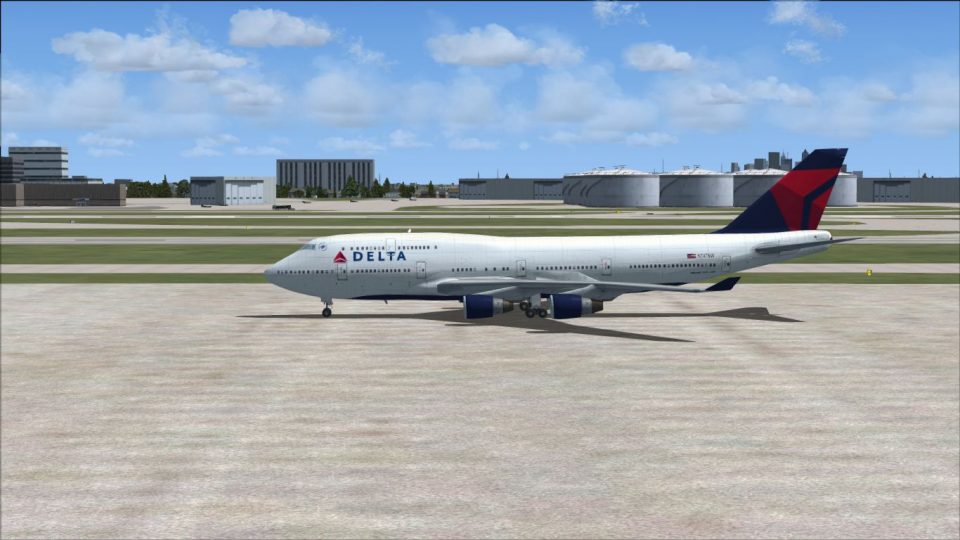
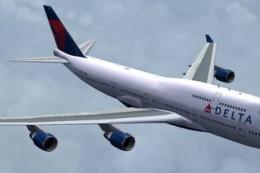
Delta Air Lines livery for the default Boeing 747-400 brings classic fleet markings and authentic registration N662US to the jumbo in Microsoft Flight Simulator X. The repaint includes matching airline and parking codes for more believable gate assignments and ATC calls, and requires the stock FSX 747-400 model.
 Rate
Rate
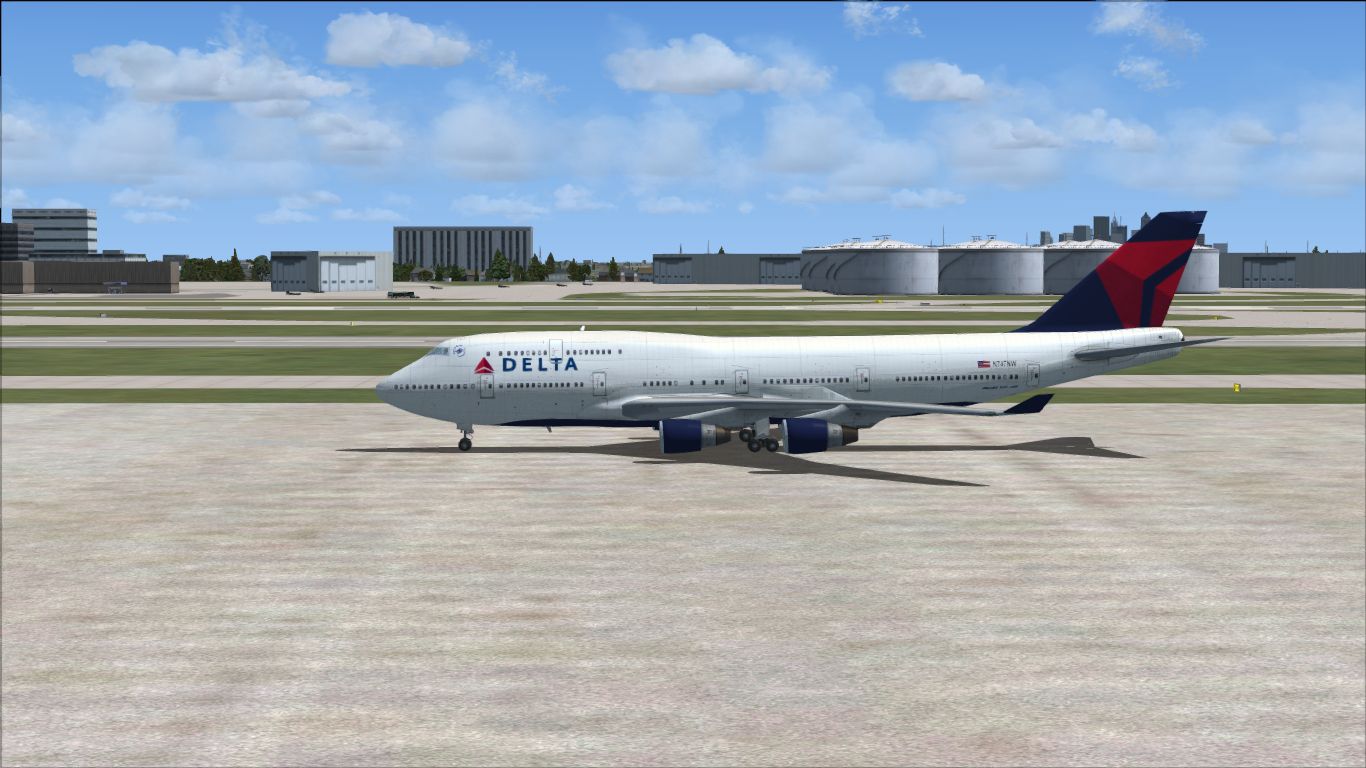
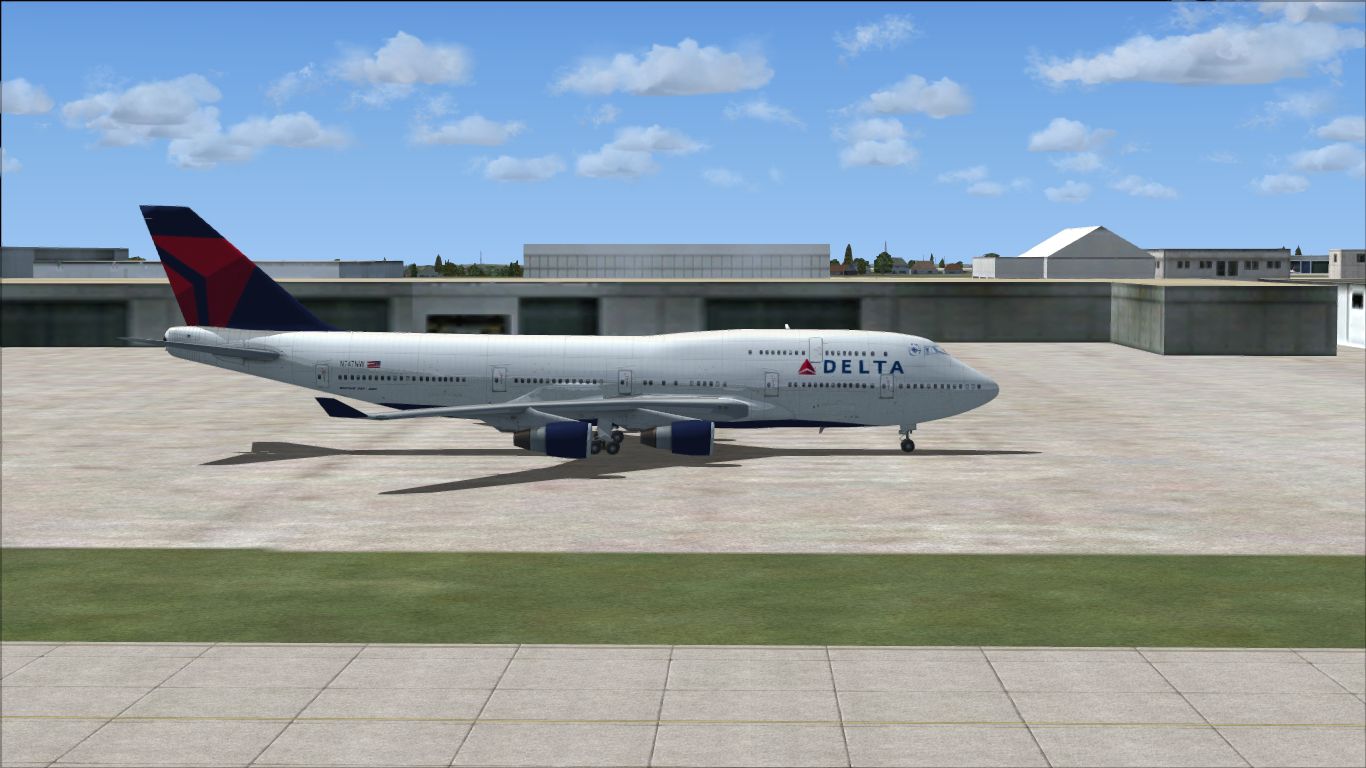
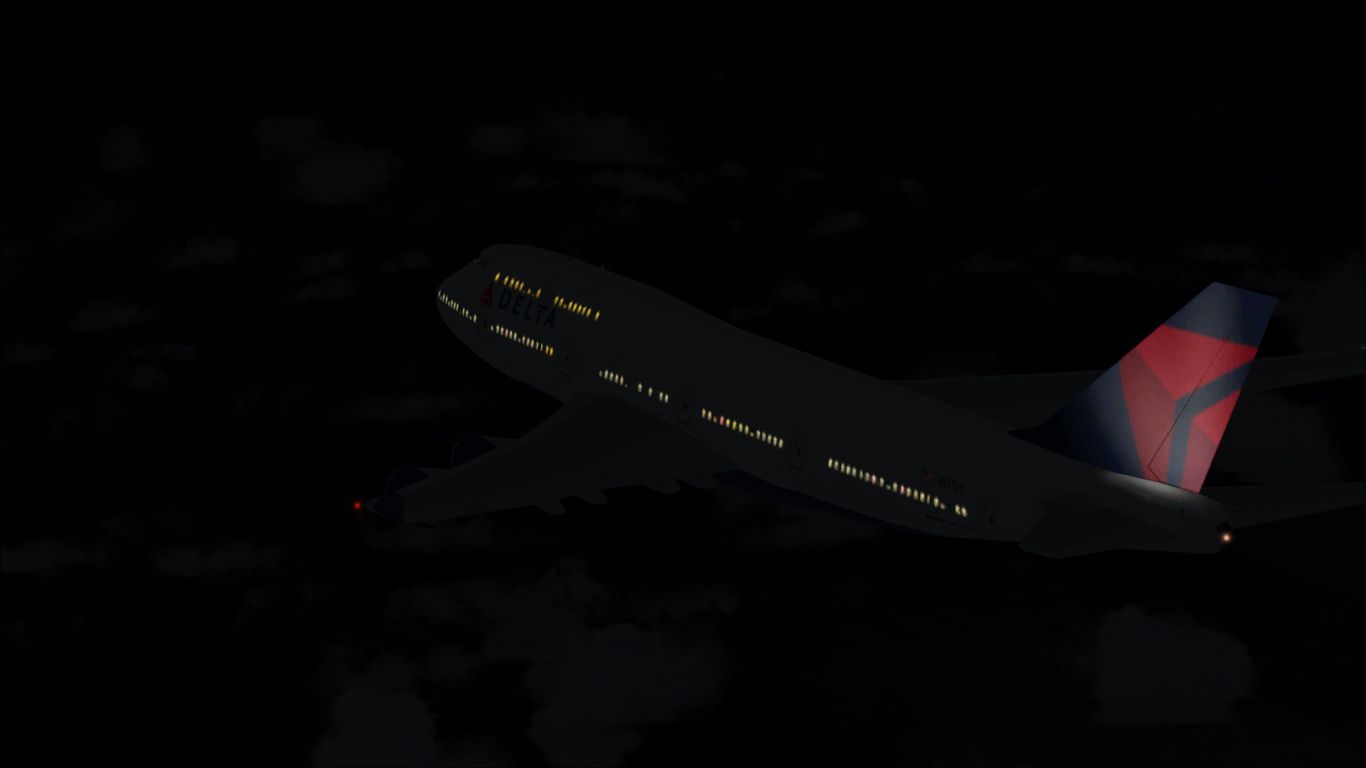

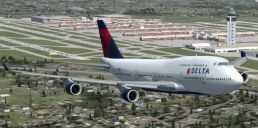
A repaint of the default B747-400. By Cassidy Dietrich.
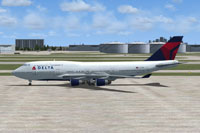
Screenshot of Delta Airlines Boeing 747-400 on the ground.
Installation:
[fltsim.x]

title=Boeing 747-400 Delta

sim=Boeing747-400

model=

panel=

sound=

texture=DAL

kb_checklists=Boeing747-400_check

kb_reference=Boeing747-400_ref

atc_id=N662US

atc_airline=Delta

atc_parking_codes=DAL, NWA

atc_parking_types=GATE

atc_flight_number=607

atc_heavy=1

ui_manufacturer="Boeing"

ui_type="747-400"

ui_variation="Delta Air Lines"

ui_typerole="Commercial Airliner"

ui_createdby="Microsoft Corporation"

description="More than 30 years ago, the 747 made its first trip from New York to London. Since then, it's become the standard by which other large passenger jets are judged. Its size, range, speed and capacity were then, and are now, the best in its class."
Free for all simmers · 7.71 MB · Scanned clean Oct 2026
Download speed: Free tier is capped at 0.5 Mbps (this file takes approximately 2 mins at the cap). PRO members download at full line speed.
texture.{airline}) inside FSX\SimObjects\Airplanes\{base-aircraft}\.aircraft.cfg in Notepad. Add a new [fltsim.X] section per the readme.readme.txt or README file. It tells you exactly where files go, what dependencies are needed, and any quirks specific to this add-on.The archive delta747rp.zip has 30 files and directories contained within it.
This list displays the first 500 files in the package. If the package has more, you will need to download it to view them.
| Filename/Directory | File Date | File Size |
|---|---|---|
| by-nc-sa.png | 05.11.13 | 21.95 kB |
| Delta747Left.jpg | 07.07.13 | 633.96 kB |
| Delta747Night.jpg | 07.08.13 | 142.93 kB |
| Delta747Right.jpg | 07.07.13 | 583.89 kB |
| Read Me.txt | 07.23.13 | 2.03 kB |
| texture.DAL | 07.08.13 | 0 B |
| B747_1_LM.dds | 07.07.13 | 256.12 kB |
| b747_1_t.dds | 07.07.13 | 1.00 MB |
| B747_1_T_bump.dds | 09.04.06 | 1.00 MB |
| B747_1_T_Specular.dds | 09.04.06 | 1.33 MB |
| B747_2_T.dds | 09.04.06 | 1.33 MB |
| B747_2_T_bump.dds | 09.04.06 | 1.00 MB |
| B747_2_T_specular.dds | 09.04.06 | 1.33 MB |
| B747_400_1_C.dds | 09.04.06 | 682.79 kB |
| B747_400_2_C.dds | 09.04.06 | 682.79 kB |
| B747_400_3_C.dds | 09.04.06 | 682.79 kB |
| B747_400_4_C.dds | 09.04.06 | 682.79 kB |
| B747_400_5_C.dds | 09.04.06 | 170.79 kB |
| B747_400_6_C.dds | 09.04.06 | 170.79 kB |
| B747_400_7_C.dds | 09.04.06 | 170.79 kB |
| B747_400_interior.dds | 09.04.06 | 170.79 kB |
| B747_400_reflection.dds | 09.04.06 | 170.79 kB |
| Fresnel_Ramp.dds | 09.04.06 | 640 B |
| fresnel_ramp_1.dds | 09.04.06 | 640 B |
| pilots.dds | 09.04.06 | 42.79 kB |
| texture.cfg | 08.14.06 | 137 B |
| thumbnail.jpg | 07.07.13 | 37.24 kB |
| Thumbnail.gif | 07.08.13 | 6.06 kB |
| flyawaysimulation.txt | 10.29.13 | 959 B |
| Go to Fly Away Simulation.url | 01.22.16 | 52 B |
Only PRO members can place votes.
More FSX & P3D add-ons hand-picked based on this download.
FSX Civil Aircraft
Textures only, requires iFly 747 v2. By Maxime Konareff and iFly Simulation S…
 FSX Civil Aircraft
FSX Korean Airlines Boeing 747-400 "Mona Lisa". Textures only for the payware…
 FSX Civil Aircraft
FSX Aerolineas Argentinas Boeing 747-400 GE, registration LV-BBU. Textures on…
 FSX Civil Aircraft
Delta Airlines Boeing 747-451 2007 new color. This is a fix for the FSX versi…
 FSX Civil Aircraft
This carefully crafted repaint for the default Boeing 747-400 in Microsoft Fl…
 FSX Civil Aircraft
This repaint set introduces a custom Jet Hops livery to the Boeing 747-400 in…
 FSX Civil Aircraft
Delta Northwest Boeing 747-8i with advanced VC by Alejandro Rojas Lucena and …
 FSX Civil Aircraft
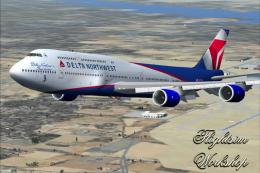
Delta Northwest Boeing 747-8i with advanced VC by Alejandro Rojas Lucena and …
Read what other simmers think, or add your own.

Do you think you can make a 3D model of N661US? I want to try making a papercraft version. Do you think you could make the textures too? What fonts do they use for the nose registration on the front landing gear doors and on the tail registration?