


FS2004 Hovercraft V03
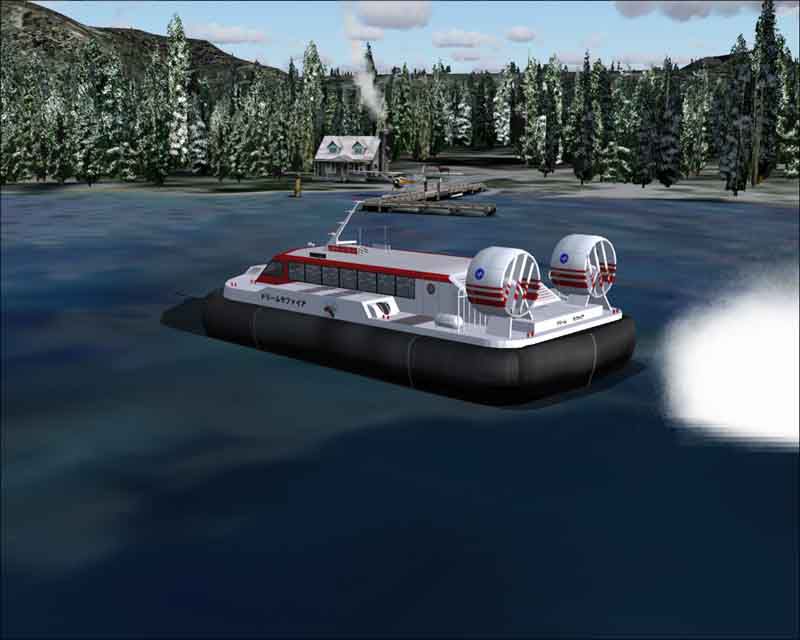
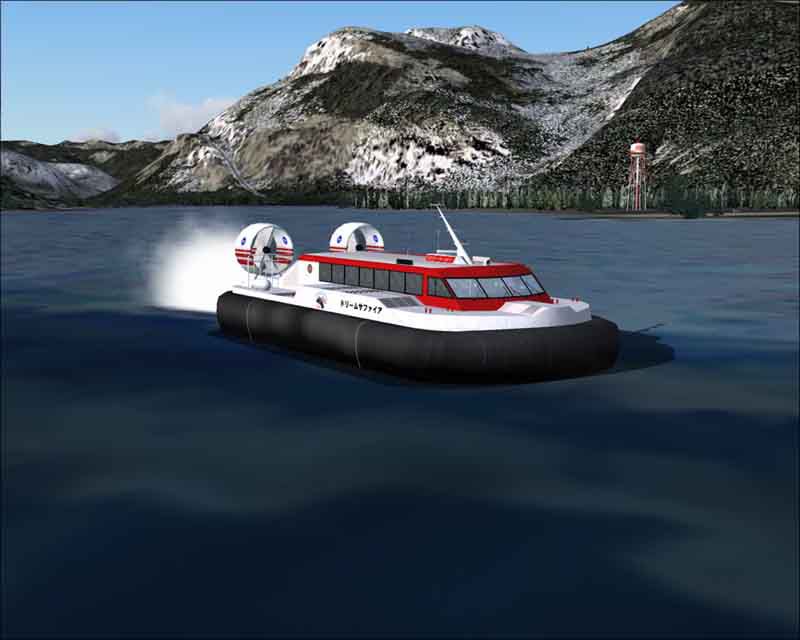
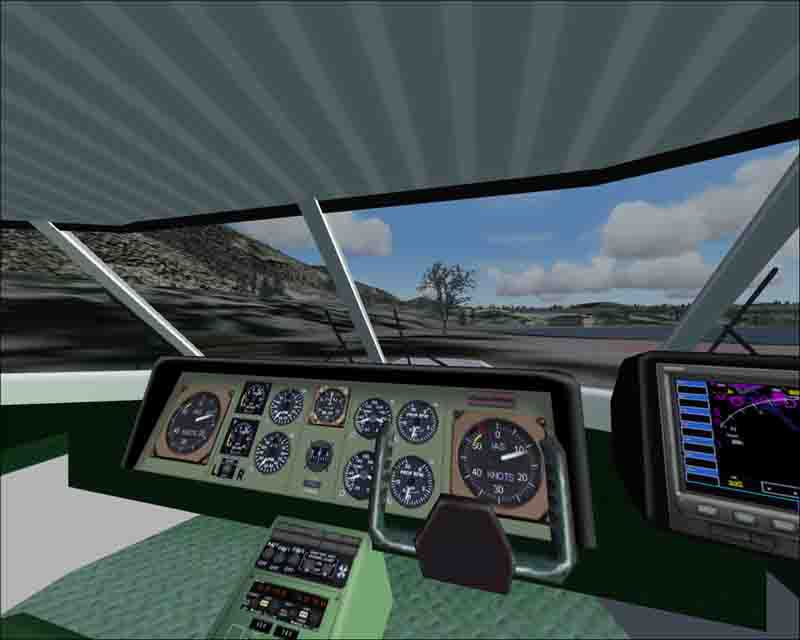
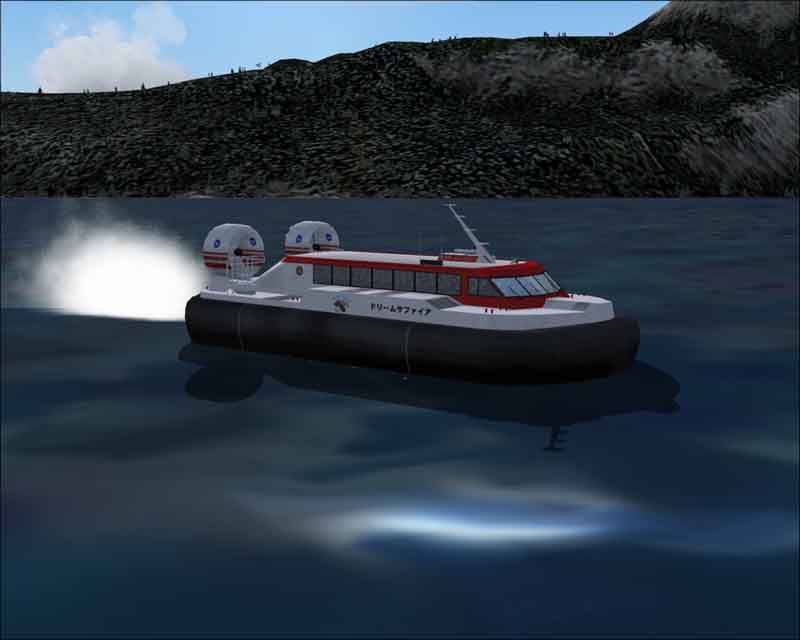
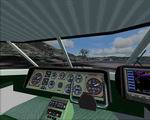
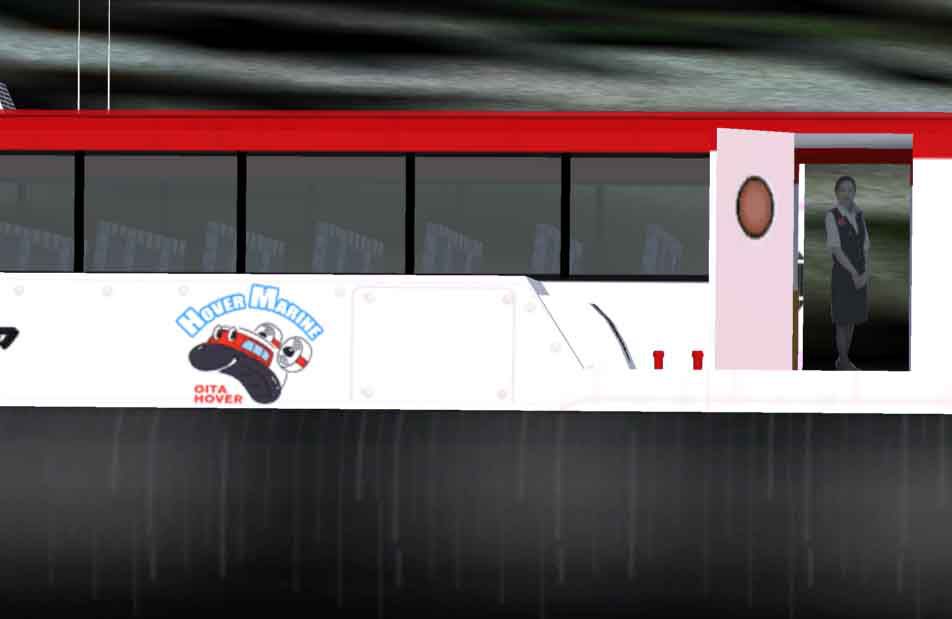
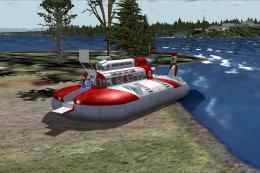
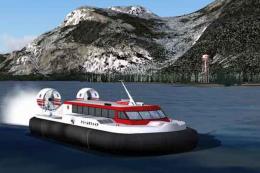
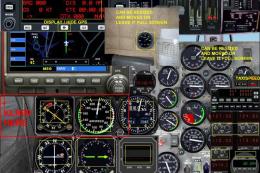
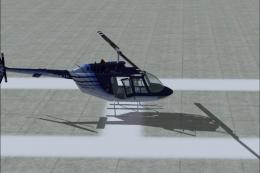
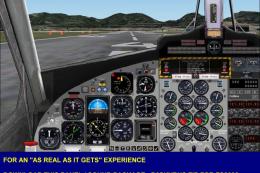
Hovercraft V03 brings amphibious fun to FS2004 with a detailed virtual cockpit, animated opening doors, and a staffed cabin featuring an attendant for added realism. Designed by Mitsuya Hamaguchi, it suits low-level sightseeing and unconventional coastal hops while keeping the experience immersive from the pilot’s seat to the passenger area.
 3.8/5
(2)
2.5K downloads
FS2004
3.8/5
(2)
2.5K downloads
FS2004
- Type:Complete with Base Model
- File: HOVER_v03.zip
- Size:995.44 KB
- Scan:
Clean (4d)

- Access:Freeware
- Content:Everyone

 Description
 1 comments
Images & Screenshots

The archive HOVER_v03.zip has 44 files and directories contained within it.
File Contents
This list displays the first 500 files in the package. If the package has more, you will need to download it to view them.
| Filename/Directory | File Date | File Size |
|---|---|---|
| Effects | 01.27.04 | 0 B |
| hama_hover_1.fx | 01.23.04 | 1.20 kB |
| GAUGES | 01.27.04 | 0 B |
| craftxml | 01.27.04 | 0 B |
| 1024 | 01.27.04 | 0 B |
| 2Analog_Airspeed_Background.bmp | 01.23.04 | 108.05 kB |
| Analog_Airspeed_Background.bmp | 01.23.04 | 17.05 kB |
| Analog_Airspeed_Needle.bmp | 01.23.04 | 1.93 kB |
| 640 | 01.27.04 | 0 B |
| Analog_Airspeed_Background.bmp | 06.12.03 | 7.32 kB |
| Analog_Airspeed_Needle.bmp | 01.23.04 | 1.46 kB |
| hama Airspeed Indicator.xml | 01.23.04 | 1.06 kB |
| Standby Airspeed Indicator.xml | 06.12.03 | 1.06 kB |
| HOVER_v03 | 01.27.04 | 0 B |
| aircraft.cfg | 01.27.04 | 16.43 kB |
| hama_hover.air | 01.17.04 | 12.95 kB |
| hovercraft_002.jpg | 01.27.04 | 34.79 kB |
| hovercraft_003.jpg | 01.27.04 | 37.61 kB |
| hovercraft_004.jpg | 01.27.04 | 26.90 kB |
| hovercraft_005.jpg | 01.27.04 | 26.40 kB |
| hovercraft_006.jpg | 01.27.04 | 27.76 kB |
| model.hover_v2 | 01.27.04 | 0 B |
| hover.mdl | 01.24.04 | 631.40 kB |
| model.cfg | 01.09.04 | 22 B |
| panel | 01.27.04 | 0 B |
| compass.bmp | 04.18.01 | 96.42 kB |
| kingair_panel_decals.bmp | 04.04.03 | 257.05 kB |
| panel.cfg | 01.24.04 | 4.73 kB |
| Panel_forward_1024.bmp | 01.24.04 | 769.05 kB |
| Panel_forward_640.bmp | 01.24.04 | 301.05 kB |
| radio_stack_bg.bmp | 07.03.01 | 67.86 kB |
| Thumbs.db | 01.28.04 | 9.50 kB |
| Readme.txt | 01.28.04 | 2.19 kB |
| sound | 01.27.04 | 0 B |
| sound.cfg | 01.11.04 | 28 B |
| texture.hover | 01.27.04 | 0 B |
| hover_c.bmp | 01.23.04 | 512.07 kB |
| hover_l.bmp | 01.22.04 | 1.00 MB |
| hover_t.bmp | 01.25.04 | 1.00 MB |
| prop.bmp | 01.12.04 | 64.07 kB |
| Thumbs.db | 01.28.04 | 7.50 kB |
| Thumbs.db | 01.28.04 | 26.50 kB |
| flyawaysimulation.txt | 10.29.13 | 959 B |
| Go to Fly Away Simulation.url | 01.22.16 | 52 B |

Installation Instructions
Most of the freeware add-on aircraft and scenery packages in our file library come with easy installation instructions which you can read above in the file description. For further installation help, please see our Flight School for our full range of tutorials or view the README file contained within the download. If in doubt, you may also ask a question or view existing answers in our dedicated Q&A forum.
1 comments
Leave a ResponseThe content of the comments below are entirely the opinions of the individual posting the comment and do not always reflect the views of Fly Away Simulation. We moderate all comments manually before they are approved.