

 FS2004 Civil Jet Aircraft
Hapag Lloyd Express Boeing 737
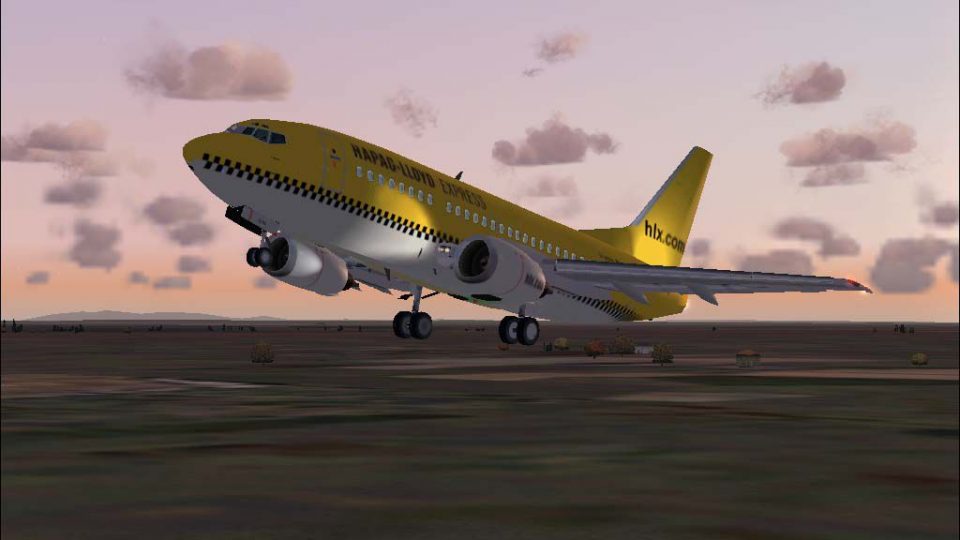
Textures only for the default B737. By M. Schindler. Screenshot of Hapag Lloy…
Hapag-Lloyd Express Boeing 737-500 brings the HLX low-cost look to FS2004 with a crisp, airline-accurate repaint and a detailed classic 737 airframe. Based on Erick Cantu’s model and finished by Wes Archibald, it delivers clean external textures and an authentic virtual cockpit for Hanover-style short-haul ops.
 Rate
Rate
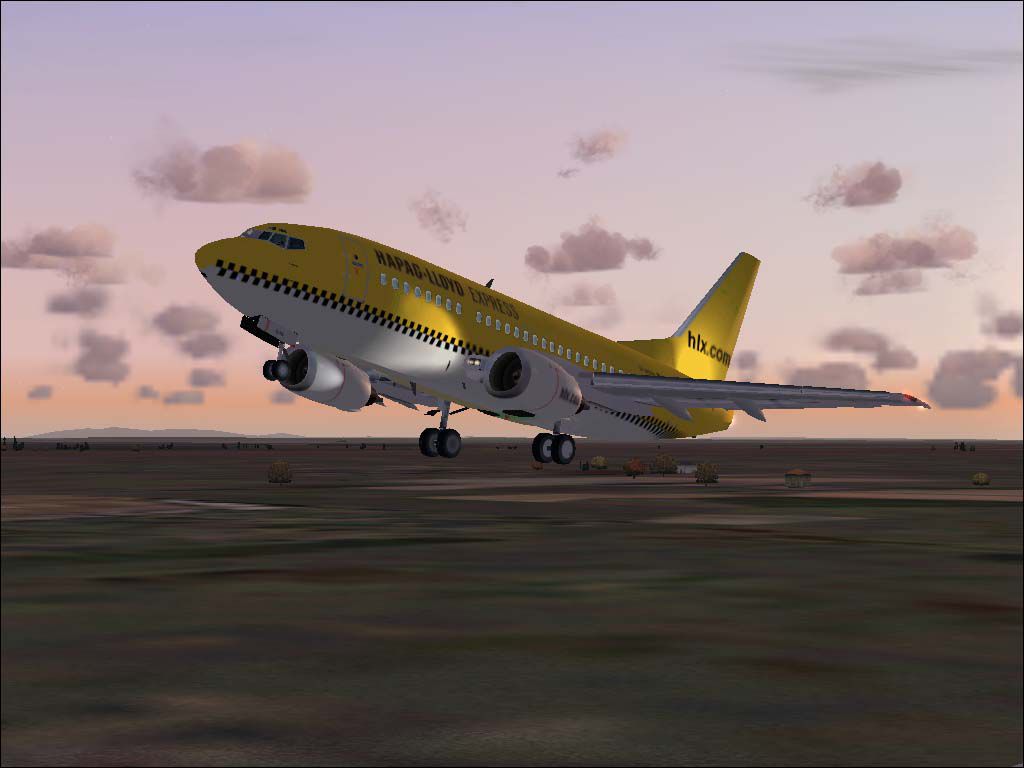

Hapag-Lloyd Express is a wholly-owned subsidiary of TUI AG, the world's largest travel and tourism enterprise. The airline has its headquarters at Hanover airport and went into business on 3 December 2002. Now HLX already offers the cheapest low-cost flights on many routes. Original aircraft by Erick Cantu. Repaint by Wes Archibald.
Screenshot of Hapag-Lloyd Express Boeing 737-500 in flight.
Free for all simmers · 1.77 MB · Scanned clean Sep 2026
Download speed: Free tier is capped at 0.5 Mbps. PRO members download at full line speed.
FS9\Aircraft\, FS9\Addon Scenery\, FS9\Gauges\, or FS9\Effects\.readme.txt or README file. It tells you exactly where files go, what dependencies are needed, and any quirks specific to this add-on.The archive hlx735fg.zip has 75 files and directories contained within it.
This list displays the first 500 files in the package. If the package has more, you will need to download it to view them.
| Filename/Directory | File Date | File Size |
|---|---|---|
| 737README.txt | 03.10.04 | 8.65 kB |
| aircraft.cfg | 10.13.04 | 8.67 kB |
| boeing737-400_check.txt | 03.01.00 | 1.75 kB |
| boeing737-400_notes.txt | 08.07.02 | 82 B |
| boeing737-400_ref.txt | 03.01.00 | 618 B |
| Boeing737-500.air | 04.03.03 | 8.27 kB |
| file_id.diz | 10.13.04 | 430 B |
| HLE.jpg | 10.13.04 | 57.59 kB |
| HLX.jpg | 10.13.04 | 58.54 kB |
| model | 10.13.04 | 0 B |
| B737_500.mdl | 06.03.03 | 1.21 MB |
| model.cfg | 02.16.03 | 27 B |
| panel | 10.13.04 | 0 B |
| panel.cfg | 06.03.03 | 32 B |
| sound | 10.13.04 | 0 B |
| sound.cfg | 06.03.03 | 31 B |
| texture | 10.13.04 | 0 B |
| 735FUSE_L.BMP | 10.13.04 | 1.00 MB |
| 735FUSE_T.BMP | 10.13.04 | 1.00 MB |
| 737INTERIOR_L.bmp | 10.13.04 | 1.00 MB |
| 737INTERIOR_T.bmp | 10.13.04 | 1.00 MB |
| 737WING_L.BMP | 10.13.04 | 4.07 kB |
| 737WING_T.BMP | 10.13.04 | 1.00 MB |
| AILERON_L.bmp | 10.13.04 | 4.07 kB |
| AILERON_T.bmp | 10.13.04 | 256.07 kB |
| CFM56FAN1.bmp | 10.13.04 | 257.05 kB |
| CFM56FAN2.BMP | 10.13.04 | 257.05 kB |
| CFM56_CONE_L.bmp | 10.13.04 | 4.07 kB |
| CFM56_CONE_T.bmp | 10.13.04 | 32.07 kB |
| CFM56_TAILPIPE_L.bmp | 10.13.04 | 4.07 kB |
| CFM56_TAILPIPE_T.bmp | 10.13.04 | 32.07 kB |
| FLAPGUIDES_L.bmp | 10.13.04 | 4.07 kB |
| FLAPGUIDES_T.BMP | 10.13.04 | 64.07 kB |
| FRAMES_L.bmp | 10.13.04 | 4.07 kB |
| FRAMES_T.BMP | 10.13.04 | 64.07 kB |
| GEARLEGS_L.bmp | 10.13.04 | 4.07 kB |
| GEARLEGS_T.bmp | 10.13.04 | 32.07 kB |
| INNERFLAPS_L.bmp | 10.13.04 | 4.07 kB |
| INNERFLAPS_T.bmp | 10.13.04 | 256.07 kB |
| INSPOILER_L.bmp | 10.13.04 | 4.07 kB |
| INSPOILER_T.BMP | 10.13.04 | 64.07 kB |
| INTAKE_L.bmp | 10.13.04 | 4.07 kB |
| INTAKE_T.BMP | 10.13.04 | 32.07 kB |
| KRAP_L.BMP | 10.13.04 | 4.07 kB |
| KRAP_T.bmp | 10.13.04 | 64.07 kB |
| LENG_L.BMP | 10.13.04 | 256.07 kB |
| LENG_T.BMP | 10.13.04 | 257.05 kB |
| LMAINDOOR_L.bmp | 10.13.04 | 4.07 kB |
| LMAINDOOR_T.bmp | 10.13.04 | 64.07 kB |
| md_83_t.bmp | 10.13.04 | 1.00 MB |
| MESH_L.bmp | 10.13.04 | 4.07 kB |
| MESH_T.BMP | 10.13.04 | 32.07 kB |
| MISC_L.BMP | 10.13.04 | 4.07 kB |
| MISC_T.BMP | 10.13.04 | 257.05 kB |
| MOREKRAP_L.BMP | 10.13.04 | 4.07 kB |
| MOREKRAP_T.BMP | 10.13.04 | 4.07 kB |
| OLEO_L.bmp | 10.13.04 | 4.07 kB |
| OLEO_T.bmp | 10.13.04 | 128.07 kB |
| OUTERFLAPS_L.bmp | 10.13.04 | 4.07 kB |
| OUTERFLAPS_T.bmp | 10.13.04 | 256.07 kB |
| OUTSPOILER_L.bmp | 10.13.04 | 4.07 kB |
| OUTSPOILER_T.bmp | 10.13.04 | 256.07 kB |
| PYLONS_L.bmp | 10.13.04 | 4.07 kB |
| PYLONS_T.bmp | 10.13.04 | 64.07 kB |
| RENG_L.BMP | 10.13.04 | 256.07 kB |
| RENG_T.BMP | 10.13.04 | 257.05 kB |
| RMAINDOOR_L.bmp | 10.13.04 | 4.07 kB |
| RMAINDOOR_T.bmp | 10.13.04 | 64.07 kB |
| STAB_L.bmp | 10.13.04 | 4.07 kB |
| STAB_T.bmp | 10.13.04 | 256.07 kB |
| Tail_l.bmp | 10.13.04 | 64.07 kB |
| TAIL_T.BMP | 10.13.04 | 257.05 kB |
| Hapag-Lloyd Express FFX 737-500 | 10.13.04 | 0 B |
| flyawaysimulation.txt | 10.29.13 | 959 B |
| Go to Fly Away Simulation.url | 01.22.16 | 52 B |
Only PRO members can place votes.
More FS2004 add-ons hand-picked based on this download.
FS2004 Civil Jet Aircraft
Textures only for the default B737. By M. Schindler. Screenshot of Hapag Lloy…
 FS2004 Civil Jet Aircraft
Hapag Lloyd Express Boeing 737-700 for AI. HLX is a rather new low-cost divis…
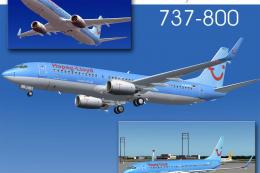 FS2004 Civil Jet Aircraft
Kittyhawk Productions presents the all new b737-800 in regular and winglet mo…
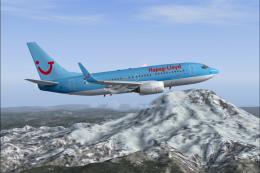 FS2004 Civil Jet Aircraft
Hapag Lloyd Boeing 737-700 with winglets. Textures only, requires PMDG B737-7…
 FS2004 Civil Jet Aircraft
Boeing 737-800 "TUI". Textures only for the AIS-AI B737-800 "NG in HLF-TUI li…
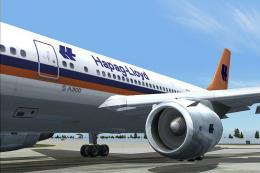 FS2004 Civil Jet Aircraft
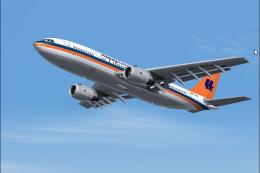
This freeware release features the Federal Hapag-Lloyd A300B4-200 for FS2004,…
 FS2004 Civil Jet Aircraft
Hapag Lloyd Airbus A300B4-200, registration D-AMAX. Model by SGA. Screenshot …
 FS2004 Civil Jet Aircraft
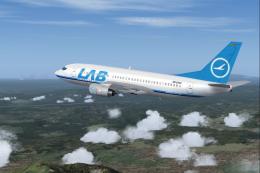
This package features a meticulously painted Boeing 737-300 decorated in the …
Be the first to leave a comment on this download.
Be the first to share your thoughts on this download.