

 FS2004 Civil Jet Aircraft
Garuda Indonesia Airbus A330-300
This is my repaint of FSPainter Garuda Indonesia Airbus A330-300, based on re…
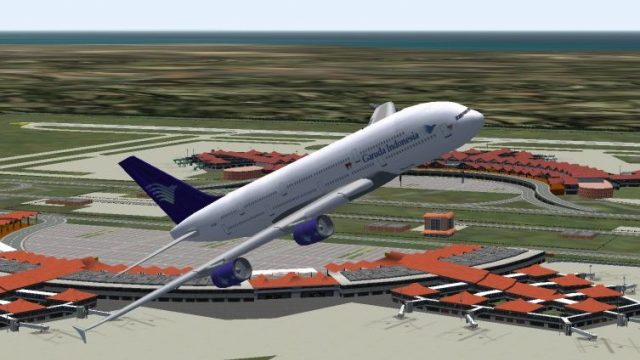
Garuda Indonesia livery brings a fresh, airline-authentic look to the Airbus A380 in FS2004, pairing clean exterior textures with a polished presentation in flight. Designed as textures only, it requires SA380.ZIP and complements the Mike Stone A380 model for a convincing long-haul flagship vibe.
 Rate
Rate
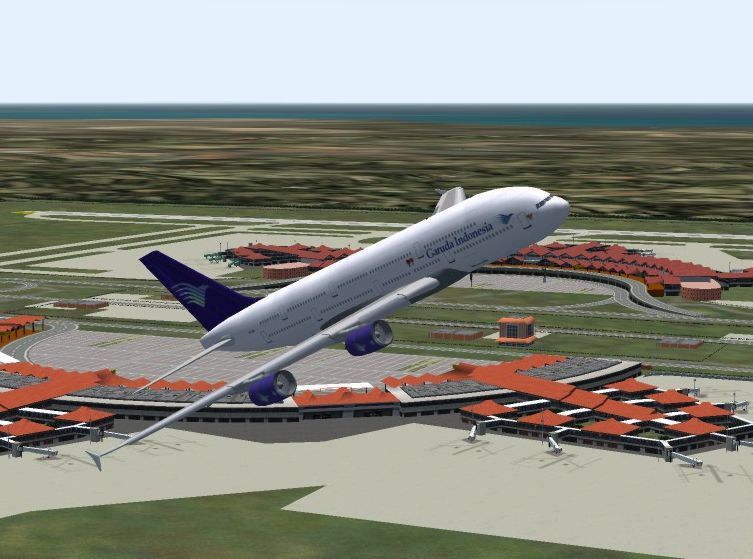
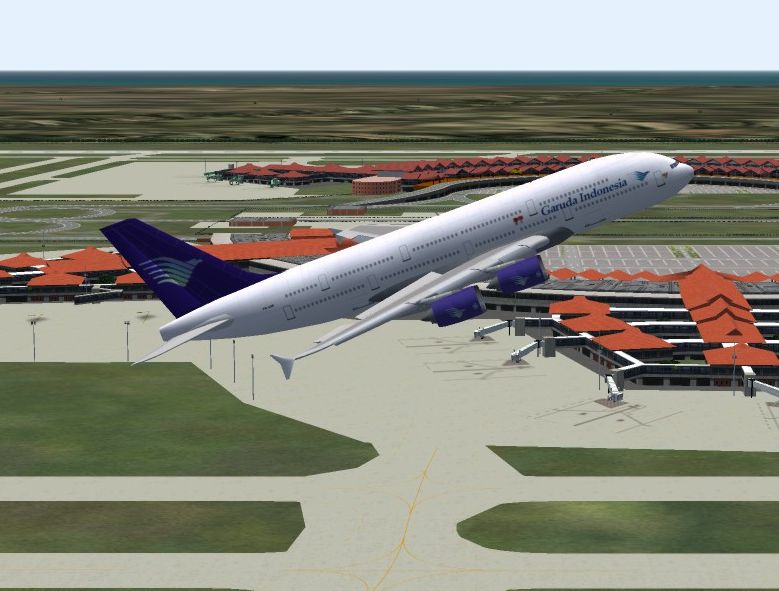
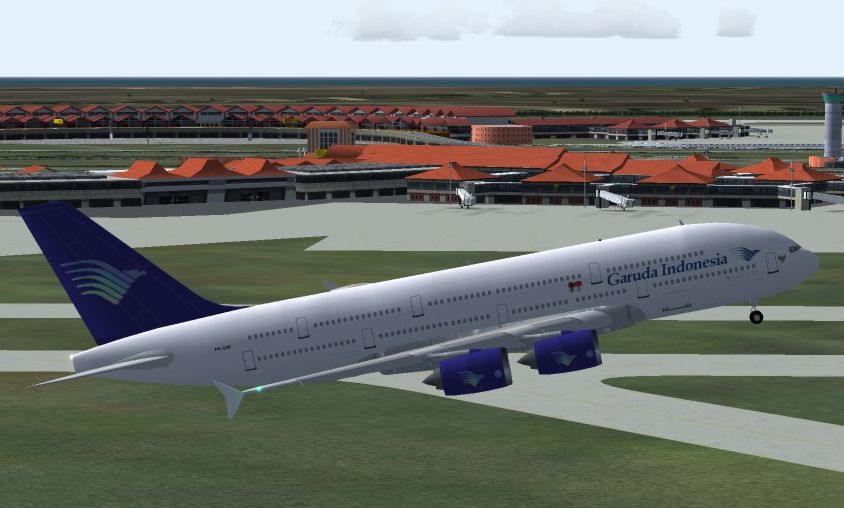
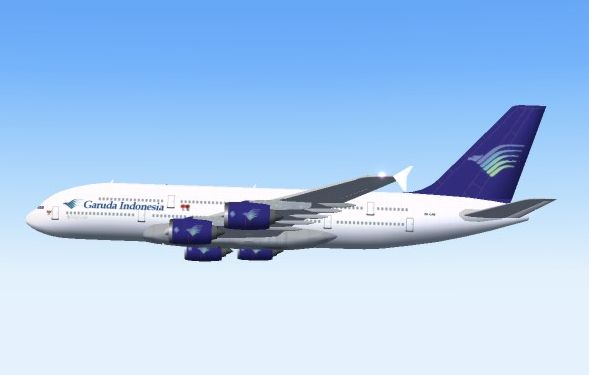
Textures only, requires SA380.ZIP. Original model and aircraft by Mike Stone. Repaint by Ray J. Tamara.
Screenshot of Garuda Indonesia Airbus A380 in the air.
This texture set in Garuda Indonesia livery requires the base SA380 package. This is a repaint of the A380 model. Installation instructions are included.
CREDITS :
Mike Stone for the model itself and for the base textures.
Free for all simmers · 1.38 MB · Scanned clean Aug 2026
Download speed: Free tier is capped at 0.5 Mbps. PRO members download at full line speed.
FS9\Aircraft\, FS9\Addon Scenery\, FS9\Gauges\, or FS9\Effects\.readme.txt or README file. It tells you exactly where files go, what dependencies are needed, and any quirks specific to this add-on.The archive a380gia.zip has 28 files and directories contained within it.
This list displays the first 500 files in the package. If the package has more, you will need to download it to view them.
| Filename/Directory | File Date | File Size |
|---|---|---|
| README.txt | 10.25.04 | 1.39 kB |
| eng_l.bmp | 02.15.04 | 17.05 kB |
| eng_t.bmp | 01.26.04 | 21.43 kB |
| fin_l.bmp | 02.15.04 | 17.05 kB |
| fin_t.bmp | 01.24.04 | 21.43 kB |
| fuslg_l.bmp | 10.25.04 | 1.33 MB |
| fuslg_t.bmp | 10.25.04 | 1.33 MB |
| lwing_l.bmp | 02.15.04 | 1.00 MB |
| lwing_t.bmp | 01.24.04 | 1.33 MB |
| root_l.bmp | 02.15.04 | 1.00 MB |
| root_t.bmp | 10.25.04 | 1.33 MB |
| rwing_l.bmp | 02.15.04 | 1.00 MB |
| rwing_t.bmp | 01.24.04 | 1.33 MB |
| stabroot_l.bmp | 02.15.04 | 17.05 kB |
| stabroot_t.bmp | 01.24.04 | 21.43 kB |
| stab_l.bmp | 02.15.04 | 257.05 kB |
| stab_t.bmp | 01.24.04 | 341.43 kB |
| tail_l.bmp | 10.25.04 | 341.43 kB |
| tail_t.bmp | 10.25.04 | 341.43 kB |
| Thumbs.db | 10.25.04 | 40.00 kB |
| texture.gia | 10.25.04 | 0 B |
| aircraft.cfg | 10.22.04 | 11.46 kB |
| Cruisin.jpg | 10.25.04 | 79.10 kB |
| TakeOff1.jpg | 10.25.04 | 306.95 kB |
| TakeOff2.jpg | 10.25.04 | 353.68 kB |
| TakeOff3.jpg | 10.25.04 | 335.26 kB |
| flyawaysimulation.txt | 10.29.13 | 959 B |
| Go to Fly Away Simulation.url | 01.22.16 | 52 B |
Only PRO members can place votes.
More FS2004 add-ons hand-picked based on this download.
FS2004 Civil Jet Aircraft
This is my repaint of FSPainter Garuda Indonesia Airbus A330-300, based on re…
 FS2004 Civil Jet Aircraft
Experience the distinct character of the Airbus A300B4-200 in Garuda Indonesi…
 FS2004 Civil Jet Aircraft
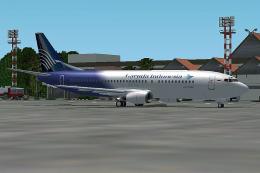
Boeing 737-400 Garuda Indonesia "new livery" PK-GZA is fictional design with …
 FS2004 Civil Jet Aircraft
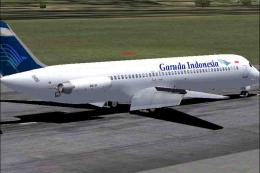
Tested on FS2004 Original aircraft by FFX team. This is a repaint of the amaz…
 FS2004 Civil Jet Aircraft
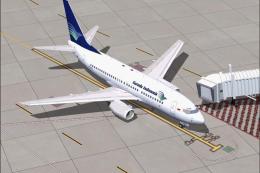
Textures only for PMDG Boeing 737-700
 FS2004 Civil Jet Aircraft
Model by Melvin Rafi. Repainted by El Djak. Screenshot of Garuda Indonesia Bo…
 FS2004 Civil Jet Aircraft
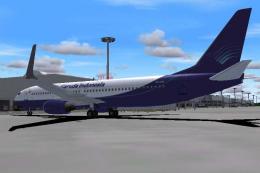
Registration PK-GXX. Includes night textures, reflections and moving parts li…
 FS2004 Civil Jet Aircraft
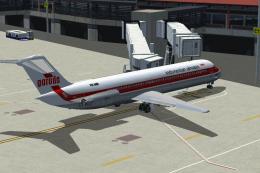
Three liveries. Original by SGAir/FFX. Repaint by Rio Gunawan. Screenshot of …
Be the first to leave a comment on this download.
Be the first to share your thoughts on this download.