

 MSFS Civil Jet Aircraft
Airbus A320 Neo (A32NX) FlyByWire
The FlyByWire Airbus A320 Neo A32NX is a complete freeware aircraft package f…
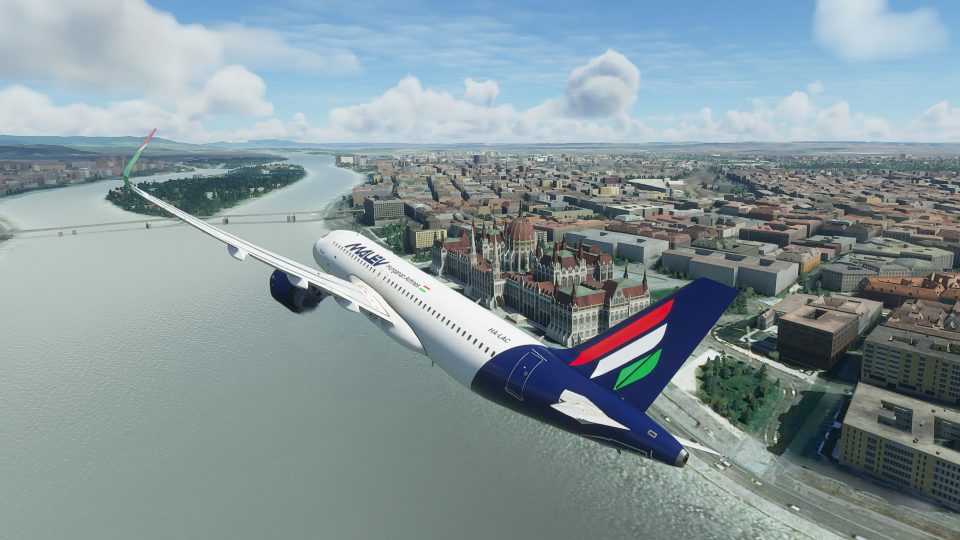
Malev (Hungarian Airlines) livery brings a crisp, high-detail finish to the default Airbus A320neo, updating exterior markings and colors for an authentic look in the sim. Designed for Microsoft Flight Simulator, this fictional repaint delivers a clean, era-appropriate style with sharp logos and well-balanced weathering across the airframe.
 Rate
Rate
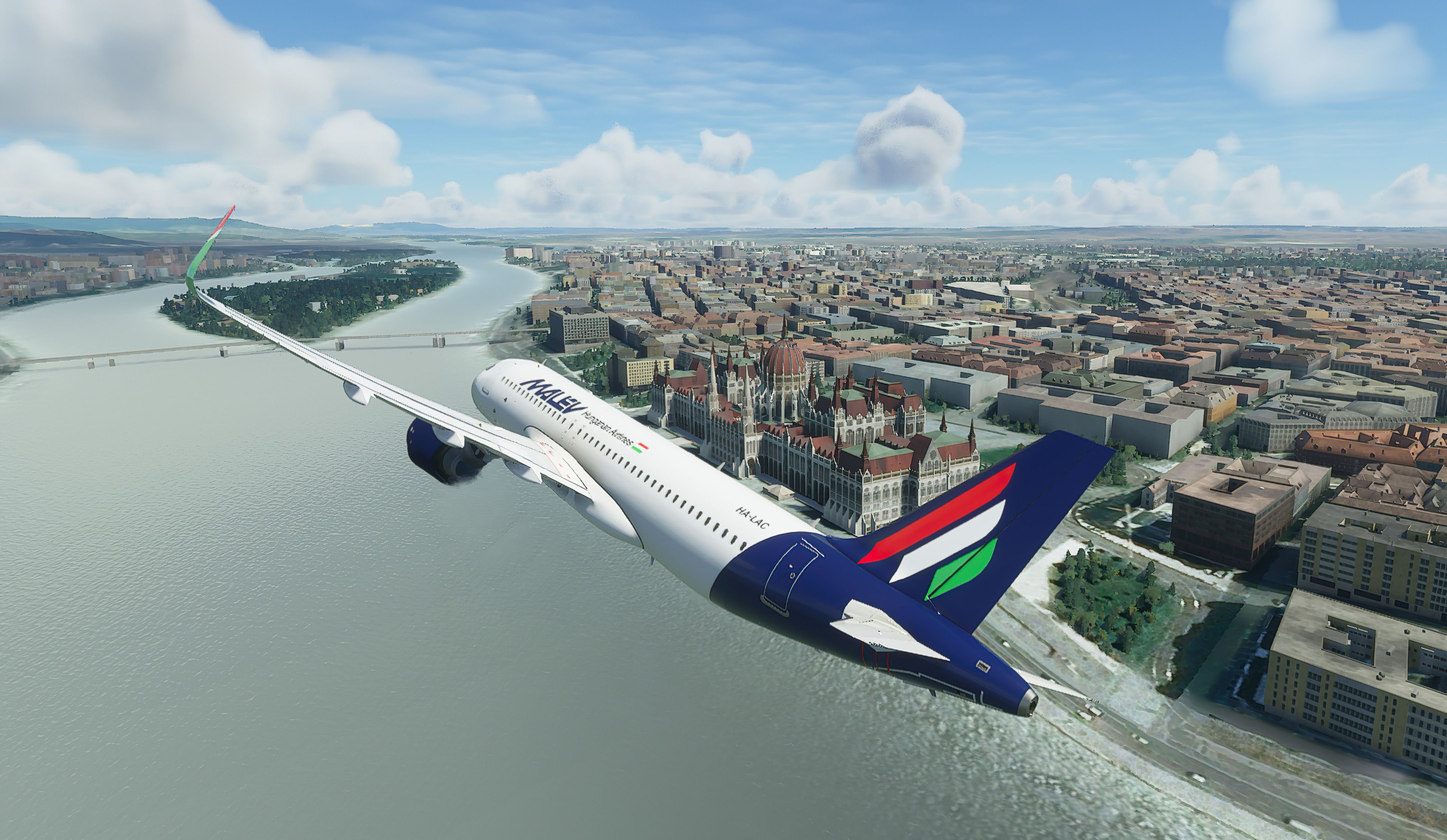


This MSFS Malev Airbus A320 NEO Repaint showcases a fictional yet meticulously rendered livery that pays homage to Hungary’s beloved national carrier. Created by developer Tamas Palfi, it offers crisp textures, vibrant coloration, and impressive artistry, transforming the default Airbus A320 into a unique tribute to Malev’s historic brand. The attention to detail preserves the immersive quality of Microsoft Flight Simulator 2020, allowing flight enthusiasts to explore the virtual skies with a striking Hungarian-themed design.
Having personally tested this repaint, I’ve found its aesthetics blend smoothly with the default cockpit and overall aircraft model, maintaining consistent performance across various flight conditions. If you’re seeking an imaginative visual twist to your A320 flights, this livery provides a fresh perspective rooted in classic Hungarian aviation heritage. The result is a finely crafted mod that offers a rewarding new look without compromising realism or system efficiency, making it a noteworthy addition for both seasoned pilots and newcomers alike.
A highly detailed repaint of the default Airbus A320 NEO in Malev (Hungarian Airlines) livery compatible with Microsoft Flight Simulator (MSFS) 2020 release.
 This is a fictional repaint as Malev doesn't currently run any Airbus A320 NEOs in their fleet.
Detailed installation instructions are included in the archive.
Developer: Tamas Palfi.
Free for all simmers · 4.45 MB · Scanned clean Oct 2026
Download speed: Free tier is capped at 2 Mbps. PRO members download at full line speed.
%LOCALAPPDATA%\Packages\Microsoft.FlightSimulator_8wekyb3d8bbwe\LocalCache\Packages\Community\. Steam version: %APPDATA%\Microsoft Flight Simulator\Packages\Community\. Tip: enable Developer Mode in MSFS to see your exact Community folder path.readme.txt or README file. It tells you exactly where files go, what dependencies are needed, and any quirks specific to this add-on.Only PRO members can place votes.
More MSFS add-ons hand-picked based on this download.
MSFS Civil Jet Aircraft
The FlyByWire Airbus A320 Neo A32NX is a complete freeware aircraft package f…
 MSFS Civil Jet Aircraft
A fictional Frontier Airlines scheme for the default MSFS2020 A320Neo, combin…
 MSFS Civil Jet Aircraft
A livery pack for the default Airbus A320neo in Microsoft Flight Simulator (M…
 MSFS Civil Jet Aircraft
A brand-new repaint/livery for the Airbus A320neo (ASOBO) in Avianca Costa Ri…
 MSFS Civil Jet Aircraft
A pack containing a complete rendition of 8K resolution liveries for the defa…
 MSFS Civil Jet Aircraft
Introducing the comprehensive Ryanair Santa Repaint Mega Pack, meticulously c…
 MSFS Civil Jet Aircraft
The MSFS Native Airbus A330-900neo Mega Pack by Headwind Simulations brings a…
 MSFS Civil Jet Aircraft
Step into the cockpit of the Airbus A330-200, affectionately dubbed the "butt…
Be the first to leave a comment on this download.
Be the first to share your thoughts on this download.