


 Global (World)




 FSX Scenery
Team GEX Enhanced Autogen World
Team GEX Enhanced Autogen World. This package upgrades 522 world wide autogen…
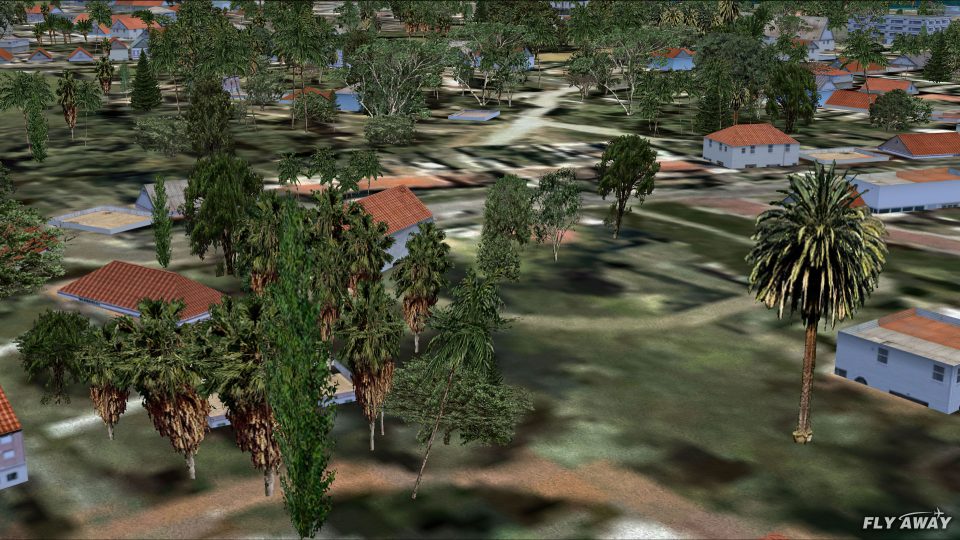
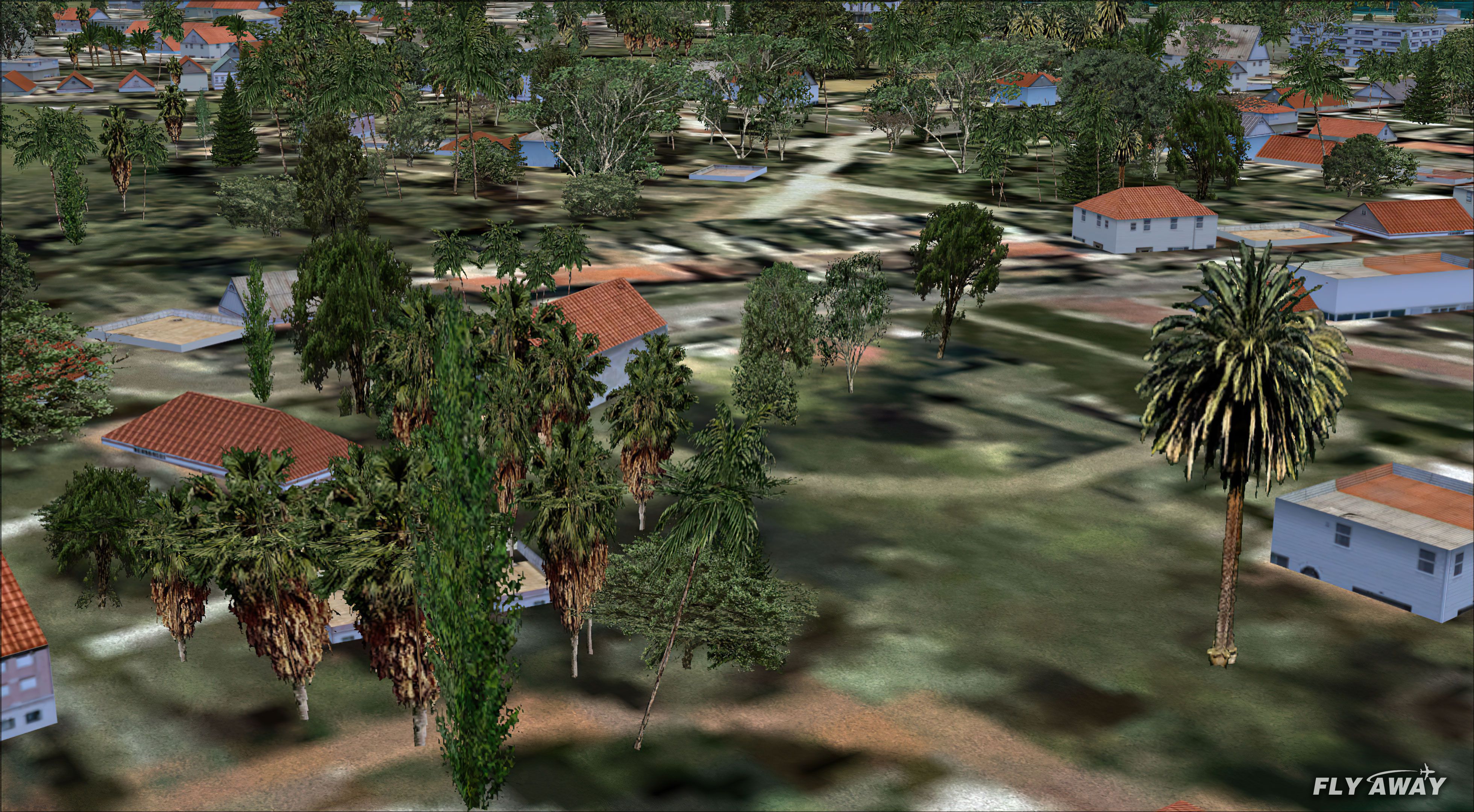
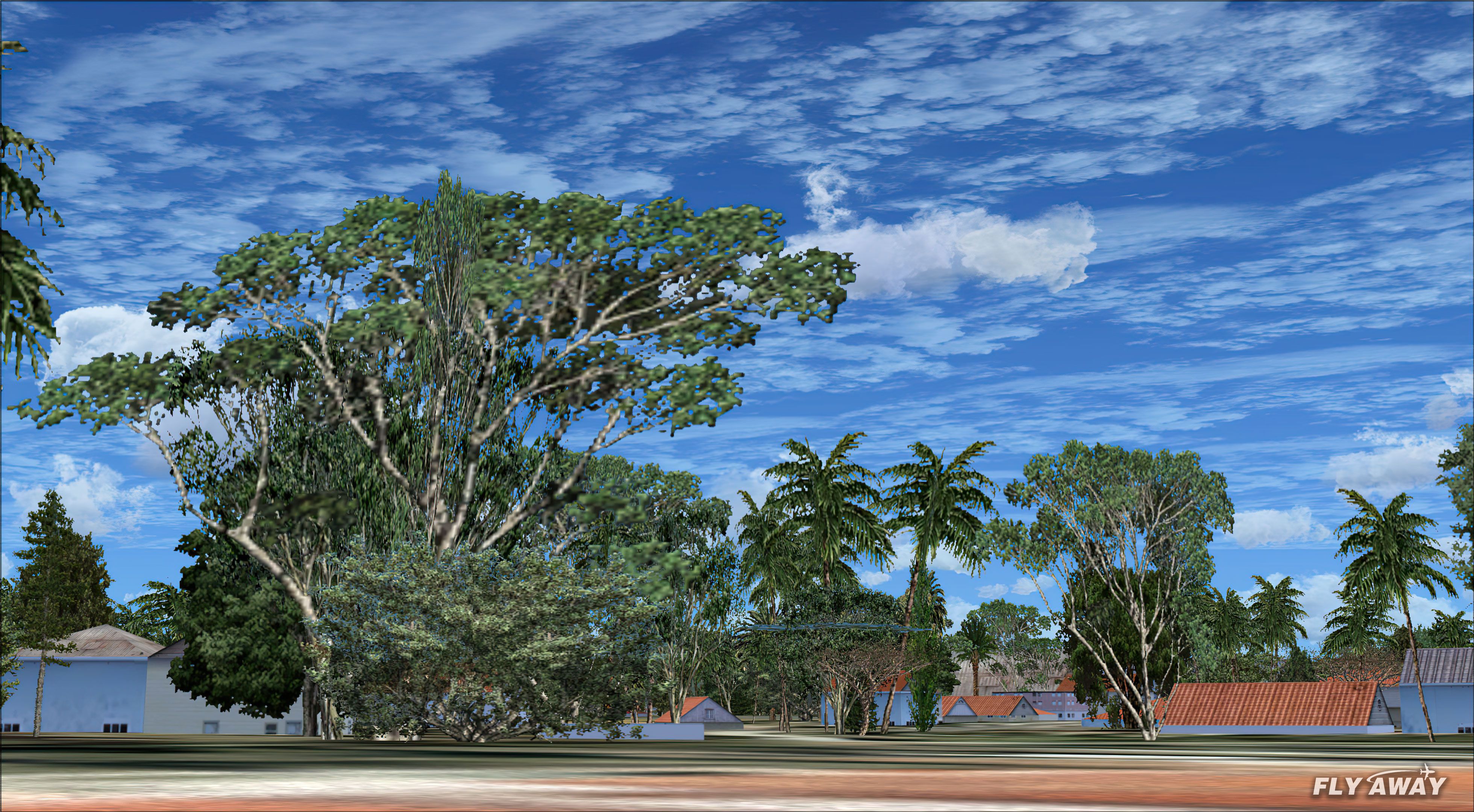
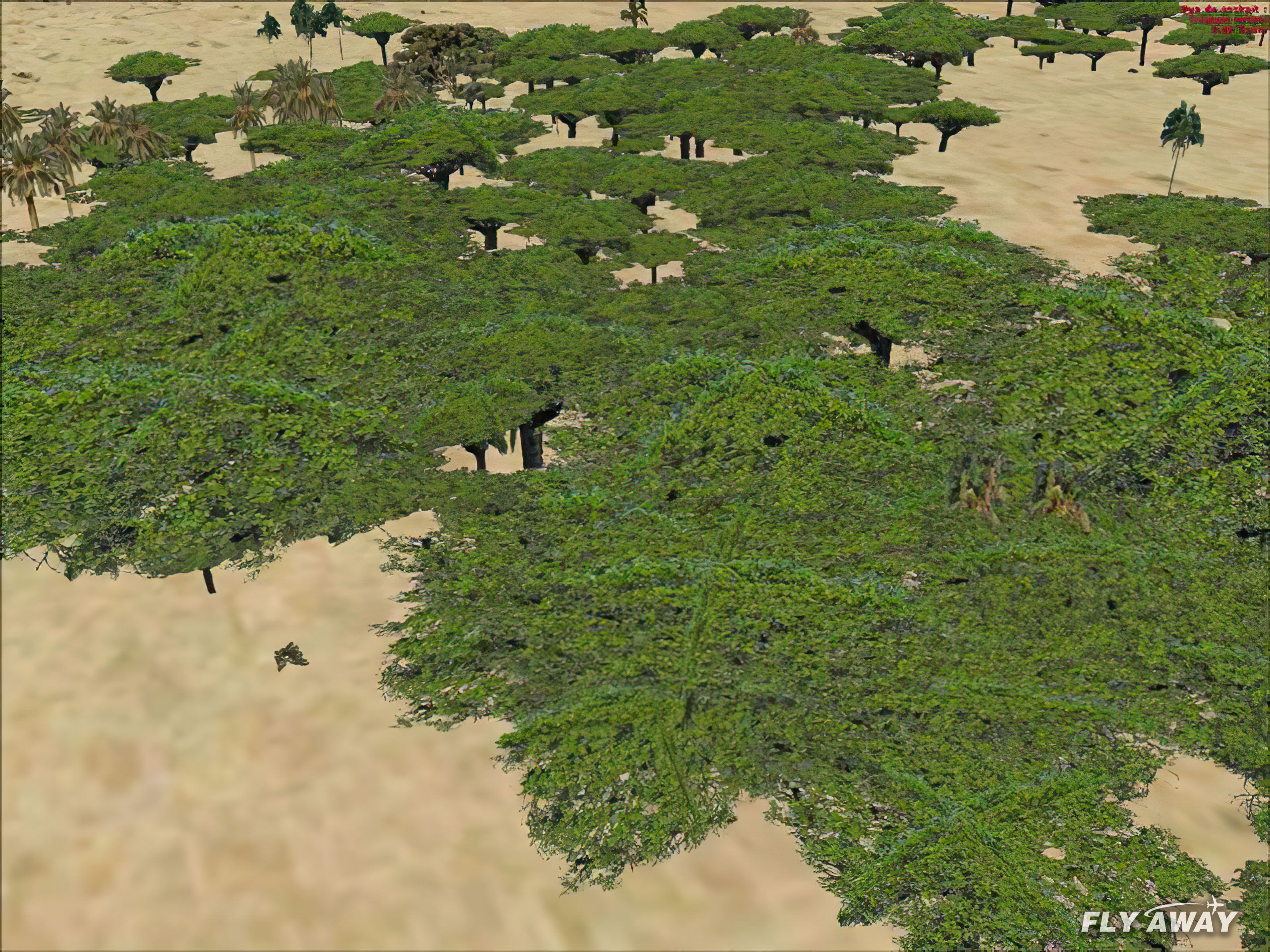
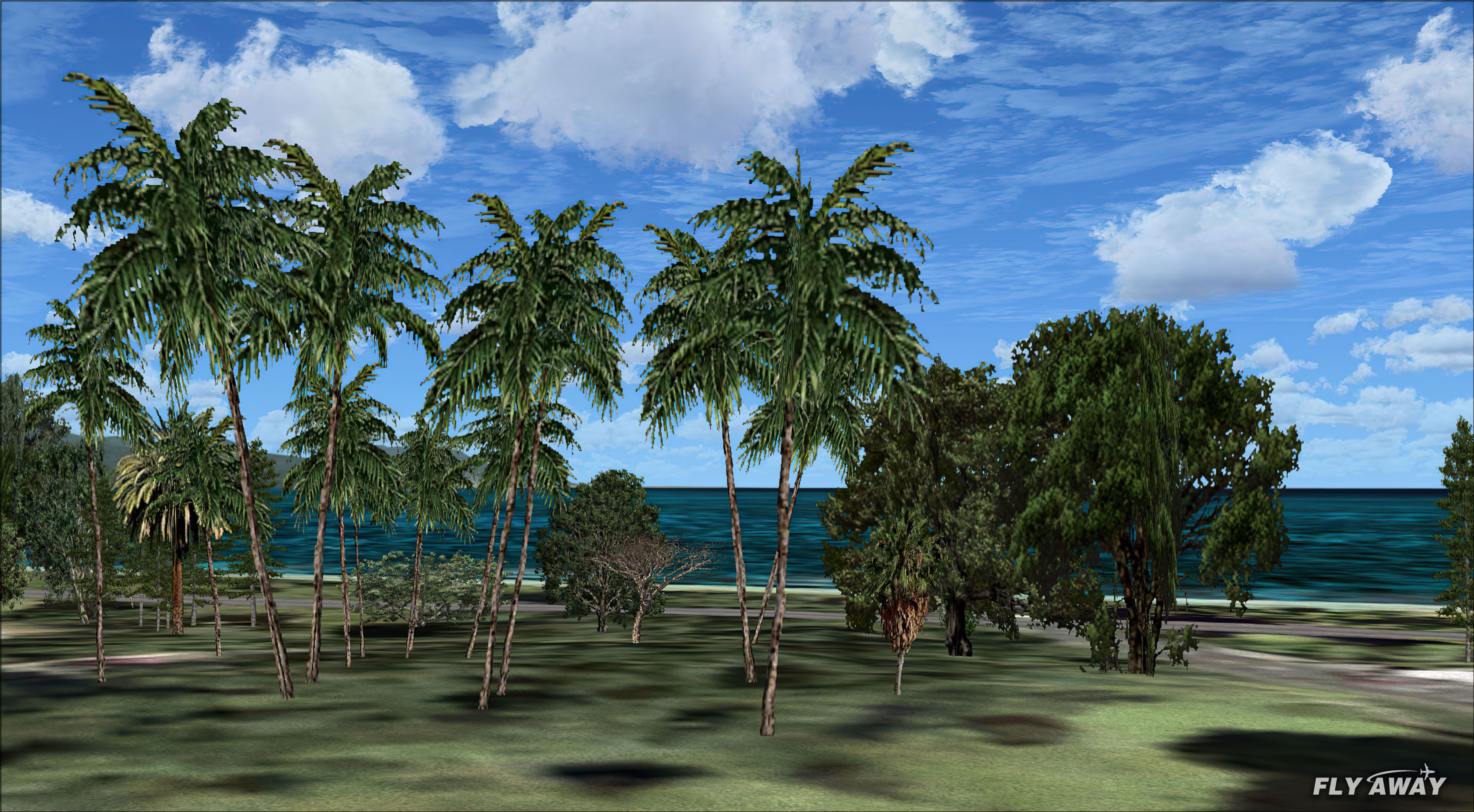
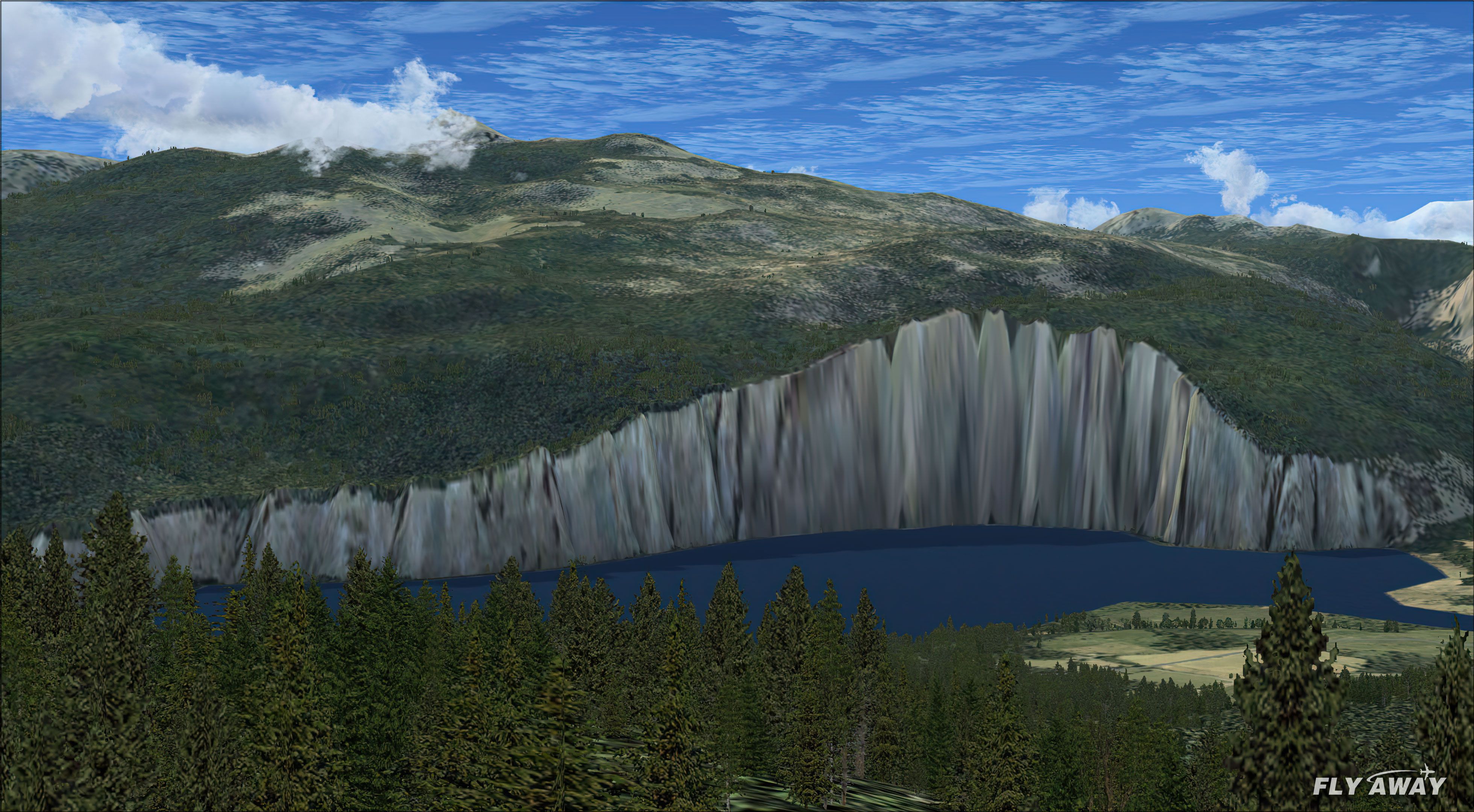
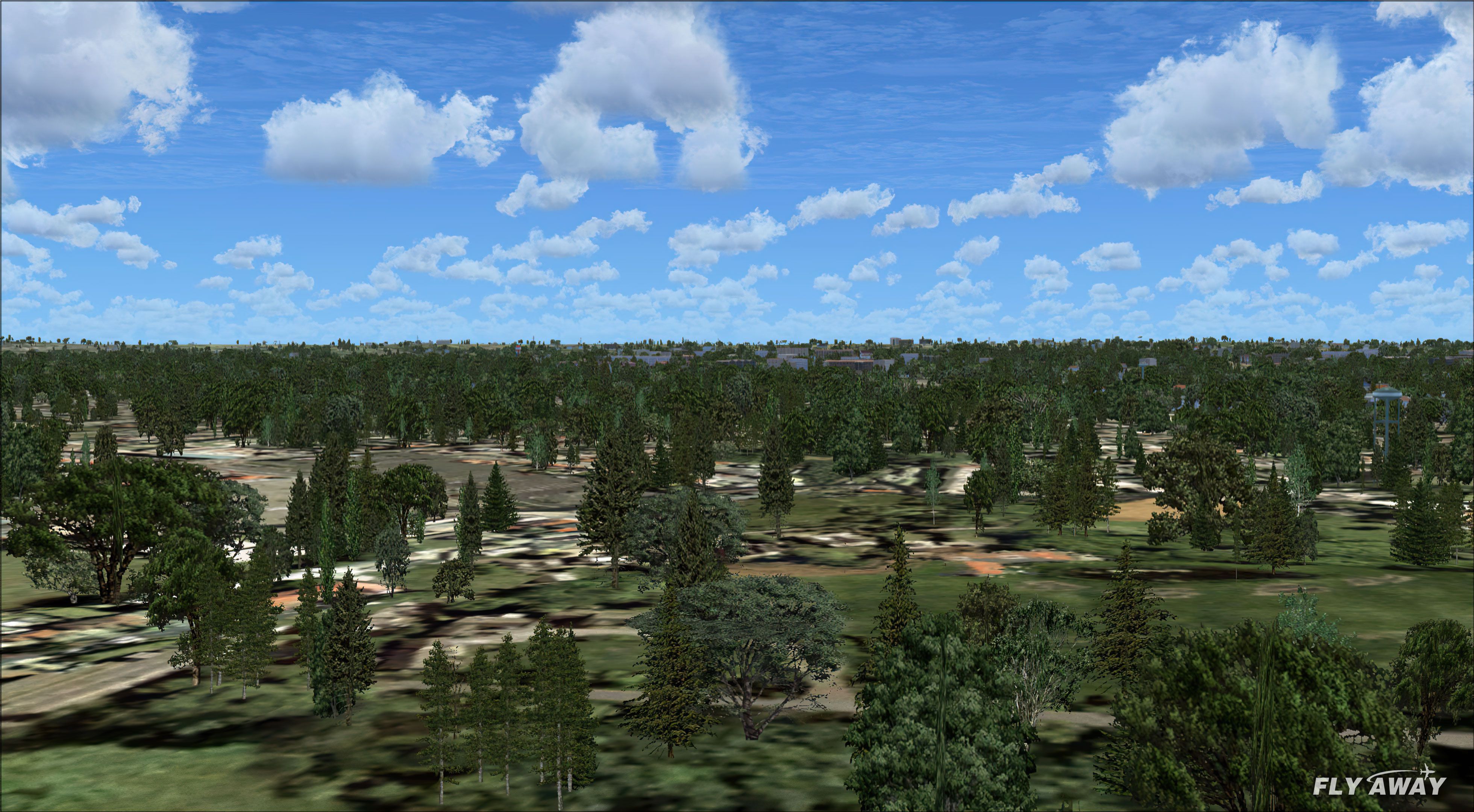
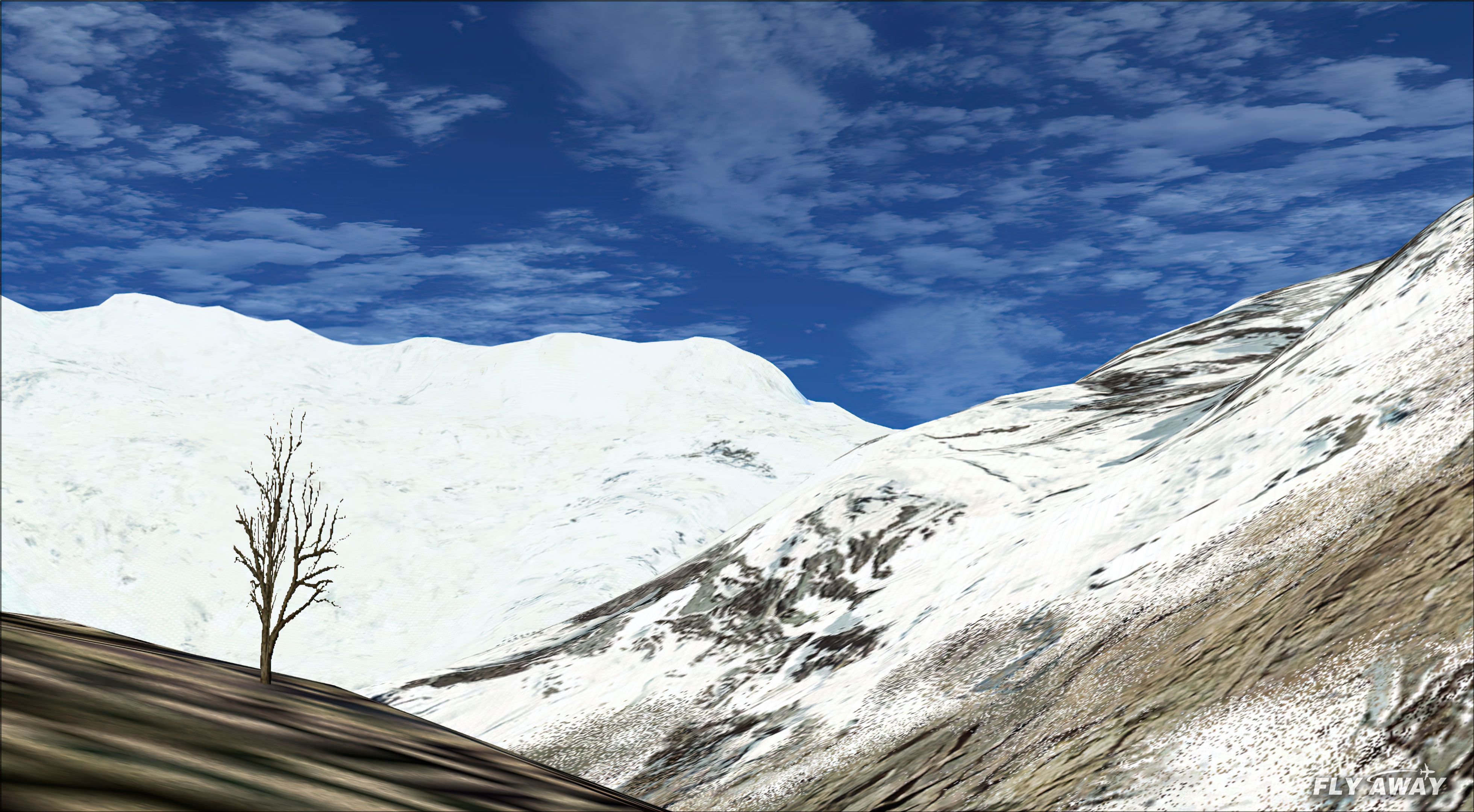
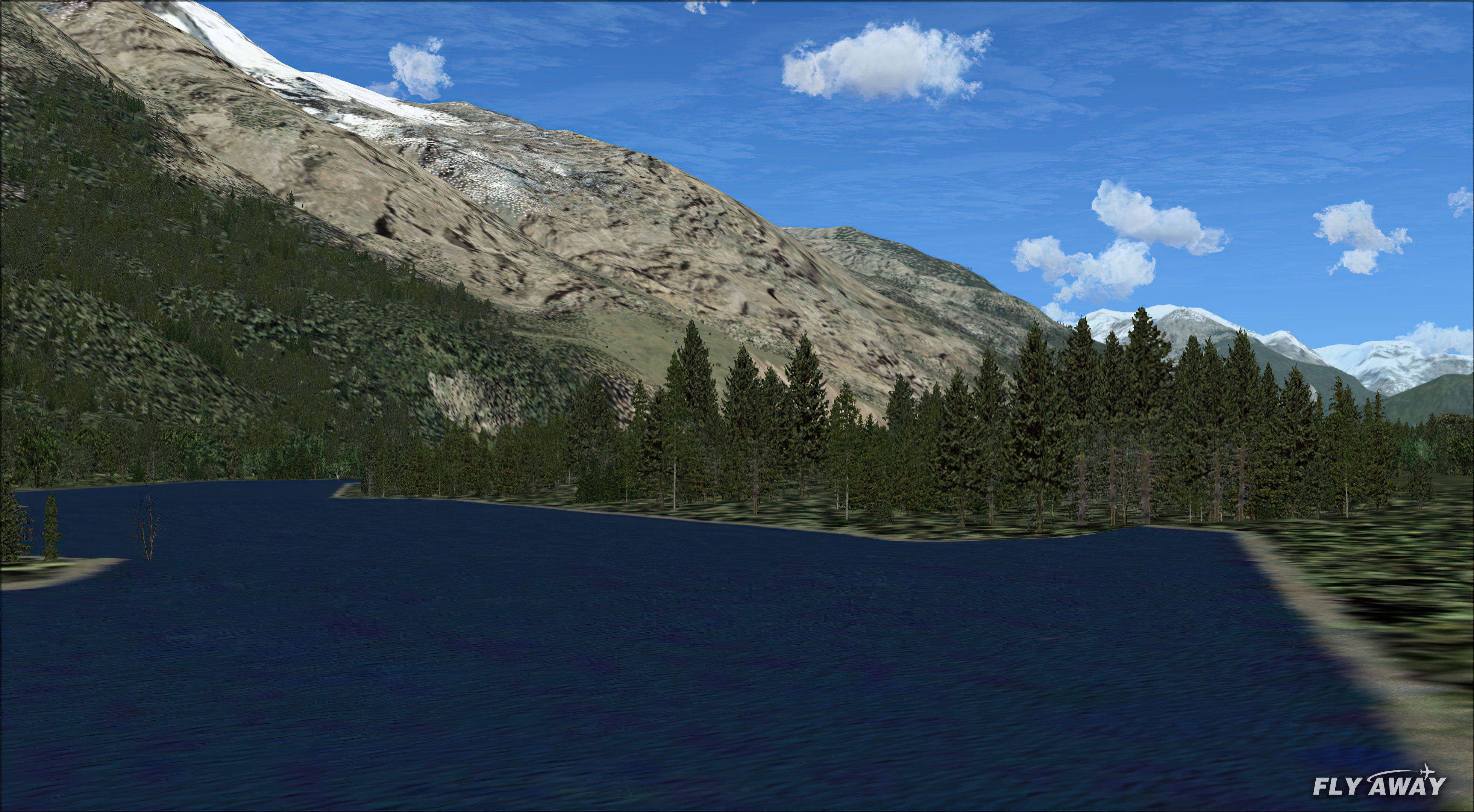
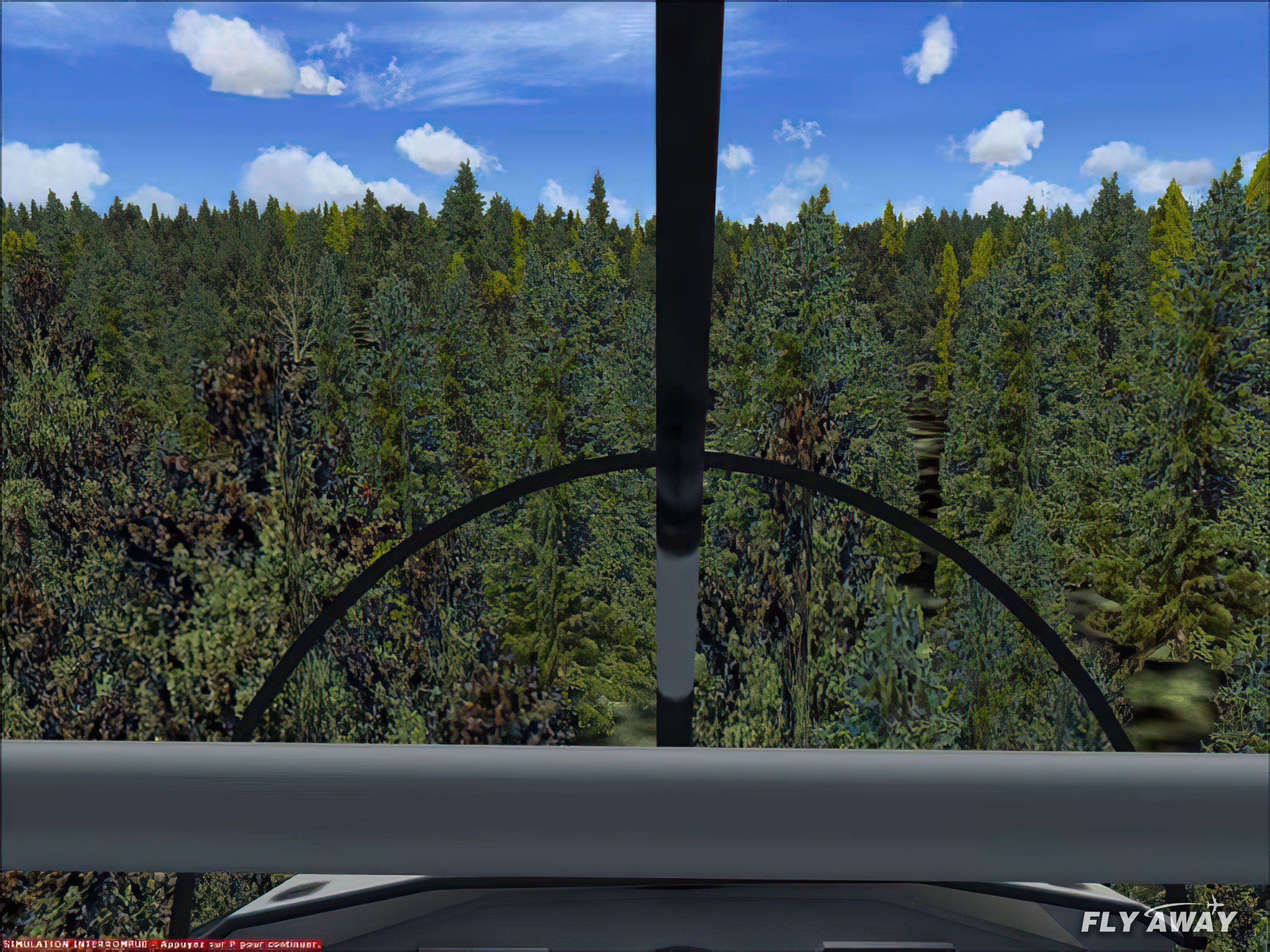
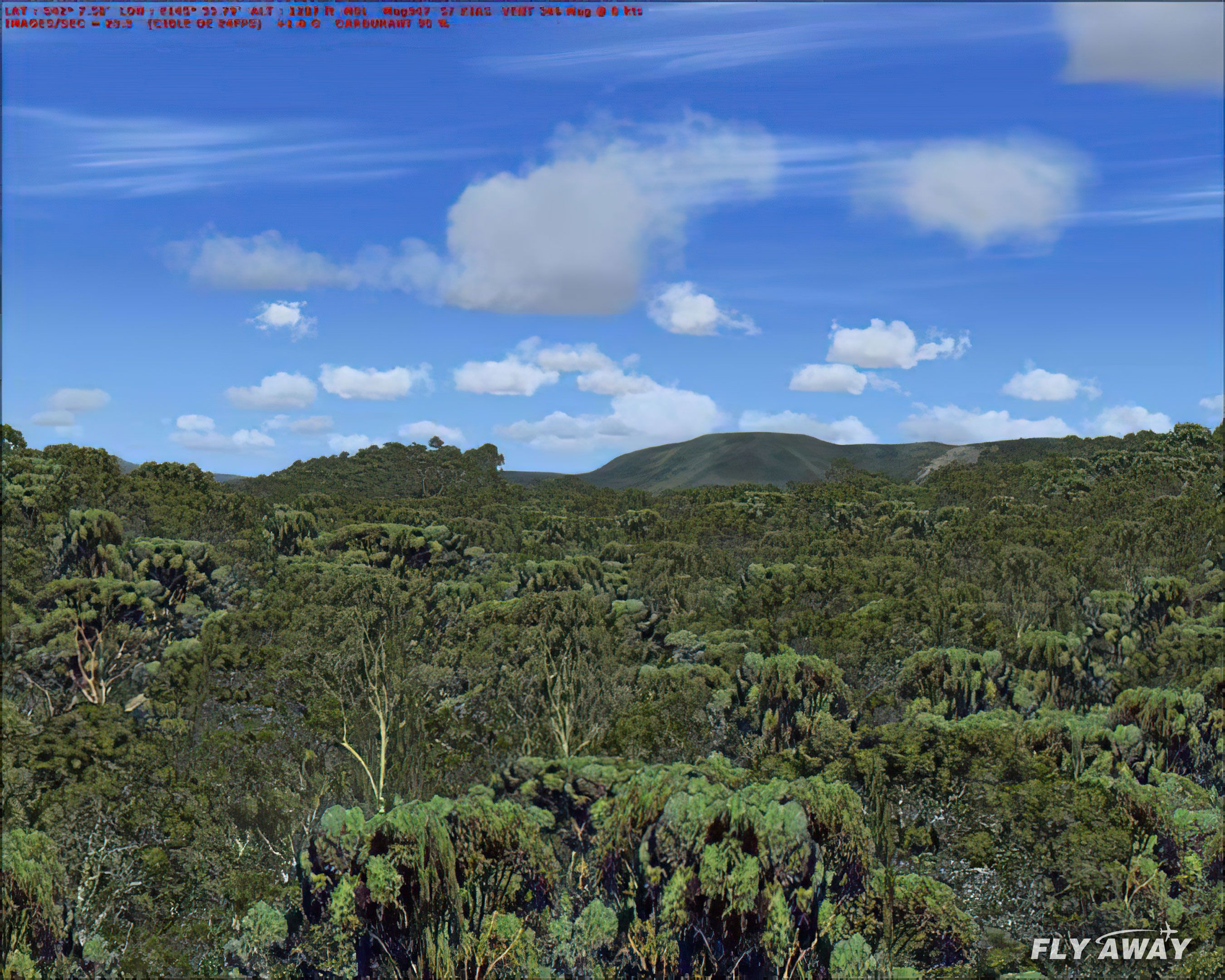
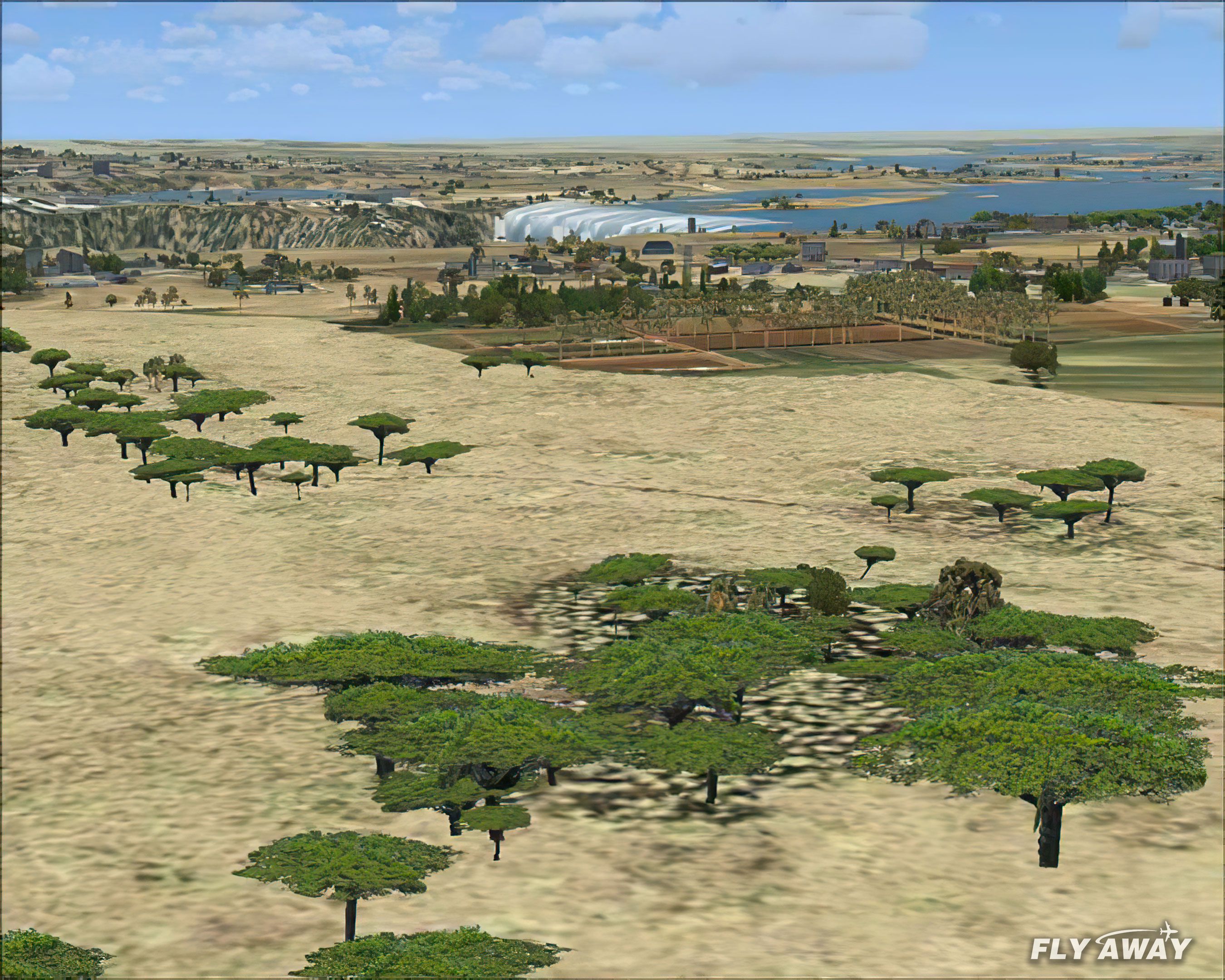
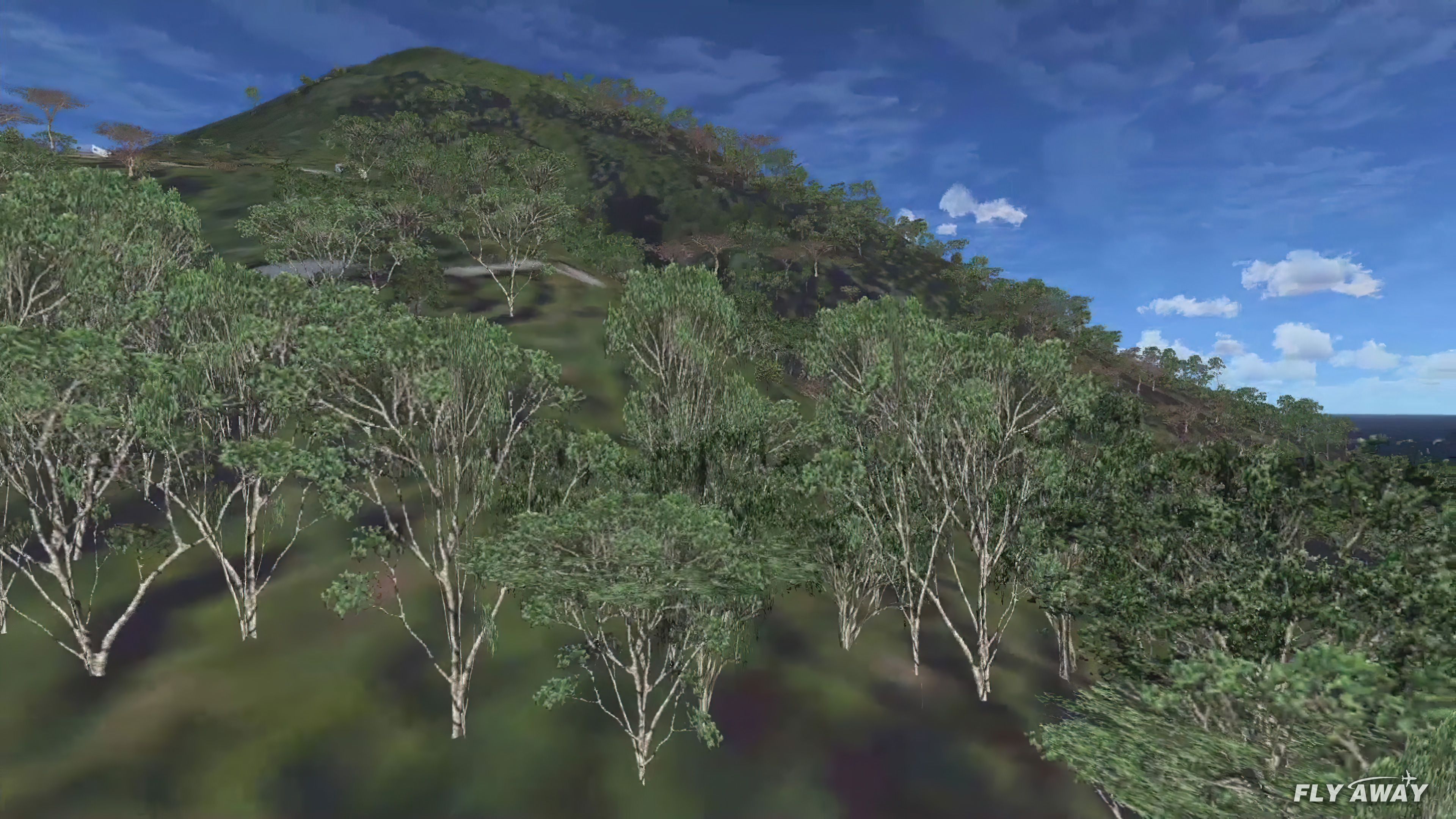
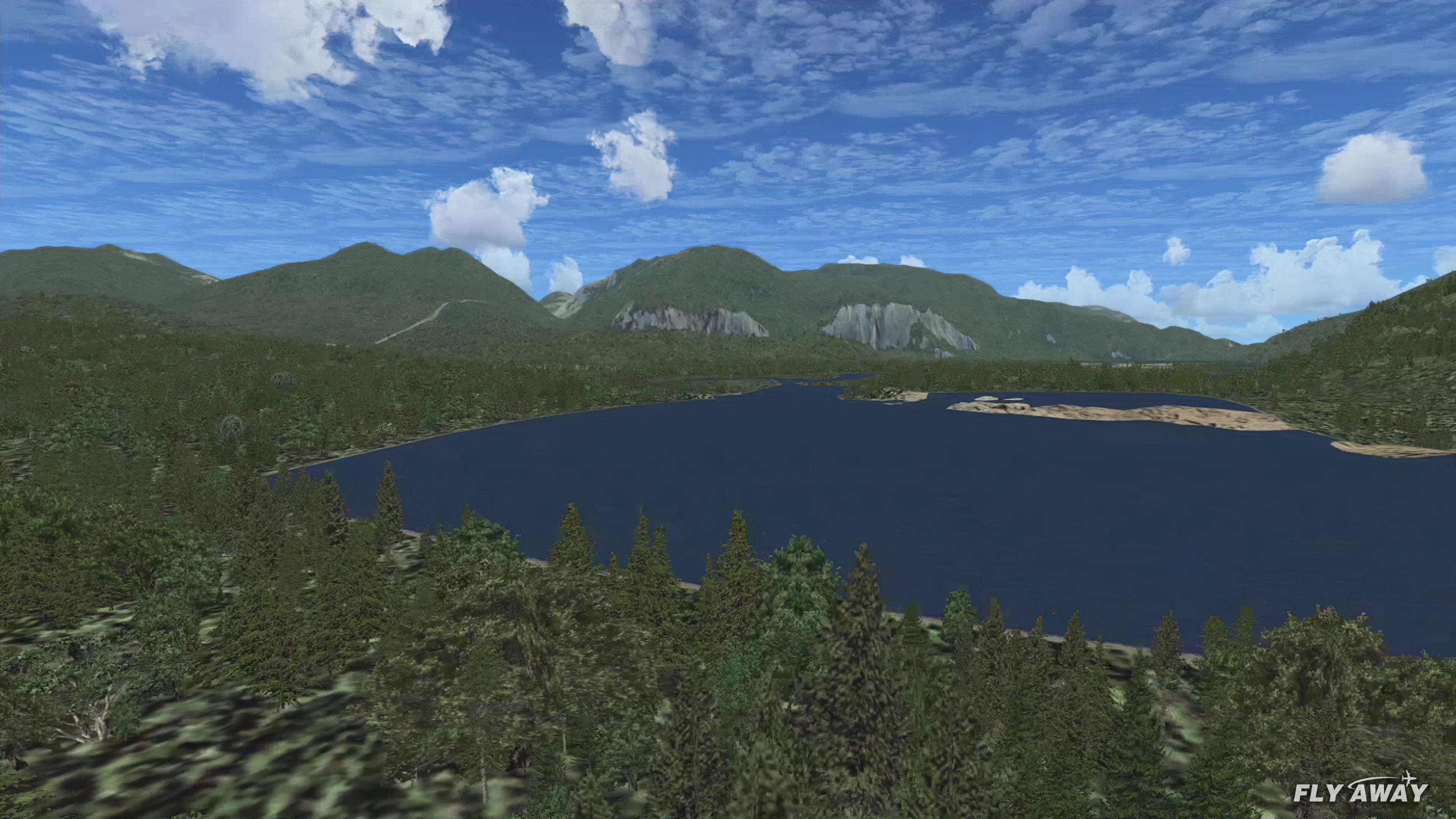
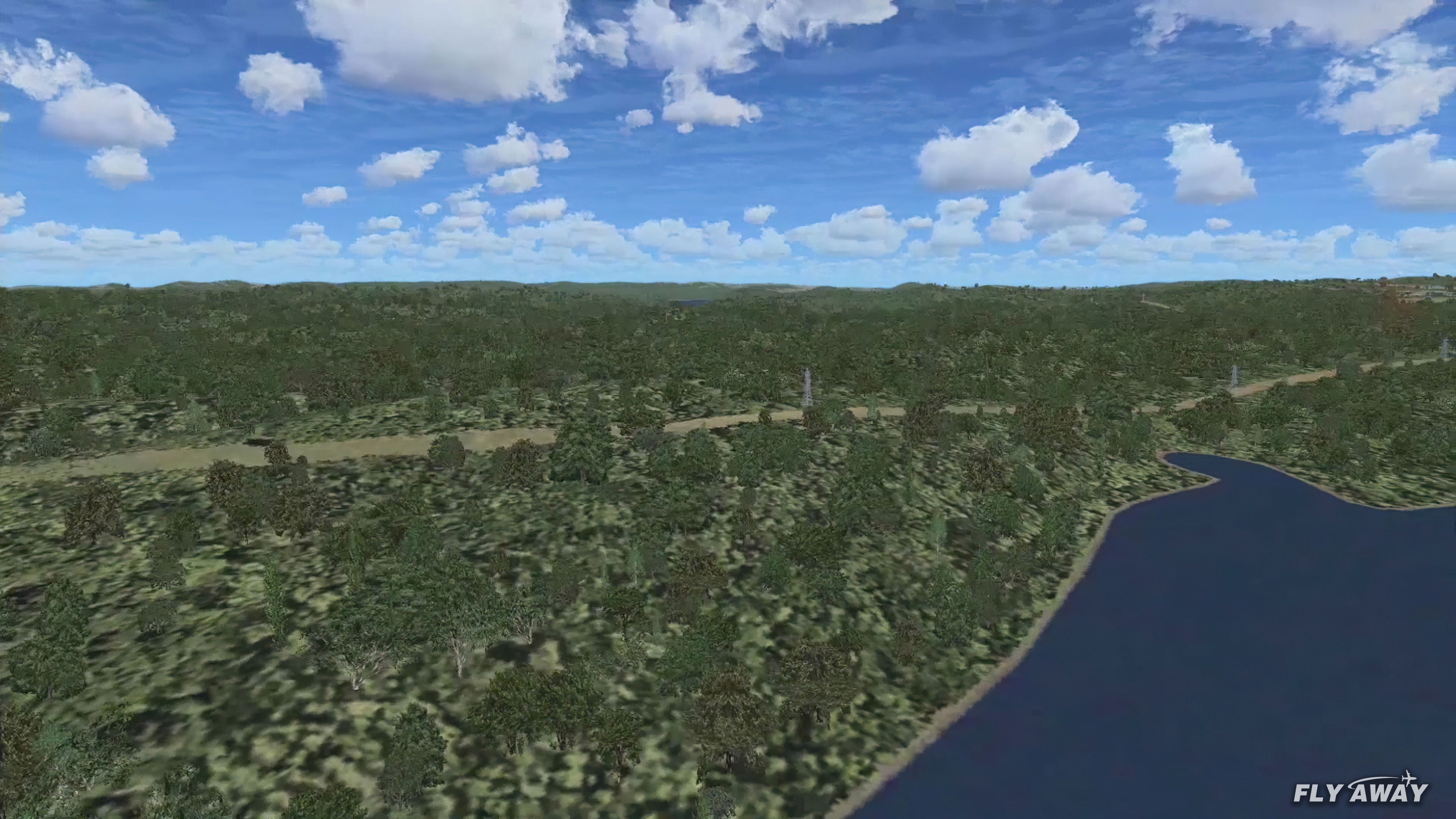
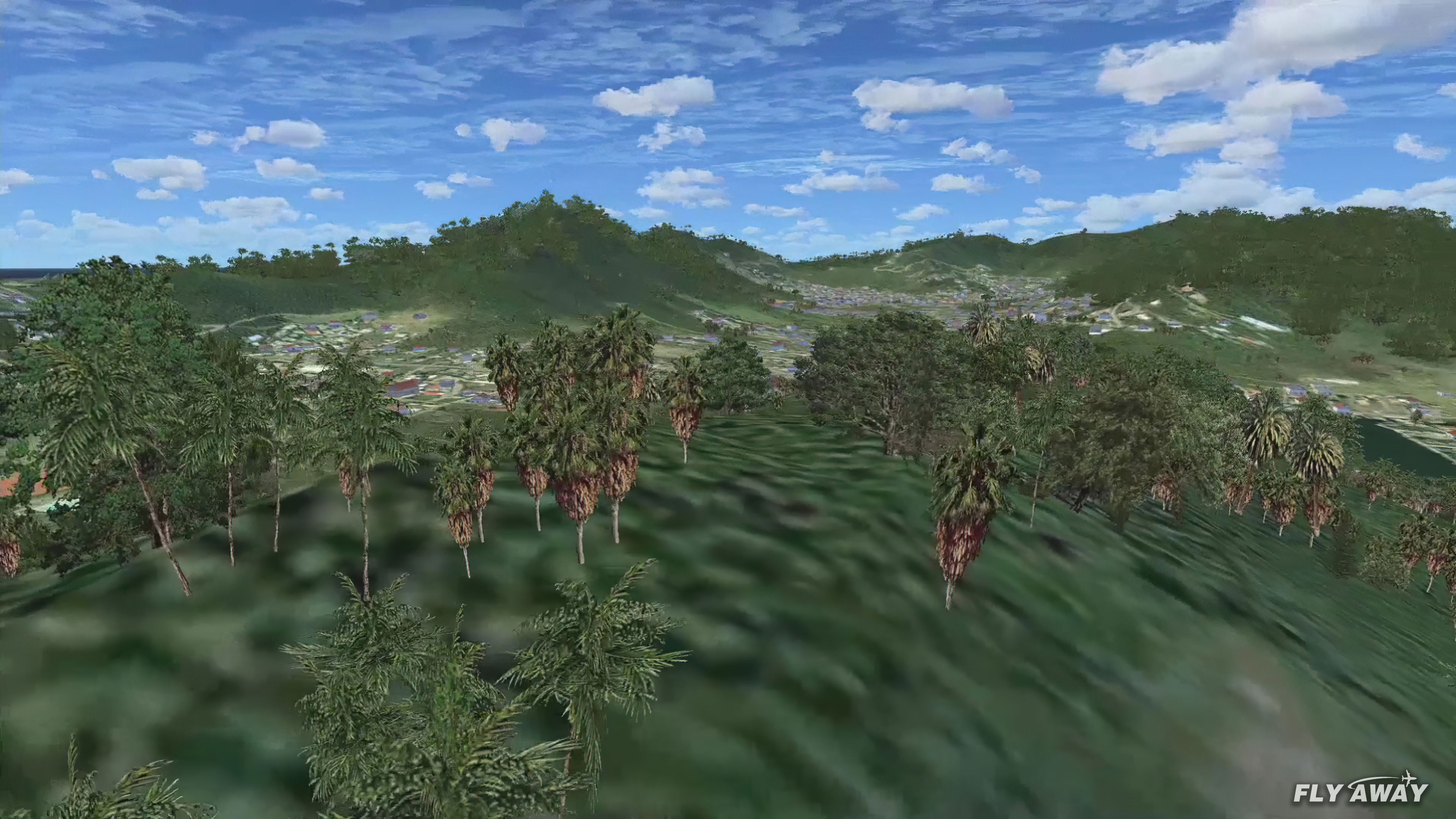
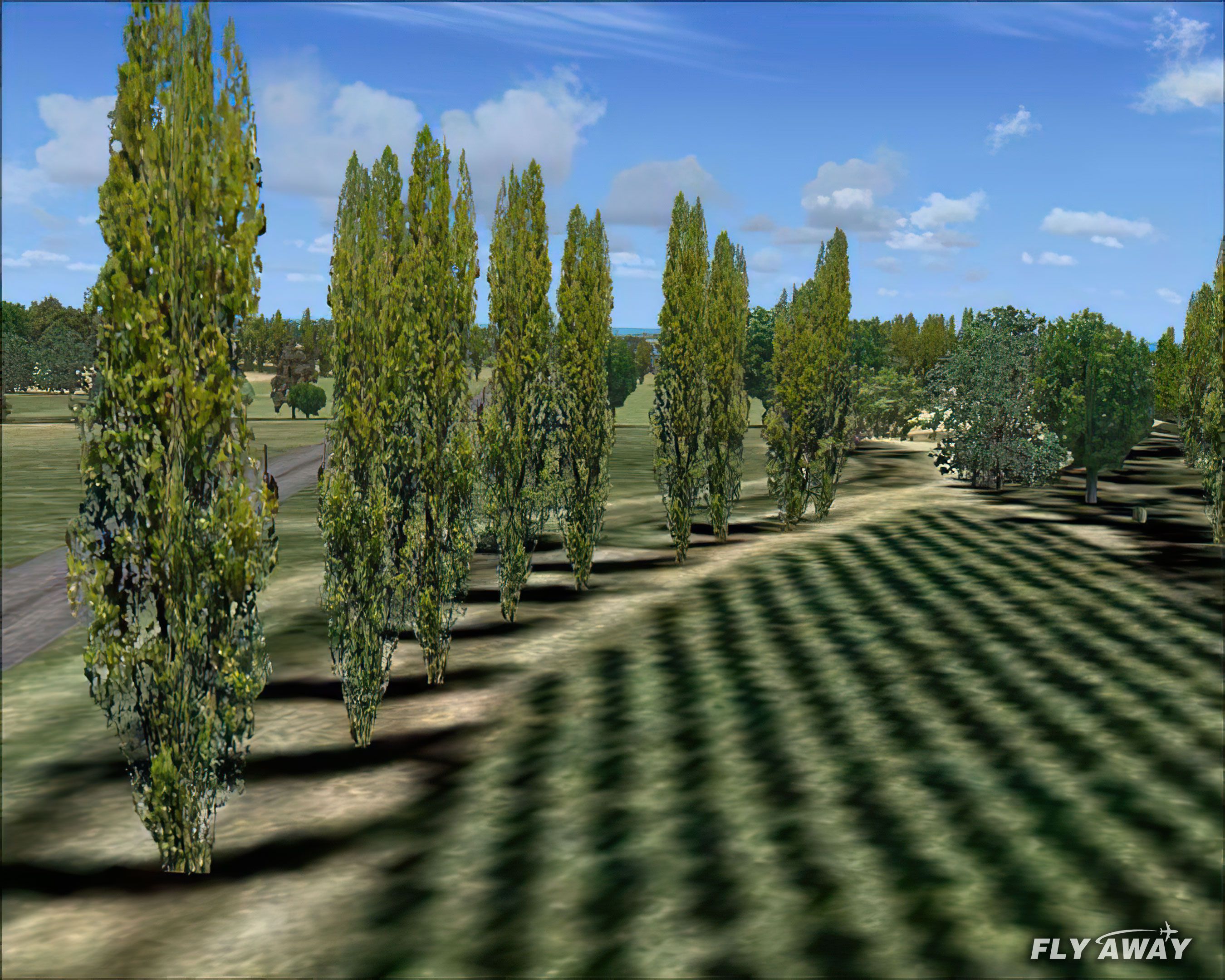
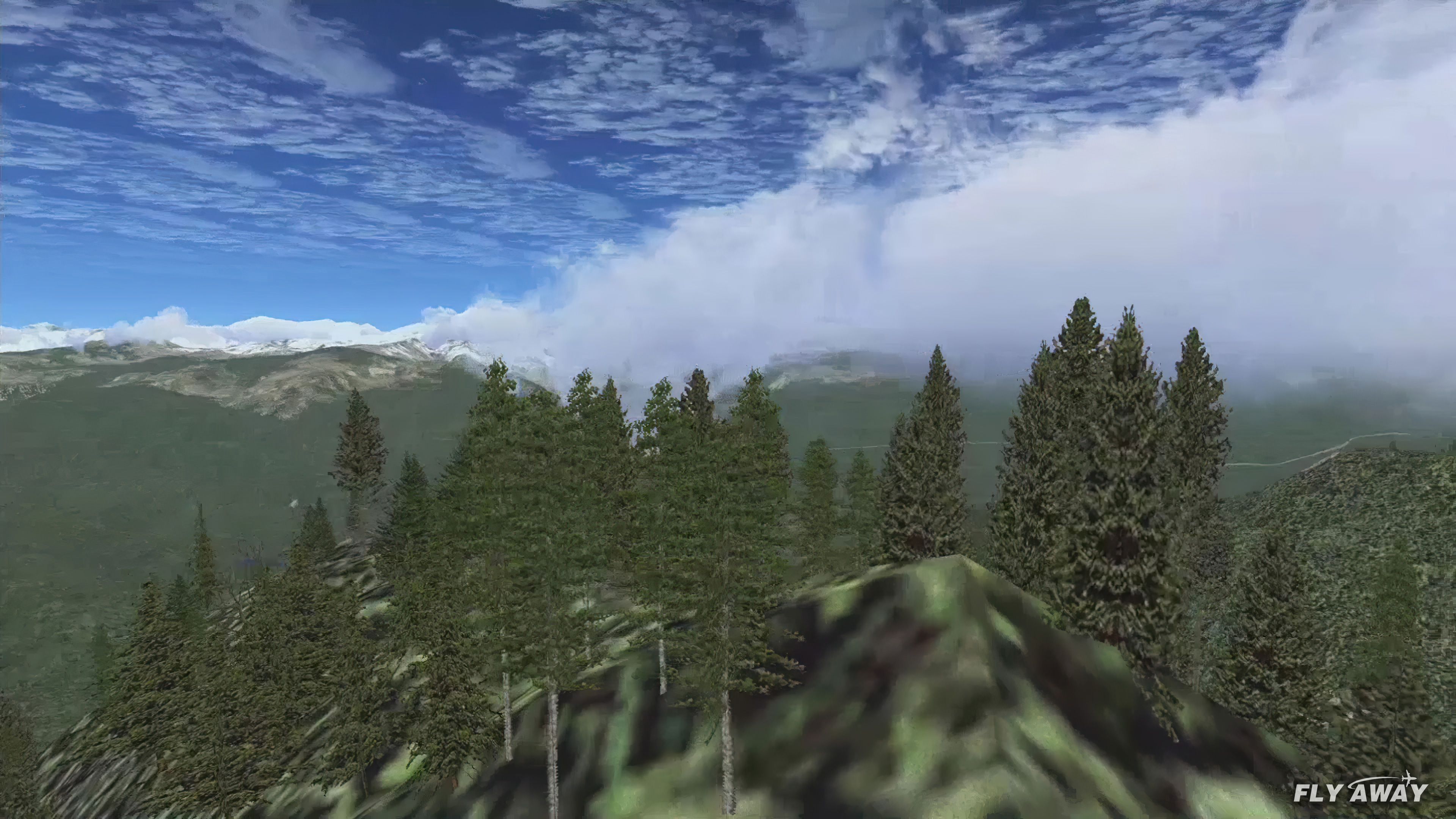
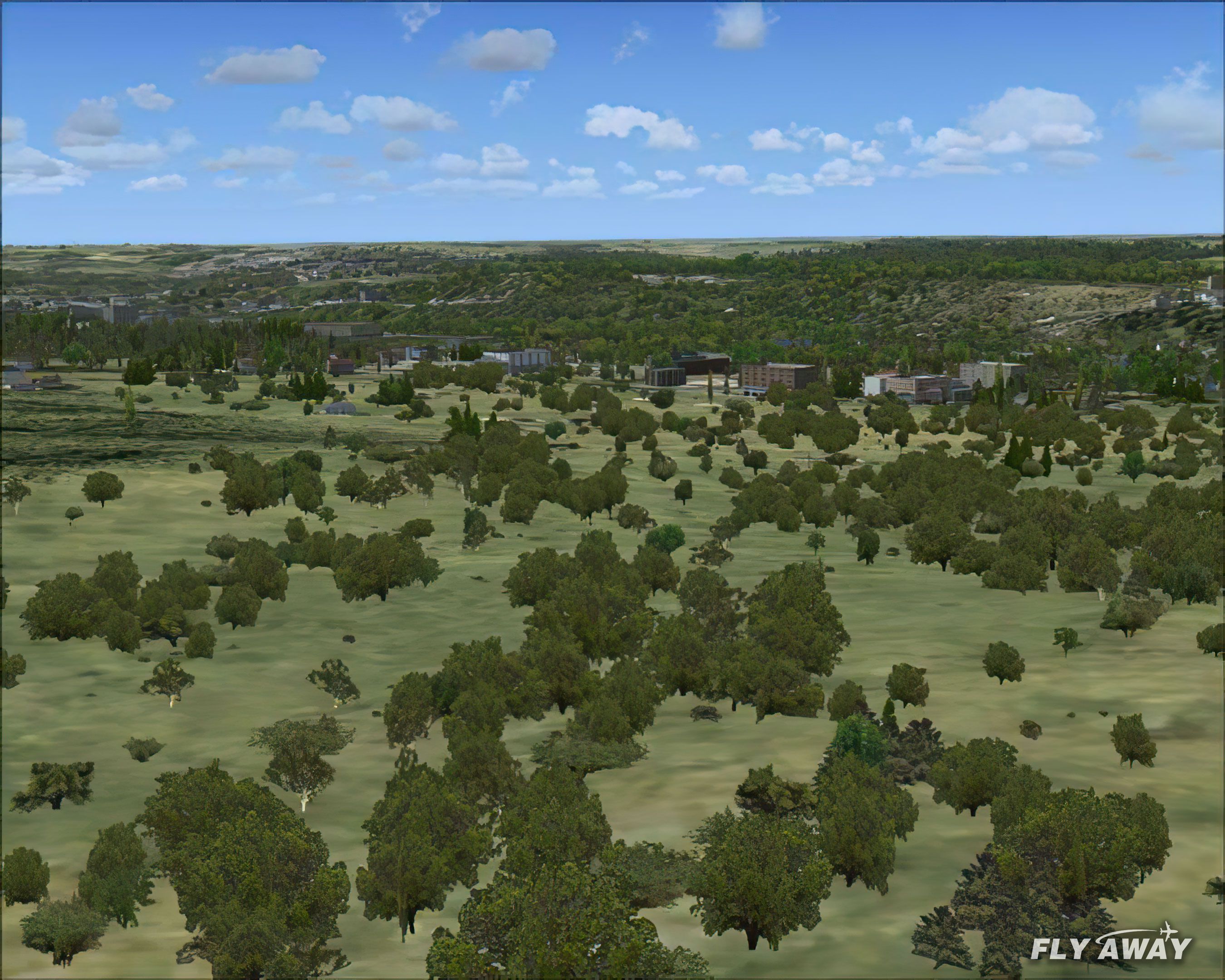
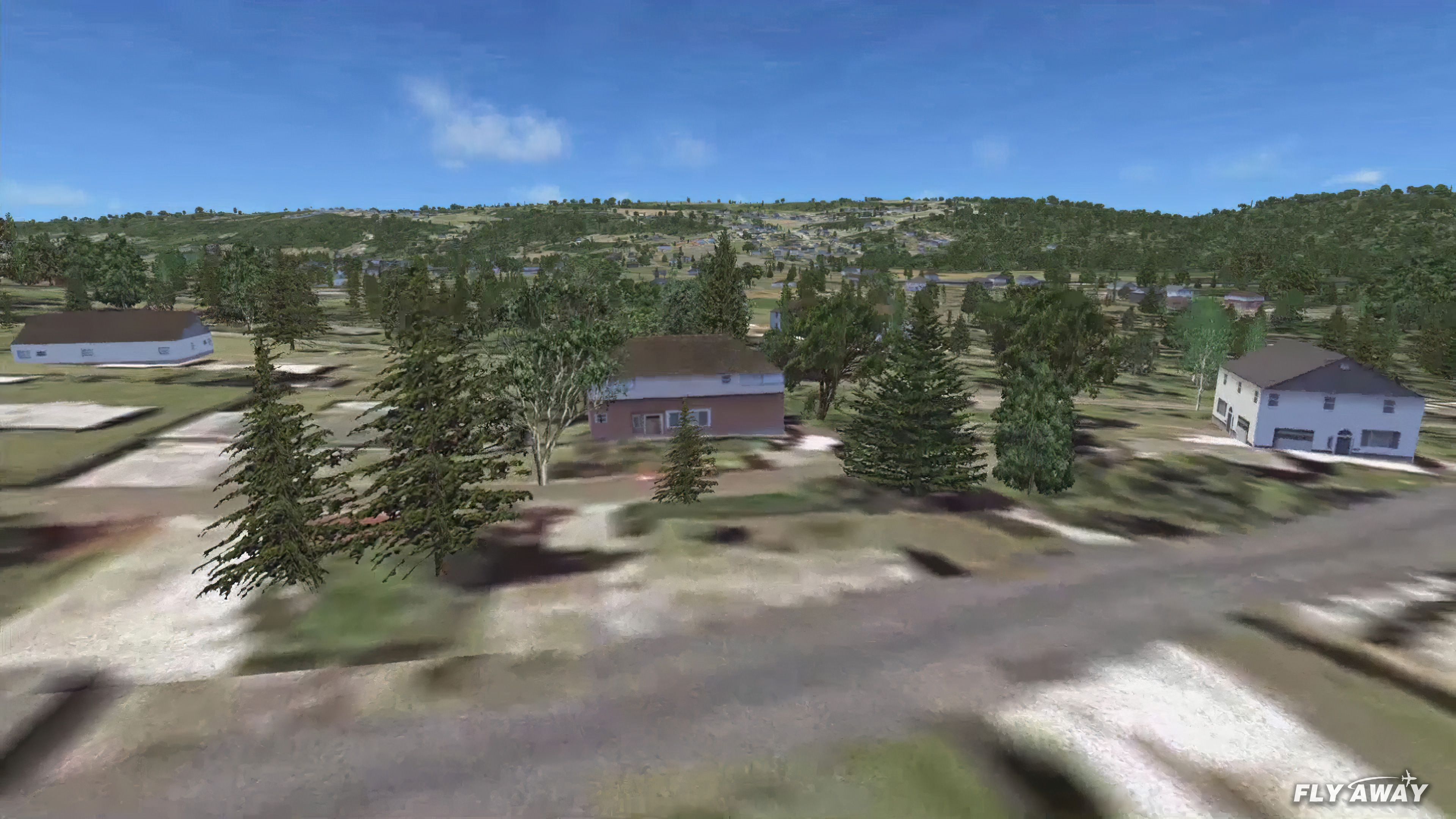
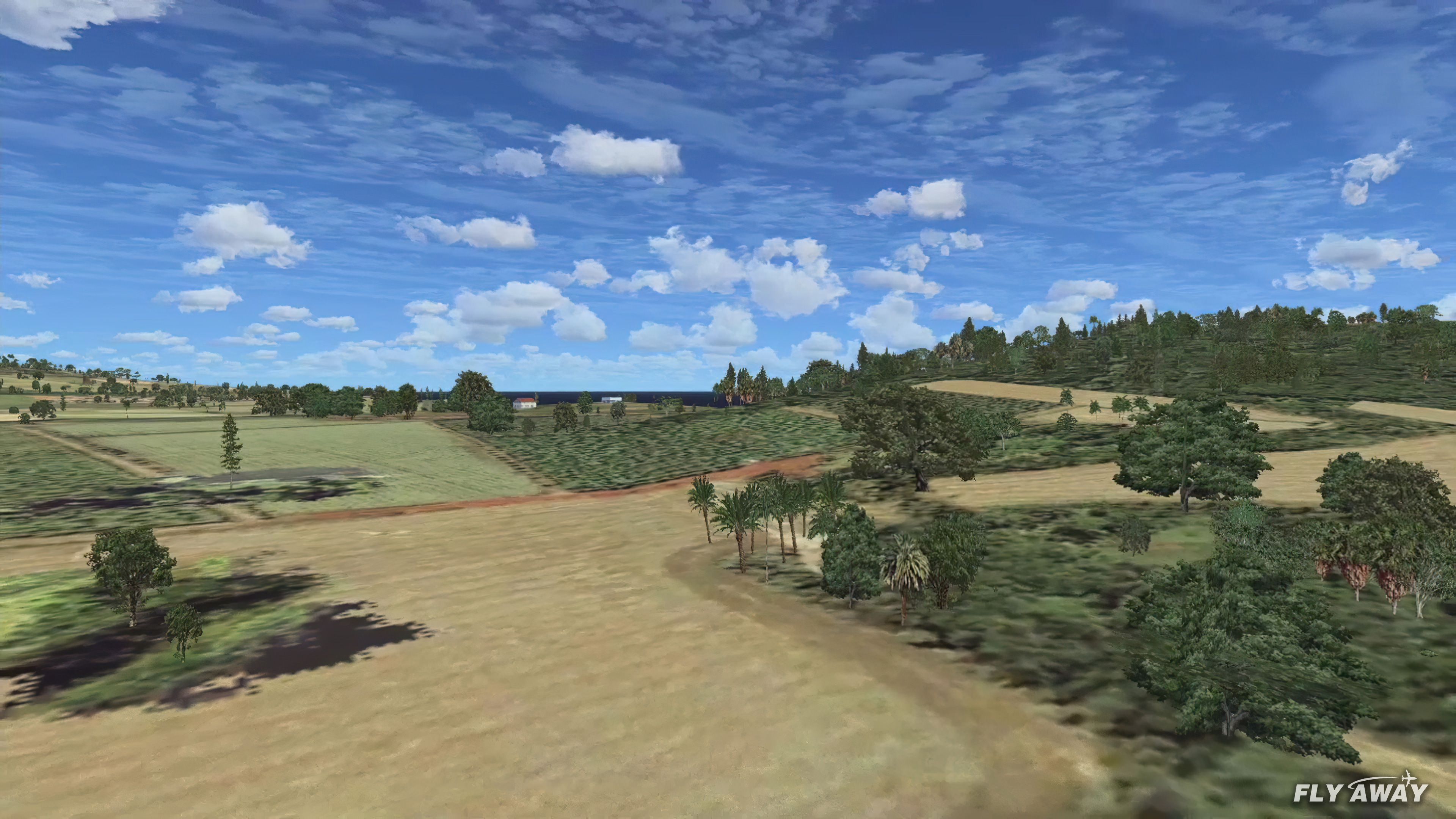
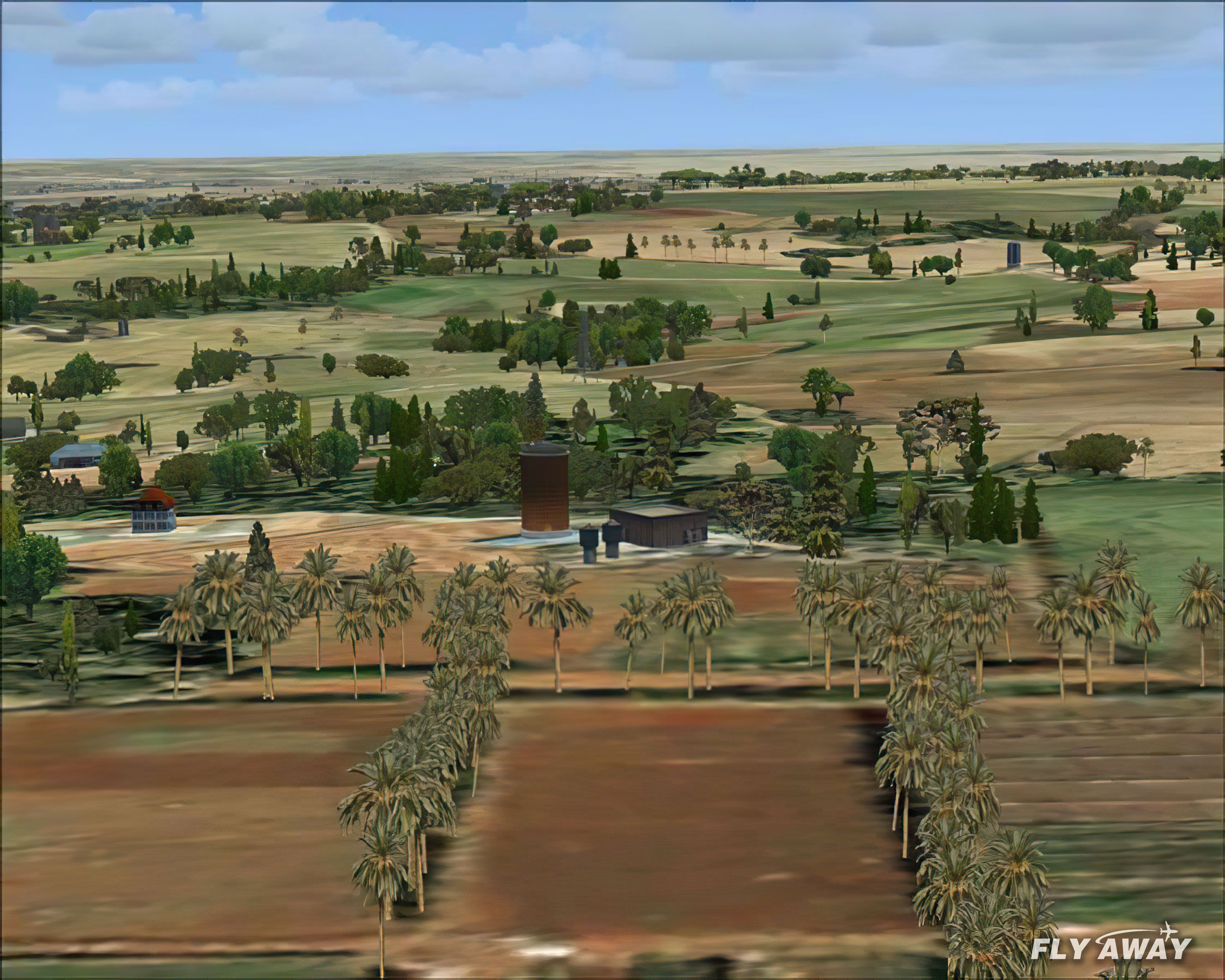
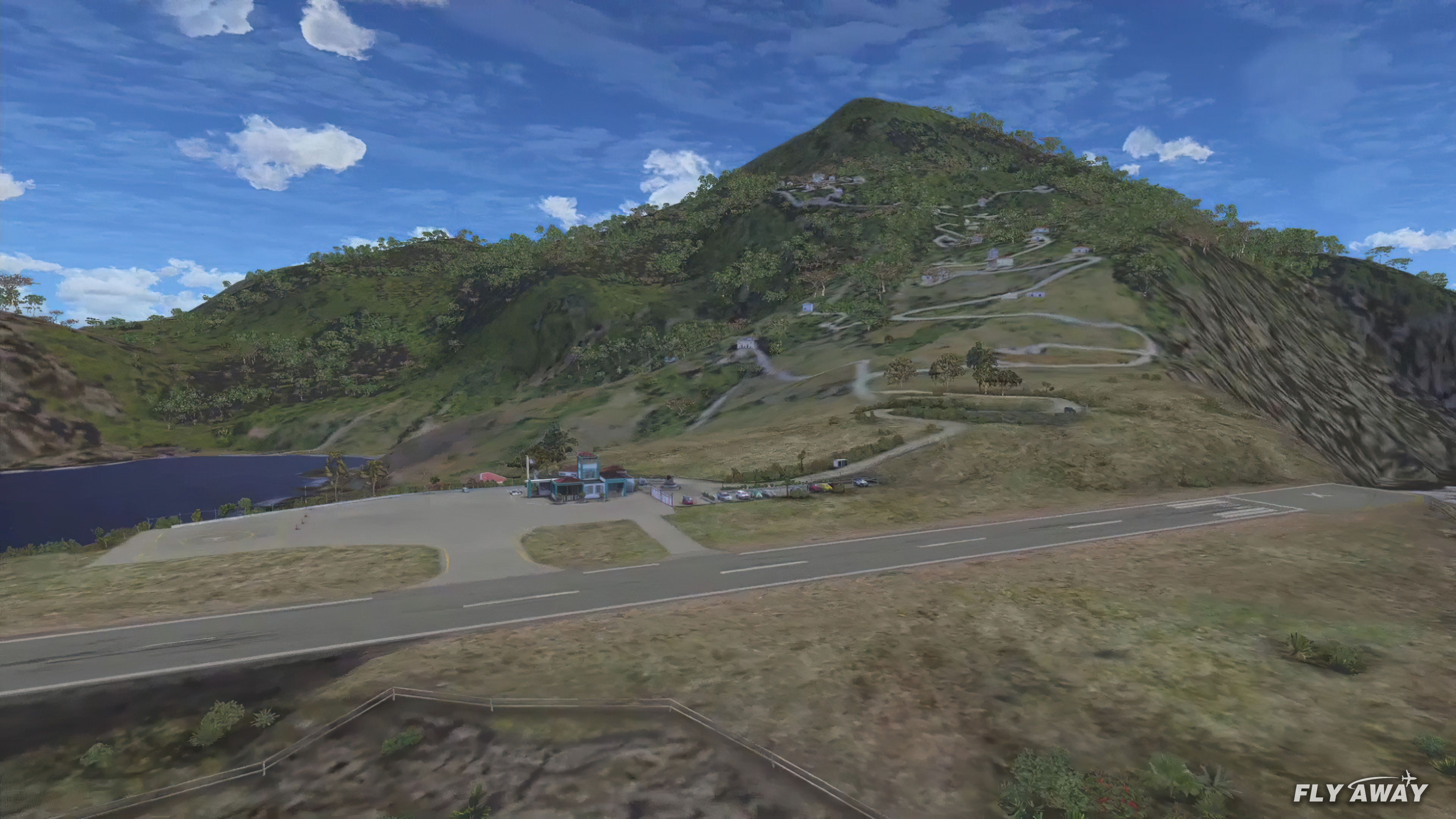
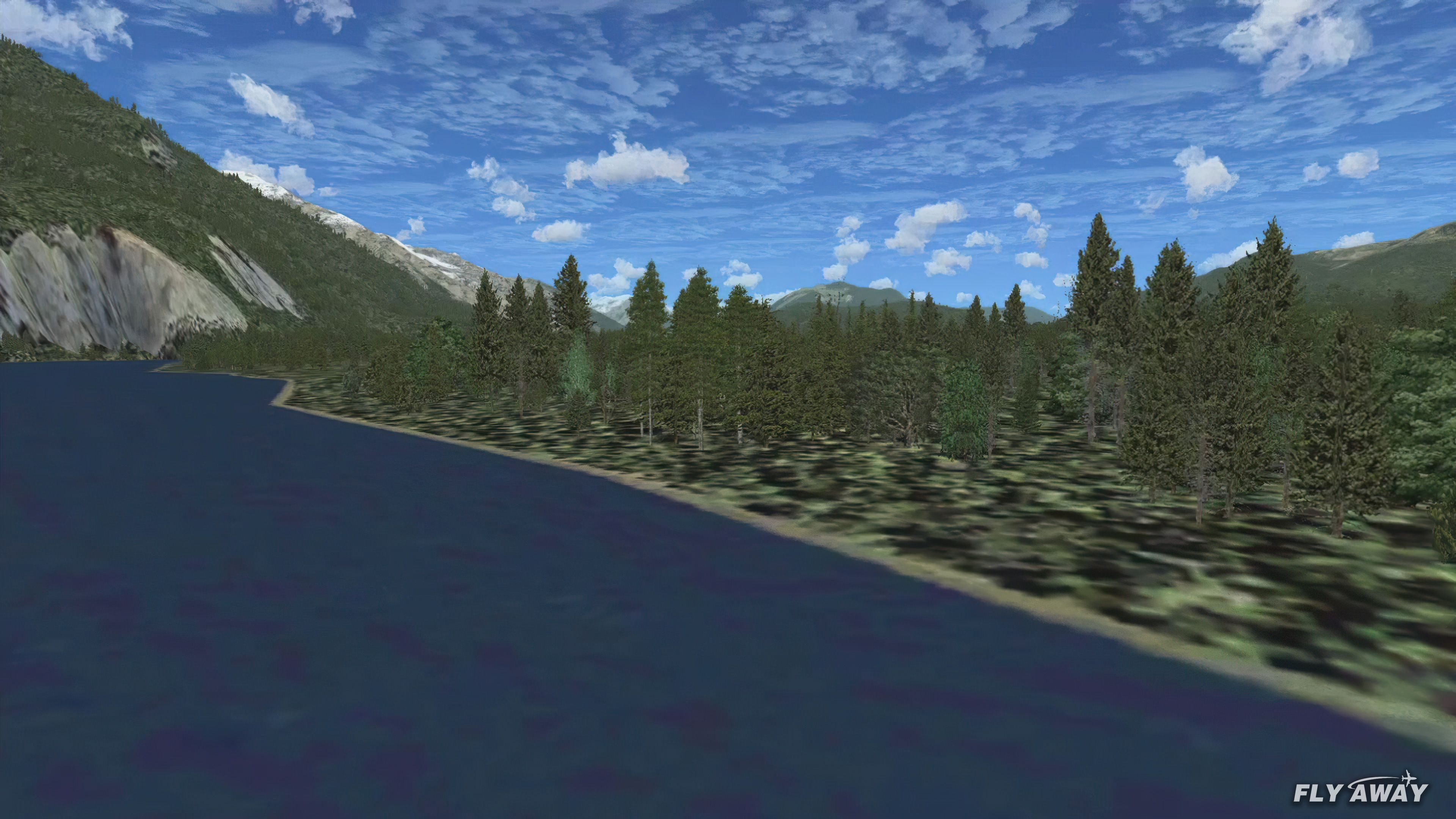
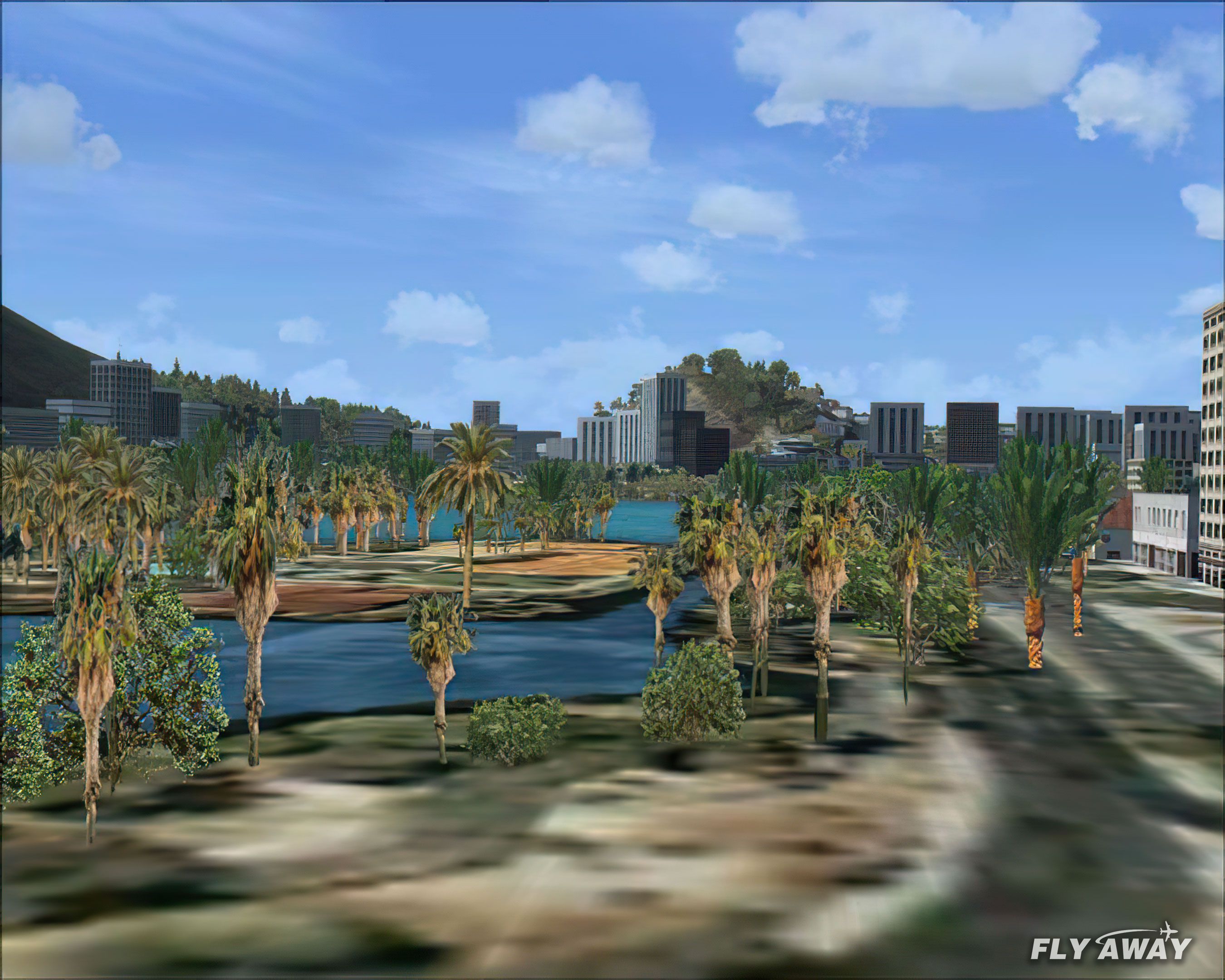
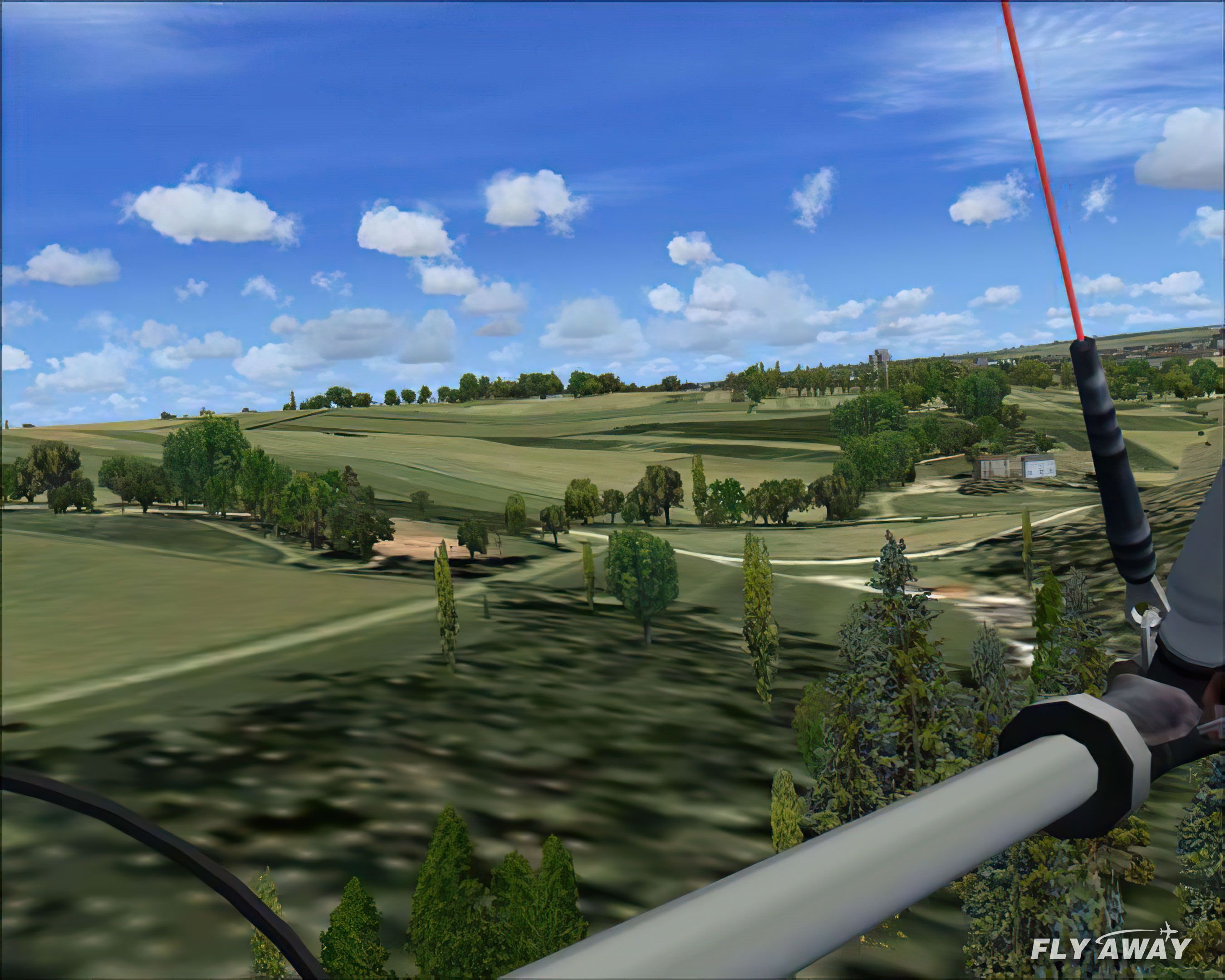
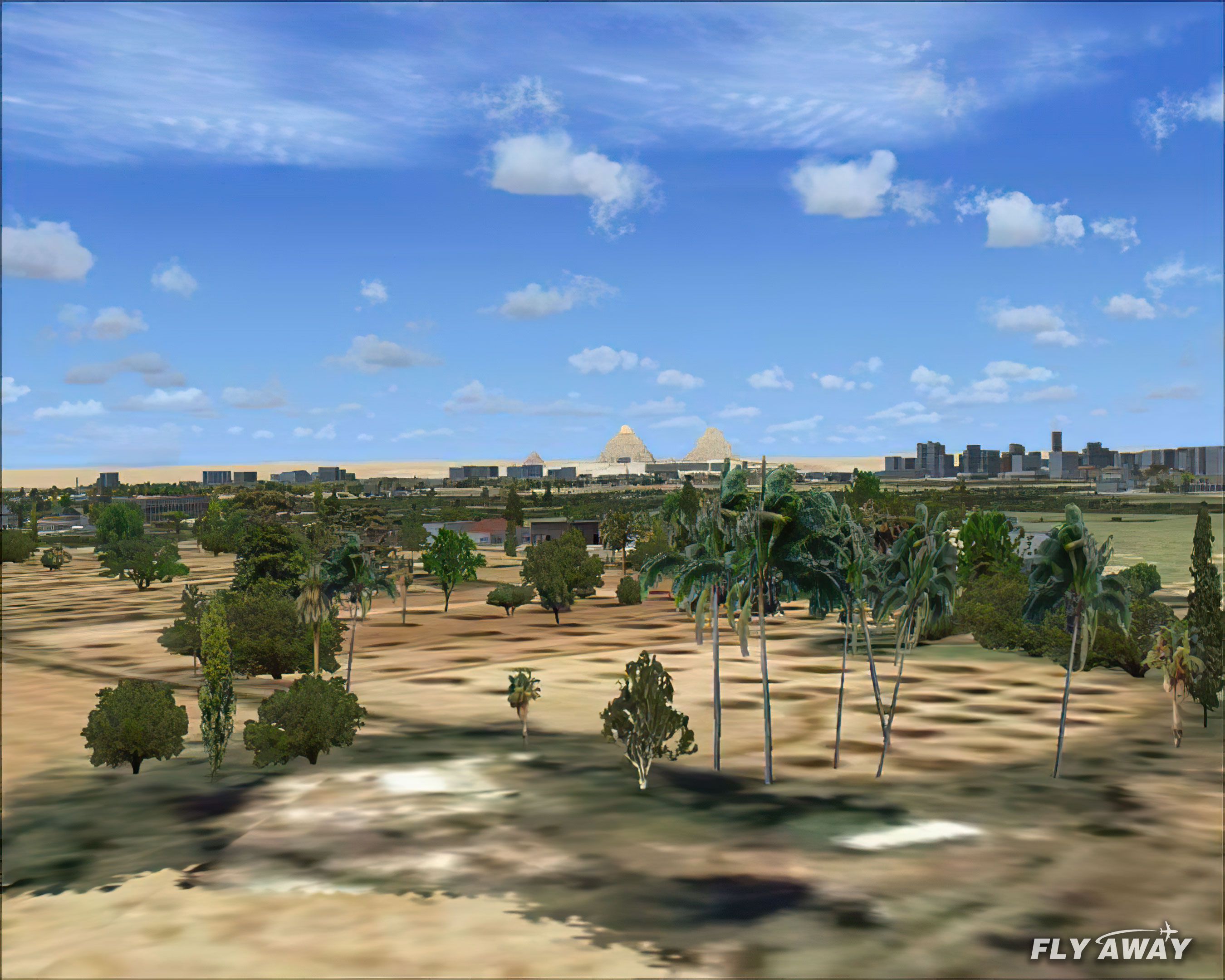
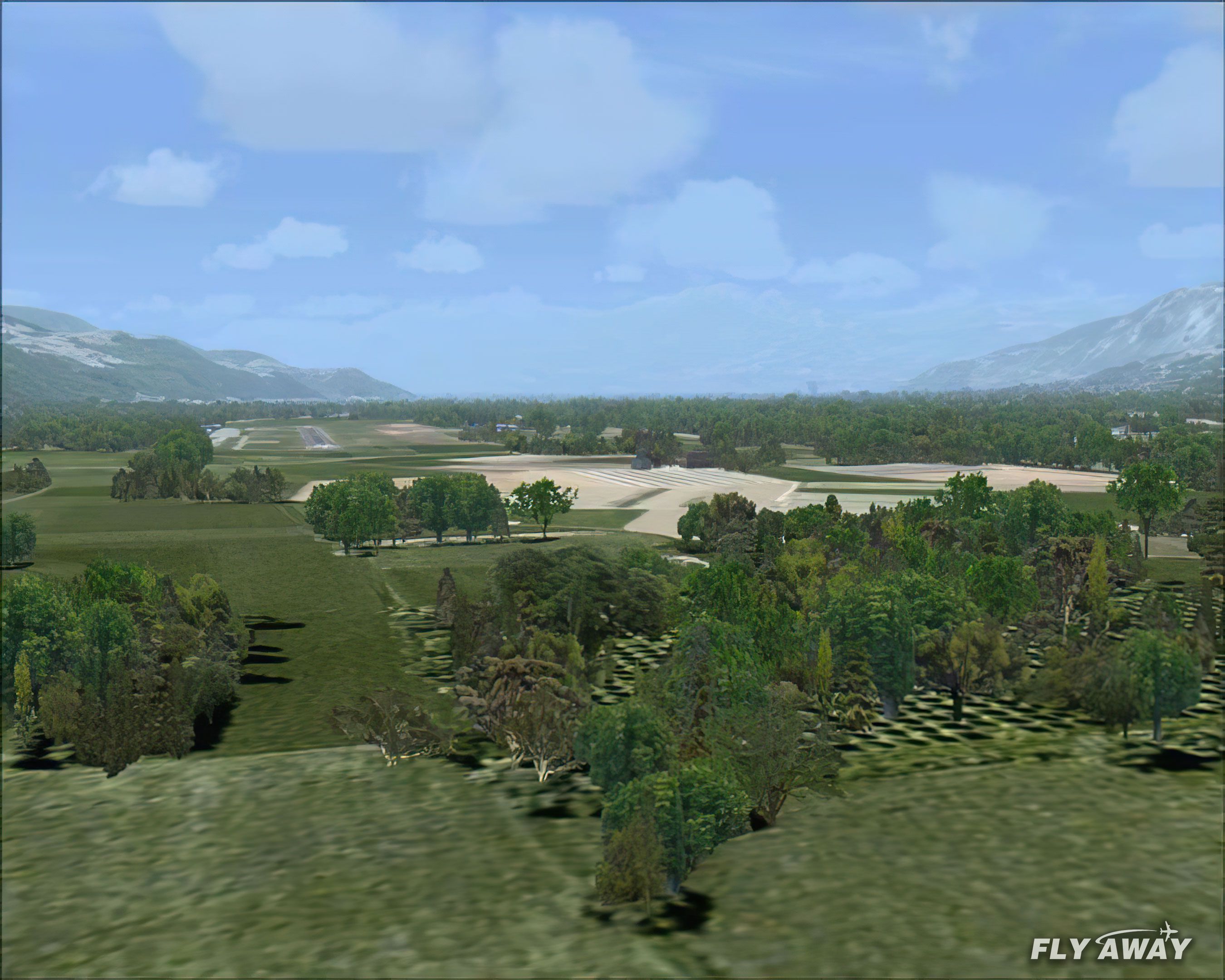
TreeX Enhanced Trees refreshes FSX landscapes with photoreal foliage textures sourced from real tree photography and hand-tuned color for consistent seasonal tone. Three resolution sets balance clarity and performance, while canopy-free autogen reduces overhead and improves depth; select species keep canopy for natural silhouettes.
This is the latest v2.1.
Only for FSX. Friends and Friendly simmer, here the version of TreeX. It is a set of vegetable textures photorealistic for FSX.
They are based on true photographs of trees of at least 1024x768 pixels. The trees were rooted with the hand and reprocess chromatically so as to keep a certain temperature of constant color. Separately the snag trees, there are no naked trees (e.g. winter).
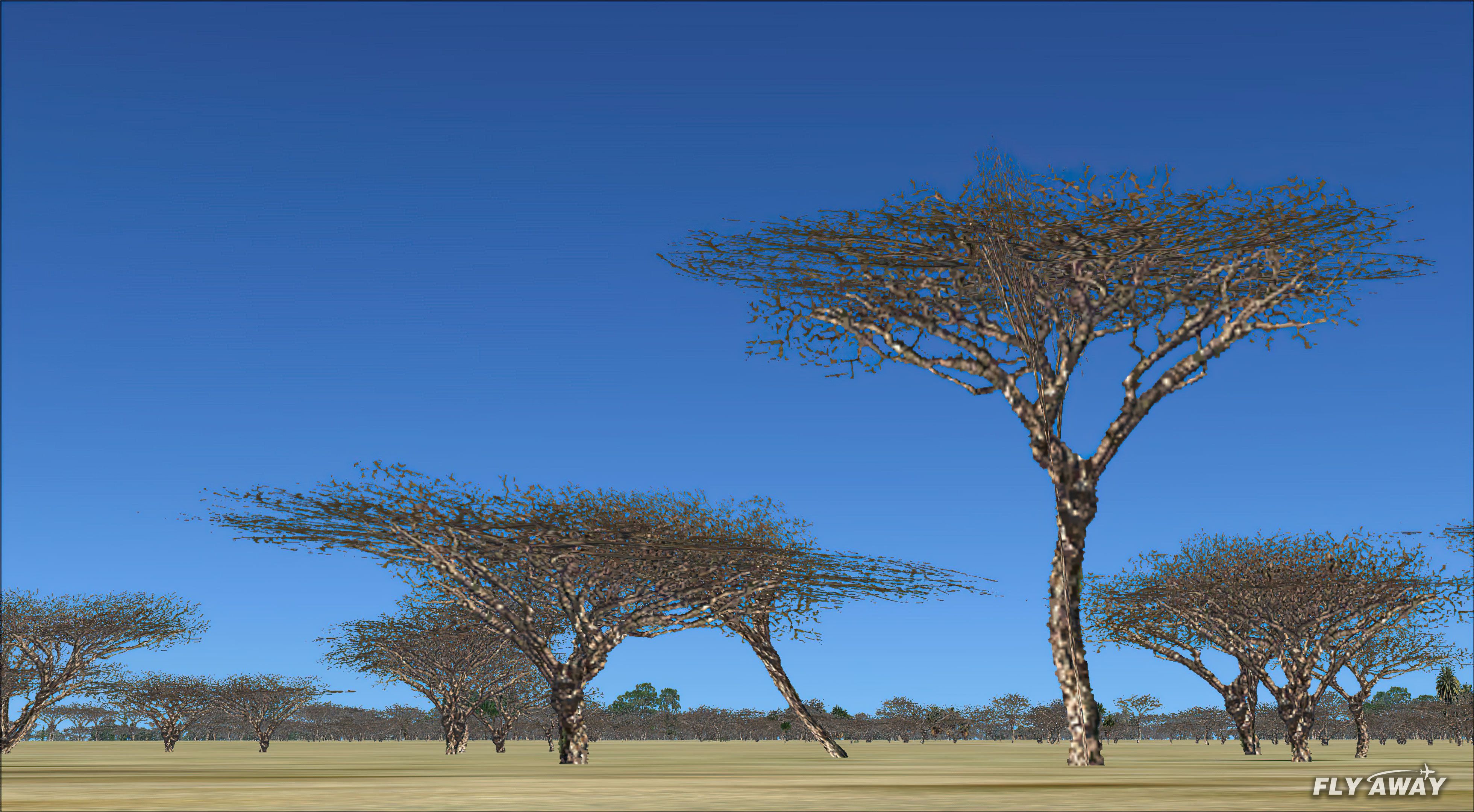
You will keep textures of origin for these trees but without canopy*. All textures of these trees are represented without canopy (except for two types of trees: acacias and olive-trees).
*What is the canopy?
It is a horizontal texture making it possible to see the tree with the vertical.
Framerate
These textures are declined in 3 versions
512x512 version called "Hifi":
It is best made possible. They have the double-precision that those of origin. The framerate suffers little from it: the suppression of canopÈe there is for something.
Maximum advised in the fsx.cfg
[TERRAIN]

TERRAIN_MAX_AUTOGEN_TREES_PER_CELL=2500
256x256 version called "Quality":
Allows the less powerful configurations to profit from photorealist quality but by accepting a loss from precision. With these textures, the autogen is less heavy than that of origin (once again canopy in less), and certain textures of trees reduced by half compared to those of origin.
128x128 version called "Performance":
To preserve the colors photorealists, but without any detail. Textures take again a "realistic" aspect with the top of 2500 feet.
Installation:
Make initially a safeguard of your files of origin if it is not already done!
Unzip the file compressed in a temporary directory.
Choose a resolution among the 3 directories suggested. Select all textures of this directory and Place them in the file textures:
Scenery -> Global
"overwrite" the original ones.
Change of resolution: Copy simply the contents of one of the other directory of the zip and "overwrite" preceding textures.
Uninstallation: Replace textures of origin in their directory.
Free for all simmers · 59.81 MB · Scanned clean
Download speed: Free tier is capped at 0.5 Mbps (this file takes approximately 17 mins at the cap). PRO members download at full line speed.
SimObjects\Airplanes\, Addon Scenery\, Effects\, or Gauges\.readme.txt or README file. It tells you exactly where files go, what dependencies are needed, and any quirks specific to this add-on.The archive TreeX.zip has 38 files and directories contained within it.
This list displays the first 500 files in the package. If the package has more, you will need to download it to view them.
| Filename/Directory | File Date | File Size |
|---|---|---|
| Go to Fly Away Simulation.url | 08.22.19 | 52 B |
| Screenshots | 11.08.20 | 0 B |
| 001ai.jpg | 11.08.20 | 2.10 MB |
| 002ai.jpg | 11.08.20 | 1.87 MB |
| 003ai.jpg | 11.08.20 | 1.84 MB |
| 004ai.jpg | 11.08.20 | 2.04 MB |
| 005ai.jpg | 11.08.20 | 1.81 MB |
| 006ai.jpg | 11.08.20 | 1.82 MB |
| 007ai.jpg | 11.08.20 | 1.87 MB |
| 008ai.jpg | 11.08.20 | 1.98 MB |
| 009ai.jpg | 11.08.20 | 1.92 MB |
| 010ai.jpg | 11.08.20 | 1.99 MB |
| f_YAFSS454i_1cf9m_4a602b6ai.jpg | 11.08.20 | 1.34 MB |
| f_YAFSS463i_1cf9m_53134c4ai.jpg | 11.08.20 | 1.08 MB |
| f_YAFSS492m_1d85f8bai.jpg | 11.08.20 | 829.26 kB |
| f_YAFSS516m_f5af3b4ai.jpg | 11.08.20 | 1.35 MB |
| f_YAFSS583m_90b09f8ai.jpg | 11.08.20 | 1.82 MB |
| f_YAFSS588m_5020ebdai.jpg | 11.08.20 | 790.89 kB |
| f_YAFSS592m_980f42fai.jpg | 11.08.20 | 1.01 MB |
| f_YAFSS611m_b31411cai.jpg | 11.08.20 | 1.07 MB |
| f_YAFSS626m_7b27c78ai.jpg | 11.08.20 | 1.28 MB |
| f_YAFSS627m_c48d62eai.jpg | 11.08.20 | 1002.80 kB |
| f_YAFSS660m_d73a14eai.jpg | 11.08.20 | 731.05 kB |
| f_YAFSS662m_5e149afai.jpg | 11.08.20 | 1.08 MB |
| f_YAFSS674m_6d484a0ai.jpg | 11.08.20 | 759.29 kB |
| replacement-trees-screen-10ai.jpg | 11.08.20 | 1.46 MB |
| replacement-trees-screen-1ai.jpg | 11.08.20 | 1.44 MB |
| replacement-trees-screen-2ai.jpg | 11.08.20 | 1.36 MB |
| replacement-trees-screen-3ai.jpg | 11.08.20 | 1.61 MB |
| replacement-trees-screen-4ai.jpg | 11.08.20 | 1.89 MB |
| replacement-trees-screen-5ai.jpg | 11.08.20 | 1.82 MB |
| replacement-trees-screen-6ai.jpg | 11.08.20 | 1.21 MB |
| replacement-trees-screen-7ai.jpg | 11.08.20 | 1.70 MB |
| replacement-trees-screen-8ai.jpg | 11.08.20 | 1.21 MB |
| replacement-trees-screen-9ai.jpg | 11.08.20 | 1.43 MB |
| flyawaysimulation.txt | 10.02.20 | 1.20 kB |
| lisez-moi - Readme.txt | 05.15.07 | 1.79 kB |
| setup.exe | 05.15.07 | 11.68 MB |
More FSX & P3D add-ons hand-picked based on this download.
FSX Scenery
Team GEX Enhanced Autogen World. This package upgrades 522 world wide autogen…
 FSX Scenery
Team GEX Enhanced Major Metro Autogen. This is the second and final part of t…
 FSX Scenery
Aeroworx Enhanced Version 1. The scenery consists of default and Gmax objects…
 FSX Scenery
Whole scenery of the Iberian Peninsula (except Portugal). an adaptation of th…
 FSX Scenery
FSX Loney's Alaska For FSX. This is a compilation of the author's Alaskan sce…
 FSX Scenery
Skara Scenery Bonaire X. Flamingo International Airport or Bonaire Internatio…
 FSX Scenery
For users of Flight Simulator X (and FSX: Steam Edition) and/or Prepar3D, ter…
 FSX Scenery
These new textures for FSX enhance your default ground airport textures. This…
Read what other simmers think, or add your own.


Only see the trees if I turn photoreal scenery off. Does this add-on not work with photo real? If it does, please tell me what I'm not doing.
Thanks.

Hi Can you tell me if this will work on to of GenerationX VFR scenery in P3Dv4 or if I use the Estonia migration tool. I have successfully installed GenerationX VFR to P3Dv4 with this tool. Would it work with your scenery.
Many thanks
Stewart

I love TREE X! Definitely adds to the flight experience. I highly recommend this addon!

I also tried the 3 different Treex (HI FI, QUALITY, PERFORMANCE) and found no difference in appearance or in frame rate.


This addon makes it all to be true. The download contains 3 different graphics. medium,high and ultra high resolution to be suitable for each processor. No problem to install, just make sure to create backups for original files.