


 Sweden













 MSFS Scenery
City of Dallas, Texas (Enhanced) Pack
A brand new, version 2 (enhanced) scenery pack covering the entire area of th…
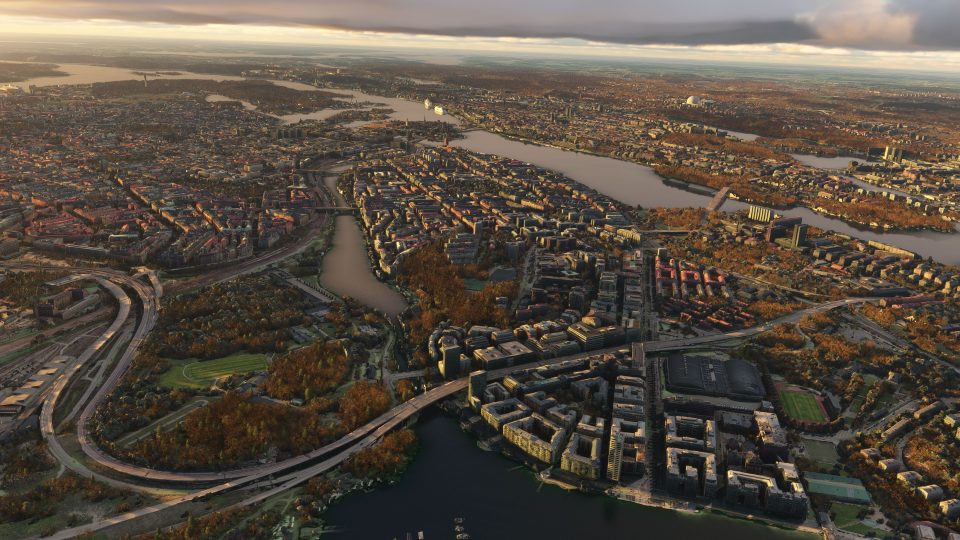
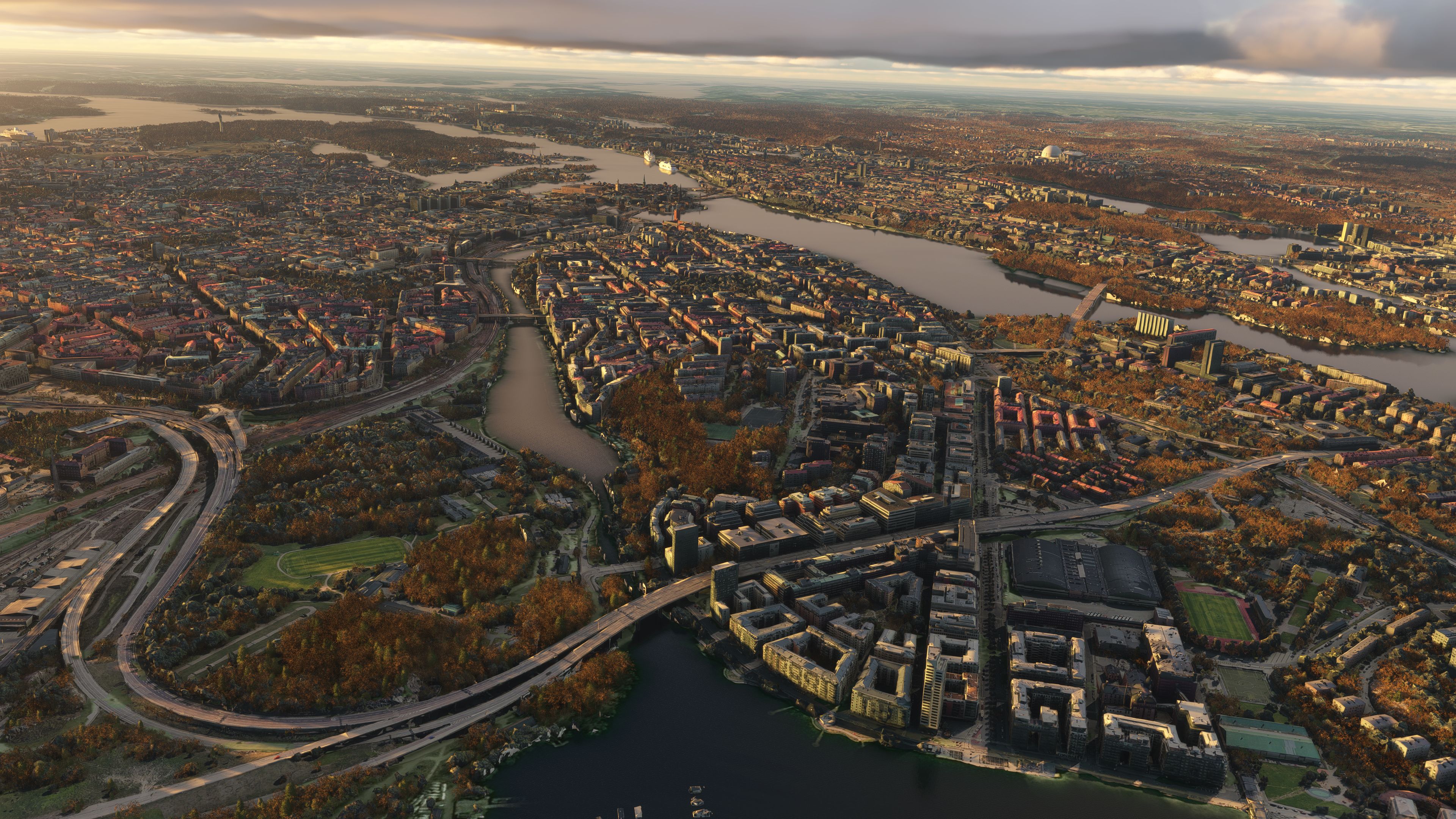
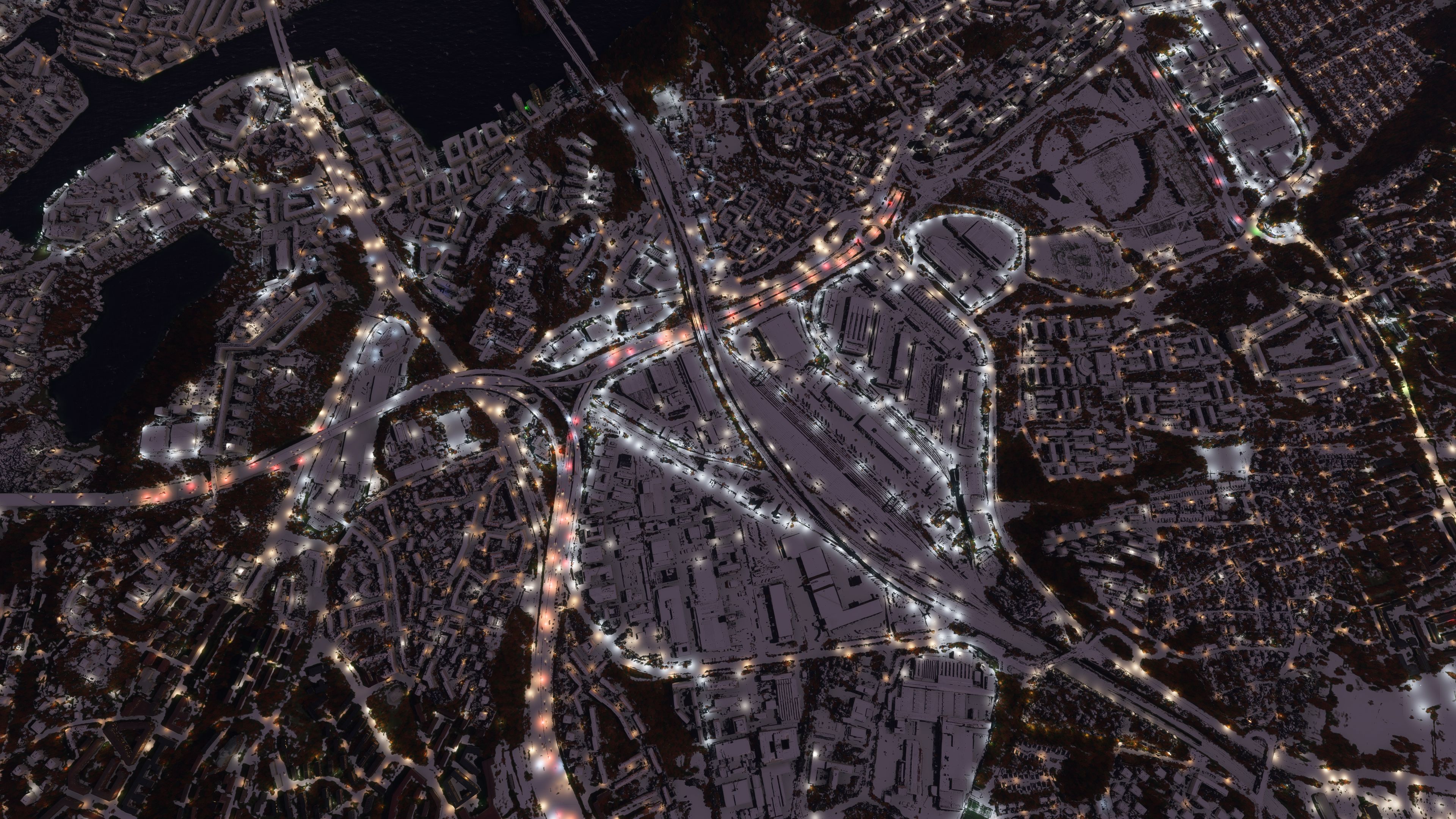
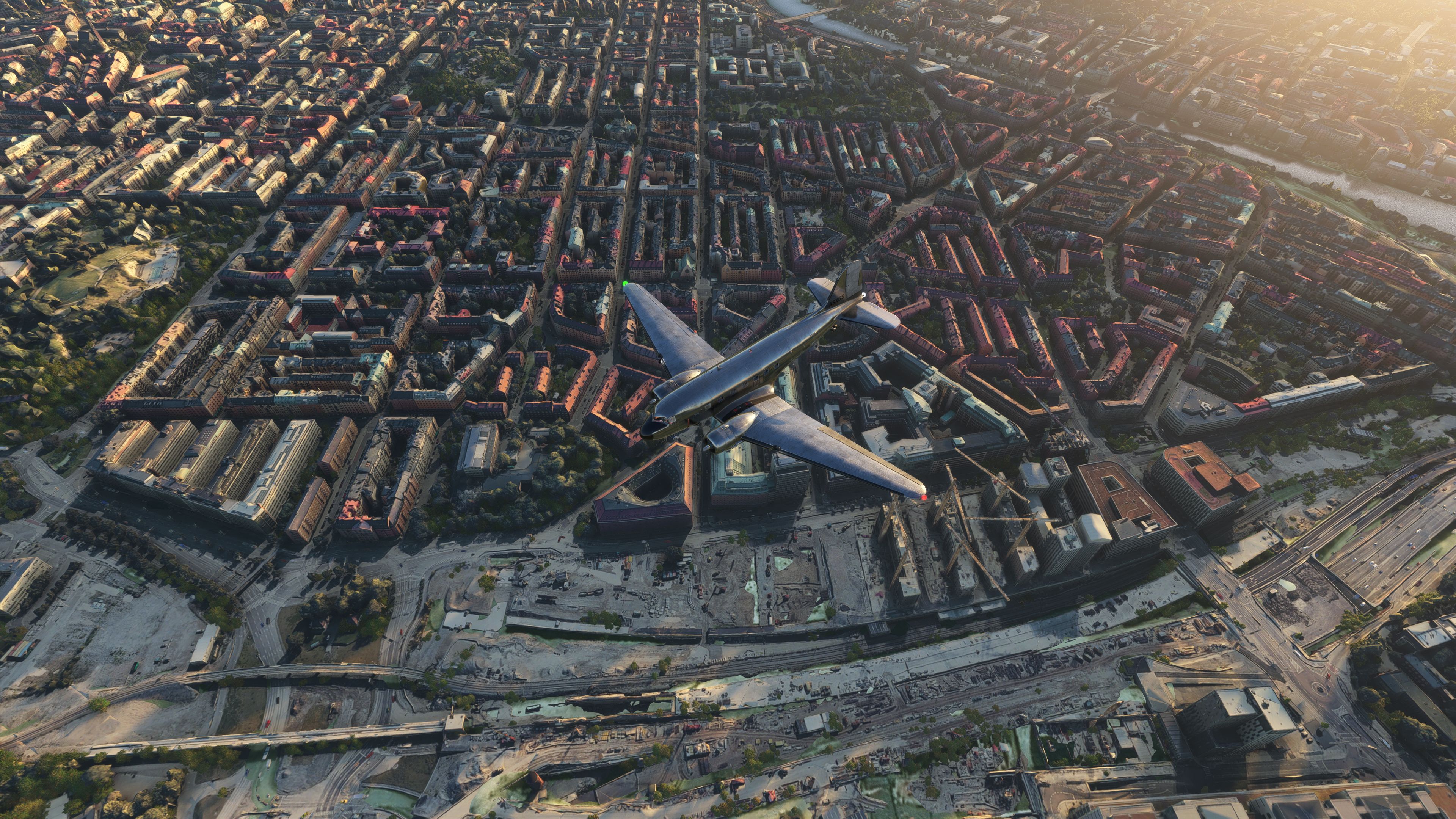
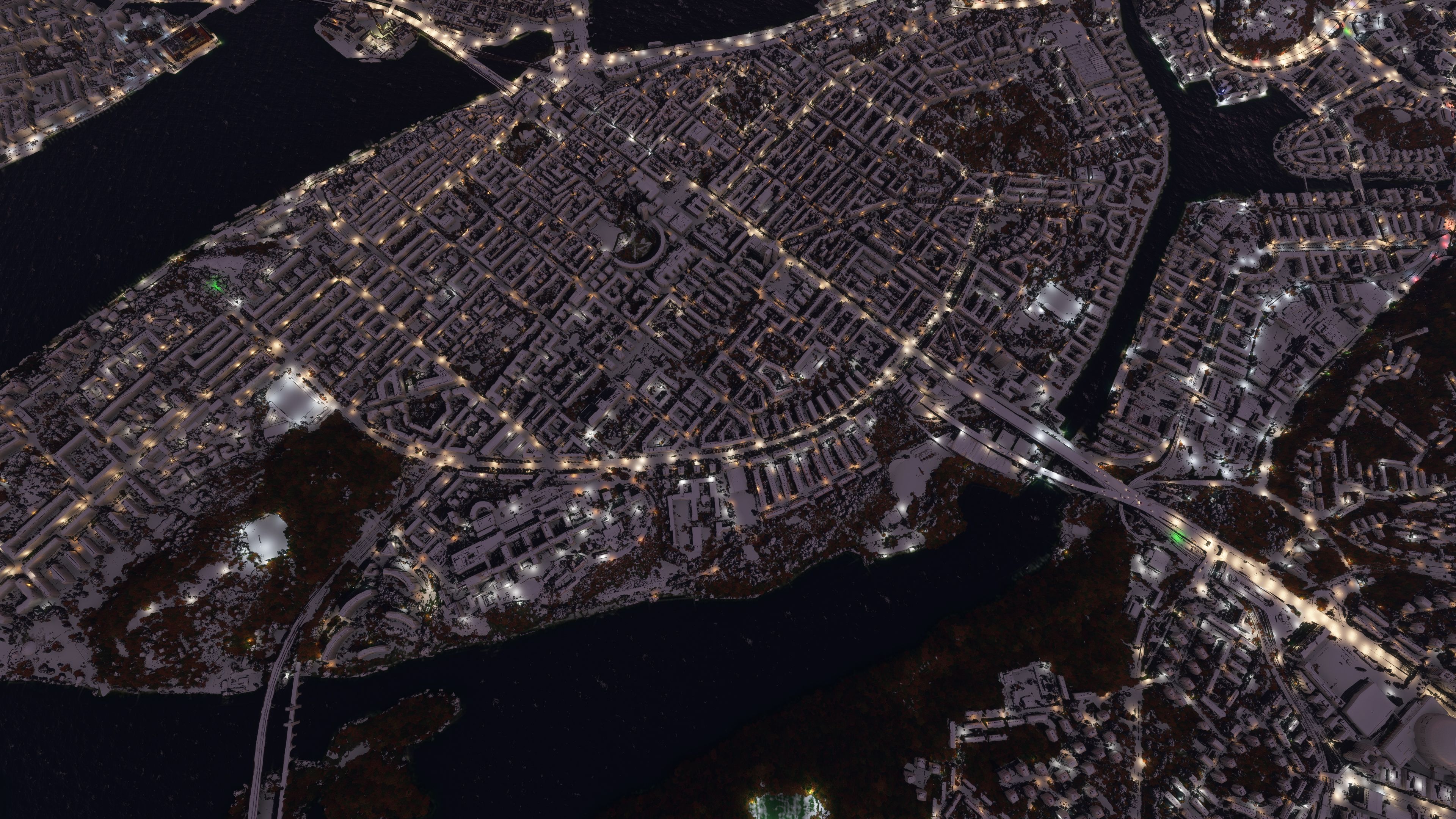
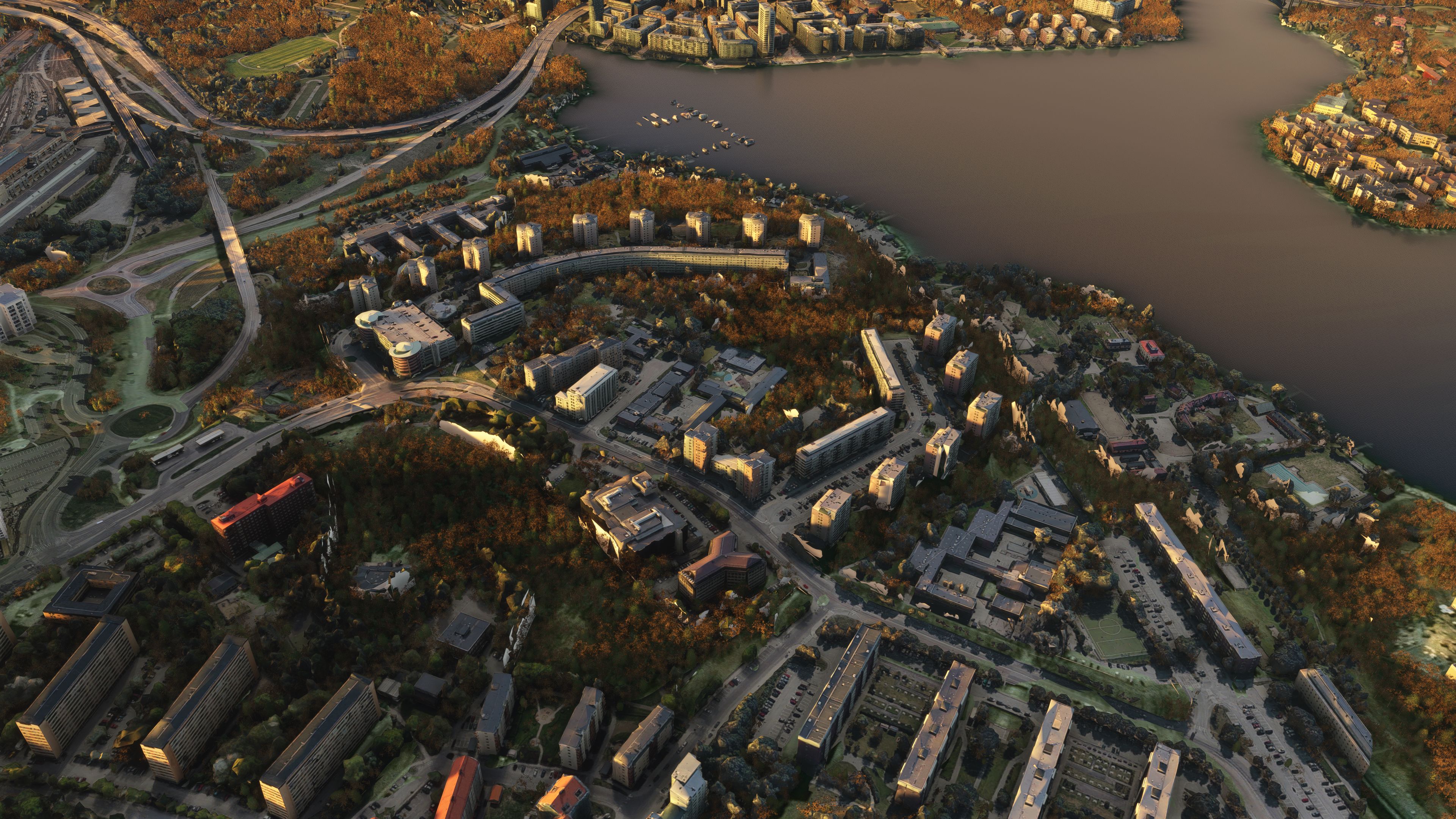
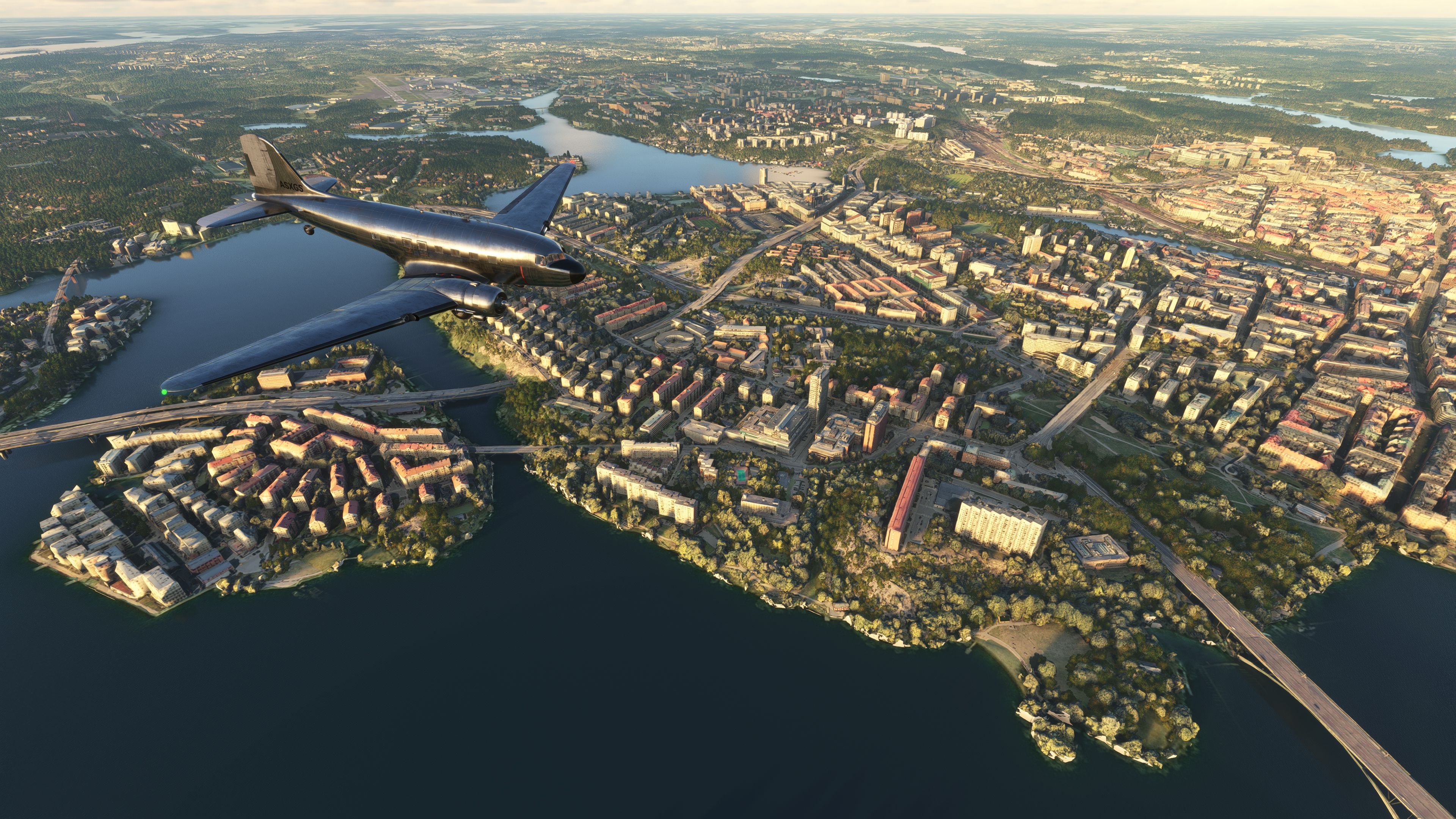
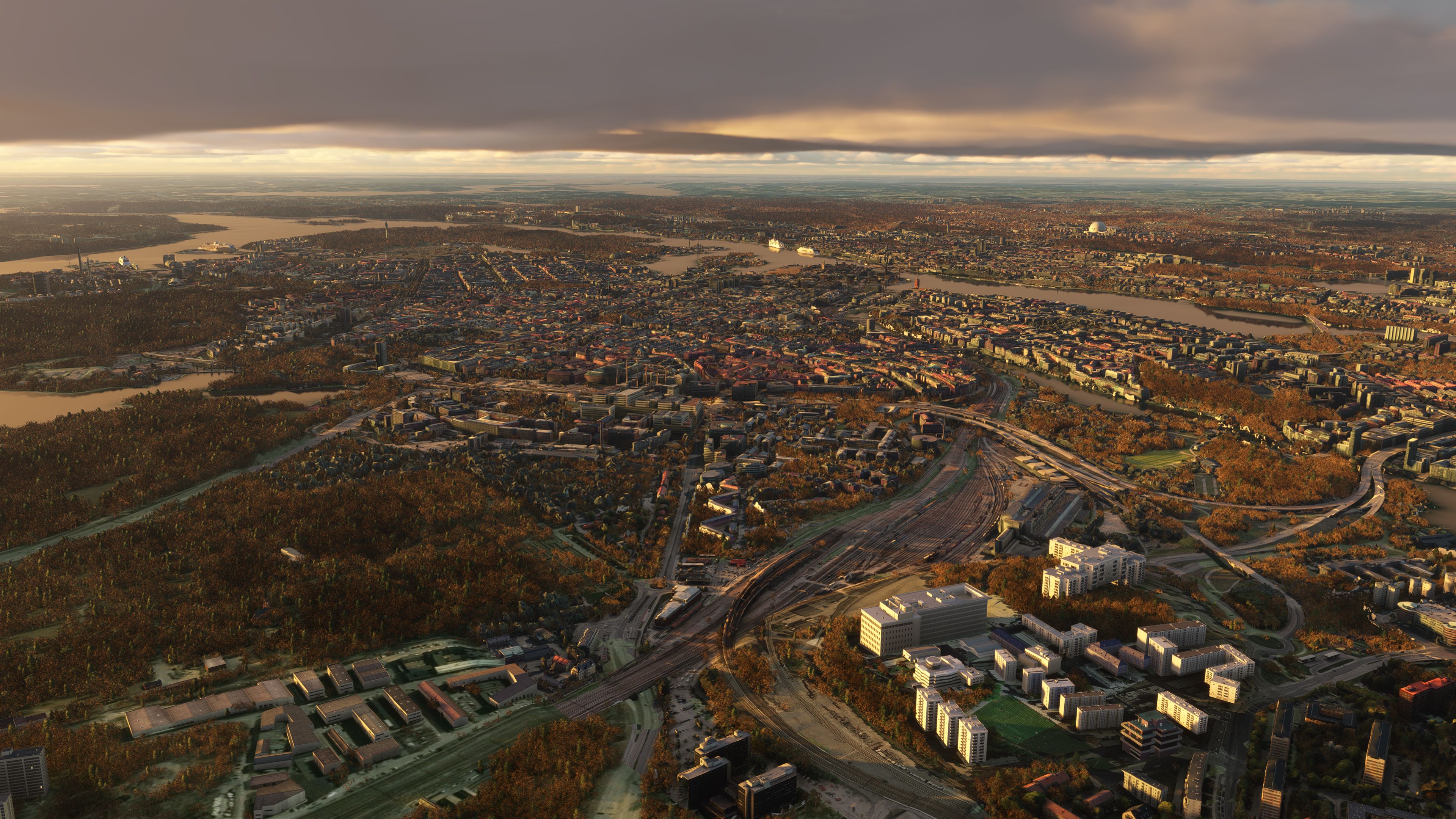
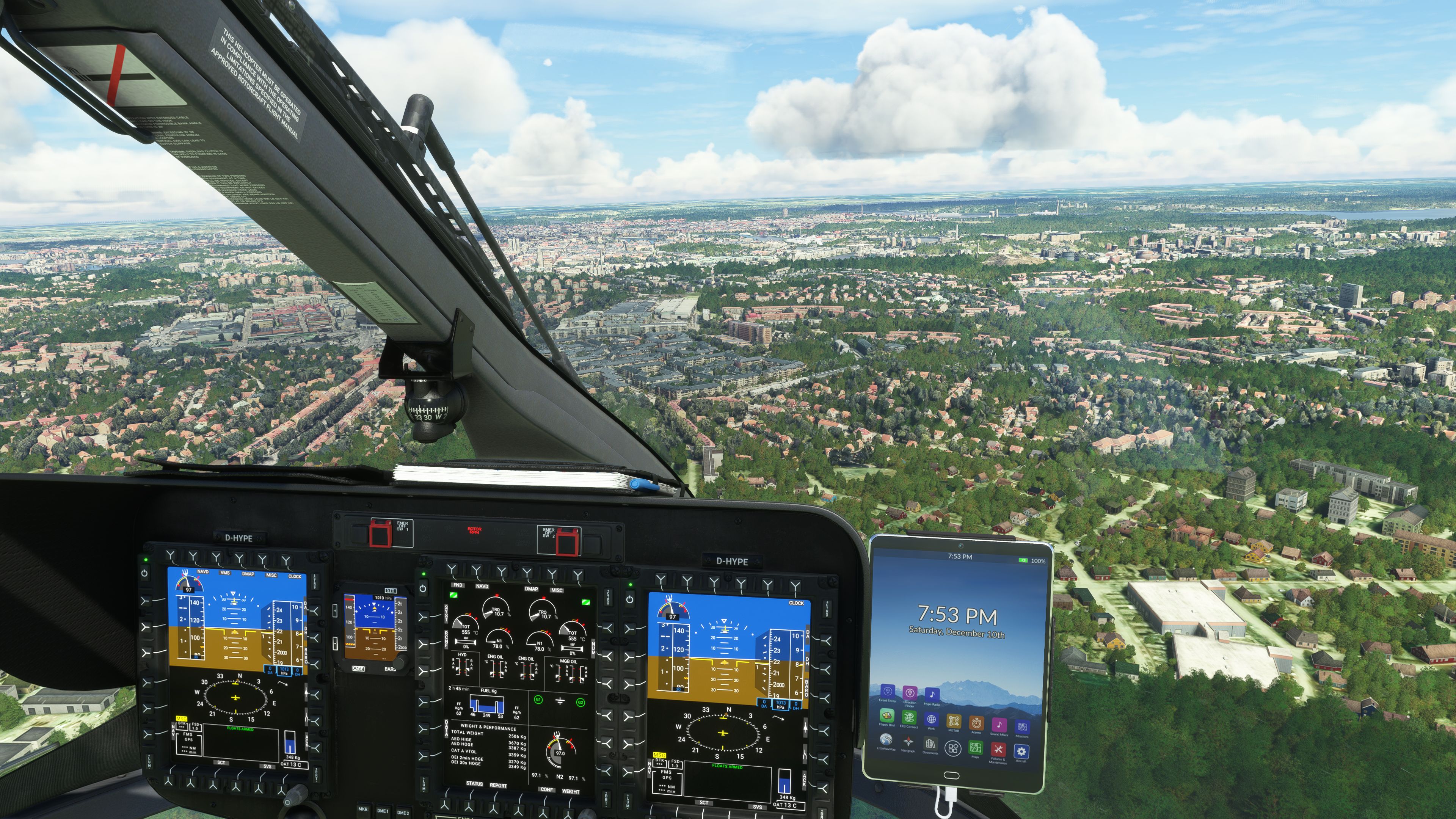
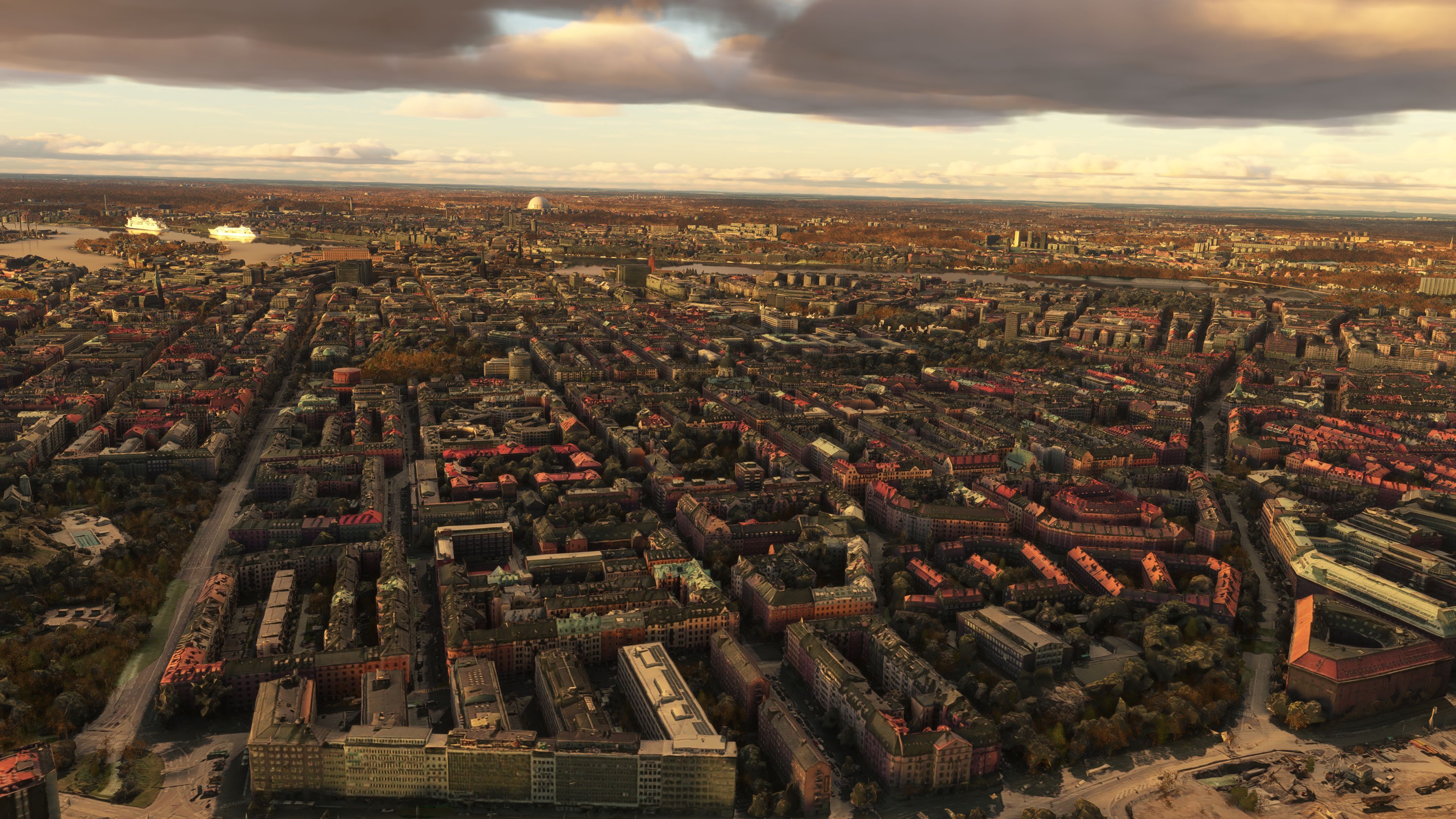
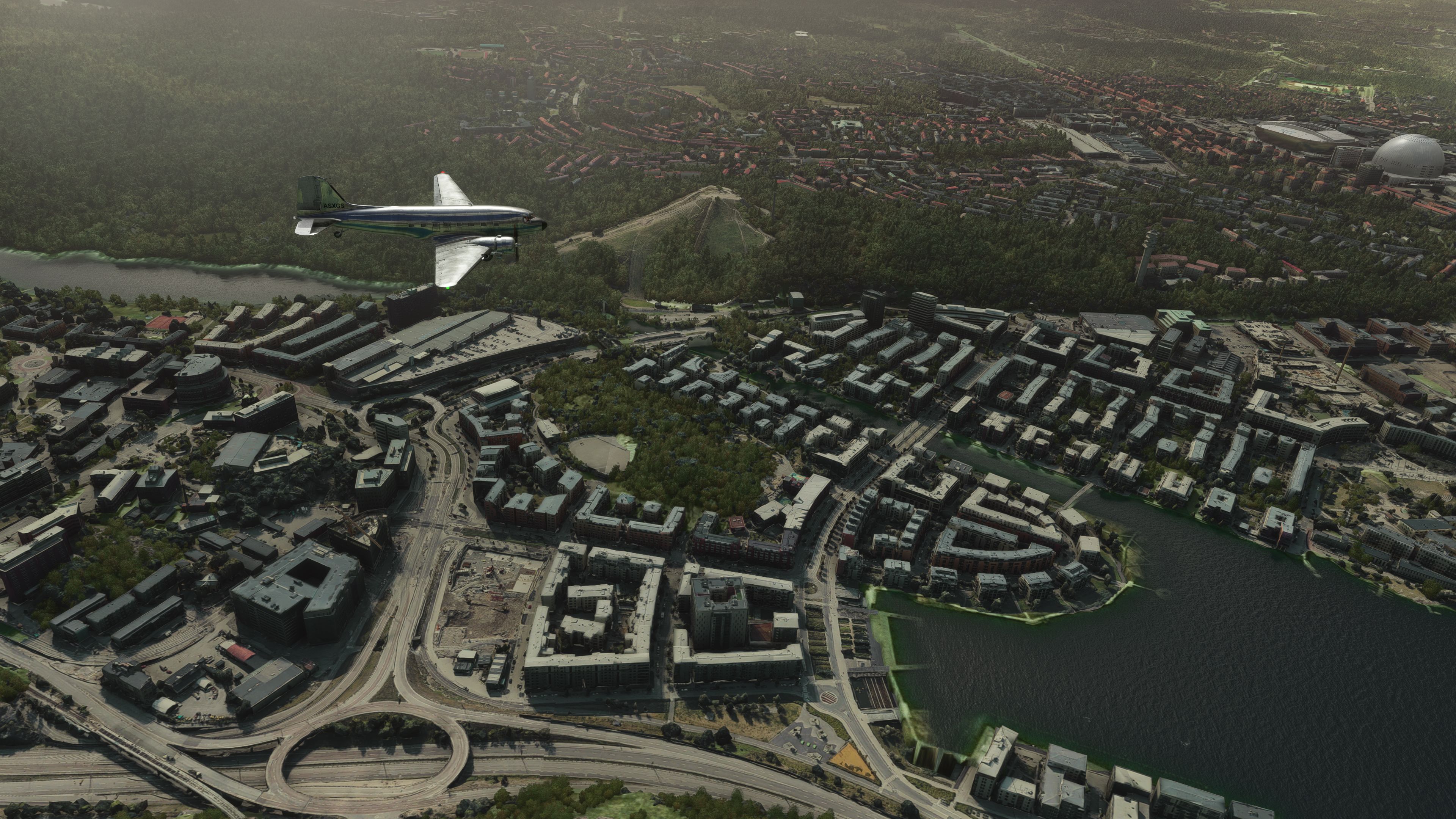
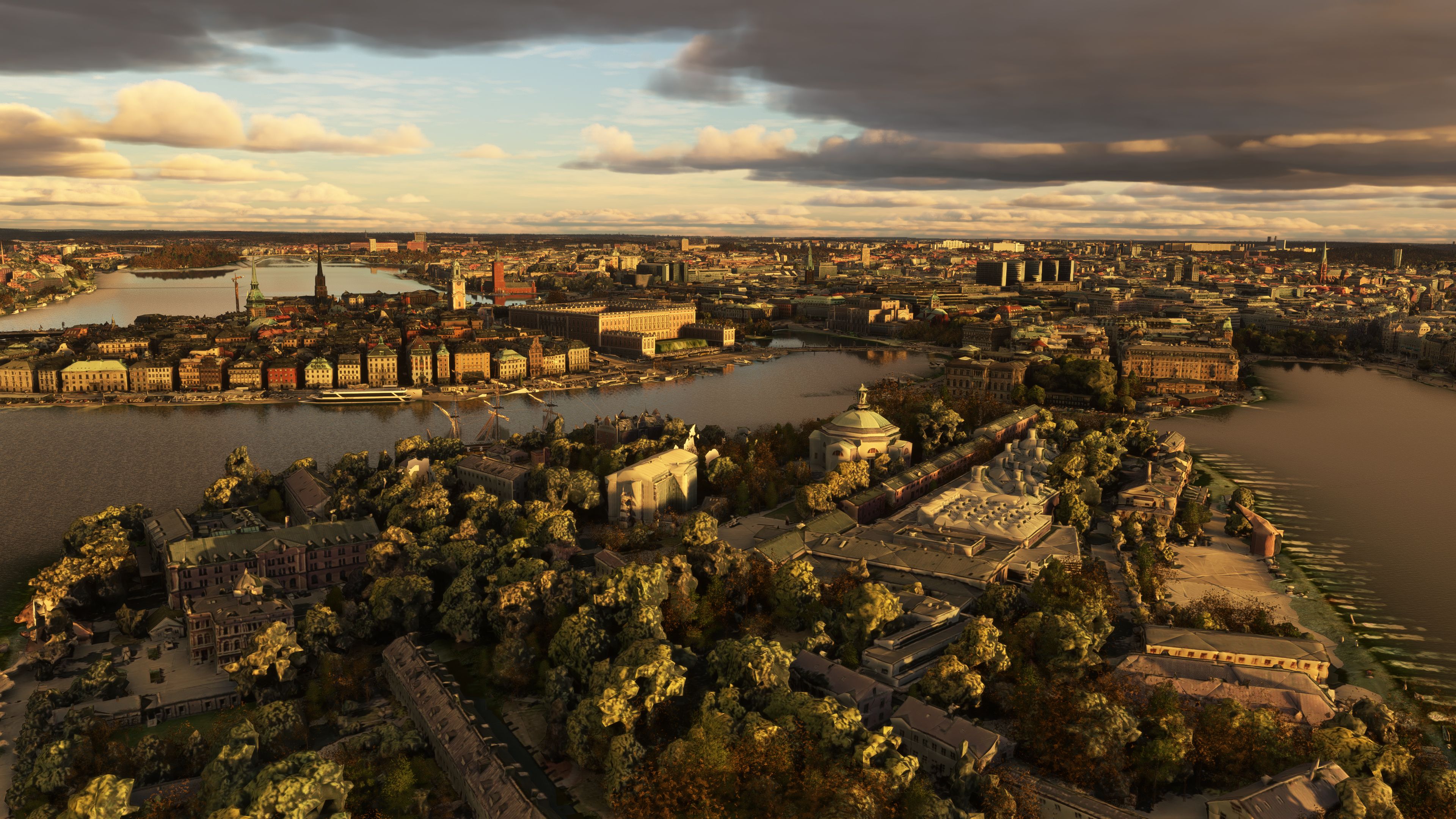
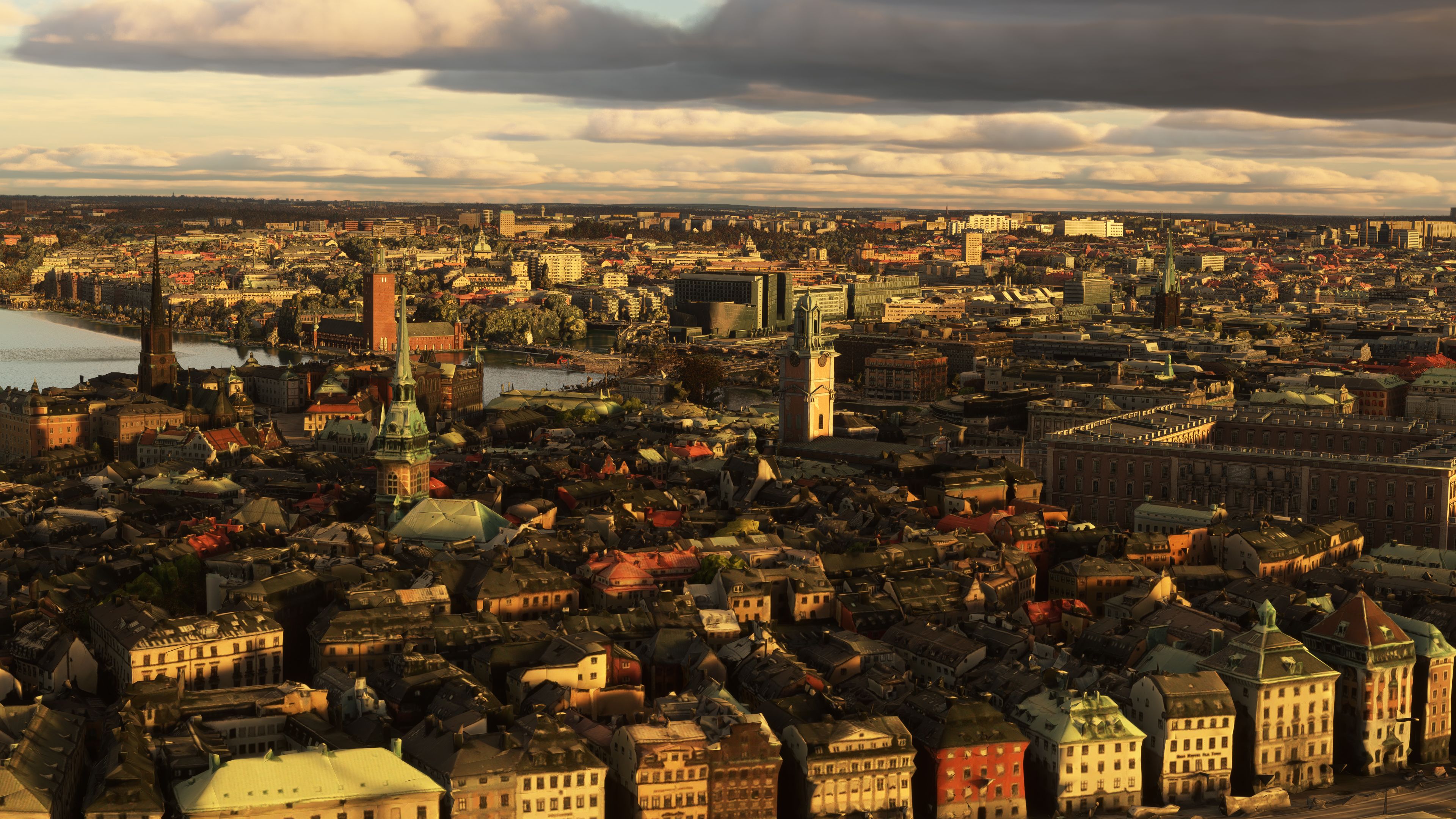
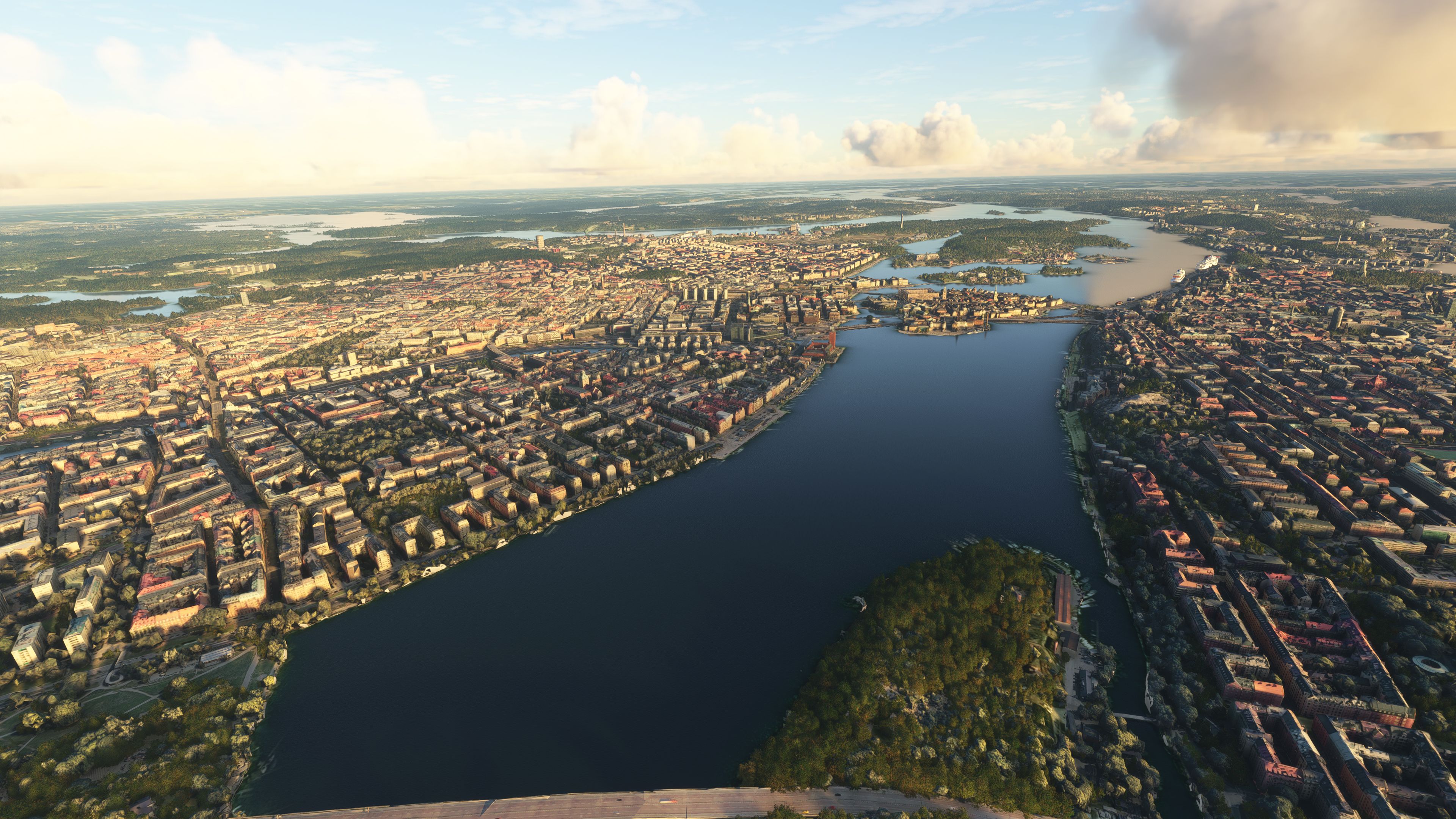
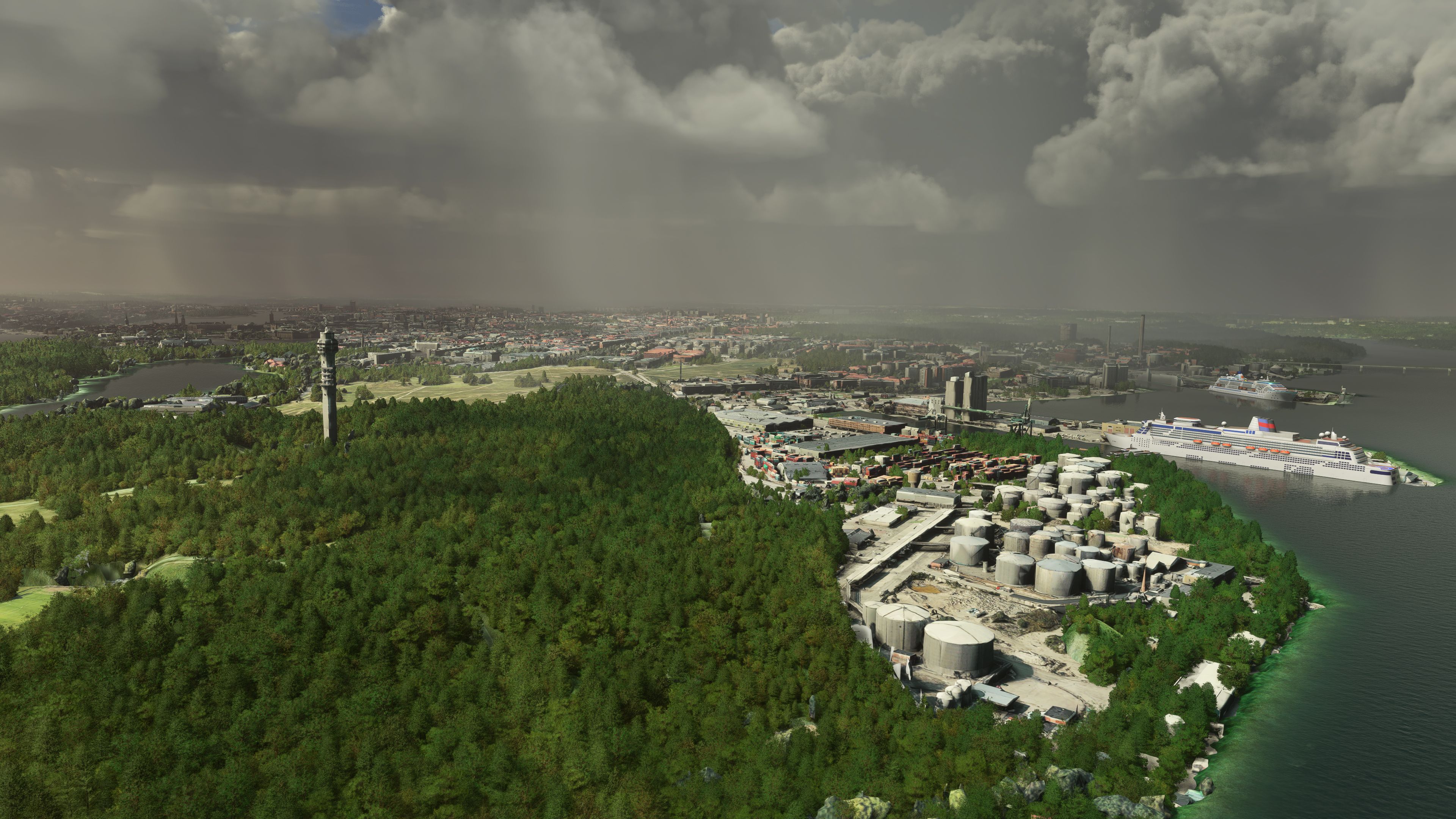
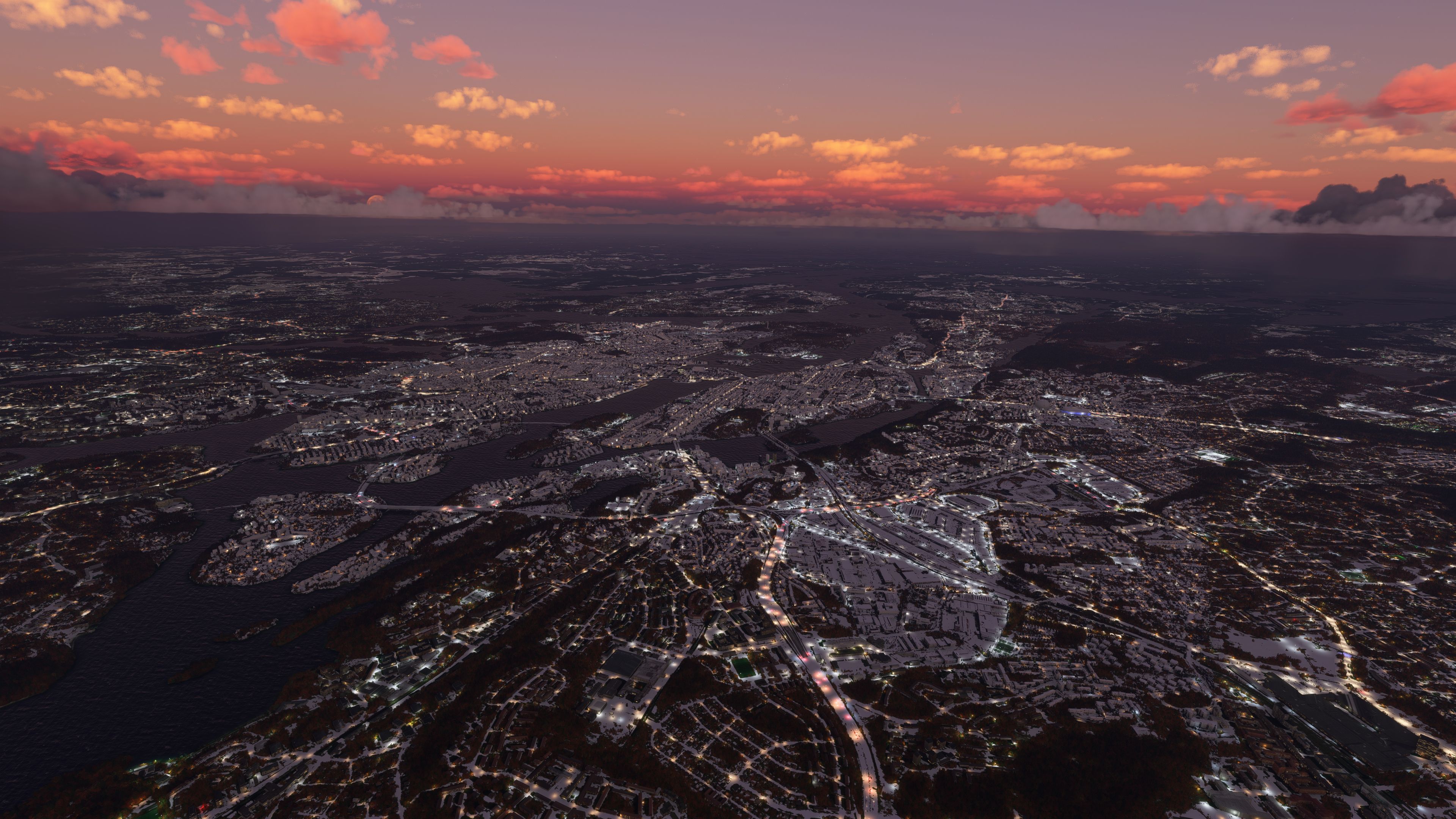
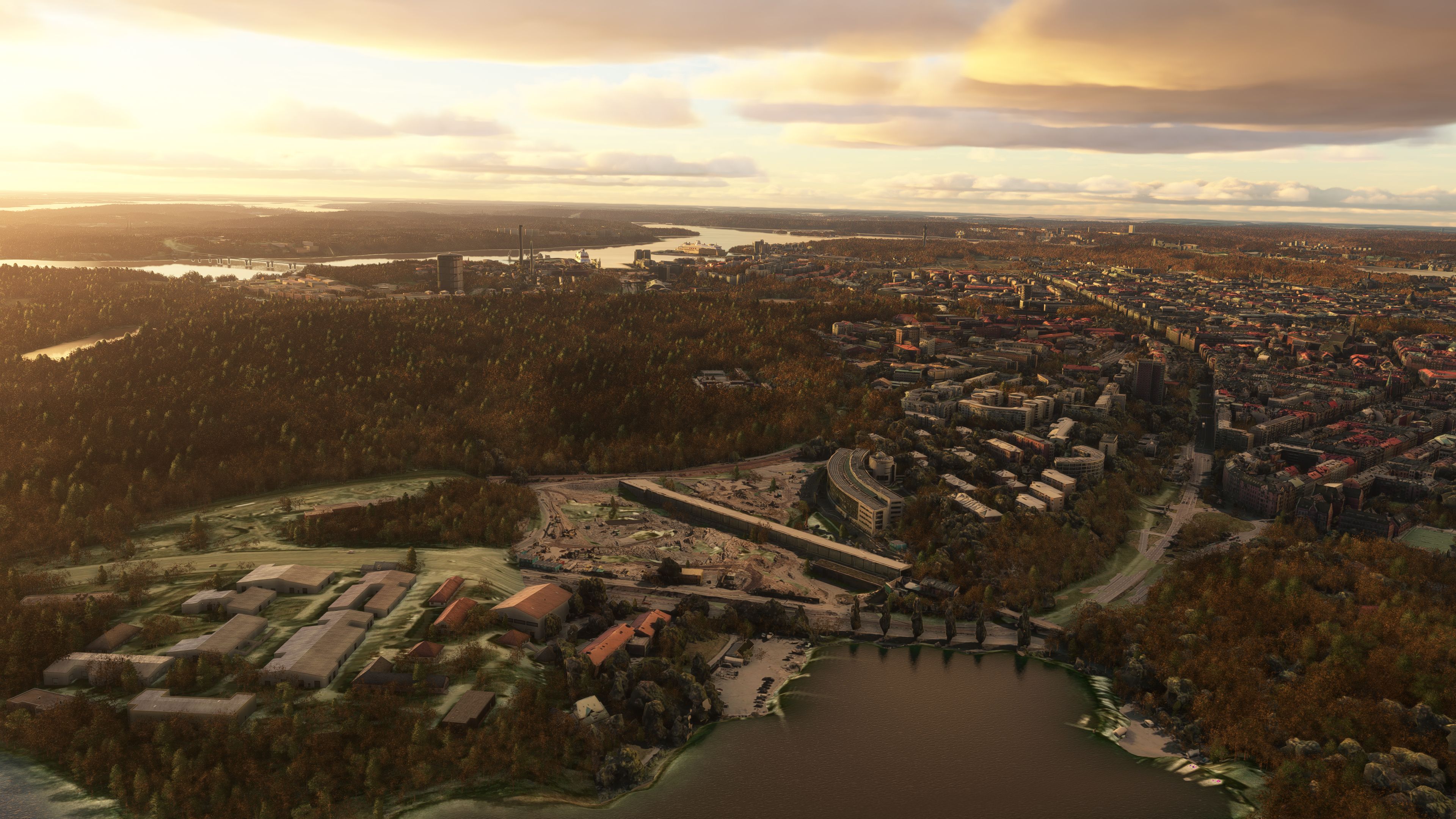
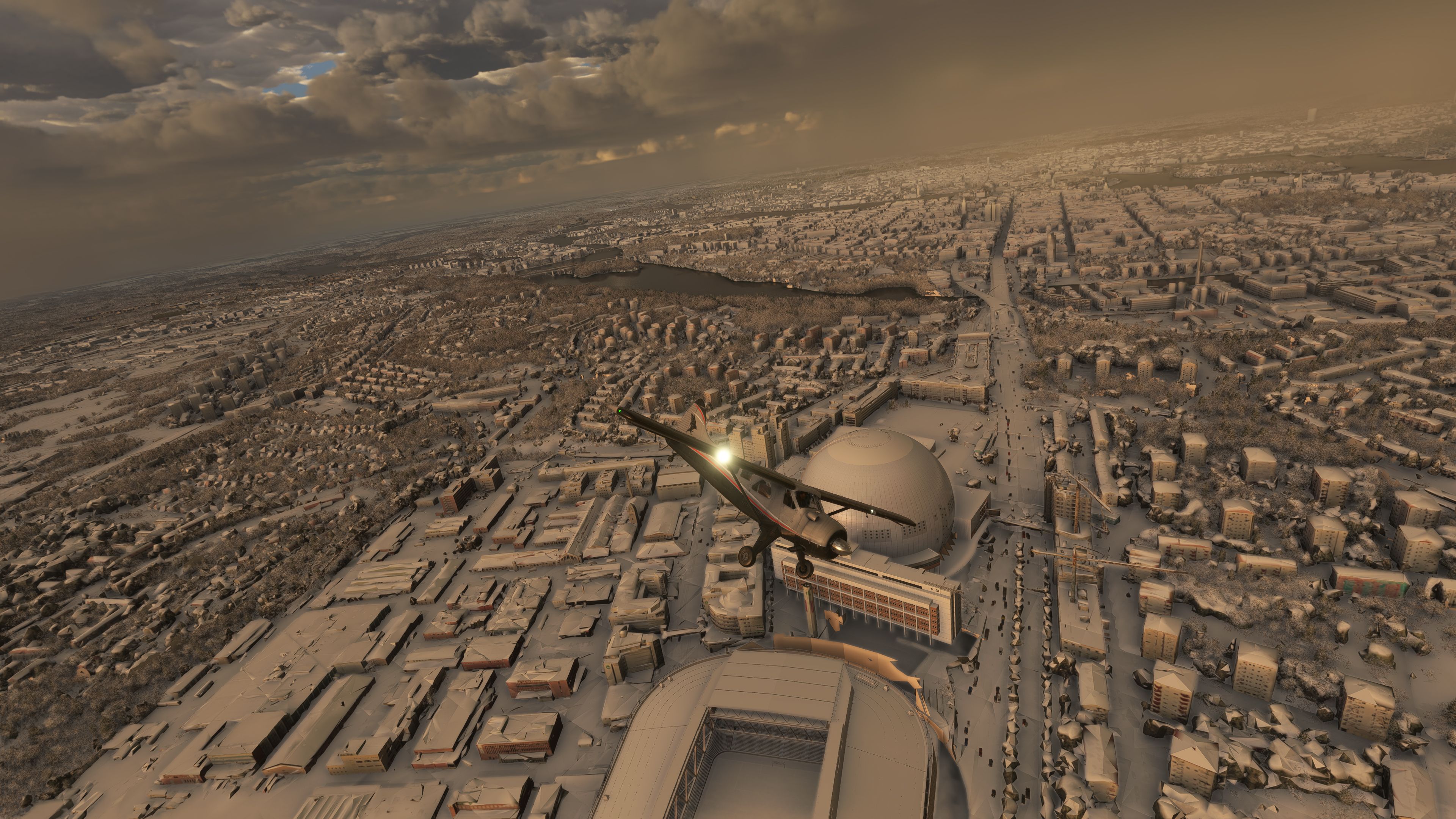
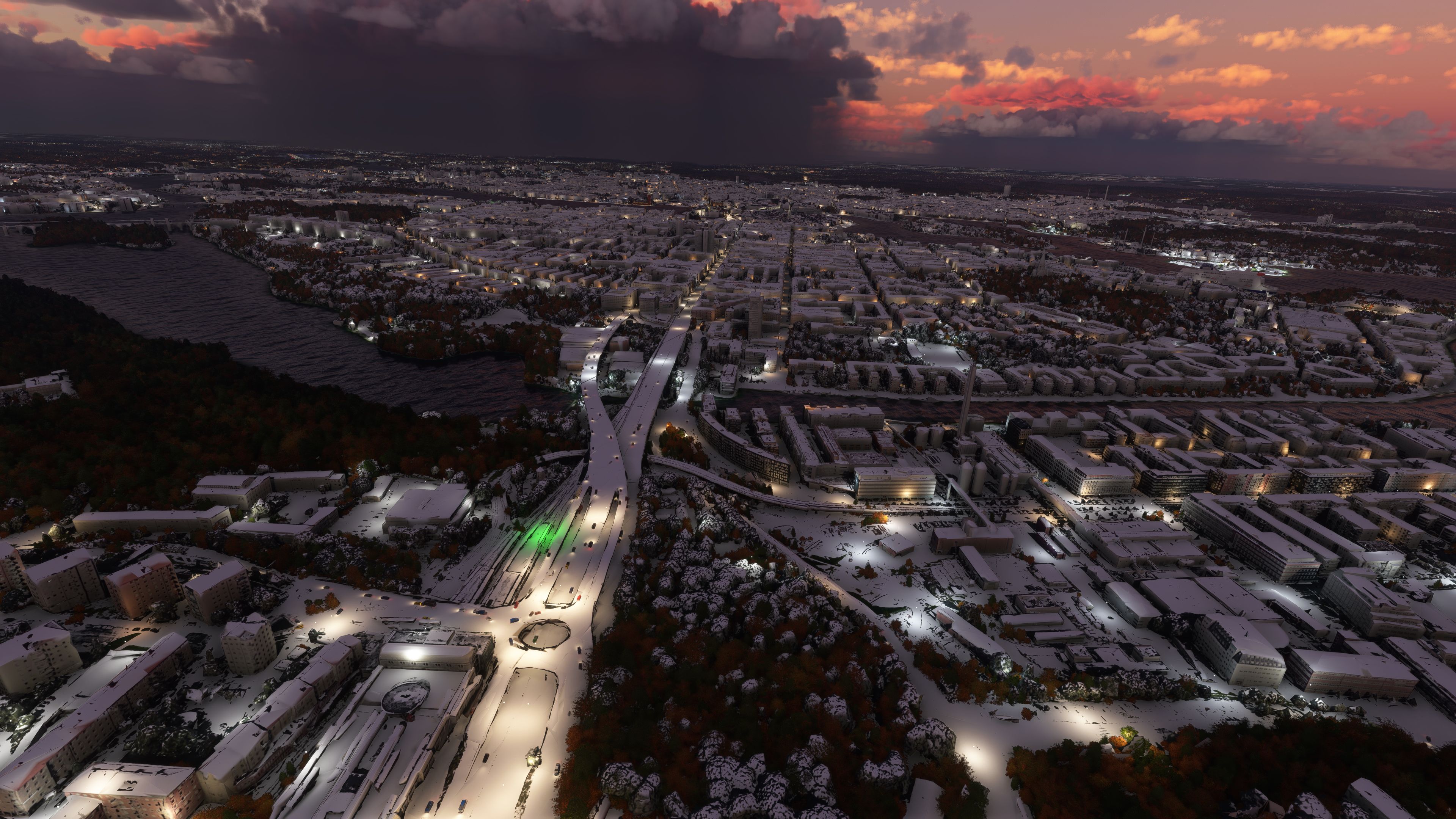
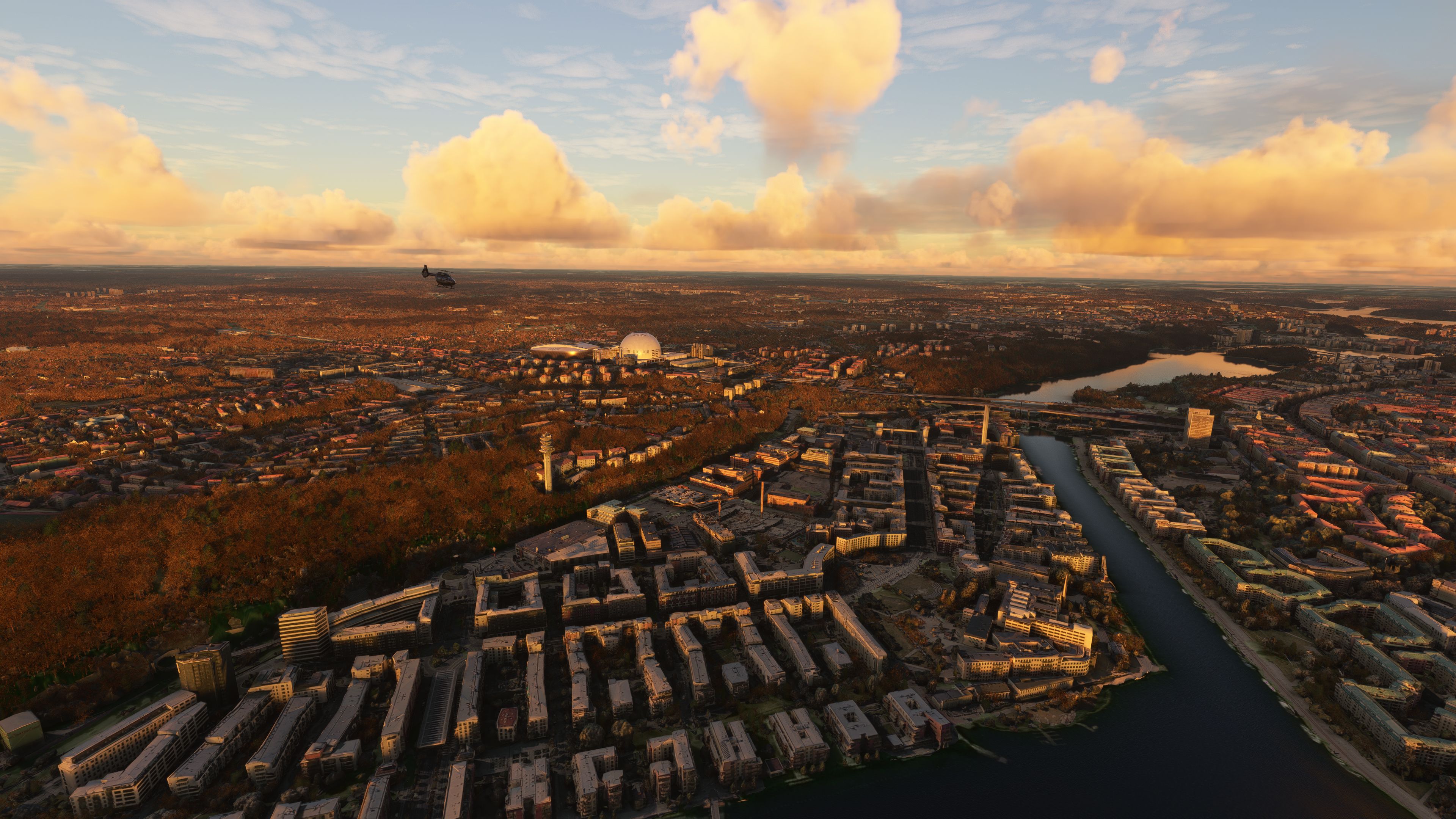
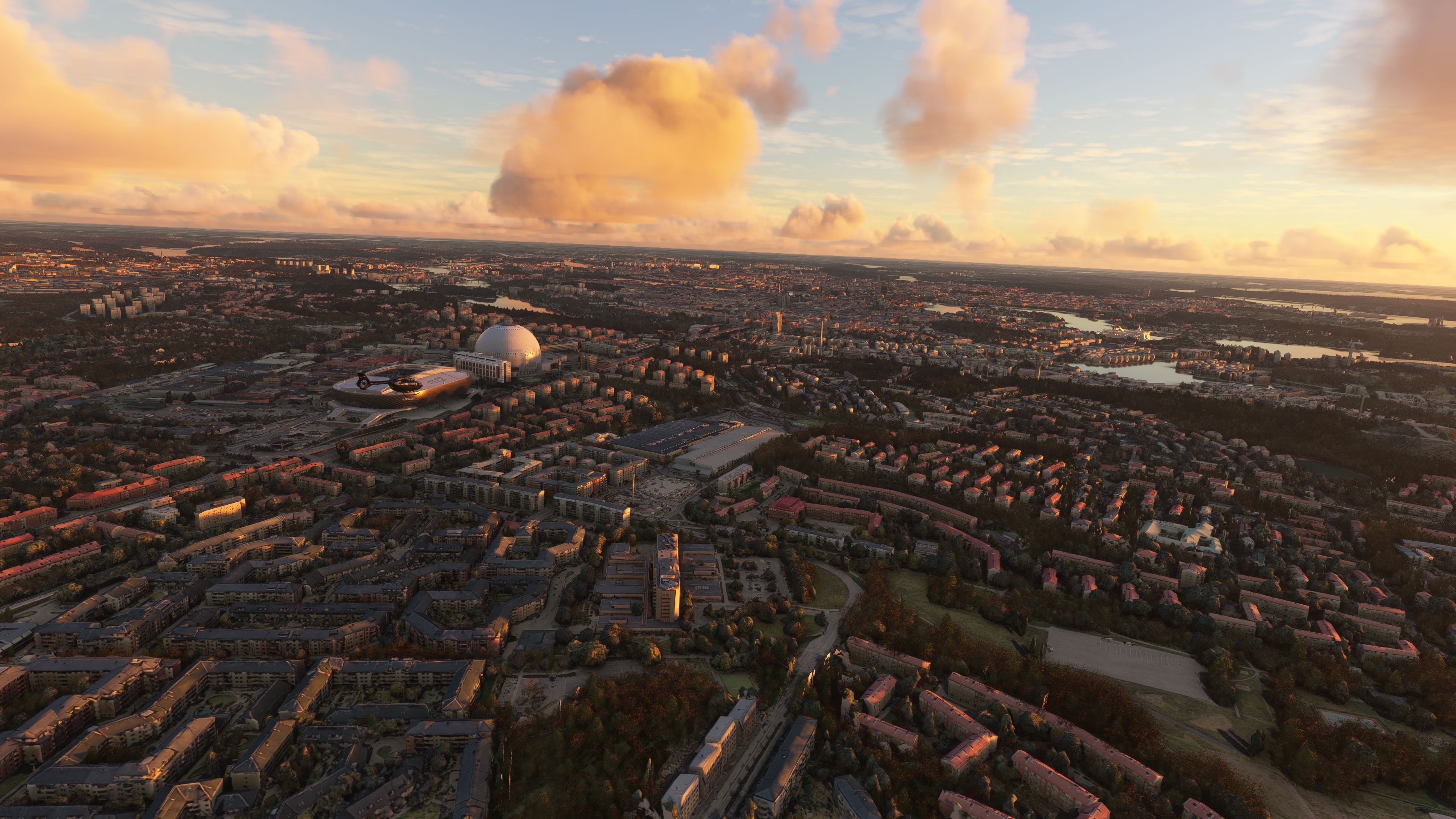
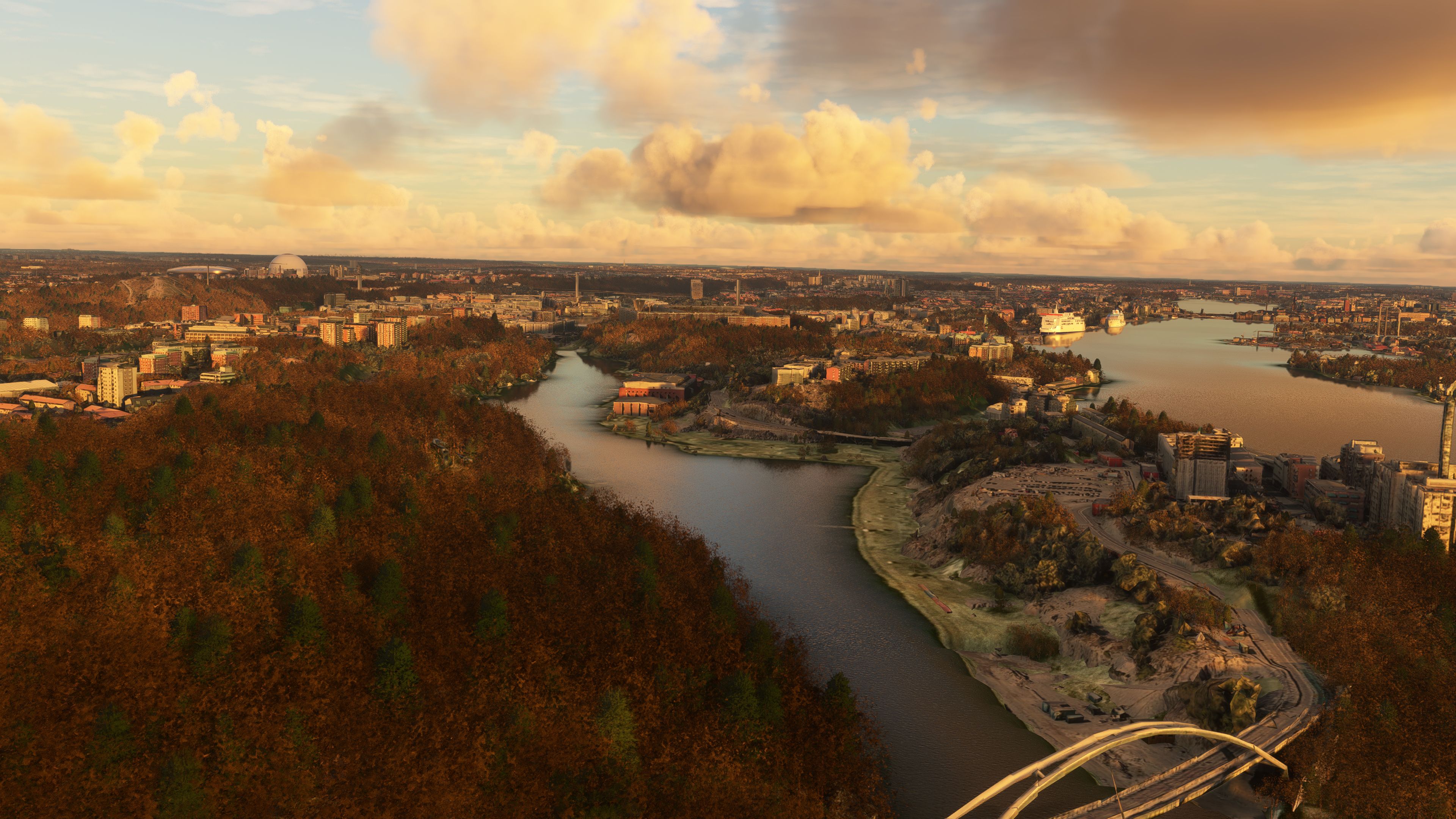
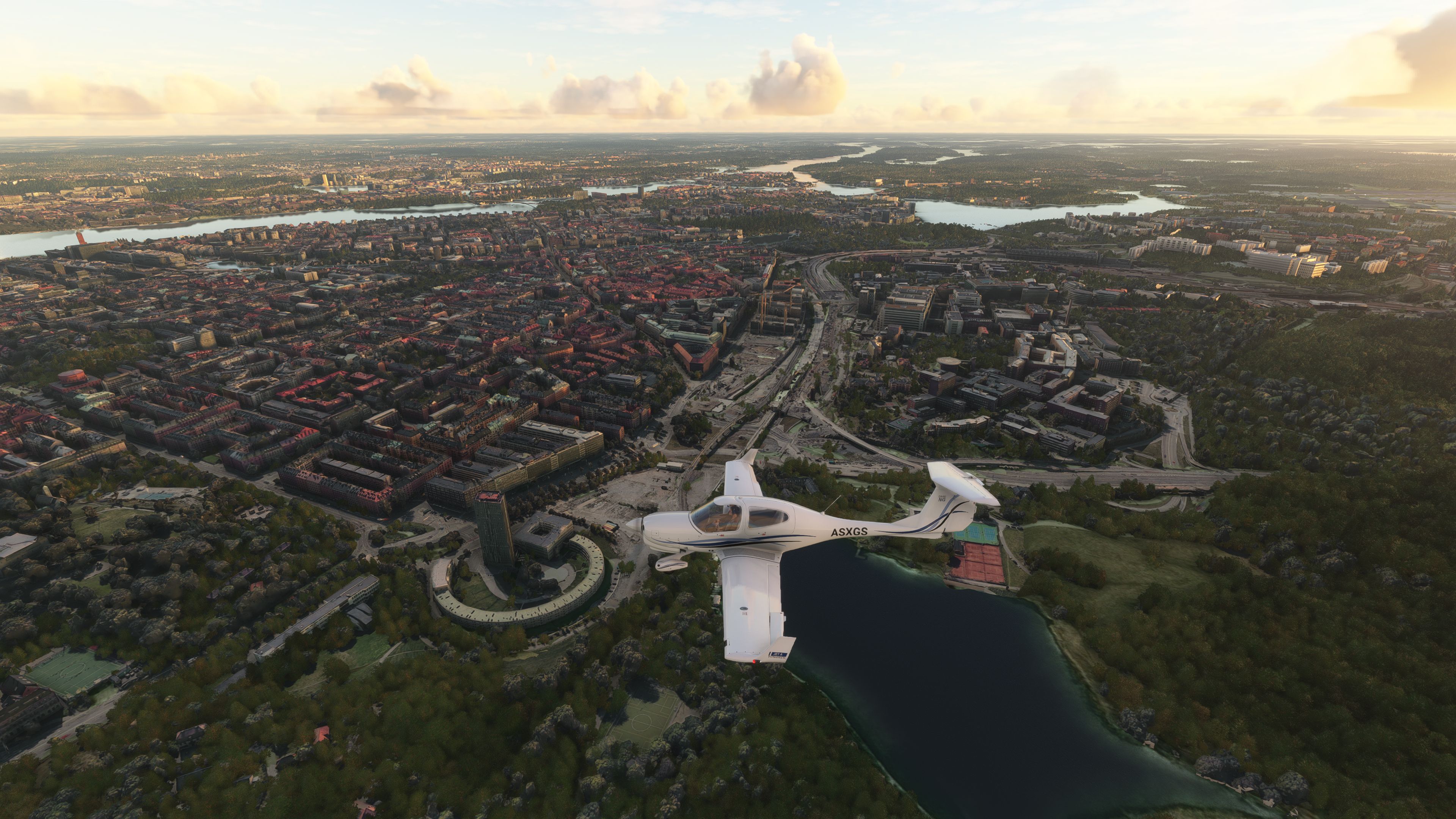
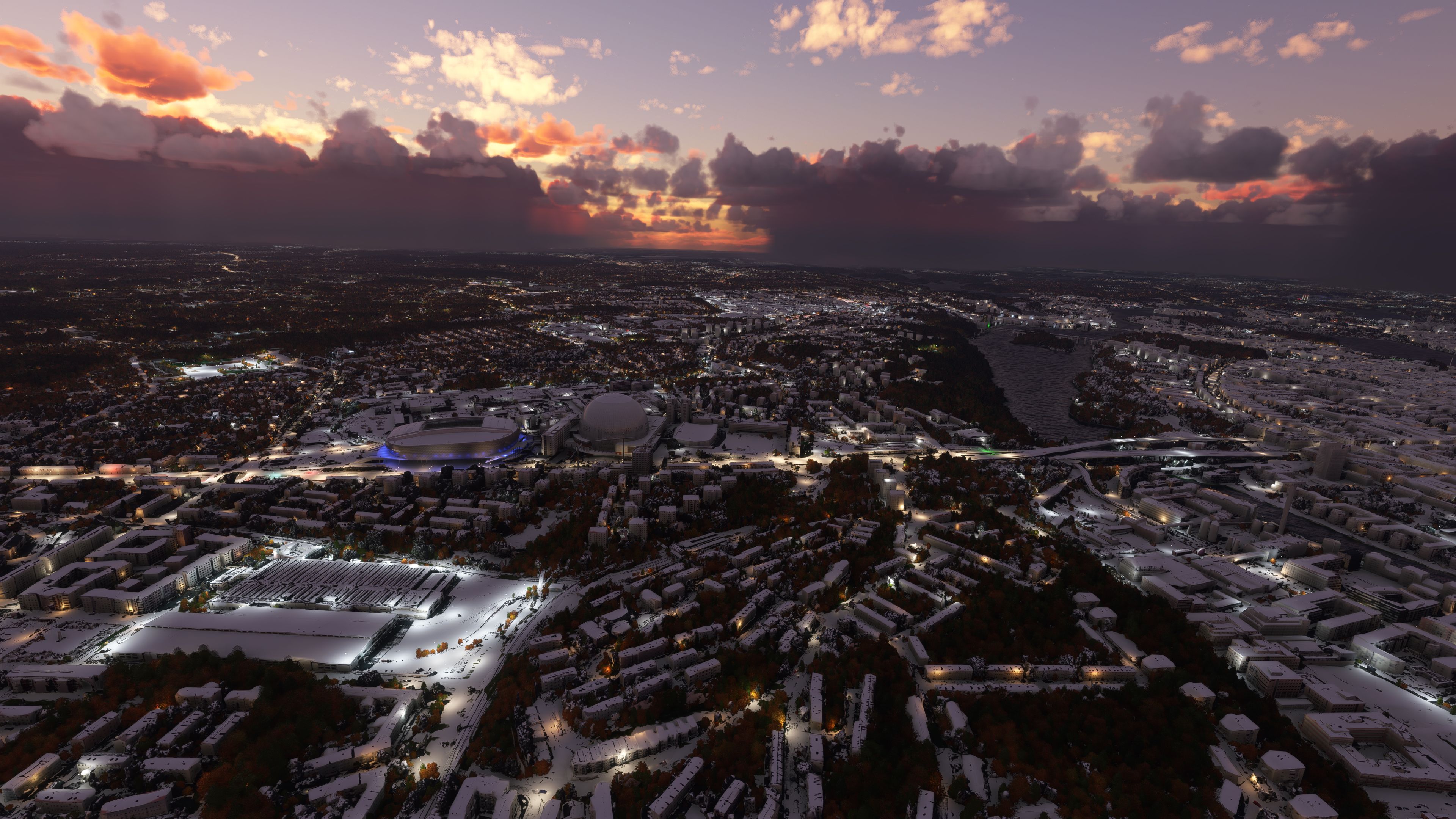
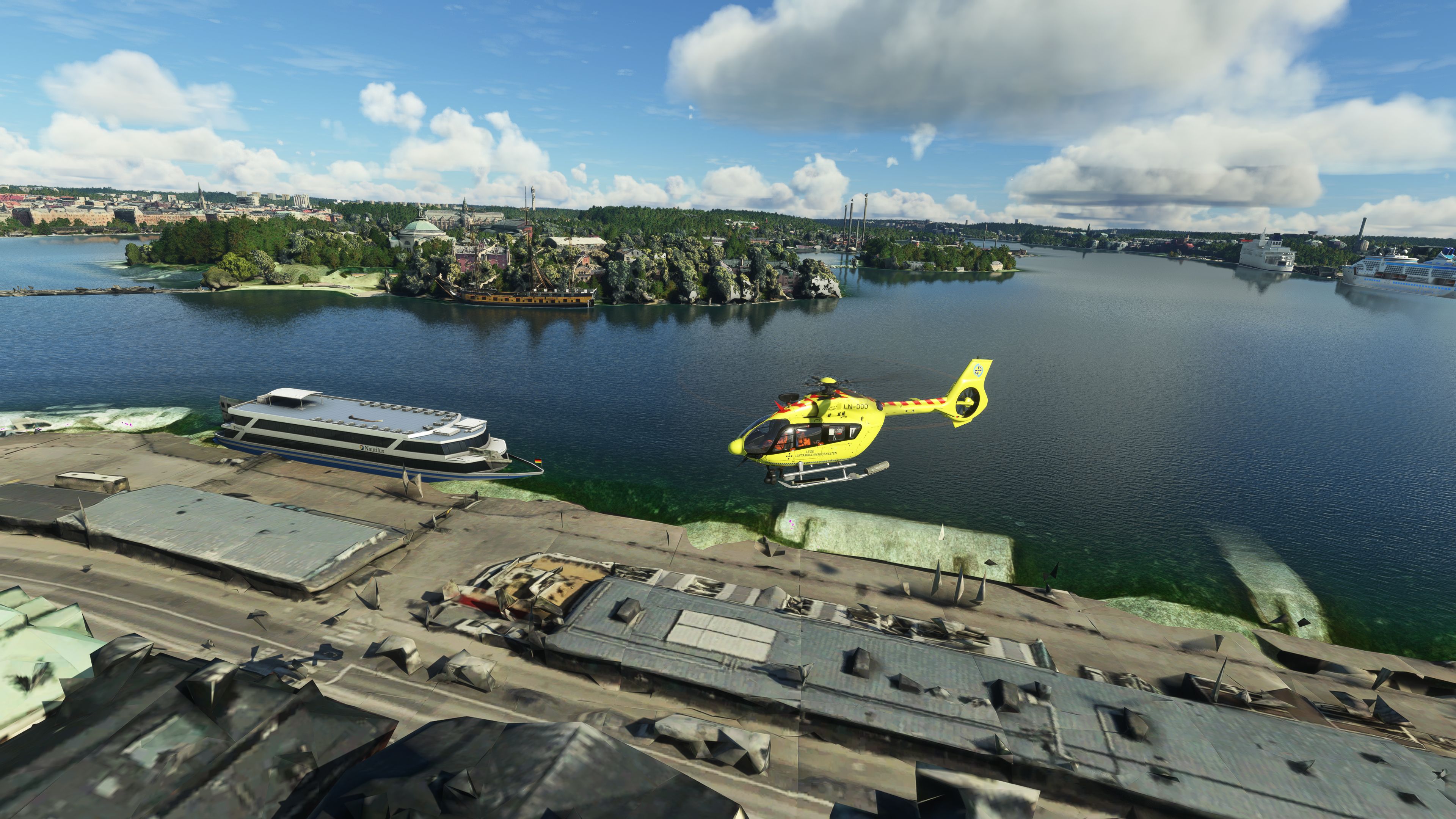
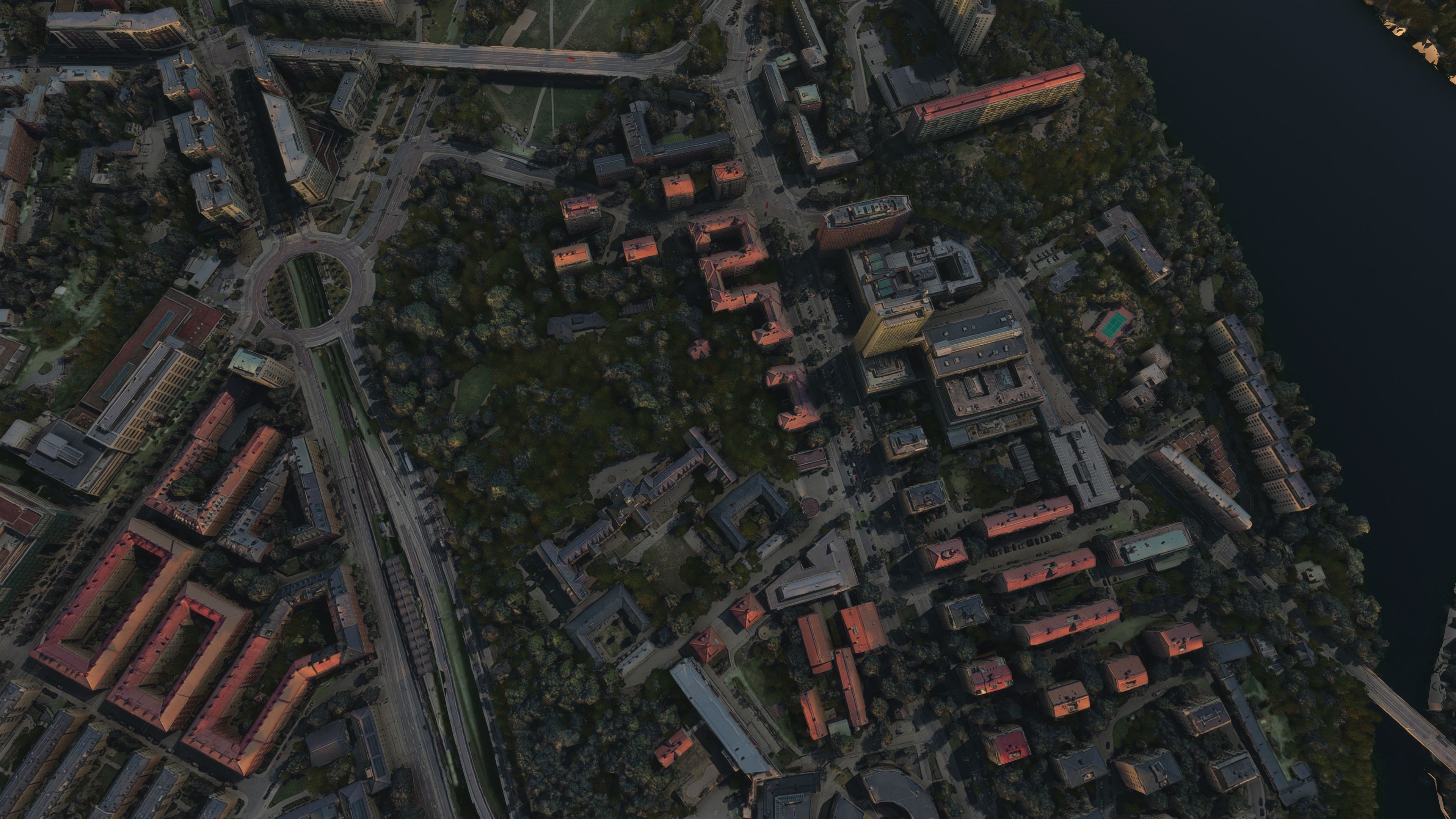
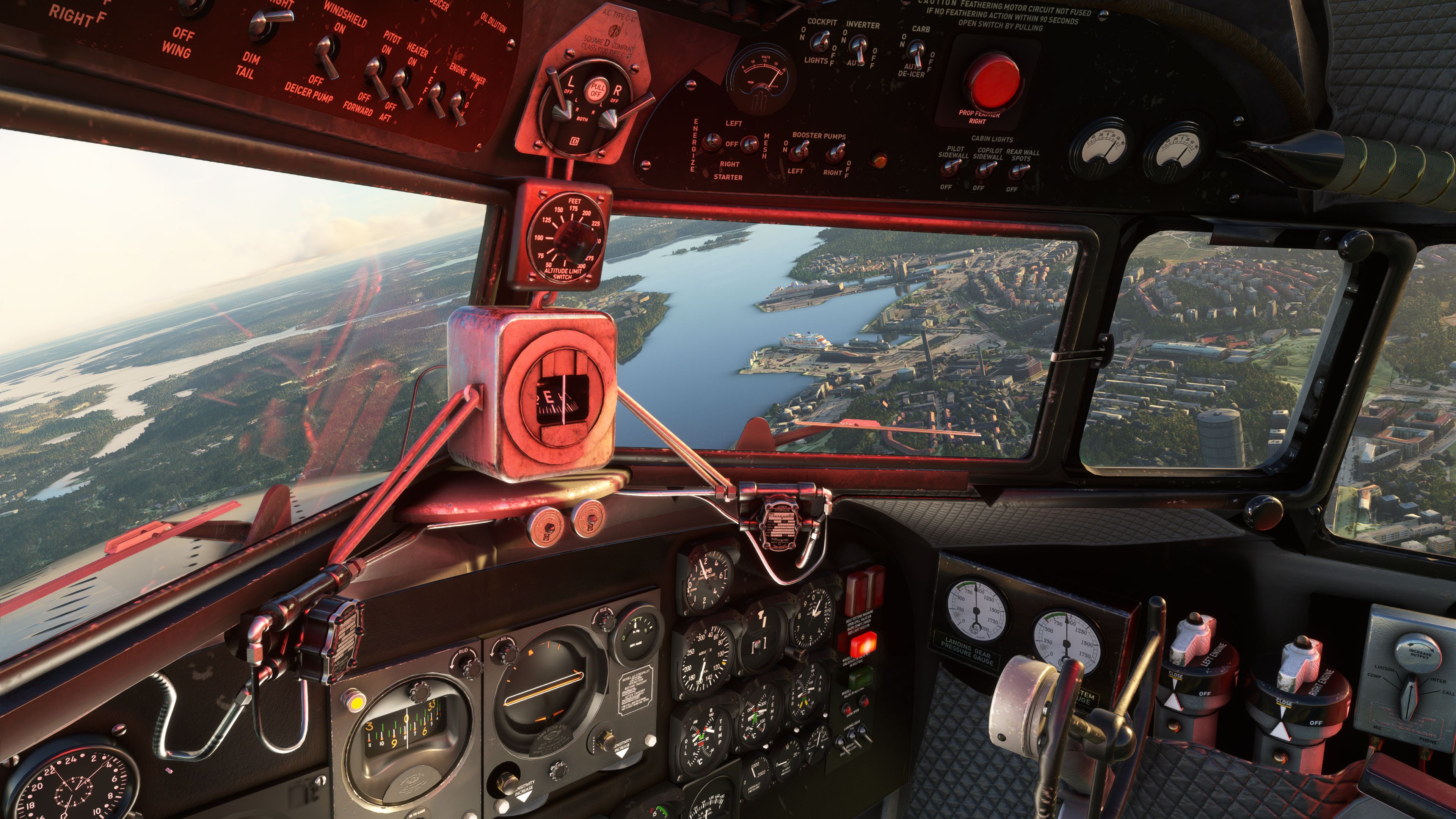
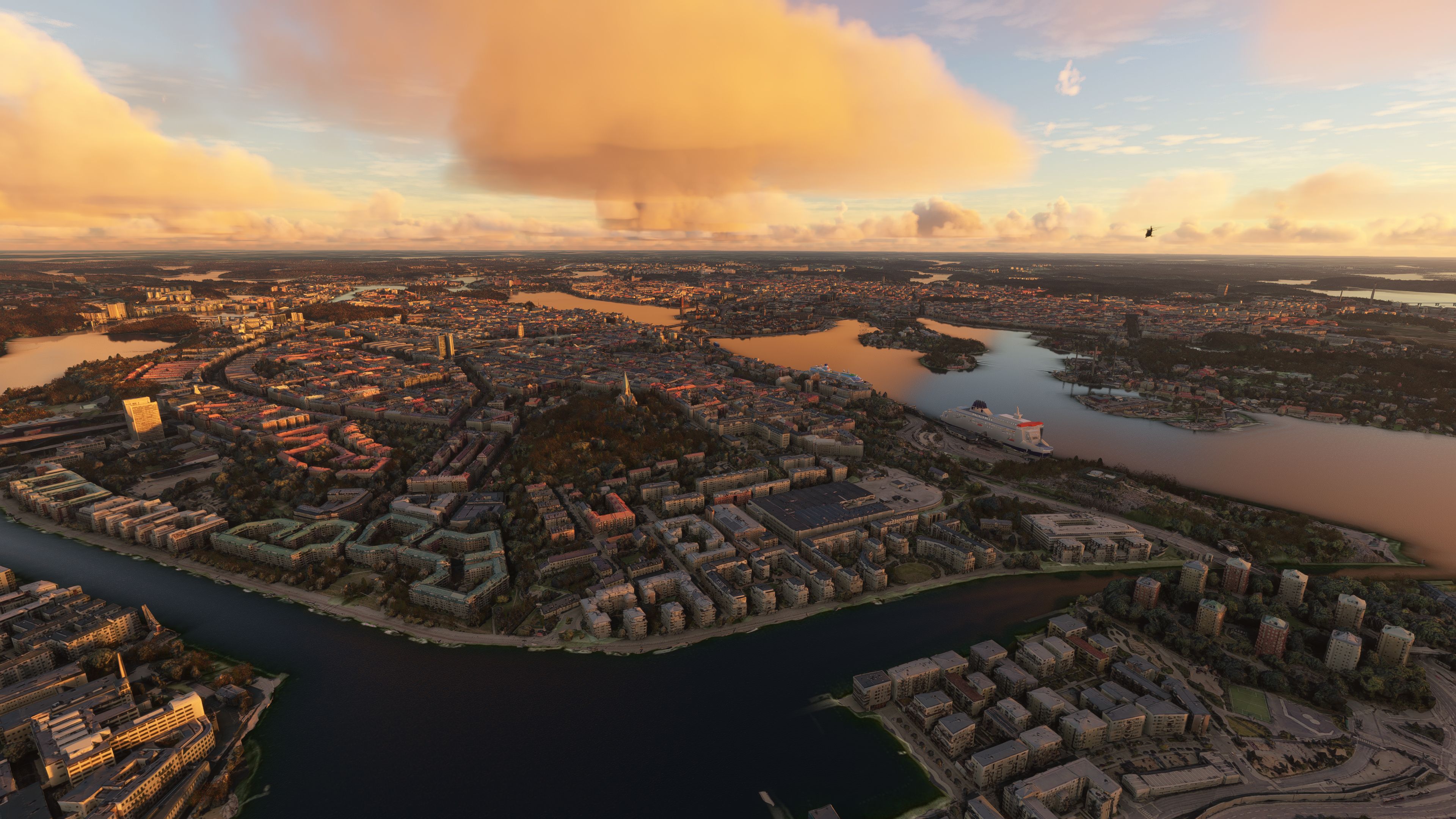
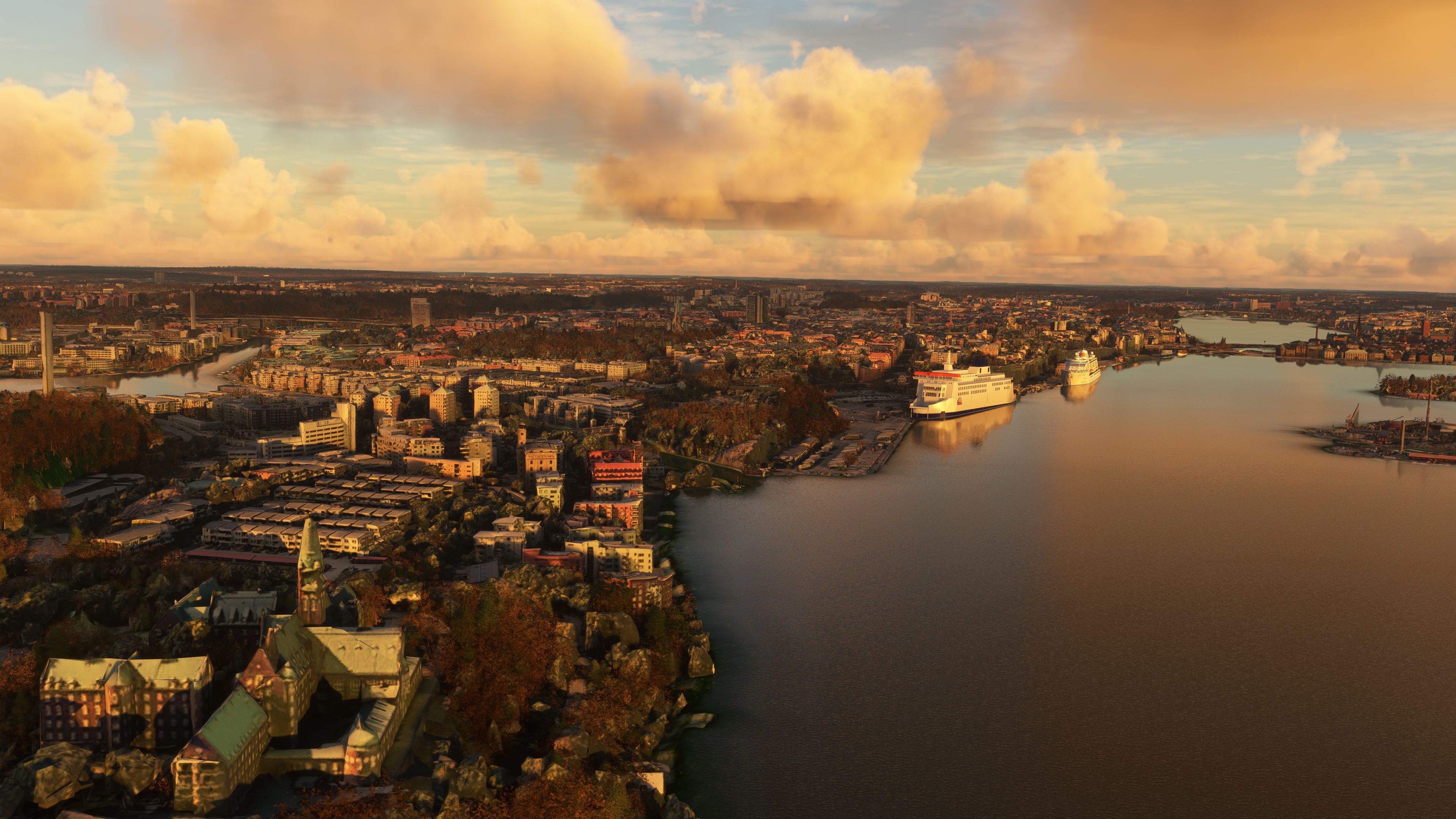
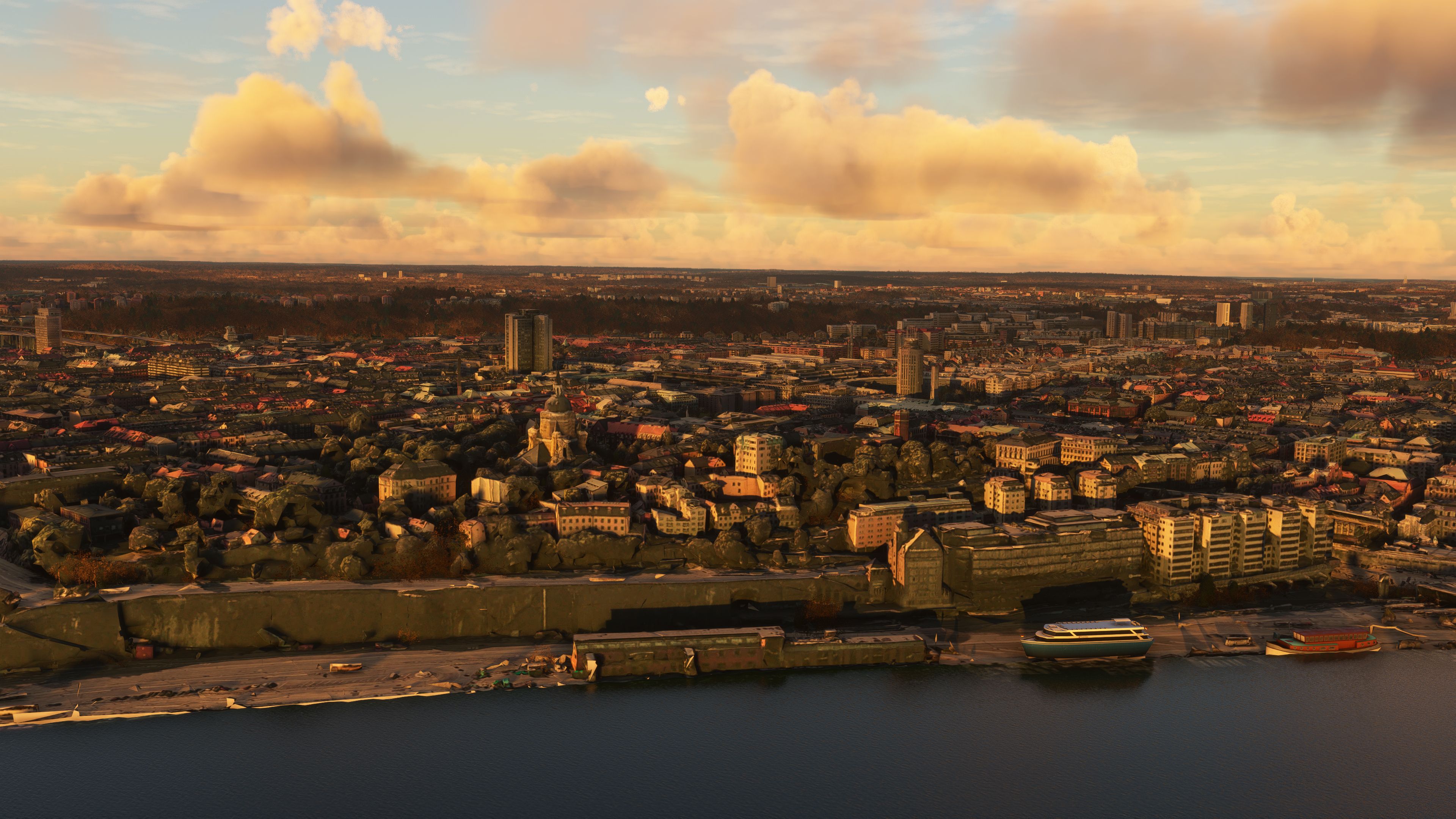
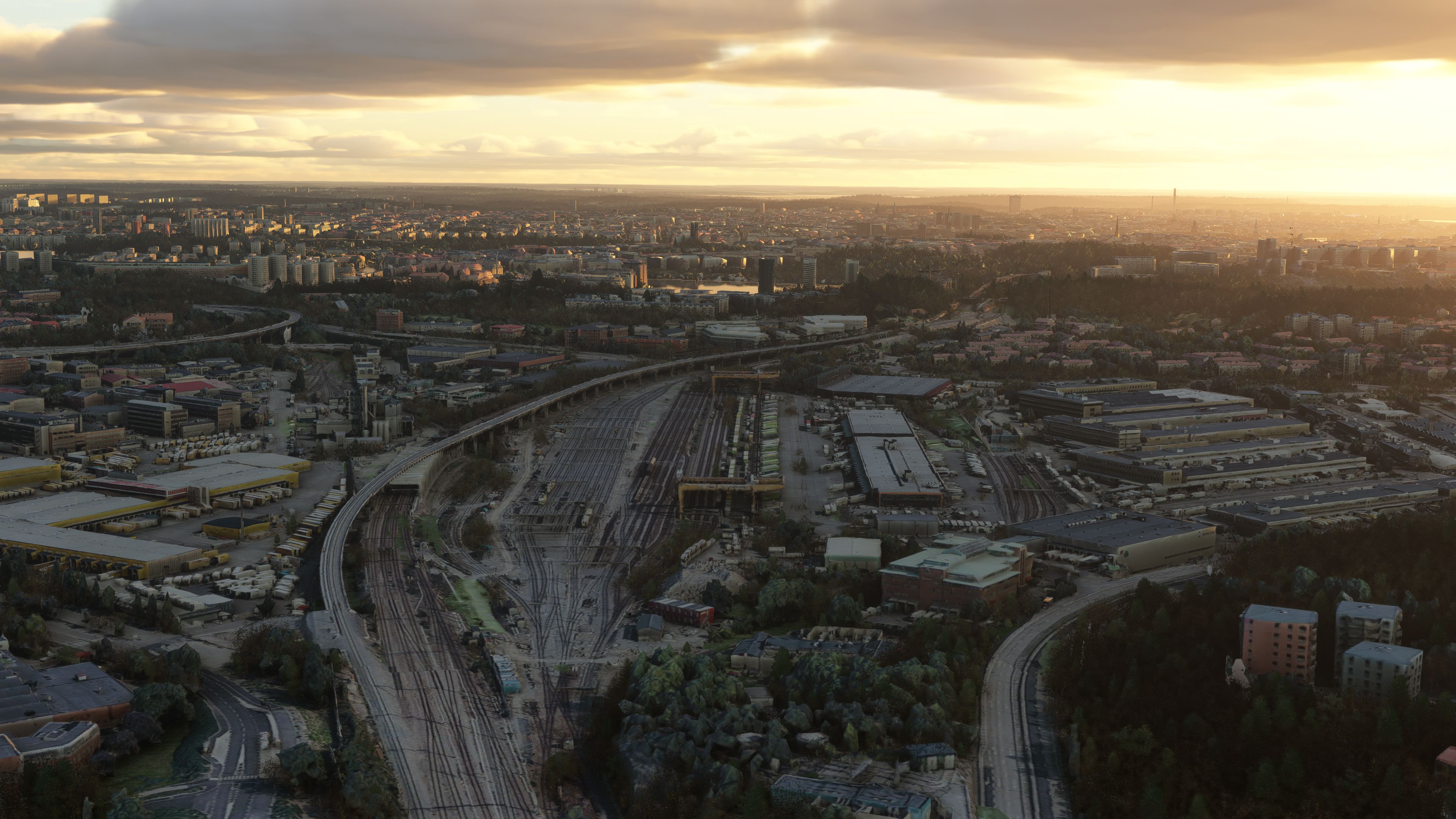
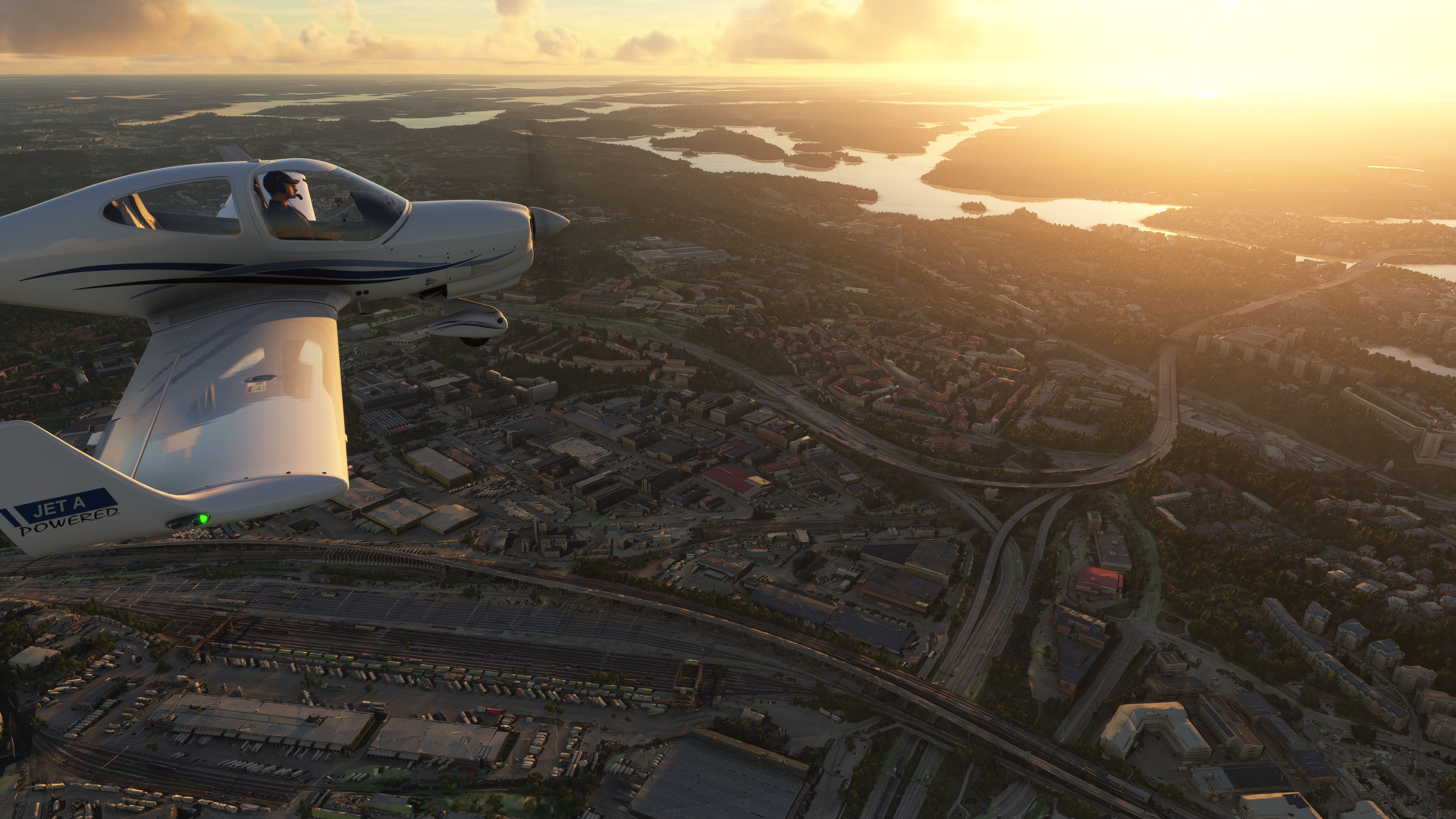
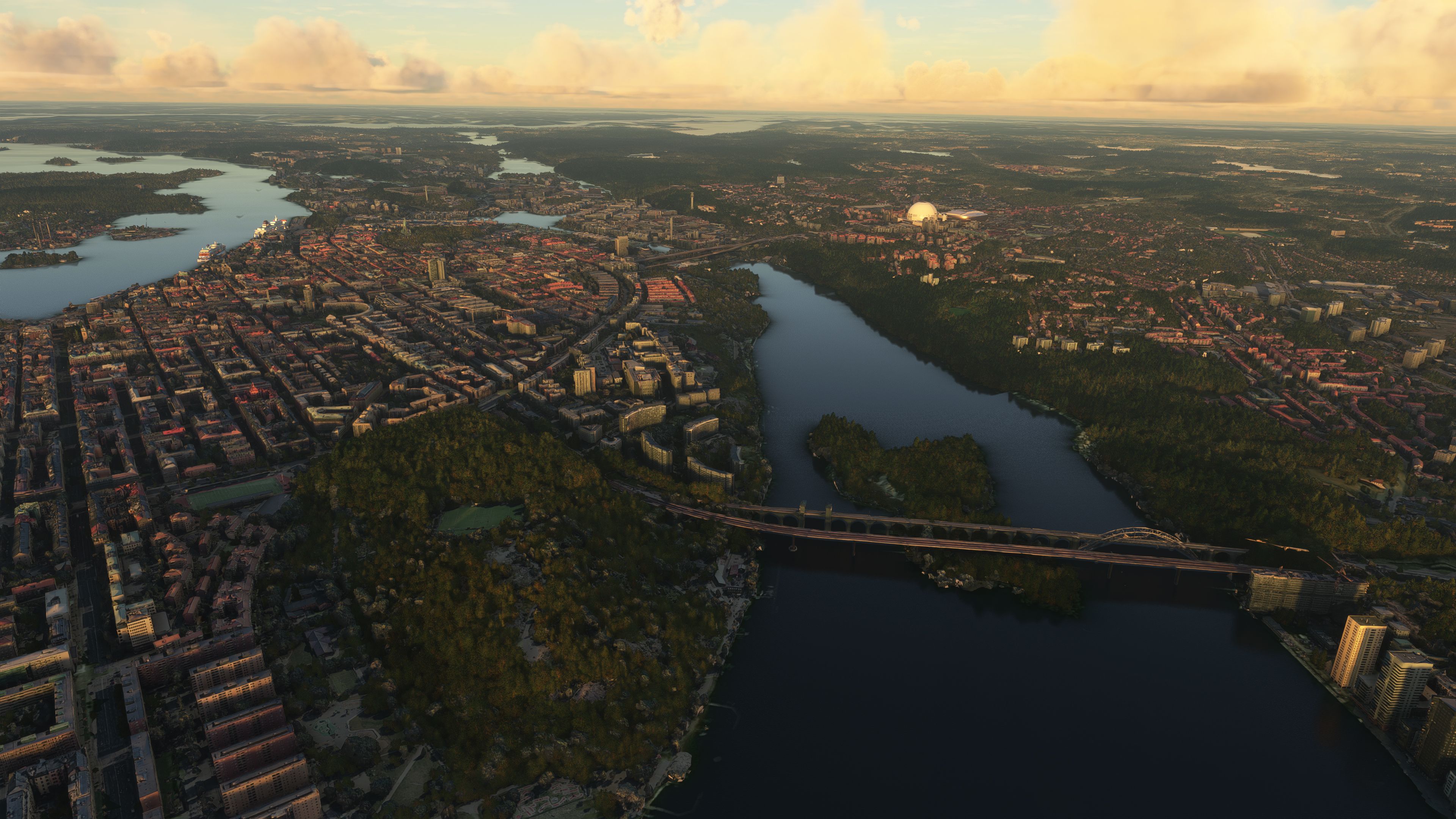
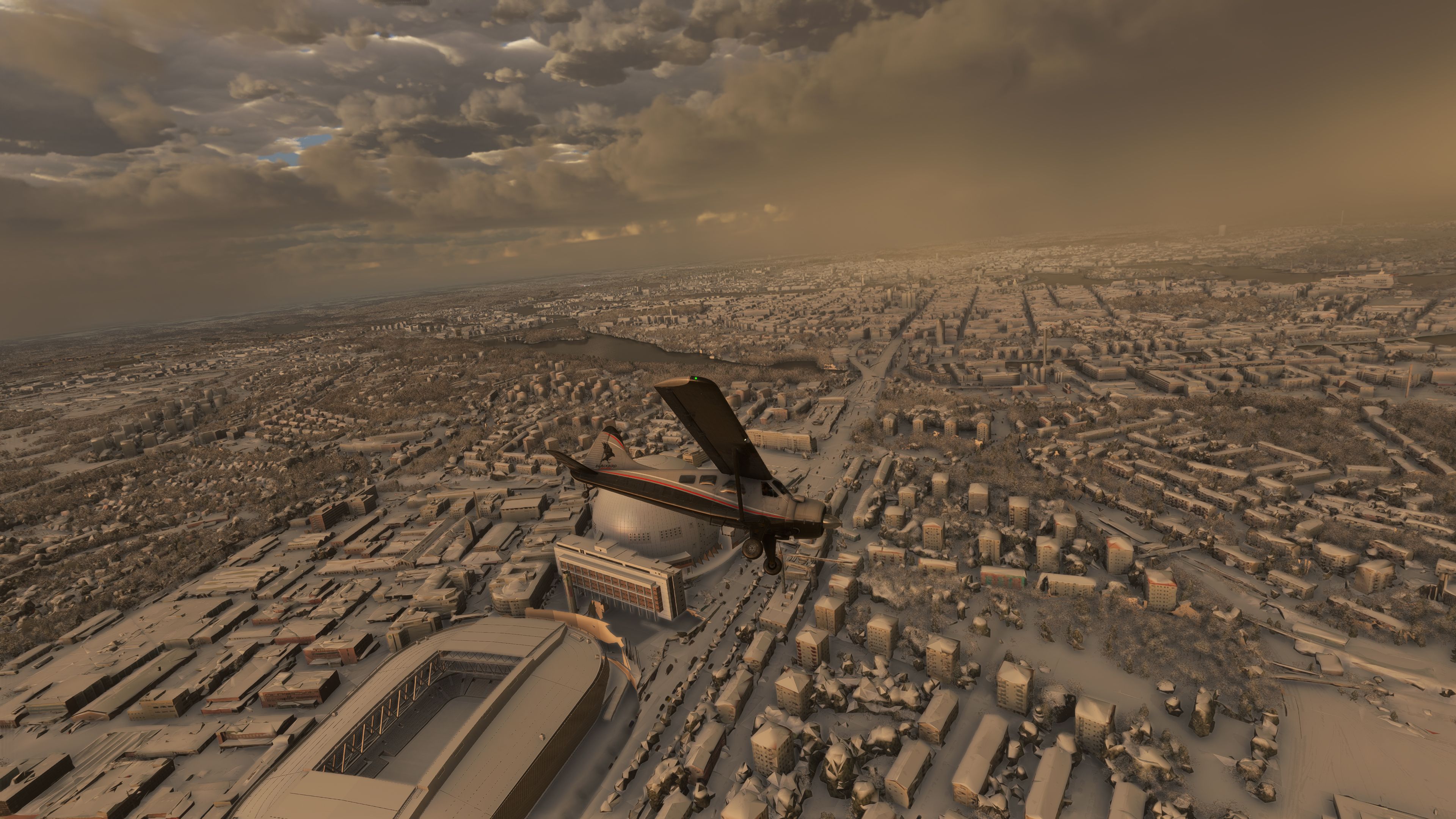
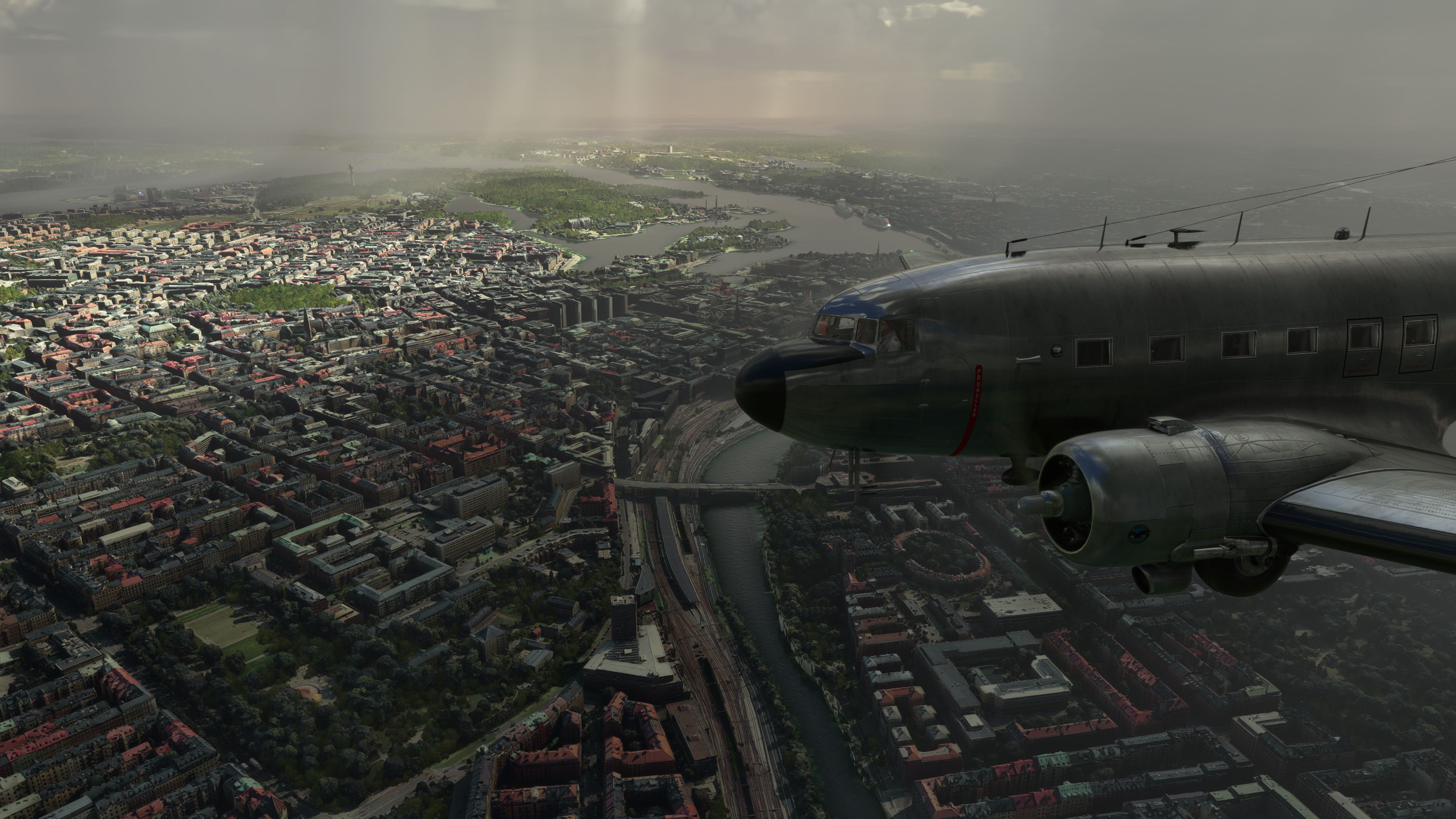
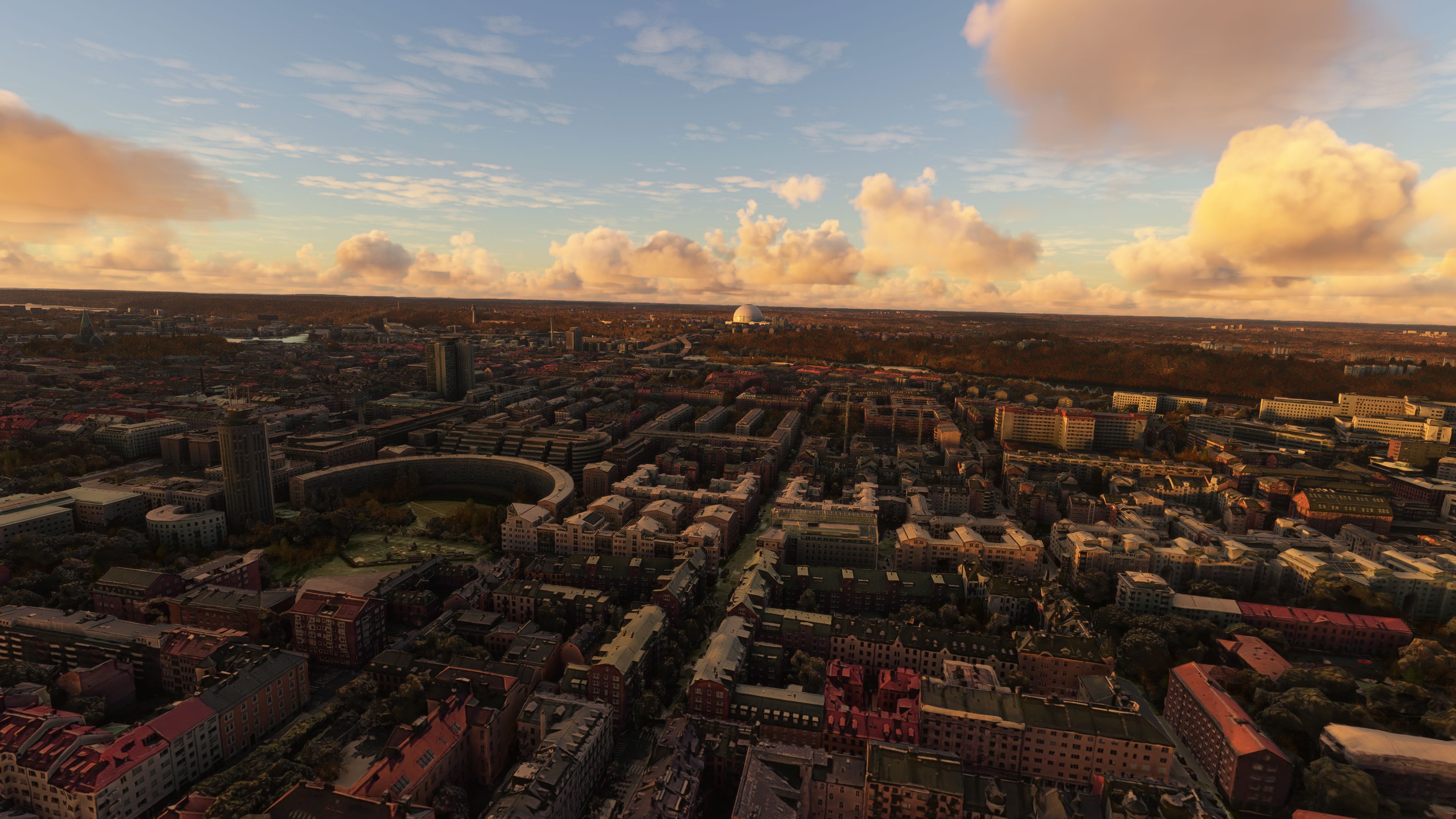
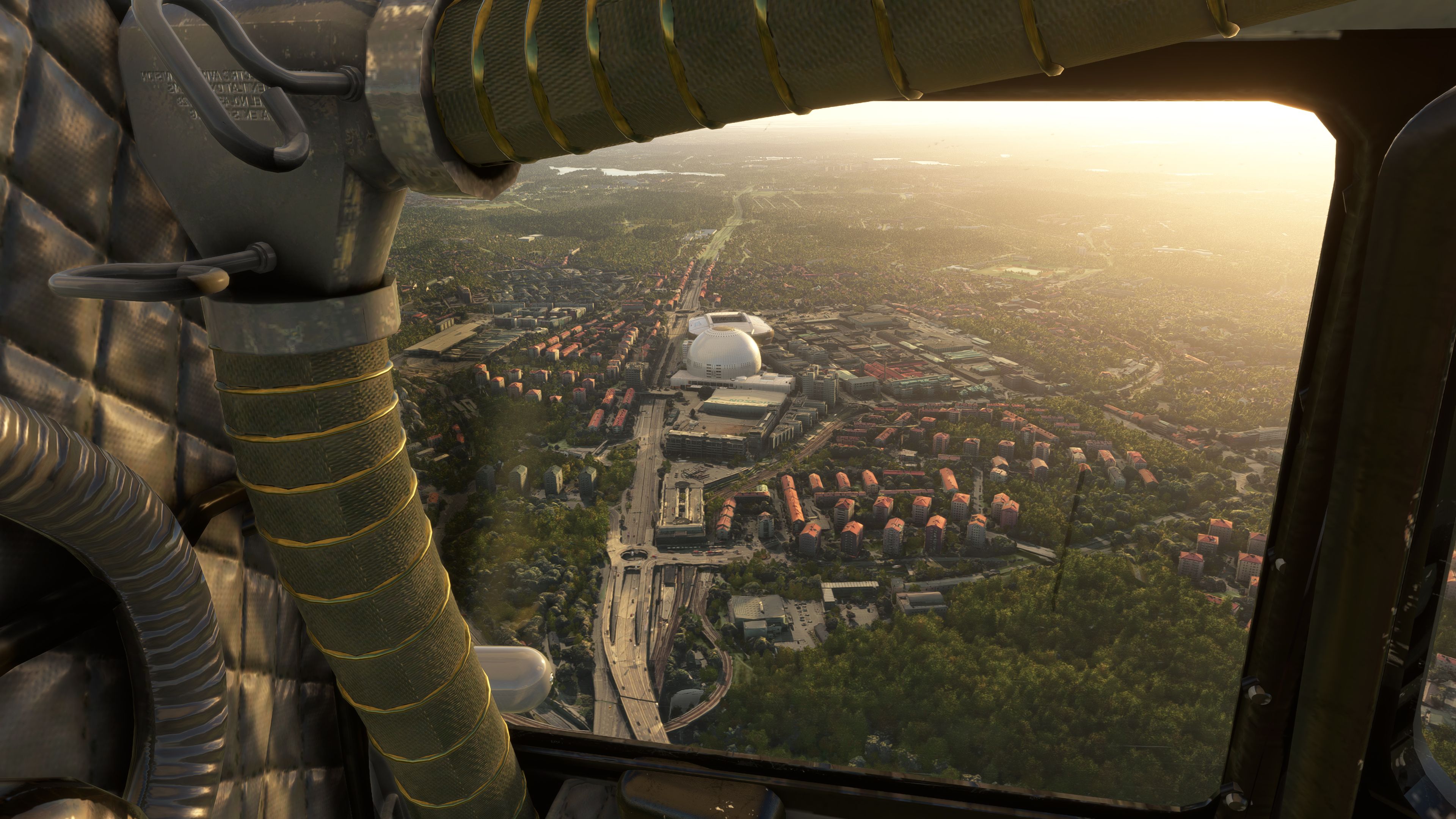
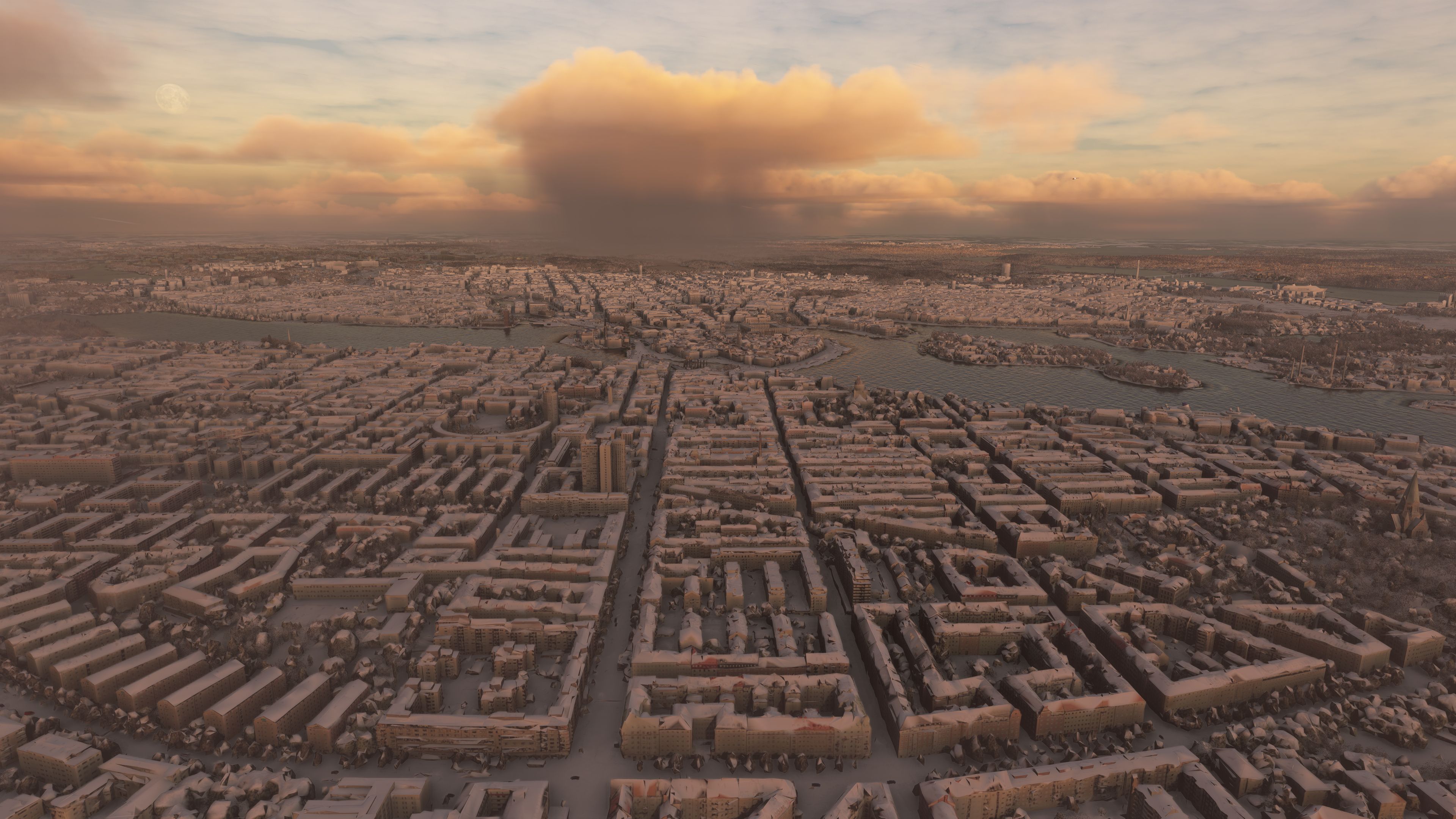
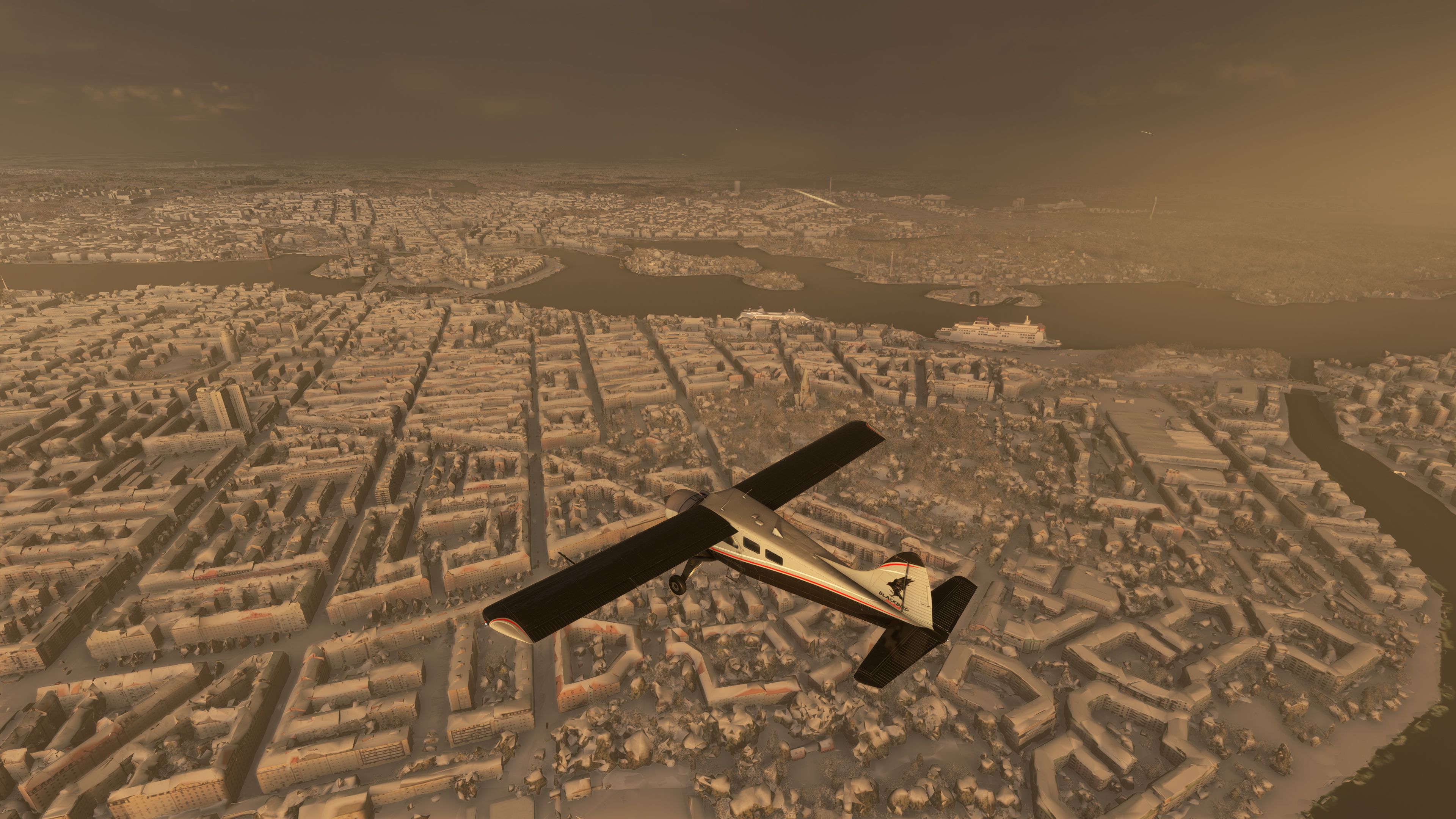
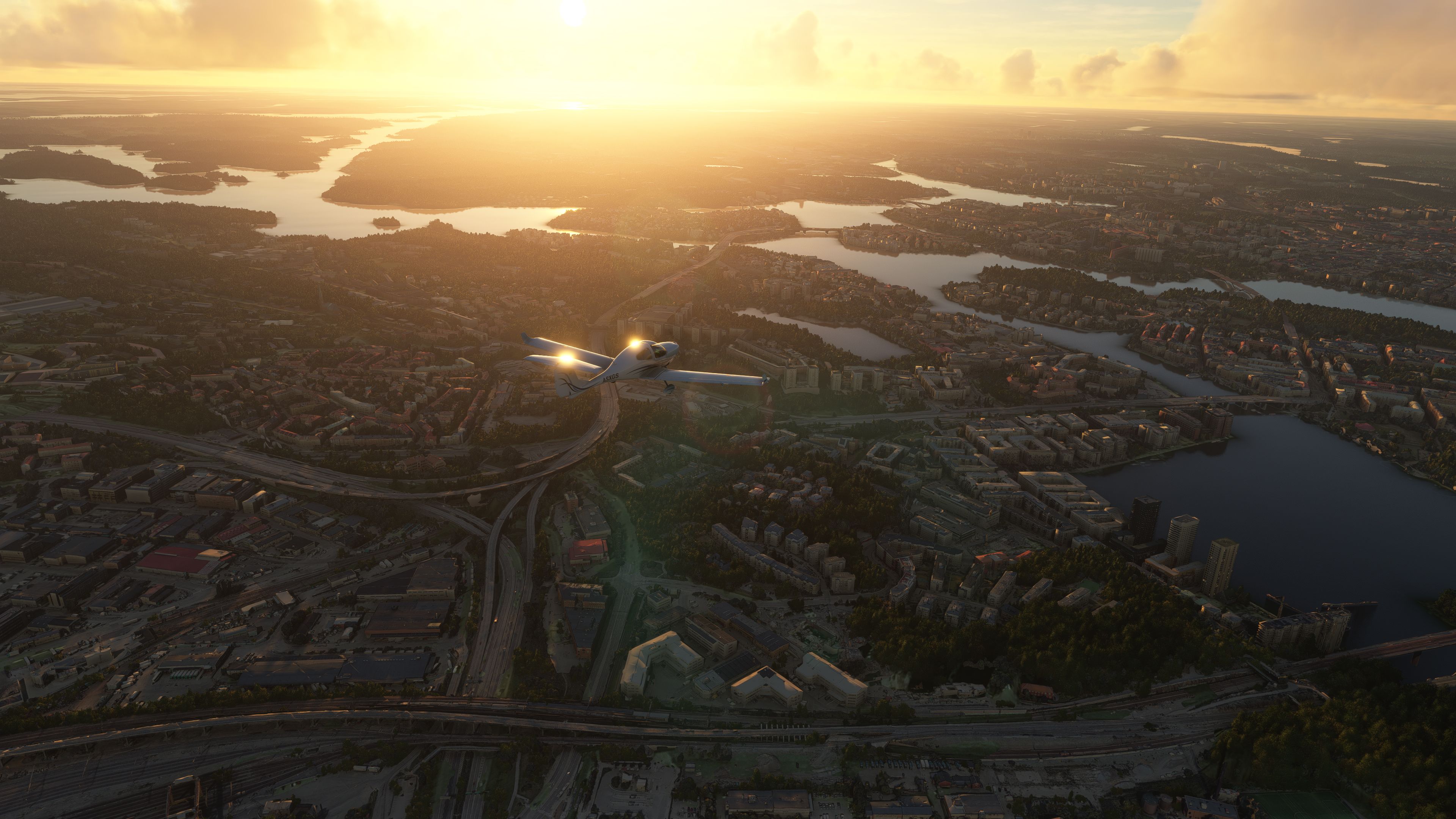
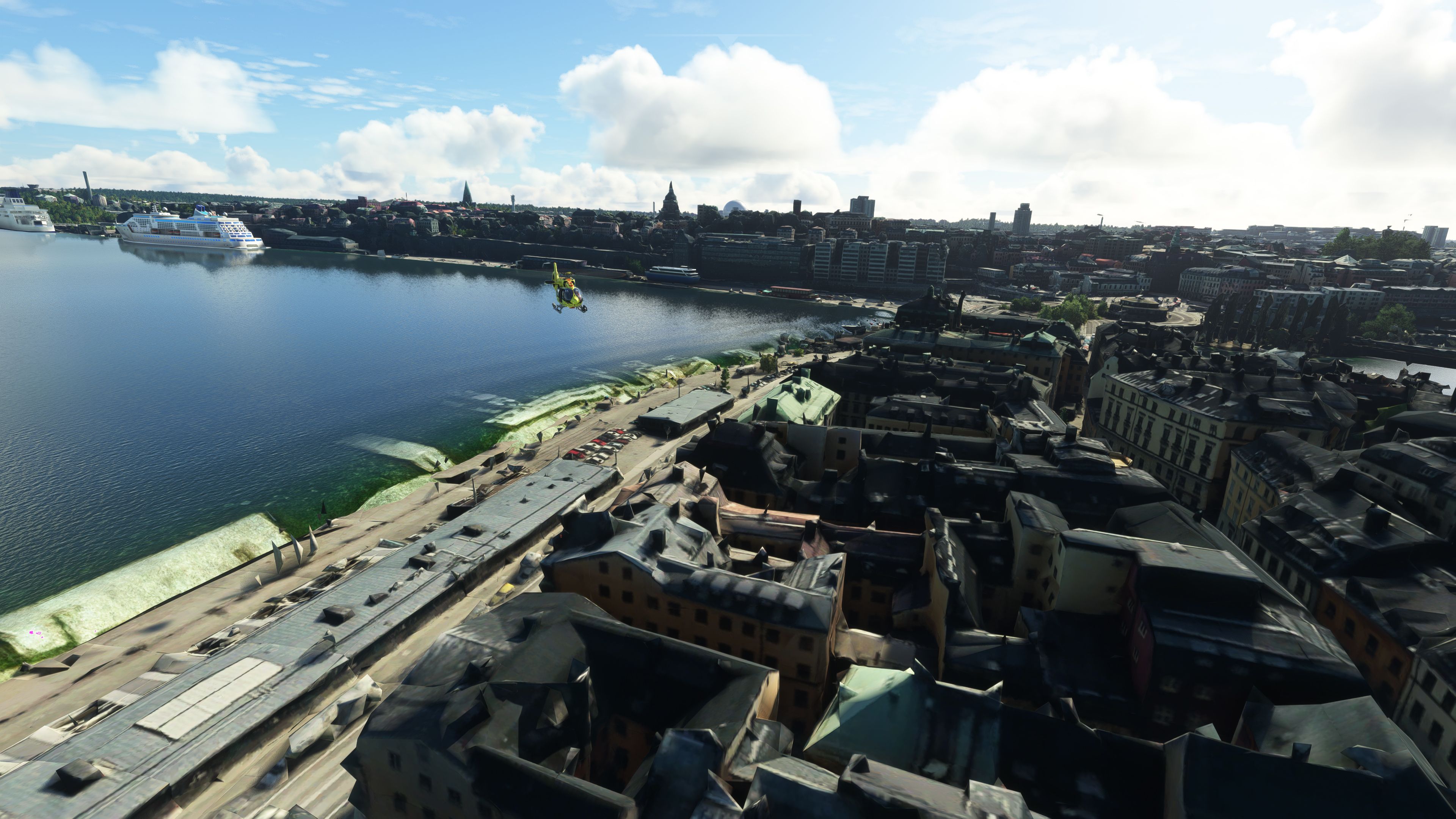
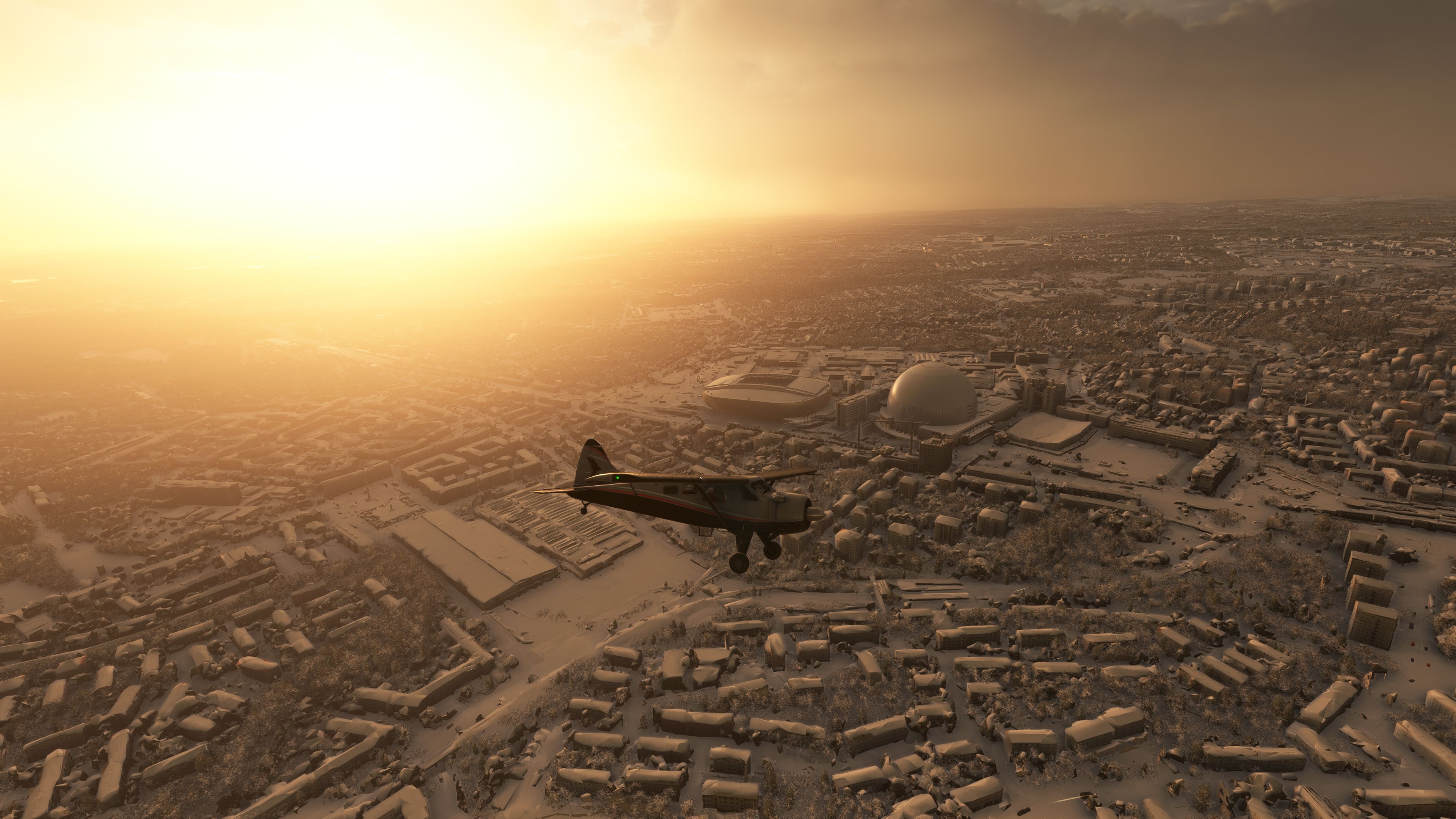
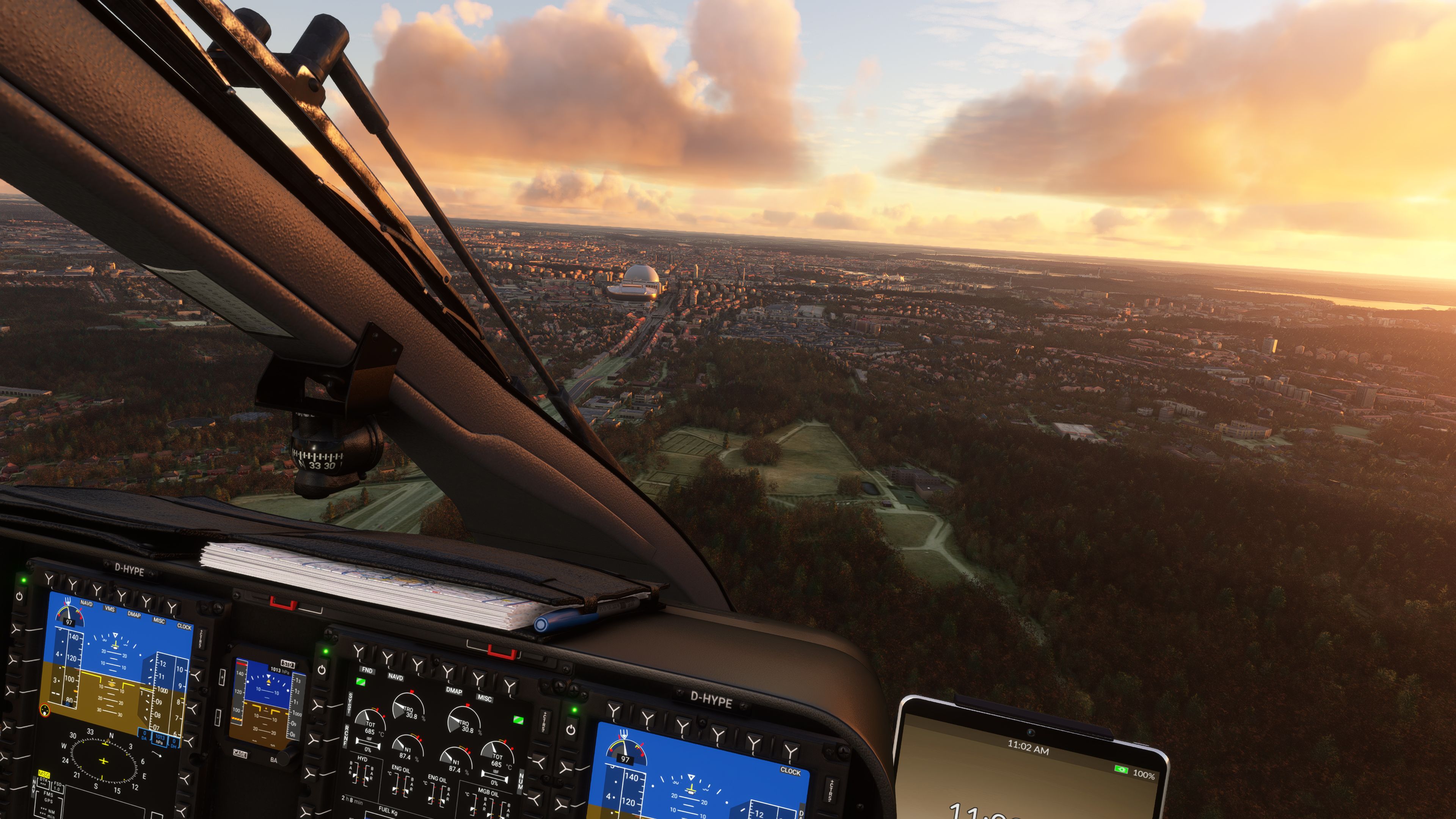
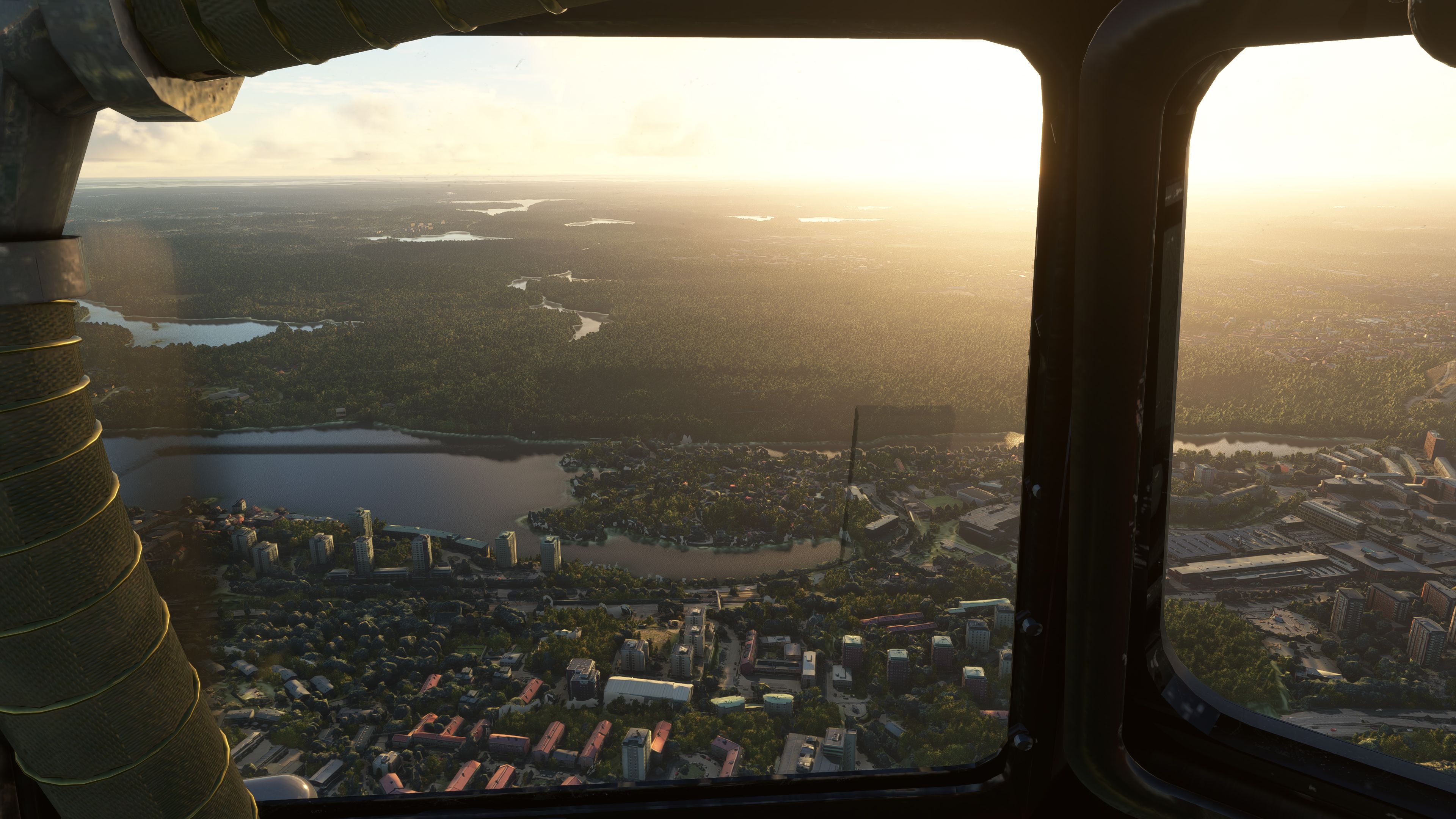
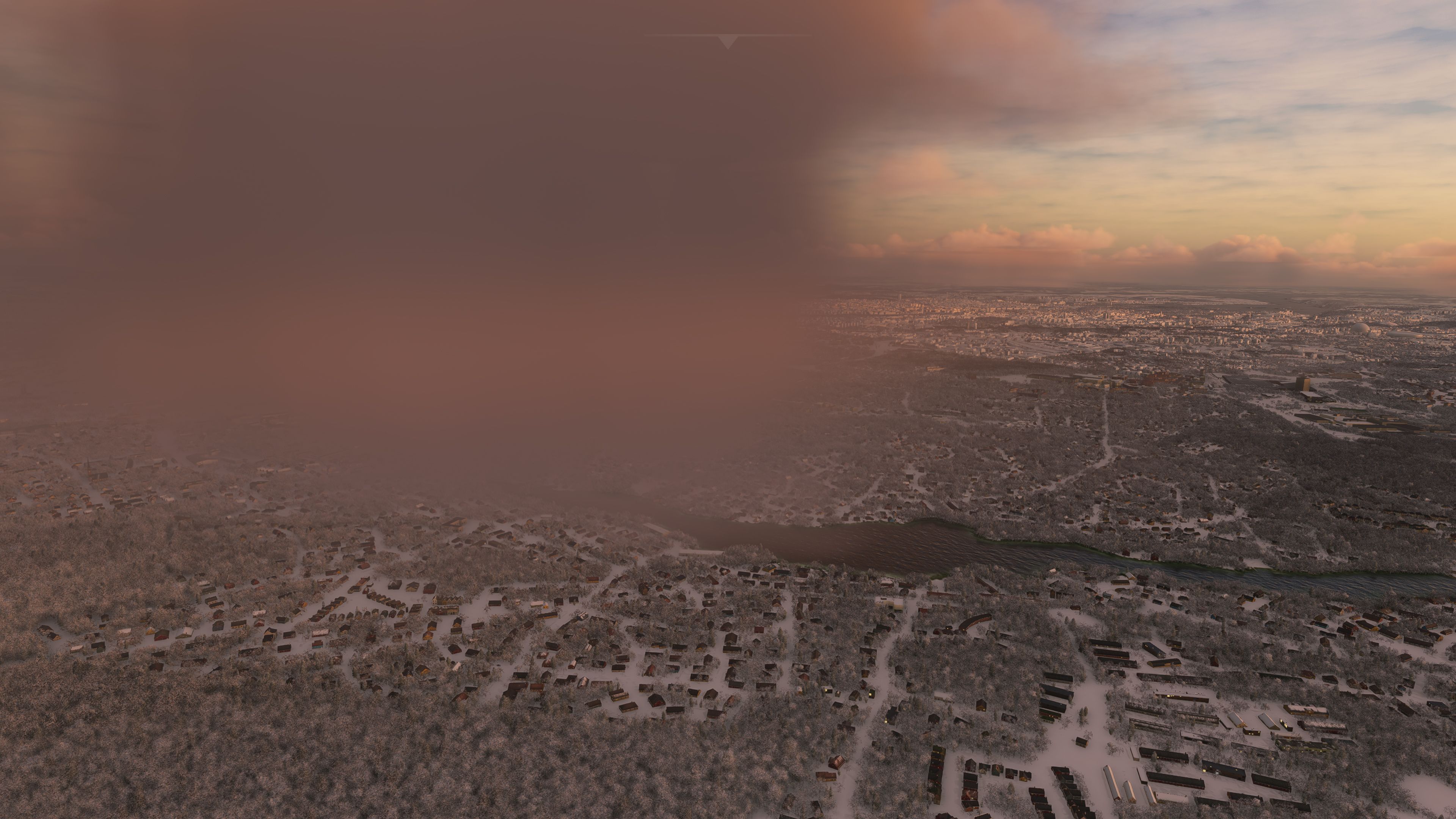
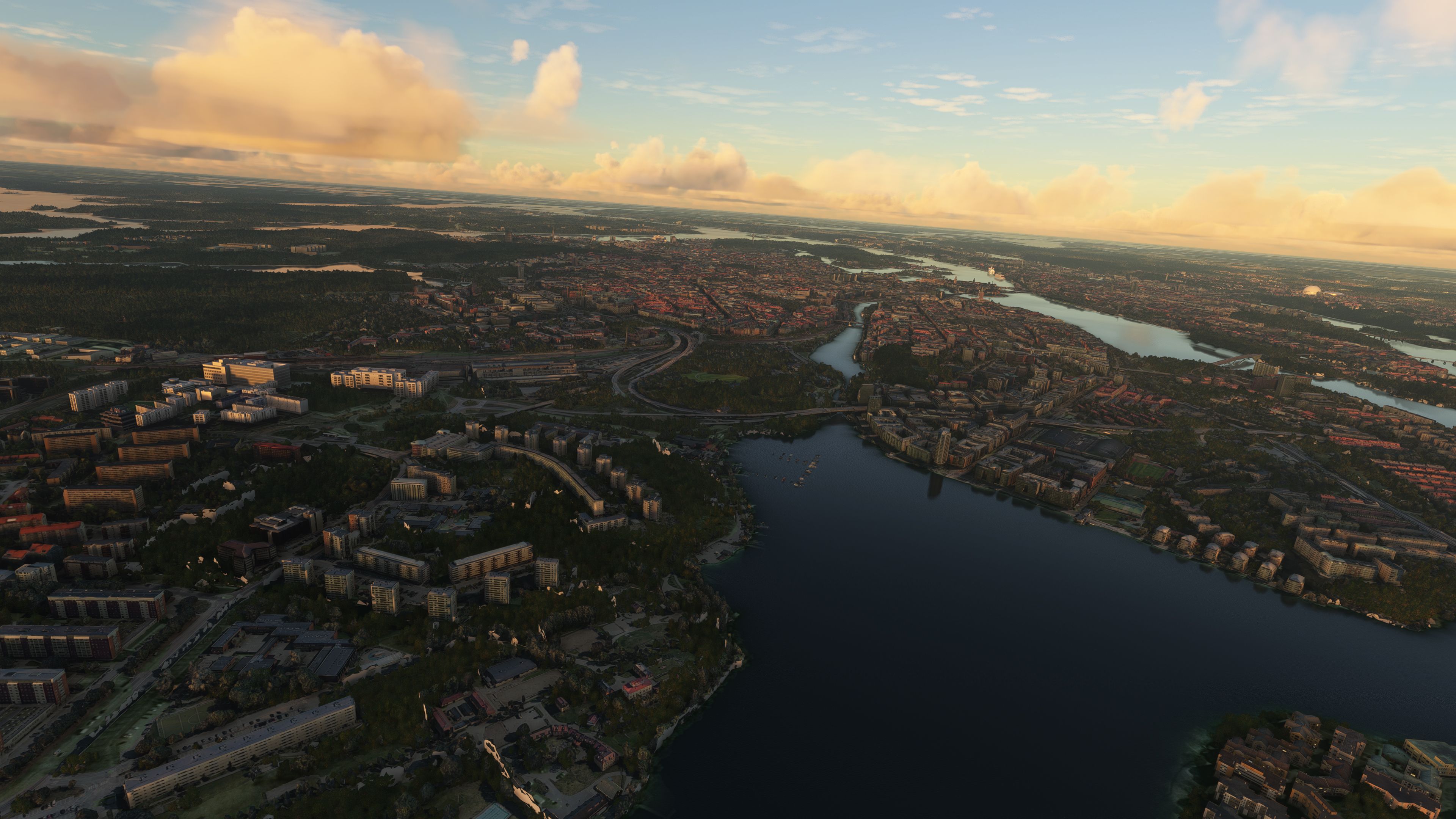
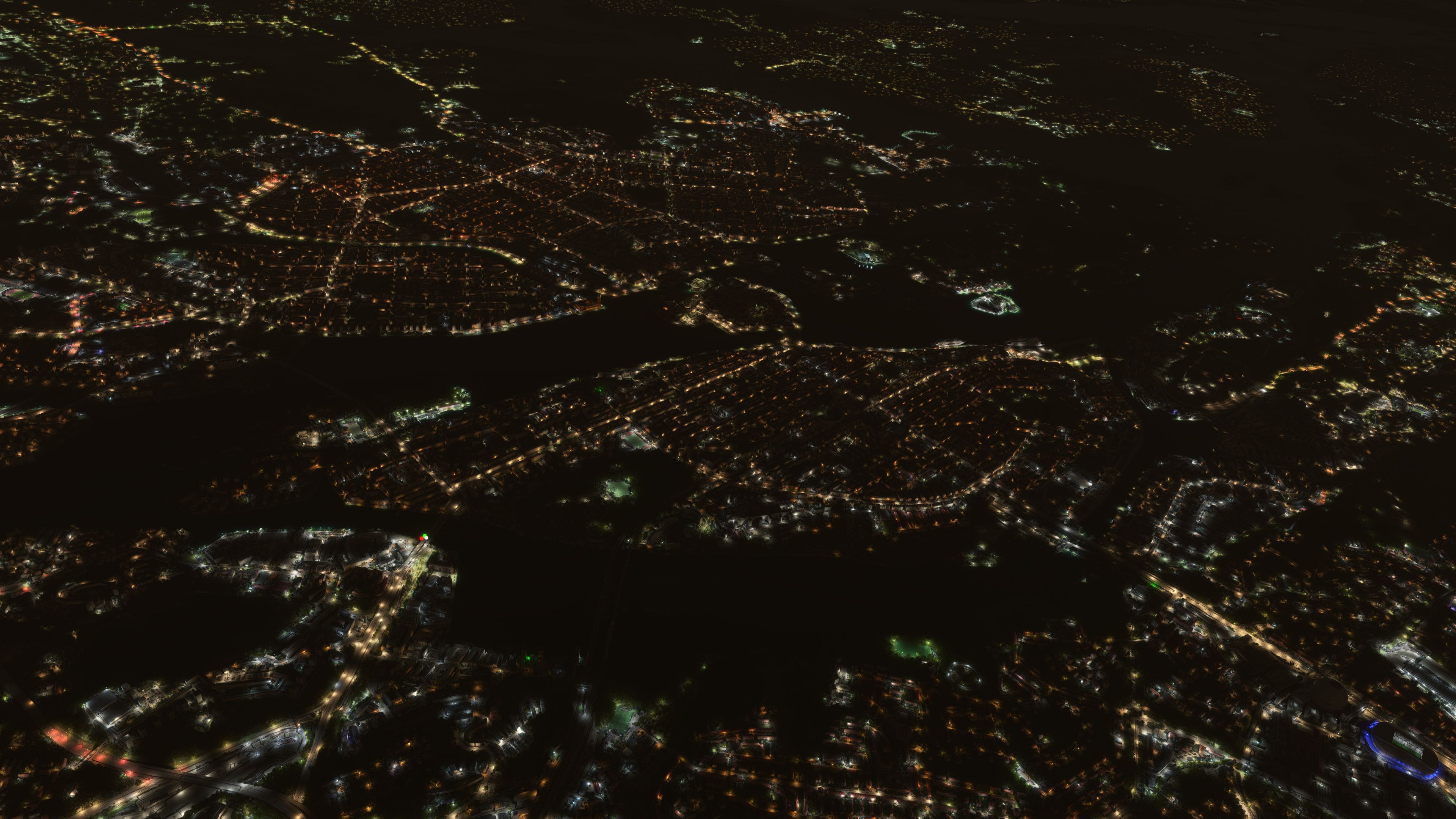
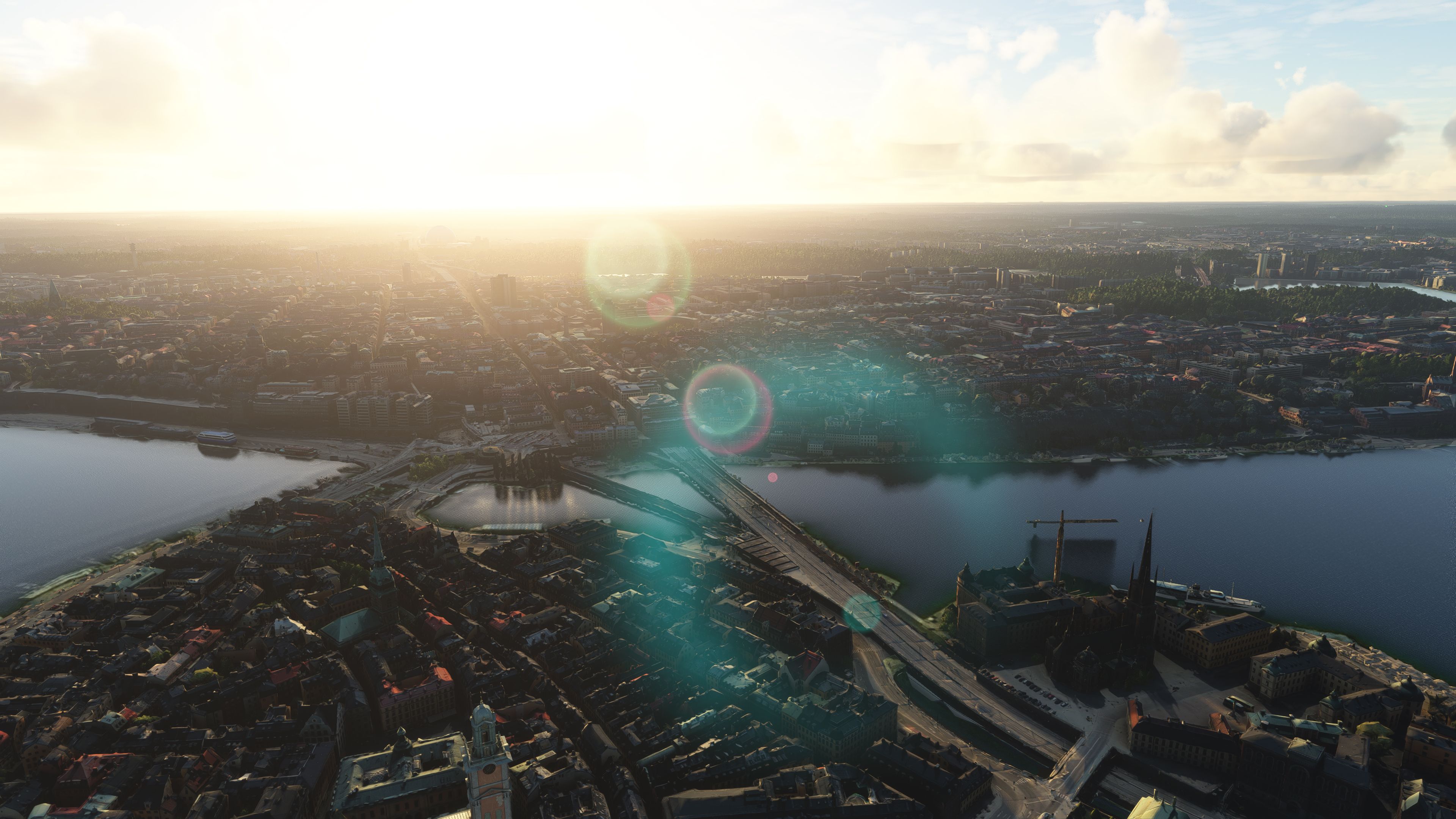
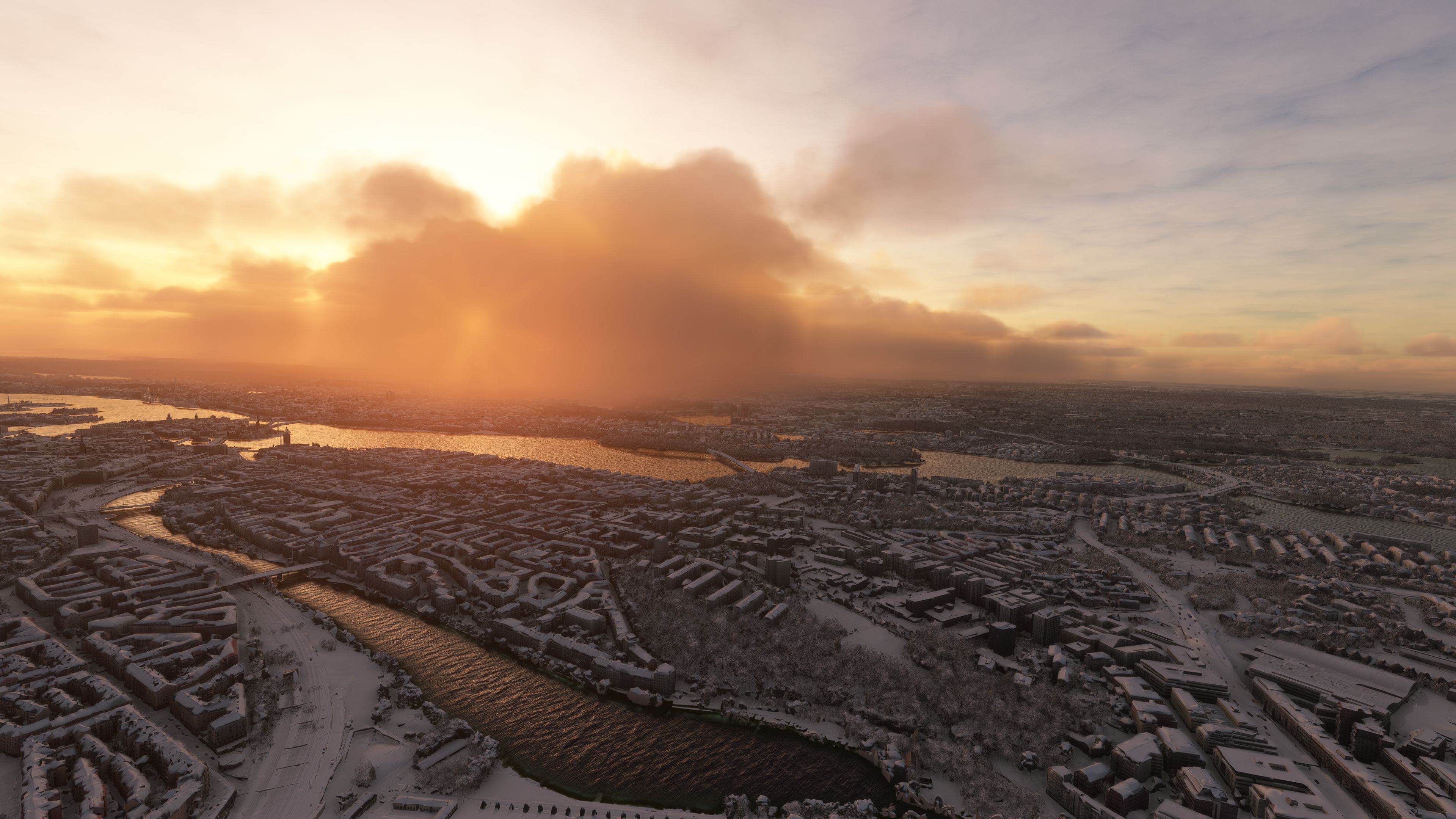
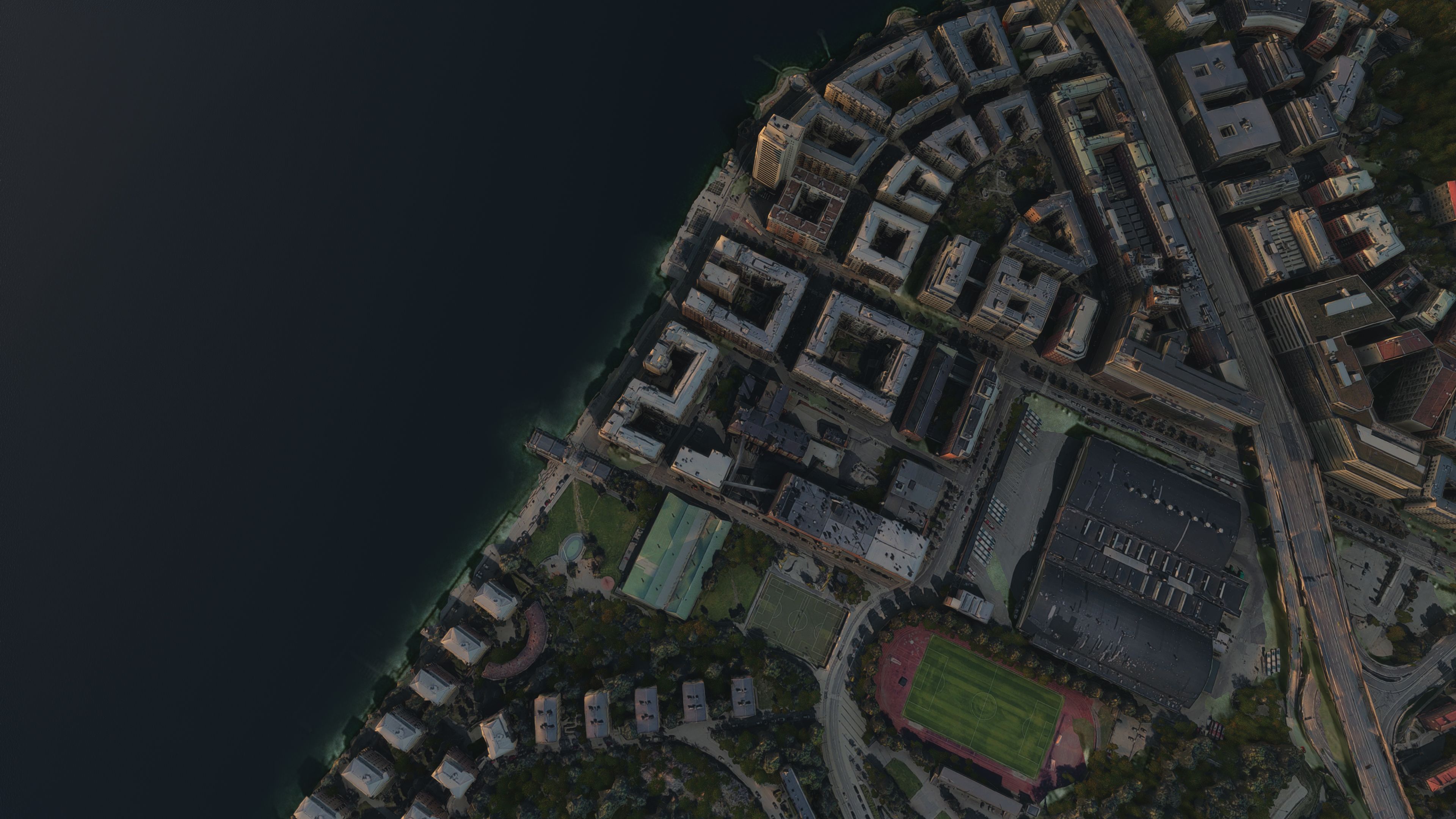
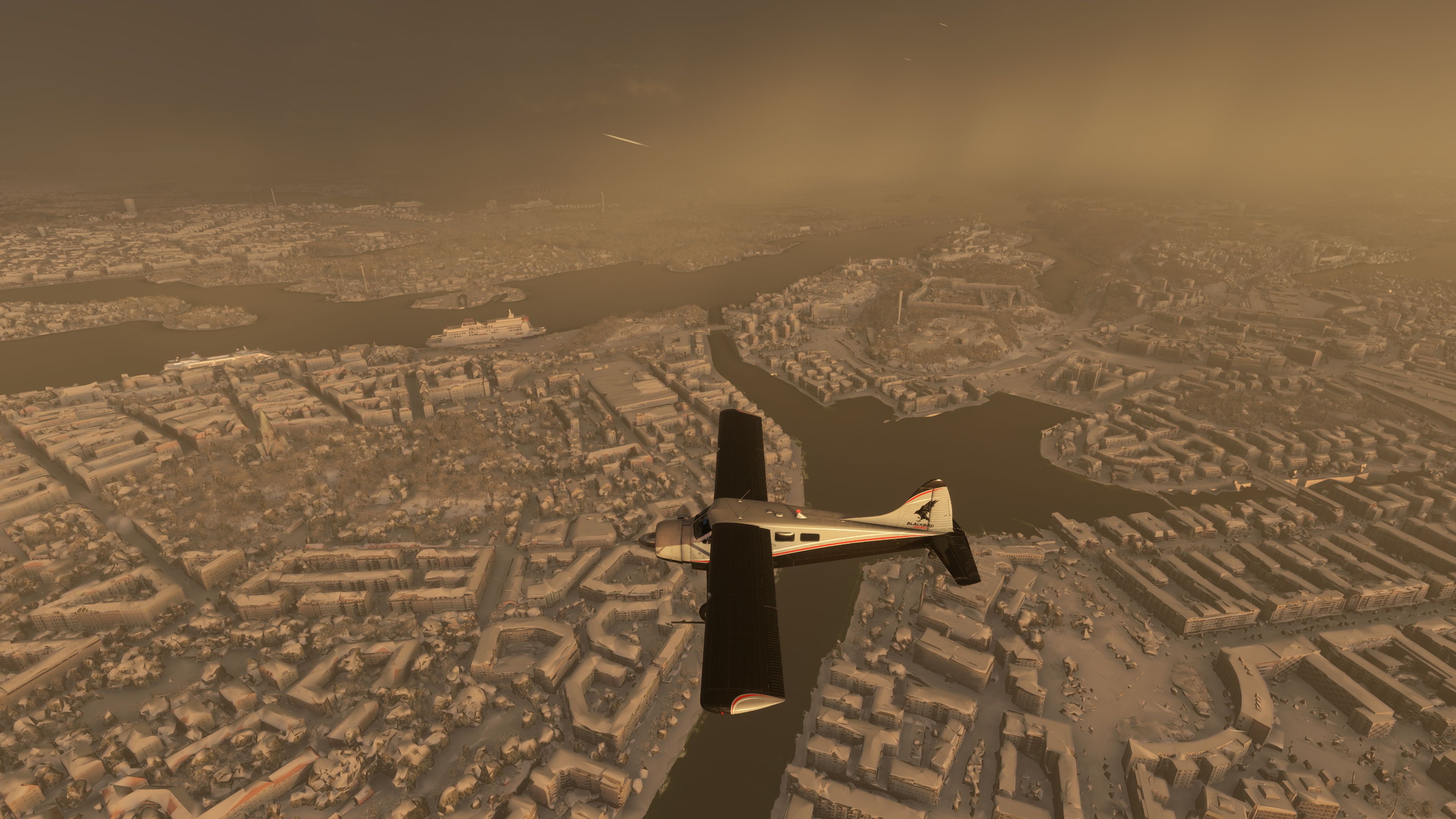
Stockholm, Sweden gains an enhanced photogrammetry makeover with sharper terrain, refined color matching, and smoother transitions into surrounding default textures. Denser, height-map-driven vegetation and carefully cut tiles improve realism across city and waterways, delivering a cohesive replacement environment in Microsoft Flight Simulator with detailed buildings and up-to-date satellite-based ground imagery.

This enhanced scenery pack for Stockholm, Sweden replaces the default Microsoft Flight Simulator offering with highly detailed photogrammetry, improved color balance, and precision-based vegetation data. By leveraging accurate terrain sources and laser-cut tiles, it seamlessly blends with the default ground textures, creating a more authentic urban environment that truly captures the city’s character. The freeware release includes all necessary parts in a single go, making it a convenient choice for those who appreciate top-tier visuals without needing additional downloads.
Developed by Thalixte, this updated version refines previous releases with better edges between default and replaced areas, denser auto-gen trees, and superior colorimetry achieved with external developer support. The result is a significantly upgraded Stockholm experience within MSFS, delivering realistic landscapes and structures that enrich low-and-slow sightseeing flights as well as higher-altitude journeys. In my opinion, it offers a wonderful balance of visual fidelity and performance, making it a standout mod for anyone looking to discover this Scandinavian metropolis with new clarity.
A stunning replacement scenery mod for Stockholm, Sweden overriding the default Microsoft offering in the sim. With great feedback from users so far, this replacement is touted as "much better" than the default scenery offers. Developed by the well-known Thalixte. Compatible with all versions of Microsoft Flight Simulator (MSFS) 2020 release.
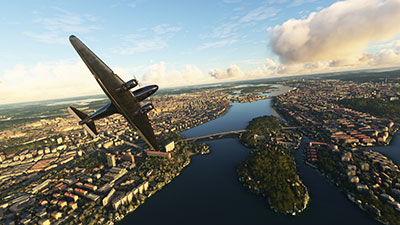 This pack for MSFS is the second version released by the developer for Stockholm, with a new title of "Enhanced".
Essentially, this new version brings the following new features to the scenery pack;
The entire area and city of Stockholm have been recreated in this pack using external sources and will replace the default Microsoft scenery. It has received good feedback from users on other flight sim websites so we thought you at Fly Away Simulation would enjoy this pack.
The scenery has been created using a method called photogrammetry which essentially covers both the ground textures and 3D object modeling along with textures of those too. Buildings are included as well as high-resolution photorealistic terrain based on the latest satellite data.
The freeware release available from Fly Away Simulation includes all packs needed to experience the whole scenery area of Stockholm, Sweden as envisioned by the developer. Some other sites that list this file release it in parts. The one you download from here will include all parts (1-2) and is a complete, single download pack with no need to source or search for additional files or releases. It's a complete package with a single download. The developer originally released this scenery in 2 parts - they are all included.
This is a very large download and while it's easy to download (all in one pack), we recommend a download manager should your connection get interrupted.
If using simply GPS, the coordinates for the center of Stockholm are: 59.3293° N, 18.0686° E
If you're wanting to start/stop flights at airports in and around the scenery coverage area, the best places to take off from and land at are;
Installation is easy. Simply extract the downloaded archive and move both of the folders (2 of them) inside the Scenery folder (thalixte-stockholm1 and thalixte-stockholm2) into your Microsoft Flight Simulator community folder. It's important to note that both folders need to be present in order for this scenery to work.
If you have a previous version of this scenery, it's important to remove it first by deleting it from your MSFS community folder.
Free for all simmers · 3.64 GB · Scanned clean Oct 2026
Download speed: Free tier is capped at 2 Mbps (this file takes approximately 4h 21m at the cap). PRO members download at full line speed.
%LOCALAPPDATA%\Packages\Microsoft.FlightSimulator_8wekyb3d8bbwe\LocalCache\Packages\Community\. Steam version: %APPDATA%\Microsoft Flight Simulator\Packages\Community\. Tip: enable Developer Mode in MSFS to see your exact Community folder path.readme.txt or README file. It tells you exactly where files go, what dependencies are needed, and any quirks specific to this add-on.Thalixte is a developer that has focused on creating photogrammetry and scenery packs for the latest Microsoft Flight Simulator (MSFS) 2020 release.
Are you Thalixte? Sign in to Fly Away Creators for download stats, comment replies and updates. Make add-ons? Publish them here.
Only PRO members can place votes.
More MSFS add-ons hand-picked based on this download.
MSFS Scenery
A brand new, version 2 (enhanced) scenery pack covering the entire area of th…
 MSFS Scenery
A large freeware scenery add-on pack put together by the developer who goes b…
 MSFS Scenery
A quick rework of several Swiss cities and landmarks such as the Matterhorn u…
 MSFS Scenery
This pack by the developer who simply goes by the name of Chris brings the me…
 MSFS Scenery
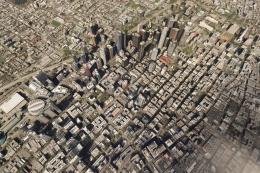
Enhance your Microsoft Flight Simulator experience with the Downtown Los Ange…
 MSFS Scenery
A new, easy-to-install, and accurate replacement of the default Paris photore…
 MSFS Scenery
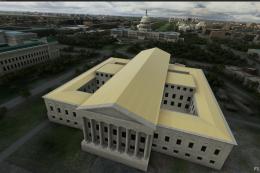
A massive freeware pack created by the developer Srinivasman containing over …
 MSFS Scenery
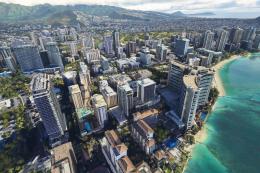
This is a complete replacement scenery pack covering the entire city of Honol…
Read what other simmers think, or add your own.


I find the add-on particularly good, but I keep having problems with the greenery.
In particular, I don't find the trees very realistic, and they are rendered very coarsely. In my view, the trees disturb the overall picture, which is otherwise very good.
Ton

Wow, what an increase of detail both inside and around the Stockholm region. Stunning pack. While the usual photogrammetry perks are included (jaggedy buildings) I must confirm it's MUCH better than the default scenery!