

 FS2004 Propeller Aircraft
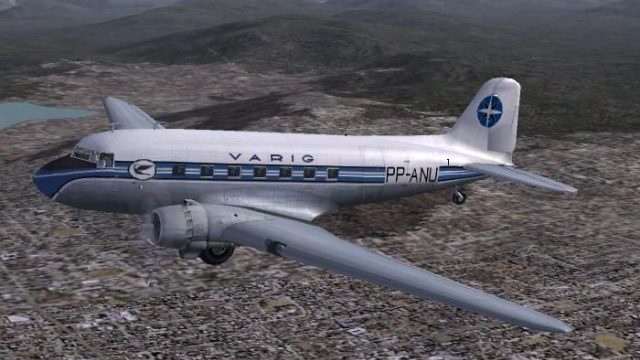
Varig Douglas DC-3 PP-ANU
Varig Douglas DC-3, registration PP-ANU, in DC-3 last colors, v2.0. Needs ori…
VARIG Douglas DC-3 repaint brings registration PP-ANU to the default aircraft in FS2004, capturing the museum-preserved Brazilian airliner with period-correct colors and markings. Designed for the stock DC-3 textures, it refreshes the exterior look while keeping the original model, virtual cockpit, panels, and flight dynamics intact.
 Rate
Rate
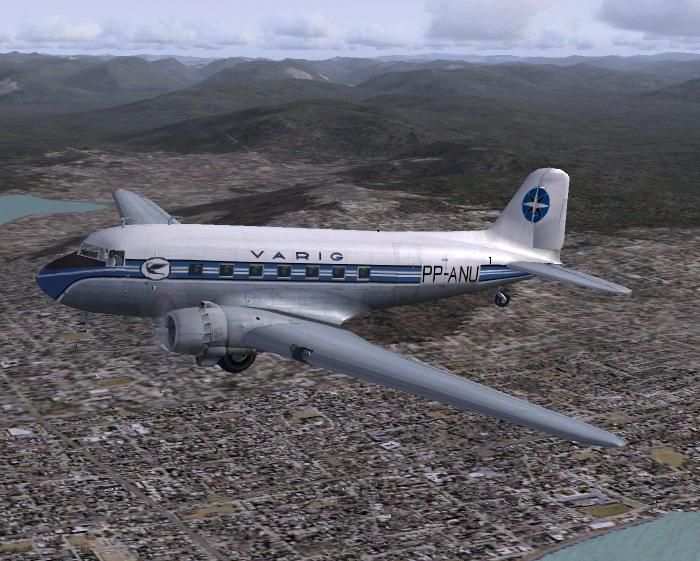
This is a repaint by Luiz Foernges of the default DC3.
Screenshot of VARIG Douglas DC-3 in flight.
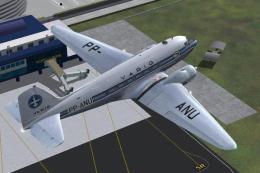
Unfortunately FS2004 DC-3 does not offer the possibility to design a complete texture. Any text on the tail or on the wing will be displayed reversed on the other side of tail or on the other wing. So no registration on the wings are presented as no VARIG text is design on tail. Sorry.
Installation:
[fltsim.xx]

	title=Douglas DC-3 Varig

	sim=Douglas_DC3

	model=

	panel=

	sound=

	texture=varig

	kb_checklists=Douglas_DC3_check

	kb_reference=Douglas_DC3_ref

	atc_id=PP-ANU

	ui_manufacturer=Douglas

	ui_type="DC-3"

	ui_variation="Varig"

	description="This aircraft is a Douglas DC3A-178 s/n 1545. It's original registration was PP-SQH when flying for Nacional. PP-ANU is now preserved at Varig Airlines Museum in Porto Alegre, Brazil.

	The Douglas DC-3 revolutionized air transportation and airline service during the 1930s and 1940s. It was a luxury airliner that boasted cabin heat and running water in its on-board lavatory. With the right balance of efficiency, range, speed, and payload, the DC-3 was the first aircraft to earn a profit for its owners just by carrying passengers.
Free for all simmers · 1.98 MB · Scanned clean Oct 2026
Download speed: Free tier is capped at 0.5 Mbps. PRO members download at full line speed.
FS9\Aircraft\, FS9\Addon Scenery\, FS9\Gauges\, or FS9\Effects\.readme.txt or README file. It tells you exactly where files go, what dependencies are needed, and any quirks specific to this add-on.The archive dc3vrg09.zip has 14 files and directories contained within it.
This list displays the first 500 files in the package. If the package has more, you will need to download it to view them.
| Filename/Directory | File Date | File Size |
|---|---|---|
| DC3Varig_fs9.jpg | 12.10.03 | 78.87 kB |
| texture.varig | 12.15.03 | 0 B |
| Douglas_DC3_1_C.bmp | 04.29.03 | 682.74 kB |
| Douglas_DC3_1_D.bmp | 12.10.03 | 1.33 MB |
| Douglas_DC3_1_T.bmp | 12.10.03 | 1.33 MB |
| Douglas_DC3_2_C.bmp | 04.29.03 | 170.74 kB |
| Douglas_DC3_2_T.bmp | 04.28.03 | 341.40 kB |
| Douglas_DC3_3_C.bmp | 04.29.03 | 42.74 kB |
| Prop_DC3.bmp | 10.20.03 | 341.40 kB |
| file_id.diz | 12.15.03 | 208 B |
| Read PP-ANU.txt | 12.15.03 | 2.75 kB |
| dc3vrg09 | 12.10.03 | 0 B |
| flyawaysimulation.txt | 10.29.13 | 959 B |
| Go to Fly Away Simulation.url | 01.22.16 | 52 B |
Only PRO members can place votes.
More FS2004 add-ons hand-picked based on this download.
FS2004 Propeller Aircraft
Varig Douglas DC-3, registration PP-ANU, in DC-3 last colors, v2.0. Needs ori…
 FS2004 Propeller Aircraft
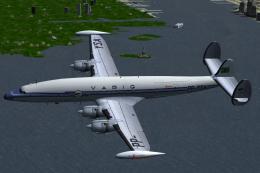
This is a VARIG - Brazilian Airlines repaint of Lockheed L-1049H/01-03-159 PP…
 FS2004 Propeller Aircraft
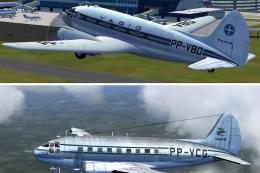
Two Varig textures by Luiz Foernges. Model and panel by J.R. Lucariny. Screen…
 FS2004 Propeller Aircraft
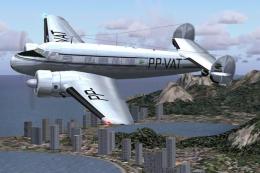
Textures only. Varig repaint by Luiz Foernges on original model by FS Design …
 FS2004 Propeller Aircraft
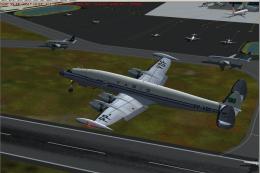
Enhance your classic airliner library in Microsoft Flight Simulator 2004 with…
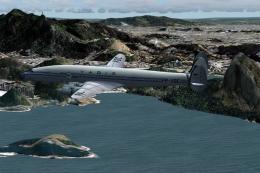 FS2004 Propeller Aircraft
Immerse yourself in a retro aviation adventure with this freeware repaint fea…
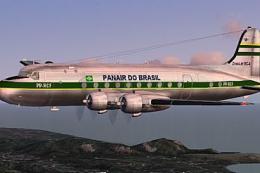 FS2004 Propeller Aircraft
Textures only. Panair had altogether three DC4's in use. This is a repaint of…
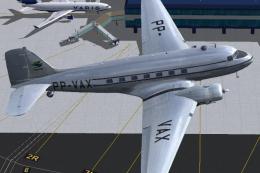 FS2004 Propeller Aircraft
Needs original payware model from MAAM Sim and BPB_FS9.ZIP by Jan Visser. PP-…
Be the first to leave a comment on this download.
Be the first to share your thoughts on this download.