

 FSX Civil Aircraft
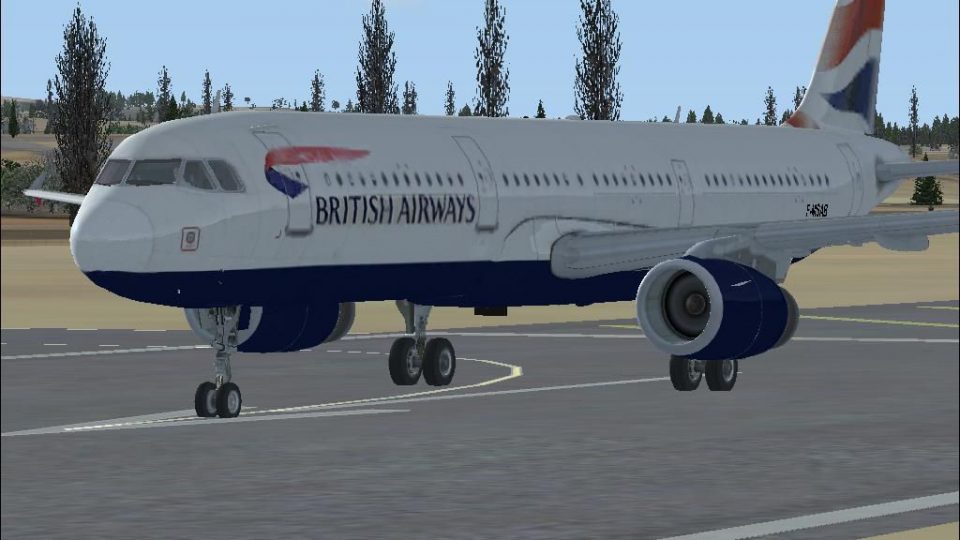
British Airways Airbus A321 1980's livery
FSX British Airways Airbus A321. This is the 1980's livery for the British Ai…
British Airways Airbus A321 G-FOCN repaint brings an authentic BA look to the default Airbus A321 in FSX, complete with airline callsign and registration details for immersive AI or user flights. Requires the default A321 model, and includes crisp exterior textures tailored to the stock aircraft configuration.
 Rate
Rate
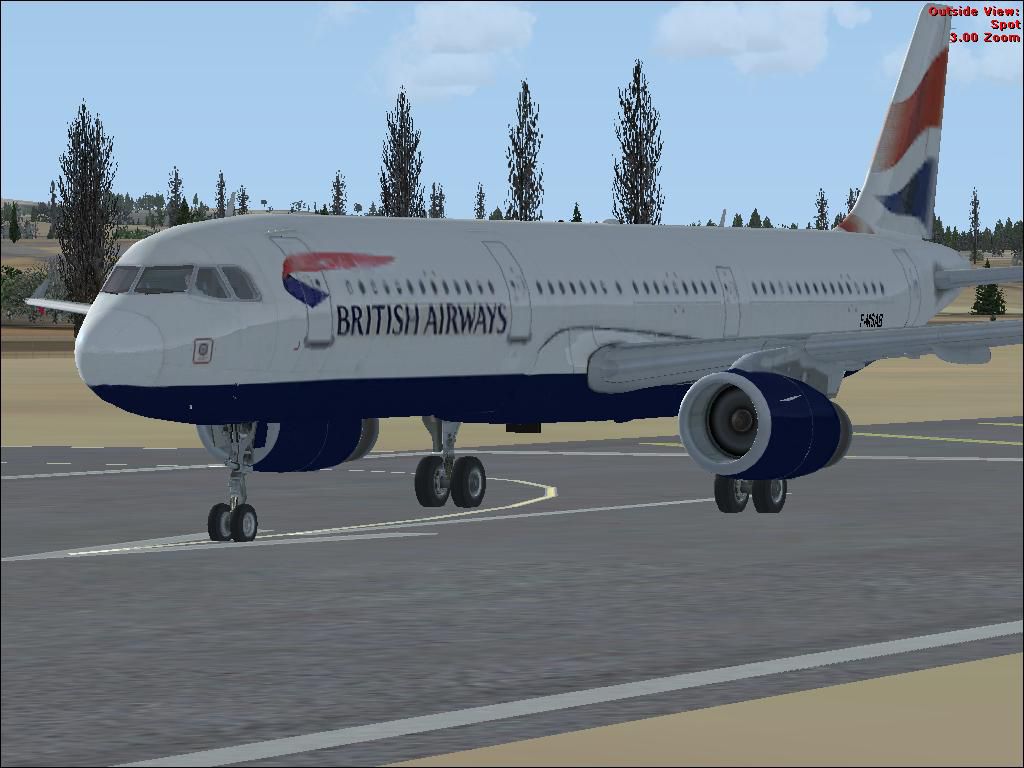
Textures only for the default A321. Repaint by Paul Kemp.
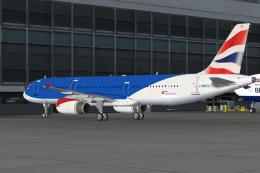
Screenshot of British Airways Airbus A321 on runway.
In your Airbus_A321 directory copy the folder texture.1 to texture.BA then move A321_1_T.dds into this folder. Copy the following into the existing aircraft.cfg for the Airbus A321 replacing X with the next number in the sequence.
[fltsim.X]

title=Airbus A321

sim=Airbus_A321

model=

panel=

sound=

texture=BA

kb_checklists=AirbusA321_check

kb_reference=AirbusA321_ref

atc_id=G-FOCN

atc_airline=British Airways

atc_flight_number=BA124

ui_manufacturer="Airbus"

ui_type="A321"

ui_variation=British Airways

ui_typerole="Commercial Airliner"

ui_createdby="Microsoft Corporation"

description="The Airbus A321 is a stretched version of Airbus' best-selling short- and medium-range A320. The A321 has a slightly increased wing area, stronger landing gear with larger tires, and engines with increased thrust. When the A321 entered service in 1988, it pioneered the use of 'glass cockpit' instrumentation, the first digital fly-by-wire control system used in an airliner, and sidestick controllers."
Free for all simmers · 873.4 KB · Scanned clean Sep 2026
Download speed: Free tier is capped at 0.5 Mbps. PRO members download at full line speed.
texture.{airline}) inside FSX\SimObjects\Airplanes\{base-aircraft}\.aircraft.cfg in Notepad. Add a new [fltsim.X] section per the readme.readme.txt or README file. It tells you exactly where files go, what dependencies are needed, and any quirks specific to this add-on.The archive ba321fsx.zip has 6 files and directories contained within it.
This list displays the first 500 files in the package. If the package has more, you will need to download it to view them.
| Filename/Directory | File Date | File Size |
|---|---|---|
| A321_1_T.dds | 11.15.06 | 1.33 MB |
| ba321.JPG | 11.15.06 | 89.77 kB |
| readme.txt | 11.15.06 | 1.08 kB |
| FILE_ID.DIZ | 11.19.06 | 119 B |
| flyawaysimulation.txt | 10.29.13 | 959 B |
| Go to Fly Away Simulation.url | 01.22.16 | 52 B |
Only PRO members can place votes.
More FSX & P3D add-ons hand-picked based on this download.
FSX Civil Aircraft
FSX British Airways Airbus A321. This is the 1980's livery for the British Ai…
 FSX Civil Aircraft
Textures only for the default A321. Ex BMI A321 G-MEDL in the hybrid scheme o…
 FSX Civil Aircraft
British Airways Airbus A320 red nose day textures, with default VC. Model by …
 FSX Civil Aircraft
This thoroughly detailed freeware package showcases a British Airways Airbus …
 FSX Civil Aircraft
FSX British Airways Airbus A350-900(R) extra long range, with six wheel landi…
 FSX Civil Aircraft
Experience a futuristic vision of air travel with this free British Airways A…
 FSX Civil Aircraft
Immerse yourself in a modern wide-body experience with this British Airways A…
 FSX Civil Aircraft
This release merges an enhanced ground crew experience with the distinctive B…
Read what other simmers think, or add your own.

Fantastic job on the repaint. Jetways and service vehicles all work just fine at the Toronto Pierson airport Took a while to figure out why I got a conflict error initially when I tried to load it. The title section in the aircraft.cfg file needs to have BA appended to it to make it unique.