

 FSX Civil Aircraft
British Airways Airbus A350-1000 XWB
Immerse yourself in a modern wide-body experience with this British Airways A…
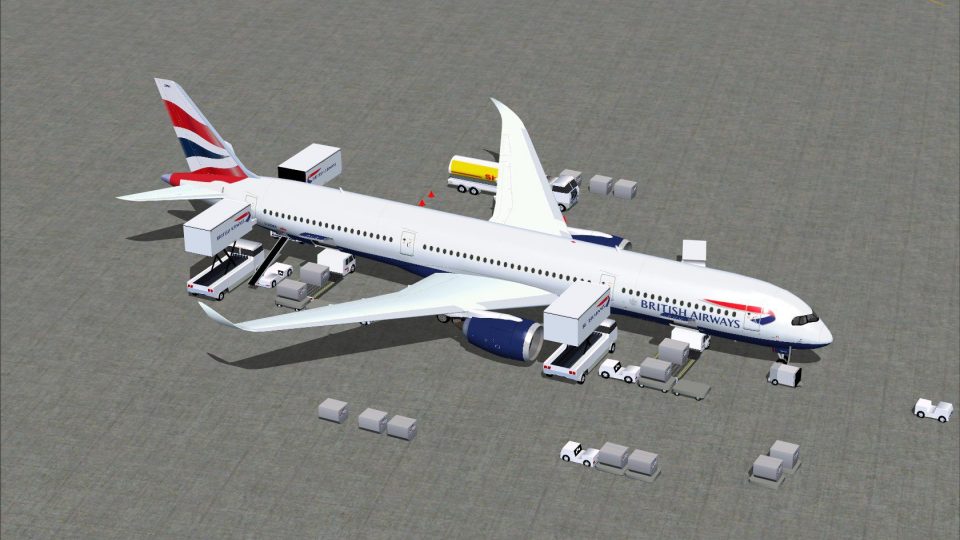
British Airways’ Airbus A350-1000 in CamSim Version 4 brings a polished wide-body model and crisp airline textures to Microsoft Flight Simulator X, backed by Animated Ground Servicing for cargo handling, passenger doors, and dynamic service vehicles that hook and unhook trailers. Designed and painted by Camil Valiquette, it boosts ramp realism and long-haul immersion.
 Rate
Rate
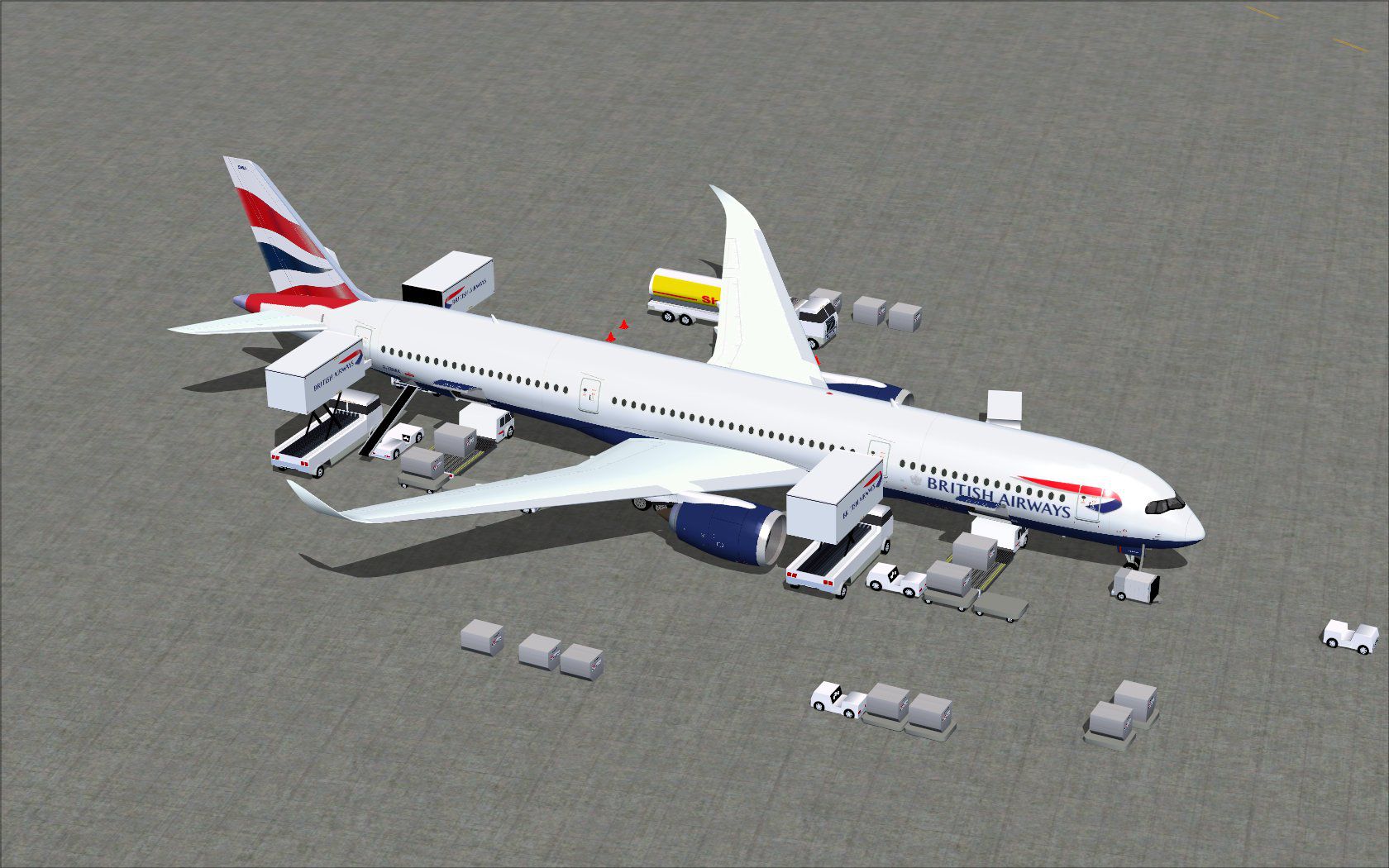


This release merges an enhanced ground crew experience with the distinctive British Airways look, all while showcasing CamSim’s refined Version 4 model. Developed and painted by Camil Valiquette, it offers animated ground service interactions and carefully crafted textures. Most importantly, it is a freeware add-on that enriches Microsoft Flight Simulator X with more authentic cargo operations and passenger door animations.
This latest update features additional Animated Ground Servicing (AGS). You will spot service vehicles hooking and unhooking trailers, plus static displays for added immersion. These advanced visual details represent CamSim’s focus on precision and realism.
Screenshot of British Airways Airbus A350-1000 with ground services.
The Airbus A350-1000 is known for its efficient long-range performance and cutting-edge avionics. British Airways famously employs modern wide-body jets to cover its extensive route network. This repaint highlights the airline’s iconic visual theme combined with the sleek A350 nose design and extended fuselage.
The AGS system elevates the realism by introducing movable service vehicles and animated cargo operations. You can access these interactions using specific commands.
In order to utilize these animations fully, you may need to confirm or add the following command mappings within FSX:
This freeware add-on merges realistic airline paintwork with expanded ground interaction options. The animated content uses FSX’s built-in logic for door and cargo operations. CamSim’s approach to modeling, overseen by Camil Valiquette, ensures updated fuselage details and accurate proportions. The overall package improves both the visual fidelity of ground handling and the in-cockpit experience, rounding out the modern A350 aesthetic found within British Airways’ global fleet.
Free for all simmers · 5.38 MB · Scanned clean Oct 2026
Download speed: Free tier is capped at 0.5 Mbps (this file takes approximately 2 mins at the cap). PRO members download at full line speed.
This add-on may require the following files to function properly. If this is a repaint, the dependency below is likely the base aircraft package.
FSX\SimObjects\Airplanes\. The folder must contain an aircraft.cfg file. Effects go into FSX\Effects\; gauges go into FSX\Gauges\.readme.txt or README file. It tells you exactly where files go, what dependencies are needed, and any quirks specific to this add-on.The archive 350v4bax.zip has 36 files and directories contained within it.
This list displays the first 500 files in the package. If the package has more, you will need to download it to view them.
| Filename/Directory | File Date | File Size |
|---|---|---|
| CamSim Airbus 350-1000 V4 British Airways | 04.30.13 | 0 B |
| 350-1000.air | 02.25.10 | 12.75 kB |
| 350v4ba_2.jpg | 04.28.13 | 78.46 kB |
| 350v4ba_ags_.jpg | 04.28.13 | 273.82 kB |
| aircraft.cfg | 04.30.13 | 15.28 kB |
| Effects.zip | 03.25.06 | 1.80 kB |
| file_id.diz | 04.30.13 | 240 B |
| model.350-1000 ags v4 | 04.30.13 | 0 B |
| 350-1000 ags v4.mdl | 12.18.12 | 2.80 MB |
| Model.cfg | 06.11.12 | 34 B |
| PANEL | 04.30.13 | 0 B |
| 787_350_panel_background.bmp | 02.25.10 | 2.25 MB |
| 787_350_panel_background_night.bmp | 02.25.10 | 2.25 MB |
| Airbus_A321.cab | 09.04.06 | 2.72 MB |
| panel.cfg | 02.25.10 | 5.48 kB |
| panel camsim 787-350 afx_2.jpg | 04.09.10 | 182.86 kB |
| Read Me_FSX.txt | 04.30.13 | 2.36 kB |
| SOUND | 04.30.13 | 0 B |
| Sound.cfg | 11.04.09 | 35 B |
| texture.ba | 04.30.13 | 0 B |
| 359fuse_t.bmp | 04.28.13 | 1.00 MB |
| 35eng_t.bmp | 04.23.13 | 1.00 MB |
| 35int_L.bmp | 04.29.13 | 4.00 MB |
| 35int_t.bmp | 04.30.13 | 1.00 MB |
| 35tail_t.bmp | 04.28.13 | 1.00 MB |
| 35wings_t.bmp | 07.19.09 | 1.00 MB |
| 787ext_L.bmp | 04.29.13 | 4.00 MB |
| 787ext_t.bmp | 04.30.13 | 1.00 MB |
| gris_t.bmp | 12.09.09 | 16.07 kB |
| pilot1.bmp | 03.04.10 | 257.05 kB |
| pilot1_l.bmp | 12.06.06 | 1.00 MB |
| tail.bmp | 12.02.12 | 1.00 MB |
| thumbnail.jpg | 04.30.13 | 4.30 kB |
| w_t.bmp | 12.06.08 | 16.07 kB |
| flyawaysimulation.txt | 10.29.13 | 959 B |
| Go to Fly Away Simulation.url | 01.22.16 | 52 B |
Only PRO members can place votes.
More FSX & P3D add-ons hand-picked based on this download.
FSX Civil Aircraft
Immerse yourself in a modern wide-body experience with this British Airways A…
 FSX Civil Aircraft
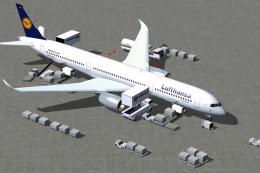
Experience an accurately rendered Lufthansa A350-1000, perfectly aligned with…
 FSX Civil Aircraft
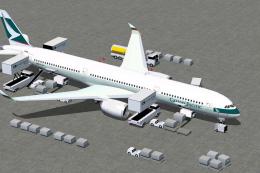
This refined rendition of the Cathy Pacific Airbus A350-1000 for FSX focuses …
 FSX Civil Aircraft
This freeware release from CamSim showcases an advanced wide-body in United A…
 FSX Civil Aircraft
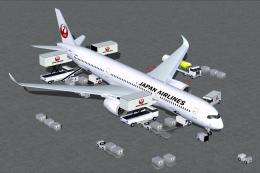
This freeware release offers a meticulously crafted Japan Airlines Airbus A35…
 FSX Civil Aircraft
This freeware update offers a fully equipped Japan Airlines Airbus A350-1000 …
 FSX Civil Aircraft
This freeware set features a fully functional paint kit for the Airbus A350-1…
 FSX Civil Aircraft
FSX Thai Airways International Airbus A350-1000 XWB (Extra Wide Body). Featur…
Read what other simmers think, or add your own.
