

 FSX Misc
Tutorial - Creating VIP Parking In FSX
An illustrated guide. After landing your favorite FSX aircraft, are you frust…
Ship Library expands scenery design with a collection of detailed vessel objects built for Microsoft Flight Simulator X, ideal for ports, coastlines, and seaways. Models are created with the FSX Gmax Gamepack and require it for compatibility, letting designers place ships like standard library objects in custom scenery projects.
 Rate
Rate
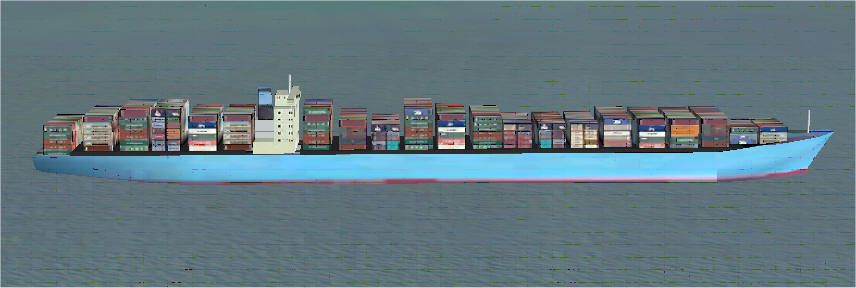
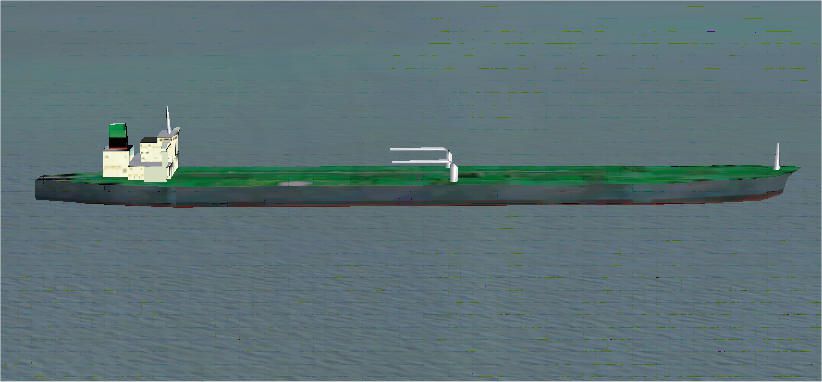

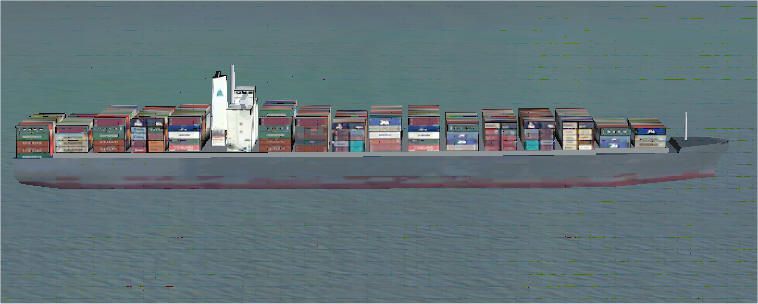
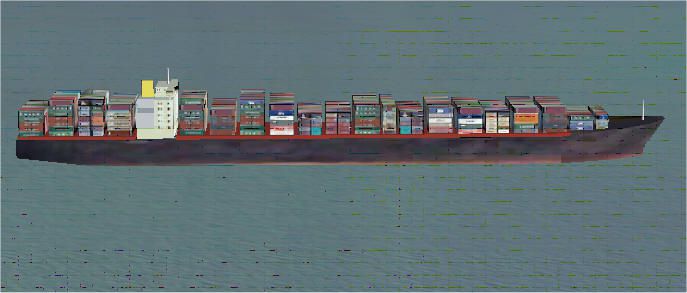
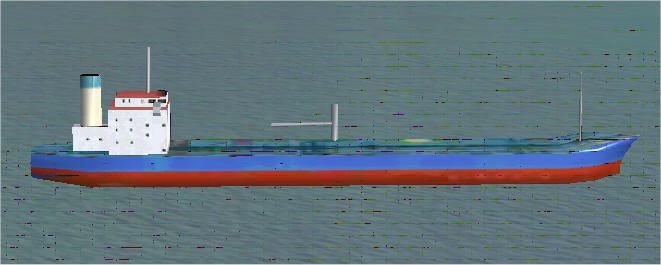
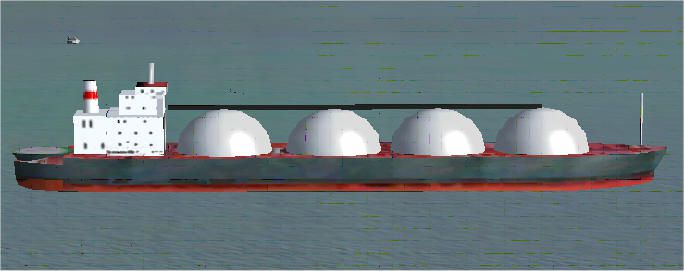
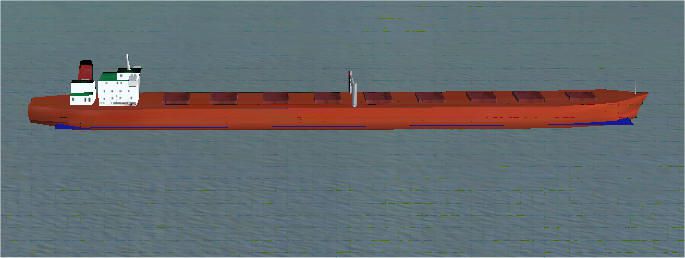
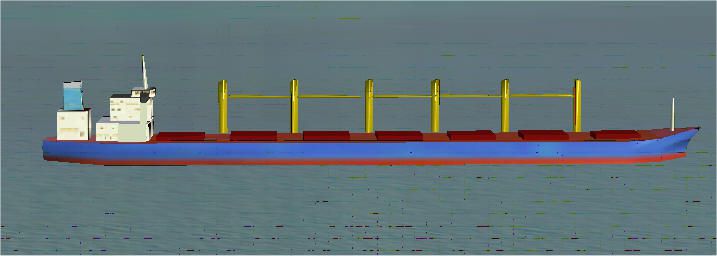

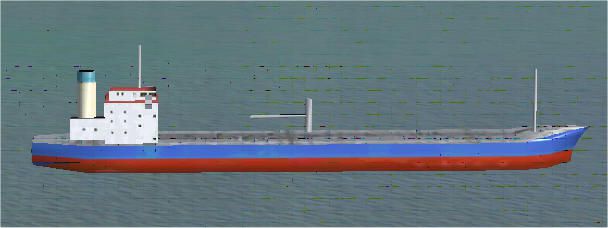

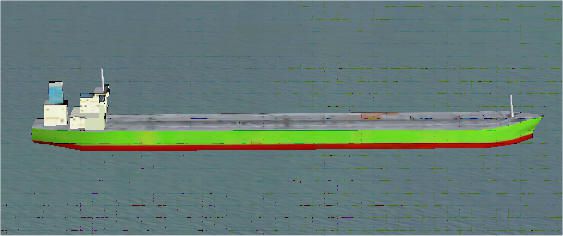
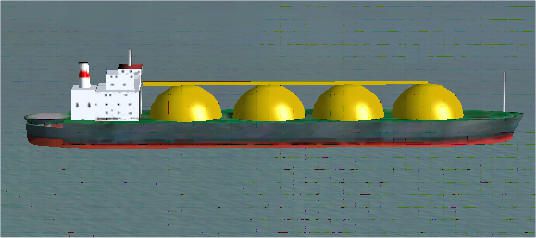
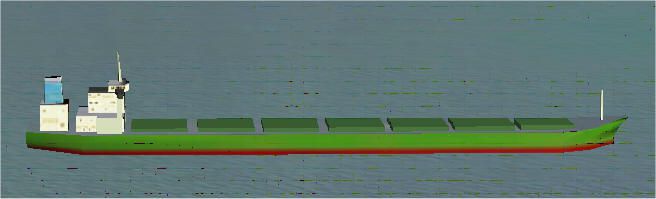
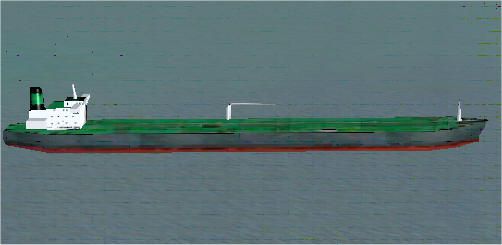
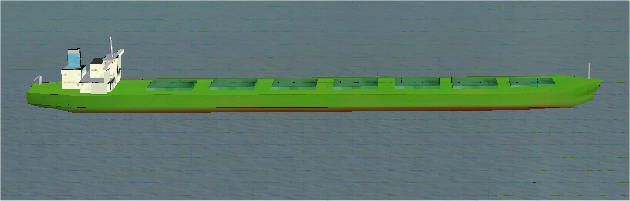
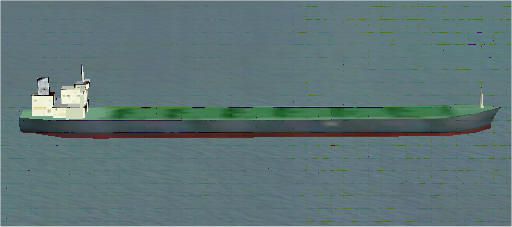
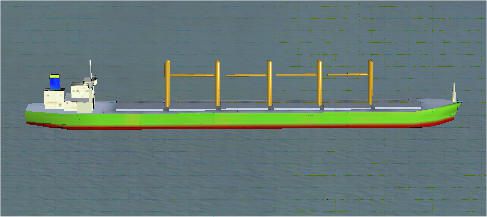
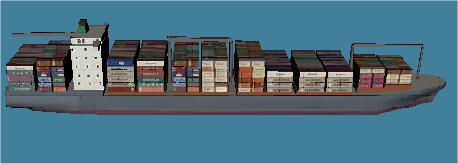
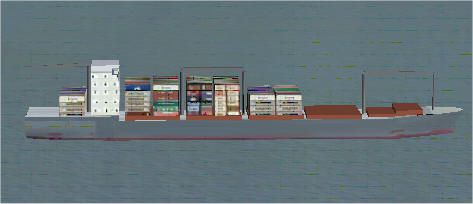

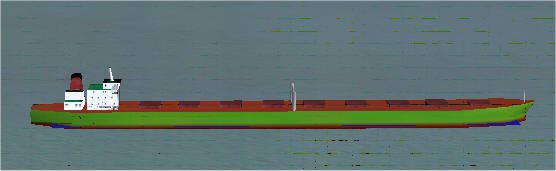
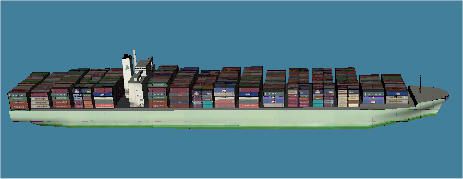
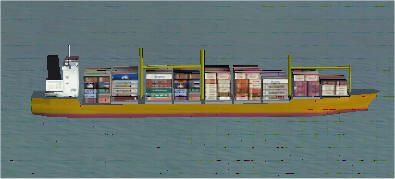
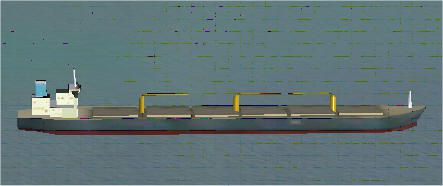
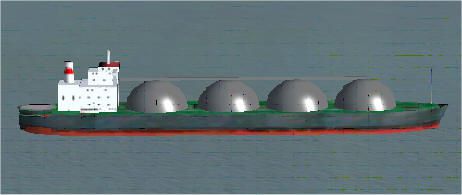
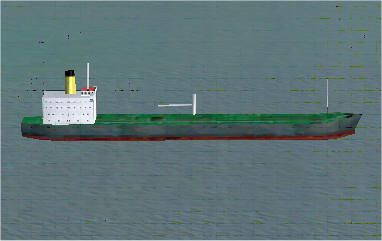

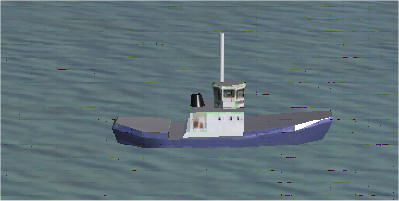
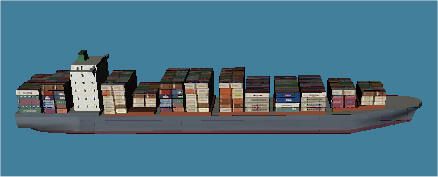

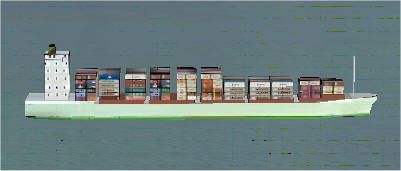
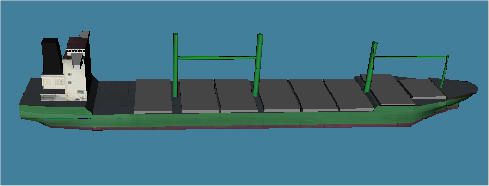
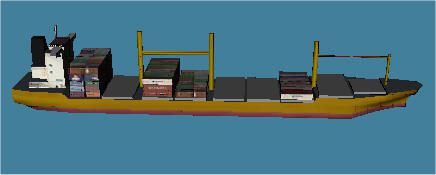
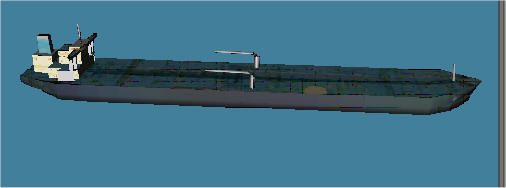
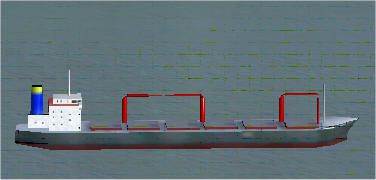
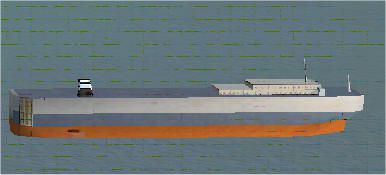
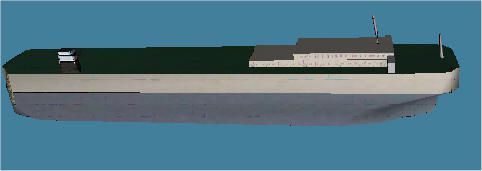
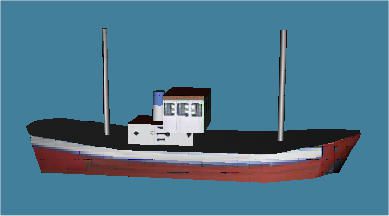
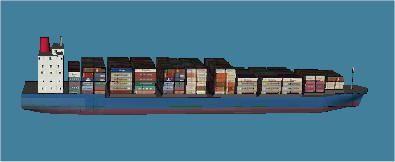
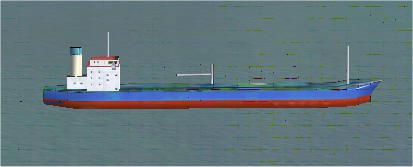
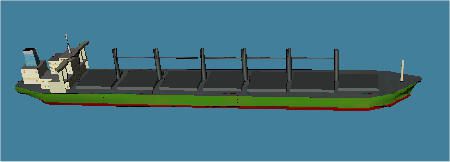
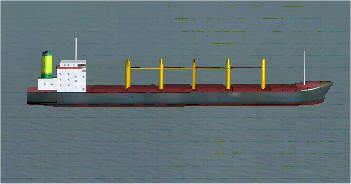
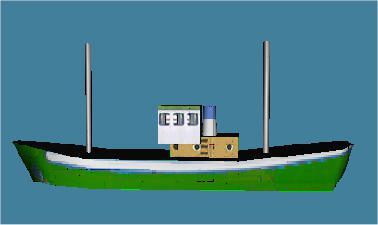
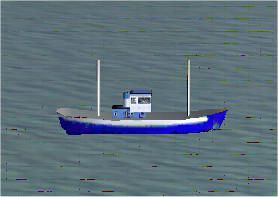
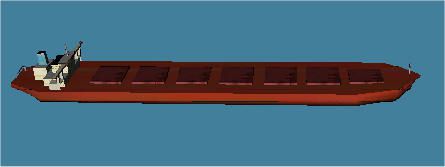
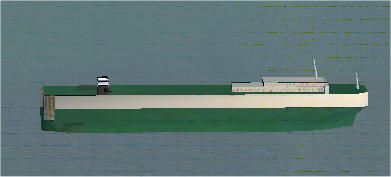
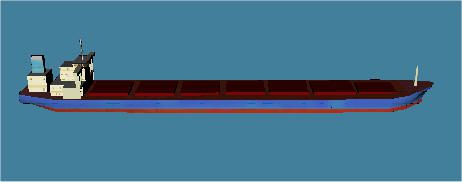
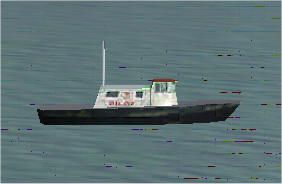
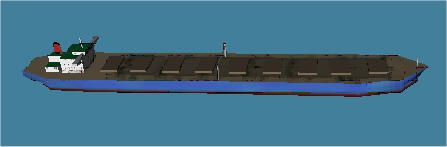
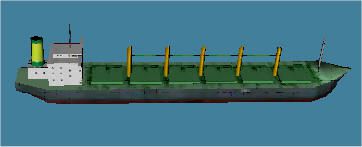
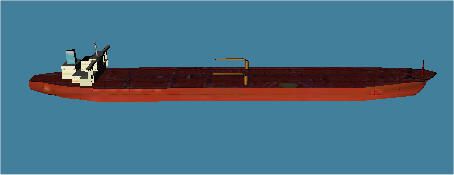
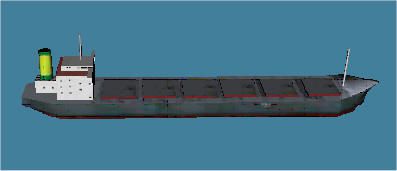
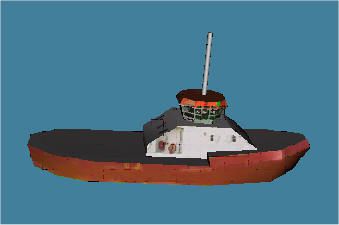
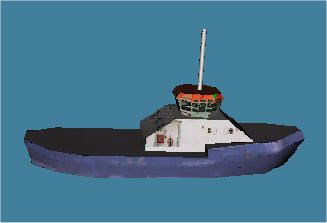
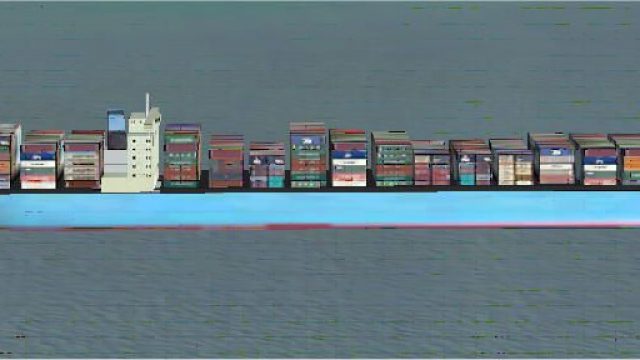
Ship Library for scenery designers. Mad with the FSX Gamepack for Gmax, so not compatible with any earlier versions. By Winfried Orthmann.
Screenshot of an object in the ship library.
The easiest way to install the library is to unzip the contents of this archive into any temporary folder of your choice and to put the contents of the "scenery" subfolder into the scenery subfolder of the AddOnScenery folder, and the contents of the "texture" subfolder into the texture subfolder of the AddonScenery folder. Instead of the AddonScenery folder you can use the Global subfolder of the Scenery folder. You can then put the ships into any addon scenery in the same way as any of the library objects from the libraries included with the FS X program.
Free for all simmers · 2.19 MB · Scanned clean Oct 2026
Download speed: Free tier is capped at 0.5 Mbps. PRO members download at full line speed.
SimObjects\Airplanes\, Addon Scenery\, Effects\, or Gauges\.readme.txt or README file. It tells you exactly where files go, what dependencies are needed, and any quirks specific to this add-on.The archive fsx_ship.zip has 76 files and directories contained within it.
This list displays the first 500 files in the package. If the package has more, you will need to download it to view them.
| Filename/Directory | File Date | File Size |
|---|---|---|
| readme.txt | 03.07.07 | 1.11 kB |
| images | 03.07.07 | 0 B |
| ships_1.jpg | 03.06.07 | 9.12 kB |
| ships_10.jpg | 03.06.07 | 14.53 kB |
| ships_11.jpg | 03.06.07 | 11.63 kB |
| ships_12.jpg | 03.06.07 | 8.80 kB |
| ships_13.jpg | 03.06.07 | 12.41 kB |
| ships_14.jpg | 03.06.07 | 15.88 kB |
| ships_15.jpg | 03.06.07 | 11.54 kB |
| ships_16.jpg | 03.06.07 | 11.26 kB |
| ships_17.jpg | 03.06.07 | 28.35 kB |
| ships_18.jpg | 03.06.07 | 20.33 kB |
| ships_19.jpg | 03.06.07 | 23.73 kB |
| ships_2.jpg | 03.06.07 | 9.58 kB |
| ships_20.jpg | 03.06.07 | 10.38 kB |
| ships_21.jpg | 03.06.07 | 36.08 kB |
| ships_22.jpg | 03.06.07 | 41.44 kB |
| ships_23.jpg | 03.06.07 | 12.18 kB |
| ships_24.jpg | 03.06.07 | 40.41 kB |
| ships_25.jpg | 03.06.07 | 39.55 kB |
| ships_26.jpg | 03.06.07 | 27.30 kB |
| ships_27.jpg | 03.06.07 | 9.23 kB |
| ships_28.jpg | 03.06.07 | 9.24 kB |
| ships_29.jpg | 03.06.07 | 27.56 kB |
| ships_3.jpg | 03.06.07 | 10.79 kB |
| ships_30.jpg | 03.06.07 | 15.60 kB |
| ships_31.jpg | 03.06.07 | 31.59 kB |
| ships_32.jpg | 03.06.07 | 23.82 kB |
| ships_33.jpg | 03.06.07 | 12.77 kB |
| ships_34.jpg | 03.06.07 | 12.56 kB |
| ships_35.jpg | 03.06.07 | 15.49 kB |
| ships_36.jpg | 03.06.07 | 15.40 kB |
| ships_37.jpg | 03.06.07 | 15.35 kB |
| ships_38.jpg | 03.06.07 | 12.53 kB |
| ships_39.jpg | 03.06.07 | 10.24 kB |
| ships_4.jpg | 03.06.07 | 11.23 kB |
| ships_40.jpg | 03.06.07 | 12.36 kB |
| ships_41.jpg | 03.06.07 | 13.77 kB |
| ships_42.jpg | 03.06.07 | 22.60 kB |
| ships_43.jpg | 03.06.07 | 3.43 kB |
| ships_44.jpg | 03.07.07 | 14.60 kB |
| ships_45.jpg | 03.07.07 | 17.13 kB |
| ships_46.jpg | 03.07.07 | 35.78 kB |
| ships_47.jpg | 03.07.07 | 16.98 kB |
| ships_48.jpg | 03.07.07 | 13.96 kB |
| ships_49.jpg | 03.07.07 | 11.25 kB |
| ships_5.jpg | 03.06.07 | 9.82 kB |
| ships_50.jpg | 03.07.07 | 17.41 kB |
| ships_51.jpg | 03.07.07 | 17.48 kB |
| ships_52.jpg | 03.07.07 | 24.39 kB |
| ships_53.jpg | 03.07.07 | 13.53 kB |
| ships_54.jpg | 03.07.07 | 14.64 kB |
| ships_55.jpg | 03.07.07 | 14.21 kB |
| ships_56.jpg | 03.07.07 | 23.78 kB |
| ships_57.jpg | 03.07.07 | 10.68 kB |
| ships_6.jpg | 03.06.07 | 12.76 kB |
| ships_7.jpg | 03.06.07 | 11.38 kB |
| ships_8.jpg | 03.06.07 | 9.82 kB |
| ships_9.jpg | 03.06.07 | 12.94 kB |
| ships_in_FSX_Shiplib.htm | 03.07.07 | 16.23 kB |
| doc | 03.07.07 | 0 B |
| FSX_shiplib.BGL | 03.07.07 | 4.23 MB |
| scenery | 03.07.07 | 0 B |
| cargo01.bmp | 01.07.07 | 42.74 kB |
| cargo02.bmp | 01.06.05 | 42.74 kB |
| cargo05.bmp | 01.24.05 | 42.74 kB |
| car_transporter.bmp | 01.03.05 | 42.74 kB |
| container.bmp | 01.04.05 | 42.74 kB |
| tanker01.bmp | 12.05.04 | 42.74 kB |
| tanker02.bmp | 12.05.04 | 42.74 kB |
| tanker03.bmp | 12.05.04 | 42.74 kB |
| trawler.bmp | 01.06.05 | 42.74 kB |
| tug.bmp | 03.06.07 | 64.07 kB |
| texture | 03.07.07 | 0 B |
| flyawaysimulation.txt | 10.29.13 | 959 B |
| Go to Fly Away Simulation.url | 01.22.16 | 52 B |
Only PRO members can place votes.
More FSX & P3D add-ons hand-picked based on this download.
FSX Misc
An illustrated guide. After landing your favorite FSX aircraft, are you frust…
 FSX Misc
A tutorial in PDF format. By Mike Basford. Thumbnail of Tiger Sky6 in flight.
 FSX Misc
A translation into French. By Gilbert Fouche from original by David Marshall …
 FSX Misc
Weapons effects with Minigun sounds for the FSX 160 SOAR Little Bird by Tim C…
 FSX Misc
Converted for FSX. These files act as HDE sky texture replacements for import…
 FSX Misc
These are the final keyboard commands for FSX. Many are new due to the new fe…
 FSX Misc
In order to view the full high definition resolution within FSX, you will nee…
 FSX Misc
ENBSeries .dll And .ini file. After much searching, I find this one works. De…
Read what other simmers think, or add your own.

Hi there, I have a small question: after downloading your FSX Ship Library I notice that there are only 10 (ship) texture files in the texture map, while there are 57 images of ships in de map images. Does these 10 (ship) textures represent all 57 types of ships or are there any textures missing in the texture map. Sincerely Johan