

 FSX Misc
Manual/Checklist De Havilland DHC-6
This comprehensive PDF booklet covers every phase of operation for the DeHavi…
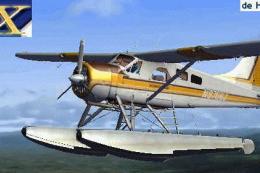
DeHavilland DHC-2 Beaver (wheel) pilots get a streamlined PDF checklist that guides every phase from cold-and-dark setup through taxi, takeoff, cruise, landing, and full securing. Designed for FSX and aligned with the Aerosoft Beaver panel, it includes practical manifold pressure and RPM targets plus clear instrument and switch-position cues.
 Rate
Rate
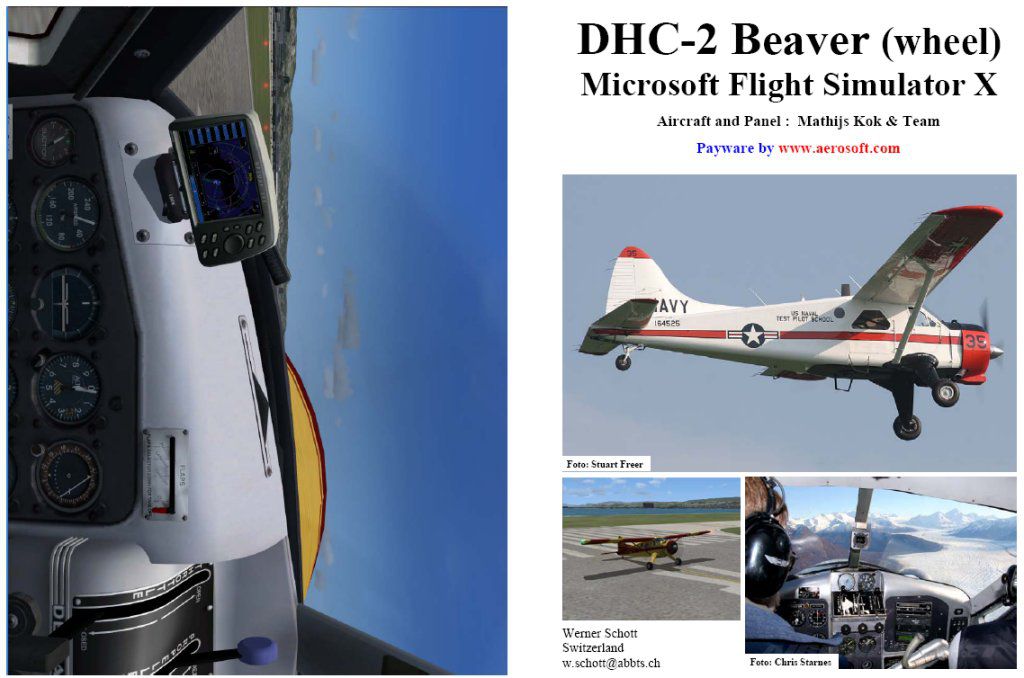
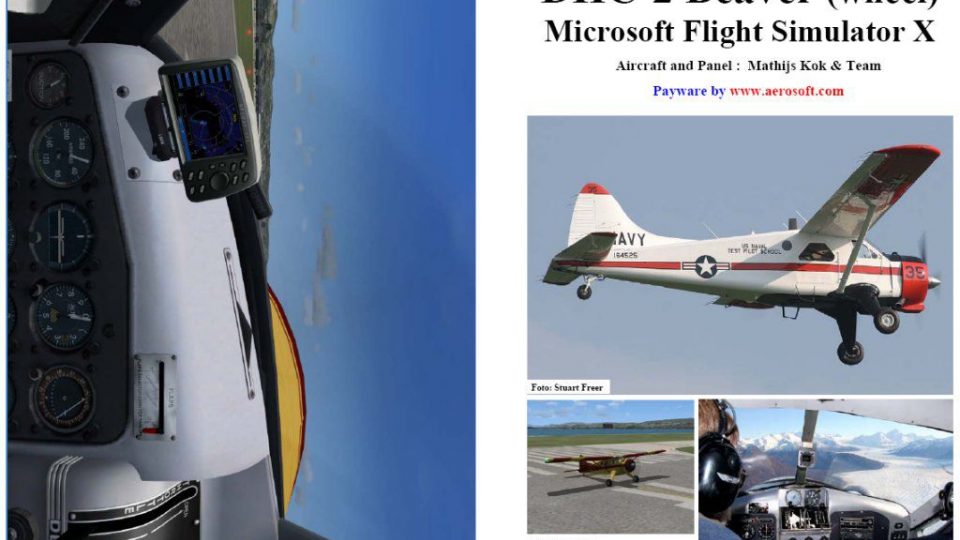
This PDF-based reference offers a compact series of procedures covering every phase of operating the DeHavilland DHC-2 Beaver (wheel variant) from a fully “dark and cold” startup to a complete shutdown and securing routine. It draws on the payware model and panel configuration by Aerosoft, Mathijs Kok and team, and was compiled by Werner Schott with detailed checkpoints for every phase of flight.
The manual spans from initial cockpit setup to engine shutdown, ensuring coherent transitions. Procedures are arranged in a logical flow, starting with flight deck power-off conditions, engine ignition, taxi, takeoff, climb, cruise, and descent, then concluding with landing and post-landing routines. Each step is designed as a consistent framework for internal cockpit checks, helping sim pilots become familiar with correct switch positions, instrument readings, and precise engine management.
Because this checklist is founded on a “cold and dark” environment, it is advisable to position the aircraft at a gate or parking stand. If the simulator session usually starts with powered engines, progress through the final stages of the guide (from “Taxi to ramp” through “Shutdown” and “Securing”) to mimic realistic conditions before saving the flight. The result is a stored setup that faithfully reproduces an offline cockpit, ready for the next session.
For easy reference, manifold pressure and engine RPM guidelines are included for every flight segment. Keep in mind that manifold pressure readings may vary at high-altitude fields above 2500 ft (Mean Sea Level). The DHC-2 Beaver’s radial engine behavior and associated performance parameters may shift when operating at these elevations, so factor that in while planning takeoffs or landings at elevated airports.
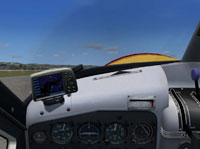
Sample cockpit view illustrating the layouts and gauges used in preflight checks.
The DeHavilland DHC-2 Beaver is known for its robust STOL (Short Takeoff and Landing) capability, ideal for bush flying. Adhering to the systematic steps in this manual ensures you experience its classic radial-powered traits accurately. By progressing step by step, you can simulate every cockpit action, from opening fuel valves to verifying magnetos, so that each flight profile aligns with authentic performance standards.
After landing, use the final part of the checklist to bring the aircraft safely back to a parking stand. Key actions include securing electrical bus switches, shutting down the engine, and setting chocks or parking brakes. Once everything is complete, save the flight to begin your next session already in a cold and dark condition.
In summary, this freeware PDF manual by Werner Schott, specifically designed around the payware Aerosoft and Mathijs Kok DHC-2 Beaver package, provides a streamlined approach that supports both new and seasoned sim pilots. Its clear layout walks you through each procedural step with technical accuracy, helping you appreciate the operational nuances of this classic aircraft model in Microsoft Flight Simulator X.
Free for all simmers · 399.84 KB · Scanned clean Oct 2026
Download speed: Free tier is capped at 0.5 Mbps. PRO members download at full line speed.
SimObjects\Airplanes\, Addon Scenery\, Effects\, or Gauges\.readme.txt or README file. It tells you exactly where files go, what dependencies are needed, and any quirks specific to this add-on.The archive fsx_dhc2.zip has 7 files and directories contained within it.
This list displays the first 500 files in the package. If the package has more, you will need to download it to view them.
| Filename/Directory | File Date | File Size |
|---|---|---|
| FILE_ID.diz | 03.28.07 | 457 B |
| FSX_DHC2.gif | 03.28.07 | 11.41 kB |
| FSX DHC-2 Beaver.jpg | 03.28.07 | 106.73 kB |
| FSX DHC-2 Beaver.pdf | 03.28.07 | 305.66 kB |
| Readme.txt | 03.28.07 | 2.09 kB |
| flyawaysimulation.txt | 10.29.13 | 959 B |
| Go to Fly Away Simulation.url | 01.22.16 | 52 B |
Only PRO members can place votes.
More FSX & P3D add-ons hand-picked based on this download.
FSX Misc
This comprehensive PDF booklet covers every phase of operation for the DeHavi…
 FSX Misc
The DeHavilland Beaver DHC-2 is old but used today for flying along lakes nea…
 FSX Misc
This PDF-based freeware manual and checklist covers every operational phase o…
 FSX Misc
This downloadable handbook serves as a PDF companion covering every major pro…
 FSX Misc
This PDF document provides a structured walkthrough detailing every procedura…
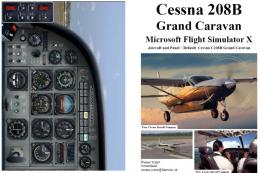 FSX Misc
This add-on provides a comprehensive, printable PDF document detailing every …
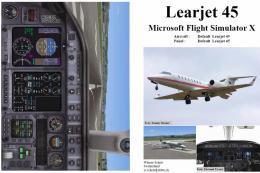 FSX Misc
This freeware booklet introduces a step-by-step reference for the Default Lea…
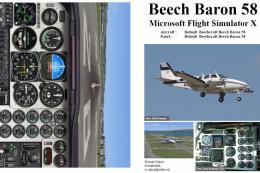 FSX Misc
This PDF-format booklet presents a comprehensive procedure reference that wal…
Be the first to leave a comment on this download.
Be the first to share your thoughts on this download.