

 FSX General Aviation Aircraft
DeHavilland DHC-2 Beaver ZK-BVR
Repaint for the Aerosoft DH-2 Beaver as restored by Wrightair. Repaint by Ada…
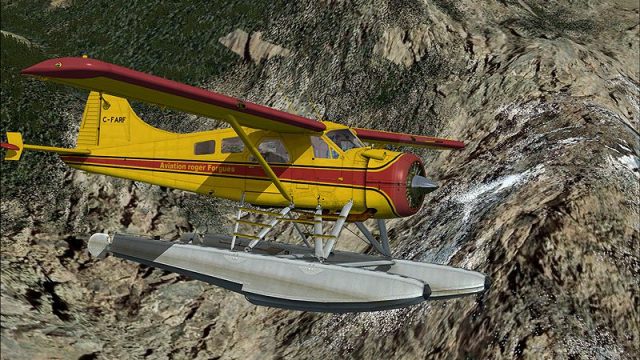
DHC-2 Beaver C-FARF repaint brings a distinctive Canadian-registered look to the default Beaver, ideal for authentic bush flying across mountain strips and remote waterways. Built for Microsoft Flight Simulator X, it preserves the type’s rugged STOL character and utility-hauler vibe, and requires the default DeHavilland Beaver base model.
 Rate
Rate
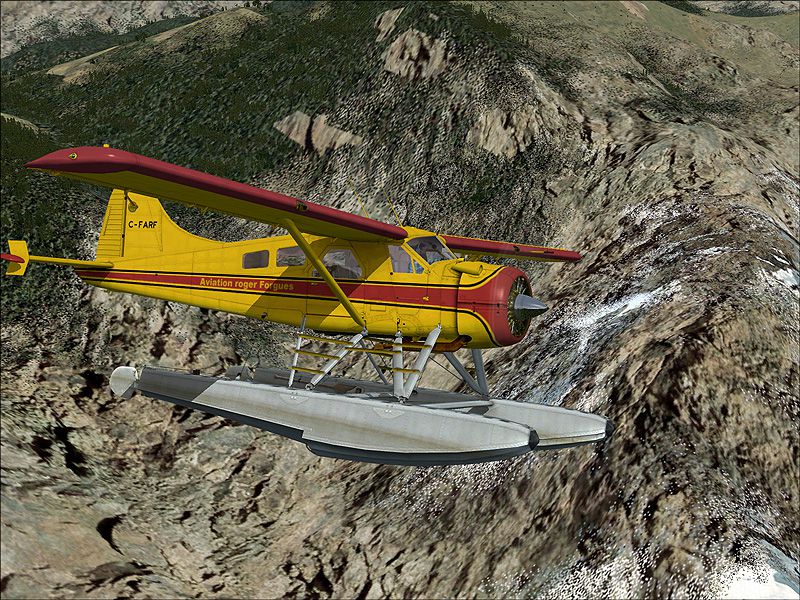
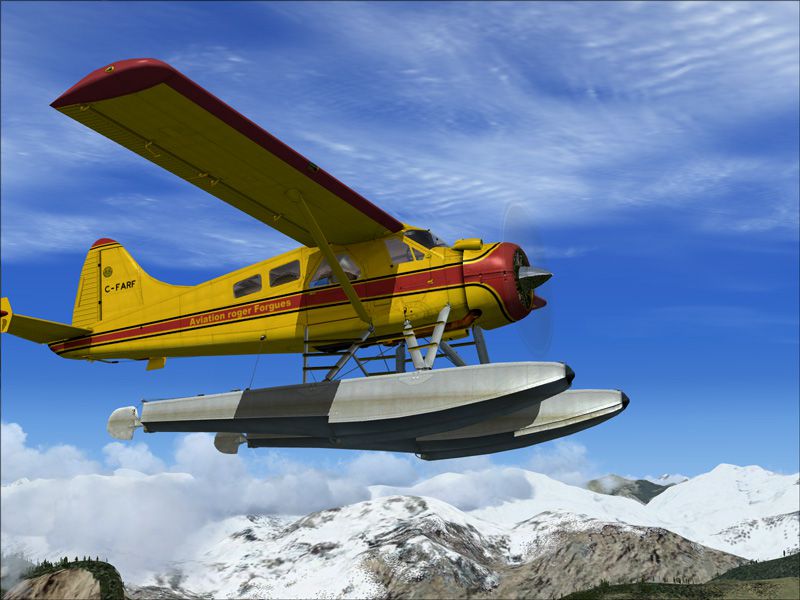
This repaint, meticulously prepared by Henry William for the default DeHavilland DHC-2 Beaver in Microsoft Flight Simulator X, accurately represents C-FARF with a distinctive exterior. This freeware texture set highlights the rugged workhorse qualities of the Beaver, allowing simulation enthusiasts to experience bush operations in mountainous regions or across remote waterways, just as this short takeoff and landing aircraft was intended.
The DHC-2 Beaver by de Havilland was originally crafted to serve the demanding Canadian skies, offering ample reliability for bush landing strips, floats on isolated lakes, and skis in frozen environments. Noteworthy features include:
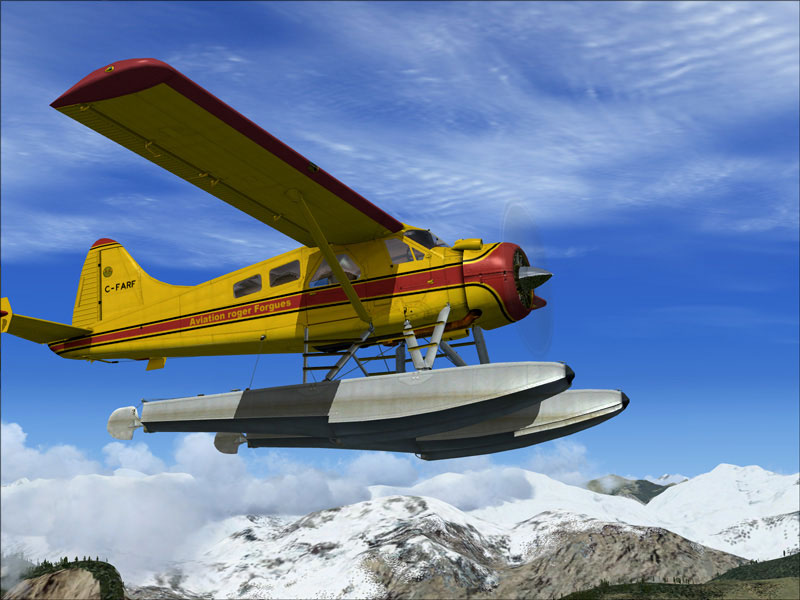
DeHavilland DHC-2 Beaver C-FARF in flight.
Important: To prevent displaying the default tail registration, open the details menu when selecting this aircraft and uncheck the Show Tail Number box. This ensures the correct livery graphics remain unobstructed.
C:\Program Files\Microsoft Games\Microsoft Flight Simulator X\SimObjects\Airplanes\DeHavilland_Beaver_DHC2[fltsim.xx]
title= DeHavilland Beaver DHC2 farf
sim=DeHavilland_Beaver_DHC2
model=
panel=
sound=
texture=farf
kb_checklists=DehavillandBeaverDHC2_check
kb_reference=DehavillandBeaverDHC2_ref
atc_id=N9766Z
ui_manufacturer="de Havilland"
ui_type="Beaver DHC2"
ui_variation=" C-FARF"
ui_typerole="Single Engine Prop"
ui_createdby="Microsoft Corporation"
description="When pilots talk about the de Havilland Beaver, the word that inevitably comes up is workhorse. For more than 50 years this sturdy aircraft has flown into and out of remote locations aided by its power, all-metal ruggedness, wide stance, and short-takeoff-and-landing (STOL) capability. Whether fitted with wheels, skis, or pontoons, the Beaver is a can-do airplane. Often referred to as a “flying half-ton truck,” the Beaver is more versatile, and tougher, than any light truck. It was designed from the beginning to meet the needs of Canadian bush pilots, and no better plane for the purpose has come along. After half a century of service, the Beaver is still the thoroughbred of workhorse aircraft."
This package is a texture-only release designed for the default Microsoft Flight Simulator X DeHavilland Beaver. The required freeware base model can be acquired from the Fly Away Simulation library; however, it is not contained in this add-on.

DeHavilland DHC-2 Beaver C-FARF flying over mountains.
Created by Henry William, this repaint captures a vivid Canadian registry look while maintaining the flexible bush plane attributes the Beaver is celebrated for. Enjoy your flights and explore the backcountry with confidence.
Free for all simmers · 3.21 MB · Scanned clean Oct 2026
Download speed: Free tier is capped at 0.5 Mbps. PRO members download at full line speed.
texture.{airline}) inside FSX\SimObjects\Airplanes\{base-aircraft}\.aircraft.cfg in Notepad. Add a new [fltsim.X] section per the readme.readme.txt or README file. It tells you exactly where files go, what dependencies are needed, and any quirks specific to this add-on.The archive c_farf.zip has 17 files and directories contained within it.
This list displays the first 500 files in the package. If the package has more, you will need to download it to view them.
| Filename/Directory | File Date | File Size |
|---|---|---|
| b9.jpg | 06.13.09 | 387.66 kB |
| b9b.jpg | 06.13.09 | 177.33 kB |
| ReadMe.txt | 06.15.09 | 1.71 kB |
| small.gif | 06.15.09 | 10.63 kB |
| texture.farf | 06.15.09 | 0 B |
| DeHavilland_Beaver_DHC2_1_T.dds | 06.15.09 | 4.00 MB |
| DeHavilland_Beaver_DHC2_1_T_Spec.dds | 09.04.06 | 1.33 MB |
| DeHavilland_Beaver_DHC2_2_T.dds | 09.04.06 | 341.45 kB |
| DeHavilland_Beaver_DHC2_2_T_Spec.dds | 09.04.06 | 341.45 kB |
| Fresnel_Ramp.dds | 09.04.06 | 640 B |
| prop_Beaver_1.dds | 09.04.06 | 85.46 kB |
| prop_Beaver_2.dds | 09.04.06 | 85.46 kB |
| texture.cfg | 08.14.06 | 137 B |
| thumbnail.jpg | 06.13.09 | 45.35 kB |
| c_farf | 06.15.09 | 0 B |
| flyawaysimulation.txt | 10.29.13 | 959 B |
| Go to Fly Away Simulation.url | 01.22.16 | 52 B |
Only PRO members can place votes.
More FSX & P3D add-ons hand-picked based on this download.
FSX General Aviation Aircraft
Repaint for the Aerosoft DH-2 Beaver as restored by Wrightair. Repaint by Ada…
 FSX General Aviation Aircraft
This exclusive repaint offers a crisp bare-metal and red rendition of the cla…
 FSX General Aviation Aircraft
This freeware package adds a specialized rendition of the De Havilland Canada…
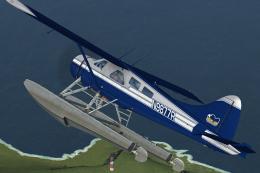 FSX General Aviation Aircraft
Regal Air DeHavilland DHC-2 Beaver, registration N9877R. The Beaver 'N9877R' …
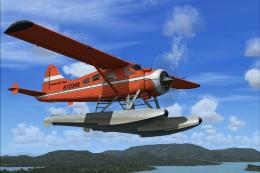 FSX General Aviation Aircraft
Embark on authentic backcountry flights with this specialized Alaska Air Char…
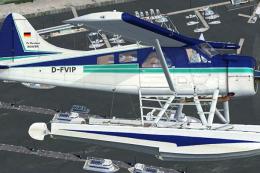 FSX General Aviation Aircraft
De Havilland DHC-2 Beaver D-FVIP The Beaver 'D-FVIP' (c/n 1512), owned by the…
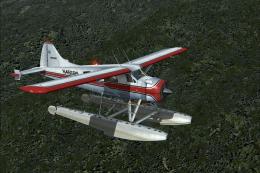 FSX General Aviation Aircraft
Delve into a refined livery adaptation showcasing a vivid red, black, and pol…
 FSX General Aviation Aircraft
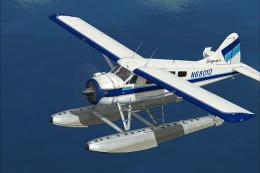
This free repaint modifies the default de Havilland Canada DHC-2 Beaver used …
Be the first to leave a comment on this download.
Be the first to share your thoughts on this download.