

 FSX Misc
OB-1 Wilder ID Low Altitude Flight Plan
This freeware release introduces a detailed IFR high-speed, low-level militar…
OB-17 Statesboro, Georgia low-altitude military training route delivers a tightly plotted IFR flight plan with rapid terrain-following legs, strict speed control, and demanding turns for realistic obstacle clearance in Microsoft Flight Simulator X. Bundled TFR and Pave Tack gauges support precision navigation, altitude holding, and targeting for bombing or reconnaissance across a wide range of military aircraft.
 Rate
Rate
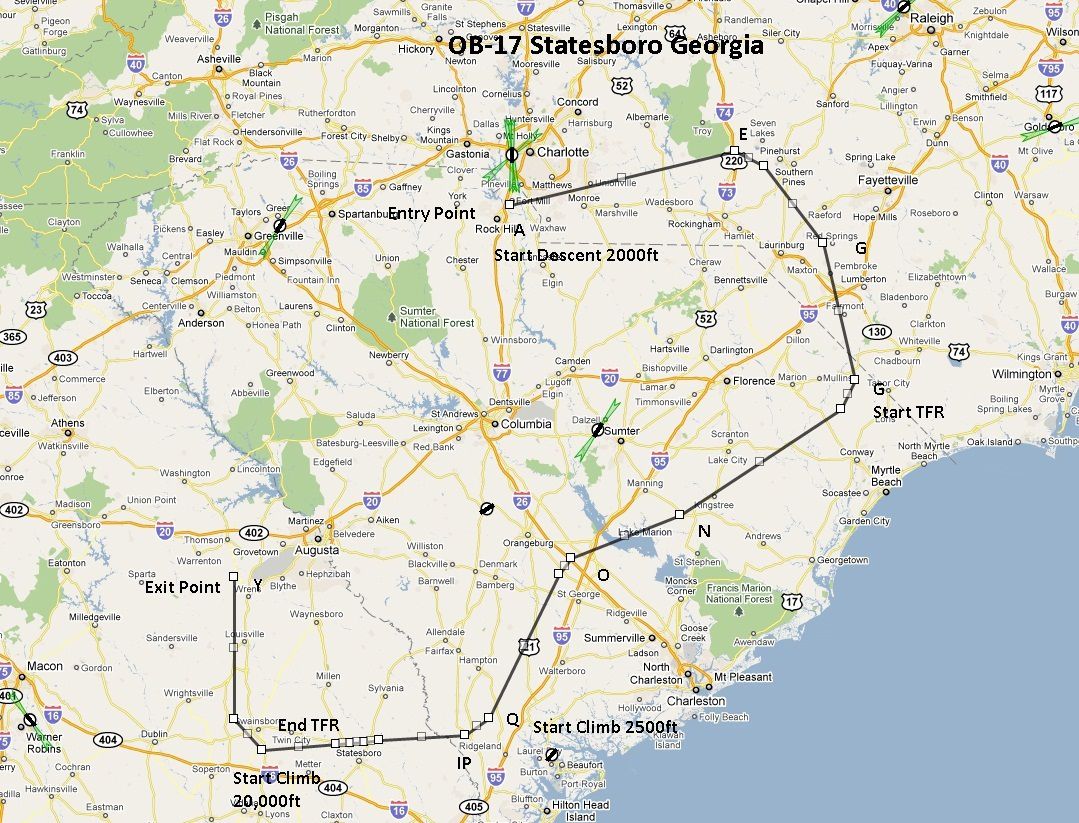
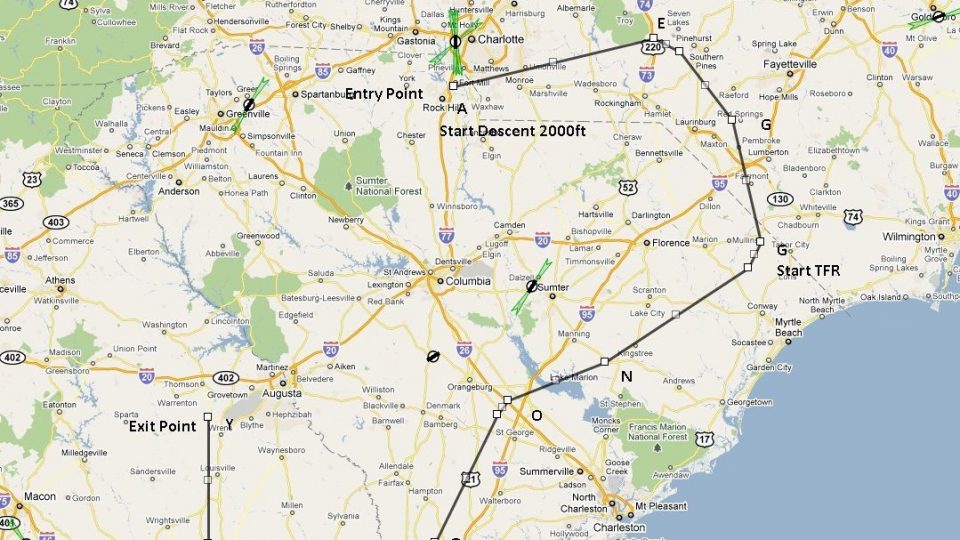
This freeware add-on provides a meticulously plotted flight plan focusing on OB-17, a high-speed, low-altitude military training route situated near Statesboro, GA. Designed primarily for Microsoft Flight Simulator X, it offers an engaging IFR (Instrument Flight Rules) experience that challenges even veteran pilots. This package includes specialized gauges developed by Karol Chlebowski, along with details provided by Bill McClellan, ensuring comprehensive functionality for precision bombing, navigation, and ductile reconnaissance maneuvers.
Unlike conventional paths, this second installment in the series highlights rapid transitions, terrain-following segments, and regulated speeds. Statesboro’s surrounding area features varied topography, creating a dynamic environment for fliers who prefer realistic obstacle clearance. These conditions simulate real-world procedures and ensure that users can sharpen their low-altitude navigation proficiency.
This route is ideal for a diverse range of military birds, such as the B-52, F-111, B-1B, B-2, A6, A4, and the Vulcan. Each model benefits from the clearly defined altitude constraints, tight turns, and unique IFR segments embedded in the plan. However, the path remains fully adaptable for any aircraft of choice, giving enthusiasts the freedom to experiment with different types of cockpits and propulsion systems.
To heighten immersion, two custom gauges by Karol Chlebowski are bundled: the TFR (Terrain Following Radar) gauge and the Pave Tack module. These tools merge sophisticated altitude-holding logic with precise targeting capabilities, reflecting genuine military technology. TFR helps maintain accurate low-level flight over uneven ground, while Pave Tack supports a suite of bombardment and reconnaissance functionalities. Additionally, v2.1 of the mini panel—available as a separate component—network-enables these operations with an expanded control set.
By integrating TFR data, mission profiles can be flown seamlessly across the OB-17 route, enhancing pilot confidence during sub-500-foot passes. Meanwhile, Pave Tack’s lens-like interface pinpoints strategic targets, enabling simulation enthusiasts to refine bombing runs. Each gauge can be precisely tuned to your style, making them robust companions when tackling the complexities of multi-phase operations.
This flight plan and associated enhancements were conceptualized and assembled by Bill McClellan, with key gauge architecture by Karol Chlebowski. Both developers have emphasized realism, ensuring that every aspect fosters deeper engagement. Though testing on various vintage and modern fighters has proven successful, the thorough documentation allows for easy customization, matching the personal approach of any aviation enthusiast.
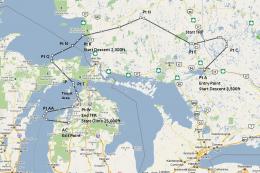
Overview of flight plans.
Free for all simmers · 891.59 KB · Scanned clean Oct 2026
Download speed: Free tier is capped at 0.5 Mbps. PRO members download at full line speed.
SimObjects\Airplanes\, Addon Scenery\, Effects\, or Gauges\.readme.txt or README file. It tells you exactly where files go, what dependencies are needed, and any quirks specific to this add-on.The archive ob-17_statesboro_ga.zip has 15 files and directories contained within it.
This list displays the first 500 files in the package. If the package has more, you will need to download it to view them.
| Filename/Directory | File Date | File Size |
|---|---|---|
| B52 Approaching IP OB-17 Statesboro GA.FSSAVE | 07.08.11 | 70.74 kB |
| B52 Approaching IP OB-17 Statesboro GA.WX | 07.08.11 | 113.70 kB |
| B52 Entering OB-17 Statesboro GA.FLT | 07.08.11 | 19.29 kB |
| B52 Entering OB-17 Statesboro GA.FSSAVE | 07.08.11 | 51.13 kB |
| B52 Entering OB-17 Statesboro GA.WX | 07.08.11 | 312.45 kB |
| OB-17 Statesboro GA.PLN | 07.08.11 | 3.71 kB |
| OB-17 Statesboro.jpg | 07.08.11 | 393.94 kB |
| OB-17 Targets.bgl | 07.02.11 | 9.60 kB |
| Pave Tack Notes.doc | 06.16.11 | 327.50 kB |
| Pave Tack.cab | 07.05.11 | 633.89 kB |
| Read Me.txt | 07.08.11 | 12.55 kB |
| TFR.cab | 07.02.11 | 9.88 kB |
| B52 Approaching IP OB-17 Statesboro GA.FLT | 07.08.11 | 19.05 kB |
| flyawaysimulation.txt | 10.29.13 | 959 B |
| Go to Fly Away Simulation.url | 01.22.16 | 52 B |
Only PRO members can place votes.
More FSX & P3D add-ons hand-picked based on this download.
FSX Misc
This freeware release introduces a detailed IFR high-speed, low-level militar…
 FSX Misc
Experience a carefully planned IFR high-speed, low-level military training fl…
 FSX Misc
This freeware add-on delivers a meticulously crafted IFR, high-speed, low-lev…
 FSX Misc
This new freeware package provides a carefully crafted IFR (Instrument Flight…
 FSX Misc
This carefully designed flight plan offers an immersive low-level, high-speed…
 FSX Misc
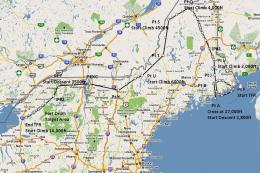
Flight plan for OB-27 Ashland ME and Fort Drum NY IFR high speed low altitude…
 FSX Misc
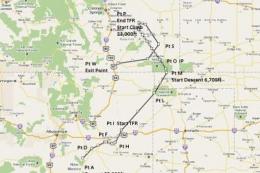
This comprehensive package offers a meticulously designed IFR high-speed, low…
 FSX Misc
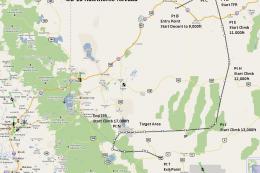
This freeware add-on introduces a demanding IFR route designed for high-speed…
Be the first to leave a comment on this download.
Be the first to share your thoughts on this download.