

 FSX Civil Aircraft
Swiss BAe 146 Texture Fix
Texture fix for BAe146 in the paint scheme of Swiss Airline "Shopping paradis…
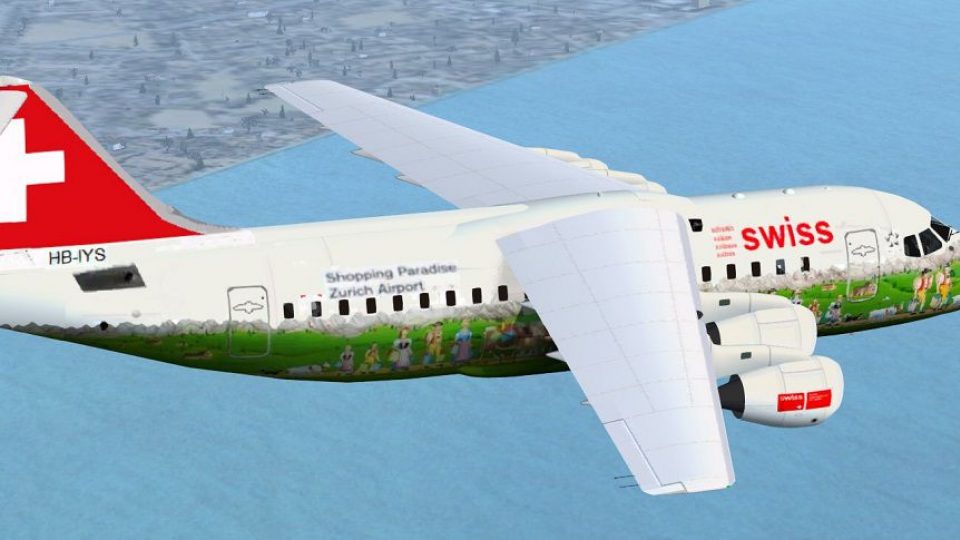
Swiss BAe 146 “Shopping Paradise Zurich Airport” repaint brings a distinctive airline promotional livery to the Premier Aircraft Design jet in FSX, paired with four exterior and five interior camera views for flexible viewing. Requires the SWISSPACKAGE.ZIP base package by Joris Peier to display the textures correctly in the virtual cockpit and exterior.
 Rate
Rate
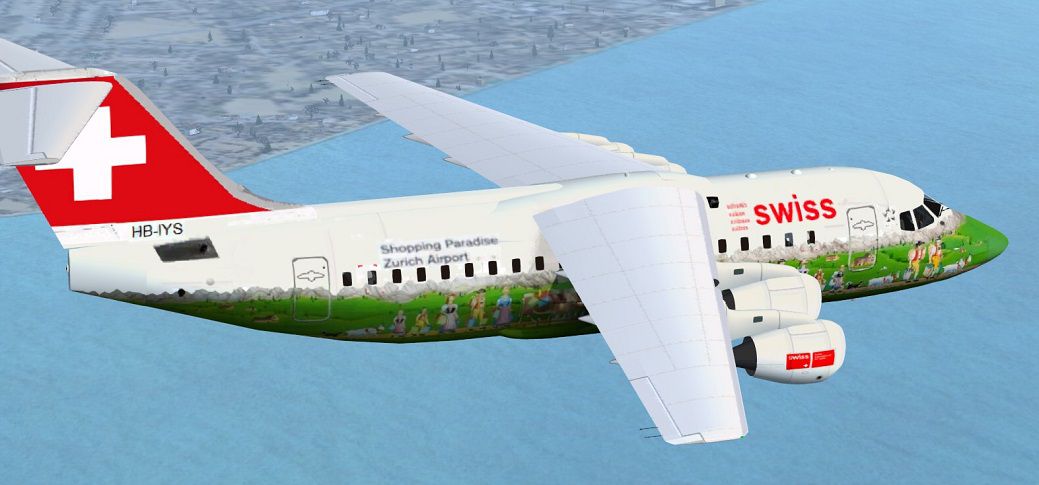
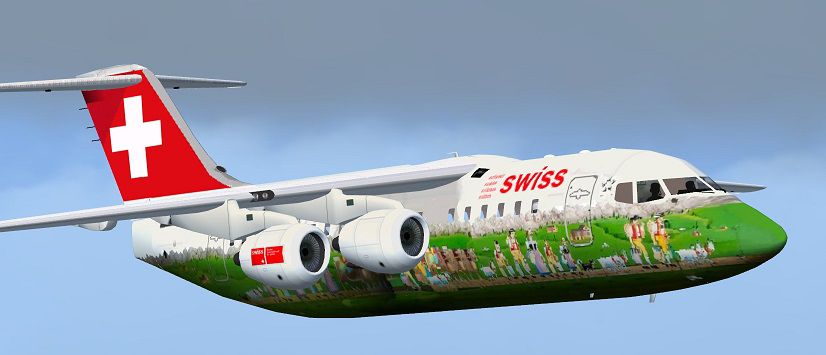
Texture for the BAe146 in the paint scheme of Swiss Airline "Shopping paradise Zurich Airport". The original model was made by Premier Aircraft Design. A download of the SWISSPACKAGE.ZIP from Joris Peier is required. Four external and five internal camera views are included. Repaint by Erwin Welker.
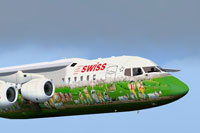
Screenshot of Swiss BAe 146 in flight.
Installation:
That's it!
Free for all simmers · 502.33 KB · Scanned clean Oct 2026
Download speed: Free tier is capped at 0.5 Mbps. PRO members download at full line speed.
This file is a repaint — the package below is the base model it paints onto. Install it first, or the textures will have nothing to load onto.
texture.{airline}) inside FSX\SimObjects\Airplanes\{base-aircraft}\.aircraft.cfg in Notepad. Add a new [fltsim.X] section per the readme.readme.txt or README file. It tells you exactly where files go, what dependencies are needed, and any quirks specific to this add-on.The archive bae146-swiss-shoppingzurich.zip has 9 files and directories contained within it.
This list displays the first 500 files in the package. If the package has more, you will need to download it to view them.
| Filename/Directory | File Date | File Size |
|---|---|---|
| Bae146_fuse.bmp | 03.27.13 | 682.75 kB |
| Cameras.cfg | 03.27.13 | 4.59 kB |
| FILE_ID.DIZ | 03.28.13 | 384 B |
| Original_BAE1461_readme_first.pdf | 06.22.11 | 142.10 kB |
| readme.txt | 03.28.13 | 1.74 kB |
| Shopping paradise Zurich Airport.jpg | 03.27.13 | 123.56 kB |
| thumbnail.jpg | 03.27.13 | 65.97 kB |
| flyawaysimulation.txt | 10.29.13 | 959 B |
| Go to Fly Away Simulation.url | 01.22.16 | 52 B |
Only PRO members can place votes.
More FSX & P3D add-ons hand-picked based on this download.
FSX Civil Aircraft
Texture fix for BAe146 in the paint scheme of Swiss Airline "Shopping paradis…
 FSX Civil Aircraft
Air Paradise Airbus A310-300, registration PK-KDN. Repaint of the Thomas Ruth…
 FSX Civil Aircraft
Take command of this freeware repaint set, meticulously crafted by Matt Smith…
 FSX Civil Aircraft
BAe 146-100. The BAe 146 is a medium sized commercial aircraft, powered by fo…
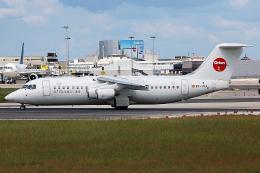 FSX Civil Aircraft
Orionair is a charter airline based in Valencia, Spain. It was established in…
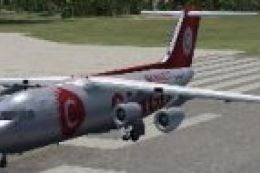 FSX Civil Aircraft
This file contains the British Aerospace 146 Cargo Connect plane also known a…
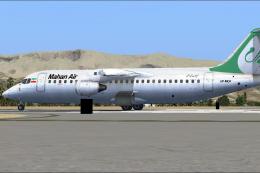 FSX Civil Aircraft
HD textures only for the payware QualityWings model. By Hamidreza Rafizadeh. …
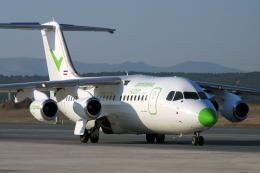 FSX Civil Aircraft
A Centavia BAe 146 / RJ85 repaint for the payware QualityWings Ultimate 146. …
Be the first to leave a comment on this download.
Be the first to share your thoughts on this download.