

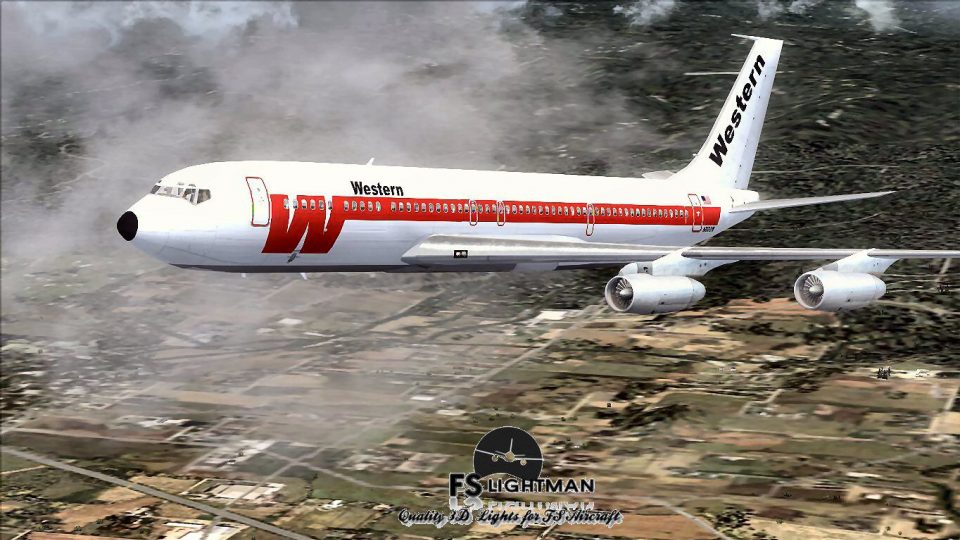
 FSX Civil Aircraft
Western Airlines Boeing 707-320C 2014
Immerse yourself in a nuanced rendition of the Western Airlines Boeing 707-32…
Western Airlines Boeing 707-320C brings a classic long-range jetliner to Microsoft Flight Simulator X with historically accurate textures, a period-correct virtual cockpit, and a tuned flight model that captures four-engine performance from the early jet age. Enhanced exterior lighting requires A2A 3D Lights & Redux codes for more authentic night operations.
 Rate
Rate
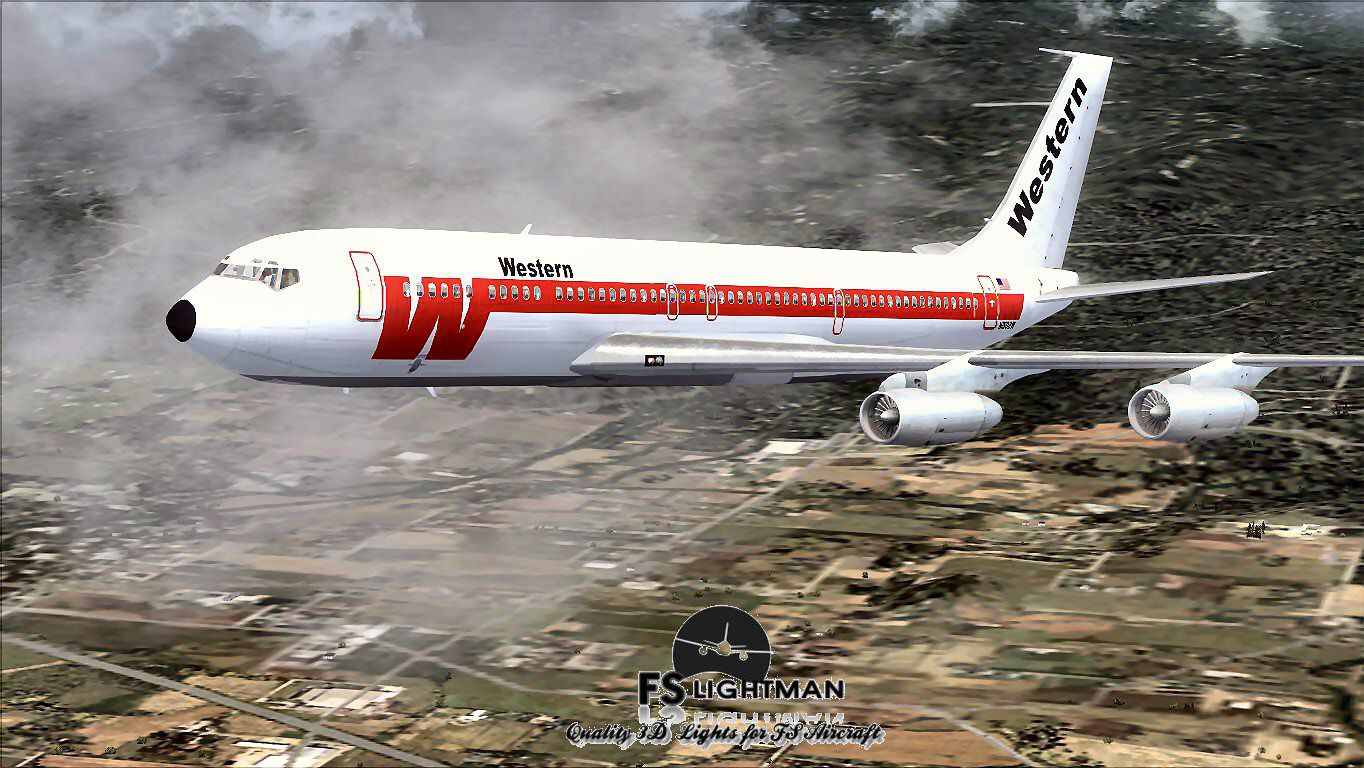
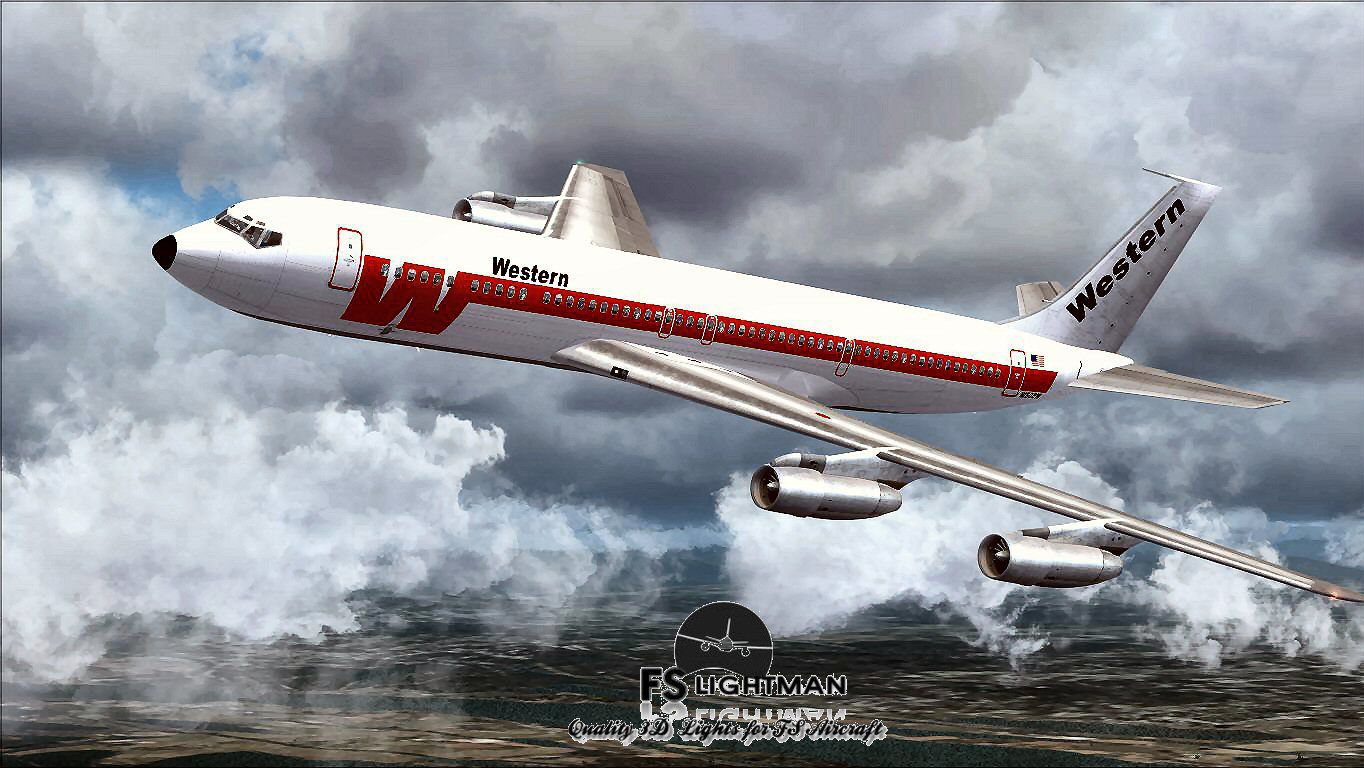
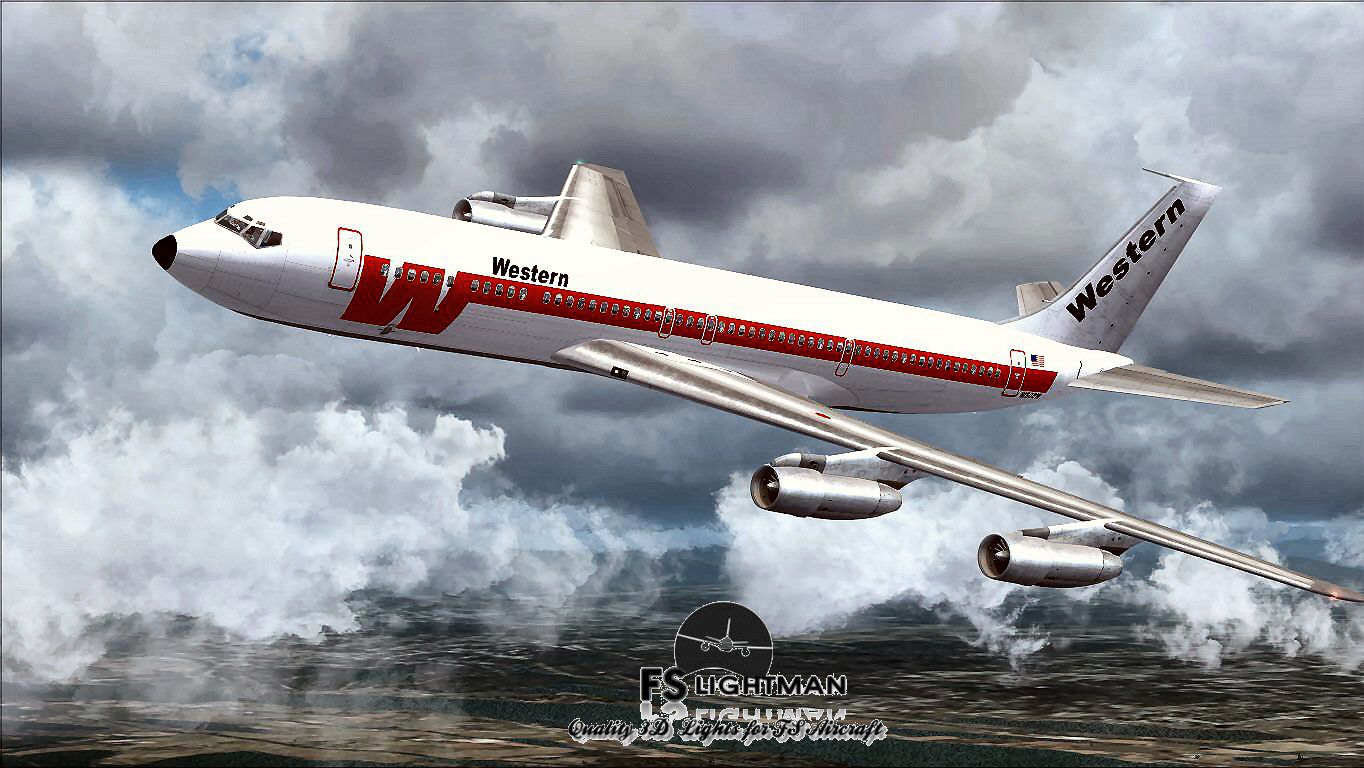
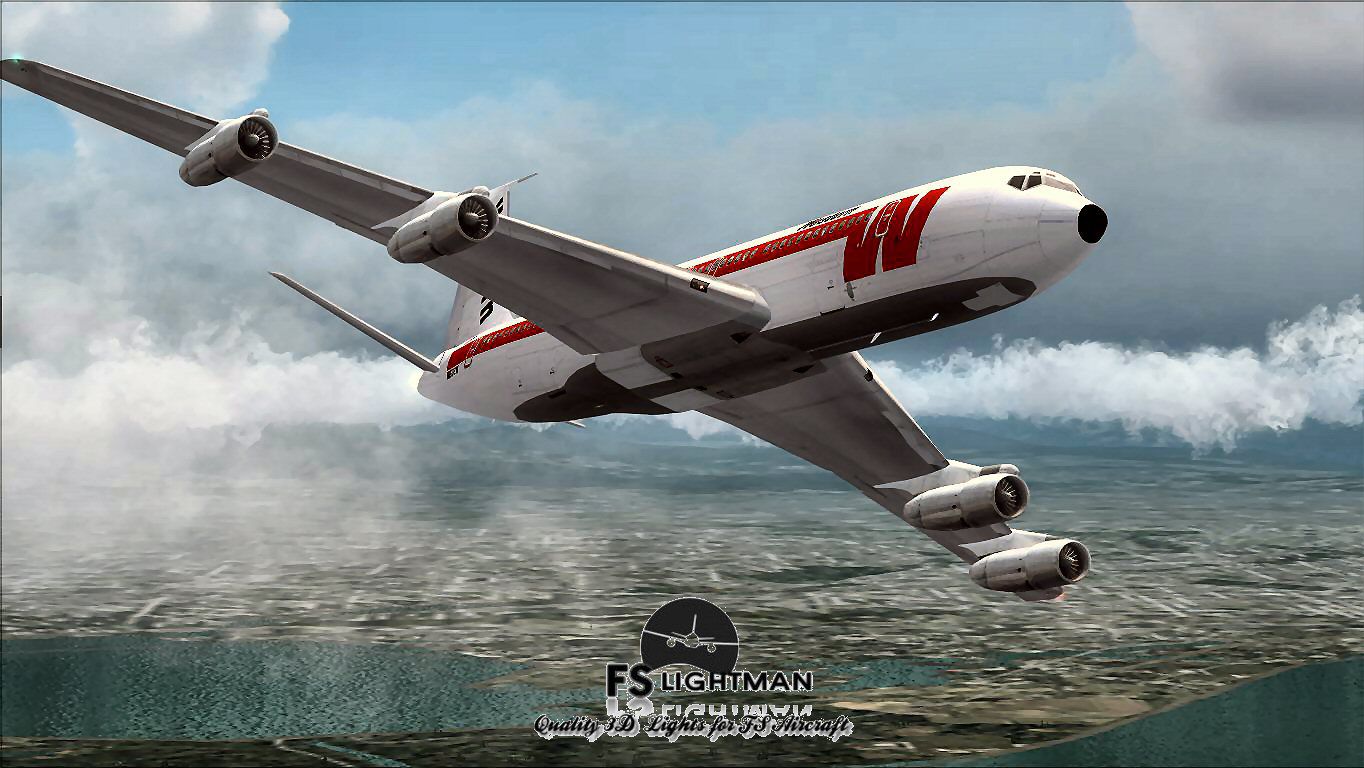
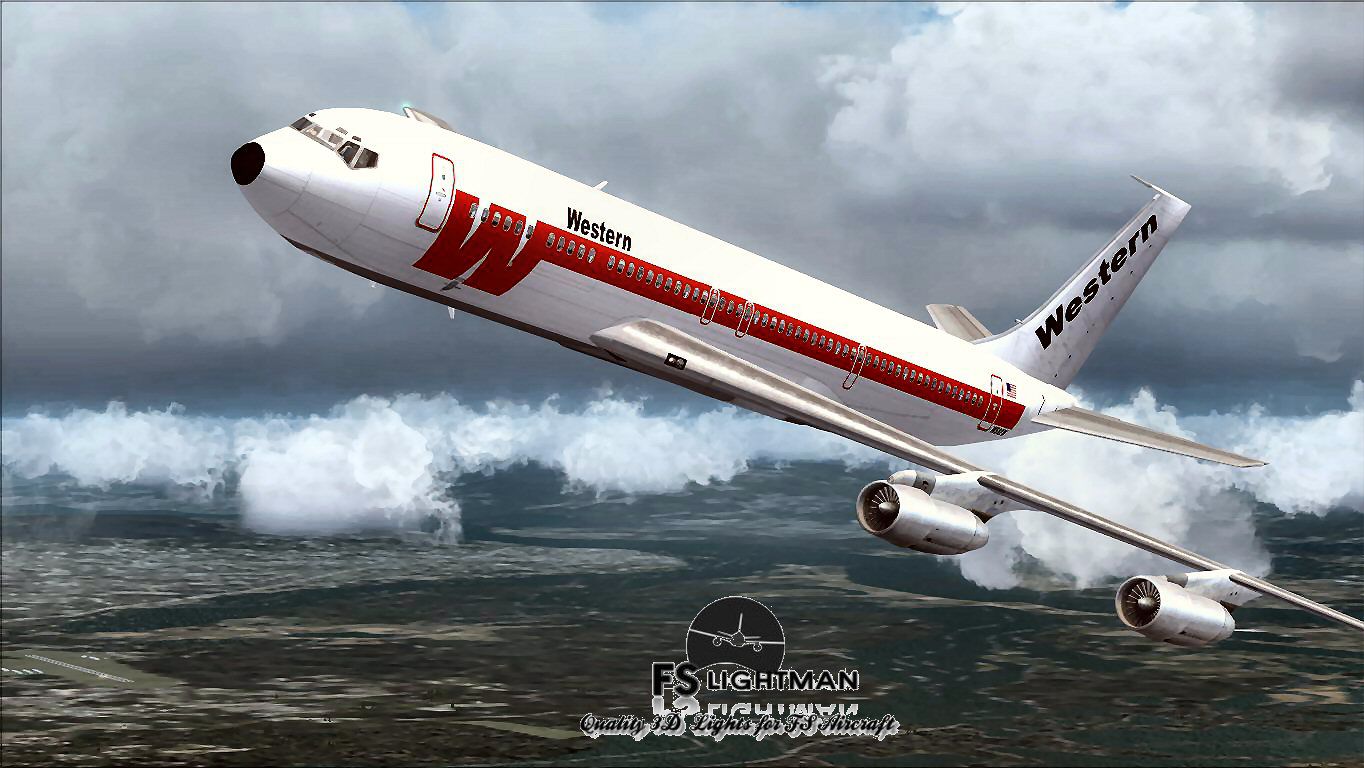
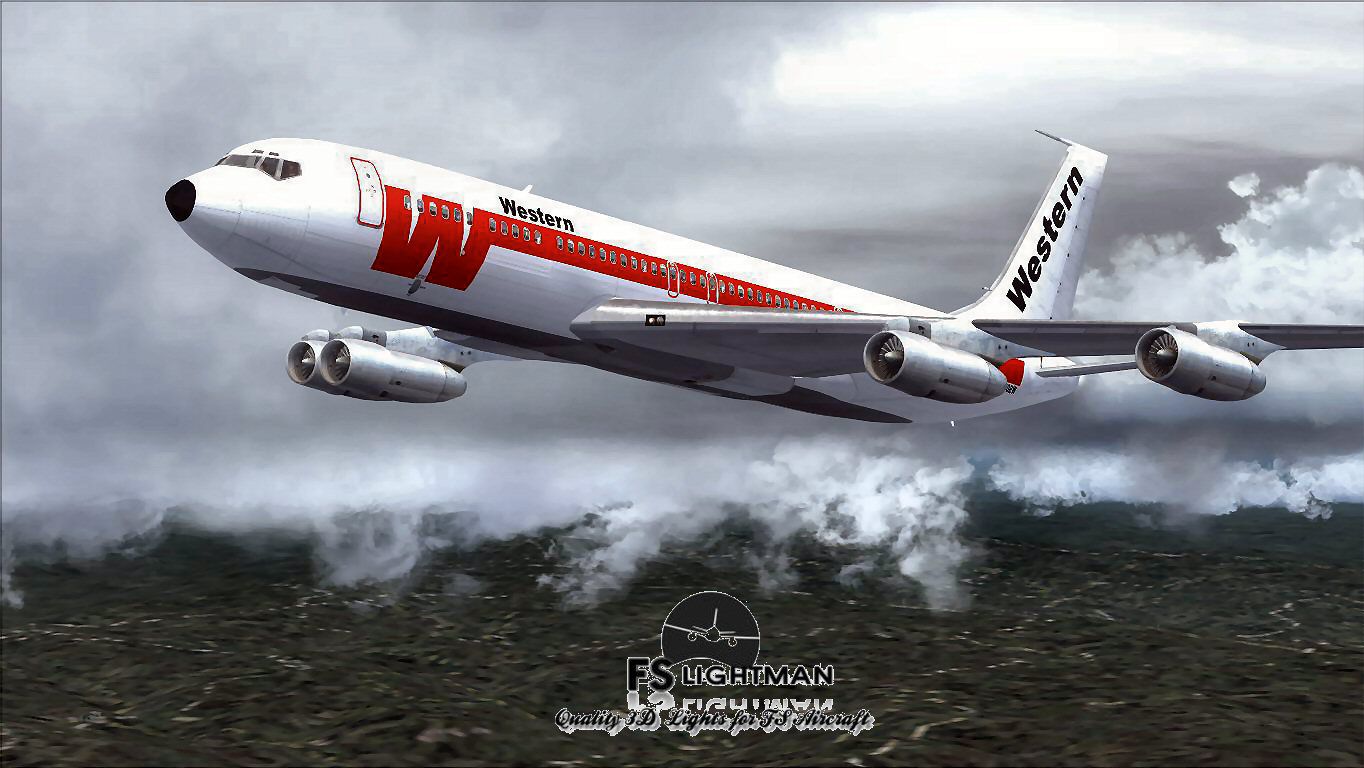
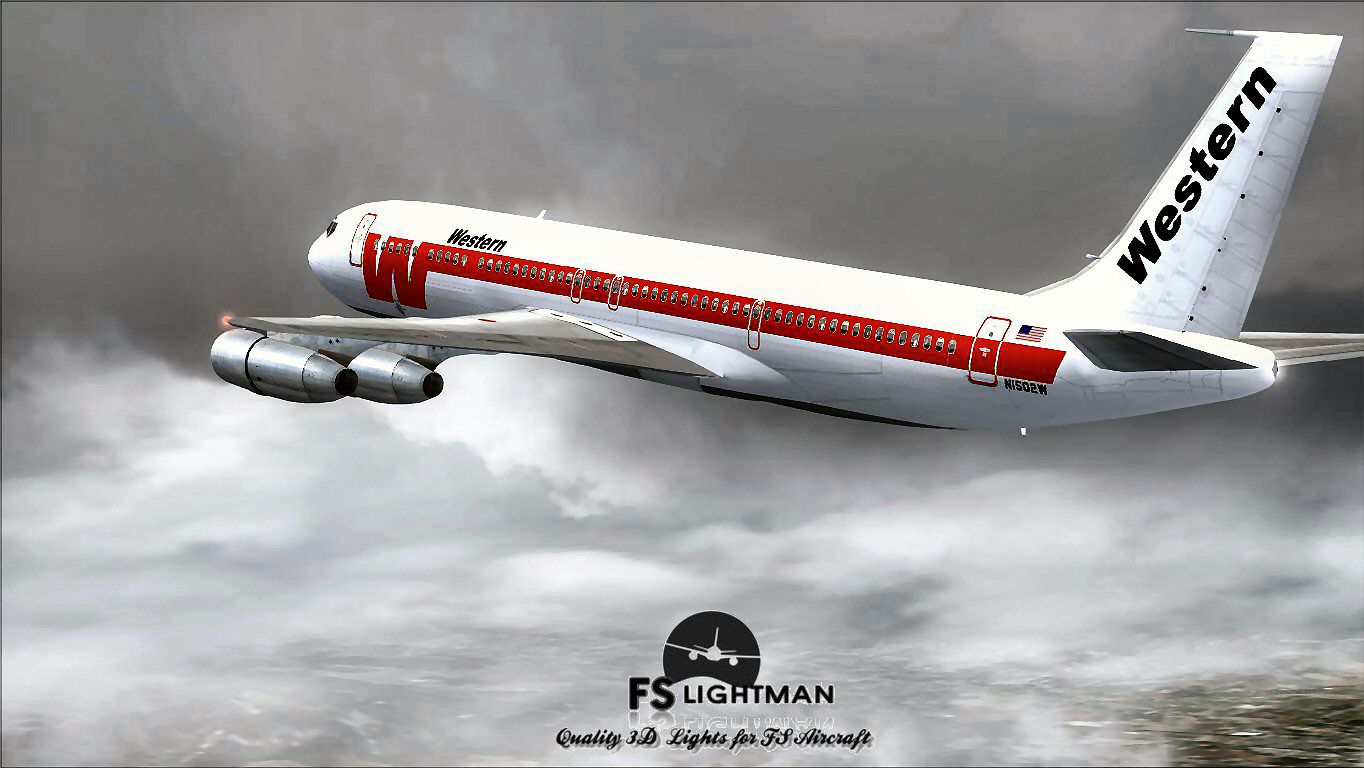
The Western Airlines rendition of the Boeing 707-320C featured here is a comprehensive freeware package for Microsoft Flight Simulator X. It faithfully captures the essence of this iconic four-engine, narrow-body jet, reflecting the time when Western Airlines operated a diverse fleet during the early jet age.
The 707-320C variant provided extended range and cargo capacity for many carriers around the world. Western Airlines, known in its era for comfortable service, employed this aircraft type to expand long-haul routes. Enthusiasts who admire mid-century aviation will appreciate the vintage flight deck design and the subtleties of engine performance that defined the jetset era.

Screenshot showing the Western Airlines Boeing 707-320C cruising under classic mid-century markings.
The core model originates with Vista Liners, who designed it for a 32-bit environment and DirectX 9-level rendering. It has since been adapted for Microsoft Flight Simulator X, ensuring compatibility with most standard installations. This release incorporates A2A 3D Lights & Redux codes for realistic illumination, alongside a refined texture and paint kit by David Grindele / FS Lightman. These features enhance the classic fuselage lines while maintaining historical accuracy.
Because this model was originally developed for Microsoft Flight Simulator 2004, it relies on C++ components tailored to DirectX 9c. Therefore, operators should:
For those running FSX Acceleration, it is crucial to ensure that both the Light Bloom effect and DirectX 10 preview are unchecked. Doing so helps eliminate visual inconsistencies like a distorted fuselage or unresponsive cockpit displays. Adjusting those settings generally resolves the majority of issues encountered with converted aircraft.
This freeware offering merges the original Vista Liners aircraft build with enhancements by David Grindele / FS Lightman. As with any third-party add-on, it is recommended to back up your files before installation. Neither the authors nor contributors assume responsibility for any system errors or crashes that may arise. Use this mod cautiously and always keep your simulator environment properly configured.
Free for all simmers · 31.31 MB · Scanned clean Oct 2026
Download speed: Free tier is capped at 0.5 Mbps (this file takes approximately 9 mins at the cap). PRO members download at full line speed.
FSX\SimObjects\Airplanes\. The folder must contain an aircraft.cfg file. Effects go into FSX\Effects\; gauges go into FSX\Gauges\.readme.txt or README file. It tells you exactly where files go, what dependencies are needed, and any quirks specific to this add-on.The archive wal7070x.zip has 18 files and directories contained within it.
This list displays the first 500 files in the package. If the package has more, you will need to download it to view them.
| Filename/Directory | File Date | File Size |
|---|---|---|
| A2A 3D Lights & Redux Installation.txt | 10.10.10 | 728 B |
| file_id.diz | 05.25.14 | 335 B |
| Legal Notice.doc | 08.31.11 | 30.50 kB |
| Read Very Important.txt | 02.26.12 | 1008 B |
| Readme.txt | 05.25.14 | 743 B |
| Thumbnail.jpg | 05.25.14 | 177.02 kB |
| Video Card & Monitor.txt | 02.26.12 | 284 B |
| Western 707 1.bmp | 05.25.14 | 3.00 MB |
| Western 707 1.jpg | 05.25.14 | 177.15 kB |
| Western 707 2.jpg | 05.25.14 | 167.43 kB |
| Western 707 3.jpg | 05.25.14 | 165.42 kB |
| Western 707 4.jpg | 05.25.14 | 147.15 kB |
| Western 707 5.jpg | 05.25.14 | 124.48 kB |
| Western 707 6.jpg | 05.25.14 | 218.54 kB |
| Western Airlines B707-320C X.exe | 05.25.14 | 28.92 MB |
| Western Airlines B707-320C X | 05.25.14 | 0 B |
| flyawaysimulation.txt | 10.29.13 | 959 B |
| Go to Fly Away Simulation.url | 01.22.16 | 52 B |
Only PRO members can place votes.
More FSX & P3D add-ons hand-picked based on this download.
FSX Civil Aircraft
Immerse yourself in a nuanced rendition of the Western Airlines Boeing 707-32…
 FSX Civil Aircraft
This freeware release showcases a distinguished Boeing 707-320C in Western Ai…
 FSX Civil Aircraft
The Boeing 727 has a storied history among classic trijets, and this model ca…
 FSX Civil Aircraft
This package offers a detailed Boeing 727-200 in the Western Airlines origina…
 FSX Civil Aircraft
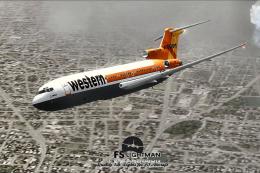
This freeware rendition of the Western Airline Boeing 727-200 Special integra…
 FSX Civil Aircraft
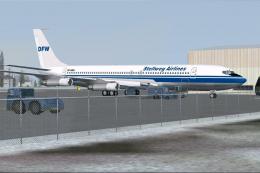
In this package you will find the "DFW"B707-321B DF-WBA, operated by Stellweg…
 FSX Civil Aircraft
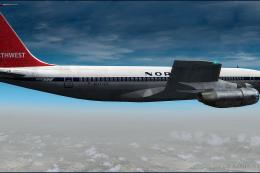
Northwest Orient Airlines Boeing 707-351. A repaint of the Captain Sim B707 i…
 FSX Civil Aircraft
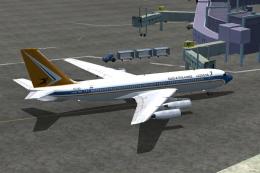
The FSX B707-420 in South African Airways colors. The real jet age for SAA be…
Read what other simmers think, or add your own.
